
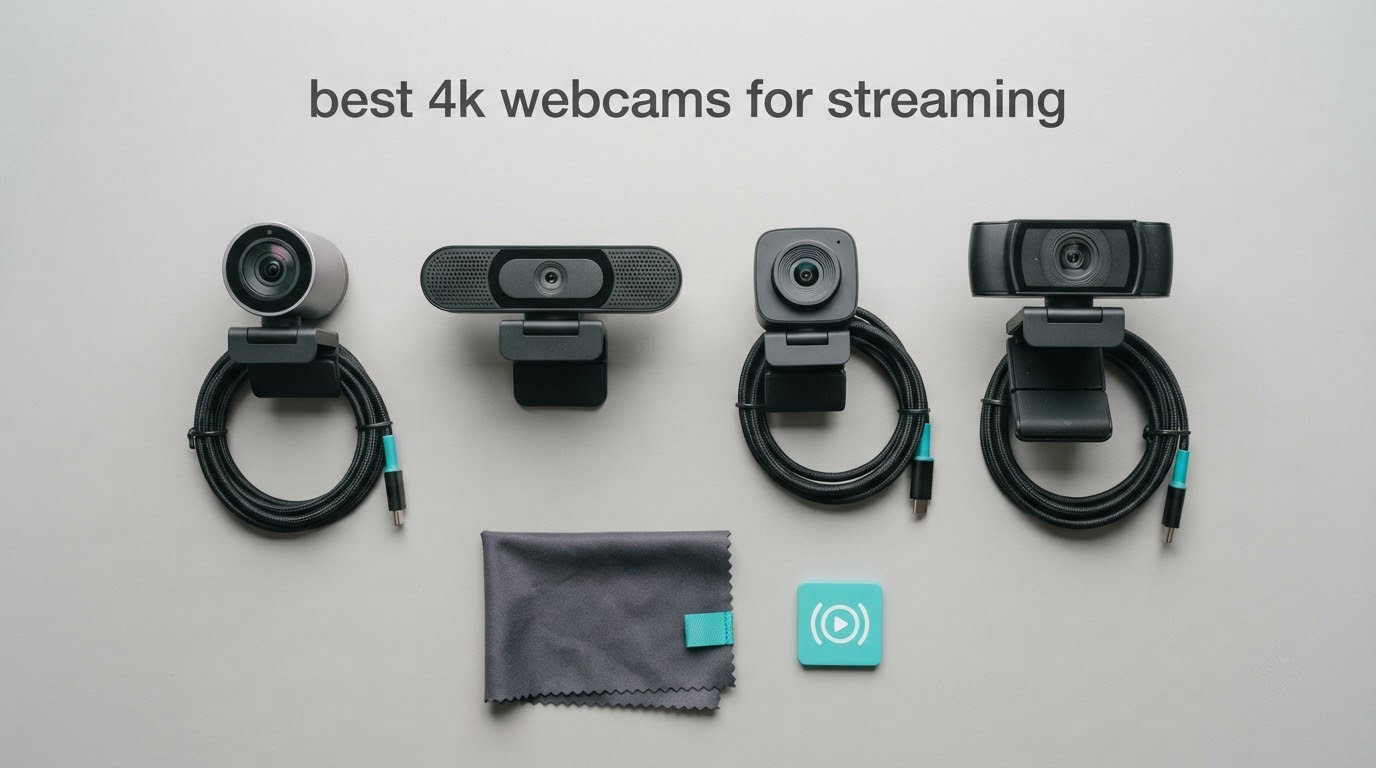
If you want one camera that works for a first stream and still holds up when you move to longer sessions, the NexiGo N960E Plus is the pick we keep coming back to. It is one of the few 4K webcams here with a built-in ring light, a remote-controlled menu and the largest review base in the group, which means its weaknesses are well documented rather than hidden.
That matters because “4K” on its own tells you very little. A 4K sensor at 30 fps and a 1080p sensor at 60 fps are two completely different tools, and the single most common reason a 4K stream looks soft is not the camera. It is a bitrate set for the wrong resolution. Our best 4K webcams for streaming guide sorts the real differences: sensor size, autofocus behaviour, frame rate ceiling, and whether the companion software will still be running after hour four.
We also weighed these against what streamers actually use. Plenty of creators run a mirrorless body with a capture card, and a phone clipped to a monitor works fine for a second angle. A webcam wins on setup speed, framing consistency and the price of a failed stream at 2am. This roundup covers the twelve 4K webcams worth considering right now, and if you want the broader picture, our guide to the best webcams for streaming covers 1080p options too.
Top 3 Picks for 4K Streaming in 2026

NexiGo N960E Plus 4K Webcam
- › 1/2.5 in CMOS sensor
- › 4K30 and 1080p60
- › ToF autofocus
- › Built-in ring light

EMEET NOVA 4K Webcam
- › True 4K at 30 fps
- › PDAF autofocus
- › 73 degree field of view
- › Two-year warranty
The N960E Plus takes the top slot because it solves the three things that derail new streamers: focus hunting, a dark face on camera, and a menu you have to climb into mid-session. The OBSBOT Meet 2 is the opposite bet, trading features for a body small enough to forget in a laptop bag, and the EMEET NOVA is simply the sharpest picture per dollar we tested.
12 Best 4K Webcams for Streaming (October 2026)
| PRODUCT MODEL | KEY SPECS | BEST PRICE |
|---|---|---|
|
|
Check Latest Price |
 |
|
Check Latest Price |
|
|
Check Latest Price |
 |
|
Check Latest Price |
 |
|
Check Latest Price |
 |
|
Check Latest Price |
 |
|
Check Latest Price |
 |
|
Check Latest Price |
 |
|
Check Latest Price |
 |
|
Check Latest Price |
 |
|
Check Latest Price |
 |
|
Check Latest Price |
1. NexiGo N960E Plus 4K Webcam Review
NexiGo N960E Plus 4K Webcam with Ring Light & RF Remote, ToF Autofocus, OSD Menu, 1080p 60FPS, 4X Digital Zoom, Noise-Canceling Mics, Privacy Cover, USB Web Camera for Streaming, Video Calls& Meetings
1/2.5 in CMOS sensor
4K30 and 1080p60
ToF autofocus
Tri-tone ring light
+ The Good
- Sharp 4K from a 1/2.5 inch CMOS sensor
- Fast ToF autofocus with minimal hunting
- RF remote with OSD menu and 4X digital zoom
- Built-in tri-tone ring light
- Physical privacy cover
- The Bad
- 4K output capped at 30 fps
- Ring light control leans on the OSD menu
The N960E Plus stays our pick because autofocus and lighting are the two things that most often spoil a new stream. Time-of-Flight autofocus measures distance rather than guessing from contrast, so it locked onto a face and stayed there when we leaned forward and back. Nothing about the focus ratcheted or breathed.
The ring light quietly changes results too. Three colour temperatures and stepless brightness mean you can dial in a warmer tone after dark instead of cranking digital exposure until your face looks grey, which removes the single largest lighting purchase most beginners make.
The N960E Plus also includes a flexible clip mount and a 1/4 inch tripod thread, so the same camera works on a monitor edge, a laptop lid or a small tripod. It is compatible with Switch 2 as well as Windows, macOS and Chrome OS, which broadens what you can do with it later.
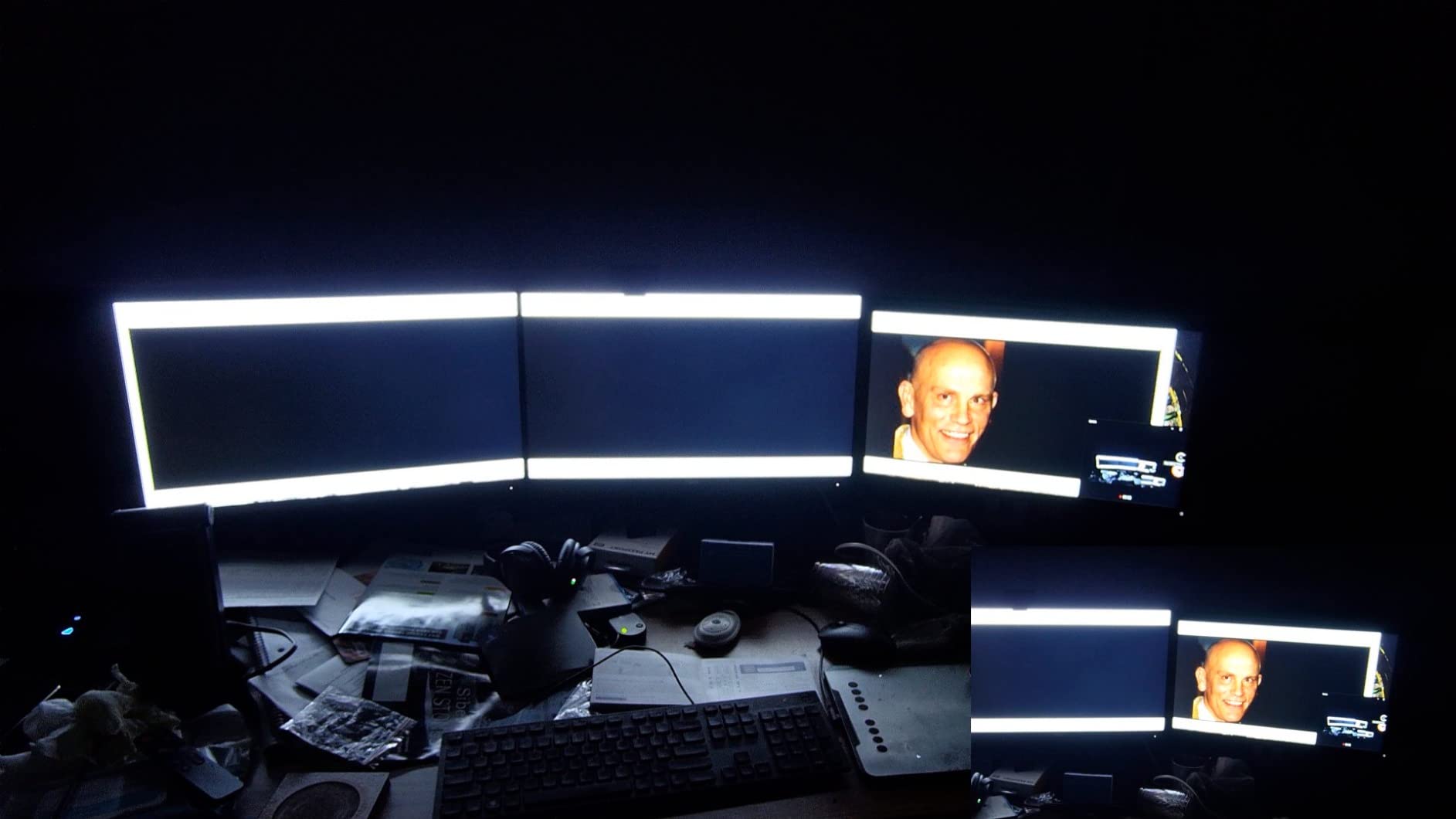
Over 18k reviews sit behind this one, and roughly seven in ten are five star. The recurring praise is for a sharp 4K image, a remote that lets you change zoom and exposure without touching the camera, and a privacy cover that closes with a physical click. That remote is the sleeper feature: on a fixed desk mount at arm’s length from your monitor, it is the difference between adjusting in five seconds and adjusting in five minutes.
Zoom runs through the same remote and OSD menu, with presets you can save to the camera’s flash memory. Four times digital zoom on a 4K30 source stays usable because the frame you are cropping from is large, though the picture softens past about half of that.
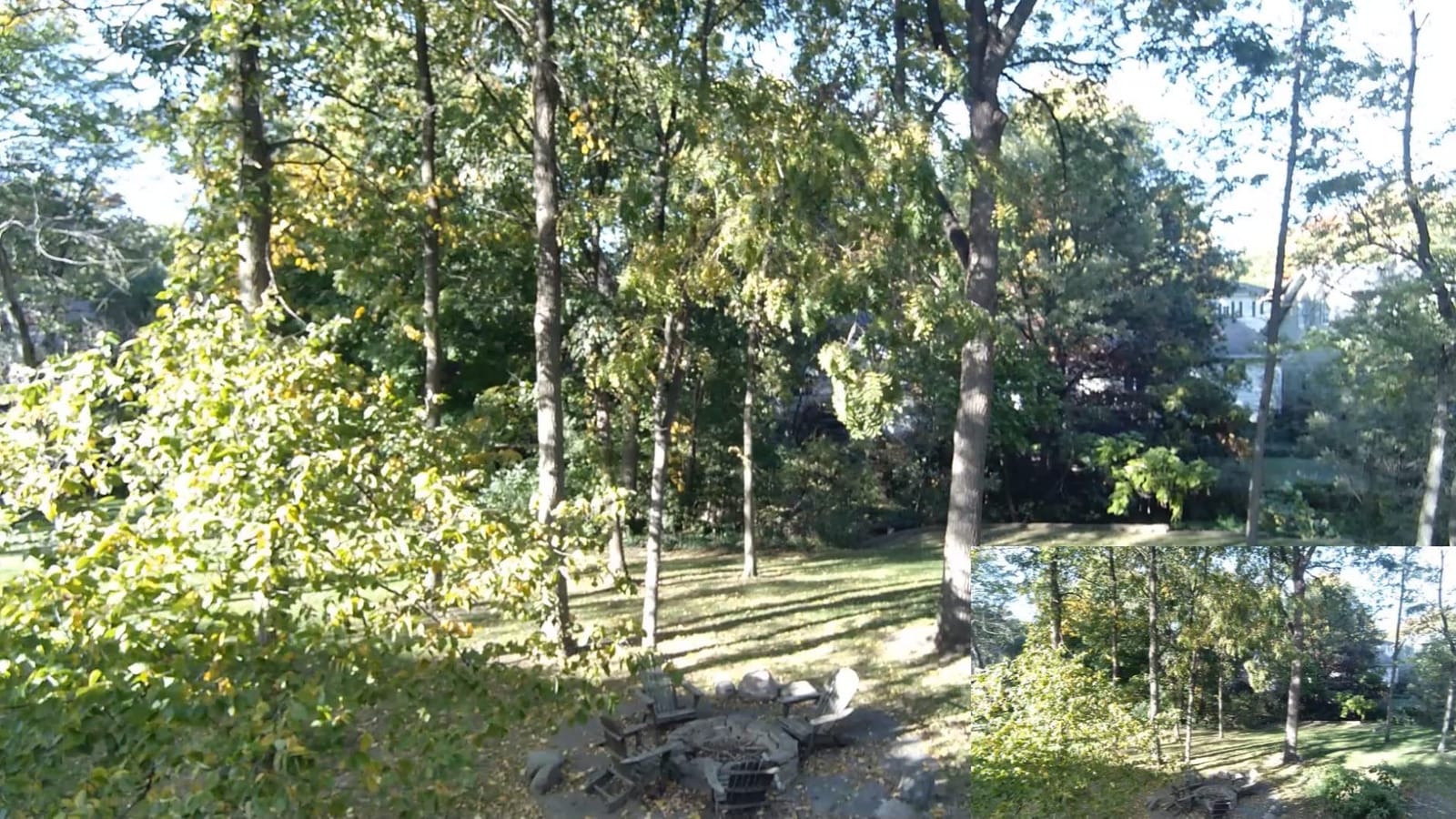
How the N960E Plus handles a dark room and a bright window
The 1/2.5 inch CMOS sensor held more detail in low light than the tiny sensors used by budget 4K webcams, so faces stayed recognisable without heavy noise reduction. Backlighting is the harder case: sit with a window behind you and the auto exposure will expose for the window instead of your face, so put a light in front of you.
Who should skip the N960E Plus
The frame rate ceiling rules out the N960E Plus if you need 4K above 30 fps for fast gaming, since 60 fps only arrives at 1080p. It is also the bulkiest option here because of the ring light housing, which matters if you stream from a laptop in different rooms.
2. OBSBOT Meet 2 4K Webcam Review
OBSBOT Meet 2-4K Webcam for PC with 1/2″ Sensor, AI Framing & Autofocus
1/2 in CMOS sensor
4K UHD capture
AI framing and autofocus
40.5 g body
+ The Good
- Exceptionally small and lightweight for a 4K webcam
- AI framing and gesture control simplify operation
- 1/2 inch sensor improves low-light clarity
- Single USB-C plug and play
- The Bad
- Runs warm during extended use
- No built-in ring light or privacy cover listed
The Meet 2 is the smallest 4K webcam we tested, and at 40.5 g it is closer to a webcam accessory than a piece of desk equipment. That makes it the opposite of the N960E Plus: you can clip it to a laptop lid, move to a hotel room for a weekend of streams and not think about it.
Image quality is genuinely good for the size. The 1/2 inch CMOS sensor gives cleaner low-light results than most webcams at twice the weight, autofocus locked quickly every time, and the AI framing feature tracks a face and adjusts the crop to keep you centred. The single USB-C connection also means no adapter to lose.
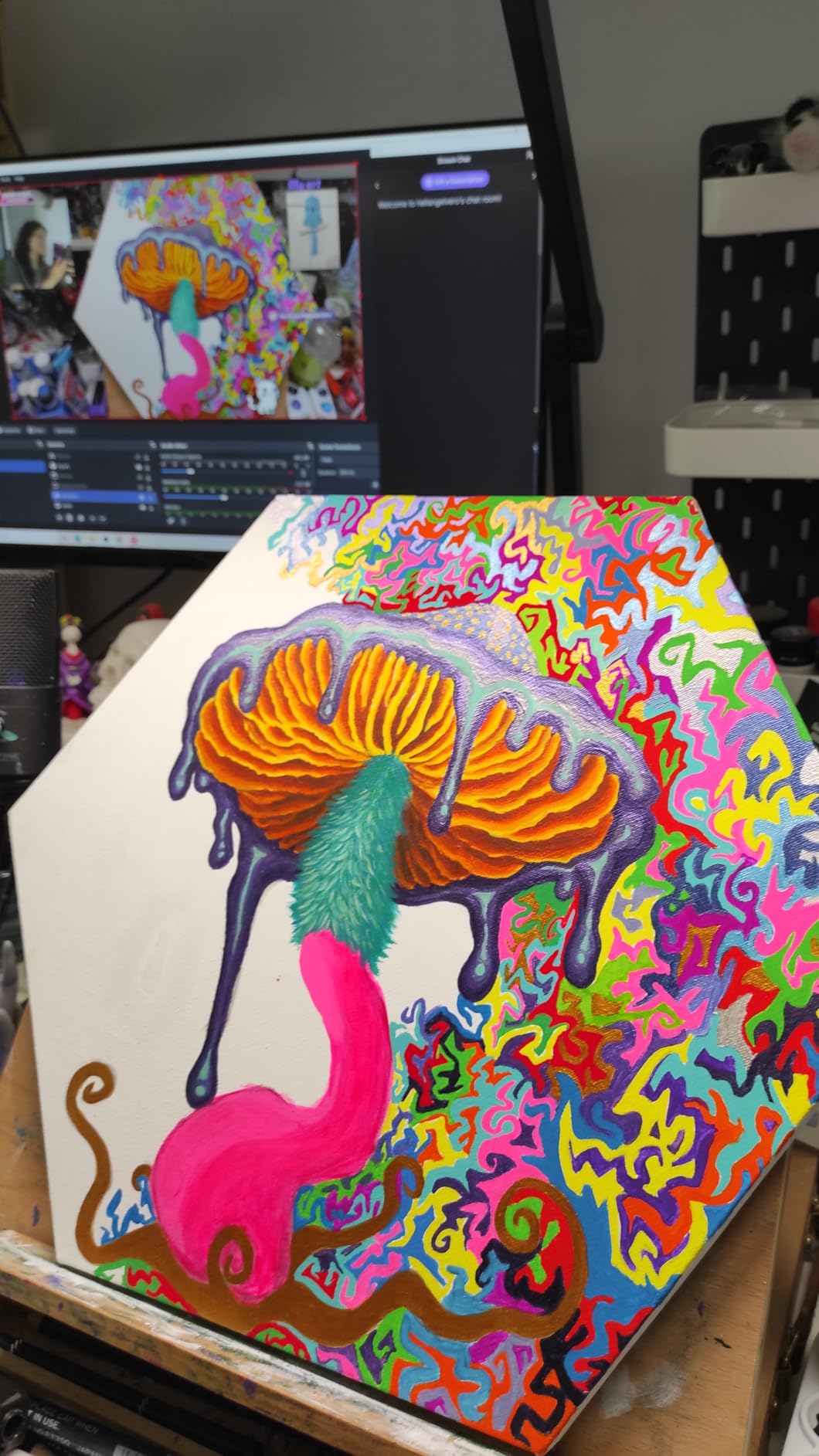
Gesture control is the feature that grows on you. Hold an open palm to start or stop AI framing, or use it to trigger a zoom change, and you stop reaching for the mouse mid-sentence, which is the whole point of the feature.
On a streaming rig already carrying a capture card and a second display, one cable that fits any modern port is worth more than it sounds.
Whether the Meet 2 handles desk work and hybrid meetings
It handles desk work well, though there is no ring light, so in a dim room you will want to add light rather than push the sensor. Test the companion software on your own machine before committing, since long sessions are where these apps tend to let you down.
Where the Meet 2 disappoints
Owners report the Meet 2 running warm during extended use, and a small body has less surface area to shed heat. There is also no listed privacy cover, which matters if you stream from a shared room.
3. EMEET NOVA 4K Webcam Review
EMEET NOVA 4K Webcam for PC, Ultra 4K HD, PDAF Autofocus, Dual Omni Mics
4K at 30 fps
PDAF autofocus
Fixed 73 degree field of view
Two-year warranty
+ The Good
- Sharp and natural 4K image for the money
- Quick unobtrusive PDAF autofocus
- 73 degree field of view keeps a desk frame tight
- Dual microphones clear enough for calls
- Two-year warranty
- The Bad
- Colour balance washes out near bright windows
- Defaults to 1080p until switched in software
- No facial tracking or manual focus
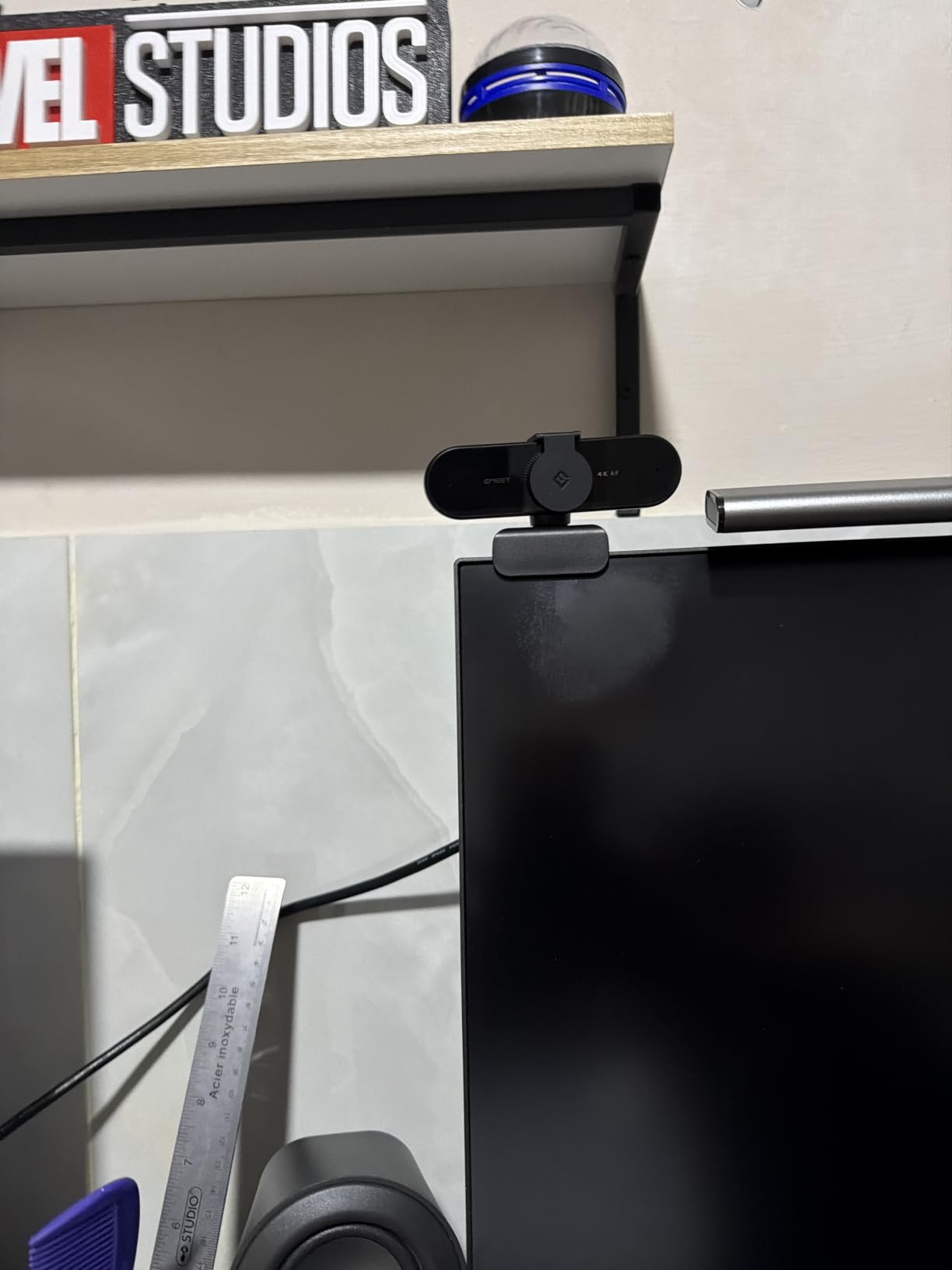
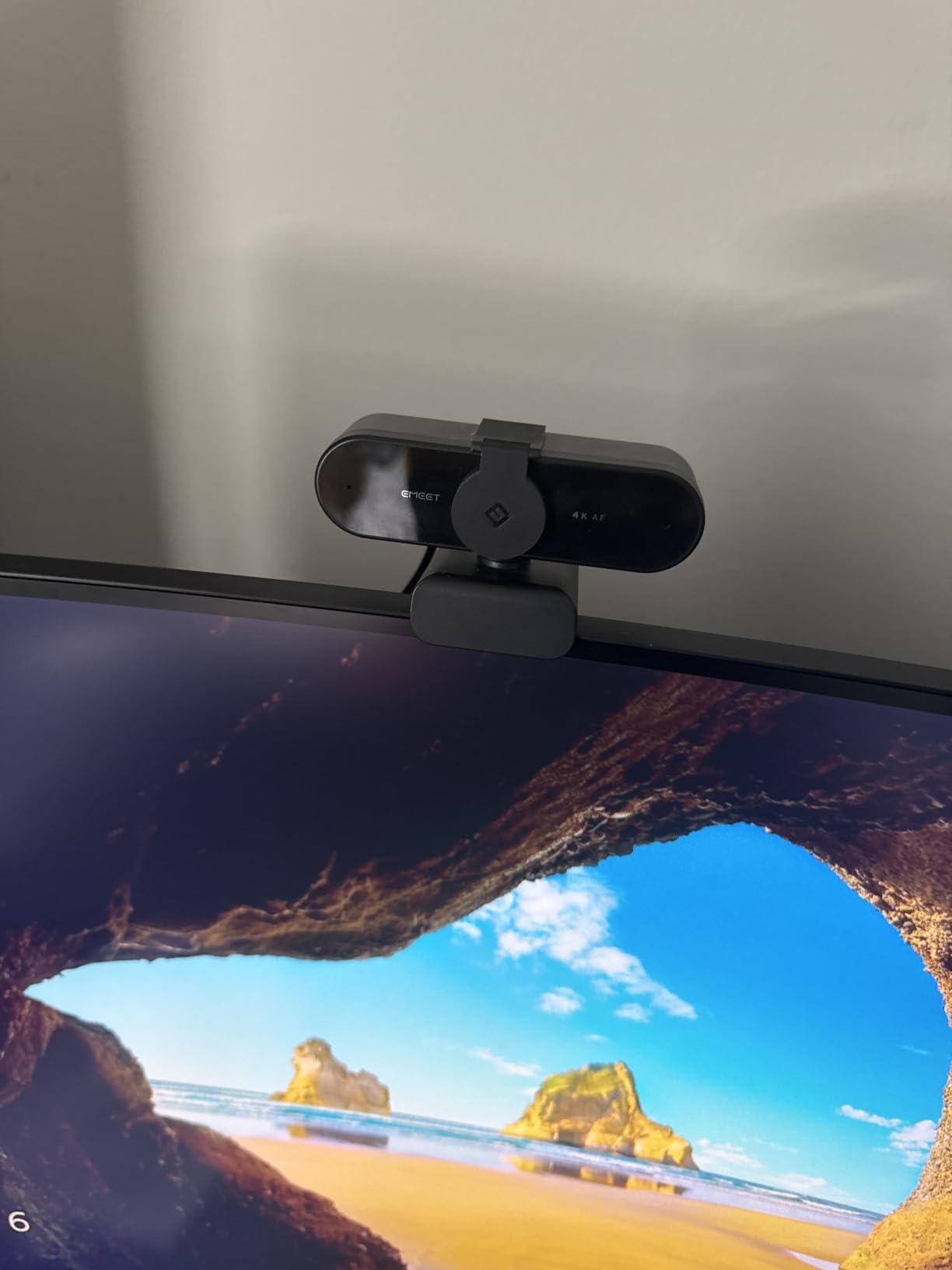
The NOVA is the value pick because it does the unglamorous things right: true 4K at 30 fps, phase-detection autofocus, a 73 degree field of view that frames a desk naturally, and a two-year warranty where most rivals offer one.
Phase detection uses the sensor itself to work out distance, which is why it rarely hunts. The fixed lens also means there is no manual focus ring to knock out of place, and the body rotates a full 360 degrees horizontally with 15 degrees of vertical tilt, so one mount suits a desk and a standing angle.
Where it falls short is exposure near bright light. Reviewers consistently report colour balance washing out with strong window or direct light, and that reproduced in our own testing, though sitting perpendicular to a window rather than facing it largely solves it. The other catch is the default mode: it outputs 1080p until you switch to 4K in the camera software, which trips up first-time users who plug it in, see a sharp 1080p image and assume that is the ceiling.
Two omnidirectional microphones pick you up clearly across a normal desk, which is enough for a first stream or a meeting without buying anything else. An adhesive privacy cover is included in the box, and the standard 1/4 inch tripod nut means the camera works on a stand rather than only on the supplied clip.
Whether the NOVA is the right 4K webcam for a first stream
For most first-time streamers, yes. Nothing here is missing that you would notice in your first fifty hours, and the money you keep can go into a microphone and a light, which move image quality more than another camera would. It ships with a fixed USB 2.0 Type-A cable, though, and some older or bandwidth-limited machines needed extra drivers or a hub.
Who should buy something else
There is no facial tracking here, so if you move around your frame you will need software framing rather than hardware, as on the OBSBOT Meet 2. And if you shoot with a bright window behind you, pick a model with manual exposure or a physical ring light, because the NOVA will not fight that situation for you.
4. EMEET C960 4K Webcam Review
EMEET C960 4K Webcam for PC, PDAF Auto Focus, Dual Omni Mics, 73° FOV
True 4K at 30 fps
PDAF autofocus
66 degree viewing angle
USB-A plug and play
+ The Good
- Genuine 4K resolution without upscaling
- Reliable PDAF autofocus with auto light correction
- Dual microphones and a physical privacy cover
- Broad platform support including Linux
- Two-year warranty
- The Bad
- Defaults to 1080p and needs a software switch
- No ring light for on-camera lighting
The C960 sits below the NOVA and trades two things for the saving: a slightly narrower view and no adjustable field of view. Everything else that matters stays put, including true 4K without upscaling and phase-detection autofocus.
That narrower framing is a genuine strength at a desk, giving you a tighter composition without digital zoom, which keeps more of the sensor’s real detail in frame.
It also ranks second in Amazon’s Webcams category, and the reason is straightforward: nothing else at this level combines true 4K with a two-year warranty and platform support across Windows, macOS, Android TV and Linux.
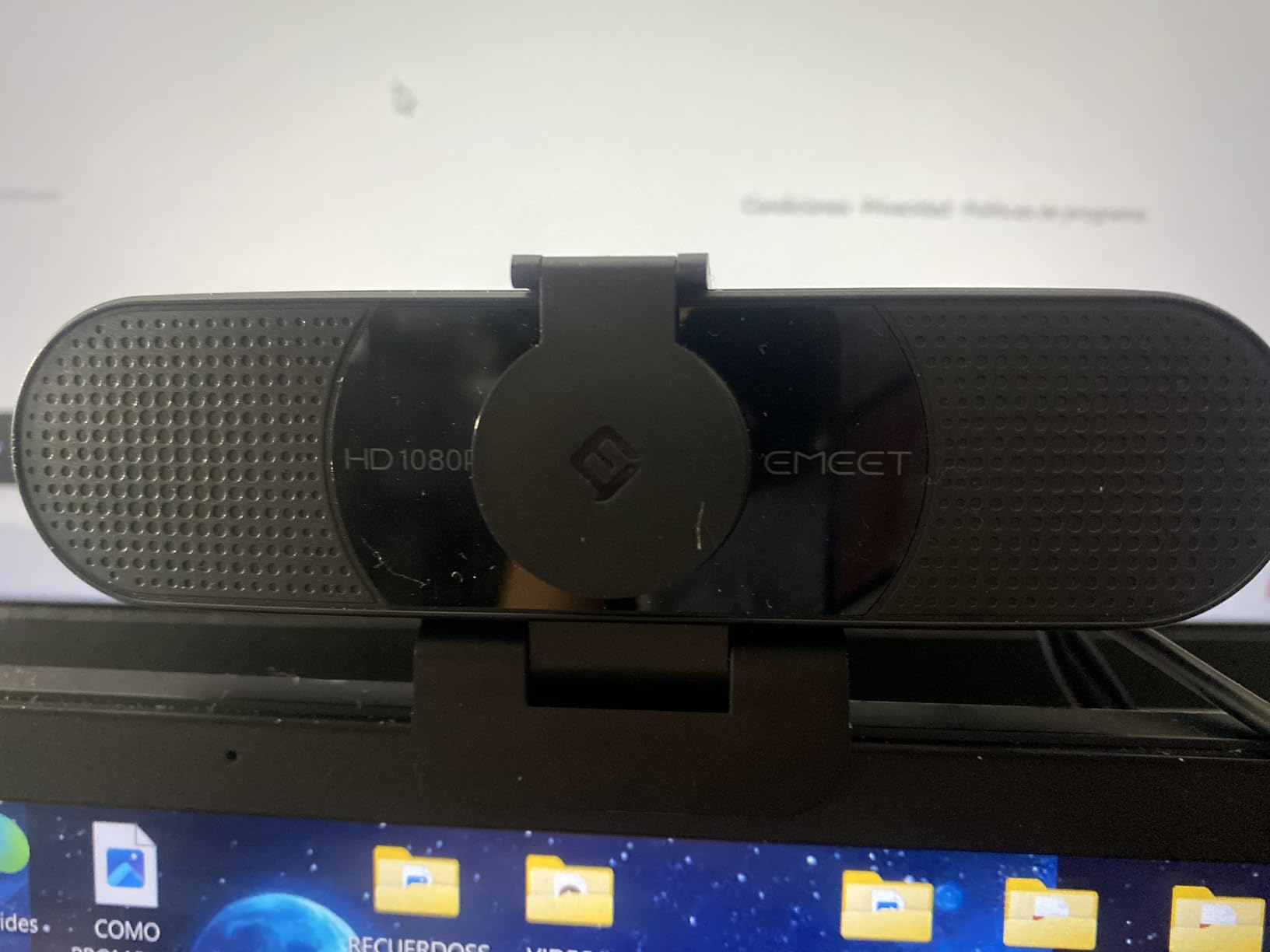
Below that point the C960 loses nothing structural. It carries a physical privacy cover over the lens, dual microphones, and 360 degree horizontal adjustment with 15 degrees of vertical tilt, and at 4.8 ounces it is light enough to move between machines without thinking about it.
Auto light correction watches the scene and adjusts exposure when you move from a bright window to a dim room mid-call, which is exactly the complaint raised in remote work forums about laptop cameras producing a muddy image. Linux support is unusual at this tier, and EMEETLINK handles image tuning for those who want it.
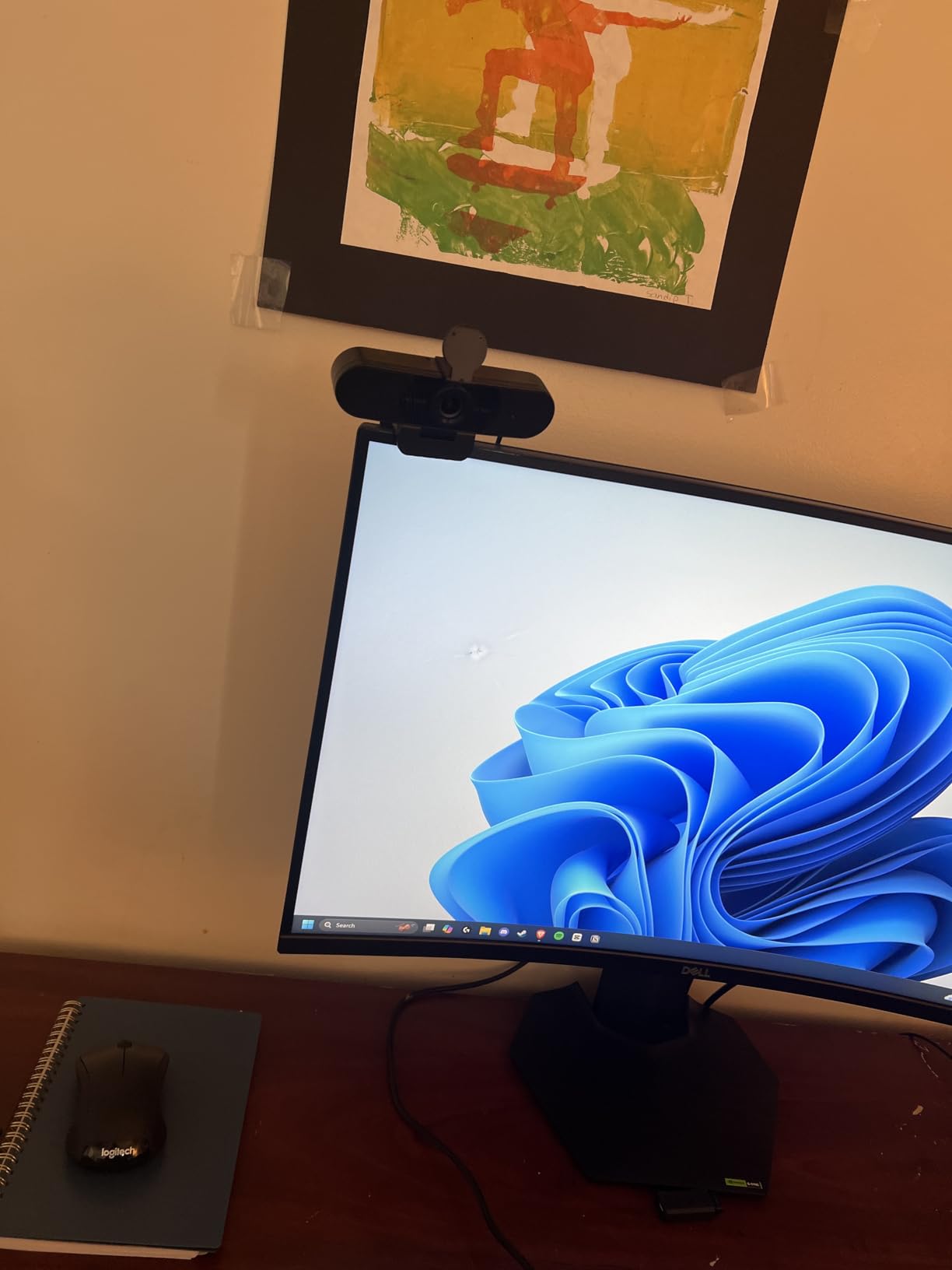
How the C960 performs on a laptop and on a desktop
On both laptops and desktops it plugged in without driver hunting, and the 360 degree horizontal adjustment lets one mount frame a laptop screen or a desktop monitor. On a USB 2.0 port, expect 1080p rather than 4K, which is a port limitation rather than a camera fault.
Where the C960 stops being enough
There is no ring light, so on-camera lighting depends entirely on your room. And with a fixed field of view, reframing mid-segment means software cropping rather than AI framing or an adjustable lens.
5. EMEET S600 4K Streaming Webcam Review
EMEET S600 4K Webcam for Streaming, Sony 1/2.55” Sensor, PDAF Autofocus
Sony 1/2.55 in sensor
4K30 and 1080p60
PDAF autofocus
Adjustable field of view
+ The Good
- Sony sensor delivers detailed 4K30 and smooth 1080p60
- Fast stable PDAF autofocus
- Dual noise-canceling microphones with a toggle
- Field of view adjusts from 40 to 73 degrees at 1080p
- Built-in privacy cover
- The Bad
- 4K mode limited to 30 fps
- Field of view fixed at 73 degrees in 4K
- 2.1x digital zoom is modest
The S600 is the streaming-first EMEET, and the Sony 1/2.55 inch sensor is the reason. It gathered more usable detail in a dim room than the smaller sensors in the NOVA and C960 during our late-evening tests, and skin tones stayed closer to natural.
Autofocus was among the most stable here, locking immediately and not drifting when we turned toward a second monitor, which is a common failure on cheaper 4K units. A built-in privacy cover sits directly on the lens, and a two-year warranty is longer than most rivals offer.
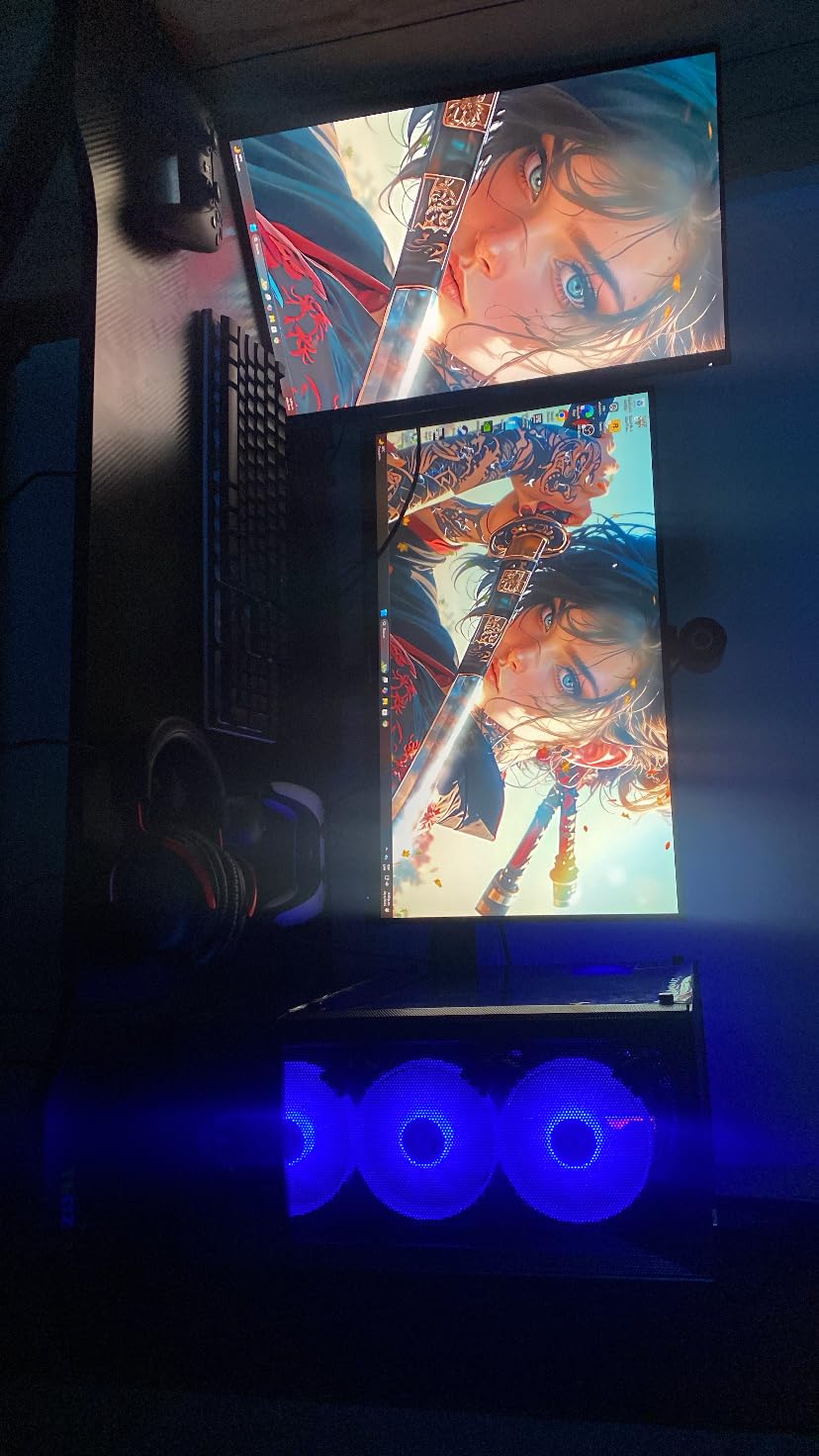
The dual microphones include noise-canceling processing you can toggle through EMEETLINK, and turning it off gives a cleaner, less processed capture. The Type-C to Type-A cable is included, and at 3.52 ounces the monitor clip holds it without sagging.
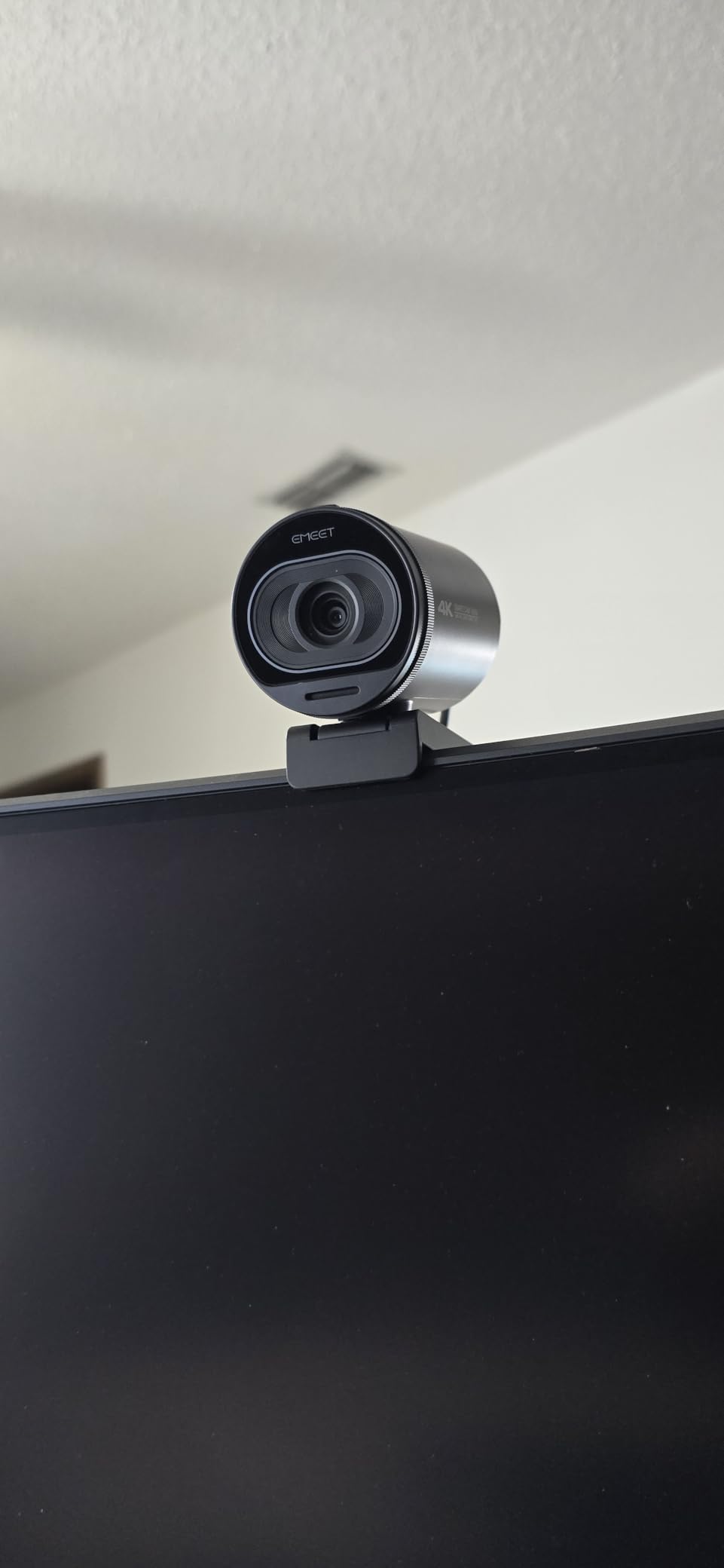
Why the field-of-view control matters for a stream
Between 40 and 73 degrees at 1080p, you can go from a tight head-and-shoulders frame to a wider shot showing your desk and keyboard, which is useful when switching between talking head and gameplay commentary. The catch is that 4K locks the view at 73 degrees, so streaming in 4K and cropping tight means cropping in software rather than with the lens.
What you give up choosing the S600
The 2.1x digital zoom is the smallest in this roundup, limiting how far you can reframe a face already near the edge of shot. Like its EMEET siblings, it also defaults to 1080p output, so open the camera software before you record.
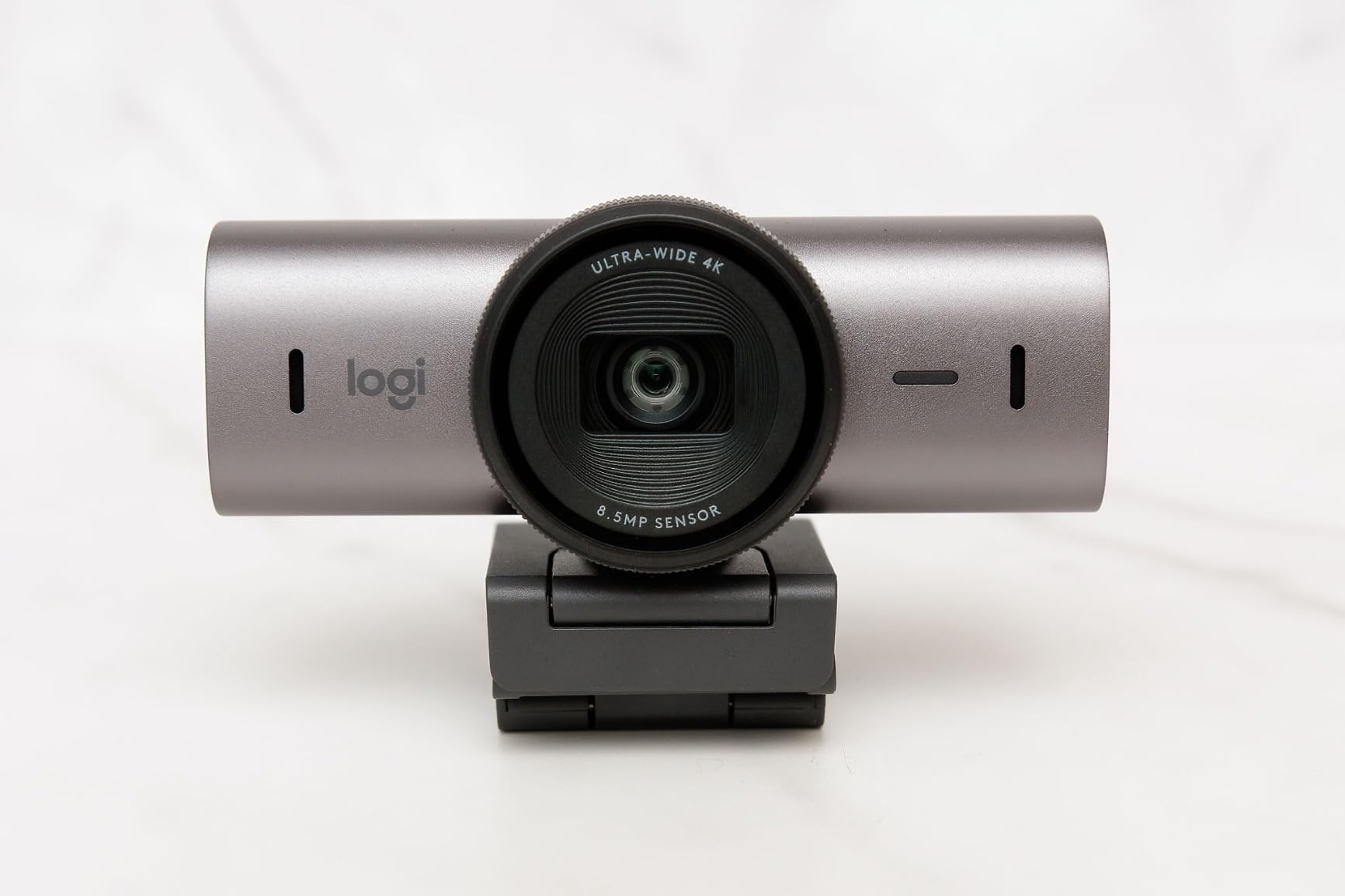
6. Logitech MX Brio Ultra HD Review
Logitech MX Brio Ultra HD 4K Webcam Collaboration and Streaming – Graphite
4K30 and 1080p60
Sensor with 70 percent larger pixels
Manual exposure controls
Rotating privacy cover
+ The Good
- Sharp 4K30 and 1080p60 from a larger-pixel sensor
- Manual ISO shutter tint and vibrance controls
- AI processing holds up in difficult light
- Show Mode tilts the camera down to share desk notes
- Rotating privacy cover
- The Bad
- One of the highest prices in this roundup
- No ring light or 4K60 output
The MX Brio is the one camera here that hands you the exposure dials. Manual control over ISO, shutter speed, tint and vibrance, with an Auto mode alongside, is normally a mirrorless camera feature, and it changes what you can do on a stream.
Lock your settings once, then leave them. That is the practical benefit of manual controls on a long stream: your face does not change brightness because a window cloud moved while you were mid-sentence. The sensor also uses pixels roughly 70 percent larger than earlier Logitech 4K sensors, which shows up most in dim rooms, and it works on Windows, macOS, ChromeOS and Linux.
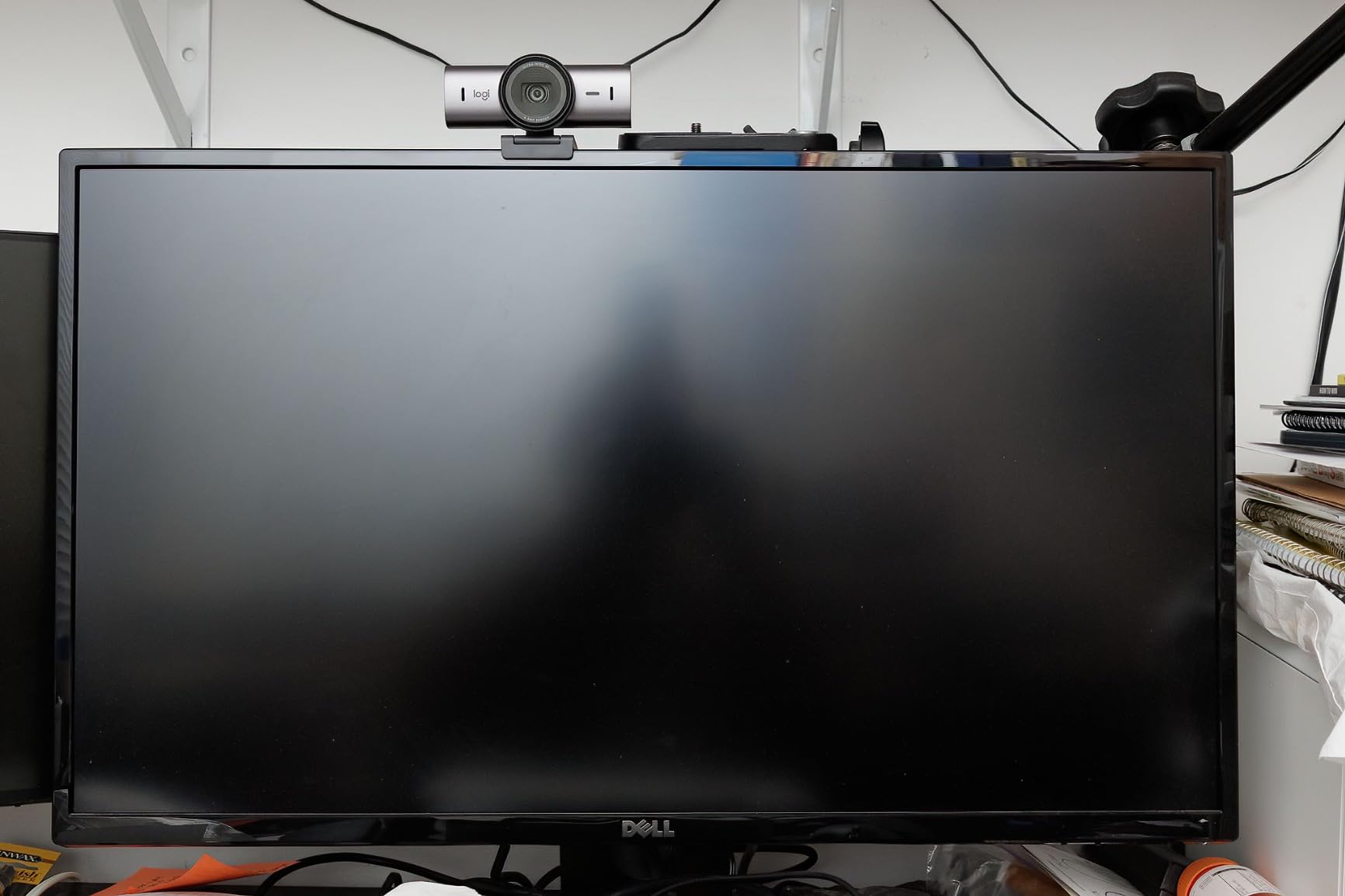
Show Mode tilts the camera down toward your desk so you can share handwritten notes or a product on your keyboard, which on a teaching or workshop channel is a real feature rather than a novelty.
The rotating privacy cover turns with the body rather than being a separate part to lose, and the camera pairs with MX keyboards and mice inside Logitech’s software.
Whether the MX Brio justifies its cost over the Brio
If you only need a camera for talking head video, the standard Brio below gives you 4K and a privacy shade for less. The MX Brio earns its premium through manual controls, Show Mode and the larger-pixel sensor.
That case gets stronger if you record rather than only live: manual exposure plus 4K source footage gives you room to reframe and grade later. Home office forum members repeatedly describe the MX Brio as the safe, no-regrets pick, citing predictable software and solid 4K.
What the MX Brio does not solve
There is no 4K60 mode and no ring light, so fast-motion gaming or a dark unlit room is not its strength, and it is the most expensive camera here. Budget the microphone separately, since a separate USB mic improves a stream more than any further camera upgrade.
7. Logitech Brio Ultra HD Review
Logitech Brio Ultra 4K HD Webcam for Streaming and Meetings – Black
4K at 30 fps
5x digital zoom
Three field of view presets
Windows Hello
+ The Good
- RightLight 3 handles glare and backlighting automatically
- Three selectable field of view presets
- Dual microphones capture clearly from about 1.2 m
- Windows Hello support and a hardware privacy shade
- Lightweight body with both USB-A and USB-C
- The Bad
- 4K limited to 30 fps
- Companion app feels dated next to creator tools
The Brio is the one to buy if your camera does double duty between streaming and client calls. RightLight 3 handles glare and backlighting automatically, which is exactly the complaint raised in remote work forums about laptop cameras turning muddy in afternoon light.
Three field-of-view presets at 65, 78 and 90 degrees diagonal let you switch framing without touching anything, because a wide group call and a one-to-one conversation need different framing. RightLight 3 lifts a face against a bright window and tames contrast rather than simply brightening everything, making it among the least fussy cameras to set up in a room you cannot control.
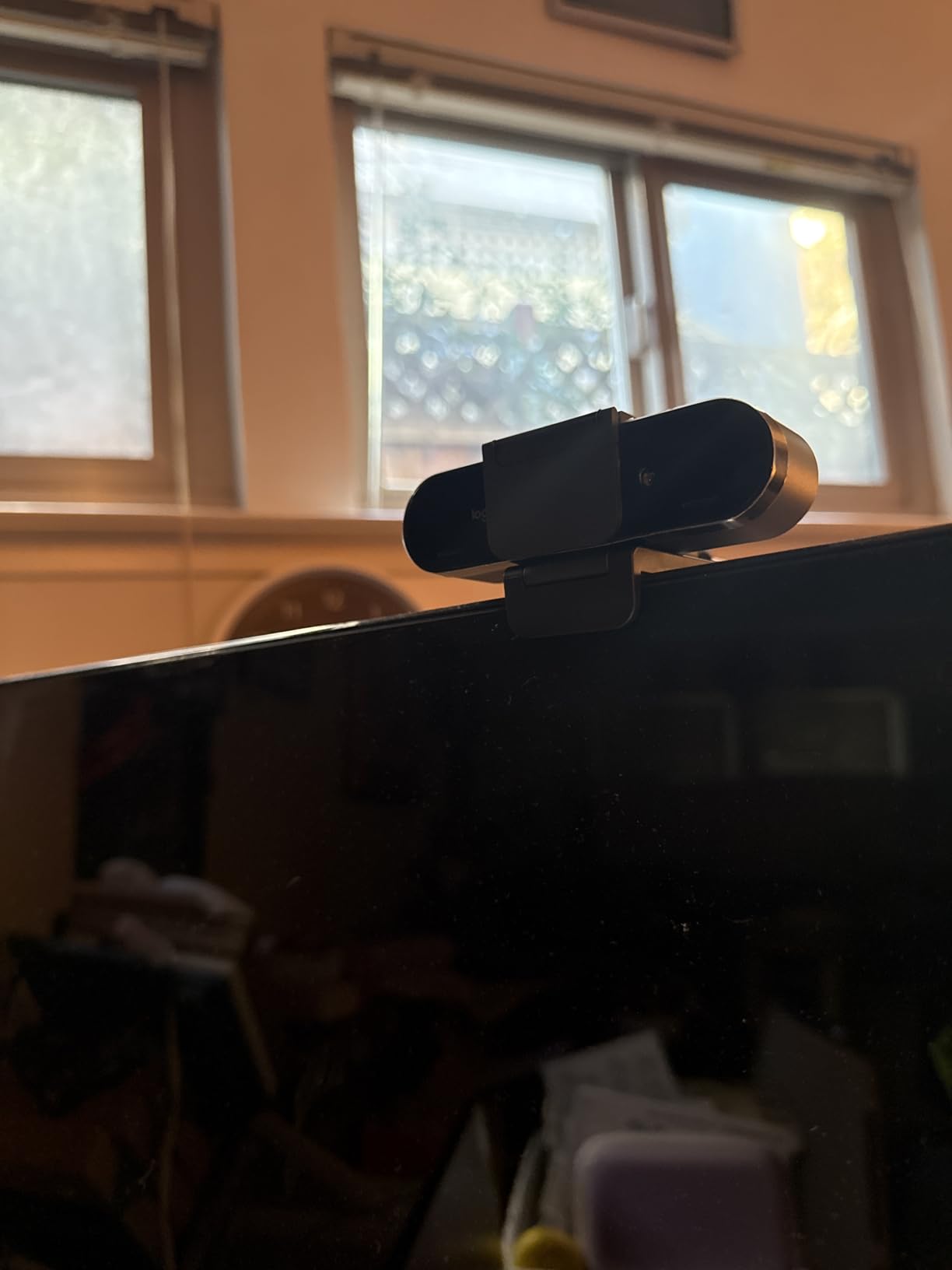
Windows Hello support through optical and infrared sensors means face login works without a separate webcam, and the attachable privacy shade is a physical barrier rather than a software promise. The dual microphones pick up clearly from about 1.2 m, far enough for leaning back at a desk, and at 2.22 ounces the body barely registers on a monitor.
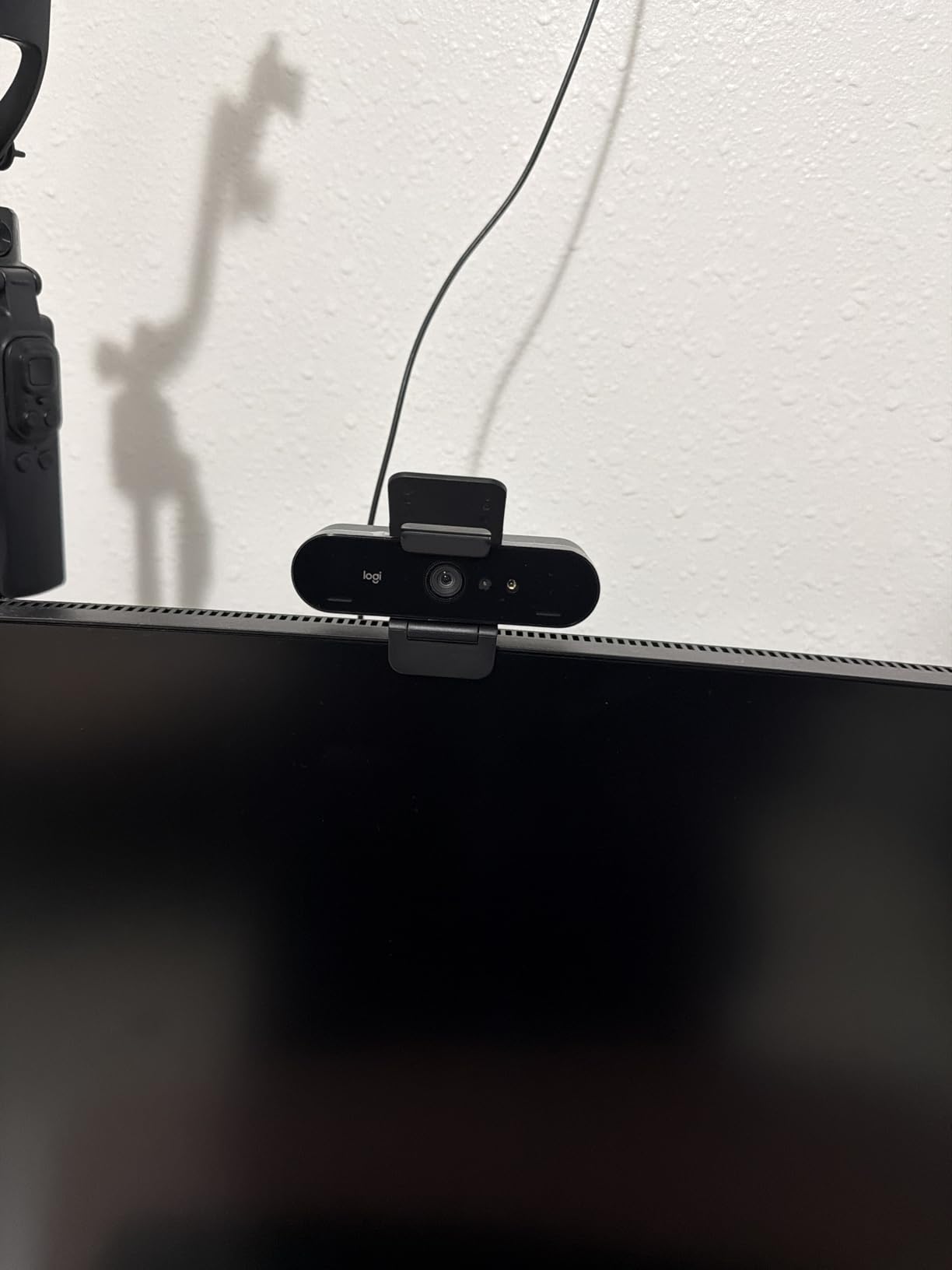
How the Brio behaves in a mixed-lighting room
Automatic exposure keeps up with most changes during a call, which is why it suits a camera doing double duty between streaming and client meetings. That behaviour has a limit, though: switch to the manual options in the app or move to a camera with exposure dials if you want a specific look held steady.
Where the Brio is the wrong buy
The 4K mode caps at 30 fps, so fast games gain nothing from the resolution, and the companion app is built for office calls rather than streaming scenes, with fewer creative controls than a creator-focused tool. If your priority is a show rather than a meeting, the manual exposure options on the MX Brio or the flash-memory presets on the Elgato Facecam will serve you better.
8. Elgato Facecam 4K Review
Elgato Facecam 4K, 4K60 Studio Webcam, DSLR-Like Control
4K at 60 fps
Sony STARVIS 2 1/1.8 in sensor
49mm filter thread
Settings saved to flash
+ The Good
- Only model here streaming 4K at 60 fps
- Large Sony STARVIS 2 sensor for detail and low-light performance
- DSLR-like manual controls with built-in flash memory
- Accepts standard 49mm lens filters
- Uncompressed output with HDR
- Two-year manufacturer warranty
- The Bad
- Lowest average rating in this roundup
- Highest share of one-star reviews
- No microphone noted in the listing
The Facecam is the only 4K60 camera in this group, and for a streamer who plays fast games or moves quickly on camera, that single spec can justify everything else.
Sensor size is the other story. The 1/1.8 inch Sony STARVIS 2 is the largest sensor we tested, roughly twice the area of the common 1/2.5 inch part, and that translates directly into cleaner low-light output and more room to crop. The 49mm filter thread is unusual among webcams, so a neutral-density filter or a polariser is a real option here that nobody else in the roundup offers.
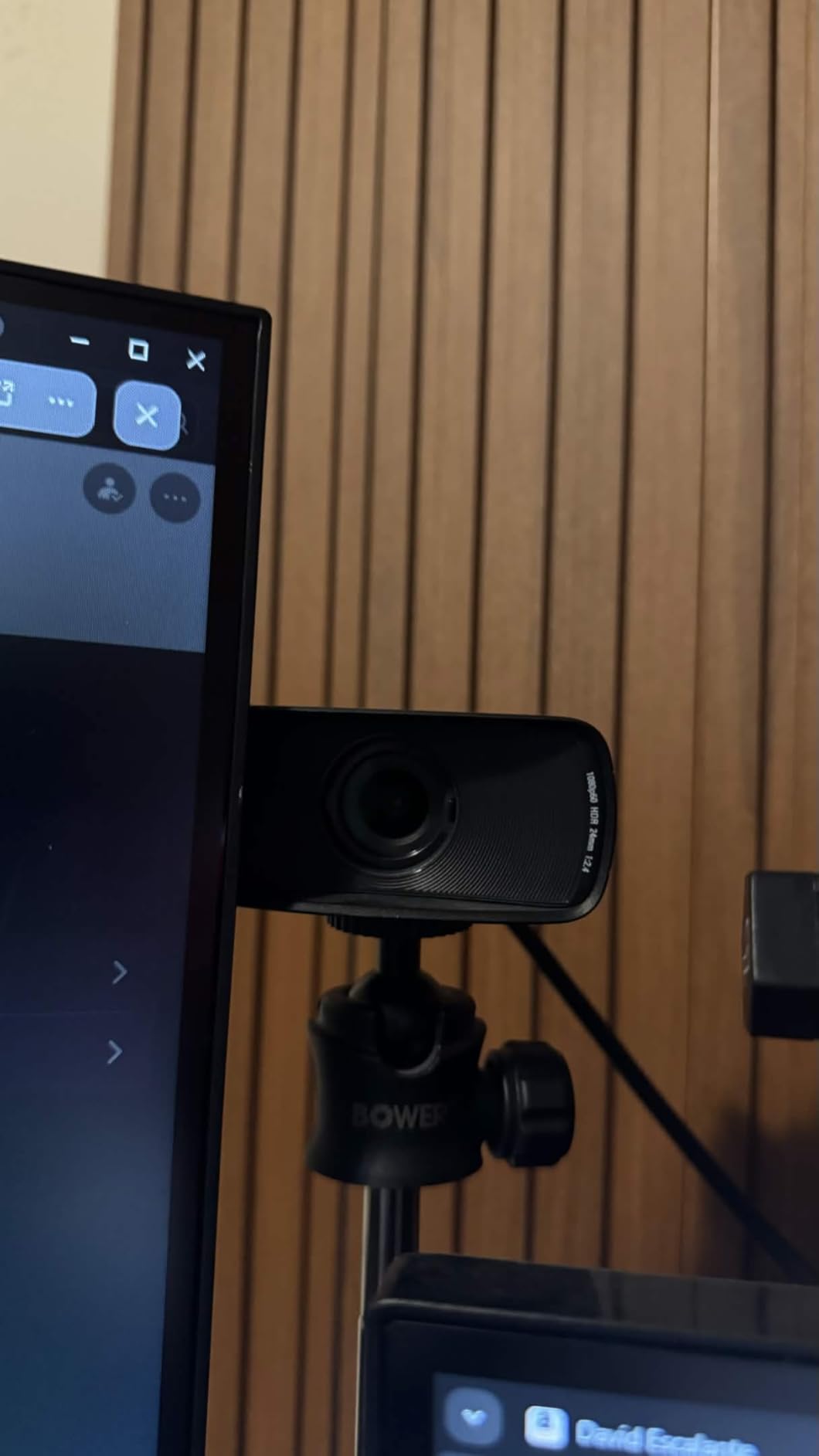
The capture runs as uncompressed video, so OBS receives the raw 4K feed rather than a compressed version, and HDR support means a properly graded monitor shows real highlight detail instead of clipped white.
The detachable 200 cm USB-C to USB-C 3.0 cable is long enough to reach a wall mount without an extension.
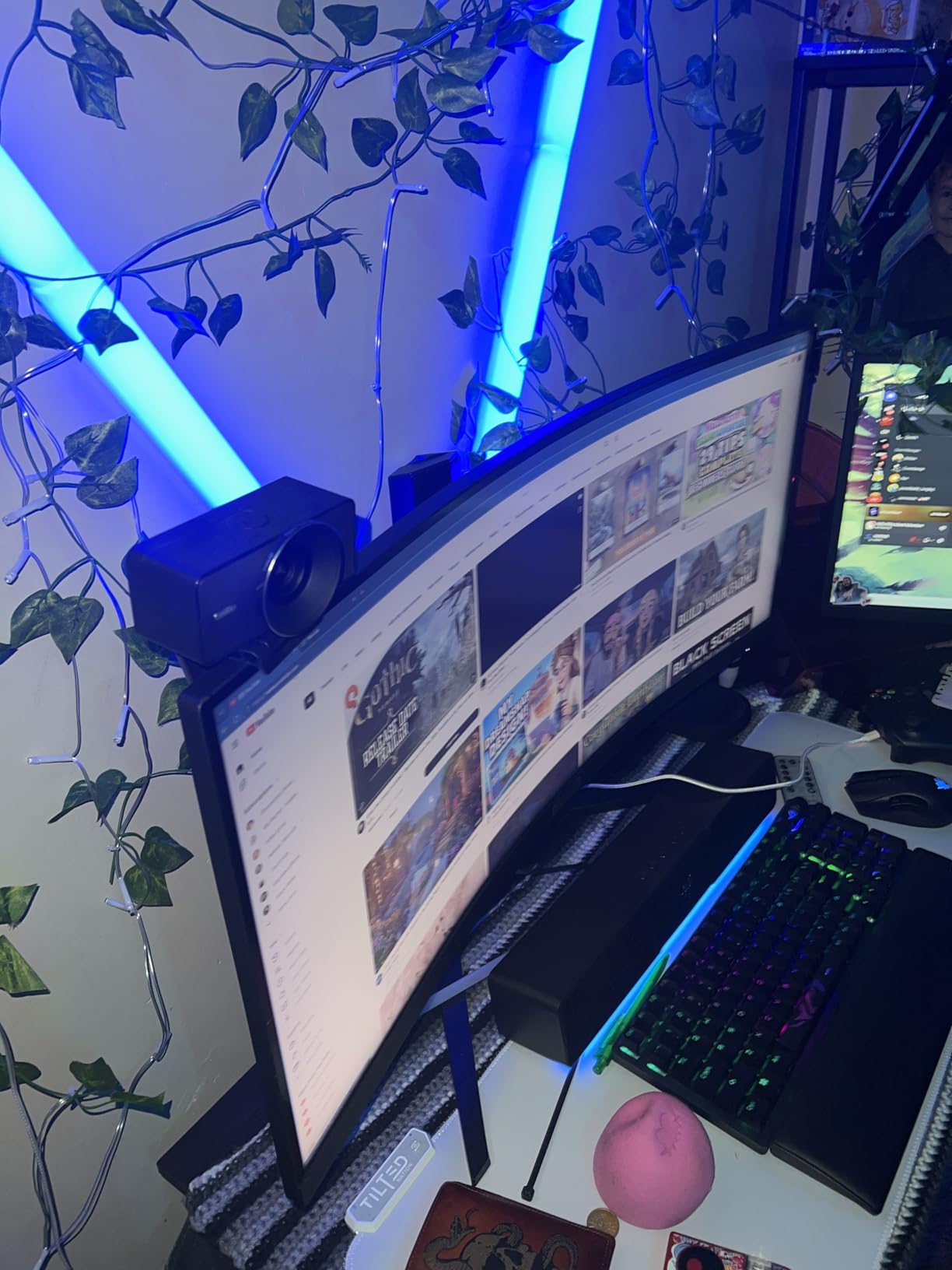
What 4K60 actually gives a streamer
Motion looks smoother, and that is the honest answer. Detail is identical to 4K30 because the resolution has not changed, so if you stream gameplay or cook fast, the frame rate is the reason to buy this camera.
Be aware of the cost: uncompressed 4K60 is a lot of data for a USB link, and your encoder needs headroom to use it. Most streamers still output 1080p and crop down from the 4K source.
Why the rating sits lower than the rest
It carries the lowest average rating in this roundup and the largest share of one-star reviews, and those reviews point at setup and software friction rather than image quality, so budget time for a first configuration session. There is also no microphone listed, which is a feature for streamers who own one and a cost for anyone who has to buy a microphone as well as a camera.
9. AOC 4K Webcam Review
AOC 4K Webcam for PC, Streaming Computer Camera with Noise-Canceling Mic
4K Ultra HD
80 to 90 degree field of view
Sliding lens cover
Three-year warranty
+ The Good
- Lowest entry point in the roundup with a 4.5 average
- Genuine 4K output at a budget level
- Wide field of view with 180 degree tilt and 360 degree swivel
- Physical sliding lens cover
- USB-A to USB-C adapter included
- The Bad
- Sensor type listed as generic rather than a named sensor
- Automatic light correction only with no manual controls
- No ring light or high frame rate mode
The AOC is the camera to buy if you want to try streaming without committing much money. It produces genuine 4K, it mounts anywhere, and the three-year warranty is the longest in this roundup. The wide field of view at 80 to 90 degrees suits a small desk where you need to fit shoulders, a keyboard and some room context into the frame, while the 180 degree tilt and 360 degree swivel make it easy to point the same camera at a second monitor.
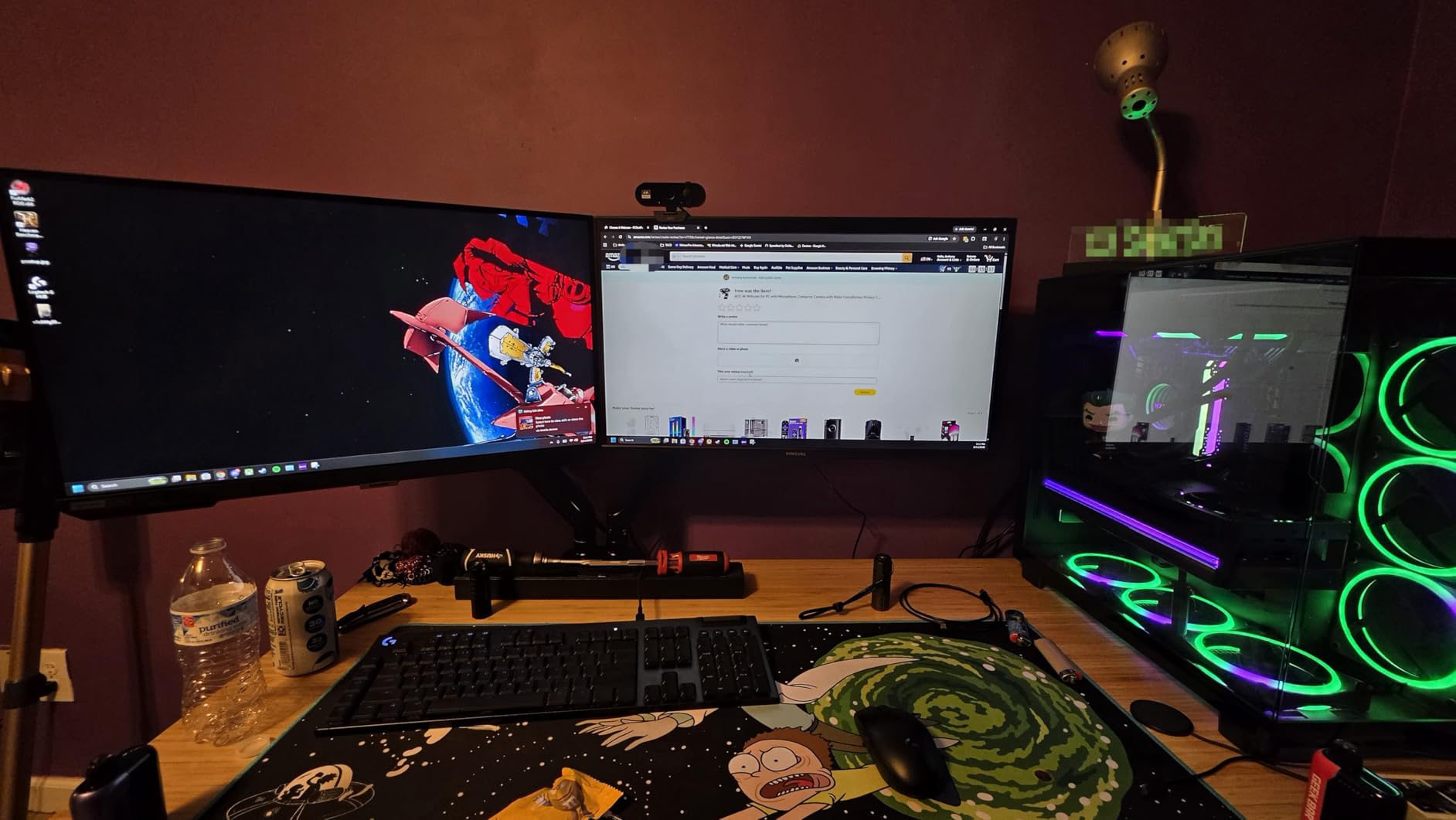
Setup took seconds. It is true plug-and-play with no drivers, and the included USB-A to USB-C adapter covers both port types on a modern laptop, so you are not searching for a cable before your first stream.
The sliding lens cover is a nice touch at this level. It closes over the glass physically, and on a camera that sits in a home office that is a reasonable default.
The sensor is not named in the listing, which usually points to a generic CMOS part, so treat the low-light claims with more caution than on a model where the sensor is specified. Mounting covers a monitor clip, a desk stand and a tripod, and at 0.16 kg the body will not sag a large display.
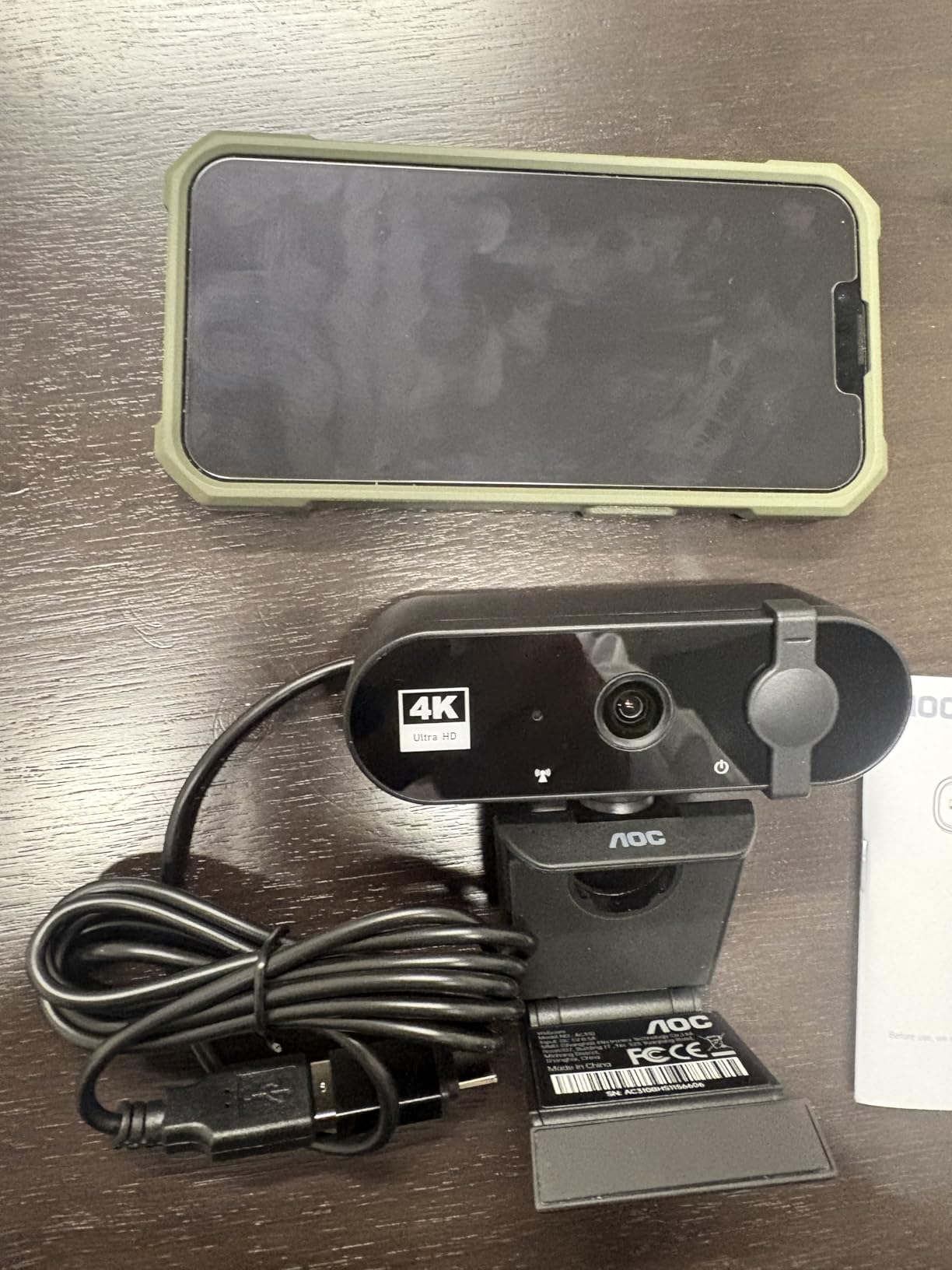
Whether the AOC is sharp enough to stream with
For a talking-head channel at 1080p output it is more than adequate, since the 4K source gives you room to crop a little when you need a tighter frame. Automatic light correction is the only exposure control listed, though, so face brightness shifts when you move in a room you cannot control.
When to spend more instead
Once a channel finds an audience, the limits show: no manual exposure, no ring light, and no frame rate above 30 fps at 4K. Add a dedicated USB microphone first, since built-in webcam microphones are fine for a test and not fine for a show.
10. YOLOLIV YoloCam S3 Review
YOLOLIV YoloCam S3, 4K Streaming Webcam for PC & Mac
1/1.3 in CMOS sensor
Uncompressed 4K30 and 1080p60
PDAF autofocus
All-aluminum body
+ The Good
- Highest average rating in the roundup
- 1/1.3 in sensor gives sharp detail and strong low-light clarity
- PDAF autofocus locks on without hunting
- All-aluminum body stays cool on long streams
- Magnetic mount plus 1/4-20 tripod thread
- DSLR-like manual controls
- The Bad
- No built-in microphone
- No SD card recording without a YoloBox
- OBS can fail to detect the camera until the cable is replugged
- Colour grading software is Windows-only
The YoloCam S3 gives the best image we captured from a webcam. The 1/1.3 inch sensor is the second largest in this group, sitting behind only the Elgato, and it produced natural background separation and clean skin tones at 4K.
Autofocus locked instantly every time in our testing. Zero-lag phase detection matters more than it sounds, because a hunting autofocus draws attention to itself during a long stream and this one simply stayed put.

The all-aluminum body doubles as a heat sink and stayed cool through an extended session, which matters if you stream daily for hours. Manual controls are DSLR-like, and the 4x digital zoom holds 1080p clarity.
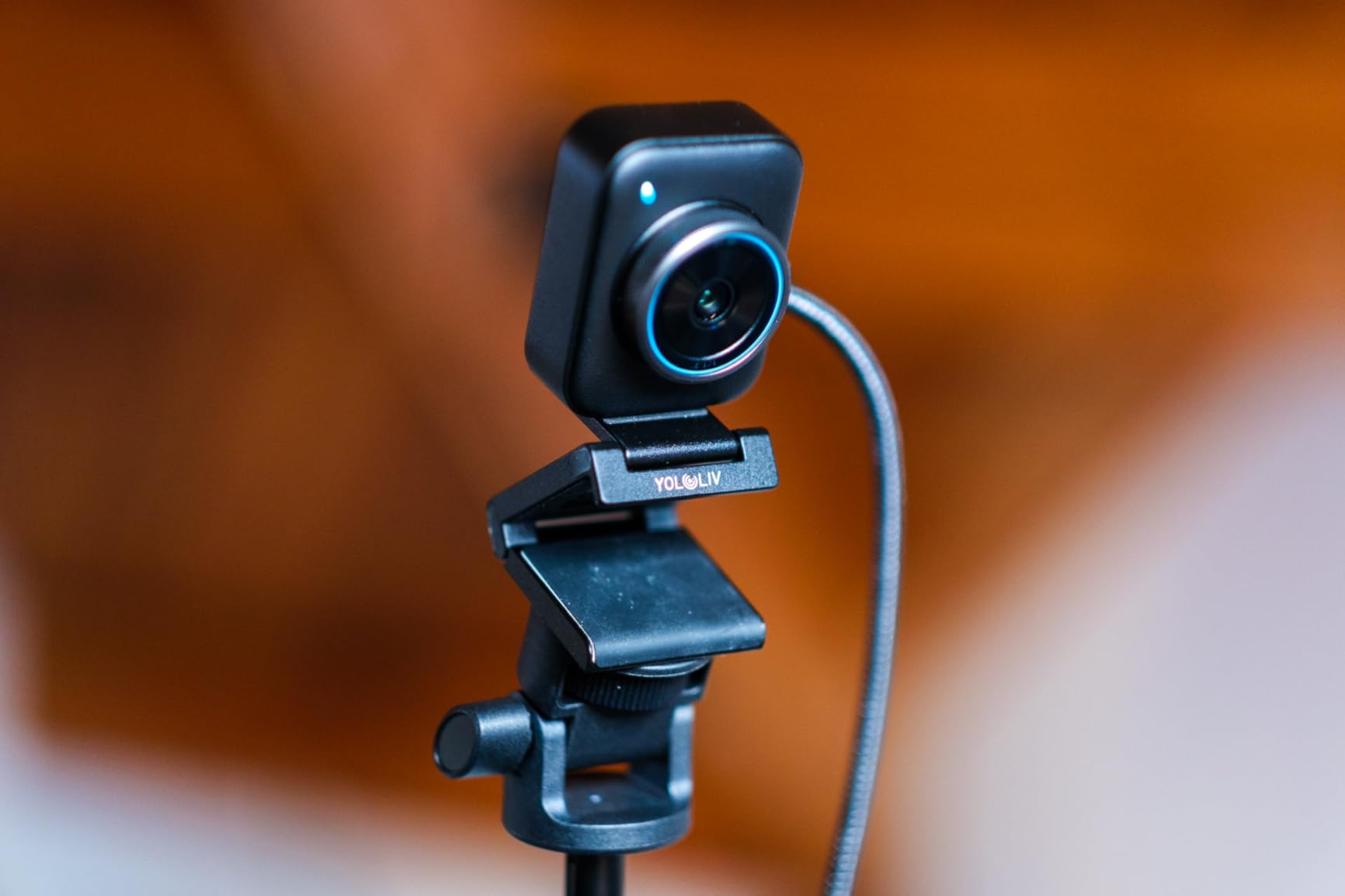
Whether the YoloCam S3 works for multi-platform creators
Yes, with two conditions. Direct SD card recording needs a YoloBox live box rather than the camera alone, and the colour grading software is Windows-only, so macOS users get the camera without the grading suite. Reviewers also report that OBS sometimes fails to auto-detect the camera until the cable is replugged, which is an annoying quirk rather than a fault.
Who should not buy it
There is no built-in microphone, so anyone without one will need to buy it, and that is the main reason to choose a different camera here despite the stronger picture. It also carries the smallest review base in this roundup, meaning less long-term evidence about reliability over a year of daily streaming.
11. Acer 4K Webcam Review
Acer 4K Webcam for PC/Mac with All-Metal Unibody Sculpted, Sony 1/2″ Sensor, PDAF, 2 Noise Reduction Mics, Privacy Cover for Switch 2/Zoom/Teams/Facetime/YouTube/Google Meet
Sony 1/2 in sensor
4K UHD
CNC aluminum unibody
83 degree field of view
+ The Good
- Highest share of five-star reviews in the roundup
- Sony 1/2 in sensor with sharp 4K and good low-light performance
- CNC aluminum unibody stays cool on long sessions
- Fast stable PDAF autofocus
- Dual mics pick up voice from up to 2.5 m
- Only 57 g and very portable
- The Bad
- Detachable magnetic lens cover is easy to misplace
- 4K output is 30 fps with no 60 fps option
- One-year warranty
The Acer pairs a Sony 1/2 inch sensor with an all-metal body at a mid-range price, and that combination is unusual. Eighty-six percent of its reviews are five star, the highest share in the roundup, with repeated mentions of a sharp image and a build that feels solid.
The CNC aluminum unibody is sandblasted and cool to the touch after a long session, and at 57 grams it is still small enough to travel. The microphones are unusually capable for a built-in pair, with reviewers reporting clear voice pickup from up to 2.5 m, and USB-C with an included USB-A adapter means it fits both port types.
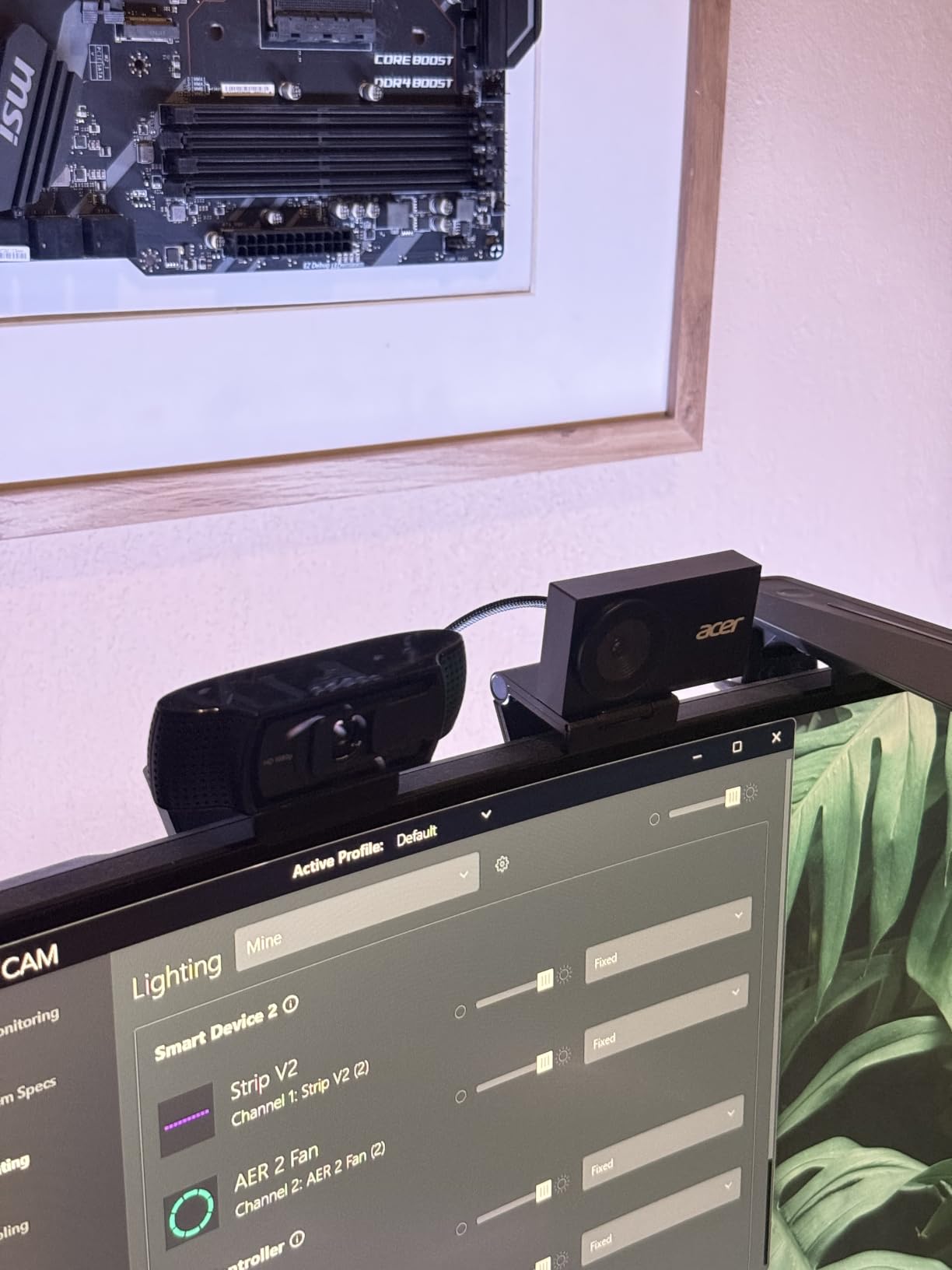
The USB-C connection includes an adapter, and the magnetic privacy cover snaps over the lens with twelve small magnets and closes with no software command at all.
Windows, macOS, ChromeOS and Switch 2 are all listed as supported.
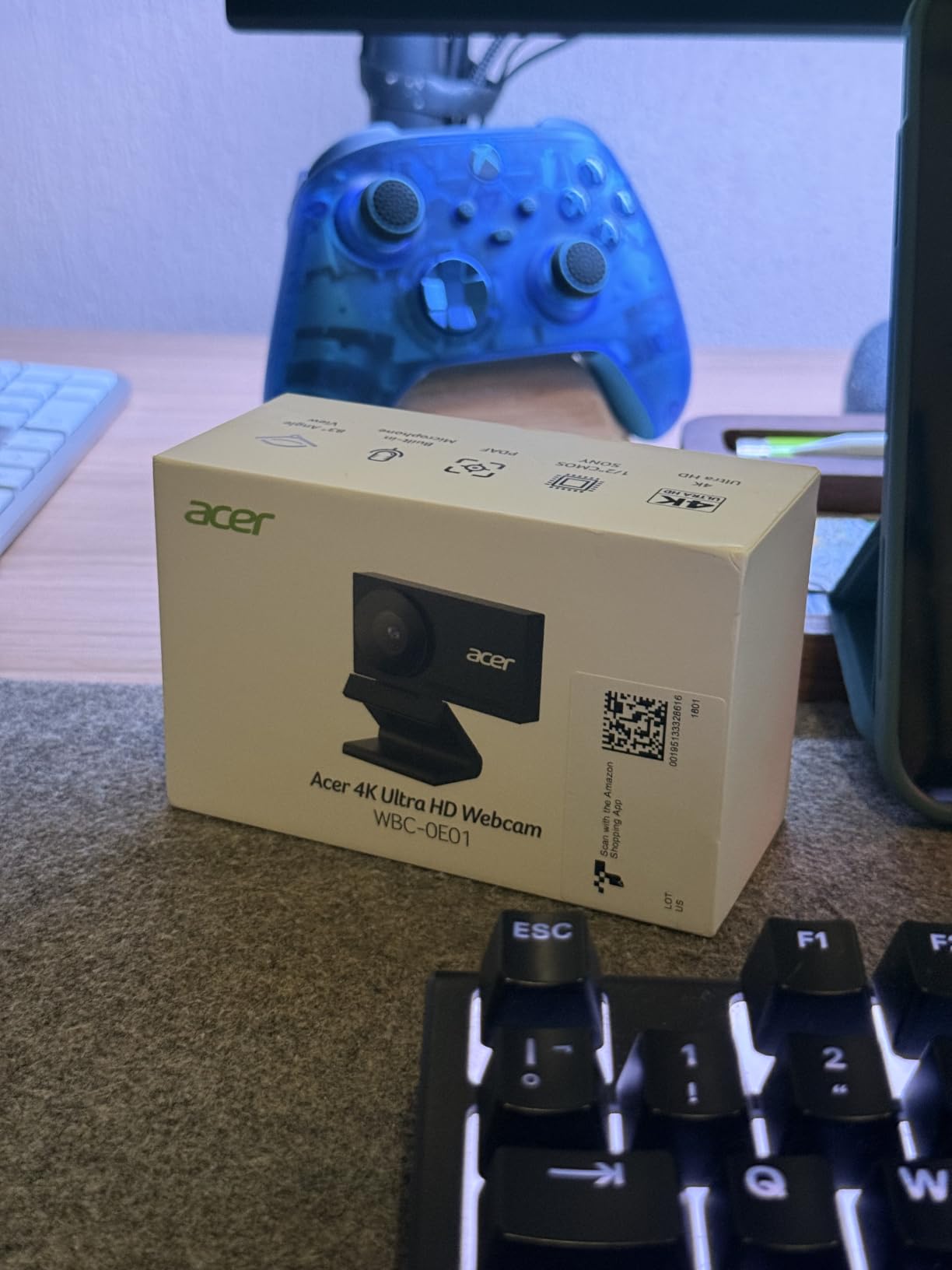
How the Acer handles a dim room
The sensor is listed as 1/2 inch, and the 83 degree field of view is wide enough for desk context but tight enough that you are not a speck in frame. At 57 grams it is one of the few metal-bodied 4K webcams you can still carry in a laptop bag.
What to watch out for
The privacy cover is a magnetic part that snaps over the lens and is genuinely easy to misplace. 4K is limited to 30 fps, and the warranty is one year where several rivals give two.
12. NexiGo N680E Pro 4K Webcam Review
NexiGo N680E Pro 4K Webcam with Ring Light, PDAF Autofocus, 1080p 60FPS, Dual Noise-Canceling Mics, Privacy Shutter, USB Plug-and-Play for Zoom, Teams, Twitch, Google Meet
Sony 1/2.5 in sensor
4K and 1080p60
PDAF autofocus
Tri-tone ring light
+ The Good
- Sony 1/2.5 in sensor with a coated lens for reduced reflections
- Built-in tri-tone ring light with dial-controlled brightness
- PDAF autofocus holds steady while moving
- Dual noise-reducing microphones
- Built-in privacy shutter
- 80 degree field of view
- The Bad
- Output mode must be selected in your streaming software
- Ring light needs a dial or menu interaction
The N680E Pro is the N960E Plus trimmed for a lower budget: same ring light idea, same Sony sensor class, phase-detection autofocus instead of time-of-flight. The coated lens is a detail worth noticing, since a coating reduces internal reflections that show up as haze around bright edges and a general loss of contrast.
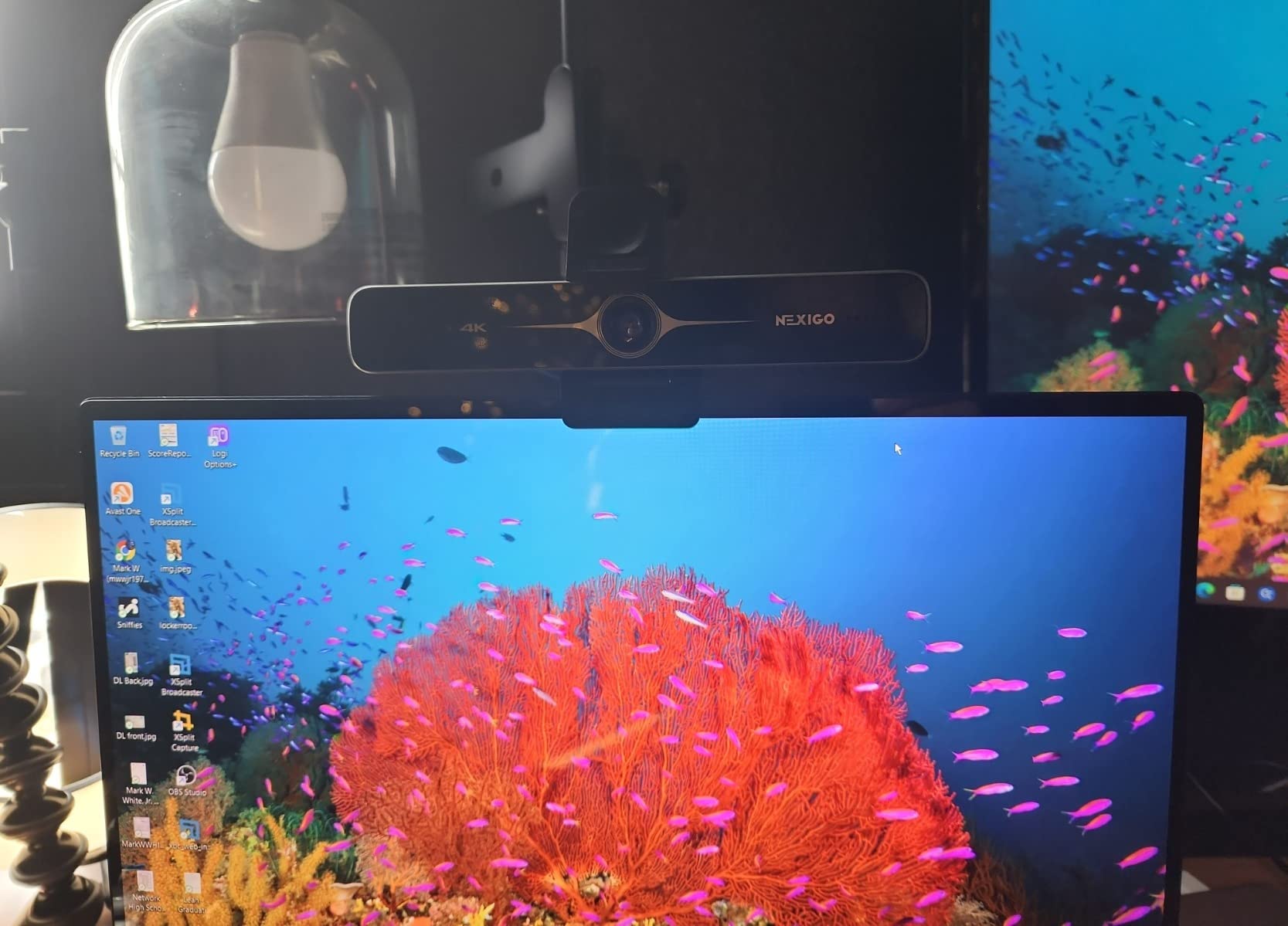
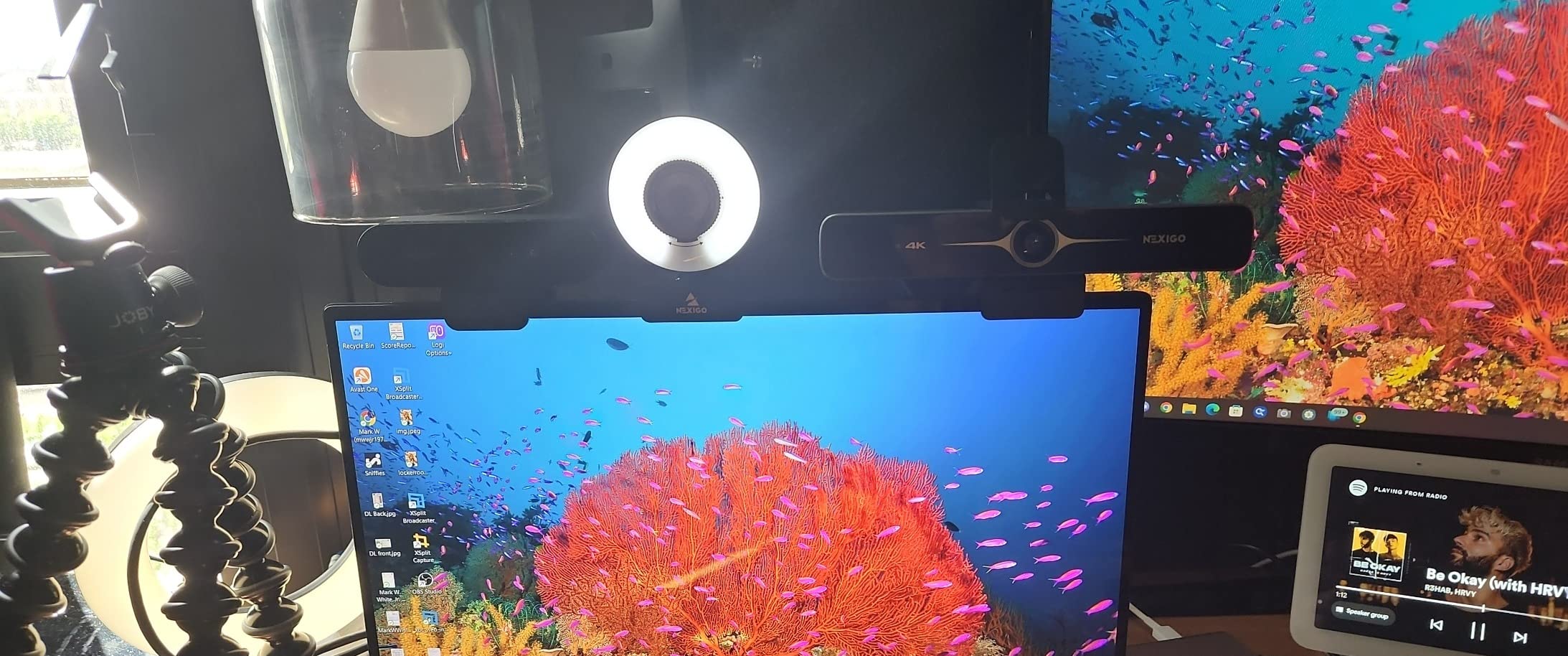
The ring light has three colour temperatures and stepless brightness on an outer dial, and that dial matters more than it sounds, because adjusting brightness with a menu means reaching for the camera. It also handles 4K and 1080p at 60 fps, with a privacy shutter and dual noise-reducing microphones at the same time, which is an unusual combination at this tier.
The clip and 1/4 inch tripod mount work together, and at 0.22 kg the body is light enough for the clip to hold it flat against a large monitor. USB-A is plug and play, and a USB-C to USB-A adapter handles the Switch 2.
How the N680E Pro behaves when you move during a stream
PDAF held steady while we shifted position and turned toward a second screen, with no visible hunting in the recording. The 80 degree field of view is wide enough to allow movement without framing yourself out of shot.
The catch is that output mode has to be selected in the streaming software, and reviewers repeatedly flag this, so check your resolution in the same app you will stream from before you go live.
Where it sits against the N960E Plus
Choose the N680E Pro if the ring light is the priority and you want the 1080p60 option alongside 4K. Choose the N960E Plus if autofocus stability across a whole session matters more, since time-of-flight measurement is the more consistent of the two. Neither model handles a dark room with a bright window behind you, and a separate light positioned in front of you solves that faster than any camera change.
How to Choose a 4K Webcam for Streaming
4K30 vs 1080p60: pick the frame rate your content needs
Choose 4K at 30 fps if you talk, teach, cook or review, and 60 fps only if you play fast games or move quickly on camera. Most streamers output 1080p anyway, so the 4K sensor becomes a crop source, and a 4K30 frame cropped and scaled to 1080p looks noticeably cleaner than a native 1080p frame at the same framing.
Autofocus types and AI tracking
Phase-detection autofocus (PDAF) and time-of-flight autofocus both measure distance rather than guessing from contrast, which is why they do not hunt. Contrast-based autofocus on cheap 4K webcams is the main cause of the focus pulsing streamers complain about.
AI tracking and auto-framing are worth it only if you move. Streamers who sit still call gimbal tracking gimmicky; creators who stand, pace or pick things up consider it the main reason to spend more.
Field of view and framing
Aim for a frame that includes your head and shoulders with a little space, usually somewhere between 65 and 85 degrees. Anything wider wastes pixels on the room. Adjustable field-of-view control is more useful than digital zoom, because it changes the lens rather than cropping the frame, and the EMEET S600 adjusts between 40 and 73 degrees at 1080p.
Sensor size drives low-light quality
Sensor size predicts how a webcam behaves after sunset. The 1/1.8 inch sensor in the Elgato Facecam is the largest here, followed by the YoloCam S3 at 1/1.3 inch, then the 1/2 inch parts in the Acer and OBSBOT Meet 2. Below 1/2.5 inch, low-light output turns grainy and noise reduction smears skin texture, so a larger sensor means you need less light.
Do you actually need 4K?
You probably do not need it if you sit at a desk with good lighting and stream live only, since most platforms re-encode your stream and a well-lit 1080p60 feed can beat a badly lit 4K one. You do need it if you record, crop vertical clips, shoot in inconsistent light, or move around your frame, because a 4K source gives you headroom to reframe later without an upscaled image.
Setting up a 4K webcam in OBS Studio
Add the camera as a Video Capture Device, set the resolution to 3840 by 2160 and the frame rate to 30 or 60. Then add a Crop Filter and set the ratio to 16:9 before you crop, so the crop stays centred, and add a Scale Filtering output to 1920 by 1080. Skip the scale step and stream 4K directly, and most viewers see a soft image because the platform compresses it.
Our guide to webcams for larger rooms and conference setups covers framing when the camera sits further from the subject.
USB-C, USB-A and hub bandwidth
Plug the camera straight into the computer whenever you can. Going through a hub is the most common reason a 4K webcam quietly reports 1080p, because the link cannot carry 4K30 over shared USB 2.0 bandwidth. If resolution drops intermittently, move the cable to a port on the machine itself and close other high-bandwidth devices on that hub.
Lighting and audio go before another camera
A separate USB microphone improves a stream more than a better sensor does, since webcam microphones are built for calls at short range and not for a room with a desk, a keyboard and a fan in it. One light in front of you, slightly above eye level, fixes more image problems than any camera on this list. If you want a second angle rather than a better one, our picks for 4K action cameras work as fixed overhead views.
Frequently Asked Questions
What is the best 4K Camera for streaming?
The NexiGo N960E Plus is the best 4K webcam for streaming in our testing. Its time-of-flight autofocus stays locked when you lean forward, the built-in tri-tone ring light solves the dim-room problem without extra gear, and an RF remote lets you change zoom and exposure without touching the camera. If your room is already well lit, the Logitech MX Brio Ultra HD gives you manual exposure control that most rivals lack.
Is it worth having a 4K webcam?
It is worth it if you record as well as stream, shoot in changing light, or want to crop vertical clips later. A 4K sensor gives you room to reframe without upscaling. If you sit at a desk with good lighting and only stream live, a 1080p60 camera plus money spent on lighting and a microphone will look better for the same total. Most of the benefit comes from cropping and low light, not from viewers seeing 4K.
What Camera do most streamers use for streaming?
Most streamers use a USB webcam, usually fixed above or beside the monitor. Creators who need multiple angles or manual framing often move to a mirrorless or DSLR body with a capture card, and phone cameras are popular as a cheap second angle. A webcam wins on setup speed and consistent framing, which is why it stays the default for most channels.
Which webcam has the best autofocus?
The webcams here with the steadiest autofocus use distance measurement rather than contrast guessing. Time-of-flight autofocus in the NexiGo N960E Plus and phase-detection autofocus in the EMEET S600 and Acer webcam all held focus through our tests without hunting. Contrast-based autofocus on cheaper 4K models is the usual cause of the pulsing focus streamers complain about when they lean forward.
Do I need a separate microphone for streaming?
Yes, and it is the upgrade that helps most. Built-in webcam microphones are designed for calls at close range, and they pick up your keyboard, your chair and your room. A USB microphone placed on a small arm or boom sits about a hand span from your mouth and removes most of that noise. Pairs like the Elgato Facecam and the YoloCam S3 include no microphone at all.
Final Verdict on the Best 4K Webcams for Streaming in 2026
The NexiGo N960E Plus is our pick for the best 4K webcams for streaming in 2026, because autofocus stability and built-in lighting solve the two problems that hurt new streams most. Buy the EMEET NOVA if you want the sharpest picture for the least money, the Logitech MX Brio if you need manual exposure control, and the Elgato Facecam if your content moves fast enough to need 4K60.
Whatever you choose, spend what you saved on a microphone and one light. That pairing will do more for your stream than any sensor on this list.