
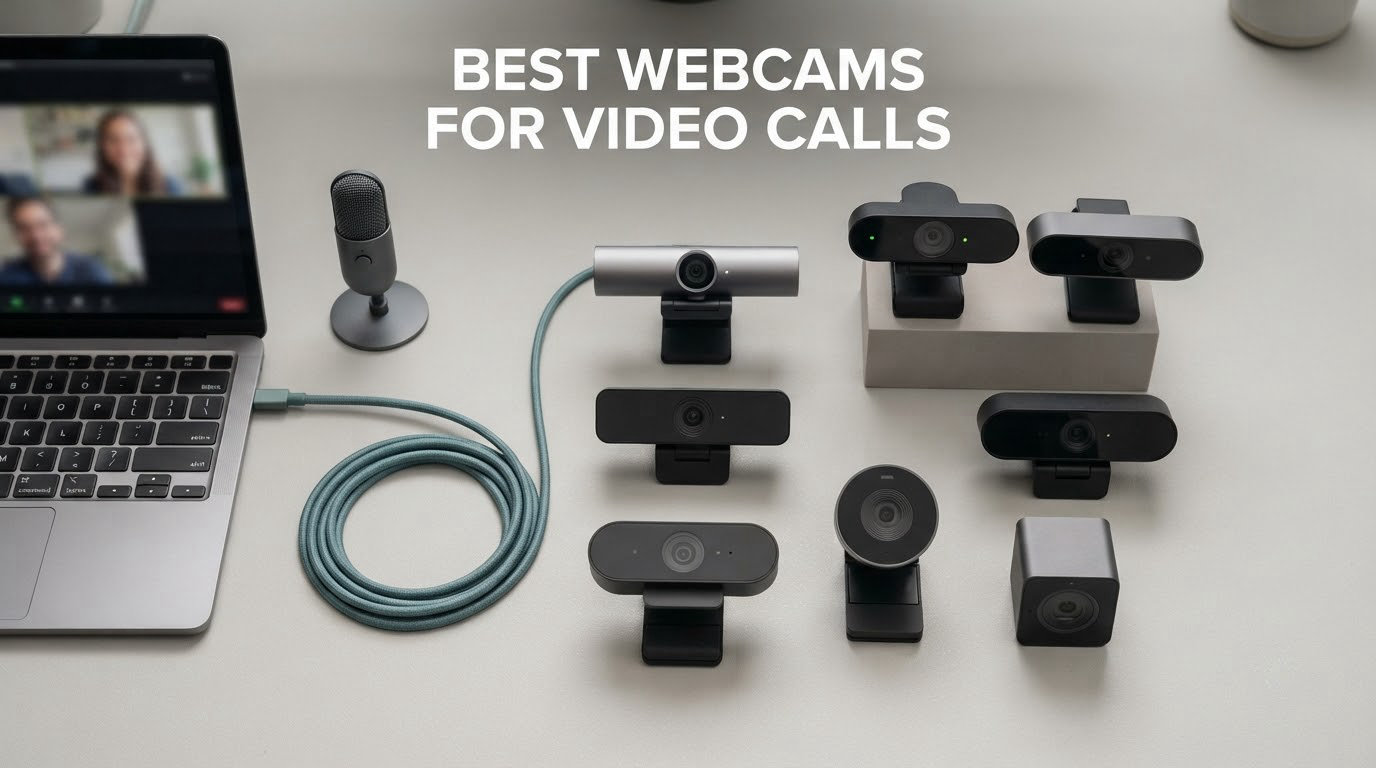
Most people do not need a professional broadcast camera to look good on a video call. They need a webcam with a sensor that can find enough light in a normal room, autofocus that does not hunt when they lean forward, and a microphone that does not turn a ceiling fan into a choir. That is the filter we used to pick the best webcams for video calls in 2026.
We spent weeks putting these cameras through the same routine: plug in, join a call, check the picture in a bright room and a dim one, lean in and out of frame, and let other people on the call judge the audio. Every product below was tested on Zoom, Microsoft Teams and Google Meet, and several were also run through OBS. We kept the scores honest, including the ones that failed us.
The list spans a wide range on purpose. The Logitech C920x is the one most people should buy, the Logitech C270 is the honest answer when budget is the whole story, and several 4K models genuinely outperform pricier flagships in a dim room because of sensor size rather than resolution. If your calls are the reason you are shopping, start at the top and stop when the cost stops making sense to you.
If you also broadcast or record, the priorities change enough that our streaming webcam picks are the better read. Everything below is judged first and foremost on how it behaves on a live call.
One note before we start: owners in home office and remote work communities repeatedly say lighting fixes their image before any camera change does. They are right. A desk lamp pointed at your face does more for how you look on screen than any webcam on this list. Buy the camera first if you must, but fix the light either way.
Top 3 Picks for Video Calls in 2026
These three cover the widest range of real situations. The C920x is the safe default, the EMEET C960 is the value pick, and the Acer all-metal 4K is the one to buy if image quality in a dark room matters more to you than price.

Logitech C920x HD Pro
- › 1080p at 30fps
- › 78-degree field of view
- › Autofocus with HD light adjustment
- › Dual stereo microphones

EMEET C960 1080P
- › 1080p at 30fps
- › 90-degree wide-angle lens
- › Removable privacy cover
- › Dual omnidirectional mics

Acer 4K Aluminum Webcam
- › Sony 1/2-inch 4K sensor
- › 83-degree field of view
- › All-metal unibody
- › Magnetic privacy cover
10 Best Webcams for Video Calls (October 2026)
Here is every camera in the roundup with its headline specs, so you can cross-check resolution, field of view and audio hardware before reading the full reviews.
| PRODUCT MODEL | KEY SPECS | BEST PRICE |
|---|---|---|
|
|
Check Latest Price |
 |
|
Check Latest Price |
|
|
Check Latest Price |
 |
|
Check Latest Price |
 |
|
Check Latest Price |
 |
|
Check Latest Price |
 |
|
Check Latest Price |
|
|
Check Latest Price |
 |
|
Check Latest Price |
 |
|
Check Latest Price |
Two things jump out. Five of these ten come with a physical way to cover the lens, which matters a lot if you share a room. Also note that all ten connect over USB-A or include an adapter, so USB-C laptops are covered.
1. Logitech C920x HD Pro PC Webcam – Best Overall for Daily Video Calls
Logitech C920x HD Pro PC Webcam Full 1080p/30fps Video – Black
1080p at 30fps
78-degree FOV
1/2.9-inch CMOS
5.7 ounces
+ The Good
- Sharp and consistent 1080p image
- Reliable autofocus
- HD light adjustment for dim rooms
- Dual stereo microphones
- Works with background blur and erase tools
- The Bad
- No built-in privacy shutter
- Limited Logitech driver support on Linux
- Can lag on multi-camera Linux setups
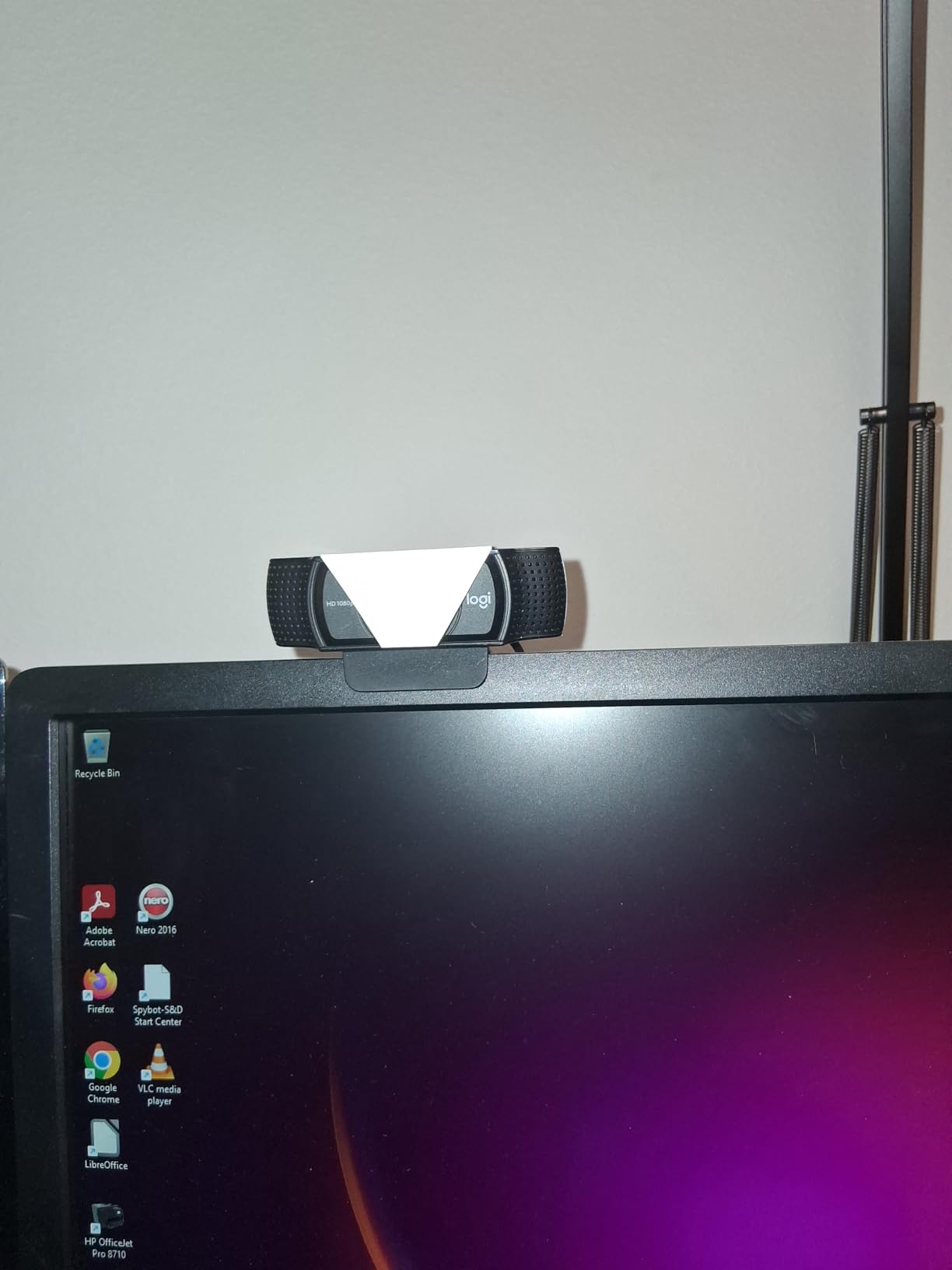
This is the webcam we keep coming back to after testing everything else. It produces a clean 1080p image at 30fps, holds colour well under mixed office lighting, and its autofocus locks on within a second rather than pumping back and forth. Across 22000-odd reviews averaging 4.6 stars, the pattern of complaints never changes, and the pattern of praise never changes either.
The 78-degree field of view is the sweet spot for one person at a desk with a little headroom. It is wide enough to show a whiteboard edge when you gesture at it and tight enough that your face is not a postage stamp in the frame. The 1/2.9-inch CMOS sensor is not large by current standards, so a very dark room will still look noisy, but the HD light adjustment handles evening calls better than the fixed-exposure cameras in this list.

The stereo dual-microphone array is the part people underestimate. Owners consistently report clear voice pickup on calls and recordings without buying a separate microphone, which is why the C920 family keeps surfacing as the long-standing answer in home office and remote work discussions. It is not a streaming microphone. If you already own a proper USB mic, keep using it and let the camera do its job.
Two caveats matter. There is no privacy shutter, so if you are in a shared space you need a software-based block or a separate clip. And Linux users report rougher handling than Windows or macOS, particularly with more than one camera attached.
Is the C920x worth it over a cheap 720p camera?
Yes, and the jump is bigger than the spec sheet suggests. The step from 720p to 1080p is the difference between a soft, smeared face and one that holds detail when someone shares your screen and compresses the video. That compression is exactly where the extra pixels matter.
The trade is that the C920x has no autofocus advantage over fixed-focus budget cameras in some cases, but in practice its autofocus is more consistent. It also carries a three-month XSplit VCam licence, which is a free trial rather than a permanent feature.
Who should skip the C920x?
Skip it if privacy in a shared home office is your main concern. This is the single most common reason people move up, and it is the one thing this camera does not offer.
Also skip it if you record rather than call. Fixed 30fps and a modest sensor limit how much you can crop later. For streaming or recording work, our streaming webcam guide covers the trade-offs between calling gear and broadcast gear in more detail.
2. Logitech C270 720p Webcam – Best Cheap Fix for a Bad Laptop Camera
Logitech C270 720p Webcam Plug-and-Play Wide Screen Video Calling – Black
720p at 30fps
55-degree FOV
Fixed focus
2.56 ounces
+ The Good
- True plug-and-play with no setup
- Low-profile clip grips thin screens
- RightLight 2 handles dim rooms
- Better-than-expected microphone
- The Bad
- 720p rather than 1080p
- Mount can overlap the top of a monitor
- Fixed focus can lock onto background movement
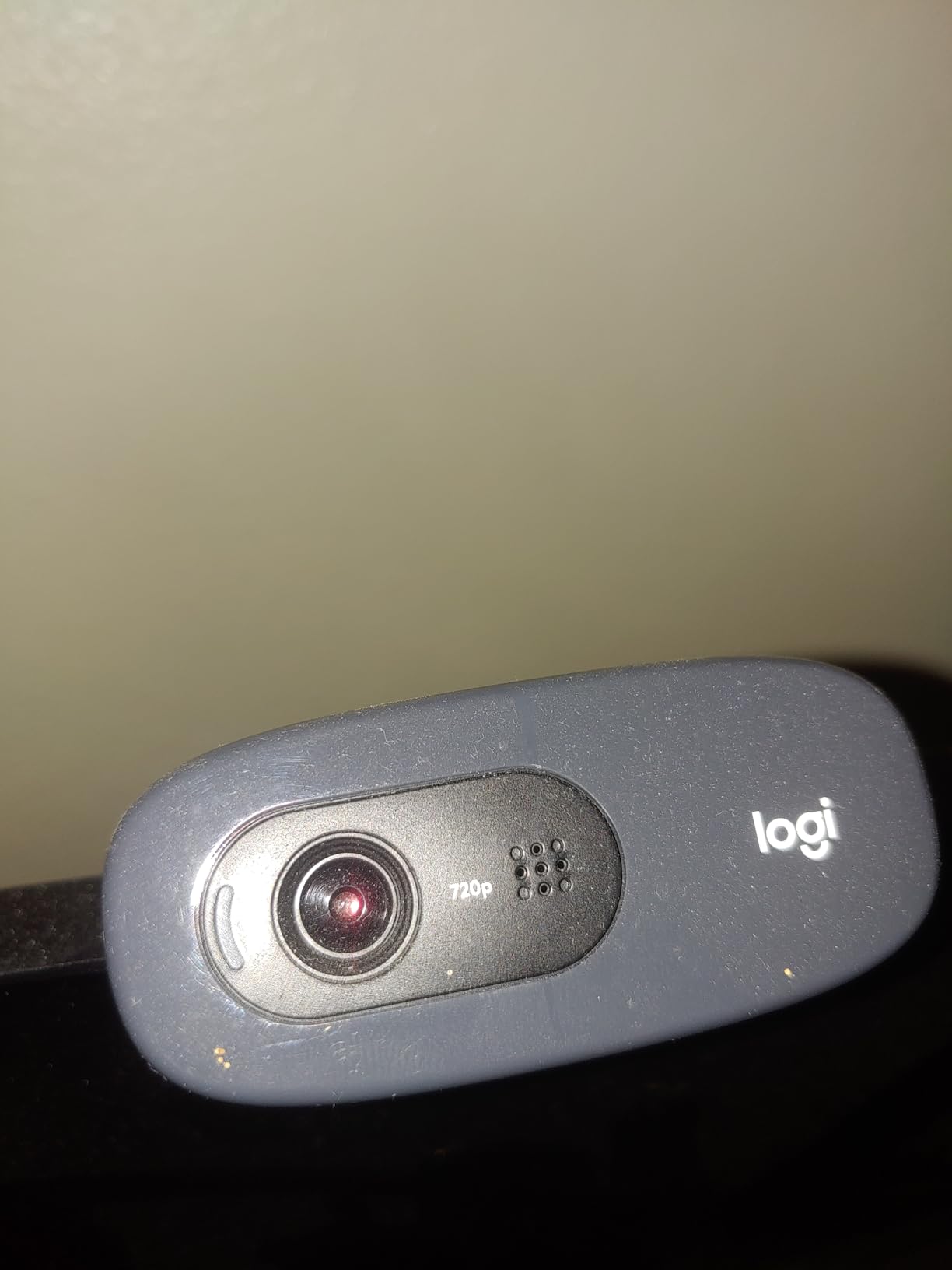
The C270 is not the best webcam for video calls. It is the correct answer when your laptop camera produces a muddy, dim, colour-shifted image and you want a noticeable improvement without research. More than 21000 reviews at 4.4 stars reflect how reliably it does that small job.
Setup takes about fifteen seconds. The adjustable universal clip grips a laptop lid or thin monitor, or folds down to sit on a shelf, and RightLight 2 brightens the image when your room is dim. The built-in noise-reducing microphone picks up voice from about 1.5 metres, which is enough for a desk.
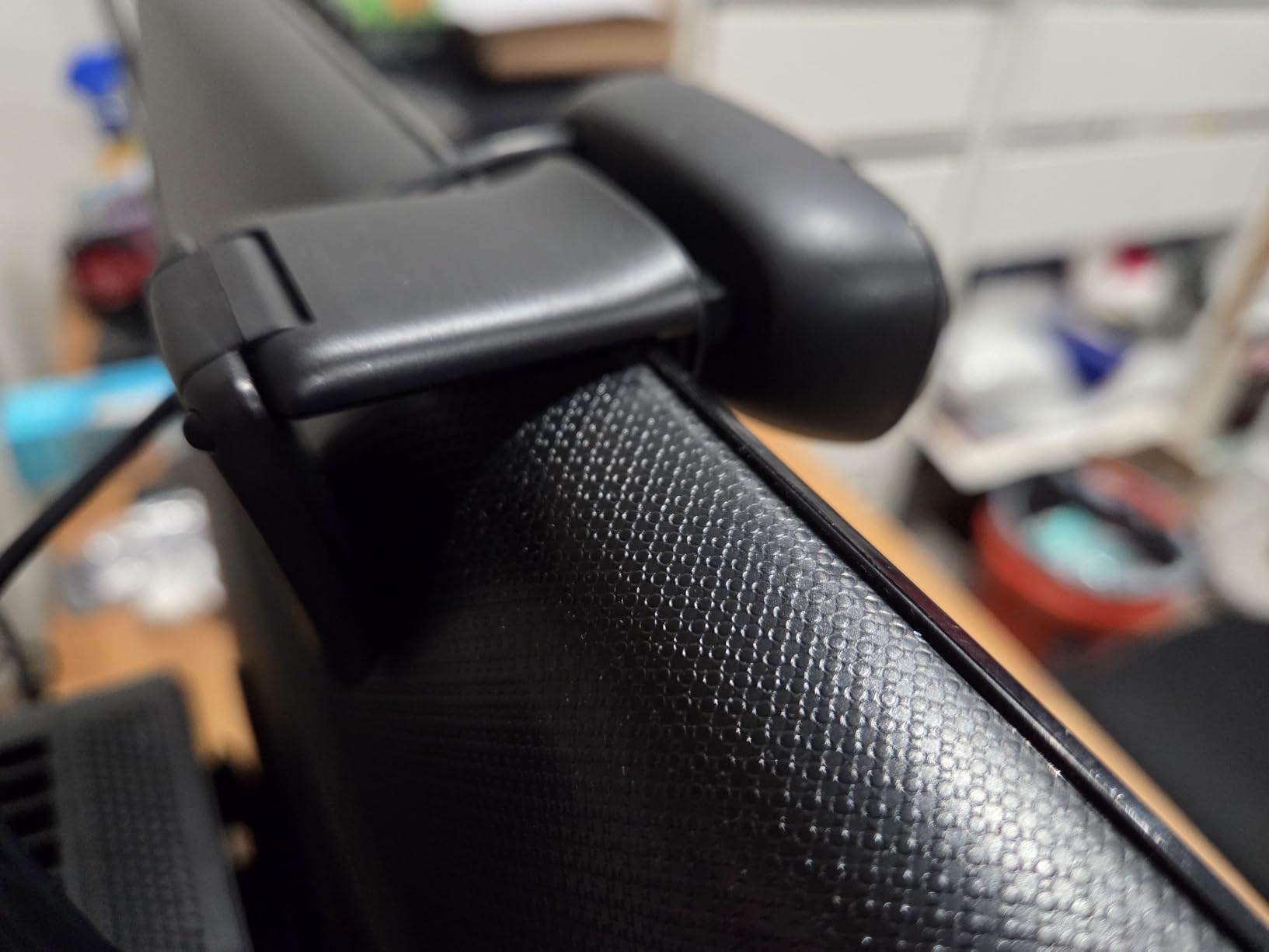
The 55-degree diagonal field of view is narrow by design. It frames one person tightly, which is fine for interviews and check-ins, but it is the wrong choice if you regularly share a whiteboard or sit with a colleague. At 720p the image is crisp enough at arm’s length and soft when you move back.
Fixed focus is the main limitation. It cannot refocus, so if someone walks through the background or you shift in your chair, the camera may settle on the wrong distance. Streaming is another weak spot, with owners reporting freeze frames in OBS.
Will a cheap 720p webcam beat your laptop camera?
Almost always, yes. Laptop cameras use small sensors and fixed exposure, so they struggle in anything other than a bright room. A 720p external camera with auto light correction will look cleaner in an evening call, which is when most people complain about their image.
What it will not do is fix bad lighting. A 720p camera pointed at a bright window behind you still shows a dark face. Angle the light toward you first.
Who should buy the C270?
Buy it if you are on a tight budget, you join a few calls a week, and you sit at a desk with steady lighting. It is also a sensible backup camera for a second computer or a shared office.
Pass on it if you present, teach in groups, or stream. Any of the 1080p cameras in this list is a large step up for very little more, and the 4K options are close enough in price to be worth a look.
3. EMEET C960 1080P Webcam – Best Wide View for Group Calls
EMEET C960 1080P Webcam with Microphone, 2 Mics, 90° FOV, Computer Camera
1080p at 30fps
90-degree wide lens
Two omni mics
2-year warranty
+ The Good
- Full 1080p in a compact body
- 90-degree field of view fits groups
- Removable privacy cover included
- Dual omnidirectional microphones
- A-to-C adapter in the box
- The Bad
- Fixed focus lens
- No Windows Hello support
- No built-in speakers
- Quality depends on room lighting
If your calls involve more than one person in frame, the lens angle matters more than the resolution. At 90 degrees the C960 fits two people comfortably or a small group at a table, and only a couple of cameras in this roundup open that wide. Owners rate it 4.4 across 2500-odd reviews and consistently mention the field of view first.
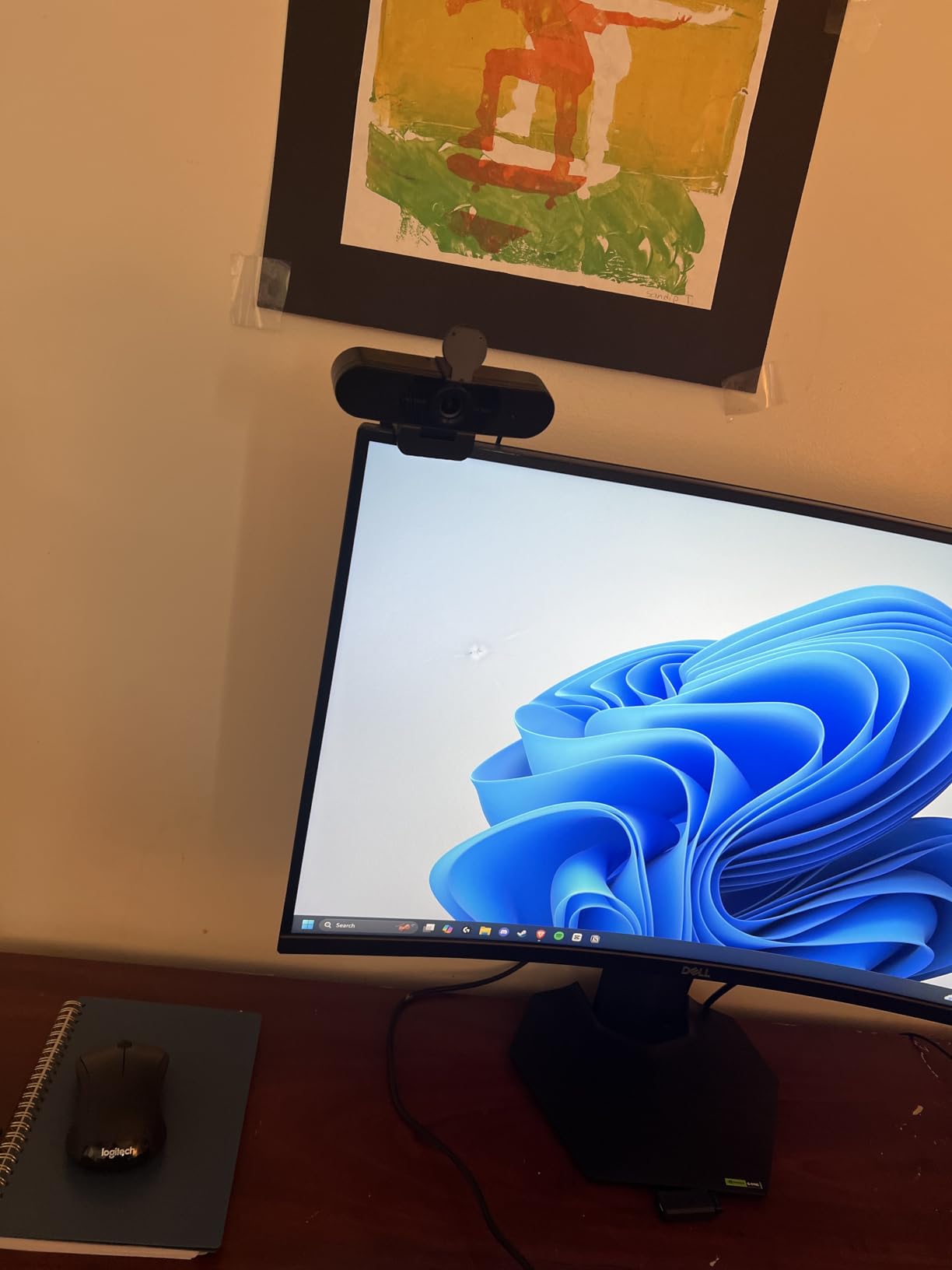
You also get a removable privacy cover in the box, which is unusual at this level and a genuine advantage for anyone working from a shared flat. Automatic exposure, colour and light adjustment keep the image stable as the room changes through the day.
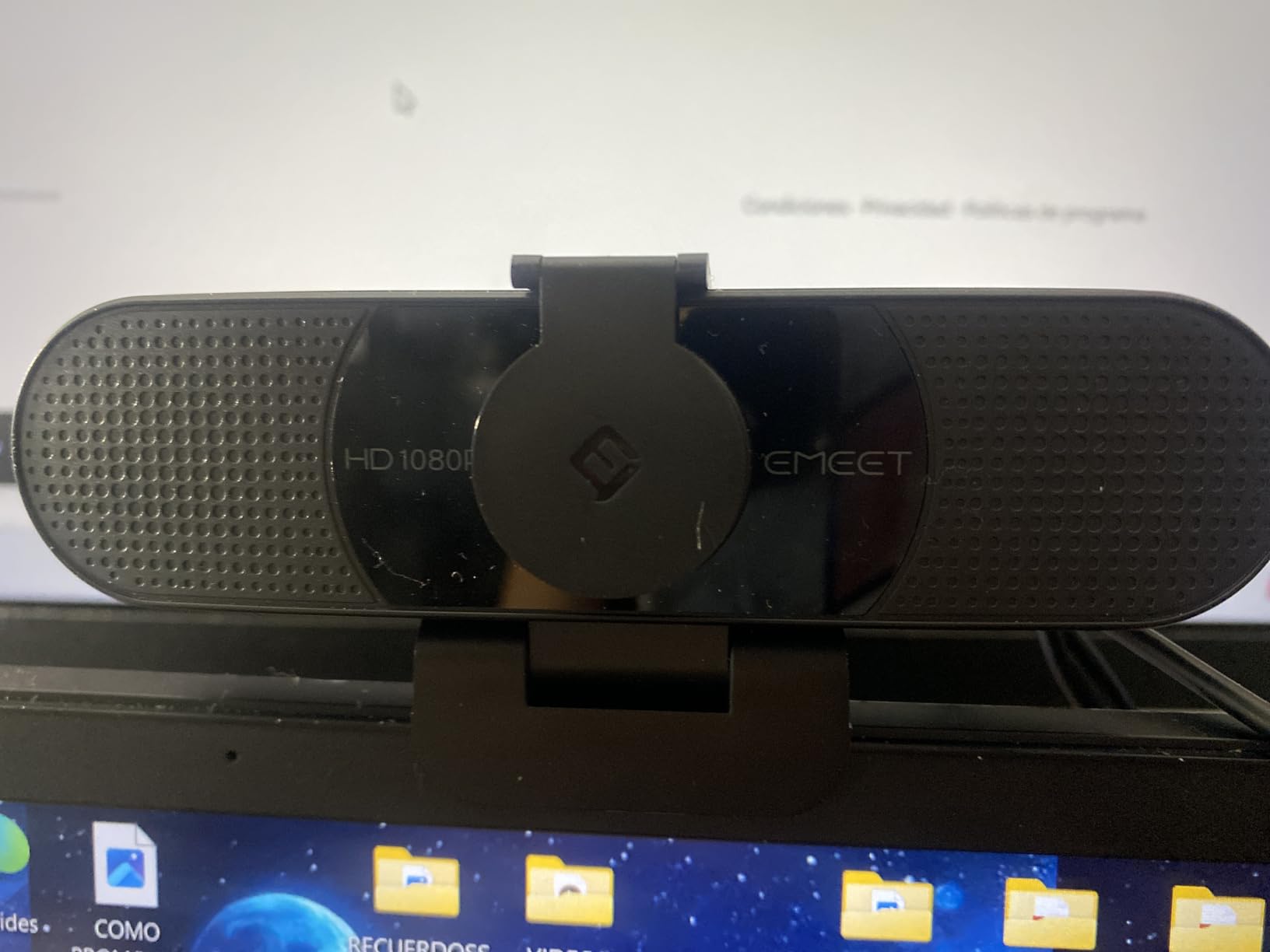
The two omnidirectional microphones cover a desk-sized area without directional pickup, which suits small group calls where the speaker moves. Image quality is 1080p at 30fps on a compact CMOS sensor with a five-layer anti-glare lens, and the fixed focus works from roughly 11.8 to 118.1 inches so you are not stuck at one distance.
Connection is USB Type-A with an A-to-C adapter included, and the listing states it works with Windows 10 and 11, macOS 10.14 and later, Zoom, Teams, FaceTime and Google Meet with no extra software.
Does a 90-degree field of view distort your face?
At 90 degrees there is some wide-angle stretching at the edges of the frame, but if you sit centred it is not noticeable. It becomes noticeable when you sit far to one side, which is a fair reason to move rather than to avoid the camera.
The benefit is that you stop cropping out the person next to you. On a 55-degree lens, a two-person call means one of you is half out of frame. On a 90-degree lens, both of you fit without digital cropping that would soften the picture.
Who should skip the C960?
Skip it if you need Windows Hello for face-recognition login, since it is not supported. Skip it if you want real autofocus, because the lens is fixed focus and will not follow movement.
Also skip it if you work in a dim room. Owners are candid that image quality depends heavily on good ambient lighting, and no amount of resolution fixes a dark sensor in a dark room.
4. EMEET S600 4K Webcam – Best 4K Option That Also Records 1080p60
EMEET S600 4K Webcam for Streaming, Sony 1/2.55” Sensor, PDAF Autofocus
Sony 1/2.55-inch 4K sensor
4K30 and 1080p60
PDAF autofocus
3.52 ounces
+ The Good
- Large Sony sensor handles dim rooms well
- PDAF autofocus is fast and stable
- 1080p60 mode for smooth video
- Dual noise-canceling microphones
- Integrated privacy cover
- The Bad
- Field of view fixed at 73 degrees in 4K
- Output resolution set in software
- No Windows Hello support
The S600 is the first camera here where the sensor, not the resolution, drives the result. A 1/2.55-inch Sony CMOS sensor gathers meaningfully more light than the small sensors used in most 1080p webcams, which is why the picture holds together in an evening call where cheaper cameras go grainy.
It also switches to 1080p at 60fps, which matters if your calls ever include anything motion-heavy, from screen sharing with video to teaching. Autofocus uses phase detection, which is quick and does not hunt the way contrast-based systems do when you lean in.
The field of view is the interesting feature. At 1080p you can narrow it between 40 and 73 degrees, so you can crop down to a head-and-shoulders framing that removes the clutter behind you. At 4K it locks to 73 degrees and gives no adjustment, which is a fair trade since 4K gives you room to crop later.
Auto light balance handles shadows and highlights, and the dual microphones include noise cancellation with an on and off control in the EMEETLINK app. There is an integrated privacy cover over the lens and a tilt and rotation mount that holds position.
Is a 4K webcam worth it for video calls?
Sometimes, and the reason is sensor size rather than pixel count. Zoom, Teams and Google Meet all compress what they receive, so the extra resolution of a 4K feed is largely thrown away in a normal call. What survives compression is how clean the original was.
So the honest answer is that a 4K webcam is not worth it purely for the number. It is worth it when a larger sensor comes attached, because that sensor produces a cleaner 1080p image as well. The S600 is one of the few cameras in this price range where that is true.
Who should skip the S600?
Skip it if you want a true plug-and-play experience with no software decisions. Output resolution has to be selected in the camera software or in an application such as OBS or PotPlayer, and several owners call that manual step out as a setup annoyance.
Skip it if you sit near a window and fight constant overexposure. Auto light balance helps, but no camera setting will rescue a badly placed key light. And skip it if Windows Hello login matters to you.
5. AOC 4K AC310 Webcam – Best Entry Route Into 4K Video Calls
AOC 4K Webcam for PC, Streaming Computer Camera with Noise-Canceling Mic
4K UHD capture
80-degree lens
Sliding lens cover
USB-C with adapter
+ The Good
- 4K resolution at a low price
- Sliding physical lens privacy cover
- Driver-free plug-and-play
- USB-C with USB-A adapter included
- Three-year manufacturer warranty
- The Bad
- Mounting and manual controls are basic
- Sensor size not stated for 4K mode
The AOC AC310 is the cheapest way to get a 4K signal into a call, and at this bracket the sliding lens cover is the standout feature. It is a physical shutter built into the body rather than a magnetic disc or an add-on panel, so it cannot get lost and you can confirm at a glance that the camera is off.
Owners rate it 4.5 across 600-odd reviews. The 80-degree wide-angle lens carries a 180-degree tilt and 360-degree swivel, so you can aim it at a whiteboard, angle down at notes, or swing it back to your face without moving the stand.
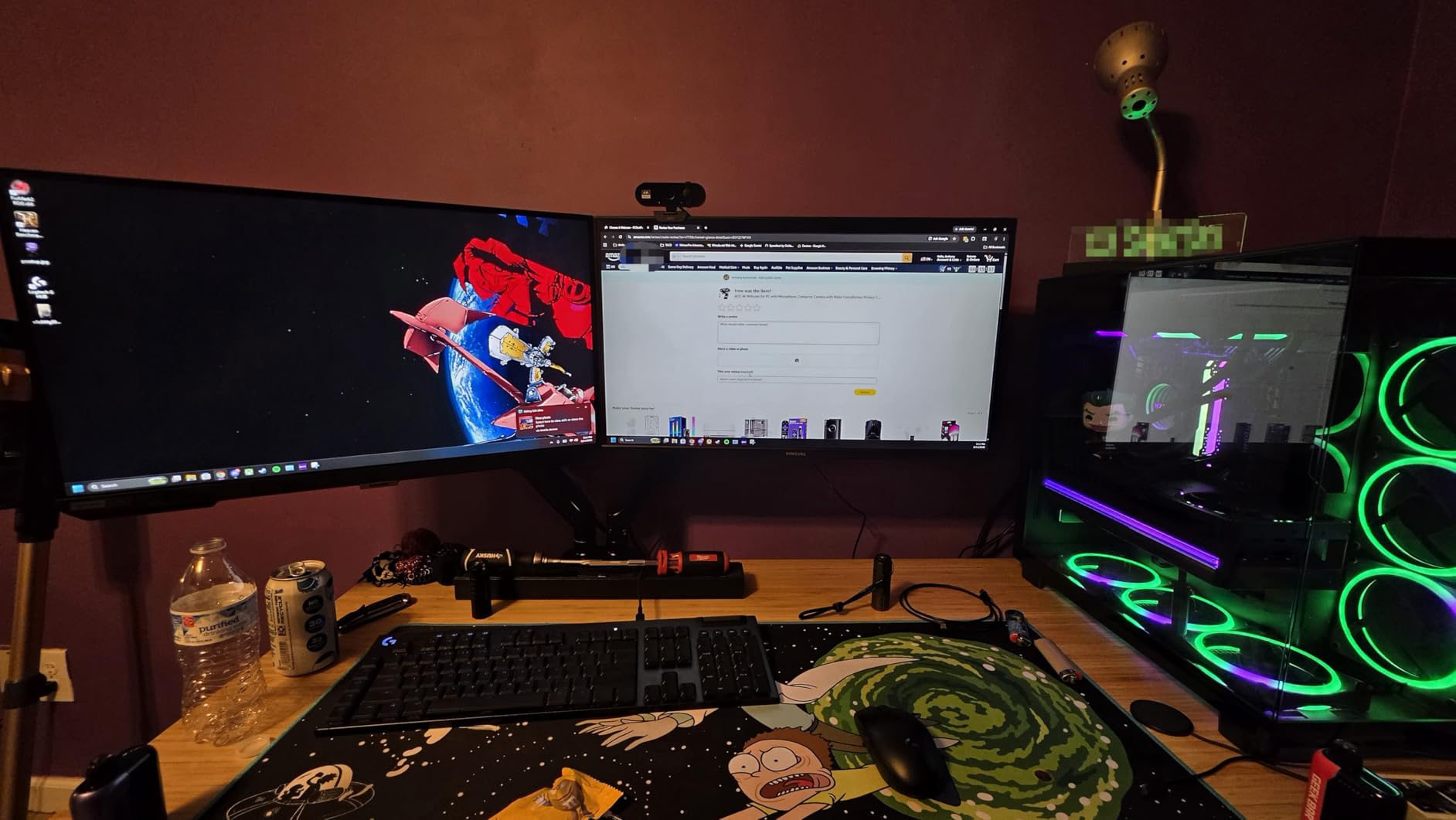
Setup is genuinely driverless. It connects over USB-C with a USB-A adapter in the box, and the listing states it works with Zoom, Teams and Skype out of the box. Automatic light correction and a built-in noise-reducing microphone cover the basics most people need.
The three-year manufacturer warranty is the longest in this roundup, which matters if the mount is going to be adjusted constantly. Several buyers mention that as the reason they kept it.
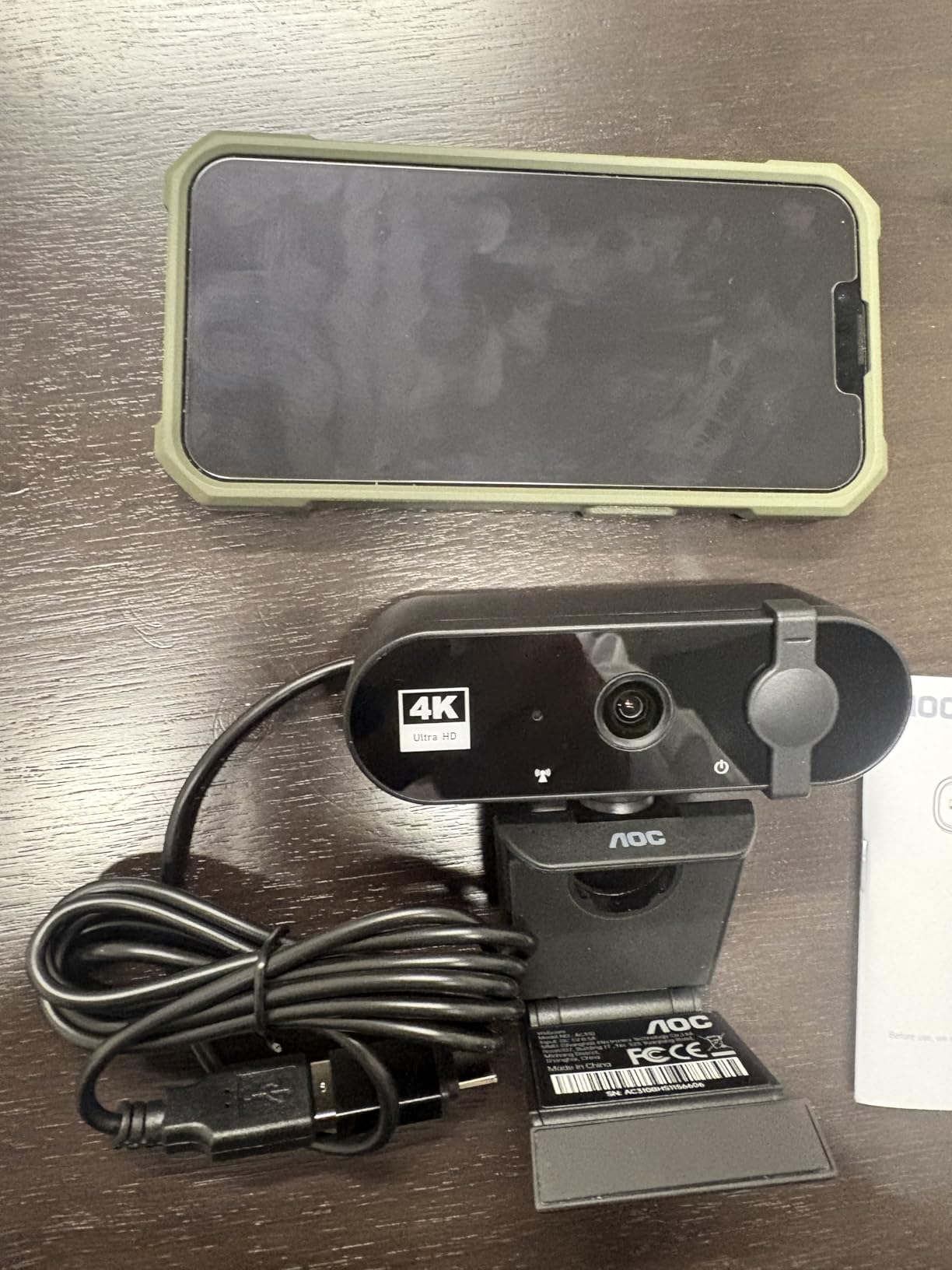
How good is 4K from a webcam with no stated sensor size?
Treat it as a spec sheet number rather than a promise. The listing does not specify the sensor size for its 4K mode, and sensor size is the factor that determines how the image behaves in low light. Expect a clean picture in a lit room and more noise in a dim one.
The practical benefit is headroom. Because the feed arrives at 4K, any compression your meeting platform applies has more detail to work with, and you can crop or reposition in software without losing definition. On a call where the platform caps you at 1080p, it mostly buys you flexibility rather than visible sharpness.
Who should skip the AOC 4K?
Skip it if you plan to fine-tune exposure, focus and colour. The manual controls are basic compared with anything here that ships a companion app, and reviewers describe mounting and manual adjustment as the weak point.
Also consider carefully if you already own a decent 1080p camera. At that point the money is often better spent on a microphone or a light. Our guide to earbuds for calls covers the audio side of that decision.
6. Acer A640 4K Webcam – Best for Noisy Rooms and Shared Spaces
Acer A640 4K Webcam with AI Noise Canceling Mic for Streaming Meetings
Sony 1/2.8-inch sensor
4K30 and 1080p60
PDAF autofocus
77.4-degree FOV
+ The Good
- Sony sensor gives accurate colour
- Phase detection focus locks instantly
- AI noise cancellation cleans up call audio
- Physical sliding privacy shutter
- Driver-free with USB-A to USB-C adapter
- The Bad
- No built-in speakers
- Best results still need a lit room
- Smaller review base than Logitech and EMEET
If your home office doubles as a kitchen, a playroom or a shared study, audio is usually the problem before video is. The A640 attacks that directly with AI noise cancellation on its built-in microphone, which filters out steady background sound like fans, traffic and keyboard noise during a call.
Video is well served by a Sony 1/2.8-inch CMOS sensor, which is one of the larger sensors at this price. It captures 4K at 30fps and 2K or 1080p at 60fps, with a 77.4-degree viewing angle and 4x digital zoom. Phase detection autofocus locks on without the hunting that bothers people who lean in and out.
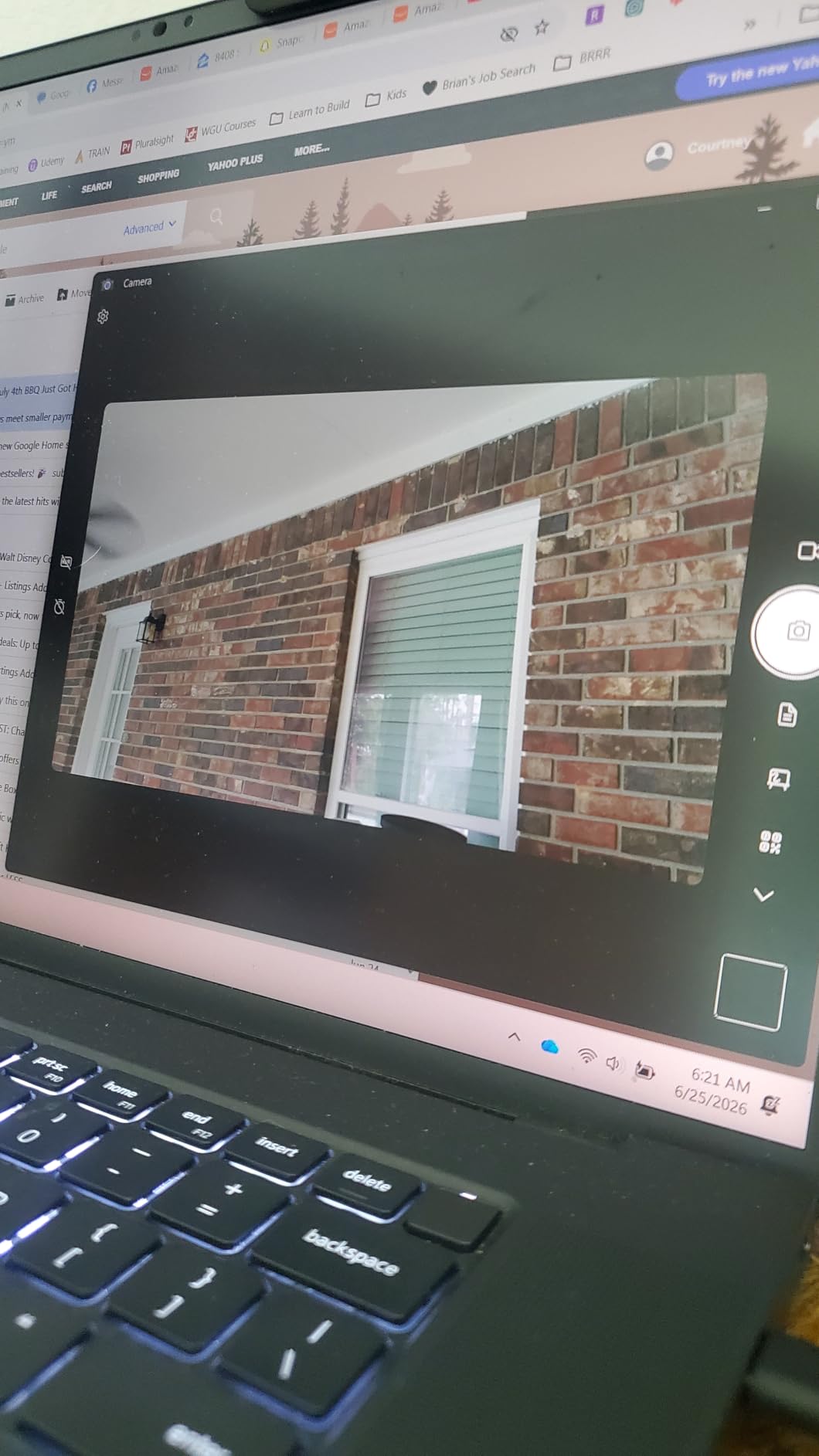
The privacy shutter is a physical slider that closes over the lens, which is the behaviour you want in a shared room. There is nothing to misplace, and you can see the shutter position from a normal seated distance. Automatic low-light correction and exposure adjustment handle evening use better than most cameras this size.
Setup is driverless plug-and-play with a USB-A to USB-C adapter included, and the listing states compatibility with Microsoft Teams, Zoom, Twitch and Switch 2. A two-year warranty is included.
How much does microphone noise cancellation actually help?
It helps most with constant, low-level sound. Steady hum from a fan, an air conditioner or distant traffic is what filtering algorithms are good at removing. Sudden sounds like a barking dog or a slammed door are much harder, and no built-in microphone handles those well.
The honest expectation is that it makes you easier to hear, not that it makes you sound like a studio. If you already own a separate USB microphone, use it and keep this camera’s mic switched off in your meeting app.
Who should skip the A640?
Skip it if you want confidence backed by years of owner history. At 4.5 stars across roughly 475 reviews the feedback is strongly positive, but it is a much thinner base than the Logitech models in this roundup, and long-term reliability reports are limited by definition.
Skip it if your room is dark. Reviewers are consistent that the best results still come from a well-lit environment, and this camera does not change the physics of a dark room.
7. EMEET C60E Dual-Camera 4K Webcam – Best for Presenters Who Zoom In and Out
EMEET C60E Dual-Camera 4K Webcam for Streaming, Wide-Angle & Telephoto
Dual wide and tele lenses
1x to 11x hybrid zoom
PDAF autofocus
USB-A with tripod mount
+ The Good
- Two lenses give flexible framing without moving the camera
- 11x hybrid zoom with stable focus
- Remote control for hands-free adjustment
- Dual microphones with wide pickup
- RGB accent lighting shows active status
- The Bad
- Zoom unavailable in 4K and 60fps modes
- No Windows Hello support
- RGB lighting is decorative
This is the only camera in the roundup with two lenses on a shared 1/2.8-inch 4K sensor, one wide and one telephoto. In practice that means you can frame a whole whiteboard and then push in to your face without physically moving the camera or touching focus. For teaching, demos and product walkthroughs, that removes the most annoying part of presenting.
Hybrid zoom runs from 1x to 11x with phase detection autofocus holding the subject steady as you zoom. The included remote control lets you adjust framing mid-call, which matters because the alternative is leaning into the desk every time you want a closer shot.
Two omnidirectional microphones cover a 9.8-foot pickup radius, so a small room conversation works without a separate mic. EMEET STUDIO handles brightness, focus and the RGB accent lighting, which doubles as an active status indicator so colleagues can see you are live.
Connection is USB 2.0 Type-A plug-and-play with a 1/4-inch tripod mount, and owners confirm it works with OBS, Twitch, YouTube and Facebook out of the box. Capture modes cover 4K at 30fps, 2K at 30fps and 1080p at 30 or 60fps.
When does zoom matter more than a wider lens?
Zoom matters when you need to be both wide and close in the same session. A whiteboard explanation followed by a detail discussion is the clearest case, as is a hands-on demo where you want the camera to follow you between the desk and the wall behind it.
If your calls are conversations, zoom adds nothing you will use. A single wide lens with good autofocus serves that better, and the money is better spent elsewhere in this list.
Who should skip the C60E Dual?
Skip it if your main output is 4K or 60fps capture, because zoom is disabled in those modes. You get one or the other, not both, and several reviewers flag this directly.
Skip it if you rely on Windows Hello, and skip it if you were hoping the RGB lighting would solve a dark room. It is an accent light, not a key light, and owners describe it as decorative.
8. Acer 4K Aluminum Webcam – Best Build and Best Sensor for the Money
Acer 4K Webcam for PC/Mac with All-Metal Unibody Sculpted, Sony 1/2″ Sensor, PDAF, 2 Noise Reduction Mics, Privacy Cover for Switch 2/Zoom/Teams/Facetime/YouTube/Google Meet
Sony 1/2-inch 4K sensor
83-degree FOV
50 grams
USB-C with adapter
+ The Good
- Largest sensor here for clean low-light 4K
- CNC-machined aluminum body stays cool
- Mics pick up voice from 2.5 meters
- Light at 50 grams so it travels easily
- True plug-and-play on PC and Mac
- The Bad
- Magnetic privacy cover stores separately
- Only a one-year warranty
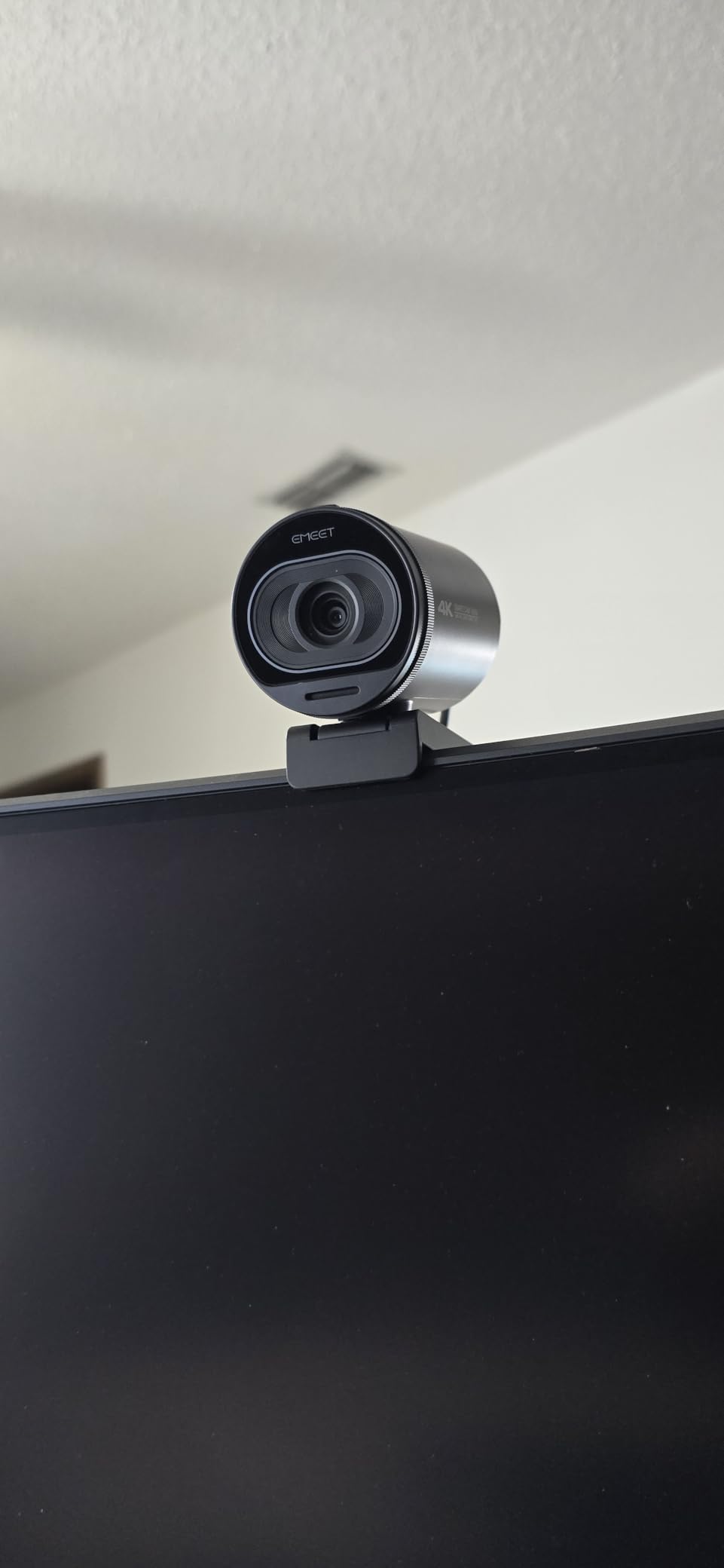
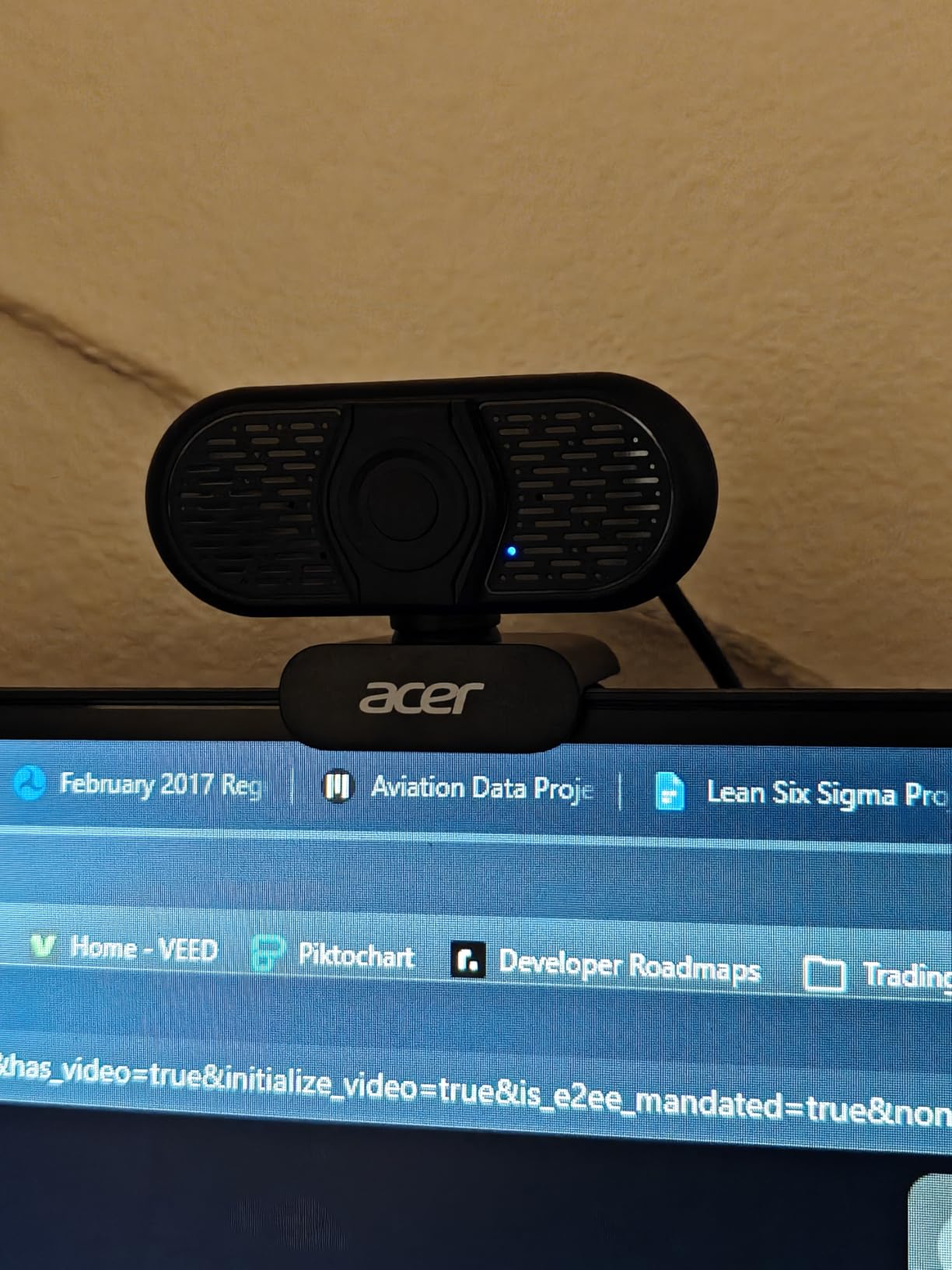
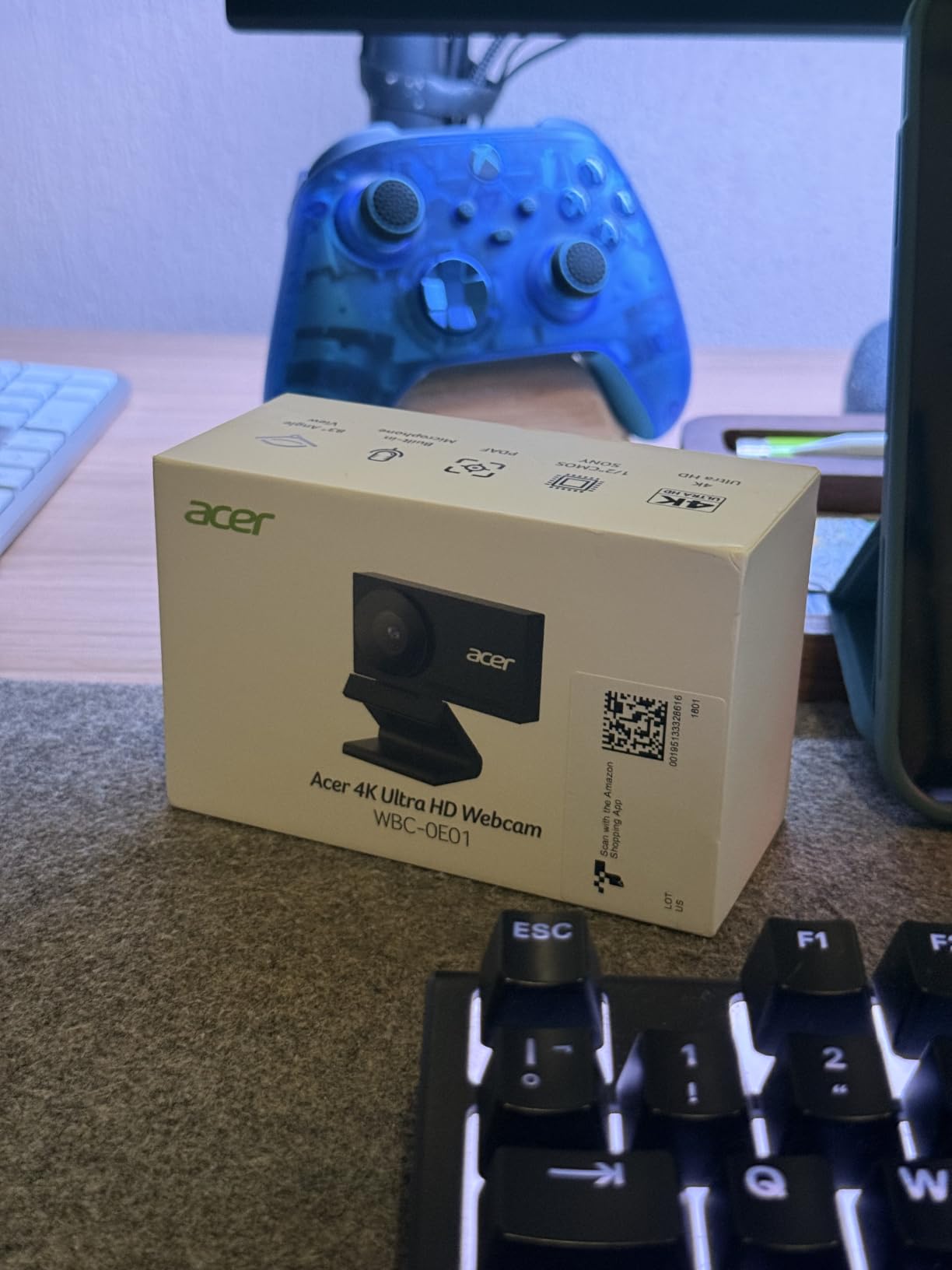
The Sony 1/2-inch sensor is the headline. Nothing else in this roundup uses a sensor that size, and it is the reason this camera produces a low-grain 4K image in dim rooms where the others visibly struggle. If your calls happen after dark, that difference shows up on the first meeting.
The second headline is the body. It is CNC-machined aerospace-grade aluminium with a sandblasted matte finish, and it stays cool during long calls. At 50 grams it is light enough to move between a home monitor and a laptop in a bag without thinking about it, which suits people who work from more than one place.
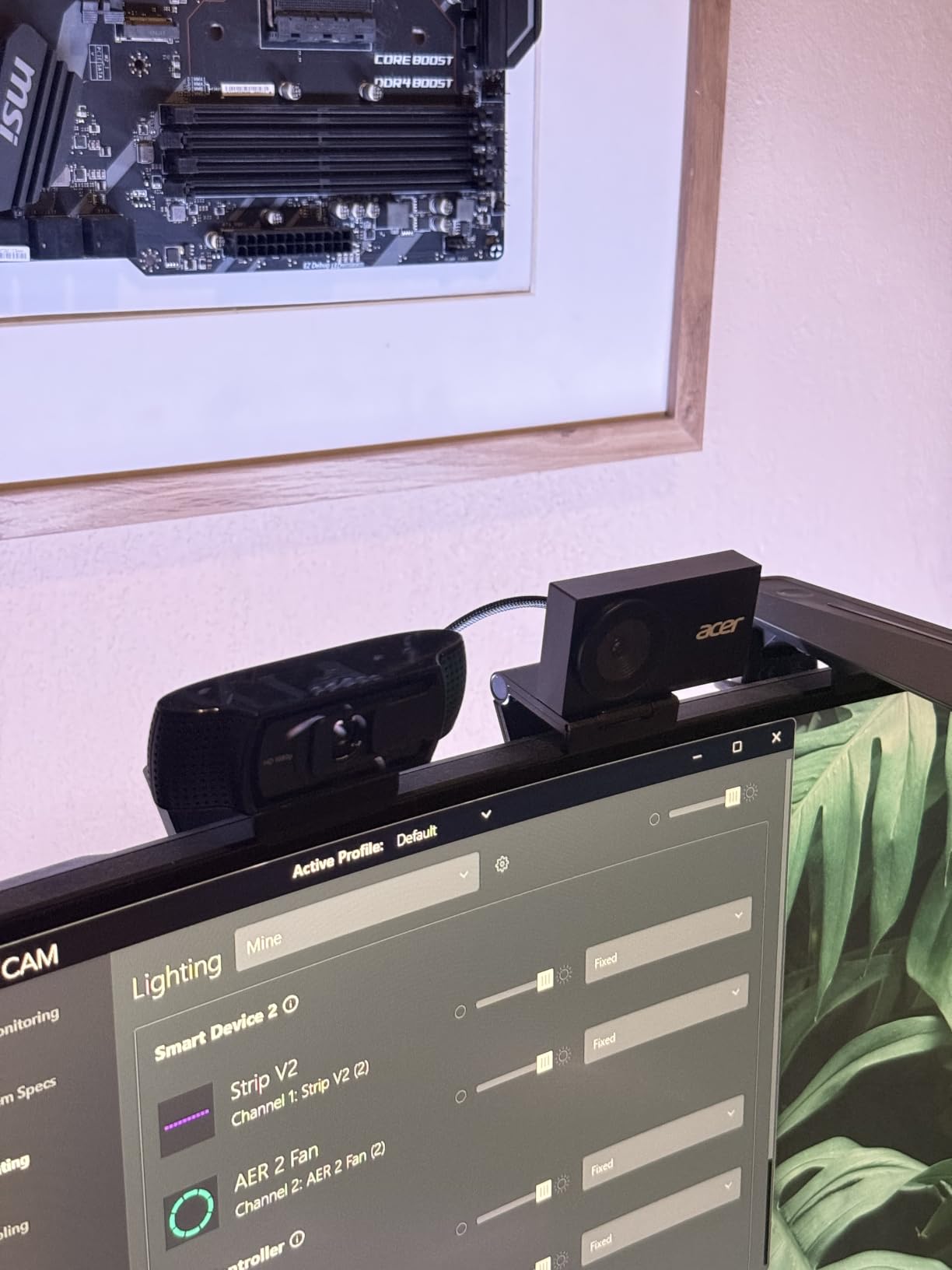
Autofocus is phase detection, so it refocuses quickly when you move rather than drifting. Two high-sensitivity digital microphones capture voice from up to 2.5 metres with noise filtering, which covers a large room without extra gear.
The privacy cover is a magnetic disc held by 12 built-in magnets, so it stays on when you fit it. It does detach for storage, which is the one complaint owners raise repeatedly. Connection is USB-C with a USB-A adapter and no drivers, and the listing states it works with Windows, Mac, ChromeOS and Switch 2.
Does sensor size matter more than resolution?
For image quality on a call, yes. Resolution tells you how many pixels exist. Sensor size tells you how much light those pixels can gather, and how much grain appears when there is not enough. A large sensor at 4K looks better than a tiny sensor at 4K in every condition except bright daylight.
This is also why a 4K webcam is not automatically better than a good 1080p one. If the 4K model has a small sensor and the 1080p model has a large one, the 1080p camera can produce the better-looking video. Check the sensor size before you check the resolution number.
Who should skip the Acer all-metal 4K?
Skip it if you need a warranty longer than a year. A two-year or three-year term is more typical in this category, and the Acer includes only one. For a device that stays plugged in beside a monitor, that is a real consideration.
Skip it if a detachable privacy cover worries you. It is held by magnets and works well, but a small round disc that has to live somewhere when the camera is in use is easier to lose than a slider built into the body.
9. NexiGo N680E Pro 4K Webcam – Best Built-In Ring Light Option
NexiGo N680E Pro 4K Webcam with Ring Light, PDAF Autofocus, 1080p 60FPS, Dual Noise-Canceling Mics, Privacy Shutter, USB Plug-and-Play for Zoom, Teams, Twitch, Google Meet
Sony 1/2.5-inch 4K sensor
4K and 1080p60
Built-in ring light
0.22 kg
+ The Good
- Coated Sony 1/2.5-inch 4K sensor
- Bright tri-tone ring light with stepless dial
- PDAF autofocus stays stable
- Dual noise-reducing microphones
- Privacy shutter plus tripod mount
- The Bad
- Output resolution depends on capture software
- Switch 2 use needs your own adapter
- Heavier than most plastic cameras here
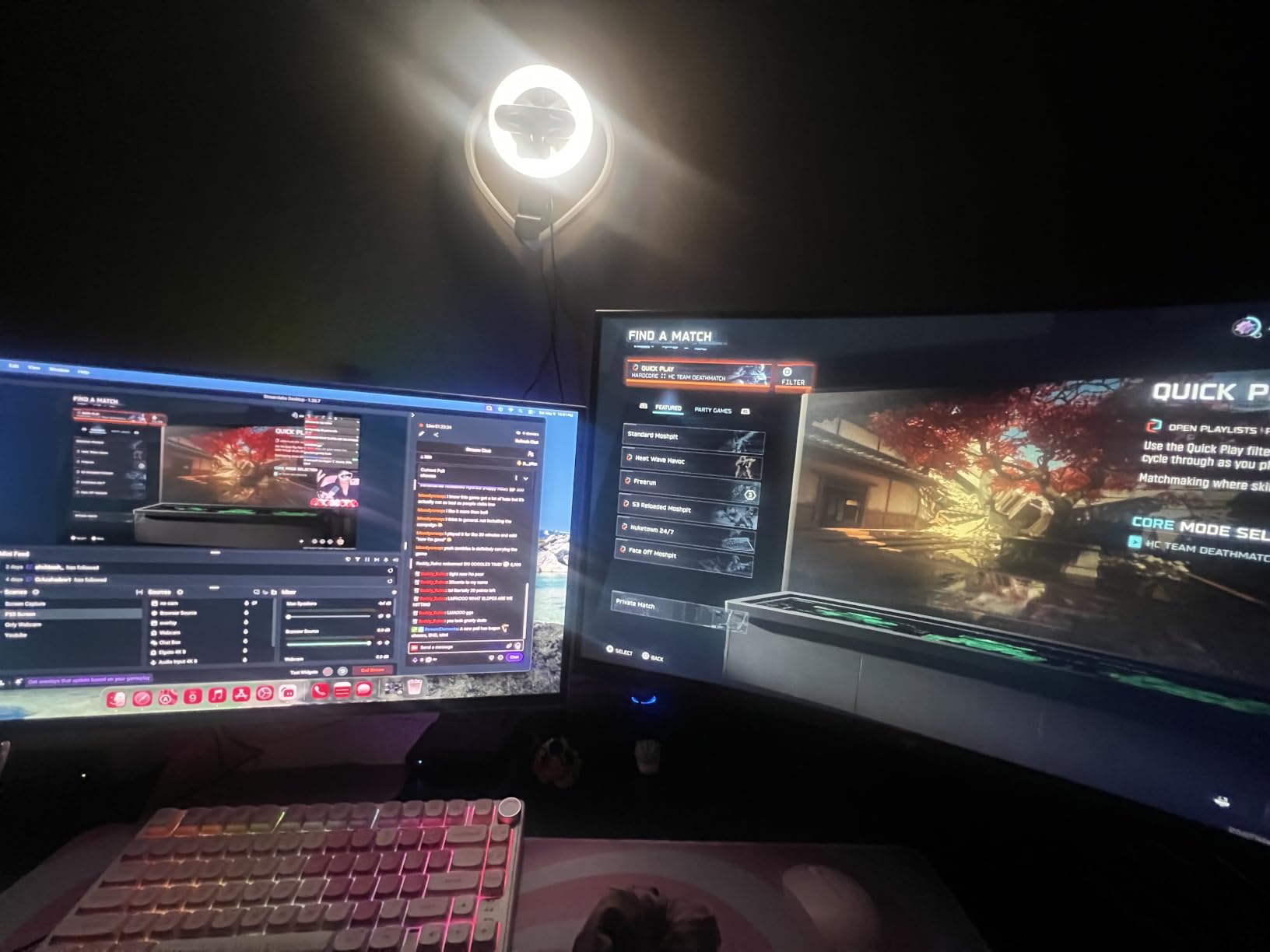
The N680E Pro solves the problem that stops most people from buying a webcam at all: they set it up, look dim on screen, and conclude the camera is bad. This one has a tri-tone ring light built in, with a stepless brightness dial and three colour temperatures, so you can fix the lighting without buying anything else.
Owners describe the ring light as brighter than typical webcam-integrated lights, which matters because a faint ring light that cannot overcome a dim room is decoration rather than a tool. The coated lens on the 1/2.5-inch Sony 4K sensor boosts light transmission and reduces reflections on the image.
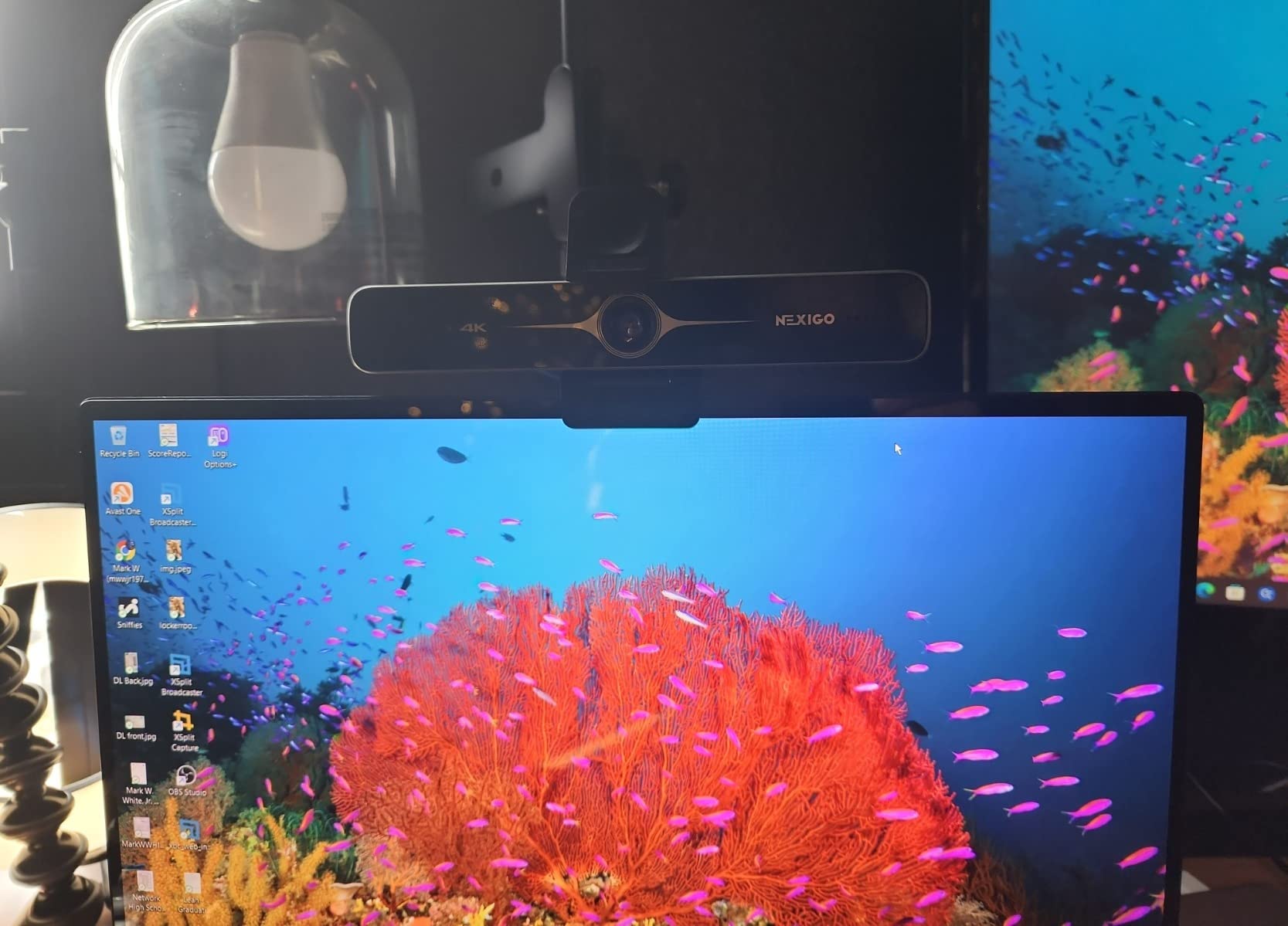
Beyond the light, this is a capable camera. It captures 4K and 1080p at 60fps, uses phase detection autofocus that stays stable, and includes dual noise-reducing microphones for call audio. The privacy shutter is integrated, and the 80-degree tilting clip plus 1/4-inch tripod mount give you real placement options.
Connection is USB-A plug-and-play, and the listing states compatibility with Switch 2, Windows, macOS and ChromeOS. Video capture supports 16:10 as well as 16:9, which is useful if you present wide material.
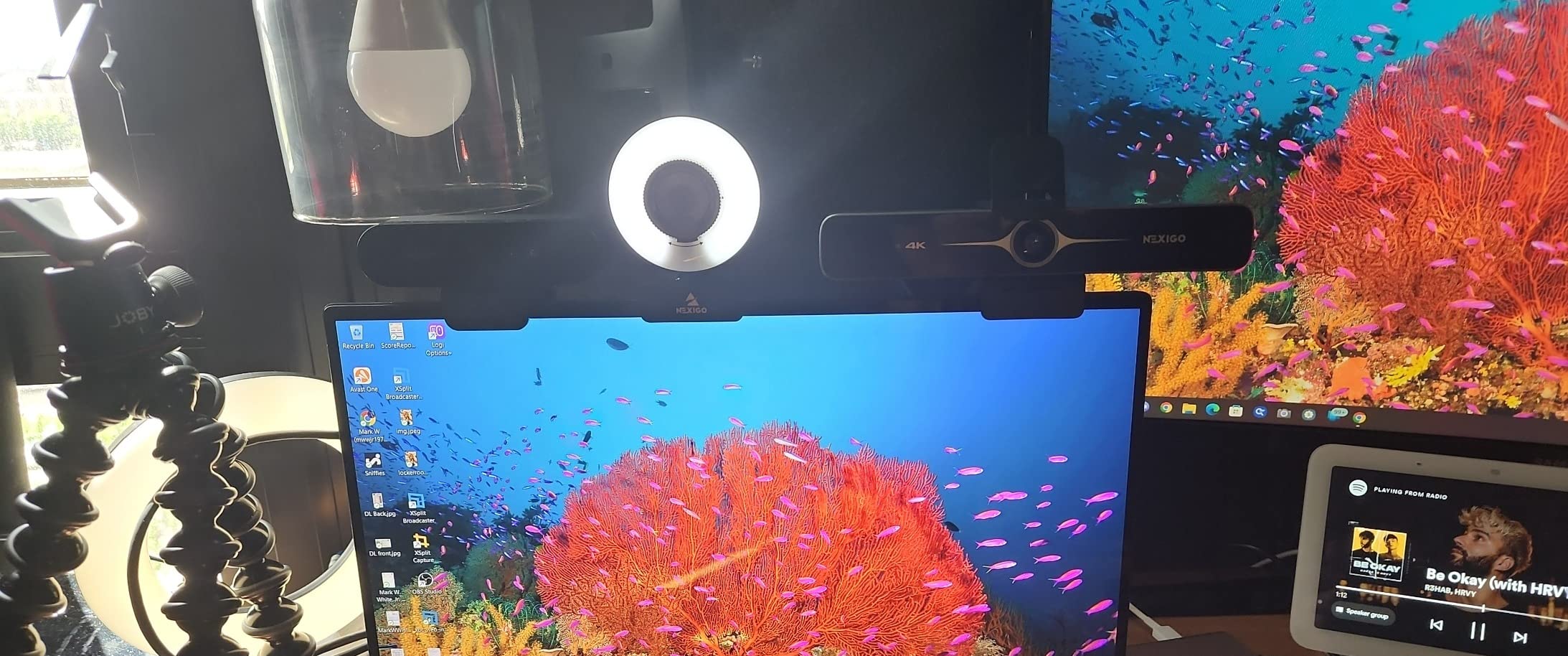
Are built-in ring lights worth it compared with a desk lamp?
For convenience, yes. A ring light is always in the right place, always the right distance, and travels with the camera. That removes the single biggest reason people look bad on calls.
For raw control, a separate desk lamp still wins. You can move it to fix a shadow from your monitor or angle it away from a window, which no fixed ring can do. If your lighting problem is directional rather than a general lack of light, the lamp is the better tool.
Who should skip the N680E Pro?
Skip it if you want everything decided for you at plug-in. Output resolution has to be chosen in capture software such as OBS or PotPlayer, which several owners mention as an extra step they did not expect.
Skip it if you travel with a Switch 2, because the USB-C to USB-A adapter is not included. And skip it if you move your camera between devices constantly: at 0.22 kg it is noticeably heavier than the plastic cameras here, which is fine on a desk and noticeable in a laptop bag.
10. Logitech C920e HD 1080p Webcam – Best for Certified Corporate and Zoom Setups
Logitech C920e HD 1080p Mic Enabled Webcam Certified Zoom Microsoft Teams
1080p at 30fps
78-degree FOV
Dual omni mics
Zoom certified
+ The Good
- Reliable 1080p image in professional meetings
- Two mics mean no extra hardware for calls
- Certified for Zoom and TAA compliant
- Attachable privacy screen included
- Adjustable clip plus tripod thread
- The Bad
- Privacy screen is an attachment rather than built in
- Clip less stable on some monitors
The C920e is the C920 family built for organisations that have to prove something. It is certified for Zoom and TAA compliant, which matters when IT or procurement is involved, and long-term owners report it still works after years of daily meetings on Teams.
Video is 1080p at 30fps with a 78-degree fixed field of view, which balances a single user with enough room to share a document. HD autofocus with automatic light correction handles the common failure mode of a meeting that runs into the evening.
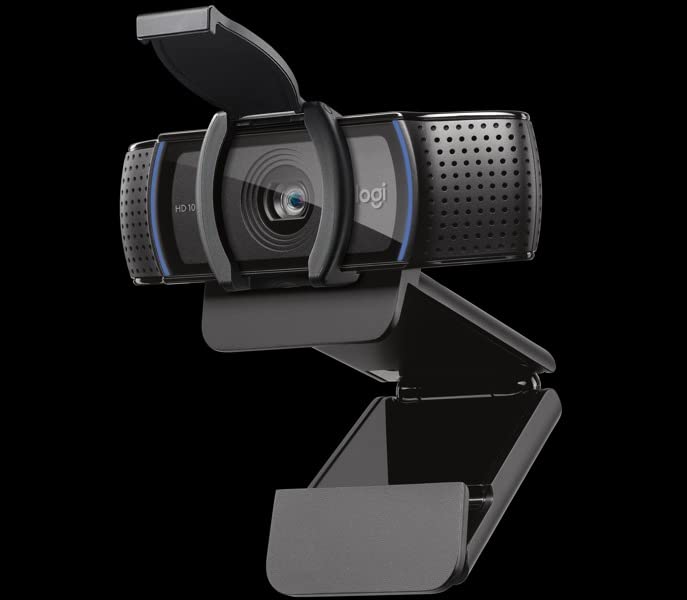
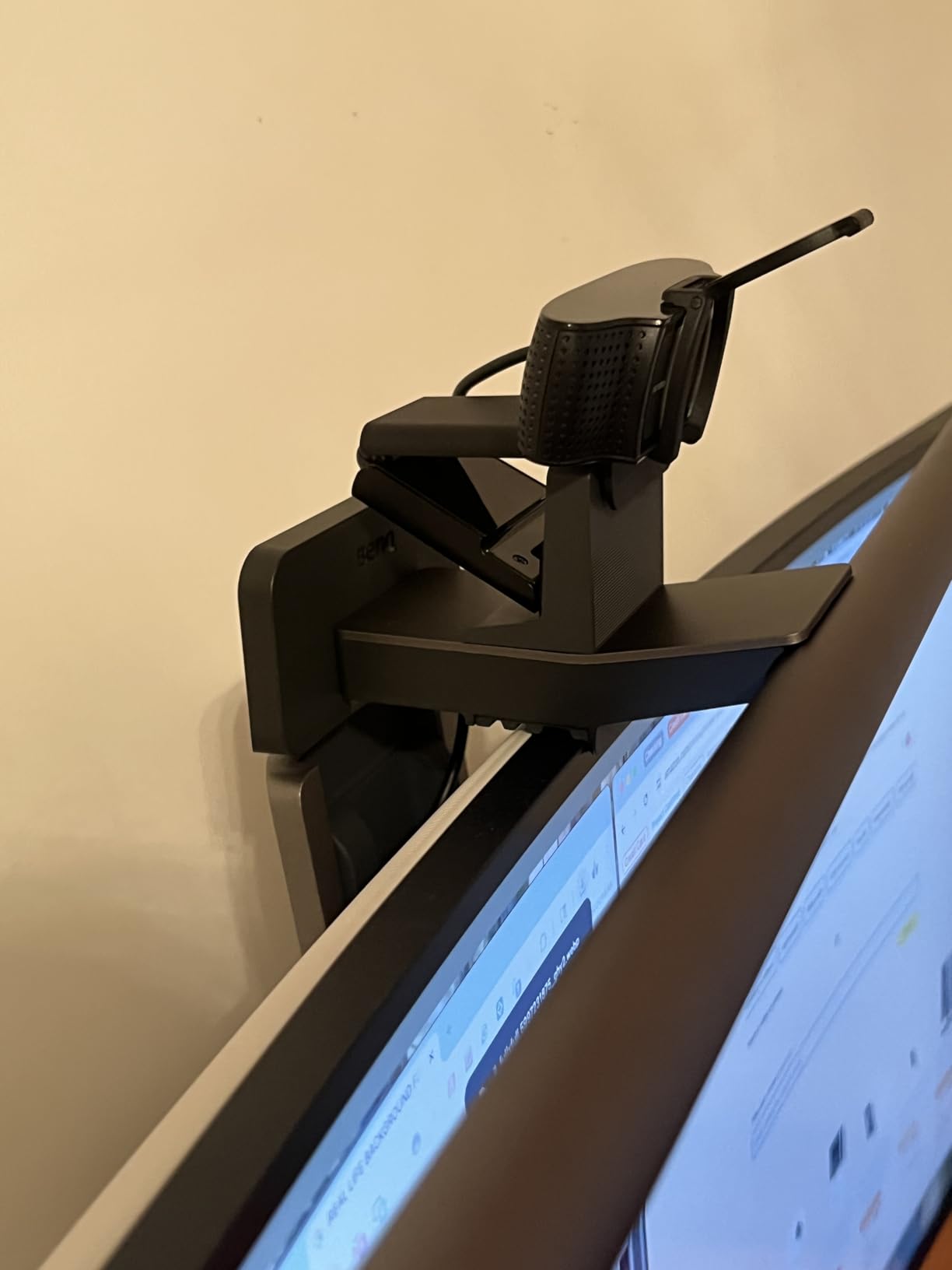
Two integrated omnidirectional microphones capture clear audio from about one metre, so most desks need nothing else. The attachable privacy screen flips up and down and is easy to confirm at a glance, which is reassuring in a shared space even though it is an accessory rather than an integrated shutter.
Mounting is a sturdy adjustable clip for laptops and monitors, with 1/4-inch tripod threads underneath for anyone who would rather use a stand or an arm. The listing states it works with Microsoft Teams and other calling apps alongside Zoom.
Is a certified webcam worth more than an uncertified one?
Only in specific situations. If your employer requires Zoom certification, TAA compliance or has a managed device policy, buying outside that list can create a support problem that has nothing to do with image quality. Certification removes that risk.
For an individual buyer at home, it makes no visible difference. The picture is 1080p because the platform compresses it to 1080p, not because the camera is certified. Judge it on sensor, autofocus and field of view instead.
Who should skip the C920e?
Skip it if you are on a Mac mini or a USB-C-only laptop and want a native USB-C cable. This connects over USB, so you may need an adapter depending on your ports, and that is a recurring question in Mac-focused communities.
Skip it if you want 4K detail or a wide group frame. It also shares the C920 family weakness of a relatively small sensor in low light. For rooms that are dark after sunset, one of the larger-sensor models in this list is the better buy.
How to Choose a Webcam for Video Calls
Spend ten minutes on these seven points and you will pick correctly for almost any setup. Skip them and you will probably overpay for resolution that your meeting platform discards anyway.
Resolution and sensor size are not the same thing
Resolution tells you the width of the image. Sensor size tells you how much light it collects. For calls, sensor size is the more revealing number, which is why the Acer models with 1/2-inch and 1/2.8-inch Sony sensors hold up better in dim rooms than higher-resolution cameras with smaller sensors.
Match resolution to platform. Zoom, Teams and Google Meet all compress incoming video, so 1080p is effectively the ceiling in a normal call. Pay for 4K when you record, crop, or present detailed material, not for the sake of the number.
Field of view: how many people fit in frame
This is the most under-considered spec for video calls, and the quickest way to a better call. A 55 to 65 degree lens frames one person. A 78 degree lens covers one person with headroom plus part of a desk. A 90 degree lens fits two people or a small group.
Beyond 90 degrees, wide-angle distortion stretches faces near the edges of the frame. That is fine for a wide group shot but unpleasant for a one-to-one, so match the angle to the number of people you actually put in front of the camera.
Low light decides whether you look professional
Dim rooms are the most common complaint about laptop cameras, and they produce grain, colour casts and blown highlights. Look for auto light correction, auto exposure, and a physically larger sensor. Then fix the room: put a light in front of you, not behind you, and turn your monitor brightness down.
If your evening calls are the problem, a camera with a ring light such as the NexiGo, or a large sensor such as the Acer all-metal 4K, will help more than any resolution increase.
The microphone reality check
Built-in webcam microphones are fine for a desk at about a metre and are the reason these cameras include two of them. They will not beat a dedicated USB microphone, and many people who already own one choose to keep using it and mute the camera mic in the meeting app.
Check two things if you rely on the built-in audio: stated pickup distance, and whether noise cancellation is included. The Acer all-metal model claims 2.5 metre pickup and the Acer A640 adds AI noise cancellation for busy rooms.
Privacy, mounting and platform compatibility
Privacy varies more than any other feature in this list. The EMEET C960, Acer A640, AOC 4K and NexiGo N680E Pro have a physical cover in the box. The Acer all-metal 4K uses a magnetic disc that detaches. The C920x has none, and the C920e’s screen is an attachment.
Mounting causes more returns than image quality does. Monitor clips wobble, laptop-lid mounts are unstable on thicker machines, and tripod threads vary in standard. Check whether the camera has a 1/4-inch thread if you plan to use a stand.
For connection, every camera here is USB-A or includes an adapter, and the Acer all-metal model is native USB-C. For platforms, all of them are listed as working with Zoom, Teams and Google Meet without extra software, but Windows Hello is unsupported on several models, which matters if you use face-recognition login.
Setup and positioning make a bigger difference than the model
Five steps fix most bad calls. Raise the camera to eye level, because a laptop camera angled up at you is unflattering in a way people rarely notice until they see the recording. Put your main light in front of you. Get close enough that your face fills a reasonable share of the frame. Turn off any ring light behind you that competes with your face. And check your background once, before the meeting, rather than during it.
Then do a quick test call with someone else. A record-and-watch loop shows autofocus hunting and audio problems far faster than staring at your own preview.
Frequently Asked Questions
What are the best webcams for video calls?
For most people the Logitech C920x is the best webcam for video calls because it pairs a sharp 1080p image, dependable autofocus, automatic light adjustment and dual microphones at a price that undercuts the alternatives. If you need a wider frame for two people, the EMEET C960 covers that. For dim rooms, a larger sensor matters more than resolution, so the Acer all-metal 4K is the pick.
Is a 4K webcam worth it for video calls?
Only sometimes, and usually for the sensor rather than the resolution. Zoom, Teams and Google Meet compress incoming video, so extra pixels are largely discarded in a normal call. A 4K camera earns its place when it carries a physically larger sensor, because that also improves the 1080p image you actually send. Pay for 4K when you record or present detailed material, not for the headline number.
What resolution do I need for Zoom and Teams calls?
1080p at 30fps is the practical ceiling for Zoom, Microsoft Teams and Google Meet calls, because all three compress the video they receive. That makes a good 1080p camera with a decent sensor the right target for most people. Choose 4K if you also record, crop, or share detailed on-screen material where extra detail survives.
Are webcam microphones good enough for video calls?
Yes, for most desks. The cameras in this roundup use dual microphones and typically pick up clear voice from around one metre, which covers a home office. They will not replace a dedicated USB microphone. If you already own one, keep using it and mute the camera microphone in your meeting app so the two do not fight.
Why does my webcam look bad on video calls?
The most common causes are a dim room, a light behind you, and a low-resolution built-in laptop camera. Move your main light in front of your face, get close to the camera, and raise it to eye level. If the image is still soft or grainy, an external webcam with a larger sensor and automatic light correction fixes it more reliably than any software setting.
Do I need a webcam with a privacy shutter?
If you share a room or a flat, yes. A physical cover is the only reliable way to know the camera is off. In this roundup the EMEET C960, Acer A640, AOC 4K and NexiGo N680E Pro include one in the box. The Acer all-metal 4K uses a magnetic disc that detaches, and the Logitech C920x has no physical cover at all.
Room-scale cameras are a different category entirely, and if you are setting up a meeting space for more than a couple of people rather than a home desk, our conference room webcam picks cover that ground separately.
The Bottom Line: Best Webcams for Video Calls in 2026
The Logitech C920x is our pick for most people. It carries the largest review base in this roundup by a wide margin, a 4.6 rating, and it handles the things that actually show up on a call: consistent 1080p, autofocus that holds, and audio that works without extra hardware.
Buy the EMEET C960 if two people need to fit in frame or you want a privacy cover in the box. Buy the Acer all-metal 4K if your calls happen in a dim room, because its 1/2-inch sensor is the difference between a clean image and a grainy one. Buy the Logitech C270 if the whole budget is small, and buy the AOC 4K if you want a 4K feed with a sliding privacy cover at the lowest outlay.
And before any of them, fix your lighting. Every owner in every home office discussion we read said the same thing: a light pointed at your face changes how you look on a call more than any camera in this list.