
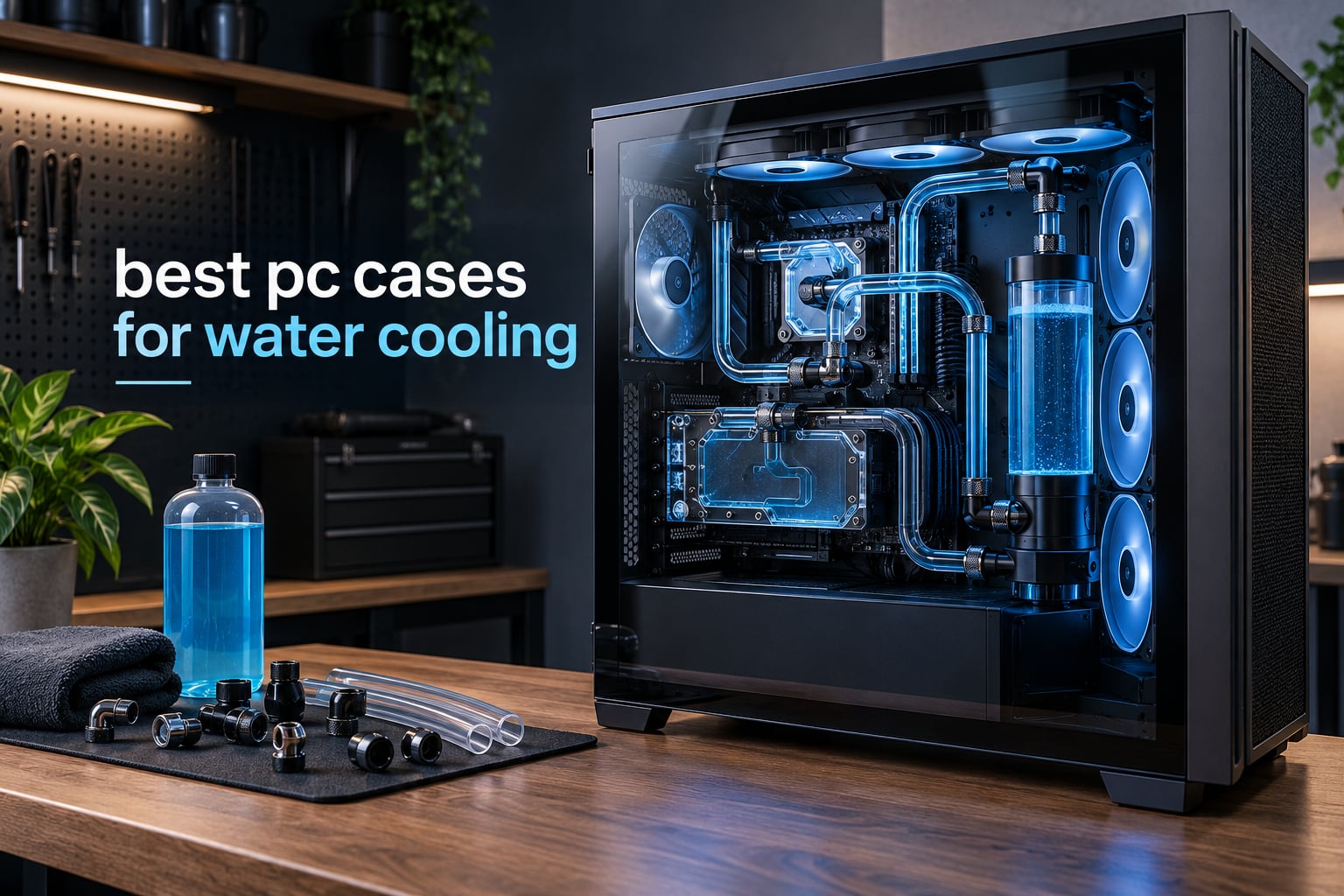
Choosing the best pc cases for water cooling is less about the case itself and more about the space it leaves for a radiator, a pump or reservoir, and enough slack in the tubing to make a hard-line run possible. Get that clearance wrong and the cooling hardware ends up sitting a fraction of an inch from the GPU backplate or the motherboard header block, which turns a weekend build into a weekend of replanning.
We went through twelve chassis that reviewers have actually built water-cooled systems inside, rather than just spec sheets. That meant reading the recurring complaints in the reviews: tight top mounts, fans that block the CPU power header, cases advertised as custom-loop ready that offer nowhere to mount a pump, and vertical GPU brackets that quietly eat the radiator space you bought the case for.
Below you will find a ranked list that runs from a full tower built for dual loops down to budget mid-towers that handle a 360mm AIO and nothing more ambitious. We have also split the picks by cooling type, because the best pc cases for water cooling for an all-in-one cooler and the best chassis for a hard-tube custom loop are rarely the same box. If you are still assembling the loop, our leak testing equipment guide covers the step that catches problems before they stain your floorboards.
Top 3 Picks for the Best PC Cases for Water Cooling in 2026

Fractal Design North XL
- › Front radiators up to 420mm
- › top up to 360mm
- › GPU clearance 413mm
- › Three included 140mm Momentum fans
- › Dual-chamber space for custom loops

NZXT H9 Flow
- › 420mm radiators at top and front-right
- › Four included fans
- › ten-fan capacity
- › Dual-chamber cable management

HYTE Y70 Touch Infinite
- › 360mm side radiator up to 125mm thick
- › Adjustable top radiator mount
- › 14.9-inch 2.5K touch display
- › Included PCIe 4.0 riser for vertical GPU
The Fractal Design North XL takes the top spot because it is the only case in this group with documented dual custom-loop builds in its reviews, 420mm front radiator support and cable management that owners consistently describe as the best in the category. The NZXT H9 Flow is the value pick, offering 420mm mounts at two positions in a package that most people overpay for in a single 360mm mid-tower. The HYTE Y70 Touch Infinite wins the showcase category, with a 360mm side mount rated to 125mm thickness and the largest display of any case here.
12 Best PC Cases for Water Cooling (October 2026)
| PRODUCT MODEL | KEY SPECS | BEST PRICE |
|---|---|---|
|
|
Check Latest Price |
 |
|
Check Latest Price |
|
|
Check Latest Price |
 |
|
Check Latest Price |
 |
|
Check Latest Price |
 |
|
Check Latest Price |
|
|
Check Latest Price |
 |
|
Check Latest Price |
 |
|
Check Latest Price |
 |
|
Check Latest Price |
 |
|
Check Latest Price |
 |
|
Check Latest Price |
Two numbers decide most water cooling purchases: how wide a radiator the case accepts, and how much room is left for everything mounted behind it. Read the table above for the headline figures, then use the individual reviews for the details that decide whether your specific loop actually fits.
1. Fractal Design North XL Momentum – Best PC Case for Water Cooling Overall
Fractal Design North XL Momentum Black – Glass Side Panel – Genuine Blackened Oak Wood Front – High Airflow PC Gaming Case – Three Powerful 140mm Momentum Fans Included – ATX/E-ATX Support
Full tower, 26.2 lb
Front 420mm and top 360mm radiators
GPU clearance 413mm
+ The Good
- Front 420mm and top 360mm radiator support
- GPU clearance of 413mm
- or 380mm with a 420mm front radiator
- Multiple reviews document successful dual custom-loop builds
- Pre-installed Velcro straps for cable management
- Three 140mm Momentum fans included
- The Bad
- Bundled fans are average and most owners replace them
- Top 140mm position can clash with the motherboard 8-pin header
- 420mm front radiator cuts GPU clearance to 380mm
The North XL is the one chassis here where reviewers describe running two separate loops at the same time. That is a real advantage over the mid-towers in this list, because the interior is divided enough that a front radiator does not eat the entire top mount. When we compared the interior volume against the other full tower in this group, the difference was obvious from the first panel removal.
Cooling headroom is generous. The front takes a 420mm radiator and the roof takes a 360mm, and the bundled 140mm Momentum fans move plenty of air through both. Several buyers report CPU temperatures in the 50 to 60C range and GPU temperatures under 60C on custom fan curves with a loop installed.
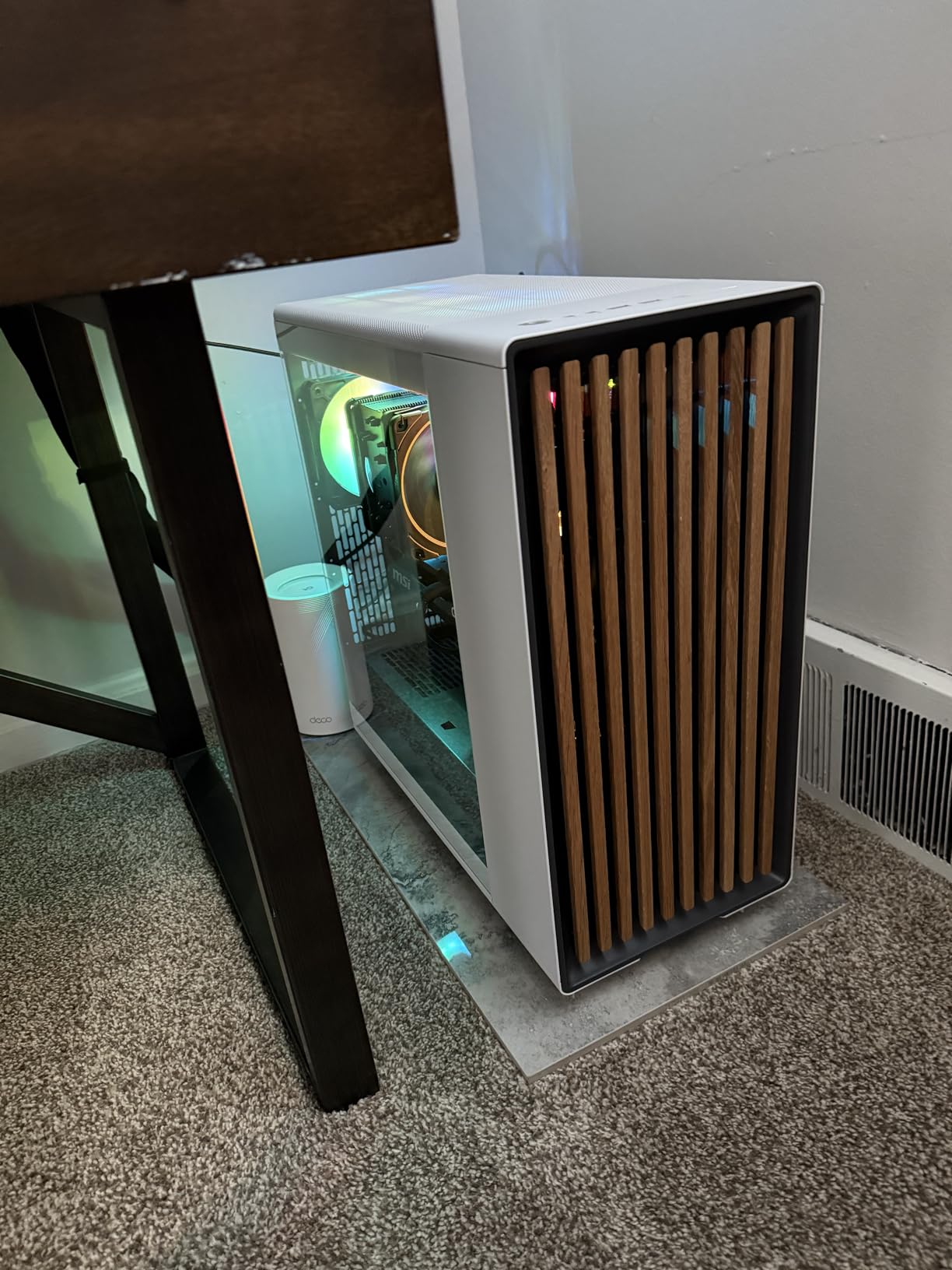
The wood front panel is the reason most people buy it, and it is genuinely unlike anything else in a roundup full of glass and mesh. The fine-patterned mesh behind the oak keeps airflow high rather than turning the panel into a wall, and the magnetic dust filters slide out for cleaning.
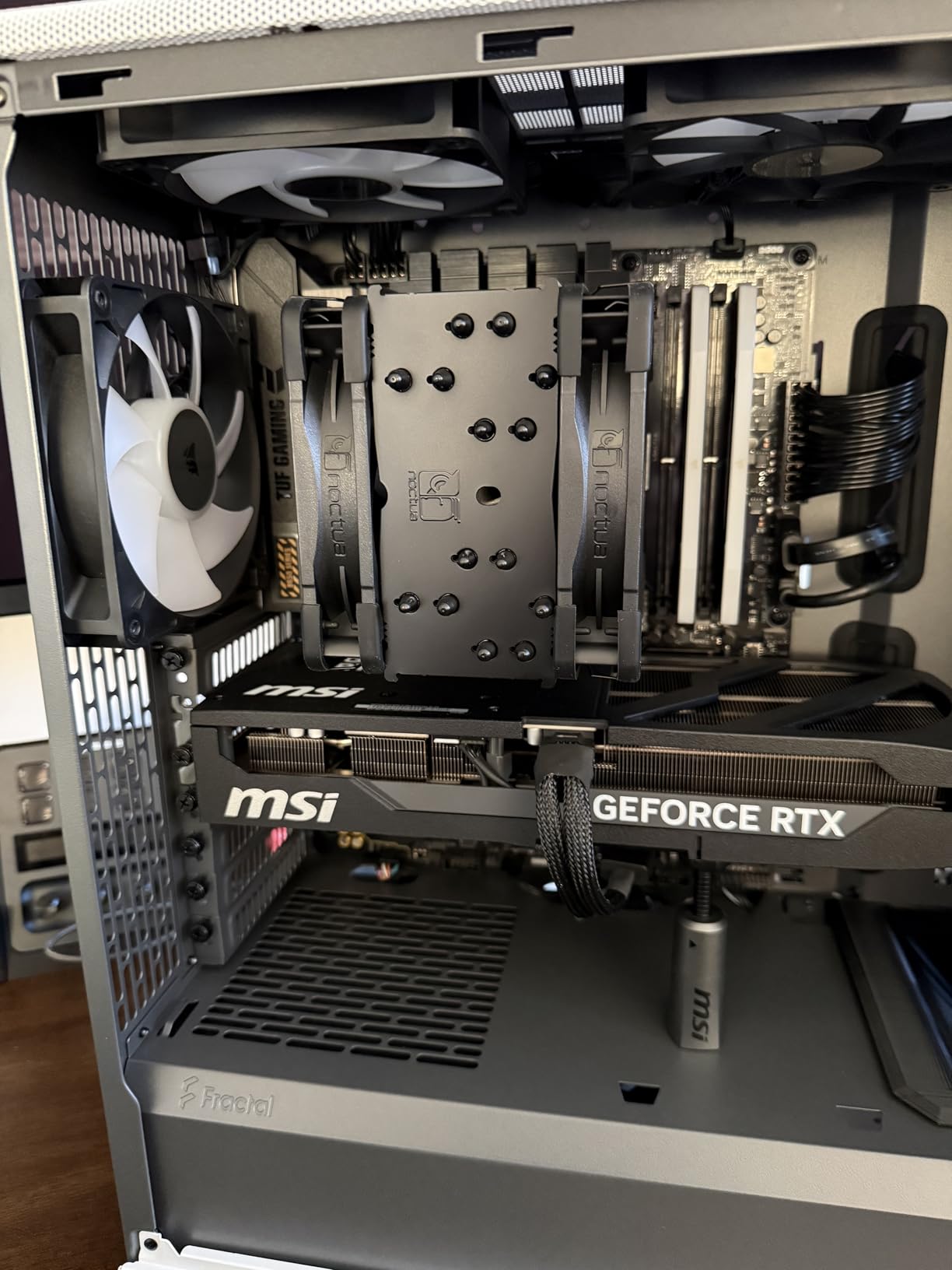
Cable management is the quiet headline. Multiple pre-installed straps and a generous routing channel behind the tray mean the pump cables, fan hub wiring and SATA runs do not end up crushed against the glass panel. That matters more in a loop build than in an air-cooled one, since you need room to run soft tubing between a pump and a top-mounted res.
What you gain by sizing the radiator correctly
The difference between a 360mm and a 420mm front radiator here is not just surface area. The 420mm unit drops GPU clearance from 413mm to 380mm, which matters if you are running a card with a long water block and an acrylic backplate. Measure your block before you commit to the bigger radiator.
The top mount is the one to plan around. It takes a 360mm comfortably, but a 140mm fan in that position can sit close enough to the CPU power header to make the plug awkward to seat. It is a minor annoyance, not a blocker, and it is the most repeated caveat in the reviews.
Where this case falls short for loop builders
At 26.2 lb this is a two-person lift once the loop is full of coolant. Budget for that, and for a build surface with real floor support underneath it.
The three included fans are competent rather than good. Most builders in the reviews replace them anyway, which is normal for a case sold around the chassis rather than the cooling hardware. If you are running hard lines, plan the pump and reservoir mount in the same session as the radiator so you are not routing around a fan you intend to swap.
2. NZXT H6 Flow – Best for Compact Water Cooled Builds
NZXT H6 Flow | CC-H61FB-01 | Compact Dual-Chamber Mid-Tower Airflow Case | Panoramic Glass Panels | High-Performance Airflow Panels | Includes 3 x 120mm Fans | Cable Management | Black
Mid tower, dual chamber
Three 120mm fans included
Perforated top and side panels
+ The Good
- Genuine dual-chamber separation of PSU and drives
- Compact footprint
- Three 120mm fans included at intake angles
- Perforated panels balance airflow and dust filtering
- Straightforward cable channels
- The Bad
- Compact interior restricts the largest GPUs and radiators
- Most positions are 120mm only
- Only three fans included compared with rivals
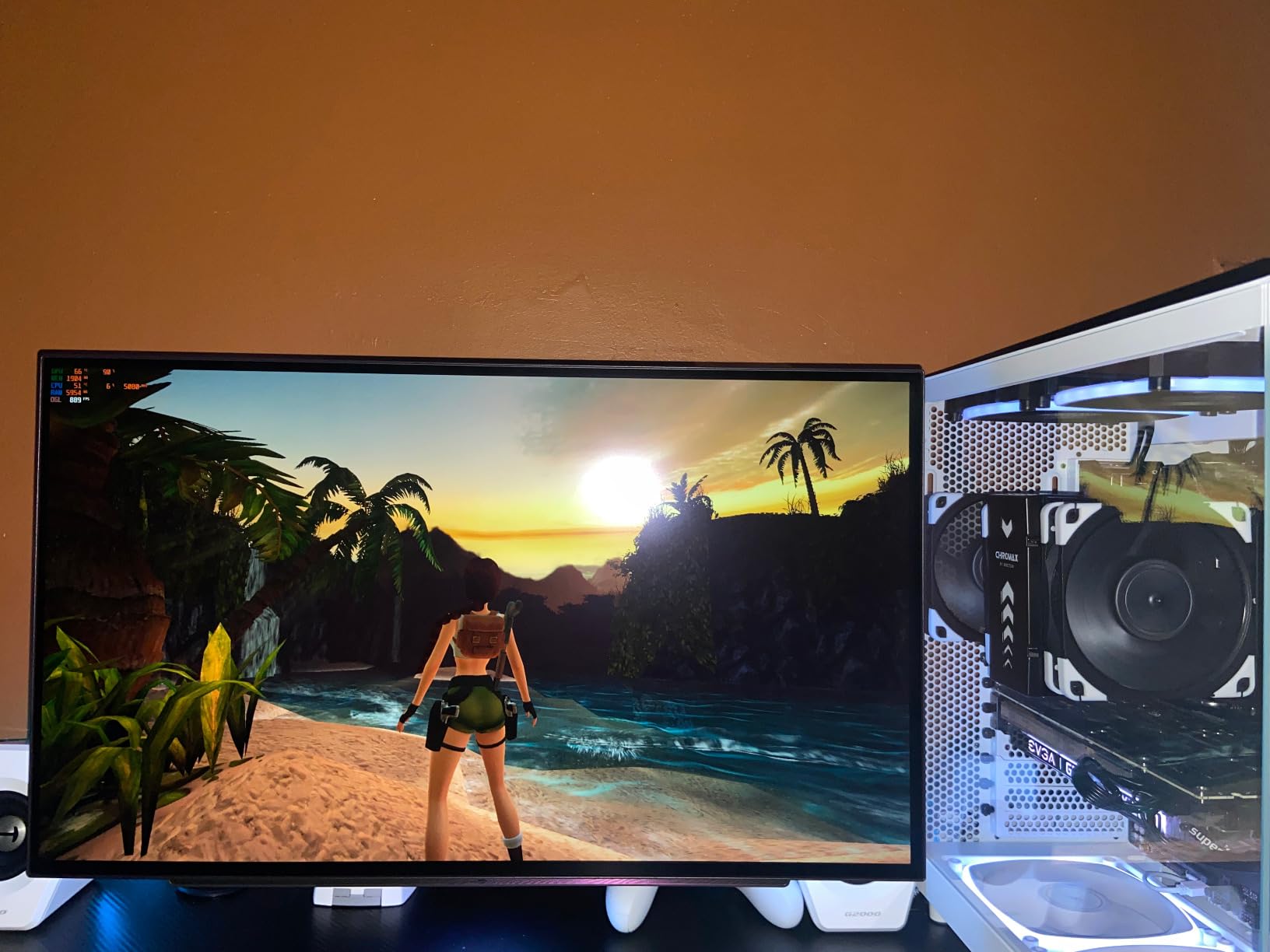
The H6 Flow is the pick if your desk is small and a full tower is simply not an option. At 16.34 inches deep it is one of the more compact mid-towers that still has a real second chamber, and the dual-chamber layout does more for cable tidiness than the extra width would have.
Cooling is handled by three pre-installed 120mm fans angled for intake, and the top and side panels use a perforation pattern that passes air while still catching most of the dust. Owners report good thermals for a case of this size, with the CPU handling standard boost loads without the fan curve hitting maximum.
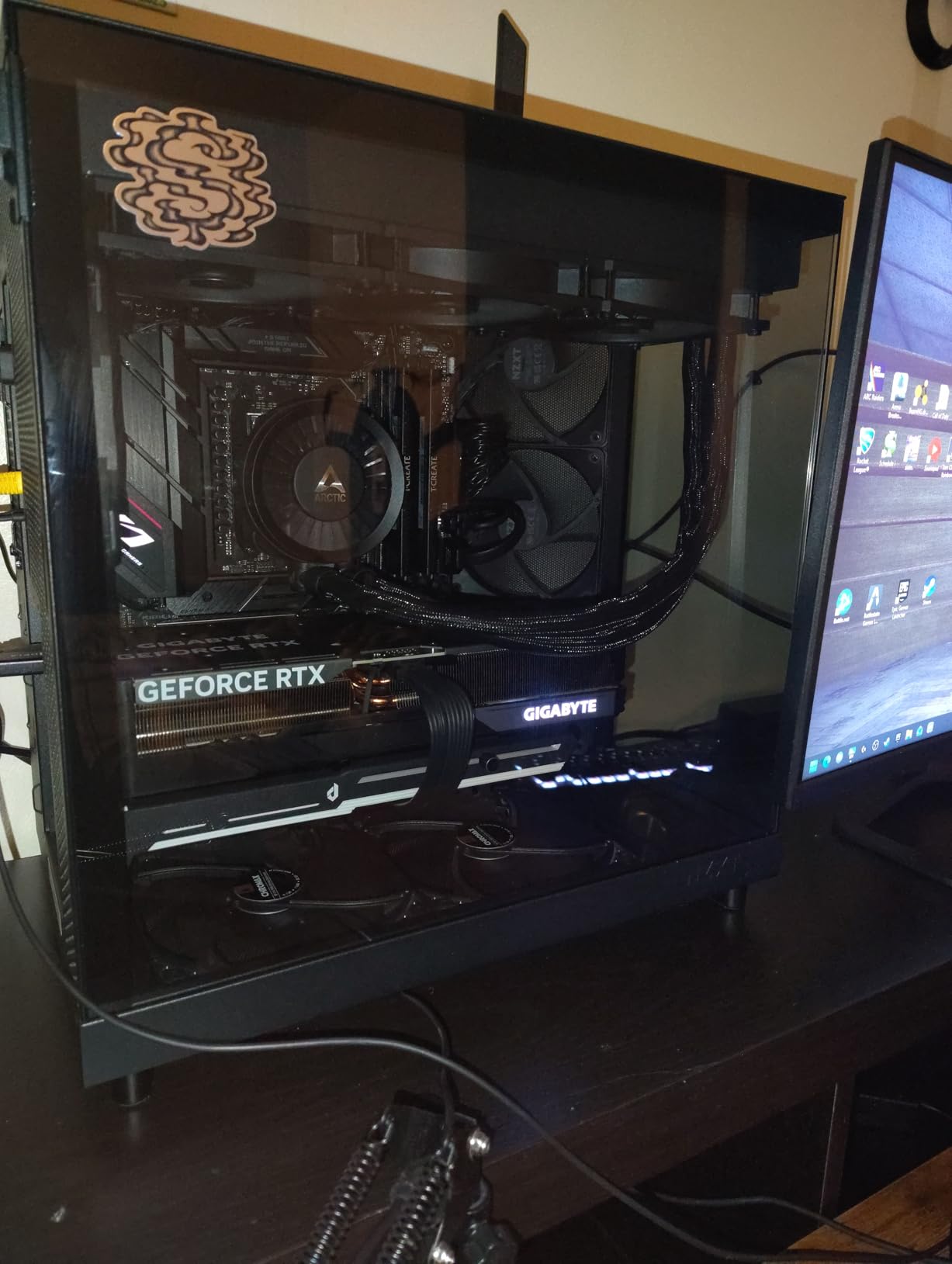
For water cooling, treat this as a 240mm or 360mm AIO chassis rather than a custom-loop platform. The wraparound glass panel and the twin side chambers give you somewhere to run tubing, but there is no pump bracket for a res, and the width limits you to standard-width components.
The included fans are pre-installed and wired, which means you can build a loop around them rather than planning mounting holes. Cable routing is straightforward, with wide channels and included straps rather than a tight backplane that fights you at every corner.
What to check before you commit to a compact case
Measure your GPU first. The listed limit is 365mm, which covers most cards but excludes the longest triple-slot models and anything with a thick water block fitted. Compact cases punish length far more than they punish width.
Also count your 120mm positions before you plan the radiator. Most mounting locations here are 120mm only, so a 280mm or 360mm AIO works, but a 420mm unit does not fit, and you are mixing fan sizes if you try.
Why it is not the right box for a hard-tube build
There is no dedicated pump or reservoir mounting point, and a res sitting loose on the PSU shroud is the classic reason compact cases frustrate first-time loop builders. If you want hard lines, you need a chassis with a bracket.
The trade-off is real but simple. You gain the smallest footprint in this roundup and a cleaner exterior than most, and you give up the room that makes routing a complex loop painless. For a single AIO, that is a good deal.
3. HYTE Y70 Touch Infinite – Best for Showcase Water Cooled Builds
HYTE Y70 Touch Infinite Modern Aesthetic Gaming PC Case – Integrated 2.5K LCD Touchscreen Screen Display – Dual Chamber ATX Desktop Chassis – 10 Fan Capacity – Luxury PCIe 4.0 Riser Cable- Pitch Black
Mid tower, 24.4 lb
360mm side rad up to 125mm thick
Adjustable top radiator mount
+ The Good
- 360mm side radiator mount rated to 125mm thickness
- Adjustable top radiator bracket
- Integrated 14.9-inch 2.5K touch display
- Dual-chamber interior with three-piece glass
- PCIe 4.0 riser included for vertical GPU
- The Bad
- Very large footprint and heavy build
- No fans included with the case
- Included riser is PCIe 4.0 and needs replacing for PCIe 5.0 boards
The Y70 Touch is built around the display and it shows. The 14.9-inch 2.5K panel runs at 60Hz with ten-point touch and is 43 percent brighter than the previous generation, which makes it usable for monitoring rather than a static wallpaper.
For water cooling, the standout detail is the side mount. It accepts a 360mm radiator at up to 125mm thickness, which is thick enough for a serious custom rad with three fans per side. That is a rare rating in a mid-tower, and it changes what you can hang off this chassis.
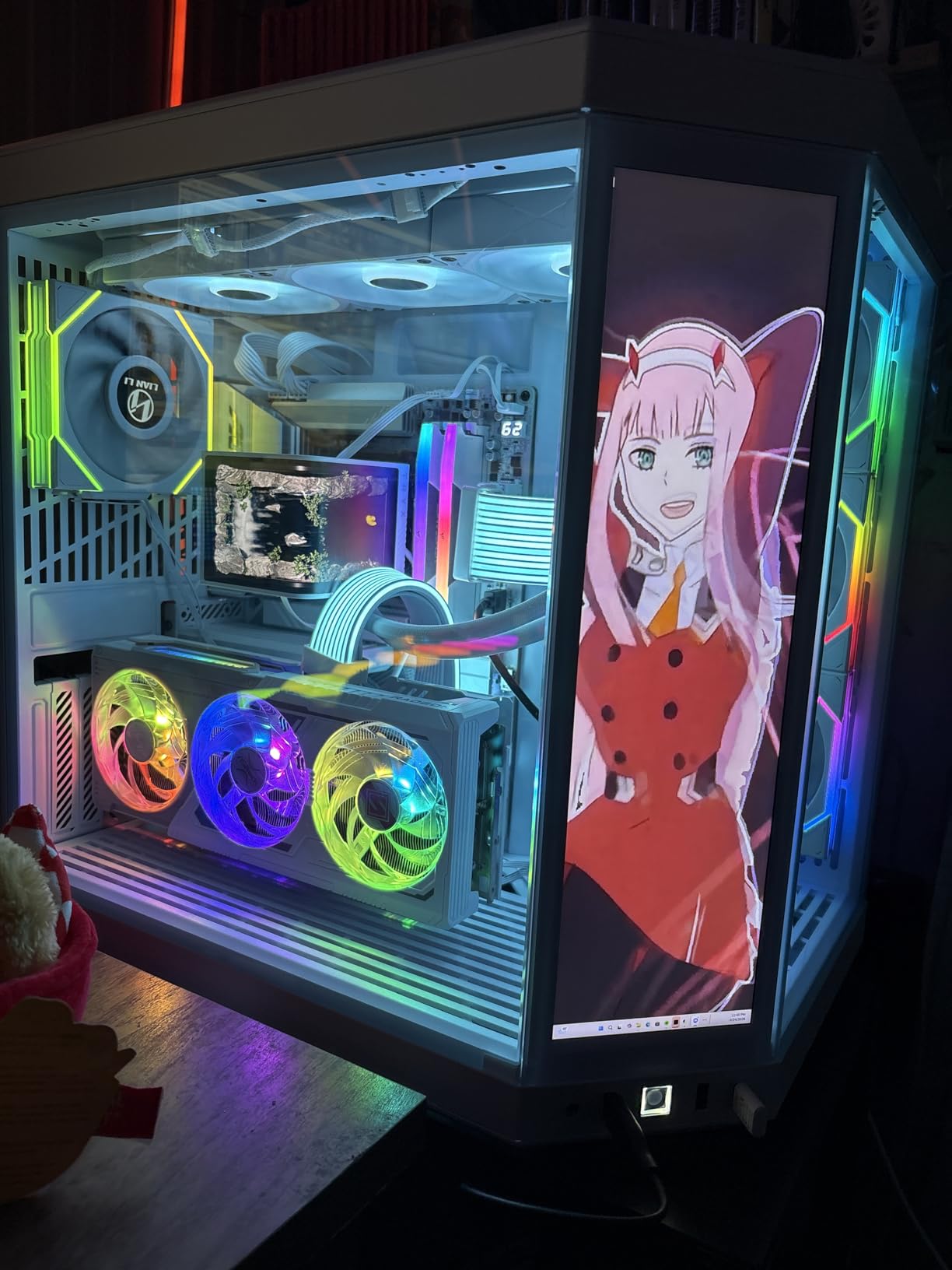
The top mount is adjustable rather than fixed, so you can slide the radiator up or down to clear tall RAM or a large air cooler. The cold floor takes three 120mm fans or two 140mm for GPU cooling, and the case supports ten fans in total with no fans included at all.
Owners report good temperatures and quiet running in a layout that is genuinely spacious. The dual-chamber design keeps the power supply and drives out of the airflow path, and the three-piece panoramic glass means you can watch the coolant move from most angles.
What the thick radiator rating means for your build
A 125mm thickness allowance covers roughly a standard 45mm radiator plus a 30mm fan, or two fans on a slim core. That headroom matters if you plan to run a quiet rad at full speed or fit dense fins without losing airflow at the edges.
The adjustable top bracket is the other practical win. Sliding the radiator up by a few millimetres is often the difference between a 360mm AIO and a 360mm AIO with clearance to spare over tall memory modules.
Where the Y70 falls short
Size and weight. At 23 by 22 by 16 inches and 24.4 lb, this is a floor case or a deep desk, not a compact workstation setup. Measure before you order.
No fans are bundled, which is honest for a case at this level but means your cooling cost starts immediately. The included PCIe 4.0 riser also needs replacing if your motherboard uses PCIe 5.0 slots, and the bottom fan plate hole pattern is awkward for thicker fans.
4. NZXT H7 Flow – Best for a 360mm AIO in a Mid Tower
NZXT H7 Flow – Mid-Tower ATX Airflow PC Case – Black
Mid tower, ATX
420mm front and 360mm top rads
Three bottom 120mm GPU mounts
+ The Good
- Unusual 420mm front radiator support for a mid-tower
- Three bottom 120mm mounts aimed at the GPU
- Three 120mm front fans included
- Mesh panels give strong airflow and dust filtering
- The Bad
- Narrow width limits some GPU and radiator pairings
- Bundled 120mm fans are basic
- Not a dual-chamber design
The H7 Flow does something no other case in this list does: it puts three dedicated fan mounts on the floor aimed straight at the graphics card. On a card with a water block fitted, those bottom fans cool the block itself rather than the surrounding air, which shows up in load temperatures.
Radiator support is the real headline. A 420mm front mount in a chassis this narrow is unusual, and it means you can run a 420mm AIO or a triple-fan custom rad without moving to a full tower. The top takes a 360mm, giving you a two-radiator option. We would pair it with a 420mm at the front rather than splitting two 360mm units, since the front position is where the added width actually earns its keep.
Three 120mm intake fans come pre-installed at the front, so a stock build has cooling from day one. The mesh panels on the front and top pass air with low restriction while filtering dust, and the cable channels, hooks and included straps make routing quick.
It is not a dual-chamber case, and that is the trade-off. The power supply shares the main volume, so cable management is less forgiving than in the H9 Flow. If your loop is a single AIO, that matters very little.

When a 420mm front radiator is worth choosing
If you are planning a custom loop later, the 420mm mount means you can start with a 360mm AIO and upgrade to a thicker rad without changing cases. That is a common reason builders pick this chassis over a cheaper one that tops out at 360mm.
Keep the width in mind. The narrow chassis restricts some GPU and radiator combinations, so check the card length against the radiator thickness you want rather than assuming a 420mm fit implies a 420mm plus a long card fit.
Trade-offs for a first water cooled build
The included 120mm fans are basic, and on a bottom mount aimed at a hot block they become the part of the cooling chain you will replace first. Budget for a fan upgrade if you are running a 360mm AIO here.
There is no dedicated pump mount, so this suits an AIO or a small soft-tube loop rather than a hard-tube build with a res in the traditional position. Cable routing is decent but not exceptional.
5. MONTECH XR Panoramic – Best Budget Case for a 360mm Radiator
MONTECH XR Panoramic ATX Gaming PC Case, Mid Tower, 3 ARGB PWM Fans, Black
Mid tower, ATX
Top 360mm radiator
Three ARGB fans, nine-fan capacity
+ The Good
- Top 360mm radiator support for a 360mm AIO
- Three reverse-blade ARGB fans pre-installed
- Magnetic dust filters and rubber grommets on every side
- Roomy interior for long GPUs and tall air coolers
- The Bad
- Included fans are noisy at default curves
- Compact interior leaves little headroom above a top AIO
- 140mm fans are not supported
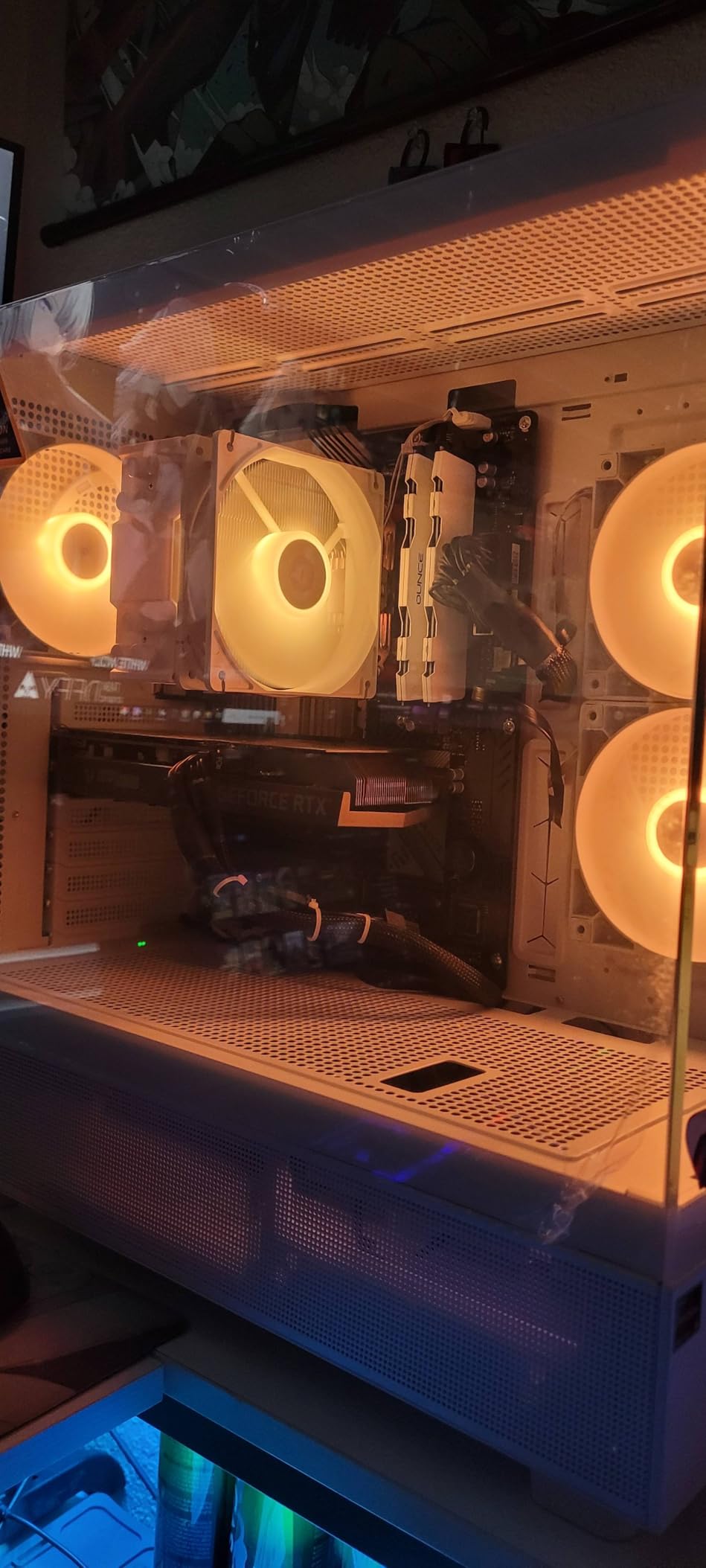
The XR is the value entry point in this roundup and the simplest path to a 360mm AIO. The top mount takes a 360mm radiator, and the interior is roomy enough for long GPUs and tall air coolers without the fight that cheaper cases usually create.
Two of the three included fans run in reverse so the lighting faces the glass evenly, which is a nicer touch than most budget cases manage. Together they cover intake, and a third sits at the rear as exhaust. Up to nine fans are supported in total.
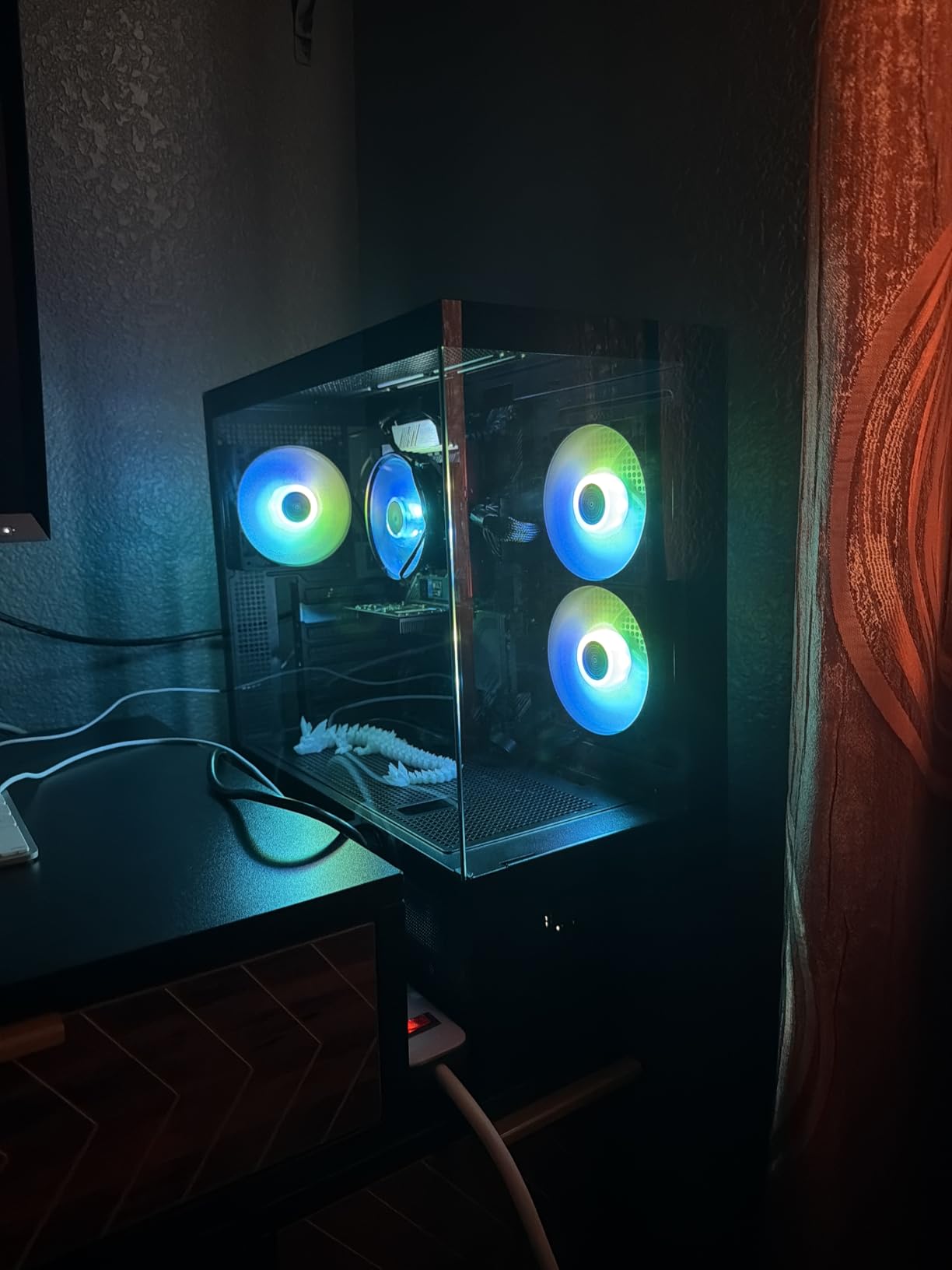
Magnetic dust filters cover the top, bottom and side panels, and rubber grommets line the cable pass-throughs on every side. Those are the details people notice after a year of build maintenance, and most budget cases skip them.
For a first liquid-cooled build, the practical question is whether you want anything beyond an AIO. There is room to run a small soft-tube loop, but the case has no pump bracket, so a reservoir ends up positioned by hand rather than screwed to a mount.
How much radiator room you actually get
The 360mm top mount is the entire water cooling story here, and it is a good one. It accepts a standard triple-fan AIO, which is the most common first water cooling purchase. A 420mm unit will not fit, and neither will a 480mm.
Watch the clearance above the mount. Owners who fit a top AIO report the interior getting tight above the radiator, so pair it with a low-profile CPU block or a modest air cooler rather than a tall tower in the same build.
What you compromise on
Fan noise is the most repeated complaint, and at least one buyer returned the case over it. The three ARGB fans are fine for testing a build and inadequate for a quiet desk setup at default curves.
Some screws on the side panel and drive cage arrive very tight, and 140mm fans are not supported despite what some listings imply. Expect a fan curve immediately if you keep them.
6. Antec Performance 1 FT – Best Full Tower for a Spacious Loop
Antec Performance 1 FT Full Tower E-ATX PC Case, 3 PWM Fans
Full tower, E-ATX
12.55 kg, four 140mm fans
A 360mm AIO fits comfortably
+ The Good
- Genuinely spacious full tower that fits long GPUs and large PSUs
- Four quiet 140mm PWM fans included
- Direct-mount PSU plate removes the power supply without opening the case
- Grommets
- tie-down straps and rear cable covers
- The Bad
- A 420mm radiator fits only tightly and is not advised
- Very heavy for one person to lift
- Temperature display depends on the Windows-only iUnity app
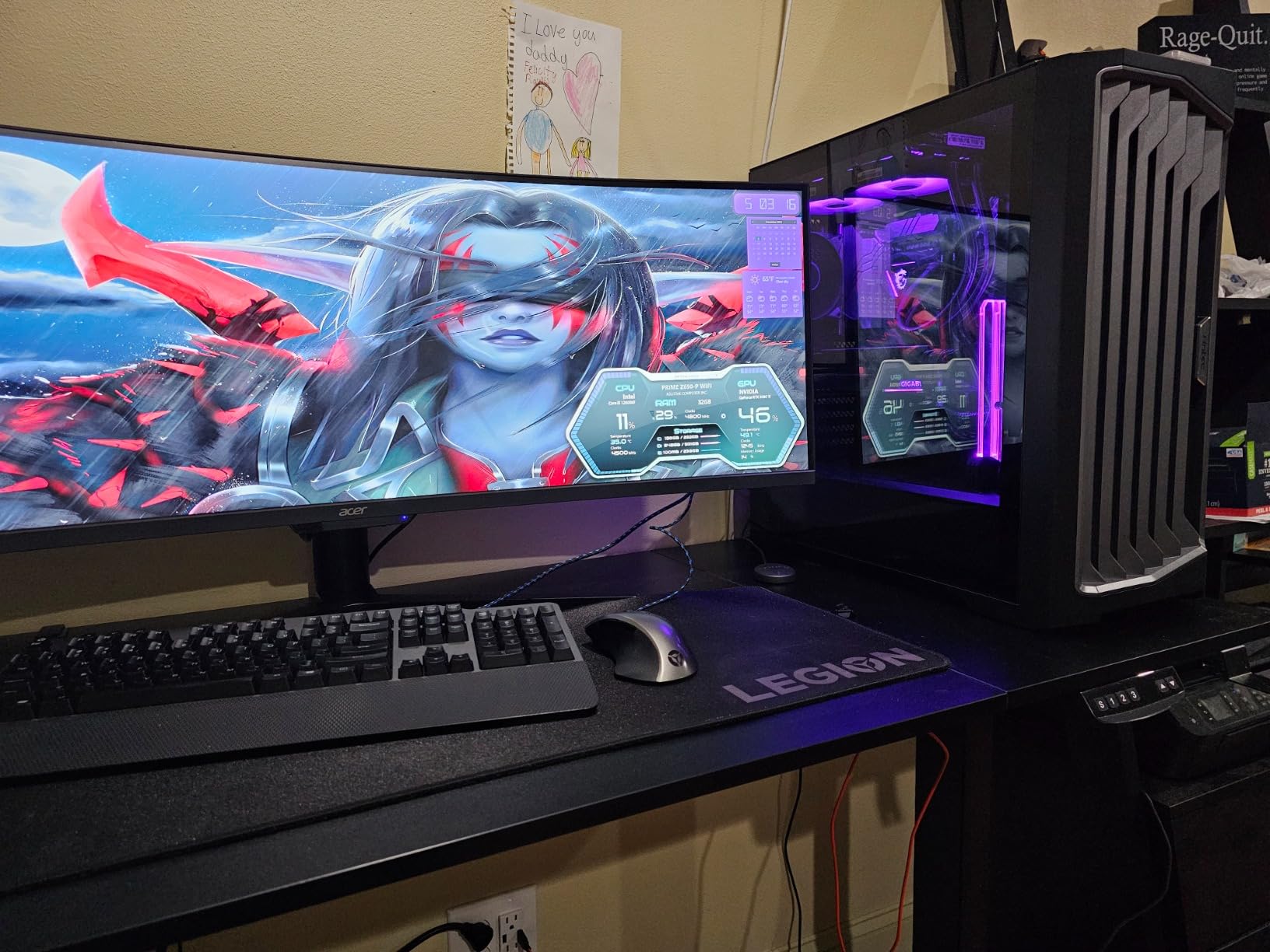
The Performance 1 FT is a full tower that behaves more like a case with fewer compromises than a budget full tower usually does. It handles E-ATX boards, full-length GPUs, large power supplies and a 360mm AIO without any planning gymnastics.
Four 140mm PWM fans come pre-installed, three at the front and one at the rear, and owners report they are quiet and strong enough to cool the system on their own alongside a radiator. That means you can bring a loop online without immediately buying a fan set.
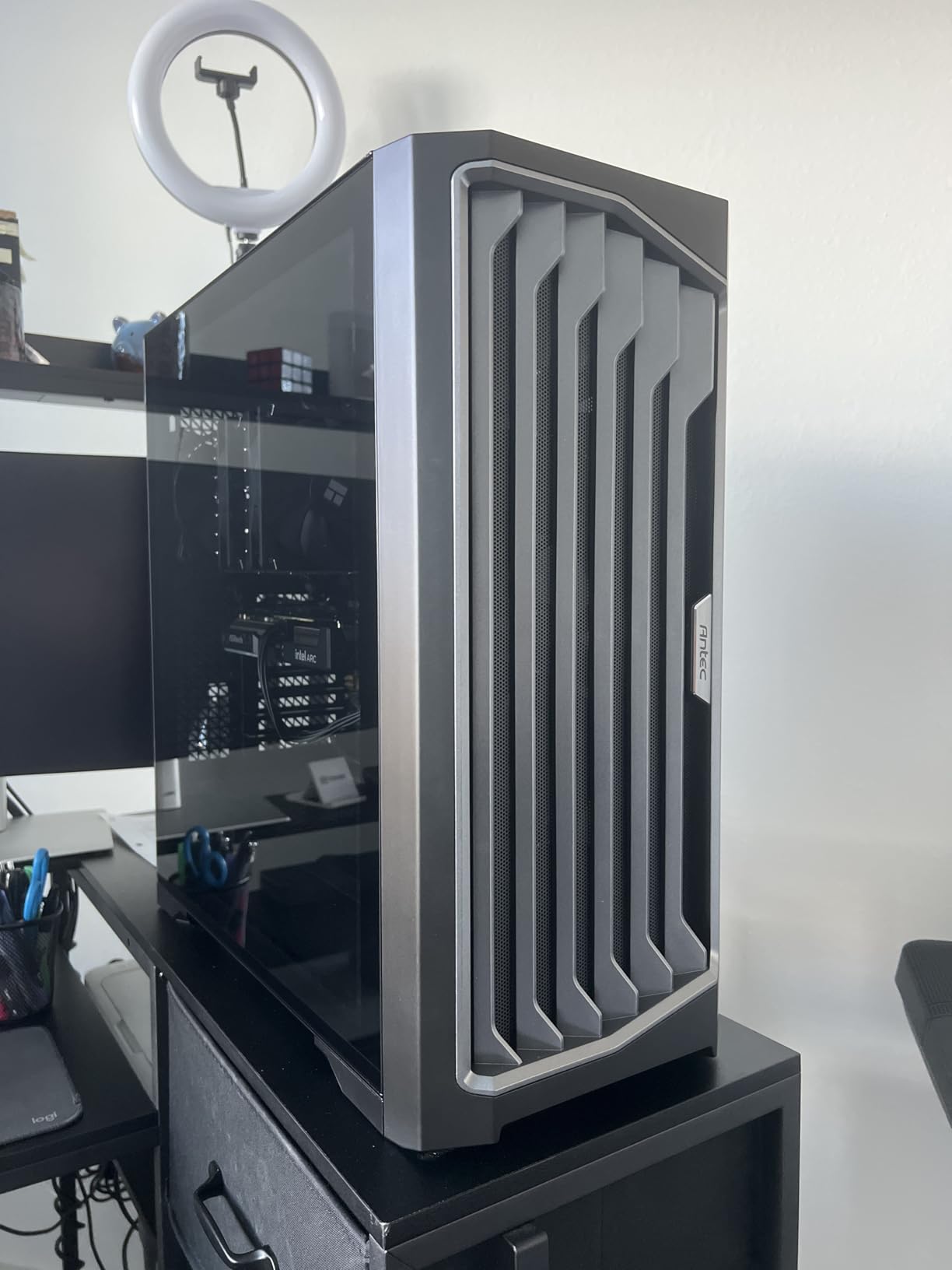
The cable management is the strongest in this price bracket, with grommets, three large tie-down straps, two cable covers and full rear covers. For a loop build that matters, since you need room to run tubing and a pump cable without pinching either.
The direct-mount PSU plate lets the power supply slide out without opening the case, which saves a lot of work during a service. Four magnetic dust filters all slide out for cleaning, and the screw tray includes spare hardware, SSD shock absorbers and right-angle SATA cables.
What the radiator numbers really mean here
A 360mm radiator fits comfortably in this chassis, front or top. A 420mm unit fits only tightly, and owners generally advise against it. If your plan is a 420mm rad, choose a different case, because forcing it costs airflow and headaches.
The mesh front panel and removable top bracket make a 360mm install simple. Long screws are needed for the bottom fan mounts and are not included, which is a small, fixable omission.
Where the weight and software get in the way
At 12.55 kg this is a two-person move once it is assembled. If you build on a desk, plan for a floor case or a second pair of hands.
The front temperature display is the weak point. It needs the Windows-only Antec iUnity application, which cannot be minimized or resized, so it is useful during a build and annoying day to day. The magnetic front panel can also pop off if the tower is bumped.
7. NZXT H9 Flow – Best Value Case for 420mm Radiators
NZXT H9 Flow – Dual-Chamber ATX PC Case – Black
Dual-chamber mid tower, 12.5 kg
420mm at top and front-right
Four fans included, ten-fan capacity
+ The Good
- 420mm radiator support at both top and front-right
- Four fans included with capacity for ten
- Dual-chamber layout and swinging rear compartment simplify routing
- Back-connect motherboard support
- Reported GPU temperatures near 60C under load
- The Bad
- Very wide and heavy for a mid-tower
- Included 3-pin DC fans are louder than PWM alternatives
- 2.5-inch drives mount on an unorthodox swinging door
The H9 Flow is the pick if you want two large radiator positions without paying for a full tower. It fits 420mm radiators at both the top and the front-right, which is the kind of double-mount that hard-line builders look for first.
Owners describe the room as enormous, often comparing it unfavourably to budget mid-towers they have built in before. Several report GPU temperatures around 60C under load and CPU under 60C in benchmarks, using the included fans as a starting point.
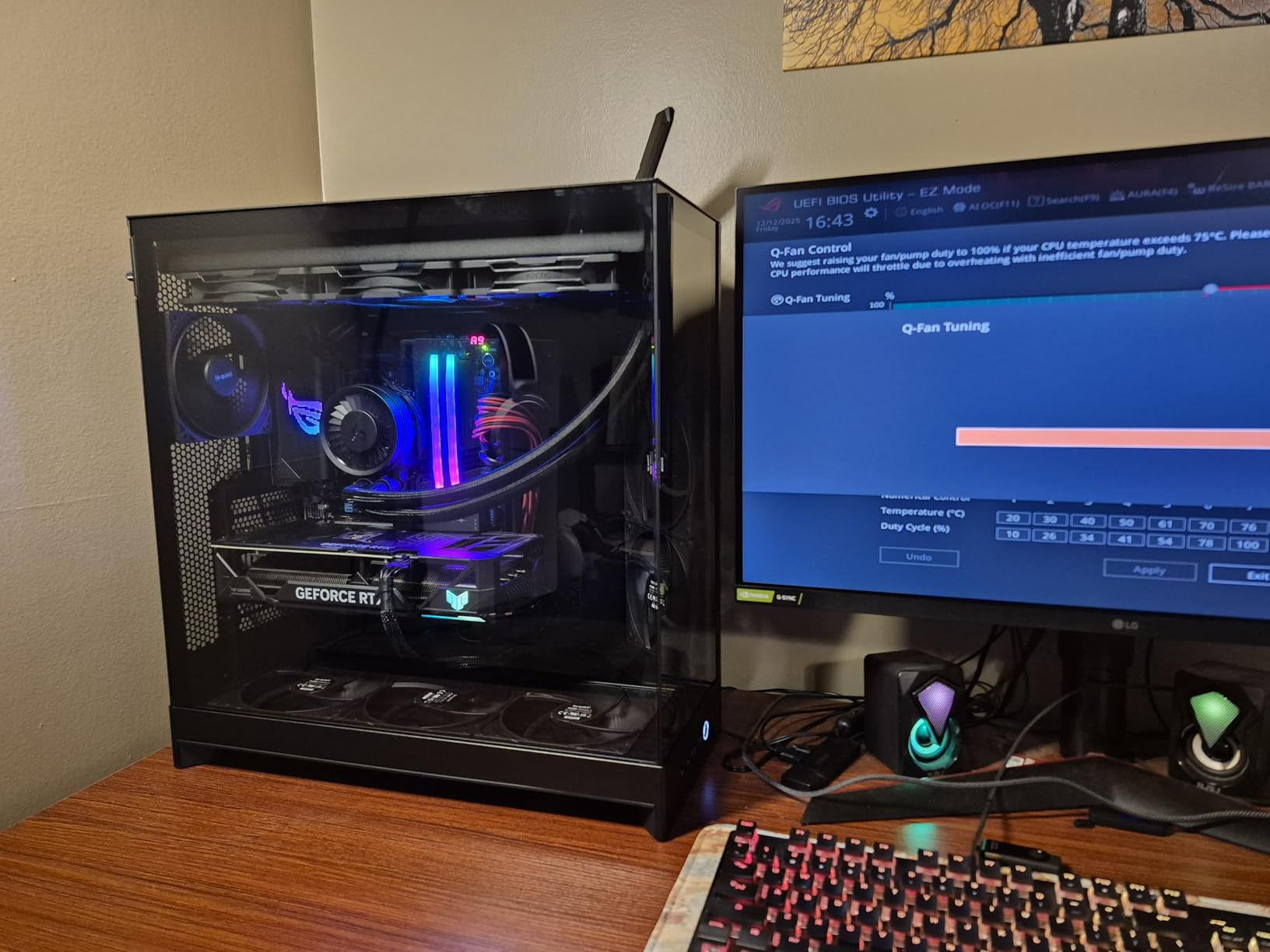
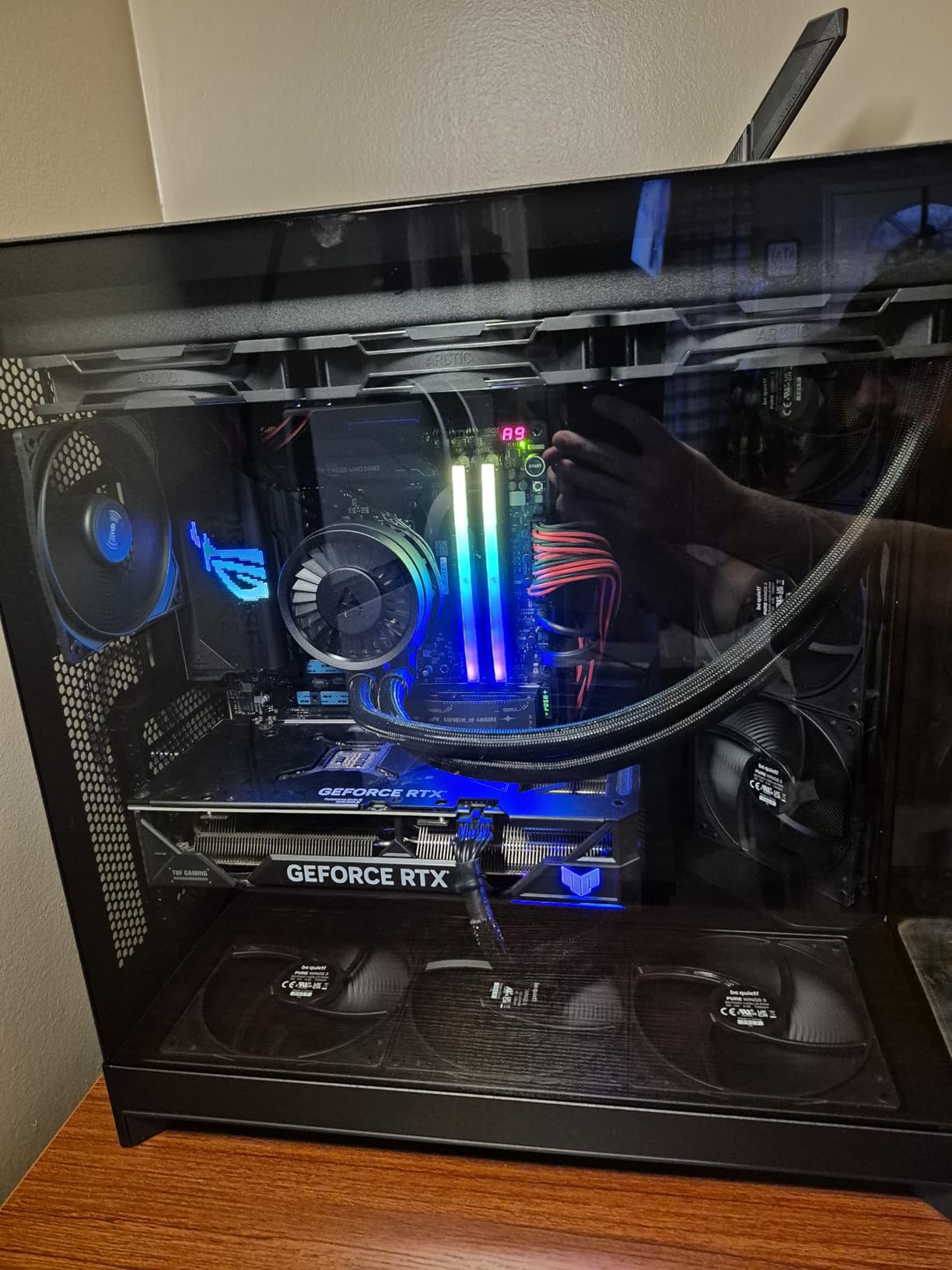
Four fans are pre-installed, three 140mm at the front-right and one 120mm at the rear, with capacity for ten in total. The front-right fans are angled to blow directly across the graphics card, which pairs well with a block on the card.
The dual-chamber design separates the power supply and drives from the main components, and the swinging rear compartment is the reason cable management comes in for so much praise. It is also back-connect ready, so an ASUS BTF or MSI Project Zero board gives you a completely cable-free interior.
Why two 420mm positions change the plan
With 420mm mounts at the top and front-right, you can run a two-radiator loop and still have airflow over the GPU, or mount a 420mm up top and a 360mm at the front while leaving the bottom free for fans. Very few cases at this tier give you that flexibility.
The angled front-right fans are the other part of the equation. They feed directly across the card, so a 280mm or 360mm at that position is doing useful work rather than recirculating air already warmed by the CPU.
What to plan around
Size and weight. This is a wide, 12.5 kg chassis, and it may exceed what your desk can hold. Measure the footprint and check the load rating before you commit.
The included fans are 3-pin DC models, which run louder than premium PWM alternatives. Many owners replace them within a week. The 2.5-inch drive mounts also sit on a swinging door, which can need longer SATA cables, and no GPU support bracket is included.
8. Corsair FRAME 4000D RS – Best for a Build You Plan to Change
CORSAIR 4000D RS Frame Modular High Airflow Mid-Tower PC Case – 3X CORSAIR RS Fans – InfiniRail™ Fan Mounting System – Fits Multiple 360mm Radiators – Reverse Connector Motherboard Compatible – White
Mid tower, 8.2 kg
InfiniRail sliding fan mounts
Fits multiple 360mm radiators
+ The Good
- Modular FRAME system with swappable tray and I/O
- InfiniRail lets fans slide into position for radiator layouts
- Three RS PWM fans with Zero RPM mode
- Light at 8.2 kg
- back-connect compatible
- The Bad
- Extra modularity requires buying more FRAME panels
- Only three 120mm fans included
- Some 140mm positions cap at 140mm rather than 200mm
The FRAME 4000D RS is the case to buy if you know your first cooling plan will change. The motherboard tray and front I/O panel swap out, so moving between layouts later does not mean buying a new chassis.
The InfiniRail system is the part that matters for water cooling. Steel rails let fans slide into position rather than screw into fixed holes, which makes lining up a 360mm radiator far more forgiving than a conventional case. The roof takes up to 140mm, and the front rail accepts fans up to 200mm.
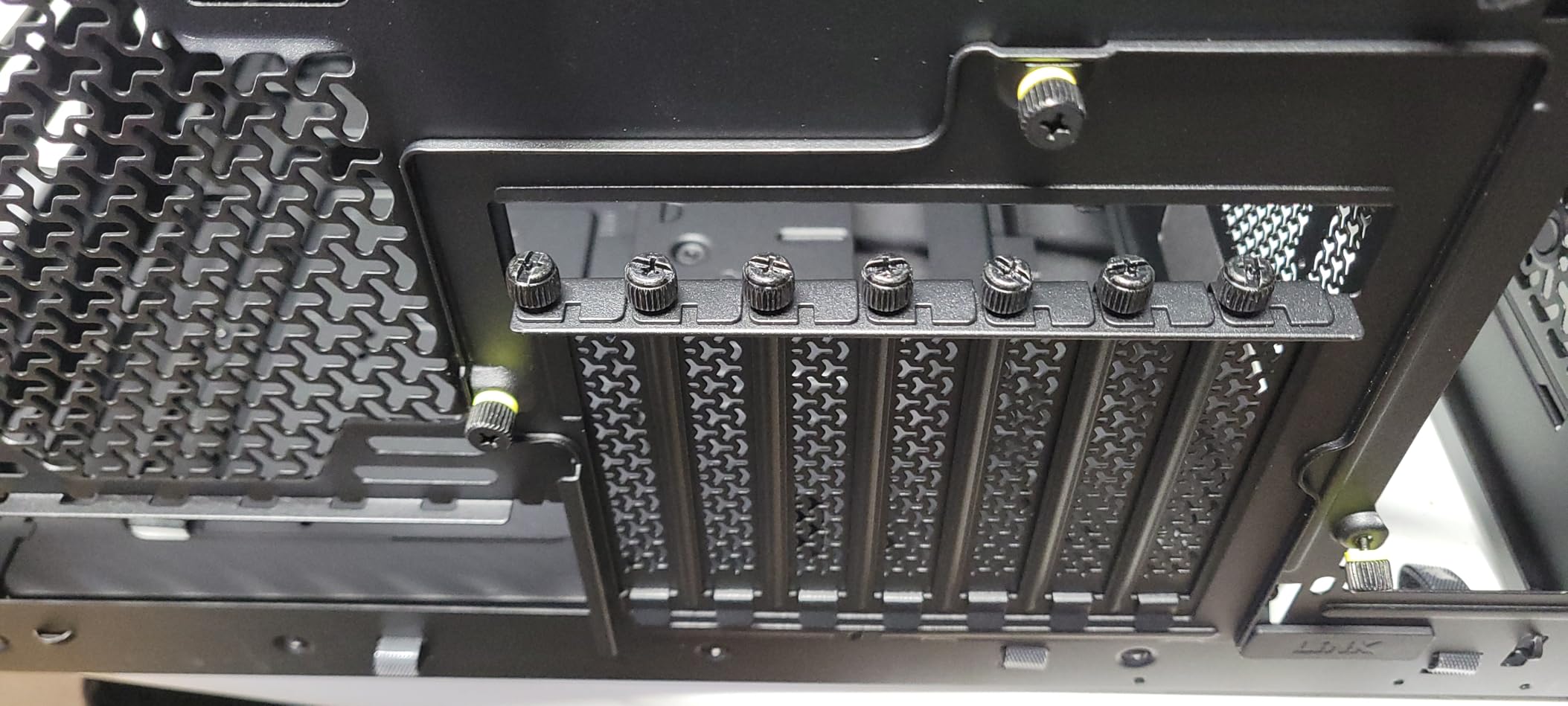
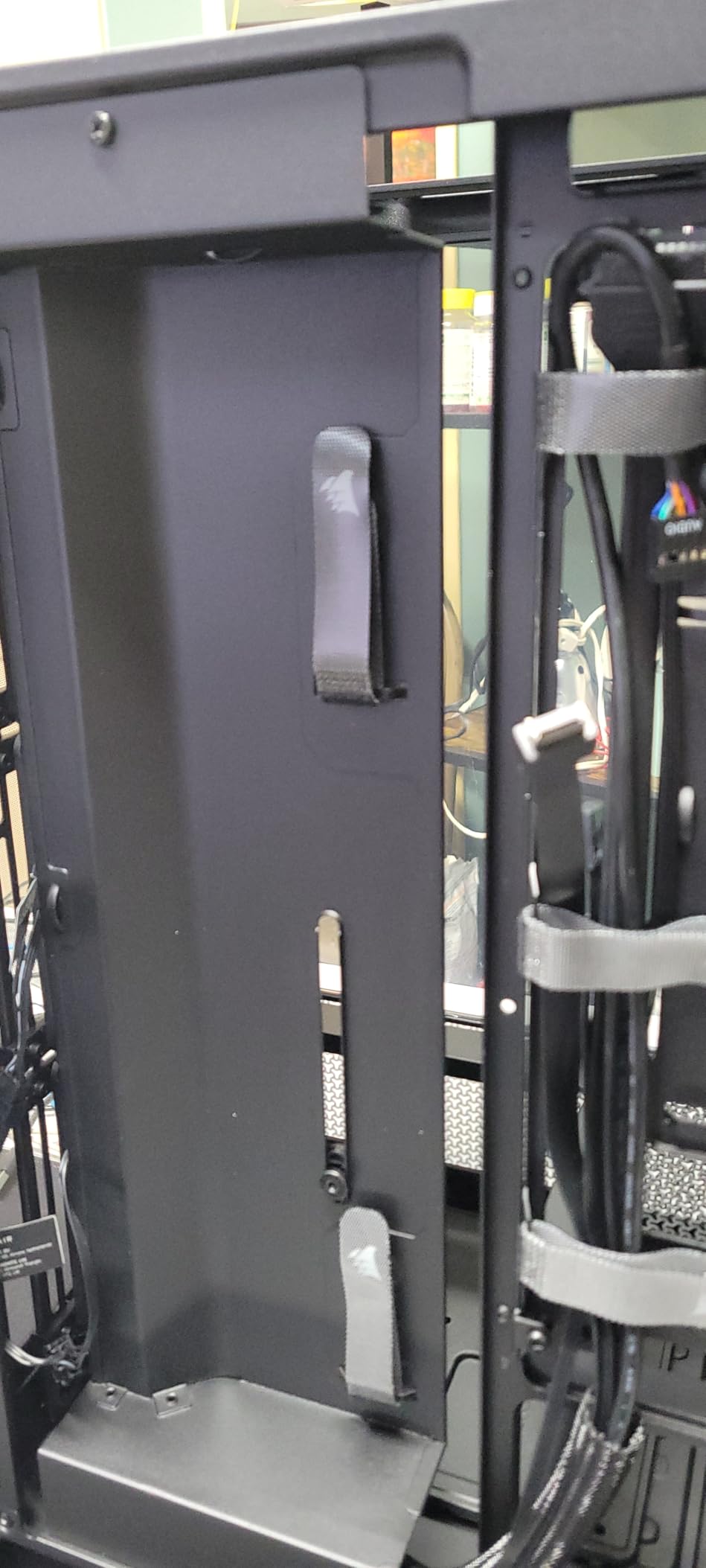
Corsair states it fits multiple 360mm radiators, and at 8.2 kg it is the lightest chassis here by a wide margin. Three RS PWM fans come pre-installed with Zero RPM mode for near-silent idle, and the removable internal side panel doubles as a cable cover and an extra fan mount.
The 3D Y-pattern steel front panel is genuinely low restriction rather than decorative mesh, which matters when a radiator is mounted behind it. Reverse-connector motherboards are supported, so a back-connect board removes most of the cable clutter entirely.
Where the modularity pays off
Sliding fans into position sounds like a small convenience until you have fitted a 360mm rad to a fixed-hole bracket. InfiniRail removes the guesswork about which side faces the panel, and that is where a lot of first-build frustration comes from.
Lightweight matters here for a reason nobody expects. A 8.2 kg chassis is far easier to move when you are chasing a leak or repositioning a pump, and a full tower on a desk is not an option for many people.
The limits of the FRAME platform
Modularity has a boundary. Going beyond the base kit means buying additional FRAME panels, so the flexibility has a cost later that the sticker price does not show.
Only three 120mm fans are included, and some positions that look 200mm-capable cap at 140mm. Check the specific mount you plan to use for your radiator before you commit to a size.
9. Lian Li O11 Vision Compact – Best for an Aquarium Style Water Cooled Build
Lian Li O11 Vision Compact ATX PC Case, Back-Connect, Black (O11VPX)
Mid tower, 26.4 lb
360mm top mesh panel included
AIO tubing routes into second chamber
+ The Good
- Three-panel tempered glass panorama with mesh and glass tops
- Hides AIO tubing inside the second chamber
- 360mm top radiator fits with good clearance
- Back-connect motherboard support
- Tool-free panel removal
- The Bad
- Heavy and wide for a compact chassis
- Minimal front I/O selection
- Swing-out SSD door can make SATA power cables hard to reach
The O11 Vision Compact is built for the view. Three tempered glass panels on the front, top and side give a three-sided panorama, and the second chamber hides the AIO tubing so the pump lines disappear behind the board rather than crossing the interior.
Both top panels are included, one glass and one mesh. Fitting the mesh one turns the roof into a clean 360mm radiator mount with good clearance, which is the single most useful thing in this case for liquid cooling.
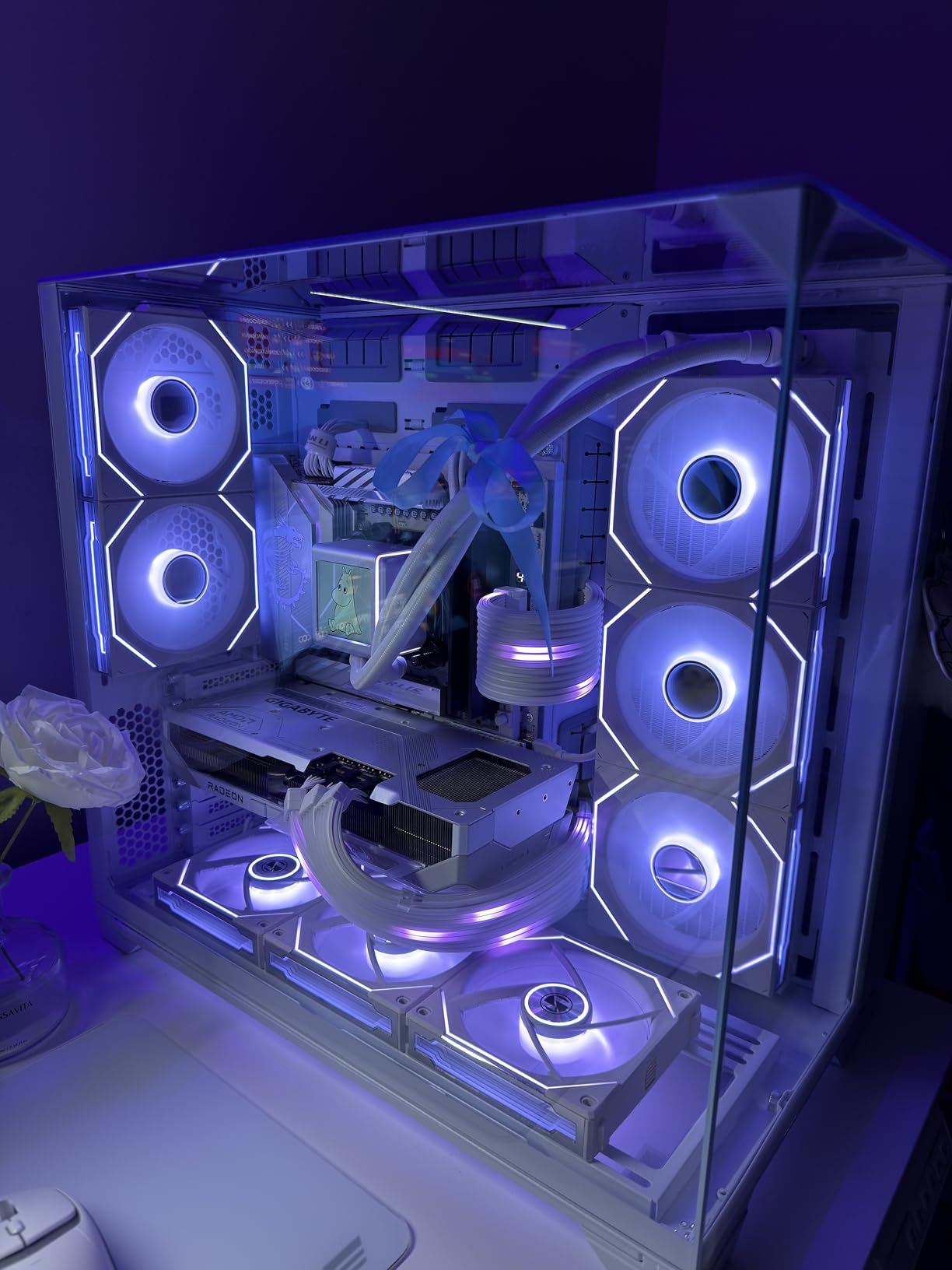
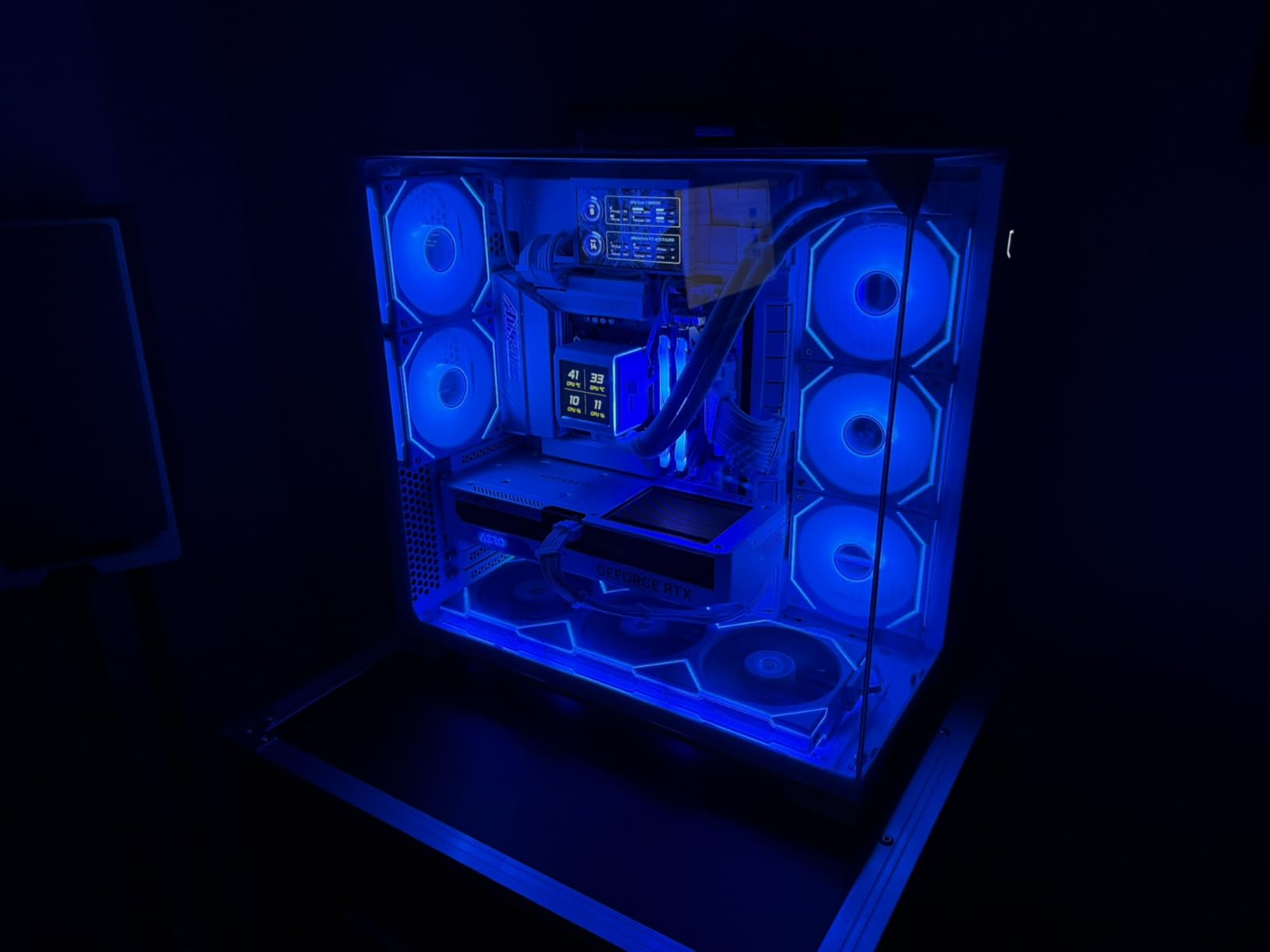
With six intake fans and two exhaust, owners report holding a GPU at 72C and a CPU at 60C while running a demanding game, so the airflow is doing real work rather than just looking like it through the glass.
Panel removal is thumb-screw and tool-free, so swapping between a glass top and a mesh top takes under a minute. It supports back-connect motherboards and GPU support brackets, and the SECC steel feels premium in the hand.
What to check on a compact aquarium case
Check your pump tubing length before you buy. Several reviews flag that the included tube length is short for compact pumps such as the be quiet! Light Loop 360mm, which is a cheap mistake to avoid and an annoying one to discover mid-build.
The weight is 26.4 lb, which is heavy for a chassis this size. That is the cost of three glass panels, and it is worth knowing before you plan where the finished system lives.
Where the compact design bites back
Cable routing needs more planning than a full tower. The swing-out SSD tray is the most common complaint, because SATA power cables can be hard to reach once the door is closed.
Front I/O is minimal, and there is no pump or reservoir mounting point, so this is a case for an AIO and a clean single loop rather than a multi-reservoir hard-tube build.
10. MONTECH AIR 903 MAX – Best Budget Case for 140mm Fans and a 360mm Rad
MONTECH AIR 903 MAX High-Airflow E-ATX Mid-Tower PC Case, 4 Fans, Black
Mid tower, 9.14 kg
360mm at front and top
Four 140mm fans included
+ The Good
- Four 140mm fans included
- three of them ARGB with PWM
- 360mm radiator support at both front and top
- Handles 400mm GPUs and 180mm CPU coolers
- Vertical GPU mounting and dust filters included
- The Bad
- Only a one-year warranty
- Included fans are entry-level and a common upgrade
- Wider chassis than slim budget alternatives
The AIR 903 MAX ships with four 140mm fans, which at this level is unusual. Three sit at the front with ARGB and PWM control and one is at the rear, so you have a complete airflow configuration before you add cooling hardware.
Both the front and the top take a 360mm radiator. That double 360mm option on a budget chassis is what makes this a genuine water cooling candidate rather than a case that fits one AIO and nothing else. Our pick of the two positions is the top for the CPU and the front for the card, since the front-right fans feed straight across the GPU.
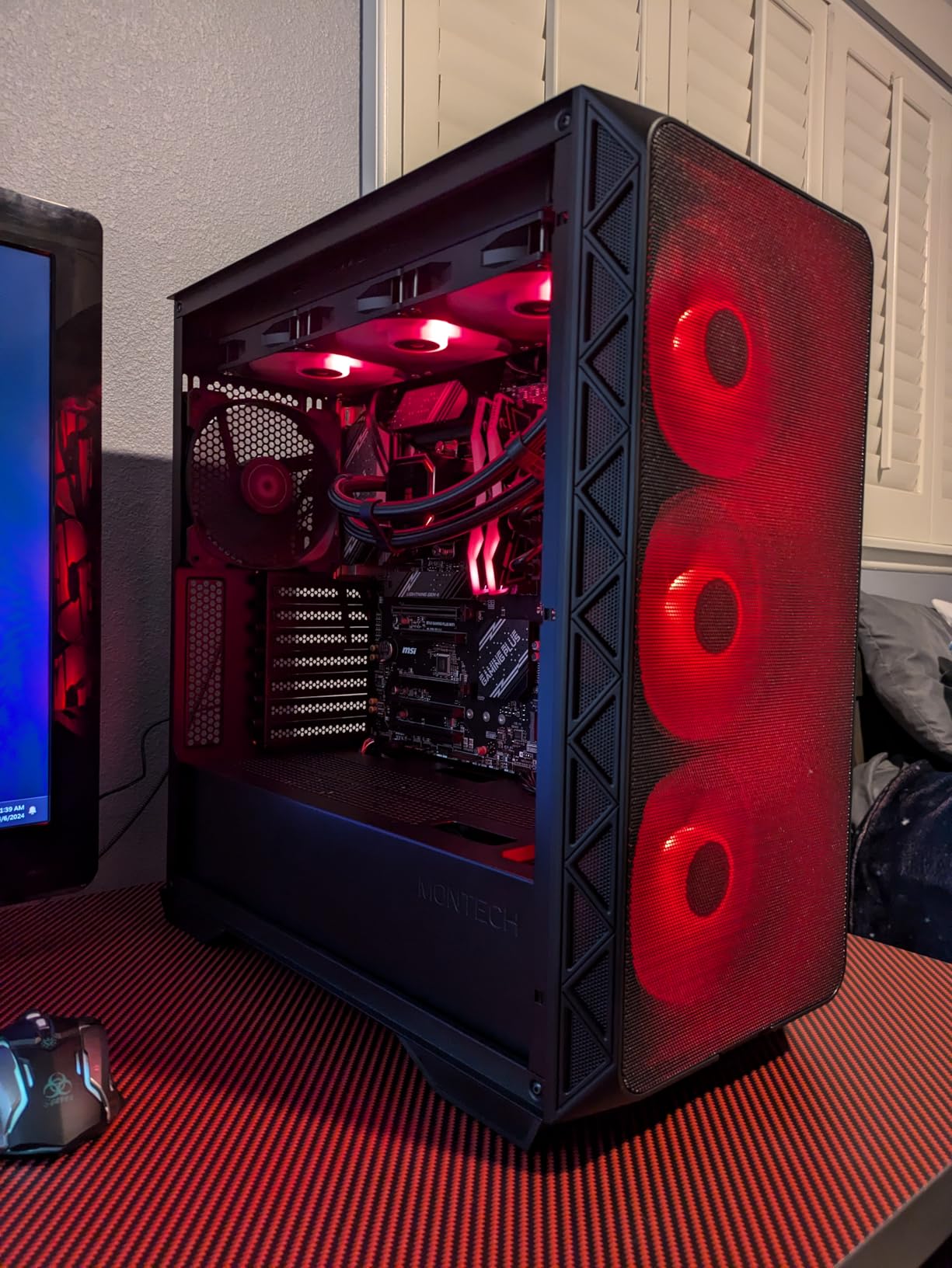
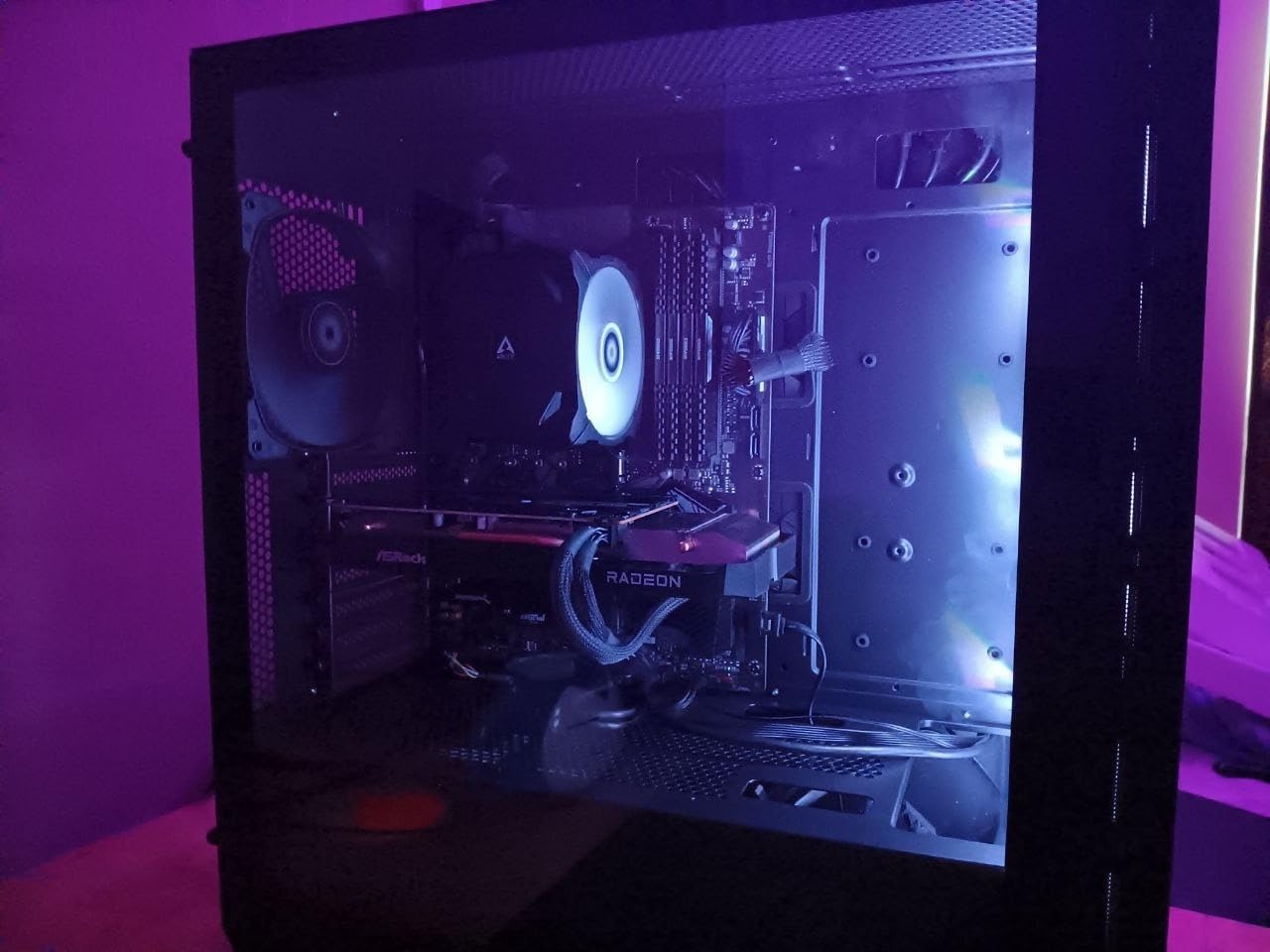
Component clearance is generous: GPUs up to 400mm, CPU coolers up to 180mm and power supplies up to 240mm. Vertical GPU mounting is supported, so a card with a water block can go upright if your radiator layout needs the floor space.
Owners describe the ventilated mesh front as delivering genuinely high airflow, and at 9.14 kg the case is light for its size. Cooling and thermals get described as strong once the bundled fans are replaced with something quieter.
What two 360mm mounts let you build
Running a 360mm at the top and another at the front gives you a proper two-radiator surface, which is enough for a CPU block and a GPU block on soft tubing with reasonable temperatures. That is beyond what most cases at this tier allow.
Pair those mounts with the vertical GPU bracket and you have three ways to arrange the same hardware, which is useful when one position blocks a header or a riser cable.
The trade-offs at this price
The one-year warranty is the shortest here, and it is worth noting when you are choosing between otherwise similar cases. The four bundled fans are entry-level and are the part most owners replace first.
The chassis is wider than slim budget alternatives, so check desk depth before ordering. For a first water cooled build on a budget, though, the radiator room and included fan count are hard to argue with.
11. Lian Li O11D EVO RGB – Premium Choice for Hard-Tube Custom Loops
LIAN LI O11D EVO RGB Black E-ATX Case, 420mm Radiator (O11DERGBX.US)
E-ATX mid tower, 32.6 lb
420mm radiators
455.7mm GPU clearance
+ The Good
- Pillarless glass front gives an uninterrupted view
- 420mm radiator support across multiple positions
- 455.7mm GPU clearance and seven expansion slots
- Two motherboard height positions for different cooling layouts
- Dual 1.5mm L-shaped RGB light strips
- The Bad
- Very wide and heavy at 32.6 pounds
- Only two fans included
- Rear-mount power supply complicates cable routing
The O11D EVO RGB remains the reference chassis for a hard-tube custom loop. Two motherboard height positions let you shift the board to change how the front and top fans and the CPU cooler share space, which is how you resolve conflicts that would otherwise force a narrower radiator. In our view, that single feature is worth more to a loop builder than any of the lighting on the front panel.
Radiator support runs to 420mm across multiple positions, and GPU clearance is 455.7mm with seven expansion slots. The pillarless front removes the vertical support entirely, so a hard-tube run across the front of the glass has nothing behind it to fight with.
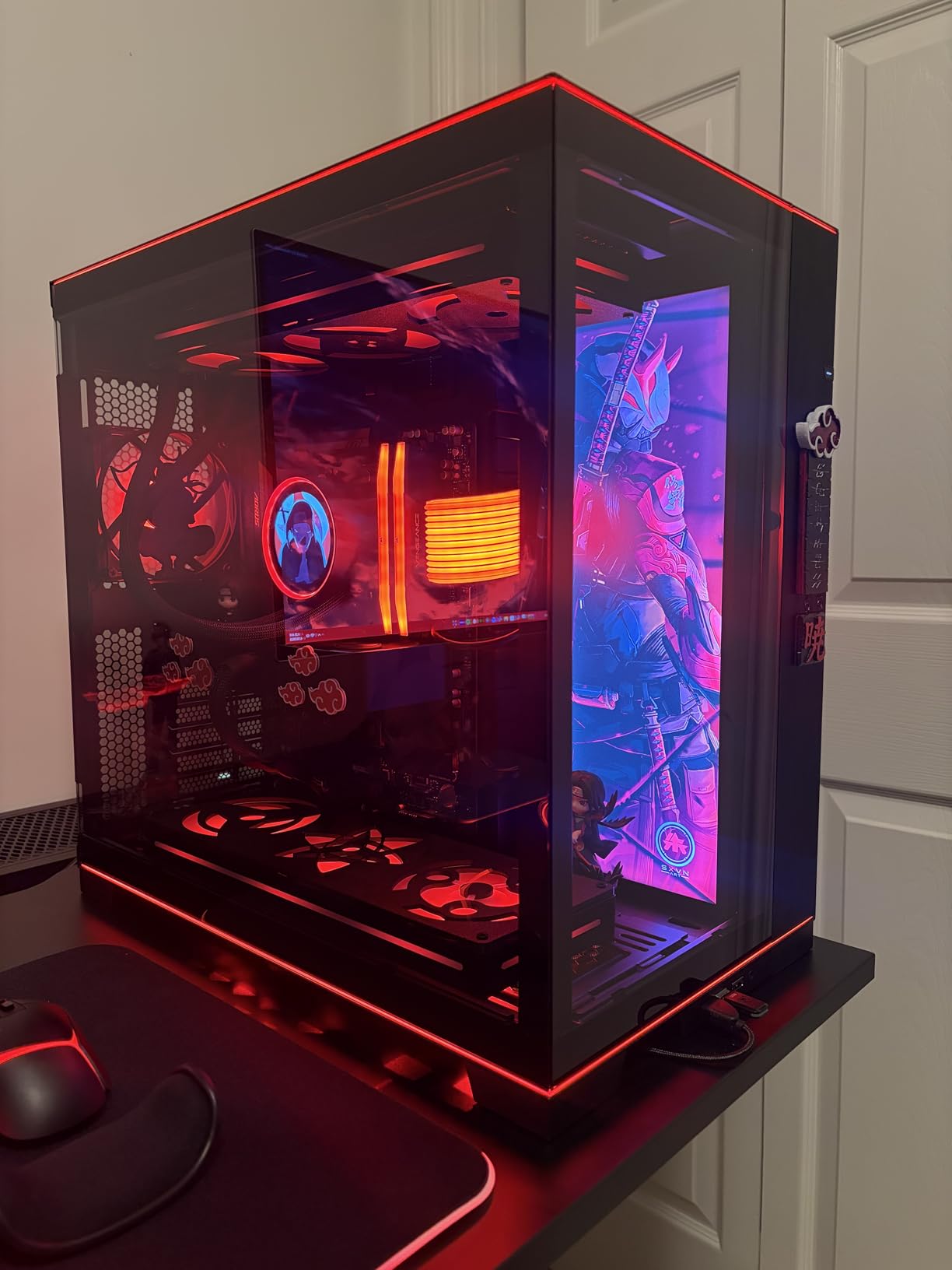
The two 1.5mm L-shaped RGB strips at the top and bottom of the glass are restrained compared with the lighting on most cases in this roundup, and they are straightforward to control. For a showcase build that ends up on a desk, that restraint is a feature.
Velcro straps and dual-layered clips handle the cable side, and the PSU bracket protrudes 15mm to create extra cable space behind the board. It is one of the tidier rear chambers in a case of this style.
Why radiator width is the deciding spec here
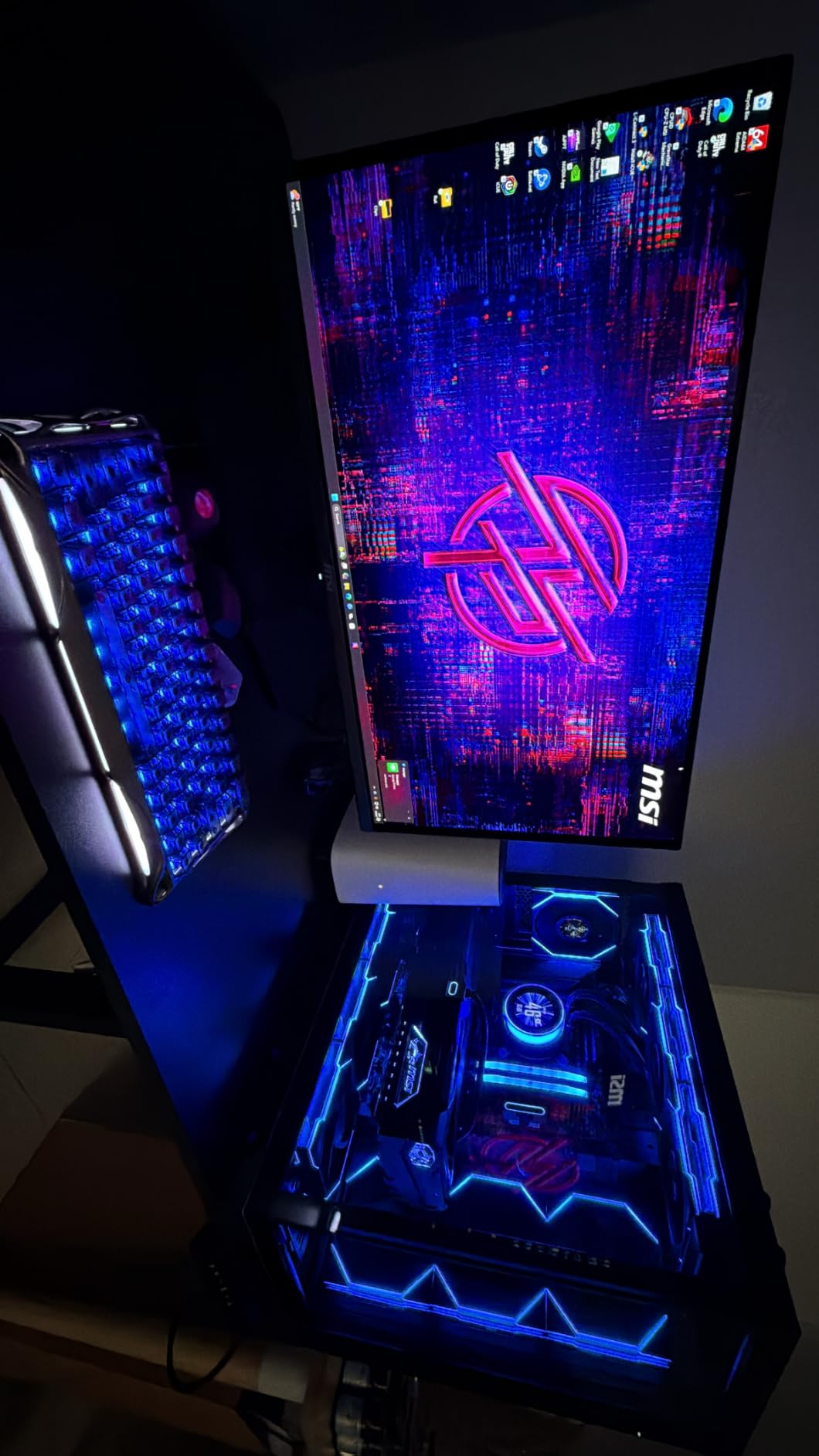
420mm support across multiple positions is what separates this from a 360mm-only mid-tower. When you are running hard lines, the extra rad width is usually the difference between a loop that routes cleanly and one that needs an awkward 45-degree fitting to reach the pump.
The 455.7mm GPU clearance also means a card with a full-cover water block and a backplate fits without shortening the run. Both of these numbers matter more than the RGB strips in a hard-tube build.
What the size costs you
At 32.6 pounds and 18.55 inches wide, this is the heaviest case in the roundup and it is wide enough to need a deliberate desk plan. Budget for a floor position or a reinforced desk.
Only two fans are included and the warranty is one year, both minor in this category. The rear-mounted power supply is the detail that catches first-time builders: cable routing is tighter than a bottom-mount design, so plan the PSU cables before you mount the rads.
12. Thermaltake Tower 600 – Best for Three-Way GPU Mounting
Thermaltake Tower 600 Hydrangea Blue Mid-Tower ATX Case; 3 Tempered Glass Panels; Hidden-Connector Motherboard Support; Rotational PCI-e Slots; CA-1Z1-00MFWN-00; 3 Year Warranty
Mid tower, 21.4 lb
Radiators up to 420mm, nine fans
Three-year warranty
+ The Good
- Supports up to nine fans and 420mm radiators
- Rotational PCIe slots with floating VGA bracket for three-way GPU mounting
- Three tool-free tempered glass panels
- Hidden-connector motherboard support
- Three-year warranty
- The Bad
- Lowest average rating in this group at 4.5
- Glass-heavy octagonal frame is heavier than conventional mid-towers
- Spare parts can be difficult to source
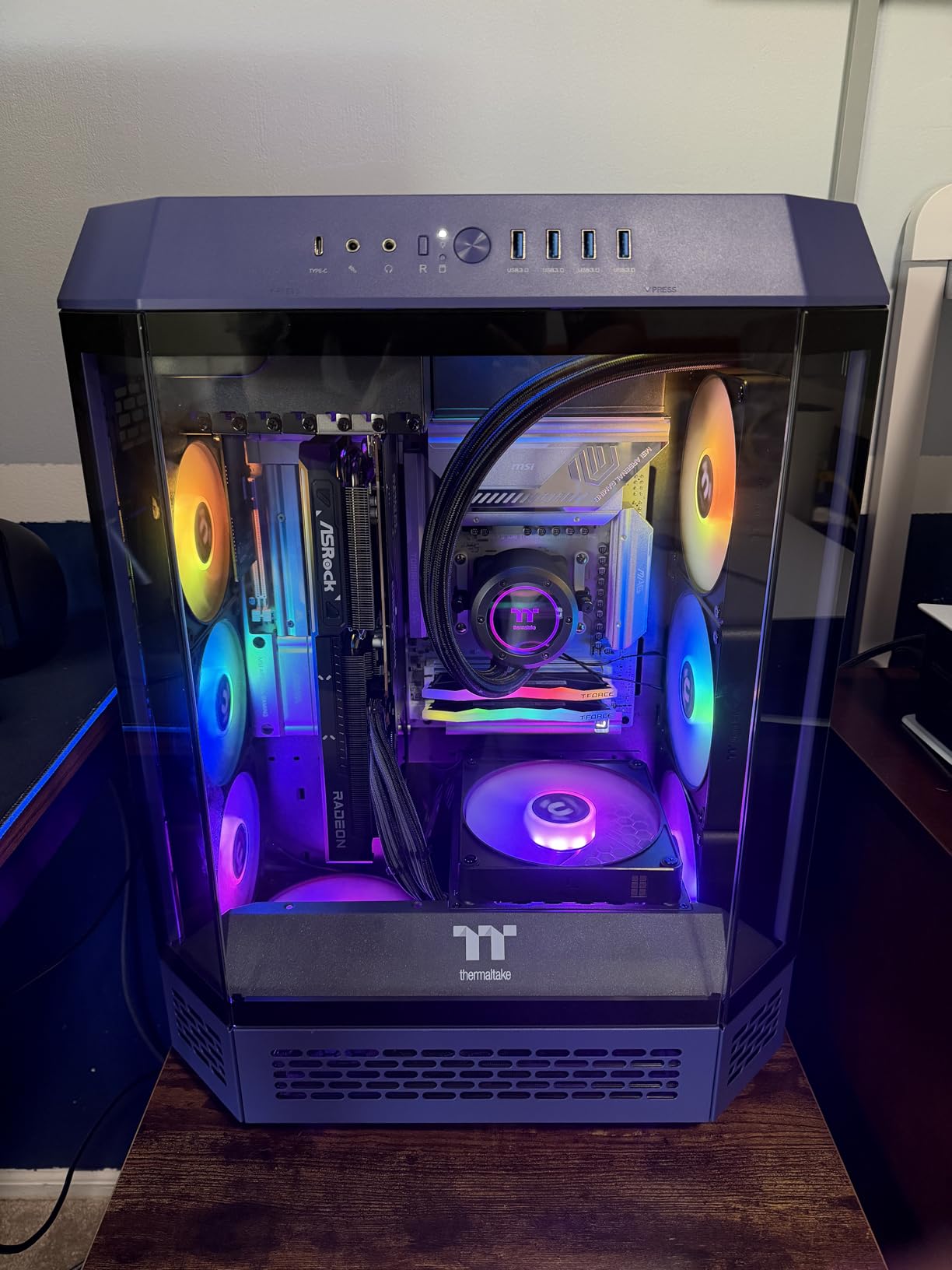
The Tower 600 is the odd one out visually and mechanically. The octagonal chassis carries three tool-free tempered glass panels, and the rotational PCIe slots with a floating VGA bracket allow the graphics card to be installed in three orientations.
Cooling capacity is genuinely strong for a mid-tower: up to nine fans and radiators to 420mm. Hidden-connector motherboards are supported, so a back-connect board produces a fully cable-free interior, and an optional horizontal display stand kit is available.
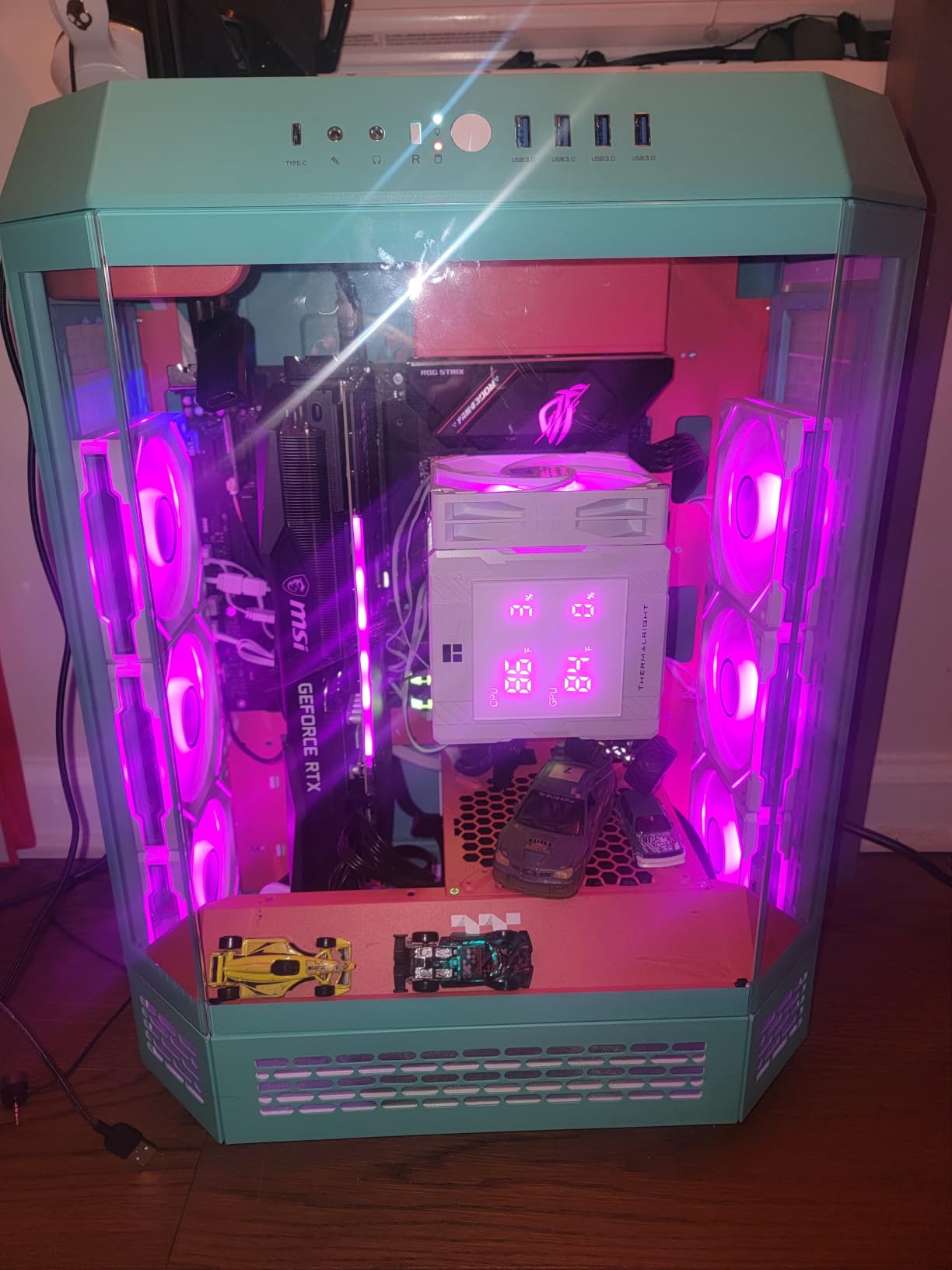
Tool-free panel removal makes installs and cleaning quick, which is more useful than it sounds when you are routing tubing and need access behind the tray repeatedly. The three-year warranty is the longest in this roundup.
This is also the case that carries the lowest average rating of the twelve, at 4.5, with 6 percent of reviews at one star. The complaints cluster around the colourway and around finding spare parts, not around thermals or build quality.
When three-way GPU mounting actually helps
Rotational slots solve a specific problem: a card with a water block often looks best mounted in a way the fixed slots will not allow. The floating bracket lets you pick the orientation and keep the tubing run short, which reduces fittings and bend radius stress.
It also helps airflow planning, because you can move the card away from a radiator mount and still keep it in a sensible position. With 420mm radiator support, you will have more than one mounting choice to work around.
The compromises
The rating is the first thing to weigh. It is a full point below several cases here, and the one-star share is a reminder that the design is more polarising than the shape suggests.
It is also heavy at 21.4 lb and wide at 16.54 inches. Some buyers report difficulty sourcing spare parts, and the colourway reads as a niche choice. Check the physical footprint and the parts situation before you commit to a loop build.
How to Choose a PC Case for Water Cooling in 2026
1. Decide between an AIO and a custom loop first
An AIO needs a radiator mount and a pump cavity. A custom loop needs those plus somewhere to mount a pump or pump-reservoir combo, room for tubing bend radius, and a drain point you can reach. A case can be excellent for one and poor for the other, so settle this before you compare anything else.
2. Measure radiator width per mounting position
Widths are listed per location, not per case. The Fractal North XL takes a 420mm at the front and a 360mm on top. The Lian Li O11D EVO RGB takes 420mm in several positions. The NZXT H9 Flow takes 420mm at the top and the front-right. Check the specific mount you plan to use, not the headline figure.
3. Check radiator thickness, not just width
Slim cores are roughly 30mm, standard about 45mm, and thick units start around 60mm. Add fan thickness and you can exceed 100mm at the mount. The HYTE Y70 Touch rates its 360mm side mount to 125mm, which is unusually generous, while the Antec Performance 1 FT fits a 420mm only tightly.
4. Look for a real pump and reservoir mount
This is where budget cases quietly fall down. A case with a 360mm mount but no pump bracket means your reservoir sits unsupported on the power supply shroud, which restricts where tubing can go. The Lian Li O11D EVO RGB and the Fractal North XL both give you somewhere to bolt a pump down properly.
5. Account for tubing bend radius
Hard tubing needs roughly 25 to 30mm of bend space behind each fitting. Compact cases run out of it first. If you are planning hard lines, build in slack before you order fittings, and check the pump tubing length against the case depth.
6. Treat vertical GPU mounting as a radiator decision
A vertical mount frees floor space for a radiator but adds the riser cable to the back of the card and can reduce clearance at the top. The HYTE Y70 Touch includes a PCIe 4.0 riser, which you would replace for PCIe 5.0 boards. The MONTECH AIR 903 MAX offers vertical mounting without a bundled riser.
7. Plan for maintenance, not just the build
A loop needs occasional attention. Our pH testing kits guide covers coolant chemistry, and our digital flow meter recommendations help you confirm the pump is actually moving water. Both are easier to use in a case with removable panels and a reachable drain point.
Also plan the refill path. A biocide and anti-corrosion additive extends block and fitting life, but only if you can get the loop open and refilled without rebuilding it.
Frequently Asked Questions
What are some good PC cases for water cooling?
Good water cooling cases have dedicated radiator mounts, a pump cavity and enough room for tubing. The Fractal Design North XL takes 420mm at the front and 360mm on top, the NZXT H9 Flow fits 420mm at the top and front-right, and the Lian Li O11D EVO RGB supports 420mm in several positions. Budget options like the MONTECH XR Panoramic handle a single 360mm AIO.
What is the best water cooling system for PC?
For most builders an AIO is the best starting point because it installs in a single afternoon and needs no loop filling. A custom loop is better if you want a GPU in the loop, quieter pumps at idle, or a specific radiator size the case allows. Match the radiator to the case mount width and thickness before choosing either.
What are the best PC cases for cooling in general?
Strong airflow cases pair a low restriction front panel with enough fan mounts to keep radiators fed. The NZXT H9 Flow and Fractal North XL lead on large radiator capacity, while the MONTECH AIR 903 MAX includes four 140mm fans and two 360mm mounts. Air cooling also depends on CPU cooler height, which reaches 180mm on the AIR 903 MAX.
Do I need a special case for water cooling?
No, almost any case with a radiator mount and a pump cavity can be water cooled. What changes is how much room is left for the pump, reservoir and tubing. Cases with a dual-chamber layout, such as the NZXT H9 Flow or Lian Li O11 Vision Compact, hide that hardware more cleanly than a single-chamber design.
Is liquid cooling worth it for a PC?
Liquid cooling is worth it when your CPU or GPU runs hot in a compact case, when noise matters, or when you want the card in the loop. In a large airflow case with a good air cooler, the temperature difference is smaller than the cost and maintenance. Test your CPU first before committing to a loop.
Conclusion: Our Picks for the Best PC Cases for Water Cooling in 2026
The Fractal Design North XL is our pick for the best pc cases for water cooling because it is the only chassis here with documented dual custom-loop builds, 420mm front radiator support and cable management that owners repeatedly call the best in its class. If you want two 420mm positions at a lower tier, the NZXT H9 Flow is the value choice, and the Lian Li O11D EVO RGB remains the hard-tube default when you want 420mm mounts and a pillarless front.
Check your radiator width and thickness against the specific mount before you order, and give yourself room to refill the loop later. That single check prevents most of the disappointments we found across hundreds of reviews in 2026.