
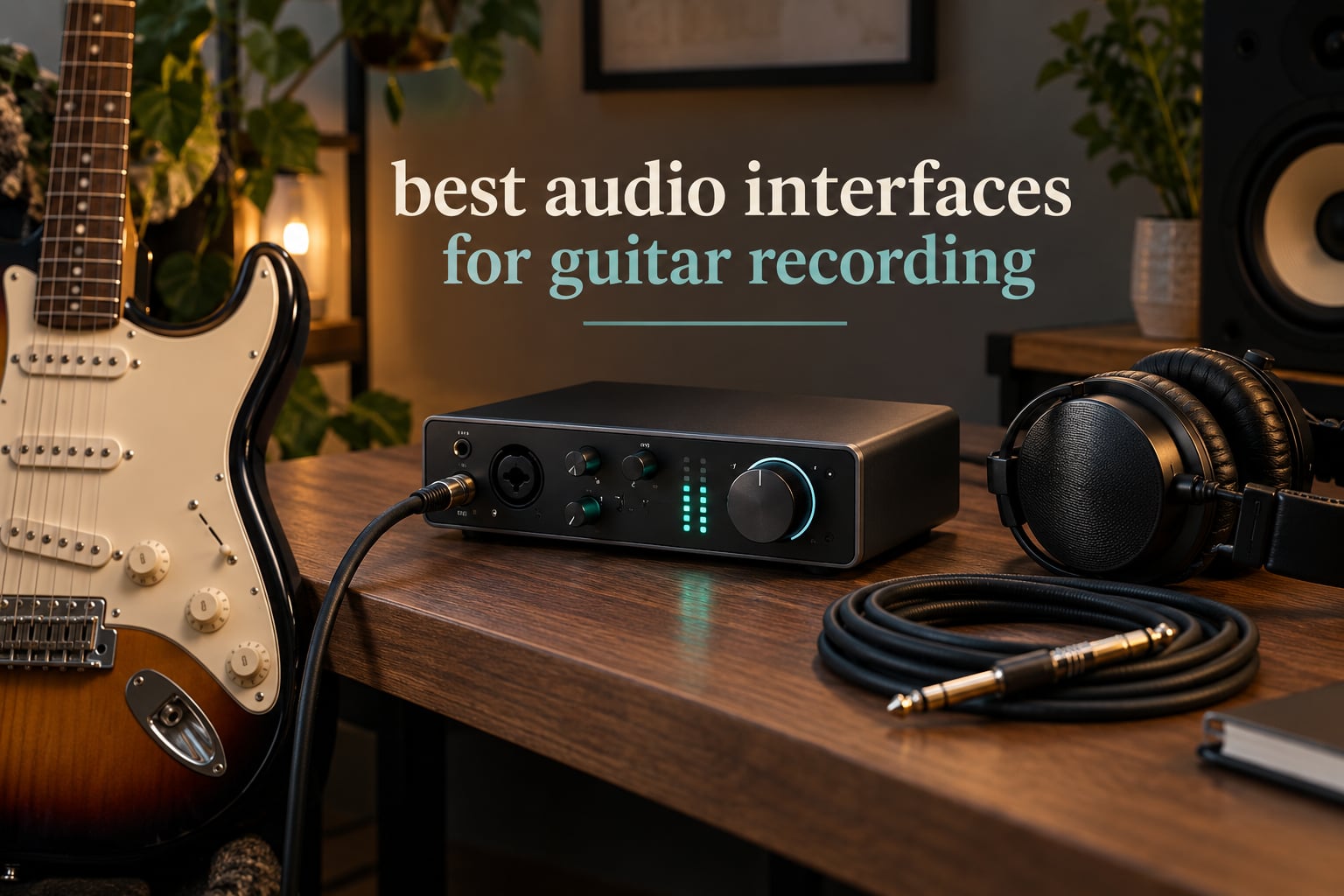
An audio interface is the box that turns your guitar into a file your computer can record. Your instrument plugs into a Hi-Z input, a preamp boosts the quiet instrument-level signal to line level, an A/D converter turns it into digital audio, and a D/A converter sends your monitor mix back out to headphones or speakers so you can hear what you are playing while you play it. That is the whole job, and it is the job your laptop’s built-in sound card does badly.
This guide is for guitarists recording at home: players tracking DI through amp sims, players miking a combo amp, acoustic players with a condenser mic, bassists, and anyone layering guitar with vocals or backing tracks. If you want a wider view of the category first, our general audio interface roundup covers non-guitar use cases too.
Here is the honest version of what matters. Across this whole list, the difference in raw converter quality between the cheapest box and the most expensive one is far smaller than the spec sheets suggest. What actually changes your recordings is whether the box has the inputs you need, whether you can set gain without clipping, whether the drivers are stable on your machine, and whether monitoring is quiet enough to leave alone. Features and workflow decide. We picked the ten interfaces that give guitarists the most usable path from cable to track, and we explain exactly who each one suits.
Top 3 Audio Interfaces for Guitar Recording Right Now for October 2026
These are the three we would put in front of most people, chosen for the best balance of rating, review volume and guitar-specific usefulness. The full list of ten follows below with the reasoning for each pick.

Focusrite Scarlett Solo 4th Gen
- › One Hi-Z guitar input
- › one XLR preamp
- › 120dB dynamic range
- › Air mode
All 10 Guitar Interfaces at a Glance in October 2026
Every pick below, with the guitar-specific feature that made it worth including. Prices move constantly, so use the buttons rather than any number you remember.
| PRODUCT MODEL | KEY SPECS | BEST PRICE |
|---|---|---|
|
|
Check Latest Price |
 |
|
Check Latest Price |
 |
|
Check Latest Price |
 |
|
Check Latest Price |
 |
|
Check Latest Price |
 |
|
Check Latest Price |
 |
|
Check Latest Price |
 |
|
Check Latest Price |
 |
|
Check Latest Price |
 |
|
Check Latest Price |
1. Focusrite Scarlett Solo 4th Gen – Best All-Rounder for Electric Guitar
Focusrite Scarlett Solo 4th Gen USB-C Audio Interface
1 XLR mic preamp
1 Hi-Z guitar input
24-bit/192kHz
120dB dynamic range
+ The Good
- Clean warm preamps that suit both guitar and vocals
- 120dB dynamic range from flagship converters
- Air mode adds presence and harmonic drive to guitar
- Halo gain LEDs make levels easy to read without clipping
- Includes Pro Tools Intro and Ableton Live Lite
- The Bad
- Single XLR plus single Hi-Z means no simultaneous two-source tracking
- USB-A to USB-C cable included rather than USB-C to USB-C
- Some Windows users report low input level with the drivers
- Too few inputs for band recording
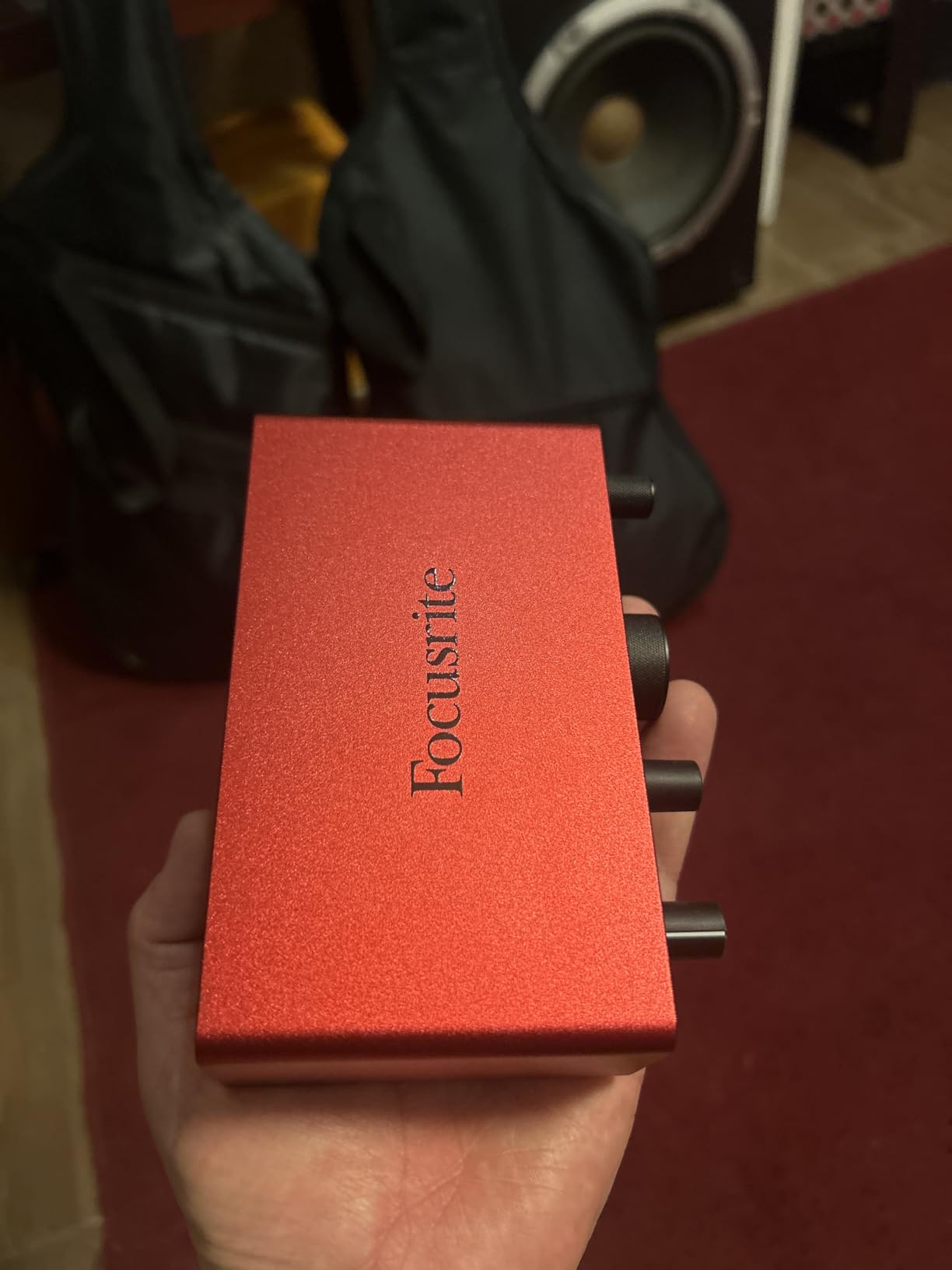
The Solo is the interface I would hand to someone recording one electric guitar through amp sims and nothing else. It has one XLR mic preamp and one dedicated Hi-Z instrument input, which means the guitar is not fighting a mic preamp for a shared jack, and it converts at 24-bit/192kHz with 120dB of dynamic range using the same converter family as Focusrite’s higher-end studio boxes.
Air mode is the feature guitarists use most and never mention in reviews of other brands. It lifts the presence and adds a touch of harmonic drive so a raw DI does not sound thin and clinical the moment it lands in the session. Owners also like the Halo gain LED, which shows level in a ring around the gain knob so you can find a healthy setting on the first try instead of clipping and guessing.
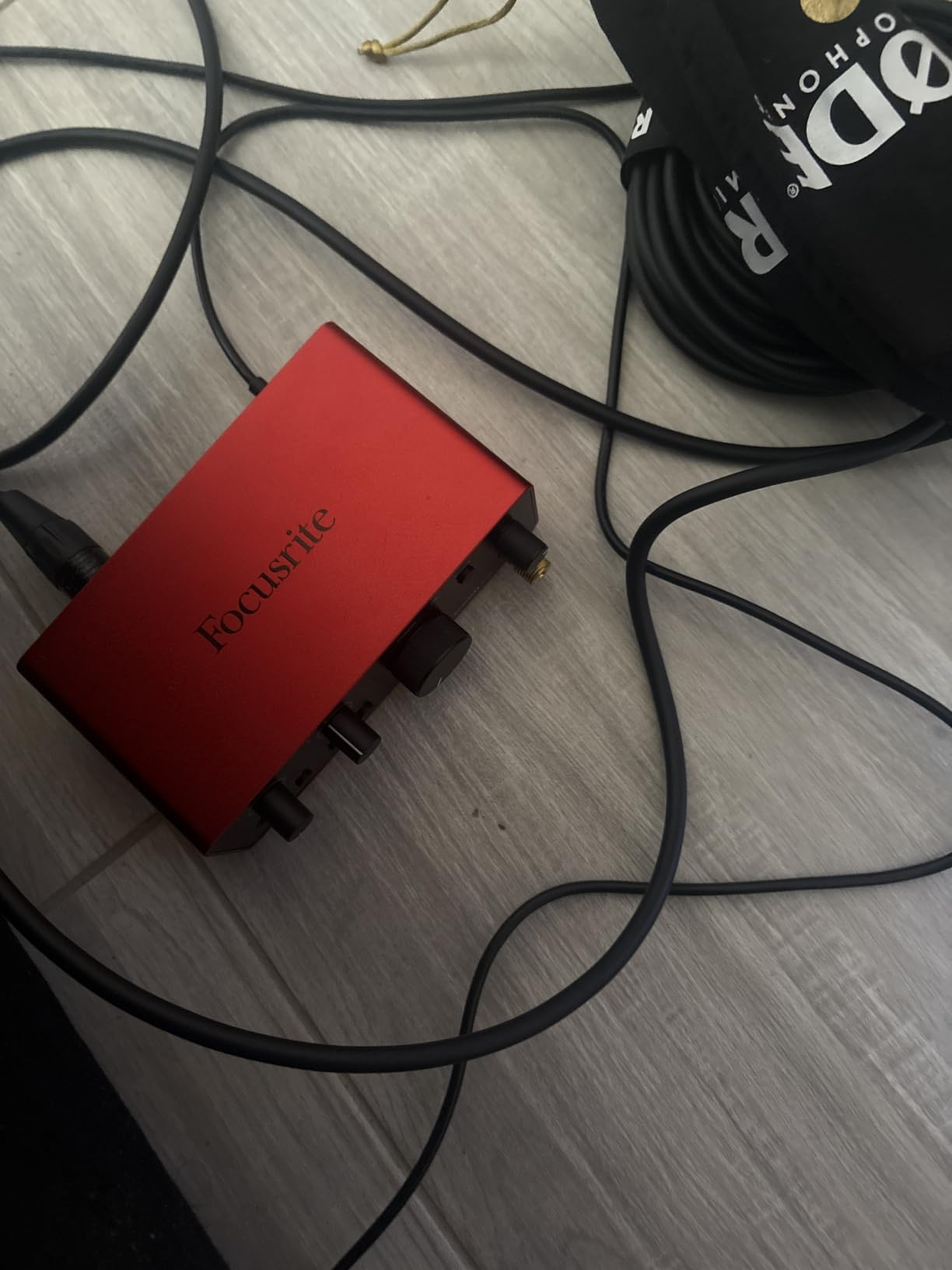
Monitoring is where the Solo quietly wins for practice and overdubbing. With direct monitoring switched on you hear the guitar with effectively zero latency, and the headphone output is strong enough to drive closed-back headphones properly. Reviewers repeatedly pair it with home studio monitors for demo and tracking work and report the preamps as clear, warm and clean.
What you give up is capacity. One mic input means you cannot record a vocal and a guitar at the same time, and you cannot capture a stereo pair or multi-mik a cabinet. If your sessions always involve two sources at once, step up to the MOTU M2 or the Behringer UMC202HD rather than living with cable swaps mid-take.
Who should buy the Scarlett Solo
Buy it if you track one electric guitar DI, you play through headphones with amp sims, and you want the shortest path from unbox to a usable track. For most single-guitar players this is the least complicated box in the range.
It is also the safer used-buy than its name suggests, provided you check one thing. Forum threads about the Focusrite line carry an old warning that first-generation Scarlett units distort on hot guitar signals. That complaint belongs to the earliest hardware, not the current generation, but it is exactly the kind of thing worth testing with a sustained chord before you commit to a secondhand unit.
Who should skip it
Skip it if you sing and play at the same time, if you record acoustic guitar with a stereo mic pair, or if you plan to mic a cabinet with more than one mic. One XLR and one instrument input is a real ceiling, not a temporary inconvenience.
Also read the Windows caveat honestly. A minority of owners report low input levels with the Focusrite drivers, which can leave you needing extra gain for quiet dynamic mics such as an SM58. If you are on Windows and recording a lot of vocals rather than guitar, check this early.
2. Universal Audio Volt 1 – Best for Players Who Want Warmer Preamp Character
Universal Audio Volt 1 USB Audio Interface
Hi-Z instrument input
Vintage 610 preamp mode
24-bit/192kHz
LUNA DAW included
+ The Good
- Vintage mode recreates classic UA 610 preamp character
- 192kHz converters capture fine guitar detail
- Includes the full LUNA DAW and UAD plug-in suite
- High-impedance input suits passive and active pickups
- Works on macOS Windows iPad and iPhone
- The Bad
- Single input blocks recording guitar and mic together
- iOS use needs the external power supply and a Lightning adapter
- Bundled LUNA and UAD features are thinner on Windows
The Volt 1 makes a different argument from everything else here. Rather than chasing the flattest, most neutral capture, it leans into hardware preamp emulation: Vintage mode reproduces the character of Universal Audio’s classic 610 preamp. For a guitarist whose amp sims sound a bit sterile, that warmth is a genuine creative tool rather than a gimmick, and it is a real alternative to buying a boutique preamp later.
Underneath, the converters run at 24-bit/192kHz and the instrument input is a proper high-impedance jack, so passive single coils and active humbuckers both feed in cleanly. The bigger draw for many players is the bundle: the full LUNA Digital Audio Workstation plus a suite of UAD plug-ins and instruments, which on its own would be a meaningful addition to a home studio.
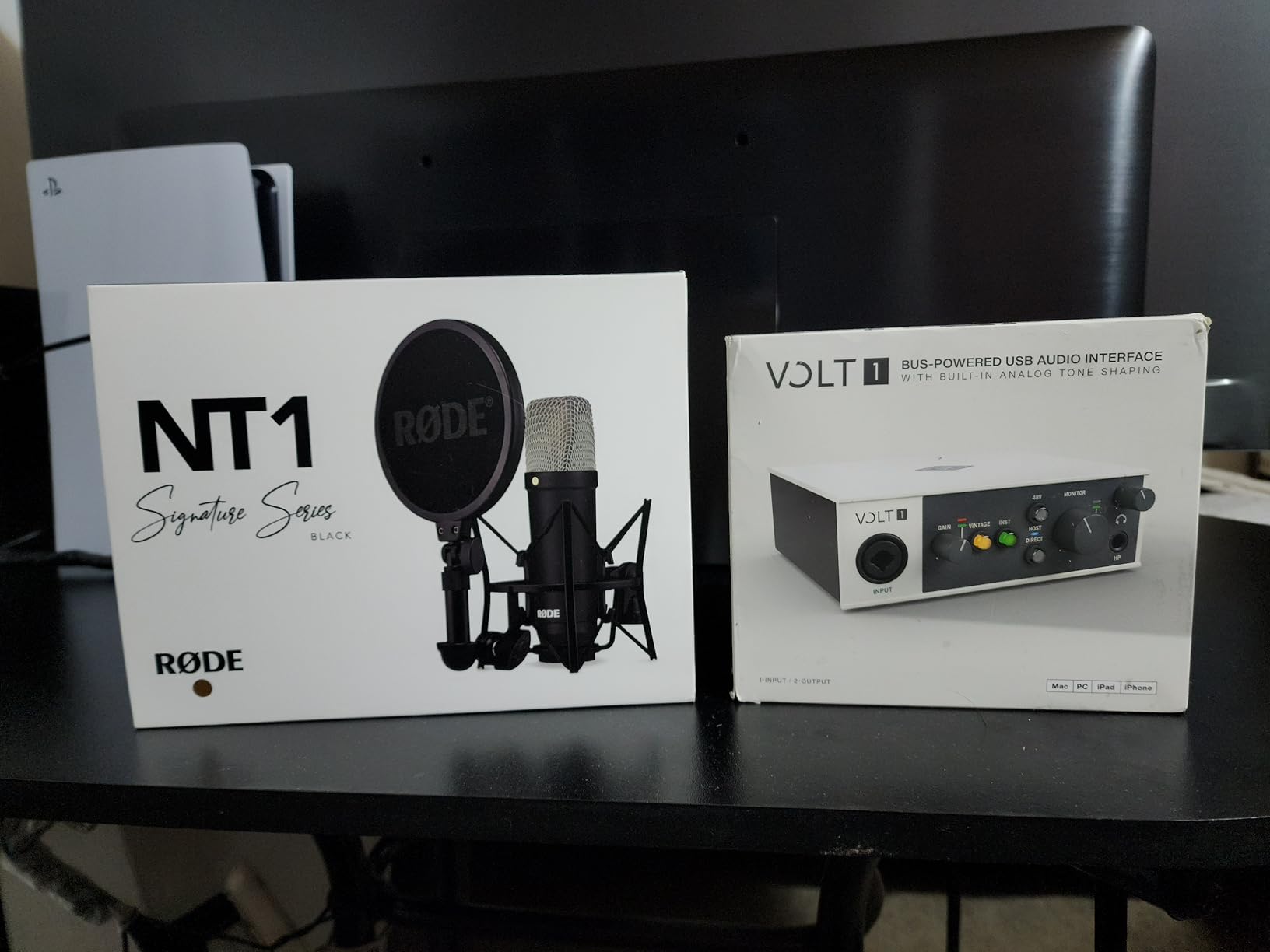
Reviewers consistently describe the tone as album-ready and musical, and they single out the high-impedance input as the reason guitarists are happy with it. The mobile support is a real differentiator too: the Volt 1 runs on iPad and iPhone alongside Mac and Windows, which makes it the one desktop-style unit here that travels in a bag without a fuss.
There is one structural limit. The Volt 1 is single-input, so you cannot record guitar and mic together, and iOS use requires the external power supply plus a Lightning to USB camera adapter. Owners also report that the bundled LUNA and UAD plug-in features are more limited on Windows than on macOS, so check the software side before committing if you are a Windows user.
Who should buy the Volt 1
Buy it if you are a DAW beginner who wants a full workstation and studio-grade plug-ins included, or if your recordings sound thin and you want a warmth switch rather than a perfectly flat capture. It is a good first serious box for a songwriter.
It also suits players who record in short bursts away from the desk, because the mobile support is genuine rather than an afterthought. Confirm your device situation first: iPad and iPhone work, but Android does not appear in the compatibility list.
Who should skip it
Skip it if you sing and play together, if you work on Windows and care about the bundled plug-in library, or if you need neutral and uncoloured monitoring for mixing. The Vintage character is the point here, and if you want a blank canvas it works against you.
The review count is also the smallest in this list, which means less long-term owner feedback to draw on. That has not stopped people using it for years, but it is worth knowing if you tend to research heavily before spending.
3. MOTU M2 – Best Value Two-Input Interface for Guitar and Vocals
MOTU M2 USB-C Audio Interface
2 preamps
2-in and 2-out
LCD level meters
24-bit/192kHz hardware monitoring
+ The Good
- Two preamps record a guitar and a mic at the same time
- Large LCD meters make gain staging obvious at a glance
- Clean uncolored monitoring with hardware direct monitoring
- 24-bit/192kHz conversion
- Bus powered USB-C with more than 6GB of free software
- The Bad
- Larger and heavier than pocket-sized single-input boxes
- Some DAW setups need extra MOTU driver configuration
- Fewer bundled software extras than rivals at the same tier
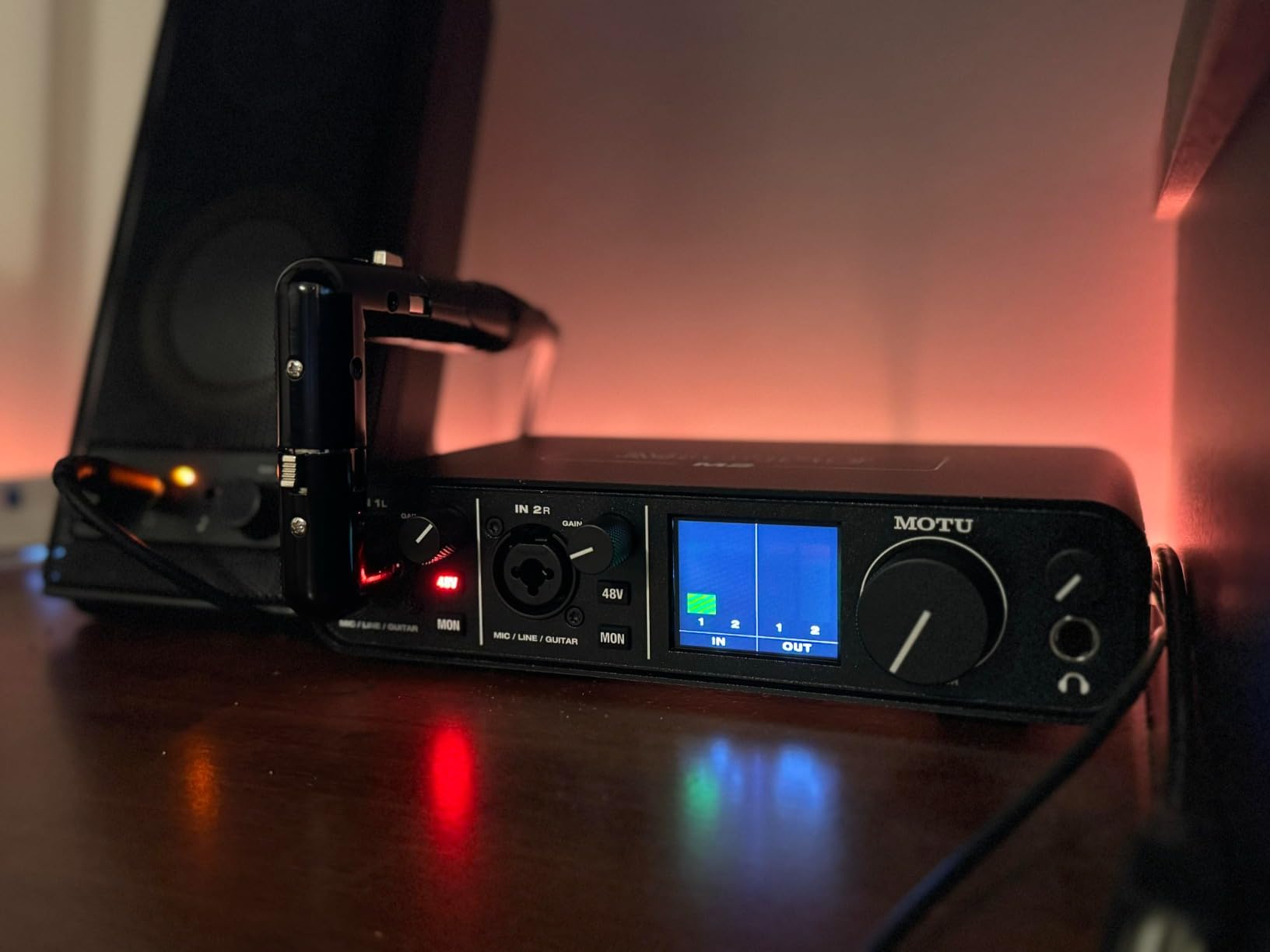
The M2 answers the most common real session in one box: a guitar and a vocal at the same time. Two preamps, two inputs and two outputs at 24-bit/192kHz, and both sources can be recorded together rather than tracked one after the other. Forum consensus keeps repeating the same advice, that two mic inputs is the sensible minimum for a home guitarist, and this is the most complete answer to that at the two-input level.
The LCD display is the feature owners mention first, and it is not cosmetic. You can see both input levels and the output level on the hardware while playing, which removes the guesswork from gain staging. Owners and forum posters alike prefer these meters to gain-halo rings for setting a level quickly, especially when you are switching between guitars with different pickups.
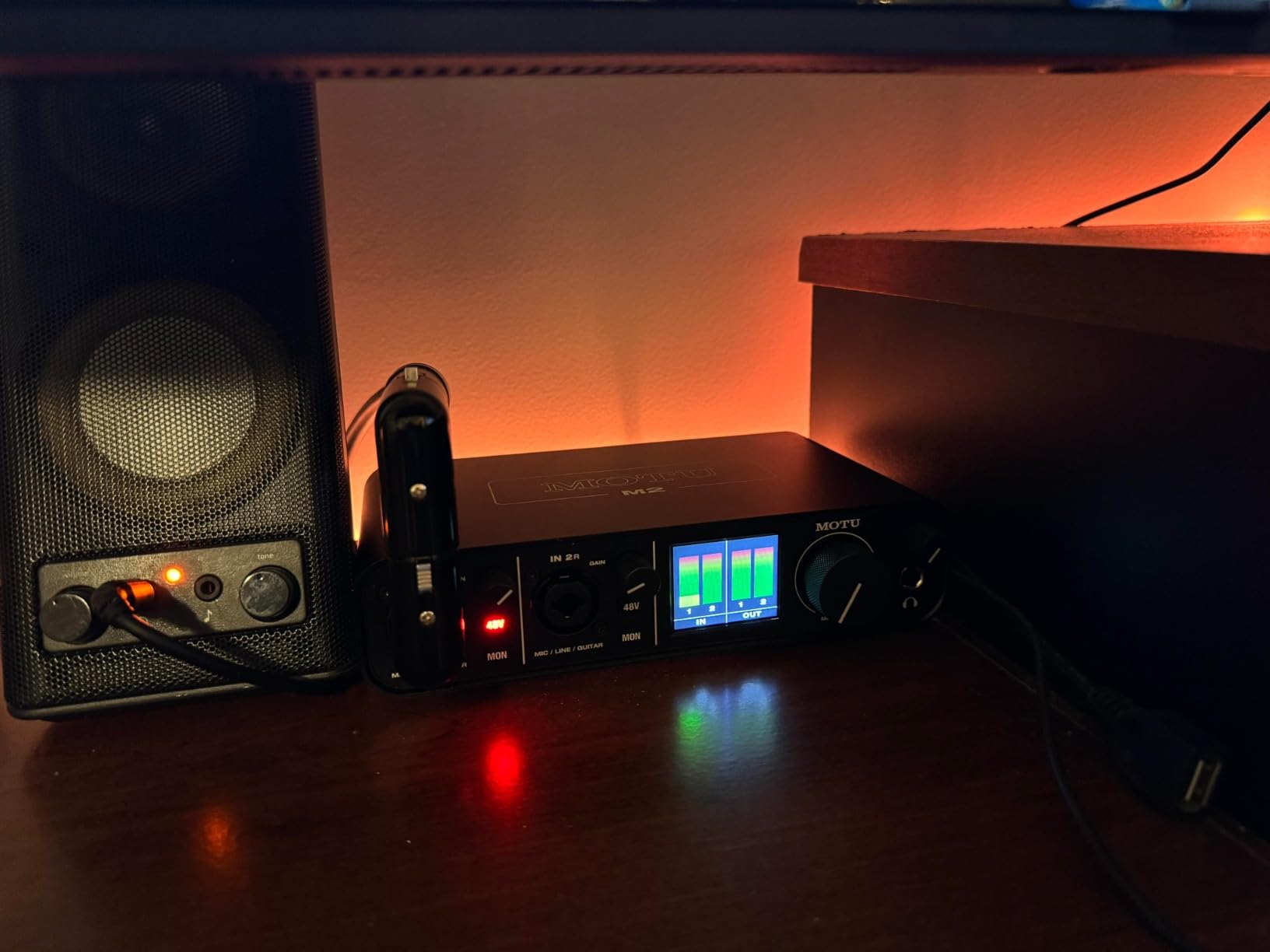
Monitoring is clean and uncolored with hardware direct monitoring available, so what you hear while tracking stays honest. The MOTU driver reputation is strong, and driver stability is something long-term owners single out as a reason these boxes last. More than 6GB of free music software is bundled for macOS, Windows and iOS.
Trade-offs are practical. At 7.5 inches deep and 612g it is a desktop box, not a laptop accessory. Some DAW setups need extra driver configuration, and the software bundle is thinner than rivals at this level. If you are a Mac user, also read the wider driver conversation in our USB audio interface guide before buying.
Who should buy the MOTU M2
Buy it if you write and sing, if you record guitar plus a vocal or acoustic mic in the same pass, or if you want visible metering while tracking. It also suits players layering parts, since two inputs means overdubs and scratch vocals without unplugging anything.
It is a sensible upgrade path too: MOTU’s range runs upward from here, so a later move to more channels keeps the same driver and workflow rather than starting over. That continuity is exactly what experienced home recordists value.
Who should skip it
Skip it if you need to travel with your setup, since the size and weight are real. Also skip it if you want a large bundled plugin library in the box, or if you record on a Mac and have heard specific driver friction with your DAW configuration.
Two inputs is still two. If you intend to multi-mik a guitar cabinet or record drums, you will outgrow this box quickly and should look at a four-input model instead.
4. Arturia MiniFuse 1 – Best for Guitarists Who Also Use MIDI and Travel
Arturia MiniFuse USB Audio & MIDI Interface, MiniFuse 1
1 combo XLR and line input
2 instrument TRS inputs
5-pin MIDI in and out
USB-C bus powered
+ The Good
- Transparent signal path with a near-undetectable noise floor
- Very low latency makes layering guitar parts easy
- Direct monitoring switch routes instrument straight to headphones
- MIDI in and out plus a rear USB hub for controllers
- Metal chassis small enough to travel
- Five-year warranty
- The Bad
- Single mono input records only one source at a time
- Only one balanced TRS output pair limits multi-monitor setups
- Registration required before driver updates appear
- Headphone output struggles with small in-ear monitors
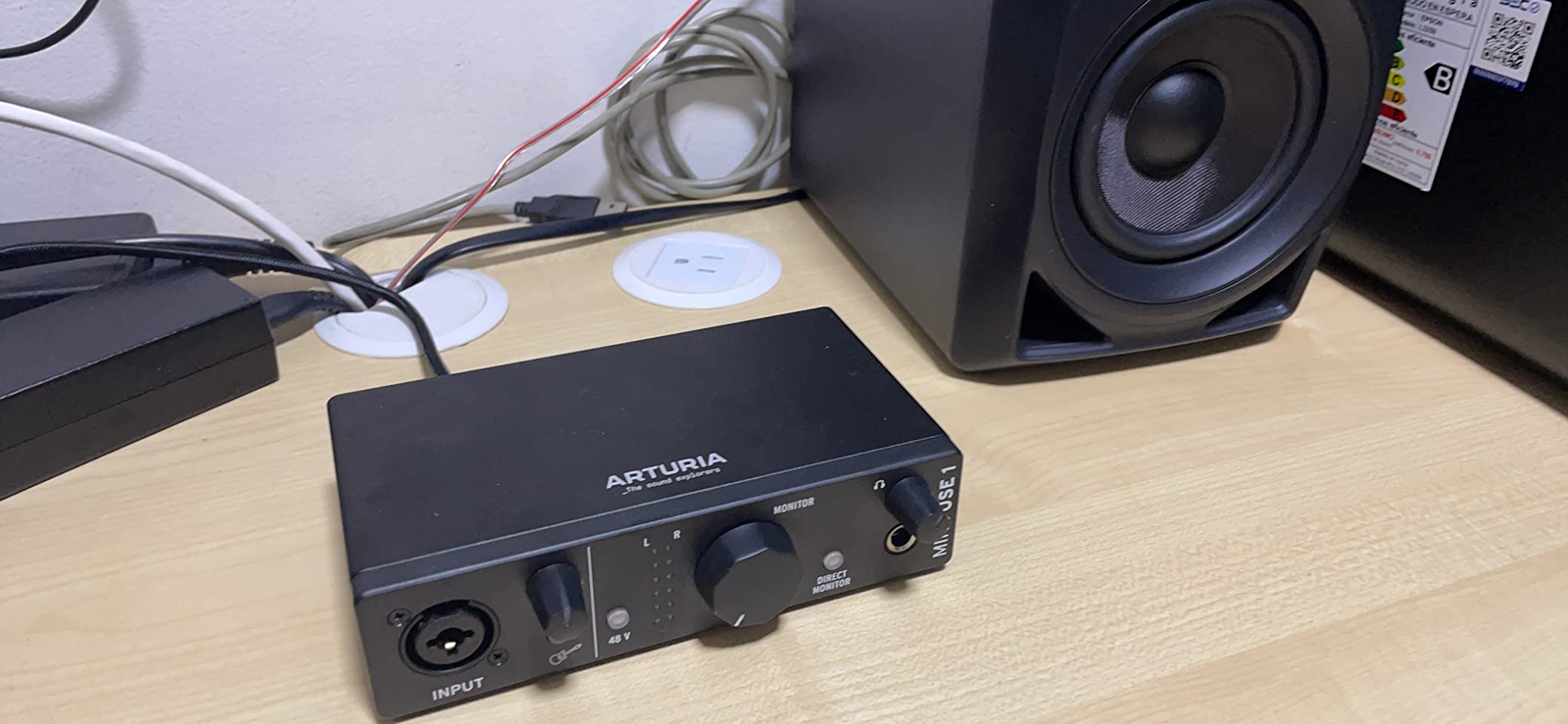
The MiniFuse 1 is the odd one out here, and that is exactly why it earns a place. It has a combo XLR and line input with 48V phantom power, two dedicated quarter-inch instrument TRS inputs, balanced TRS outputs, a headphone output, a rear USB hub and five-pin MIDI in and out. The MIDI I/O is genuinely rare at this size and lets you control amp sims, plugins or a keyboard without a second box.
Owners describe the signal path as transparent and uncolored, with a noise floor that is effectively undetectable in normal use. That neutrality is a virtue: if you plan to mix on your own monitors later, you want a capture stage that does not bake in coloration you cannot remove.
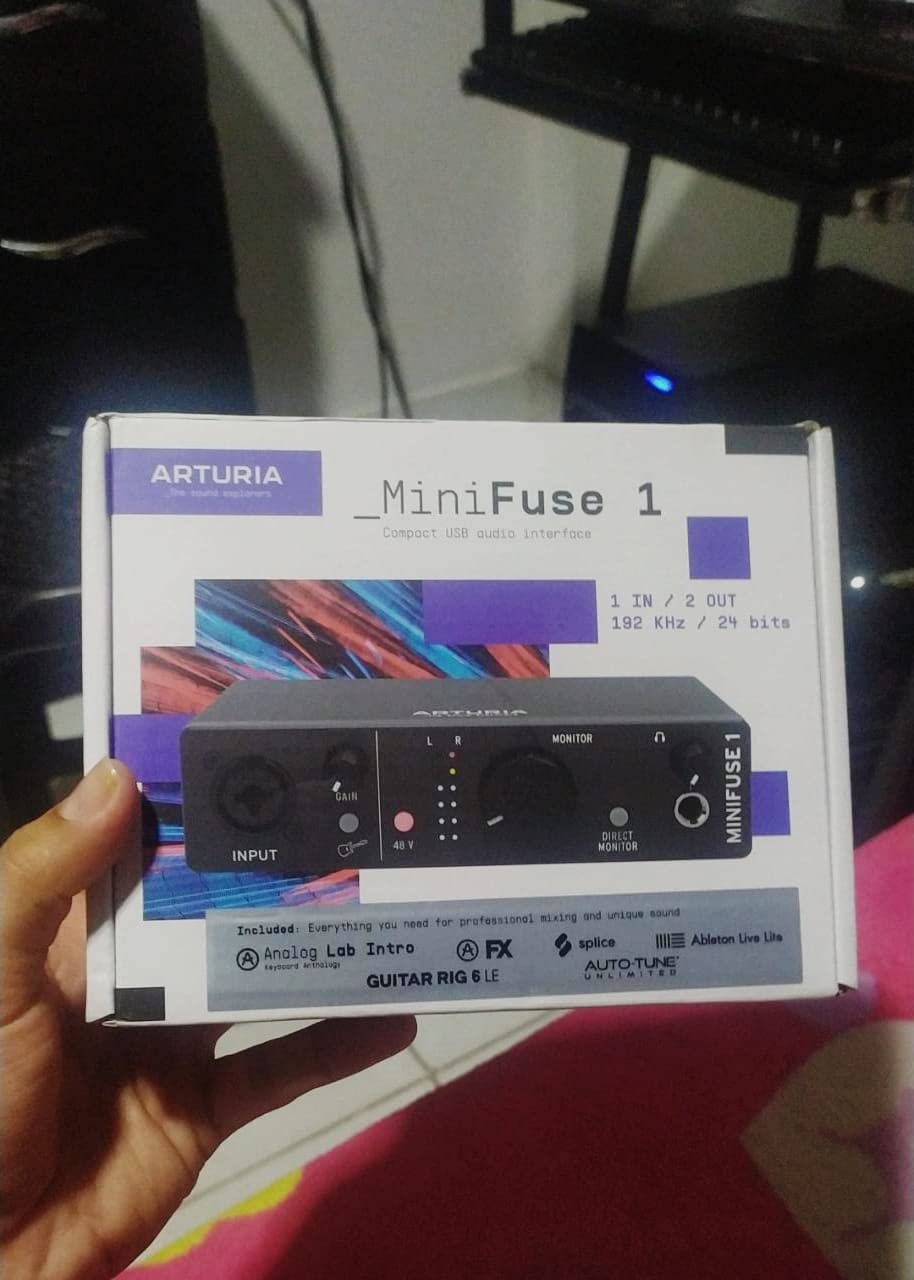
Latency is another repeated highlight. Reviewers call it very low, which makes overdubbing and layering guitar parts straightforward rather than frustrating, and the direct monitoring switch gives you a clean path from the instrument to your headphones.
The bundle is generous for the size: Ableton Live Lite, Analog Lab Intro, Arturia FX, NI Guitar Rig 6 LE, Auto-Tune Unlimited and a Splice Creator Plan. The warranty is five years, the longest in this group, and the unit passed more than 200 reliability tests before approval. The metal chassis is small enough to live in a laptop bag.
Who should buy the MiniFuse 1
Buy it if your setup is guitar plus software instruments, if you already use MIDI controllers, or if you record on the move. Guitar Rig 6 LE in the box also makes it a friendly first step into amp simulation without a separate purchase.
It is also a good match for a one-guitar-and-one-laptop writing setup, since it is bus powered over USB-C and needs no external supply. If you care about buying something once, the five-year warranty is the strongest in the group.
Who should skip it
Skip it if you sing while playing. The single mono input means only one source at a time, and the single balanced TRS output pair will not drive a multi-monitor setup without extra hardware.
Two smaller frictions to know: the headphone output struggles with small in-ear monitors, so stick to full-size closed-back headphones, and the product must be registered before driver updates and software downloads appear.
5. PreSonus AudioBox USB 96 – Best First Interface for New Guitarists
PreSonus AudioBox 96 25th Anniversary USB Audio Interface
2 Class-A mic preamps
2 high-headroom instrument inputs
MIDI I/O
24-bit/96kHz
+ The Good
- Two Class-A mic preamps record clearly
- Two high-headroom instrument inputs for guitar and bass
- Mixer blends inputs with playback for zero-latency monitoring
- Bus powered over USB with no external supply
- Studio One Artist and Ableton Live Lite included
- The Bad
- Capped at 96kHz while rivals reach 192kHz
- USB 2.0 Type B connection rather than USB-C
- Bundled software requires product registration
- No MIDI merge or advanced routing on this model
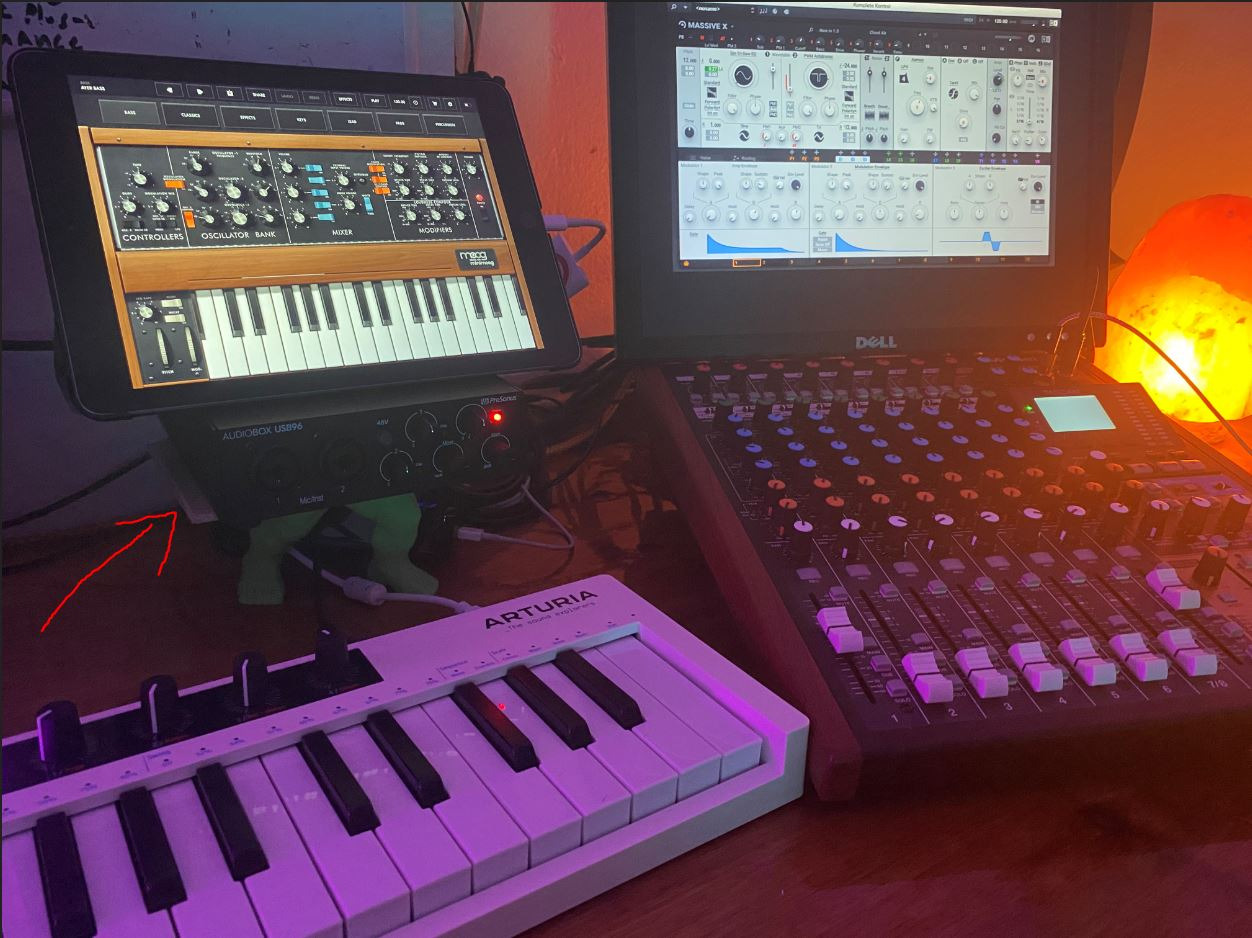
The AudioBox USB 96 does something the cheaper boxes in this list do not: it gives you two dedicated instrument inputs. That means an electric guitar DI and an acoustic guitar DI can be captured at the same time without sharing a combo jack, which is a real advantage if you play both or layer rhythm against lead.
Reviewers regularly recommend it as a dependable first interface, pointing to the two Class-A mic preamps, the high-headroom instrument inputs and the mixer control that blends live input with playback for zero-latency monitoring. The rating sits slightly below the premium rivals here, but with more than 3000 reviews behind it the long-term picture is well documented.
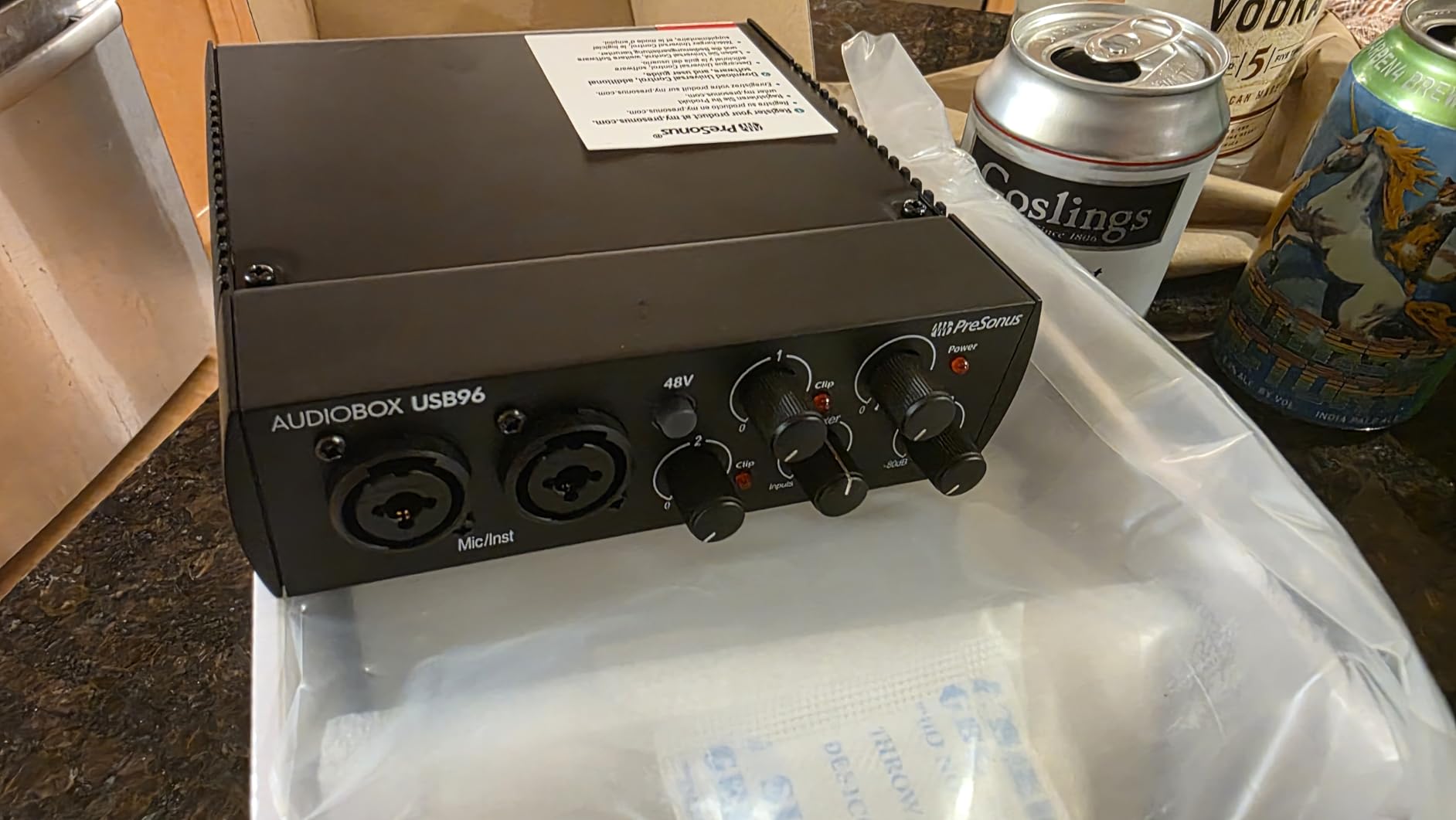
Software is a genuine strength. Studio One Artist and Ableton Live Lite are included on registration, along with the Studio Magic plug-in suite, and it works with Studio One Pro, Ableton Live, FL Studio, Cubase, Pro Tools, Logic Pro and Reaper, so you are not locked into a single DAW.
The two compromises are the 96kHz ceiling, which is below the 192kHz several rivals offer at similar money, and the older USB 2.0 Type B connection. If you want headroom for future work, the MOTU M2 or the Focusrite Solo both stretch further.
Who should buy the AudioBox USB 96
Buy it if you are starting out, if you play more than one guitar and want both on separate inputs, or if you already own DAWs and just need reliable conversion. The Class-A preamps give you clean vocals later without another purchase.
It is also a fit for players who record both electric and acoustic, since the two instrument inputs handle either without an adapter. Bus power means one cable and no power brick on a desk.
Who should skip it
Skip it if you plan to record at high sample rates or work with video, since 96kHz is the hard ceiling. Skip it if you want a modern USB-C connection and care about desk tidiness or laptop compatibility.
There is no MIDI merge or advanced routing on this model, and the bundled software has to be redeemed by registering the product, so set aside ten minutes before you start tracking.
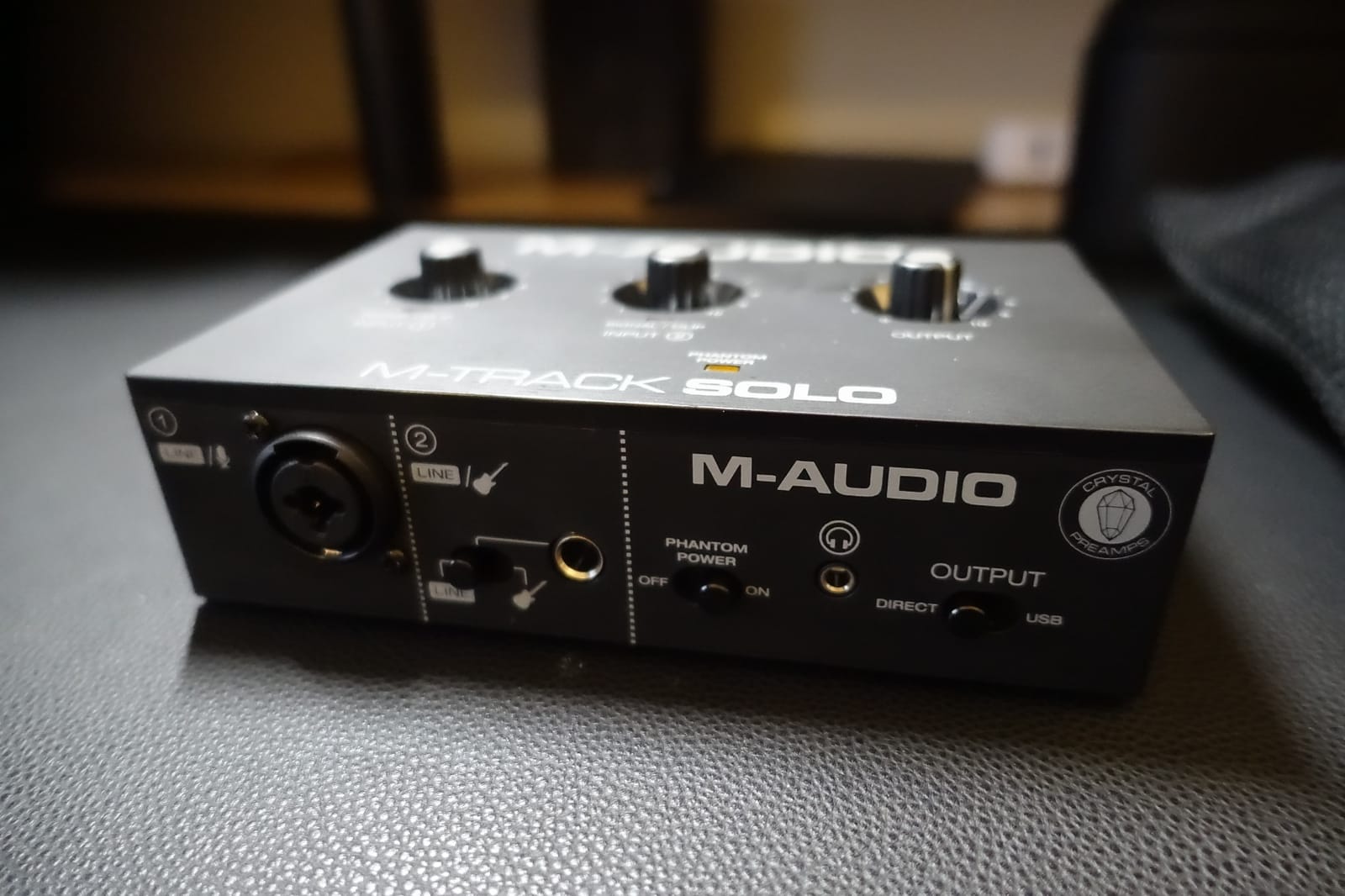
6. M-Audio M-Track Solo – Budget Pick for Electric Guitar on a Shoestring
M-AUDIO M-Track Solo USB Audio Interface
XLR and line combo input
1/4 inch instrument input
48kHz and 24-bit
bus powered USB
+ The Good
- Very affordable entry point that records electric guitar reliably
- Plug-and-play USB class needs no extra drivers
- Low latency achievable at small buffer sizes
- Bus powered with no external supply
- Combo XLR and line input plus a separate instrument input
- Includes MPC Beats and Ableton Live Lite
- The Bad
- 48kHz ceiling is below modern standards
- Only one XLR combo so no stereo or multitrack capture
- Quarter-inch line input is mono only
- Textured plastic chassis and light feel on the desk
The M-Track Solo has the largest review base in this group by a wide margin, and that matters for a budget box. More than 7700 owners have documented its behaviour, so the strengths and the weak points are well known rather than a matter of faith.
For electric guitar it does the essentials properly. There is a balanced XLR mic input with phantom power, a balanced quarter-inch TRS line input, and a separate unbalanced quarter-inch instrument input with a listed impedance of 1 megaohm, which is the correct ballpark for a guitar DI. Low latency is achievable at small buffer sizes, so overdubbing is comfortable rather than a guessing game.
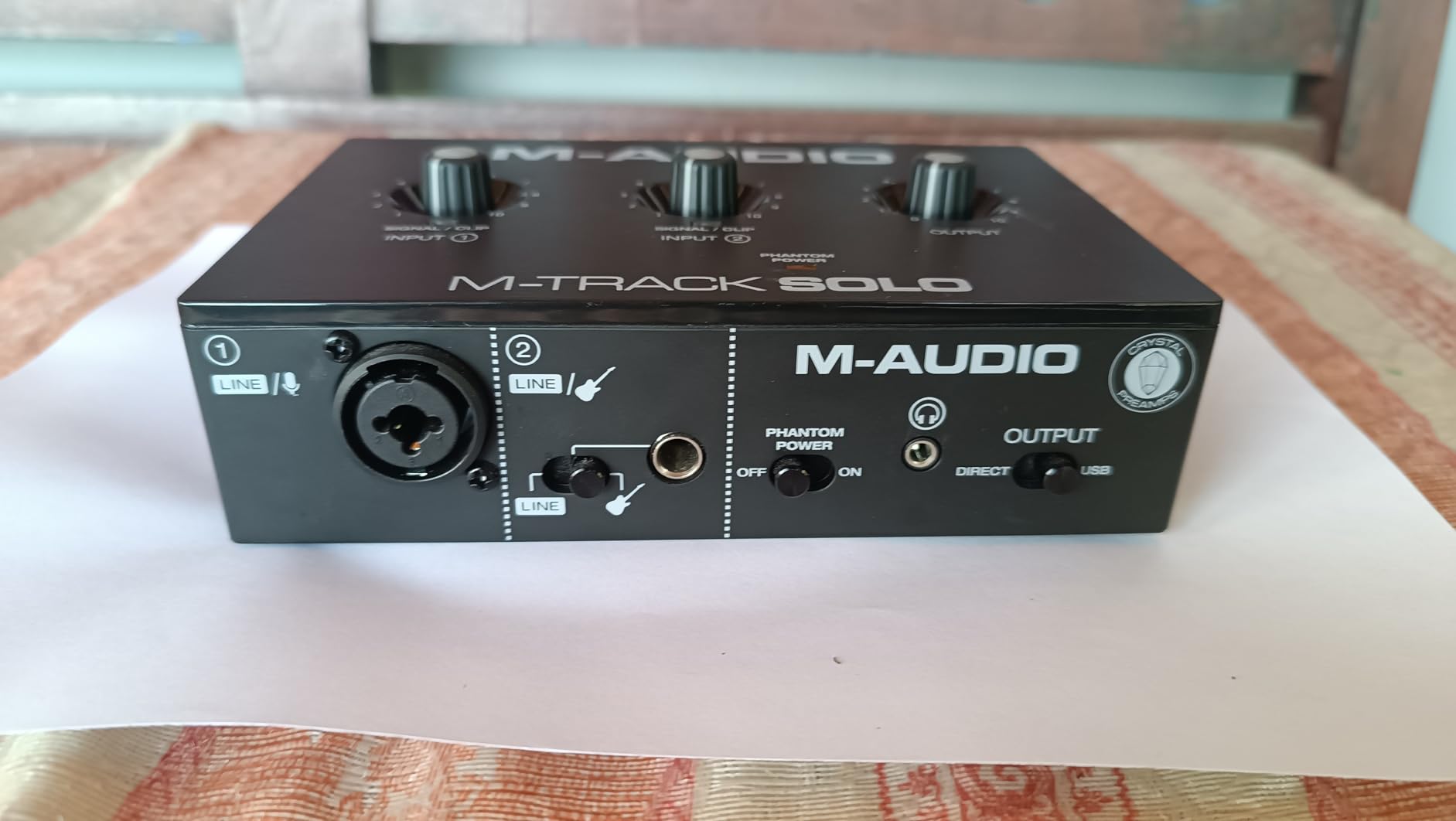
It runs as a USB class device, so there are no extra drivers to install and it works on Mac, Windows and Linux. Monitoring uses the USB and Direct switch for zero-latency playback, and MPC Beats plus Ableton Live Lite are included to get you started.
The limits are honest ones. Maximum resolution is 48kHz, the quarter-inch line input is mono only, and the chassis is textured plastic rather than metal. Some owners report needing moderate gain for dynamic microphones and hearing hiss at higher gain settings, which is normal for this class but worth knowing if you plan to record a lot of vocals.
Who should buy the M-Track Solo
Buy it if you want to start recording electric guitar this week at the lowest sensible cost, if you record on Linux or want something that works without driver hunting, or if you need a spare interface for travel and rehearsal.
It is a good streamer option too, since the direct monitor switch covers basic zero-latency monitoring. The included Ableton Live Lite and MPC Beats mean you can record on day one without buying anything else.
Who should skip it
Skip it if you plan to record in 96kHz or higher, if you need stereo capture from the line input, or if you record acoustic guitar with a stereo mic pair. The mono-only inputs are the hard stop for anything multi-channel.
Also skip it if you sing and play at once. One XLR combo and one mono instrument input does not cover a two-source session, and the plastic build does not love being carried to gigs.
7. Behringer UMC202HD – Top Rated Two-Input Box for Guitar Plus Vocal
Behringer UMC202HD Audiophile 2×2, 24-Bit/192 kHz USB Audio Interface with Midas Mic Preamplifiers | For Recording Microphones and Instruments
2 combo XLR and TRS inputs
Midas-designed preamps
24-bit/192kHz
metal chassis
+ The Good
- Midas-designed preamps deliver clean detailed recordings
- Two combo inputs track guitar and mic at the same time
- Supports up to 24-bit/192kHz
- Impact-resistant metal chassis built for studio use
- Powerful headphone output with Direct Monitor select
- The Bad
- Stereo line outputs only with no re-amp or multi-monitor features
- Older USB connection compared with USB-C designs
- No bundled recording software and no MIDI on this model
- Chassis is larger and heavier than compact alternatives
The UMC202HD is the oldest design in this list and still one of the most recommended. Two combo XLR and quarter-inch TRS inputs, Midas-designed mic preamps, and conversion up to 24-bit/192kHz. With more than 3300 reviews averaging 4.6 stars, it is the most thoroughly tested option here for a reason.
Those combo inputs are the key for guitar. A single cable from a 1/4 inch guitar cable or a DI box plugs into input one, your vocal mic goes into input two with phantom power, and both record together. Home recordists regularly describe the preamp quality as remarkably good for the money, and the direct monitor select plus level-controlled headphone output make tracking straightforward.
Build matters here too. The impact-resistant metal chassis is the choice if the interface lives in a home studio rather than a rucksack, and it works with Pro Tools, Ableton Live, Cubase and other standard recording software without a bundled suite.
What it does not have is modern convenience. Connectivity is older USB rather than USB-C, there is no bundled recording software and no MIDI on this model, and you get stereo line outputs only, with no dedicated re-amp output or multi-monitor outputs. If reamping is part of your plan, look at the iRig HD 2 instead.
Who should buy the UMC202HD
Buy it if you record guitar and vocals together, if you want the highest resolution available in this list at a two-channel price point, or if you want a metal chassis that will sit in a studio for years. It is also a strong choice if you already own your DAW and software.
It is a good pairing with a DI box for passive or active pickups, and the combo inputs make it easy to try different mic and guitar combinations without buying a second interface.
Who should skip it
Skip it if you need bundled software to get started, if MIDI control is part of your setup, or if you want a modern USB-C connection and a compact footprint. The chassis is 10.1 inches wide and 1.2 pounds, which is real desk space.
Skip it if you plan to add third and fourth sources soon. Two combo inputs is the whole capacity, and the older connection means less headroom for whatever comes next.
8. IK Multimedia iRig HD 2 – Best for Amp Sim Practice and Reamping to an Amp
IK Multimedia iRig HD 2 guitar audio interface for iPhone, iPad, Mac, iOS and PC with USB-C, Lightning and USB cables and 24-bit, 96 kHz music recording
1 Hi-Z guitar input
Amp Out with FX and Thru
96kHz resolution
headphone preamp and level
+ The Good
- High-quality instrument-level Hi-Z input with adjustable gain
- Amp Out jack with FX and Thru modes plugs straight into an amplifier
- 96kHz is the highest rate in its class
- Works with iPhone iPad Mac and PC with cables included
- Unlocks real amp and cab models inside AmpliTube
- The Bad
- No XLR mic input so vocals cannot be recorded directly
- Most amp content in AmpliTube needs paid purchases
- Windows performance weaker with reported device conflicts
- Short adapter cables and a fragile micro-USB connector
The iRig HD 2 is built for one specific job: guitar. It has a single quarter-inch Hi-Z input with adjustable gain, which is a purer instrument path than any combo-jack box in this list, and it works with iPhone, iPad, Mac and PC using the USB-C, Lightning and USB cables supplied in the box.
The Amp Out jack is the detail that separates it. A switch chooses FX or Thru, so you can run the interface straight into an amplifier, either processing the signal first or passing the dry guitar through. That makes it a cheap reamping path: capture a DI, then send the line output into a pedalboard or amp and back into an input.
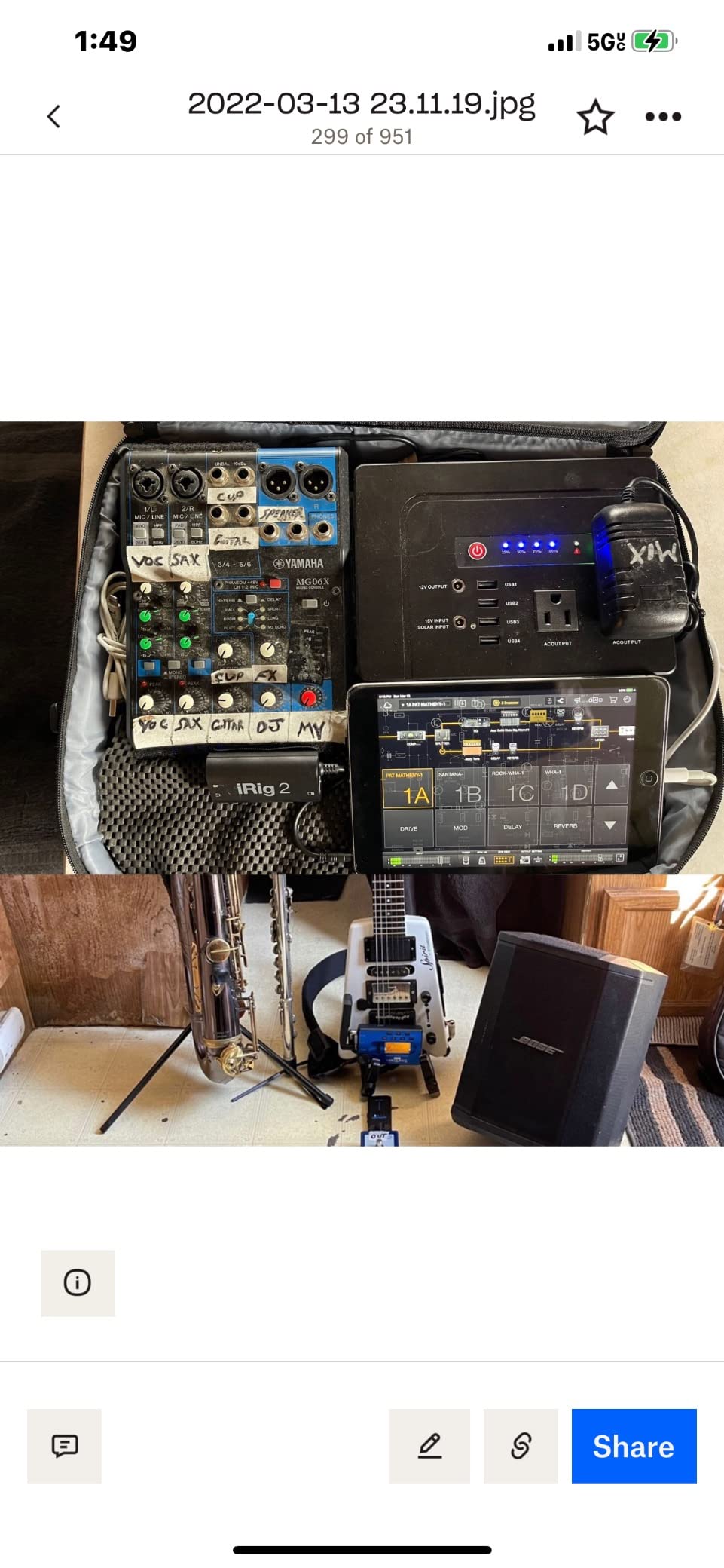
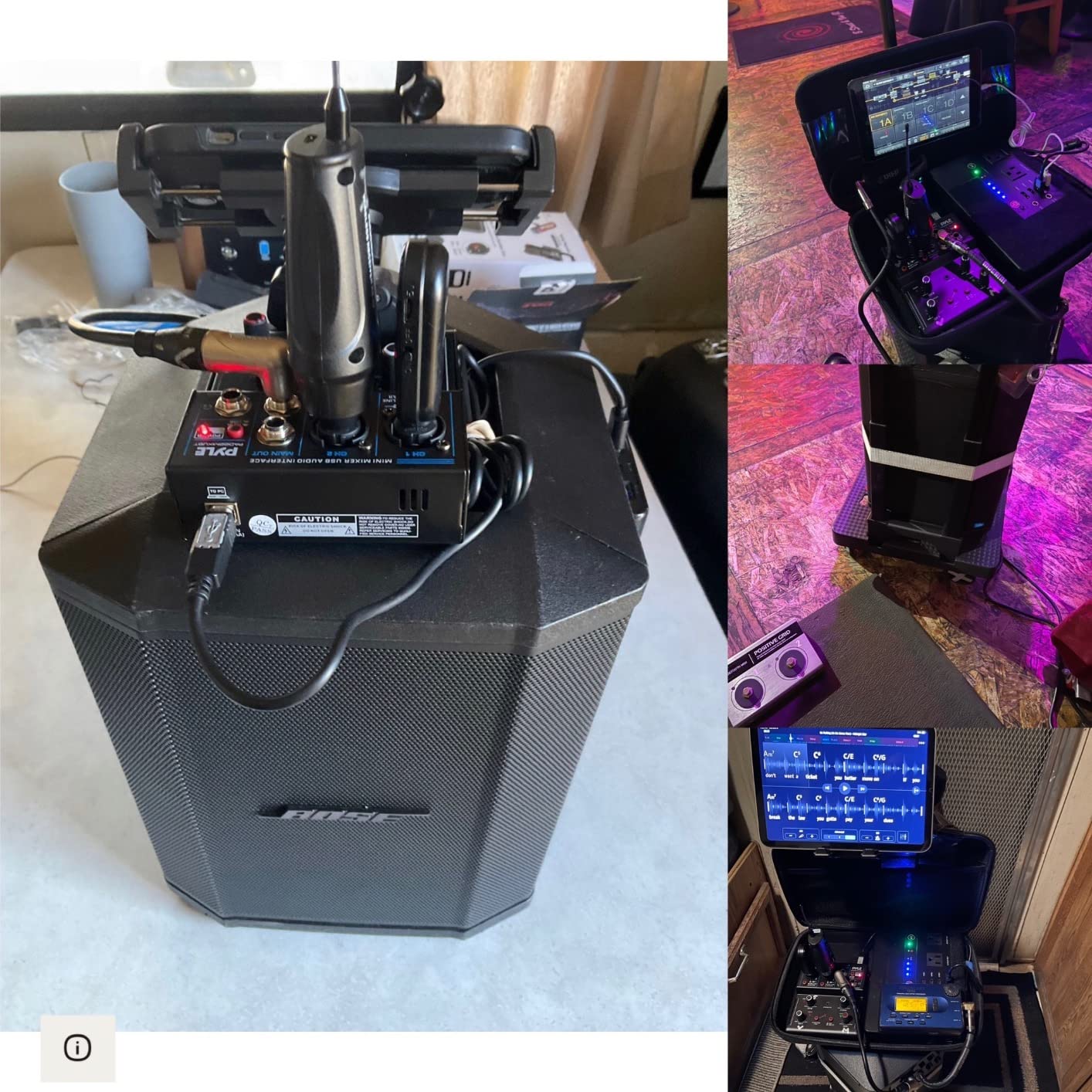
For practice, the headphone output has its own preamp and level control, so you can use an amp sim at midnight without an amp. Owners report no lag on iOS devices and generally strong tone for the size. The AmpliTube app content adds realistic amp, cab and pedal models, and the unit is pocket-sized with a clip for a mic stand.
The compromises are real. There is no XLR input, so you cannot record a vocal on this box. Most of the amp and tone content in AmpliTube requires additional paid purchases. Windows performance is weaker than iOS, with reports of device conflicts and static, and the supplied adapter cables are short, with a micro-USB connector that some owners report as fragile.
Who should buy the iRig HD 2
Buy it if you are a guitarist who practices through amp sims, records covers, or wants the shortest possible path from guitar to headphones. It is also the only box here with a dedicated amp output for driving real hardware.
iPhone and iPad owners get the smoothest experience, with no lag and simple cable handling. If you want to try amp simulation without committing to a desktop interface, this is the low-risk way in.
Who should skip it
Skip it if you sing. With no XLR input, vocals are out of reach entirely, and the 3.9 inch body is designed around one cable rather than a full session. Windows users should be cautious given the reported conflicts.
Also skip it if you want a complete amp modelling library on day one. The included content is a starting point, and the rest of AmpliTube is sold separately.
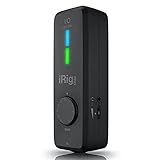
9. IK Multimedia iRig Pro I/O – Best Mobile Rig for Guitar Plus Vocals
IK Multimedia iRig Pro I/O audio interface for iPhone, iPad, Mac, iOS and PC with USB-C, Lightning and USB cables, 24-bit, 96 kHz recording and guitar, bass and XLR mic inputs
XLR and Hi-Z combo input
MIDI in and out
direct headphone monitoring
24-bit/96kHz
+ The Good
- Combo XLR and Hi-Z input handles condenser mics and guitar or bass
- MIDI in and out for controllers and keyboards
- Direct headphone monitoring with no latency or echo
- Lightning USB-C and USB-A cables all included
- Works across iPhone iPad Mac PC and Android
- The Bad
- 3.5mm headphone jack reported to weaken with extended use
- One mono input so guitar and mic cannot be recorded together
- No charging adapter included for the connected device
- No on-device level metering or gain control
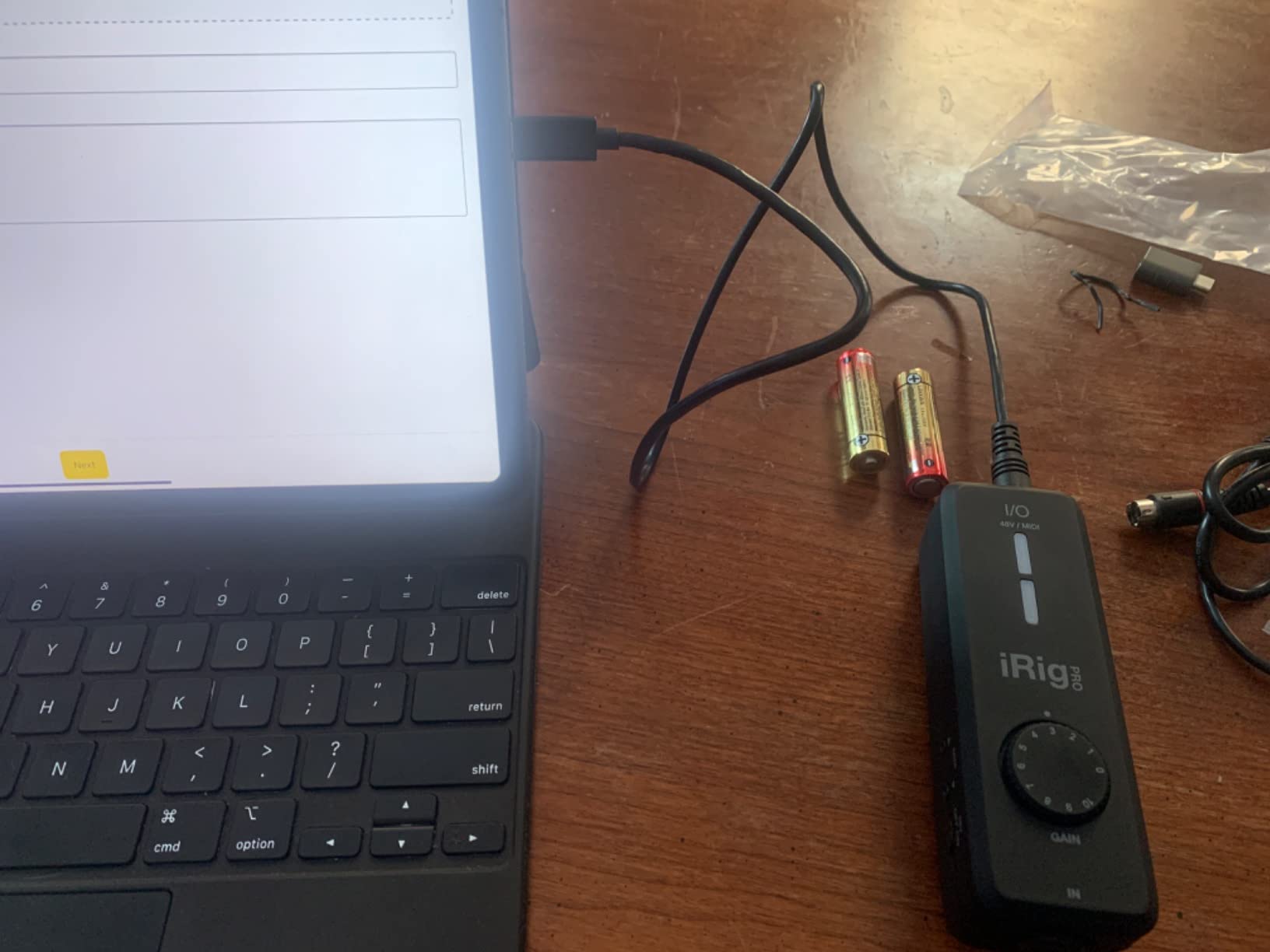
The iRig Pro I/O is the mobile answer to a mobile question. It has a single XLR and Hi-Z combo input with 48V phantom power, MIDI in and out, and a 3.5mm headphone output with direct monitoring. All three cable types are in the box, and it runs on iPhone, iPad, Mac, PC and Android, which is broader platform support than anything else here.
It is genuinely pocket-sized at 1.5 by 5 by 1.7 inches, and owners report using the same unit for many years, so durability is a plus. The combo input means you can take a condenser mic for vocals and a guitar into the same jack family, which is useful for mobile songwriters writing on a phone.
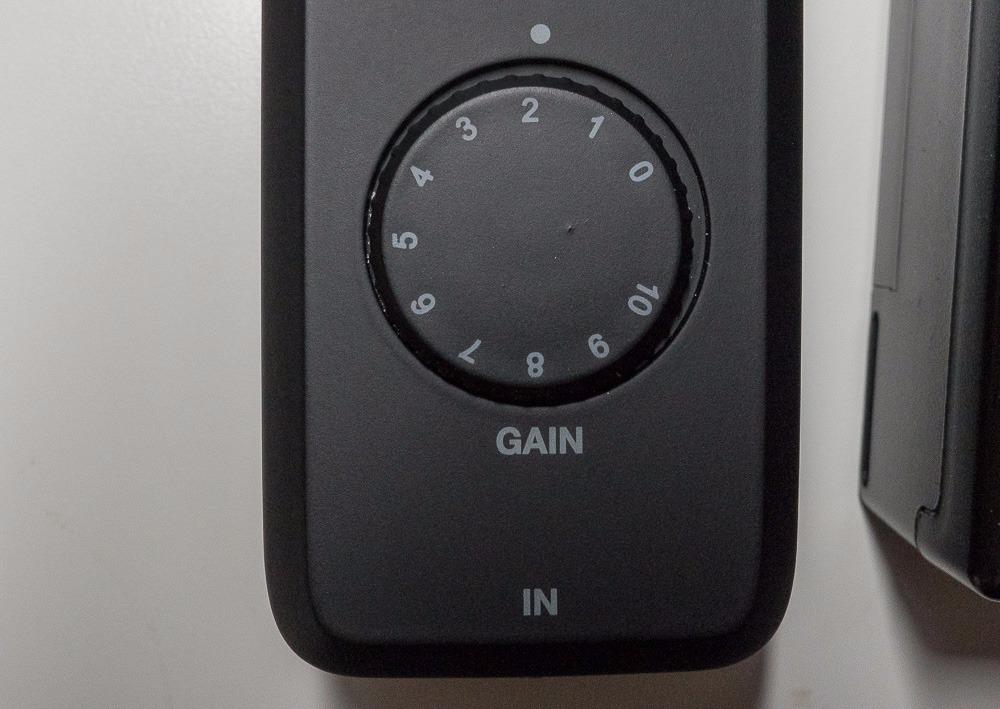
Direct headphone monitoring with no latency or echo is the practical win. Silent practice through a headphone amp, recording into Garage Band or a mobile DAW, and MIDI control of amp sims from a small keyboard all work without a laptop.
Now the limitations, which the lower rating reflects. The 3.5mm headphone jack is small and has been reported to weaken or fail after extended use. There is a single mono input, so guitar and mic cannot be recorded simultaneously, no charging adapter is included, and there is no on-device level metering or gain control beyond the mobile app. Maximum resolution is 96kHz.
Who should buy the iRig Pro I/O
Buy it if you record away from a desk regularly, if you use an iPad or Android device, or if you want MIDI control of amp sims from a compact keyboard. Durability over years is a real theme in owner reports.
It also suits anyone who wants one box that covers practice, quick demos and mobile recording without carrying a separate interface. Direct monitoring makes silent late-night work straightforward.
Who should skip it
Skip it if you record full sessions rather than sketches. One mono input rules out guitar and vocals together, and no line outputs means no powered monitors without extra hardware.
Skip it if you are hard on connectors. The small headphone jack and the reported absence of a charging adapter are the two things owners complain about most often, and both are annoying on a long trip.
10. MAONO PS22 Lite – Best for Streaming Guitar Alongside Chat and Game Audio
MAONO PS22 Lite USB Audio Interface for PC for Guitar & Vocals Streaming
56dB preamp gain
adjustable input impedance
loopback and ASIO routing
24-bit/192kHz
+ The Good
- 192kHz recording with 106dB dynamic range
- Up to 56dB of gain plus 48V phantom power
- Dedicated instrument input with adjustable impedance
- ProStudio routing software with virtual channels and loopback
- Direct monitoring switch with recording and broadcast modes
- Compact palm-sized chassis with an input status light ring
- The Bad
- Entry-level converters and preamp get noisy at higher gain
- Only one mic and instrument preamp channel
- Requires selecting the MAONO ASIO driver in DAW settings
- Smaller installed base and fewer independent reviews
The PS22 Lite is built for the streaming workflow rather than the studio one. Its ProStudio routing software provides virtual channels, loopback and ASIO drivers, so you can send your guitar into a broadcast or recording app and hear game or chat audio in your headphones at the same time without feedback.
The spec sheet is more ambitious than the price suggests: 24-bit/192kHz recording, 106dB of dynamic range, up to 56dB of preamp gain with 48V phantom power, and a dedicated instrument input with adjustable impedance. The direct monitoring switch and separate modes for recording, broadcast and instruments keep the routing simple once set up.
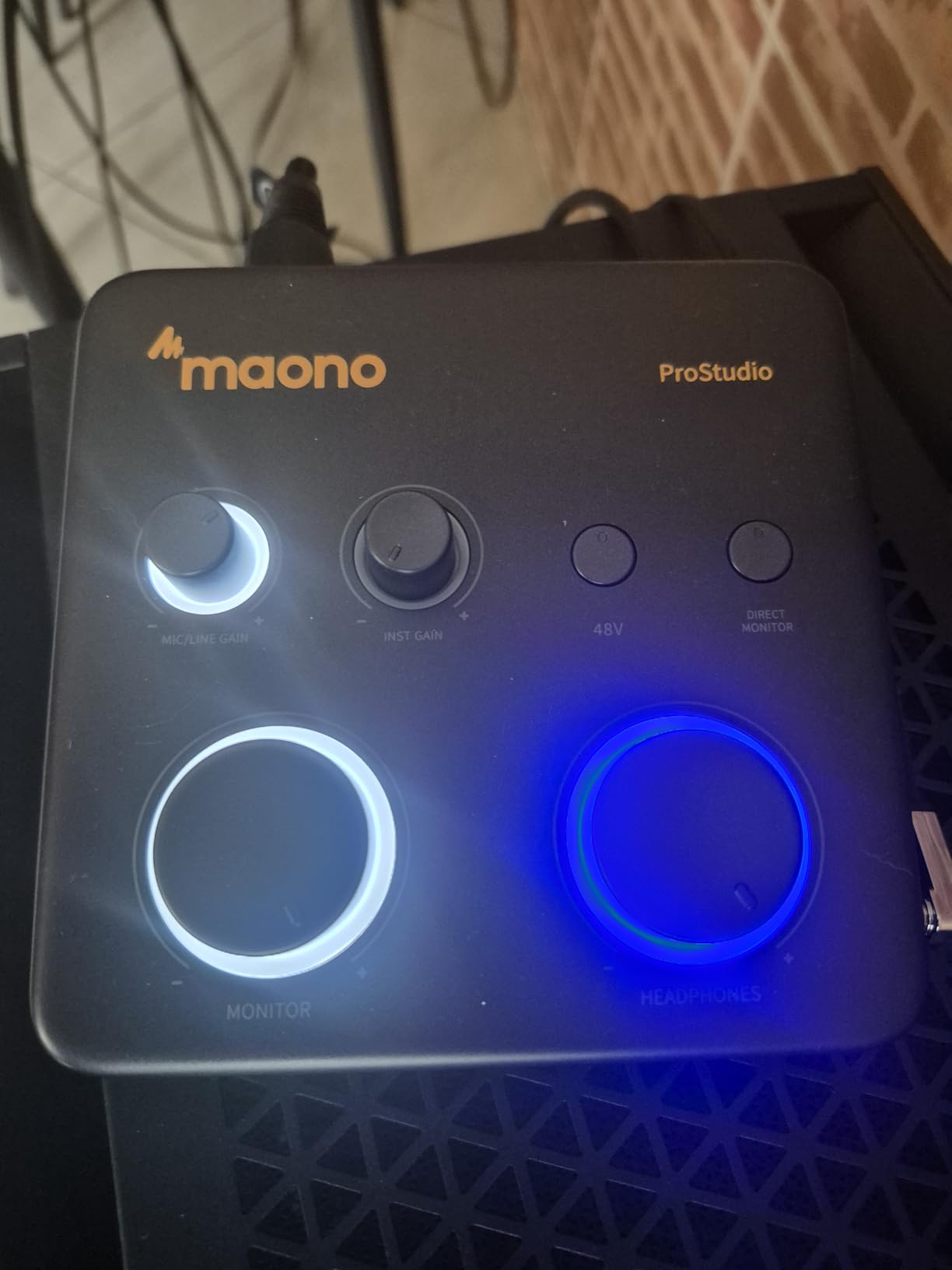
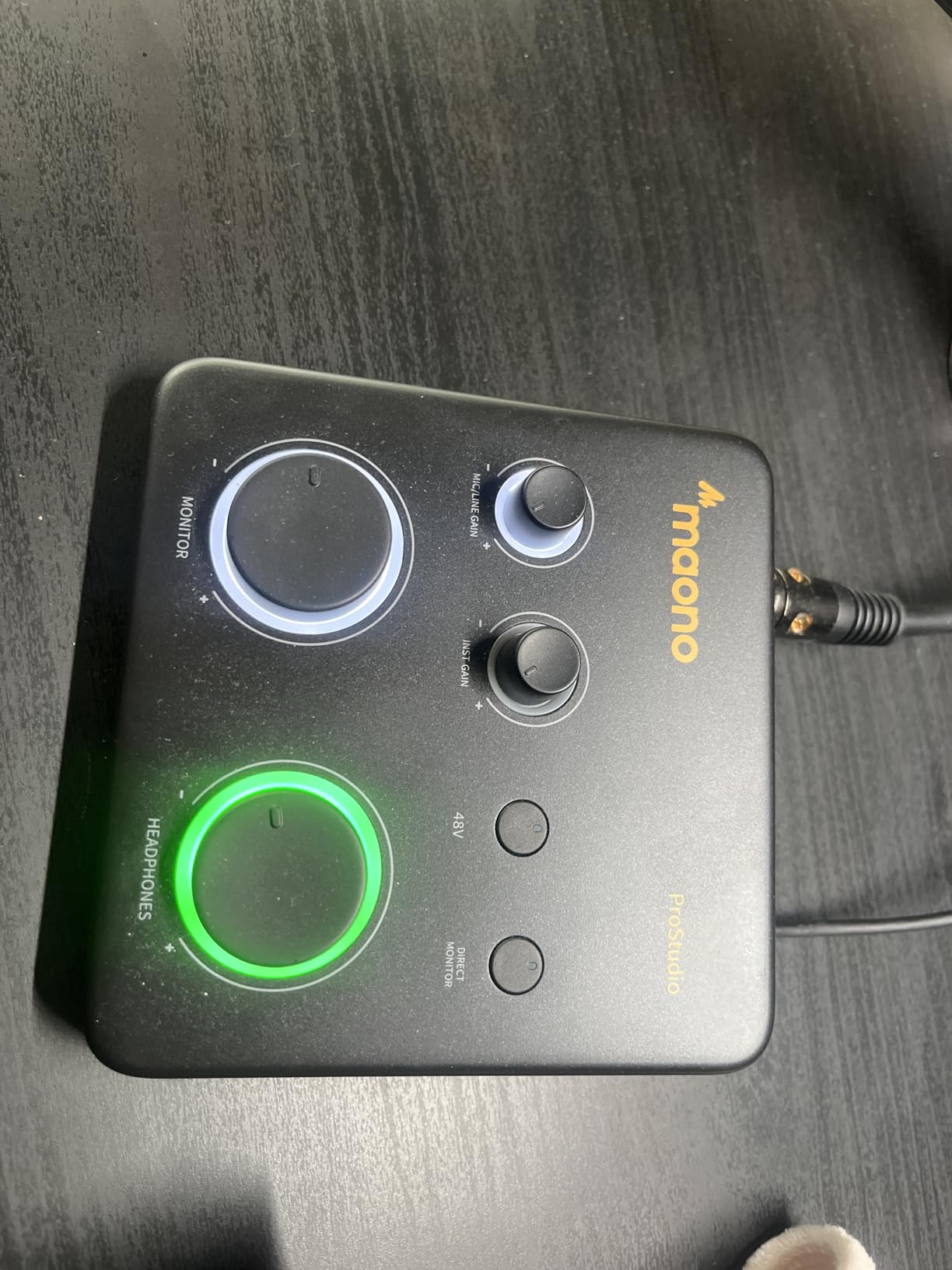
It is compatible with Mac, Windows and iPad, and it lists Ableton Live, Studio One, Logic Pro, Cubase, GarageBand, FL Studio alongside OBS, Twitch, Discord, YouTube and TikTok. The chassis is palm-sized at 0.43kg with a light ring that shows input status, and a USB-A to USB-C cable is included.
Where it falls short is the recording side. Owners report audible noise from the entry-level converters and preamp at higher gain settings, and there is only one mic and instrument preamp channel, so no stereo or multitrack capture. You must also select the MAONO ASIO driver in your DAW audio settings for proper low-latency operation rather than relying on automatic detection.
Who should buy the PS22 Lite
Buy it if you stream or record content with guitar in the mix, if you want loopback and virtual channels without a dedicated mixer, or if you are starting out and want a 192kHz capable box in a small footprint. The adjustable instrument impedance is a thoughtful touch for guitarists.
It is also a reasonable first interface for a player who will mostly record guitar DI and does not care about long-term expandability. Compatibility with the common streaming apps out of the box saves setup time.
Who should skip it
Skip it if noise floor at high gain matters to you, which rules it out for quiet acoustic recordings with a condenser mic. A single preamp channel also limits any two-source session.
Skip it if you want a long record of independent owner feedback. With around 500 reviews it has the thinnest evidence base in this list, and choosing it over a longer-proven option means less shared knowledge if something goes wrong.
Do You Still Need a DI Box With a Hi-Z Input?
Short answer: for most home recordings, no. Every interface in this list has a Hi-Z instrument input, and that input is a direct injection path already. A DI box adds a passive transformer or a small buffer stage, and on a clean modern interface at sensible gain levels that difference is small.
There are three cases where a DI box still earns its place. First, when your signal chain includes long unbalanced cable runs or a passive split box and you need impedance matching to avoid hum and tone loss. Second, when you are recording bass with a bridge pickup and your interface input is loading the pickup too heavily. Third, when your amp or pedalboard has a level-matching requirement, or when you want to feed a reamp box with a controllable instrument-level signal.
The other question that usually hides behind this one is whether to record DI or mic an amp. Three workflows exist. DI tracking through amp sims is the fastest and most editable, and it needs one Hi-Z input. Mic’ing an amp gives you real dynamics and real speaker character, and it needs one or two XLR mic preamps with 48V phantom power for a condenser. Reamping splits the difference: you capture a DI, then send it through a pedalboard or amp and record the result, which needs a line-level output feeding the amp and a free input to capture it.
Which one to choose depends on your material rather than your gear. If you are writing arrangements, comping and editing, DI tracking wins because every note is a clean separate take. If you are chasing a specific tone you cannot dial in with a plugin, mic the amp. If you want both, record the DI first and reamp it later, which is why the iRig HD 2’s Amp Out deserves a look.
How to Choose an Audio Interface for Guitar Recording
Count the inputs you will actually use
Forum advice repeats the same number over and over: at least two mic inputs, and not much more than that. Two inputs covers solo guitar, guitar plus vocal, or guitar plus an acoustic mic. Four inputs cover multi-miking a cabinet, which is where a second and third mic in front of a speaker starts to matter. Beyond that, you are paying for channels you will leave empty.
Count outputs too. Balanced quarter-inch TRS outputs matter only if you have monitors; a headphone output covers most headphone-first home studios. A dedicated re-amp output is worth having if you intend to route DI into a pedalboard.
Set gain for your pickups, not the dial
Gain staging is the most common source of confusion for new guitarists, and it is simpler than it sounds. A passive single-coil output is low, a humbucker is hotter, and an active pickup with a built-in preamp sits higher still and needs less gain. Turn the gain up until your loudest playing peaks around -12 to -6 dBFS on the meter, then stop.
Watch for clipping during that test. Clipping is the moment a digital signal hits the ceiling and distorts permanently in the recording. Several boxes in this list help directly: the Focusrite Solo has gain halo LEDs, the MOTU M2 has LCD meters, and the M-Audio M-Track Solo’s monitor switch makes it easy to hear the difference as you back off.
Turn on phantom power only when you need it
Phantom power supplies 48V to condenser microphones through the XLR input. It is required for most studio condensers and irrelevant for a guitar DI, so switch it on only for the channel that needs it. Never plug a ribbon microphone into an input with phantom power on: many ribbons cannot tolerate it, and the result can be damage to the microphone rather than just bad audio.
Treat bit depth and sample rate honestly
Bit depth is how much dynamic range you capture per sample; sample rate is how many samples per second you record. The useful part is simple: 24-bit is the floor for anything you might mix later, and 44.1kHz or 48kHz is all most guitar recording needs. 96kHz and 192kHz matter for specific reasons, such as acoustic mic pairs, video sync, or mastering workflows, and they cost file size rather than adding usable fidelity to a single guitar track.
Dynamic range is the more interesting number. The Focusrite Solo lists 120dB, which is the widest here, while the MAONO PS22 Lite lists 106dB. Wider range means a quieter noise floor relative to your signal, which matters most for quiet sources such as a condenser mic on acoustic guitar.
Monitor with a buffer size that suits the task
Direct monitoring routes your input to the headphones before it reaches the computer, so you hear near-zero latency. Latency is the delay between playing a note and hearing it, and it grows as you lower the buffer size. Low buffer sizes give tighter timing for amp sim tracking; larger buffers are easier on your machine and fine for mixing.
You will also see Thunderbolt mentioned in this category. Our Thunderbolt interface guide covers the bandwidth side in depth, but the short version is that the interfaces here are all USB and USB-C, and none of the ten requires Thunderbolt to track guitar well. If you plan to record a full band or a lot of virtual instruments, higher channel counts are the better place to spend money. Our multi-channel interface picks cover that case.
Check loopback, MIDI and expansion before you buy
Loopback lets you record your computer’s audio alongside your instrument, which is what the MAONO PS22 Lite and the Arturia MiniFuse 1 offer, and it is the difference between usable and unusable streaming. MIDI in and out appears on the Arturia MiniFuse 1 and the iRig Pro I/O, and it lets you control amp sims and plugins from a controller.
ADAT and optical expansion matter only when you want more inputs later. None of these ten boxes offers a meaningful ADAT expansion path, so if you think you will grow past four inputs soon, buy a larger interface now rather than planning to chain a smaller one.
Count the bundled software before deciding
The bundles here are genuinely different. The Universal Audio Volt 1 includes the full LUNA DAW plus UAD plug-ins. The Arturia MiniFuse 1 includes Ableton Live Lite, Analog Lab Intro, Arturia FX, NI Guitar Rig 6 LE, Auto-Tune Unlimited and a Spluce plan, with a five-year warranty. The PreSonus AudioBox USB 96 includes Studio One Artist and Ableton Live Lite, while the M-Audio M-Track Solo includes MPC Beats and Ableton Live Lite. The Focusrite Solo bundles Pro Tools Intro, Ableton Live Lite and Cubase LE. The Behringer UMC202HD bundles nothing.
For a beginner, a bundled DAW removes the first real obstacle. For anyone who already has a DAW, treat the bundle as a bonus and decide on the hardware.
Recording Acoustic Guitar Without Disappointing Yourself
Acoustic recording puts more demand on an interface than electric DI, because the source is quiet and the mic is likely a condenser. A small-diaphragm condenser into a Hi-Z instrument input can work and is a common shortcut, but the interface input is a poor match for a mic-level condenser signal and will need a lot of gain, which raises the noise floor with it. Use an XLR mic preamp with 48V phantom power instead.
That means the Solo, MiniFuse 1, MOTU M2, AudioBox USB 96, UMC202HD and iRig Pro I/O all have the right input for acoustic work; the single-input iRig HD 2 does not, because it has no XLR at all. Position matters more than interface choice: start at the 12th fret, move the mic a few inches at a time, and listen for the balance between the low-mids and the finger noise.
For a stereo pair, you need two mic preamps and a way to capture both channels at once, which is why the AudioBox USB 96’s two dedicated instrument inputs and the MOTU M2’s two preamps are both worth a look for players who record acoustic and electric together.
Frequently Asked Questions
Do I need an audio interface to record electric guitar?
Yes, if you want a usable recording. A computer’s built-in sound card has no proper Hi-Z instrument input, no real preamp gain, a high noise floor and no low-latency monitoring, so guitar recordings come out noisy and you cannot hear yourself while playing. A basic interface with one Hi-Z input changes that immediately.
Do I need a DI box if my interface has a Hi-Z input?
Usually not. Every interface in this guide has a Hi-Z input that is already a direct injection path, and the difference is inaudible on a clean chain with sensible gain. A DI box still helps with long unbalanced cable runs, impedance problems with a bridge pickup on bass, or feeding a reamp box that needs instrument level.
Is a Scarlett Solo good enough for recording guitar?
For one electric guitar tracked DI through amp sims, yes. It has a dedicated Hi-Z input, 24-bit/192kHz conversion, 120dB of dynamic range and effective direct monitoring. If you also sing or record an acoustic mic at the same time, its single XLR input becomes the limit and a two-input model is a better fit.
How many inputs do I need to record guitar and vocals at the same time?
Two inputs are enough, and that is the most common recommendation across owner forums. One input takes the guitar through the Hi-Z jack and one takes the vocal through an XLR mic preamp with 48V phantom power. Add a third and fourth only if you plan to multi-mik a guitar cabinet or record another instrument alongside.
Should I record guitar with an amp sim or mic an amp?
Record DI through amp sims when you want speed, clean separate takes and easy editing. Mic an amp when you are chasing a tone you cannot dial in with a plugin and you want real speaker and valve dynamics. Record a DI and reamp it later when you want both, which needs a line-level output into a pedalboard or amp and a free input to capture the result.
Which of these has the lowest latency for guitar tracking?
All ten are USB or USB-C interfaces with direct monitoring, so the difference between them is smaller than the difference between USB and Thunderbolt. What matters more is buffer size: lower settings reduce latency for amp sim tracking. Check your DAW audio settings for the ASIO or Core Audio driver, then test with the latency utility that matches your operating system.
Which Guitar Interface Should You Buy?
If you record one electric guitar and nothing else, the Focusrite Scarlett Solo 4th Gen is the pick: dedicated Hi-Z input, wide dynamic range, Air mode for presence, and gain halos that stop you clipping. It is the best audio interface for guitar recording for most people and the one we would start with.
If you sing and play, the MOTU M2 is the upgrade, because two preamps and hardware meters remove the two things that slow you down: cable swapping and blind gain staging. The Behringer UMC202HD is the harder-built alternative for a fixed studio, and the Arturia MiniFuse 1 is the one to buy if MIDI and travel matter more than channel count.
For a first guitar-only box on a tight budget, the M-Audio M-Track Solo records electric guitar reliably at 48kHz, and the Focusrite Solo or a slightly larger step up covers everything else. Practice through amp sims and want to drive a real amp too? The IK Multimedia iRig HD 2 is purpose-built for that. Recording away from the desk? The iRig Pro I/O and MAONO PS22 Lite both travel, the first with MIDI and the second with loopback routing for streaming.
Whichever you choose, set your gain before you record rather than after, and keep your monitoring level honest. Those two habits matter more to the finished record than any converter in this list. Our broader audio interface guide covers the category for players moving beyond guitar.