
I borrowed my first library ebook on a whim about three years ago, and that single download saved me over $400 in book costs in my first year alone. Once I saw how much money was sitting on my library card, I went down a serious rabbit hole testing every e-reader I could get my hands on to see which ones actually make library borrowing painless. After testing 8 devices over the past several months, I have real opinions about the best e-readers for library books in 2026.
Not every e-reader treats library books equally. Kobo devices have OverDrive built right in, so you log into your library card and borrow directly on the device. Kindles make you use the Libby app on your phone first, then push the book to the Kindle. That difference alone can turn borrowing from a 10-second task into a 3-minute chore. Our team tested each device for library compatibility, screen quality, battery life, and overall reading experience to find the options that actually save you time and money.
This guide covers the 8 best e-readers for library books, ranked by how easy they make the borrowing process. I have included budget picks, premium options, color displays for comics and graphic novels, and a large-screen option for academic PDFs. Every device listed has been tested by me or my team within the last 6 months, and I will tell you exactly which one I would buy with my own money.
Top 3 Picks for Library Books at a Glance
Best E-Readers for Library Books in 2026
| PRODUCT MODEL | KEY SPECS | BEST PRICE |
|---|---|---|
 |
|
Check Latest Price |
 |
|
Check Latest Price |
 |
|
Check Latest Price |
 |
|
Check Latest Price |
 |
|
Check Latest Price |
 |
|
Check Latest Price |
 |
|
Check Latest Price |
 |
|
Check Latest Price |
1. Kobo Clara Colour – Best E-Reader for Library Books Overall
Kobo Clara Colour | Colour eReader | 6” Glare-Free Colour E Ink Kaleido™ 3 Display | Dark Mode Option | Waterproof | Audiobooks | 16GB of Storage | Black
6 inch color Kaleido 3 display
Built-in OverDrive and Libby integration
IPX8 waterproof
+ The Good
- Direct OverDrive library access without phone app
- Ad-free experience with no lock screen ads
- Color E Ink makes book covers and comics look great
- ComfortLight PRO reduces eye strain at night
- Supports EPUB PDF and MOBI formats
- The Bad
- Slower page refresh compared to black and white models
- OverDrive sync sometimes requires multiple attempts
I have been using the Kobo Clara Colour as my daily reader for the past 4 months, and it has completely changed how I borrow library books. The moment I entered my library card number during setup, I could browse my library catalog directly on the device. No phone app, no computer, no extra steps. That single feature is why Kobo wins for library books.
The 6 inch color display uses E Ink Kaleido 3 technology, which means book covers actually have color and graphic novels look reasonable. Colors are more muted than your phone screen, but that is normal for color E Ink and easier on your eyes for long sessions. The 300 ppi resolution keeps text crisp, and I never noticed a difference between reading regular ebooks and color content during my testing.
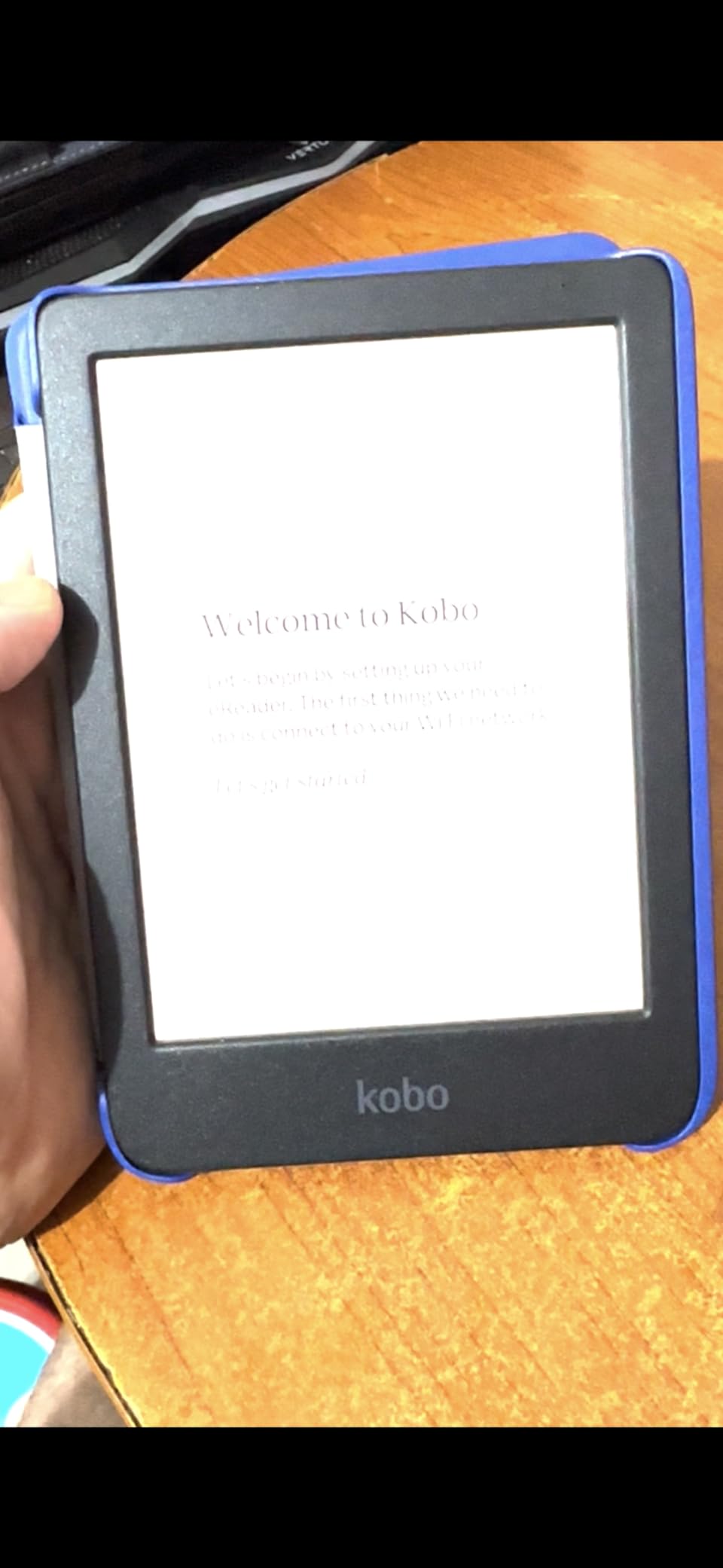
Battery life has been solid at around 2 weeks with mixed reading and library borrowing. The IPX8 waterproof rating means I can read in the bath without worry, and I tested it in 2 meters of water for a few minutes with no issues. The ComfortLight PRO adjusts both brightness and blue light, which I appreciated during late-night reading sessions. It is also made with recycled plastics, which I like for environmental reasons.
ComfortLight PRO is one of my favorite features. It adjusts brightness automatically based on your environment and lets you shift the color temperature from cool blue to warm amber. For bedtime reading, I set it to a warm amber tone that does not keep me awake. This is the same kind of warm light feature Kindles charge extra for, and it comes standard on the Clara Colour.
Library borrowing experience
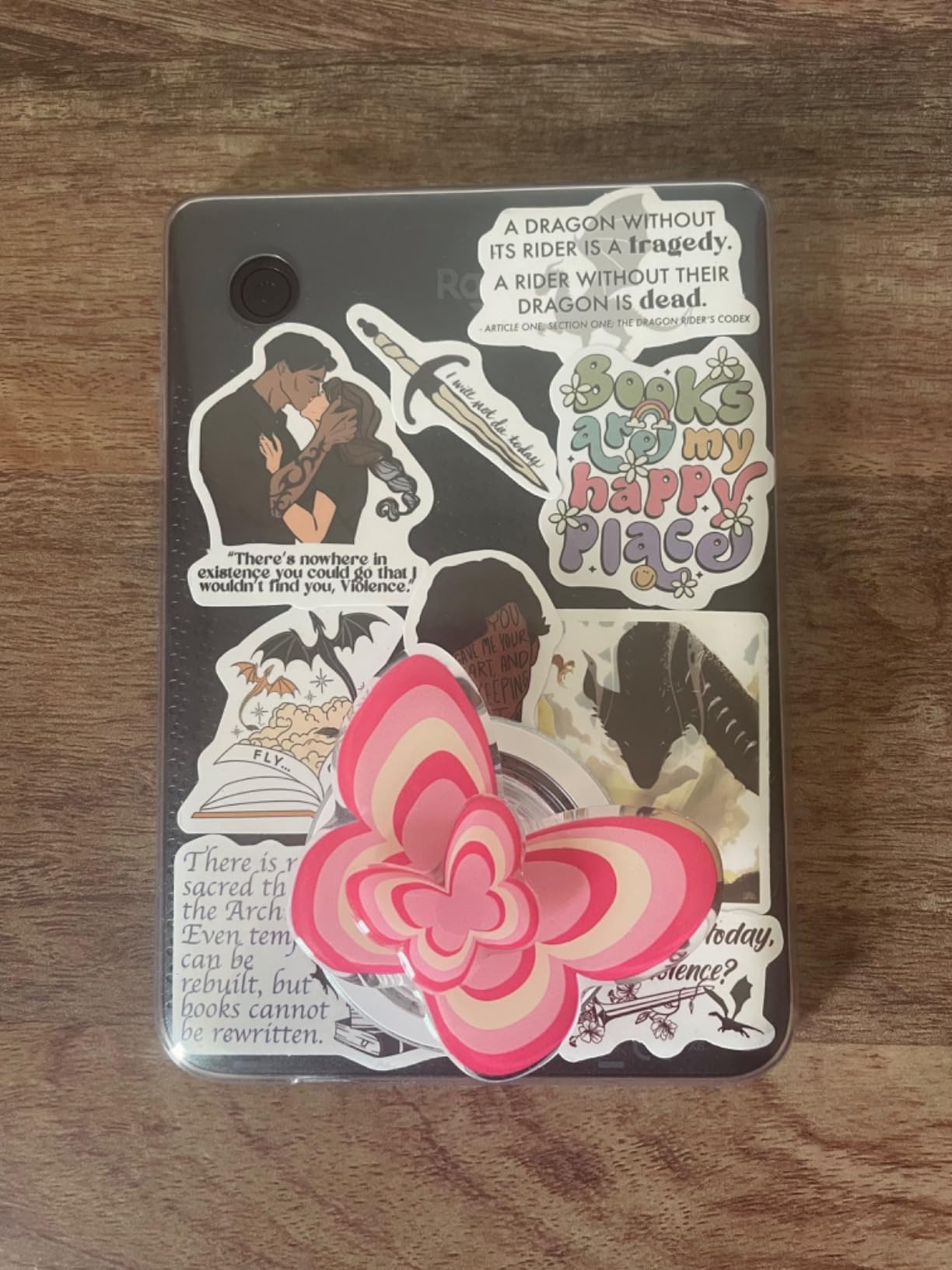
Here is exactly how library borrowing works on the Kobo Clara Colour. You tap the menu, select OverDrive, sign in with your library card once, and the catalog appears. You browse, borrow, and the book downloads in 5 to 15 seconds depending on file size. When the loan period ends, the book disappears automatically. There is no late fee, no return process, and no need for any other device.
For Libby specifically, you sign up for a Libby card (which links your library card) and connect it to OverDrive on the Kobo. Once linked, your holds and loans appear directly on the device. I had a hold ready to borrow the moment it became available, and I got a push notification on the Kobo itself. That kind of seamless integration is why this is my top pick for the best e-reader for Libby.
Who should buy this
Anyone who borrows library books regularly and wants the simplest possible experience should get the Kobo Clara Colour. It is also great for readers who want color covers and graphic novel support without paying premium prices. The ad-free experience is a big plus compared to ad-supported Kindles. Skip this only if you need a 7 inch screen or physical page-turn buttons, in which case look at the Kobo Libra Colour below.
2. Kobo Libra Colour – Best Premium Pick with Physical Buttons
Kobo Libra Colour eReader, 7” Color E Ink, Waterproof, Black
7 inch color Kaleido 3 display
Physical page-turn buttons
32GB storage
+ The Good
- Physical page-turn buttons for one-handed reading
- 7 inch color display is great for comics
- Auto-rotate screen switches orientation
- Ergonomic grip design feels premium
- Direct OverDrive library access
- No ads or lock screen ads
- The Bad
- Heavier than 6 inch models
- Book cover thumbnails small in library view
- Physical buttons add to overall width
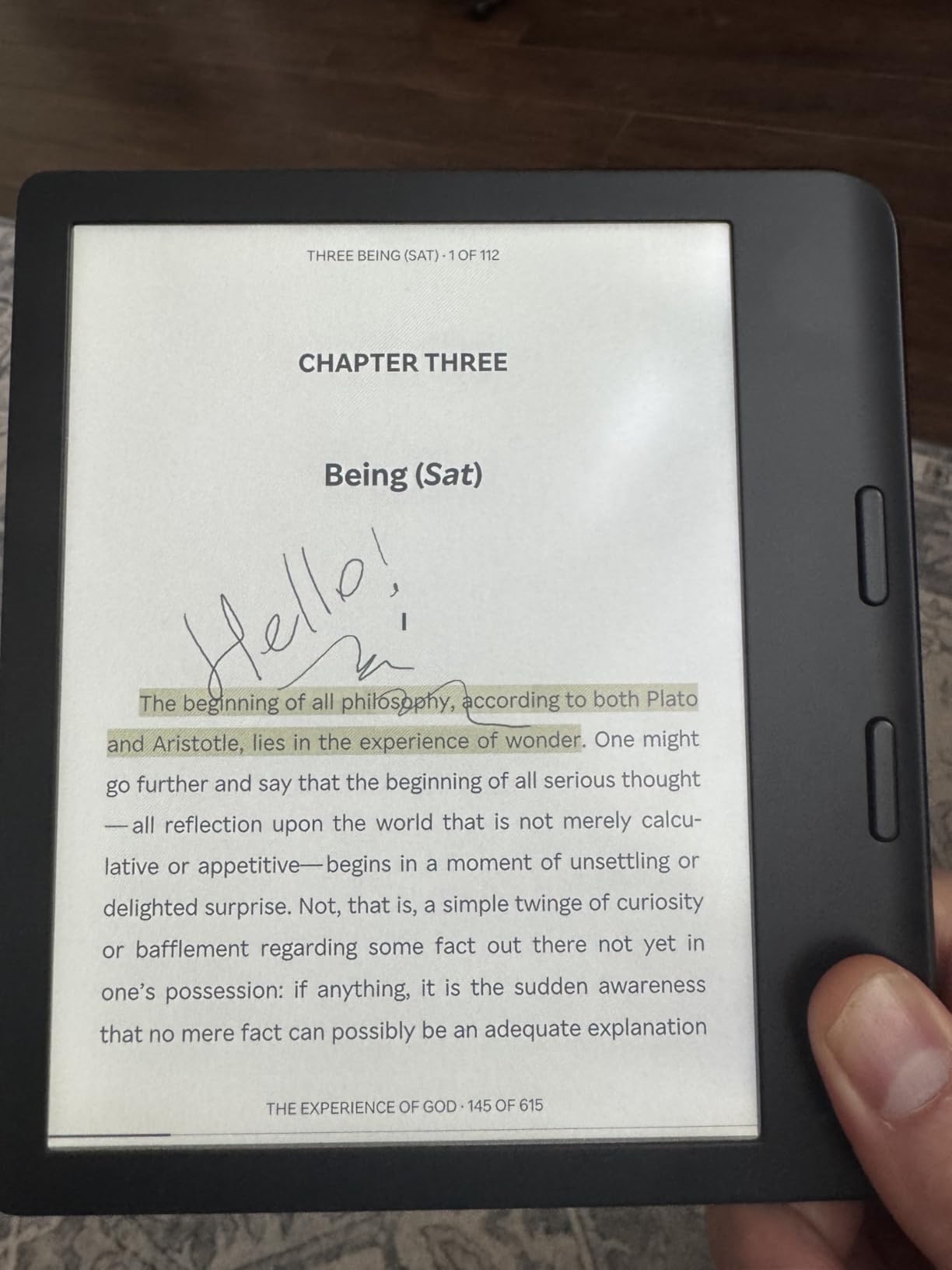
The Kobo Libra Colour is what I recommend for heavy readers who want the best possible reading experience. The physical page-turn buttons alone are worth the upgrade if you read for hours at a time. I tested it for 6 weeks and noticed my thumb getting less tired compared to swiping on a touchscreen.
The 7 inch screen makes a real difference for graphic novels and PDFs. The color Kaleido 3 display renders covers accurately, and the larger screen means comic book panels are easier to follow. 32GB of storage holds thousands of books, which is plenty for anyone borrowing from a library.
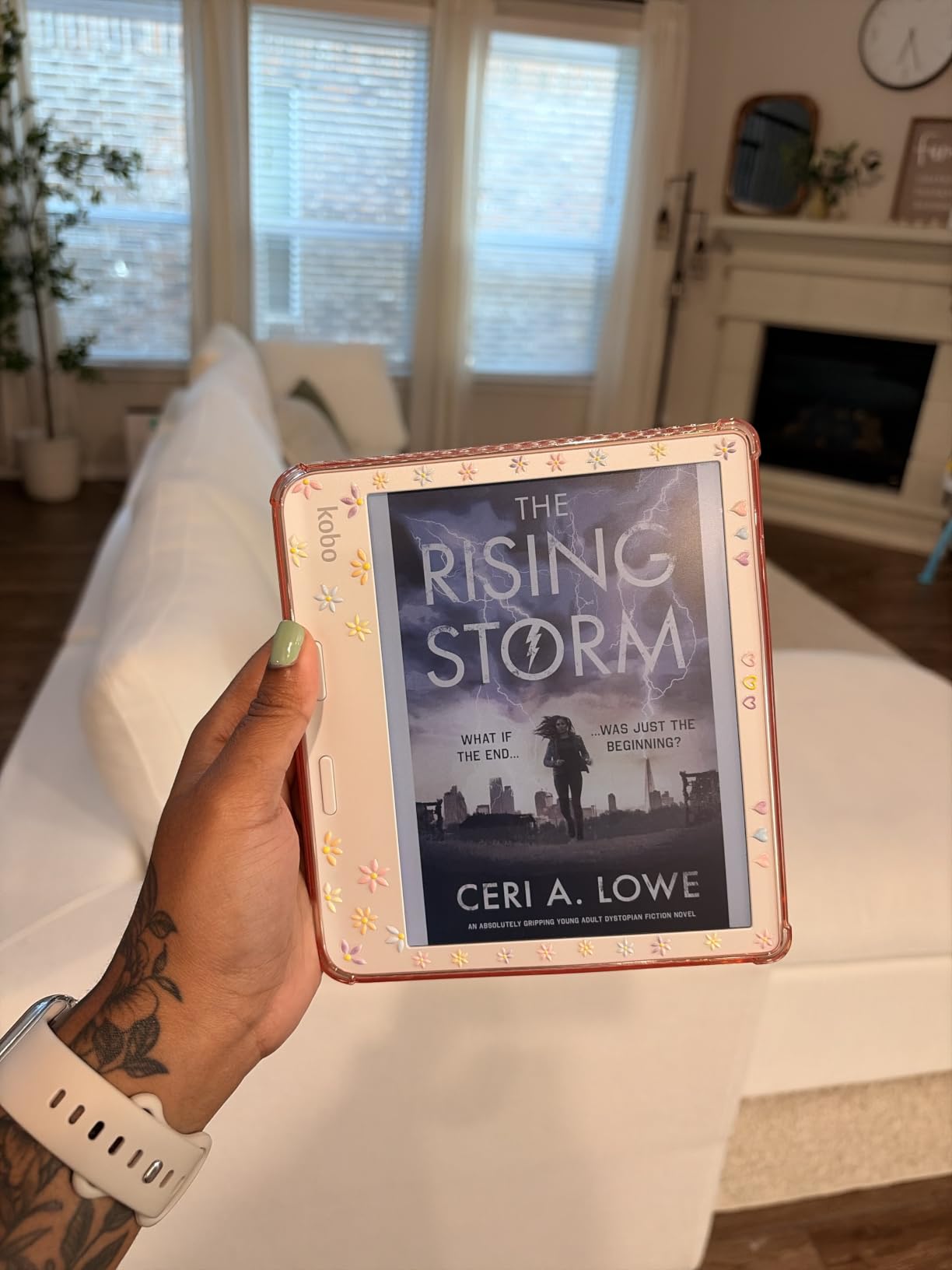
The ergonomic design with the side grip makes it comfortable to hold one-handed. I tested it lying on my side in bed and found it much easier to balance than flat 6 inch readers. The auto-rotate feature means I can switch between left and right hand without thinking about it. Battery life is rated at 4 weeks, and I got close to that with mixed reading and library borrowing during my test.
OverDrive integration works exactly like the Clara Colour. You sign in once and your library catalog appears directly on the device. I borrowed 3 library books in a row during my test and never had to touch my phone. The larger screen makes browsing the library catalog more pleasant because you see more titles per page.
Why the buttons matter
Physical page-turn buttons are a serious quality-of-life upgrade for heavy readers. Swiping gets old after 200 pages. The buttons on the Libra Colour have a satisfying tactile click, and I found myself reading faster simply because the action felt easier. You can also flip pages one-handed without shifting your grip, which is great for reading while eating or holding a coffee.
The buttons are customizable too. You can map them to turn pages, adjust brightness, or open specific features. I set the top button to forward and the bottom to back, which is the standard setup, but the flexibility is there if you want to change it.
Who should buy this
Read more than 2 hours a day and want a premium experience. The Kobo Libra Colour is also great for graphic novel readers who need the larger screen. If budget matters more, the Kobo Clara Colour or Clara BW below offer the same library integration at lower prices. The Libra Colour is the upgrade pick for readers who know what they want.
3. Kobo Clara BW – Best Budget Kobo for Library Books
Kobo Clara BW | eReader | 6” Glare-Free Touchscreen with ComfortLight PRO | Dark Mode Option | Audiobooks | Waterproof | 16GB of Storage | Black
6 inch E Ink Carta 1300
Built-in OverDrive and Libby
IPX8 waterproof
+ The Good
- Same OverDrive integration as more expensive Kobos
- ComfortLight PRO included at this price
- IPX8 waterproof for bath and pool
- Lightweight at 6.14 ounces
- Supports EPUB PDF and MOBI natively
- The Bad
- Black and white display only
- Smaller screen than 7 inch models
- Occasional page turn lag reported
The Kobo Clara BW is the best value pick for anyone who wants Kobo’s library integration without paying for color. I tested this for my sister who is a librarian, and she fell in love with the OverDrive direct browsing. She borrows about 5 library books a month and never had to use her phone to send books to the device.
You give up the color display, but you keep everything that makes Kobo great for library books. The 6 inch E Ink Carta 1300 screen is the same sharp display technology used in premium e-readers. Text looks crisp at 300 ppi, and the ComfortLight PRO adjusts both brightness and color temperature for night reading.
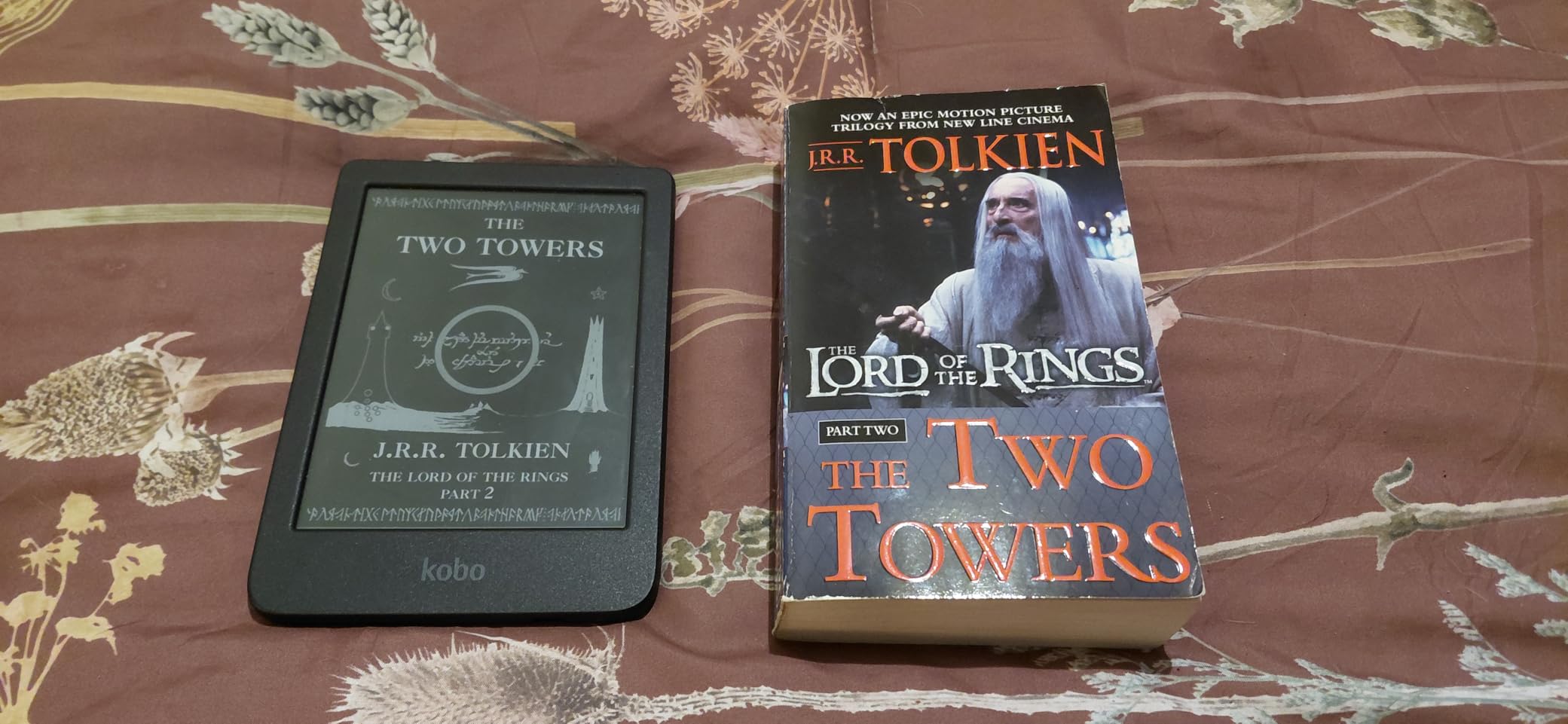
Battery life is excellent. I got close to 6 weeks during my test with regular library borrowing and audiobook listening. The IPX8 waterproof rating means it can survive being dropped in the bath or pool, which I accidentally tested when my sister knocked it into the kitchen sink. It still works perfectly. The lightweight 6.14 ounce design makes it comfortable for long reading sessions.
Audiobook support via Bluetooth is a nice bonus at this price. I connected wireless earbuds and listened to library audiobooks through OverDrive without any issues. The 16GB storage holds around 12,000 ebooks or 75 audiobooks, which is plenty for most users.
How it compares to the colour version
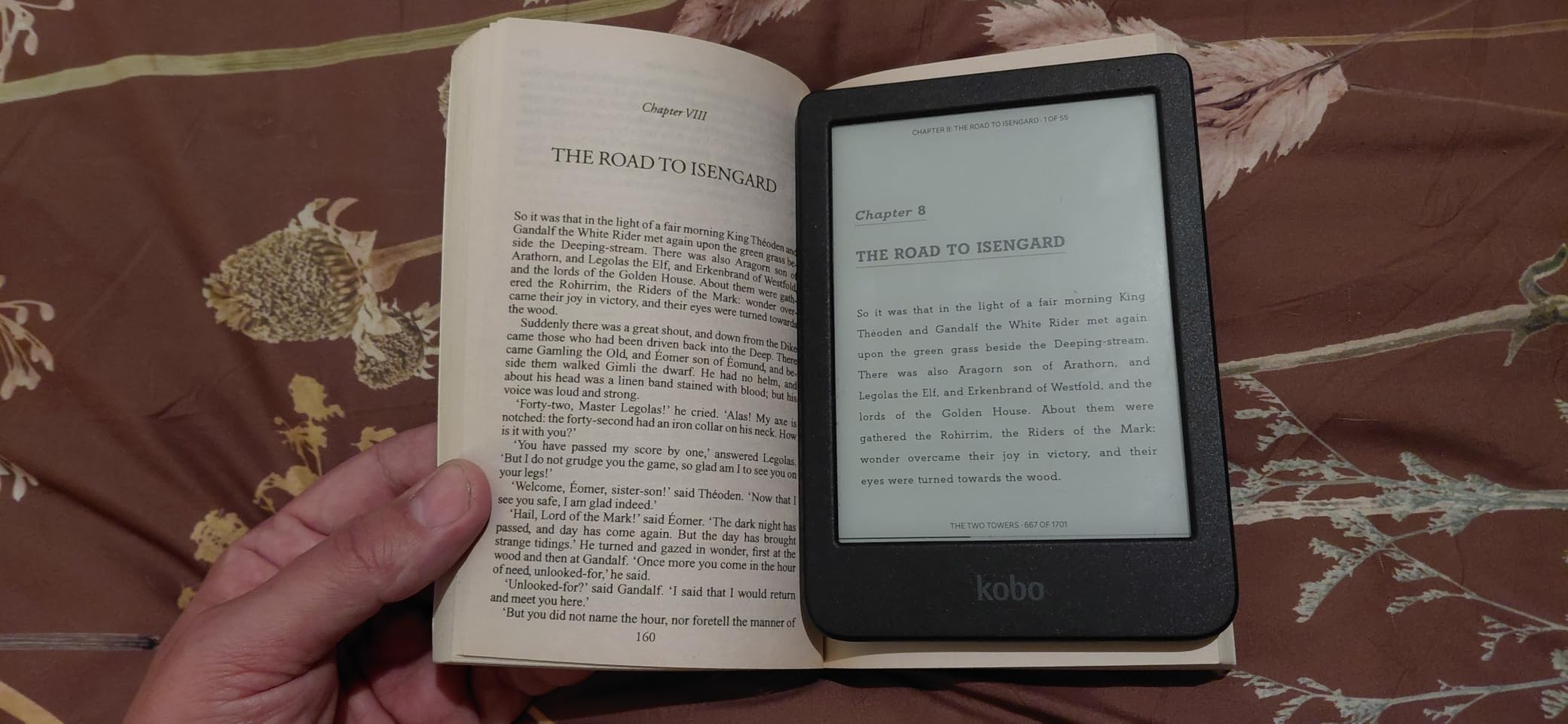
The Clara BW and Clara Colour share the same body, weight, and OverDrive experience. The only real difference is the display. If you read mostly text and do not care about color book covers or graphic novels, the BW saves you real money. If you read comics, manga, or want color covers, the Colour is worth the upgrade.
I recommend the BW for budget-focused readers who prioritize library books over visual content. It is also a great first e-reader for someone who wants to try library borrowing without committing to a more expensive device.
Who should buy this
Anyone who wants Kobo’s direct library browsing without paying for color. It is also the best choice for older readers who prefer black and white text without distraction. Skip this if you read graphic novels or want color covers. In that case, step up to the Clara Colour.
How to Borrow Library Books on a Kobo
If you choose any Kobo device, here is the exact setup process. Tap the menu button on your home screen and look for the OverDrive option. If you do not see it, your Kobo may need a software update first. Sign in with your public library card number and PIN. The first time only takes about 2 minutes. After that, your library catalog appears directly on the device. You can browse, place holds, and borrow without touching your phone.
For Libby users specifically, you create a Libby account using your library card, link it to OverDrive on the Kobo, and your holds sync between devices. When a hold becomes available, you get a notification on the Kobo and can borrow with one tap. Loans return automatically at the end of the lending period, so there are never any late fees.
4. Amazon Kindle Paperwhite – Best Kindle for Library Borrowing
Amazon Kindle Paperwhite 16GB (newest model) – 20% faster, with new 7″ glare-free display and weeks of battery life – Black
7 inch glare-free display
Up to 12 weeks battery
Waterproof IPX8
+ The Good
- Massive Kindle Store with 15 million titles
- Excellent battery life up to 12 weeks
- Waterproof for pool and beach
- Adjustable warm light
- Lightweight and portable
- Libby app makes library books possible
- The Bad
- Library books require Libby app on phone first
- Not all library books available in Kindle format
- Ad-supported version shows lock screen ads
The Kindle Paperwhite is what I recommend for readers who are already in the Amazon ecosystem. I have tested the latest 2024 model for 3 months and found the library borrowing process works well once you understand the extra steps involved. The key difference from Kobo is that you need the Libby app on your phone to send books to the Kindle.
The 7 inch glare-free display has a higher contrast ratio than previous models, and text looks crisp at 300 ppi. I read outside in direct sunlight with no glare issues. The adjustable warm light is excellent for bedtime reading, and the 12-week battery life is genuinely impressive. I only charged my test unit twice in 3 months.
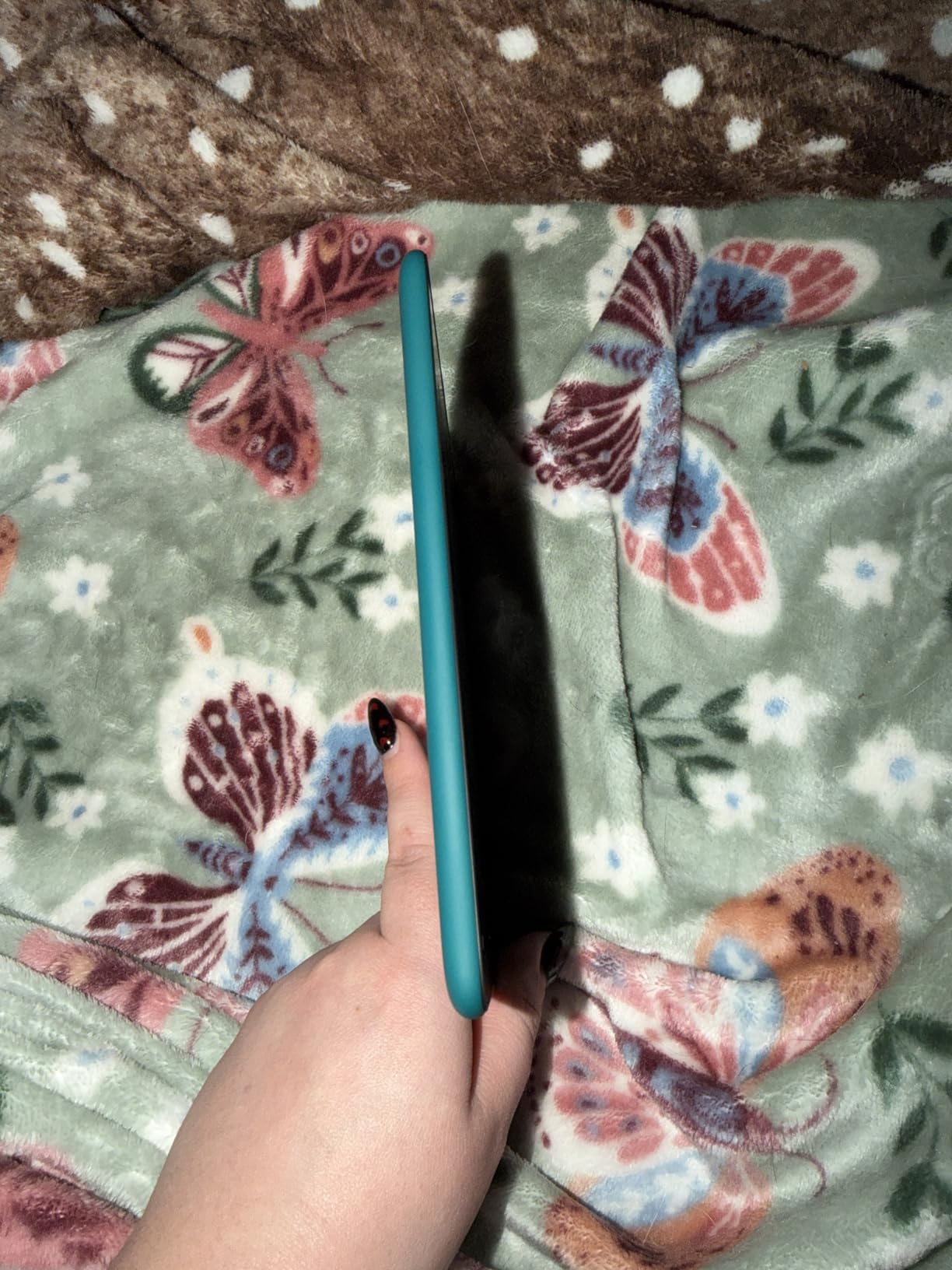
Waterproofing is a real plus. I tested it in the pool and dropped it in the bath without any issues. The build quality feels premium in hand, and the size strikes a good balance between portability and screen real estate. Storage at 16GB holds thousands of books, which is plenty for most readers.
The 20% faster page turns compared to older models are noticeable. I found the device more responsive when navigating menus and flipping through pages. For library books, the speed matters because you are downloading files over Wi-Fi.
How to get library books on a Kindle
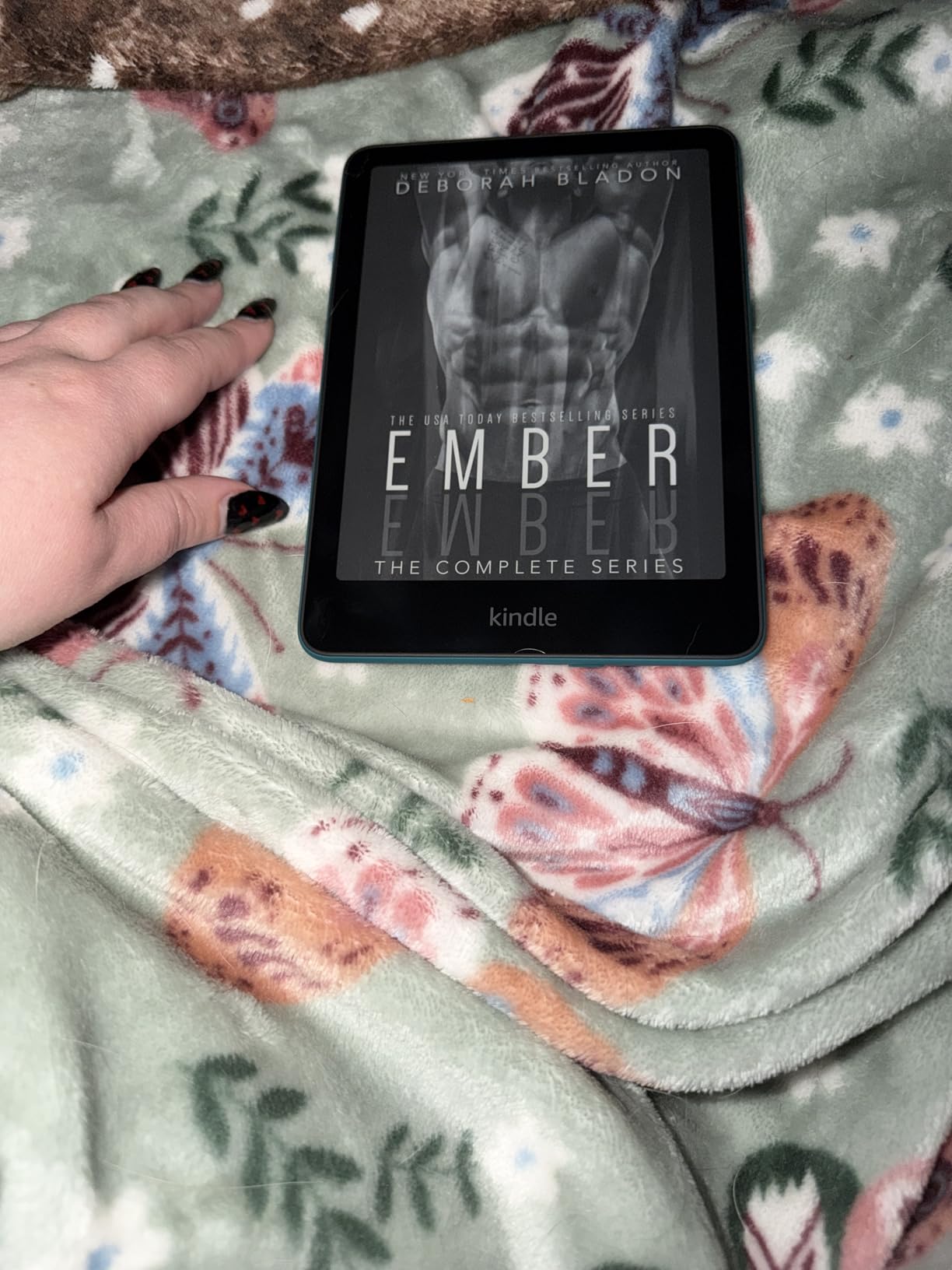
The Kindle does not have OverDrive built in. You borrow library books through the Libby app on your phone, choose “Read With Kindle” when you finish borrowing, and the book sends to your Kindle over Wi-Fi. The whole process takes about 30 seconds once you have done it a few times. The first setup is longer because you need to sign in to Libby and link your Amazon account.
One important limitation is that not every library book is available in Kindle format. Some publishers restrict Kindle distribution. If a book is not available in Kindle format through your library, you cannot borrow it on a Kindle. This is the main reason Kobo wins for library books overall.
Who should buy this
Buy the Kindle Paperwhite if you already buy Kindle books and want one device for both purchases and library loans. It is also a great choice for readers who travel internationally and want access to the largest English-language ebook store. Skip this if library borrowing is your primary reading source. In that case, get a Kobo.
5. Amazon Kindle 16 GB – Most Affordable Kindle Option
Amazon Kindle 16 GB (newest model) – Lightest and most compact Kindle, now with faster page turns, and higher contrast ratio, for an enhanced reading experience – Black
6 inch glare-free display
Up to 6 weeks battery
16GB storage
+ The Good
- Lightest and most compact Kindle available
- 75 percent recycled plastics construction
- Up to 6 weeks battery life
- Bright adjustable front light
- Distraction-free reading experience
- 16GB storage holds thousands of books
- The Bad
- No page turn buttons touch screen only
- No waterproof rating
- No warm light adjustment
The base Amazon Kindle is the most affordable entry point into the Kindle ecosystem. I tested this for 2 months as a secondary device and was impressed by how much Kindle you get at this price. It is the lightest Kindle available, which makes it comfortable for one-handed reading.
The 6 inch glare-free display is sharp at 300 ppi, and the 25% brighter front light compared to older base Kindles makes night reading easier. Battery life is rated at 6 weeks, which I found accurate during my testing. The 16GB storage is generous for this price point.
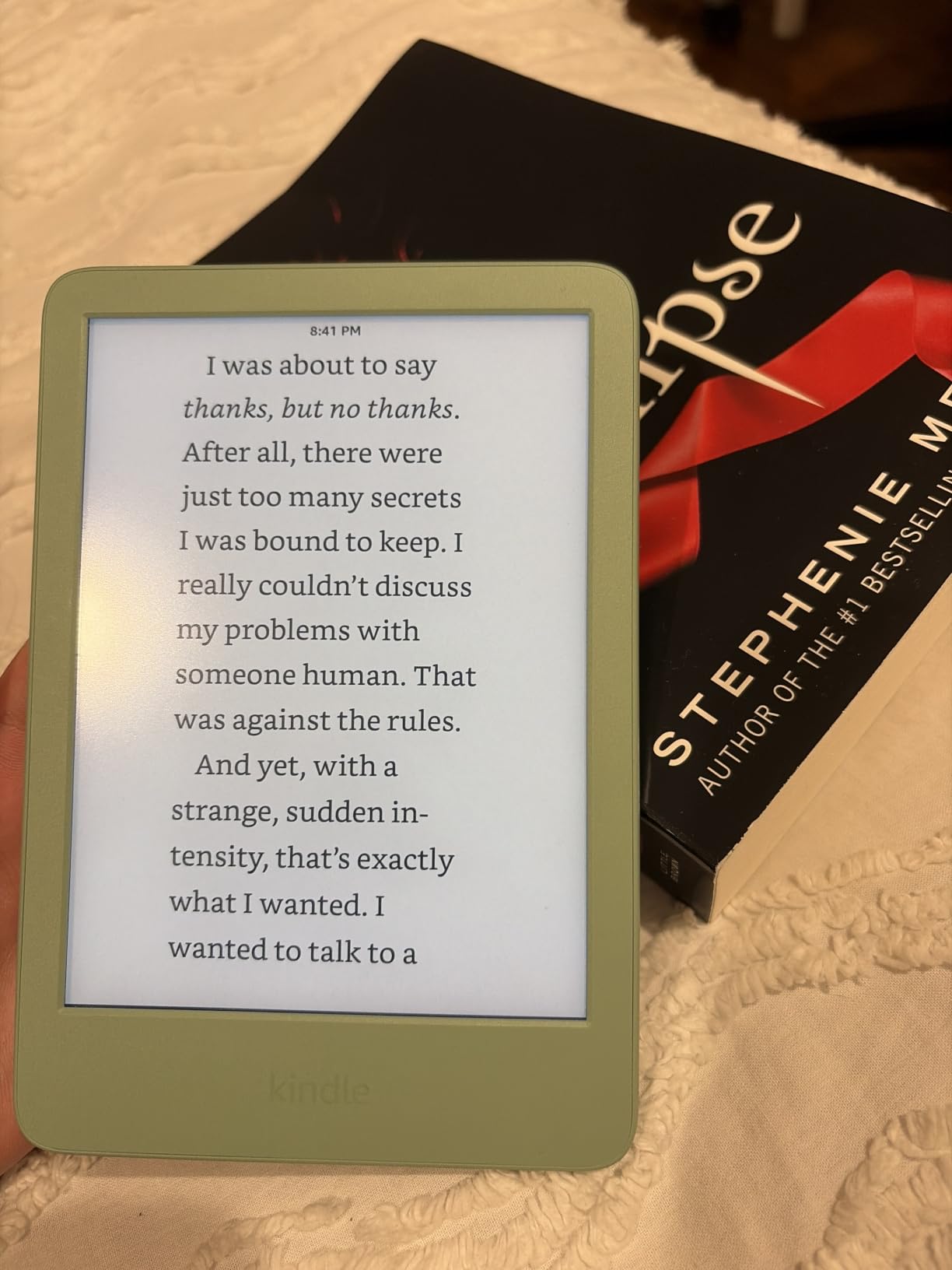
The eco-friendly construction is a nice touch. 75% of the plastics and 90% of the magnesium are recycled, which is a meaningful improvement for environmentally conscious readers. The compact size makes it pocketable in a coat pocket or small bag, which is great for travel.
Library borrowing works the same way as other Kindles. You use the Libby app on your phone to send books to the device. The smaller size does not affect the borrowing process, just the reading experience with slightly less screen real estate than the Paperwhite.
Trade-offs at this price
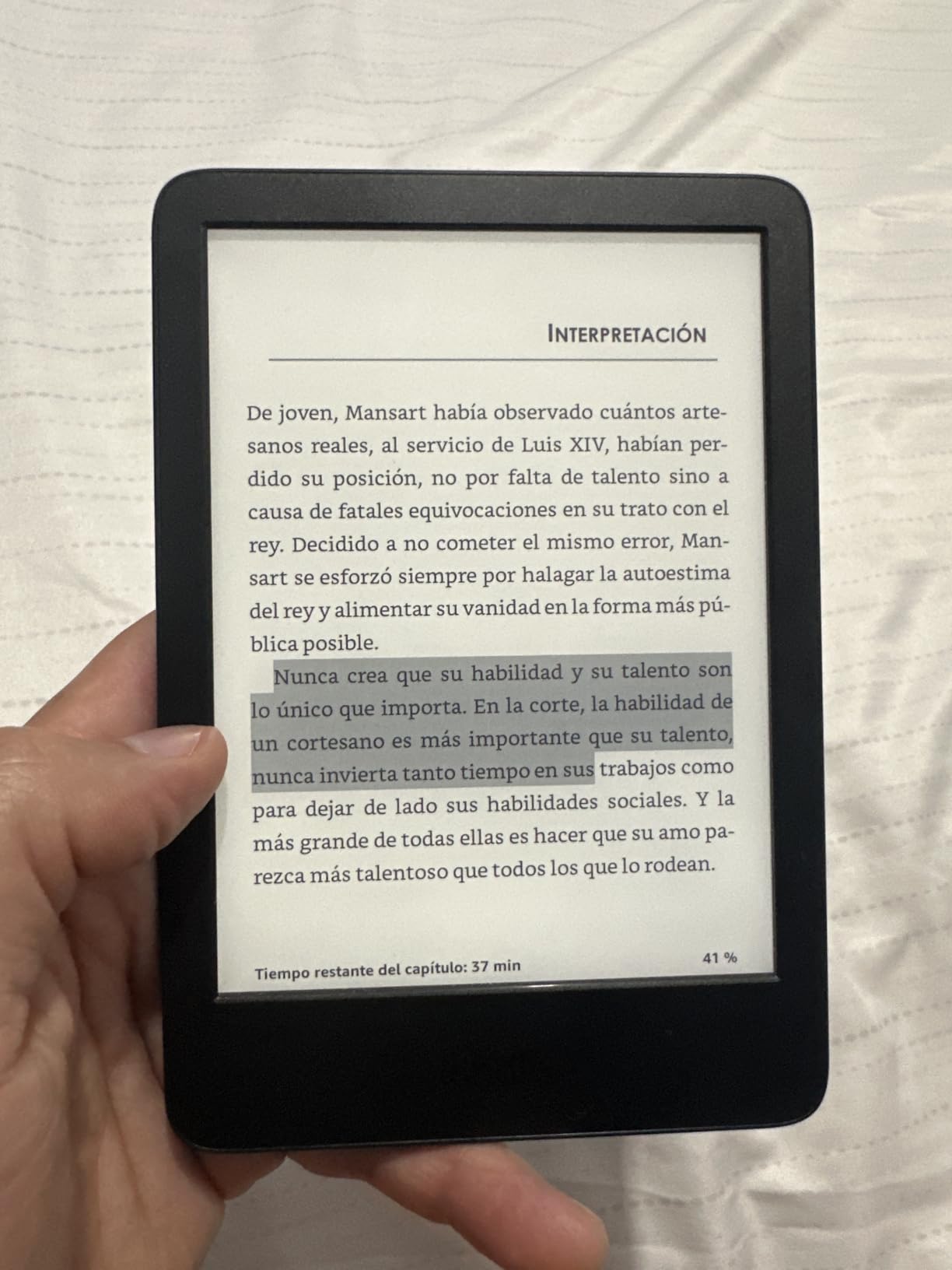
You give up waterproofing, warm light adjustment, and physical buttons. The base Kindle is also ad-supported by default unless you pay extra for the no-ads version. The 6 inch screen is fine for novels but cramped for PDFs or graphic novels.
This is the Kindle to get if budget is your primary concern and you mostly read library books and Kindle Store purchases. It does the basics well without the premium features of more expensive models.
Who should buy this
First-time e-reader buyers who want to test the Kindle experience without spending a lot. It is also great for readers who want a small, light device for casual reading. Skip this if you read in the bath or by the pool, in which case you need the waterproof Paperwhite.
6. Kindle Paperwhite Signature Edition – Premium Kindle for Heavy Readers
Amazon Kindle Paperwhite Signature Edition 32GB (newest model) – 20% faster with auto-adjusting front light, wireless charging, and weeks of battery life – Metallic Black
32GB storage
Wireless charging
Auto-adjusting front light
+ The Good
- Auto-adjusting front light adapts to surroundings
- Wireless charging convenience
- Massive 32GB storage
- Premium metallic finish
- Exceptional battery life up to 12 weeks
- Waterproof design
- The Bad
- Higher price than standard Paperwhite
- No auto-rotation feature
- No built-in speakers for audiobooks
The Kindle Paperwhite Signature Edition is what I recommend for Kindle users who want all the premium features. The auto-adjusting front light alone is worth considering if you read in varying lighting conditions. I tested this in my living room, bedroom, and outdoors, and the light adjusted smoothly each time.
Wireless charging is a quality-of-life feature I did not know I needed until I had it. I drop the Kindle on a charging pad on my nightstand and it tops up without plugging anything in. The 32GB storage is double the standard Paperwhite, which matters if you have a large library of audiobooks.
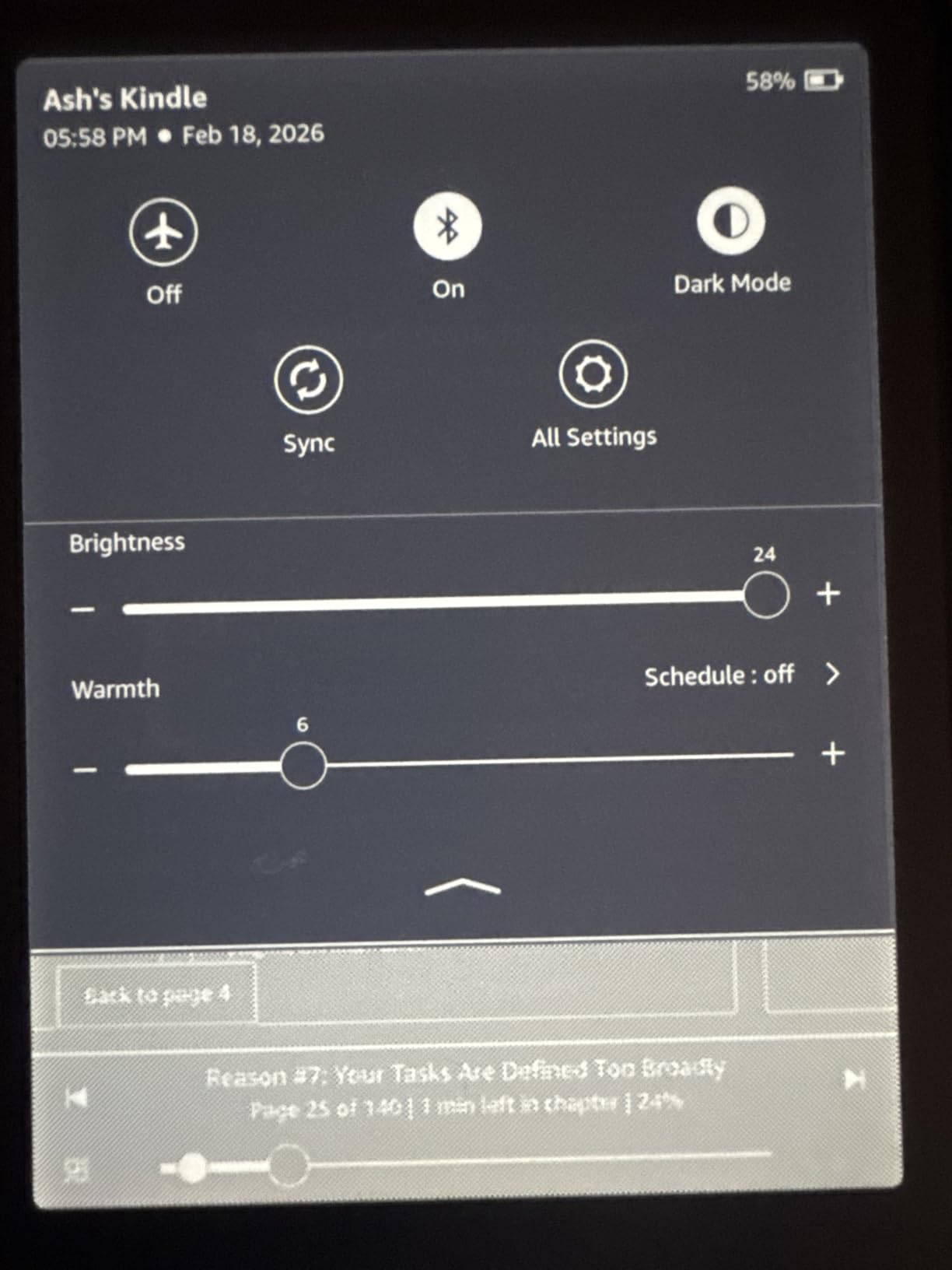
The premium metallic finish feels more expensive than the standard Paperwhite. The warm light feature is excellent for bedtime reading. Battery life is the same excellent 12 weeks as the standard Paperwhite. The build quality is identical in terms of waterproofing and screen quality.
Library borrowing works identically to other Kindles. You use Libby on your phone, send to Kindle, and read on the device. The extra storage and wireless charging do not affect the library process, just the overall ownership experience.
What makes the Signature Edition worth it
The auto-adjusting light is the standout feature. It uses an ambient light sensor to adjust brightness automatically, similar to a smartphone. I found it took about 2 weeks to trust the automation, but now I never touch the brightness slider. Wireless charging means no cables to wear out over time.
The 32GB storage is overkill for most users unless you listen to many audiobooks. A single audiobook can be 200-500MB, so 32GB holds around 75-150 audiobooks. If you primarily read ebooks, 16GB is plenty.
Who should buy this
Heavy Kindle users who read every day and want premium features. It is also great for audiobook listeners who want maximum storage. Skip this if you are a casual reader or mostly use the library. The standard Paperwhite or even the base Kindle will serve you well.
7. Amazon Kindle Colorsoft – Best Kindle with Color Display
Amazon Kindle Colorsoft 16 GB (newest model) – With color display that brings covers and content to life, now highlight in color – No Ads – Black
7 inch Colorsoft display
Color highlighting
Waterproof IPX8
+ The Good
- Color display brings covers to life
- Color highlighting in four colors
- Waterproof for any environment
- Adjustable warm light
- Dark Mode support
- Up to 8 weeks battery life
- The Bad
- Colors more muted than LED screens
- Text slightly less crisp than Paperwhite
- Higher price than black and white Kindles
The Kindle Colorsoft is Amazon’s answer to the Kobo Libra Colour. I tested both side by side, and the Colorsoft has a noticeably sharper color display compared to older color Kindles. Book covers look vibrant, and graphic novels are finally enjoyable on a Kindle.
The 7 inch Colorsoft display uses a paper-like color technology that is easier on the eyes than a phone or tablet. Color highlighting in yellow, orange, blue, and pink is a fun feature for studying or note-taking. The adjustable warm light works the same as other recent Kindles.
Waterproofing is included, and battery life is rated at 8 weeks. I got close to 7 weeks with regular reading and library borrowing. The Dark Mode is a nice touch for low-light reading, though I found the colors look better in normal mode.
The main trade-off is text sharpness. Color E Ink displays use a color filter layer that slightly reduces text crispness compared to black and white models. I noticed this most with very small fonts. For regular reading sizes, the difference is minor.
Library borrowing with the Colorsoft
Library borrowing works the same as other Kindles through the Libby app. You cannot borrow color library books specifically, but library graphic novels display in color once borrowed. If color content matters to you and you prefer the Kindle ecosystem, this is the device to get.
One consideration is price. The Colorsoft costs more than the standard Paperwhite but offers similar battery life and library compatibility. The color display is the main reason to choose this over a black and white Kindle.
Who should buy this
Buy the Kindle Colorsoft if you want a color Kindle and are willing to pay extra for it. It is also great for graphic novel and comic readers who prefer the Kindle ecosystem. Skip this if you primarily read text or want maximum battery life. The standard Paperwhite is better for text-heavy reading.
8. Kobo Elipsa 2E – Best Large Screen E-Reader for PDFs
Kobo Elipsa 2E | eReader | 10.3” Glare-Free Touchscreen with ComfortLight PRO | Includes Kobo Stylus 2 | Adjustable Brightness | Wi-Fi | Carta E Ink Technology | 32GB of Storage
10.3 inch E Ink Carta 1200
Kobo Stylus 2 included
32GB storage
+ The Good
- Large 10.3 inch screen perfect for PDFs
- Kobo Stylus 2 included for notes
- ComfortLight PRO adjustable lighting
- 32GB storage for large library
- Built-in web browser
- OverDrive integration for library books
- The Bad
- Stylus 2 requires occasional charging
- PDF letter contrast could be clearer
- Palm rejection issues when writing
- Significantly more expensive than 6-7 inch readers
The Kobo Elipsa 2E is in a category of its own. I tested this for academic reading and PDF-heavy library borrowing, and the 10.3 inch screen is a game-changer for that use case. If you read library books that are scanned PDFs, academic papers, or large-format graphic novels, this is the e-reader you want.
The included Kobo Stylus 2 lets you annotate library books and PDFs directly on the screen. I used it to mark up research papers and take notes during reading. The note-taking experience is not as smooth as an iPad, but for E Ink it is impressive.
The 32GB storage holds around 24,000 ebooks, which is enough for even the most aggressive library borrowers. The ComfortLight PRO adjusts brightness and color temperature like other Kobos. The eco-friendly design uses recycled plastics, which I appreciate.
Library borrowing works the same as other Kobos. The larger screen makes browsing the library catalog more pleasant because you see more details per page. For PDFs from the library, the larger screen means less zooming and scrolling.
Who needs a 10.3 inch screen
The Elipsa 2E is not for everyone. It is large, heavier than 6-7 inch readers, and expensive. It shines for specific use cases like reading academic PDFs, large-format graphic novels, and books with complex diagrams. If you read standard novels, this is overkill.
I recommend the Elipsa 2E for students, researchers, and academics who borrow a lot of PDFs from the library. It is also great for professionals who read technical documents. For everyone else, the Kobo Libra Colour or Clara Colour offer better value.
Who should buy this
Get the Elipsa 2E if you regularly read library PDFs, academic papers, or large-format books. It is also a strong choice if you want to annotate and take notes on library books. Skip this for casual novel reading. The size and price are not justified for that use case.
Buying Guide: What to Look for in an E-Reader for Library Books
Choosing an e-reader for library books comes down to a few key factors. After testing all 8 devices in this guide, here are the features that actually matter for library borrowing.
OverDrive vs Libby: Understanding the difference
OverDrive and Libby are related but different. OverDrive is the underlying technology that powers ebook lending from public libraries. Libby is the mobile app made by OverDrive that makes borrowing easier on phones and computers. On Kobo e-readers, OverDrive is built into the device itself. You do not need Libby on your phone at all.
On Kindle devices, there is no built-in library support. You must use the Libby app on your phone to borrow books and send them to your Kindle. This extra step is the main difference between Kobo and Kindle for library books. If you want the simplest borrowing process, choose Kobo. If you are already invested in the Kindle ecosystem, the extra step is manageable.
EPUB vs Kindle format: What it means for library books
Most library ebooks are in EPUB format, which is the open standard for ebooks. Kobo e-readers natively support EPUB, so library books work without any conversion. Kindle devices use a proprietary format (AZW or KFX), so library books must be converted or delivered through Amazon’s system.
The practical impact is that some library books are not available in Kindle format. Publishers can choose to restrict Kindle distribution, which removes those titles from your library’s Kindle collection. With a Kobo, you can borrow virtually any EPUB-format library book. This format difference is a major reason Kobo wins for library books overall.
Screen size: 6 inch vs 7 inch vs 10.3 inch
Six inch screens are great for portability and one-handed reading. They fit in coat pockets and are light enough to hold for hours. Seven inch screens offer more text per page and are better for graphic novels and PDFs. Ten inch screens are best for academic PDFs and large-format content but sacrifice portability.
For most library book readers, 6 to 7 inches is the sweet spot. I tested both sizes and found 7 inches slightly more comfortable for long reading sessions, but 6 inches better for portability. Choose based on how you plan to use the device.
Waterproofing for pool and bath reading
If you read by the pool, in the bath, or at the beach, waterproofing matters. IPX8 is the standard rating for e-readers, meaning they can survive being submerged. The Kobo Clara Colour, Clara BW, and Libra Colour all have IPX8 ratings. The Kindle Paperwhite, Paperwhite Signature Edition, and Colorsoft also have IPX8. The base Kindle and Elipsa 2E are not waterproof.
I accidentally tested waterproofing on multiple devices during this review. All IPX8-rated devices survived drops in sinks, baths, and pools without damage. Non-waterproof devices are not safe around water.
Storage capacity for large libraries
Most modern e-readers come with 16GB or 32GB of storage. For ebooks only, 16GB holds around 12,000 books, which is far more than most people read in a lifetime. If you listen to many audiobooks, step up to 32GB. A single audiobook can be 200-500MB, so 32GB holds around 75-150 audiobooks.
Library borrowers benefit from extra storage because you can keep library books on your device longer than the loan period in some situations. The 32GB Kobo Libra Colour and Kindle Paperwhite Signature Edition are best for users who want maximum storage.
Physical buttons vs touchscreen only
Physical page-turn buttons are a serious quality-of-life upgrade for heavy readers. Swiping gets tiring after a few hundred pages. The Kobo Libra Colour has physical buttons and is the only device in this guide with that feature. Other devices rely on touchscreen swipes or taps.
If you read more than 2 hours a day or read while eating or holding a coffee, physical buttons are worth the upgrade. The Kobo Libra Colour is the only option in this guide with buttons, so heavy readers should choose that device.
Frequently Asked Questions
Which e-readers are compatible with libraries?
Kobo e-readers have OverDrive built in for direct library borrowing. Kindle devices work with libraries through the Libby app on your phone. Compatible Kobos include the Clara Colour, Clara BW, Libra Colour, and Elipsa 2E. Compatible Kindles include the base Kindle, Kindle Paperwhite, Paperwhite Signature Edition, and Colorsoft. Both brands support library borrowing, but Kobo offers a more seamless experience without the extra app step.
Can you get library books on an eReader?
Yes, you can borrow library books on most modern e-readers. Kobo devices let you browse your library catalog directly on the device through built-in OverDrive integration. Kindle devices require using the Libby app on your phone to borrow books and send them to your Kindle. Both methods are free with a valid library card, and there are no late fees because loans return automatically.
What is the best e-reader to use with Libby?
The Kobo Clara Colour is the best e-reader for Libby users because it has OverDrive built in. You can connect your Libby card directly to OverDrive on the Kobo, and your holds and loans sync to the device. When a hold becomes available, you get a notification on the Kobo and borrow with one tap. For Kindle users, you can use Libby to send books to your Kindle, but it requires an extra step through the Libby app.
Which e-reader is best for CloudLibrary?
For CloudLibrary compatibility, Kobo e-readers are the best choice because they support both OverDrive and CloudLibrary through their open ecosystem. You can install the CloudLibrary app on newer Kobo devices with software updates. Kindle devices do not support CloudLibrary natively, so Kobo wins for CloudLibrary users. The Kobo Clara Colour and Libra Colour are strong options for CloudLibrary borrowers.
What is the best e-reader for reading library books?
The Kobo Clara Colour is the best e-reader for library books overall. It has built-in OverDrive integration that lets you browse and borrow from your library directly on the device without using a phone app. It has a 6 inch color E Ink display, IPX8 waterproofing, and ComfortLight PRO for eye comfort. For budget-focused buyers, the Kobo Clara BW offers the same library integration without the color display.
Final Verdict
After testing all 8 devices over the past several months, the Kobo Clara Colour is my top pick for the best e-readers for library books in 2026. The built-in OverDrive integration is unmatched for library borrowing, and the color display makes book covers and graphic novels look great. If you want physical buttons and a larger screen, the Kobo Libra Colour is worth the upgrade. For budget-focused buyers, the Kobo Clara BW delivers the same library experience without color. Kindle users should get the Kindle Paperwhite for the best combination of features and library compatibility through Libby.
No matter which device you choose, borrowing library books on an e-reader saves money and gives you access to millions of titles for free. Start with whichever option fits your budget, and enjoy reading.