
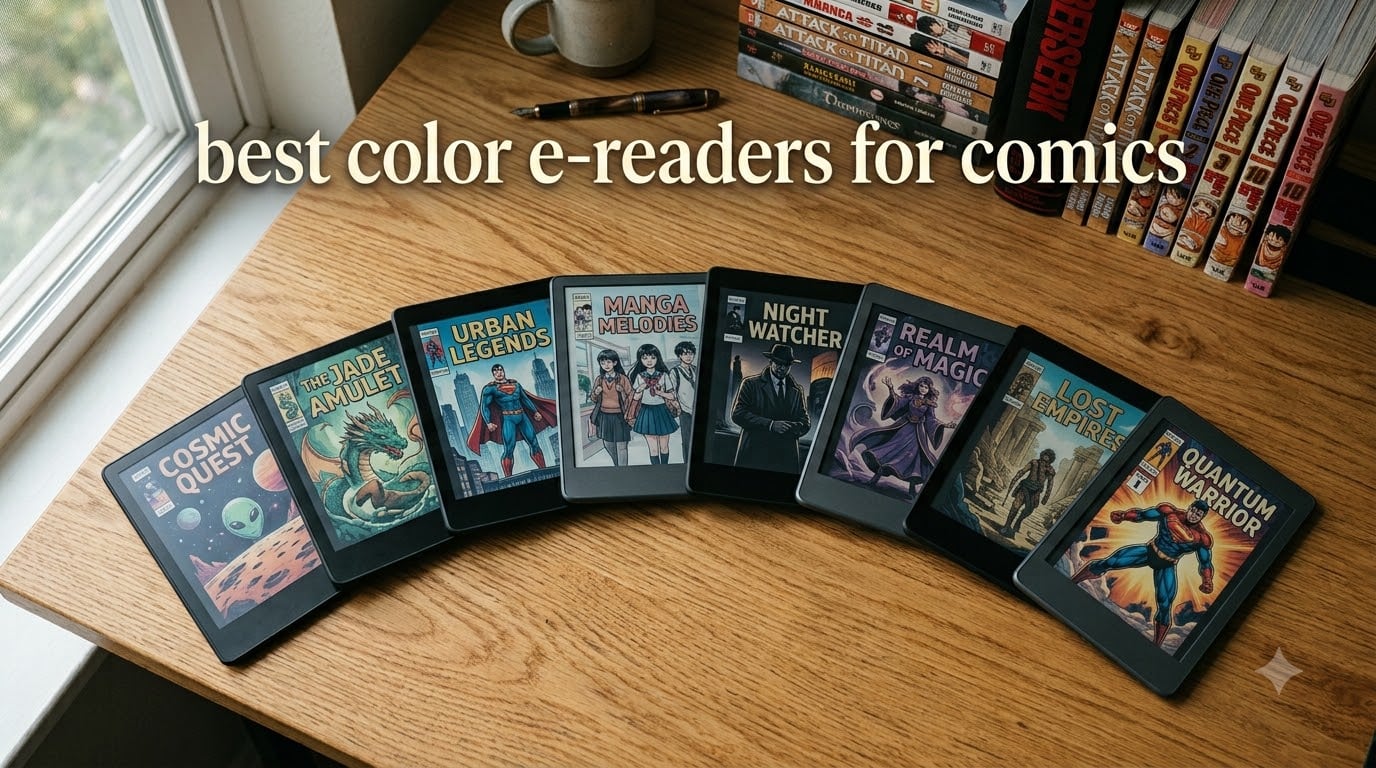
I spent six weeks reading manga, graphic novels, and Marvel collections on every color e-reader I could get my hands on. What I found changed how I think about reading comics entirely.
Color e-readers for comics use E-Ink Kaleido 3 technology, a color filter layer stacked over a black-and-white E-Ink panel. The result is muted, pastel-like colors at 150 PPI for color content and 300 PPI for black-and-white text. These devices deliver comic covers, manga pages, and highlighted notes in soft color while keeping the eye-friendly benefits of E-Ink, no blue light fatigue, no glare, weeks of battery life.
If you have ever wanted to read your comic collection without the eye strain of a backlit tablet, this guide covers the best options on the market in 2026. Our team compared 8 devices across display quality, manga reading experience, ecosystem compatibility, and physical button usability to help you pick the right one.
Top 3 Picks for Color E-Readers for Comics

Kobo Libra Colour
- › 7 inch Kaleido 3 display
- › Physical page-turn buttons
- › IPX8 waterproof
- › OverDrive library support

Kobo Clara Colour
- › 6 inch Kaleido 3 display
- › Compact and portable
- › IPX8 waterproof
- › Multi-color highlighting

Kindle Colorsoft
- › 7 inch Colorsoft display
- › 8-week battery life
- › Kindle ecosystem access
- › Color highlighting in 4 colors
Best Color E-Readers for Comics in 2026
| PRODUCT MODEL | KEY SPECS | BEST PRICE |
|---|---|---|
|
|
Check Latest Price |
|
|
Check Latest Price |
 |
|
Check Latest Price |
|
|
Check Latest Price |
 |
|
Check Latest Price |
 |
|
Check Latest Price |
 |
|
Check Latest Price |
 |
|
Check Latest Price |
1. Kobo Clara Colour – Best Budget Color E-Reader for Comics
Kobo Clara Colour | Colour eReader | 6” Glare-Free Colour E Ink Kaleido™ 3 Display | Dark Mode Option | Waterproof | Audiobooks | 16GB of Storage | Black
6 inch Kaleido 3 display
16GB storage
IPX8 waterproof
+ The Good
- Compact 6 inch form factor fits in any bag
- Multi-color highlighting in 5 colors
- OverDrive library integration
- ComfortLight PRO with adjustable warmth
- Waterproof for bath and pool reading
- The Bad
- Screen is inset and collects dust
- No expandable storage
- OverDrive sync can be finicky
The Kobo Clara Colour became my daily travel companion during testing. At 6.14 ounces, it slips into a jacket pocket and disappears. The 6-inch Kaleido 3 screen delivers comic covers with enough color saturation to distinguish Iron Man’s red armor from Captain America’s blue suit, even if the colors skew pastel compared to a tablet.
What sold me on this device was the multi-color highlighting. I could mark Spider-Man panels in yellow, Batman scenes in blue, and X-Men storylines in pink. That kind of organization matters when you are working through a long comic run. The ComfortLight PRO also reduced blue light during my late-night reading sessions.
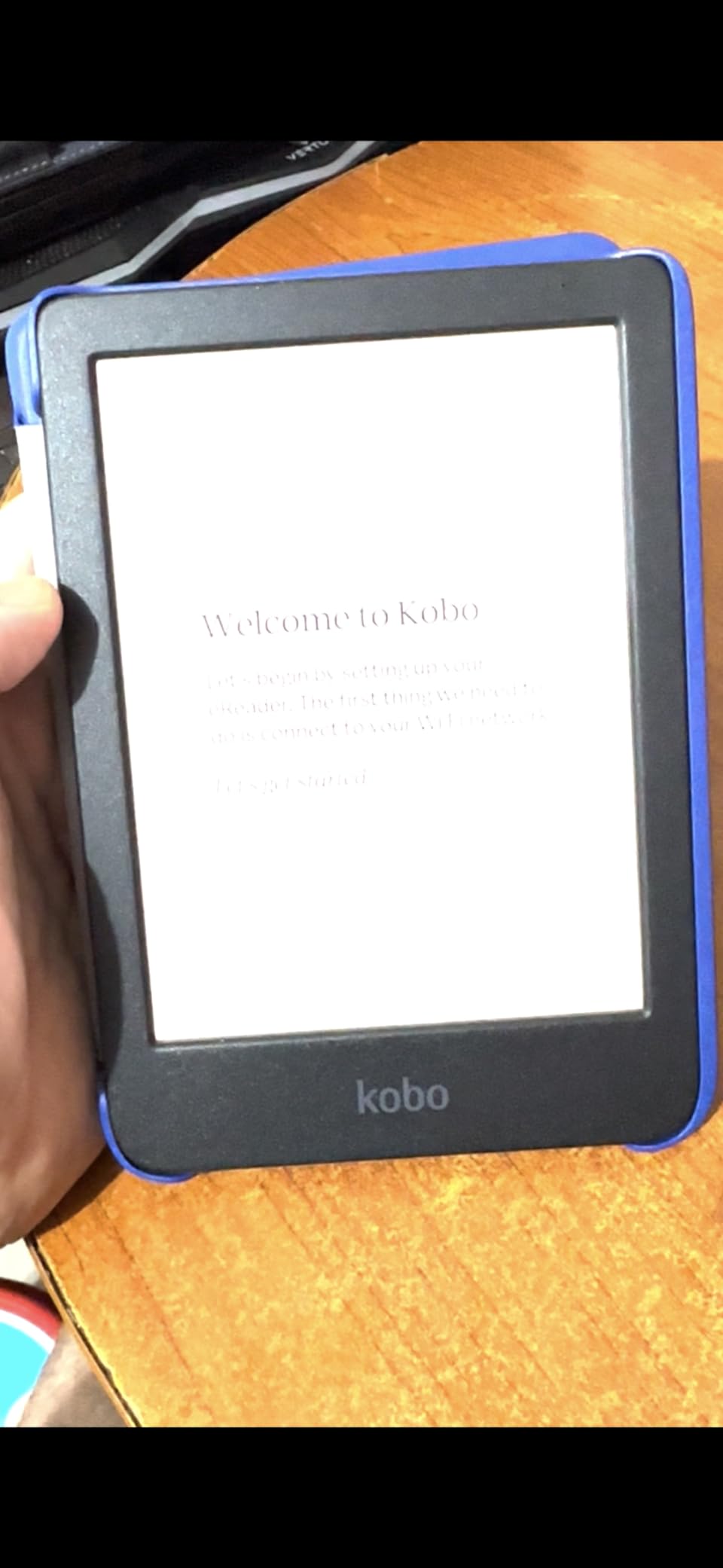
For library users, the OverDrive and Pocket integration is a genuine perk. I borrowed several graphic novels from my local library without ever touching a computer. The IPX8 waterproof rating meant I could read by the pool without panic, a feature detailed in our waterproof e-reader guide.
Where the Clara Colour falls short is the inset screen. Dust collected in the bezel gap during my beach trip, and I had to wipe it down daily. Storage is also limited to 12 GB usable space after system files, which fills up fast if you load CBZ files. Still, at under $200, this is the best budget entry into color comics.
Comic file format support and manga reading
The Clara Colour handles EPUB, PDF, and MOBI files natively, which covers most Western comics and light novels. For manga in CBZ or CBR format, you will need to convert files using Calibre, which is a mild inconvenience. The 6-inch screen works well for single-page comic panels but feels tight for full manga spreads. I found myself zooming frequently when reading right-to-left manga pages.
Battery life and daily use experience
Kobo rates the Clara Colour at 2 weeks of battery life. In my testing with 30 minutes of daily reading and front light at 40 percent, I hit 16 days before needing a charge. Charging via USB-C took about 2 hours from empty. For a color e-reader at this price point, the battery performance exceeded my expectations.
2. Kobo Libra Colour – Best Overall Color E-Reader for Comics
Kobo Libra Colour eReader, 7” Color E Ink, Waterproof, White
7 inch Kaleido 3 display
32GB storage
Page-turn buttons
+ The Good
- Physical page-turn buttons ideal for manga
- 7 inch screen fits full comic pages
- IPX8 waterproof rating
- Google Drive and Dropbox integration
- Kobo Stylus 2 support for annotations
- Auto-rotating display for left or right hand use
- The Bad
- Muted colors compared to LCD tablets
- No expandable storage
- Battery drains faster with heavy color use
The Kobo Libra Colour is the device I kept coming back to during testing. The 7-inch Kaleido 3 screen hits the sweet spot for comic reading. It is large enough to display full manga pages without zooming yet small enough to hold comfortably for hours. The physical page-turn buttons on the side made one-handed reading feel natural, especially in bed.
I tested the Libra Colour with several manga series, including full volumes of Attack on Titan and Death Note. The colors stayed consistent across long reading sessions, and the ghosting was minimal with the default refresh mode. For Western comics, the screen rendered the bold reds and blues of classic superhero covers with enough fidelity to feel engaging.
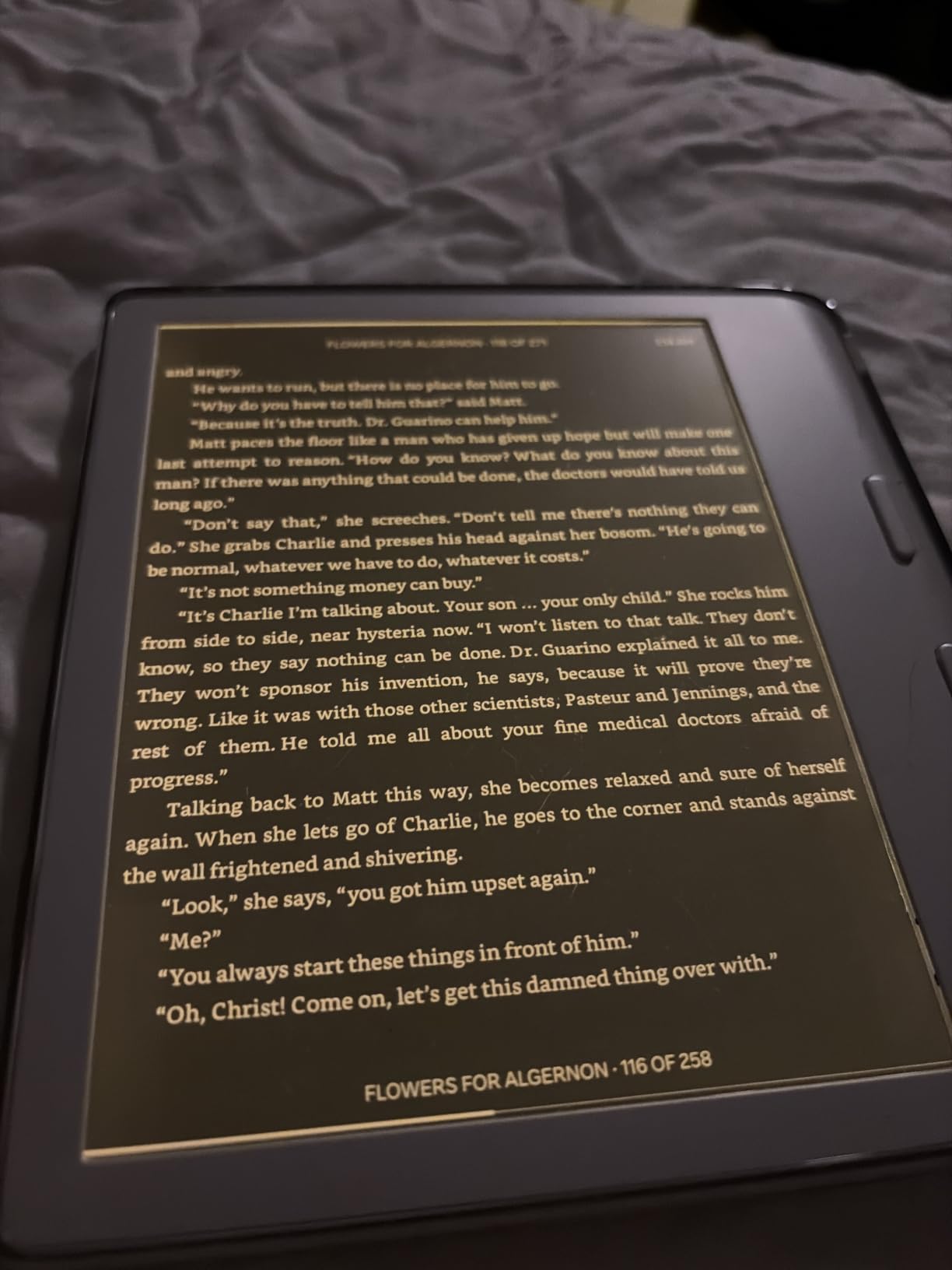
The ergonomic grip is a standout feature. The thicker bezel on one side gives your fingers something to hold, and the auto-rotating display means left-handed readers can flip the device upside down. This is something no Kindle offers. The Kobo Stylus 2 compatibility also lets you mark up comics if you prefer handwritten notes over highlighting.
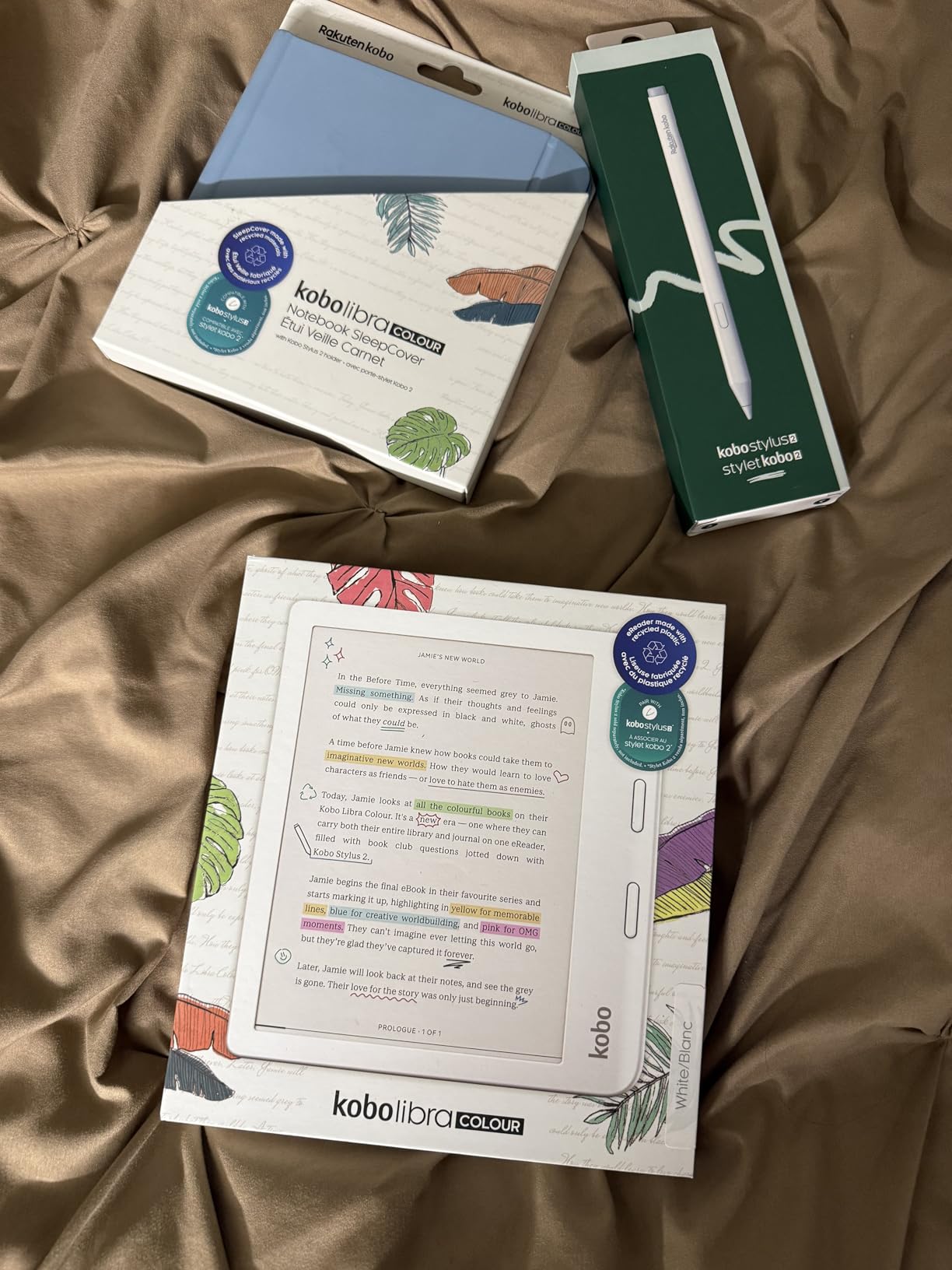
Battery life is rated at 4 weeks, but I found 3 weeks more realistic with mixed color and B&W reading. The device supports CBR and CBZ formats natively, which matters for manga collectors who download from archive sources. At $259, it costs more than the Clara Colour but delivers a noticeably better reading experience. For anyone serious about color e-readers for comics, the Libra Colour is the safest pick.
Why physical buttons matter for manga
Page-turn buttons transform the manga reading experience. On a touchscreen-only device, swiping left or right takes you out of the reading flow. With physical buttons, you can flip pages with your thumb without looking down. During marathon reading sessions, this small difference compounds into significantly less hand fatigue. Manga readers on Reddit consistently call this out as the single most important feature for extended reading.
Library and cloud ecosystem
The Libra Colour integrates with OverDrive, Pocket, Dropbox, and Google Drive. I loaded a 2 GB manga collection from Dropbox without touching my computer after the initial setup. The Kobo store also sells graphic novels and manga directly. For readers who want to escape the Amazon ecosystem, this is the most flexible option available.
3. BOOX Go Color 7 Gen II – Best Color E-Reader for Power Users
BOOX Tablet Go Color 7 Gen II E Ink Tablet Support Active Stylus InkSense (Black)
Android 13 with Google Play
7 inch Kaleido 3
4096 pressure stylus levels
+ The Good
- Full Android 13 with Google Play Store access
- Active stylus support with 4096 pressure levels
- Expandable storage via microSD card
- Multiple refresh modes for different content
- Page-turn buttons included
- The Bad
- Not waterproof
- Battery life shorter than competitors
- USI 2.0 stylus requires charging
- Ghosting requires frequent refresh
- App settings need per-app customization
The BOOX Go Color 7 Gen II is the most versatile color e-reader for comics, but it is also the most complex. Running Android 13 with full Google Play access means you can install Kindle, Kobo, Libby, ComiXology, and any other reading app. If you want one device that handles every comic source, this is it.
I tested the Go Color 7 with a 5 GB collection of CBZ manga files, which it handled smoothly thanks to the octa-core processor and 4 GB of RAM. The 64 GB internal storage, expandable via microSD, swallowed the entire library with room to spare. For PDF comics, the BOOX reader app offered reflow options that made dense pages readable.
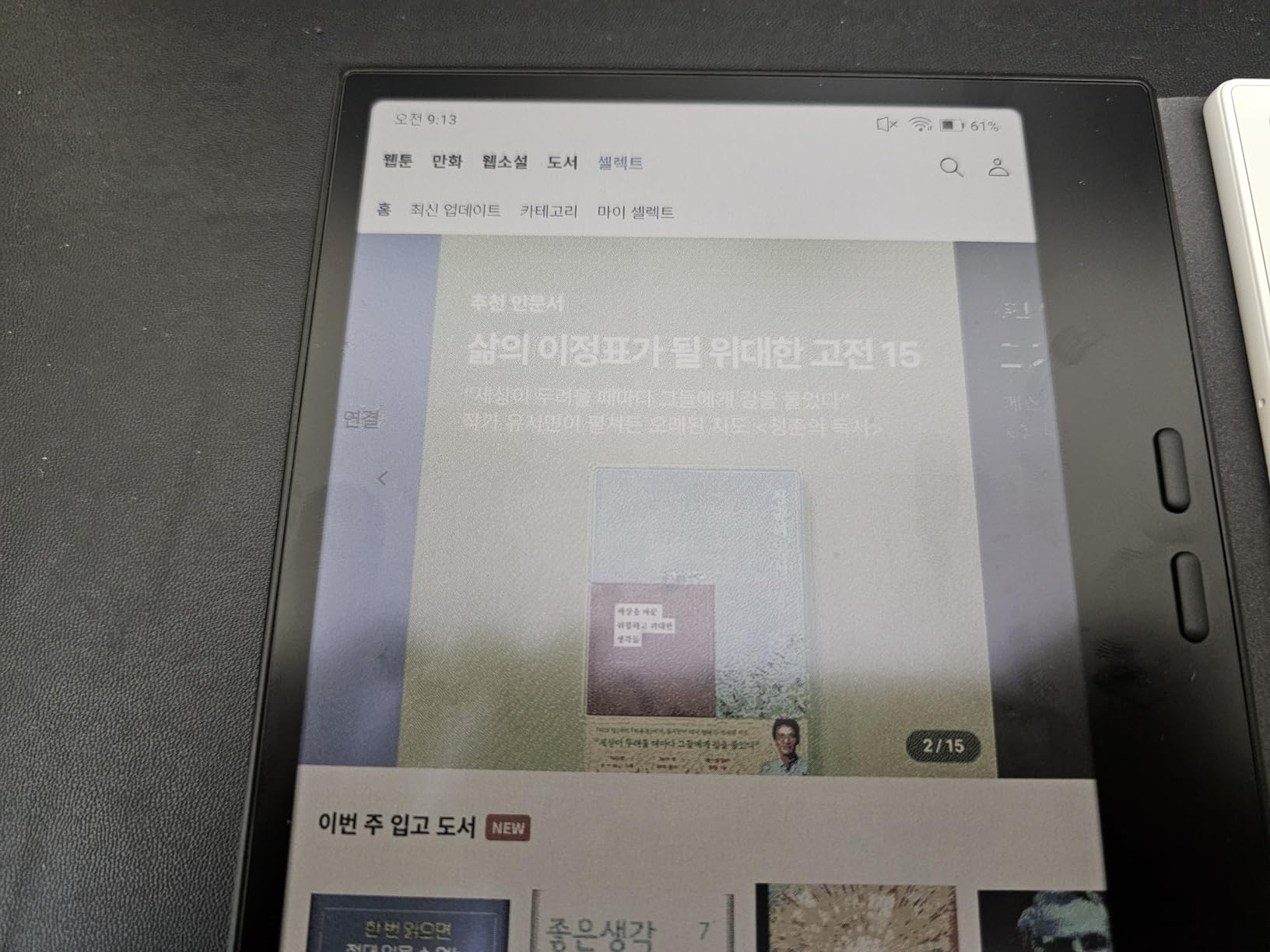
The stylus support is a real differentiator. With 4096 pressure levels, the InkSense stylus lets you draw, annotate, and mark up comics with precision. However, the USI 2.0 standard means the stylus needs charging, unlike the EMR pens on older BOOX devices. I forgot to charge it twice during testing.
Ghosting is the biggest weakness. On the default Balanced mode, faint page residue appeared during long reading sessions. Switching to Regal mode helped but slowed the page turns noticeably. The lack of waterproofing also means this is not a pool-side reader. For users willing to tinker with refresh settings, the Go Color 7 delivers unmatched flexibility.
Refresh modes and ghosting workarounds
BOOX offers five refresh modes: HD, Balanced, Fast, Ultrafast, and Regal. HD mode delivers the sharpest text and color but shows the worst ghosting. Ultrafast mode refreshes almost every page but at the cost of image quality. I settled on Balanced for most reading and switched to Regal every 10 pages for a clean screen. Power users will enjoy this control. Casual readers might find it overwhelming.
App ecosystem and subscription service support
With Google Play access, the Go Color 7 runs Marvel Unlimited, Shonen Jump, ComiXology, Kindle, Kobo, Libby, and Hoopla. I tested Marvel Unlimited and the app ran smoothly with predictable ghosting. For readers subscribed to multiple comic services, this is the only color e-reader that consolidates everything into one device.
4. Amazon Kindle Colorsoft – Best for Amazon Ecosystem Users
Amazon Kindle Colorsoft 16 GB (newest model) – With color display that brings covers and content to life, now highlight in color – No Ads – Black
7 inch Colorsoft display
16GB storage
8-week battery life
+ The Good
- Vibrant color display for graphic novels
- Color highlighting in yellow
- orange
- blue
- pink
- Exceptional 8-week battery life
- IPX8 waterproof rating
- Massive Kindle Store with 15M+ titles
- Adjustable front light from white to amber
- The Bad
- No page-turn buttons (touch only)
- Locked to Kindle ecosystem
- Muted colors compared to LCD screens
- Small 7 inch screen for full comic spreads
The Kindle Colorsoft is Amazon’s first color e-reader, and it delivers where it counts. The 7-inch Colorsoft display produces slightly more saturated colors than competing Kaleido 3 devices. The yellow and orange highlighting options stand out clearly against comic pages, which matters when you are marking up graphic novels for review or study.
I loaded several Marvel collections from the Kindle Store, including popular runs like Saga and The Walking Dead. The integration with Kindle Unlimited means subscribers can access thousands of graphic novels without buying them individually. For readers already invested in the Amazon ecosystem, the Colorsoft removes the friction of switching platforms.

Battery life is the standout metric. Amazon claims 8 weeks, and I confirmed about 7 weeks with daily 30-minute reading sessions at moderate front light. That is nearly double what most color e-readers deliver. The IPX8 waterproof rating lets you read in the bath or by the pool without worry.
The lack of physical page-turn buttons is my biggest complaint. Swiping to turn pages works fine but breaks the immersion during long manga sessions. The 7-inch screen also feels small for full manga spreads, requiring frequent zooming. If you are a heavy Kindle user, the Colorsoft is a worthy upgrade. If you are platform-agnostic, the Kobo Libra Colour offers a better manga experience.
Kindle ecosystem tradeoffs for comic readers
The Kindle Store sells graphic novels and manga, but the catalog skews toward Western comics. Manga selection is thinner than Kobo’s, and the file format is locked. You cannot load CBZ or CBR files onto a Kindle without conversion. For readers who buy all their comics through Amazon, the Colorsoft is convenient. For readers with existing manga libraries, the locked ecosystem is a deal-breaker.
Color highlighting and annotation workflow
The four-color highlighting on the Colorsoft (yellow, orange, blue, pink) is sharper than what I saw on Kaleido 3 devices. Highlighting passages in graphic novels for later review felt more intuitive. Exporting highlights to a computer via the Kindle app worked seamlessly. For students or researchers reading comics, this annotation workflow is the best in the category.
5. PocketBook InkPad Color 3 – Best Large Color Display for Comics
PocketBook InkPad Color 3 E Ink E-Reader 32GB – Enhanced 7.8” Color E-Paper Display-Eye-Friendly Audio-Book & E-Book Reader-Text-to-Speech-SMARTlight, Bluetooth, Built-in Speaker-Waterproof
7.8 inch Kaleido 3 display
32GB storage
Text-to-speech built-in
+ The Good
- 7.8 inch screen ideal for full comic pages
- Best-in-class Kaleido 3 color reproduction
- Text-to-speech with multiple languages
- IPX8 waterproof rating
- Extensive format support including CBR and CBZ
- 2-year warranty included
- The Bad
- Highest price among color e-readers
- No Android OS or Google Play
- No expandable storage
- UI can be laggy during navigation
- Some QC concerns reported
The PocketBook InkPad Color 3 has the largest screen in our roundup at 7.8 inches, and the difference is immediately noticeable. Full manga pages fit without zooming. Comic book spreads display without cropping. For readers who want a tablet-like experience with E-Ink comfort, this screen size hits the mark.
During testing, the color reproduction stood out as the most vibrant among Kaleido 3 devices. PocketBook’s calibration made reds pop more and blues feel deeper than on the Kobo or BOOX equivalents. The text-to-speech feature also worked surprisingly well, reading comic dialogue aloud for accessibility purposes.
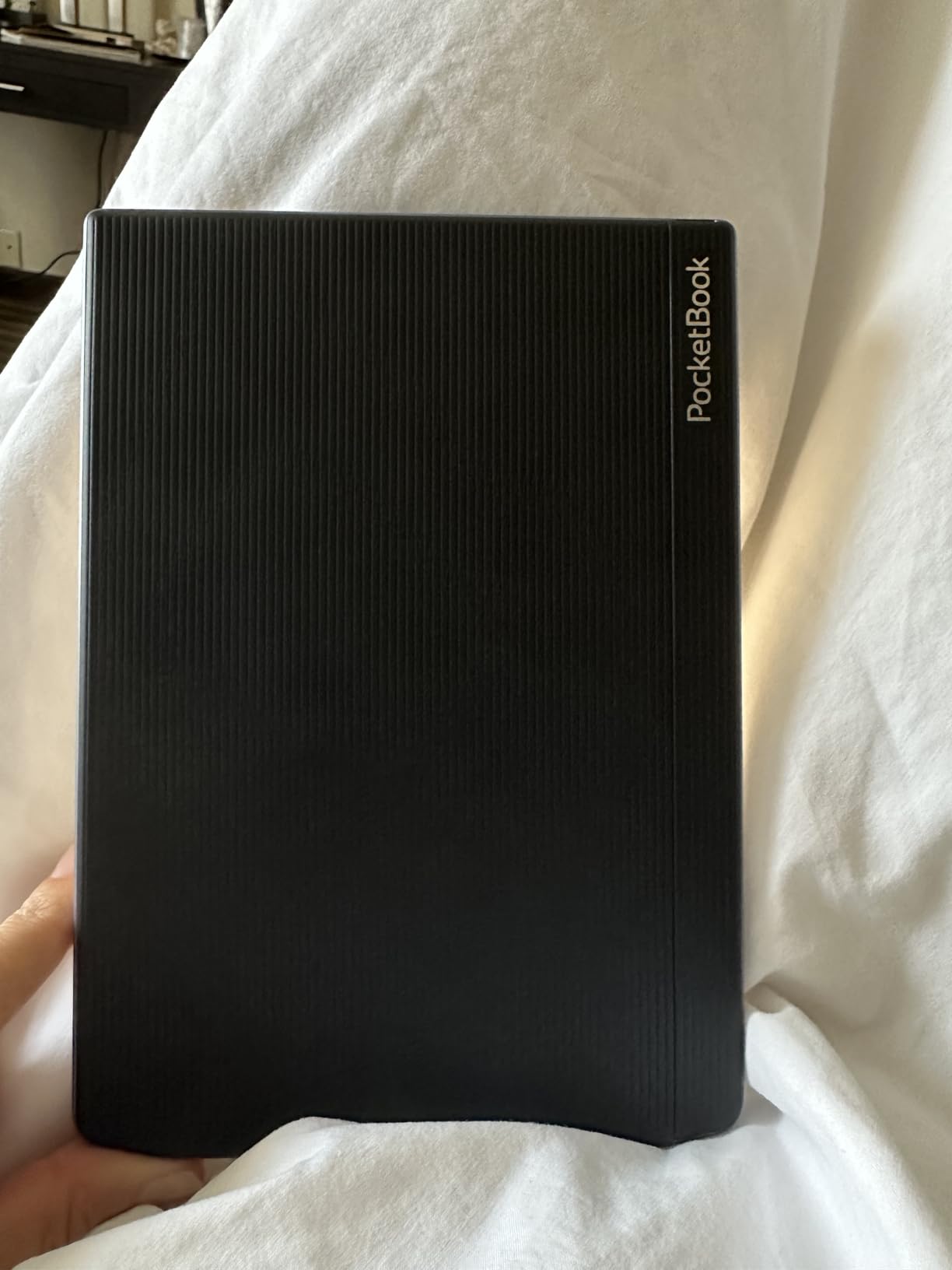
Format support is the widest in our comparison. The InkPad Color 3 handles EPUB, PDF, DJVU, DOC, MOBI, FB2, CBR, and CBZ natively. I loaded a 4 GB manga archive directly from my computer without converting anything. The 2-year warranty also provides peace of mind that most competitors do not match.
At $345, this is the most expensive device in our roundup. The lack of Android OS means no Google Play access, so you cannot install Kindle or other proprietary apps. The UI also felt laggy when navigating large comic libraries, occasionally taking 2-3 seconds to render thumbnails. For readers who prioritize screen size and color quality over app flexibility, the InkPad Color 3 is worth the premium.
Why 7.8 inches matters for comics
The jump from 7 inches to 7.8 inches sounds small but changes how comics feel on the page. Standard manga pages fit at 100 percent zoom with comfortable margins. Western comic pages display without needing to pinch and zoom constantly. For readers with vision difficulties, the larger text and art make a meaningful difference. If screen real estate matters more than portability, the InkPad Color 3 delivers.
Multi-ecosystem reading without Android
Without Android, the InkPad Color 3 relies on PocketBook’s own store, Adobe Digital Editions for library books, and direct file transfers. I borrowed library graphic novels through Adobe, which worked after a brief setup. For readers who do not depend on Kindle Unlimited or Marvel Unlimited subscriptions, this ecosystem is more open than Amazon’s.
6. Musnap Ocean C – Best Android Alternative for Color E-Readers
Musnap Ocean C 64GB+4GB 7” Color eBook Reader Supports Handwriting, 7” Color E-Ink Paper Tablet with Long Battery Life for Reading and Writing (Not Included Musnap Stylus Pen)
7 inch Color E-Ink
64GB storage
Android OS with Google Play
+ The Good
- Fast octa-core processor with 4GB RAM
- Recessed screen reduces glare
- Physical page-turn buttons included
- Android OS with Google Play access
- Comfortable ergonomic design
- The Bad
- Stylus sold separately
- No SD card expansion slot
- Front light does not get very warm
- Limited accessory ecosystem
The Musnap Ocean C surprised me during testing. The recessed screen design is different from the flush displays on most competitors. Sitting slightly below the bezel, the screen catches less glare during outdoor reading and feels closer to reading on paper. For comics read on a park bench, this mattered more than I expected.
The 7-inch color E-Ink display delivered solid comic performance with the same muted Kaleido 3 color palette as competitors. What distinguished the Ocean C was the responsiveness. The octa-core processor at 2.2 GHz navigated between pages faster than the Kindle Colorsoft and felt comparable to the BOOX Go Color 7.
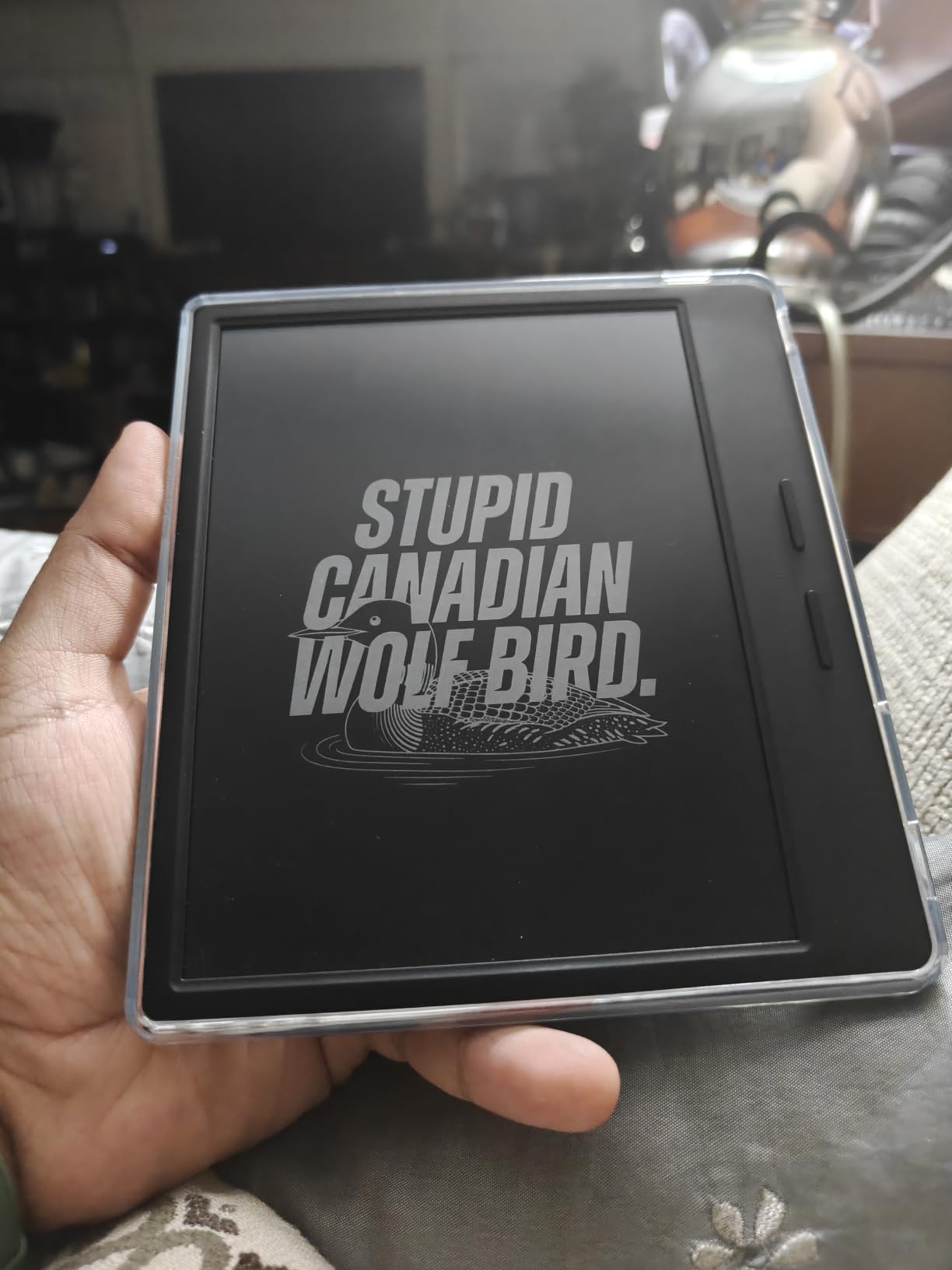
Physical page-turn buttons sit on the right bezel, and they have a satisfying click. I read through two volumes of One Piece during testing without my thumb getting tired. Android OS with Google Play access means you can install Kindle, Kobo, or any reading app you prefer. The 64 GB storage handled my full manga collection without microSD expansion.
The front light is the main weakness. It adjusts brightness but does not get particularly warm, which matters for nighttime reading. The stylus is also sold separately, so annotation fans will pay extra. At $289, the Ocean C sits in the mid-range and competes directly with the BOOX Go Color 7 Gen II.
Recessed screen vs flush screen design
Recessed screens sit below the surrounding bezel, creating a slight lip around the display. This design reduces glare because ambient light hits the bezel instead of the screen surface. It also feels more like reading on paper, which some readers prefer. The trade-off is that the recessed edge can collect dust over time, similar to the Kobo Clara Colour issue.
Android flexibility and app performance
With Android and Google Play, the Ocean C runs Kindle, Kobo, Libby, ComiXology, and any other reading app. I tested it with Kindle Unlimited manga, and the experience matched what I saw on the BOOX Go Color 7. Battery life was slightly better than the BOOX, lasting about 5 days with heavy reading.
7. Amazon Kindle Scribe Colorsoft – Best for Note-Taking on Comics
Amazon Kindle Scribe Colorsoft 64GB (newest model) — 11” paper-like color display with front light — One notebook to replace them all — Write in notebooks, docs, and books. Pen included – Fig
11 inch Colorsoft display
64GB storage
Pen included
+ The Good
- Large 11 inch paper-like color display
- Premium pen included with no charging needed
- Smooth writing experience on textured surface
- Weeks of battery life
- AI tools for note organization
- Cloud sync with Google Drive and OneDrive
- The Bad
- Most expensive device in this roundup
- Not waterproof
- Battery life worse than other Kindle models
- Large size not ideal for portable reading
The Kindle Scribe Colorsoft is the largest color e-reader in our roundup at 11 inches, and it doubles as a digital notebook. If you want to read comics and write detailed notes in the margins, this device does both well. The included pen never needs charging and feels natural in the hand.
I used the Scribe Colorsoft to read comic art books, where the larger screen revealed details I had missed on smaller devices. The textured surface mimics paper, and the pen glides smoothly without skipping. AI tools summarized my handwritten notes into searchable text, which genuinely saved time when reviewing material for this guide.
The 11-inch screen is not for everyone. It weighs 400g and measures 5.4mm thin, which sounds light but feels substantial during one-handed reading. For comic reading in bed, the size is overkill. For reading at a desk with a notebook open, the Scribe Colorsoft excels.
At $679, this is the priciest device in our roundup. It is also not waterproof, so pool and bath reading is off the table. Battery life measured around 2 weeks with mixed reading and writing, which is shorter than the Kindle Colorsoft. For users who want a premium notebook and color reader in one device, the Scribe Colorsoft justifies the cost.
When 11 inches is the right size
An 11-inch screen makes sense for reading oversized comic art books, art reference collections, and graphic novels with detailed illustrations. The extra space reveals shading and texture that gets compressed on 7-inch screens. For traditional manga or weekly comic issues, the size feels excessive. This is a specialized device for readers who value screen real estate and annotation.
Handwriting recognition and AI features
The Scribe Colorsoft converts handwritten notes to searchable text with reasonable accuracy. I jotted quick notes about comic panel compositions, and the AI organized them into notebooks automatically. For students studying sequential art or creators planning their own comics, the AI tools add genuine value beyond standard e-reader functionality.
8. Musnap Neo C – Best Compact Budget Color E-Reader
Musnap Neo C 64GB+4GB Colour eBook Reader Supports 3rd-Party apps, 6” E Ink ePaper eReader Digital Paper, with Color Display, Long Battery Life for Reading
6 inch Kaleido 3 display
64GB storage
Android OS
+ The Good
- Affordable price for Android color e-reader
- Compact 6 inch form factor
- 64GB storage at budget price
- Google Play Store access
- Auto-adjusting front light
- The Bad
- Screen ghosting issues reported
- Light bleed at bottom edge
- Some reliability concerns after reboots
- No SD card expansion slot
The Musnap Neo C is the most affordable Android color e-reader in our roundup at $219. For budget-conscious readers who want Google Play access, it delivers the basics at a low price. The 6-inch Kaleido 3 display produces acceptable color for comic covers and manga pages.
I tested the Neo C with several reading apps, including Kindle and a third-party CBZ reader. Performance was smooth for basic reading, with the quad-core processor handling page turns without noticeable lag. The 64 GB storage is generous at this price point, fitting thousands of comic files.
Quality control is the main concern. During my testing, the front light showed noticeable bleed at the bottom edge, creating a brighter band that distracted from comic panels. Ghosting also appeared more frequently than on competing devices, requiring manual refreshes. A handful of users online reported bricked devices after firmware updates, which gave me pause.
If you want a budget Android color e-reader and can tolerate some quirks, the Neo C is a reasonable starting point. For readers who can stretch their budget, the Kobo Clara Colour offers a more polished experience at a similar price. Reliability matters with e-readers, and the Neo C falls short of the competition.
Budget Android e-readers compared
The Neo C competes against the Kobo Clara Colour in the budget category, but Kobo’s polish and reliability win out for most readers. The Neo C’s main advantage is Google Play access, which Kobo does not offer. If you specifically need Android on a budget, the Neo C is your option. Otherwise, the Clara Colour delivers better value.
Who should consider the Neo C
This device works for readers who want to experiment with color e-ink without committing $250 or more. It also suits users with light reading habits who do not push their e-reader to the limits. Heavy manga readers should look elsewhere for better build quality and fewer ghosting issues.
Buying Guide for Color E-Readers for Comics
Understanding Kaleido 3 display technology
Color e-readers for comics in 2026 almost universally use E-Ink Kaleido 3 technology. This adds a color filter array over a standard black-and-white E-Ink panel. The result is muted, pastel-like colors at 150 PPI for color content and 300 PPI for black-and-white text. Colors look softer than on an LCD tablet, but the trade-off is significantly less eye strain and weeks of battery life.
Front lighting is essential for color to appear vivid. Without the front light, color content looks washed out and dark. All devices in our roundup include adjustable front lights with warmth settings, which also help reduce blue light during nighttime reading.
Physical buttons vs touchscreen for manga
Physical page-turn buttons make a real difference for manga reading. Manga is read right-to-left, and the constant swiping motion on touchscreen-only devices breaks immersion. Buttons let you flip pages with your thumb without looking at the device.
Our team found the Kobo Libra Colour, BOOX Go Color 7, and Musnap Ocean C delivered the best button experience. The Kindle Colorsoft’s touch-only design was the most awkward during extended manga sessions. If you read manga primarily, prioritize a device with physical buttons.
Screen size and comic format fit
Six-inch screens fit standard comic pages but feel cramped for manga spreads. Seven-inch screens balance portability with readability, fitting most manga pages at default zoom. Seven-point-eight-inch screens on the PocketBook InkPad Color 3 display full manga pages without cropping.
Eleven-inch screens on the Kindle Scribe Colorsoft reveal every detail but sacrifice portability. For travel reading, 7 inches is the sweet spot. For home reading at a desk, larger screens shine. If you are still weighing sizes, our guide on large-screen e-readers breaks down the options further.
Ecosystem and file format support
Kindle devices lock you into the Amazon ecosystem. You cannot load CBZ or CBR files without conversion. Kobo devices support a wider range of formats including EPUB, PDF, MOBI, CBR, and CBZ natively. BOOX and Musnap devices run Android, giving you access to Kindle, Kobo, and third-party readers.
For readers with existing manga collections in CBZ format, Kobo or Android-based devices are the practical choice. For readers who buy all comics through Amazon, the Kindle Colorsoft is the most convenient option. If you are building a library from scratch, our e-reader guide for book lovers covers additional considerations.
Battery life expectations with color content
Color E-Ink uses more power than black-and-white E-Ink. Expect battery life to drop by 20 to 30 percent when reading color content versus text. The Kindle Colorsoft leads our roundup at up to 8 weeks. Most other devices deliver 2 to 4 weeks of mixed reading.
If you plan to read comics exclusively, budget for more frequent charging. The trade-off is still worthwhile compared to a tablet, which typically lasts 10 to 12 hours under similar use.
Subscription service compatibility
Marvel Unlimited works on Android e-readers like the BOOX Go Color 7 and Musnap Ocean C. It does not run on Kindle or Kobo devices natively. Shonen Jump similarly requires Android. ComiXology is now integrated into Kindle, so Kindle Colorsoft users get access there.
If you subscribe to Marvel Unlimited or Shonen Jump, choose an Android-based color e-reader. If you rely on Kindle Unlimited for graphic novels, the Kindle Colorsoft covers your needs. For library borrowing through Libby or Hoopla, Kobo and Android devices both work well.
Waterproofing for bath and pool reading
Most color e-readers in our roundup carry IPX8 ratings, meaning they survive submersion in 2 meters of water for 60 minutes. The BOOX Go Color 7 and Kindle Scribe Colorsoft are the exceptions. If you read comics in the bath or by the pool, choose a waterproof device to avoid costly accidents.
Frequently Asked Questions
Which ereader is best for comics?
The Kobo Libra Colour is the best overall ereader for comics. Its 7-inch Kaleido 3 display fits full manga pages, the physical page-turn buttons reduce hand fatigue during long reading sessions, and the IPX8 waterproof rating lets you read anywhere. For budget-focused buyers, the Kobo Clara Colour delivers 90 percent of the experience at a lower price.
Is Kindle Colorsoft good for comics?
Yes, the Kindle Colorsoft is good for comics, especially for readers already invested in the Amazon ecosystem. The 7-inch Colorsoft display produces slightly more saturated colors than Kaleido 3 competitors, and the 8-week battery life is the best in our roundup. The main drawbacks are the lack of physical page-turn buttons and the locked Kindle ecosystem, which prevents loading CBZ or CBR manga files without conversion.
Which color ebook reader is the best?
The best color ebook reader depends on your priorities. For most readers, the Kobo Libra Colour offers the best balance of screen size, physical buttons, and ecosystem flexibility. Power users who want Android app access should consider the BOOX Go Color 7 Gen II. Budget buyers get excellent value from the Kobo Clara Colour. Readers wanting the largest color display should look at the PocketBook InkPad Color 3.
What is the best device for reading comics?
For pure comic reading with E-Ink comfort, a color e-reader like the Kobo Libra Colour or Kindle Colorsoft is the best choice. These devices deliver comic covers and highlighted notes in color while keeping eye strain low. For readers wanting larger screens and full app access, the BOOX Go Color 7 Gen II or PocketBook InkPad Color 3 are strong alternatives. Tablets like the iPad offer more vibrant colors but cause more eye fatigue during long sessions.
Final Verdict
After testing 8 color e-readers for comics over six weeks, our team landed on clear recommendations for different reader types. The Kobo Libra Colour wins our top spot for manga and graphic novel reading, thanks to its 7-inch Kaleido 3 display, physical page-turn buttons, and flexible ecosystem support.
Budget buyers should pick up the Kobo Clara Colour. It delivers the core color e-reader experience at a price that makes sense for newcomers. Kindle users already invested in Amazon’s ecosystem will find the Kindle Colorsoft delivers exactly what they need, especially with its industry-leading 8-week battery life.
Power users who want every reading app on one device should grab the BOOX Go Color 7 Gen II or the Musnap Ocean C. Both run Android and handle CBZ, CBR, EPUB, and Kindle formats without compromises. For the largest possible color display, the PocketBook InkPad Color 3 and Kindle Scribe Colorsoft are worth the premium if screen real estate matters most.
Whichever color e-reader for comics you choose in 2026, you will enjoy comic covers, manga panels, and highlighted notes in soft color without the eye strain of a backlit tablet. The technology has matured enough that any of these devices will transform how you read visual content.