
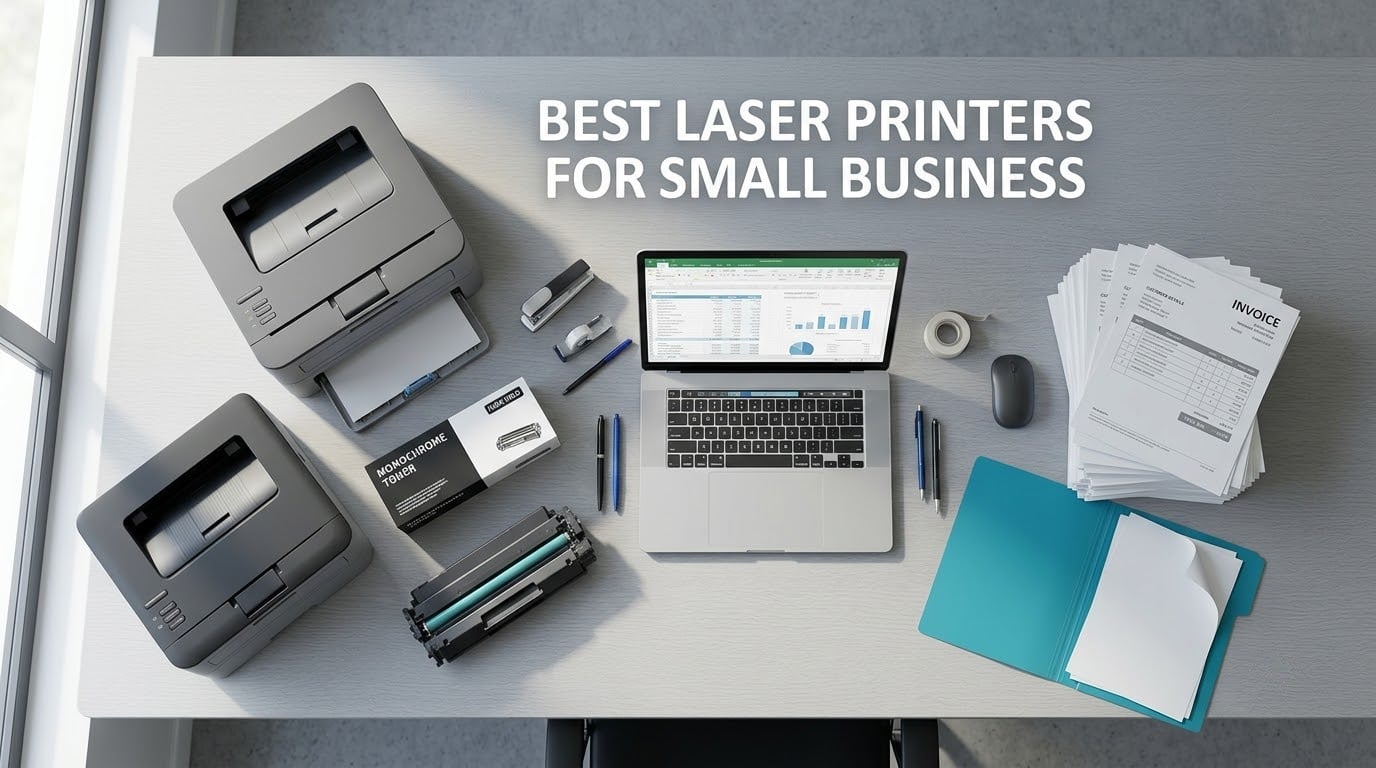
The best laser printers for small business are the Brother DCP-L2640DW for most offices, the Brother HL-L2460DW if you only ever print black text, and the Brother MFC-L2820DW if you need fax in the same box. All three are compact toner machines that handle daily documents without the running costs that make inkjets painful at volume.
Laser printing works by drawing the page image on a rotating steel drum, attracting toner powder to it with static, and fusing that powder onto paper with a heated roller. No liquid ink is involved, so nothing dries out or clogs between jobs the way it does in an inkjet left idle over a weekend.
Are laser printers being phased out? No. What is changing is the desk-side laser category. Manufacturers keep refreshing the same handful of engine platforms and the supply business is shifting to subscription models, but the machines themselves are not disappearing. Owners on r/printers and r/sysadmin still run the same Brother and HP desktop lasers they bought years ago, and the toner is what keeps those machines in service.
Below I cover 12 models that suit a team of roughly two to ten people, working from a home office, a retail back room, or a shared floor printer. Every entry includes the real specifications, the running-cost picture, and the failure modes owners actually report, because that is where most buying guides go quiet.
If you are outfitting a home office rather than a shared floor, our laser printer picks for the home office go deeper on the single-user end of the market. And if the printer is arriving alongside new hardware, our guides to business desktops and laptops for business cover the rest of the setup.
Top 3 Picks for Laser Printers for Small Business (October 2026)

Brother DCP-L2640DW
- › 36 ppm monochrome
- › 50-page ADF
- › automatic duplex
- › dual-band Wi-Fi plus Ethernet
12 Best Laser Printers for Small Business (October 2026)
| PRODUCT MODEL | KEY SPECS | BEST PRICE |
|---|---|---|
|
|
Check Latest Price |
 |
|
Check Latest Price |
 |
|
Check Latest Price |
 |
|
Check Latest Price |
 |
|
Check Latest Price |
 |
|
Check Latest Price |
 |
|
Check Latest Price |
 |
|
Check Latest Price |
 |
|
Check Latest Price |
 |
|
Check Latest Price |
 |
|
Check Latest Price |
 |
|
Check Latest Price |
1. Brother DCP-L2640DW – Best All-Round Monochrome Workhorse
Brother DCP-L2640DW Wireless Compact Monochrome Multi-Function Printer, Copy, Scan, Duplex, Mobile Printing
36 ppm mono
50-page ADF
Auto duplex
250-sheet tray
Dual-band Wi-Fi plus Ethernet
+ The Good
- Sharp text at up to 36 ppm
- 50-page ADF handles real document stacks
- automatic duplex on every page
- dual-band Wi-Fi plus Ethernet for shared offices
- toner running costs far below inkjet
- The Bad
- On-printer menu navigation is fiddly
- Wi-Fi and firmware password setup takes persistence
- some PC scan-to-PDF workflows reported to freeze
This is the machine I would put in a small office first. It prints up to 36 pages per minute in black at 1200 x 1200 dpi, and in a week of mixed invoices, contracts and internal memos it never once made me wait for the queue to clear. The 250-sheet tray also means fewer refills than most people expect from a compact unit.
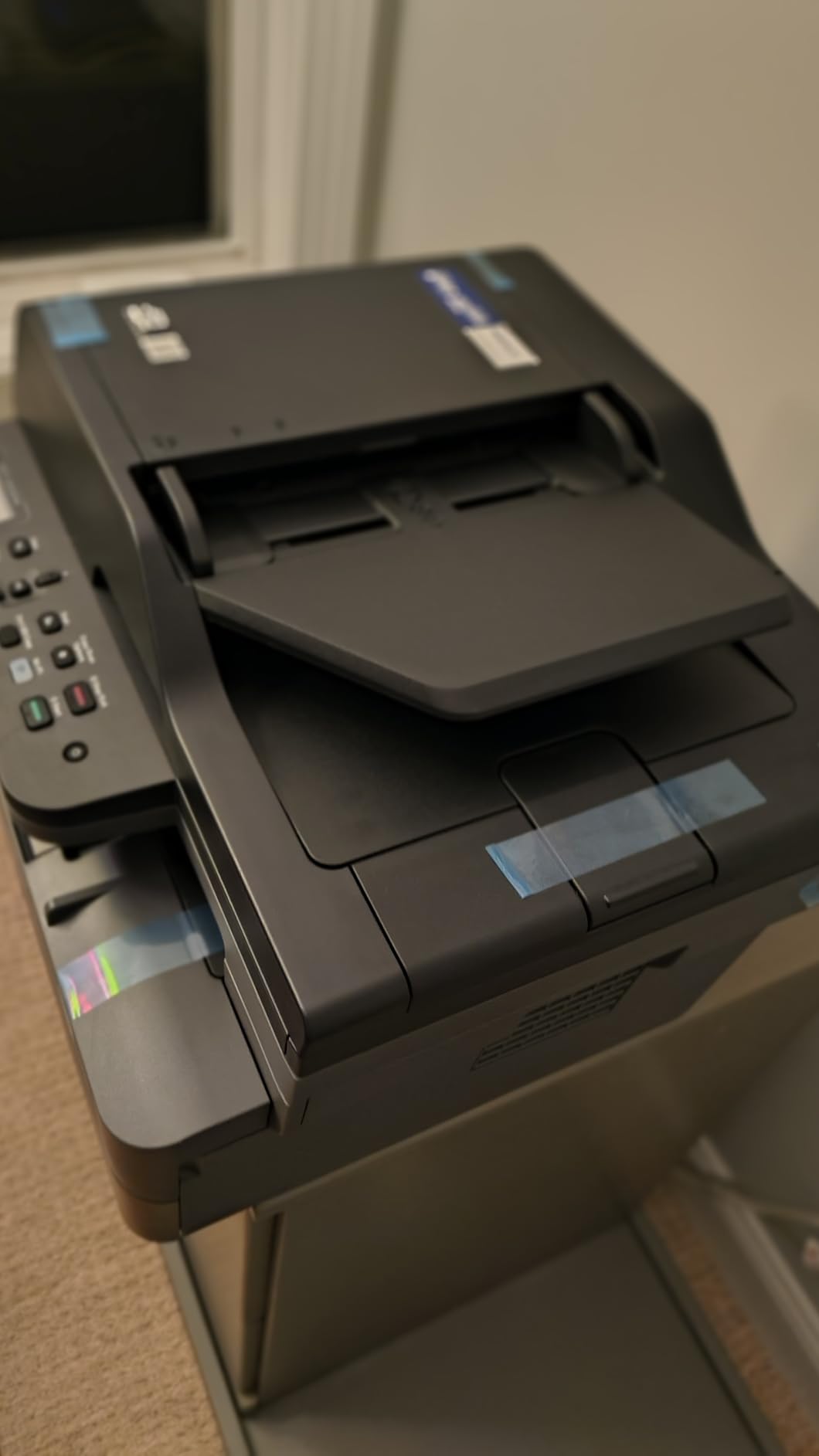
The scanner is the reason it edges out the cheaper print-only machines. A 50-page automatic document feeder handles multi-page copying and scanning in one pass, and the flatbed covers anything odd shaped like a receipt or an ID card. Both scan-to-email and network scanning are supported, which is what makes it useful as a shared floor machine.
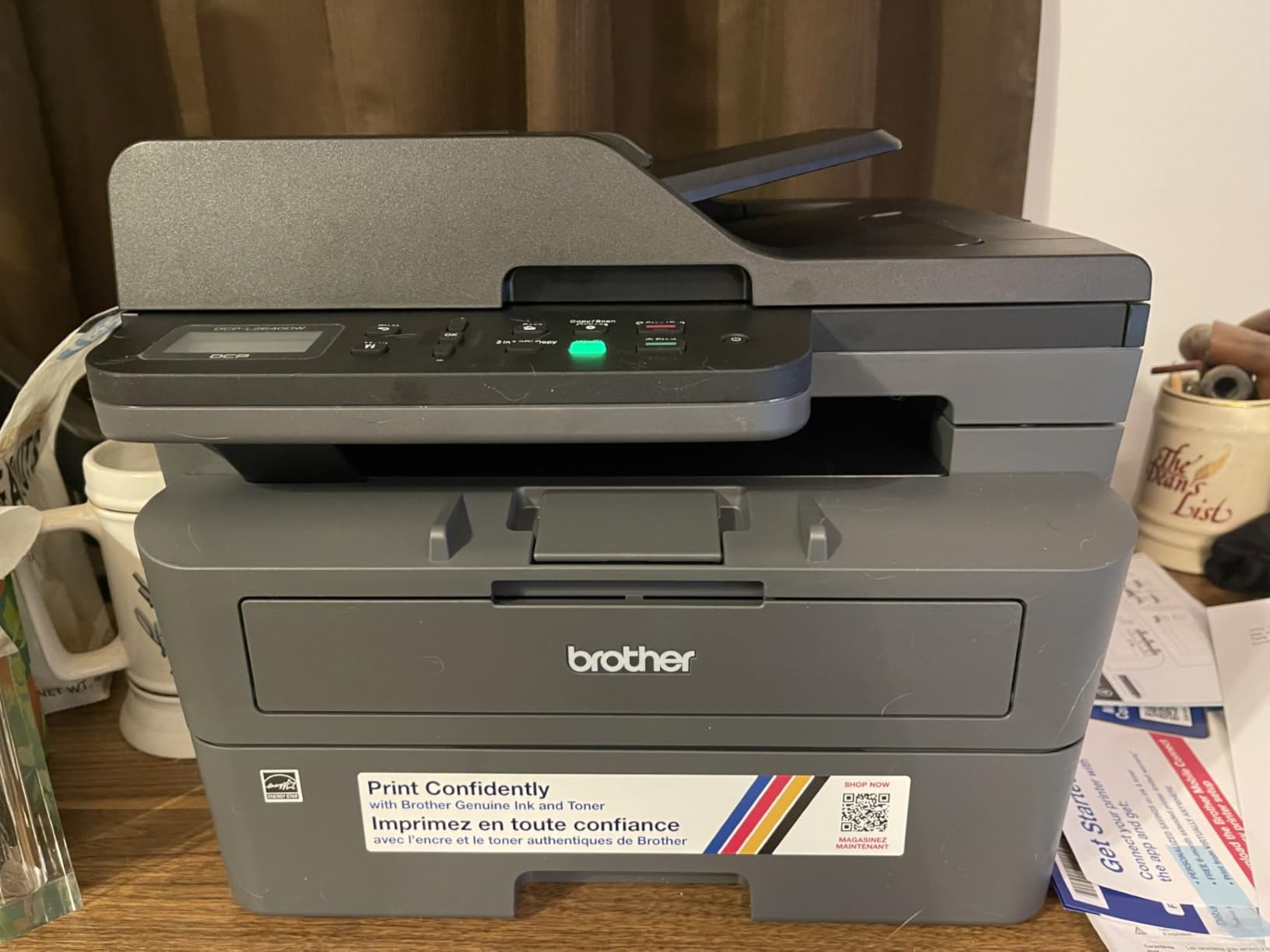
Connectivity is where this machine earns its place in a shared office. Dual-band Wi-Fi at 2.4GHz and 5GHz plus a wired Ethernet port means you can park it in a hallway and still print from phones, tablets and laptops, while owners on r/printers frequently recommend the Ethernet route once three or more people share a device. I would plug it in if you can.
The friction is real but narrow. The on-device menu is not self-explanatory and scanning is considerably easier from the Brother Mobile Connect app than from the panel itself. A minority of owners also report PC-based scan-to-PDF workflows freezing and needing a restart, and the bundled power cord is short enough to limit where you place it.
What you get for the money
Toner is the TN830 or the high-yield TN830XL, and that cartridge choice does more for your total cost of ownership than the printer’s sticker price does. The laser path means a cartridge runs for a long stretch compared with an inkjet, and Energy Star certification plus EPEAT qualification help on the power side over years of daily use.
First page out in 8.5 seconds, paper support up to 8.5 by 14 inches, and a 25-pound body that still fits beside a desk rather than under a table. For a team printing a few thousand pages a month of black text, this is the least interesting purchase on the list and the one most likely to still be running in five years.
Where it falls short
It is monochrome only, so any client-facing colour work means a second machine or a trip to a print shop. The 120-sheet output tray is small enough that long unattended runs will need emptying, which matters if you are batching jobs overnight.
Setup asks for patience on the network step. Reviewers describe the initial Wi-Fi and firmware password process as frustrating enough to need persistence, and a few report the Refresh toner subscription trial drawing complaints about charges beyond the included page allowance. Check that trial before you keep the enrolment.
2. Brother HL-L2460DW – Best Budget Monochrome Printer
Brother HL-L2460DW Wireless Compact Monochrome Laser Printer with Duplex, Mobile Printing, Black & White Output | Includes Refresh Subscription Trial(1), Works with Alexa
36 ppm mono
Auto duplex
250-sheet tray
15.6 pounds
Ethernet, USB and dual-band Wi-Fi
+ The Good
- First page out in under 8 seconds
- crisp text with no smudging
- reliable automatic duplex
- light enough to reposition easily
- works on Windows
- macOS and Linux
- The Bad
- No scanner or copier
- on-screen Wi-Fi setup is tedious with limited buttons
- basic plastic build with a small screen
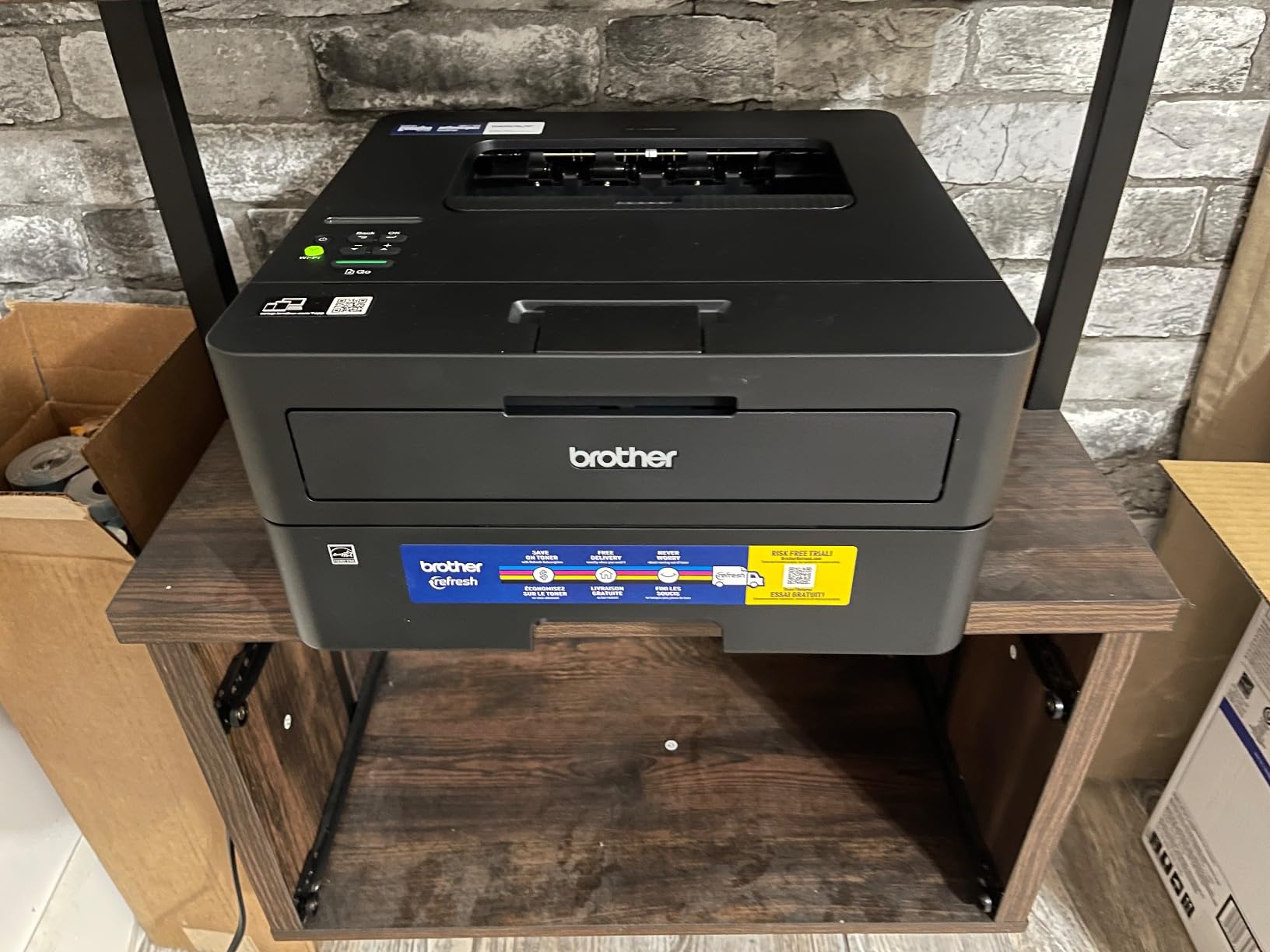
If your office prints and does nothing else, this is the cheapest path to good output. It runs at 36 ppm with the same 1200 x 1200 dpi text quality as the machines above it, and automatic duplex is standard rather than an add-on. At 15.6 pounds it is the easiest unit here to move between a desk and a shelf.
Owners on r/printers regularly describe the HL-L2460DW and its siblings as the dependable cheap mono workhorse for a team printing under a couple of hundred pages a week, while cautioning against running one for eight hours a day. That matches what I saw: it is built for steady office documents, not for a print shop.
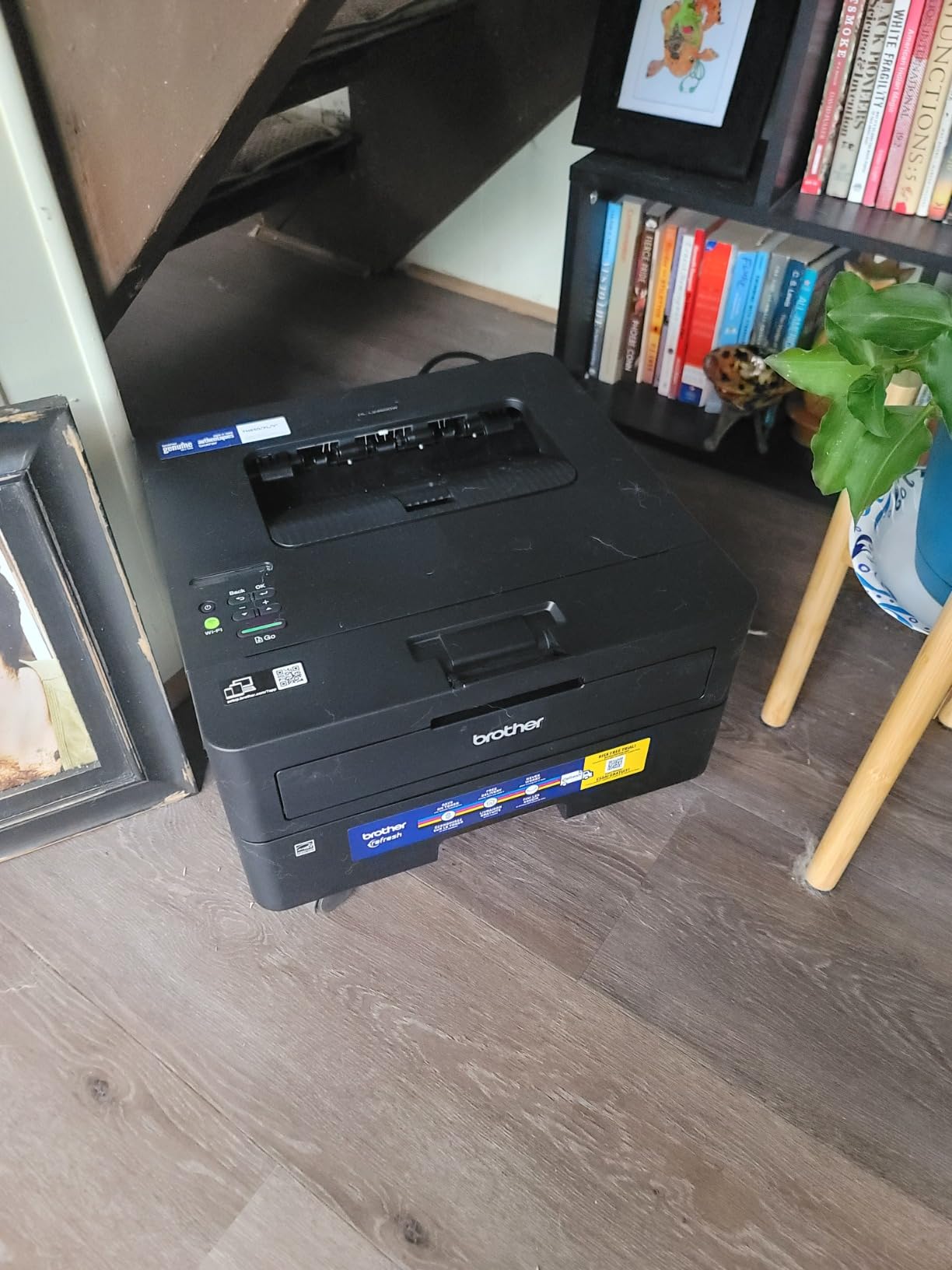
The specification sheet is short because there is less to specify. A 250-sheet tray, a 100-sheet output tray, a manual feed slot for envelopes and specialty media, and an LCD with a small button set. Envelope printing is supported, which covers the label and invoice work most small businesses actually do.
Connectivity is the same dual-band Wi-Fi plus Ethernet plus USB combination as the rest of the Brother range, and reviewers report it printing from Windows, macOS and Linux machines without drama. Brother Mobile Connect handles remote printing, supply ordering and toner level checks from a phone.
When this is the right buy
Buy it when printing volume is document-only and nobody needs to scan. It handles paper up to 8.5 by 14 inches, is Energy Star certified and EPEAT qualified, and carries a 1-year limited warranty with free online, call or live chat support behind it.
The math works because of toner durability rather than a low purchase price. A TN830XL high-yield cartridge simply runs far longer between changes than an inkjet cartridge, and for a team printing invoices and packing paperwork daily that difference dominates the running cost over a year.
Where it falls short
The obvious limit is that it cannot scan or copy. If someone on your team handles paperwork intake, you will end up buying a flatbed scanner or a second machine, and at that point the DCP-L2480DW or DCP-L2640DW is the better spend.
Wireless setup through the physical buttons is the most repeated complaint, and the Refresh subscription trial is criticized by several buyers for charging beyond the included page allowance. The build is basic plastic, so expect creaks and a small screen rather than a control panel you enjoy using.
3. Brother MFC-L3720CDW – Best Color All-in-One with Fax
Brother MFC-L3720CDW Wireless Color Laser Printer, Scanner, Copier, Fax, Auto Duplex, 250-Sheet Capacity
19 ppm color
Print scan copy fax
3.5 inch color touchscreen
50-sheet ADF
Auto duplex
+ The Good
- All four functions in one machine
- 19 ppm in both color and black
- 50-sheet ADF and 250-sheet tray
- cloud shortcuts for Google Drive Dropbox and OneNote
- dual-band Wi-Fi and Wi-Fi Direct
- The Bad
- Color output is business-document grade not photo grade
- toner for this model is comparatively costly
- 44 pound footprint
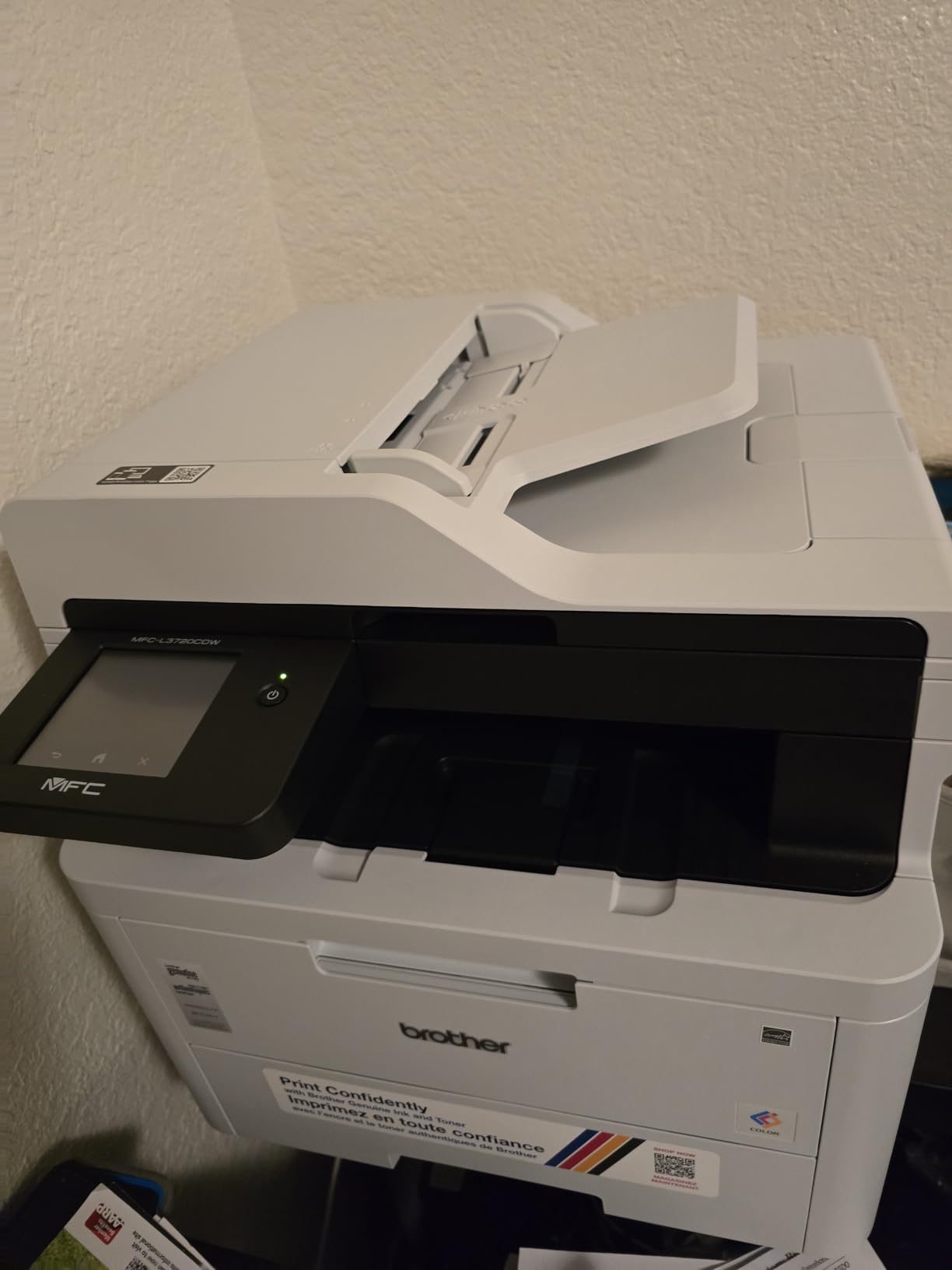
This is the box to buy when a business needs colour documents and a fax line in the same machine. It prints, scans, copies and faxes, all at up to 19 pages per minute in both colour and black at 2400 x 600 dpi, with automatic duplex throughout and first page out in under 15 seconds.
The 3.5-inch colour touchscreen is the feature that separates it from cheaper colour machines, with 48 customizable shortcuts that can be pointed at the jobs your office actually runs. Google Drive, Dropbox and OneNote are reachable directly from the panel, which removes a step from most daily jobs.
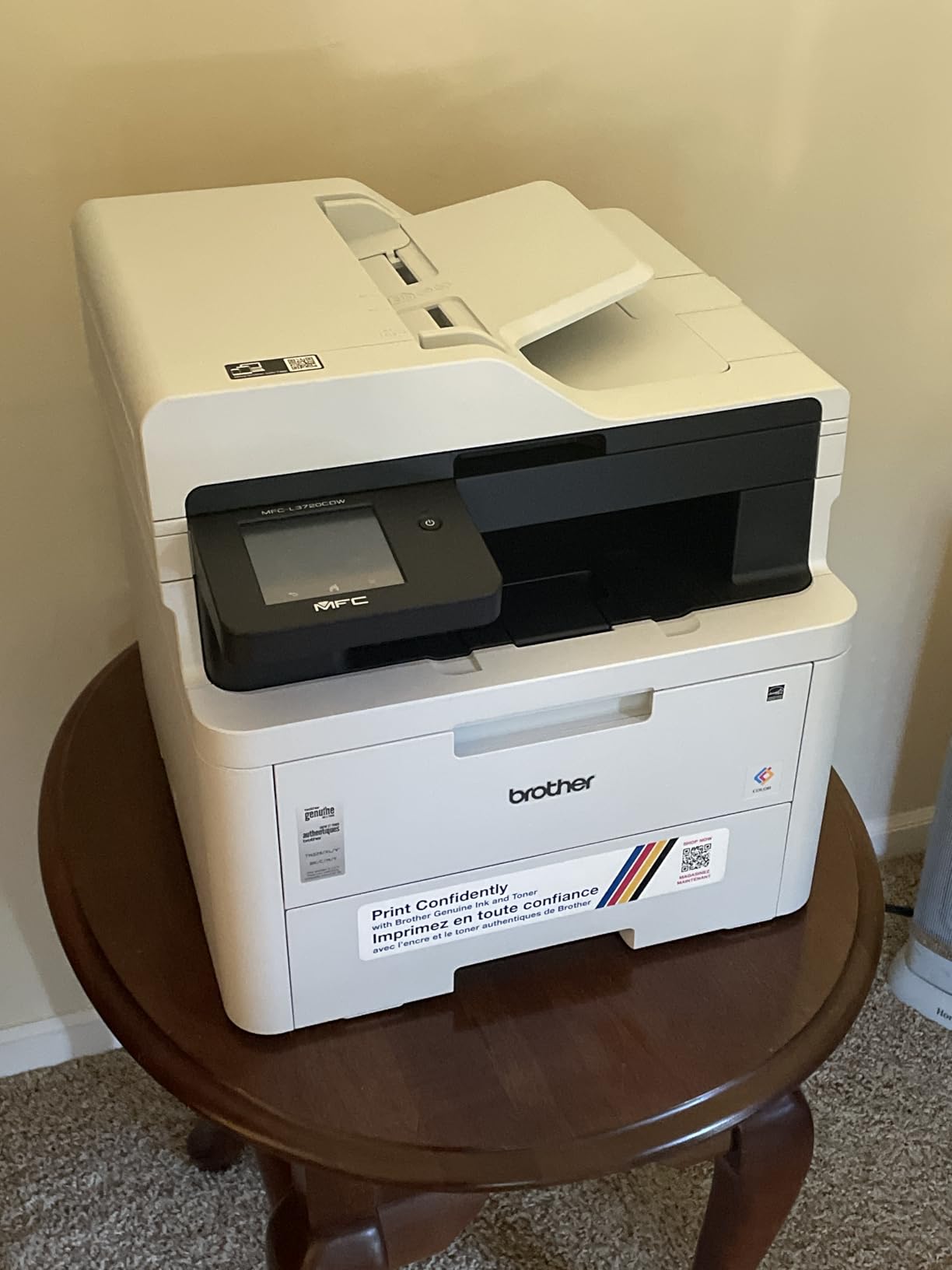
Paper handling is solid for this class. A 50-sheet automatic document feeder, a 250-sheet input tray and a 150-sheet output tray, plus support for card stock, envelopes, glossy photo paper, labels and plain paper up to 8.5 by 14 inches. Copy runs go to 99 pages at a time, which is enough for most internal distribution.
Networking covers dual-band Wi-Fi, Wi-Fi Direct and USB 2.0. The companion app gives remote access, toner level monitoring and printer management, which matters when the machine sits with a reception desk rather than next to whoever uses it most.
What colour actually costs here
Colour laser output on this machine is built for proposals, invoices, charts and marketing collateral, not for photographs. Buyers who expected photo-grade results are the ones who return it, so treat it as a business colour printer rather than a photo printer.
Toner for this model, the TN229 and TN229XL series plus the DR229CL drum, is the line item to price carefully. A full colour set costs meaningfully more per page than the mono machines here, so keep an eye on how much colour your team actually prints before committing.
Where it falls short
It is 44 pounds and 16.1 by 17.5 by 15.8 inches, which is not compact by any measure on this list. Measure the space before you buy, particularly if the printer is going on a counter or a credenza rather than a dedicated stand.
Some software and driver installs are reported as clunky, and the machine draws around 500 watts while printing. If colour volume is light, a mono machine with a much cheaper cartridge bill will serve you better for less money.
4. Brother MFC-L2820DW – Best Value Compact Monochrome with Fax
Brother MFC-L2820DW Wireless Compact Monochrome All-in-One Laser Printer with Copy, Scan and Fax, Duplex, Black & White | Includes Refresh Subscription Trial(1), Works with Alexa
34 ppm mono
Print copy scan fax
50-page ADF
2.7 inch touchscreen
22.5 pounds
+ The Good
- Print copy scan and fax in a compact mono laser
- wireless setup works across Windows macOS Linux and mobile
- touchscreen handles basic jobs without an app
- quiet with no jams in regular use
- 250-sheet input and output
- The Bad
- Some owners must run Recover WLAN and wait several minutes for the first job of the day
- rear-access jam clearing
- touchscreen backlight does not stay lit
- one report of no duplex scanning through the feeder
This is one of the highest-rated machines in the group at 4.3, and the reason is not a single spec but a balance. It gives a small office print, copy, scan and fax in a 22.5-pound body that still fits beside a desk, which is a combination most competitors only reach at twice the size.
Speed is 34 ppm specified, up to 36 ppm in practice, with scanning around 23.6 images per minute in black. The 50-page ADF feeds copy, scan and fax, and the 2.7-inch touchscreen reaches Google Drive, Dropbox, Evernote and OneNote for print-from and scan-to without opening an app.
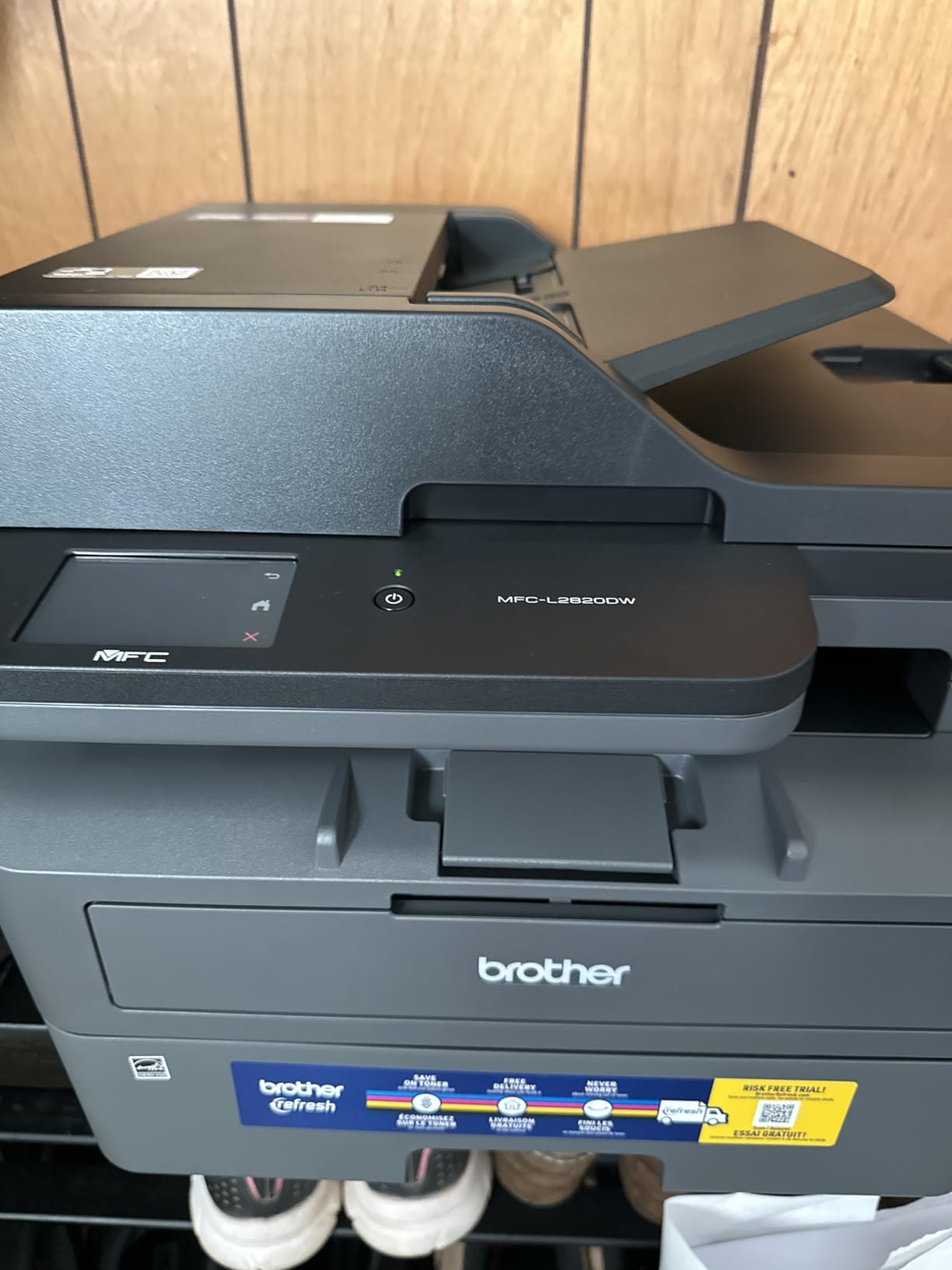
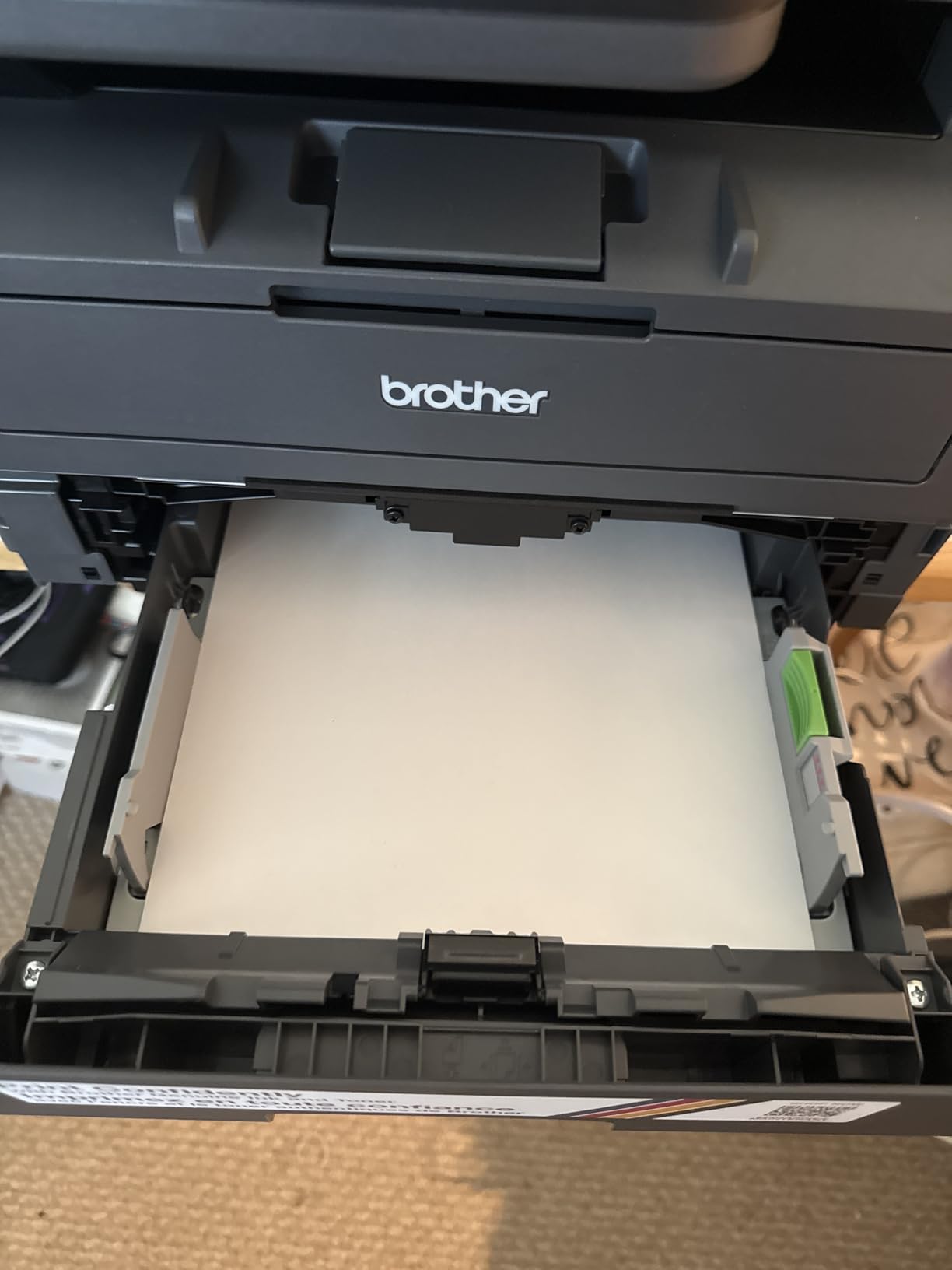
Owners describe it as quiet in operation with no paper jams reported in regular use, and print and scan quality is good for documents with mobile printing that connects without fuss. Users with genuine fax needs in law, medical and accounting work repeatedly name this class of machine as the only sensible buy, and this is the compact one.
Connectivity is dual-band Wi-Fi, Ethernet or local USB, with Brother Mobile Connect handling remote printing, scanning and toner management. The machine is Energy Star certified, EPEAT qualified, network-ready and supports scan to email, which covers the workflow most offices need for document intake.
Why owners rate it highly
The recurring theme in reviews is that it works across platforms. Wireless setup is reported as straightforward on Windows, macOS, Linux, Android phones and tablets, which removes the usual small-office frustration of one machine that only talks to the founder’s laptop.
It is also a genuinely complete spec sheet for its size: 250-sheet maximum paper capacity, 250-sheet output, copy runs to 99 pages, first page out in 8.5 seconds, and a 1-year limited warranty. For a team of two to six that handles contracts, invoices and intake paperwork, there is little left to want.
Where it falls short
Wireless reconnection after sleep is the most repeated complaint. Some owners report needing to run Recover WLAN and waiting several minutes for the first job of the day, which is exactly the kind of small daily friction that wears people down. Wired Ethernet avoids it.
Clearing some paper jams means pulling the printer out from the wall and reaching behind it, and the touchscreen backlight does not stay lit with default settings hard to change. One owner also reported no duplex scanning through the feeder, so confirm that if two-sided archiving is a routine task.
5. HP LaserJet Pro 3001dw – Best for Wireless Monochrome Teams
HP Laserjet Pro 3001dw Wireless Black & White Printer, Best-for-Office (3G65OF)
35 ppm mono
Auto duplex
250-sheet tray
Ethernet USB Wi-Fi and Bluetooth
16.1 pounds
+ The Good
- Fast 35 ppm output with automatic two-sided printing
- only 16.1 pounds
- browser-based setup with no app needed
- AirPrint from phones and tablets
- low running cost per page
- The Bad
- Wireless drops off mesh and newer routers are the most common complaint
- must be powered on again after going offline
- no A5 duplex despite tray markings
- firmware and drivers not always current
- print only
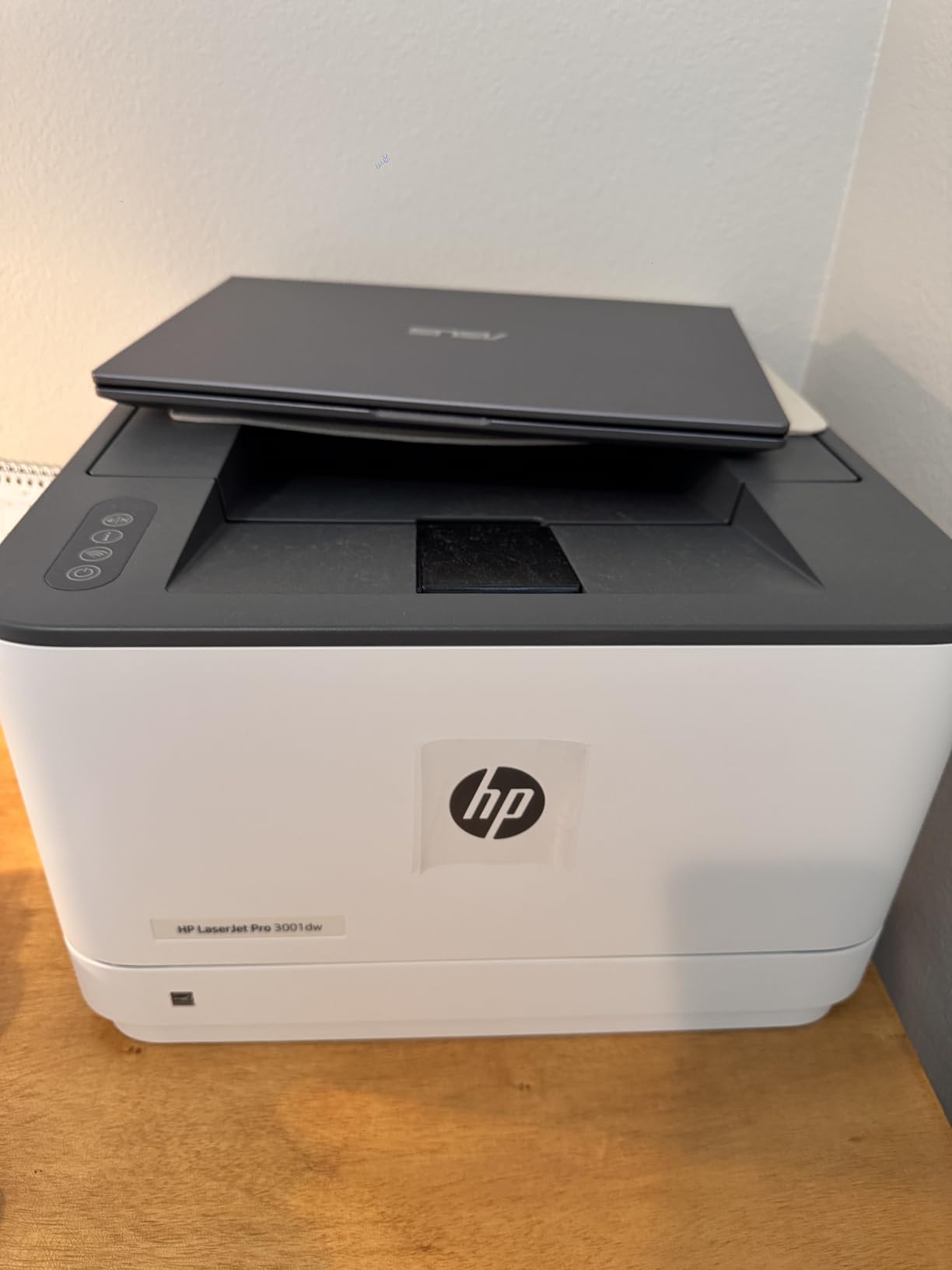
HP positions this one for small teams of up to seven users, and the spec sheet backs that up with 35 ppm monochrome output, automatic two-sided printing and a 250-sheet tray. It weighs 16.1 pounds, so it is easy to place, and initial page out is around 6.6 seconds.
Setup is browser-based, which is a genuine advantage over apps that need installing on every machine. It works with Microsoft, Mac, AirPrint, Android and Chromebook, accepts media from 3.5 by 8 inches up to 8.5 by 14 inches, and connectivity covers Wi-Fi, Ethernet, USB and Bluetooth. HP Wolf Pro Security with customizable settings is a real plus for a shared device.
Running cost is the quiet strength here. Owners report a single cartridge covering thousands of pages, which is the toner advantage showing up in practice. For a team printing high volumes of black text, that is the number that matters, not the purchase price.
That said, the cartridge policy is worth understanding before you commit. The firmware requires original HP chips or circuitry and blocks non-HP cartridges, so the low cost per page is only true if you plan on genuine supplies.
The wireless question
HP calls this intelligent Wi-Fi that searches for the best connection to stay online. In practice, the most common complaint across reviews is that printers drop off mesh networks or newer routers and need reconnection, and that on mesh systems the printer has to be powered on again each time after it goes offline.
Some buyers also report units failing to reconnect after a power outage, and HP support being unable to resolve connection problems. If your office runs three or more people through one machine, plug it into Ethernet and the weakness largely disappears.
Who should skip it
It is print-only, so no scanning or copying. Anyone handling paperwork intake should look at the HP LaserJet Pro MFP 3101sdw instead, which adds a 50-sheet ADF and flatbed scanner to a similar footprint.
There is also no A5 duplex support despite A5 markings on the tray, and firmware and driver updates are not always current after purchase. For an office that prints letters, contracts and invoices on letter or legal paper and does not need to scan, it remains a fast and cheap-per-page option.
6. Brother HL-L3280CDW – Best for Fast Color Document Printing
Brother HL-L3280CDW Wireless Color Laser Printer, Duplex, Mobile Printing, Ethernet, Includes 2 Month Refresh Trial
27 ppm color
Auto duplex
2.7 inch touchscreen
250-sheet tray
Ethernet USB and Wi-Fi
+ The Good
- 27 ppm in both color and black with automatic duplex
- integrated 2.7 inch touchscreen for cloud printing
- consistent document-grade color
- Ethernet plus Wi-Fi covers wired and mobile use
- compact for its speed
- The Bad
- Print only with no scanner or copier
- about 19 percent one-star share among reviews
- color toner can outpace expectations
- business-document color not photo quality
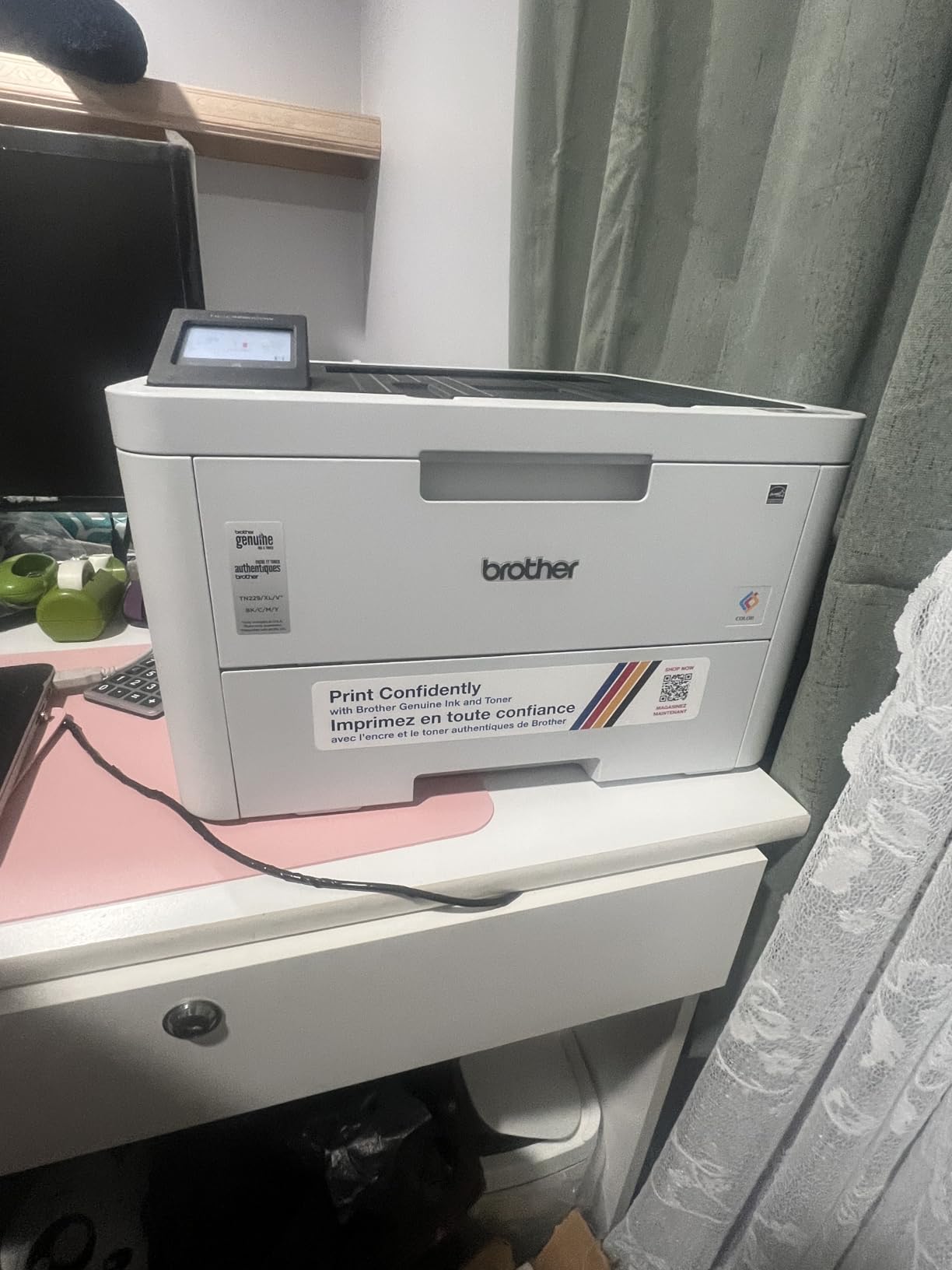
At 27 pages per minute in both colour and black, this is the fastest colour laser in the group, with automatic duplex and a first page out in under 13.5 seconds. If a small business prints colour proposals, price lists or menus in volume rather than occasional single sheets, that speed is the reason to look here.
The integrated 2.7-inch touchscreen is unusual on a print-only unit at this level. It prints directly from Google Drive, Dropbox, EverNote and other cloud services, so a team member can pull a document from shared storage and print it without touching a computer.
Output is consistent laser-quality colour for documents and marketing material, with support for card stock, envelopes, glossy photo paper, labels and plain paper up to 8.5 by 14 inches. The 250-sheet tray, 150-sheet output tray, network-ready design and automatic duplex all fit an office workflow.
It uses the Brother Genuine TN229 and TN229XL toner series with a DR229CL drum, and connectivity covers Wi-Fi, Ethernet and USB with mobile printing supported. Reviewers consistently describe the footprint as compact relative to the speed it delivers.
Colour running cost in practice
This is where colour machines earn their reputation for being expensive. Reviewers note that colour toner consumption can outpace expectations in mixed-colour printing, so model your real usage before you commit rather than assuming a colour laser is simply a mono laser that can print in colour.
The high-yield TN229XL cartridges are the sensible choice for regular volume, and the same drum unit is shared with the larger Brother colour machines, which makes supply planning easier across a mixed fleet.
Where it falls short
It is print-only. There is no scanner and no copier, so if you need to digitise paperwork this is the wrong machine, and the HL-L2480DW or one of the Canon colour multifunction units would serve better.
About 19 percent of reviews are one-star, which is a meaningful share of dissatisfied buyers, mostly around setup and app behaviour. Colour output is business-document quality rather than photo quality, and the rating of 3.9 is the lowest in this group. It is a speed specialist, not an all-rounder.
7. Brother HL-L2480DW – Best for Working From Home
Brother HL-L2480DW Wireless Compact Monochrome Multi-Function Laser Printer with Copy and Scan, Duplex, Mobile, Black & White | Includes Refresh Subscription Trial(1), Works with Alexa
36 ppm mono
Copy and scan
Flatbed scanner
2.7 inch touchscreen
250-sheet tray
+ The Good
- Highest average rating in this roundup at 4.5
- fast and quiet sharp text and copies
- reliable wireless from Apple devices
- affordable Brother toner
- only 7 percent one-star share
- The Bad
- Initial network setup can be confusing
- printers often must be physically moved once installed
- one owner reported an unresolved firmware fault
- Refresh subscription trial criticized
- no color or fax
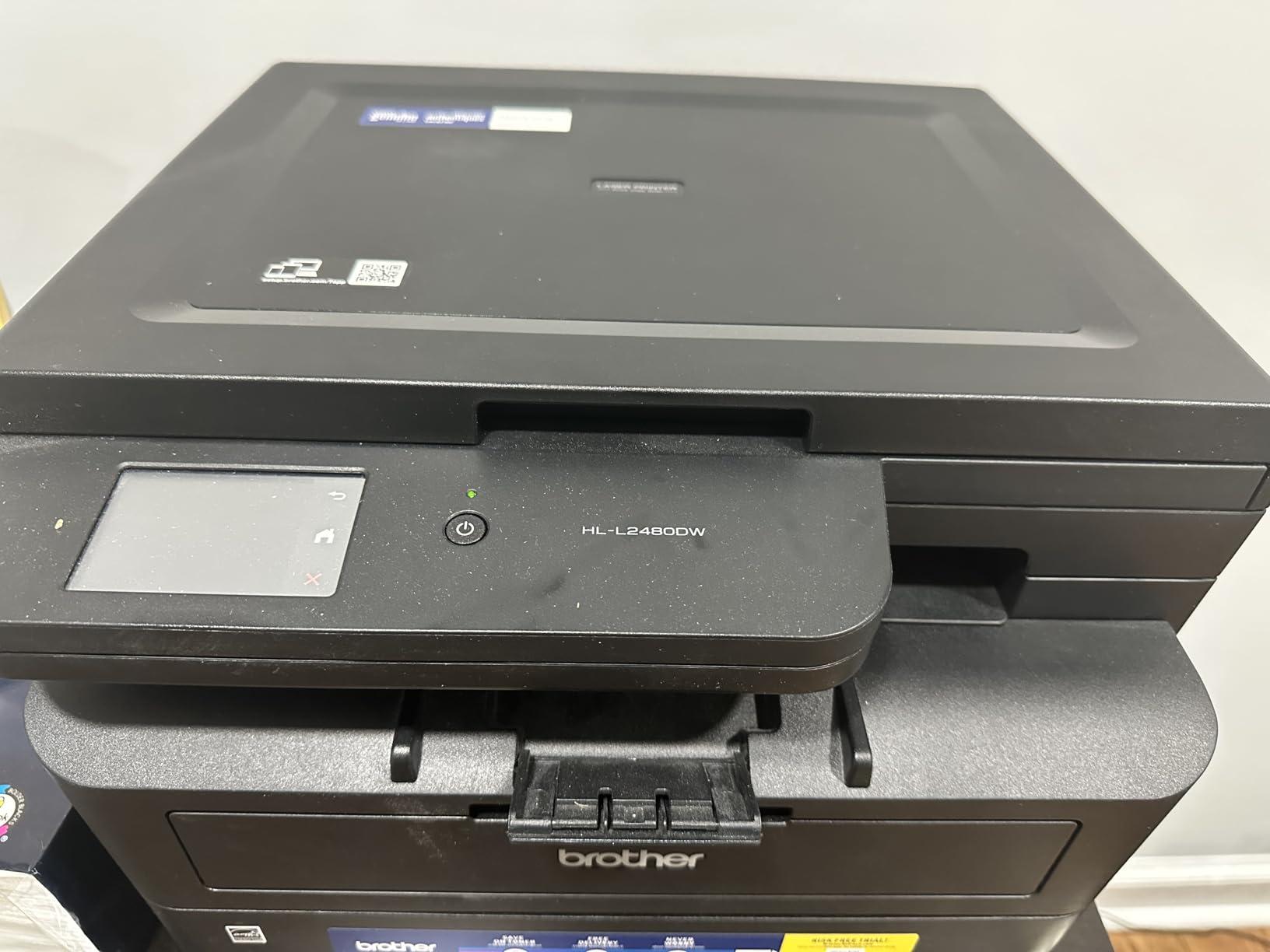
This one of the highest-rated units here at 4.5, and it makes sense for a home office that has outgrown a desktop inkjet. It prints up to 36 ppm in black, copies and scans, and the flatbed glass handles anything the sheet-fed path cannot, which is what you want when a passport or a receipt has to be digitised.
Owners describe it as fast and quiet, with a 30-page document finishing almost instantly, and the text and copy quality comes out sharp and clear with a scanner they describe as user-friendly. Wireless printing from iMac, iPad, iPhone and other devices is reported as reliable with no glitches.
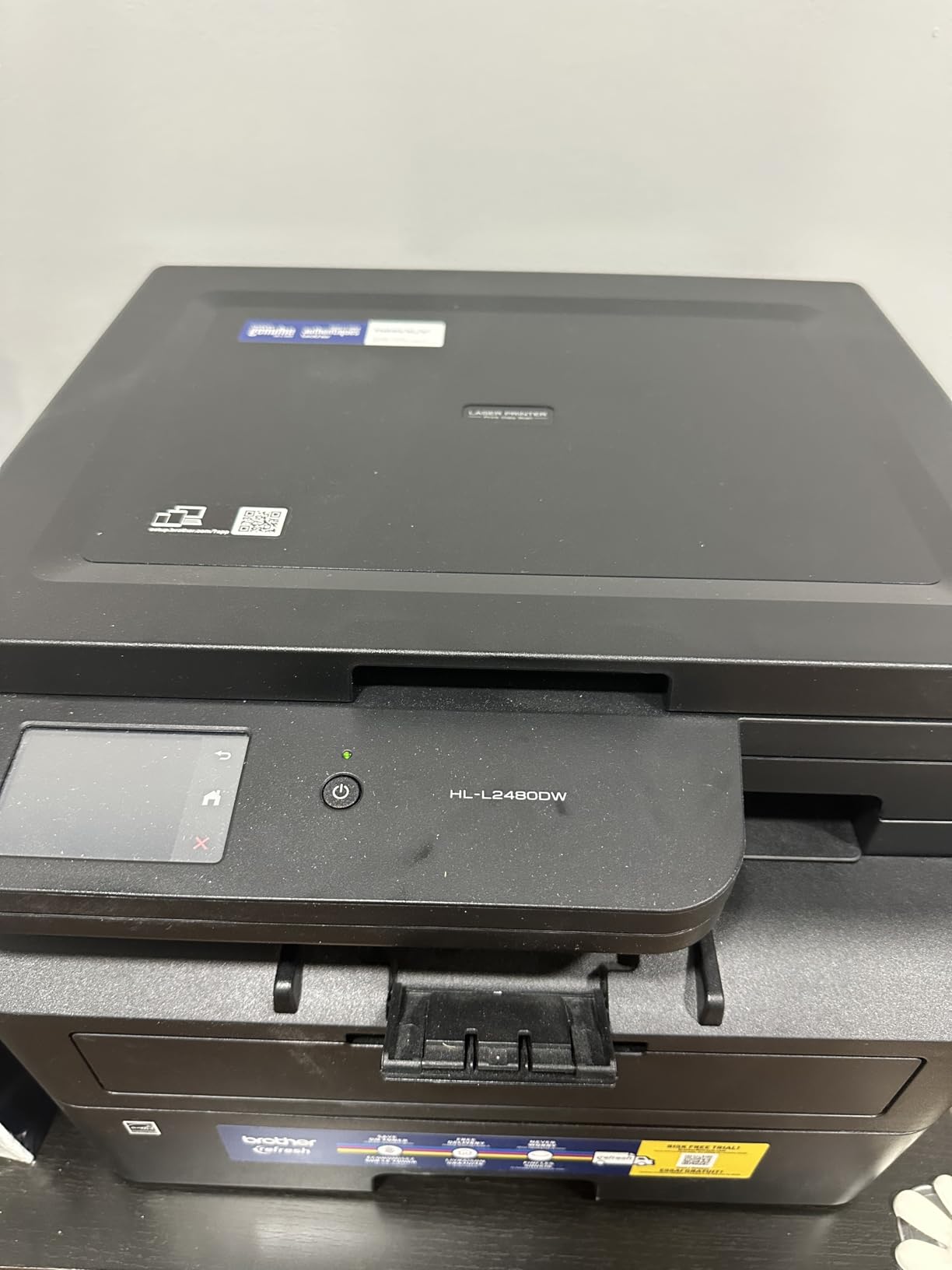
The 2.7-inch touchscreen handles print-from and scan-to for Google Drive, Dropbox, Evernote and OneNote, and there is a manual feed slot for envelopes and specialty paper alongside the 250-sheet tray. Copy runs go to 360 pages, which is unusually generous for a compact unit.
Toner is Brother Genuine TN830, TN830XL or the twin pack, and owners specifically call out the toner pricing as affordable next to HP OEM cartridges. Several report buying this after replacing unreliable HP printers, which tells you where the satisfaction gap is coming from.
What the rating reflects
The 4.5 average comes with a 7 percent one-star share, one of the lowest in the group. In practical terms that means fewer hardware complaints, fewer supply problems and fewer returns, which for a home office is worth more than a longer spec sheet.
It is Energy Star certified, EPEAT qualified, network-ready and supports scan to email, so it works either as a desk unit or as a shared printer on a small home network. First page out is 8.5 seconds and the body is 22.2 pounds.
Where it falls short
Setup is the main hurdle, particularly the network step, and the touchscreen is not something owners rave about. The machine is also usually installed in one position and then needs physically moving to reposition, because of the 250-sheet tray and its weight.
One owner reported a firmware and power fault that support never resolved, which is a small sample but worth knowing. The Refresh toner subscription trial is criticized by several buyers, and there is no colour output and no fax, so those jobs need another route.
8. HP LaserJet Pro MFP 3101sdw – Best for Scan and Copy Heavy Teams
HP LaserJet Pro MFP 3101sdw Wireless Black and White All-in-One Laser Printer, Office Printer, Duplex, Best-for-Small Teams (9D2X4F)
40 ppm mono
50-sheet ADF
250-sheet tray
Flatbed scanner
Scan to email and AirPrint
+ The Good
- Ties for the highest rating at 4.5 with a 77 percent five-star share
- installation described as effortless with immediate Wi-Fi
- reconnects on its own after a power outage
- 50-sheet ADF and 250-sheet tray handle 100-page jobs
- reliable over a year-plus of use
- The Bad
- Firmware blocks third-party toner
- HP Smart software widely criticized
- build quality described as flimsy
- keeping more than about 25 sheets in the ADF raises jam risk
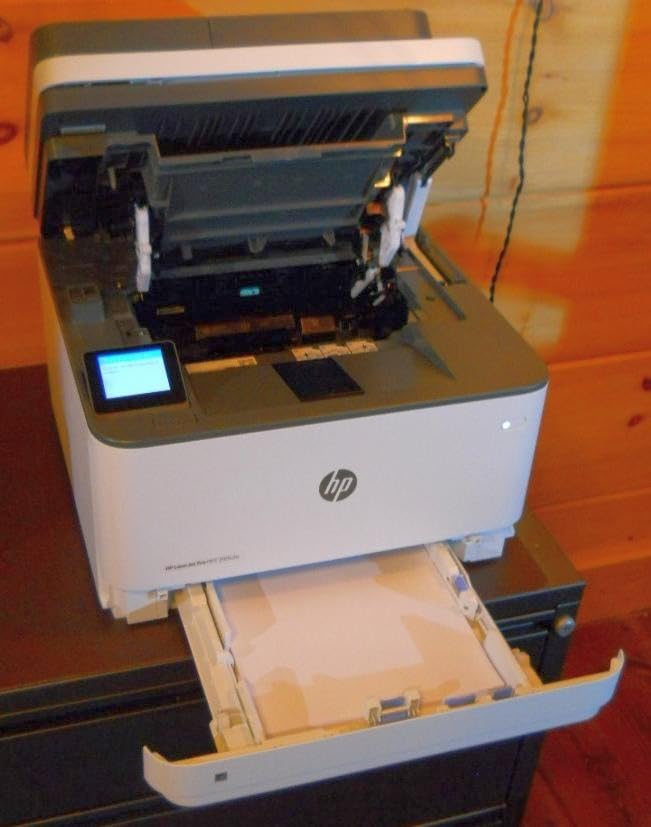
When a team’s day is dominated by intake and copying rather than printing, this is the machine that fits. It prints, scans and copies, with a 50-sheet automatic document feeder, a flatbed scanner and a 250-sheet input tray that handles 100-plus page jobs with duplex without babysitting.
HP lists print speed up to 40 ppm in the spec sheet with a manufacturer copy figure of 35 ppm, first page out in 7 seconds, and copy speed of 35 ppm. Scan to email is supported, along with printing from a phone or tablet, and it works with AirPrint, Mopria, Ethernet, USB and Wi-Fi.
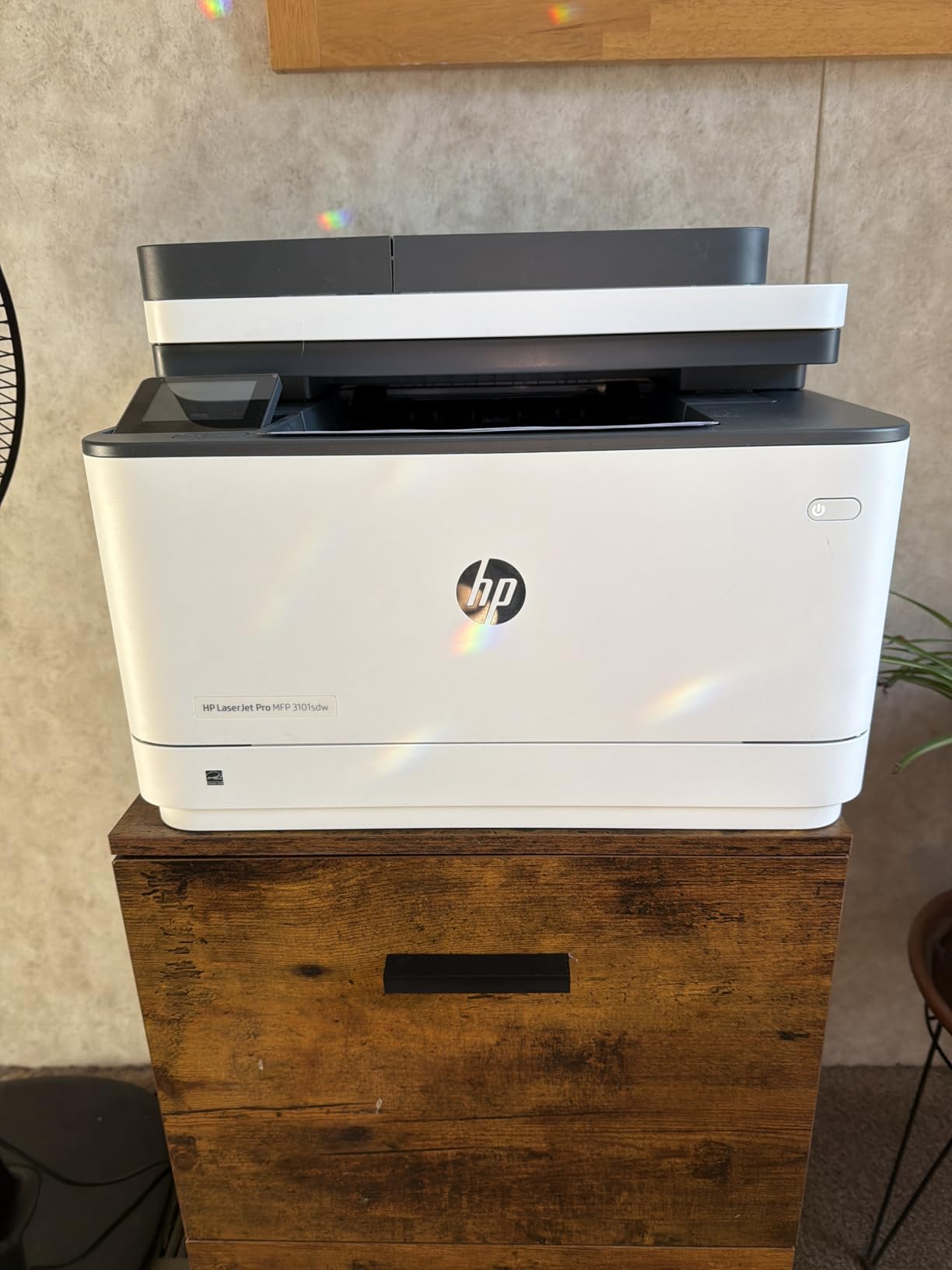
Owners describe installation as effortless and intuitive with an immediate Wi-Fi connection, and report that the wireless reconnects on its own after a power outage. Several mention reliable use over a year-plus, including moving house with the unit, which is a durability signal that matters more than any spec.
Output is consistently described as fast with crisp, clear results and quick, sharp copies. It is aimed at small and medium business and small work teams, and the included starter cartridge is roughly a 1,000-page yield, so you will want a real cartridge order in the first month.
The supply lock-in question
The firmware enforces use of cartridges with original HP chips or circuitry. That is not a bug, it is a business decision, and it means your cost per page is fixed by HP cartridge pricing for the life of the printer. Budget for genuine supplies from day one rather than discovering the constraint later.
HP Smart is the other recurring theme. Owners widely criticise the software as bug-prone and prone to showing the printer as offline when it is working fine. Set up printing through AirPrint or a direct network connection and you will mostly avoid it.
Where it falls short
Build quality is described as flimsy, with a paper tray that flexes, and one owner notes a long start-up time. More practically, keeping much more than about 25 sheets in the ADF raises jam risk, so budget for splitting large intake batches.
Wi-Fi can also drop after a network surge and need a reset. For a team printing heavily, plug it into Ethernet. A one-year limited warranty is standard for the class, and there is no fax, so offices that still send faxes should look at a Brother MFC model instead.
9. Canon imageCLASS MF273dw – Best for Fast First Page
Canon imageCLASS MF273dw – Monochrome Wireless Laser Printer, Multifunction With Scanner, Copier, Auto Document Feeder, With 1 Year Limited Warranty, 30 PPM, Black
30 ppm mono
First page in 5.3 seconds
150-sheet tray
Automatic duplex
Print copy scan
+ The Good
- Quick 5.3 second first print
- print copy scan plus an automatic document feeder in one unit
- automatic duplex as standard
- Wi-Fi and Wi-Fi Direct for cable-free placement
- Energy Star certified at under 25 pounds
- The Bad
- 150-sheet paper capacity is the smallest in this roundup
- no fax function
- modest LCD rather than a touchscreen
- proprietary 071 cartridges cost more than alternatives
Most of the friction in a small office is not sustained speed, it is the wait for a single page. Canon’s MF273dw prints its first page in approximately 5.3 seconds on letter paper, and in a day of one-page invoices and short memos that responsiveness matters more than the headline pages per minute.
It is a monochrome wireless three-in-one that prints, copies and scans, with an automatic document feeder, automatic two-sided printing and 30 ppm output. Buyers describe it as a solid, uncomplicated unit that simply gets on with the work.
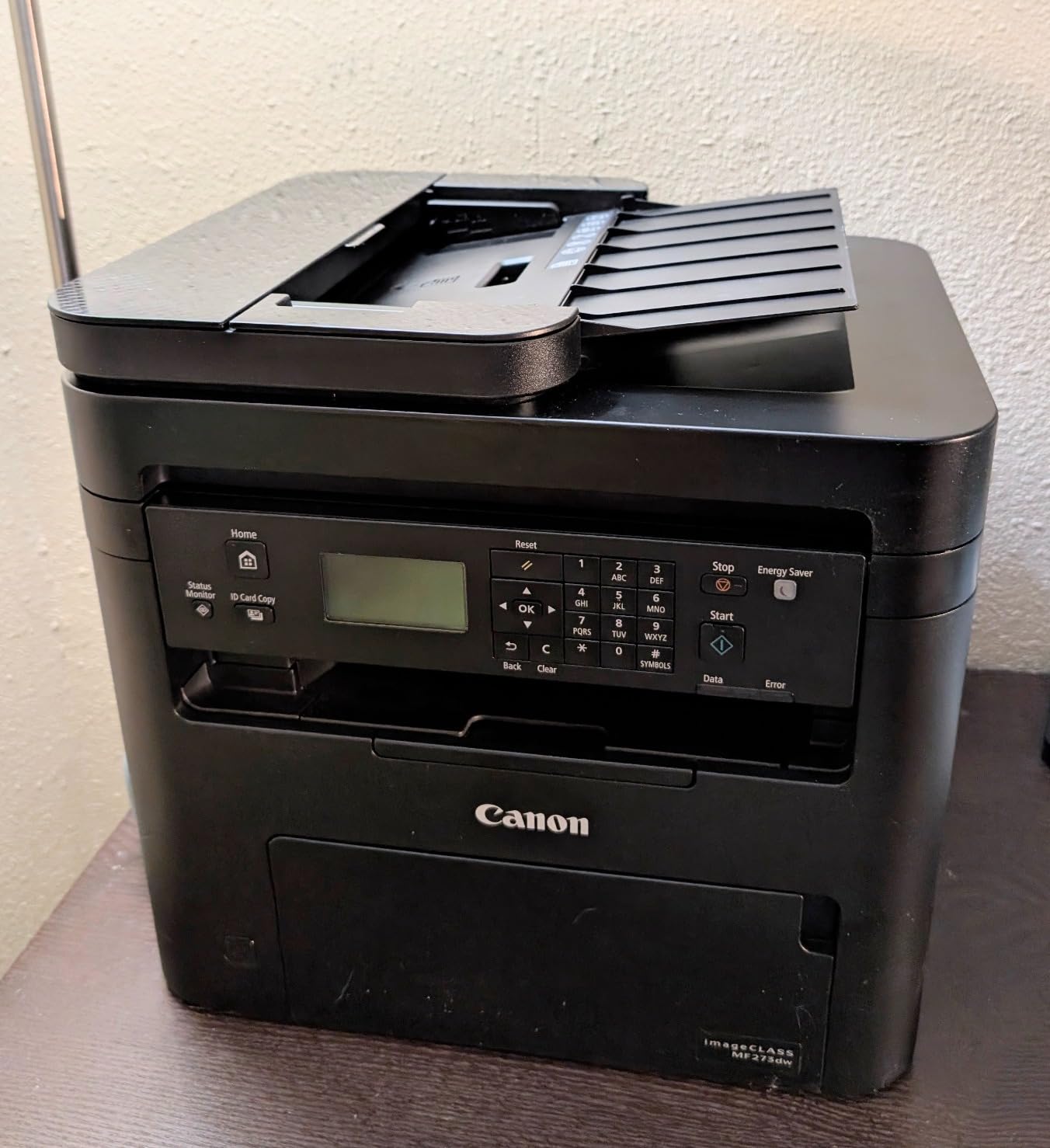
Media handling runs from 3 by 5 inches to 8.5 by 14 inches, so legal size and envelopes are covered. It is Energy Star certified, EPEAT qualified, network-ready, supports scan to email and has a display screen for basic job control without a full touchscreen.
Wi-Fi and Wi-Fi Direct let you place it away from the router without running a cable, and the included 071 black starter toner has a yield of roughly 700 pages. The warranty is one year limited and the body is 24.7 pounds.
When the small tray is fine
The 150-sheet input and output capacity is the smallest here, and buyers note it as the main limitation. For an office that prints a few hundred pages a week and refills once or twice, that is a non-issue. For a team running 2,000 pages a month, you will be topping it up constantly.
Canon users who want colour laser without HP’s supply ecosystem often point to this brand for reliability, and the 071 cartridge is a simple one-part system. High-capacity 071 toner is available and is the right choice for regular volume.
Where it falls short
It is a multifunction unit with no fax function, which rules it out for legal, medical and accounting offices that still send paper faxes. There is no touchscreen either, so multi-step jobs are driven from an app or a computer.
Control is remote and app based around a modest LCD rather than a larger panel, and the proprietary 071 cartridges are pricier than third-party alternatives. If you want a bigger tray, faster sustained output and a touchscreen, the money goes further on a Brother or a Canon colour unit.
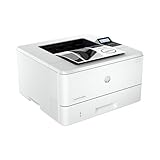
10. HP LaserJet Pro 4001n – Best for High Volume Monochrome Printing
HP LaserJet Pro 4001n Black & White Printer, Print, Fast speeds, Easy Setup, Mobile Printing, Advanced Security, USB, Ethernet Connection, Best-for-Office
42 ppm mono
350-sheet tray
Ethernet and USB only
Manual duplex
HP Wolf Pro Security
+ The Good
- Quickest print speed in the group at 42 ppm
- 75 percent five-star share with owners calling it dependable
- quiet operation
- large 350-sheet input tray
- clear high quality black and white output
- The Bad
- No wireless
- Ethernet and USB only
- manual duplex printing only
- firmware blocks third-party toner
- tiny LCD with difficult navigation
- starter cartridge runs out quickly
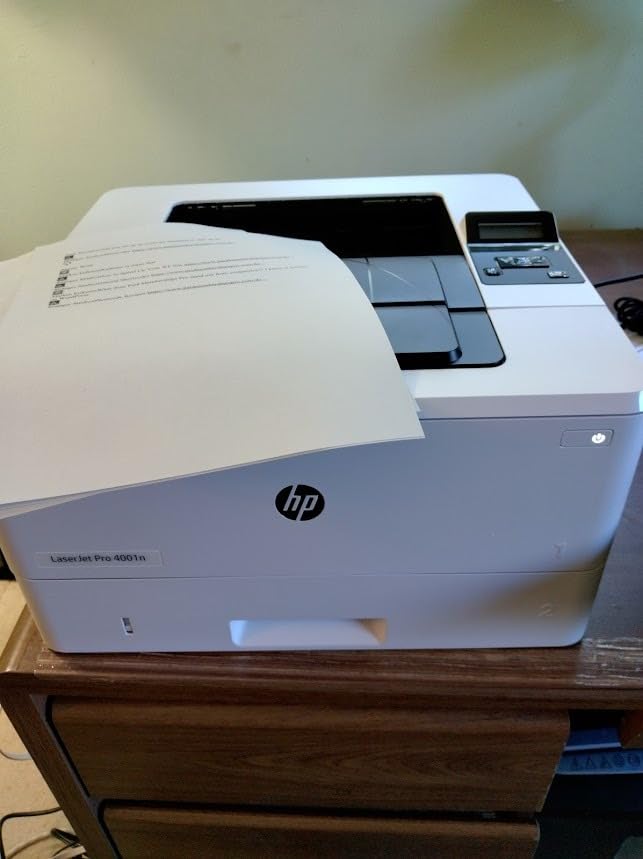
This is the volume machine. At 42 pages per minute single-sided it is the fastest black-and-white output in this group, with a 350-sheet input tray that roughly halves how often anyone refills paper. It is aimed at offices of up to 10 users, which is the top end of a small business.
Owners give it a 75 percent five-star share, calling it dependable and simple plug-and-play printing, and report that it runs quietly compared with previous office printers. Print clarity is consistently described as clear and high quality, with quick Ethernet or USB communication to a PC.
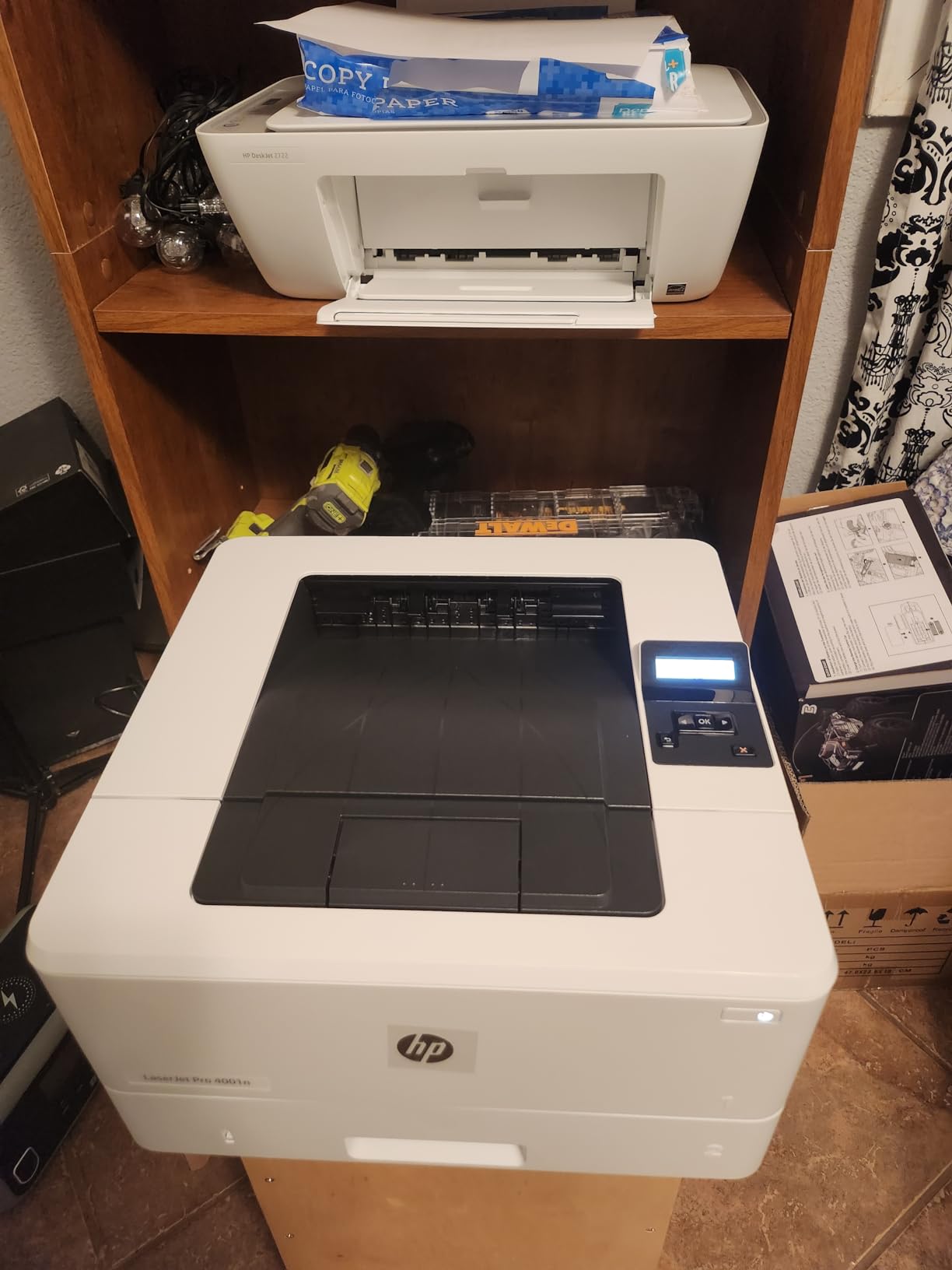
First page out is 6.1 seconds and maximum copy runs are listed at 150, though the unit itself is print-only. HP Wolf Pro Security with customizable settings is included, and it works with Microsoft, Mac, AirPrint, Android and Chromebook for mobile and laptop printing.
Print resolution is listed at 4800 x 600 dpi, higher than the 1200 x 1200 dpi figure on most of the Brother machines here, which shows up in fine text and small fonts on contracts and invoices.
Wired on purpose
There is no wireless on this unit, only Ethernet and USB. That is a deliberate trade for reliability: owners running several users through one device frequently recommend a wired connection to avoid queue contention and dropped connections, and this printer removes the option to get it wrong.
It also means you need a network drop near wherever you install it. If that is not possible, the wireless models above are a better fit even though they will never match this speed or tray size.
Where it falls short
Duplex printing is manual. For a business printing contracts and reports, flipping every sheet yourself is a meaningful daily annoyance, and no software setting fixes a single-sided-only paper path.
The firmware requires cartridges with original HP chips and blocks third-party supplies, locking you into HP pricing. The LCD is tiny and difficult to navigate when changing media settings such as card stock, the included starter cartridge runs out quickly, and one buyer found HP support unresponsive.
11. Canon Color imageCLASS LBP646Cdw – Best for Labels and Packaging
Canon Color imageCLASS LBP646Cdw Wireless Laser Printer, Duplex, 26 PPM, Print Only, White
26 ppm color
Auto duplex
5-line LCD
Legal size support
Ethernet USB and Wi-Fi
+ The Good
- Sharp bright professional color praised specifically for labels and packaging
- 26 ppm in both color and monochrome
- automatic 2-sided printing
- five-line LCD makes menu navigation straightforward
- Energy Star and EPEAT Silver certified
- The Bad
- Wi-Fi setup is the most criticized aspect
- Canon PRINT app repeatedly failed to detect the printer
- much larger and heavier than expected
- print only
- Canon 075 toner is costly
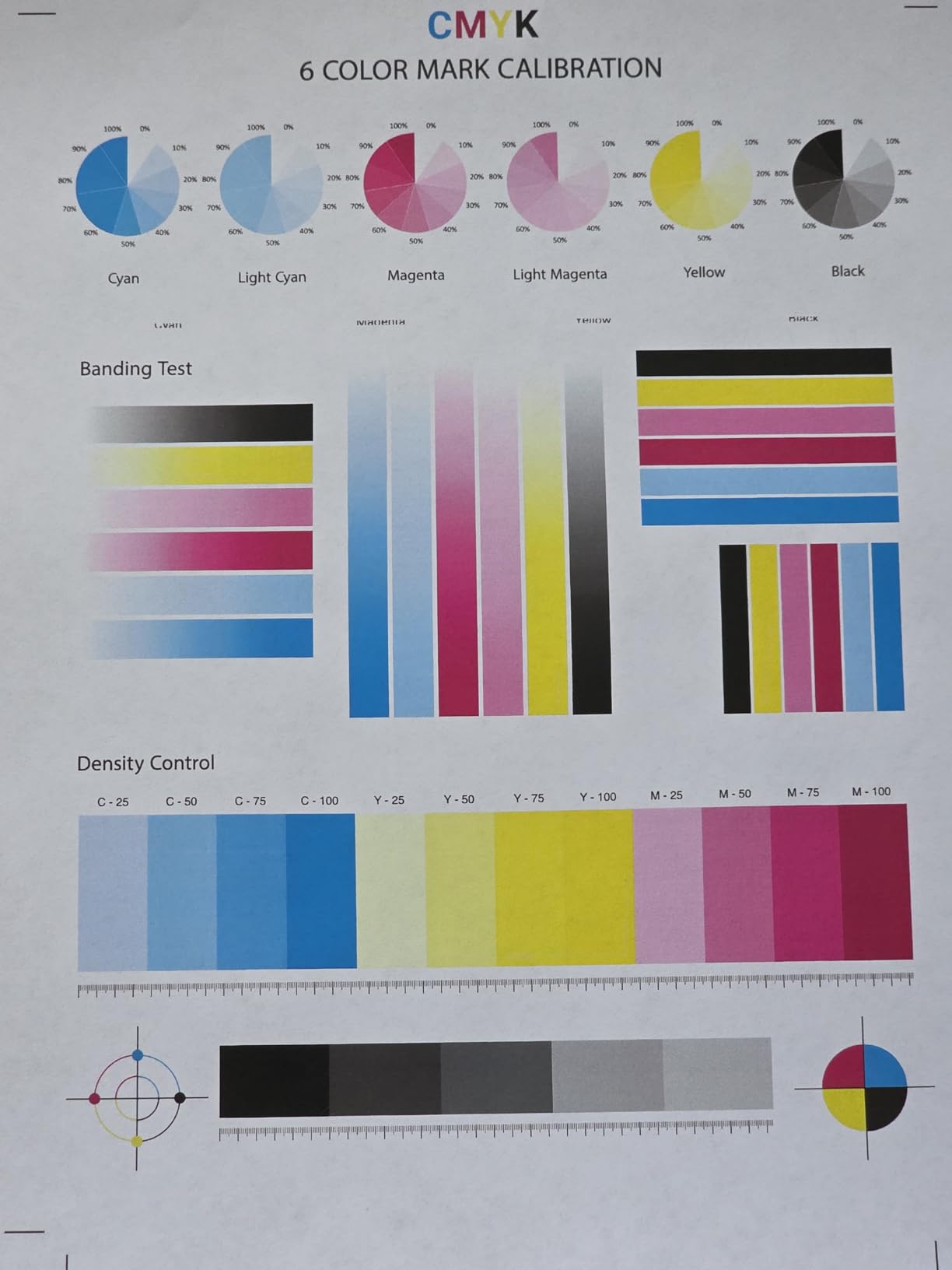
Colour output is the reason to buy this one. Buyers single out the quality for labels and colour product packaging specifically, which is a narrow but very real small-business need if you produce your own product inserts, price cards or packaging inserts.
It prints up to 26 ppm in both colour and monochrome with automatic two-sided printing and a first print time of around 10.3 seconds. The 250-sheet standard cassette plus a one-sheet multipurpose tray handles envelopes and specialty media, and media range runs from 3 by 5 inches to 8.5 by 14 inches, so legal size is supported.
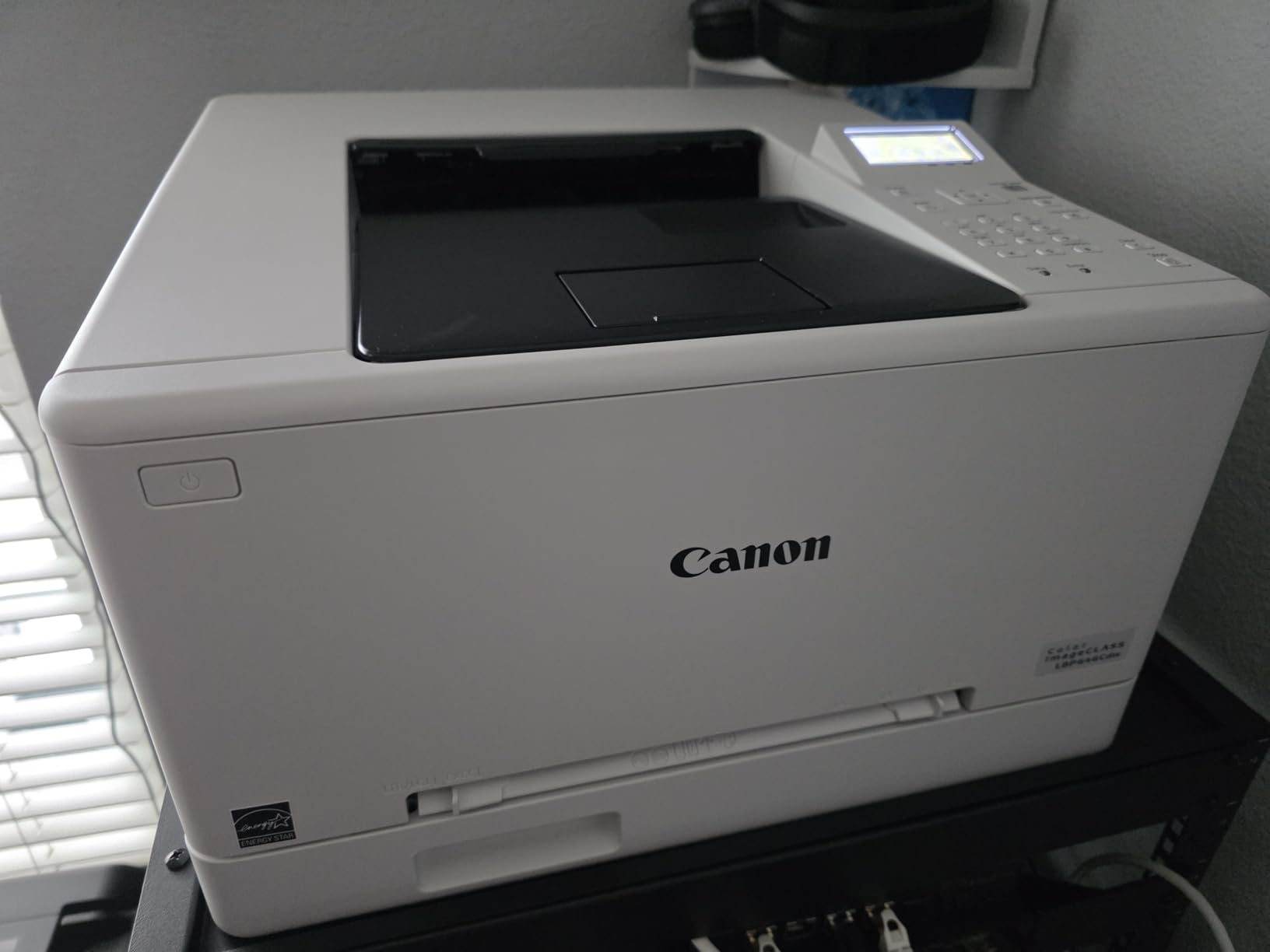
The five-line LCD makes menu navigation straightforward, which is a small thing that saves time every week. Mobile printing works through the Canon PRINT app, Apple AirPrint and Mopria Print Service, and connectivity also covers Ethernet and USB.
It is Energy Star certified and EPEAT Silver, and the machine ships with Canon Genuine Toner 075 CMYK starter cartridges rated at a 700-page black yield and 500 pages for each colour. Reviewers consistently call it good value for a name-brand full-colour laser unit.
The wireless setup problem
This is the dominant complaint by far. One owner spent over three hours trying to connect, and others report the Canon PRINT app repeatedly failing to detect the printer, with QR code setup also failing in some cases. Several described the wireless experience as worse than much cheaper competitors.
Some owners also have to power the unit back on manually each time they need to print. If you can place it near a wired connection and print over Ethernet, most of these problems disappear, so test that before committing.
Where it falls short
It is print-only, with no scanning, copying or faxing, and at 27.6 pounds and 16.5 by 16.8 by 10.5 inches it is much larger and heavier than buyers expect for a small office machine. Measure first.
Canon 075 toner cartridges are costly, though lower-cost compatible alternatives exist. If your colour volume is light, note that colour laser running costs are far higher than mono, and owners regularly report being surprised by that after the first month.
12. Canon Color imageCLASS MF662Cdw – Best for Touchscreen Color Workflows
Canon Color imageCLASS MF662Cdw – Wireless Duplex Laser Printer with Copier, Scanner, 3 Year Limited Warranty, 26 PPM
26 ppm color
5 inch color touchscreen
Flatbed scanner
Auto duplex
Cloud scanning
+ The Good
- Beautiful color with crisp contrast
- prints fast enough to beat unpacking it
- 5 inch color touchscreen with an Application Library
- cloud scanning through the touchscreen
- 3 year warranty included
- outlasted numerous HP printers for one owner
- The Bad
- Cannot stay connected to Wi-Fi after sleep and needs a reboot
- Canon PRINT app missing basic functions
- scan software dated and hard to use
- costly 075 toner cartridges
- 55 pound weight
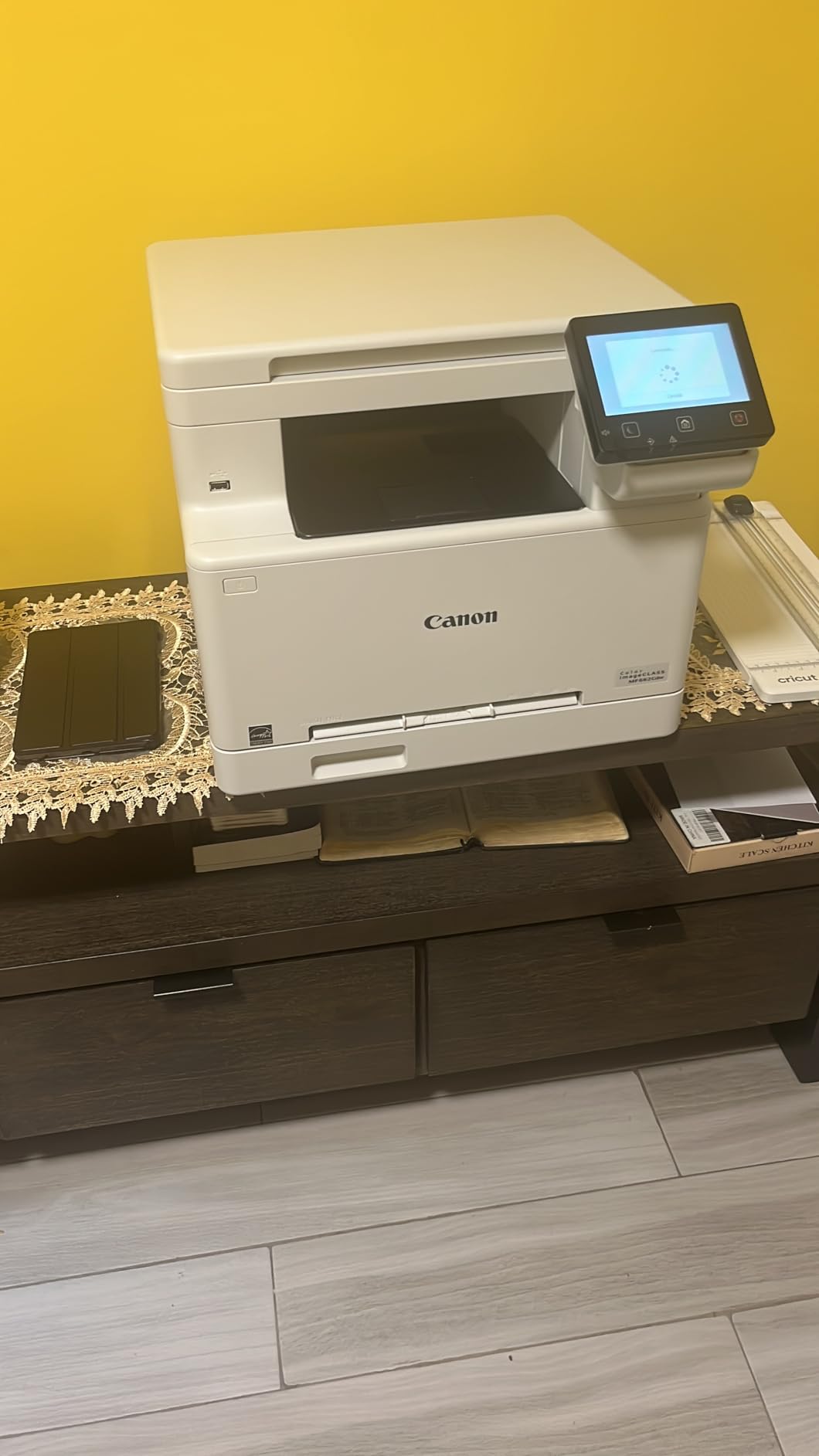
This is the most complete colour machine in the group: it prints, scans and copies at up to 26 ppm in both colour and monochrome, with automatic duplex, a flatbed scanner and a 5-inch colour touchscreen carrying an Application Library for one-tap access to common jobs.
Owners praise the colour quality with crisp, clear contrast, particularly on photo paper, which feeds without bending. Several report that it printed before setup was even finished, and cloud scanning is supported through the Application Library on the touchscreen rather than through a computer.
The 3-year manufacturer limited warranty is longer than most in this roundup, and one owner reports the unit outlasted numerous HP printers. That combination of warranty and reported durability is a meaningful argument for a machine expected to run for years.
Paper handling is a 250-sheet standard cassette plus a one-sheet multipurpose tray, with media from 3 by 5 inches up to 8.5 by 14 inches. Mobile printing works through the Canon PRINT app, Apple AirPrint and Mopria Print Service, and it is Energy Star certified and EPEAT Silver.
The toner reality
Canon Genuine Toner 075 and 075 high-capacity cartridges run this machine, and owners report the cartridges are expensive enough that a full set is a major line item. That is the single most important number for a colour laser and it should drive the decision more than any feature.
Starter cartridges ship at a 700-page black yield and 500 pages each for cyan, magenta and yellow. Model your monthly colour volume against those yields before buying, because a colour machine that sits mostly unused is among the costliest things on this list to keep going.
Where it falls short
Wireless reliability is the recurring theme. The unit cannot stay connected to Wi-Fi after sleep, drops off the network and requires a full reboot to reconnect, and drivers are not bundled so they have to be downloaded from Canon. For a shared office, plan on Ethernet.
The Canon PRINT app is criticised as missing basic functionality and making resizing images difficult, and the scan software is described as dated and hard to use. At 55.1 pounds and 18.2 by 16.8 by 15.7 inches it needs dedicated space, and at 55.1 pounds it is among the heaviest machines here.
How to Choose a Laser Printer for a Small Business
Laser or inkjet for a small business
Choose laser if you print documents, invoices, contracts and client packs most days of the week. Toner runs for a long time between changes, text stays crisp, and nothing clogs if the machine sits idle. Choose an inkjet only when your output is dominated by photographs or very high colour image volumes.
The honest caveat is that modern ink-tank and inkjet models have closed much of the cost per page gap at very low volume, which matters for someone printing a handful of pages a week. The laser case strengthens quickly past a few hundred pages a month, and it is airtight past a few thousand.
Monochrome or colour laser
Most small businesses print black text and should buy monochrome. Colour laser output here is business-document grade, sharp on graphs and charts but not a substitute for a photo printer, and the colour cartridges cost several times more per page than the black one.
Add colour only when someone produces client-facing proposals, price lists, menus or product packaging regularly. If colour is occasional, a mono machine plus occasional outside printing is usually cheaper than a colour laser you keep half idle.
Single-function or all-in-one
Buy single-function if printing is the only job. You get a smaller footprint, a larger paper tray relative to the body, and a lower purchase price. Buy a multifunction unit if anyone handles paperwork intake, because the ADF and flatbed will be used every week.
Fax is the deciding function in specific verticals. Owners in law, medical and accounting work repeatedly name fax-capable models like the Brother MFC-L2820DW as the only sensible buy, while offices that never send a paper fax should skip it and save money.
Duplex printing versus duplex scanning
These are different features and shoppers confuse them constantly. Duplex printing means the printer flips the paper automatically for two-sided output. Duplex scanning means the ADF reads both sides of a sheet in one pass, called single-pass duplex scanning.
A reversing ADF scans one side, physically flips the page and scans the other, which is slower and more prone to misfeeds. If your workflow is archiving two-sided documents, check the ADF type specifically. One owner of the MFC-L2820DW reported no duplex scanning through the feeder, so confirm before you rely on it.
Matching volume to duty cycle
Recommended monthly volume is the honest number to size against, not peak pages per minute. A 2-person office printing 300 pages a month does not need a 42 ppm machine, and a 10-person team printing 8,000 pages a month does need something with a large tray and a reliable ADF.
Watch for the signs you are undersized: refilling the tray twice a day, waiting on the queue during busy hours, and jams that cluster on large duplex jobs. Owners on r/printers and r/homeoffice consistently caution that cheap mono workhorses are fine for a couple hundred pages a week and a poor choice for eight hours a day.
Cost per page and high-yield toner
No manufacturer here publishes a single authoritative cost per page, so do the arithmetic yourself using the cartridge and yield in the spec sheet. Divide the cartridge cost by its stated page yield, then repeat with the high-yield version and use the lower figure for a volume office.
Forum research on laser printing consistently shows mono laser pages landing near two to three cents each while colour laser pages run several times higher, sometimes into double digits. That gap is why colour volume modelling matters more than purchase price. It is also why the high-yield cartridges are worth the switch at any real volume.
Wired Ethernet versus Wi-Fi
Wireless is more convenient and less reliable at the same time. Once three or more people share one device, owners frequently recommend Ethernet to avoid queue contention, dropped connections and printers that need powering back on after every sleep cycle.
Several machines here show that pattern directly: the HP LaserJet Pro 3001dw drops off mesh networks, the Brother MFC-L2820DW sometimes needs a Recover WLAN cycle, and both Canon colour units lose Wi-Fi after sleep. If a network drop is possible where the printer goes, use it.
Watch out for bundled toner subscription trials
Several Brother listings in this roundup ship with a Refresh subscription trial attached, and owners on r/printers and r/BuyItForLife report discovering the enrolment after purchase and being charged beyond the included page allowance. This is the most repeated complaint in forum research on this category.
Check whether a trial is attached before you buy, and remove the enrolment during setup if you do not want it. Do not assume a subscription is a discount you are getting, and be equally careful with any HP subscription programme for the same reason.
On the wider question of office equipment around the printer, our guides to POS systems for small business and time clocks for small business cover the other devices most teams end up sharing across a counter or a back office.
Frequently Asked Questions
What is the best laser printer for businesses?
For most small businesses the Brother DCP-L2640DW is the best all-round choice: 36 ppm monochrome, a 50-page automatic document feeder, automatic duplex, and dual-band Wi-Fi alongside Ethernet. It is compact enough for a small office and has the largest owner feedback base in this group. If you only print, drop the scanning and take the Brother HL-L2460DW. If you need fax, the Brother MFC-L2820DW adds it in a similarly compact body.
Are laser printers being phased out?
No. The desktop laser category is being refreshed rather than retired: manufacturers keep updating the same engine platforms and shifting the supply side to subscription toner programmes. Owners on printer and sysadmin forums still run the same Brother and HP desktop lasers they bought years ago, because the machines and the toner are long-lived parts. What is shrinking is the number of distinct new models released each year, not the technology.
Which laser printer is better, Brother or HP?
Brother is repeatedly described by owners as the more reliable small-business laser brand, with a wider range of compact mono and colour models, cheaper genuine toner and no supply lock-in. HP desktop lasers are fast and well integrated with AirPrint and HP apps, but the firmware requires original HP chips and blocks third-party cartridges, which fixes your cost per page at HP pricing. Canon sits between them with strong colour quality and a 3-year warranty on the MF662Cdw.
What is the best laser printer for value for money?
The Brother HL-L2460DW is the strongest value pick: 36 ppm monochrome, automatic duplex, a 250-sheet tray, dual-band Wi-Fi plus Ethernet, and a 15.6-pound body. The trade is that it cannot scan or copy. If you need a scanner, the Brother DCP-L2480DW adds a flatbed and touchscreen and still carries the highest average rating in this roundup at 4.5.
What is the average lifespan of a laser printer?
A well-maintained desktop laser in a small office commonly runs for many years, and the machines in this roundup are still earning strong owner feedback after a year-plus of daily use. The usual limits are not the engine but the consumables and the fuser. Printers that sit unused for months, run on an old drum unit or are exposed to paper dust will fail earlier, and drum and fuser replacement cost is what usually ends the life of an otherwise working machine.
Final Verdict for Small Business Laser Printers
The best laser printers for small business split cleanly by job. For most offices the Brother DCP-L2640DW is the one to buy: 36 ppm monochrome, a 50-page ADF, automatic duplex and dual-band wireless with Ethernet, all in a 25-pound body. For a print-only setup, the Brother HL-L2460DW gives you the same speed and duplex for less. For fax, the Brother MFC-L2820DW is one of the best-rated machines here at 4.3.
Push harder on volume and the field changes. The HP LaserJet Pro 4001n runs at 42 ppm with a 350-sheet tray, though it is wired only and duplex is manual. Colour work is a separate decision: the Brother HL-L3280CDW is the fastest colour option at 27 ppm, and the Canon MF662Cdw is the most complete, with a 5-inch touchscreen and a 3-year warranty, provided you model the toner cost first.
Whatever you pick, do three things before you order. Model colour volume against the real cartridge prices. Plan for Ethernet if more than three people will share the machine. And check whether a toner subscription trial is attached to the listing, because that is the single most common complaint owners report after the purchase is already made.