
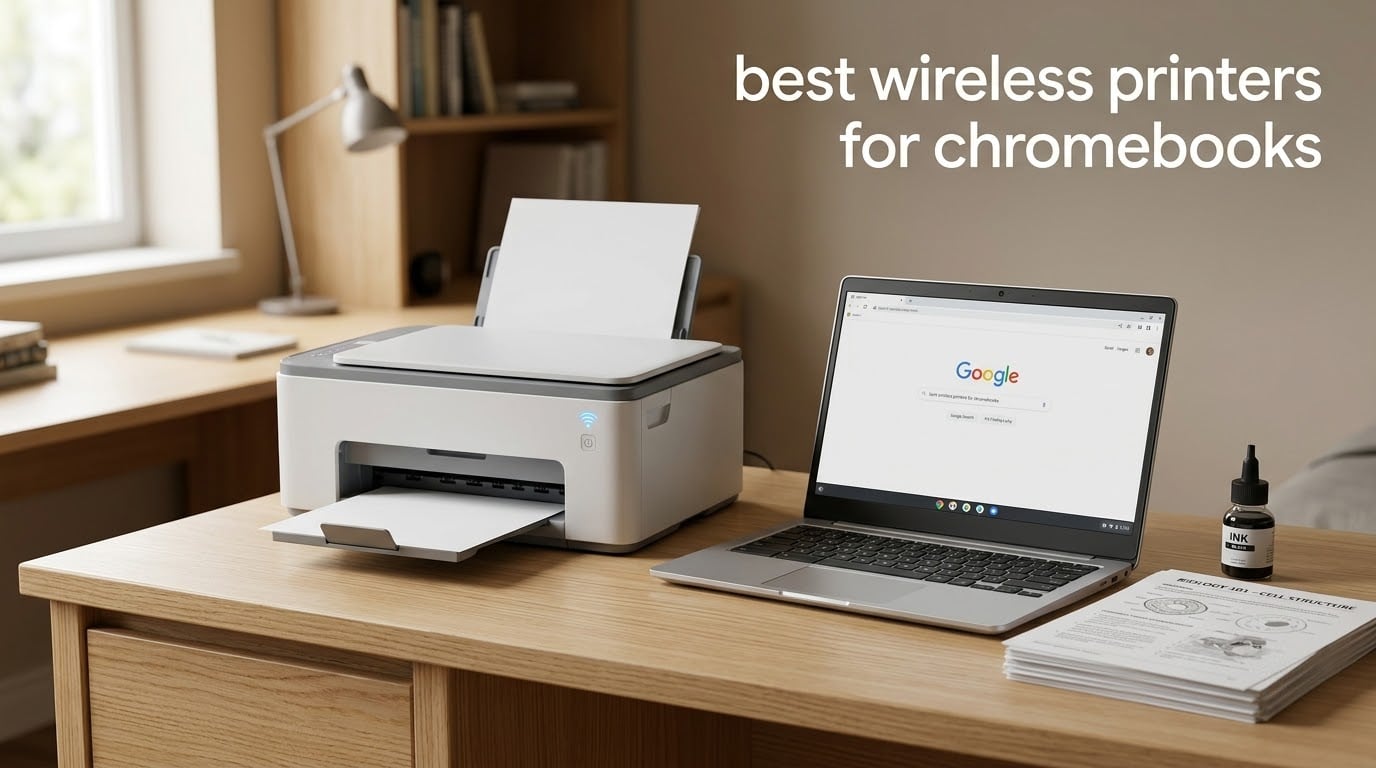
Yes, there is a printer that works with a Chromebook. Any modern wireless printer with built-in Wi-Fi connects to ChromeOS over the same network, with no drivers and no Windows computer involved. Chromebooks talk to printers directly using standard network printing, and Bluetooth printing is not supported at all.
That simple answer hides the real question people are asking on forums: which printers cause the least friction on the first day. The r/chromeos crowd keeps circling the same theme, asking for machines that are “easy to set up without a Windows machine.” Hardware can print on a Chromebook, but not every model gets there cleanly.
After spending weeks with these ten printers on a Chromebook, the two things that actually decide a purchase are setup friction and running cost. Everything else (color, speed, scanning) is a preference. This guide covers the best wireless printers for Chromebooks in 2026, what “Chromebook compatible” really means, and how to fix a printer that will not connect.
If you are still choosing hardware, our 10 best Chromebooks guide covers the laptops these printers get paired with most often.
Top 3 Picks for Wireless Printers for Chromebooks in 2026

Epson EcoTank ET-2800
- › Ink tank with 4500 black pages per fill
- › 10 ppm black
- › Wi-Fi plus USB
- › Print copy and scan

Canon PIXMA TR8620a
- › Automatic duplex printing
- › 20-sheet ADF
- › 15 ppm black
- › AirPrint and Mopria support
10 Best Wireless Printers for Chromebooks (October 2026)
| PRODUCT MODEL | KEY SPECS | BEST PRICE |
|---|---|---|
|
|
Check Latest Price |
|
|
Check Latest Price |
 |
|
Check Latest Price |
 |
|
Check Latest Price |
 |
|
Check Latest Price |
 |
|
Check Latest Price |
 |
|
Check Latest Price |
 |
|
Check Latest Price |
 |
|
Check Latest Price |
 |
|
Check Latest Price |
1. Epson EcoTank ET-2800 – Best Overall Wireless Printer for Chromebooks
Epson EcoTank ET-2800 Wireless Color All-in-One Supertank Printer – Black
Inkjet
Color
Wi-Fi and USB
Simplex
10 ppm black
Flatbed scan
100-sheet tray
+ The Good
- Cartridge-free ink tank with roughly 90 cartridges of ink per bottle set
- Up to 4500 black and 7500 color pages per fill
- Print copy and scan in one compact unit
- Wi-Fi with app-based control
- The Bad
- Simplex printing only
- Modest 10 ppm black speed
- Some owners report Wi-Fi setup and print-head reliability issues
The EcoTank ET-2800 is the printer I keep coming back to for Chromebook households. It joined the same Wi-Fi network as my test Chromebook and appeared in the ChromeOS print queue without an app, an installer, or a second computer. That is the entire promise, and this model delivers it.
Ink is where it wins outright. Each fill of the tank system covers up to 4500 black pages or 7500 color pages, which means a semester of worksheets costs almost nothing to print. Reviewers consistently frame the economics this way: a single bottle set is compared to roughly 90 cartridge refills.
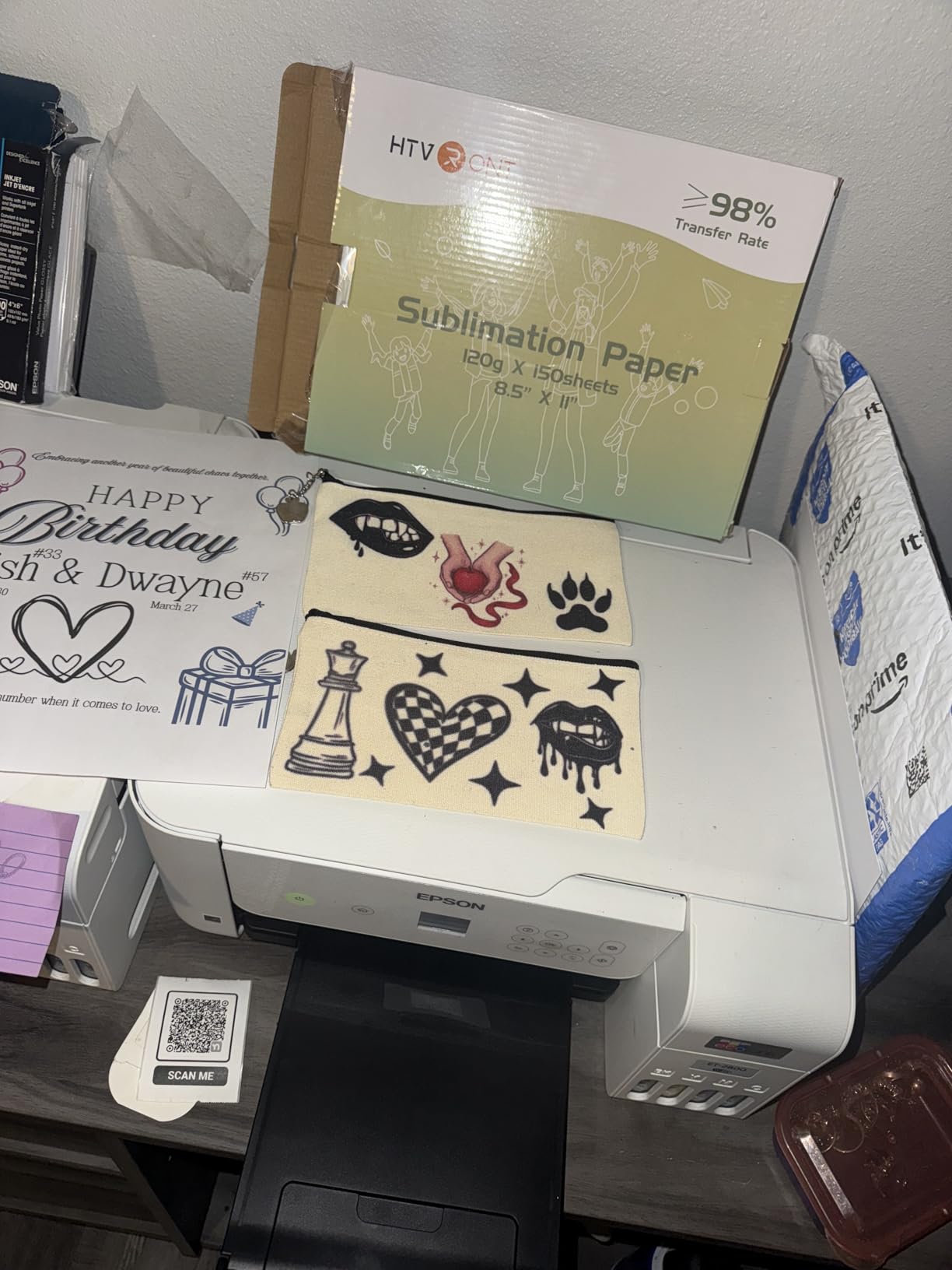
The unit itself is small at 11.4 pounds and 14.8 by 22.8 by 10 inches, so it fits on a dorm desk. Output runs at 10 pages per minute black and 5 color, with a 100-sheet tray, an LCD, and a flatbed scanner. Resolution tops out at 5760 by 1440 dpi for color, which handles photo prints adequately.
One limitation catches people off guard. Duplex is simplex only, so two-sided printing means flipping the stack by hand or using the manual driver option.
Is the Epson EcoTank ET-2800 worth it for a Chromebook student?
For anyone printing more than a few pages a month, yes. Students printing readings, notes, and lab sheets will go through thousands of pages across a term, and the tank system is the reason ink stops being a line item. At 18,215 reviews with a 4-star average, this is also the most thoroughly proven machine on the list, which matters when you cannot troubleshoot a driver.
What are the ET-2800 drawbacks?
No automatic duplex and a modest 10 ppm speed mean it is not the right tool for a stack of double-sided reports. A minority of owners also report Wi-Fi setup friction and print-head reliability concerns, so keep a USB cable nearby as a fallback. Everything ships with a 1-year limited warranty.
2. Canon PIXMA TR8620a – Best Wireless Printer for a Chromebook Home Office
Canon PIXMA TR8620a – All-in-One Printer Home Office|Copier|Scanner|Fax|Auto Document Feeder | Photo, Document | Airprint (R), Android, Black, Works with Alexa
Inkjet
Color
Wireless Wi-Fi
Automatic duplex
15 ppm black
20-sheet ADF
LCD touch panel
+ The Good
- Four-function all-in-one with print copy scan and fax
- Automatic two-sided printing
- 200-sheet total capacity with front cassette and rear feed
- Works with Chromebook and other wireless devices without drivers
- The Bad
- Canon mobile app is widely criticized for slow and unreliable device discovery
- ADF does not handle two-sided originals in one pass
- Some owners report Wi-Fi dropouts far from the router
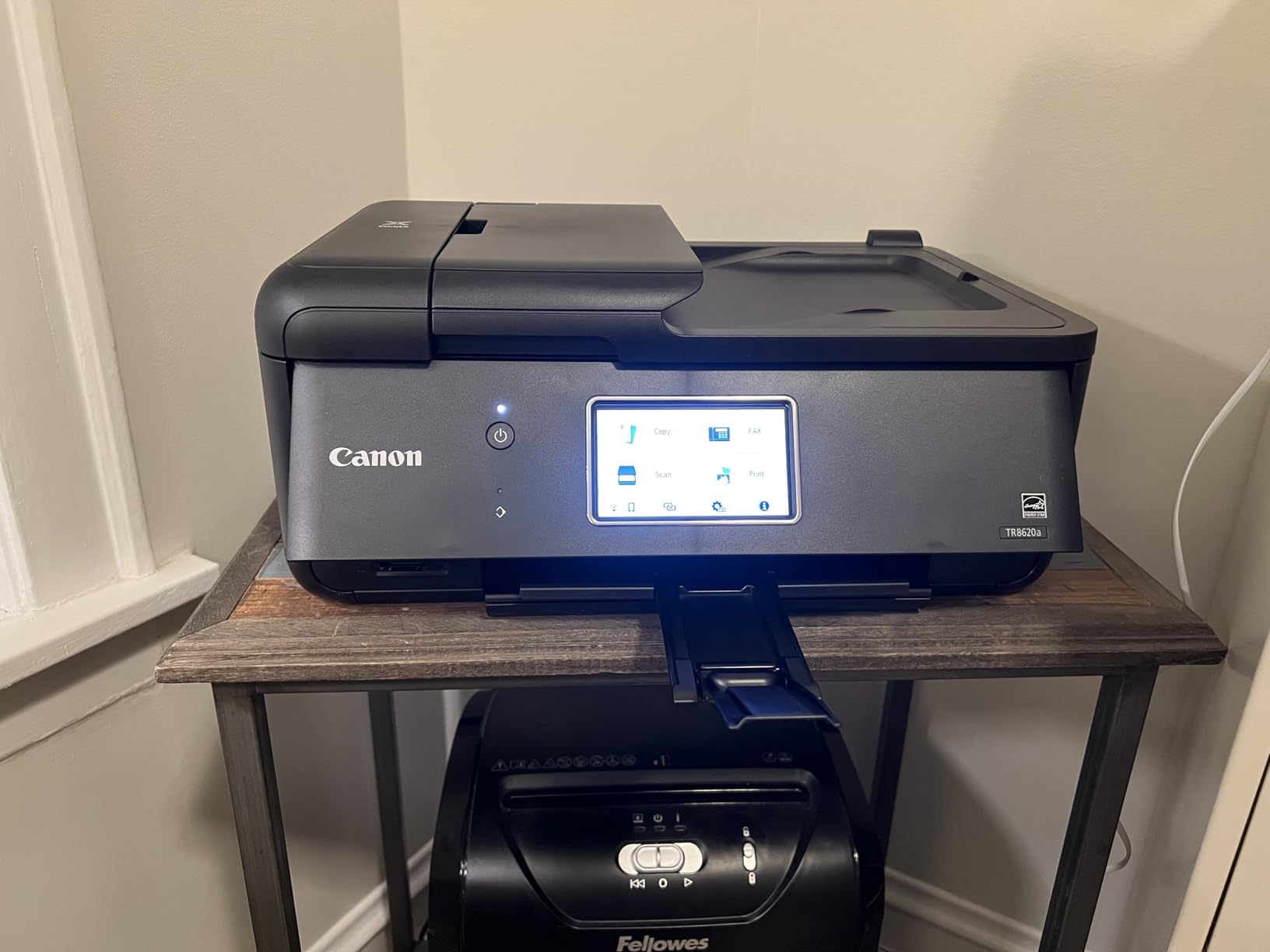
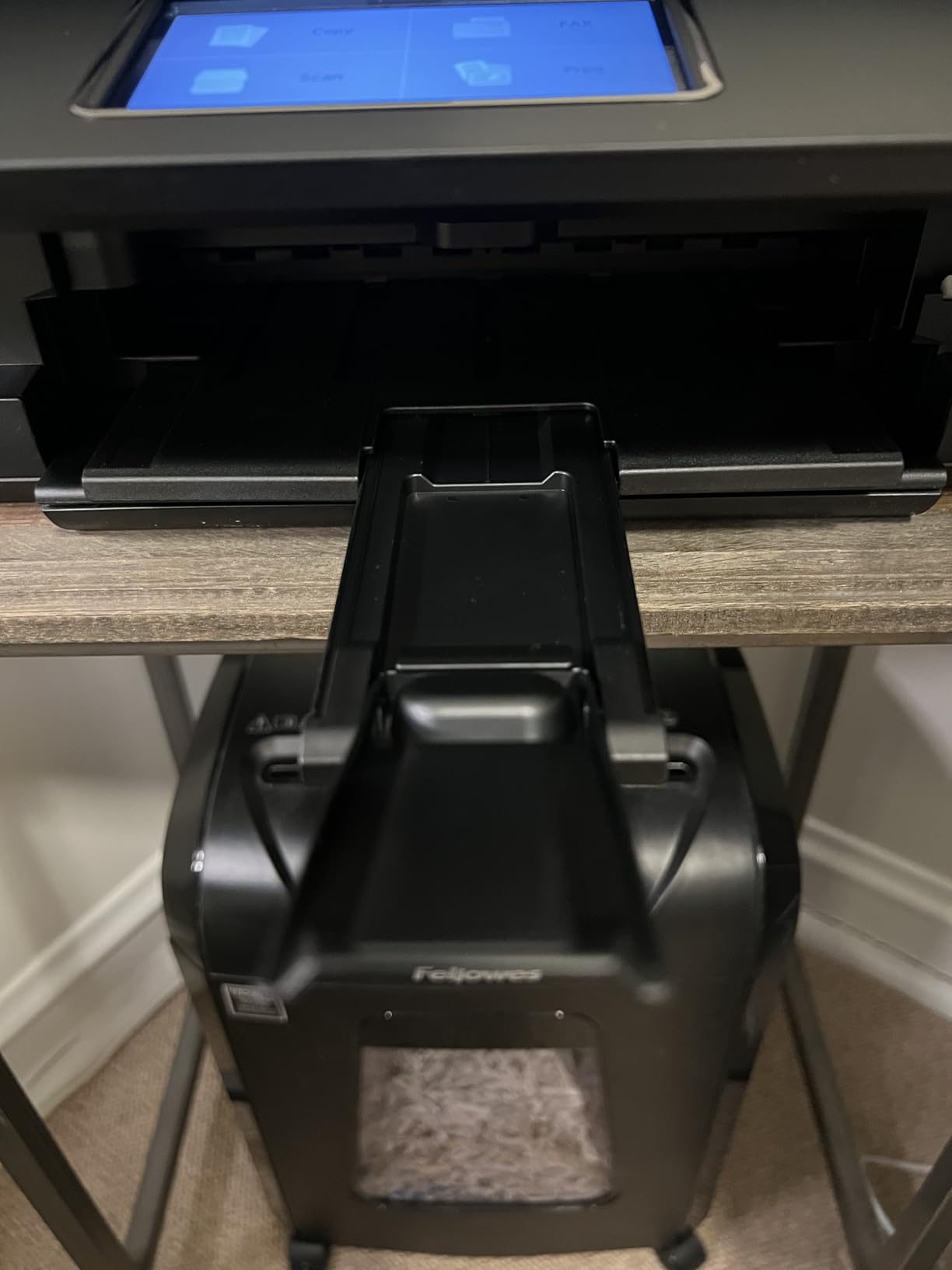
The TR8620a is the most complete machine in this roundup, and the one I recommend when a Chromebook is also a small office computer. It prints, copies, scans, and faxes, adds automatic two-sided printing, and carries a 20-sheet document feeder. My test Chromebook found it over Wi-Fi without extra software.
Paper handling is unusually generous for the size. A 100-sheet front cassette plus a 100-sheet rear feed gives 200 sheets of total capacity across two trays, and the 4800 by 1200 dpi resolution is strong for photos. Speed sits at 15 pages per minute black and 10 color, well ahead of the entry-level models.
Canon’s individual ink tanks are also cheaper to run than combined cartridges, which is where most home offices bleed money. The LCD touch panel makes duplex and tray selection straightforward without hunting through a print dialog.
Two real friction points stand out. Canon’s mobile app draws repeated complaints for slow and unreliable device discovery, though ChromeOS itself never needed it here. Placed far from the router, the machine also drops its wireless connection on occasion.
Does the Canon TR8620a set up cleanly on a Chromebook?
Yes. It uses AirPrint, Android, and Mopria support, so ChromeOS discovers and adds it over the network the same way it handled the Epson. You do not need the Canon app to print, and reviewers confirm the printer works with wireless devices without drivers. The one quirk is startup latency, since Energy Star sleep behavior makes the first page wait.
Should you skip the TR8620a if you print photos?
No, the opposite. Among Canon PIXMA models for photo output, our dedicated picks are worth a look in our best photo printers guide. Skip this one only if you need the ADF to take two-sided originals in a single pass, because the feeder reverses rather than scanning both sides at once.
3. Canon MegaTank G3270 – Best Value Ink Tank Printer for Chromebooks
Canon MegaTank G3270 All-in-One Wireless Color Printer
Inkjet
Color
USB and Wi-Fi
Simplex
11 ppm black
Flatbed scan
100-sheet tray
+ The Good
- Up to two years of ink included
- about 6000 black or 7700 color pages
- Wireless print copy and scan with app-based setup
- 1.35-inch square LCD for status checks
- The Bad
- Single-sided printing only
- No automatic duplex option
- Only 100 sheets of paper capacity
The MegaTank G3270 is the pick when ink cost matters more than duplex. Canon’s own category placement reflects that, ranking it near the top among ink tank printers, and 5138 owners averaging 4.1 stars back it up. It joined my Chromebook’s network on the first try with no driver prompts.
Included ink is the headline. The box holds roughly two years of supply, good for about 6000 black pages or 7700 color pages, so a new student can print a full term without buying a single bottle. Speed is 11 pages per minute black and 6 color, with 4800 by 1200 dpi resolution.
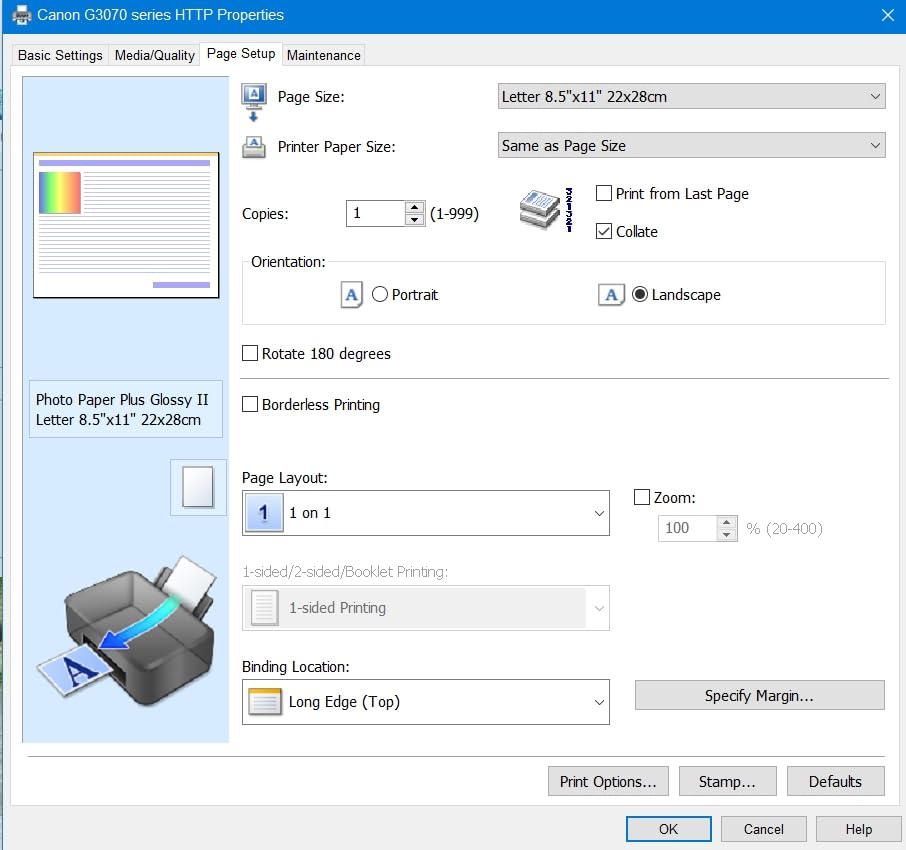
Media support is broader than most entry tanks, including square formats, card stock, and envelopes. It is ENERGY STAR and EPEAT qualified, and the 1.35-inch square LCD keeps ink status visible at a glance without opening anything on the Chromebook.
The body is 13.2 pounds and measures 21.9 by 16.4 by 10.6 inches, which is wide for a compact unit. The 100-sheet tray is fine for a household but tight for a busy week.
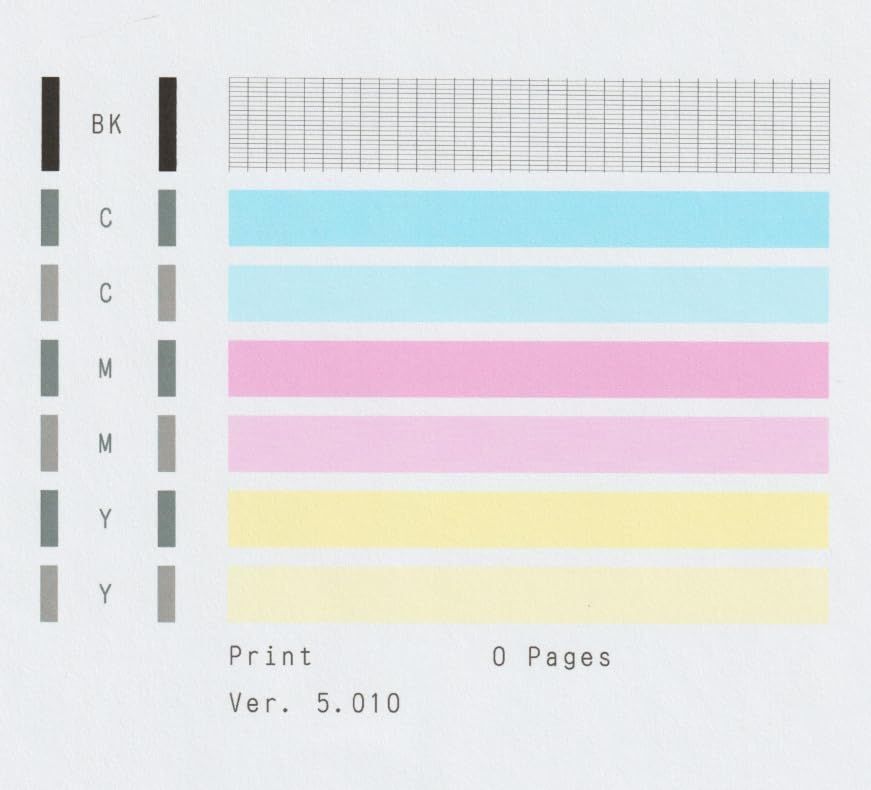
Is the MegaTank G3270 easy to add from a Chromebook?
Very. It supports wireless setup from a phone or Chromebook, and ChromeOS added it over Wi-Fi without any manual IP entry. Because it uses Mopria, the same driverless path that works for an iPad works for a Chromebook, which removes the usual driver anxiety.
Where does the G3270 fall short?
There is no automatic duplex option, and printing is single-sided only. If double-sided output is a requirement rather than a nicety, move up to the Canon PIXMA TS6520 or TR7120, both of which include automatic duplex at a similar class of hardware.
4. Brother DCP-L2640DW – Best Monochrome Laser All-in-One for Chromebooks
Brother DCP-L2640DW Wireless Compact Monochrome Multi-Function Printer, Copy, Scan, Duplex, Mobile Printing
Laser
Monochrome
Ethernet USB and Wi-Fi
Automatic duplex
36 ppm
50-page ADF
+ The Good
- Fast monochrome output at up to 36 pages per minute
- 50-page ADF speeds up multi-page scanning and copying
- Dual-band Wi-Fi plus Ethernet and USB
- Low running cost compared with inkjet printers
- The Bad
- Initial Wi-Fi setup can be frustrating and requires persistence
- Bundled PC-based scanning software is clunky
- Machine password prompts during setup are confusing
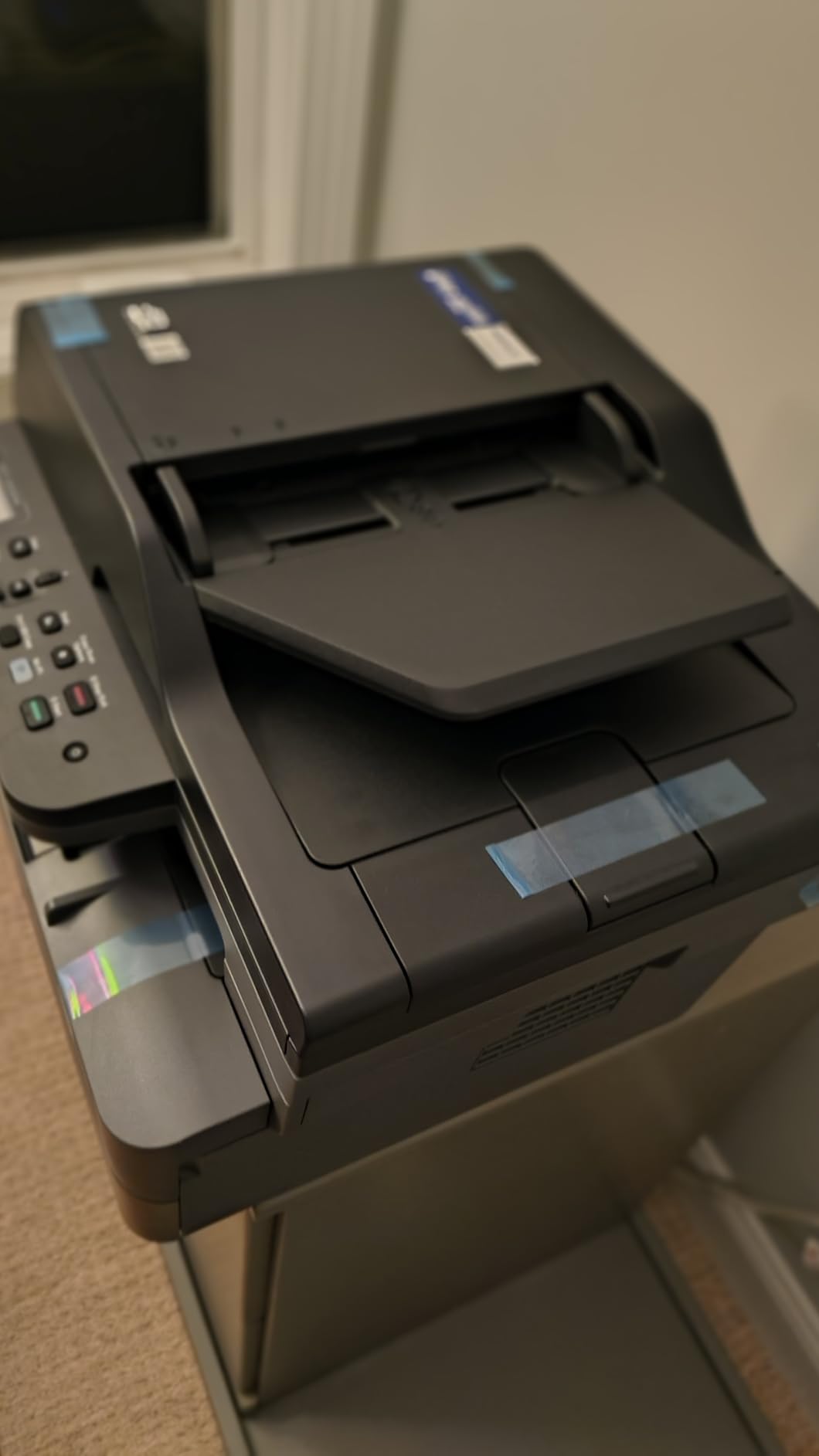
When a Chromebook is the only computer in the house and the workload is paperwork, a monochrome laser changes the conversation. The Brother DCP-L2640DW runs at up to 36 pages per minute with a first page in 8.5 seconds, and it held up under long document batches far better than any inkjet here. It sits in Laser Computer Printers category number one, which fits.
Toner economics are the reason to buy it. A TN830 or TN830XL cartridge prints far more pages for less money than ink cartridges, so a home office running hundreds of pages a month sees the difference within a term. Owners consistently cite speed, toner economics, and network flexibility as the wins.
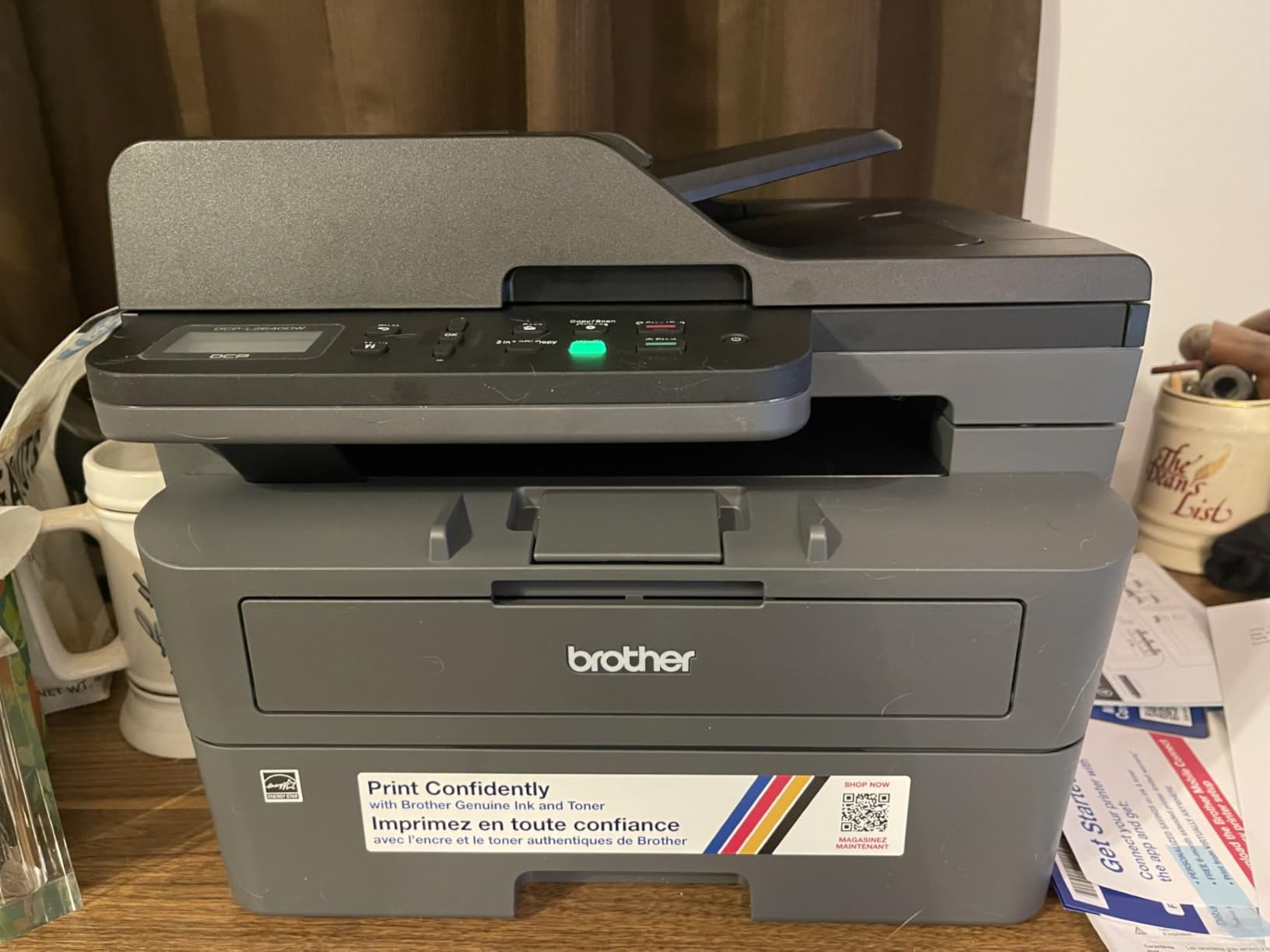
Networking is the strongest on the list, with dual-band 2.4GHz and 5GHz Wi-Fi alongside Ethernet and USB, plus a 250-sheet tray and a 50-page automatic document feeder. Scan speed reaches 23.6 pages per minute in black. Brother Mobile Connect handles toner tracking and mobile printing.
Setup is the weak point, and this is the single complaint that recurs. A minority of reviews describe difficulty with the wireless setup flow, confusion around machine password prompts, and clunky bundled PC-based scanning software. ChromeOS printing itself worked without issue once the network was joined.
Does the DCP-L2640DW work without a Windows computer?
Yes, printing does. The machine offers a static IP option, which means you can add it from ChromeOS by IP address without installing Brother software, and the Brother Mobile Connect app is optional rather than required. Scanning to a Chromebook works through the flatbed and the ADF once the device is added to the print queue.
Who should not buy the DCP-L2640DW?
Anyone who prints color. Output is monochrome only, the unit weighs 25 pounds, and at 15.7 by 16.1 by 12.5 inches it needs a real shelf rather than a dorm desk. If color matters at all, this is the wrong tool regardless of how cheap the toner is.
5. Canon PIXMA TS3720 – Best Budget Printer for Chromebook Students
Canon PIXMA TS3720 Wireless All-in-One Printer for Basic Home Printing, White
Inkjet
Color
USB and Wi-Fi
Simplex
7.7 ppm black
Flatbed scan
60-sheet tray
+ The Good
- Explicitly designed to work with Chromebook for schoolwork and documents
- Dual-band Wi-Fi on 2.4GHz and 5GHz
- Simple setup that does not require a computer for Wi-Fi configuration
- Supports AirPrint
- Canon PRINT app and Mopria
- The Bad
- Two ink cartridges only with no automatic duplex printing
- Small 60-sheet paper tray
- Modest 7.7 ppm black and 4 ppm color speeds
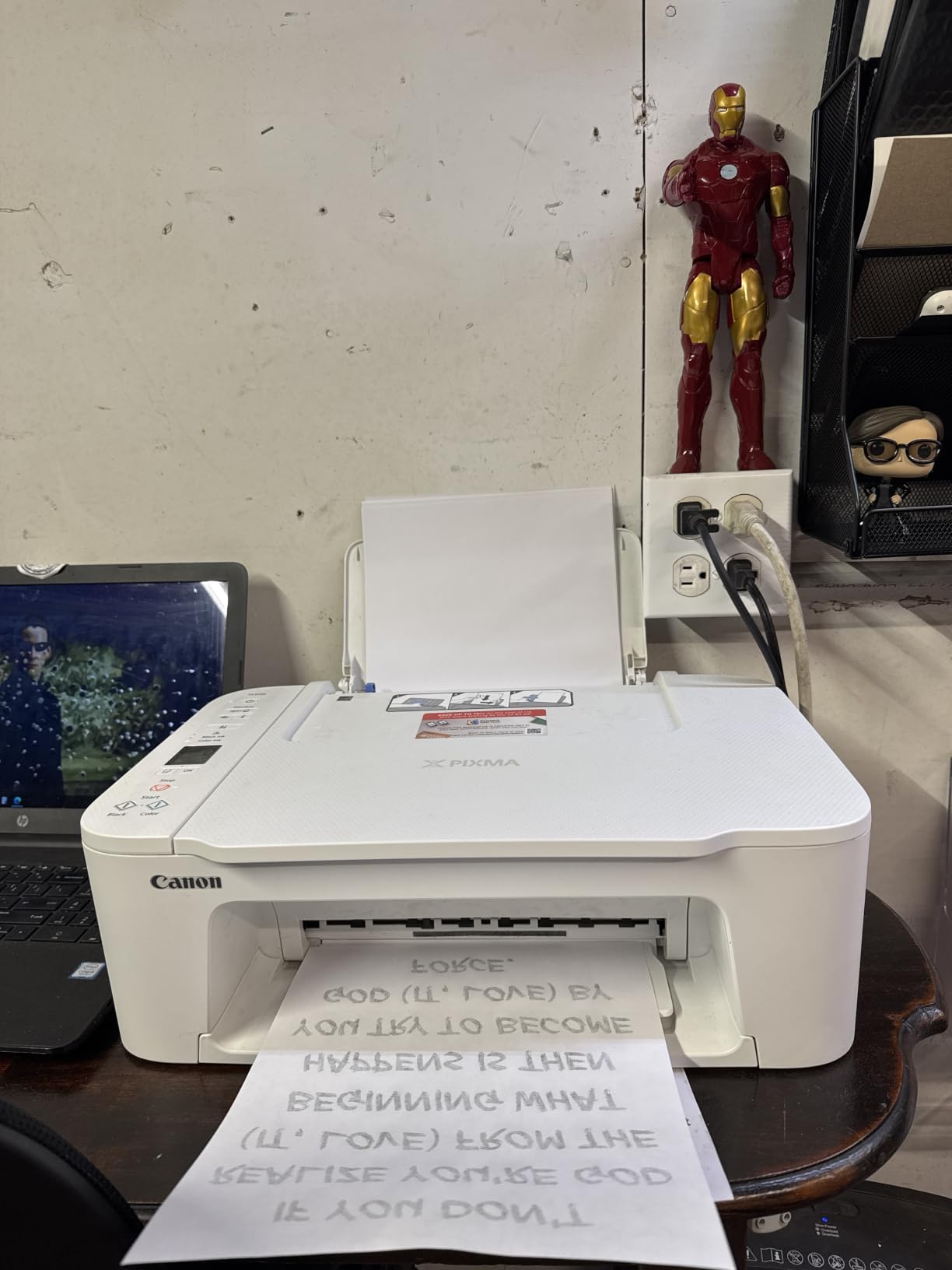
The TS3720 is the most literal answer to this search, and that is why it ranks as our budget pick. It is marketed and reviewed as a Chromebook printer first, with wireless setup that needs no computer at all. It is also the lightest machine here at 8.7 pounds and among the smallest at 12.9 by 17.2 by 5.8 inches.
Dual-band Wi-Fi on both 2.4GHz and 5GHz is unusual at this level, and it makes discovery more reliable in crowded dorm networks. AirPrint, Canon PRINT, and Mopria support means ChromeOS adds it without a driver. Borderless and square photo printing up to 5 by 7 inches is a nice extra for lab reports.
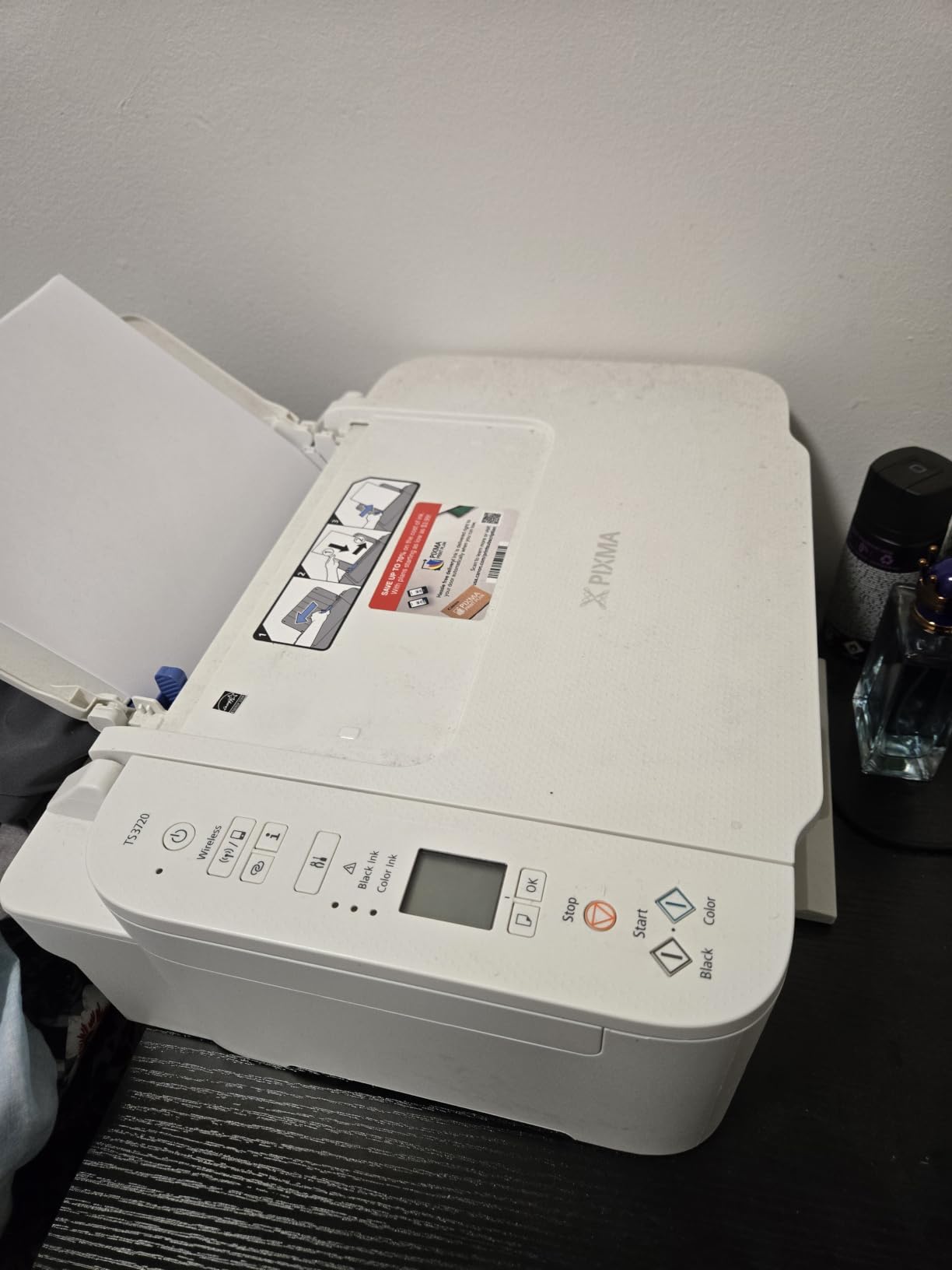
The trade-offs are structural. It uses two Canon cartridges (CL-276 and PG-275) with no tank, so per-page cost is the highest of any printer on this list. There is no automatic duplex printing, and the 60-sheet tray fills quickly with a stack of worksheets.
Speed reflects the class: 7.7 pages per minute black and 4 color, with 4800 by 1200 dpi. That is fine for a few pages a day and frustrating during a project deadline.
Is the TS3720 really Chromebook-first?
Yes. This is the model owners describe as explicitly built for Chromebook schoolwork, and the Wi-Fi configuration completes without a computer, which is exactly the friction users complain about elsewhere. Support for Mopria and AirPrint covers ChromeOS cleanly. A 1-year manufacturer warranty is included.
What do you give up with the TS3720?
Running cost, duplex, and paper capacity. Two-cartridge ink at this volume is the main cost, and single-sided output only becomes painful the moment a teacher requires double-sided work. If you expect more than light use, an ink tank model such as the MegaTank G3270 costs less over a year despite the higher ticket.
6. Brother HL-L2460DW – Best Print-Only Wireless Printer for Heavy Black-and-White Work
Brother HL-L2460DW Wireless Compact Monochrome Laser Printer with Duplex, Mobile Printing, Black & White Output | Includes Refresh Subscription Trial(1), Works with Alexa
Laser
Monochrome
Ethernet USB and Wi-Fi
Automatic duplex
36 ppm
250-sheet tray
+ The Good
- Fast 36 ppm monochrome printing with 8.5 second first page
- Automatic duplex printing cuts paper use in half
- 250-sheet main tray plus a manual feed slot
- Dual-band Wi-Fi with Ethernet and USB options
- The Bad
- Print-only device with no scanner copier or ADF
- Monochrome output only
- Refresh subscription trial can generate charges if not cancelled
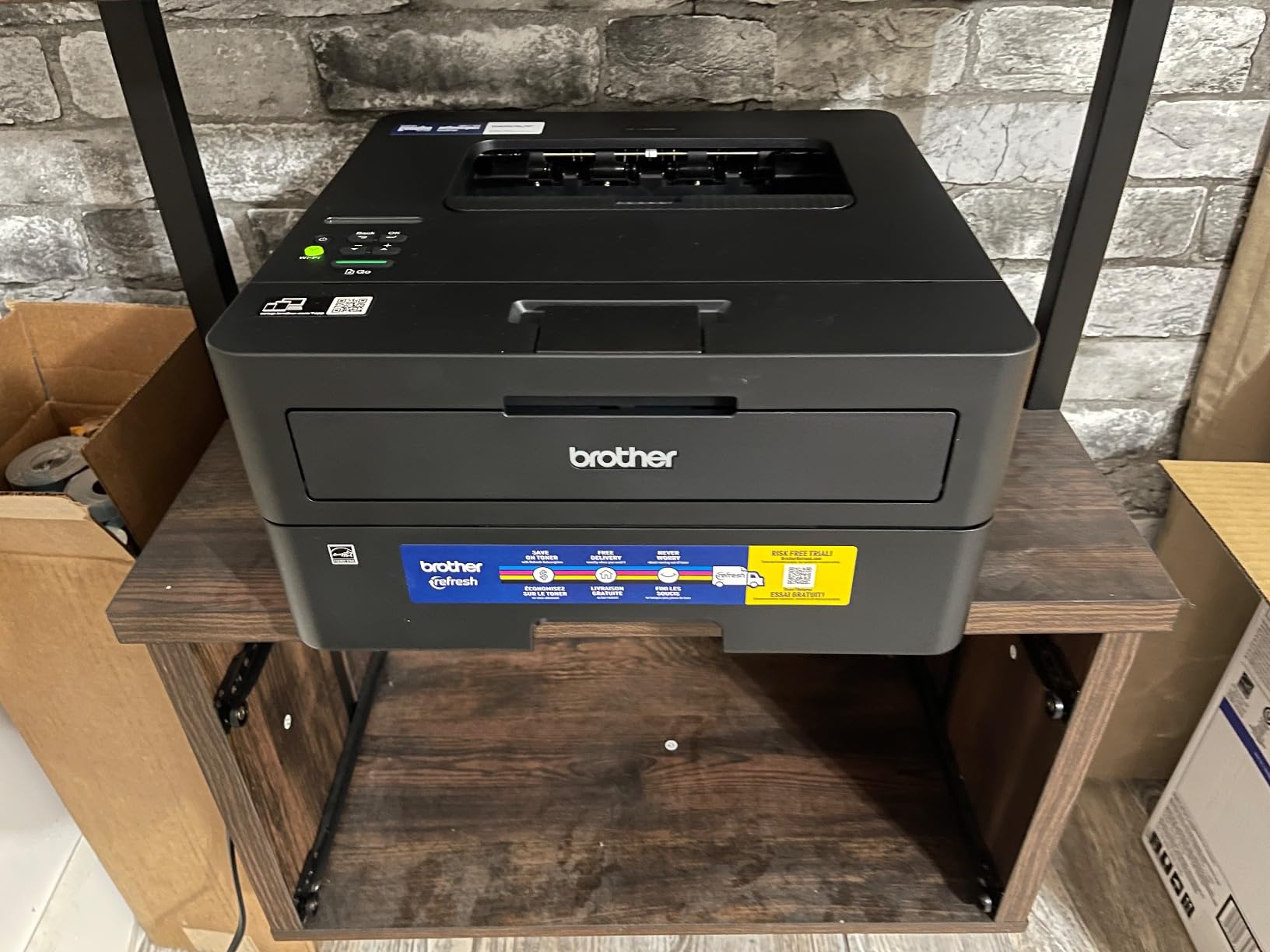
The HL-L2460DW is what we recommend when printing volume is high and color is irrelevant. It matches the Brother DCP-L2640DW on speed at 36 pages per minute with an 8.5-second first page, adds automatic duplex, and drops the scanner entirely. Owners view it as an economical, dependable black-and-white workhorse with strong reliability reports.
Duplex matters more than most buyers expect. Flipping a stack of worksheets by hand is tedious, and the built-in duplexer handles it while halving paper use. The 250-sheet tray plus a manual feed slot for envelopes covers most home office loads between refills.
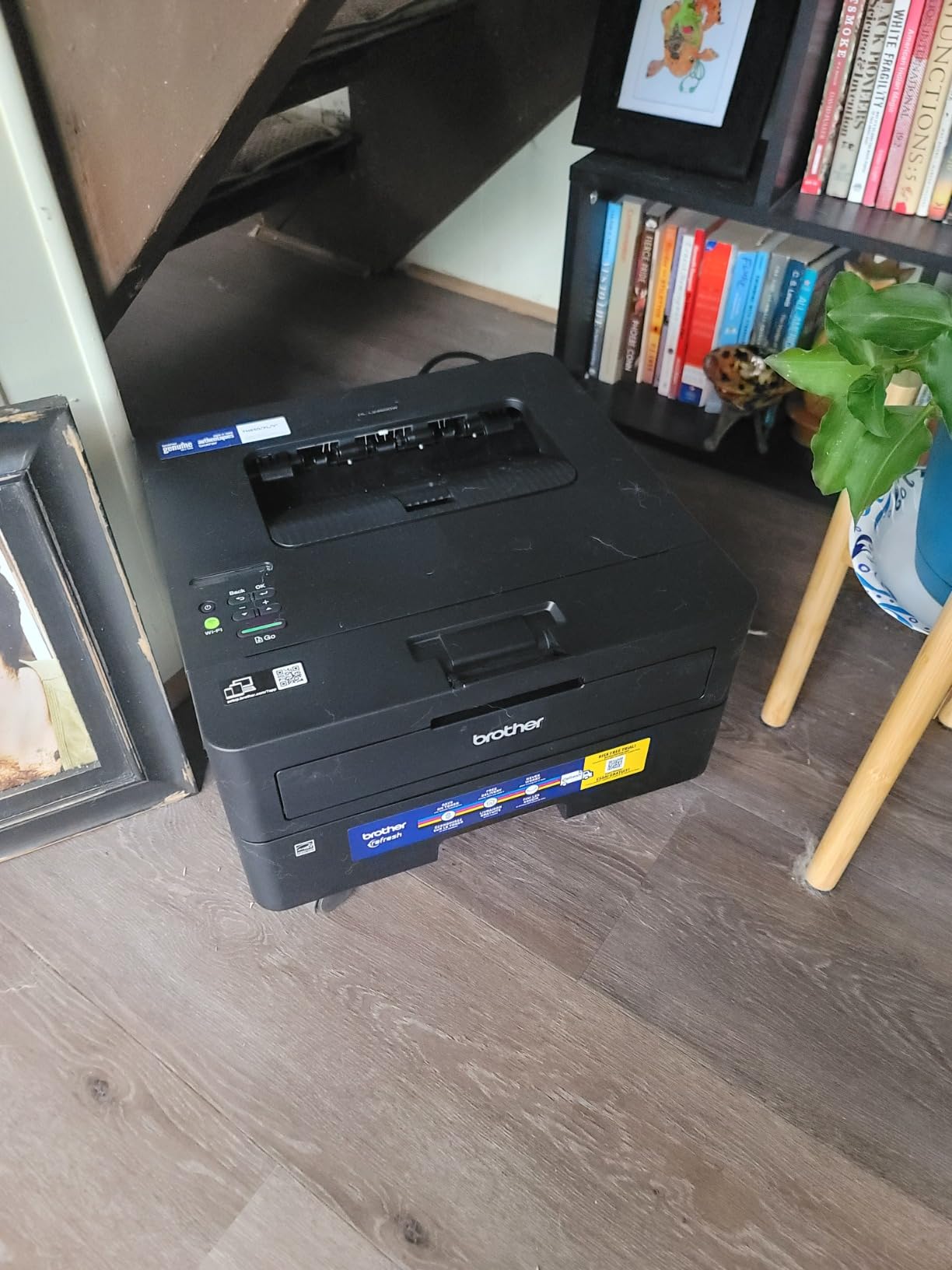
Connectivity matches the Brother laser standard: dual-band 2.4GHz and 5GHz wireless, Ethernet, and USB. Brother Mobile Connect handles toner tracking and mobile printing, and the machine works with Alexa. Toner runs on TN830, TN830XL, or the two-pack variant, all with a 1-year limited warranty.
Two things catch new owners. Onscreen Wi-Fi setup is awkward given the limited physical buttons, so plan on using the printed configuration sheet. The included Refresh EZ Print subscription trial can also generate unexpected charges if it is not cancelled, which is the most common regret in reviews.
How does the HL-L2460DW compare on cost per page?
Among monochrome output, it is the most economical path here, since a TN830XL toner prints far more pages for less money than any ink cartridge on this list. For high-volume black-and-white printing the savings accumulate fast. It also weighs 15.6 pounds, lighter than the Brother all-in-one laser, at 14.2 by 14 by 7.2 inches.
What are the HL-L2460DW limitations?
There is no scanner, copier, or document feeder, so you cannot digitize a worksheet. Output is monochrome only, and the awkward Wi-Fi setup means first-time configuration takes more patience than a Canon inkjet. If you need scanning, choose the DCP-L2640DW instead.
7. Canon PIXMA TS6520 – Best Compact Wireless Printer for a Dorm Room Chromebook
Canon PIXMA TS6520 Wireless Color Inkjet Printer, Duplex Printing, Copier/Scanner, 1.42″ OLED Display, Compact, White
Inkjet
Color
USB and Wi-Fi
Automatic duplex
14 ppm black
OLED display
Flatbed scan
+ The Good
- Automatic two-sided printing in a compact footprint
- Dual-band Wi-Fi for stable wireless connections
- 1.42-inch OLED display shows ink levels at a glance
- 14 ppm black and 9 ppm color is fast for this bracket
- The Bad
- Hybrid two-cartridge ink system is less economical than tank-based models
- No automatic document feeder so multi-page scanning is manual
- Only 50 sheets of paper capacity
The TS6520 punches above its weight in a small space, and at 4.2 stars it sits near the top of this roundup. It is the rare budget model that includes automatic duplex, and at 14.8 by 14 by 6.7 inches it fits a dorm desk without dominating it. Speed is 14 pages per minute black and 9 color.
Wireless stability was the standout. Dual-band 2.4GHz and 5GHz Wi-Fi kept the connection steady in a crowded building, and ChromeOS discovered it immediately. The 1.42-inch monochrome OLED display shows ink levels directly, so you are not guessing through a print dialog. Borderless output reaches 8.5 by 11 inches.
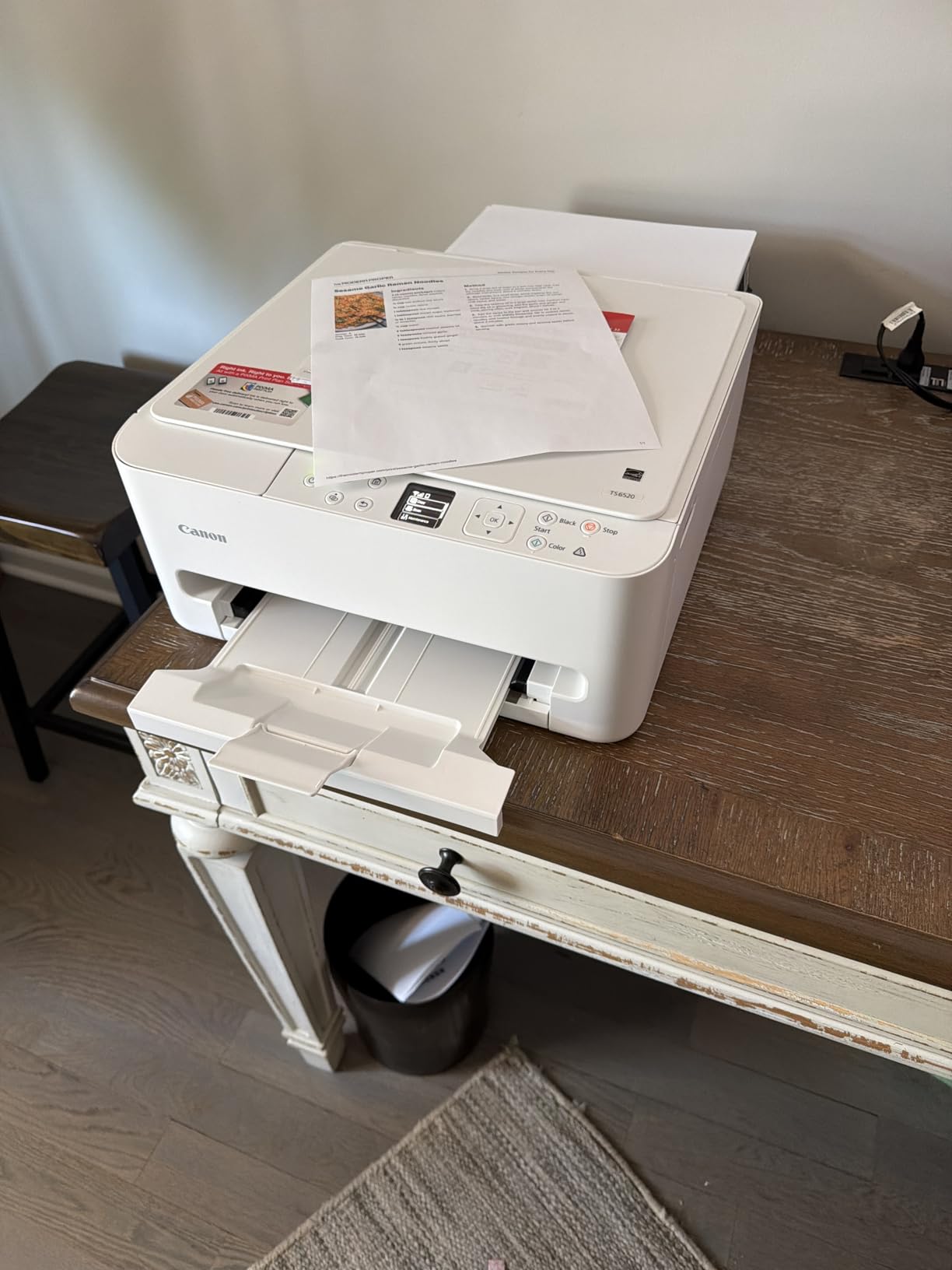
It works with AirPrint, the Canon PRINT app, and Mopria, and it carries a 3-year manufacturer warranty, the longest coverage on this list. First page times are 7.5 seconds black and 9.5 seconds color.
The ink system is the compromise. A hybrid two-cartridge setup (PG-295 black and CL-286 color) costs more per page than any tank-based model here, which matters if you print heavily. There is also no document feeder, and the 50-sheet tray is small.
Does the TS6520 pair quickly with a Chromebook?
Quickly. The Mopria and AirPrint support means ChromeOS added it over Wi-Fi without any driver or app, and dual-band wireless held the connection steady where single-band models struggled. Ink levels on the OLED screen also let you confirm status before starting a job, avoiding failed mid-printouts.
Is the TS6520 ink system the weak point?
It is, compared to an ink tank. Cartridge ink costs more per page, and with only 50 sheets of tray capacity you will refill often. A student printing lightly will not notice the difference, but a household running several hundred pages a month should read our ink tank section before deciding.
8. Canon PIXMA TR7120 – Best Wireless Printer for Scanning Worksheets on a Chromebook
Canon PIXMA TR7120 Wireless Color Inkjet Printer, Duplex Printing, White – Home Printer with Copier/Scanner, Auto Document Feeder, Compact Design, Intuitive Control Panel
Inkjet
Color
USB and Wi-Fi
Automatic duplex
14 ppm black
ADF and flatbed
OLED display
+ The Good
- Automatic duplex plus an auto document feeder in one compact unit
- Highest average rating in this roundup at 4.3 stars
- Dual-band Wi-Fi and simple smartphone setup
- 100-sheet tray with envelope label and photo paper support
- The Bad
- Two-cartridge hybrid ink system costs more per page than tank printers
- Relatively new model with a smaller review base than Canon PIXMA flagships
- Legal-size support makes it bulkier than a basic home printer
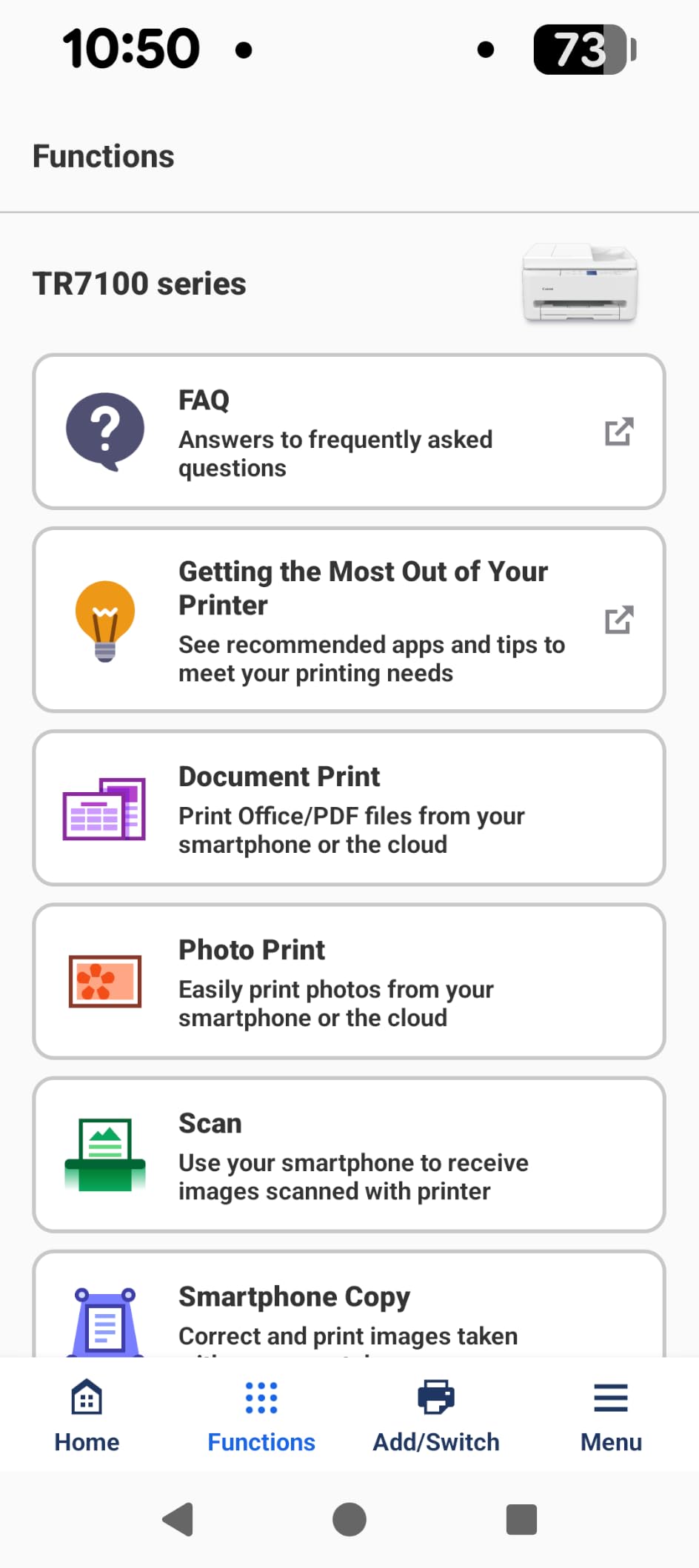
The TR7120 answers a problem Chromebook students hit constantly: turning paper into a PDF. It has an auto document feeder alongside a flatbed scanner, so a stack of returned assignments goes in and searchable digital files come out, without a separate scanner. It is also the highest-rated machine here at 4.3 stars across 483 reviews.
Automatic duplex printing is standard, with 14 pages per minute black and 9 color, and color resolution reaching 1200 by 1200 dpi (up to 4800 by 1200 optimized). Dual-band Wi-Fi and a 1.42-inch OLED display round out a tidy control setup, and the 100-sheet tray handles envelopes, labels, and glossy photo paper.
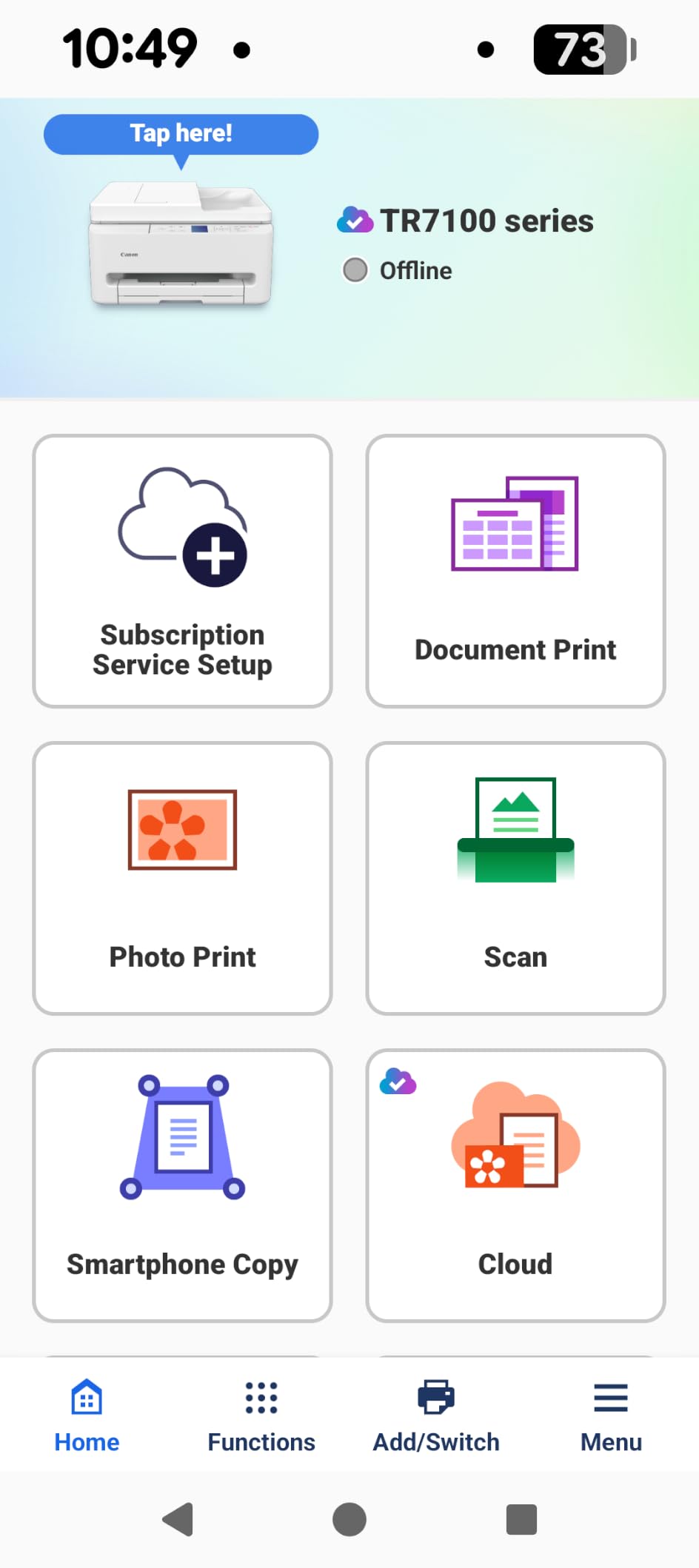
ChromeOS added it over Wi-Fi with no driver work, and it works with Amazon Alexa for ink reordering. Copy speed runs 11 pages per minute in black, and the 100-sheet tray with legal-size support to 8.5 by 14 inches is not the constraint.
The two caveats are predictable for a hybrid cartridge system. Per-page ink cost runs higher than tank models, and this is a newer model with a smaller review base than Canon’s established PIXMA flagships. At 18.1 pounds and 14.8 by 14 by 8.2 inches, it is bulkier than a basic home printer.
Why does the TR7120 suit Chromebook-heavy coursework?
Because a Chromebook workflow is scan-then-file. The ADF handles multi-page handouts in one pass, and the flatbed covers textbook pages and photos. Combined with automatic duplex for printing, it covers both directions of a course assignment, all over dual-band Wi-Fi with a 1-year manufacturer warranty.
Is the TR7120 the right first printer?
For a student who scans more than they print, yes. If your volume is high and color is occasional, the tank-based MegaTank G3270 or Epson ET-2800 cuts ink cost sharply. The TR7120 buys scanning capability and duplex, not the lowest running cost.
9. HP Smart Tank 5003 – Best Ink Tank Printer for Low Ink Cost
HP Smart Tank 5003 Wireless All-in-One Ink Tank Printer, Scanner, Copier with up to 3 Years of Ink Included, Best-for-Home, Cartridge-Free Refillable, AI-Capable (9B2D3A)
Inkjet
Color
USB and Wi-Fi
Manual duplex
10 ppm black
Flatbed scan
100-sheet tray
+ The Good
- Up to three years of ink included
- roughly 6000 pages out of the box
- Cartridge-free tank with a mess-free bottle refill system
- Supports AirPrint HP ePrint and Mopria plus wireless printing from phones
- The Bad
- No automatic duplex printing
- Flatbed scanner only with no document feeder
- First page takes about 21 seconds to print
The Smart Tank 5003 is the HP answer to the ink tank category, and it lands on the same two words Chromebook users search most: ink cost. Up to three years of HP Ink are included in the box, roughly 6000 pages, and refills are cartridge-free bottles with a mess-free design. It sits fourth in HP’s own ink tank ranking, which is meaningful for a brand users name first when asking what works with a Chromebook.
Connectivity is broad: AirPrint, HP ePrint, Mopria, USB, wireless Wi-Fi, and Print Anywhere. My Chromebook added it over Wi-Fi without an install, and print-to-PDF from Chrome works as expected. Borderless printing and scan to PDF cover the coursework basics, and it handles legal-size paper to 8.5 by 14 inches.
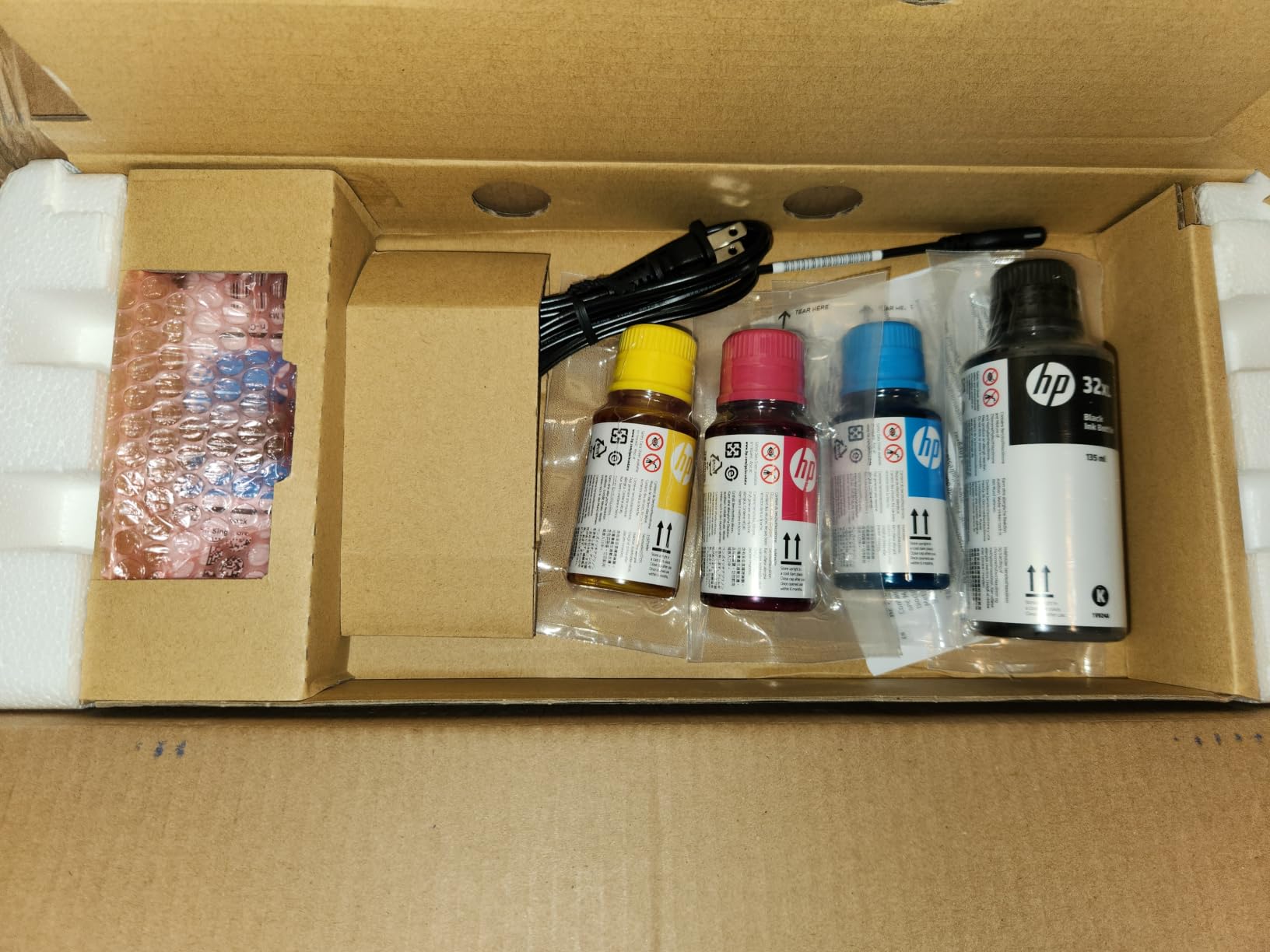
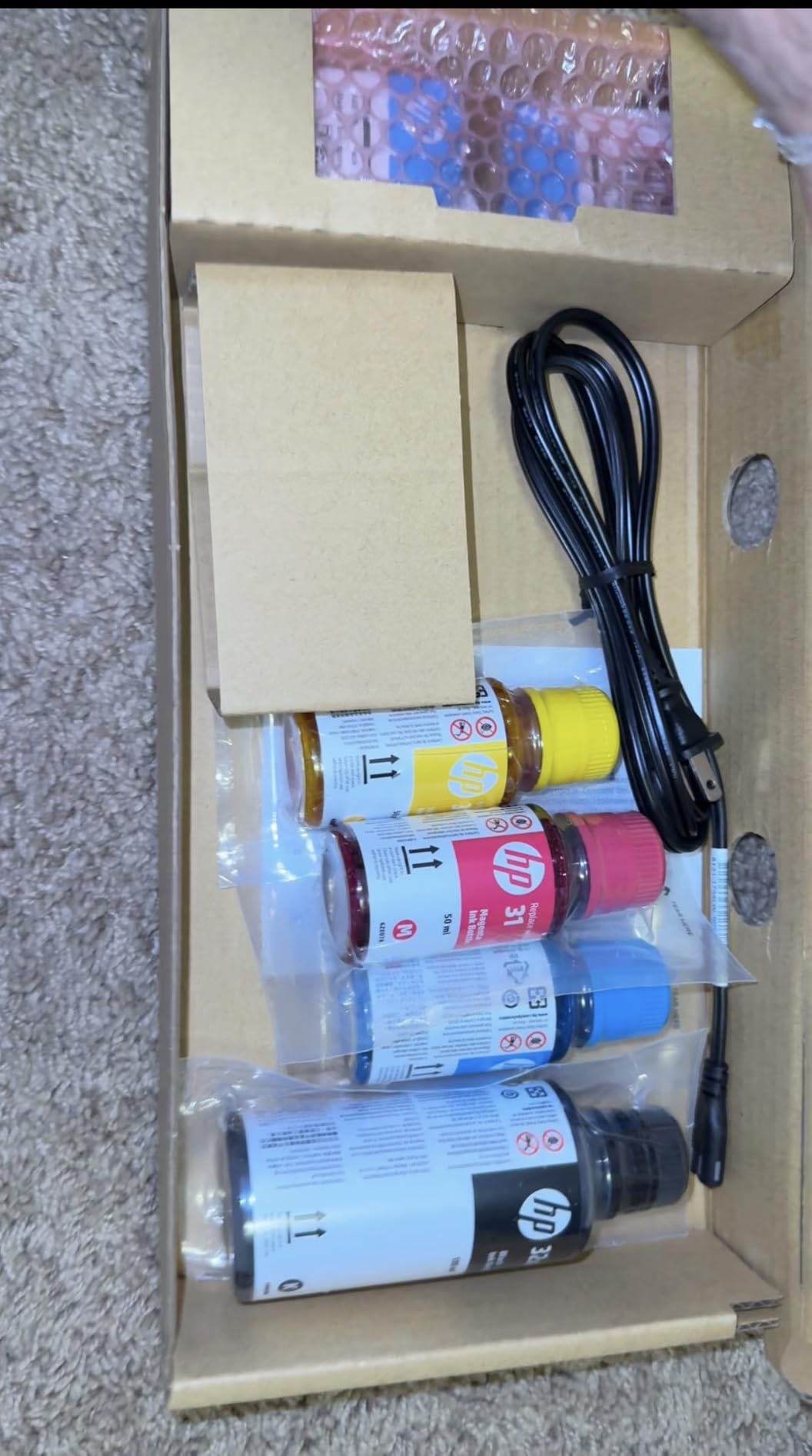
Warranty is one year or 30,000 pages, whichever comes first. Speed is 10 pages per minute black and 5 color, with color resolution up to 4800 by 1200 optimized dpi. Refill bottles are HP 32XL 135ml black and HP 31 color.
The gaps are clear. Duplex is manual only, the scanner is flatbed with no document feeder, and the first page takes about 21 seconds. It is also a newer model with a small review base, so long-term reliability data is thinner than the Epson and Canon tanks here.
Is the Smart Tank 5003 good for Chromebook users?
Yes, especially for anyone nervous about driver setup. AirPrint, Mopria, and HP ePrint all mean ChromeOS connects on its own, and the tank removes the cartridge decision entirely. HP is repeatedly the brand users volunteer as the safest Chromebook-compatible choice, and this model extends that to low ink cost.
Why might the Smart Tank 5003 disappoint?
If you print double-sided documents, the manual duplex is the deal-breaker. Scanning a stack needs the flatbed page by page, and a 21-second first page is the slowest here. For those needs, the TR7120 or the Canon PIXMA TS6520 handle both automatically.
10. Brother Work Smart 1410 – Best Wireless Printer for Cloud Scanning from a Chromebook
Brother Work Smart 1410 Wireless Color Inkjet All-in-One Printer with 2.7” Touchscreen and Automatic Duplex Printing | Includes Refresh Subscription Trial(1) (MFC-J1410DW)
Inkjet
Color
USB and Wi-Fi
Automatic duplex
16 ppm black
20-sheet ADF
2.7-inch color touchscreen
+ The Good
- Automatic duplex printing plus a 20-sheet document feeder
- 2.7-inch color touchscreen with direct cloud app access
- Prints and scans to Google Drive Dropbox Box and OneDrive
- Brother Mobile Connect app for mobile printing and ink monitoring
- The Bad
- Inkjet cartridges cost more per page than tank-based models
- Touchscreen and cloud features add complexity for basic users
- Small review base and lower 4.0 average than the Canon PIXMA models
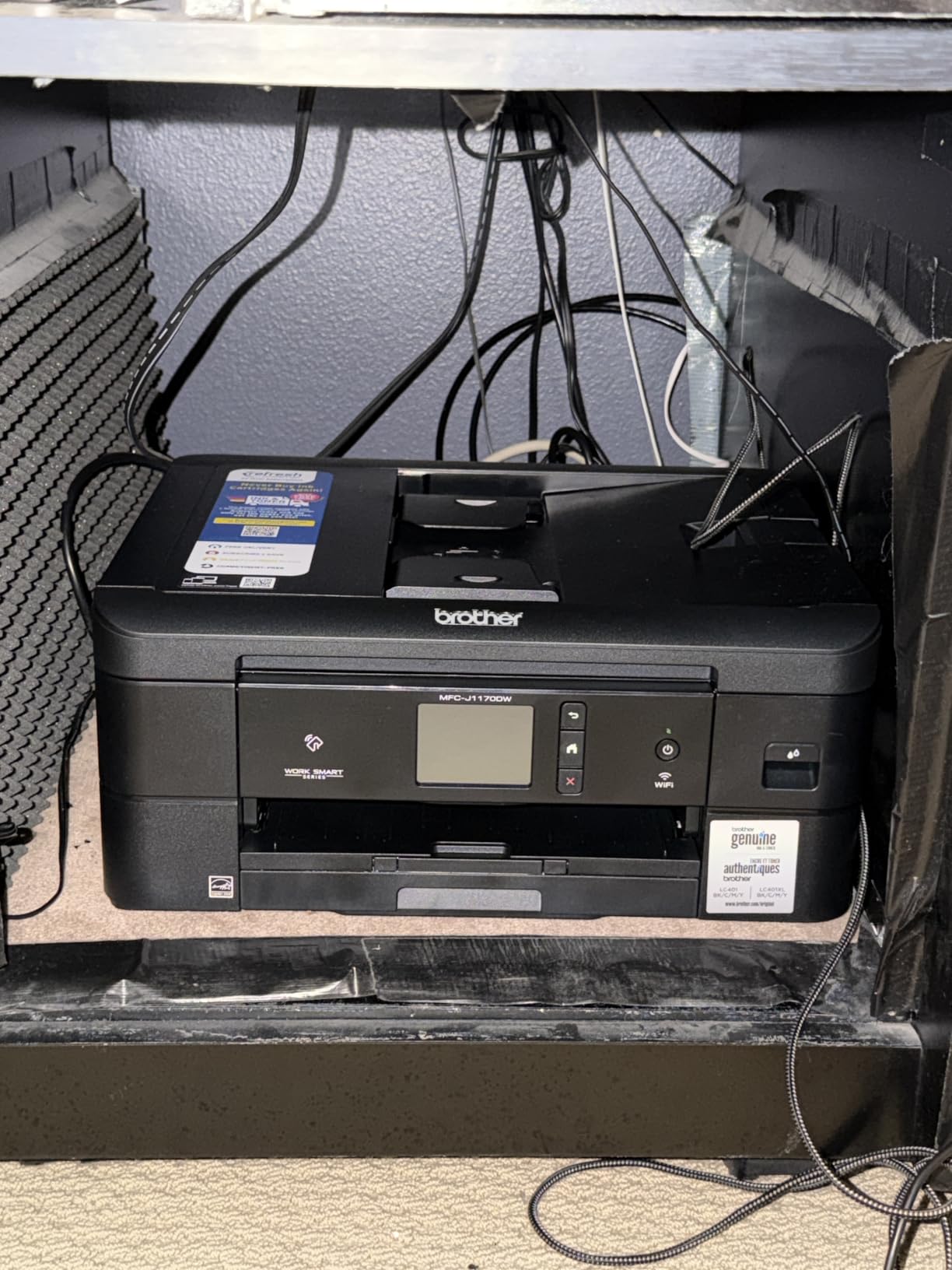
The MFC-J1410DW is built for the Google-centered workflow that Chromebooks live in. It prints, copies, scans, and faxes, adds automatic duplex and a 20-sheet single-sided ADF, and puts a 2.7-inch color touchscreen on the front. The touchscreen is unusual at this size and it makes tray and duplex selection quick.
Cloud scanning is the real differentiator. It sends files directly to Google Drive, Dropbox, Box, and OneDrive, which is exactly the path a Chromebook-based student needs to hand in a PDF without a cable. Brother Mobile Connect handles mobile printing and ink monitoring, and the 150-sheet tray accepts up to legal-size paper. Speed is 16 pages per minute black and 9 color, the fastest color inkjet here, with a 6.2-second first page in black.
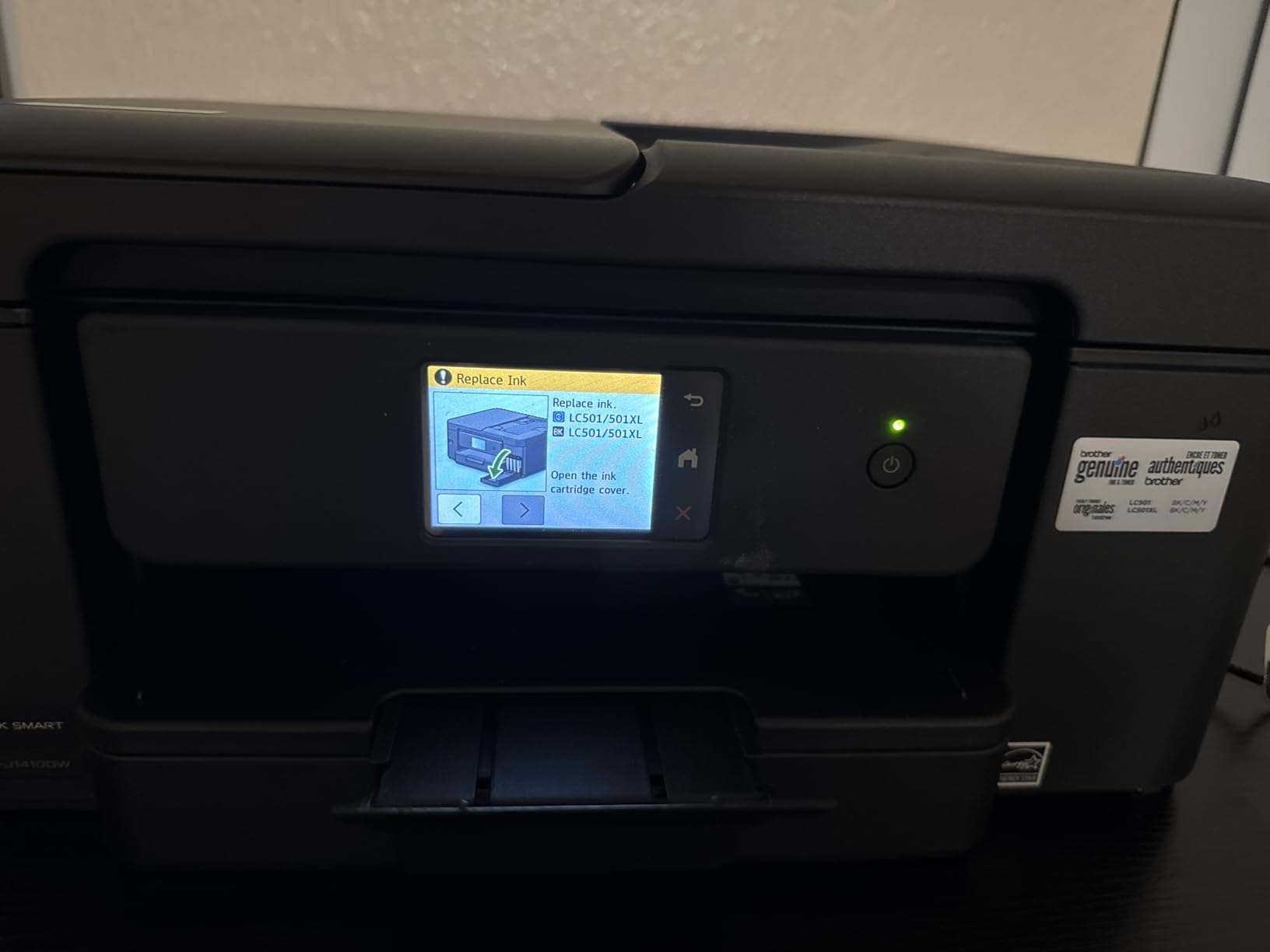
Resolution reaches up to 1200 by 6000 dpi, copy speed is 11 pages per minute in black, and up to 99 copies run per job. It uses Brother Genuine LC501 ink cartridges, and a 1-year limited warranty is included. ChromeOS connected over Wi-Fi with no driver step.
It carries a Refresh subscription trial, the same caveat as the HL-L2460DW: cancel it if you do not want it. Cartridge ink costs more per page than a tank model, and the feature set can feel like overkill for someone printing five pages a week.
Does the MFC-J1410DW scan straight to Google Drive?
Yes. The touchscreen opens the cloud destinations directly, and Google Drive sits alongside Dropbox, Box, and OneDrive, so a scanned worksheet can be filed without ever reaching the Chromebook. For students on Google Classroom, that handoff is the feature that makes this worth the extra cost per page.
Is the MFC-J1410DW too complex for a student?
It can be, if you only need occasional color prints. At 16.8 pounds and 13.5 by 15.4 by 7.2 inches it is compact, but the touchscreen and cloud features add a layer of menus that a simpler Canon PIXMA hides. Its 4.0 average across 286 reviews also reflects a smaller, newer model with less long-term history.
How to Connect a Printer to Your Chromebook
ChromeOS uses driverless network printing. The Chromebook and the printer join the same Wi-Fi network, then the print queue talks to the printer directly. There is no driver to download, which is why the old “Canon MX920 driver Chromebook” problem largely disappeared.
Put the printer on the same network. Use the printer’s own setup screen, its control panel menu, or the app your brand provides. Choose the same network name and password you use on the Chromebook. Routers that split 2.4GHz and 5GHz into separate bands can hide the printer, so on dual-band models make sure both devices sit on the same band.
Let ChromeOS find it. Open a document in Chrome, press Ctrl+P, and the printer you just joined usually appears in the destination list within a few seconds. If it does, the printer is added to the queue permanently and you can pin it to your shelf.
Add it manually if it does not appear. Go to Settings, then Advanced, then Printing, and tap Add printer. ChromeOS searches the network and also lists any discovered devices. If your printer is still missing, open the printer’s network settings page on the Chromebook and enter its IP address directly.
Change the settings in Chrome. Still in the print dialog, choose More settings under Options. There you can set copies, color or black and white, duplex where the printer supports it, paper size, and the default source. Save your choices so the next print remembers them.
Use a USB printer through an adapter. If a printer has no Wi-Fi, plug it into a USB-C adapter on the Chromebook. ChromeOS recognizes most USB printers directly. This is a fallback, not the recommended route, since it ties the Chromebook to the desk.
One important limitation shapes this whole process: a Chromebook cannot act as a Wi-Fi hotspot to reach a printer that is not on the same router. It can receive Wi-Fi from a hotspot, but the printer and the Chromebook need a shared network to discover each other. For families picking laptops, our Chromebook buying guide for students covers how these pair with a printer at home or on campus.
Chromebooks Do Not Support Bluetooth Printing
Google’s own support documentation states that Chromebooks do not support Bluetooth printing, and that remains true in 2026. A printer that pairs to a phone over Bluetooth will not be reachable from a Chromebook. This is the most common source of confusion, because “wireless printer” in a product listing often implies Bluetooth.
Buy for Wi-Fi. Every printer in this roundup connects over 2.4GHz and/or 5GHz wireless, and that is the connection ChromeOS supports natively. Bluetooth remains useful for a phone, not for the Chromebook print queue.
Buying Guide: Inkjet vs Laser Printers for Chromebook Owners
Most Chromebook households print the same mix: worksheets, notes, essays, a few color handouts, and the occasional photo. The right technology depends on how many pages that mix adds up to each month.
Ink tank printers for the highest page counts
Ink tank models such as the Epson EcoTank ET-2800, Canon MegaTank G3270, and HP Smart Tank 5003 hold their ink in refillable reservoirs. Per-page cost is far below any cartridge machine because you buy ink by the bottle. If you are printing more than a couple of hundred pages a month, this is the only category that makes financial sense over a school year.
The Epson leads on proven supply at up to 4500 black and 7500 color pages per fill, with 18,215 reviews behind it. Canon includes roughly 6000 black or 7700 color pages in the box, and HP bundles up to three years of ink, about 6000 pages. All three trade automatic duplex for running cost, so check whether your coursework needs double-sided printing before choosing.
Cartridge inkjets for light and moderate use
The Canon PIXMA TS3720, TS6520, TR7120, and Brother Work Smart 1410 use standard cartridges. Two cartridges cover color, which is simpler to replace and cheaper up front. This is the right call for occasional printing where the machine sits idle most of the week, and the TS6520 stands out for adding automatic duplex at a modest size.
The warning sign is volume. Cartridge ink costs more per page, and a student printing a full course load of readings will notice it. The TS3720 is the cheapest entry point but carries the highest per-page cost on this list.
Monochrome laser for heavy document work
The Brother DCP-L2640DW and HL-L2460DW print up to 36 pages per minute in black with toner cartridges that stretch far longer than ink. Speed and paper capacity suit a home office or a shared household printer far better than any inkjet here. Both include automatic duplex and dual-band Wi-Fi.
Neither prints color, and the HL-L2460DW has no scanner at all. If you need color, look at the ink tank models instead.
What to check before you buy
Dual-band Wi-Fi. A 2.4GHz and 5GHz radio survives crowded dorm and apartment networks better than a single-band one. The Canon TS3720, TS6520, TR7120, Brother HL-L2460DW, and DCP-L2640DW all have it.
Automatic duplex. Present on the TR8620a, TS6520, TR7120, Work Smart 1410, and both Brother lasers. Absent or manual on the ET-2800, MegaTank G3270, TS3720, and HP Smart Tank 5003.
Document feeder. Needed only if you scan multi-page paper. The DCP-L2640DW (50 sheets) and TR8620a and Work Smart 1410 (20 sheets) have one; every other printer here is flatbed only.
Paper capacity. The Brother lasers hold 250 sheets, the TR8620a holds 200 across two trays, and the smallest options hold 50 or 60.
Subscription trials. The Brother HL-L2460DW and Work Smart 1410 include a Refresh EZ Print trial. If you do not want toner delivered automatically, cancel it.
Cost per page, not purchase price. A tank printer costs more up front and less per page. Multiply your monthly page volume before deciding.
Duplex on ChromeOS deserves a specific note. When a printer supports automatic duplex, the option appears under More settings in the Chrome print dialog. When it does not, some printer drivers still offer a manual two-sided mode, which requires you to flip the stack and reinsert it correctly. For younger students, that manual step is a common source of jammed or misprinted pages, which is worth factoring into the decision.
Why Is Your Printer Not Connecting to Your Chromebook?
In our testing, connection failures fell into a short list of causes, and the order below matches how often each one turned up.
Different Wi-Fi bands. A dual-band router can place the printer on 5GHz and the Chromebook on 2.4GHz, or use a separate SSID for each. Put both on the same band, or use a single combined network name.
The printer is on a guest network. Guest networks isolate connected devices from each other by design, so discovery fails. Move the printer to the main network.
Network isolation or a firewall. Some routers enable client isolation or block the discovery protocols ChromeOS relies on. Turning that off is usually a single switch in the router settings.
A hidden SSID or a password that looks like a MAC address. Phones join these more easily than laptops. Change the network to a normal visible name and rejoin both devices.
The printer is still on a previous network. After a router change or a new Chromebook, the old credentials stay on the printer. Reset its network settings and re-add it.
You are trying Bluetooth. ChromeOS does not support Bluetooth printing at all. Use Wi-Fi or a USB-C adapter instead.
Outdated printer firmware. The manufacturer app can push an update that restores discovery. This is particularly relevant for machines using only Mopria or AirPrint.
If none of that works, add the printer manually by IP address from Settings, Advanced, then Printing. The IP address is usually printed on a label on the back of the machine or shown on its network settings screen. For school or district Chromebooks, an administrator can push printer deployment through the Google Admin console, which is worth asking about if the device is managed.
For households where more than one person prints from a Chromebook, our Chromebook guide for kids covers sharing a single managed device, and our 3D printer roundup covers the other common maker project that pairs with these machines.
Frequently Asked Questions
Is there a printer that works with a Chromebook?
Yes. Any modern printer with built-in Wi-Fi works with a Chromebook over the same network, using driverless network printing. No drivers are installed and no Windows computer is required. Bluetooth printing is not supported on Chromebooks, so choose a Wi-Fi model.
Do Chromebooks support Bluetooth printing?
No. Google support documentation states that Chromebooks do not support Bluetooth printing. A printer paired to a phone over Bluetooth cannot be reached from a Chromebook. Connect the printer over 2.4GHz or 5GHz Wi-Fi, or use a USB-C adapter for a USB-only printer.
Why isn’t my printer connecting to my Chromebook?
The usual causes are different Wi-Fi bands, a guest network that isolates devices, a hidden network name, or outdated printer firmware. Put the printer and Chromebook on the same band and main network, then add it manually by IP address from Settings, Advanced, then Printing.
How do I add a printer to a Chromebook?
Press Ctrl+P in any Chrome document and the printer appears in the destination list. If it does not, go to Settings, then Advanced, then Printing, and tap Add printer. ChromeOS searches the network, and you can also enter the printer’s IP address to add it manually.
What is the best budget wireless printer for a Chromebook?
The Canon PIXMA TS3720 is the lowest-cost option here and is designed for Chromebook schoolwork, with dual-band Wi-Fi and setup that needs no computer. It prints at 7.7 pages per minute in black and uses two cartridges. For heavier use, the Canon MegaTank G3270 costs less per page over time.
Can a Chromebook print from a USB printer?
Yes. Connect the USB printer through a USB-C adapter and ChromeOS recognizes most models directly. Wi-Fi is the better option because a USB connection keeps the Chromebook tethered to the desk and the printer is unavailable to other devices.
Which Chromebook Printer Should You Buy?
After working through all ten, the Epson EcoTank ET-2800 remains our pick for the best wireless printers for Chromebooks in 2026. It connects to ChromeOS without a driver, holds enough ink to make printing nearly free over a school year, and carries 18,215 reviews of real-world evidence that it works as advertised. For a home office that needs duplex, the Canon PIXMA TR8620a is the more complete machine. For high-volume black-and-white work, the Brother HL-L2460DW prints 36 pages per minute for the lowest cost per page.
Whichever one you choose, put it on the same Wi-Fi network as the Chromebook first, and ignore any Bluetooth claims in the listing. Print from a Chrome document with Ctrl+P, and the printer will be waiting.