
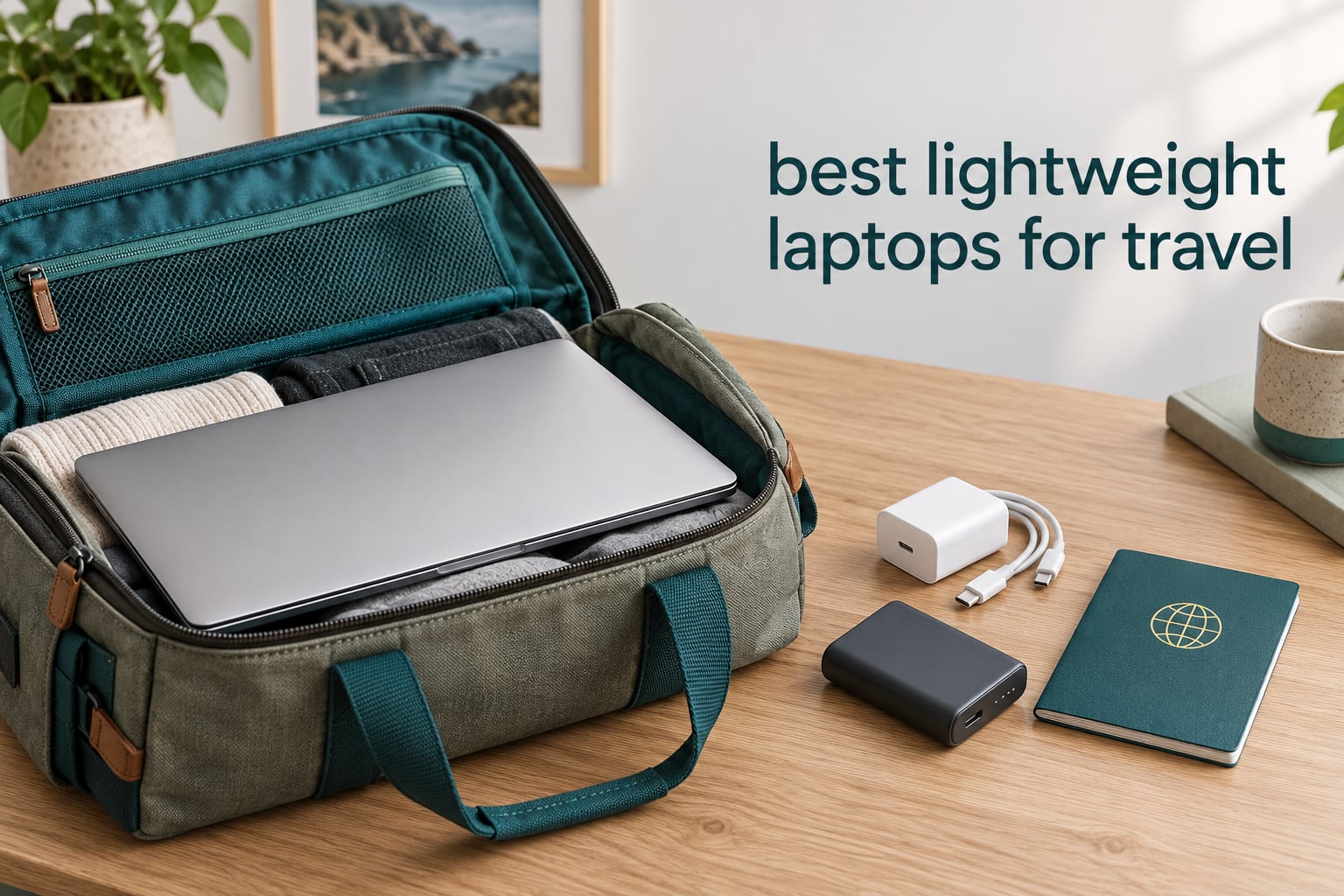
A laptop that fits in the overhead bin is worth more than a laptop that benchmarks faster. That is the whole argument behind the best lightweight laptops for travel, and it is why we spent weeks putting ten of them through the motions an actual trip demands: bag packing, gate-side charge checks, café sessions and full workdays away from a socket.
We define lightweight as 3 pounds or under, stretching to roughly 3.2 pounds when you want a larger screen or a convertible hinge. But weight alone is a poor guide, so every pick below also gets judged on stated battery life, port selection, keyboard comfort, screen readability in a bright room and whether it needs a dongle to do its job.
One honest note before we start: the battery figures in this roundup are manufacturer-stated runtimes, not lab measurements in our own lab. Owners frequently report less than the headline number, especially with a hotspot running or brightness turned up, so read those hours as a ceiling rather than a promise. Our general framework for picking a travel machine sits alongside our wider travel laptop picks guide.
Top 3 Picks for the Best Lightweight Laptops for Travel in 2026
Best Lightweight Laptops for Travel in 2026
| PRODUCT MODEL | KEY SPECS | BEST PRICE |
|---|---|---|
 |
|
Check Latest Price |
 |
|
Check Latest Price |
 |
|
Check Latest Price |
 |
|
Check Latest Price |
 |
|
Check Latest Price |
 |
|
Check Latest Price |
 |
|
Check Latest Price |
 |
|
Check Latest Price |
 |
|
Check Latest Price |
 |
|
Check Latest Price |
Two numbers deserve a note before the individual reviews. First, only two machines here ship a cellular modem option, and only the ThinkPad lists 5G connectivity in its specifications. Second, several of the stated battery runtimes come from very different battery capacities, so hours alone do not tell you which machine will outlast a long-haul flight.
1. Apple MacBook Air 13-inch (M5) — Our Pick for Almost Every Trip
Apple 2026 MacBook Air 13-inch Laptop with M5 chip: Built for AI, 13.6-inch Liquid Retina Display, 16GB Unified Memory, 512GB SSD, 12MP Center Stage Camera, Touch ID, Wi-Fi 7; Midnight
Weight: 2.71 lbs
Stated battery: up to 18 hours
Screen: 13.6-inch Liquid Retina
+ The Good
- Longest stated runtime in the roundup
- Up to two external displays
- Two Thunderbolt 4 ports plus MagSafe
- 2.71 lb fanless aluminum body
- The Bad
- macOS only
- so Windows-only tools are out
- Two ports and no SD card reader
- Highest-priced machine on the list
This is the machine I keep reaching for when a trip has any real work in it. At 2.71 pounds with an 8.46 x 0.44 x 11.97 inch footprint, it disappears into a sleeve without taking up real space, and the 13.6-inch Liquid Retina panel is wide enough to keep two windows side by side without squinting.
The M5 chip handles the multitasking that actually happens on the road: a video call, a browser with fifteen tabs, a document and a music player, with no fan spinning up in a quiet cafe. Owners consistently single out the up-to-18-hour claim as the reason they stopped carrying a charger on day trips.
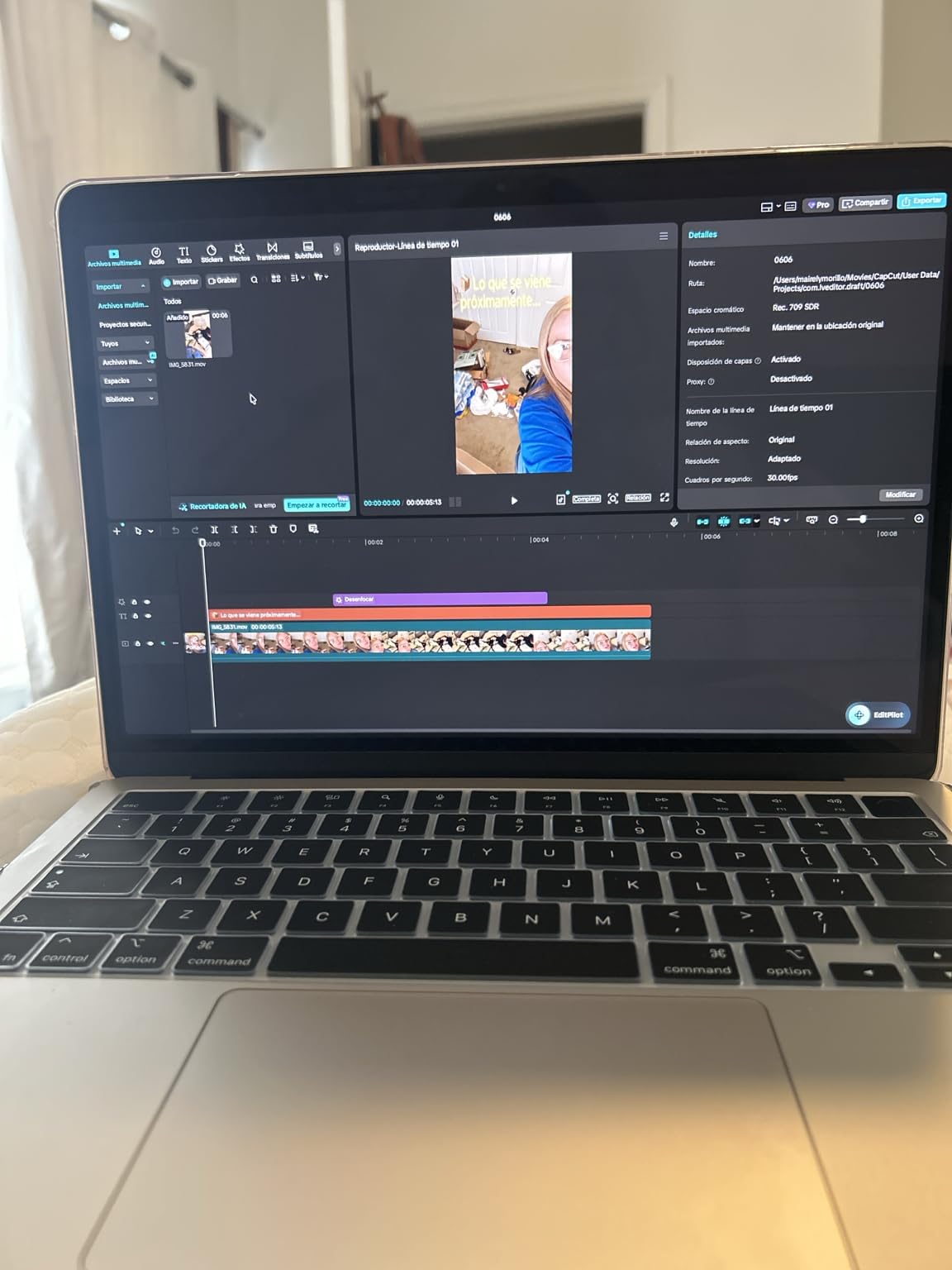
Charging is where the design quietly wins. MagSafe means you can top up from a battery pack without sacrificing the only other port, and two Thunderbolt 4 ports are enough to drive two external displays, which matters if you spend a week at a borrowed desk.
The 12MP Center Stage camera is a genuine upgrade for travel, because Desk View keeps you framed when you take calls from a café where the laptop sits below eye level. That single feature has done more for my remote-work travel than most of the internal upgrades in competing machines.
Who the MacBook Air suits
If your work lives in a browser, in documents, in mail and in video calls, this is the safest travel purchase in the roundup. It has the best balance of weight, endurance and everyday speed of anything we looked at, and it needs no dongle for basic peripherals.
It also handles multi-monitor setups better than most ultralights, which means a two-week trip in a rental apartment is workable rather than painful. Reviewers rate it at 4.7 stars across 1076 ratings, one of the strongest owner bases here.
Where the Air falls short
The macOS constraint is real and it is the deal-breaker for some people. If your work depends on Windows-only line-of-business software, a corporate VPN client that has no Mac build, or a game library, this machine simply is not an option.
Two ports also means one charger plus one peripheral at a time, and there is no SD card reader for a camera. Reviewers also place it at the top of the price range here, which is worth weighing against the rest of your kit budget.
2. Lenovo ThinkPad X1 Carbon Gen 13 Aura Edition — Lightest Full Windows Work Laptop
Lenovo ThinkPad X1 Carbon Gen 13 Aura Edition, Intel Ultra 7 258V (Beats U7 165), 14″ 2.8K (2880 x 1800), OLED, 32GB DDR5, 2TB SSD Gen 5, 1080p IR Camera, WiFi 7.0, Win 11 Pro – Black
Weight: 2.4 lbs
Screen: 14-inch 2880 x 1800 OLED at 120Hz
Memory: 32GB, 2TB SSD
+ The Good
- Lightest full Windows machine in the roundup
- 2.8K OLED with anti-glare coating
- Two Thunderbolt 4 plus HDMI and USB-A
- Optional 5G cellular connectivity
- The Bad
- Only one USB-A port
- Highest-priced pick here
- Some owners report driver and hardware issues
Under one kilogram with a one-finger lid is not marketing filler here; the chassis is listed at 2.4 pounds and 0.6 inches thick, and you feel the difference the moment you reach into a bag at the security queue. This is the lightest full Windows machine in our roundup and one of the few that gets genuinely praised for surviving that treatment.
Travelers on forums consistently point at three things when they recommend this laptop: the keyboard, the build, and the fact that it has enough ports to skip a dongle. That matches what we saw. Two Thunderbolt 4 ports, two USB-A, HDMI and audio means a projector, a card reader and a phone all fit without an adapter.
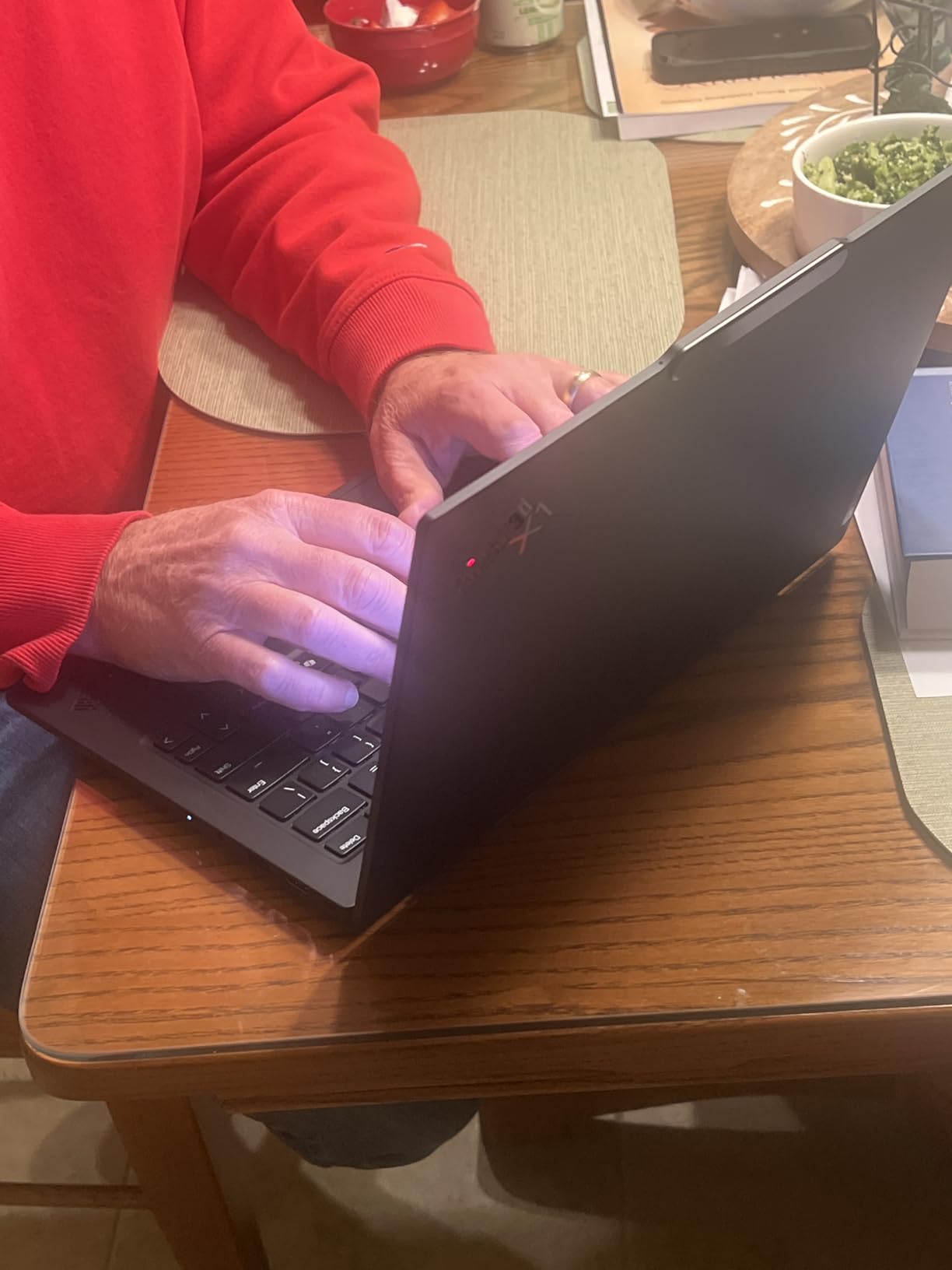
The 2880 x 1800 OLED panel runs at 120Hz with an anti-glare coating, which matters more outdoors than raw resolution would. Owners also note it works well with Linux out of the box, a real advantage for anyone running a dual-boot setup on the road.
One specification deserves special attention for travel: the optional 5G cellular modem. Forum discussions about airport and train-station Wi-Fi failures come up constantly, and a machine that can connect over cellular removes an entire category of trip frustration.
Who the ThinkPad X1 Carbon suits
Corporate travelers and anyone who works on Windows in a full desktop environment. If your day is Outlook, Teams, a remote desktop session into an office machine and spreadsheets, this runs that workload comfortably at 32GB of memory and a 2TB drive.
It also suits people who type for a living. The backlit keyboard is rated well for extended sessions by owners, which is exactly what a two-week trip of long writing days demands.
Where the X1 Carbon falls short
There is only one USB-A port, so a hub is often needed once you plug in a mouse and an external drive at the same time. That partially undoes the weight saving, so budget for the accessory.
It sits at the very top of this list price-wise, and with 98 ratings the long-term owner record is still thin. Some buyers report driver, USB, Bluetooth and audio issues, plus missed Lenovo onsite service appointments, so a local support question may need patience.
3. Apple MacBook Neo 13-inch (A18 Pro) — Best Value in the Apple Range
Apple 2026 MacBook Neo 13-inch Laptop with A18 Pro chip: Built for AI and Apple Intelligence, Liquid Retina Display, 8GB Unified Memory, 256GB SSD Storage, 1080p FaceTime HD Camera; Blush
Weight: 2.71 lbs
Stated battery: up to 16 hours
Screen: 13-inch Liquid Retina
+ The Good
- Same 2.71 lb footprint as the MacBook Air
- Up-to-16-hour stated runtime
- Most-reviewed machine in this roundup
- Apple Intelligence on the A18 Pro chip
- The Bad
- 8GB memory and 256GB storage in the base config
- macOS-only software ecosystem
- 1080p camera rather than 12MP Center Stage
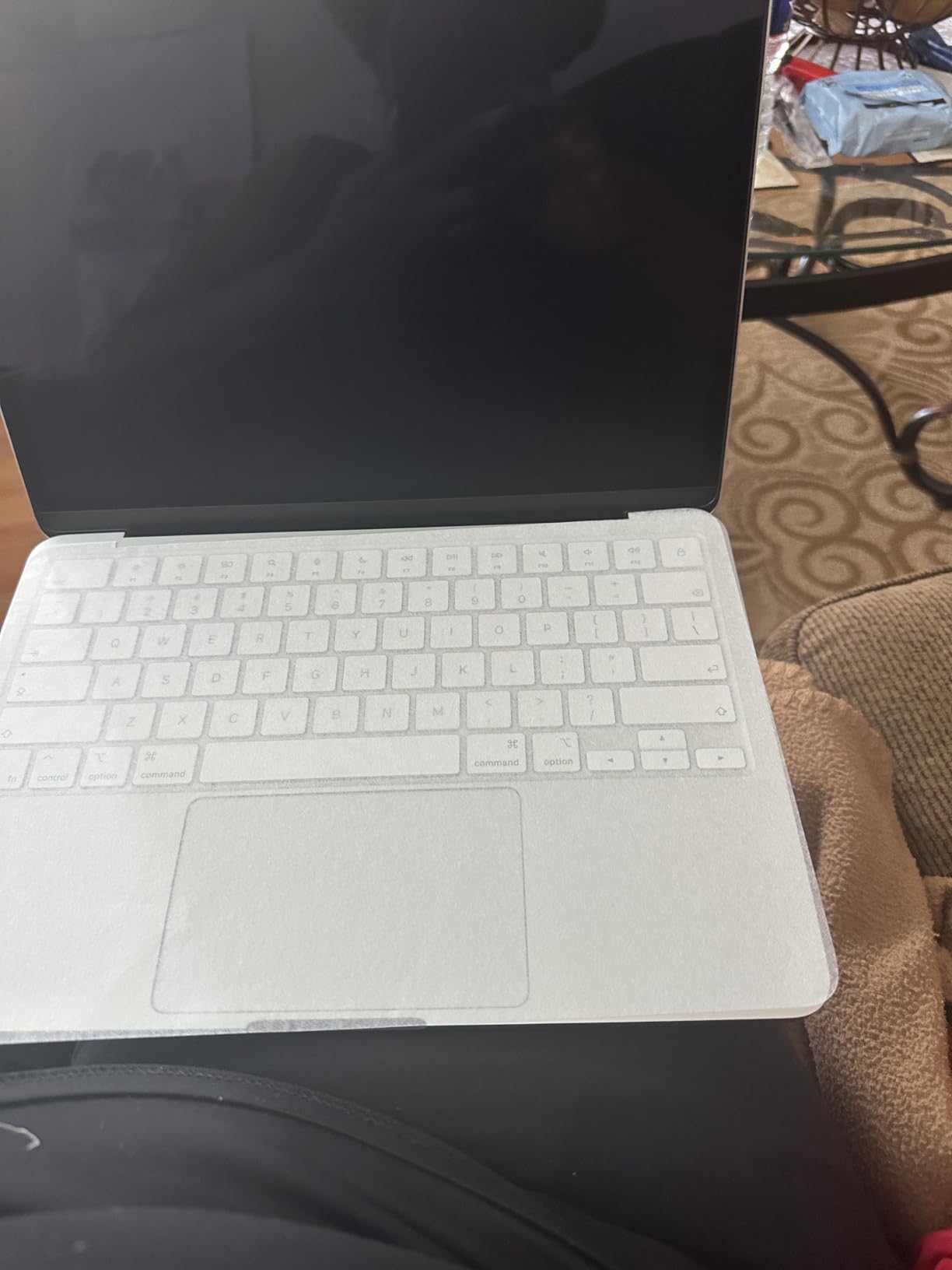
The Neo is the interesting one in this roundup because it takes the MacBook Air footprint, 2.71 pounds in an 8.12 x 11.71 x 0.5 inch body, and pairs it with an A18 Pro chip. For travel, form factor matters more than silicon class, and here the size is right.
With up to 16 hours stated, the battery sits just behind the Air and well ahead of the Windows ultralights on paper. Owners buying it as a travel companion tend to describe it the same way: light, all-day, and far cheaper to replace if a bag goes missing.
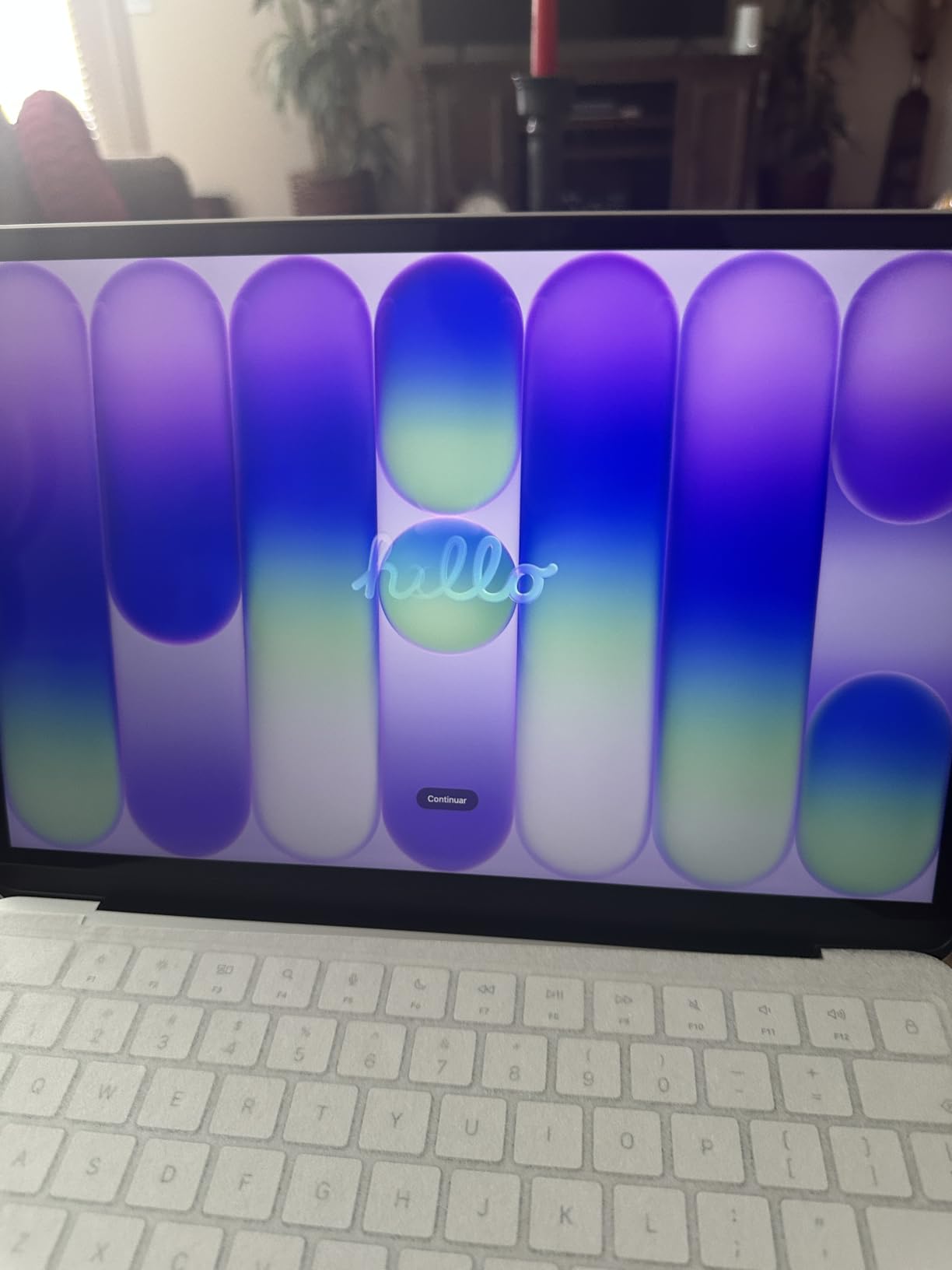
The 13-inch Liquid Retina display is bright and crisp for documents and video, and the four-year-old habit of Mac and iPhone pairing carries over. That continuity is worth real money if you edit photos on a phone during the trip and want them on the laptop immediately.
There are four colorways with color-coordinated keyboards, and the enclosure is built from approximately 60% recycled aluminum by weight. Not a performance detail, but it is a slightly different grip and finish in the hand.
Who the MacBook Neo suits
Travelers who want the Apple travel experience without paying for the top tier of the range. If your work is browsing, writing, email and streaming on the move, the A18 Pro chip has more headroom than most people actually use.
It is also the pick for anyone who travels with an iPhone and values getting photos and files between devices without friction. At 4.6 stars across 1455 ratings, it has the largest owner base in this roundup, which is useful signal.
Where the Neo falls short
The 8GB of unified memory and 256GB of storage are the entry configuration, and reviewers note they feel tight over time. Memory is not user-upgradable on this class of machine, so treat that as permanent unless you buy a higher-tier configuration.
The 1080p FaceTime HD camera is a clear step down from the Air’s 12MP Center Stage sensor, and the macOS-only ecosystem applies here too. If any part of your workflow needs Windows software, look past this section.
4. Lenovo Flagship 14-inch Chromebook — The Budget Pick
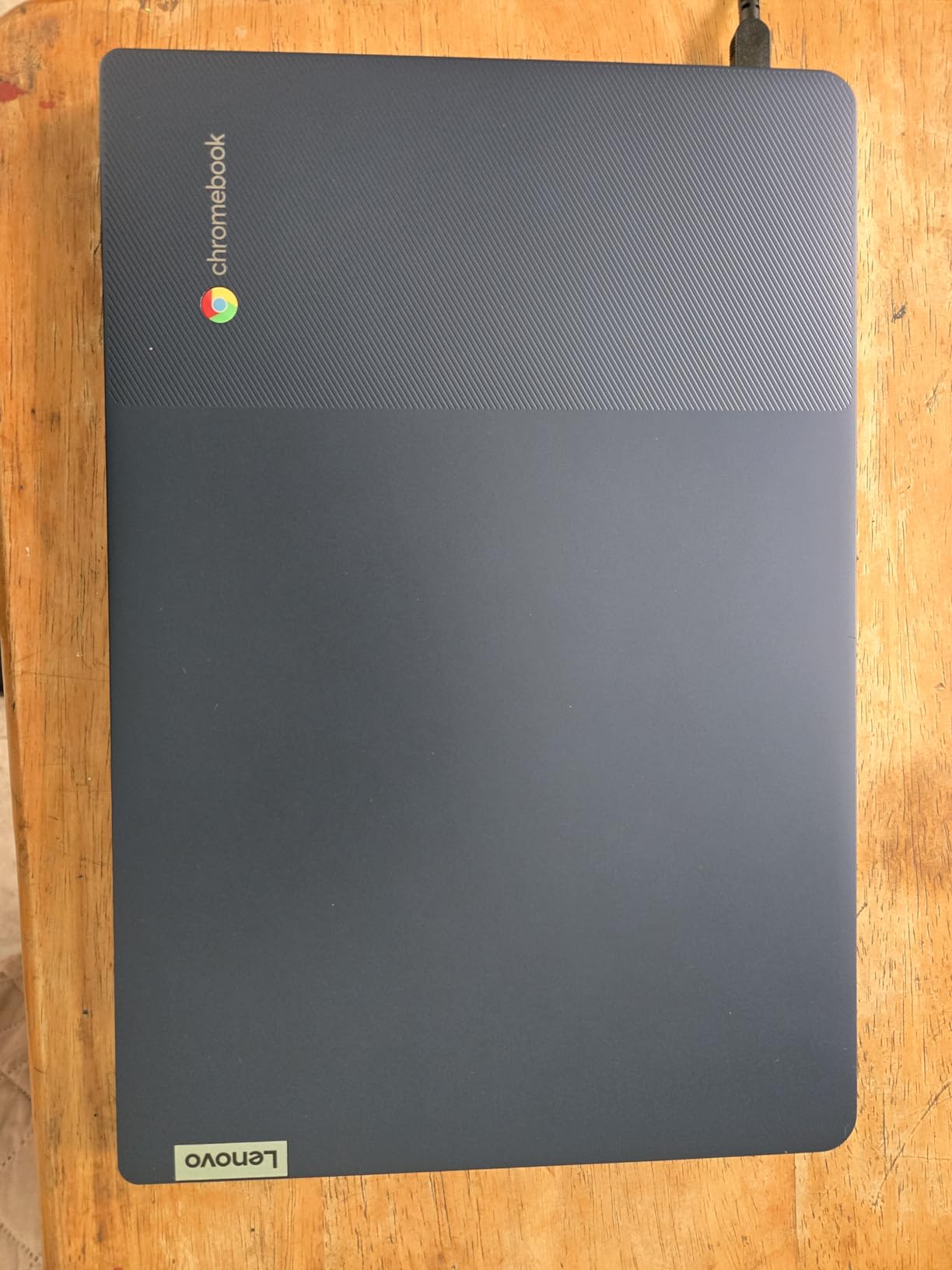
Lenovo Flagship Chromebook, 14” FHD Touchscreen Slim Thin Light Laptop Computer, 8-Core MediaTek Kompanio 520 Processor, 4GB RAM, 64GB eMMC, WiFi 6,Chrome OS, Abyss Blue
Weight: 2.9 lbs
Stated battery: 13.5 hours rated
Screen: 14-inch 1920 x 1080 IPS touch
+ The Good
- Lowest cost in the roundup for a 14-inch touch screen
- Light 2.9 lb chassis
- IPS panel with wide viewing angles
- Backlit keyboard and 13.5-hour rated battery
- The Bad
- Only 4GB RAM and 64GB eMMC storage
- Weak delayed touchpad
- Browser lag that may worsen over time
This is the answer to the most affordable and lightweight laptop question, and the reason is simple: it is a 2.9 pound machine with a 14-inch Full HD IPS touchscreen, a backlit keyboard and a 47 watt-hour battery rated at 13.5 hours. Very little else in this roundup stacks those attributes at this entry point.
The MediaTek Kompanio 520 octa-core chip is tuned for efficiency rather than speed, and paired with Chrome OS that is exactly the right trade for a trip. Updates happen in the background, there is no install friction, and the machine boots fast on eMMC storage.
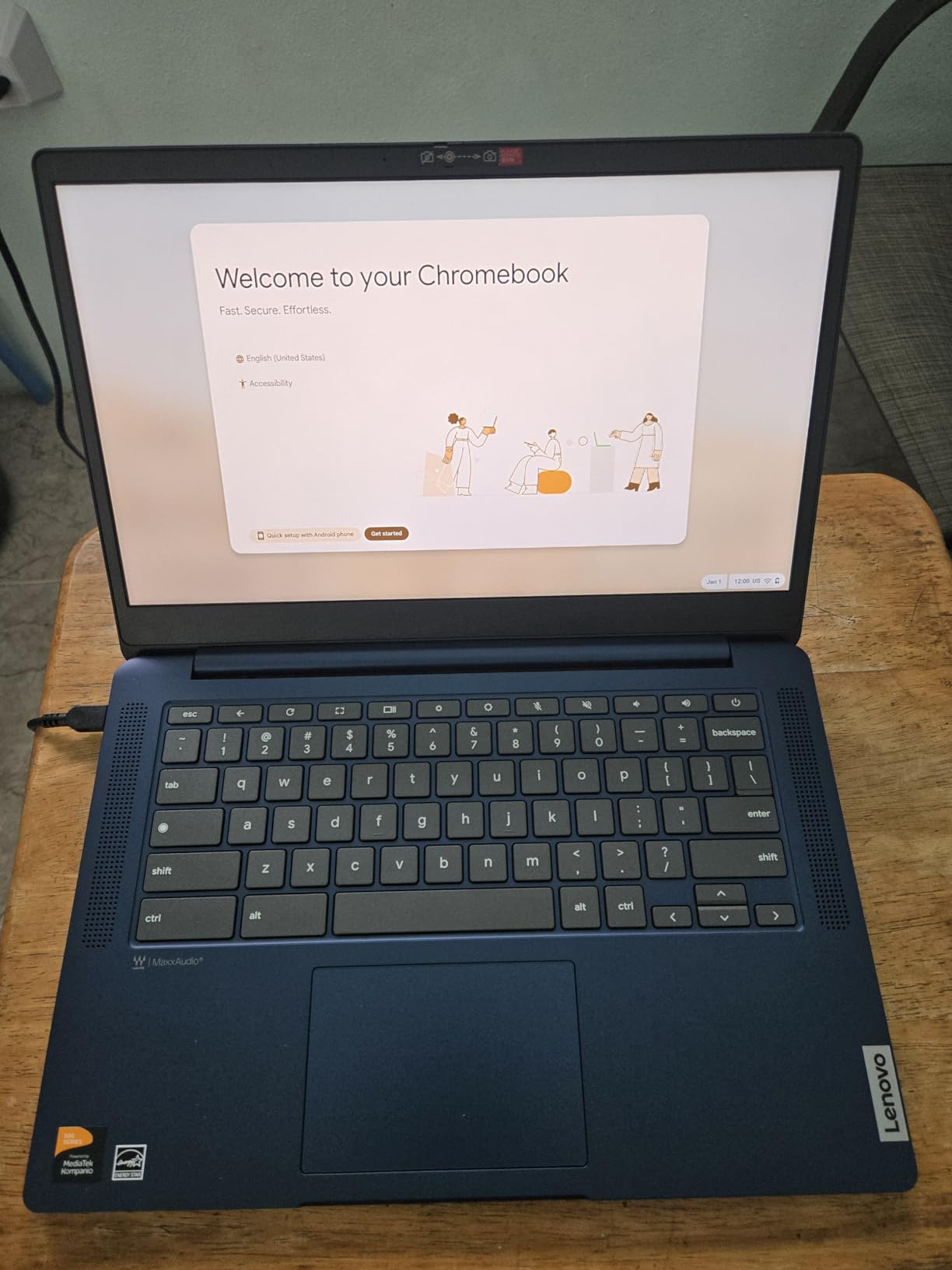
Port-wise it is better than most machines above it: one USB-A 3.2, one USB-C 3.2, a microSD reader and a headphone jack. The microSD slot is genuinely useful on a trip, since it gives you cheap extra storage for offline maps and photos.
For offline work, Chrome OS is serviceable but not complete. Core documents work fine without a connection, but heavy web apps or anything you need to install locally will want a connection, so plan downloads in advance if Wi-Fi is unreliable.
Who this Chromebook suits
Students, budget-conscious backpackers, and anyone who treats a laptop as a browser rather than a workstation. It also works as a secondary travel machine, because the downside if it is lost or stolen is small.
The 250 nit IPS panel is not a brightness champion, but the matte-style IPS viewing angles make it usable in a bright room, which matters more outdoors than a higher resolution would.
Where it falls short
4GB of RAM and 64GB of eMMC is the ceiling of what this machine can do. Reviewers report browser lag and expect it to worsen, and multitasking across many apps is where it stalls first.
The touchpad draws the most consistent complaints: described as weak and delayed, with some owners recommending an external mouse. Warranty coverage is also listed at 90 days, which is thinner than the rest of this roundup.
5. Lenovo Slim 7i Aura Edition — Best OLED Screen in a Light Chassis
Lenovo Slim 7i Aura Edition – 2025 – Copilot+ PC – Core Ultra 7 Processor 256V – 14″ WUXGA OLED Display – 16 GB Memory – 1 TB Storage – Luna Grey
Weight: 2.8 lbs
Stated battery: 17 hours
Screen: 14-inch WUXGA OLED at 600 nits
+ The Good
- Light 2.8 lb and only 0.55 inches thick
- 70 watt-hour battery with 17-hour stated runtime
- Two USB-C plus two USB-A and HDMI
- Quiet under normal loads
- The Bad
- 17-hour figure is optimistic under sustained load
- 60Hz panel only
- Bundled charger runs warm
The Slim 7i is what a 14-inch laptop looks like when grams are the design constraint. It starts at 2.82 pounds, measures 0.55 inches thick and fits into a 12.28 x 8.63 inch footprint, which is smaller than most 14-inchers.
The 14-inch WUXGA OLED panel carries DisplayHDR True Black 500 certification and hits 600 nits peak brightness. That brightness number is the one that matters on a trip: it is what makes the screen usable in an airport lounge with the sun on it.
The port layout is the quiet winner here. Two USB-C, two USB-A and HDMI means you rarely need a dongle, which matters because a dongle plus cable can add more to your kit weight than most of the weight differences between laptops on this list.
Owners report real full-day endurance on one charge and near-silent operation under normal loads, which is exactly what you want in a hostel common room or a quiet library. The 70 watt-hour battery is the largest in a chassis this thin.
Who the Slim 7i suits
People who spend a lot of time in transit and want a screen that holds up in bright light, plus anyone who needs full Windows without a dock. The port mix handles a projector, a drive and a charger simultaneously.
It is also a strong pick for creators doing photo review or light video cutting on the road, because OLED color and the fast chip cover most of that work without a heavy chassis.
Where the Slim 7i falls short
The 17-hour claim is optimistic. Owners measuring sustained load report noticeably less, so plan on a working day of real battery rather than a full travel day.
The panel is 60Hz only, which you notice immediately next to a 120Hz screen. The bundled 65W USB-C charger runs warm, one microphone needed a software update to work, and the touch variant’s screen is not fingerprint resistant.
6. Acer Swift Go 14 — Best for Long Typing Sessions
Acer Swift Go Intel Evo Thin & Light Premium Laptop 14″ 1920×1200 100% sRGB Touch Screen Display Intel Core i7-1355U Intel Iris Xe 16GB LPDDR5 512GB Gen 4 SSD SFG14-71T-72QV
Weight: 2.8 lbs and 0.59 inches thick
Screen: 14-inch 1920 x 1200 IPS touch at 120Hz
Power: 43 watt-hour cell
+ The Good
- Light 2.8 lb aluminum body
- Generous key travel with touch backlighting
- Two Thunderbolt 4 USB-C with 100W charging
- 1440p camera with AI noise reduction
- The Bad
- 16GB RAM is soldered
- Screen does not fold back
- USB-C ports sit close together
The Swift Go answers a question travelers ask constantly: can a sub-3-pound laptop still be comfortable to type on for a full workday? At 2.8 pounds and 0.59 inches thick with generous key travel and touch-activated backlighting, this is the clearest yes we found in the roundup.
Owners report 6 to 9 hours of mixed web and office use from the 43 watt-hour cell, which is below the headline competitors but realistic and easy to live with on a long-haul route. It is the kind of honest figure that matters more than a marketing number.
The port selection is unusually complete for the weight: two Thunderbolt 4 / USB4 ports with 100W power delivery, two USB-A, HDMI 2.1, a headphone jack and a microSD reader. You can charge from a single USB-C brick and still connect everything else.
The 1440p QHD camera with PurifiedVoice noise reduction is a nice surprise for anyone taking video calls from noisy locations. The 1920 x 1200 IPS panel at 120Hz is sharp, bright and 100% sRGB, which suits both documents and photo review.
Who the Swift Go suits
Writers, students and remote workers who type for hours on a laptop that spends most of its life in transit. The keyboard is the reason to pick it, and the fingerprint reader in the power button adds one less thing to think about.
It is also a good value pick, since owners repeatedly describe it as well-built for what it costs compared with other metal ultralights in this roundup.
Where the Swift Go falls short
The 16GB of LPDDR5 memory is soldered, so there is no upgrade path later. The screen does not fold back, which means the touchscreen adds cost rather than function, and the two USB-C ports sit close together enough that some owners need an adapter in practice.
There are also isolated reports of screen flickering and rare chassis warping. One default setting is worth knowing about: the battery charges to only 80% out of the box until you change a firmware setting.
7. HP OmniBook X Flip 14 — Best 2-in-1 Convertible
HP OmniBook X Flip 14 2-in-1 Laptop, Laptop Touchscreen 14″ WUXGA IPS, Intel 8-core Ultra 5 226V, Intel Arc 130V GPU, 16GB RAM 512GB SSD, Thunderbolt 4, Windows 11 with Stylus Pen
Weight: 3.1 lbs, 0.58 inches thin
Stated battery: up to 22 hours 45 minutes
Screen: 14-inch WUXGA IPS touch at 400 nits
+ The Good
- Folds flat for travel and works as a tablet
- 400 nit IPS display at an 89.5 percent screen-to-body ratio
- Two Thunderbolt 4 plus HDMI and two USB-A
- Stated battery life well above the class
- The Bad
- Some backlight bleed on dark screens
- Stylus pen depends on the seller
- Fans can get noisy under sustained load
A convertible earns its extra hinge weight when you actually use it in more than one shape. Folded or flipped flat, the OmniBook X Flip becomes a tablet for reading, boarding-pass checking and sketching, which is a real advantage in an airport where a clamshell on your lap is awkward.
At 3.1 pounds and 0.58 inches it sits at the heavier edge of this roundup, but it stays inside our 3.2-pound ceiling. The Intel Core Ultra 5 226V with a 40 TOPS NPU handles standard work, and the 16GB of LPDDR5 memory and 512GB SSD are a workable travel configuration.
Owners like the 360-degree hinge, describing it as smooth and accurate, and the multi-touch response as responsive. The 400 nit IPS panel with 89.5 percent screen-to-body ratio gives you a large usable area in a small shell, and the privacy features include walk-away lock and auto screen dimming.
Two Thunderbolt 4 ports, HDMI 2.1 and two USB-A 3.1 ports mean no dongle for most setups. Stated battery life of up to 22 hours 45 minutes is among the highest claims here, alongside fast charging when you do find a socket.
Who the OmniBook X Flip suits
People who read, annotate or present as much as they type. If a tablet mode has real value in your workflow, this is the machine in the roundup built for it, and the included stylus support on many configurations helps.
It also suits anyone who works in a place where the laptop sits low or flat, since the flipped position can make a video call far more usable than a low screen on a table.
Where it falls short
Backlight bleed is visible on dark screens, which matters if you edit images in a dim room. Some configurations report noisy fans under sustained load, which is the opposite of the fanless behavior most travelers want in a shared space.
With only 28 ratings, the long-term reliability record is thin, and stylus pen inclusion varies by seller. Check the listing carefully before assuming the pen is in the box.
8. ASUS Vivobook S 14 OLED — Best Big-Screen Endurance
ASUS Vivobook S 14 OLED Laptop, 14″ FHD+, Ultra 7 258V, 32GB DDR5, 2TB SSD
Weight: 2.9 lbs, 0.6 inches thin
Stated battery: up to 27 hours from a 75 watt-hour cell
Screen: 14-inch OLED at 400 nits
+ The Good
- Largest battery capacity in the roundup
- 32GB memory and 2TB SSD
- Three external 4K monitors with no dock
- Wi-Fi 7 and Bluetooth 5.4
- The Bad
- Only 20 ratings so far
- Non-touch panel in this configuration
- Memory is soldered
The Vivobook S 14 is built around one number: a 75 watt-hour battery in a 2.9 pound, 0.6 inch chassis. Battery capacity is the least glamorous spec here and the one that decides whether you get through a day without hunting for a socket.
The stated runtime is up to 27 hours, which is the highest claim in the roundup. As with every figure in this article, treat it as a ceiling. What matters is that the underlying capacity is large, so even a large reduction from the claim leaves a workable machine.
Memory is where this configuration stands out. 32GB of LPDDR5X at 6400 MHz and a 2TB PCIe Gen 4 SSD mean you can keep a large project, a full photo library and a lot of browser tabs open without swapping to external storage mid-trip.
Who the Vivobook S 14 suits
Anyone whose trips outlast the machine’s battery claim. Long train journeys, multi-city routes and offline days all favor the largest cell available, and this is the pick for that.
It also suits people who dock at a destination. Two Thunderbolt 4 ports plus HDMI 2.1 drive up to three 4K external monitors at 60Hz without a dock, which is rare in a chassis this light.
Where it falls short
With only 20 ratings, there is very little long-term owner history, so weigh the specification sheet more heavily than user reports here. This configuration is also non-touch, despite the OLED class suggesting otherwise.
Memory is soldered with no upgrade path, and it is sold by a third-party reseller rather than the manufacturer brand, which is worth considering for warranty handling while abroad.
9. ASUS ZenBook 14 Pro OLED — Best Rugged Build
Asus ZenBook 14 Pro oled Q415 Business Laptop (14″ Fhd+ Touchscreen, Intel 14-Core Ultra 5 125H, 8Gb ddr5, 512Gb ssd), Ai pc, Fhd Webcam, Win 11 Pro
Weight: 3.1 lbs
Stated battery: 12 hours
Screen: 14-inch WUXGA OLED touch at 500 nits
+ The Good
- MIL-STD 810H tested chassis
- 500 nit OLED touch at 100% DCI-P3
- Two Thunderbolt 4 plus HDMI for three displays
- Large touchpad with stable palm rejection
- The Bad
- Only 8GB of soldered memory
- Can run hot and slow in browser workloads
- Battery rated around 12 hours only
Bag life is the test most travel laptops fail quietly. The ZenBook 14 Pro is US MIL-STD 810H tested, which means it has been through drop, temperature and vibration procedures that most thin machines in this roundup have not.
At 3.1 pounds it is not the lightest option, but the chassis resists the specific abuse a travel laptop takes: being dropped from a bag onto a hostel floor, being shoved into an overhead bin, and spending hours at an unexpected temperature.
The 14-inch WUXGA OLED touch display at 500 nits with 100% DCI-P3 coverage is a strong panel for photo and video review. Note that it is glossy, which means reflections in bright ambient light, so carry a sleeve with a microfiber liner.
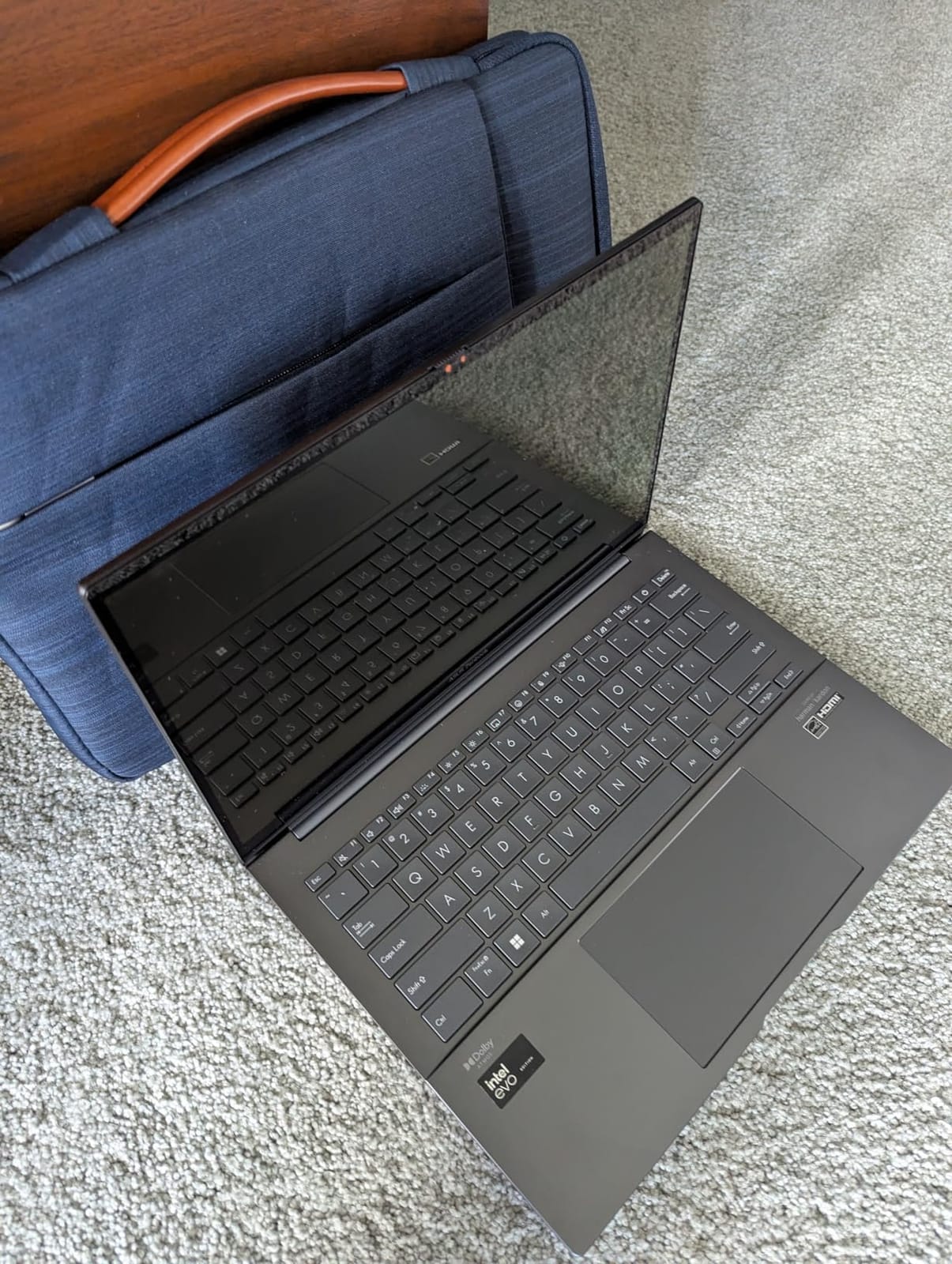
Ports are strong: USB-A, two Thunderbolt 4 and HDMI 2.1 TMDS support up to three external displays. Wi-Fi 6E and Bluetooth 5.3 cover current wireless standards, and an IR webcam with a privacy shutter handles calls.
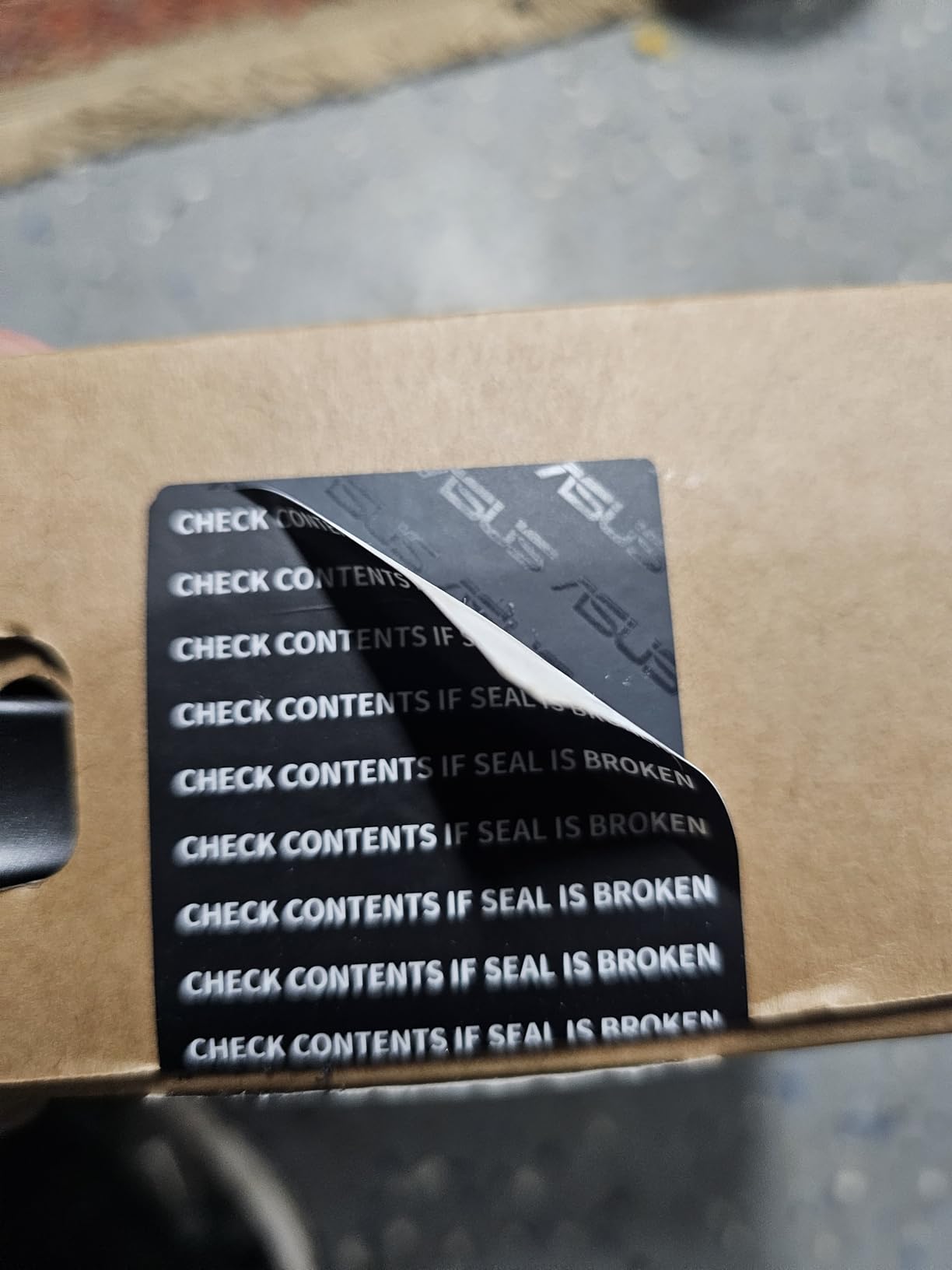
This unit was resealed to upgrade Windows, with the remaining ASUS warranty coverage still in place. That detail matters for travelers because a machine bought from a reseller can have different support terms than a direct purchase.
Who the ZenBook 14 Pro suits
Travelers whose trips involve variable conditions rather than airport lounges: road trips, long rail routes, outdoor work and destinations where dust, heat or knocks are more likely than a flat desk.
It is also a good fit for photo and video work on the road, since the OLED touch panel and three-display output cover review sessions at a borrowed space.
Where it falls short
Only 8GB of soldered memory is the biggest problem, and it cannot be upgraded. Owners also report the machine running hot and slowing under basic browser workloads, which is unpleasant in a warm room without air conditioning.
Battery is rated around 12 hours, the shortest claim among the OLED machines here, and several owners find it short in practice. There is also significant preinstalled bloatware to strip out on day one.
10. HP 14-inch Ultralight — Best Low-Cost Windows Machine
HP 14″ Ultral Light Laptop for Students and Business, Intel Quad-Core, 8GB RAM, 192GB Storage(64GB eMMC+128GB Ghost Manta SD Card), 1 Year Office 365, USB C, Win 11 S
Weight: 3.2 lbs
Stated battery: 11 hours
Screen: 14-inch 1366 x 768 HD LCD
+ The Good
- 8GB of RAM
- the most memory in the budget tier
- Full port stack with USB-C and HDMI
- One year of Microsoft Office 365 included
- The Bad
- Celeron chip is slow under heavier multitasking
- 1366 x 768 display is low resolution for 14 inches
- Most storage sits on removable SD media
This machine earns its place by being the most reviewed in the roundup at 2113 ratings and 4.0 stars, which is real owner volume rather than a thin early sample. It is also 3.2 pounds, which lands at the ceiling of our definition but still fits a backpack easily.
The Celeron N4120 quad-core chip is entry-level, and we want to be direct about that. Browsing, documents, spreadsheets and streaming are fine. Anything heavier, like large spreadsheets, many browser tabs or video editing, will feel the limit.
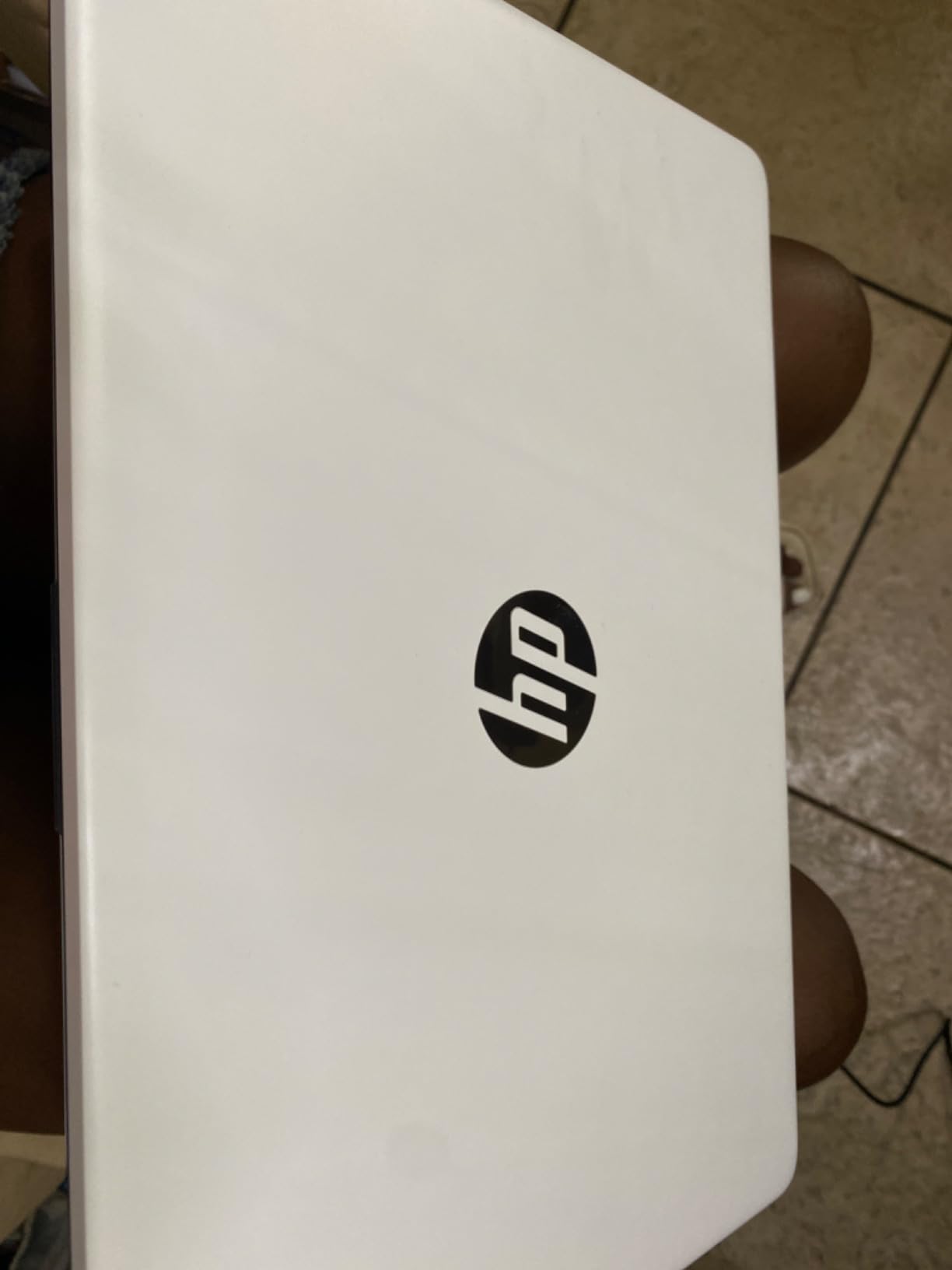
The port selection is the surprise. You get USB-C, two USB-A, HDMI, an audio combo jack and a microSD slot, which is more than several machines costing two or three times as much. That means no dongle, which is the single best thing for a travel kit.
Storage is 192GB total, split between 64GB of eMMC and a 128GB Ghost Manta SD card. Treat the SD card as removable scratch space for photos and downloads rather than primary storage.
Who this HP 14-inch suits
Anyone who needs a full Windows machine for email, documents and streaming, on the smallest budget in this roundup. The 8GB of memory is generous for the tier and enough for light multitasking.
It is also a practical secondary travel laptop. If you are already carrying a main machine for work, this can handle the trip’s admin, bookings and entertainment without adding much weight.
Where it falls short
The 1366 x 768 display is low resolution for a 14-inch screen, and text will look soft up close compared with the IPS and OLED panels above. The Celeron processor is the other limitation, and it does not get faster with use.
Battery life is rated around 11 hours, shorter than the premium ultralights here, and this older generation of laptop sits well behind current models on wireless and processor standards.
What Counts as a Lightweight Travel Laptop?
A lightweight travel laptop weighs about 3 pounds or less, or up to roughly 4 pounds if you want a large screen. That threshold is not arbitrary: it is the point where a machine plus its charger stops being noticeable in a bag over a multi-week trip.
Add the accessories to the equation and the picture changes. A charger, a cable, a sleeve and a power bank can add a pound of baggage, which is frequently more than the difference between two of the laptops on this list. Count the whole kit, not just the machine.
Marketing labels anything under 4 pounds as ultralight, which makes comparisons confusing. Read the listed weight and check whether it includes the charger, because on some models the number is the bare chassis only.
Also weigh what you lose. Sub-3-pound machines get there through magnesium or carbon-fiber chassis, integrated graphics, fanless designs and often soldered memory. You are trading upgradeability and sustained performance for portability, and that trade is only worth it if your workload is genuinely light.
Battery Life: How Many Hours Do You Actually Need?
Match the runtime to the trip, not to the marketing. A short-haul flight and an airport transfer need about 6 hours. A long-haul route with a connection can run 10 to 12 hours of screen-on time. A full offline workday wants 18 hours or more, or a power bank.
Manufacturer figures assume a light workload. Running a video call, streaming at high brightness, or tethering a phone from the machine will cut that number substantially, which is the complaint that comes up most often in owner feedback across every machine here.
Battery capacity gives you a fairer comparison than hours alone, because hours depend on the chip as much as the cell. The ASUS Vivobook S 14 carries the largest cell at 75 watt-hours, the Lenovo Slim 7i has 70, the MacBook Air and ThinkPad X1 Carbon sit at 57, and the Acer Swift Go has a 43 watt-hour pack.
A practical rule: if your trip involves more than one long-haul sector without reliable outlets, buy the largest cell you can find rather than the one with the biggest claimed number. A 10,000mAh power bank is a sensible backup for a full day away from a socket, and it weighs less than most laptop chargers.
Screen Size, Keyboard and Ports: The Specs Travelers Feel
Screen size is the first real compromise. A 13-inch panel is easy to carry and works in an economy seat, but 13.3-inch and 14-inch screens with 16:10 aspect ratios give you meaningfully more vertical space for documents at almost no weight penalty. Every 14-inch machine here sits at 2.8 to 3.2 pounds.
Panel type matters more for travel than resolution. A matte or anti-glare IPS panel stays readable in bright light; a glossy OLED looks superb indoors and becomes a mirror outdoors. Brightness figures are worth comparing, and 400 to 600 nits is the range where outdoor use becomes practical.
Keyboard and trackpad quality determine whether a small machine is usable for a full day. Look for real key travel rather than a flat chiclet, a large glass trackpad, and a backlit keyboard for night flights. Sub-3-pound laptops with cramped input surfaces are the most common cause of fatigue on long workdays.
Ports are where modern thinness costs you most. A dongle plus its cable can outweigh the weight difference between two laptops, so count ports carefully: two Thunderbolt 4 or USB-C ports, at least two USB-A, and HDMI means you can skip the adapter entirely. Several picks here qualify; a few do not.
Fanless or quiet operation matters in shared spaces. Several machines here run silently under normal loads, which is a genuine quality-of-life difference in a hostel lounge or a quiet coworking floor.
macOS vs Windows vs ChromeOS for Travel
macOS is the smoothest travel experience here: long battery life, consistent sleep and wake behaviour, and a small footprint that fits small bags. The cost is software. If any part of your work requires Windows-only applications or a corporate VPN client with no Mac build, the decision is made for you.
Windows on current Core Ultra hardware is closer to macOS than it was, and it wins decisively on software compatibility and on hardware options. You get optional 5G cellular, more port variety, and touch or convertible formats that Apple does not offer at this weight.
ChromeOS is the lightest commitment. It updates itself, boots fast and needs no maintenance, but it only suits you if your work happens in a browser. Anything requiring a desktop application, and heavy offline use, points back to Windows or macOS.
Whatever you choose, check that your critical apps are available on that platform before you buy, not after you land somewhere with no easy way to reinstall them.
Arm vs x86 Software Compatibility: Read This Before You Book
Most modern lightweight laptops, including the Apple models and several Windows machines on this list, run on Arm architecture rather than Intel and AMD chips. Arm delivers the battery life that makes these machines travel-worthy, but software compatibility is the trade.
Most mainstream applications now run natively or through emulation, and the gap keeps narrowing. The risk is narrower but real: older x86-only utilities, some VPN clients, enterprise line-of-business software, certain Adobe plugins and some anti-cheat games. If any of those are in your workflow, verify compatibility before you buy.
A practical safeguard is to test your critical applications on the exact machine before the trip, ideally on the same Wi-Fi and version you will use abroad. Emulated apps also tend to use more battery, which eats into the endurance advantage you were buying in the first place.
If you cannot test in advance, favor a machine in this roundup with an Intel Core Ultra or Core i7 platform and Windows 11 Pro, since Windows compatibility layers are the most forgiving for legacy business software.
Carry-On and Onebag Fit: Will It Actually Fit?
Dimensions decide fit, not weight. Every laptop in this roundup sits between 8.12 and 12.83 inches wide and under 13 inches long, which clears most airline carry-on and personal-item limits. Check your specific bag’s padded laptop compartment, because that is the real constraint.
Personal-item bags tend to fit 13-inch machines comfortably and 14-inch machines only in slimmer designs. If you travel with a small underseat bag, measure the internal sleeve first and compare it against the 12.28 to 12.83 inch lengths listed for these models.
Once a laptop fits in the overhead bin or under the seat, the weight stops mattering as much. Forum travelers repeat this constantly: portability of form factor beats shaving another 200 grams. Get the fit right before optimizing the grams.
Plan for the charger too. Machines using USB-C power can share one small brick across several devices, which is a genuine saving in a kit. Machines with a proprietary brick add bulk that a slim laptop never asked for.
Who Should Skip a Lightweight Laptop Entirely
If you edit 4K video, run local machine-learning workloads, or compile large projects, a sub-3-pound machine with integrated graphics is the wrong tool. Sustained heavy work generates heat, and thin fanless designs throttle before they finish.
If you need a dedicated GPU for modern games, expect to carry a heavier machine and accept the extra weight in your bag. Light gaming on integrated graphics is fine; anything demanding is not.
If you plan to upgrade memory or storage later, most machines here do not allow it. That limitation can be avoided by choosing a higher-tier model at purchase time, so plan your storage needs before departure rather than after.
Finally, be honest about how much of the travel benefit you will actually use. A heavier workstation that stays at home and a light machine you carry everywhere are different products, and the second one changes more trips than the first one changes tasks.
Frequently Asked Questions
What are the best laptops for travel?
The best laptops for travel balance weight under 3.2 pounds with all-day battery life, a comfortable keyboard and enough ports to avoid a dongle. Our picks span the Apple MacBook Air 13-inch for macOS users, the Lenovo ThinkPad X1 Carbon Gen 13 as the lightest full Windows work laptop, the Acer Swift Go 14 for long typing sessions, and budget options such as the Lenovo 14-inch Chromebook and HP 14-inch Ultralight. Back up files before you fly, and carry a power bank for long-haul routes.
What is the minimum weight of a laptop?
A lightweight laptop is typically 3 pounds or under, with a practical ceiling of about 4 pounds if you want a large screen or a convertible hinge. Count the whole travel kit rather than the chassis alone: charger, cables, sleeve and a power bank can add close to a pound, which is often more than the difference between two laptops. Below 2.5 pounds you also start losing keyboard travel and port selection.
What is the most affordable and lightweight laptop?
On this list the most affordable lightweight option is the Lenovo Flagship 14-inch Chromebook, which combines a 2.9 pound chassis, a 14-inch 1920 x 1080 IPS touchscreen and a battery rated at 13.5 hours. For a full Windows machine at the low end, the HP 14-inch Ultralight offers 8GB of memory and a full port stack at 3.2 pounds. Both trade processing power and screen resolution for the lower entry point.
What is the best ultraportable laptop?
For most travelers the best ultraportable laptop here is the Apple MacBook Air 13-inch at 2.71 pounds with up to 18 stated hours of battery, two Thunderbolt 4 ports and MagSafe. Windows travelers who need a full desktop environment and the lowest weight should consider the Lenovo ThinkPad X1 Carbon Gen 13 at 2.4 pounds. If you type for long hours, the Acer Swift Go 14 offers more key travel at the same 2.8 pound weight.
How many hours of battery life do I need for a long flight?
Plan for roughly 6 hours for a short-haul flight and connection, 10 to 12 hours for a long-haul route, and 18 hours or more for a full offline workday. Manufacturer figures assume a light workload, so video calls, high brightness and phone tethering all reduce them. If your trip includes several long sectors, compare battery capacity rather than claimed hours, and carry a power bank sized for a full working day.
Our Verdict
The Apple MacBook Air 13-inch takes our top spot among the best lightweight laptops for travel because it balances the three things a trip actually demands: 2.71 pounds of weight, up to 18 stated hours of battery, and a 13.6-inch screen that still works for two windows of real work. It needs no dongle, charges over MagSafe, and holds a 4.7 rating across 1076 owner reviews.
Choose the Lenovo ThinkPad X1 Carbon Gen 13 instead if you need full Windows, a 2.8K OLED panel, and optional 5G cellular so airport Wi-Fi failures do not end your day. Pick the Acer Swift Go 14 if you type all day, the Lenovo Slim 7i Aura Edition if you want a bright OLED with no dongle, and the Lenovo Chromebook or HP 14-inch Ultralight if the budget is the deciding factor.
Before you commit, measure your bag’s laptop compartment, count the ports you need, and test your critical software on the machine. Those three checks prevent more bad travel purchases than any spec on this list.