

The best laptops for small business owners in 2026 are business-class machines with at least 16GB of RAM, a 512GB SSD, and a current-generation processor such as an Intel Core Ultra, an AMD Ryzen 5, or an Apple M-series chip. Add Windows 11 Pro if you run QuickBooks or any legacy line-of-business software, and buy only from a brand whose warranty includes on-site service.
That answer looks short, but it hides a decision most owners get wrong. They chase core counts and screen refresh rates when the specs that actually decide whether a laptop survives a four-year business life are memory, storage, keyboard, warranty length, and whether the RAM and SSD can be replaced when the machine gets slow.
I have watched owners buy a shiny consumer laptop with 8GB of RAM and a sealed battery, then spend eighteen months fighting browser tabs and a spreadsheet that will not recalculate. The fix is never a faster chip. It is a machine with headroom. The ten picks below are ranked on that headroom, on the support you get when something fails, and on how each one handles the daily reality of email, invoicing, CRM work, and video calls with clients.
Budget matters here too. A solo owner who only needs email, calendar, and a browser can spend very little and be perfectly served. A two-person team that runs payroll, remote desktop sessions, and heavy spreadsheets needs much more. Our broader business laptop guide covers the wider category, while this page narrows down to the ten machines that genuinely fit running a small company in 2026.
Top 3 Picks for Business Laptop Picks in 2026
10 Laptops for Small Business Owners at a Glance in 2026
| PRODUCT MODEL | KEY SPECS | BEST PRICE |
|---|---|---|
 |
|
Check Latest Price |
 |
|
Check Latest Price |
 |
|
Check Latest Price |
 |
|
Check Latest Price |
 |
|
Check Latest Price |
 |
|
Check Latest Price |
 |
|
Check Latest Price |
 |
|
Check Latest Price |
 |
|
Check Latest Price |
 |
|
Check Latest Price |
1. Apple MacBook Air 13-inch M5 – Best Overall for Mobile Owners
Apple 2026 MacBook Air 13-inch Laptop with M5 chip: Built for AI, 13.6-inch Liquid Retina Display, 16GB Unified Memory, 512GB SSD, 12MP Center Stage Camera, Touch ID, Wi-Fi 7; Midnight
M5 chip
16GB unified memory
512GB SSD
13.6-inch Liquid Retina
Up to 18 hours battery
2.71 lb
+ The Good
- 18 hours stated battery covers a full workday of calls and email
- Lightest machine here at 2.71 lb
- Two Thunderbolt 4 ports plus MagSafe charging
- 4.7 stars across 1076 ratings
- The Bad
- Only two Thunderbolt 4 ports and no USB-A
- 16GB memory and 512GB storage may need upgrading for heavy multitasking
- Supports only two external displays
The MacBook Air 13-inch with the M5 chip is the machine I recommend most often, and the reason is boring: it does the ordinary work extremely well and refuses to become a problem. Owners consistently describe the same balance of portability, battery life, and smooth everyday performance, and the 4.7-star average across 1076 ratings is the widest verified-owner base of anything in this roundup.
For an owner who moves between a home office, a shop counter, and client sites, weight is the spec nobody puts on a spec sheet but everybody notices. At 2.71 pounds, this is the machine in the list you will actually carry without resenting it. The stated battery figure is up to 18 hours, which means a full day of calls, invoicing, and email without hunting for a charger.
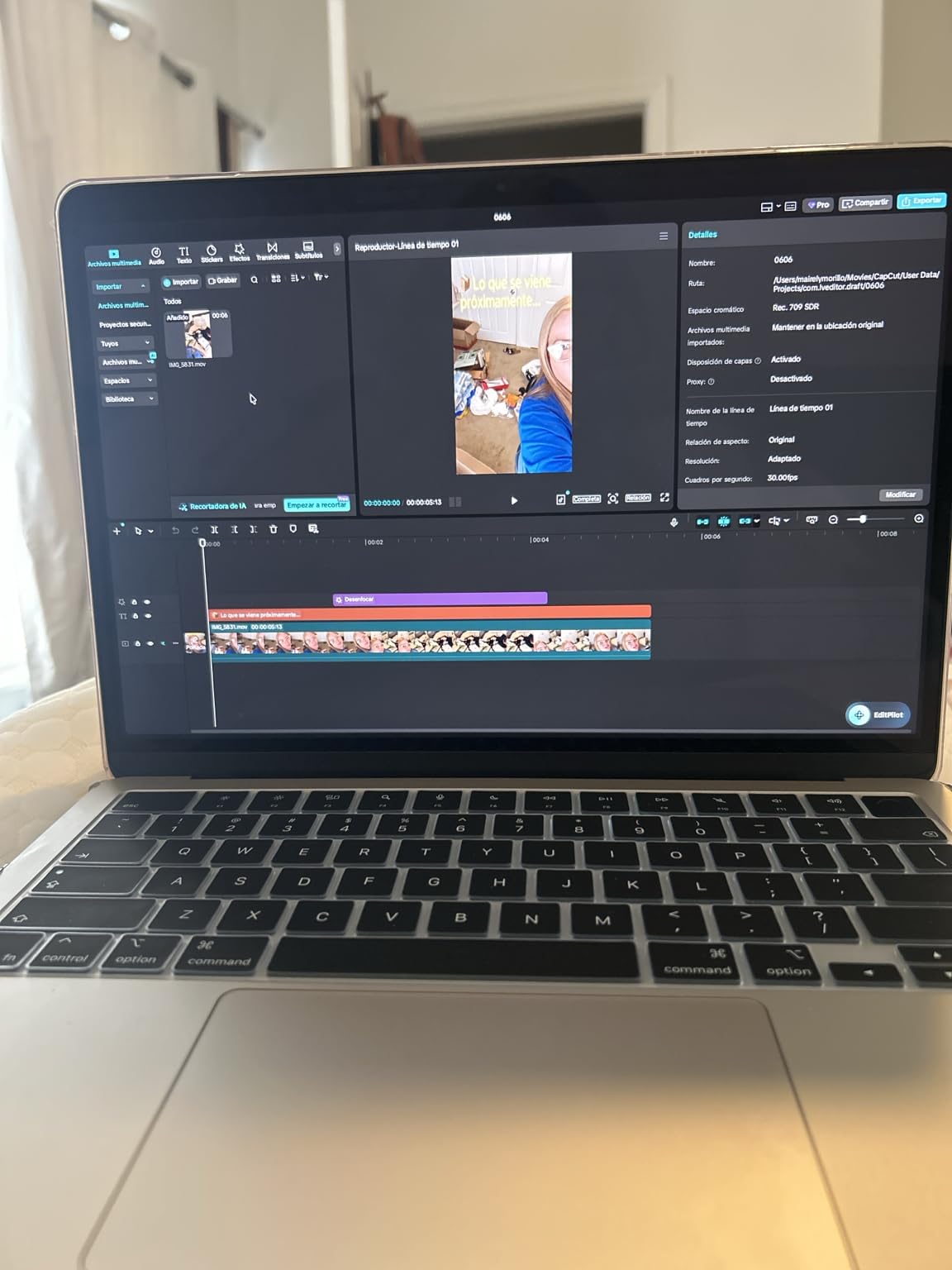
The 13.6-inch Liquid Retina display supports a billion colours and the 12MP Center Stage camera places you in the frame during client calls. On the software side, macOS ships with built-in virus protection and free software updates, which removes an entire category of small-business IT risk without an antivirus subscription.
Where it falls short is ports. There are two Thunderbolt 4 ports, MagSafe, and a headphone jack. No USB-A means legacy scanners, receipt printers, and older peripherals need adapters, and owners who run point-of-sale hardware should read our POS system picks before committing. Owners repeatedly name peripheral compatibility as the deciding factor when choosing between a Mac and a PC.
Where the MacBook Air 13-inch earns its place
It suits owners whose software lives in the browser, in Microsoft 365, in Google Workspace, or on an iPhone. File handoff, calls, and messages move between the laptop and phone without friction, and on-device AI features handle drafting and summaries without sending business data to a server.
It also suits a second-work use case well. A machine this light and this quiet is pleasant on a sofa at nine in the evening, which matters when the business laptop becomes the family laptop.
Where it will frustrate you
If you run QuickBooks Desktop, legacy point-of-sale software, or any Windows-only line-of-business tool, verify compatibility before you buy. That is the single most common regret owners report with MacBooks in small business, and it is a software problem, not a hardware problem.
The 16GB memory and 512GB storage of the base configuration are workable. They are also the configuration you will want to think hardest about if your day involves very large spreadsheets or many simultaneous applications.
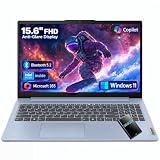
2. Lenovo IdeaPad Slim 3 15 – Most Versatile for Browser Work
Lenovo Business 15.6″ FHD Laptop, Intel Processor, 8GB DDR5, 128GB Storage
Intel N150
8GB LPDDR5
128GB UFS plus 500GB HDD
15.6-inch FHD TN 250 nits
1 year warranty
+ The Good
- 4.6 stars across 735 ratings
- One year of Microsoft 365 with 1TB OneDrive included
- MIL-STD-810H tested for durability
- Useful port spread with USB-C charging
- HDMI and SD card reader
- The Bad
- Intel N150 struggles beyond browsing and document work
- 8GB LPDDR5 memory is fixed with no upgrade path
- 250-nit TN panel has weaker viewing angles than IPS
This is the honest floor of the roundup, and for a surprisingly large share of small business owners it is genuinely enough. If your working day is email, calendar, a browser with a dozen tabs, and an invoice template, the IdeaPad Slim 3 handles all of it. Reviewers frame it as a well-priced machine for basic browsing and document editing, with easy setup and an attractive design.
What you get for very little is a real chassis, not a plastic toy. It is MIL-STD-810H tested across 21 test items, ENERGY STAR 9.0 certified, and EPEAT Silver. It is 3.42 pounds and 0.70 inches thick, and it charges at 65W.
The port selection is unusually generous for the money. You get two USB-A ports, a USB-C with Power Delivery and DisplayPort 1.2, HDMI 1.4, an SD card reader, and a 3.5mm jack. The 720p webcam has a physical privacy shutter, which matters more in client calls than most buyers assume.
The catch is stated plainly by owners: the Intel N150 is an entry-level processor that struggles with anything beyond browsing and document work. The eight cores are small cores, and the 8GB of LPDDR5 memory is soldered, so there is no upgrade path when your workload grows.
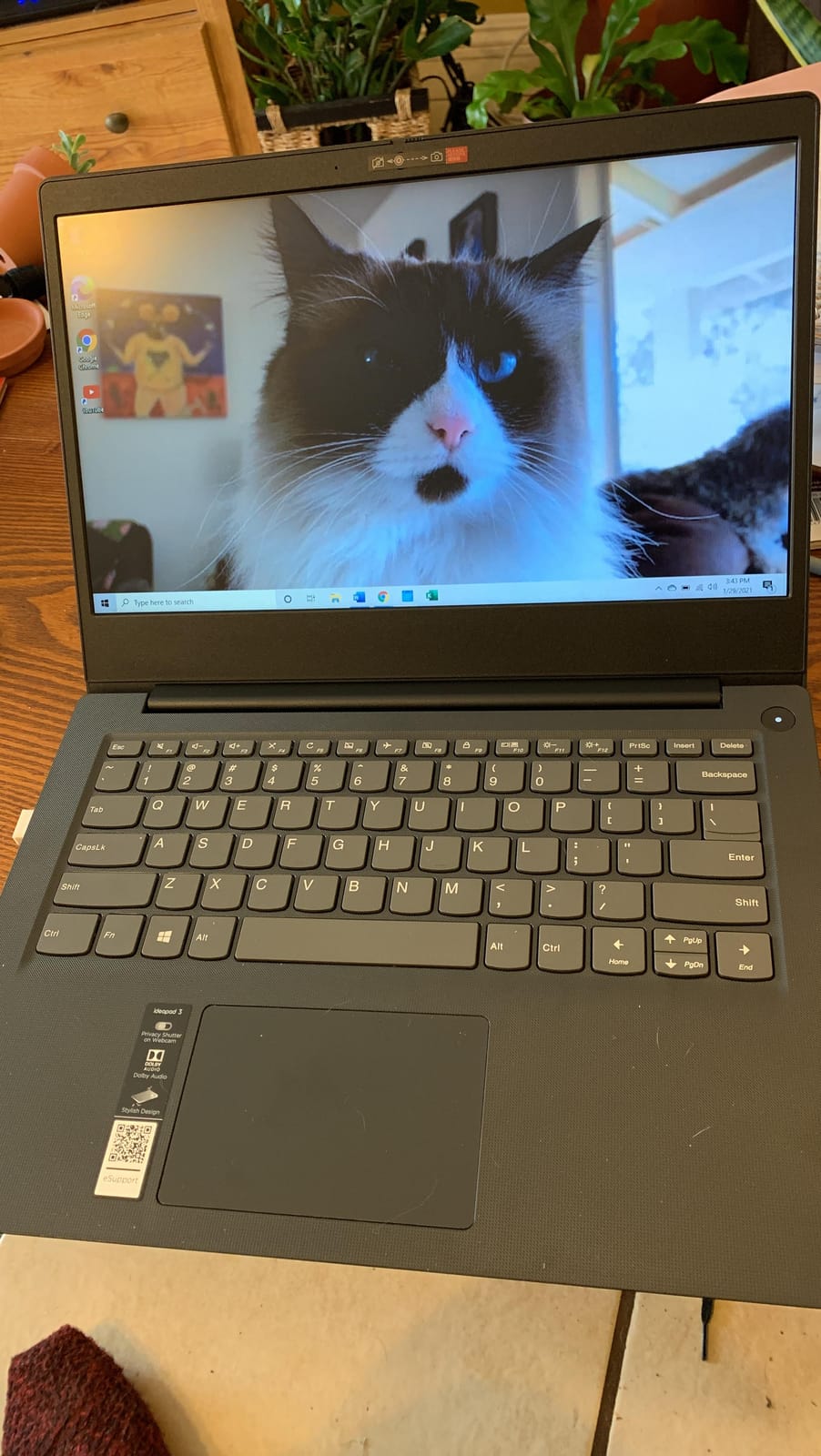
Who this budget pick actually fits
It fits a first-year owner, a part-time business on the side of a full-time job, or a reception and counter machine that only needs a browser and a document printer. The included year of Microsoft 365 Personal with 1TB of OneDrive removes the immediate software cost of getting started.
It also works as a second or backup machine. Owners running more than one business keep one of these off the desk and one in a bag.
Where it will frustrate you
The 250-nit TN panel is the real disappointment, not the chip. A dim TN screen with narrow viewing angles looks washed out in a bright office and sits badly next to a good external monitor on a multi-screen desk.
Some owners also report the battery draining faster than expected. If your laptop spends its day at a desk plugged in, that matters little. If it is your travel machine, choose a different pick.
3. Apple MacBook Pro 14-inch M5 – Best for Creative and Technical Work
Apple 2025 MacBook Pro Laptop with Apple M5 chip with 10‑core CPU and 10‑core GPU: Built for AI, 14.2-inch Liquid Retina XDR Display, 16GB Unified Memory, 1TB SSD Storage; Space Black
M5 10-core CPU and GPU
16GB unified memory
1TB SSD
14.2-inch XDR display at 1600 nits peak
3.41 lb
+ The Good
- XDR display reaches 1600 nits peak for bright offices
- Per-core Neural Accelerators handle AI and creative work
- Full port set with HDMI
- SDXC and MagSafe 3
- Identical performance on battery or on mains
- The Bad
- The largest outlay of any pick in this roundup
- Memory and storage are soldered and not user-upgradeable
The 14.2-inch MacBook Pro with the M5 chip is the right answer when your business produces things: product photography, marketing video, design work, or software builds. Reviewers describe it as a premium, dependable machine where the XDR display and M5 performance stand out for professional and creative work, with price being the main barrier for smaller buyers.
The display is the headline. It reaches 1600 nits peak with 1000 nits sustained and a 1,000,000:1 contrast ratio, which means you can work on a bright afternoon near a window and still judge colour accurately. That is not a luxury for anyone doing client-facing visual work.

Underneath, the M5 chip pairs a 10-core CPU with a 10-core GPU, and every GPU core carries a Neural Accelerator for AI workloads. Performance does not drop when you unplug, which removes a common complaint about cheaper Windows machines that throttle on battery.
The port selection here is the best in the roundup: three Thunderbolt 4 ports, MagSafe 3, an SDXC card slot, HDMI, and a headphone jack. Three studio-quality microphones and six speakers make it a good machine for calls you host rather than attend.
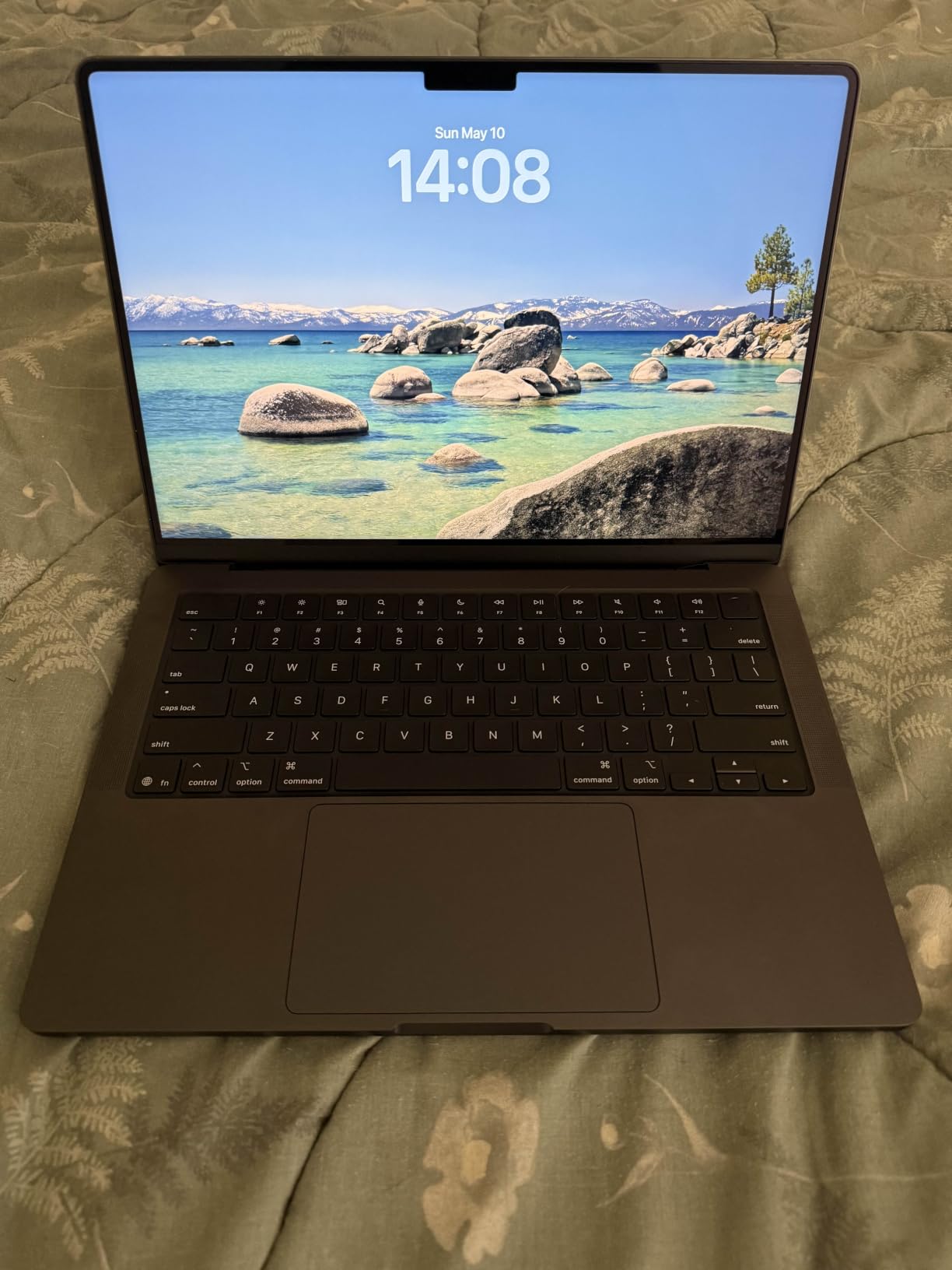
Who should buy the MacBook Pro 14-inch
Buy it if you edit video, shoot and grade photos, run Adobe Creative Cloud regularly, or need a machine that stays fast for five years without a refresh. It also suits owners who present to clients from their own laptop, where screen quality is part of the impression.
Microsoft 365 and Adobe Creative Cloud applications run at full speed on it, so this is not a creative-only machine.
Who should skip it
Skip it if your work is email, invoicing, and browser-based tools. The MacBook Air already handles that, and the difference in your day would be small.
Also weigh the sealed design. Memory and storage are soldered, so a machine bought at 16GB and 1TB stays at 16GB and 1TB. If you plan to run virtual machines or very large data sets, configure upward or choose a Windows machine with slots.
4. Acer Aspire Go 15 Ryzen 7 – Best for Multitasking
Acer Aspire Go 15 AI Ready Laptop | 15.6″ FHD (1920 x 1080) IPS Display | AMD Ryzen 7 7730U | AMD Radeon Graphics | 16GB DDR4 | 512GB PCIe Gen4 SSD | Wi-Fi 6 | Windows 11 Home | AG15-42P-R9FW
AMD Ryzen 7 7730U, 8 cores
16GB DDR4 up to 32GB
512GB SSD
15.6-inch IPS 300 nits
53 Wh battery
+ The Good
- Eight-core Ryzen 7 gives real multitasking headroom
- 16GB DDR4 and 512GB SSD is a strong spec sheet
- 300-nit IPS panel beats entry-level TN screens
- Full-function USB-C plus HDMI 2.1 and four USB ports
- The Bad
- Lowest average rating in this roundup at 4.2
- 3.9 lb is heavy for a 15-inch machine
- One-year international travelers warranty only
Eight cores at a mid-range outlay is what makes the Aspire Go 15 interesting. The Ryzen 7 7730U gives you eight cores of real multitasking headroom, and satisfaction among owners tracks with exactly that: everyday productivity work, several applications open, no waiting.
The rest of the sheet matches. 16GB of DDR4 memory expandable to 32GB, a 512GB SSD, Wi-Fi 6, and a 53 Wh battery. The display is a 300-nit IPS panel with narrow bezels, which is a meaningful step up from the dim TN panels on the cheapest machines.
Eight total ports including four USB ports is more than most competitors at this level manage. The full-function USB Type-C handles charging and display output, and HDMI 2.1 covers a second monitor without an adapter.
There are also practical management touches that matter more in a business than a spec sheet suggests: AcerSense for battery, storage, and app management, Acer TNR for webcam image quality on calls, and PurifiedVoice for audio. A dedicated Copilot key sits above the keyboard.

Why this one earns the multitasking badge
If your day is a 400-row spreadsheet, a browser with twenty tabs, a video call, and a CRM window, sustained multicore performance is the spec that decides whether you get frustrated. This chip delivers it in a way the dual-core-class chips in cheaper machines cannot.
For owners comparing spreadsheets, quoting, and invoicing side by side, the 16:9 15.6-inch panel gives a comfortable amount of usable width with a full-size keyboard.
Where it falls short
This machine carries the lowest average rating in the roundup at 4.2, with a 10 percent one-star share. Reviewers describe a visible minority reporting build or support issues that pull the average down, so buy it from a retailer with straightforward returns.
At 3.9 pounds it is the heaviest 15-inch machine here, and the warranty is a one-year international travelers limited warranty. Neither disqualifies it, but both are facts to weigh against the Ryzen 7 advantage.
5. Lenovo ThinkPad T14 Gen 6 – Best for Business Security
Lenovo ThinkPad T14 Gen 6, Ultra 5 225U, 16GB DDR5, 512GB SSD, Win 11 Pro
Intel Core Ultra 5 225U, 12 cores
16GB SODIMM DDR5 up to 64GB
512GB NVMe SSD with Opal 2.0
14-inch 16:10 IPS at 400 nits
Windows 11 Pro
+ The Good
- TPM 2.0
- fingerprint reader and 5MP IR camera for business security
- Memory and SSD are replaceable so the machine grows with you
- 400-nit 16:10 anti-glare display gives more vertical workspace
- Core Ultra 5 225U with a 12 TOPS NPU
- Carbon-fibre reinforced MIL-STD 810H tested chassis
- The Bad
- A 10 percent one-star share with reports of lag
- freezing and camera faults
- Only 70 reviews give a thinner verified-owner base than most picks here
- Manufacturer publishes no weight figure
The ThinkPad T14 Gen 6 is the most genuinely business-configured machine here. It ships with Windows 11 Pro, a discrete TPM 2.0 chip, a fingerprint reader in the power button with Match-on-Chip, a 5MP RGB and infrared camera with a privacy shutter, and a Kensington Nano slot. That security stack matters the moment your laptop holds customer records, payroll data, and banking credentials.
The processor is the current Core Ultra 5 225U, with twelve cores and fourteen threads up to 4.8 GHz and an Intel AI Boost NPU rated up to 12 TOPS. Most owners describe a well-built, responsive business machine with strong security features, which is the sentence that recurs most across verified reviews.
Memory is 16GB of SODIMM DDR5 with a 64GB ceiling, and storage is a 512GB PCIe 4.0 NVMe drive carrying Opal 2.0 encryption. Both parts are replaceable, so this machine can be upgraded in year three instead of replaced in year three. That upgrade path is the single most common request in small business buying conversations about a four-to-five-year lifespan.
Why the 16:10 screen earns its place
The 14-inch WUXGA panel runs at 1920 by 1200 with 400 nits of brightness, anti-glare coating, and an 85.73 percent screen-to-body ratio. The 16:10 shape gives roughly 20 percent more vertical space than a 16:9 panel of the same diagonal, which in practice means more visible rows in a quote sheet or a ledger.
At 400 nits it stays readable in a bright office or a cafe, which is exactly where the cheaper panels in this roundup fall short.
Who should choose this ThinkPad
Choose it if you handle sensitive records, want replaceable components instead of a fixed specification, or need to connect a wired network and two external displays from one desk. The port set covers that: two Thunderbolt 4 and USB4 ports at 40Gbps with Power Delivery and DisplayPort 2.1, two USB-A ports including one Always On, HDMI 2.1, and RJ-45 Gigabit Ethernet.
Wi-Fi 6E and Bluetooth 5.3 cover the wireless side, and the English backlit keyboard is a real benefit during evening invoicing sessions.
Where to be cautious
A 10 percent one-star share reports slow performance, freezing, and camera problems that severely affected daily work. The review base of 70 ratings is thinner than the machines ranked around it, so there is less verified history to lean on.
The manufacturer publishes no weight figure, so if you travel constantly, check the dimensions at a retailer before committing. This is a business machine first, and that is the trade you are making.
6. HP ProBook 4 G1a 16-inch – Best for Large-Screen Office Work
HP ProBook 4 G1a Laptop, 16″ FHD+, AMD Ryzen 5 230, 16GB DDR5, 512GB SSD
AMD Ryzen 5 230
16GB DDR5 at 5600 MT/s
512GB NVMe SSD
16-inch 1920x1200 anti-glare
3.9 lb
+ The Good
- 16-inch anti-glare panel suits multi-window office work
- Two SODIMM slots make memory upgrades trivial
- Radeon 760M graphics with a 16 TOPS NPU
- HP Wolf Security with Windows 11 Pro and Copilot
- Supports three external monitors at 4K 60Hz
- The Bad
- 13 percent three-star share signals mixed satisfaction
- 62.5 percent sRGB coverage is weak for photo work
- Sold as a resealed unit with an upgraded SSD
The ProBook 4 G1a answers a question most roundups skip: what screen size should a small business owner actually buy? For owners who work from a fixed desk and keep three windows side by side, the answer is 16 inches, and this is the pick built around that.
The panel is 16-inch WUXGA at 1920×1200 with anti-glare treatment and 300 nits, which keeps text readable under office lighting without the mirror effect of a glossy screen. Feedback centres on that large, practical display as the main advantage.
Underneath, the Ryzen 5 230 provides six cores and Radeon 760M integrated graphics with up to 16 TOPS of NPU for AI-assisted work. Memory is the standout spec for longevity: 16GB of DDR5 at 5600 MT/s across two SODIMM slots, with a free M.2 slot for storage, means this machine can grow instead of being replaced.
Business features are present in the way you expect from this class. HP Wolf Security provides layered endpoint protection, Windows 11 Pro is included, and the keyboard is backlit with a numeric keypad.
Why the large screen matters for business
A 16-inch 16:10 display gives you roughly 20 percent more vertical workspace than a 16:9 panel of similar diagonal. In practice that is one more visible row block in a spreadsheet and one more line of a CRM record without scrolling.
It also drives up to three external monitors at up to 4K 60Hz through the USB-C and HDMI 2.1 ports, so a docked setup with two screens plus the laptop panel is achievable on a single cable for one display.
Who should pass on it
Colour coverage of 62.5 percent sRGB rules this machine out for anyone doing photo retouching, print work, or design where colour accuracy is client-visible.
At 3.9 pounds it is not a travel machine, and the 13 percent three-star share points to some dissatisfaction with display colour quality and the consistency of the resealed configuration. Note also that this listing is a brand new computer resealed to upgrade the SSD, which is a normal reseller practice but worth knowing.
7. Lenovo ThinkPad E14 – Best for Multi-Monitor Desks
Lenovo ThinkPad E14 Laptop, AMD Ryzen 5 7535U, 16GB DDR5 RAM, 512GB SSD
AMD Ryzen 5 7535U
16GB DDR5 at 4800 MT/s
512GB PCIe SSD
14-inch 1920x1200 IPS
3.2 lb
+ The Good
- Drives up to three external monitors at 4K 60Hz
- Free M.2 slot and 64GB memory ceiling for expansion
- 3.2 lb chassis is among the lightest business machines here
- Windows 11 Pro with BitLocker
- Remote Desktop and fingerprint reader
- The Bad
- Sold as a resealed unit with upgraded memory and SSD
- 11 percent one-star share including a reported motherboard fault
- Only 41 reviews gives a thin verified-owner base
The ThinkPad name carries expectations, and the E14 delivers the parts of that reputation that matter for a business: a tested chassis, a fingerprint reader, a backlit keyboard, and ports that let you build a multi-screen desk without a pile of adapters.
Reviews are largely positive about speed, quiet operation, screen quality, and multi-monitor support. The display is a 14-inch 1920×1200 IPS panel at 300 nits with anti-glare treatment and TÜV Low Blue Light certification, so a long day of spreadsheets does not end with tired eyes.
The Ryzen 5 7535U gives six cores and twelve threads up to 4.55 GHz with Radeon 660M graphics. Memory is 16GB of DDR5 at 4800 MT/s with a 64GB ceiling and a free M.2 slot. Owners ask for exactly this combination whenever a machine has to last four or five years, because upgradeable memory is what turns a purchase into a five-year asset.
Why owners pick this for a desk setup
It supports up to three external monitors via HDMI and USB-C at up to 4K 60Hz. That matters for anyone who docks at a shared office, a retail back office, or a home desk with two monitors plus the laptop screen.
Windows 11 Pro with BitLocker and Remote Desktop is genuinely useful for owners who connect to staff machines across the shop or warehouse. Two USB-C ports, two USB-A ports, HDMI 2.1, and RJ-45 Ethernet cover peripherals without a dongle.
Where to be cautious
This listing is a brand new computer resealed to upgrade the memory and SSD by a third-party integrator, with a 3-year warranty on those upgraded parts and one year from Lenovo on the rest. That is a common and legitimate arrangement, but it is not the same as a straight OEM configuration.
The 11 percent one-star share includes a reported motherboard fault, and 41 reviews is a small verified-owner base. For a mission-critical daily machine, we would pair that caution with a retailer offering straightforward returns.
8. Lenovo V15 Gen 4 – Best for Wired Office Networks
Lenovo V15 Gen 4 Business Laptop, 15.6″ FHD Display, Intel Core i5-13420H (Beat i7-1355U), HDMI, RJ45, Webcam, Numeric Keypad, Wi-Fi, Windows 11 Pro, Black (16GB RAM | 512GB SSD)
Intel Core i5-13420H
16GB DDR4 expandable to 40GB
512GB NVMe SSD
15.6-inch FHD LCD
RJ45 Ethernet
+ The Good
- Windows 11 Pro included for business licensing needs
- 16GB DDR4 and 512GB SSD is generous at this level
- Built-in RJ45 Ethernet plus HDMI is rare on thin business laptops
- Numeric keypad aids invoicing and data entry
- One free memory slot for expansion to 40GB
- The Bad
- 13th-gen H-series chip is limited in sustained multicore work
- Single memory slot and a 60Hz LCD panel
- 7 percent one-star share points to quality-control inconsistency
The V15 Gen 4 is the pick for an owner whose building has real walls and a network cable in the back office. A built-in RJ45 Ethernet jack is increasingly rare on thin business laptops, and for an office where Wi-Fi coverage is poor or a point-of-sale terminal needs a wired connection, it removes a whole category of frustration.
Owners value the Pro licence, the generous memory and storage, and the wired networking for office setups. Windows 11 Pro ships with pre-configured app layouts for productivity, which is a small convenience that matters when staff set up their own machines.
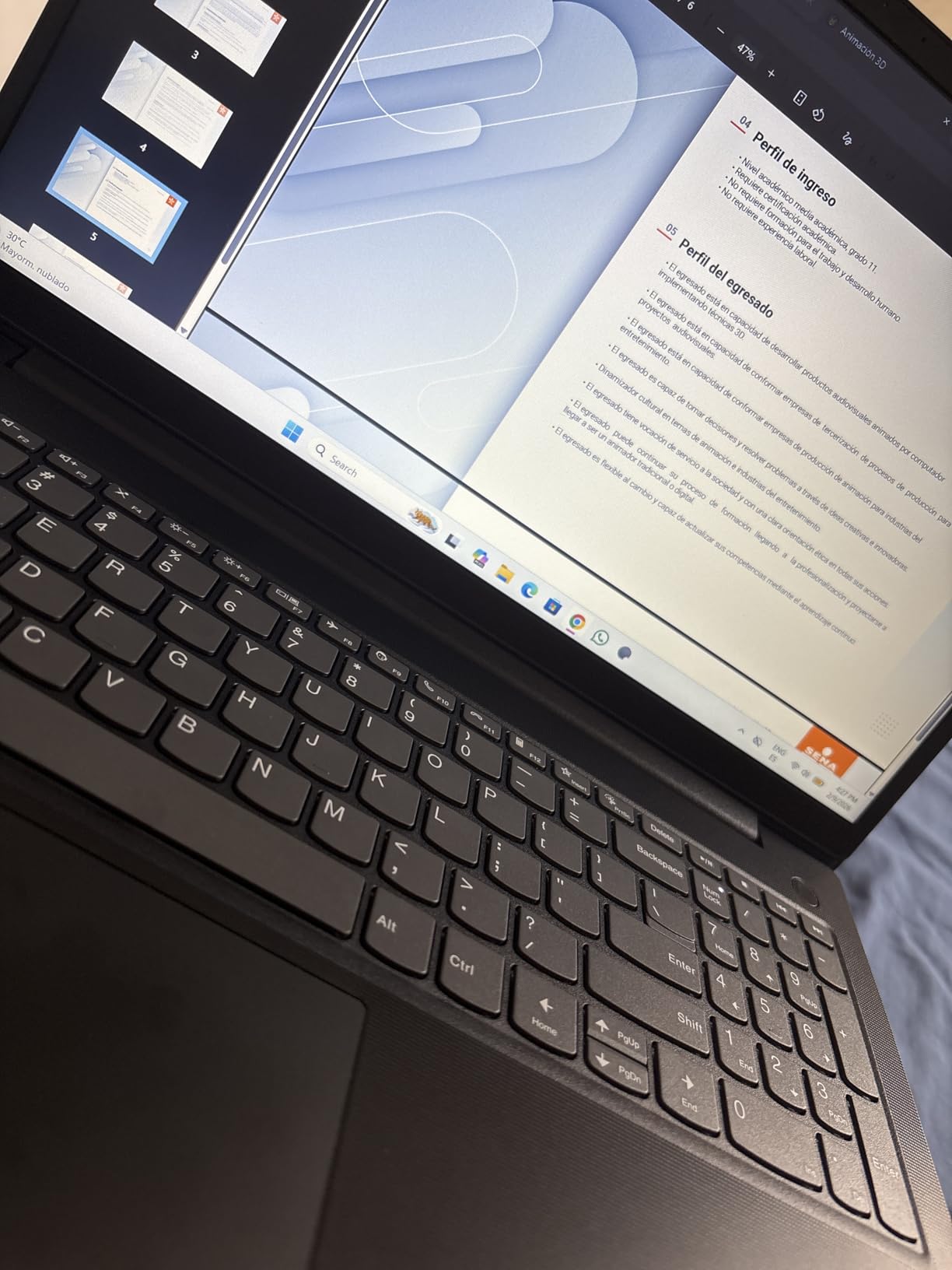
The specification that matters most here is upgradeability. It ships with 16GB of DDR4 memory, a maximum of 40GB, and one available slot, so you can add memory later rather than replace the laptop. Storage is a 512GB PCIe x4 NVMe M.2 drive, which is the standard you should insist on at this tier.
For invoicing, quotes, and entering figures, the numeric keypad is a genuine time saver. At 3.6 pounds the machine stays portable enough to move between the office and a client’s premises.
Why wired networking still matters
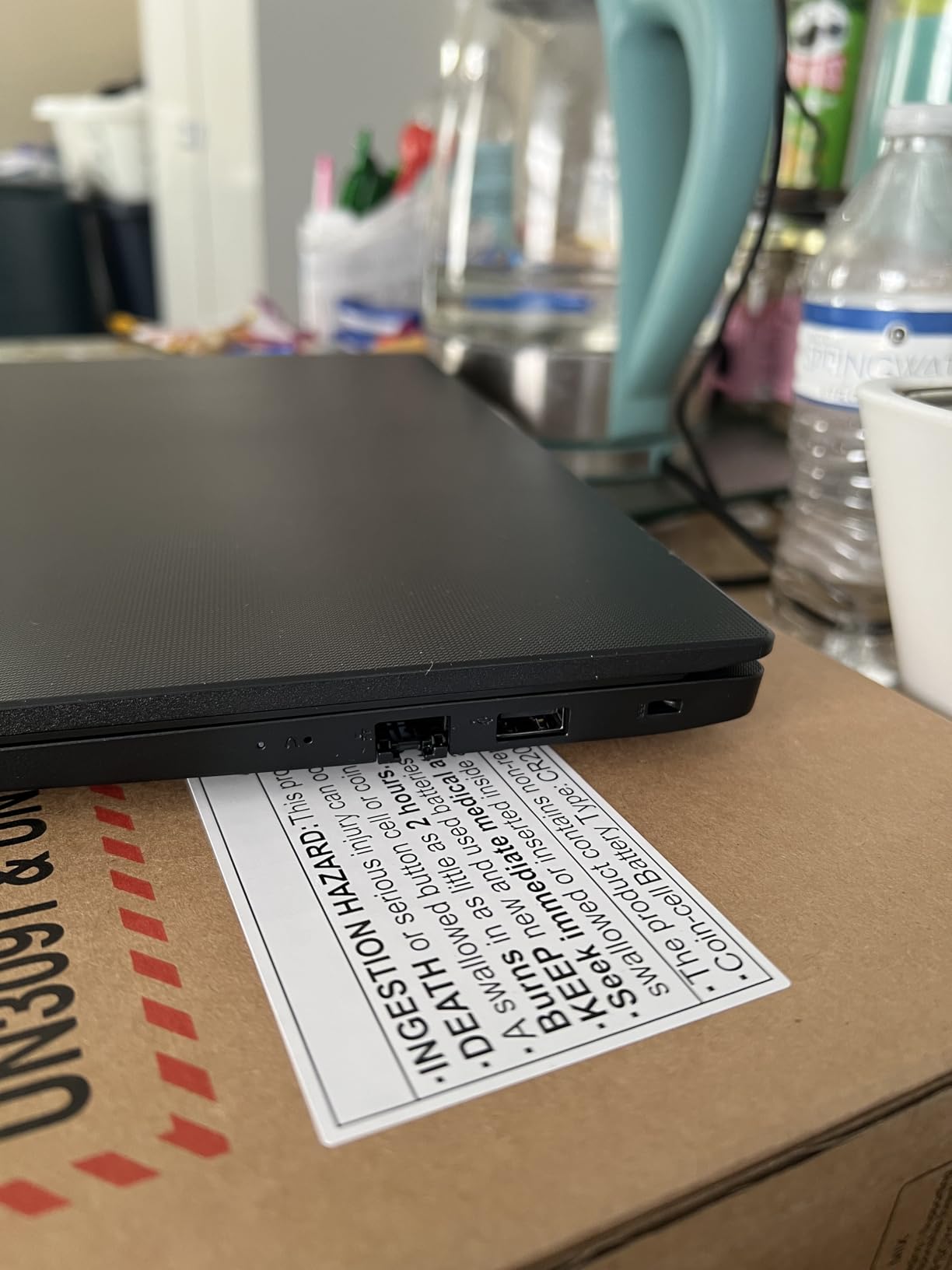
Wi-Fi drops are a business risk that owners only notice after they lose an hour of data entry mid-invoice. A wired connection at the desk removes that variable entirely, and the HDMI port means a second screen needs only one cable.
The same port layout also serves owners who connect a barcode scanner, a card reader, or an external backup drive. USB 3.0 Type-A, USB 2.0 Type-A, USB-C, HDMI, and RJ45 cover the common office peripherals.
Where it falls short
The Core i5-13420H is the main reservation owners report. It is an eight-core part, but performance is limited in sustained multicore workloads compared with the Ryzen 7 in pick four. For a mixed day of documents, email, and moderate spreadsheets, it is fine.
You also get a single memory slot and a 60Hz LCD panel rather than the higher-refresh or higher-resolution displays on premium machines. A 7 percent one-star share is worth watching for quality-control consistency.
9. HP 14-inch 2025 – Best Starter Laptop with 16GB RAM
HP 14″ Laptop 2025 Business Student Slim Computer, Lifetime MS Office, Copilot AI, Quad-Core Intel CPU, 16GB RAM, 628GB Storage (128GB UFS+500GB Ext), MarxsolAccessory, Wi-Fi 6, Win 11 Pro, Sky Blue
Intel N150 quad-core
16GB DDR4
128GB UFS plus 500GB external drive
14-inch 1366 x 768
Windows 11 Pro
+ The Good
- 16GB DDR4 RAM is unusually generous at this level
- Bundle includes a 500GB external drive and a 6-in-1 USB-C hub
- Lightweight 3.2 lb body with a near-bezel-less 14-inch panel
- Windows 11 Pro with hardware-based isolation and encryption
- Wi-Fi 6 and a 720p camera with dual microphones
- The Bad
- 1366 x 768 resolution is soft on small text
- Intel N150 is underpowered beyond browsing and documents
- Third-party bundled Office licence has been disputed by some buyers
The unusual thing about this machine is the amount of RAM in a low-cost chassis. Most competitors at this level pair a weak processor with 8GB of memory, which guarantees a slow machine within a year. This one gives you 16GB of DDR4, and that headroom is what makes it viable for real office work.
Most reviewers treat it as a capable value starter for studying, general office work, and video calls, with the accessory bundle frequently praised. The box includes a 6-in-1 USB-C docking hub, a 500GB external drive, a USB extension cord, an HDMI cable, a mouse pad, and a wireless mouse.
Windows 11 Pro is included with hardware-based isolation, encryption, and malware protection, which is more than most machines at this level offer. That matters when the laptop holds customer records and banking credentials.
At 3.2 pounds with a near-bezel-less 14-inch panel, it is easy to carry to a co-working space or a client site. Wi-Fi 6 and a 720p True Vision camera with dual array microphones cover the daily call load.

Who this starter machine suits
A first-year owner who wants the Pro licence, a real amount of memory, and the peripherals already in the box has fewer reasons to buy anything else. Total cost of ownership is where accessory bundles win, because you are not buying a hub, a drive, and a mouse separately.
It also suits a second machine at a shared desk, or a machine for a family member who helps with admin on weekends.
Where the compromises bite
The 1366 by 768 display is the weakest point. It is soft on text, and anyone working in spreadsheets all day will feel it. Spend the difference on one of the 1080p picks higher up this list if screen clarity is part of your day.
The Intel N150 quad-core processor is underpowered for anything beyond browsing and documents, and 10 percent one-star reviews include reports that the bundled mouse does not pair reliably. Some buyers have also disputed the third-party bundled Office licence, so check that the licence you need is properly registered.
10. HP 17.3-inch 2026 – Best for Heavy Data Entry
HP 17 inch Business Laptop Computer • 2026 Edition • Latest AMD Ryzen 5 CPU • 16GB RAM • 512GB SSD • 17.3″ FHD Display • Numeric Keypad • Long Battery Life • Windows 11 with Office 365 for The Web
AMD Ryzen 5 7430U
16GB DDR4
512GB SSD
17.3-inch FHD anti-glare LED
Up to 12 hours stated battery
+ The Good
- 17.3-inch anti-glare display makes multi-window work easy
- Full-size brushed keyboard with a 10-key numeric keypad
- 16GB DDR4 and 512GB SSD cover mainstream business work
- Up to 12 hours stated battery with HP Fast Charge
- 720p Wide Vision camera with digital microphones
- The Bad
- Native 1600 by 900 resolution is a step down from full 1080p
- Office 365 for the Web only rather than a full desktop install
- Only 47 reviews and no stated memory upgrade path
If your work involves entering figures all day, the deciding spec is not the processor. It is the keypad and the screen. This 17.3-inch machine is built around both: a full-size brushed keyboard with a 10-key number pad, and a large anti-glare panel with slim bezels.
The small but positive review base focuses on the large screen, the full-size keypad, and battery endurance as the main advantages for everyday business use. The Ryzen 5 7430U with 16GB of DDR4 and a 512GB SSD covers mainstream workloads, and the stated battery life of up to 12 hours works with HP Fast Charge when you need a top-up between appointments.
The 720p Wide Vision camera with digital microphones is adequate for client calls on a screen this size, where a smaller webcam would sit awkwardly in the bezel.
Where the extra screen size pays off
Owners who run a warehouse counter, a clinic reception desk, or a busy back office tend to keep three or four things visible at once: an order screen, a spreadsheet, an email thread, and a reference document. A 17.3-inch panel shows all of them without alt-tabbing.
It also supports external displays, mice, keyboards, storage, headphones, and standard USB and HDMI peripherals, so it works equally well with an external monitor at a fixed station.
Who should skip it
Skip it if you travel often. At this size the machine is a fixed-desk computer with a handle, and the stated 12-hour figure assumes light use rather than a full day of video calls at high screen brightness.
The native 1600 by 900 resolution is also a step down from full 1920 by 1080, text is correspondingly softer, and Office 365 for the Web is a browser-based suite rather than a full desktop install. Memory is capped at 16GB with no stated upgrade path, so treat it as a three-year machine rather than a five-year one.
How to Choose a Business Laptop in 2026
The right way to buy is to work backwards from a Tuesday. Picture the worst ordinary day: how many browser tabs, how large a spreadsheet, how many hours on calls, how many peripherals plugged in, and how many hours away from a charger. Buy for that day, not for the demo in the shop.
Start with memory, not the processor
Owners consistently rank 16GB of RAM as the minimum for business use, and 32GB for heavy Excel work or virtual machines. Memory is also the one spec that cannot be fixed later on most thin laptops, because it is soldered to the board.
If a machine has SODIMM slots, you can double the memory for a fraction of the cost of a new laptop in two years. That single feature decides how long the machine stays useful.
Insist on a 512GB SSD
A 512GB PCIe NVMe drive is the practical floor now. Operating systems, Microsoft 365, QuickBooks, and a few years of client files will fill a 256GB drive and slow down noticeably. Several picks here combine a smaller internal drive with an external drive in the box, which works but is not as tidy.
A 1TB drive is the better choice if you handle large media files or keep years of records locally.
Match the processor to the workload
An Intel Core Ultra 5, an AMD Ryzen 5 or 7, or an Apple M-series chip covers everything a small business runs: QuickBooks, Excel, Chrome, Zoom, Teams, and a CRM. Multiple cores matter because every call window and every spreadsheet recalculation is work the chip does while you wait.
Entry-level chips such as the Intel N150 are fine for documents and browsing. They are not fine for twenty browser tabs and a large workbook at the same time.
Get 300 nits or more, and avoid glossy panels
Dim screens and glossy screens are the two complaints owners raise most about cheap business machines. A 250-nit TN panel looks washed out, and a glossy panel mirrors your ceiling lights into a client video call. A 300-nit anti-glare IPS panel is the sensible target at 15 inches and above.
Screen size preference among owners clusters around 14 to 15.6 inches as the balance between spreadsheet work and portability. Go to 16 or 17 inches only if the laptop lives on a desk.
Treat weight and battery as business criteria
Battery life and portability are the two most repeated priorities for owners who travel to client sites. Below about 3.5 pounds, a 14-inch machine becomes a genuine travel computer. Above four pounds, expect to leave it at the office.
Treat advertised battery hours sceptically. Owners consistently report getting far less than the headline figure when screen brightness is high and video calls are running all day. The stated figures on this list are manufacturer claims, useful for comparison but not a promise.
Count the ports before you buy
Count what you actually plug in: external monitors, a wired network cable, a card reader, a barcode scanner, a receipt printer, an external drive. Two USB-C ports plus HDMI covers most owners. Two USB-A ports plus HDMI plus RJ45 covers an office that still wires its equipment.
If you plan a multi-monitor desk, confirm the machine drives the number of displays you need at the resolution you need. Two of the picks here support three external monitors at up to 4K 60Hz.
Read the warranty as a business document
Warranty length and on-site service are the trust signals owners rank highest, because for a one-person business a mail-in repair means days without invoicing. A one-year warranty is the norm on the picks in this roundup. Business-class models with three-year coverage and next-business-day or on-site service are worth the premium when downtime costs you revenue directly.
Check the retailer before the manufacturer. A straightforward return policy matters more than a long warranty when a machine arrives with a faulty screen or a dead battery.
Windows versus macOS, and the ARM question
Choose Windows 11 Pro if you run QuickBooks Desktop, industry-specific line-of-business software, or anything legacy. Choose macOS if your business runs on browser-based tools, Microsoft 365, and an Apple phone ecosystem, and if your software has been verified on macOS first.
Check every piece of critical software on both operating systems before you buy. That single check prevents the most common expensive regret in this category.
Owners also warn against ARM-based chips if any of your Windows software lacks native compatibility. Native x86 processors run everything; some ARM Windows machines run older applications through emulation, which can break installers, plug-ins, and line-of-business tools.
What laptop to stay away from
Avoid any machine with 8GB of RAM that you cannot upgrade, especially if you keep large spreadsheets or many browser tabs open. Avoid glossy or sub-300-nit panels if you work anywhere with overhead lighting. Avoid sealed memory below 16GB, because that decision cannot be undone.
Skip machines with very small batteries, and skip consumer laptops carrying heavy pre-installed trial software and bloatware, which slows startup and confuses staff. Be cautious with unbranded and resealed configurations sold without a clear manufacturer warranty on the parts that matter. Finally, avoid buying more machine than you need: a solo owner emailing and invoicing gains nothing from a workstation-class chip.
Buying for a small team instead of one person
If you are buying for more than one person, standardise on a single model. One image, one backup, one support path, and spare parts that fit every machine. Budget for a docking setup per desk rather than upgrading each laptop, and look at our business desktop picks for staff who never leave a desk.
Device management software matters more than hardware once you pass three people. Set up enrolment and a device management platform before the machines arrive, and consider a separate hours-and-attendance or time clock solution for staff who clock in on site; our time clock guide covers that side.
When a laptop is the wrong purchase
If someone works at one fixed desk every day, a desktop or mini PC offers more performance, more memory, and better cooling for less money over the same lifespan. The laptop earns its extra cost with portability, which only matters if you actually move.
Buying the machine, a dock, and two monitors is often the better long-term investment than upgrading the laptop every three years. Count that as total cost of ownership rather than a single purchase.
Frequently Asked Questions
What laptop should I buy for a small business?
Buy a business-class laptop with at least 16GB of RAM, a 512GB SSD, and a current processor such as an Intel Core Ultra, an AMD Ryzen 5, or an Apple M-series chip. Add Windows 11 Pro if you use QuickBooks Desktop or legacy Windows software. Choose a brand that offers at least a one-year warranty with on-site or next-business-day service, because a mail-in repair costs a small business days of downtime.
Which is the best laptop for business and personal use?
The Apple MacBook Air 13-inch with the M5 chip suits both well: it weighs 2.71 pounds, runs up to 18 hours stated battery, and integrates closely with an iPhone for calls, messages, and file handoff. For a Windows user, the HP 14-inch 2025 with 16GB of RAM and Windows 11 Pro is a lighter option that handles both school or family use and light business work.
What laptop to stay away from?
Avoid laptops with 8GB of RAM you cannot upgrade, glossy or dim panels under 300 nits, sealed memory below 16GB, and very small batteries. Skip consumer models loaded with pre-installed trial software, and be cautious with resealed or third-party-configured units whose warranty does not cover the upgraded parts.
Can I write off my laptop as a business expense?
Generally yes. A laptop used for your business is a deductible business expense, and Section 179 expensing or bonus depreciation may let you deduct the whole cost in the first year rather than spreading it over several years. You must keep records showing business use, and if you use the laptop for personal reasons too, you typically claim a proportional deduction. Confirm the treatment with your accountant before filing.
Which laptop is best for small business owners?
It depends on the workload. The MacBook Air 13-inch M5 is best overall for mobile owners, the ThinkPad E14 is best for multi-monitor desks, the Acer Aspire Go 15 Ryzen 7 is best for multitasking, and the HP ProBook 4 G1a is best for large-screen office work. The IdeaPad Slim 3 covers browser-based work on a tight budget.
Which Laptop Should a Small Business Owner Buy?
The best laptops for small business owners in 2026 are not the most expensive ones, and they are certainly not the cheapest. Start with 16GB of RAM, a 512GB SSD, and a modern Core Ultra, Ryzen 5, or Apple M-series processor. Then choose the shape that matches your week.
The MacBook Air 13-inch M5 is the pick for owners who move between home, office, and clients. The Acer Aspire Go 15 Ryzen 7 handles the heaviest multitasking at a mid-range outlay. The ThinkPad E14 wins for a docked multi-monitor desk, and the HP ProBook 4 G1a covers fixed-desk owners who want a bigger screen and easy memory upgrades.
Check your software before your hardware, read the warranty like a contract, and use the price buttons on this page to see current listings for each machine.