
What motherboard goes with Intel? LGA 1851 sockets take Intel Core Ultra 200S desktop processors on the Z890, B860, or H810 chipsets, while LGA 1700 sockets take 12th, 13th, and 14th Gen Core processors on Z790, B760, or H610 chipsets. AM5 and AM4 belong to AMD and will not accept an Intel chip at all.
That single sentence resolves the mistake that ends more first Intel builds than any other: buying a board whose socket does not match the CPU already in your hand. Get that wrong and the processor simply will not sit in the socket, no matter how good the rest of the parts are.
Our team went through 11 current Intel boards across both sockets, checked every chipset and memory type against the CPU generations they serve, and read the owner reviews for the recurring complaints that spec sheets never mention. This roundup covers the best motherboards for Intel builds in 2026, from a plain B760 board for a first gaming PC to a Z890 flagship for memory overclockers and a creator board with 10GbE and Thunderbolt 5.
Two things decide almost every pick here. The first is chipset tier, which decides whether you can overclock the CPU multiplier. The second is whether your memory is DDR5 or DDR4, because a board only accepts one or the other and the slot layout is not interchangeable.
Top 3 Intel Motherboard Picks for 2026
If you want the short answer, these three cover the widest range of builds. The rest of the article explains the reasoning and covers eight more boards for upgraders, compact systems, and creator workstations.

ASUS ROG Maximus Z890 Hero
- › 22+2+1+2 stage power delivery
- › Three PCIe 5.0 M.2 slots
- › Thunderbolt 4 and WiFi 7

ASUS Z790-AYW WiFi W II
- › Z790 CPU overclocking
- › Built-in WiFi 6 and 2.5Gb LAN
- › PCIe 5.0 x16 slot
- › Four DDR5 slots

MSI PRO B760M-P DDR4
- › Four DDR4 slots
- › B760 chipset for 12th to 14th Gen
- › M.2 Shield Frozr
- › microATX form factor
11 Best Motherboards for Intel Builds (October 2026)
This is the full lineup in one place. Socket and chipset decide compatibility, form factor decides case fit, and everything below those two columns is a preference.
| PRODUCT MODEL | KEY SPECS | BEST PRICE |
|---|---|---|
|
|
Check Latest Price |
 |
|
Check Latest Price |
 |
|
Check Latest Price |
 |
|
Check Latest Price |
 |
|
Check Latest Price |
 |
|
Check Latest Price |
 |
|
Check Latest Price |
|
|
Check Latest Price |
 |
|
Check Latest Price |
|
|
Check Latest Price |
 |
|
Check Latest Price |
1. ASUS ROG Maximus Z890 Hero – The Overclocking Flagship
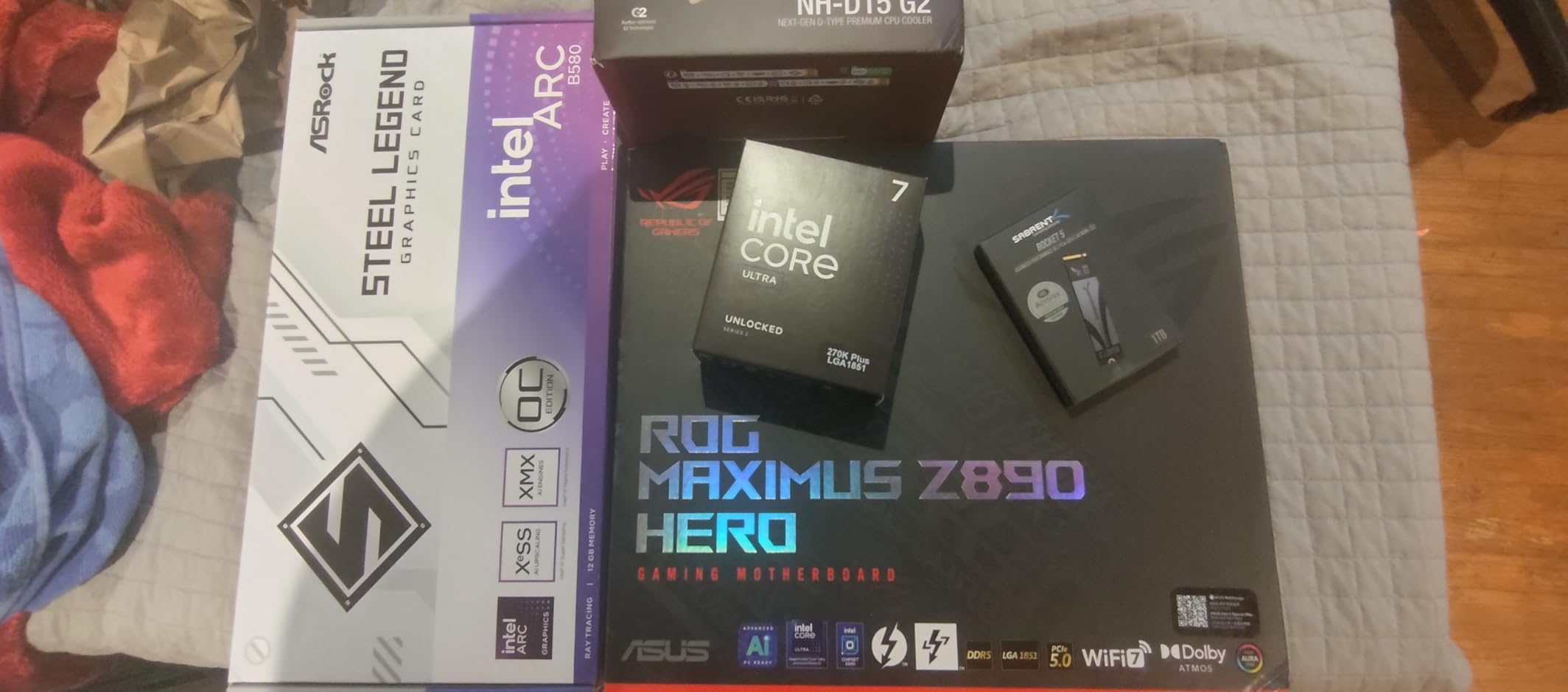
ASUS ROG Maximus Z890 Hero Intel® Z890 LGA 1851 ATX Motherboard, Advanced AI PC-Ready, 22+2+1+2 Stages, DDR5, WiFi 7, 3X PCIe® 5.0 M.2, Thunderbolt™ 4, USB Type-C®, AI Overclocking/Cooling/Networking
Z890 chipset
LGA 1851
22+2+1+2 stages
4 DDR5 slots up to 192 GB
3x PCIe 5.0 M.2
+ The Good
- Massive 22+2+1+2 stage power delivery for Core Ultra 200S
- Three PCIe 5.0 M.2 slots
- Thunderbolt 4 and USB Type-C rear I/O
- NitroPath DRAM technology for memory tuning headroom
- 21 total USB ports
- The Bad
- Premium ATX board with a high component count for a simple build
- Four DIMM slots mean high-capacity configs need careful layout
- A minority of owners report BIOS and firmware issues
This is the board we would build a high-end Intel system around. The 22+2+1+2 stage design with 110A phases on the primary rail gives you far more power headroom than any Core Ultra 200S chip will actually draw, which means the VRM never becomes the reason your all-core loads slow down.
Storage is the other headline. Three PCIe 5.0 M.2 slots on an LGA 1851 board is unusual, and with four SATA ports behind them you can fill a workstation-class machine without hunting for adapters.
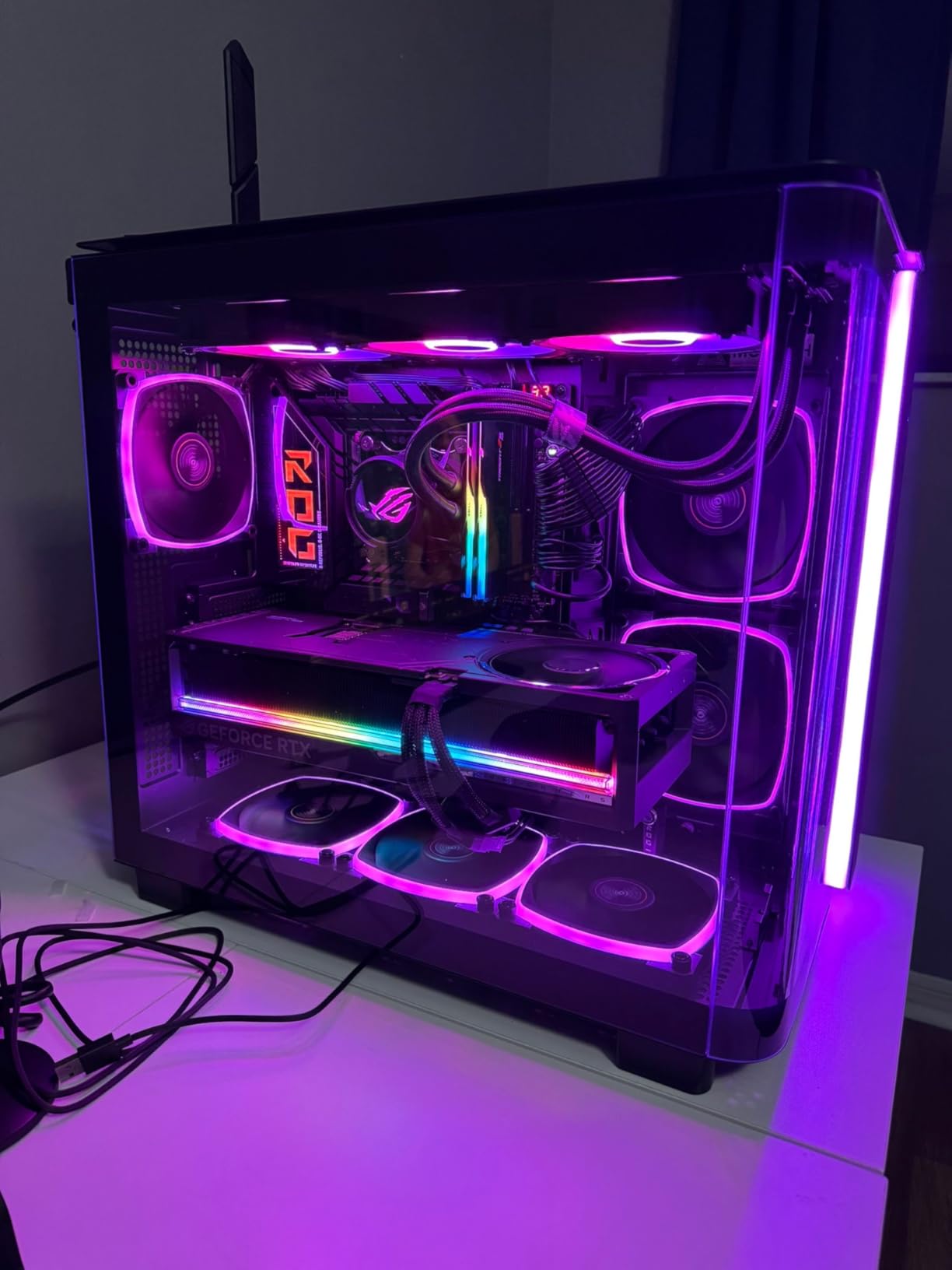
Owners consistently single out the AI-assisted tuning tools, NPU Boost, AI Overclocking, and AI Cooling II, as the difference between this board and a merely adequate one. NitroPath DRAM routing is what gives the memory subsystem its tuning range, and at 192 GB maximum across four slots it covers large-capacity builds too.
Warranty is listed at three years, which is standard for the category. Rear I/O totals 21 USB ports across the board, and ProCool II connectors handle the power delivery cleanly.
Who the ROG Maximus Z890 Hero suits
It suits someone who plans to push memory speeds, run long all-core renders, or keep the machine for years while upgrading the GPU twice. The power delivery means you can drop in a hotter Core Ultra 200S part later without rechecking the board.
Who should skip it
Skip it if you are building a straightforward gaming PC. You will pay for VRM capability and Thunderbolt 4 rear I/O you will never touch, and the four-DIMM layout makes large memory capacities harder to fill than a two-DIMM board. The reported firmware issues on a minority of early boards are also worth a factory reset check before your first boot.
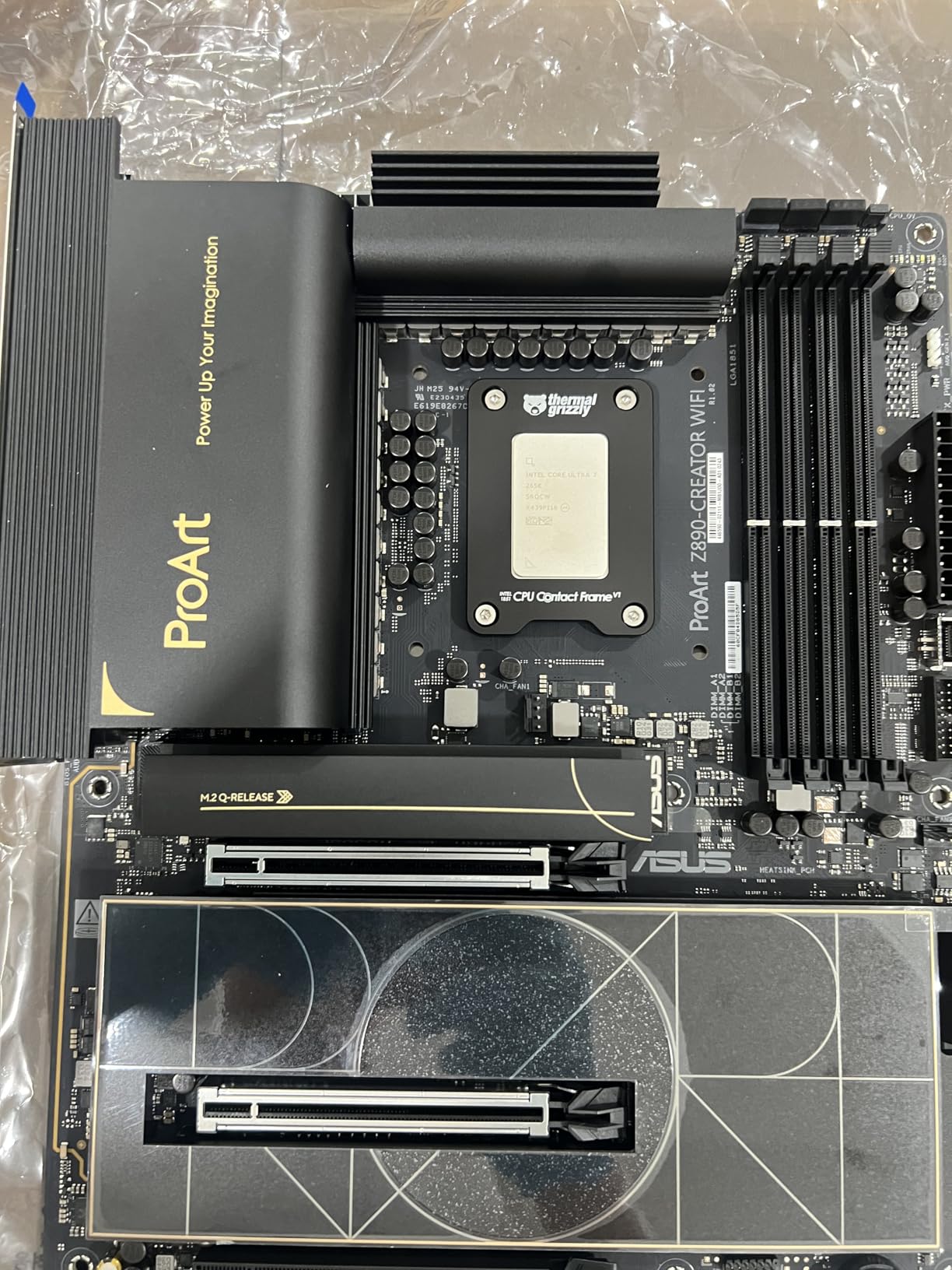
2. ASUS ProArt Z890-Creator WiFi – Built for Creators Who Need 10GbE
ASUS ProArt Z890-CREATOR WIFI Z890 LGA 1851 ATX Motherboard, Intel® Core™ Ultra Processor Series 2 Ready, 16+2+1+2 stages, PCIe® 5.0, DDR5, Thunderbolt™ 5 Type-C®, 10+2.5 Gb LAN, WiFi 7, 5x M.2, AI OC
Z890 chipset
LGA 1851
16+2+1+2 stages
Dual Thunderbolt 5 plus Thunderbolt 4
10GbE and 2.5GbE
5x M.2
+ The Good
- Dual Thunderbolt 5 and Thunderbolt 4 connectivity
- 10GbE and 2.5Gb Ethernet plus WiFi 7
- Five M.2 slots with creator-friendly rear I/O
- Understated styling with no gamer RGB
- ProArt Creator Hub with Pantone color management
- The Bad
- Premium pricing for a creator board
- One detailed negative report cites repeated DOA replacements and port issues attributed to BIOS firmware
- No RGB lighting if your build theme calls for it
This is the board to look at if you edit video, run a NAS, or move large files for a living. Dual Thunderbolt 5 plus a Thunderbolt 4 port is the best rear I/O in this roundup by a wide margin, and the 10 Gb Ethernet port is the only one here that saturates a 2.5 Gb switch with headroom to spare.
The ProArt Creator Hub with Pantone color management is a genuine working tool for anyone doing calibrated print or display work, not a sticker. Styling is deliberately quiet, which suits a build that lives in an office rather than a glass case.
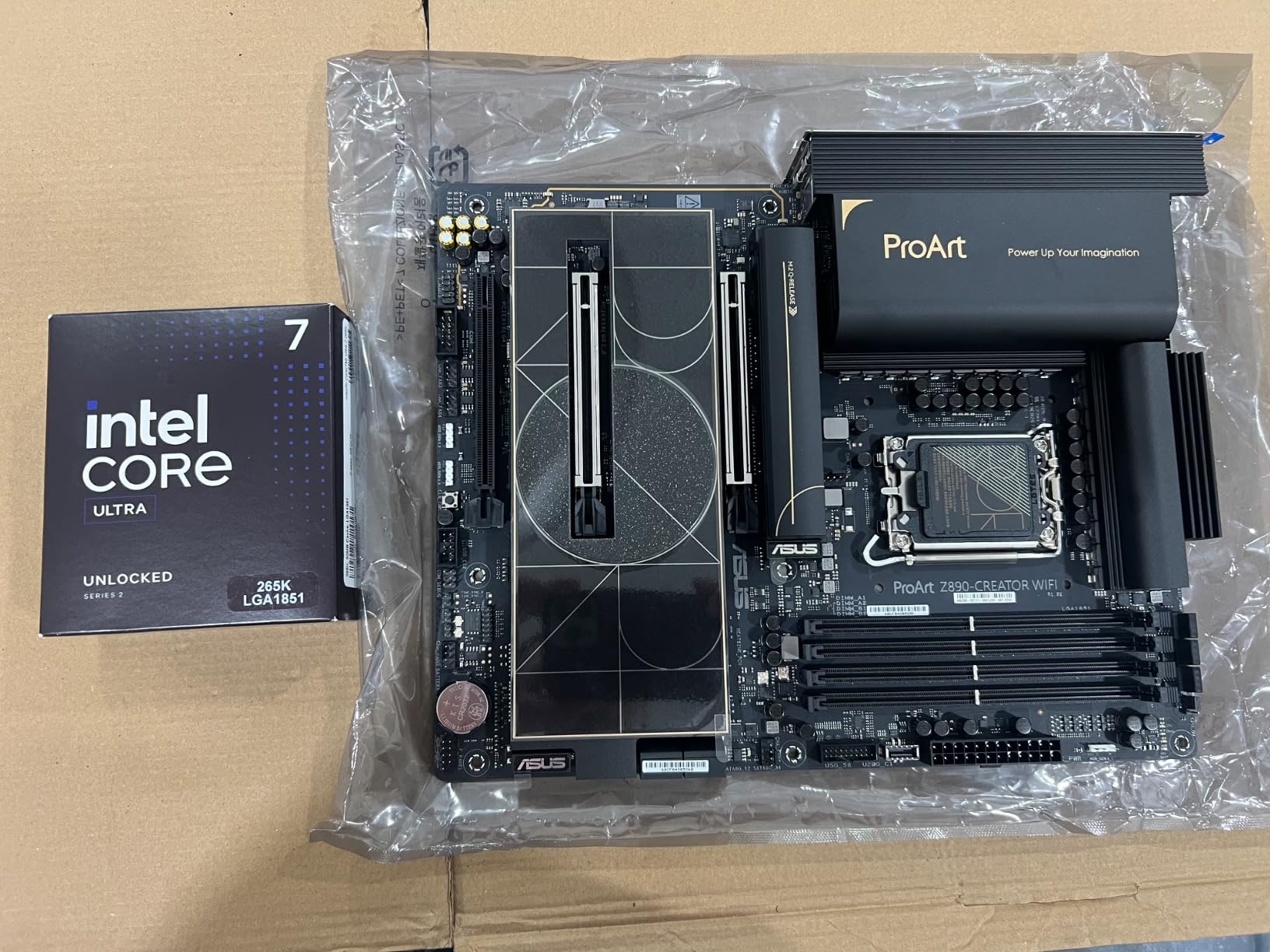
Five M.2 slots and four SATA ports give a content machine room to breathe, and the 16+2+1+2 stage design is adequate for sustained creator workloads without being a power-monster board. DIY features including Q-Release, FlashBack, and Q-Connector make the assembly less fiddly.
Both ethernet ports are listed separately, one 10 Gb and one 2.5 Gb, so you can wire one to a NAS and keep the other for a fast switch. Three-year warranty, 192 GB maximum memory.
Who the ProArt Z890-Creator suits
It suits a creator or small studio running local storage, high-resolution displays over Thunderbolt, and a machine that has to look professional on a desk. The 10 GbE port alone can justify it on a workflow that moves footage between machines.
Who should skip it
Skip it if networking is a 1 Gb line and your displays hang off HDMI. Two Thunderbolt 5 ports and a 10 Gb port are wasted in that setup, and the premium over a Z890 gaming board buys nothing you would use. Check the BIOS and update it on first boot, because a minority of owners report port and wireless issues tied to firmware.
3. ASUS ROG Strix Z890-A Gaming WiFi – The Gaming Sweet Spot
ASUS ROG STRIX Z890-A GAMING WIFI Z890 LGA 1851 ATX motherboard, Intel® Core™ Ultra Series 2 Ready, Advanced AI PC-ready, 16+2+1+2 stages, DDR5, WiFi 7, 2.5G, 5x M.2, Thunderbolt™ 4, USB Type-C, AI OC
Z890 chipset
LGA 1851
16+2+1+2 stages
5x M.2 slots
WiFi 7 and 2.5Gb LAN
Thunderbolt 4
+ The Good
- Strong VRM and thermal design holds low temps under load
- Best audio implementation in this class per owners
- Five M.2 slots and reinforced PCIe lanes
- Intuitive ASUS BIOS with good memory overclocking headroom
- Clean white aesthetic option
- The Bad
- One review reports a dead-on-arrival board from this brand
- A few buyers found early BIOS and driver quirks that needed resolving
- New platform means some RAM kit compatibility caveats
This is the board most gaming-focused Intel builds should actually buy. It sits one tier below the Maximus in power delivery, at 16+2+1+2 stages with 90A phases, and in practice that difference only shows up if you are pinning every core on a power-limited chip for hours.
Owners rate the onboard audio as the best in this price class, and the reinforced PCIe slots are a real benefit when you swap a heavy graphics card in two years from now. Five M.2 slots give you room to run a boot drive, a game library, and a scratch drive without a PCIe adapter.
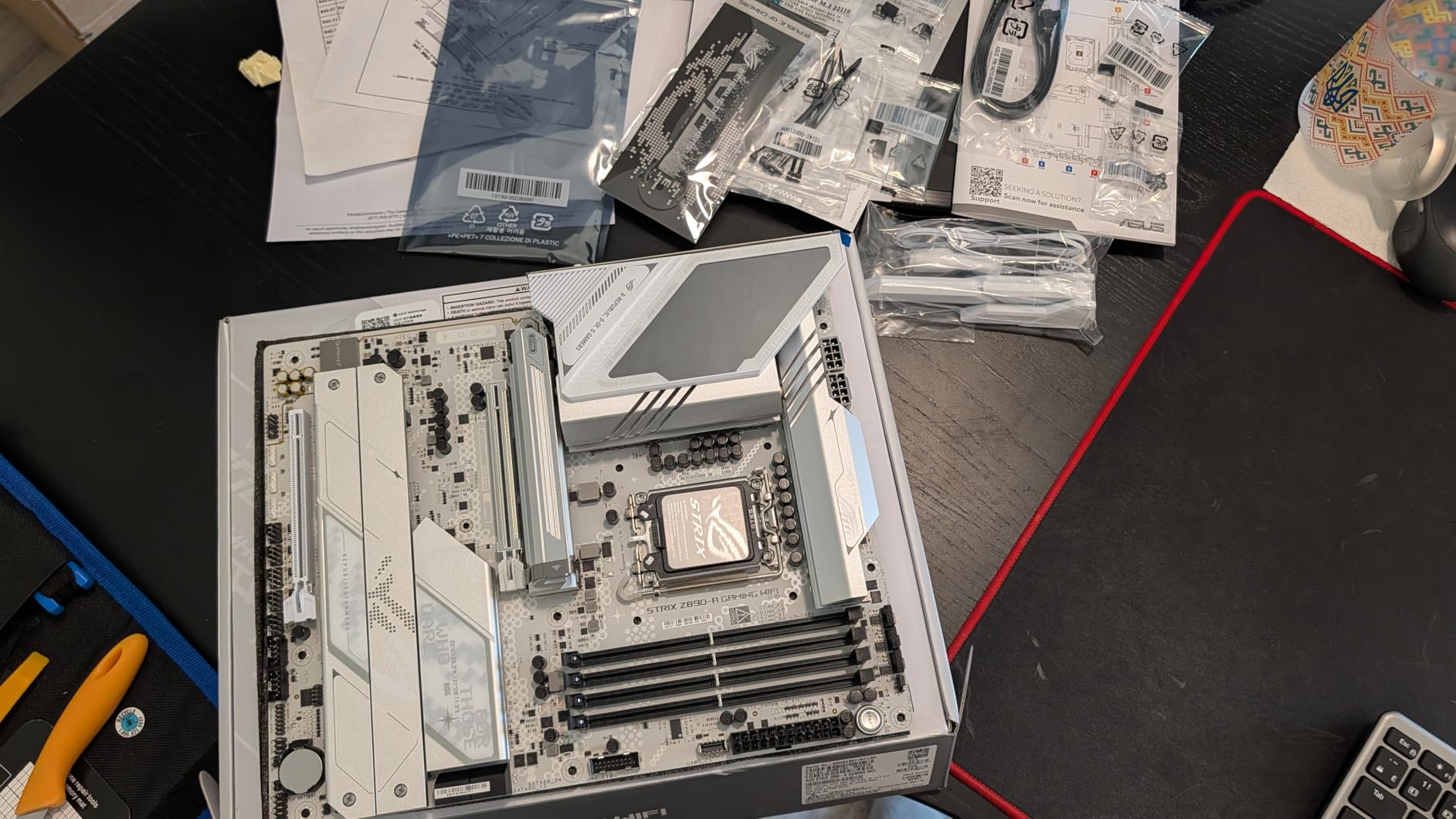
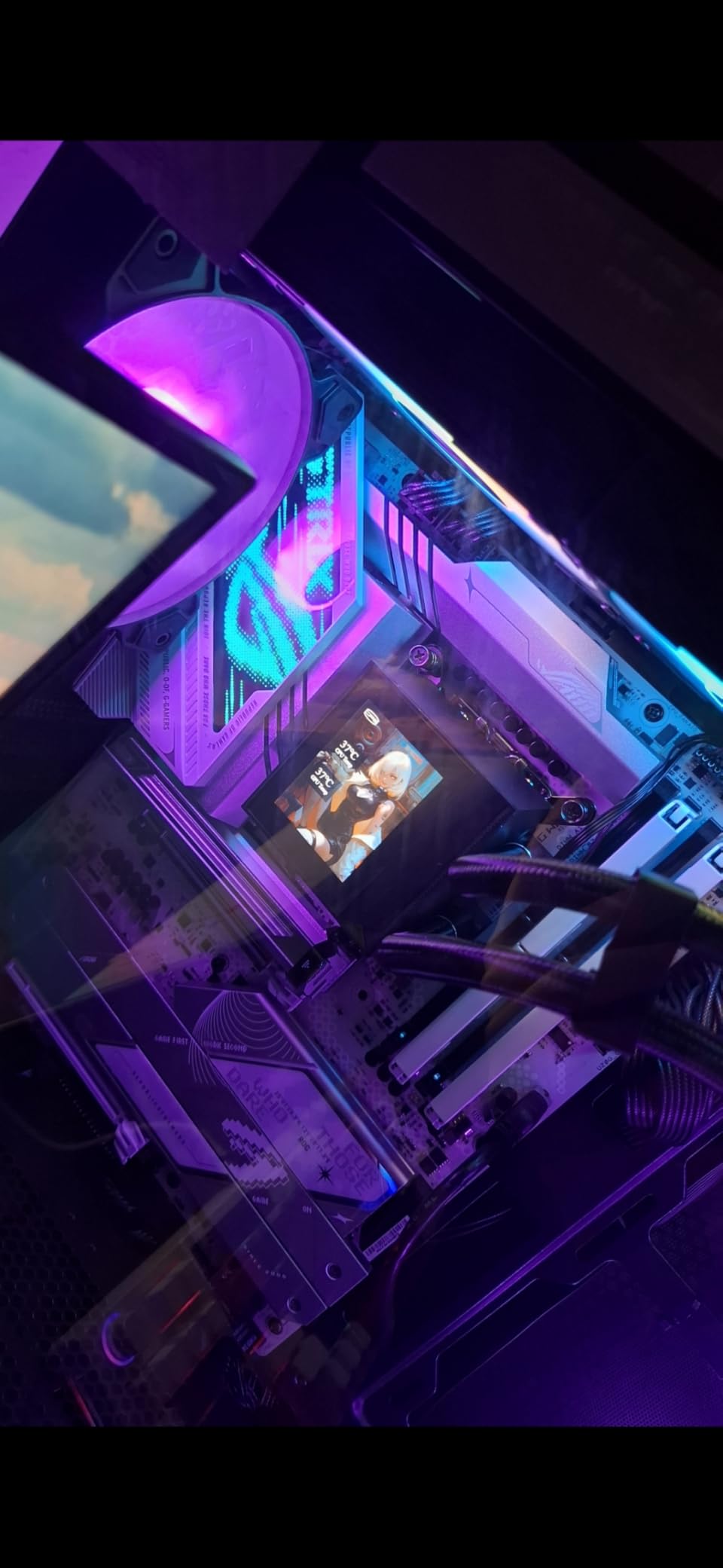
The BIOS is described as intuitive with frequent updates, and memory tuning headroom is reported in the 9000 MT/s class, which is well above what most gamers need. Massive heatsinks with an integrated I/O cover and an L-shaped heatpipe keep VRM temperatures in check under sustained load.
There are 17 USB ports across the board, 2.5Gb LAN, WiFi 7, and Thunderbolt 4 rear I/O. Dimensions are 13.9 by 10.8 by 2.8 inches, so check it against a compact case before you commit.
Who the Strix Z890-A suits
It suits a gamer building on the current platform who wants a strong board now and a clean front panel later. It also suits anyone who cares about sound quality from onboard audio rather than adding a sound card.
Who should skip it
Skip it if you never intend to touch the memory controller. The tuning headroom is the main thing you give up versus the Maximus, and on a B860 board you give up the same headroom for less. Buy early revision units with the usual factory-return check, since a small number of owners report early driver quirks.
4. ASUS TUF Gaming Z890-PLUS WiFi – The Value Route Into LGA 1851
ASUS TUF Gaming Z890-PLUS WiFi Z890 LGA 1851 ATX Motherboard, Intel® Core™ Ultra Series 2 Ready, Advanced AI PC-Ready, 16+1+2+1 Stages, DDR5, PCIe® 5.0, Thunderbolt™ 4 Type-C®, 4X M.2, Wi-Fi 7, 2.5Gb
Z890 chipset
LGA 1851
16+1+2+1 80A stages on 8-layer PCB
4x M.2 slots
WiFi 7 and 2.5Gb LAN
+ The Good
- Solid 80A VRM stages on an 8-layer PCB for Core Ultra 200S
- Four M.2 slots and Thunderbolt 4 Type-C on a mid-range ATX board
- Complete cooling package covering VRM M.2 and PCH
- TUF reliability below the ROG Strix tier
- The Bad
- Only one Ethernet port at 2.5Gb with no 10 Gb option
- No onboard debug LED and no premium audio codec
- Highest one-star review share in this lineup at 14 percent
The TUF Z890-PLUS is the board to buy when you want Z890 features without the ROG tax. Four M.2 slots, Thunderbolt 4 Type-C, WiFi 7, and 2.5Gb LAN is a complete feature set for a mid-range build, and the 8-layer PCB with 80A DrMOS stages is more than a non-overclocked Core Ultra 200S will ask for.
Cooling is the quietly good part. Large VRM heatsinks plus dedicated M.2 and PCH heatsinks mean nothing in the board runs hot in a closed case, and hybrid fan headers with Fan Xpert 4 give you proper curve control.
Owners generally report a stable, well-cooled board with plenty of storage and working wireless. The recurring complaint is the absence of features rather than performance: single network port, no diagnostic display, and a less capable audio codec than the ROG boards.
Warranty is three years, memory tops out at 192 GB across four DDR5 slots, and there are 15 USB ports. It is a full ATX board measuring 13.9 by 10.7 by 2.7 inches.
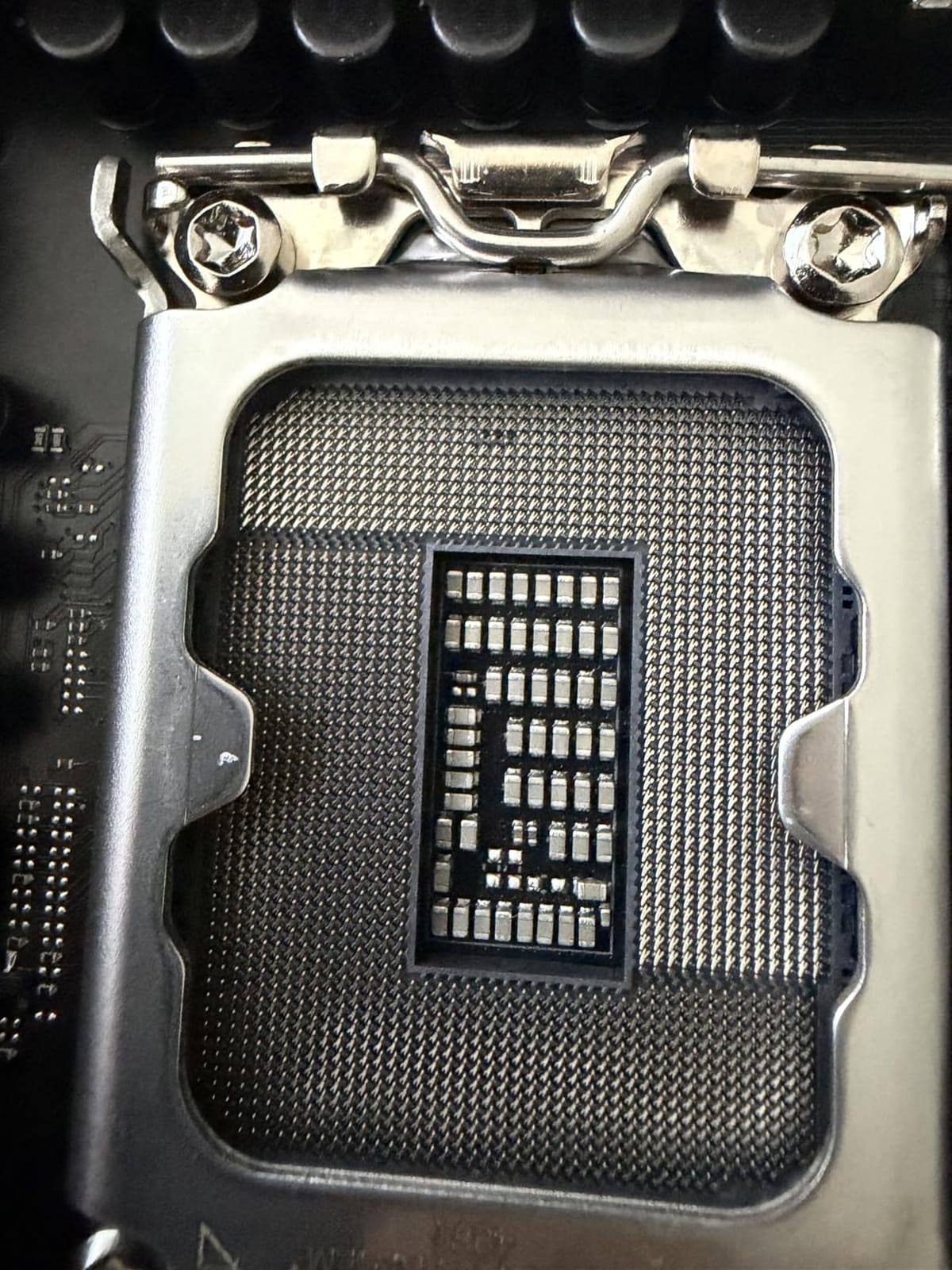
Who the TUF Z890-PLUS suits
It suits a builder who wants the current socket, wireless, and modern storage without paying for overclocking headroom they will not use. It is also a safe pick if you plan to reuse this board in a second build later.
Who should skip it
Skip it if you run a 10 Gb network or want a second ethernet port, because there is only one 2.5 Gb jack here. Skip it if returns are not easy where you live, since its one-star share is the highest in this lineup. Otherwise the tradeoffs are features, not speed.
5. MSI MAG B860 Tomahawk WiFi – 5GbE Networking With Fast Memory
MSI MAG B860 Tomahawk WiFi Motherboard, ATX – Supports Intel Core Ultra Processors (Series 2), LGA 1851 – DDR5 Memory Boost 9200+ MT/s OC, 1 x PCIe 5.0 x16, 1 x M.2 Gen5, 5G LAN, Wi-Fi 7
B860 chipset
LGA 1851
DDR5 up to 9200+ MT/s
1x PCIe 5.0 x16
5GbE and WiFi 7
+ The Good
- Highest-rated board in this roundup at 4.5 stars
- 5 GbE plus WiFi 7 and Bluetooth 5.4
- DDR5 Memory Boost 9200+ MT/s with isolated 1DPC 1R memory circuitry
- Easy DIY features with EZ M.2 Clip II and Flash BIOS button
- Subdued styling that works with or without RGB
- The Bad
- B860 chipset means no CPU multiplier overclocking
- One buyer reports Bluetooth and WiFi not working after a BIOS update
- Small review pool of 34 makes long-term reliability harder to judge
The Tomahawk is the odd board in this roundup and the one we would most expect to age well. B860 means no CPU multiplier overclocking, but the memory subsystem is rated to 9200+ MT/s with isolated 1DPC 1R circuitry, which is the layout memory overclockers look for.
Networking is the real headline. Killer 5G LAN plus WiFi 7 and Bluetooth 5.4 is the fastest standard wired option here for a single-cable desk setup, and on a machine pulling large game installs or pushing a NAS, 5 GbE is a genuine throughput upgrade over 2.5 Gb.
Storage is one M.2 Gen5 x4 slot plus two Gen4 x4 slots, and the primary PCIe 5.0 x16 slot carries Steel Armor II. FROZR GUARD cooling adds 7W/mK MOSFET pads, extended heatsinks, and an EZ M.2 Shield Frozr II.
There are four SATA ports, Thunderbolt 4 Type-C with display output, and 7.1 channel audio with optical S/PDIF. The EZ M.2 Clip II, Flash BIOS, and CMOS clear buttons are the kind of small touches that save a first build.
Who the MAG B860 Tomahawk suits
It suits a builder on the current platform who wants fast networking and top-end memory speeds but does not need to change the CPU multiplier. A 5 GbE port also makes sense if you are moving a lot of data on a local network.
Who should skip it
Skip it if you own a K-series Core Ultra chip and plan to overclock it, because B860 will not let you. With only 34 reviews on record, you are also buying a board with a thin reliability history, so expect to test memory early and keep the return window open.
6. ASUS TUF Gaming B860-PLUS WiFi – Every M.2 Slot Covered
ASUS TUF Gaming B860-PLUS WiFi B860 LGA 1851 ATX Motherboard, Intel® Core™ Ultra Series 2 Ready, Advanced AI PC-Ready, 12+1+2+1 Stages, DDR5,PCIe 5.0, 3X M.2, Wi-Fi 7, 2.5Gb LAN, USB 20Gbps Type-C®
B860 chipset
LGA 1851
12+2+1 80A stages
1x PCIe 5.0 M.2 plus 2x PCIe 4.0
all M.2 slots have heatsinks
+ The Good
- All three M.2 slots ship with heatsinks including the PCIe 5.0 slot
- 12+2+1 80A DrMOS stages with 8+8 pin ProCool connectors
- WiFi 7 and 2.5Gb LAN at a mid-range tier
- Front USB 20Gbps Type-C for modern cases
- The Bad
- B860 chipset rules out CPU multiplier overclocking
- Only 2.5Gb Ethernet with no 10 Gb option
- Very small review base of 30 as a newer release
The TUF B860-PLUS is the storage-first board in this roundup. One PCIe 5.0 M.2 and two PCIe 4.0 M.2 slots, and every one of them ships with a heatsink, which is not true of most boards in this class.
That matters more than it sounds. A high-end Gen5 SSD throttles hard without a heatsink within a few minutes of a sustained write, and the difference shows up in large project transfers and library installs rather than in boot times.
Power delivery is 12+2+1 80A DrMOS stages with 8+8 pin ProCool connectors on an 8-layer PCB, plus VRM, M.2, and PCH heatsinks with Fan Xpert 4. That is comfortably enough for a non-overclocked Core Ultra 200S.
Front USB 20Gbps Type-C is a nice touch for a modern case, and WiFi 7 with 2.5Gb LAN means the wireless question is settled before you build. Thirteen USB ports across the board, four SATA ports, 192 GB maximum memory.
Initial owners rate it highly for the current-gen platform with complete M.2 cooling and stable power delivery. The stated limitations are the B860 overclocking lockout, a single network port, and a small review base.
Who the TUF B860-PLUS suits
It suits a builder running several NVMe drives, or anyone who moves large files daily and does not want to think about thermal throttling. It also suits a case with limited airflow, since every drive is covered.
Who should skip it
Skip it if you want to raise the CPU multiplier, because B860 locks it. Two M.2 slots is fewer than the Z890 boards here, so a four-drive machine needs an adapter somewhere. With 30 reviews, treat early-batch testing as part of the build.
7. Gigabyte Z790 UD AC – The Proven LGA 1700 Route
GIGABYTE Z790 UD AC LGA 1700 ATX Motherboard, Support Intel Core 14th/13th/12th Gen, DDR5, 16+1+1 Power Phase, 3X M.2, PCIe 5.0, USB-C 3.2, Dual Band WiFi, 2.5GbE, EZ-Latch, Q-Flash, RGB Fusion
Z790 chipset
LGA 1700
16+1+1 Twin Hybrid Phases with 60A DrMOS
6 SATA ports
3x M.2 slots
+ The Good
- Largest review base in this roundup at 430 for a well-proven platform
- Six SATA ports and three M.2 slots
- 60A DrMOS stages on a 6-layer PCB are adequate for 12th to 14th Gen
- EZ-Latch socket and Q-Flash make older-platform builds less fiddly
- The Bad
- No CPU support beyond 14th Gen because LGA 1851 is the current socket
- Modest 16+1+1 power phase design limits heavy overclocking headroom
- Only PCIe 5.0 on the primary x16 slot
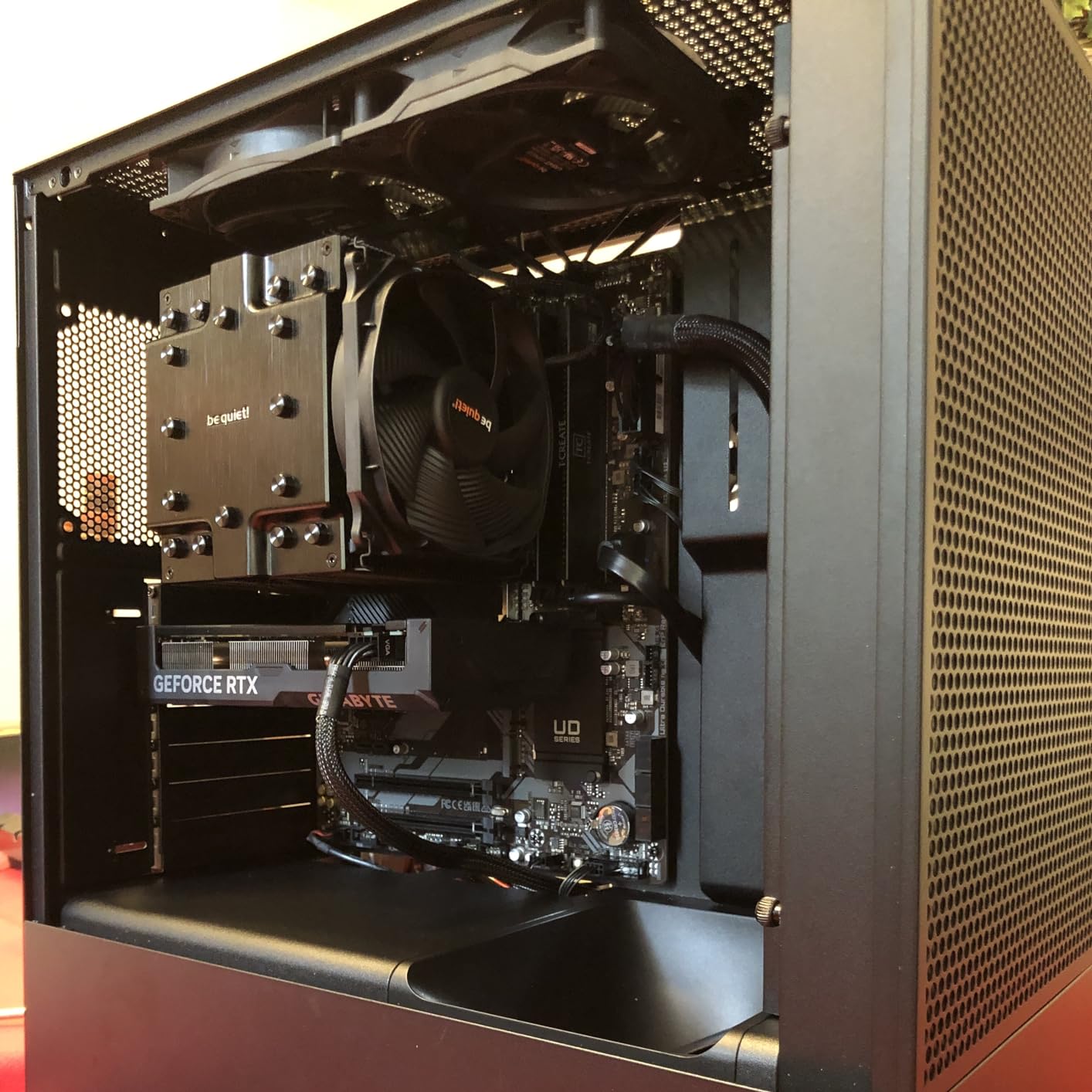
If you already own a 12th, 13th, or 14th Gen Core processor, this is the board that lets you skip the CPU in the budget. It has been sold and reviewed long enough that firmware support for every generation on the socket is settled, which removes the BIOS gamble entirely.
Six SATA ports is the most in this roundup, and three M.2 slots cover a modern gaming machine. Dual-band WiFi and 2.5GbE are included, which matters more than most spec lists admit since the cheaper boards in this category often omit wireless.
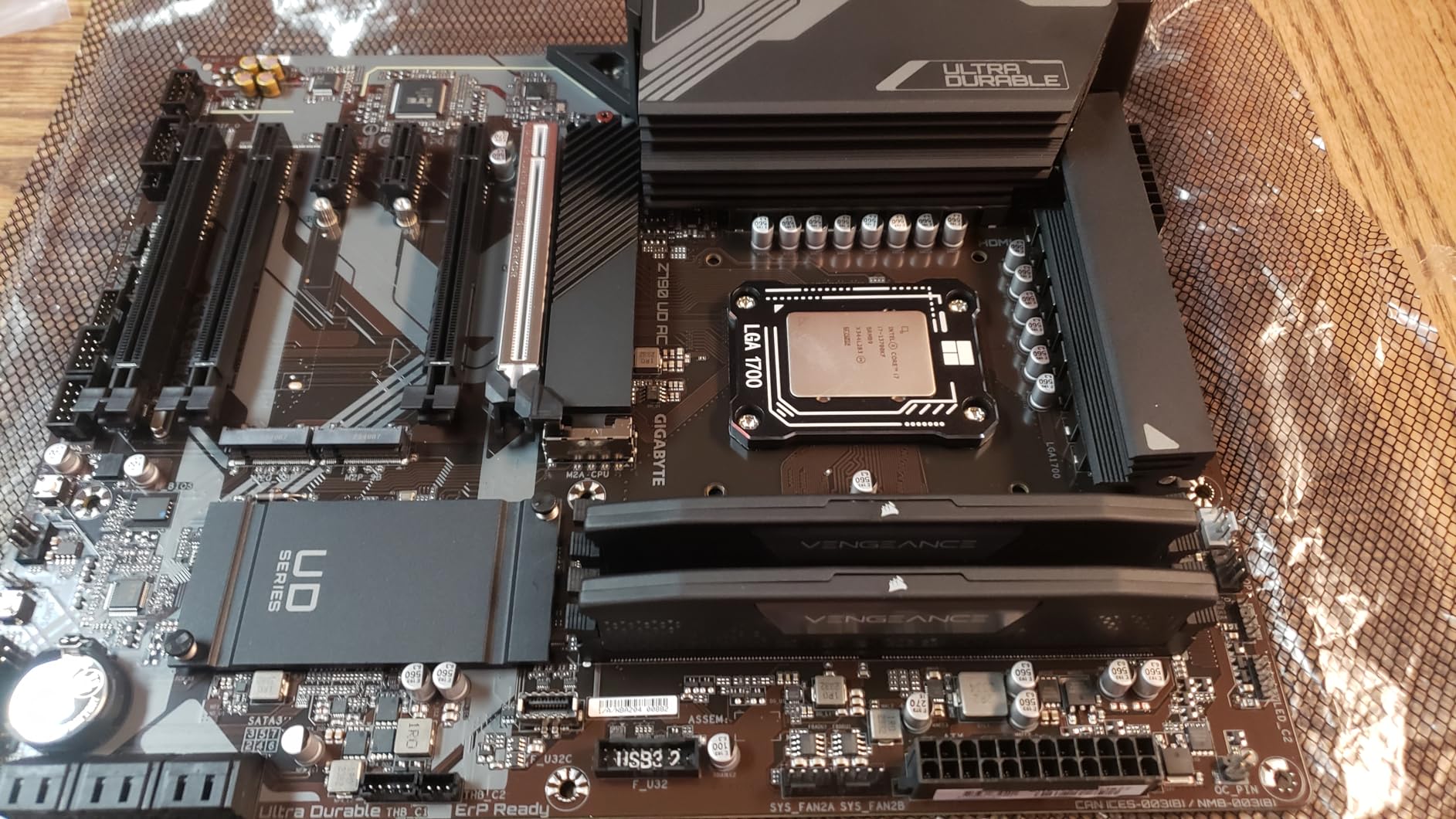
The 16+1+1 Twin Hybrid Phases design with 60A DrMOS and fully covered MOSFET heatsinks is adequate rather than impressive, and M.2 Thermal Guard plus Ultra Durable Armor on a 6-layer PCB handle thermals. EZ-Latch on the socket is a small quality-of-life feature on a platform this old.
Memory tops out at 192 GB across four DDR5 slots. Q-Flash handles BIOS updates from a USB drive, which is exactly the tool you want on a board that has to support 14th Gen parts.
Who the Z790 UD AC suits
It suits an upgrader with a 12th to 14th Gen Core CPU already in hand who wants a better board without changing platform. The 430-review history means board revisions and BIOS behaviour are well documented.
Who should skip it
Skip it if you are buying a CPU at the same time, because you are locking into an older socket with no path to Core Ultra 200S. The power phase design also leaves little room for serious all-core overclocking on a hot 14th Gen part.
8. ASUS Z790-AYW WiFi W II – The Premium LGA 1700 Pick
ASUS Z790-AYW WiFi W II Intel Z790 (LGA 1700) ATX Motherboard with PCIe® 5.0, 3X M.2, 12+1 DrMOS, DDR5, WiFi 6, 2.5Gb LAN, HDMI, USB 10Gbps Type-C®, USB 10Gbps Type-C®, Thunderbolt™, USB4®, Aura Sync
Z790 chipset
LGA 1700
12+1 DrMOS on 6-layer PCB
4 DDR5 slots to 192 GB
WiFi 6 and 2.5Gb LAN
+ The Good
- Runs four DDR5 sticks at XMP and supports multi-GPU setups per owners
- Built-in WiFi 6 and 2.5Gb LAN work reliably
- User-friendly ASUS BIOS and easy installation
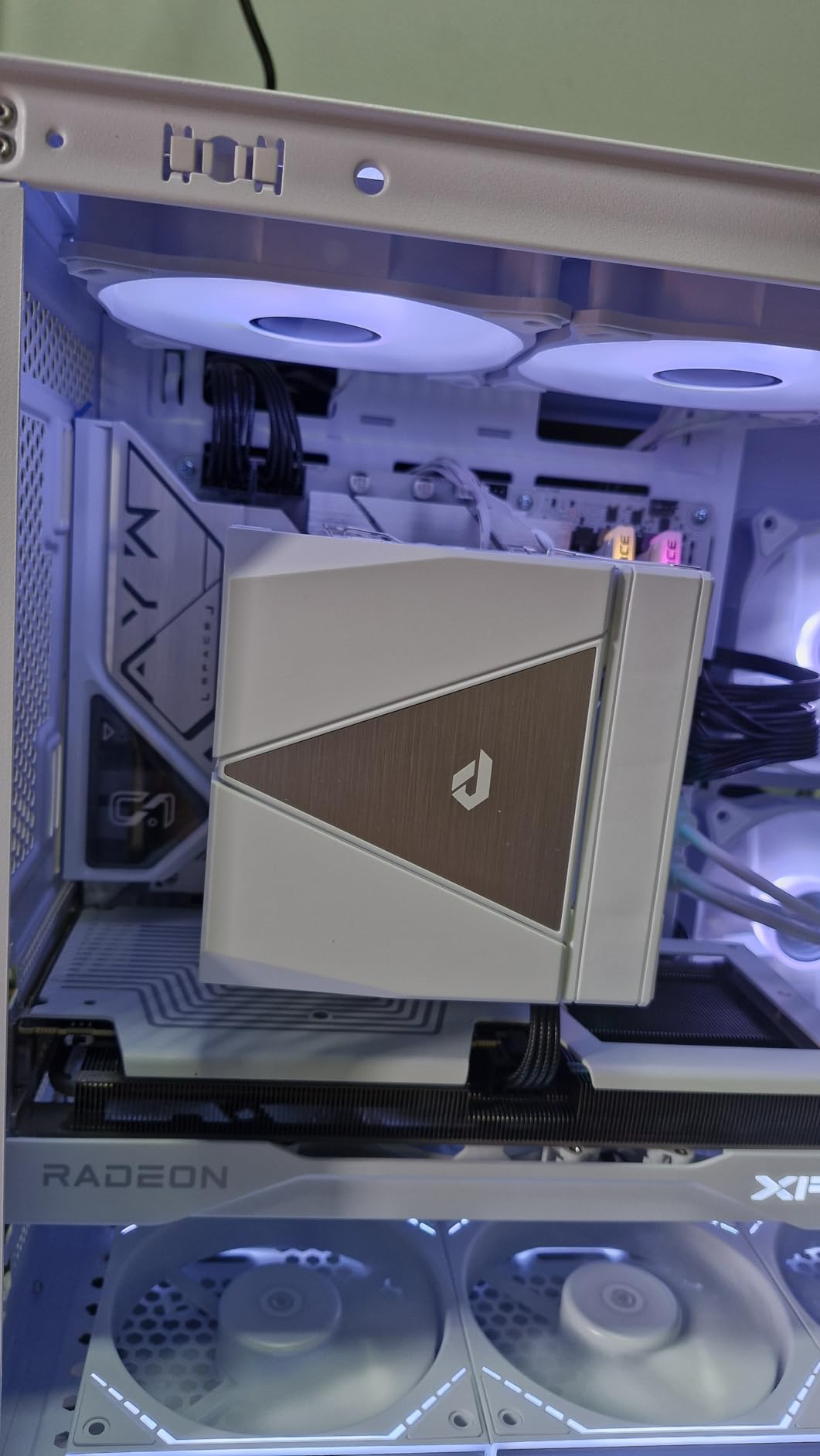
- White aesthetic with Aura Sync RGB for themed builds
- The Bad
- No diagnostic boot LEDs for troubleshooting
- A few reports of a dead PCIe GPU slot or a unit failing within a week
- Secure Boot disable option is not obvious in the BIOS
This is the LGA 1700 board we would pick over any other on this socket. Z790 gives you CPU multiplier overclocking, and the board handles all four DDR5 slots at XMP without falling over, which is the specific combination people ask forum posters about when they are choosing between cheaper Z790 options.
Multi-GPU support is a genuine feature for anyone running two cards, and owners confirm it works. The ASUS BIOS and Enhanced Memory Profile II with OptiMem II make the memory setup a two-minute job rather than an evening.
Rear I/O includes 10Gbps Type-C and Type-A ports, a front panel 10Gbps Type-C header, and Thunderbolt with USB4 header support for a fast external enclosure. PCIe 5.0 x16 sits above PCIe 4.0 M.2 slots.
WiFi 6 with 2.5Gb LAN covers the wireless and wired sides without an adapter card, and Aura Sync lighting handles a themed build. Seventeen USB ports total, four SATA ports, 192 GB maximum memory.
Who the Z790-AYW WiFi W II suits
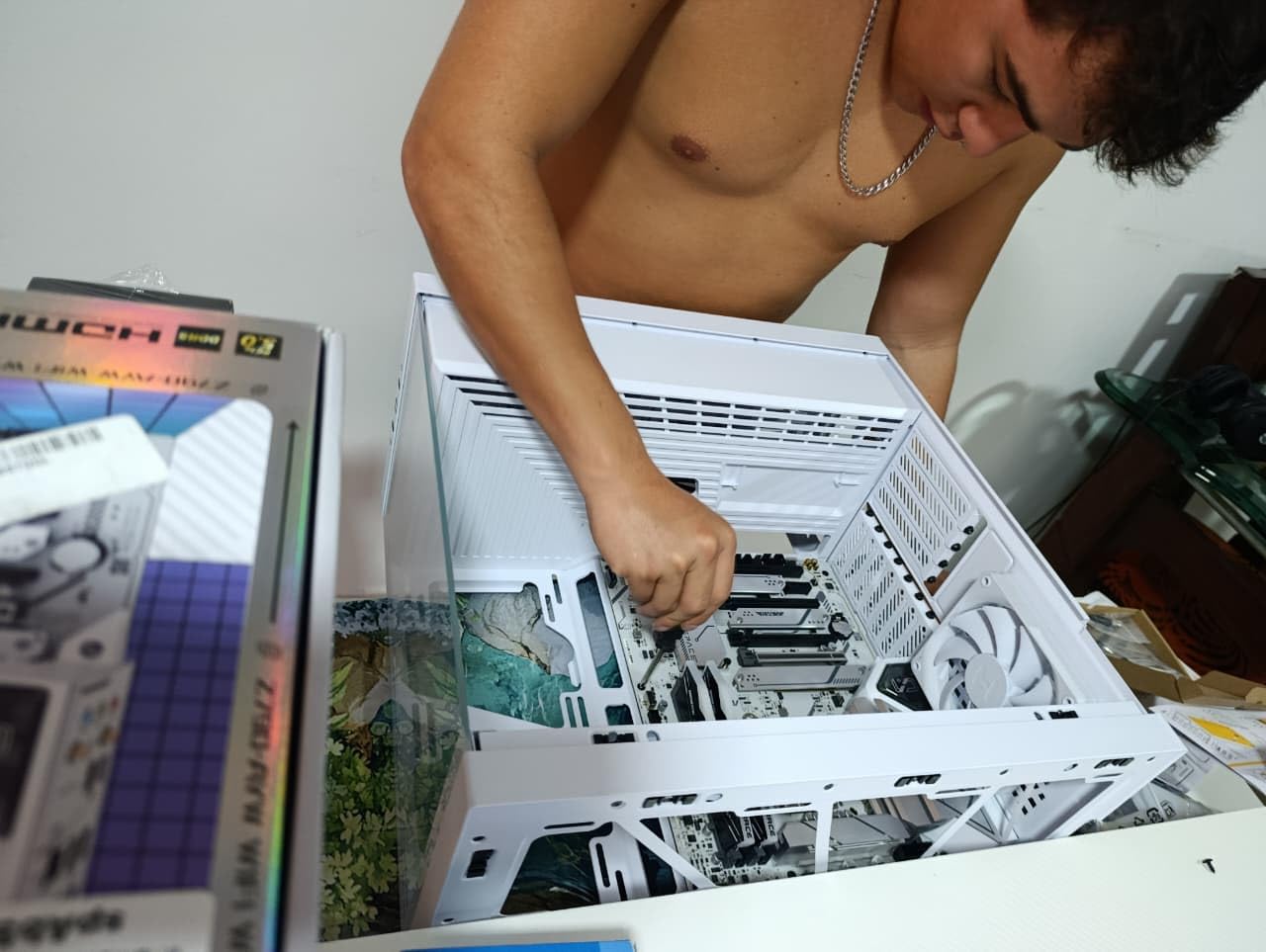
It suits a builder staying on LGA 1700 who wants Z790 overclocking, four memory slots at full speed, and working wireless from day one. It is a strong fit for a white or themed case thanks to Aura Sync.
Who should skip it
Skip it if you will troubleshoot by hand, because there are no CPU, DRAM, VGA, or BOOT diagnostic LEDs on this board. A handful of owners also report a dead PCIe slot or an early failure, so keep your purchase protected. The 12+1 phase design is fine for stock and light boost, not for extreme all-core overclocking.
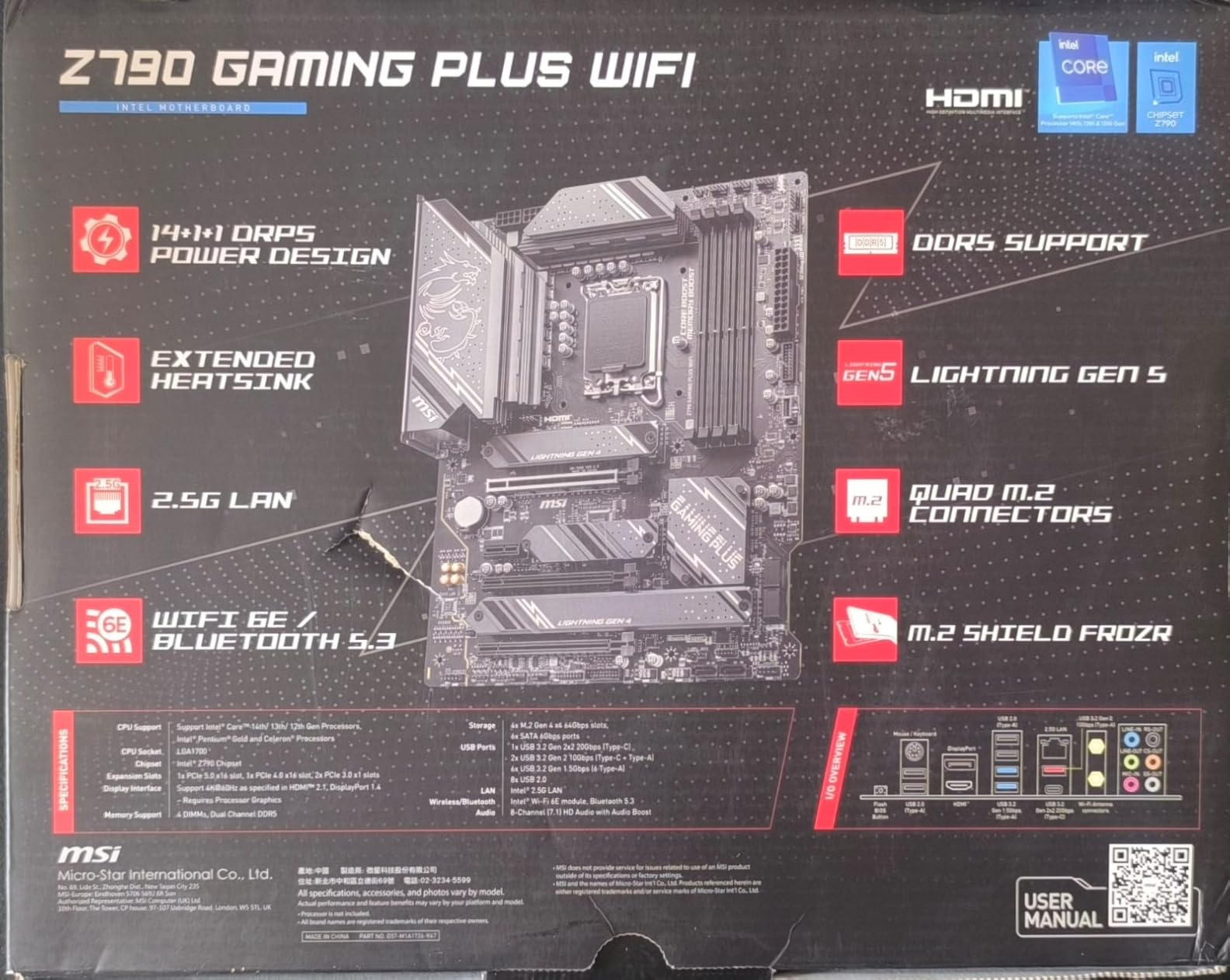
9. MSI Z790 Gaming Plus WiFi-AMZ – Wireless 6E on a Budget
MSI Z790 Gaming Plus WiFi-AMZ Gaming Motherboard (Support 14th/13th/12th Gen Intel Processors, LGA 1700, DDR5, PCIe 5.0, M.2 Slots, 2.5Gbps LAN, USB 3.2 Gen2, Wi-Fi 6E, Bluetooth 5.3, ATX)
Z790 chipset
LGA 1700
14+1+1 Duet Rail Power System
DDR5 up to 7200+ MT/s
WiFi 6E and Bluetooth 5.3
+ The Good
- Value Z790 entry with DDR5 support up to 7200+ MT/s
- WiFi 6E and Bluetooth 5.3 alongside 2.5Gbps LAN
- M.2 Shield Frozr keeps Gen4 SSDs cool
- Core Boost and Memory Boost simplify tuning
- The Bad
- Lowest average rating in this lineup at 4.0 stars with a 15 percent one-star share
- Listed maximum memory capacity of 64 GB is lower than comparable boards
- 14+1+1 power phase design is modest for heavy 14th Gen overclocking
- LGA 1700 platform with no path to Core Ultra processors
The reason to buy this board is the wireless. WiFi 6E with Bluetooth 5.3 alongside 2.5Gbps LAN is a complete networking package at a budget Z790 tier, and the 6E band keeps it useful in crowded environments where 6 GHz spectrum is available to you.
Power delivery is a 14+1+1 Duet Rail System with dual 8-pin CPU power and Core Boost. That is enough for a stock 14th Gen chip at stock settings, which is where almost everyone ends up anyway.
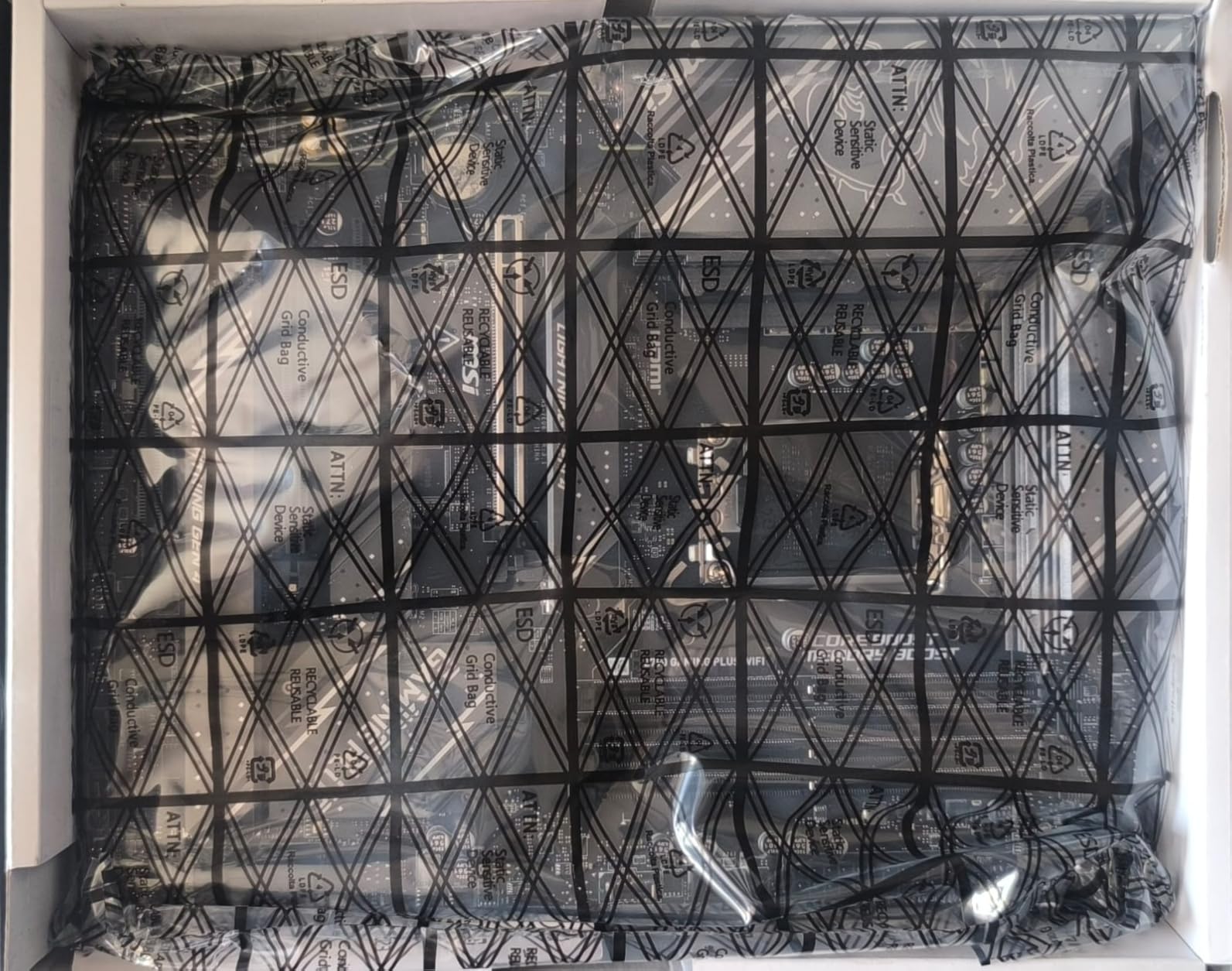
The extended heatsink with 7W/mK MOSFET thermal pads and choke thermal pads does a reasonable job, and M.2 Shield Frozr keeps Gen4 drives from throttling. A PCIe 5.0 slot and USB 3.2 Gen 2×2 20G round out the high-speed I/O.
DDR5 is supported to 7200+ MT/s. The listed maximum memory capacity of 64 GB is the standout weakness here, and it is worth confirming against your own memory plan before you commit to a large-capacity kit.
Who the Z790 Gaming Plus WiFi-AMZ suits
It suits a 12th to 14th Gen builder who wants Z790 CPU overclocking, 6E wireless, and fast wired networking without moving up a tier. It also suits anyone in an area where 6 GHz WiFi is available and the older bands are congested.
Who should skip it
Skip it if you plan to run more than 64 GB of memory, because the listed ceiling is the lowest in this roundup. Its 4.0 average with a 15 percent one-star share is also the weakest consistency here, so buy it from a seller with straightforward returns and test the memory early.
10. MSI PRO B760M-P DDR4 – The Budget Route Into a Modern Intel Build
MSI PRO B760M-P DDR4 ProSeries Motherboard (Supports 12th/13th/14th Gen Intel Processors, LGA 1700, DDR4, PCIe 4.0, M.2, USB 3.2 Gen2, HDMI/DP, mATX)
B760 chipset
LGA 1700
DDR4 up to 4800+ MT/s
microATX
4 DDR4 slots to 128 GB
+ The Good
- Low-cost route to a modern Intel build with a 4.5-star average across 775 reviews
- Four DDR4 DIMM slots are unusual at this price and good for upgrade paths
- Includes an M.2 heatsink and a reinforced PCIe x16 slot
- Surprisingly capable onboard audio via the rear jack
- Easy MSI BIOS with straightforward XMP setup
- The Bad
- No VRM heatsinks
- ARGB header
- or WiFi
- Only 1Gb LAN so a PCIe network card is needed for faster networking
- No Q-Flash button
- so a board shipped with an older BIOS may need paid BIOS flashing for 14th Gen CPUs
- B760 chipset means no CPU multiplier overclocking
With 775 reviews at a 4.5 average, this is the most thoroughly tested board in the roundup by a wide margin. If you are building a first gaming PC on 12th, 13th, or 14th Gen and you already own DDR4, nothing else here gets you a working machine for less.
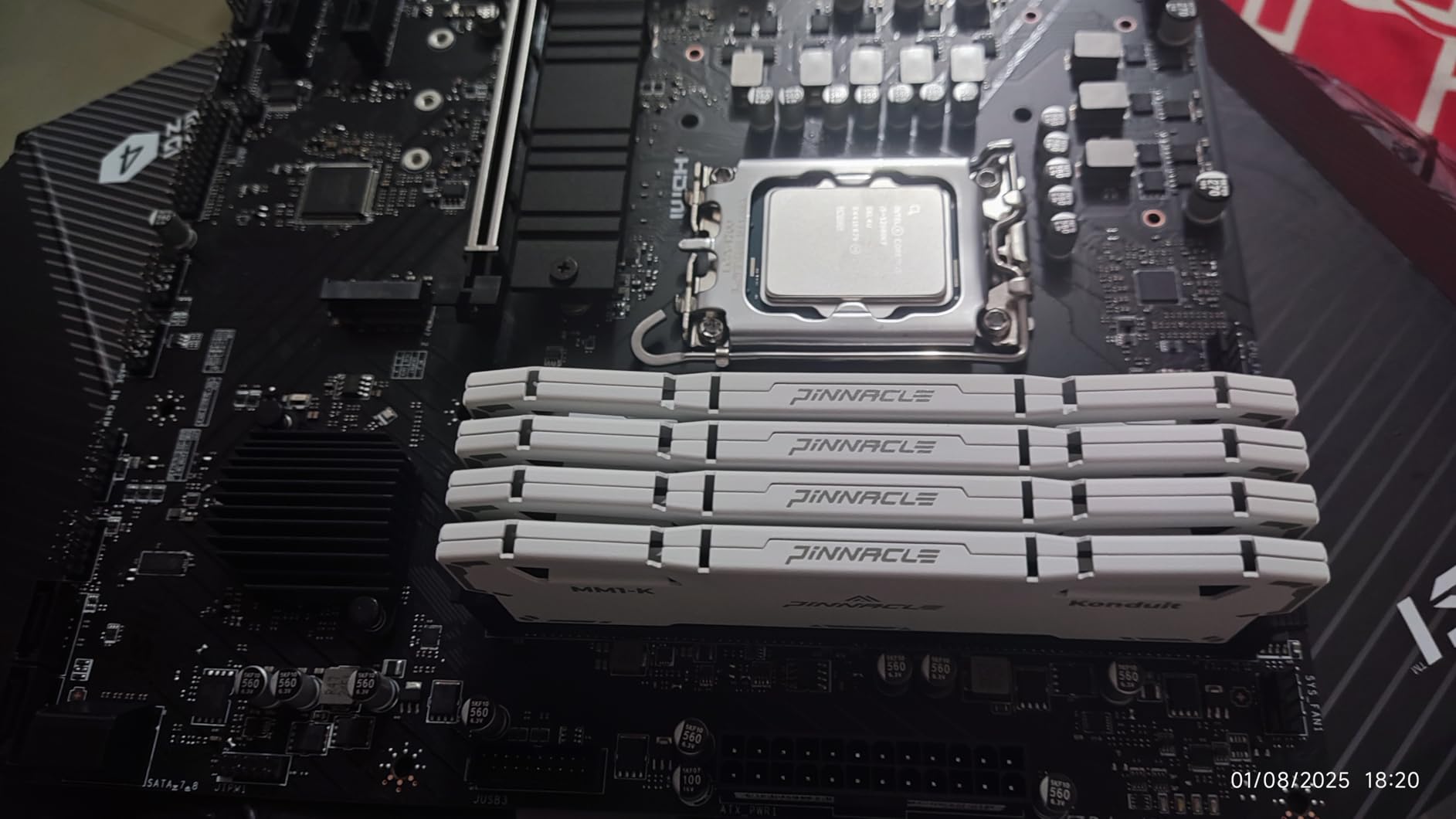
Four DDR4 slots is genuinely unusual at this tier and matters, because you can start with two sticks and add two more later. Memory is supported to 4800+ MT/s, and an M.2 heatsink plus a reinforced PCIe x16 slot are both welcome.
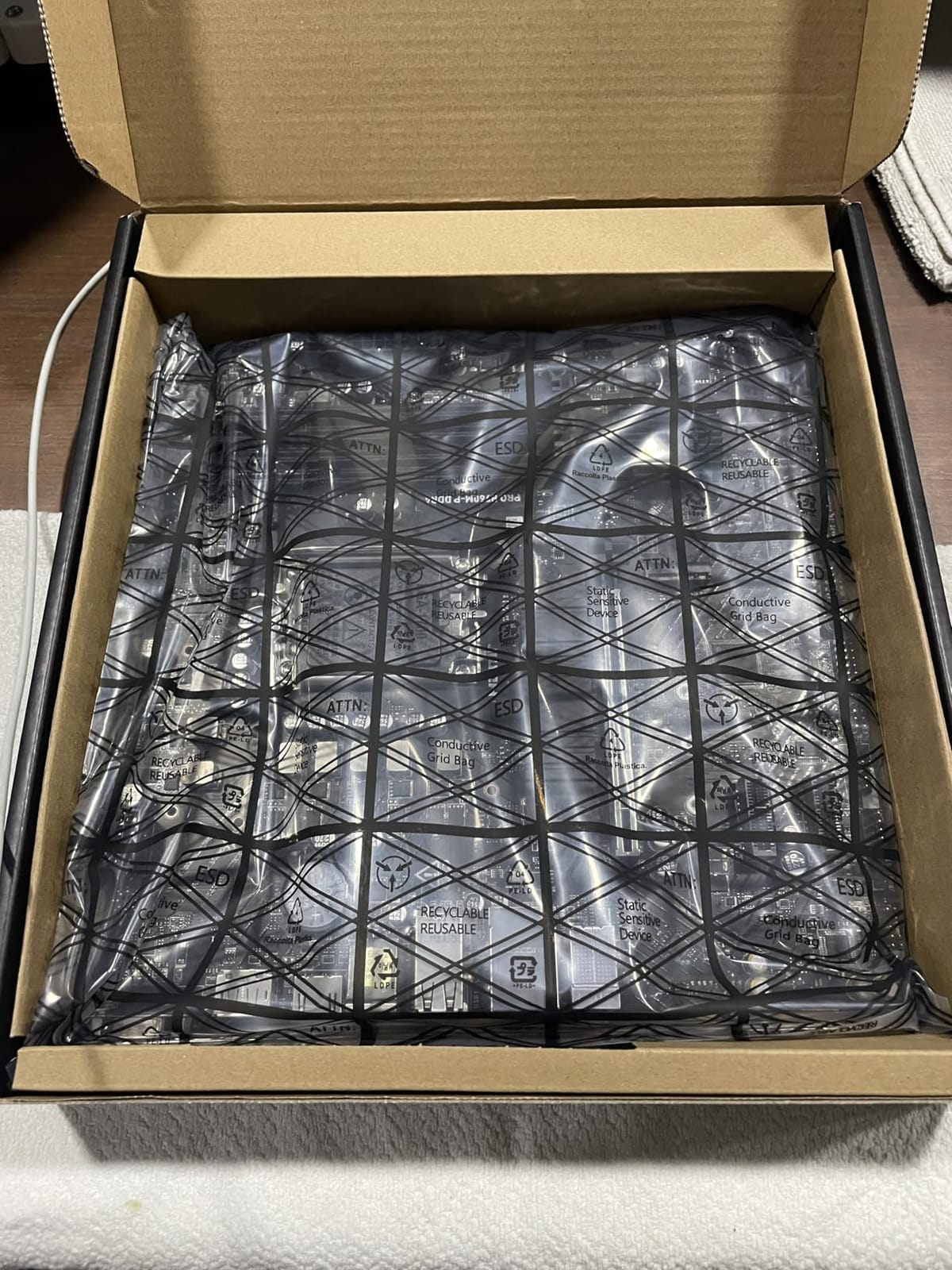
The microATX layout measures 11.73 by 10.79 by 2.32 inches, so it fits a compact case and leaves the expansion slots for a graphics card. Core Boost premium layout, Memory Boost, and Lightning Gen4 x4 M.2 with M.2 Shield Frozr cover the essentials.
HDMI and DisplayPort output mean an F-series CPU with no integrated graphics still needs a discrete card, but a non-F chip will drive a monitor without one. USB 3.2 Gen2 and optical S/PDIF are both present.
Who the PRO B760M-P DDR4 suits
It suits a first-time builder reusing existing DDR4, a compact office or homelab machine, or anyone who wants a proven board with a huge support history. Four slots and a 128 GB ceiling make it a sensible place to grow.
Who should skip it
Skip it if you are buying a new CPU and new memory, because DDR4 is effectively at the end of its life on Intel platforms. There are no VRM heatsinks, no WiFi, and only 1Gb Ethernet, so plan on a network card. If you are pairing a 14th Gen CPU, check whether the board shipped with a current BIOS, because without a Q-Flash button an out-of-date unit can need a paid flashing service.
11. ASUS Prime B760M-A AX – The MicroATX for 14th Gen Builds
ASUS Prime B760M-A AX LGA 1700(Intel® 12th&13th Gen) microATX Motherboard (PCIe® 4.0, 2xM.2 Slots, DDR5,Realtek 2.5 Gb LAN,WiFi 6, DP,Rear USB 3.2 Gen 2, Front USB 3.2 Gen 1 Type-C®)
B760 chipset
LGA 1700
DDR5
microATX
WiFi 6 and 2.5Gb LAN
6 SATA ports
+ The Good
- Balances WiFi 6
- 2.5Gb Ethernet
- and front Type-C at a budget microATX tier
- Six SATA ports and four PCIe slots for a compact build
- Owners report cool and stable operation with an i5-13400 and DDR5-5600
- Works with 14th Gen CPUs on LGA 1700 after a BIOS update
- ASUS BIOS is well documented and easy to microcode-flash
- The Bad
- Only two M.2 slots and no rear USB-C or Thunderbolt
- No CPU multiplier overclocking on B760
- One owner reports faulty SATA ports 5 and 6
- No Q-Connector for front-panel wiring and no motherboard screws included
This is the compact DDR5 board to buy. It puts WiFi 6, 2.5Gb Ethernet, and a front USB 3.2 Gen 1 Type-C header into a microATX board at a budget tier, and most boards in that price range ship with none of the three.
Six SATA ports is more than most microATX boards offer, and four PCIe slots leave room for a graphics card plus a capture card or extra NVMe adapter. Owners report cool and stable running with an i5-13400 and DDR5-5600 memory.
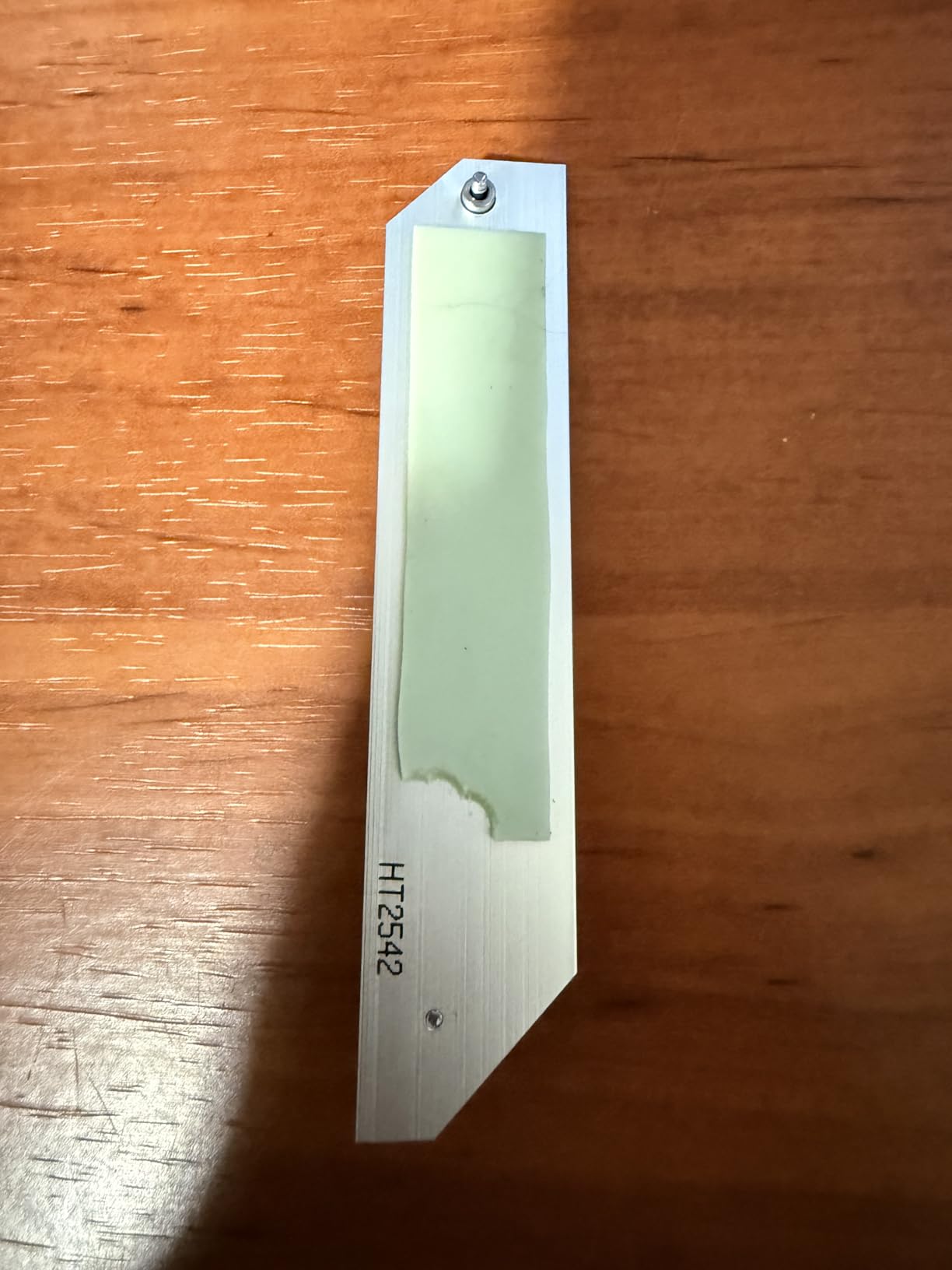
Cooling is covered with a VRM heatsink, an M.2 heatsink, and a PCH heatsink plus hybrid fan headers and Fan Xpert 2+. ASUS OptiMem II trace and ground-layer optimization improve memory overclocking headroom on a board that is otherwise modest.
Memory tops out at 128 GB across four DDR5 slots and runs on PCIe 4.0 rather than 5.0, so a Gen5 drive will run at Gen4 speeds. Aura Sync Gen 2 addressable headers are present for lighting.
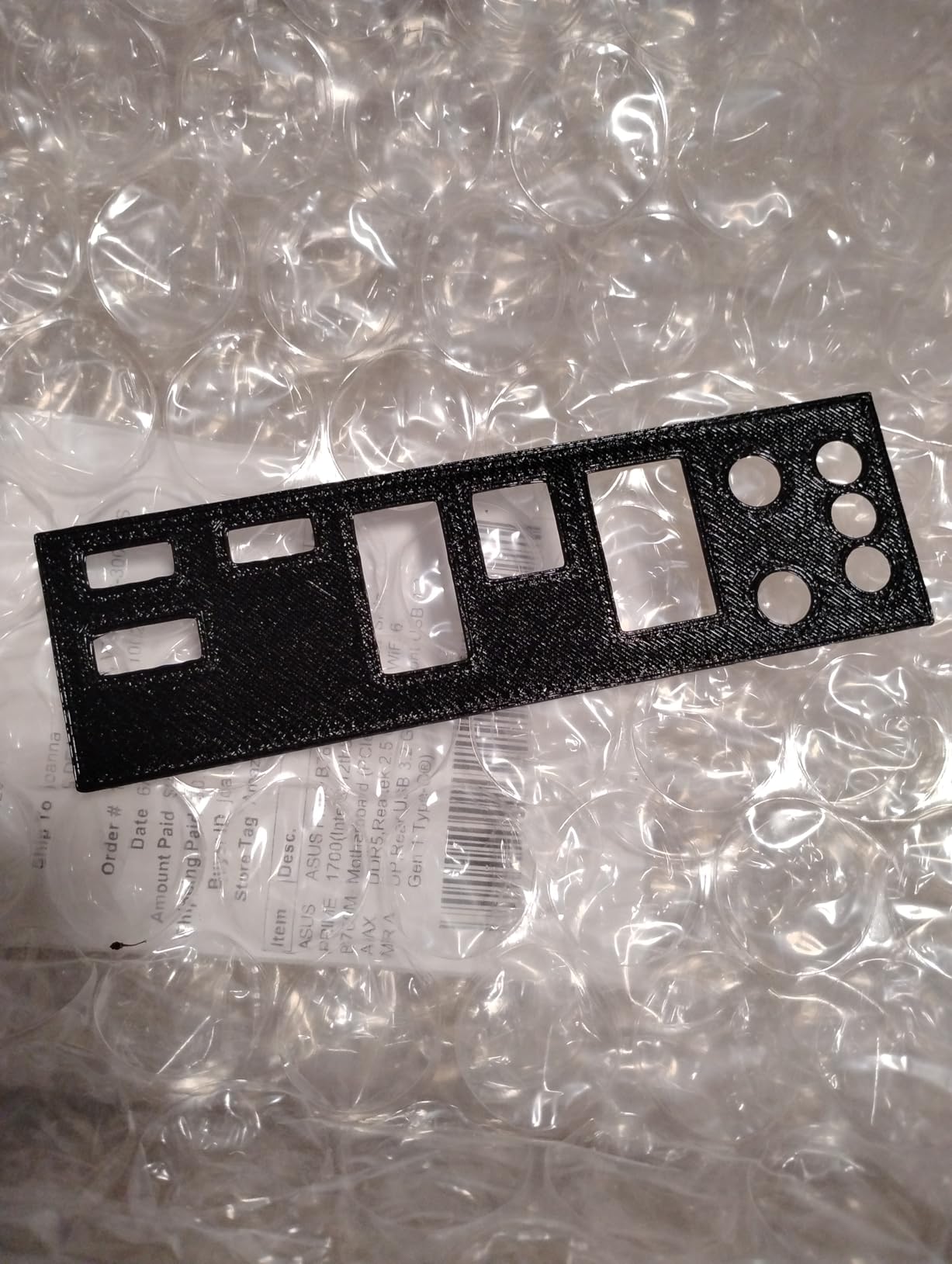
Who the Prime B760M-A AX suits
It suits a small-form-factor DDR5 build where WiFi and 2.5Gb Ethernet are non-negotiable, plus anyone with a shelf of older SATA drives. It is a good fit for office, homelab, and workstation duty on a 12th to 14th Gen Core chip.
Who should skip it
Skip it if you run more than two NVMe drives, because there are only two M.2 slots, and expect no Gen5 bandwidth since the board is PCIe 4.0. There is no rear USB-C, no CPU overclocking, and no front-panel Q-Connector, so budget for screws and a few extra minutes of wiring. Test all six SATA ports on arrival if you plan to use the later ones.
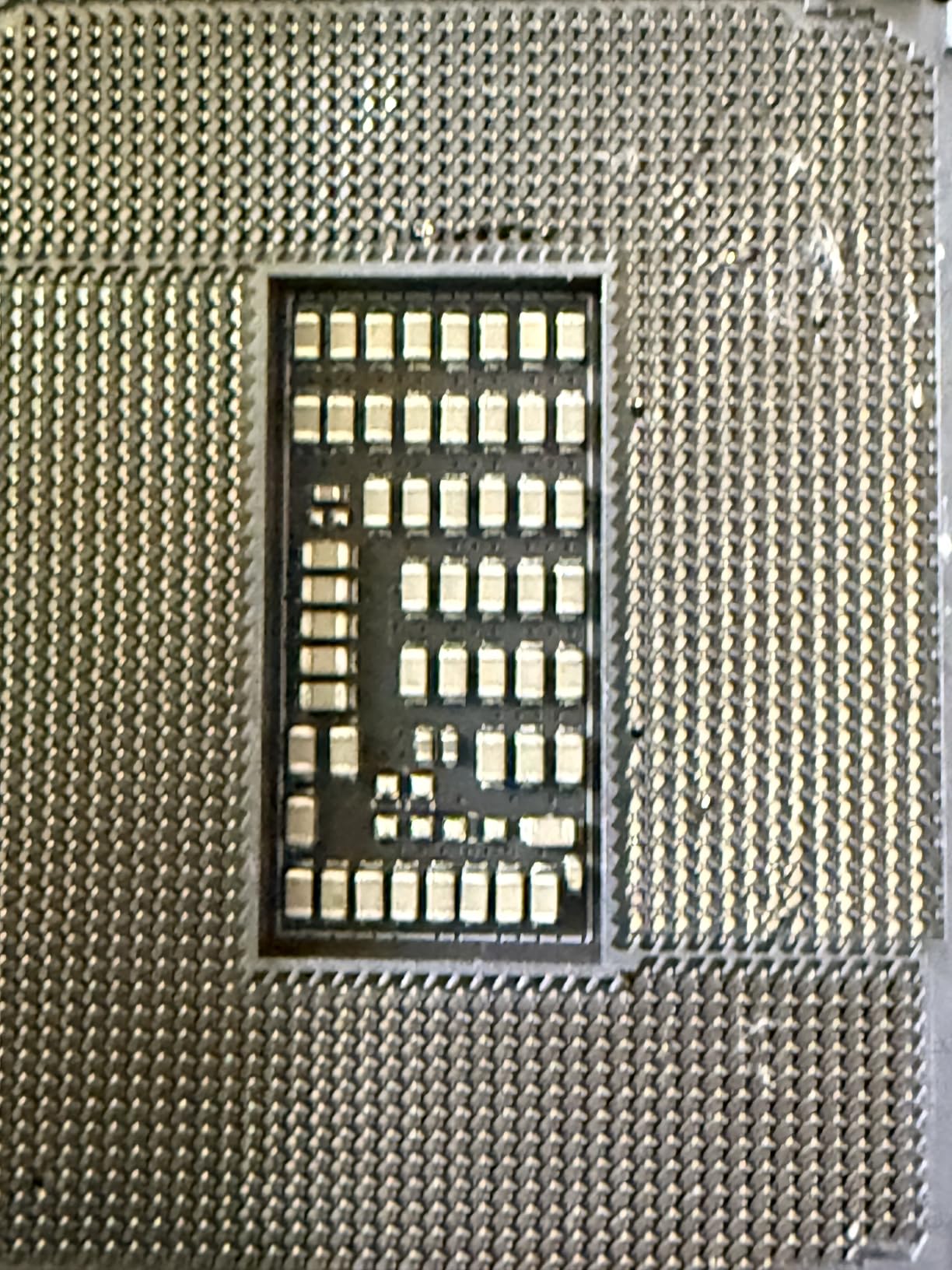
Intel Chipset and CPU Compatibility, Explained
Everything else on this page is a preference. This section is the part that decides whether the build happens at all.
Which socket takes which CPU
LGA 1851 is the current Intel desktop socket and takes Core Ultra Series 2 desktop processors, branded Core Ultra 200S. LGA 1700 is the previous socket and takes 12th, 13th, and 14th Gen Core processors, plus Pentium Gold and Celeron on some boards. The two sockets are physically different, and a Core Ultra 200S chip will not go into an LGA 1700 board under any circumstances.
What each chipset tier allows
Z890 is Intel’s top LGA 1851 chipset and the only one on that socket that allows CPU multiplier overclocking. B860 handles everything else on LGA 1851: it supports memory overclocking through XMP and full platform features, but locks the CPU multiplier. H810 sits below that for entry builds.
On LGA 1700, Z790 allows CPU multiplier overclocking and B760 does not. H610 is the entry tier and forum consensus holds that a hot 13th or 14th Gen chip on a cheap H610 board is a real risk, with owners reporting instability on that combination.
How to read a VRM spec
The VRM, or voltage regulator module, is the part of the board that converts your power supply output into the exact voltage the CPU needs. The phase count and amperage tell you how much current it can deliver continuously. More phases and larger heatsinks mean the board can sustain heavy power without throttling.
Is a higher VRM always better? No. For a non-overclocked Core Ultra 200S or a 65W Core i5, a 12+2+1 design with 80A stages and a proper heatsink is already more than the chip can pull. You only need the large designs when you are running a high-wattage part at high all-core loads, or pushing the multiplier yourself. Paying for phases you never load is the most common overspend in this category.
Why your DDR5 kit may run slower than the label
A DDR5-8000 or DDR5-8600 kit is rated for that speed on a two-DIMM board with a careful CPU memory controller. Pop four sticks in and the achievable speed drops, sometimes a long way, because every memory channel now has twice the load.
That is why boards rated to 9200+ MT/s, like the MSI MAG B860 Tomahawk WiFi, are worth reading carefully. If you want memory overclocking headroom, two sticks in a four-slot board is the configuration that gives it to you. Our picks guide to DDR5 kits for Intel XMP 3.0 covers which profiles apply on these chipsets.
How to Choose a Motherboard for an Intel PC
Work through these in order. The first three are compatibility decisions that cannot be undone, and everything after them is preference.
1. Match the socket to the CPU you already own or already bought. Core Ultra 200S means LGA 1851. A 12th, 13th, or 14th Gen Core processor means LGA 1700. Nothing else on this page matters if this is wrong.
2. Pick the chipset tier you actually need. Buy Z890 or Z790 only if you own a K-series chip and intend to raise the multiplier. For everything else, B860 and B760 are the correct answer, and you keep XMP memory overclocking either way.
3. Confirm the memory type. A DDR5 board will not take DDR4 sticks and a DDR4 board will not take DDR5. This is not a compatibility setting you can change in the BIOS, and it is the trap behind many discounted Intel board listings.
4. Choose the form factor that fits your case. ATX is 12 by 9.6 inches and gives you the most expansion slots. MicroATX is 9.6 by 9.6 inches and covers the vast majority of gaming builds with one graphics card. Mini-ITX is 6.7 by 6.7 inches and needs a small-form-factor case. Check the board dimensions against your case rather than assuming.
5. Count the M.2 slots you need today plus one. A boot drive, a game drive, and one spare covers almost everyone. Boards with all M.2 slots covered by heatsinks, like the ASUS TUF Gaming B860-PLUS WiFi, are worth extra because a Gen5 drive throttles without one.
6. Treat WiFi as a default expectation, not an upgrade. The board you shortlisted may not have it, and the model name may not make that obvious. WiFi also brings Bluetooth, which is how you connect keyboards, headsets, and controllers. Boards with 2.5Gb or 5Gb Ethernet, such as the MSI MAG B860 Tomahawk WiFi, are a good pairing for a wired desk.
7. Update the BIOS before you install the CPU if the board is older stock. This is the number one first-build failure point when reusing an older processor. If your board has BIOS FlashBack, flash it from a USB drive with the CPU out. If it does not, check the manufacturer’s CPU support list for the shipped BIOS revision, and if the CPU is not listed, choose a different board rather than paying for a service flash. Our guide to back-connect motherboards covers boards where the rear I/O is built into the case instead.
8. Do not buy a Z690, an H610, or a DDR4-only board for a new Intel build in 2026. Z690 is two generations behind on a socket that has moved anyway. H610 is a poor match for hot 13th and 14th Gen chips. A DDR4 board only makes sense if you already own DDR4, since buying the platform around old memory is how people end up with a board they have to replace in two years.
One last question that comes up constantly: does the motherboard make a PC faster? Not directly. Frame rate in games comes from the GPU and the CPU, and your storage speed comes from the drive. The motherboard decides what those parts are allowed to do, so a board that cannot deliver enough power, memory speed, or PCIe bandwidth will hold them back. Choose it so it never becomes the limit.
Finally, how do you judge the four board makers? ASUS covers the widest range and pushes the most features, from Q-Release latches to AI tuning suites. MSI tends to price networking and DIY conveniences aggressively. Gigabyte focuses on board construction and Q-Flash style BIOS utilities. ASRock is worth watching for creator boards with high-speed networking. All four build to the same ATX standard, so the practical difference is software, firmware support, and which board in each range fits your build.
Frequently Asked Questions
What is the best motherboard for an Intel PC?
The best motherboard for an Intel PC is the one that matches your CPU socket and chipset tier. For Core Ultra 200S processors that means an LGA 1851 board, with Z890 for CPU overclocking or B860 for everything else. For 12th, 13th, or 14th Gen Core CPUs it means an LGA 1700 board, with Z790 for overclocking or B760 for mainstream use. Match the memory type too, since DDR5 and DDR4 boards are not interchangeable.
Which Z890 motherboard is the best?
The ASUS ROG Maximus Z890 Hero is our top Z890 pick, with 22+2+1+2 stage power delivery, three PCIe 5.0 M.2 slots, Thunderbolt 4, and WiFi 7. For gaming without the flagship tier, the ASUS ROG Strix Z890-A Gaming WiFi has 16+2+1+2 stages, five M.2 slots, and reported memory tuning headroom in the 9000 MT/s class. Creators who need 10GbE and Thunderbolt 5 should look at the ASUS ProArt Z890-Creator WiFi.
Do I need Z890 or is B860 fine?
B860 is fine for almost every build, including one with a K-series Core Ultra 200S chip running at stock or with XMP memory overclocking. The only thing you give up is raising the CPU multiplier, which only the Z890 chipset permits. Choose B860 if you are not overclocking the CPU, and Z890 if you plan to push all cores past stock on a power-limited chip.
Is a higher VRM always better?
No. A larger VRM only matters if you are drawing more power than a smaller one can sustain. For a 65W Core i5 or a non-overclocked Core Ultra 200S, 12+2+1 stages with 80A DrMOS and a proper heatsink is more than enough. Bigger designs matter for high-wattage parts under sustained all-core loads, or when you raise the multiplier yourself.
Should I buy a DDR4 or DDR5 motherboard for an Intel build?
Buy DDR5 for any new Intel build in 2026, and buy DDR4 only if you already own DDR4 sticks you want to reuse. Forum consensus treats DDR4 as effectively at the end of its life on Intel platforms, so a new DDR4 board caps the platform you can move to later. A DDR5 board is also required for the current LGA 1851 platform.
The Intel Build Verdict for 2026
If you are buying a new Intel PC this year and want one default answer: the ASUS ROG Maximus Z890 Hero. Its 22+2+1+2 stage power delivery, three PCIe 5.0 M.2 slots, and Thunderbolt 4 mean you will not outgrow the board, whatever CPU you pair it with.
For a gaming build where the CPU stays at stock, take the ASUS ROG Strix Z890-A Gaming WiFi on LGA 1851, or the ASUS TUF Gaming B860-PLUS WiFi if you want every M.2 slot cooled. For a creator with a NAS, the ASUS ProArt Z890-Creator WiFi is the only board here with 10GbE and dual Thunderbolt 5.
Sticking with a 12th to 14th Gen Core CPU you already own? The ASUS Z790-AYW WiFi W II is the pick, and the Gigabyte Z790 UD AC is the proven budget alternative. For a compact DDR5 box, the ASUS Prime B760M-A AX covers it. And if you are reusing existing DDR4 on a strict budget, the MSI PRO B760M-P DDR4 remains the cheapest working route into a modern Intel machine.
Before you click through, confirm three things: the socket matches your CPU, the memory type matches your sticks, and the board ships with a BIOS that supports your processor. That short check prevents almost every first-build failure we read about. For the storage side of the budget, our picks for NVMe SSDs for game development builds are a useful complement.