
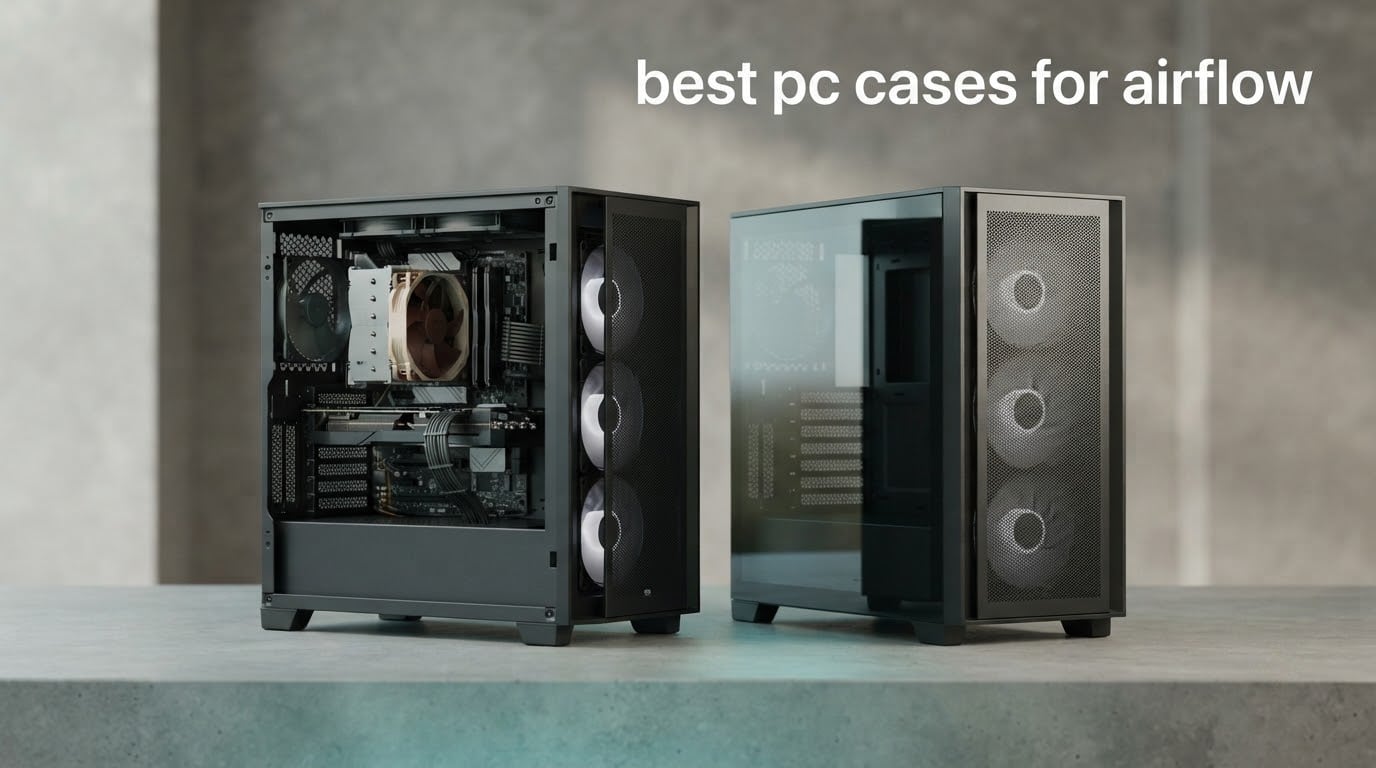
If you want one straight answer: the NZXT H6 Flow is the best PC case for airflow in 2026 for most builders, because its dual-chamber layout, three pre-installed 120mm fans and perforated top and side panels move air without costing you a fortune. Below that, the Montech Air 903 Max wins on included fans and clearance, and the Fractal Design North wins when looks matter as much as thermals.
Every case in this roundup was judged on the same thing: how much air reaches the CPU cooler and the graphics card, how much of that air leaves through the exhaust, and how much noise you have to accept to get it. That means mesh front panels over solid panels, bottom intake aimed at the GPU, and enough fan mounts that you can run a proper intake-to-exhaust path instead of a single lonely fan at the back.
Last updated for October 2026. We read through thousands of owner reviews, checked the published clearances, and separated what each case does out of the box from what it does after you add your own fans.
If you are still mapping the wider landscape, our picks for the best retro gaming PC cases cover the opposite end of the design spectrum, and open frame test bench cases show what happens when you remove the chassis walls entirely.
Top 3 Picks for the Best PC Cases for Airflow in 2026

NZXT H6 Flow
- › Dual-chamber ATX mid-tower
- › 3 pre-installed 120mm fans
- › Perforated top and side panels
Those three cover most people. The H6 Flow is the safe default, the Montech Air 903 Max is the one to buy when you want the most hardware per unit of money, and the North is the only pick here that belongs on a desk in a living room.
12 Best PC Cases for Airflow (October 2026)
| PRODUCT MODEL | KEY SPECS | BEST PRICE |
|---|---|---|
|
|
Check Latest Price |
 |
|
Check Latest Price |
 |
|
Check Latest Price |
 |
|
Check Latest Price |
 |
|
Check Latest Price |
 |
|
Check Latest Price |
 |
|
Check Latest Price |
 |
|
Check Latest Price |
 |
|
Check Latest Price |
 |
|
Check Latest Price |
 |
|
Check Latest Price |
 |
|
Check Latest Price |
Two columns in that table matter more than the rest for airflow work: how many fans arrive in the box, and whether the front panel is mesh. A case with four fans and a solid front loses to a case with two fans behind mesh, every time.
1. NZXT H6 Flow – Best Overall Airflow Case
NZXT H6 Flow | CC-H61FW-01 | Compact Dual-Chamber Mid-Tower Airflow Case | Panoramic Glass Panels | High-Performance Airflow Panels | Includes 3 x 120mm Fans | Cable Management | White
ATX, micro-ATX and Mini-ITX
3x 120mm pre-installed fans
Dual-chamber mid-tower
+ The Good
- 4.8 stars across more than 3000 reviews
- Dual-chamber layout separates thermals and keeps the interior clean
- Three 120mm fans ship pre-installed and correctly angled
- Compact footprint that still accepts full-size ATX boards
- Perforated top and side panels feed the GPU directly
- The Bad
- Only two USB-A ports on the front I/O
- RGB variants need software control instead of a button
- Dual chamber cuts usable drive bays
This is the case I keep coming back to because the design removes the usual compromises. The dual-chamber layout puts the power supply and drives out of the main airflow volume, so the air that reaches the CPU and the graphics card does not have to push past a PSU cable bundle first.
Three 120mm fans arrive pre-installed and, according to owners, angled correctly for the default intake path. That matters more than the count. Two fans pointed the wrong way is a worse starting point than one fan pointed well and a fourth you add yourself later.
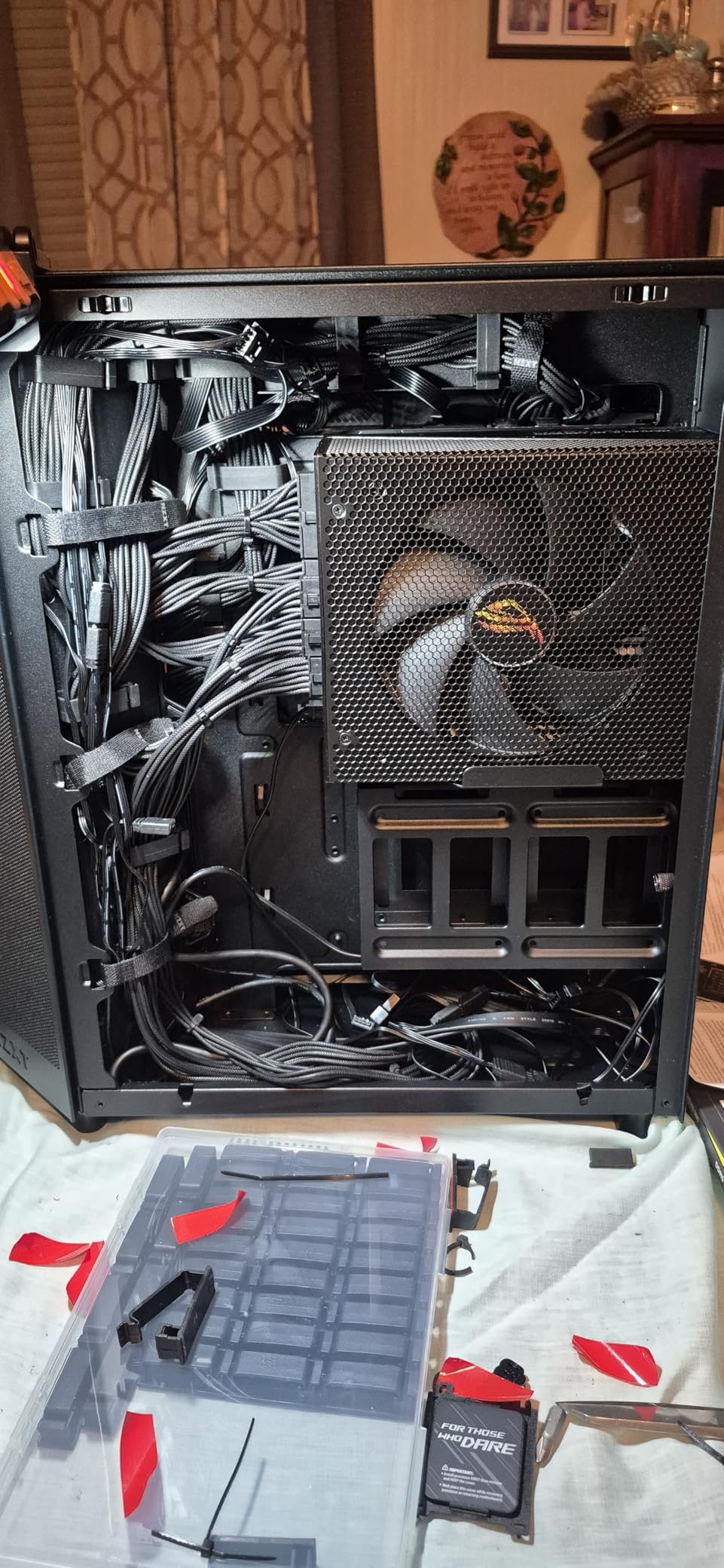
Owner reports are unusually consistent on thermals for a case at this level. People running modern CPUs and mid-range to high-end graphics cards report stable results once they apply a proper fan curve, and the wraparound glass gets praise for showing the interior without visible bezels in the way.
The build experience is the quiet strength here. Wide cable channels and straps mean the back of the tray is not a mess, and that tidy interior is also a cleaner airflow path. Nothing obstructs the path between the front fans and the components because there is nothing in the way.
On the technical side, the chassis measures 16.34 inch deep by 11.3 inch wide by 17.13 inch tall, which is genuinely compact for a full ATX mid-tower. That footprint matters on a desk with a monitor arm clamped to the back edge.
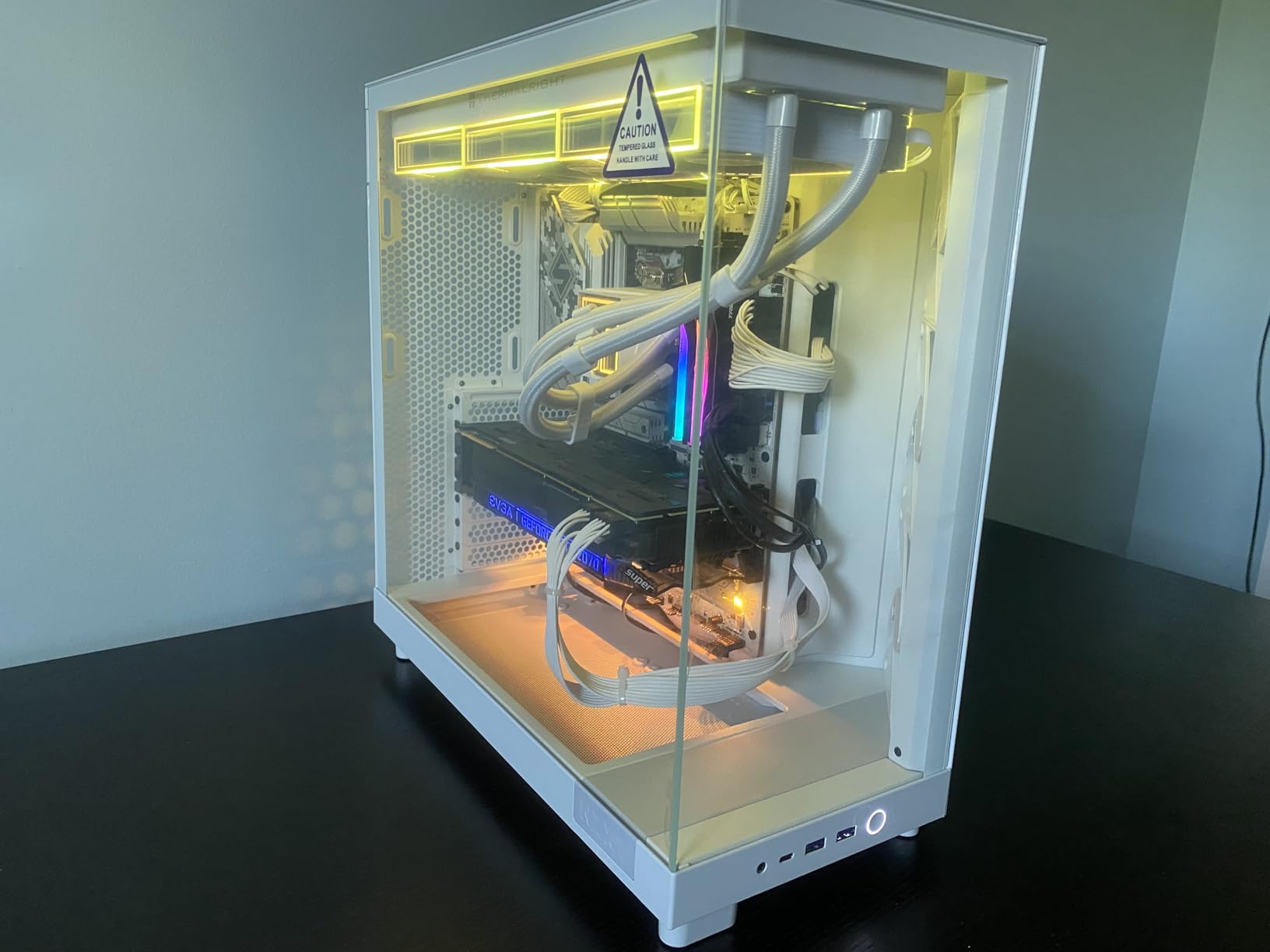
Is the H6 Flow right for a top-mounted 360mm AIO?
Partly. The perforations in the top and side panels are exactly what a top radiator needs to breathe, and the compact depth helps more than it hurts. But the top mount competes with the same air the front fans deliver, so if you are going liquid, add a rear or side exhaust and accept a slightly longer build.
Owners running a 360mm AIO in this chassis report good results. The dual-chamber design means the pump and tubing run behind the tray rather than through the intake stream, which removes one of the usual complaints about top-mounted radiators.
Where the H6 Flow falls short
Two front USB-A ports is the complaint that comes up most, and it is fair in 2026 when peripherals include a keyboard, mouse, headset and a drive. The dual-chamber trade-off also removes drive capacity you would get in a single-chamber case of similar size.
RGB-equipped versions are controlled through software rather than a physical button on the case. If you like changing lighting from the front of the chassis without opening a menu, that is a small daily irritation.
2. Montech Air 903 Max – Best Value High-Airflow Case
MONTECH AIR 903 MAX High-Airflow E-ATX Mid-Tower PC Case, 4 Fans, Black
E-ATX through Mini-ITX
3x 140mm front plus 1x 140mm rear
GPUs up to 400mm
+ The Good
- 4.8 stars with a large share of reviews at five
- Four 140mm fans included including three ARGB front
- E-ATX with 400mm GPU and 240mm PSU clearance
- Radiators up to 360mm at front and top
- Front USB-C plus two USB 3.0 ports and audio
- The Bad
- Only two internal drive bays as standard
- Rear-mounted PSU slightly restricts routing to the front
- Fan lighting and speed need the bundled controller
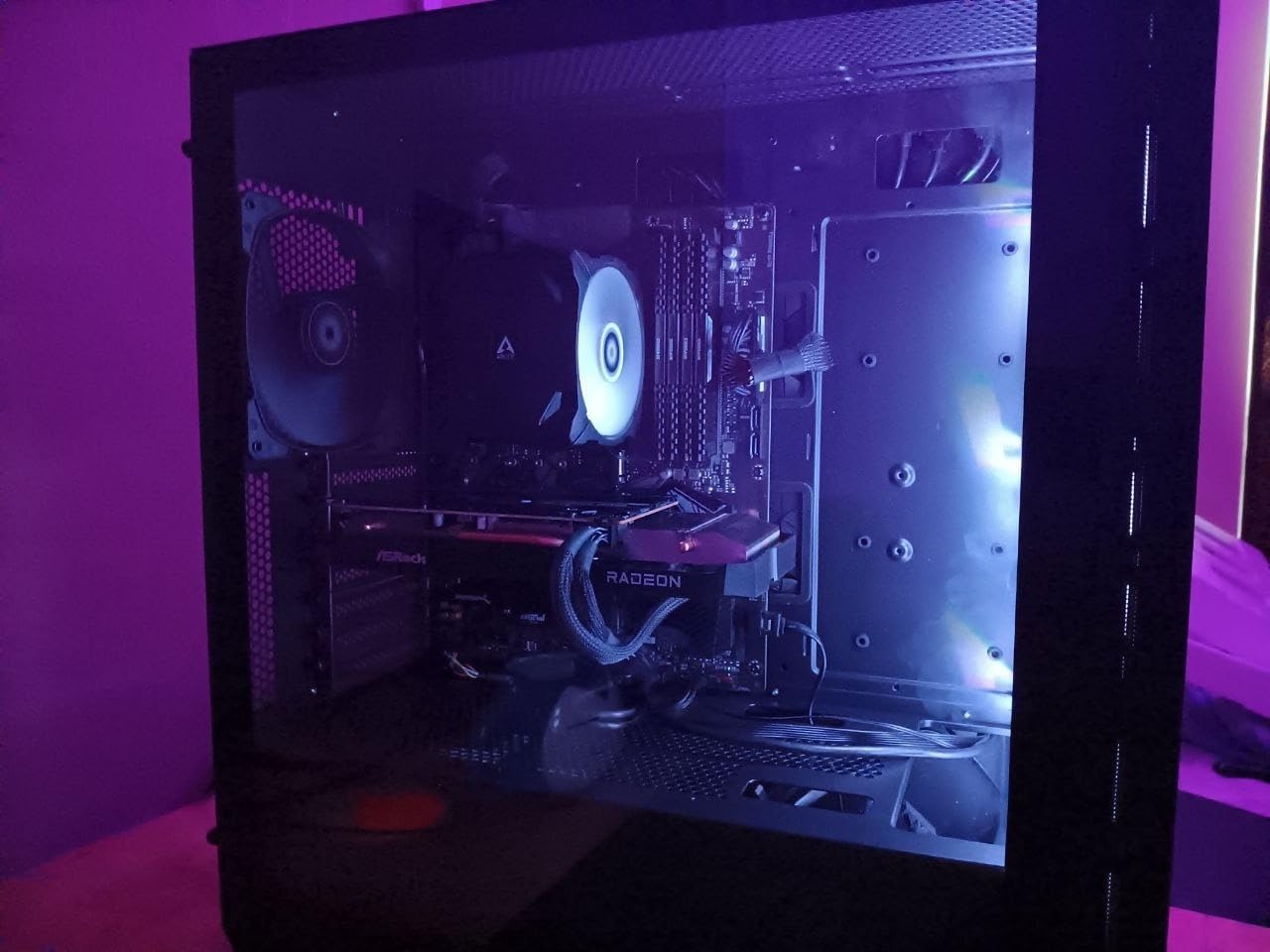
Read the specification list twice before you look at the price. Four 140mm fans pre-installed, E-ATX motherboard support, 400mm of GPU room, 240mm of power supply room and 360mm radiator mounts at the front and top is not a normal set of numbers for a chassis at this level.
The three ARGB front fans plus one rear 140mm fan give you a complete four-fan airflow path out of the box. The ventilated mesh front panel gives those fans something to work with, and the dust filters keep the mesh from clogging in a few months.
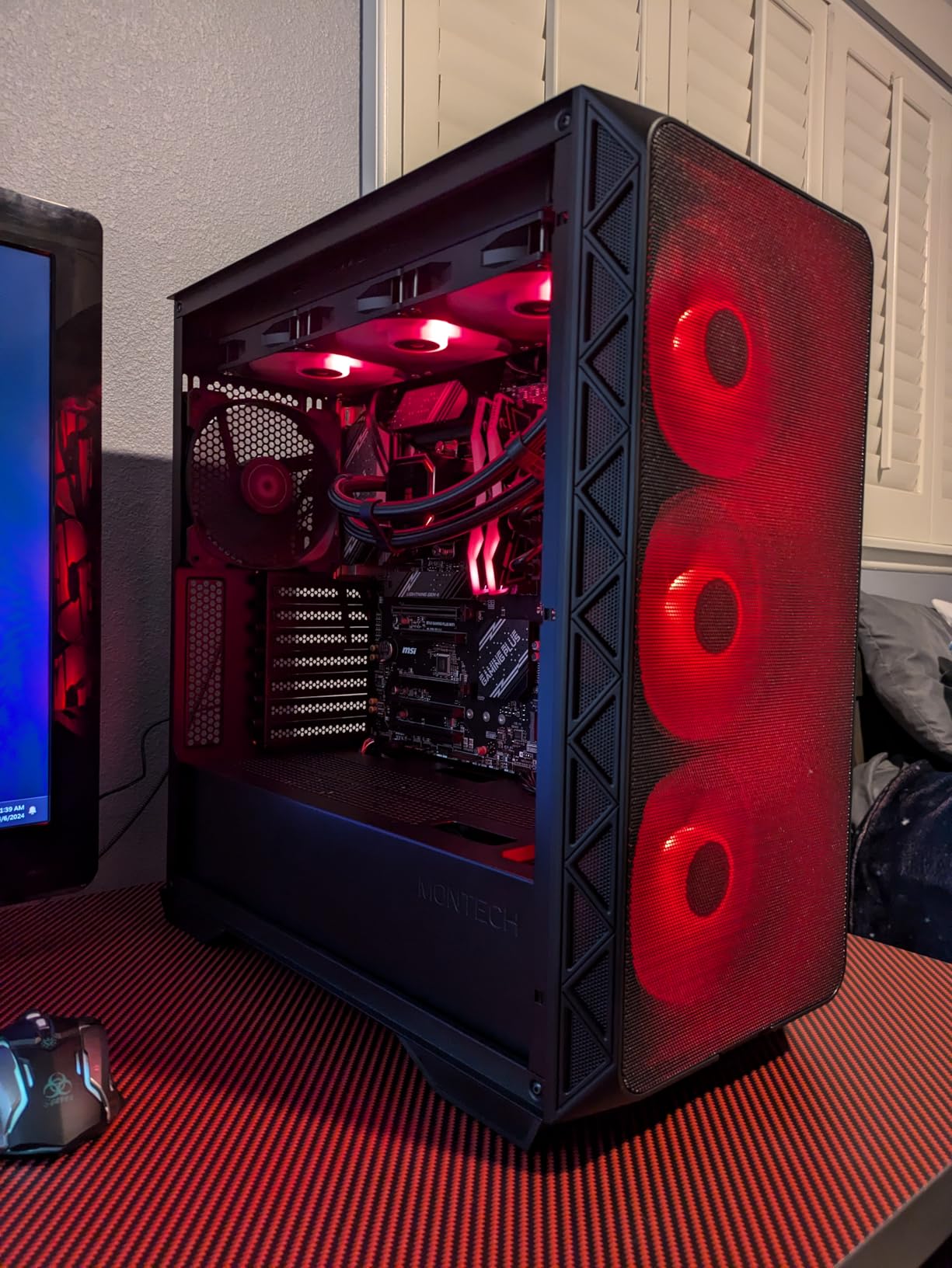
Owners point out that 140mm fans move more air at a lower RPM than the same number of 120mm units, which is why this case runs cooler and quieter than its spec sheet suggests. Three 140mm front fans at moderate speeds simply push more volume than a 120mm triple at high speeds.
Radiator support up to 360mm at both the front and the top means liquid cooling is a straightforward drop-in, and the vertical GPU mount support is a nice touch for anyone rotating a card on its side for display orientation.
For clarity, this chassis measures 18.8 inch deep, 9 inch wide and 19.4 inch tall, so it is a full-size mid-tower footprint rather than a compact one. The 478 x 230 x 493 mm internal volume is the reason so much fits.
Who should buy the Air 903 Max?
Anyone with a thick, long graphics card and a tall air cooler. The 400mm GPU and 180mm CPU cooler limits are among the most generous in this roundup, and the 240mm power supply allowance means you are not forced into a short unit.
It also suits builders who want E-ATX without paying for it. Most cases at this level quietly cap out at ATX, and buying a longer motherboard later is the expensive mistake.
Where the Air 903 Max falls short
Two drive bays is genuinely few. If you are building a workstation with spinning disks rather than a gaming rig with one or two SSDs, this is the wrong case and the Corsair 7000D is the right one.
The rear-mounted power supply slightly restricts how you can route front cables, and the tempered glass side panel means there is no full-mesh option if you want the absolute maximum path. Fans also need the bundled lighting and speed controller rather than running purely off the motherboard headers.
3. Fractal Design North – Best Airflow That Still Looks Like Furniture
Fractal Design North – Genuine Walnut Wood Front – Mesh Side Panels – Two 140mm Aspect PWM Fans Included – Type C USB – ATX Airflow Mid Tower PC Gaming Case,Charcoal Black
ATX mid-tower
Walnut slat front and mesh side panel
2x 140mm Aspect PWM fans
+ The Good
- 4.7 stars across more than 3500 reviews
- Genuine walnut slat front suits a living room or studio
- Open front and mesh side panel move real air
- Two 140mm Aspect PWM fans included
- Excellent cable space behind the tray with straps
- The Bad
- Tight for flagship GPUs so measure carefully
- Top 140mm mount can clash with the 8-pin CPU power
- Side fan bracket barely clears large air coolers
The North is the answer to the most common objection about airflow cases, which is that they all look like sheet metal boxes. The front is made from real walnut slats with a fine-patterned mesh behind, and the side panel is full mesh rather than glass.
That combination delivers airflow while looking like furniture, which is why it has held a 4.7 rating across more than 3,500 reviews for years. Owners running hot CPUs report mid-range CPU temperatures and sub-60C GPU readings once a custom fan curve is set.
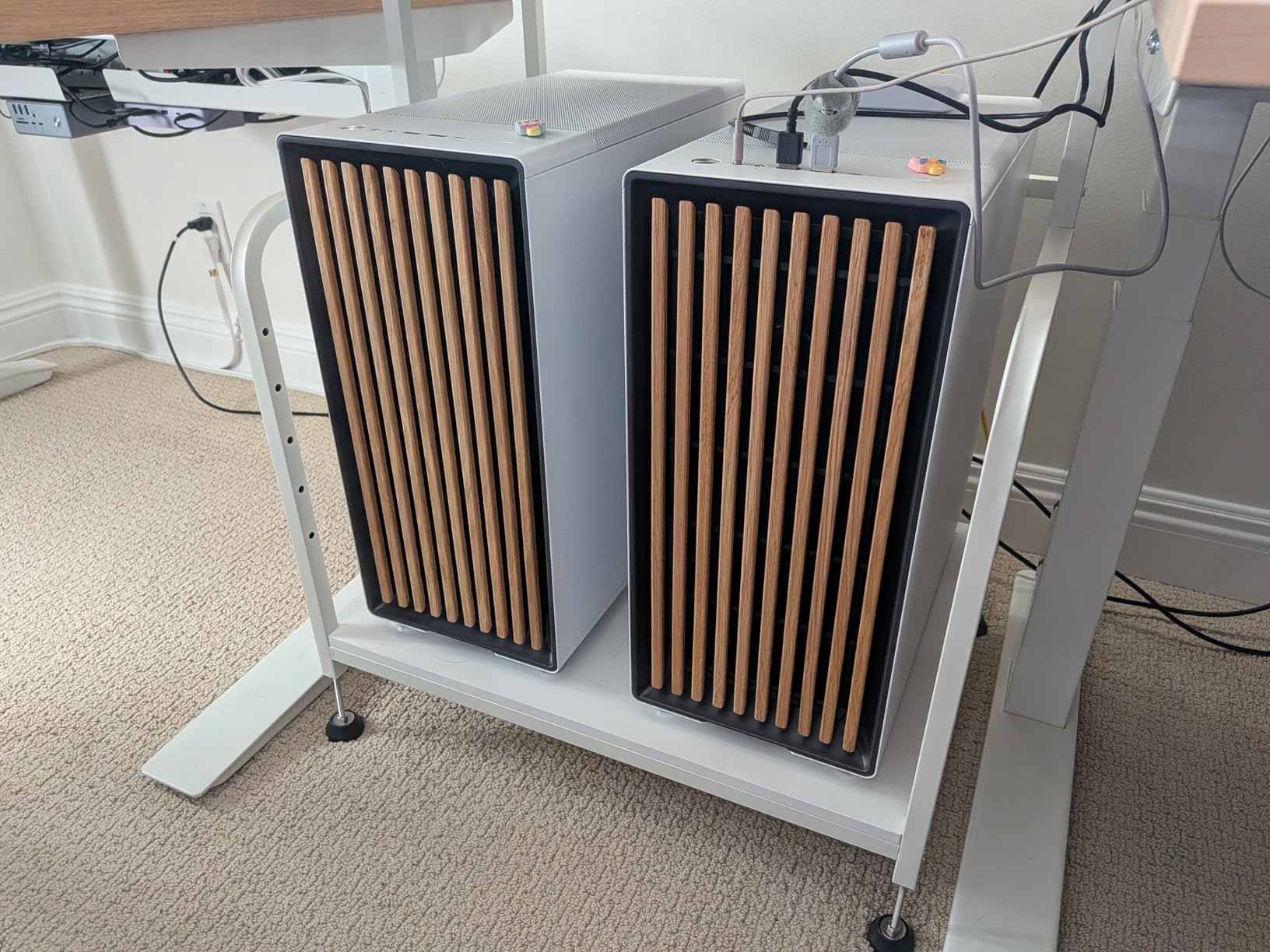
Two 140mm Aspect PWM fans are included, and owners consistently say they are quiet once you tune them. Out of the box that is a light fan count, so most builders end up adding a bottom pair to feed the graphics card. The mounts are there; the case just does not fill them for you.
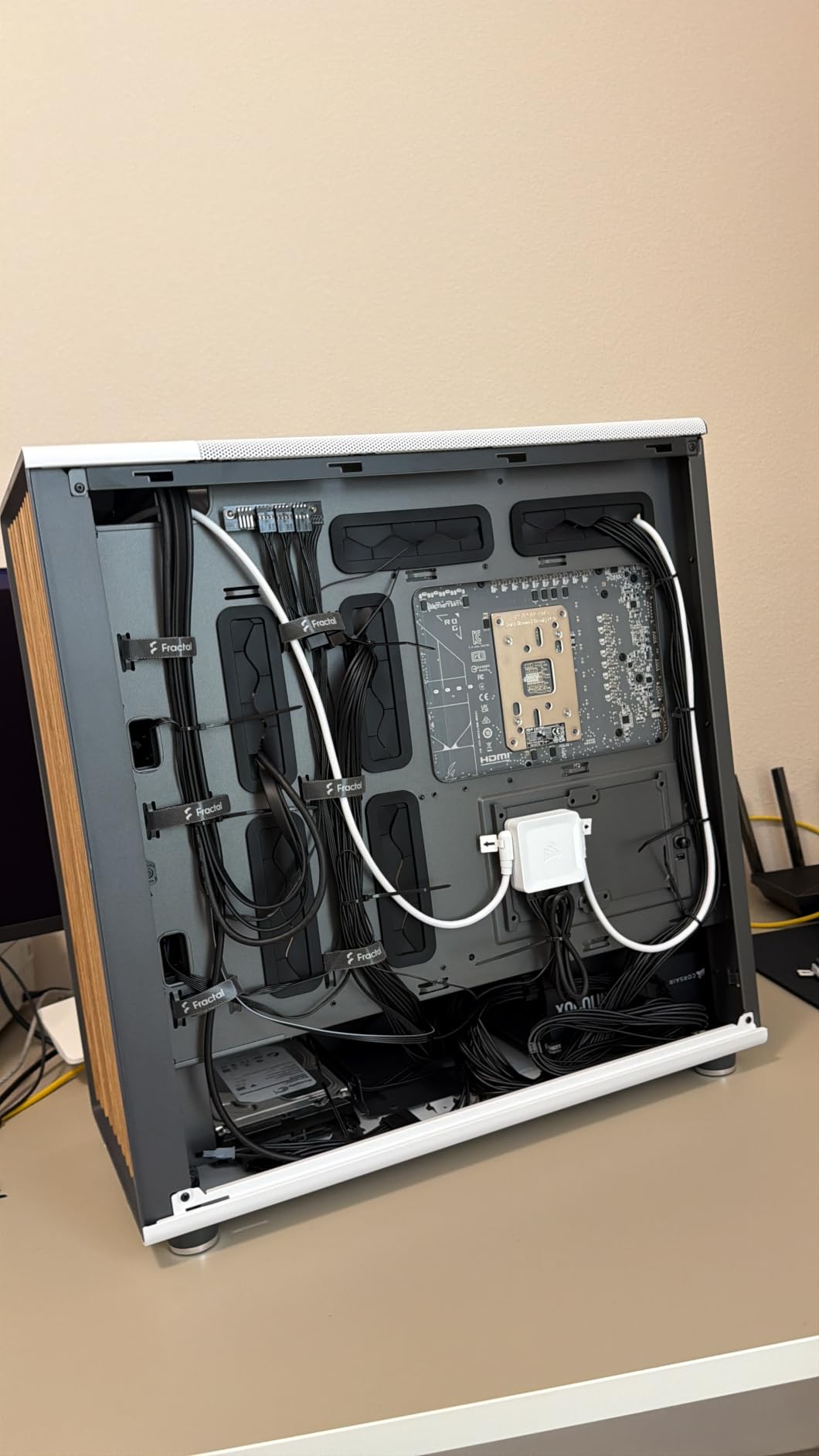
Cable management gets called out repeatedly as a joy. There is generous space behind the tray, the routing paths are wide, and the panels use a tab-and-clip system rather than screws, so you can get the side off quickly for dust cleaning or a component swap.
The chassis is compact at 17.6 inch deep, 8.46 inch wide and 18.46 inch tall, and weighs 9.5 kg. That compactness is the source of both its charm and its main caveat.
Does the North fit a long graphics card?
Up to 355mm, and 300mm if you put a 360mm radiator at the front. Several flagship cards land right at that boundary, so measure the specific card rather than trusting the product category.
Owners running a Sapphire Pulse-class card report it fitting, but only after a careful check of the power connector clearance. If your card is one of the very longest models, look at the Corsair 4000D RS or the Lian Li V100R instead.
Where the North falls short
The top-mounted 140mm fan position can interfere with the motherboard 8-pin CPU power connector on some boards. The side fan bracket also barely clears large air coolers, so a big tower cooler plus a side intake fan may not coexist.
The included 140mm fans are average rather than excellent, and many owners replace them. Long power supplies combined with both drive trays also make the interior feel tighter than the exterior suggests.
4. Corsair 4000D RS ARGB Frame – Best Modular Airflow Case
CORSAIR 4000D RS ARGB Frame Modular Mid-Tower ATX PC Case, High Airflow, 3X Pre-Installed RS Fans, InfiniRail™ Mounting System, ASUS BTF, MSI Zero, Gigabyte Stealth, Black
ATX mid-tower
3x RS ARGB PWM fans
Y-pattern steel front panel
+ The Good
- Y-pattern perforated steel front delivers real airflow
- FRAME system makes the tray
- shroud and I/O repositionable
- Three RS ARGB fans run off the motherboard with no extra controller
- Side panel doubles as a cable cover or fan mount
- Anti-sag GPU arm and front USB-C included
- The Bad
- Stock fan orientation confuses some first-time builders
- Included ARGB fans need a tuned fan curve
- Top and steel side panels feel thin before assembly
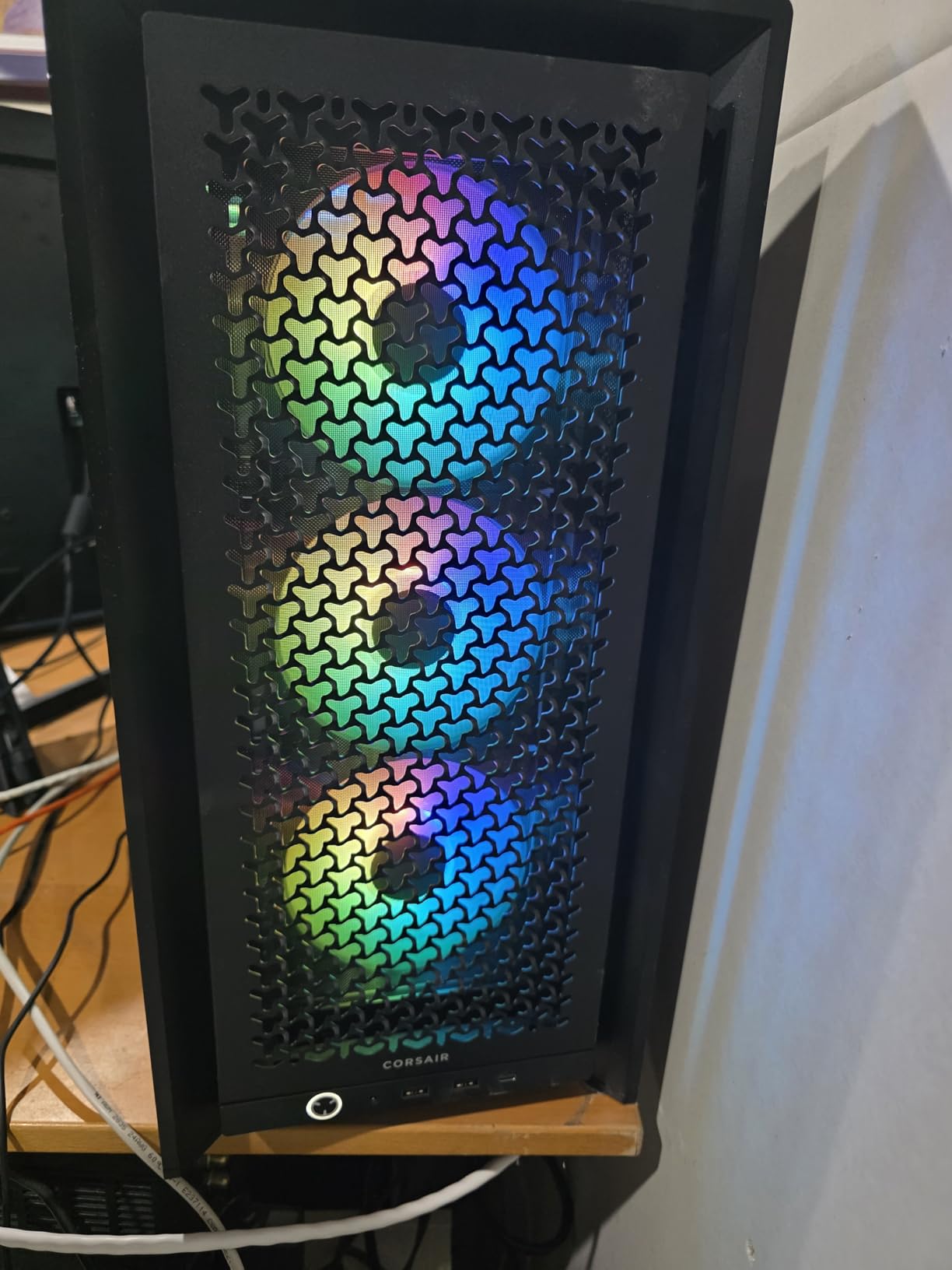
The 3D Y-pattern perforated steel front is the reason this case flows well. Compared with a fine fabric-style mesh, larger punched holes move more air with less restriction, and they are easier to keep clear with a canned air blast.
Three RS ARGB PWM fans come pre-installed with daisy-chain 4-pin PWM connectors and a zero RPM mode. Because they run straight off the motherboard headers, there is no extra RGB controller or hub to hide behind the tray.
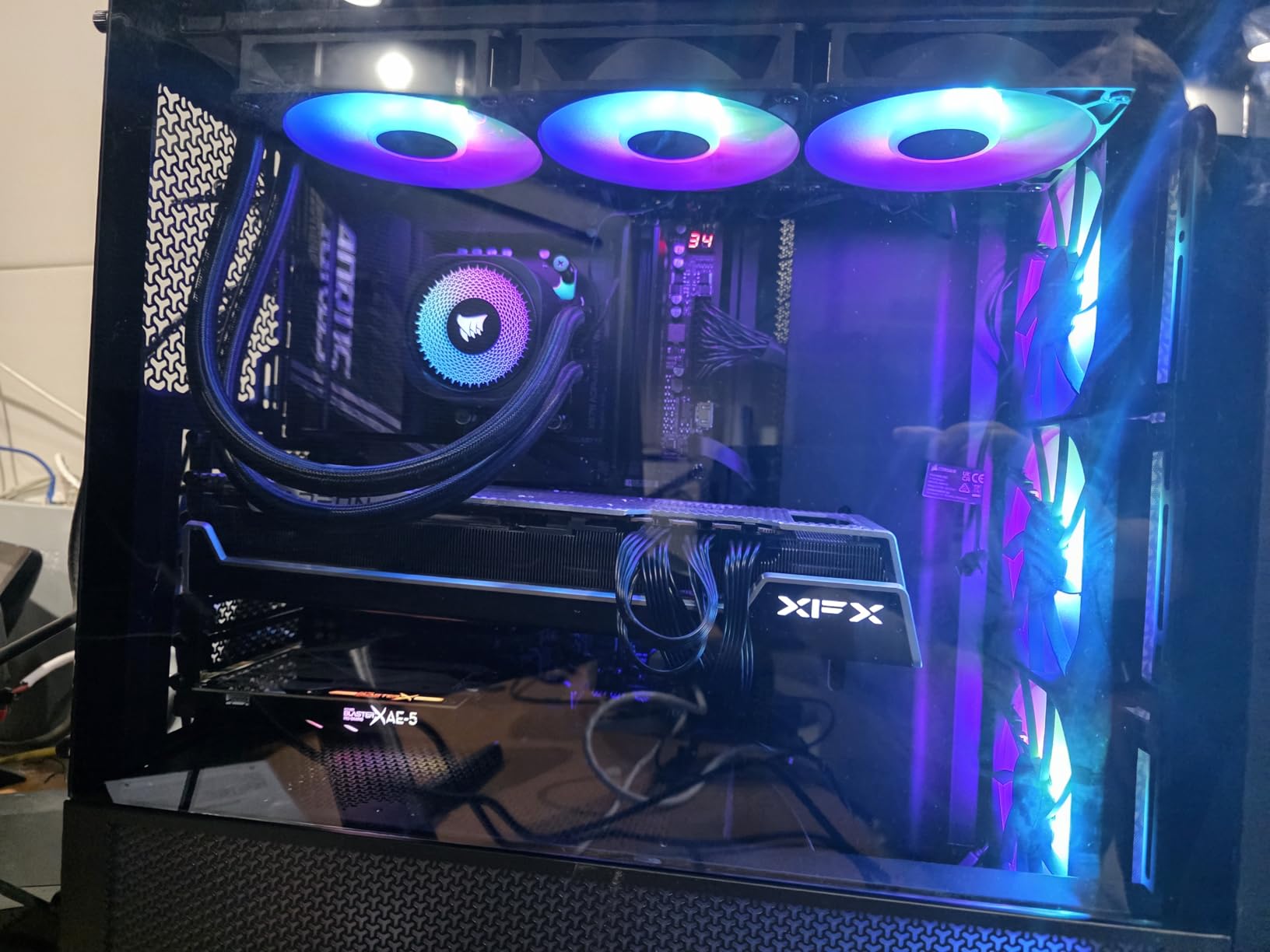
Builders report 10-fan configurations and 360mm AIO fits with room to spare, which tells you how much mount capacity the InfiniRail system provides for 120mm at the front and 140mm along the roof. The removable side panel is the standout feature, because it works as a fan mount on one side and a cable cover on the other.
This case also supports reverse-connector boards including ASUS BTF, MSI Zero and Gigabyte Stealth, so cable-free builds are possible if your motherboard uses that layout. That is increasingly common on current boards and rarely mentioned in roundups.
Dimensions are 19.17 inch deep by 9.41 inch wide by 19.13 inch tall at 22.7 pounds. That is a large mid-tower, so check your desk clearance before committing.
Is the FRAME modular system worth it for airflow?
Yes, indirectly. Being able to remove the side fan panel lets you expose a second intake path when you want maximum air, or close it off to make the interior tidier. The removable tray and repositionable shroud also stop you from routing a cable across a fan.
For a liquid cooling build, the roof rail accepts 140mm units directly, so a 280mm or 360mm radiator sits without fighting the frame. The trade-off is that the roof is a fan rail, so the radiator takes the space those fans would have used.
Where the 4000D RS falls short
The most-cited criticism is fan orientation. Some pre-installed fans blow in a direction that leaves new builders with poor positive pressure, and the manual is online-only and largely untranslated, so the fix is not always obvious mid-build.
Reviewers also note the top and steel side panels feel slightly flimsy before assembly, and the drive trays hold either two SSDs or one HDD rather than both. If you are building with a tower air cooler, check the side panel choice carefully.
5. Lian Li V100R – Best Clearance for Long GPUs and Tall Coolers
Lian Li V100-ATX Mid-Tower PC Case-Black-V100RX
ATX mid-tower
4x 120mm PWM ARGB fans
420mm GPU and 178mm cooler
+ The Good
- 4.8 stars and a top sellers rank in Computer Cases
- Class-leading 420mm GPU and 178mm CPU cooler clearance
- Tool-less side panel removal on both sides
- Top radiator support up to 360mm
- Back-connect motherboard support for cable-free builds
- The Bad
- Included fans are the loudest here at up to 30.8 dBA
- One year warranty against two or more from rivals
- Enclosure mixes plastic with stainless steel and glass
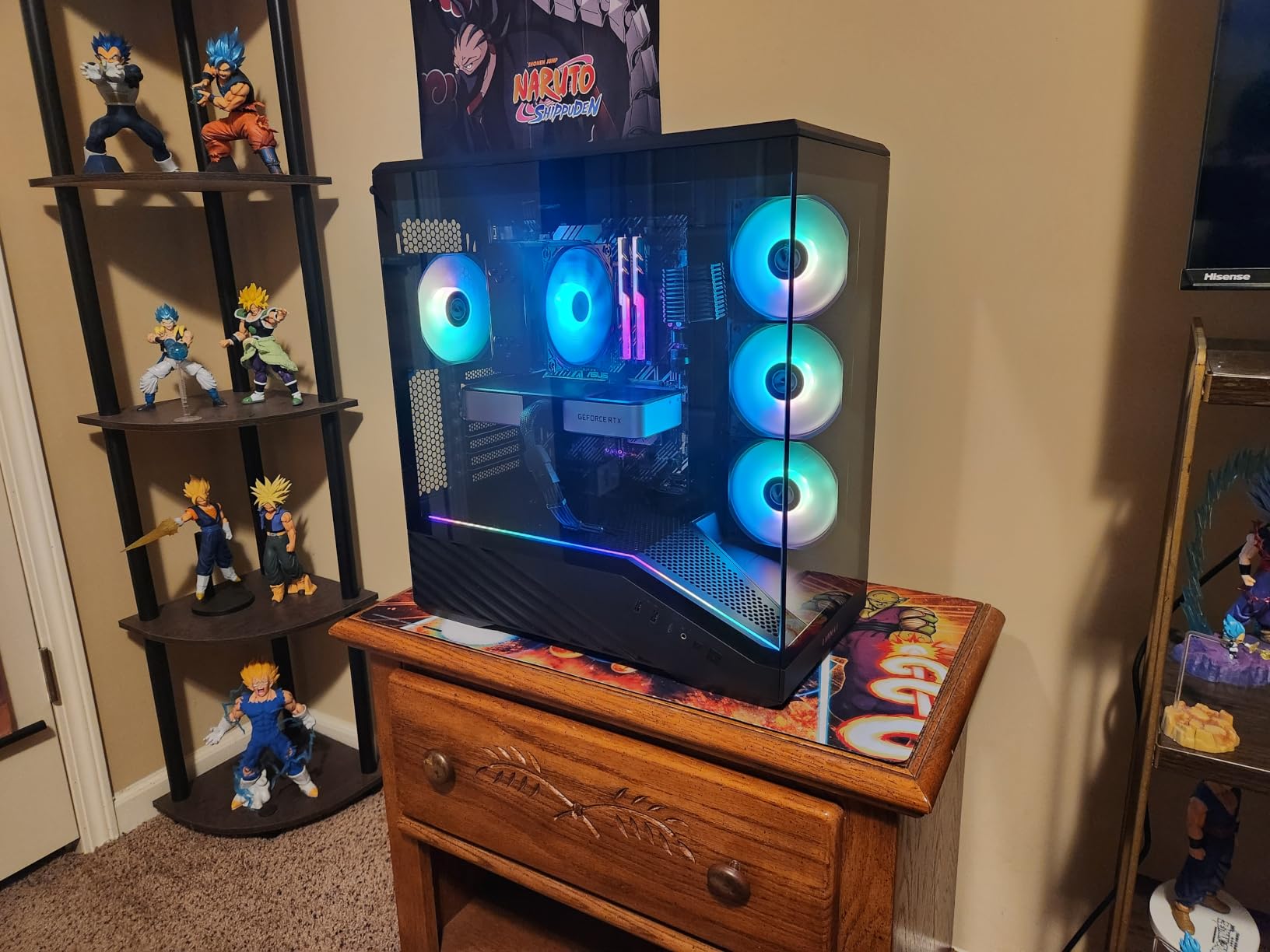
Clearance is the whole argument here. A 420mm graphics card limit, 178mm of CPU cooler height and 360mm of top radiator support is a level of headroom most mid-towers do not offer, and it removes the single most common reason a build does not go together on the first attempt.
Four 120mm PWM ARGB fans are pre-installed with daisy-chain wiring, which means one connector per bank of fans instead of four. There is also an integrated 26-LED ARGB strip that syncs with motherboard software.
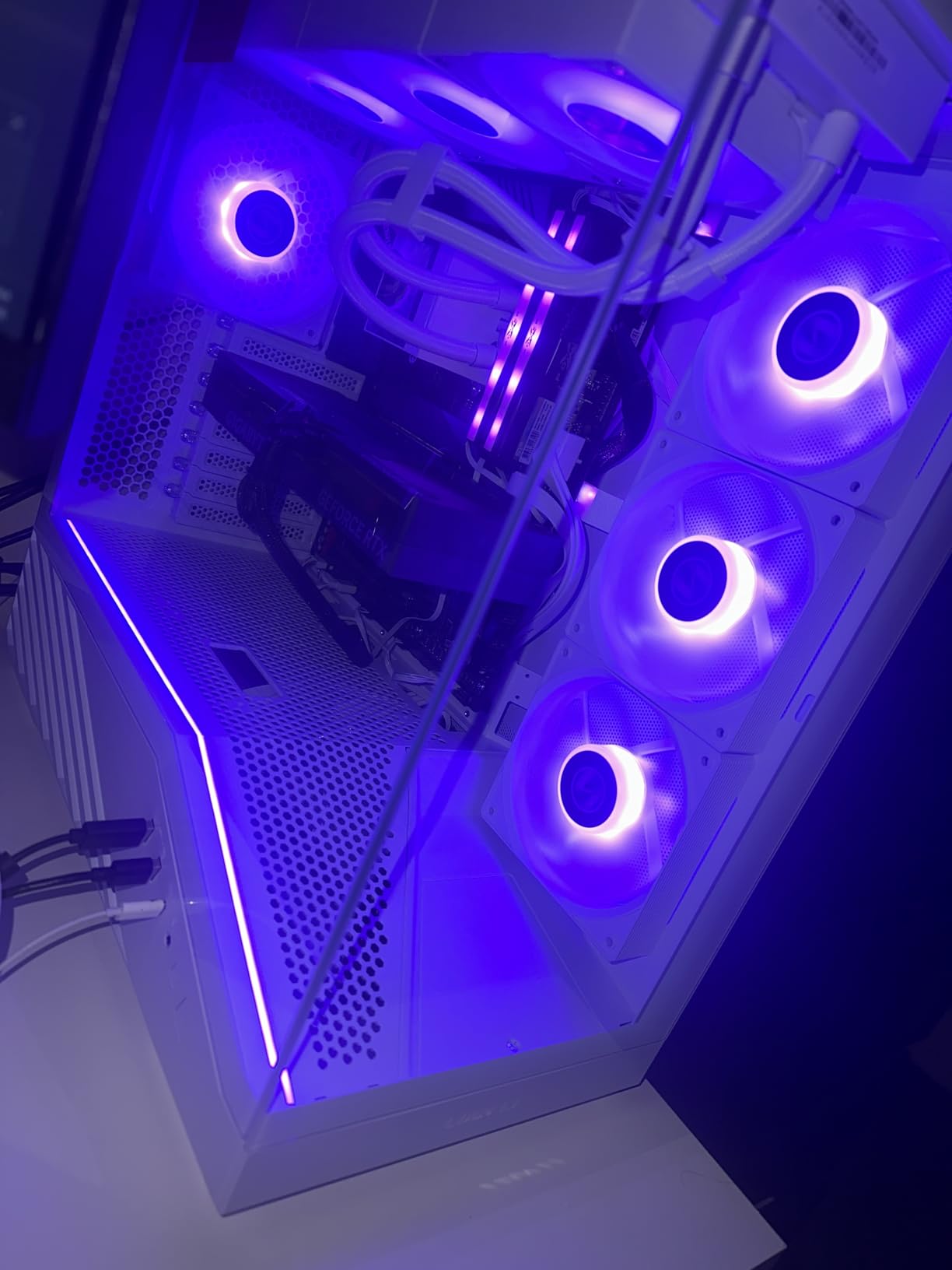
Both side panels use a tool-less mounting mechanism, so you can get in and out of the chassis without a screwdriver. For an airflow case that is a real feature rather than a gimmick, because you will want to open it every few months to clean the dust off the intake mesh.
Owners frequently pair this chassis with very large cards and top-mounted 360mm radiators, and the combination works because of the headroom. If you are still choosing between cards, our case fitting guide for the ASUS ROG Astral RTX 5090 covers the clearance math in detail.
Back-connect ATX and micro-ATX board support means the cables route entirely behind the tray, which is the cleanest possible build and one that also keeps the airflow path free of stray wires.
Is the V100R quiet enough for a silent build?
Not with the supplied fans, and we would not claim otherwise. The included units are rated up to 30.8 dBA, the highest figure among the fans in this roundup, and most owners replace them within a few weeks.
Swapping in a set of PWM silent fans is straightforward because the mounts are standard 120mm positions. The chassis itself has no acoustic problems reported beyond the fans, so the fix is cheap.
Where the V100R falls short
The one year warranty is the clearest drawback. Most rivals in this roundup offer two years or more, and on a chassis this precisely specced you are buying fitment confidence as much as airflow.
There are plastic elements in the enclosure alongside the stainless steel and glass, and the review base is smaller than the NZXT and Corsair cases here, which means fewer long-term owner reports about long-term behaviour.
6. NZXT H9 Flow – Best for 420mm Radiators and Big Cooling Loops
NZXT H9 Flow – Dual-Chamber ATX PC Case – Black
ATX and E-ATX
3x 140mm front plus 1x 120mm rear
420mm top and front-right radiators
+ The Good
- Dual-chamber layout separates the PSU and drives from the airflow
- Angled front-right fans push air across the graphics card
- 420mm radiator support on top and front-right
- Ten-fan capacity with nine 140mm mounts
- Back-connect ready for ASUS BTF and MSI Project Zero
- The Bad
- Over 12kg so it needs a desk that takes the weight
- No dedicated GPU support bracket included
- Very wide footprint misses most monitor arms
If you are running serious liquid cooling, this is the case built for it. 420mm radiator mounts on both the top and the front-right position means you can run a 420mm at the top without giving up the front intake for a 360mm.
That single point resolves the most common complaint about large cases with a top-mounted 360mm AIO. Because the front-right fan mounts take 420mm, the front path stays available and the top radiator does not have to steal from it.
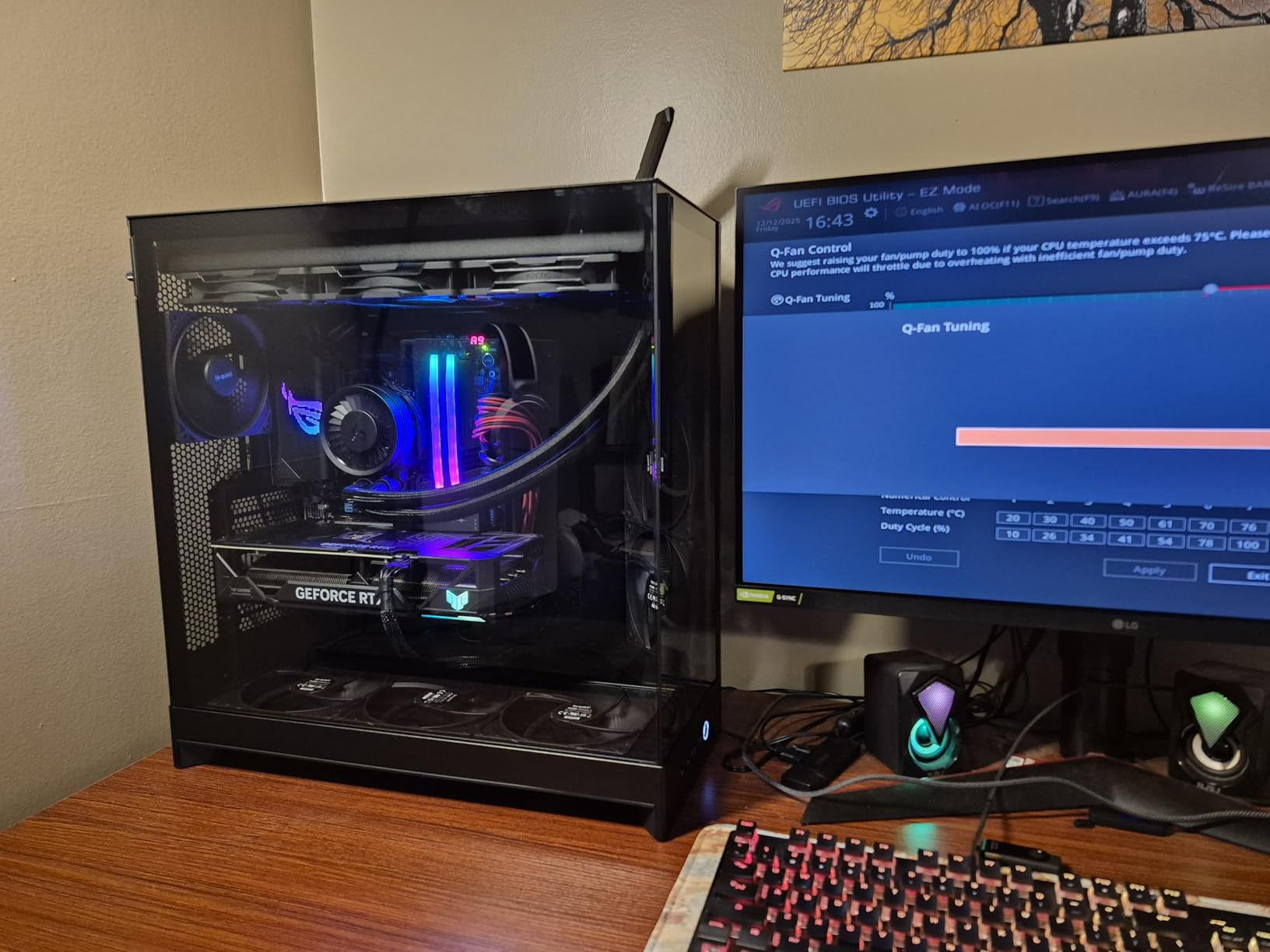
Three F140Q CV fans mount at the front-right on an angle that pushes air across the graphics card rather than directly at the back panel. A fourth 120mm fan sits at the rear as exhaust. Owners running heavy cards report they stay well under 60C with a full ten-fan build.
Cable management is the standout for a first-time builder. The side-mounted power supply, pre-installed straps and wide channels mean you can get a clean build without buying a cable kit or watching a routing tutorial first.
The volume here is genuinely large. At 20.08 inch deep, 19.29 inch wide and 12.6 inch tall and 12.5 kg, several owners compare it favorably with cases built around a much larger external footprint.
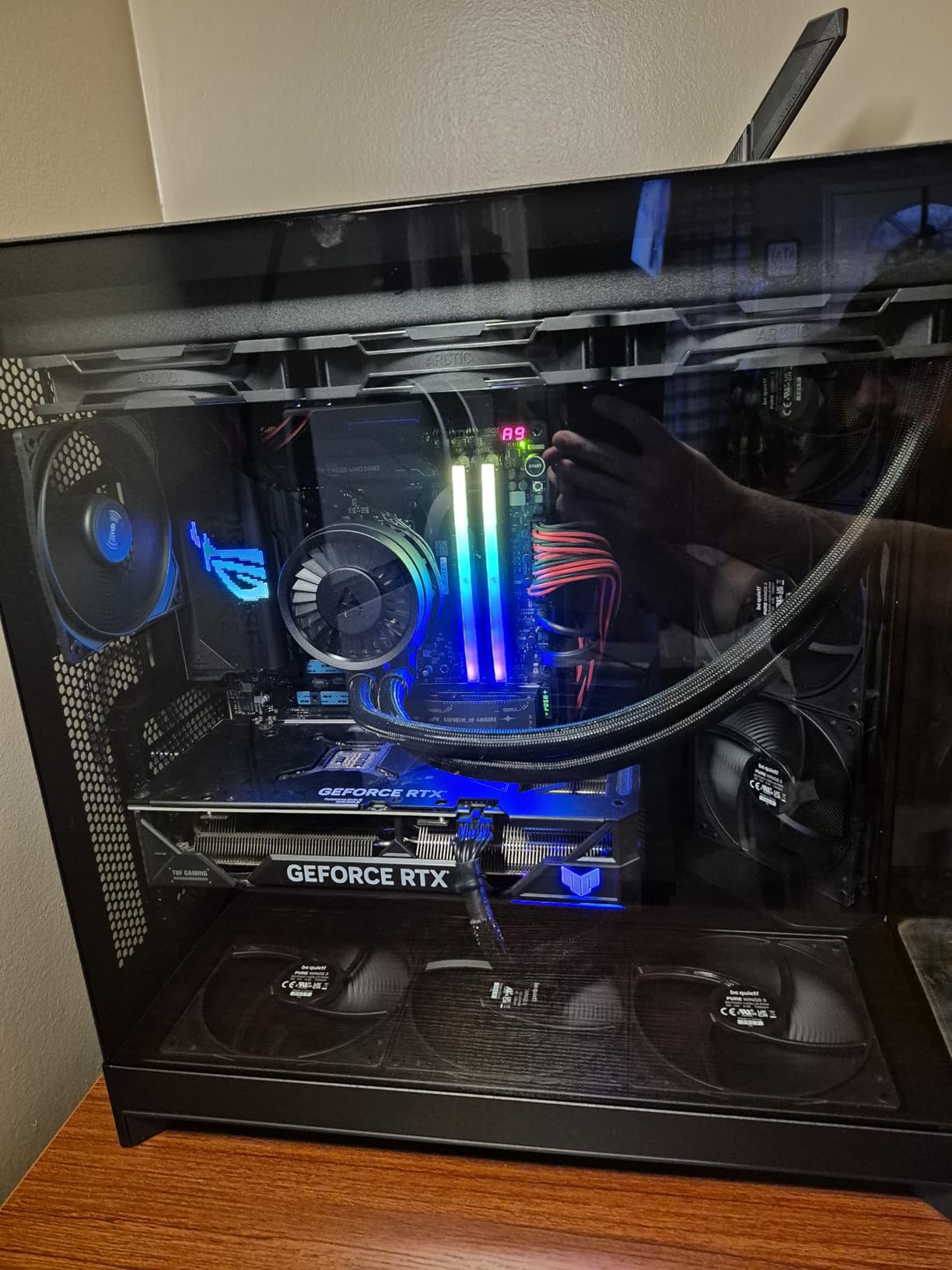
Is the H9 Flow right for a first build with a 360mm AIO?
Yes, and it is the pick we would point at for the exact situation described in the top-ranking r/buildapc thread, where a builder wanted a 360mm AIO at the top of the case alongside good airflow and decent looks. The radiator goes at the top, the front-right fans stay at the front, and the GPU still gets fed.
The trade is desk space. The width means it will not sit on a common monitor arm, so plan the layout before the chassis arrives.
Where the H9 Flow falls short
Weight and width are the real limits. Over 12kg with a glass and steel chassis, it is a two-person lift out of the box, and the wide footprint rules out a lot of compact desk setups.
No GPU support bracket is included, so a heavy card mounted vertically is worth checking on a support arm. The included fans are DC rather than PWM in the case version, and some owners find them louder than expected at high speeds.
7. Corsair 7000D Airflow – Best for Workstations and Many Drives
CORSAIR 7000D Airflow Full-Tower ATX PC Case – High-Airflow Front Panel – Spacious Interior – Easy Cable Management – 3X 140mm AirGuide Fans with PWM Repeater Included – Black
Full-tower ATX
3x 140mm AirGuide fans
Three 360mm radiators or two 420mm
+ The Good
- Far more usable space than a 5000D in a similar footprint
- Room for three 360mm radiators or up to 12 fans
- Thick-gauge steel panels and solid hinges
- Four USB 3.0 front ports plus USB-C
- Removable fan trays and anti-sag GPU bracket
- The Bad
- Very heavy at roughly 49lb empty so plan a two-person lift
- Cable channel gets crowded with all six HDD bays filled
- Side fan bracket accepts 120mm fans only
Full-towers are not just bigger mid-towers. The 7000D Airflow has 11 expansion slots, 10 internal bays and the ability to hold three 360mm radiators at once, which is a different class of machine from anything else in this roundup.
Owners who moved up from a 5000D describe it as the roomier, cooler and quieter step up. Sixteen-fan and fourteen-fan builds report near-silent running and low idle temperatures, largely because the large fan mounts mean you never need to run a small fan at full speed.
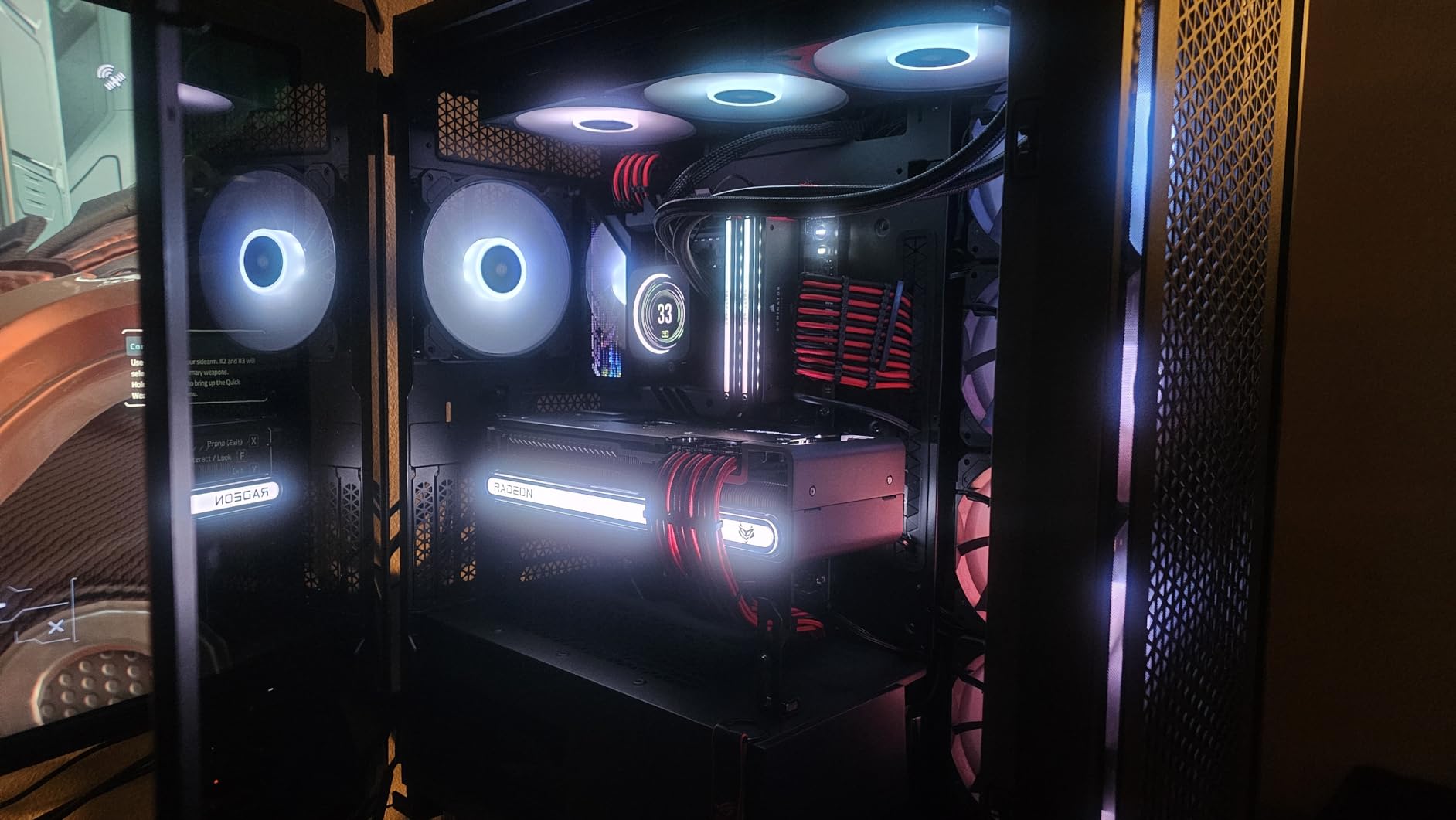
The RapidRoute cable system uses a hinged door with 30mm of space behind the motherboard tray. That is a lot of cable room by any standard, and it is genuinely useful in a full tower where the power supply, drives and thick 24-pin cables all compete for the same volume.
Three 140mm AirGuide fans are included with a PWM repeater, and the case supports up to twelve 120mm or seven 140mm fans. With 41.2 pounds of chassis weight before components, cooling capacity was never going to be the limiting factor.
If you are running a lot of storage, there is room for six 3.5 inch drives and up to six 2.5 inch drives. Few modern airflow cases still offer that, which is why this one keeps a place on the list.
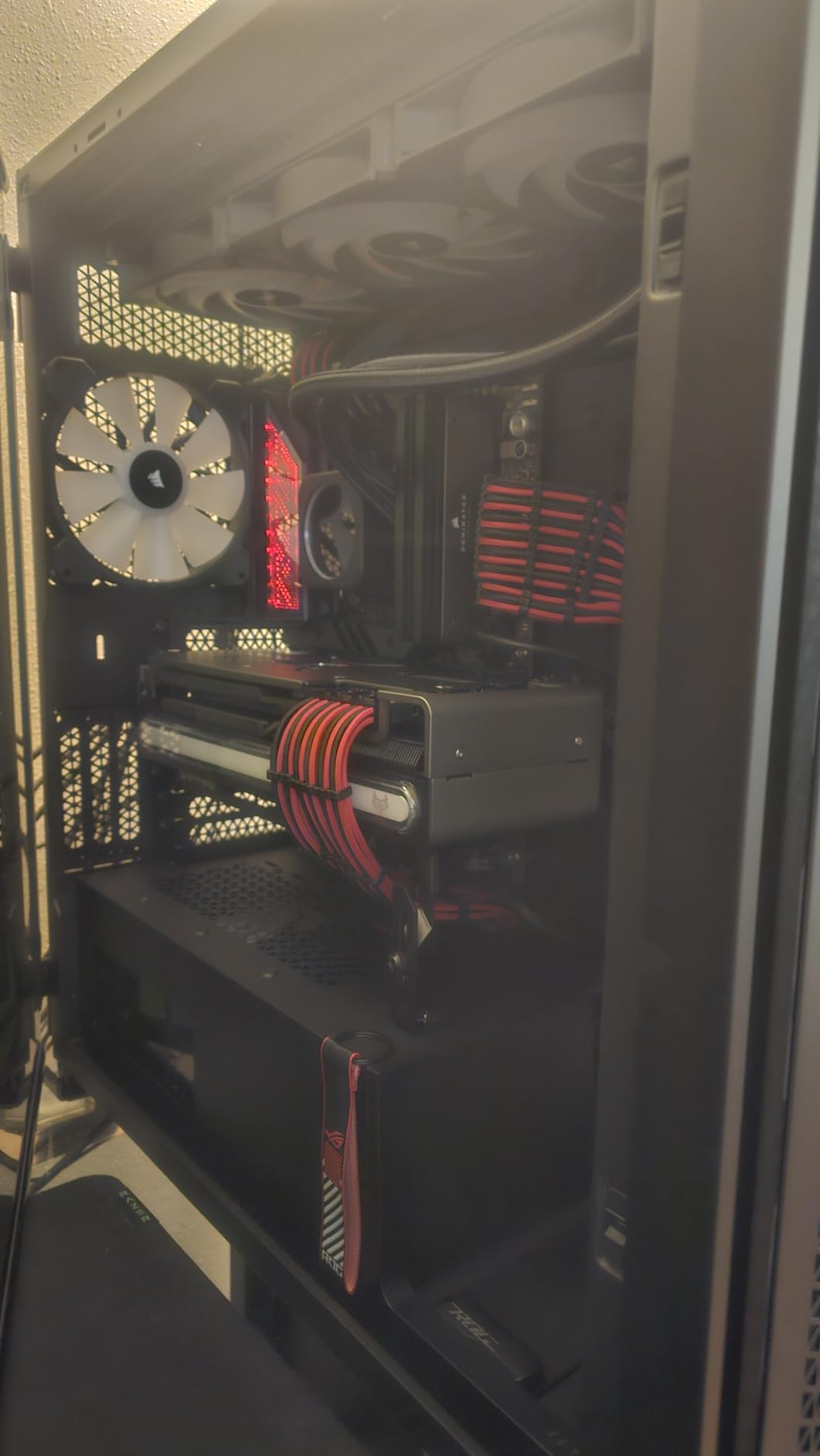
Does a full tower cool better than a mid-tower?
It cools better because it gives you fan mount room, not because volume itself moves air. The airflow through a case is set by the fan sizes, the panel porosity and the path between intake and exhaust. A full tower wins because it can host 12 fans, not because it is tall.
That distinction is exactly why this case suits workstations. Large storage, multiple expansion cards and a thick GPU all need volume, and the cooling capacity scales to match instead of becoming the bottleneck.
Where the 7000D Airflow falls short
Weight is the dominant complaint. Around 49lb empty and 85 to 90lb fully built, several buyers warn it is a two-person lift and recommend planning a wheeled platform before the delivery arrives.
The cable channel behind the tray gets crowded once all six drive cages are populated, the side fan bracket only takes 120mm fans, and the included fan hub is a splitter with no per-fan speed control. Set it to PWM in BIOS or it will sound like a jet.
8. NZXT H5 Flow – Best Compact Mid-Tower for Airflow
NZXT H5 Flow – Compact ATX Mid-Tower PC Case – Black
E-ATX through Mini-ITX
2x 120mm pre-installed fans
GPU clearance up to 410mm
+ The Good
- Ultra-fine mesh on top
- front and side for real airflow
- Perforated PSU shroud feeds the graphics card from below
- Handles 410mm cards and a 360mm front radiator
- Compact ATX mid-tower that does not feel oversized
- Disguised grommets
- back tray and straps for cable routing
- The Bad
- PSU cannot take bottom intake air
- Front fan plate is awkward to remove and refit
- Paint chips easily and retention screws miss the slot cover
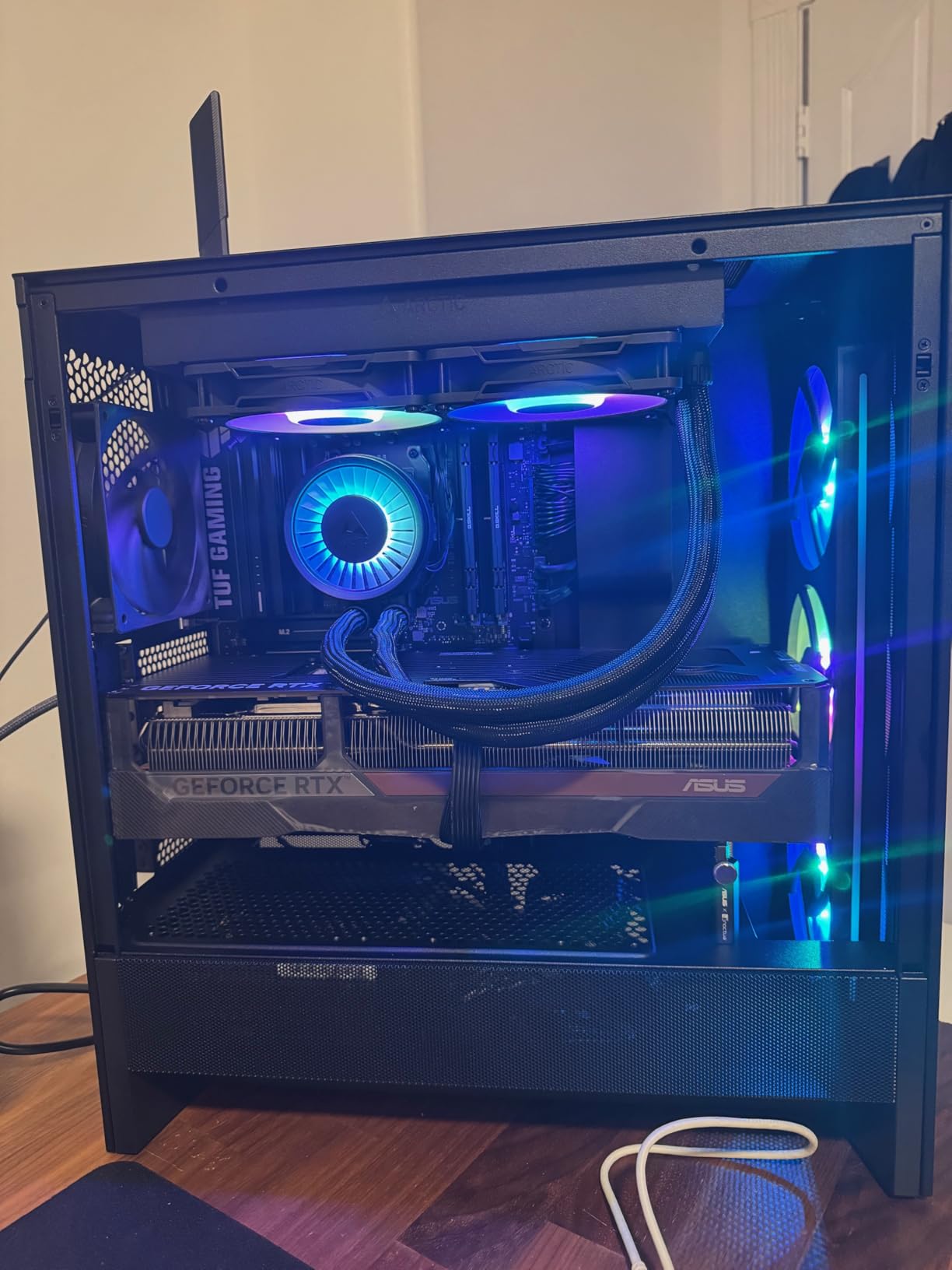
Owners describe the H5 Flow as an open-air experience inside an enclosed chassis. Ultra-fine mesh across the top, front and side panels gives air a path on three sides at once, and a perforated PSU shroud means the floor feeds the graphics card too.
Two 120mm fans are pre-installed, one at the front for intake and one at the rear for exhaust. That is a minimal count, but owners report fitting eight fans plus a 360mm AIO without difficulty, so the mounts are ready when you are.
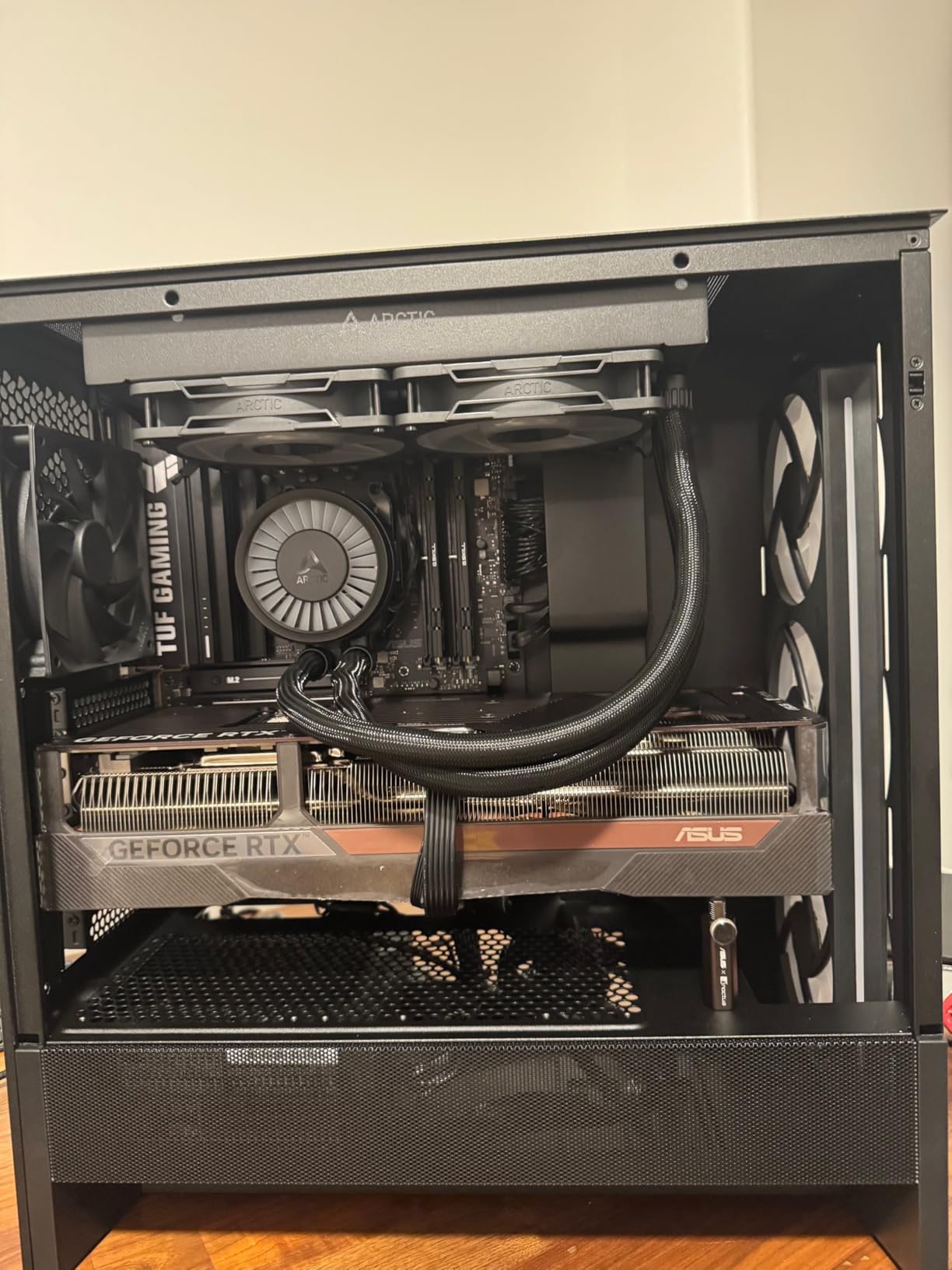
GPU clearance up to 410mm handles current long cards, and the radiator support covers 360mm at the front and 240mm at the top. Screw-retention washers on the back of the tray and the pre-installed straps make the build process noticeably smoother.
Motherboard support runs from E-ATX down to Mini-ITX, so this is a small chassis that does not force a smaller board. Dimensions are 8.86 inch deep, 16.93 inch wide and 18.31 inch tall at 8 kg.
One detail worth knowing: the front fan plate takes 120mm fans, and the cutout looks slightly odd for a 2x 140mm layout. Choose your front fan sizes before you buy rather than after.
Is the H5 Flow good for a top-mounted radiator?
Yes for 240mm, and it is roomy enough for 360mm at the front instead, which is often the better placement. The top panel is mesh, so a top-mounted 240mm has air to work with, and the perforated shroud keeps the floor path open to the GPU.
Because the chassis supports E-ATX, a top 240mm plus a front 360mm is a realistic combination for a build with a hot CPU and a long card.
Where the H5 Flow falls short
The power supply cannot take bottom intake air, so it shares the same floor air as the graphics card. Some owners feel the PSU fan runs warmer and louder than it would in a case with a vented PSU floor.
The front fan plate is awkward to remove and refit, the paint chips easily, and the GPU retention screws do not always line up perfectly with the PCIe slot cover. Storage is also modest with one 3.5 inch and two 2.5 inch bays out of the box.
9. Fractal Design Pop XL Air RGB – Best Full-Tower With Legacy Optical Bays
Fractal Design Pop XL Air RGB Black Tempered Glass Clear Tint
E-ATX up to 280mm through Mini-ITX
4x 120mm Aspect RGB fans
360mm front and 280mm top radiators
+ The Good
- One of the few modern full-towers still accepting 5.25 inch optical drives
- Full-tower space keeps a 360mm AIO at the front intake
- Four quiet 120mm Aspect RGB fans included
- Single front-panel cable makes the build simpler
- Ventilation on both top and bottom of the PSU bay
- The Bad
- Front USB-C needs an optional Fractal Type-D cable
- Included ARGB fans are basic 1200 RPM units
- Top cutout takes three 120mm or 140mm fans only
The Pop XL is here for a specific reason: optical drives. It has two concealed 5.25 inch bays behind a tidy magnetic cover, and very few modern airflow chassis still do. If you have legacy hardware, this saves you from a workaround.
Owners who moved from smaller Fractal cases report roughly an 8 degree drop in operating temperatures from the larger, better ventilated interior. That is a meaningful gap for a full-tower and it lines up with the extra fan and radiator room.
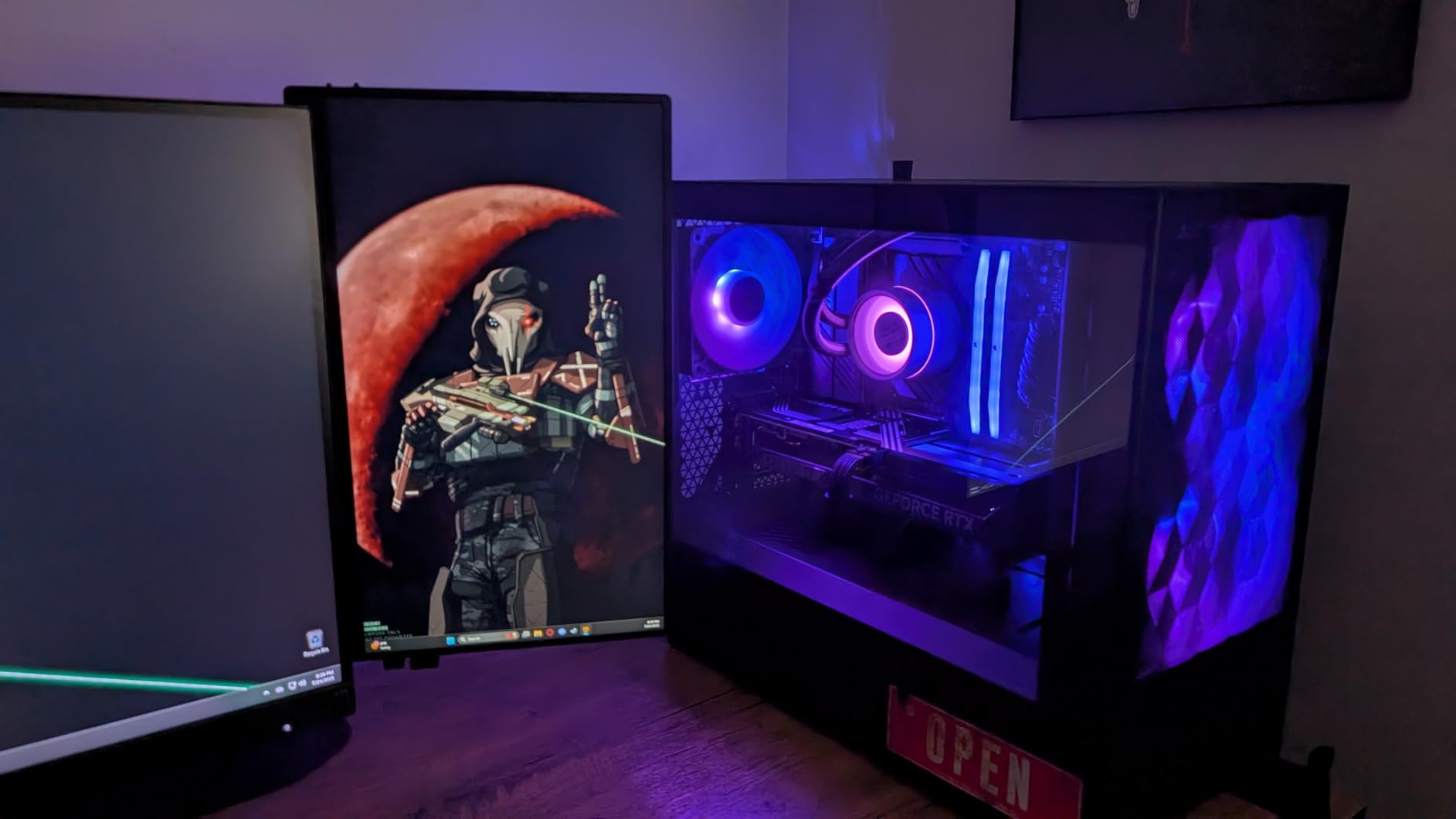
Four 120mm Aspect RGB fans are included and are quiet at normal speeds, with room for two more for six total. Radiator support covers 360mm at the front, 280mm at the top and 140mm at the rear, which is a sensible spread for most cooling setups.
Because the chassis is a full tower, a 360mm AIO can sit at the front intake without shortening the GPU clearance behind it. That solves the front-versus-top radiator argument by simply giving you both options.
Motherboard support runs up to E-ATX at 280mm, so it handles wide boards. Dimensions are 20.55 inch deep, 9.06 inch wide and 20.47 inch tall at 11.32 kg.
Is the Pop XL Air good for a quiet build?
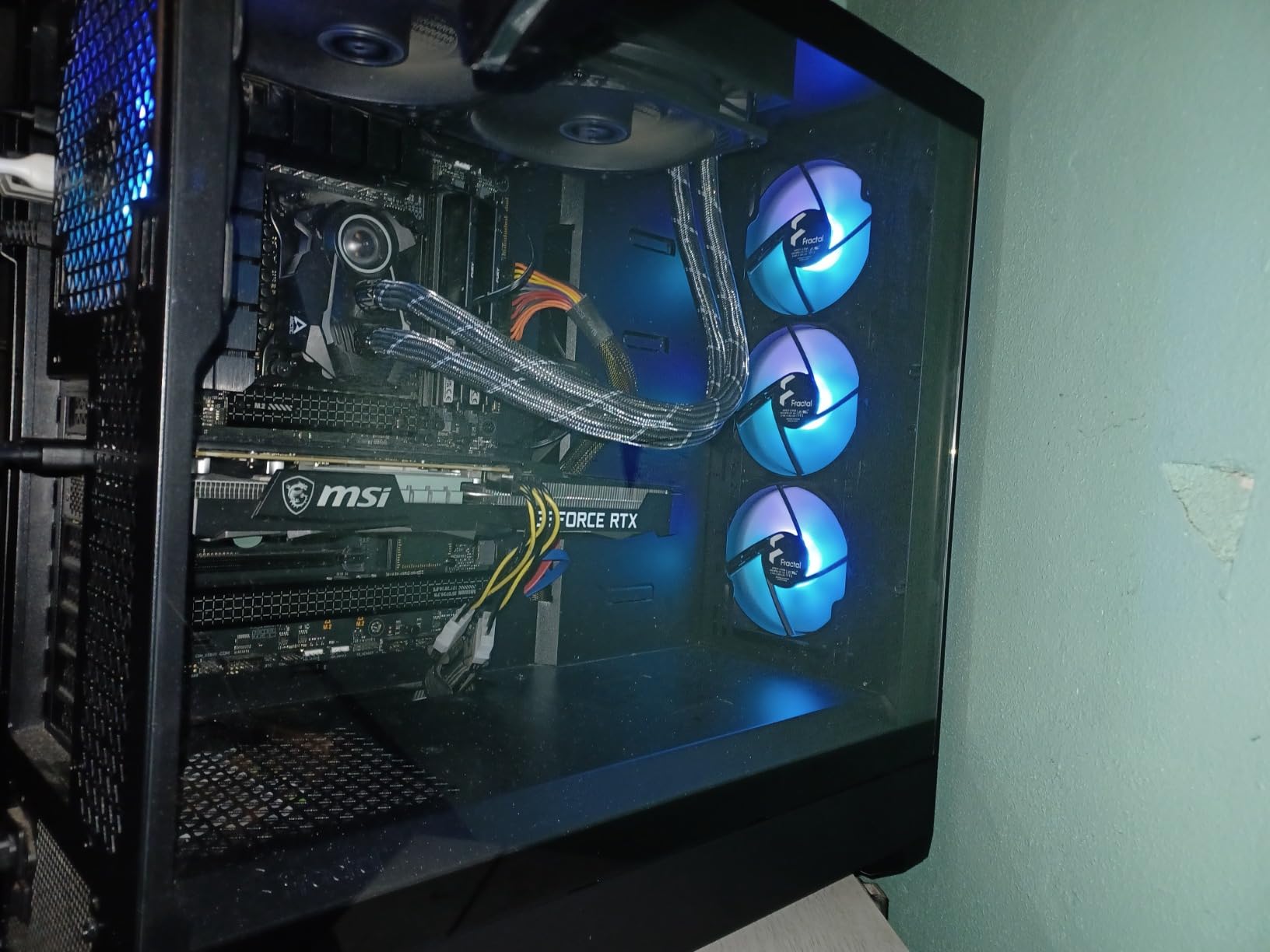
Reasonable, with a swap. The included 120mm Aspect RGB fans are quiet at normal speeds, but they are basic 1200 RPM DC units and most owners replace them with higher static pressure models once they start tuning.
The chassis itself contributes little noise. Thick panels and a solid frame mean the airflow path can run gently rather than needing high fan RPMs to move air.
Where the Pop XL Air falls short
Front USB-C is the surprise. It requires an optional Fractal Type-D cable that is not included, so budget for it if you want a USB-C port on the front panel rather than a standard USB-A.
The top fan cutout takes three 120mm or 140mm fans rather than a 4x 120mm layout, and the front mesh is coarse enough that some owners add filter foam to control dust. The listed front I/O is also basic by current standards.
10. MUSETEX K2 – Most Fans Included Out of the Box
MUSETEX ATX PC Case 7 PWM ARGB Fans Pre-Installed, Type-C Mid Tower Computer Case with Full-View Dual Tempered Glass, Gaming PC Case, Black(K2)
ATX mid-tower
7 pre-installed 120mm PWM ARGB fans
400mm GPU and 165mm cooler
+ The Good
- Seven pre-installed PWM ARGB fans expandable to ten
- 270-degree panoramic dual tempered glass
- Front USB-C plus two USB 3.0 ports
- 400mm GPU
- 165mm cooler and 360mm top radiator clearance
- Fan speed and lighting set through motherboard software
- The Bad
- Mixed plastic and metal reduces the premium feel
- Top radiator and tall coolers need careful measuring
- PSU length drops to 140mm with the HDD cage fitted
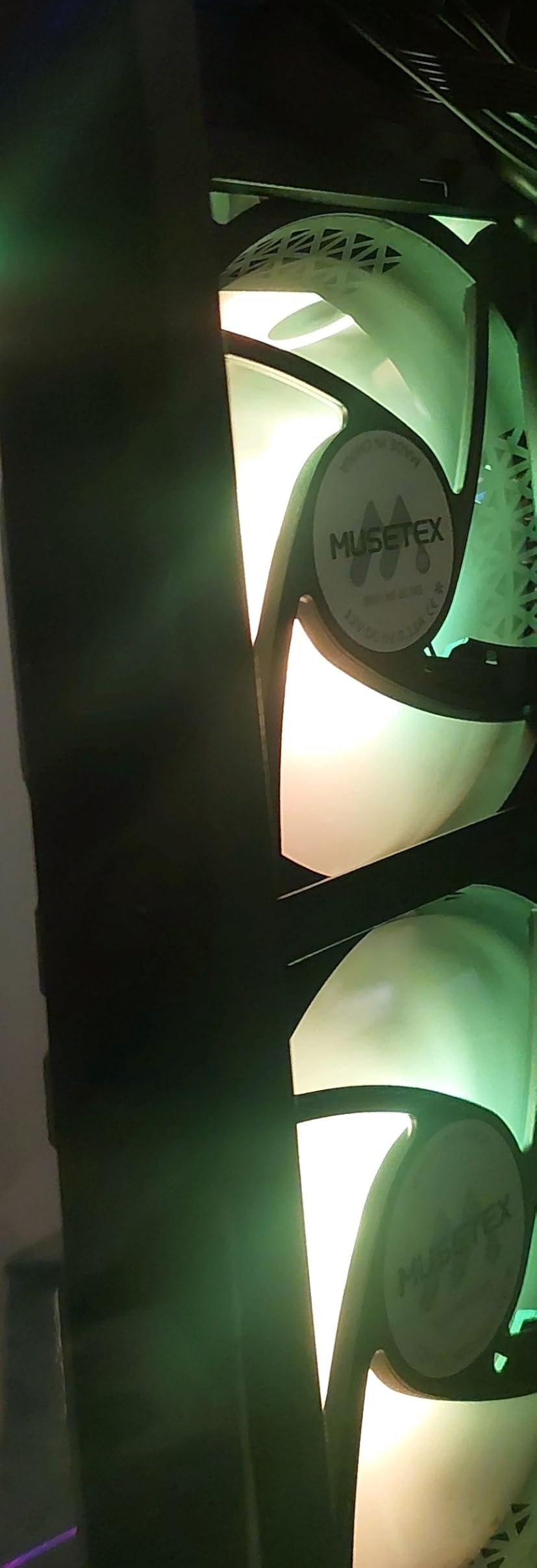
Seven fans is the headline, and it is genuinely rare at this level. Three reverse side fans plus forward top and rear fans create a visually balanced layout, but the practical benefit is that you can fill out a proper intake and exhaust path without buying anything.
That matters for exactly the case forum users describe: a fine mesh front with too few intake fans behind it produces a GPU that runs hot. Here the intake count is already there.
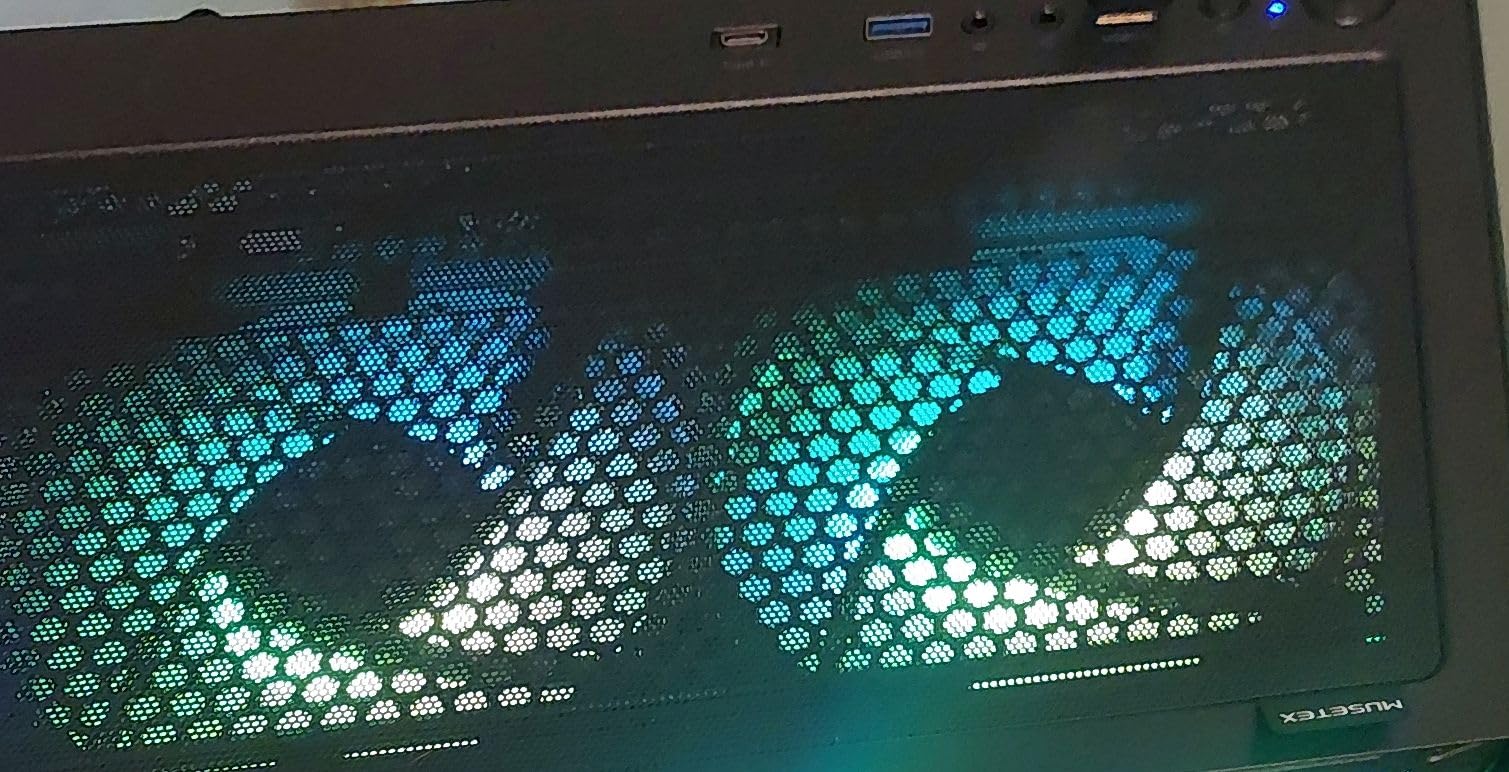
The published fan specification is 120 x 120 x 25mm, 600 to 1300 RPM, 24.72 CFM, 0.45 mmH2O static pressure and 20.8 dBA on a hydraulic bearing. The static pressure figure is modest, which is why we would treat the supplied fans as a starting point rather than a finished cooling solution.
Clearances are generous: 400mm of GPU, 165mm of CPU cooler and 360mm of top radiator. The 270-degree panoramic dual tempered glass gives a wider view than most cases at this level, which matters if the fans are glowing anyway.
One practical note from owners: removing the hard drive cage raises the power supply allowance considerably, and that is the easy fix if your unit is long.
Does the K2 fit a 360mm AIO at the top?
Yes, up to 360mm at the top is supported, with 400mm of GPU clearance remaining. Several reviews stress measuring the CPU cooler and top radiator together, because both compete for the same overhead space.
With seven fans already installed you can afford to move two of them elsewhere, so a top radiator does not have to reduce your intake count.
Where the K2 falls short
Enclosure materials mix metal, plastic and glass, and the plastic elements reduce the sense of a solid build compared with all-steel competitors. The included ARGB fans are adequate rather than exceptional at maximum RPM.
Fitment is the real watch-out. PSU length drops to 140mm with the hard drive cage in place, and tall coolers plus a top radiator need to be checked together rather than one at a time.
11. MUSETEX NN8 – Best for Easy Maintenance and Cleaning
MUSETEX ATX PC Case Pre-Install 6 PWM ARGB Fans, Polygonal Mesh Computer Gaming Case, Opening Tempered Glass Side Panel Mid-Tower Case, USB 3.0 x 2, Black, NN8
ATX mid-tower
6 pre-installed PWM ARGB fans
320mm GPU and 160mm cooler
+ The Good
- Six pre-installed PWM ARGB fans with the chassis
- Hinged magnetic tempered glass door opens without tools
- Deburred sheet metal with no sharp cuts
- Light enough to move despite the full ATX footprint
- Ample tie-down points behind the tray
- The Bad
- ATX boards fit very tightly so install before the I/O headers
- Fans use proprietary 6-pin connectors at fixed speed
- PSU chamber has no external ventilation
The hinged magnetic tempered glass door is the feature that makes this case worth a look. It opens without tools and swings wide, so cleaning a dusty radiator or reaching a GPU fan is a ten-second job instead of a reassembly.
That matters more for airflow over time than it does on day one. A mesh front that cannot be cleaned easily ends up choking, and this chassis makes maintenance the easy part.
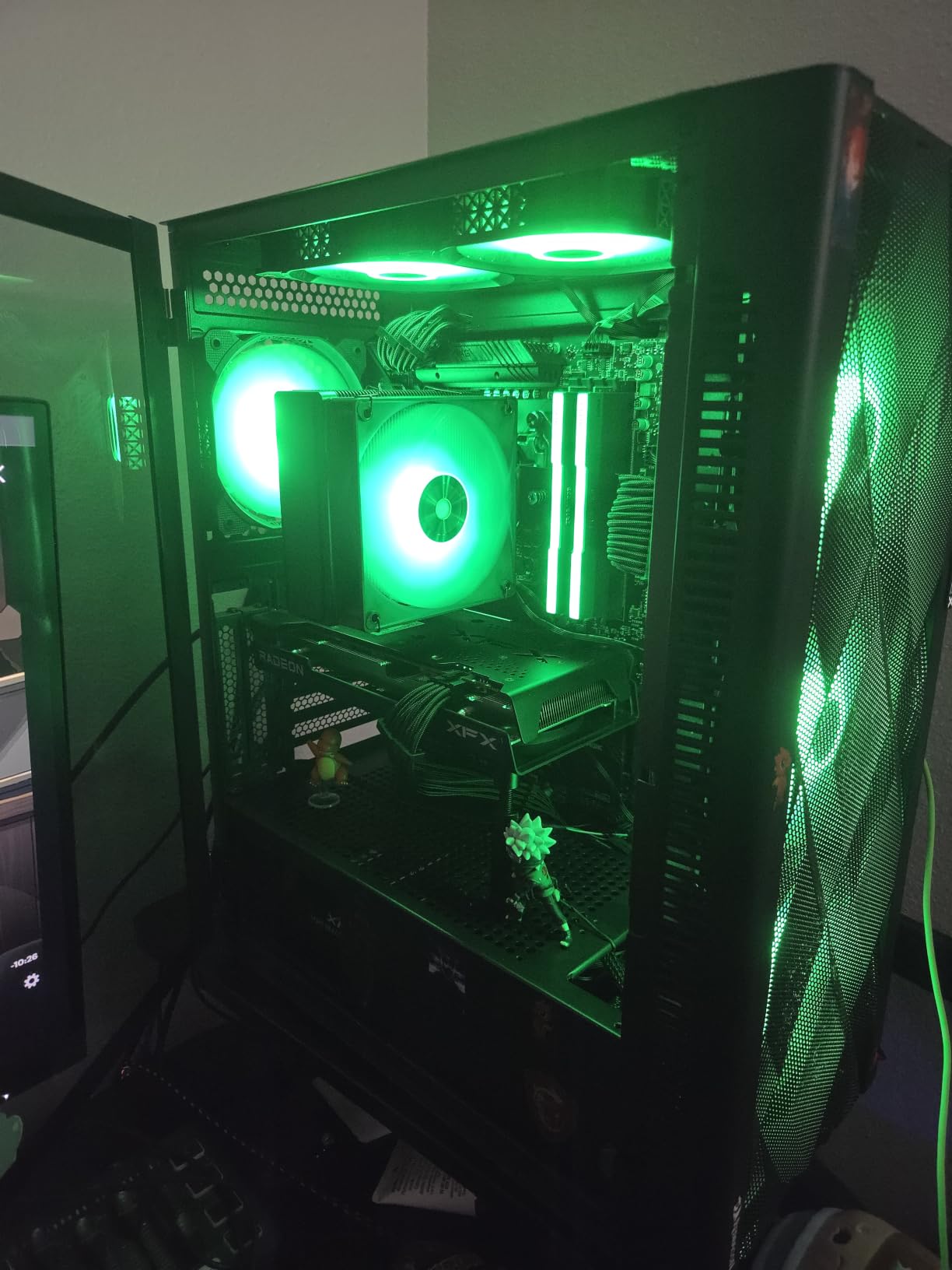
Six PWM ARGB fans come pre-installed, which is more than most rivals charge for a bare chassis, and reviewers who normally buy premium brands describe the build quality as a hidden gem with properly deburred edges and no sharp sheet metal cuts.
At 5.7 kg the chassis is light enough to move around despite the full ATX footprint, which is unusual for a case with this much metal and glass. The diamond mesh front panel gives good airflow through the polygonal cutouts.
Radiator support goes up to 280mm, GPU length up to 320mm and CPU cooler height up to 160mm, with power supplies up to 170mm. Storage covers five SSDs plus one HDD, or four SSDs and two HDDs.
Is the NN8 good for a first-time builder?
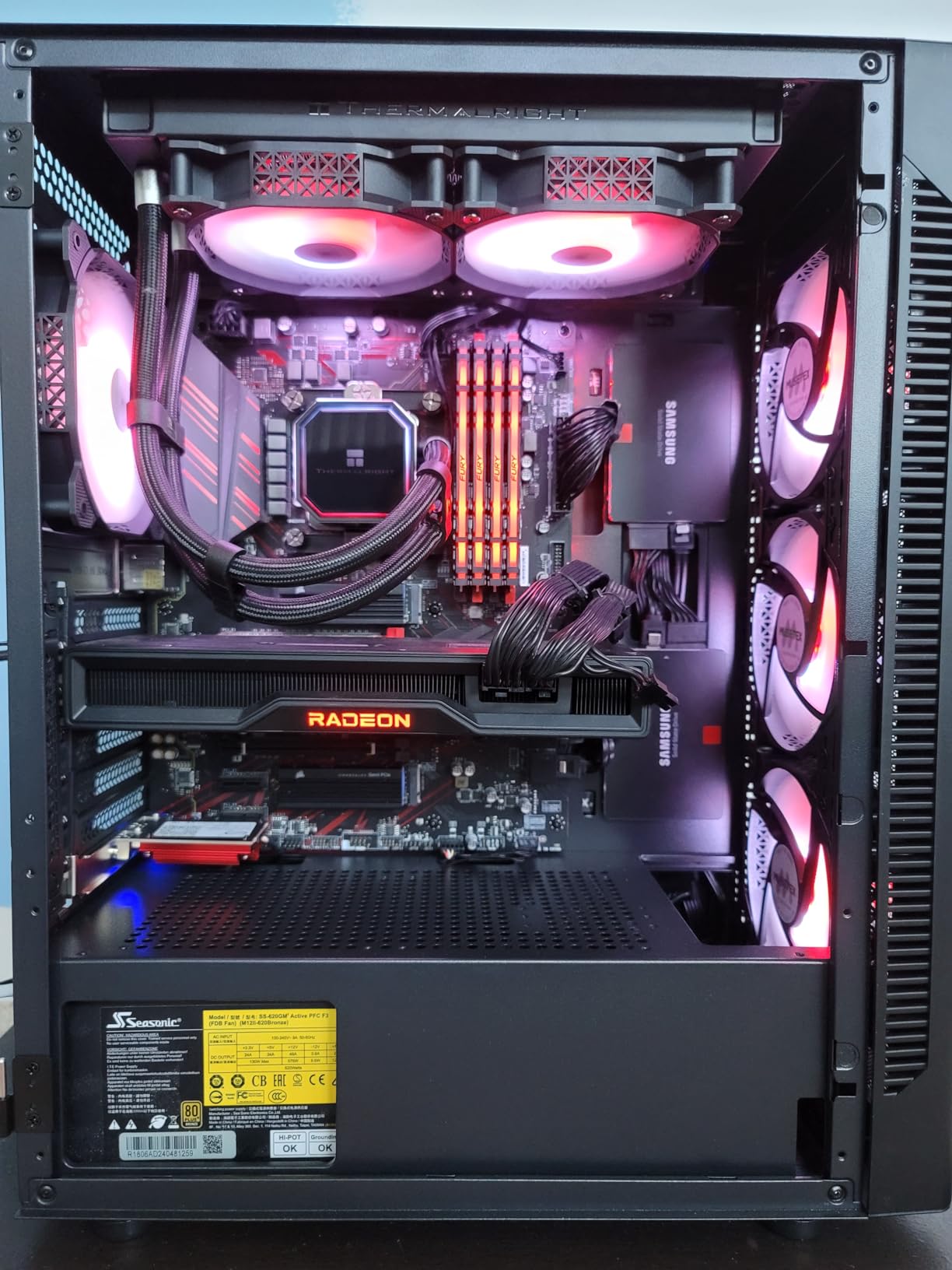
Mostly yes, with one firm warning. Full-size ATX boards are a very tight squeeze, and users advise plugging in the front-panel headers before screwing the board down. Get that sequence right and the rest of the build is straightforward.
The tool-less glass door and the plentiful tie-down points make cable management simple, and the polygonal mesh front keeps the intake path clear without a fine fabric filter that clogs.
Where the NN8 falls short
The proprietary 6-pin fan connectors and the fixed-speed controller are the biggest drawbacks. You cannot split the fan group across motherboard headers or control each fan independently without extra hardware, and that limits fan curve tuning.
The power supply chamber has no external ventilation, so the PSU draws from a solid floor, and the front mesh pores are wide enough to let dust reach internal components. GPU length is also tight for RTX 5000-series cards.
12. Cooler Master Q300L V1 – Best Budget Micro-ATX Airflow Case
Cooler Master Q300L V1 Micro-ATX PC Case, High Airflow, Transparent Panel
Micro-ATX and Mini-ITX
Supports up to 5 fans
159mm cooler and 360mm GPU
+ The Good
- Lowest cost here and still ventilated on all four sides
- Perforated panels move air with modest fan counts
- Easy cable management behind the tray
- Magnetic dust filters remove and rinse quickly
- I/O panel repositions to front
- top or bottom
- The Bad
- All-black interior makes header alignment difficult
- Thin sheet metal and acrylic panel scratch easily
- Rear PCI covers need a large bracket removed
With more than 14,000 reviews, the Q300L V1 is the most proven case in this roundup by a wide margin. Owners consistently call it the best budget chassis, and the reason is simple: perforated panels on all sides do more for airflow than expensive fans behind a solid panel.
It supports up to five fans, with 159mm of CPU cooler clearance, 360mm of GPU length and 160mm of power supply room. That is enough for a serious micro-ATX build, including a 240mm liquid cooler.
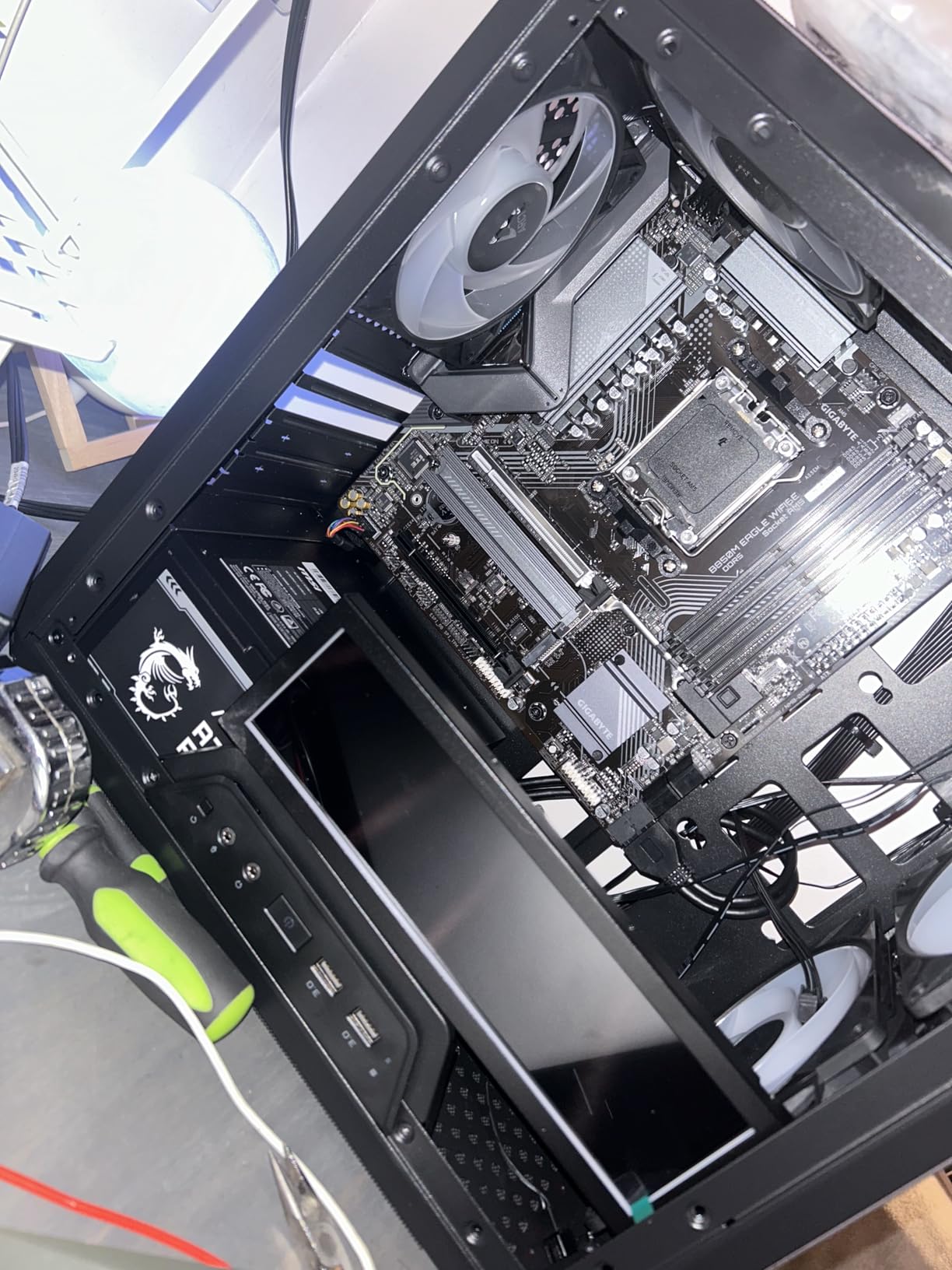
The magnetic dust filters on the top, front and bottom are quick to remove and easy to rinse, which is exactly what an all-perforated chassis needs in order to stay honest after a year of use. The modular I/O panel can be repositioned to the front, top or bottom of the case.
Adding three or four high static pressure intake fans alongside the supplied exhaust fan is the standard upgrade, and owners report that it drops gaming temperatures into the 60s and 70s. The interior measures 15.39 inch deep by 9.06 inch wide by 15 inch tall.
At 480 g it is also the easiest chassis here to move, which matters if you build at different desks or in different rooms.
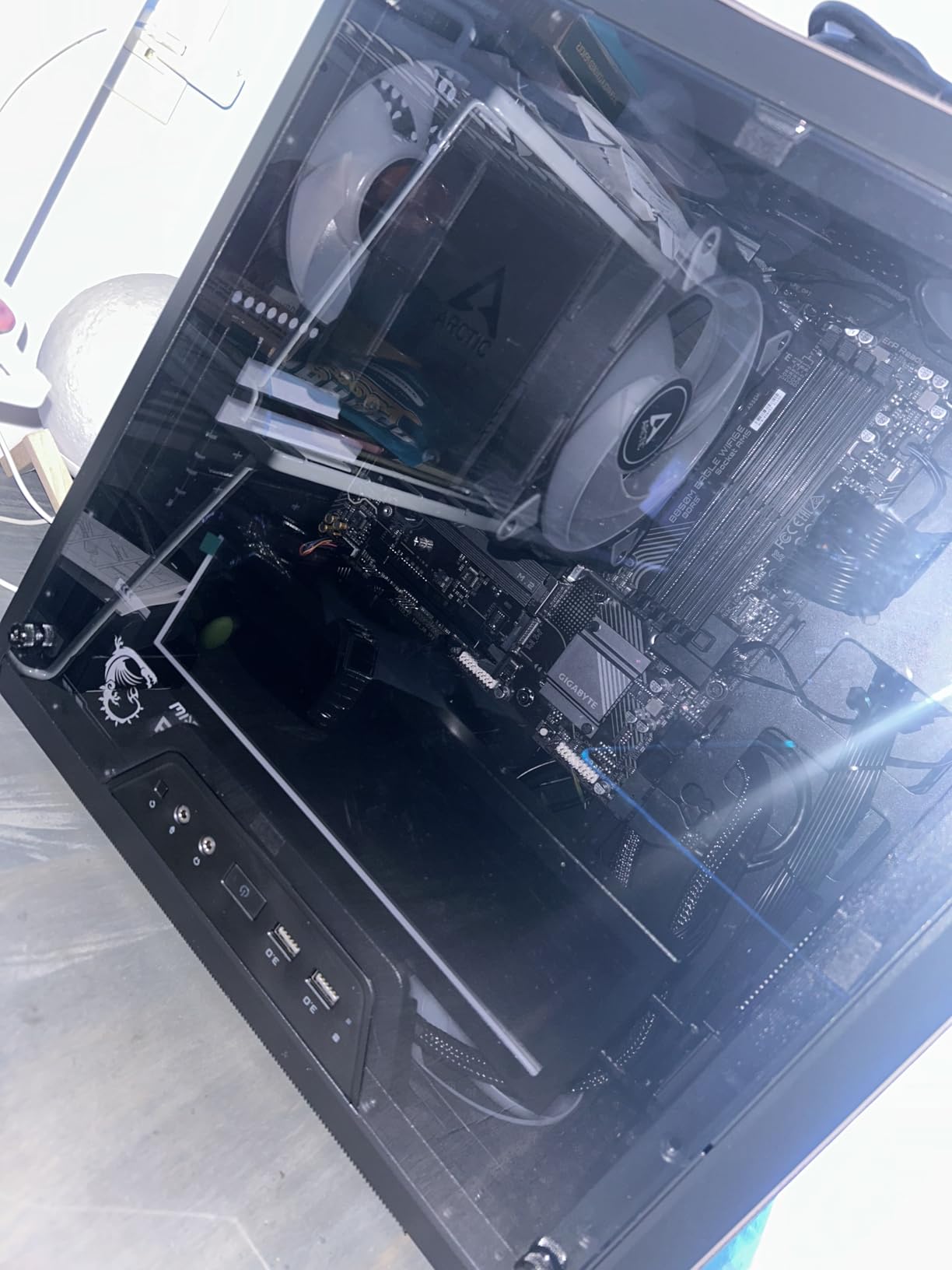
Is a perforated case really better than mesh for airflow?
At this budget, yes. Large punched holes move plenty of air and are trivially easy to clean, whereas fine fabric-style mesh on a budget case is often too fragile to last. The trade-off is that the holes let more dust in, which is why the magnetic filters matter.
The important caveat is cooler height. Several popular tower coolers are a millimetre or two too tall for the 159mm limit, so check your specific cooler rather than the product category.
Where the Q300L V1 falls short
The all-black interior makes cable routing and header alignment difficult in dim light, and thin sheet metal means the panels flex more than you would like. The side panel is acrylic rather than glass, so it scratches easily and shows fingerprints.
Buying a 360mm AIO is a mistake here, since support stops at 240mm. And the rear PCI slot covers require removing a large bracket rather than individual screws, which is a genuinely annoying build step.
How Airflow Actually Works Inside a PC Case
Airflow is not about volume or marketing CFM numbers. It is about one path: cold air enters low, passes over the CPU cooler and the graphics card, and hot air leaves high. Heat rises, so exhaust belongs at the top and the rear, and intake belongs at the front and the bottom.
That is the whole principle. A case with one fan at the back and a solid front panel is a fan pointed into a wall. The same case with the same fan, a mesh front and a bottom intake, moves several times the air.
Mesh, perforation or glass: what actually differs
Mesh front panels pass the most air but have the finest holes, which makes them dust traps and easy to clog. Perforated steel passes slightly less air but has larger holes that a quick blast of compressed air clears in seconds. Glass passes very little air and exists for appearance.
The glass side panel penalty is worth understanding. Airflow cases ship with glass because it shows off components, not because it helps. If you are building for maximum cooling, a mesh side panel is the better choice, and only two picks here offer one.
Does a bigger PC case cool better?
Not on its own. Volume gives you room to add fans, and fans are what move air. A full tower full of 120mm fans on a gentle curve beats a compact case with two fans at full speed on thermals and on noise.
Size only helps when it adds mount positions, a longer GPU clearance or a wider radiator path. That is why the Corsair 7000D Airflow out-cools compact cases despite being enormous, and why the Cooler Master Q300L surprises people who assumed perforated panels were just holes.
Positive pressure versus negative pressure
Positive pressure means more intake than exhaust, so the case pushes slightly outward and keeps dust from cycling through. Negative pressure means more exhaust, which pulls air through every opening including the gaps around the panels. Positive pressure is the better default for a dusty room.
The usual way to get there is two or three intake fans at the front and bottom, with one rear and one top exhaust. The Corsair 4000D RS ships with three fans whose orientation catches people out, so check the direction before you power on.
Fan size: 120mm, 140mm, 170mm and 220mm
Larger fans move more air at a lower RPM for the same noise level, which is why four 140mm units often beat six 120mm units in a case with the mounting room. A 120mm fan is a fallback for tight spots, not a default.
Beyond about 140mm you are choosing based on what the case supports, not on fan performance. 170mm and 220mm fans exist for a handful of large front mounts, and they are not interchangeable across models. Pick the case first, then take the largest fan size it accepts at each position.
For a full picture of the practical side, our guide to small displays for gaming PC cases covers the front-panel and interior upgrades that come after the cooling is sorted.
Will a top-mounted 360mm AIO block the intake?
Sometimes, and the answer depends entirely on the case. When the top mount takes 360mm fans and the front mount also wants 360mm, the top radiator pulls from the same air the front fans deliver, and the GPU ends up with less.
Cases with 420mm front support, like the NZXT H9 Flow, sidestep this because the top and front mounts do not compete for the same radiator length. For everything else, count the intake fans first, then place the radiator where the airflow budget allows.
Dust filters and how often to clean them
A fine mesh front with no filter is a cooling problem within a year, not a hypothetical. Forum users report weekly cleaning schedules as the norm in dusty environments, and filter media is cheap to replace.
Prefer cases with tool-less or magnetic filters, like the Q300L V1 with its three magnetic filters or the Fractal North with easy-release panels. A filter you can reach without a screwdriver is a filter that actually gets cleaned.
Before You Buy: Match the Case to Your Parts
Run this checklist against your parts before you buy any chassis. It takes two minutes and prevents the two most common expensive mistakes.
GPU length. Compare the card against the published limit. The V100R at 420mm and the H5 Flow at 410mm give the most room; the NN8 at 320mm is the tightest here.
CPU cooler height. Tower coolers are the constraint, not AIOs. The Montech Air 903 Max allows 180mm, the V100R 178mm and the Q300L only 159mm.
Radiator size and position. 360mm at the top is the standard ask. Confirm the top mount is 360mm and not 280mm, and check whether the front mount competes with it.
Power supply length. The Montech allows 240mm; the K2 drops to 140mm with its hard drive cage fitted. Modular units help here more than any other single choice.
Motherboard form factor. Most cases cap at ATX. The Air 903 Max, H5 Flow and Pop XL all take E-ATX if you need a wider board.
Storage count. Two drive bays covers a gaming build. Six or more changes which cases are even candidates, and pushes you toward the 7000D Airflow.
Two more things we would check before checkout. First, the fan direction on any pre-installed units, because it costs nothing to verify and it is the top cited complaint in this roundup. Second, whether the case supports rear-connector boards if your motherboard uses ASUS BTF, MSI Project Zero or Gigabyte Stealth, since that is a cleaner build and a cleaner airflow path.
For people who want to see the hardware itself rather than the chassis, open frame test bench cases make thermal problems far easier to diagnose once a build is finished.
Frequently Asked Questions
What PC case has the most airflow?
The NZXT H6 Flow is our pick for the best PC cases for airflow in most builds, because its dual-chamber layout, three pre-installed 120mm fans and perforated top and side panels give a complete intake and exhaust path. Cases with more fans, such as the MUSETEX K2 with seven, move more raw volume but start with louder units. Judge a case on the path between intake and exhaust rather than on the fan count alone.
Is a bigger PC case better for airflow?
Only when the extra size adds fan mount positions. Volume itself does not move air, so a full tower with a dozen fans on a gentle curve cools better than a compact case with two fans at full speed. Size helps when it means more mounts, longer GPU clearance, or a wider radiator path, which is why the Corsair 7000D Airflow outperforms much smaller cases.
Does a PC case affect airflow?
Yes, more than most spec sheets suggest. The case determines where intake and exhaust sit, how much restriction the panels add, and how much space there is to mount fans. A fine mesh front with only one intake fan behind it can leave a graphics card running hotter than a solid-panel case with three, because the graphics card is starved of the cold air it needs.
Do mesh PC cases collect more dust?
They do, and it matters more than most reviews admit. Fine mesh holes trap dust that perforated steel holes let pass, so a mesh front needs a removable filter cleaned regularly. Cases like the Cooler Master Q300L V1 use larger perforations with magnetic filters that rinse clean, while the Fractal Design North uses fine mesh with easy-release panels for the same reason.
How many fans should a good PC case come with?
Three to four is the useful minimum for a mid-tower, with at least two at the front or bottom for intake and one at the rear for exhaust. The NZXT H6 Flow ships with three, the Montech Air 903 Max with four, and the MUSETEX K2 with seven. A case with two fans is fine if the mounts are there, but budget for adding a pair at the bottom to feed the graphics card.
What is the best PC case for a 360mm AIO?
The NZXT H9 Flow, because it takes 420mm radiators on both the top and the front-right, so a 360mm AIO at the top does not take the front intake away from the graphics card. For smaller builds the Montech Air 903 Max supports 360mm at the front and top, and the NZXT H5 Flow takes 360mm at the front with 240mm at the top.
The Best PC Cases for Airflow, Ranked
After working through all twelve, the NZXT H6 Flow takes the top spot as the best PC case for airflow in 2026 for most people. It is compact, it ships with correctly aimed fans, and its dual-chamber layout means the air reaching your components has a clear path.
Buy the Montech Air 903 Max if you want the most hardware capability and the most included fans. Buy the Fractal Design North if the case will be seen. Buy the Corsair 4000D RS ARGB Frame if you want to move parts around inside it. And buy the NZXT H9 Flow if a 360mm AIO at the top is a fixed requirement.
Whichever one you choose, the same rule applies: put intake fans low, exhaust high, and give the graphics card its own air. Check the clearances against your parts first, and give the included fans a proper curve before you decide the case is not working.