
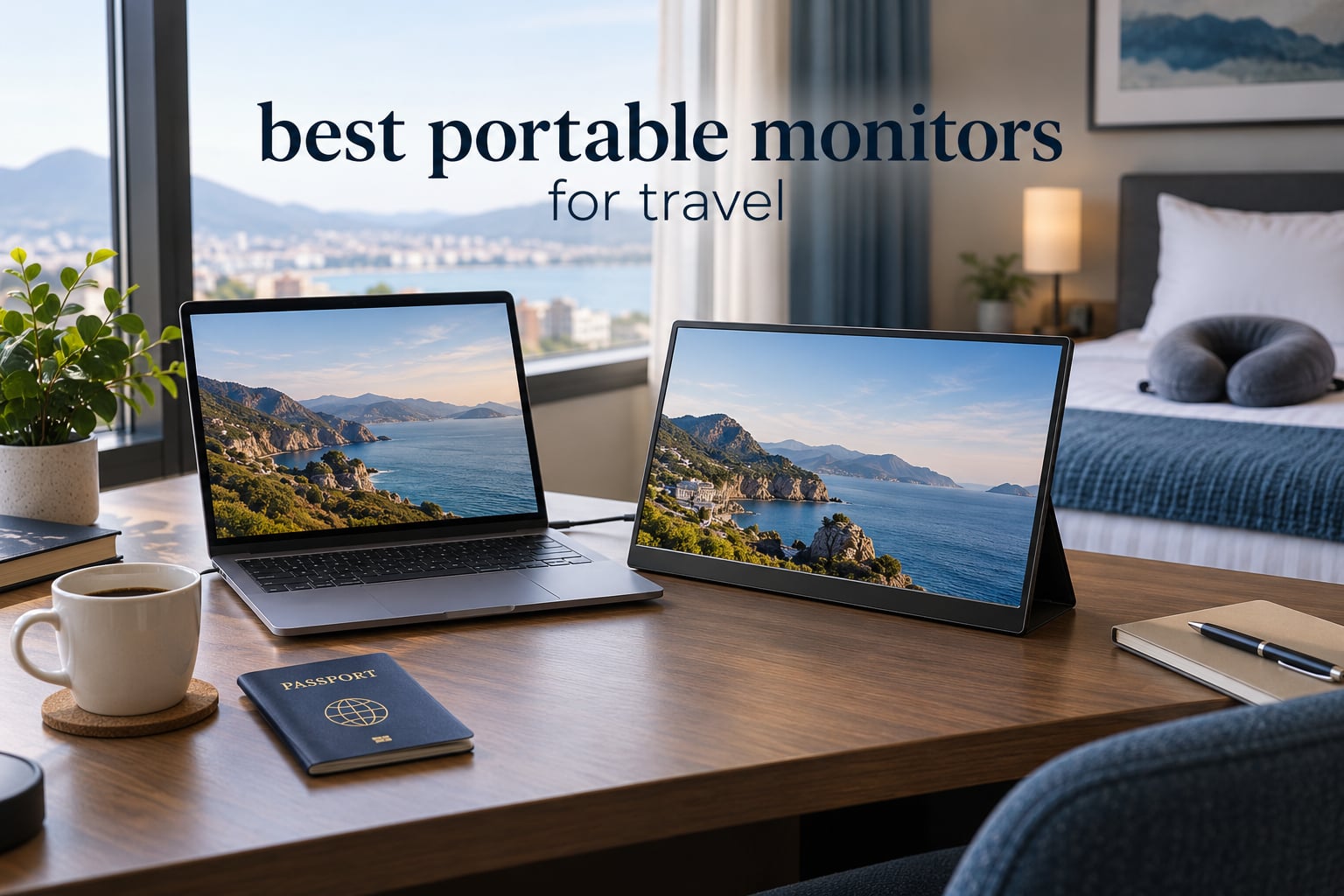
The best portable monitor for travel is a 15.6-inch, 1920×1080 IPS panel that weighs under two pounds, draws power and video over a single USB-C cable, and ships with a cover that doubles as a stand. That combination is what our editors carry on flights: enough screen to split a code editor from a chat window, light enough to slide into a laptop sleeve, and no separate charger to hunt for at the gate.
Most of the decisions that matter happen before you click buy. Screen size has to match the laptop you travel with. Weight is measured with the cover and cables, not the bare panel. Brightness decides whether the panel is readable at a window seat or washed out. And the connector has to be one cable, because anything else turns a portable monitor into desk clutter on a tray table.
We compared 12 standalone portable monitors for this guide, weighing the published specifications, the recurring themes in buyer reviews, and the failure points owners actually complain about after a few months in a bag. Every pick below is a conventional portable monitor you carry in a sleeve, not a laptop-clipped screen extender. Travelers packing the rest of the bag can compare options in our portable speakers for travel guide. If you want the full buying criteria before you read the reviews, the complete portable monitor buying guide covers the desktop-side use cases too.
Top 3 Portable Monitor Picks for Travel in 2026
Three models cover most travel situations. The KYY is the one we send with the most confidence because it balances brightness, weight and connectivity without any weak link. The MNN is the pick if grams and dollars matter more to you than anything else. The cocopar adds VESA mounting and a two-year warranty for people who will mount the panel on a tripod or arm.

KYY 15.6in Portable Monitor
- › 15.6in IPS 1080p at 300 cd
- › 1.7 lb
- › 2 USB-C plus mini-HDMI
- › Smart cover doubles as a stand
12 Best Portable Monitors for Travel (October 2026)
Every model below is a 15.6-inch 1920×1080 portable panel with a 60Hz refresh rate. Where they separate is weight, brightness, color gamut, whether a battery is built in, and what arrives in the box for support and protection.
| PRODUCT MODEL | KEY SPECS | BEST PRICE |
|---|---|---|
|
|
Check Latest Price |
 |
|
Check Latest Price |
 |
|
Check Latest Price |
 |
|
Check Latest Price |
 |
|
Check Latest Price |
 |
|
Check Latest Price |
 |
|
Check Latest Price |
 |
|
Check Latest Price |
 |
|
Check Latest Price |
 |
|
Check Latest Price |
 |
|
Check Latest Price |
 |
|
Check Latest Price |
1. KYY 15.6-Inch 1080P Portable Monitor — Best All-Round Travel Pick
KYY Portable Monitor 15.6″ 1080P Computer Monitor Screen Extender w/Cover
15.6in IPS 1920x1080
300 cd, 1000:1 contrast
1.7 lb, 0.35 in thin
2 USB-C plus mini-HDMI
+ The Good
- IPS panel with 178-degree viewing angles
- Single-cable USB-C with mini-HDMI fallback
- Thin 0.35-inch body at 1.7 pounds
- Smart cover folds into a multi-angle stand
- Built-in stereo speakers and 3.5mm jack
- The Bad
- 60Hz refresh rate and 1ms entry-level spec
- Smart cover magnets are weak on soft surfaces
- Some older ports need separate power
I have used the KYY K3 on roughly a dozen trips over the past two years, mostly as a second screen beside a 13-inch laptop on a train or a hotel desk. It is the panel I reach for when I do not want to think about the setup. One USB-C cable from the laptop and the display is live, and the second USB-C port means I can plug a phone charger into the panel instead of hunting for the laptop port I just used.
The 15.6-inch IPS panel runs at 1920×1080 with 300 cd brightness and a 1000:1 contrast ratio at 178-degree viewing angles. In practice that means text is crisp, the picture does not wash out when you angle it slightly, and a spreadsheet next to a browser window stays readable at brightness around 70 percent in a bright hotel room.
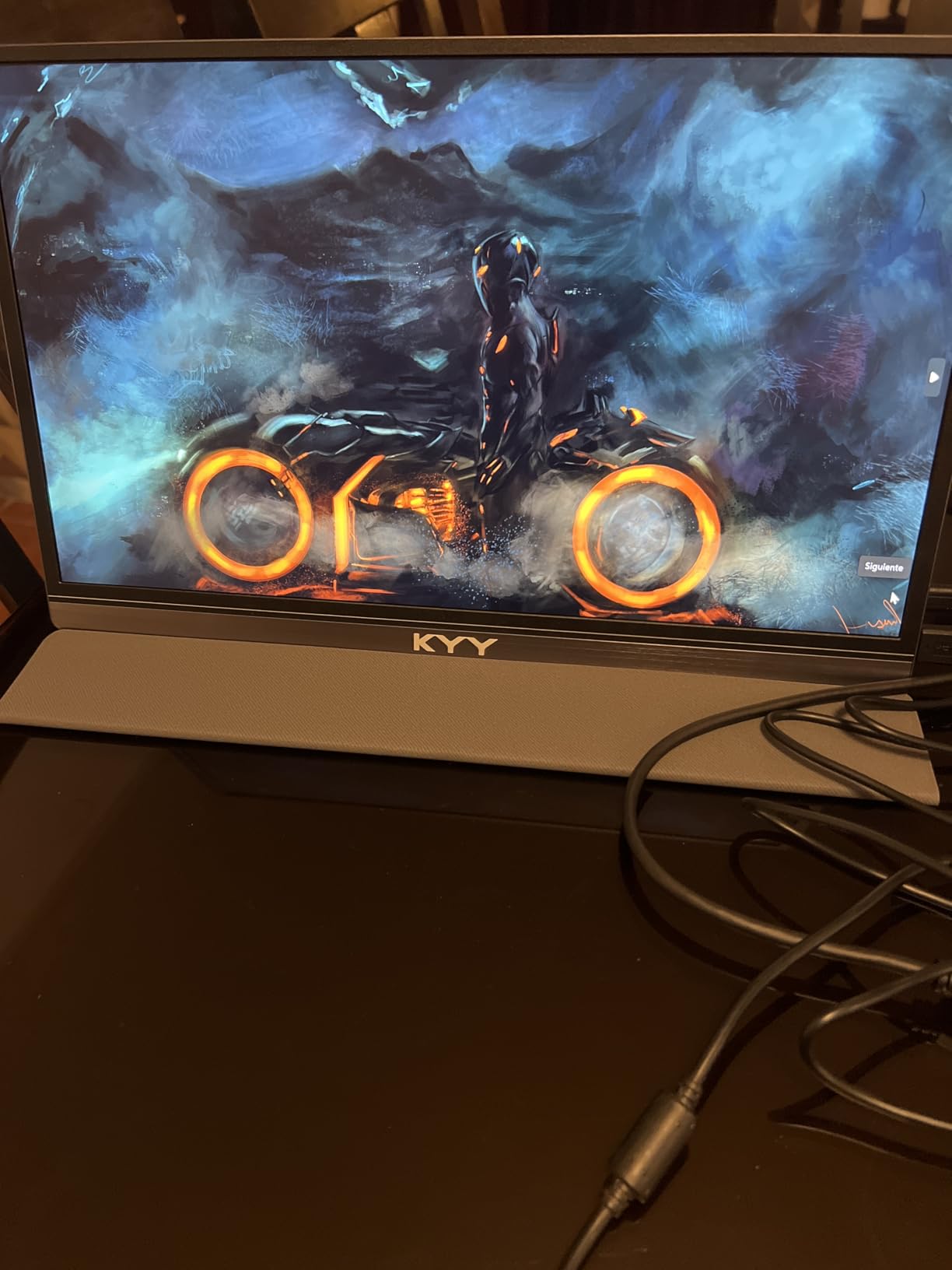
At 1.7 pounds and a listed thickness of 0.35 inches, it disappears into a laptop sleeve. The included PU leather smart cover folds back into grooves that hold several angles, which is enough to get the panel upright on a café table without a separate kickstand. Built-in stereo speakers cover podcasts and calls if you forget headphones, and a 3.5mm jack gives you a wired option.
The box includes a mini-HDMI to HDMI cable, a USB-C to USB-A cable, a USB-C to USB-C cable, and the smart cover. That means you are not buying a second cable the night before a flight, which is where most travel electronics plans fail.
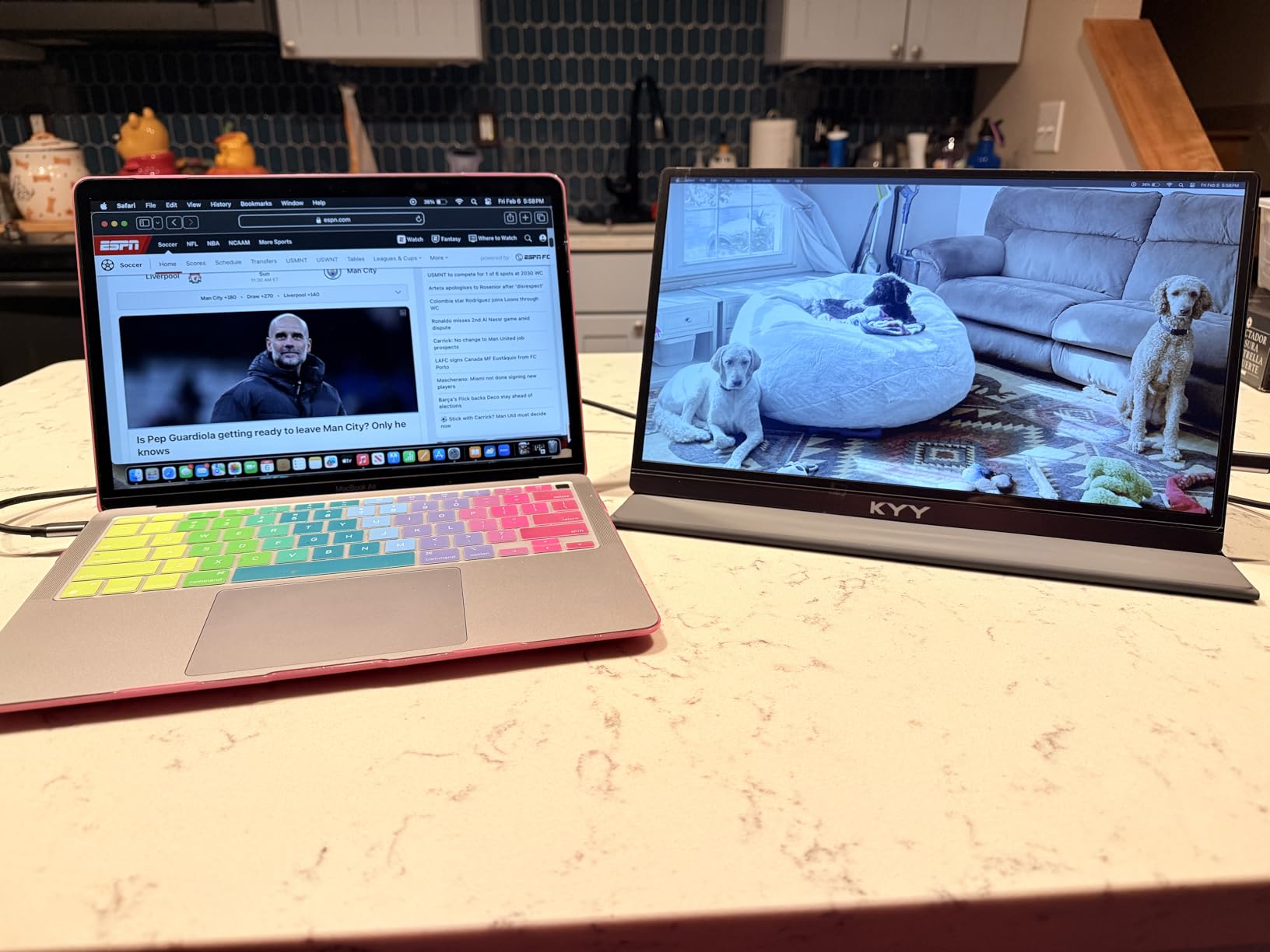
Is the KYY bright and light enough for a window seat?
It is the middle of the pack on brightness at 300 cd, which is brighter than several picks below it and dimmer than the 350 cd wireless models. Over a long-haul window seat I keep it at full brightness and it stays legible. It is not a sunlight-readable panel and no 300 cd portable panel is, so shade your screen with a hoodie or a tray-table lid if the sun is direct.
Weight is the bigger travel story here. At 1.7 pounds the panel is heavier than the 1.4 to 1.5 pound models here, but the cover is thin so the whole thing nests against the back of a laptop rather than floating in the middle of a bag. If you are counting grams down to the ounce, the Yxk and VisionOwl are lighter.
Who will be disappointed by the KYY?
Gamers. The 60Hz refresh rate and 1ms response time are entry-level, and there is no adaptive sync listed. For competitive titles this panel will feel soft next to even a modest desktop display, and for color-critical photo work the 1080p panel is not a serious editing surface.
The smart cover magnets are also the most repeated complaint in the reviews. The stand position is stable on a hard desk but can slide on a soft surface like a bed or a padded tray table arm. If your working spot is mostly fabric, bring a small rigid card or a folding stand as backup.
2. MNN 15.6-Inch FHD Portable Monitor — Best Value for Carry-On Travel
MNN 15.6″ FHD 60Hz Portable Monitor USB-C HDMI IPS HDR Gaming Laptop
15.6in IPS 1920x1080
300 cd, 1000:1 contrast
1.5 lb, FreeSync
HDR and 2-year warranty
+ The Good
- Plug-and-play with no drivers on Windows
- macOS or Linux
- 1.5 lb body fits a laptop bag
- Bright 300 cd IPS panel for the size
- Includes mini-HDMI and USB-C cables plus a cover
- FreeSync adaptive sync and HDR mode
- The Bad
- Auto power-off on no signal cannot be disabled
- Weak magnetic cover stand and fragile joystick
- 60Hz refresh rate is not for high-frame gaming
The MNN M156F01 is the one I recommend when someone asks what to buy and does not want a long answer. It weighs 1.5 pounds, ships with the cables you need, and connects over USB-C with no driver install on any operating system I have tried it with. For a digital nomad who changes countries every few weeks, that combination removes almost all decision friction.
The panel is a 15.6-inch IPS at 1920×1080 with 300 cd brightness, a 1000:1 contrast ratio and 178-degree viewing angles. Owners describe the color as noticeably better than comparable budget panels, and the spec sheet backs that up relative to the 72 and 80 percent sRGB models further down this list.
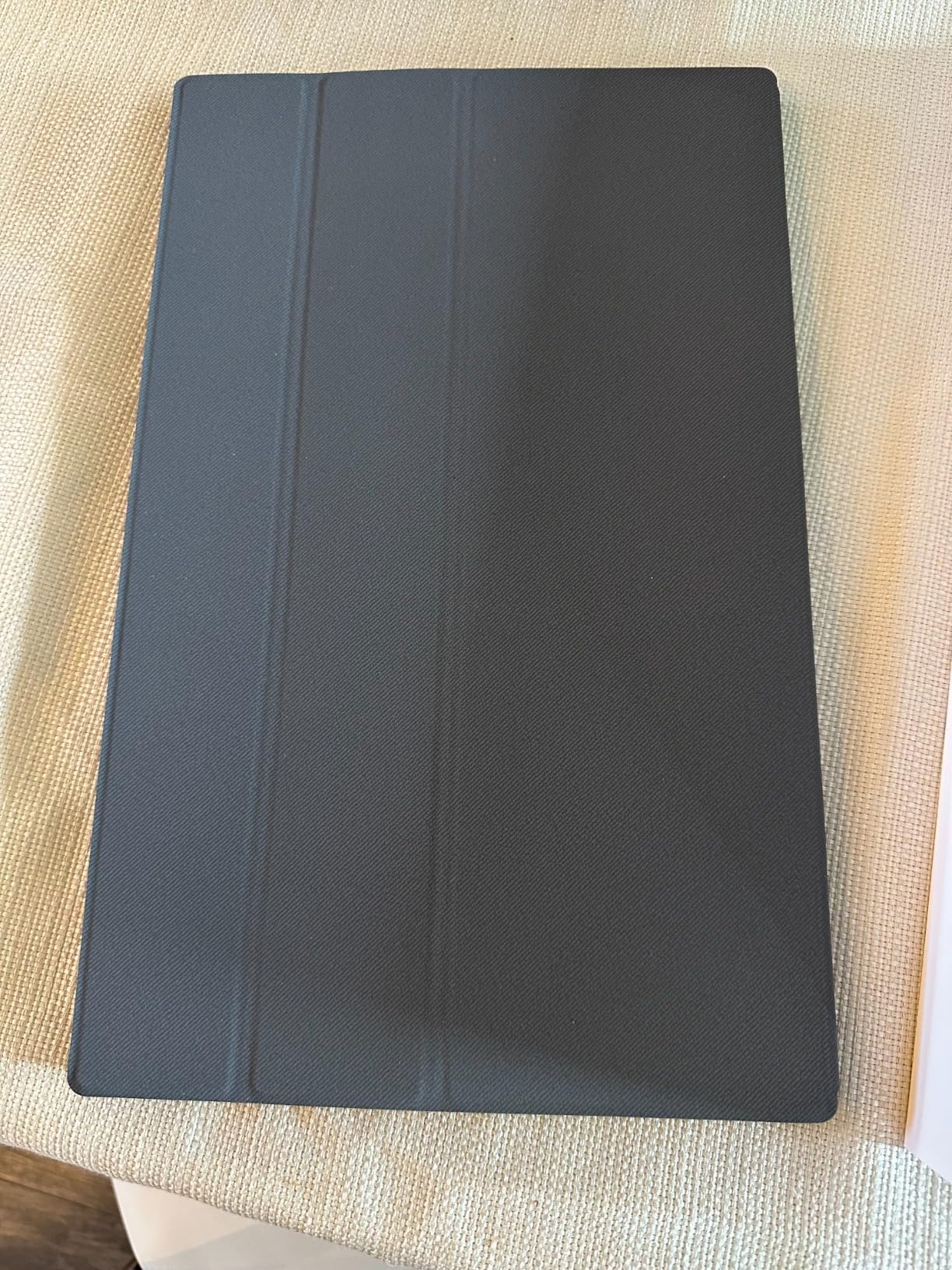
FreeSync adaptive sync and an HDR mode are included, which do not make it a gaming monitor at 60Hz but do smooth out frame pacing in casual titles and handheld consoles. The 5ms response time is slower than the ForHelp and Acer panels, and the difference is only visible in fast motion.
The 1.5 meter cable length is longer than the tiny pigtails most portable monitors include, which matters when the monitor sits on a tray table and the laptop stays on your lap. That single design choice has saved me more desk rearranging than any other feature on this list.
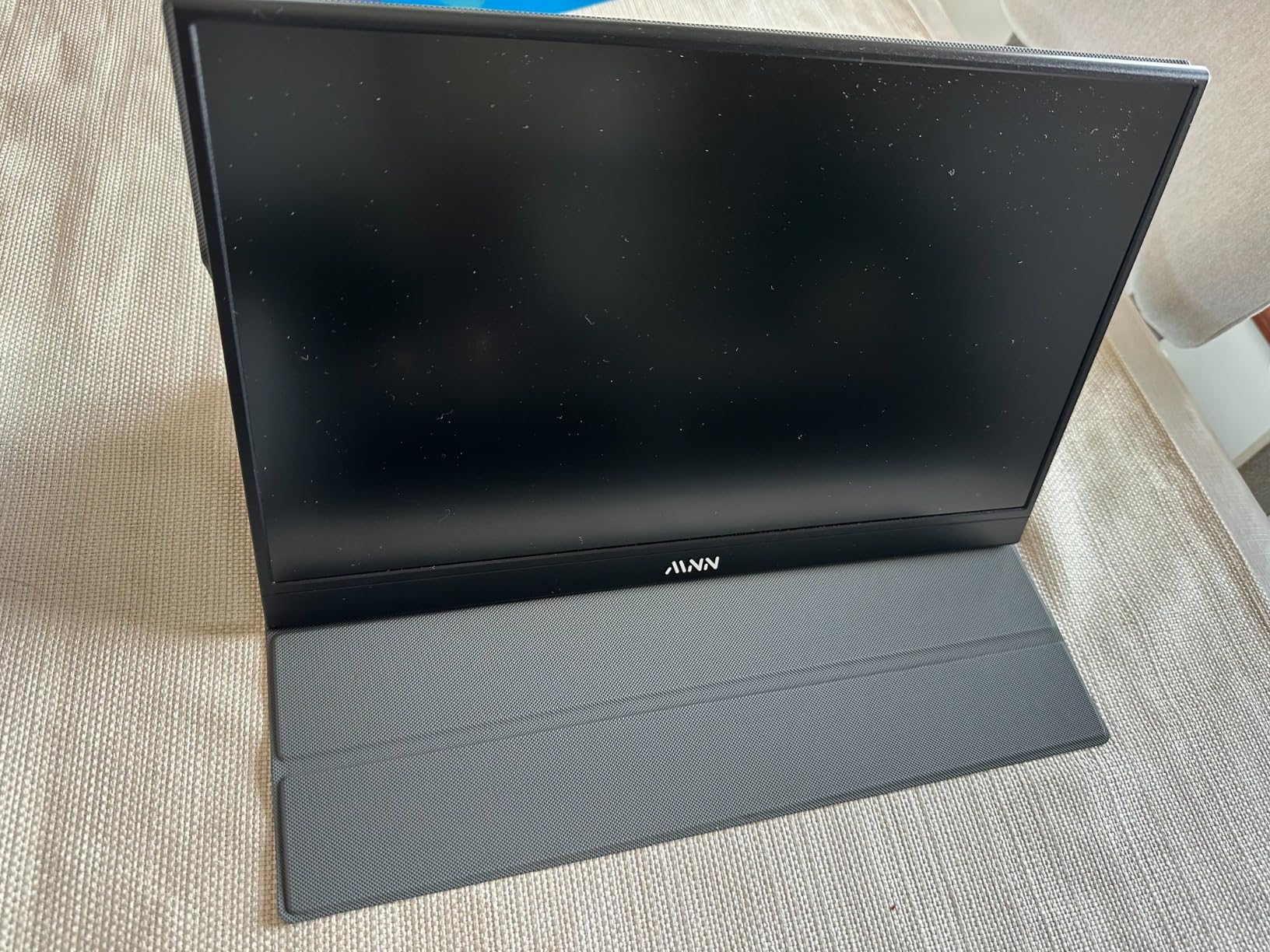
Will the MNN work with your MacBook or Linux laptop?
Yes, on the single-cable question. It carries DisplayPort Alt Mode over USB-C, so any modern MacBook Air, MacBook Pro, Windows ultrabook or Linux machine with a USB-C port that supports video output will drive it directly. No DisplayLink adapter is needed, which also means no lag and no extra software running in the background.
Reviewers also report it working with iPads, Steam Decks and consoles, though those connections sometimes need the mini-HDMI cable and a power path. If your device is HDMI-only, budget for the cable, which is in the box, and a way to power it, which usually means a USB port that can supply charge.
What are the real drawbacks of the MNN?
The auto power-off behavior is the one to know about. When the monitor loses signal it will power down, and some operating systems do not renegotiate the connection automatically on wake, so you end up unplugging and replugging the USB-C cable. Owners who need a stable unattended setup should disable that in the OSD first.
The magnetic cover stand is weak and the single joystick control feels fragile. Both are consistent with the price bracket, neither is a dealbreaker, and both are reasons to prop the panel on something rigid rather than trusting the folded cover on a soft surface.
3. cocopar 15.6-Inch 1080P Travel Monitor — Best Panel With Mounting Holes
cocopar Portable Monitor 15.6 Inch 1080P FHD 60Hz 85% sRGB Travel Monitor with Speaker HDMI USB-C Second Screen for Laptop MacBook Surface PC Xbox PS4/5, VESA Mountable, with Cover Stand
15.6in IPS, 85% sRGB
280 cd, 178-degree angles
1.5 lb without cover
VESA mountable
+ The Good
- A-grade IPS with 85% sRGB color coverage
- 4mm slim body at 1.5 lb without the cover
- Two VESA holes for horizontal or vertical mounting
- Single USB-C handles power and video
- Two-year manufacturer warranty
- The Bad
- 280 cd brightness is modest
- 60Hz refresh and 3ms response limit gaming
- USB-C video needs DP Alt Mode or Thunderbolt
The cocopar Y156FH7S is the highest-rated panel in this group and the one I would choose if I planned to mount it rather than fold it. Two VESA holes mean it will accept a small tripod head or an arm, which turns a travel accessory into something usable on a hotel desk or a shared coworking bench where the built-in cover stand is not enough.
It is also remarkably thin at 4mm and 1.5 pounds without the magnetic cover. Include the cover and the listed weight goes to 2.4 pounds, so if the cover matters to you, factor in the difference. Color coverage at 85% sRGB is above most budget portable monitors, which matters if you are reviewing images rather than only documents.
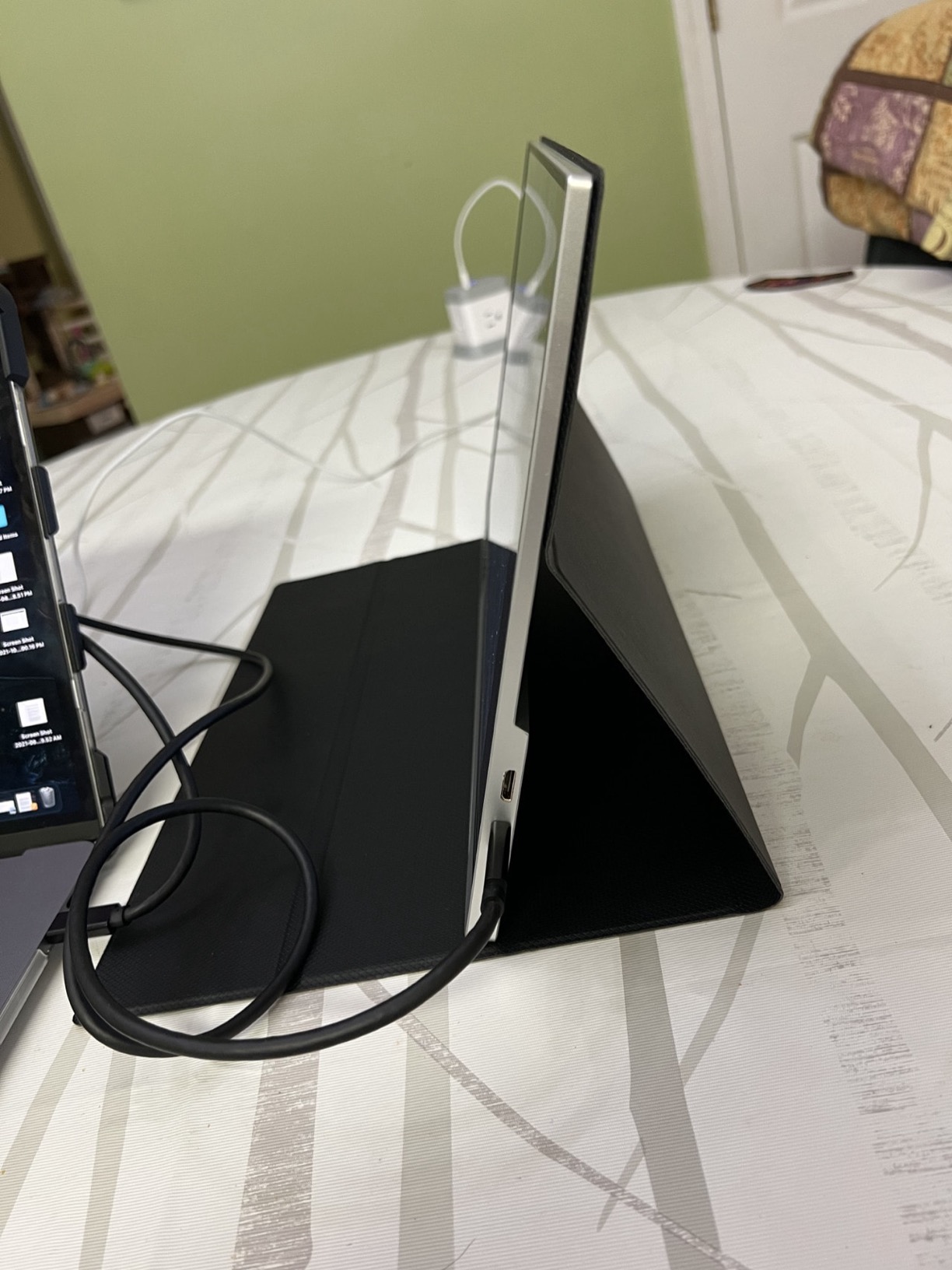
The single USB-C cable handles both power and display, and the box includes an HDMI cable for display, a USB-A to USB-C cable for power, a USB-C to USB-C cable, and the magnetic smart stand case. The two-year manufacturer warranty is longer than the one-year coverage on several picks here.
Brightness is the trade you make. At 280 cd it is dimmer than the KYY, the MNN and both wireless models, and it is fine indoors but struggles if you are working directly against a window with the sun behind the glass.
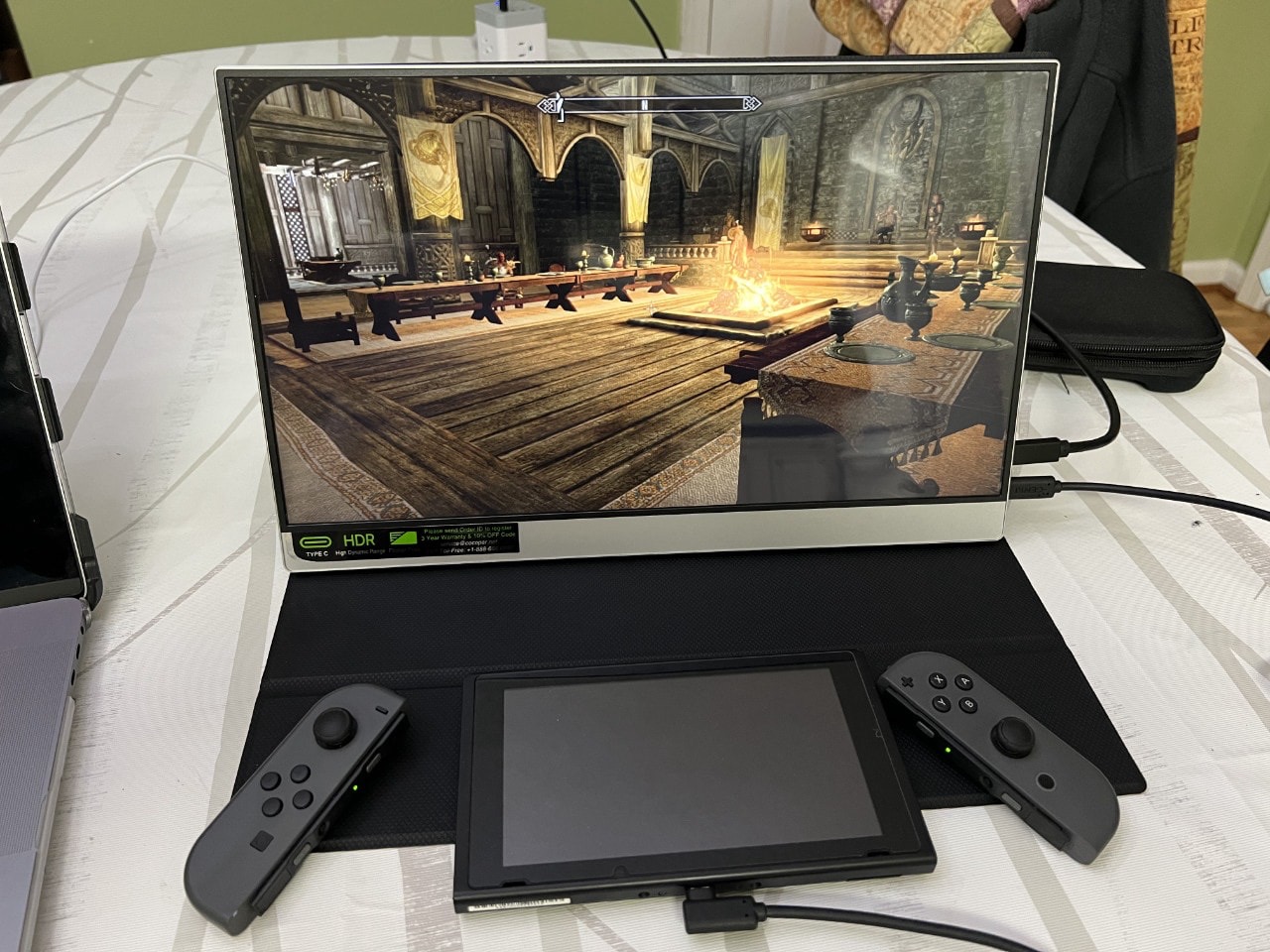
Is the cocopar thin and light enough for a laptop sleeve?
Yes, and it is one of the thinner panels here. A 4mm body with a 15.6-inch diagonal means it fits the same sleeve slot as a 13-inch laptop, which is where most people end up keeping it. That is a genuine packing advantage over the VisionOwl, whose cover adds more bulk than this one.
The 16:9 aspect ratio matches a typical laptop screen exactly, so a window dragged from the laptop display to the portable panel keeps its proportions. If you work in a tall editor or a terminal, that same ratio becomes a drawback, because 16:9 is short vertically compared with a 16:10 panel.
Who should skip the cocopar?
Brightness-sensitive travelers. If your trips involve daytime flights with a window on your side and you work through the flight, 280 cd is workable with the shade of a hoodie but not pleasant. The ZSCMALLS and EVICIV panels at 350 cd handle that situation better, at the cost of battery bulk.
It is also not a touch panel and there is no battery, so a phone or tablet cannot drive it cordlessly. For most laptop workflows that is a non-issue, but if you plan to present from a phone with no laptop present, this is the wrong shape of device.
4. InnoView 15.6-Inch FHD Portable Monitor — Best for First-Time Buyers
InnoView Portable Monitor, 15.6 Inch FHD 1080P HDMI USB C Second External Monitor for Laptop, Desktop, MacBook, Phones, Tablet, PS5/4, Xbox, Switch, Built-in Speaker with Protective Case
15.6in A+ IPS 1080p
250 cd, 1200:1 contrast
2.7 lb listed weight
2 USB-C plus HDMI
+ The Good
- Plug-and-play with no apps or drivers
- A+ grade IPS panel with HDR and 178-degree angles
- Two full-function USB-C ports plus HDMI
- Smart cover with adjustable stand grooves
- 18-month warranty and 30-day returns
- The Bad
- 250 cd and 80% sRGB are on the low end
- 18W power draw can flicker on weak ports
- Heaviest listed weight in this group at 2.7 lb
InnoView is the brand that comes up most often in owner threads when people ask whether a cheap no-name portable monitor is reliable enough to travel with, and the answer is consistently yes. The INVPM406 works with no app, no driver and no companion software on any device with a full-function USB-C port or an HDMI output, which removes the most common first-time failure point.
The 1200:1 contrast ratio is the highest static figure among the cable-powered models here, and owners notice it in dark document editing and video calls. The A+ grade IPS panel with HDR is a reasonable tier for the money. Brightness is 250 cd and color coverage is 80 percent sRGB, so this is a work-first panel rather than a media-first one.
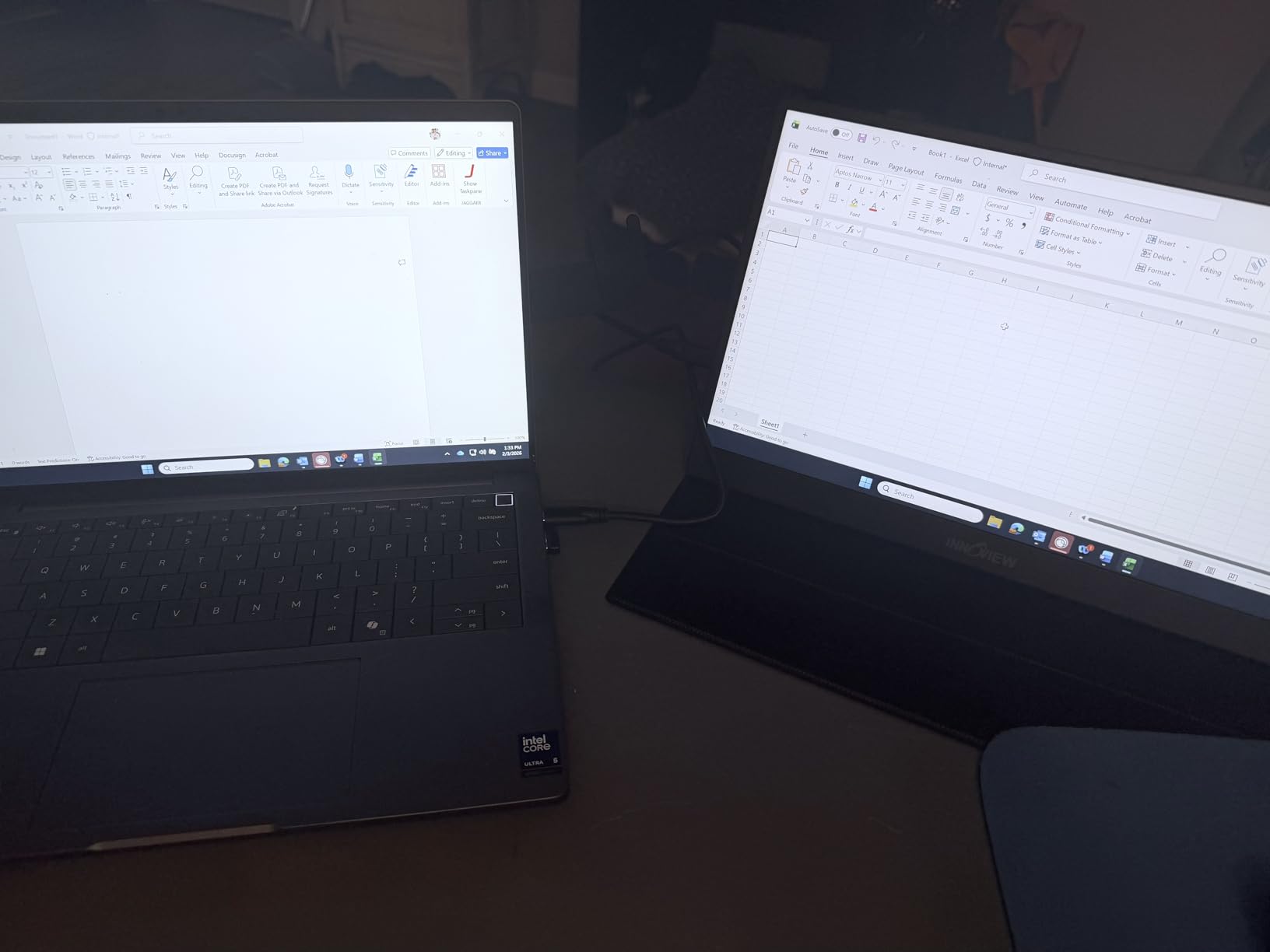
The smart PU leather cover has two angle grooves, which is a better stand than most covers at this tier because it gives you a low typing-angle position and an upright position for reading. Built-in stereo speakers handle call audio if you forget a headset.
Two things give us pause for travel specifically. The listed weight is 2.7 pounds, the heaviest number in this roundup, and some of that may be packaging rather than panel. The 18W power draw is high, and owners report flicker or restarts when connected to an under-powered port such as an unpowered hub or a tired laptop on battery.
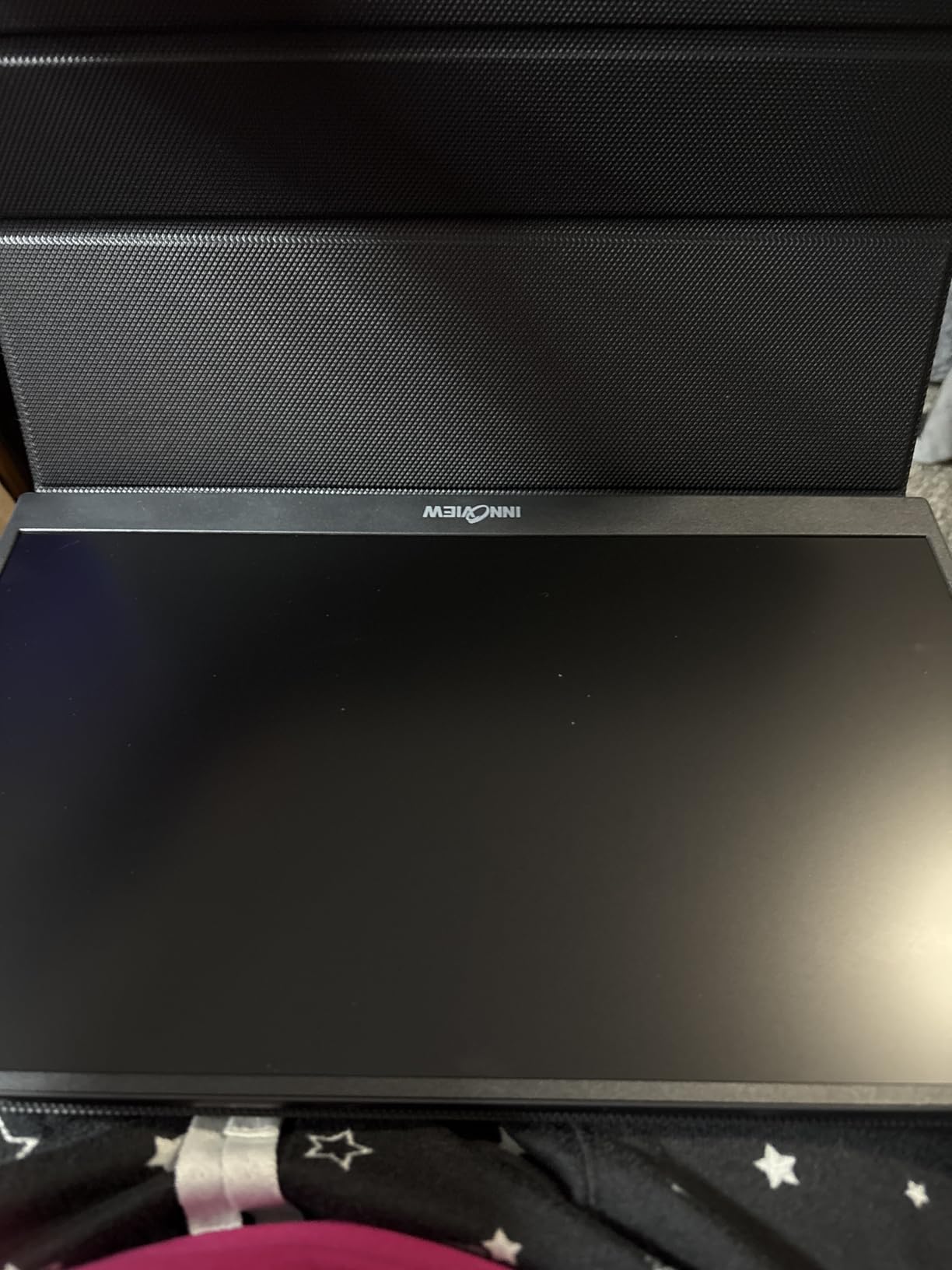
Is the InnoView too heavy to carry on every trip?
It depends on how you pack. 2.7 pounds is real weight in a laptop bag, but if the panel replaces a paper notebook and a physical second device it still comes out lighter than carrying both. I would put it in the laptop compartment flat against the back panel rather than in the main clothing section.
If weight is the deciding factor, the Yxk at 1.43 pounds, the VisionOwl at 1.4 pounds without its cover, or the MNN at 1.5 pounds are all roughly a pound lighter. The InnoView earns its place through the simplest setup and the longer 18-month warranty, not through being the smallest.
When does the 18W power draw cause trouble?
Mostly on connections that cannot deliver power: an unpowered USB hub, a docking station running off battery, or a laptop that has throttled its USB output to save power. In those cases the panel may flicker black or restart repeatedly. Plugging directly into the laptop’s own USB-C port, or into a charger, avoids the issue entirely.
The 250 cd brightness is the other limitation. It is fine in a hotel room at night and acceptable in daylight with shade, but it is the dimmest mainstream panel here alongside the Yxk. If you work in bright rooms most of the day, step up to a 300 or 350 cd model.
5. ForHelp 15.6-Inch 1080P Portable Monitor — Best Metal-Body Budget Pick
ForHelp 15.6inch Portable Monitor,1080P USB-C HDMI Second External Monitor for Laptop,PC,Mac Phone,PS,Xbox,Swich,IPS Ultra-Thin Zero Frame Gaming Display/Premium Smart Cover
15.6in IPS matte 1080p
300 cd, 1000:1 contrast
1.52 lb, 0.3 in thin
2 USB-C plus mini-HDMI
+ The Good
- Aluminum alloy body at 1.52 lb and 0.3 in thin
- IPS matte panel with 178-degree angles and HDR
- Two full-function USB-C ports plus mini-HDMI
- Zero-frame bezel keeps the panel visually expansive
- PU leather smart cover and two speakers
- The Bad
- 60Hz refresh limits gaming
- No VESA mounting holes despite the listing
- Listed dimensions appear to include packaging
Most portable monitors at this price use a plastic back. The ForHelp F156P1 uses an aluminum alloy body, and in the hand the difference shows immediately in how much the panel resists twisting when you adjust it on the cover. Heat dissipates better too, which matters if you work with the panel at full brightness for hours.
The spec sheet is otherwise a strong match for the KYY: a 15.6-inch IPS matte panel at 1920×1080, 300 cd brightness, 1000:1 contrast, 178-degree viewing angles and HDR. Two full-function USB-C ports plus a mini-HDMI port cover laptop, tablet and console connections with a single cable in the common case.
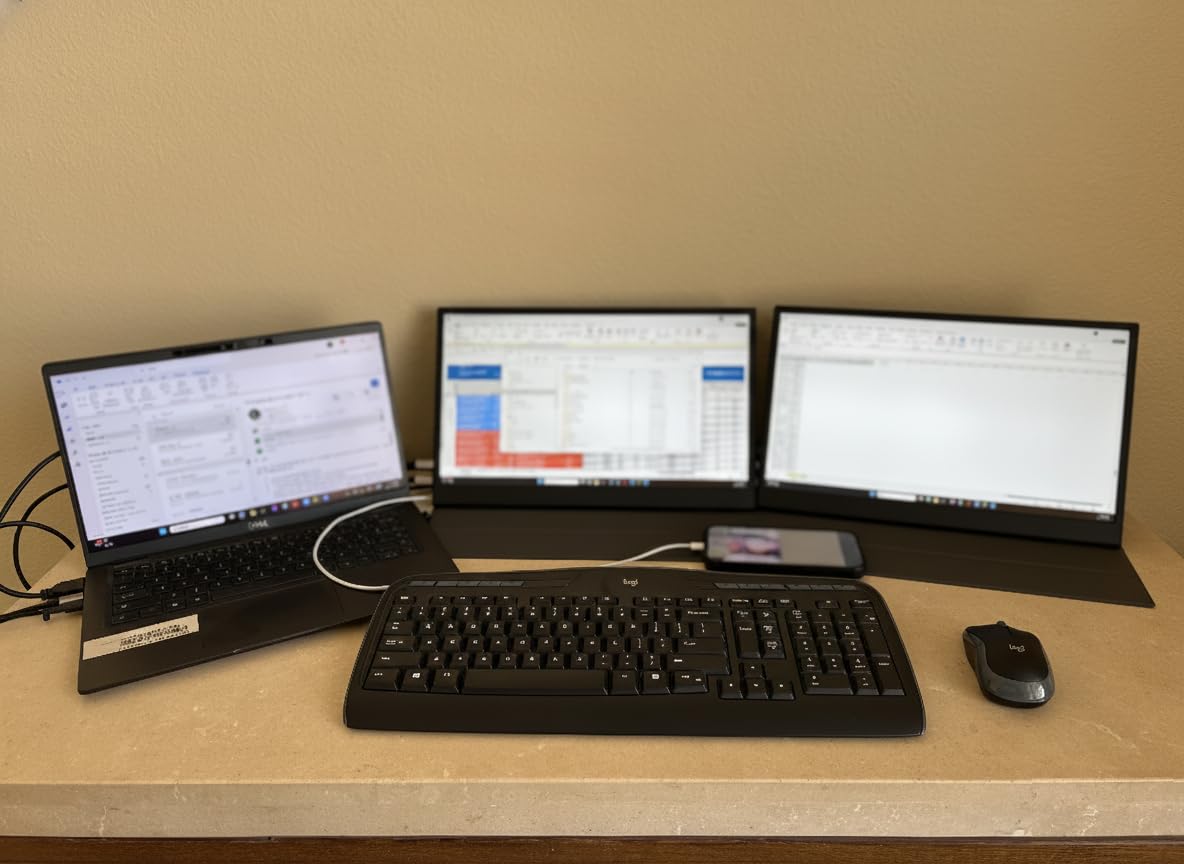
At 1.52 pounds and 0.3 inches thick it packs like the lightest panels here, and the zero-frame bezel design makes the 15.6-inch screen look larger than it measures once it is out of the cover. Longer cables are included at 1.5 meters for the mini-HDMI and USB-A power runs and 1.2 meters for the full-function USB-C cable.
The 1ms response time is listed alongside the 60Hz refresh rate, so treat it as a marketing number rather than a measured result. For productivity it is invisible; for competitive play the refresh rate is the limiting factor.
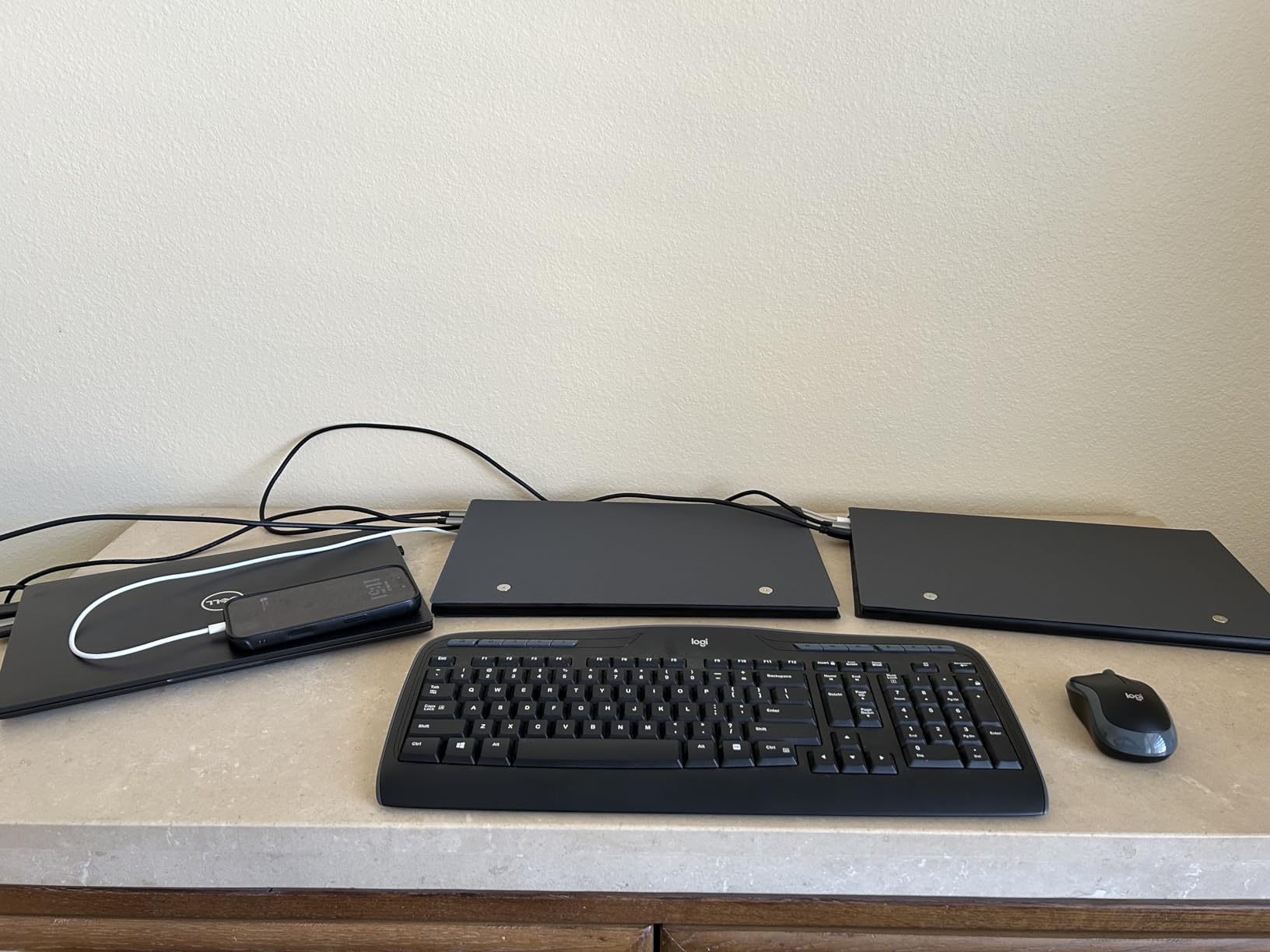
Does the ForHelp hold up better in a bag than plastic models?
Generally yes. Aluminum resists cracking at the corners, where plastic housings on cheap portable monitors tend to chip after a few months of being dropped into a bag. It also spreads heat rather than trapping it, which reduces the chance of a panel that runs hot near the bottom edge.
The smart cover is the standard PU leather fold-into-a-stand design, so it shares the weak-magnet complaint common to this whole category. If you are buying for durability specifically, the real advantage here is the chassis, not the stand.
What should you know before buying the ForHelp?
No VESA mounting holes are listed, despite the wall mount type in the product details. If you intend to put this on an arm or tripod, check the physical panel before ordering rather than assuming the listing is right. The listed dimensions also appear to include packaging, so measure the actual screen bezel if sleeve space is tight.
The mini-HDMI port sits on one edge only, which means in a tight side-by-side arrangement with a laptop the cable can be the thing that keeps the two panels from sitting flush. Plan for a small gap or bring a right-angle adapter.
6. ZSCMALLS 15.6-Inch Wireless Battery Monitor — Best for Battery Life and Wireless Use
ZSCMALLS Battery Wireless Portable Monitor, 8000mAh 15.6″ 1080P IPS USB-C/HDMI Second Screen, Built-in Speakers, Support AirPlay/Miracast for Laptop/Phone/Tablet/Switch/Xbox, Carry Bag Included
15.6in IPS 1080p
350 nits, 125% sRGB
8000mAh, about 5 hours
1.69 lb with carry bag
+ The Good
- Wireless AirPlay and Miracast alongside wired HDMI and USB-C
- 8000mAh battery gives roughly 5 hours and fast charging
- 125% sRGB at 350 nits beats most 1080p panels
- 0.2-inch profile at 1.69 lb with a carry bag
- Gravity sensor auto-rotates to portrait
- The Bad
- No touch input
- Battery warms up and can shut down at high brightness
- Included cover slips and is a poor stand
This is the pick for anyone who presents away from a laptop. The ZSCMALLS P156AHBW carries an 8000mAh battery that runs for roughly five hours and recharges quickly, and it also supports AirPlay and Miracast mirroring alongside its wired HDMI and full-function USB-C ports. That means a phone, tablet or console can drive the panel with no cable at all.
Image quality is the best in this group on paper. 350 nits brightness, 125 percent sRGB coverage and a 1500:1 contrast ratio on a 15.6-inch IPS panel put it ahead of everything else here, and owners comparing it to desktop panels tend to be pleasantly surprised. For photo and video review on the road that gap is meaningful.
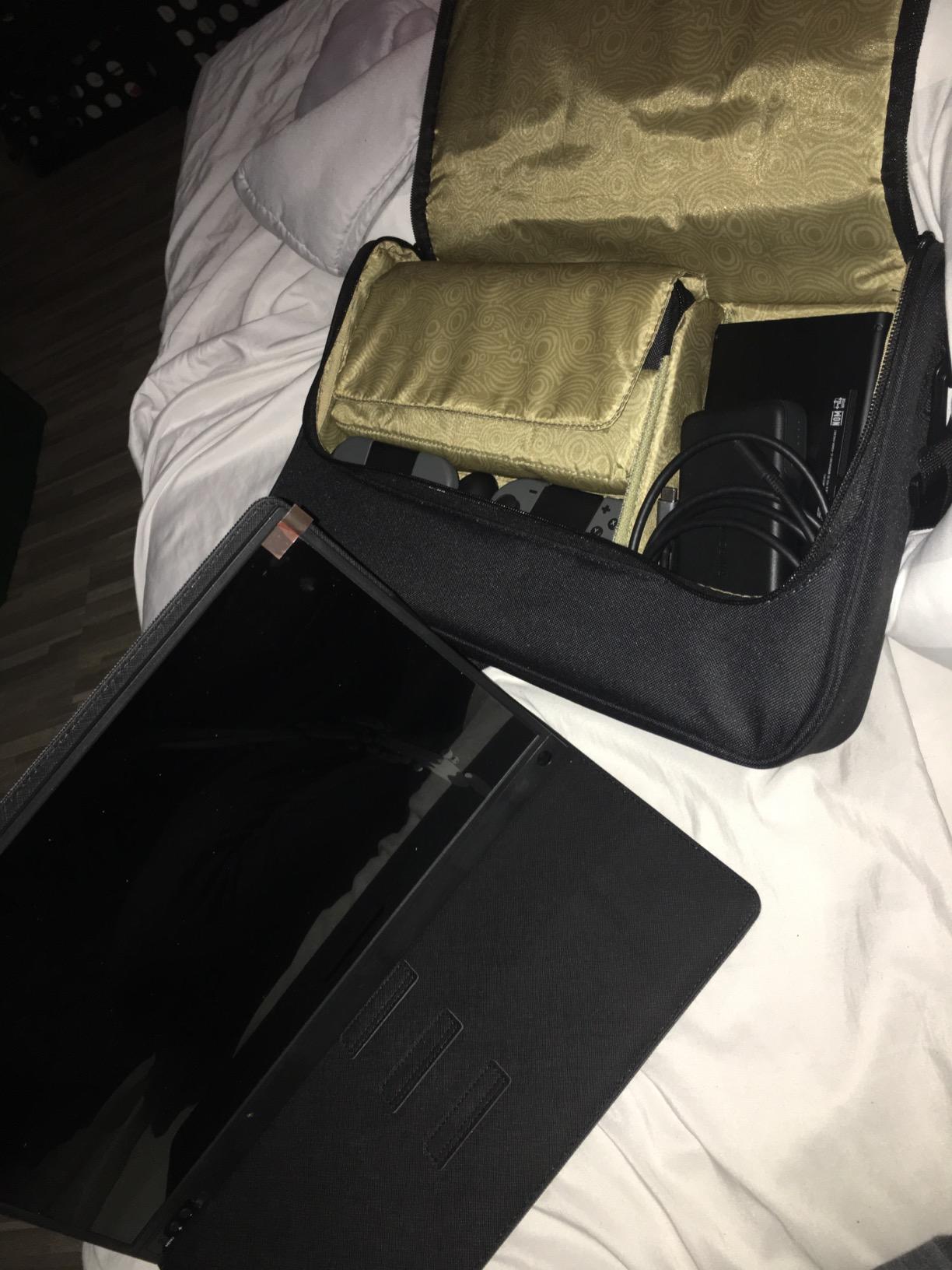
The 0.2-inch profile at 1.69 pounds is slim and light, and a carry bag is included, which removes the most common travel complaint in this category: units that arrive with no protection at all. A gravity sensor auto-rotates the display between horizontal and vertical, useful when you pair it with a phone.
The 180-degree metal bracket is more stable than the folding cover and holds position on a lap desk in a way most portable monitors do not. FreeSync and G-Sync support are listed, though at 60Hz the practical effect is limited to casual play.
Is a built-in battery worth the extra bulk?
Only if you regularly go more than two hours without a laptop attached. Owners on forums describe the same pattern: the battery earns its keep during client meetings and presentations where no cable is welcome, and just adds weight everywhere else. About five hours of runtime is enough for a long flight in economy, not enough for a full workday.
The wireless modes have their own caveats. Some users report the wireless connection dropping after the computer sleeps and needing a manual reconnect, and Miracast adds lag that is fine for presenting a deck but unpleasant for interactive work. Wired USB-C remains the reliable path for actual desk work.
What are the ZSCMALLS drawbacks to plan around?
There is no touch input, so you cannot annotate a document directly on the panel or sign anything with a finger. If your travel workflow involves handwriting notes on the screen, this is not the device, and the price of a touchscreen alternative is a real premium.
Heat is the other theme in the reviews. At 350 nits with the panel in bright mode the battery warms up, and some units shut down rather than run hot indefinitely. Running at a lower brightness extends both comfort and runtime. The included cover also slips and is a poor stand, so use the metal bracket instead.
7. EVICIV 15.6-Inch 16:10 Wireless Monitor — Best Extra Vertical Space
EVICIV Wireless Portable Monitor with 8000mAh Battery, 15.6″ (4-5H)
15.6in LCD 16:10
350 cd, 2000:1 contrast
8000mAh, about 5 hours
1.8 lb, VESA 75mm
+ The Good
- Wireless Miracast and AirPlay that work without a network
- 8000mAh battery for about 5 hours
- full one-cable USB-C operation on battery
- 125% sRGB at 350 cd for accurate color
- Aluminum unibody frame and VESA 75mm holes
- The Bad
- Glossy panel is reflective and shows fingerprints
- Speakers are among the weakest here
- HDR and FreeSync need manual activation and are inconsistent
The EVICIV is the only 16:10 panel in this roundup, and that single difference changes how it feels. A 16:10 screen is taller vertically than a 16:9 panel of the same diagonal, which means more rows of text, more visible code and fewer scrollbars. If you write, code or review documents on the road, that extra vertical space is worth more than the extra width you give up.
It shares the wireless feature set of the ZSCMALLS: an 8000mAh battery giving about five hours, Miracast and AirPlay support, and a full one-cable USB-C mode that works while running on battery power. The Miracast implementation is reported to work even without a WiFi network, which is exactly the situation on many flights and in some hotel rooms.
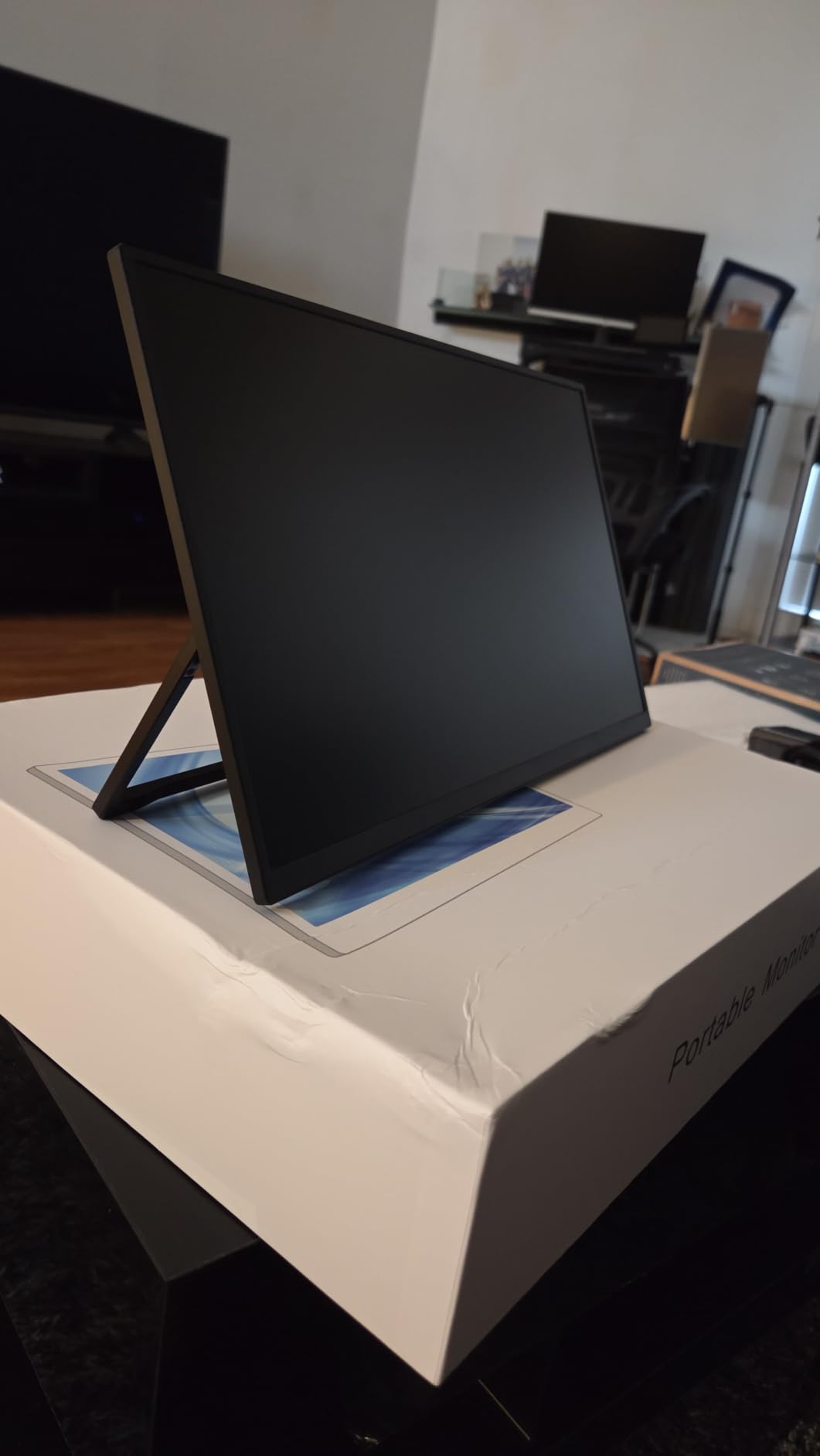
Build quality is a step above the plastic-backed models. The aluminum unibody frame resists twisting, dissipates heat better and takes a small knock without cracking. VESA 75mm mounting holes are present, and there is even a pen-sized hole for a makeshift stand, which sounds like a gimmick until you are stuck without one.
Brightness is 350 cd with 125 percent sRGB coverage and a 2000:1 contrast ratio, the highest contrast figure in the group. At 1.8 pounds and a 0.35-inch depth it is a little heavier than the slimmest picks but still packs flat.
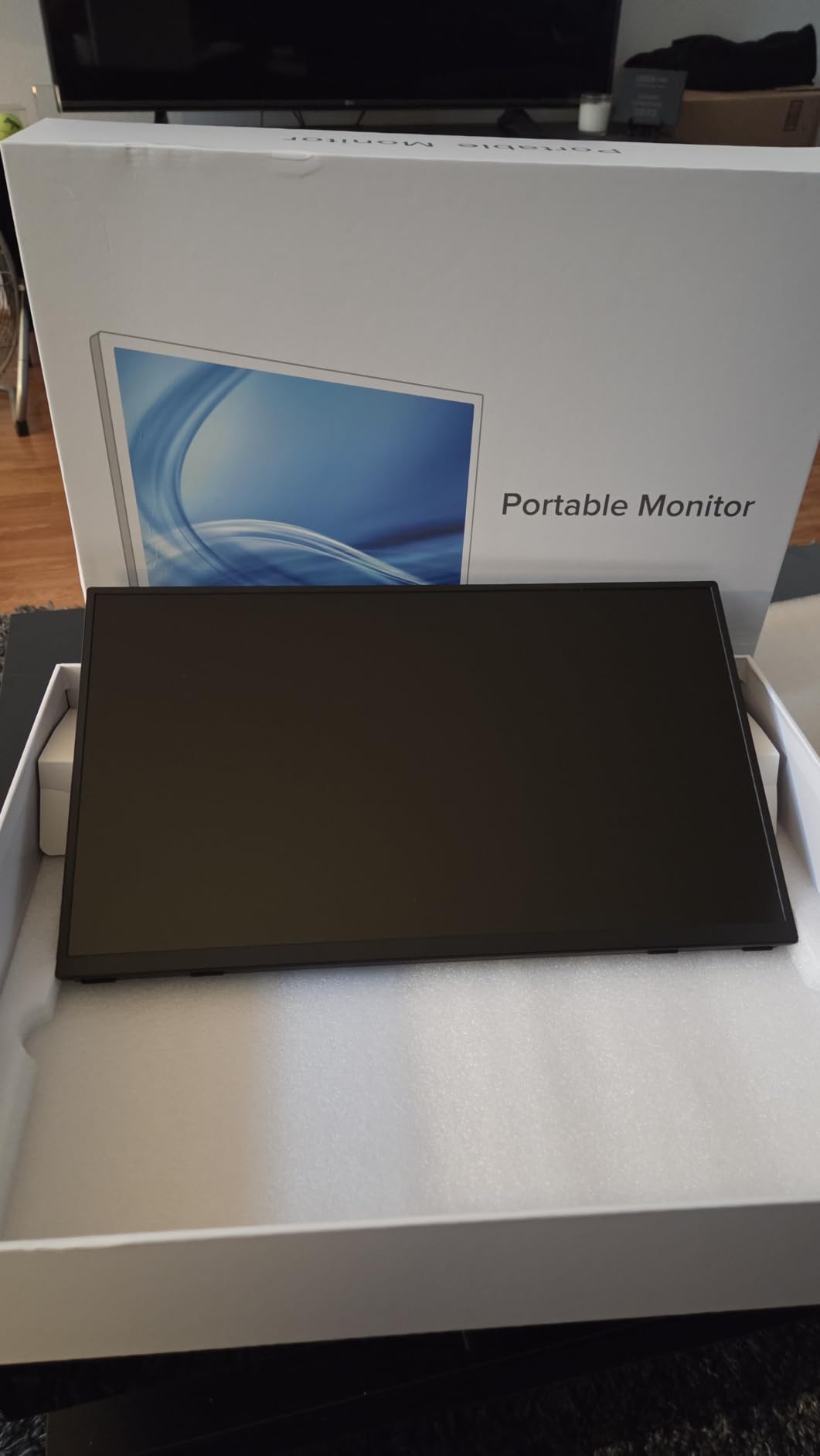
Is 16:10 actually better than 16:9 for travel work?
For text-heavy work, yes. Every line of code, spreadsheet row and paragraph gains about 11 percent more vertical space on a 16:10 panel of the same diagonal, and that is the difference between a readable document and one you scroll to finish. Window snapping and split-screen layouts also feel less cramped vertically.
For video, the opposite. 16:10 shows a small amount of black bar on 16:9 content instead of filling the frame edge to edge, and there is no 16:10 native content to take advantage of the extra area. If you watch a lot of film on the road, a 16:9 panel is the more honest choice.
What do you lose by choosing the glossy EVICIV panel?
Reflections. The glossy finish mirrors cabin lights, hotel room lamps and your own face, and it collects fingerprints. On a plane at night it is not a problem; on a bright daytime flight it can be the difference between a readable screen and a mirror. The matte panels in this roundup handle bright rooms more gracefully.
The built-in speakers are also among the weakest here and are best treated as a backup. HDR mode and FreeSync both need manual activation and behave inconsistently according to owners. Plug in headphones and treat the panel as a productivity display, which is what it is genuinely good at.
8. VisionOwl 15.6-Inch 1080P Travel Monitor — Best for Mounting and Heat
VisionOwl Portable Monitor 15.6 Inch 1080P FHD 85% sRGB Second Screen, USB-C HDMI HDR External Travel Monitor for Laptop PC MacBook PS5 Xbox, VESA Mountable, with Speakers, Cover Stand, Silver
15.6in IPS 1080p
85% sRGB, 300 cd
1.4 lb, 0.23 in thin
Aluminum, two VESA holes
+ The Good
- Aluminum chassis that runs cooler than plastic bodies
- Single USB-C cable for power and video with no drivers
- Two standard 75x75mm VESA holes for horizontal or vertical use
- 0.23-inch profile at 1.4 lb without the cover
- Two-year warranty and full cable set in the box
- The Bad
- Built-in stereo speakers are poor quality
- No auto-brightness adjustment
- 60Hz refresh and controls take practice
The VisionOwl Y1 is another 4.8-rated panel, and its distinguishing feature is the pair of standard 75x75mm VESA holes on the back. Those are the same pattern used on desktop monitors, so a small tripod head, an articulating arm or a clamp from a hardware store will fit without an adapter. For hotel rooms and coworking desks with awkward surfaces, that flexibility is the whole argument.
The aluminum alloy body is 0.23 inches thin and weighs 1.4 pounds without the cover. Owners consistently praise heat dissipation compared with plastic-bodied rivals, which matters if you run the panel at full brightness through a working flight.
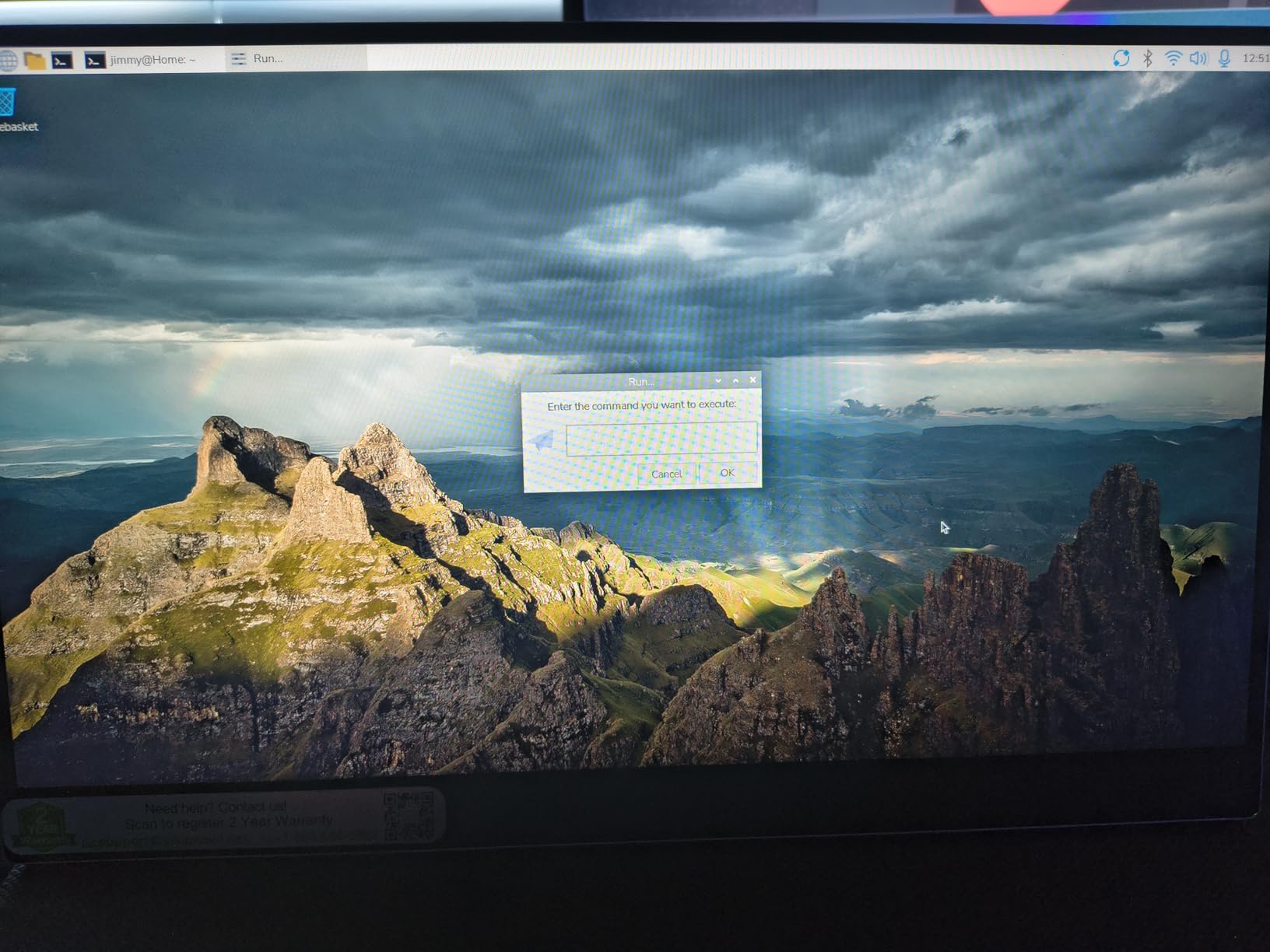
The smart cover folds into a genuinely stable stand, and it is one of the better ones in this category. The picture is a 15.6-inch 1080p IPS at 300 cd with 85 percent sRGB coverage, 178-degree viewing angles and HDR support, which puts it level with the KYY and MNN on image quality and ahead of the 72 and 80 percent sRGB models.
The box is complete: HDMI cable for video, power adapter, USB-A to USB-C for power only, USB-C to USB-C for both power and video, and the protective cover. Nothing extra to buy before the first trip.
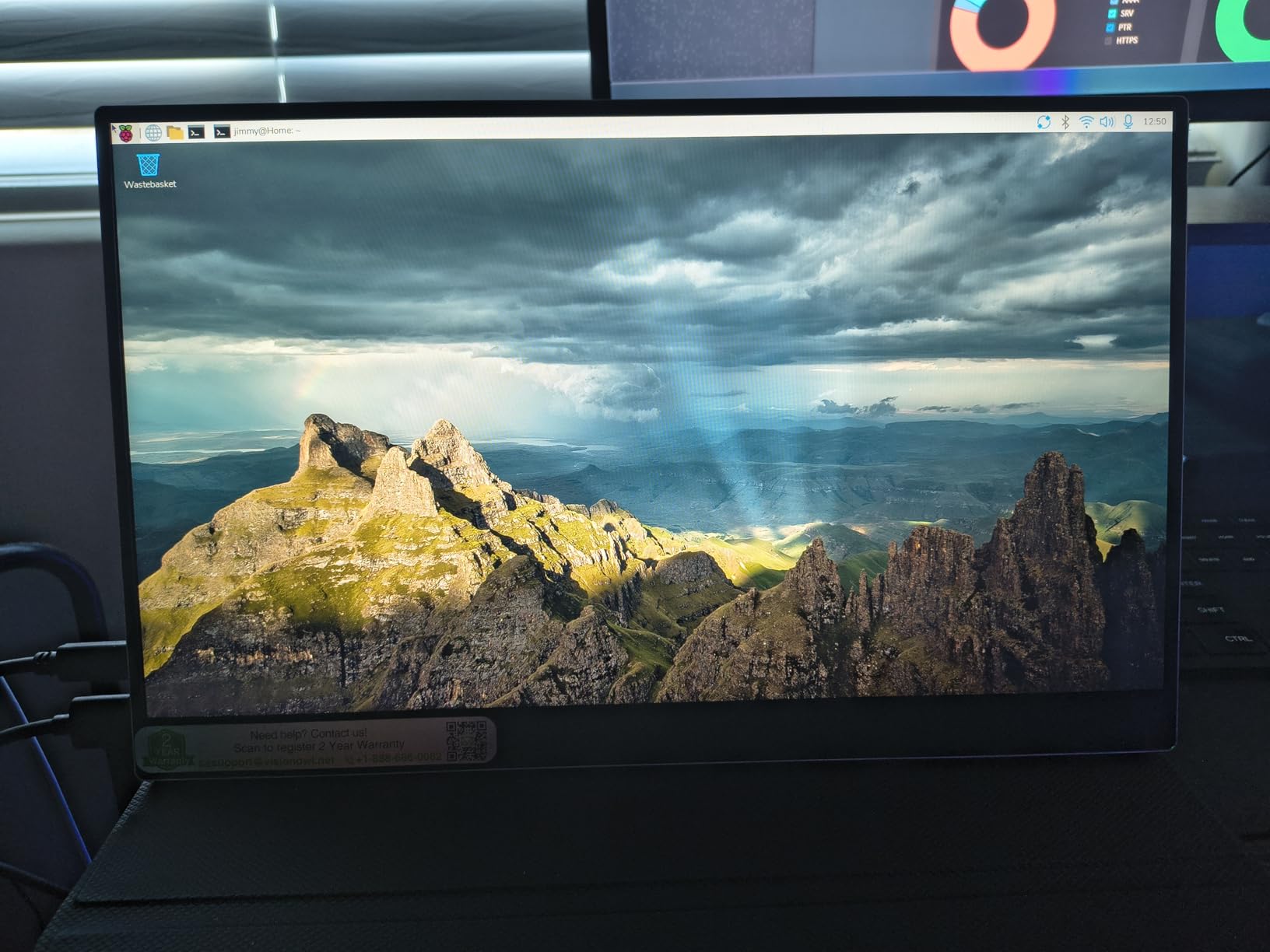
Do the VESA holes matter if you mostly use the cover stand?
They matter in the specific situations where the cover stand does not work: a soft bed, a tray table at an angle, or a desk where you want the panel raised to eye height on an arm. Once you have used a mounted portable monitor it is hard to go back to balancing one on a folded cover.
They also make the panel reusable. A monitor you can clamp to a stand is a monitor you might keep on a bookshelf as a second display at home between trips, which changes how you think about whether the purchase is worth it at all.
What should you watch out for with the VisionOwl?
The built-in stereo speakers are poor and are the most repeated complaint in the reviews. If your workflow involves calls with audio through the monitor, bring headphones. The 3.5mm audio jack is there for exactly that reason.
There is no automatic brightness adjustment, so you will be adjusting levels manually as lighting changes through a flight. And the on-screen controls and button mapping take some practice to learn, a small annoyance that costs you nothing but patience on day one.
9. kksmart 15.6-Inch 1080P Portable Monitor — Best Packed for Travel Out of the Box
kksmart Portable Monitor for Laptop MacBook Surface PC Xbox PS5, Travel Monitor Second Screen for Laptop, HDMI USB-C VESA Compatible Built-in Speaker, 15.6inch
15.6in 1080p at 88% sRGB
300 cd, 1200:1 contrast
1.5 lb with padded case
Kickstand plus VESA mount
+ The Good
- Very light 1.5 lb body with a three-side frameless bezel
- 88% sRGB color coverage with HDR
- Single USB-C cable for power and video with no drivers
- Built-in kickstand plus VESA mountability
- Padded carrying case and all cables included
- The Bad
- 60Hz with 20ms response suits casual use only
- Speaker volume is low for calls
- macOS text scaling needs manual adjustment
The kksmart K-ZD156FHLH is the pick for anyone who opens the box and wants to throw it straight into a bag. A padded carrying case, a power adapter and every cable you need are in the box, and there is a real built-in kickstand rather than a fold-in cover being asked to do two jobs.
That kickstand is a meaningful upgrade in stability. It holds an angle on a lap desk or a train table without the sliding and wobbling that cover-based stands produce, and it stays put on a soft surface. Combined with VESA mountability, this is the most flexible placement setup in the roundup for the money.
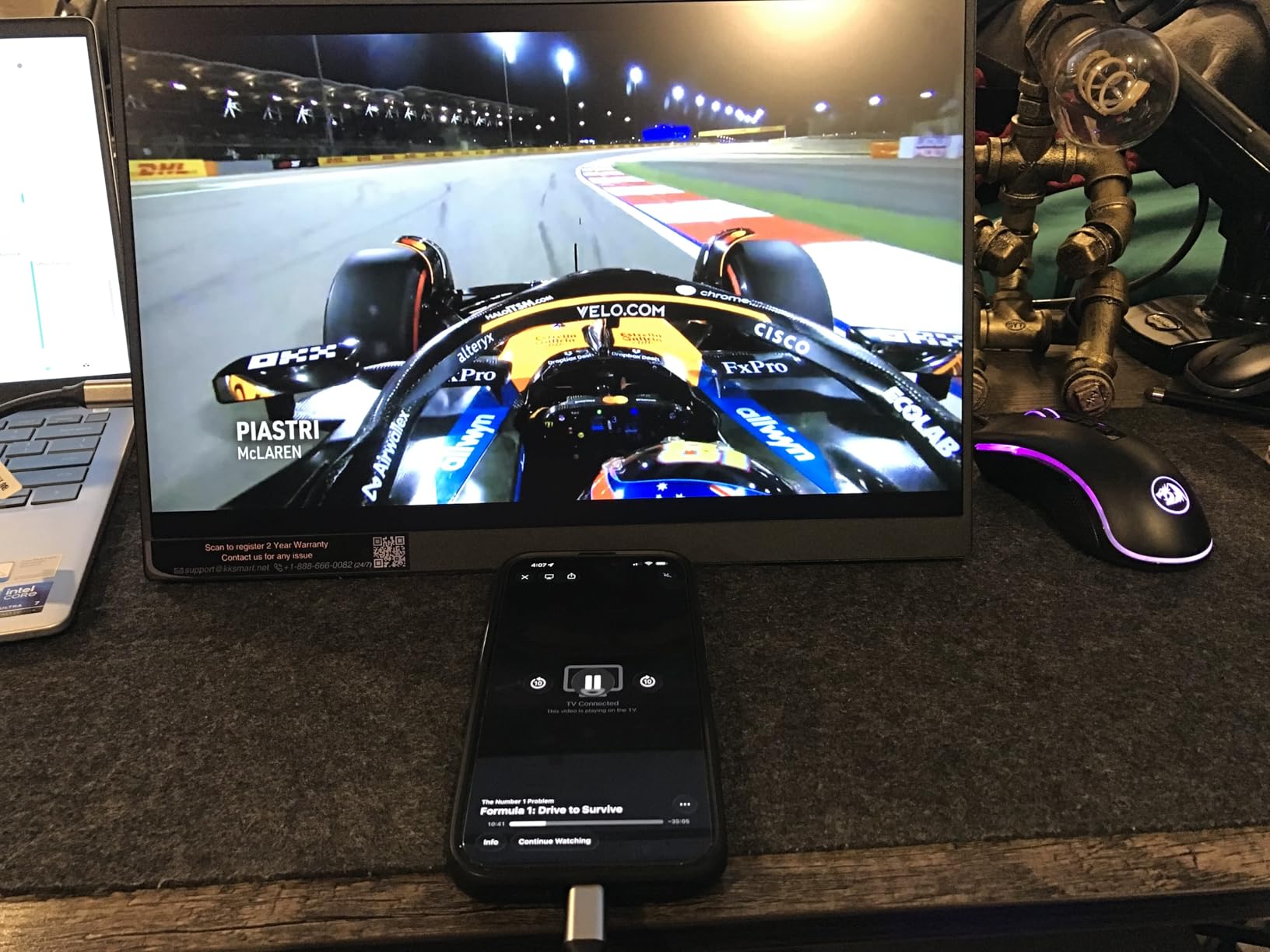
Image quality is above the category average for a budget panel: 300 cd brightness, 88 percent sRGB coverage, a 1200:1 contrast ratio and HDR support on a 15.6-inch 1080p display. The three-side frameless bezel makes the panel look larger than its footprint once it is out of the case.
Setup takes under two minutes according to owners, with a single USB-C cable handling power and video and no driver install on Windows or macOS. The two-year warranty and responsive brand support are both better than the industry norm at this tier.
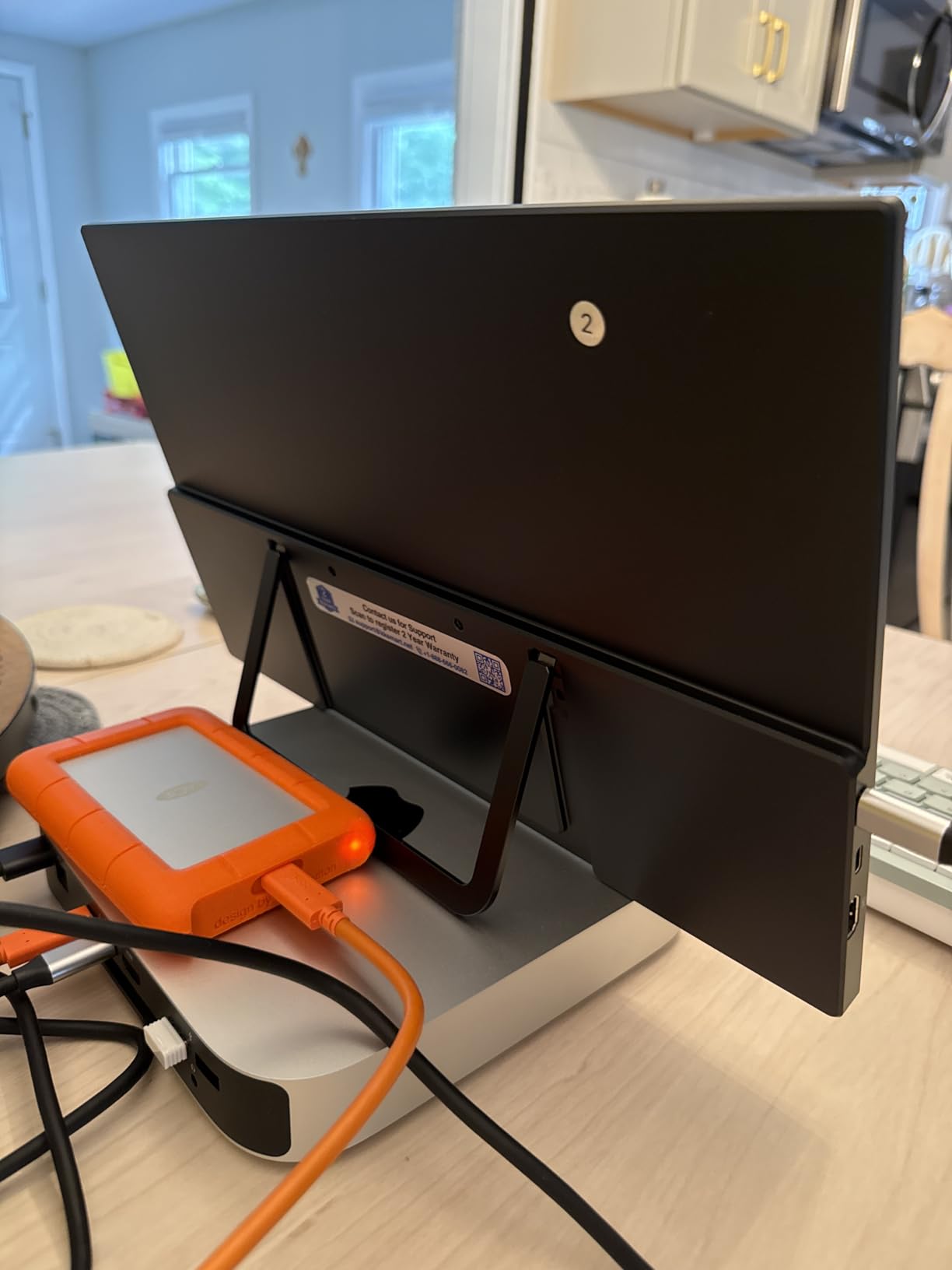
Is the included carrying case a real advantage?
More than it sounds. Portable monitors are thin glass rectangles with no case protection of their own, and the models that ship without one tend to end up loose in a bag next to keys and laptop corners. Buyers of this class mention scuffs and pressure marks as the reason panels get returned, and a padded case removes most of that risk.
It also solves the packing problem. A case that fits a 15.6-inch panel slots into the same compartment as a laptop, so the monitor does not need its own pocket in the bag. Models that arrive without one usually need a separate sleeve purchase before the first trip.
What are the kksmart compromises?
The 20ms response time and 60Hz refresh rate make this a productivity and media panel rather than a gaming one. Even casual games feel looser here than on the Acer, which manages 4ms. Speaker volume is on the low side, so calls are better with a headset.
On macOS, the scaled resolution can render text small out of the box and needs a manual adjustment in display settings. That is a two-minute fix on first connect, and once set, it stays. It is the one recurring Mac-specific complaint in the reviews.
10. Yxk 15.6-Inch 1080P Ultra-Slim Travel Monitor — Lightest Panel to Carry
Yxk Portable Monitor 15.6 Inch 1080P 60Hz IPS HDR Ultra-Slim Travel Monitor with Dual Speakers USB-C HDMI Second Screen for Laptop PC Mac Phone Xbox PS4/5 Switch, VESA Kickstand, Zero Frame Gaming
15.6in IPS A-grade 1080p
1.43 lb, 0.31 in thin
250 cd, 72% sRGB
2 USB-C plus mini-HDMI
+ The Good
- Very light 1.43 lb body at only 0.31 in thick
- IPS A-grade 1080p panel with 178-degree angles and HDR
- Two full-function USB-C ports plus mini-HDMI
- Zero-frame bezel design
- Copy
- extend and second-screen modes
- The Bad
- 250 nits is dim for bright rooms
- 72% sRGB is the narrowest gamut here
- 60Hz refresh rate
- USB-C video needs DP Alt Mode
The Yxk Y1562 is the one to pick when every gram matters. At 1.43 pounds and 0.31 inches thick it is the lightest and among the thinnest panels in this roundup, and at 15.6 inches it still gives you a full second workspace. For someone who already carries a compact keyboard and travels with a strict personal item allowance, that weight saving is the whole decision.
Two full-function USB-C ports plus a mini-HDMI port handle the connection side well, and copy, extend and second-screen display modes are selectable from the OSD. A zero-frame bezel and dual speakers round out a specification sheet that is otherwise sensible.
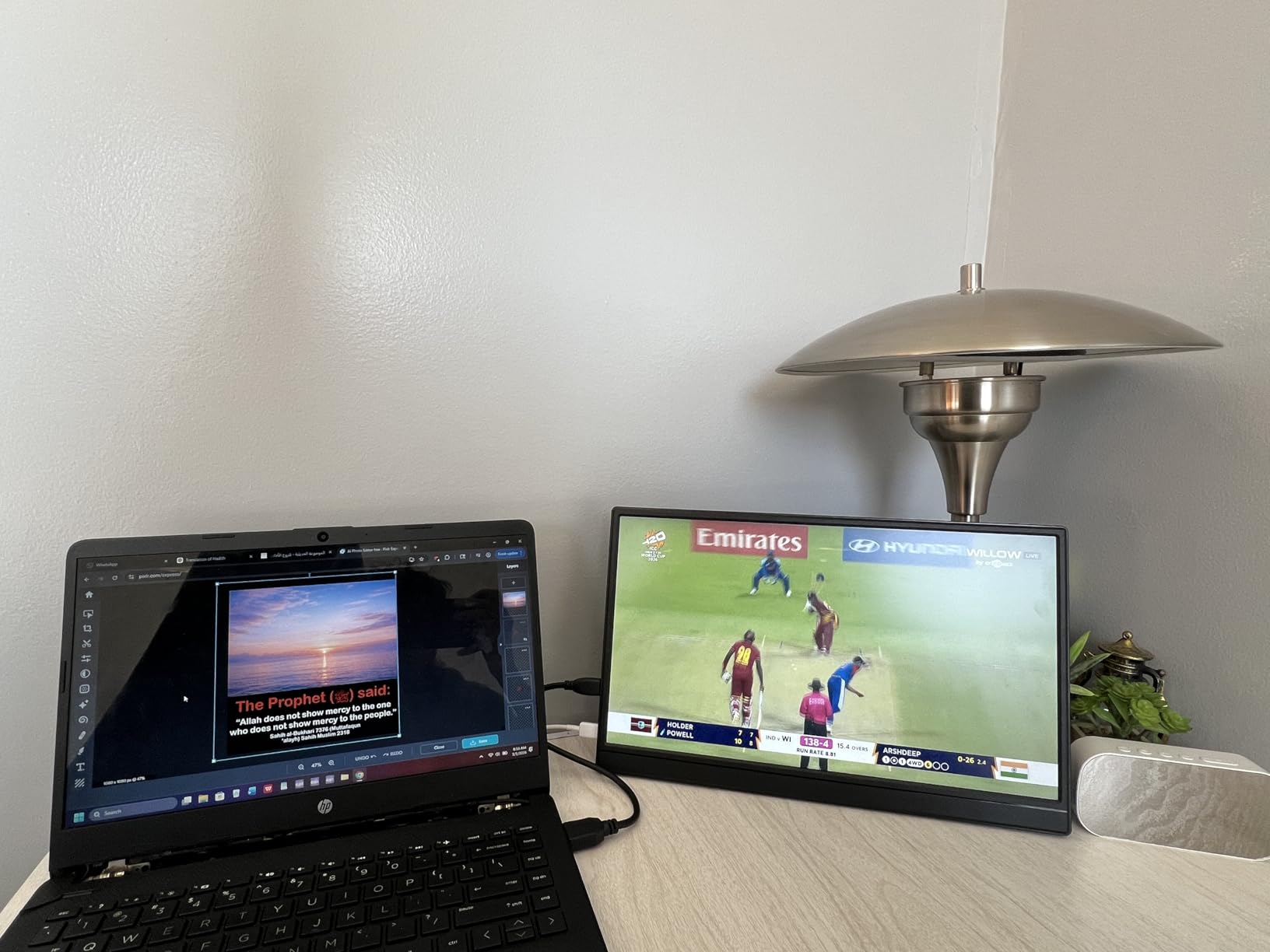
The trade is image quality. Brightness is 250 cd and color coverage is 72 percent sRGB, the narrowest gamut in this group. That is fine for text, spreadsheets and video calls, and it is not fine for judging photographs or reviewing design work. If your work is documents and code, you will not notice.
There is also no built-in battery, so this runs entirely off your laptop or a charger. That keeps the weight down and the TSA question simple, and it means you should carry a USB-C power bank for the days your laptop is also low.
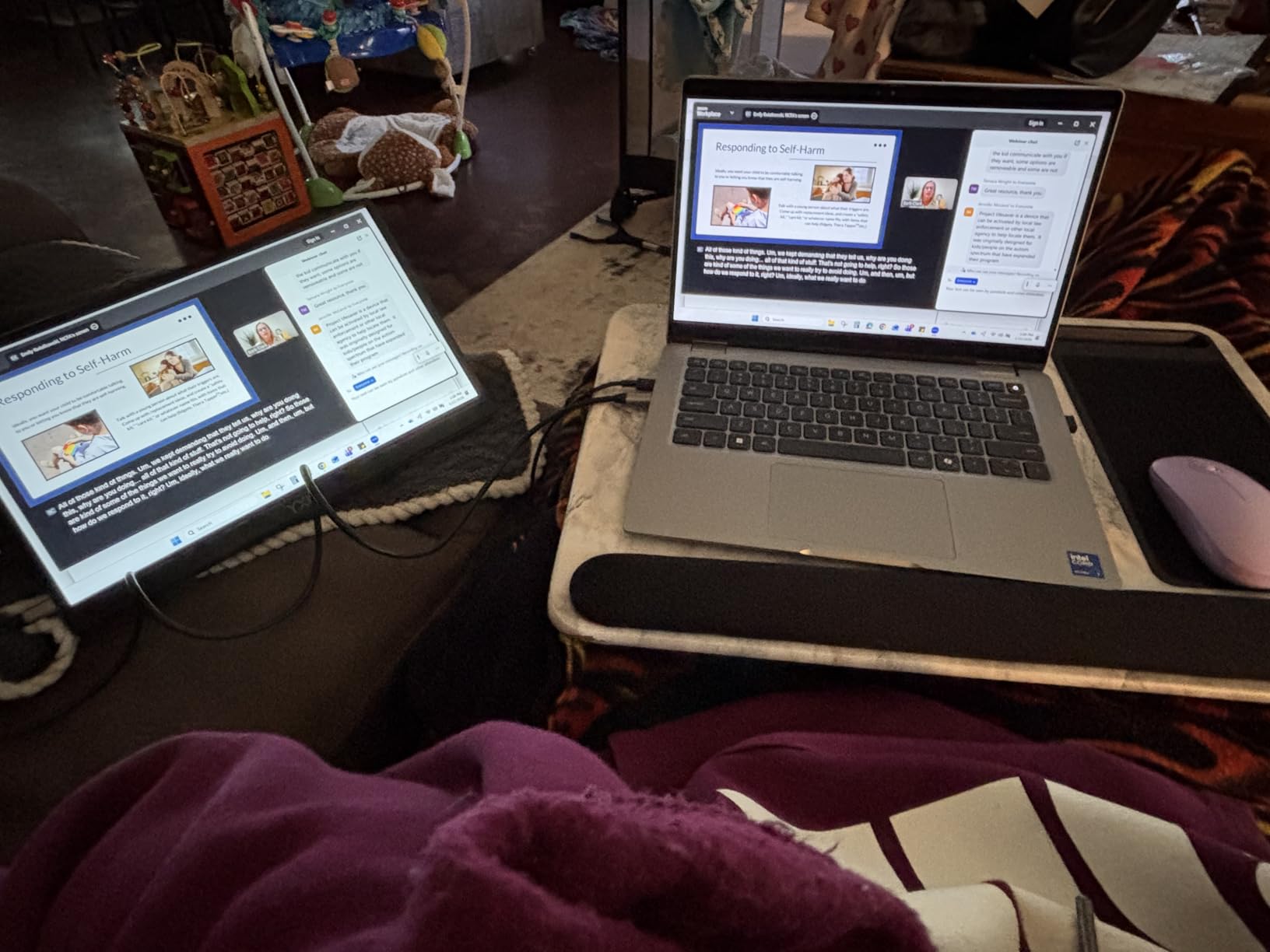
Is the Yxk light enough for carry-on-only travel?
It is one of the few panels here where the weight is genuinely unnoticeable in a laptop bag. Just over 1.4 pounds means it adds roughly the weight of a paperback novel and a charger to whatever you are already carrying, which is easy to absorb even on a personal-item-only itinerary.
The 0.31-inch thickness matters just as much. It slides behind a laptop without creating a bulge in a slim sleeve, so you are not forced into a larger bag to accommodate the monitor. For anyone who has had to repack because one accessory pushed them over a size limit, that is the practical advantage.
When does 72% sRGB become a problem?
The moment you need to trust the color. If you are reviewing photos, matching brand colors, editing video or checking anything where a hue shift would make a decision, a 72 percent sRGB panel will mislead you and there is no software fix that makes up for it. The ZSCMALLS at 125 percent sRGB and the EVICIV at 125 percent are the picks for that work.
For writing, spreadsheets, code, browser work and calls, the narrower gamut is invisible. Pair it with 250 cd brightness and it is a strong travel companion on a strict weight budget, just not a color tool.
11. AOC 16T20 16-Inch FHD Portable Monitor — Best From a Major Display Brand
AOC 16″ Portable Monitor FHD 60Hz USB-C IPS Ultra Slim Smart Cover 16T20
15.6in FHD IPS at 1920x1080
60Hz, 170-degree angles
1.5 lb, 0.38 in thin
3-year manufacturer warranty
+ The Good
- Three-year manufacturer warranty
- longer than most in this class
- 15.6-inch IPS with wide 170-degree viewing angles
- Dual USB-C ports plus a mini HDMI port
- 0.38-inch slim profile at 1.5 lb and no driver install
- The Bad
- Glossy screen finish picks up reflections
- No built-in speakers
- Relies on the smart cover for positioning
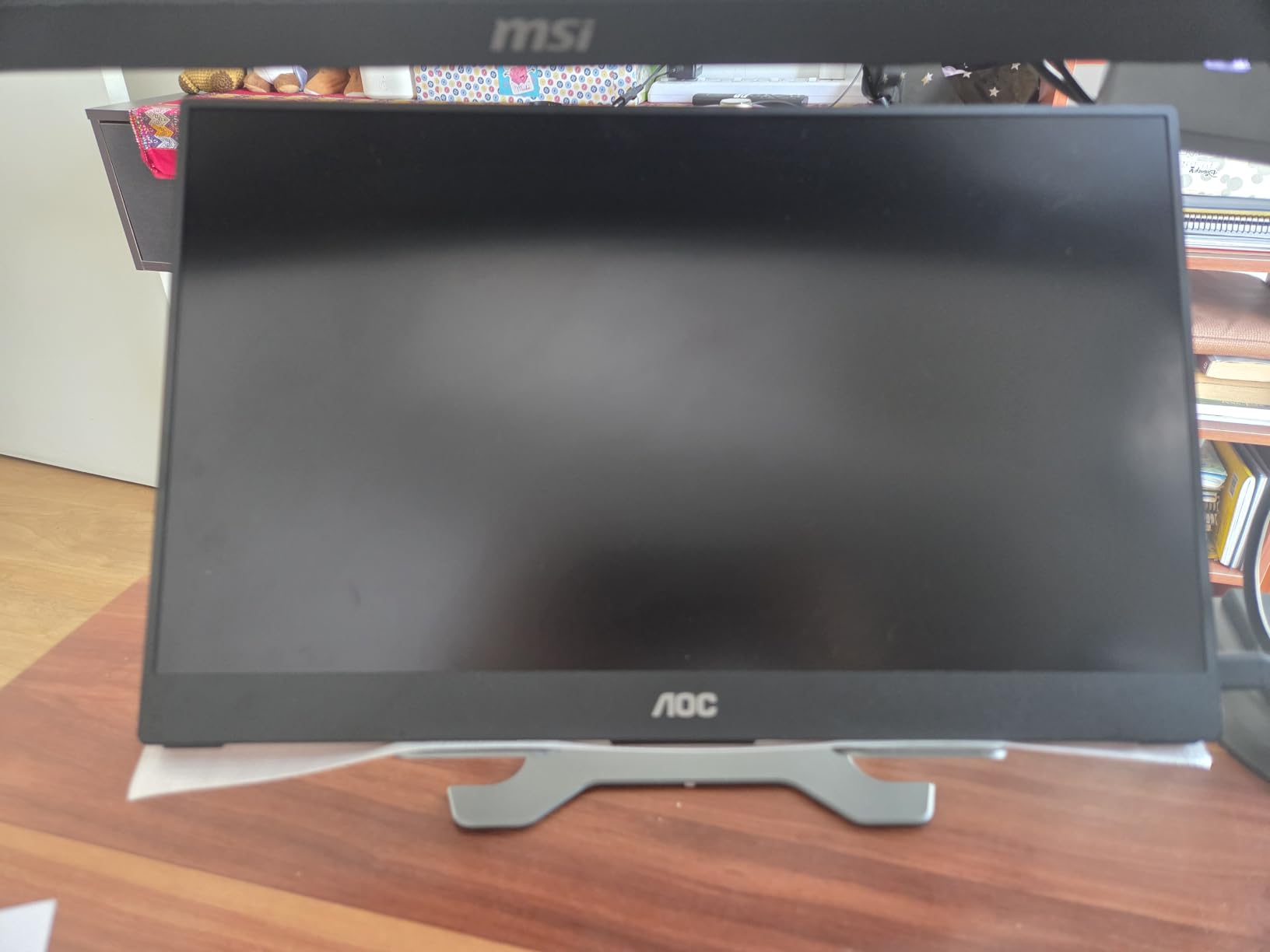
Some travelers would rather buy from an established display brand than a new name, and the AOC 16T20 is the way to do that in this category. The three-year manufacturer warranty is the longest in the roundup, and it comes with the service network you would expect from a company that sells desktop monitors at scale.
The panel is a 15.6-inch IPS at 1920×1080 with 170-degree viewing angles, a 1000:1 contrast ratio and a 60Hz refresh rate. Dual full-function USB-C ports plus a mini HDMI port cover the usual connections, and it is plug-and-play with no drivers on laptops, MacBooks and consoles.
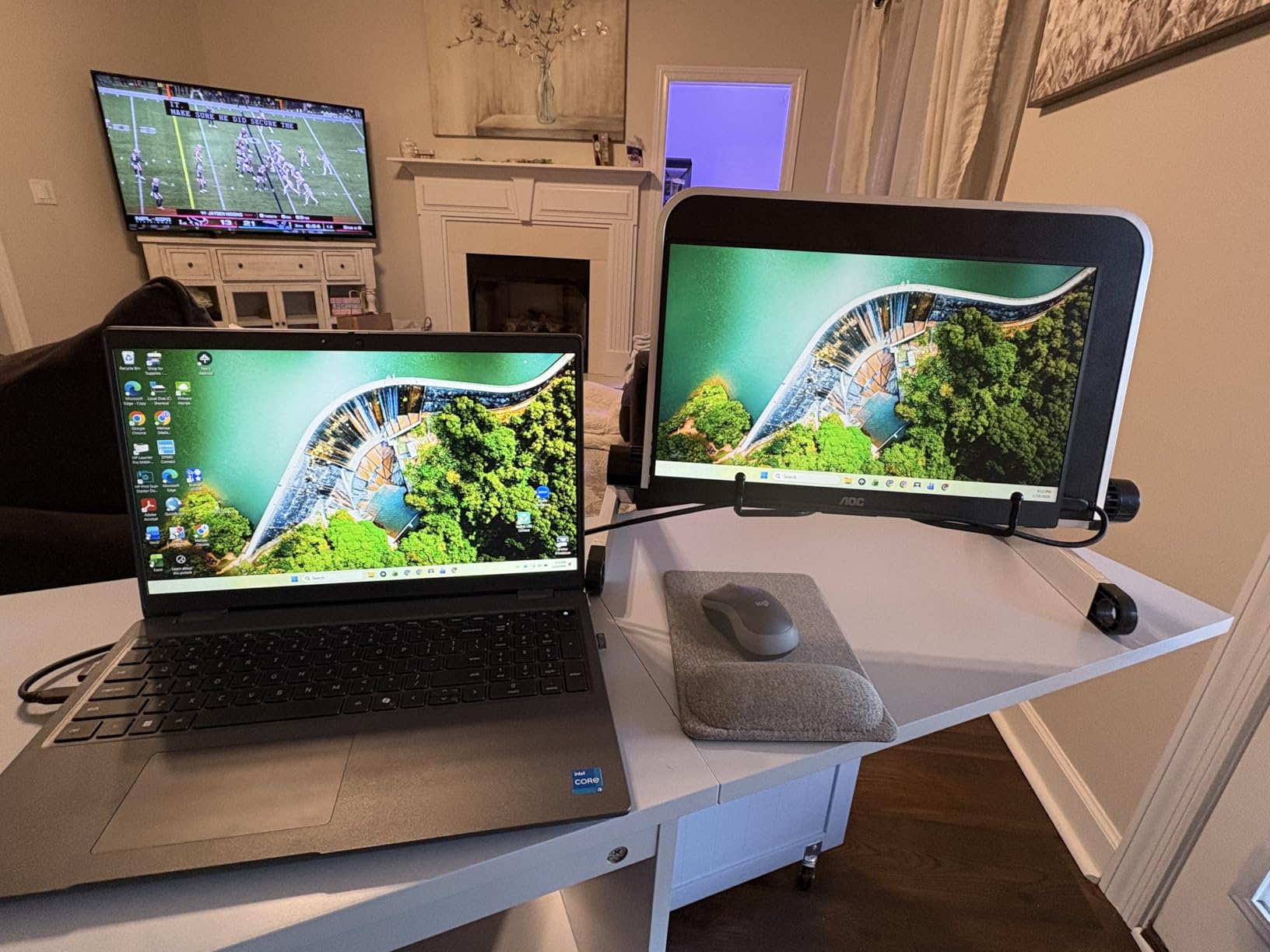
At 1.5 pounds and 0.38 inches thick it is right in the middle of the pack for size and weight, and the frameless design keeps the visual footprint tidy on a small desk. The smart cover is included and folds into a basic stand for travel.
The 10W power consumption is among the lowest here, which is good news if you are running it off a laptop on battery. There is no power adapter listed in the box contents, so confirm what ships with your unit before a trip and pack a USB-C charger just in case.
Is the AOC worth choosing over a lesser-known brand?
If you intend to keep it for years, the three-year warranty and a brand with an actual service department are worth something real. Owners who have dealt with warranty claims on no-name portable panels describe the process as the weak link in those products, and a longer warranty from a known maker shortens that risk.
If you are buying for a two or three trip season and only care about the picture, the KYY, cocopar or VisionOwl offer more features and better color coverage per unit of money. The AOC is the conservative choice, and conservative choices have their place.
What are the AOC 16T20 limitations?
The glossy screen finish is the most commonly mentioned drawback, because it reflects cabin lights and shows fingerprints readily. Matte panels handle a bright plane better. There are also no built-in speakers, so all audio goes through the laptop or a headset.
There is no tilt adjustment and no built-in stand beyond the smart cover, which on a soft surface is less stable than the kickstand on the kksmart or the metal bracket on the ZSCMALLS. It is also the smallest review base in this group, so there is less long-term owner history to draw on.
12. Acer PM161Q 15.6-Inch FHD IPS Portable Monitor — Best Adjustable Tilt Stand
Acer 15.6in FHD 1920×1080 IPS 60Hz Slim Portable Monitor PM161Q Bbmiuux
15.6in FHD IPS at 250 cd
4ms response, FreeSync
Tilt 45 to 60 degrees
2.43 lb with speakers
+ The Good
- Tilt stand adjustable from 45 to 60 degrees for a proper viewing angle
- Fast 4ms response time with AMD FreeSync support
- Built-in stereo speakers and VESA mount compatibility
- Matte anti-glare finish helps in bright rooms
- Three-year manufacturer warranty
- The Bad
- 250 nits is dimmer than most rivals
- 45% NTSC color gamut is narrow for creative work
- Heaviest at 2.43 lb and needs a power adapter
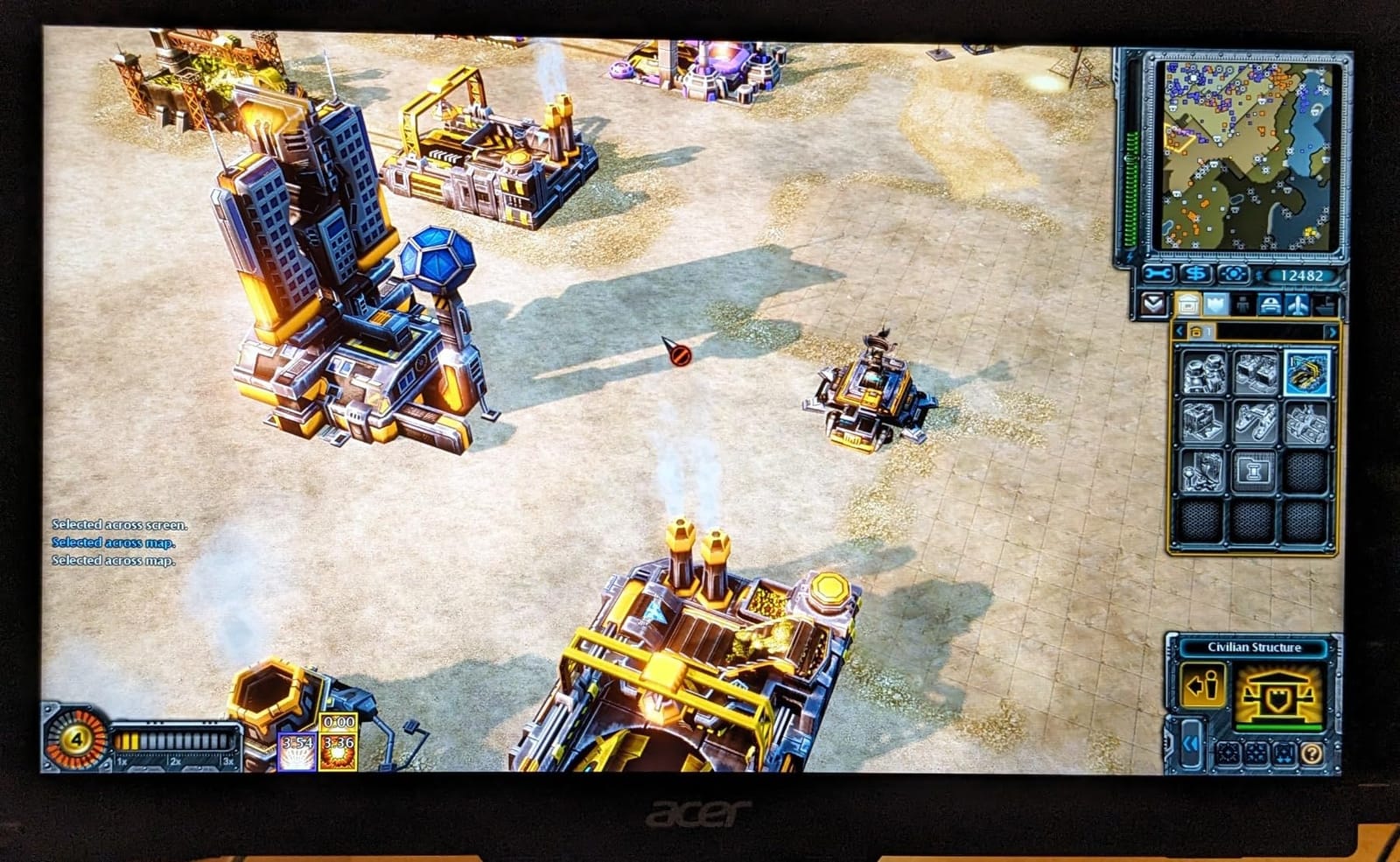
The Acer PM161Q is the odd one out in this roundup because it has a real stand with a real adjustment range. The tilt runs from 45 to 60 degrees, which means you can set the panel at eye level on a hotel desk instead of leaning at a folded cover. For long working sessions that is a bigger deal than another 50 nits of brightness.
It also has the fastest response time here at 4ms and supports AMD FreeSync, so if you do play on the road, it handles motion better than anything else on this list even at 60Hz. Built-in stereo speakers and VESA mount compatibility round out the ergonomics package.
The matte anti-glare finish is a genuine advantage on daytime flights and in bright rooms, where the glossy AOC and EVICIV panels struggle. The 170-degree viewing angles mean you can angle it toward yourself on a tray table without the picture shifting.
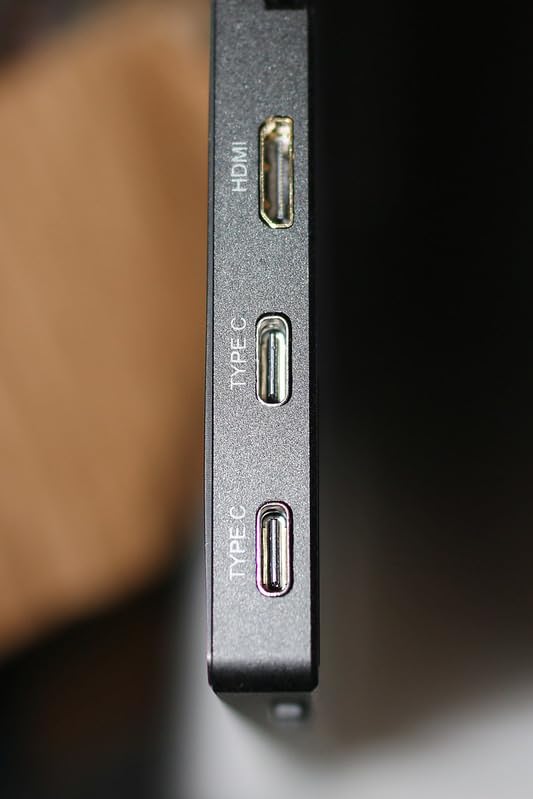
Three USB ports and a mini HDMI port give more connection options than most budget panels, and the box includes a power cord, a USB-C cable and a mini-HDMI to HDMI cable with a three-year manufacturer warranty behind it.
Is the Acer PM161Q too heavy and dim for travel?
It is the heaviest panel here at 2.43 pounds and one of the dimmest at 250 cd. If your trips are short-hop or you work indoors, neither matters. If you are a frequent flyer counting grams and working through long daytime flights, both are working against you and a 1.4-pound, 300 cd model is the better tool.
It also requires an external power adapter rather than drawing purely from a laptop, which is one more item in the bag. On the plus side, a separate power supply means you are not draining the laptop as fast over a long session.
When does the Acer’s stand beat a cover stand?
Whenever you are working for more than an hour. A fixed tilt stand at 45 to 60 degrees puts the top of the screen at roughly eye level, which reduces neck strain compared with a low, forward-tilted cover on a desk. The difference between a 60-degree screen and a 20-degree screen is the difference between working and hunching.
The 45% NTSC color gamut is the other limit to understand before you buy. That is roughly the same coverage as the 72 percent sRGB panel, so this is a document and business display rather than a creative one. If color accuracy is part of your work, choose the 85 or 125 percent sRGB models instead.
How to Choose a Portable Monitor for Travel in 2026
The specs that matter on a portable monitor are a short list, but each one has a failure mode you only discover on trip three. Here is how we weighed them, in the order that should decide your purchase.
Match the screen size to your laptop, not to your ambition
A 15.6-inch portable panel is the sweet spot because it matches a full-size laptop screen, so dragging a window across looks natural and the two screens feel like one workspace. A 13-inch panel is easier to carry but cramped for anything beyond chat and email. An 18.5-inch panel gives you more room and fits on most coach tray tables, but it stops being portable at about four pounds.
The tray table question matters more than people expect. Anything up to 16 inches wide sits within a standard tray table footprint. Wider panels overhang, block the aisle and crowd the person beside you, which is exactly the social cost that makes a second screen on a plane controversial rather than useful.
Add up total kit weight, not just panel weight
The listed weight of a portable monitor almost never includes the cover, the cables and the charger. Add those and a 1.5 pound panel becomes a 1.9 pound item. Models that bundle a carrying case, like the kksmart, often land at a similar total to a bare panel plus a case bought separately.
For context, a 60 percent keyboard and a travel mouse together weigh close to a pound. A portable monitor at 1.4 to 1.5 pounds is roughly the cost of adding one more small electronic device to your bag, which is a fair exchange for a second screen on every trip.
Insist on one USB-C cable with DisplayPort Alt Mode
A USB-C port that supports DisplayPort Alt Mode carries both video and power in a single cable. That is the defining feature of a travel monitor, and any product requiring an HDMI cable plus a separate power lead has failed the travel test no matter how good the panel looks on a desk.
DisplayLink is the alternative, a USB-A adapter that sends video over a data connection rather than a display link. It works with more ports, including ones without video output, but it needs a driver, adds a small amount of latency and uses more power. For interactive typing and cursor work on the road, native USB-C is the better experience. See our portable monitor setup guide for station-based arrangements where that trade-off differs.
On a MacBook, note that base Apple silicon models support a single external display over the built-in ports. Some users pair that with a DisplayLink adapter for a third screen, which works but adds the software layer described above.
Understand what resolution costs your laptop battery
Driving a higher-resolution external panel uses more power, and the effect is measurable. One engineering team running ThinkPad X1s standardized on 1200p panels after finding the extra sharpness of higher resolutions cost them roughly half their battery life on long sessions. That is the tradeoff nobody puts in a marketing page.
For most travel work, 1920×1080 on a 15.6-inch panel is the right resolution. It matches the physical size closely enough that text stays readable, it draws less power than higher-resolution panels, and it is what every 1080p model in this roundup uses. If you edit video or photos on the road, a 125 percent sRGB panel matters more than extra pixels.
Buy brightness for window seats, matte finish for daylight
Brightness is measured in nits or candelas per square meter, and the difference between 250 and 350 is easy to see next to a window. Below 250, you are fighting the light. At 300, you are coping with it. At 350, you can work comfortably without angling the panel into shadow.
Screen finish matters almost as much. Matte panels scatter reflections and stay readable in daylight; glossy panels mirror cabin lights and your own face. The AOC and EVICIV are glossy, which is fine at night and frustrating at noon. Everything else in this roundup is matte.
Check the aspect ratio before you commit
16:9 matches a typical laptop exactly and fills video content edge to edge. 16:10, as on the EVICIV, gives about 11 percent more vertical space, which helps with documents, code and anything with scrolling. Most laptop screens are 16:10, so a 16:10 portable monitor makes a more seamless pairing.
Specs you can safely skip on the road
Refresh rates above 60Hz matter only if you play. HDR modes on budget panels are usually a brightness filter rather than real HDR. Wide color gamuts above 100 percent sRGB only matter for color-critical work. Curved panels, KVM switches, built-in USB hubs with Ethernet, and multi-screen extender modules are desk features that add weight and cost without helping on a tray table.
Pay instead for the four things you will actually touch: a working stand, a case, brightness, and a cable that reaches from your lap to the panel.
Can You Take a Portable Monitor on a Plane? TSA and Airline Rules
Yes. TSA does not restrict portable monitors, and no major carrier treats one as a problem item. The only rule that applies is the standard one for portable electronics, and it matters differently depending on whether your monitor has a battery.
Three things to know before you fly with one. First, monitors without a built-in battery, which is every cable-powered model here except the ZSCMALLS and EVICIV, have no lithium restrictions at all because there is no cell to declare. Second, monitors with a built-in battery are treated exactly like a phone or a small power bank: they travel in your carry-on, never in a checked bag. Third, keep any lithium battery or power bank in your personal item rather than a larger checked suitcase, because carriers enforce the spare battery rule at the gate.
On the tray table, fold the cover so the panel faces inward toward you and does not intrude on the neighbor. Several travelers in owner discussions describe angling the panel slightly inward for the same reason. Keep the panel below the seat-back screen when the flight attendant asks you to stow the tray, which they routinely do in economy.
One practical tip from owners: carry a small USB-C power bank alongside the monitor. Between the two wireless models that have a built-in battery and the cable-powered models that do not, the power bank is the more versatile option, and it solves the long-flight problem of no outlet at the seat.
Cheaper Ways to Add a Second Screen While Traveling
A portable monitor is not always the answer, and owners in hardware forums make that argument often. A used 12 to 15 inch desktop panel from a secondhand marketplace can work as a fixed-desk second screen at home, but it needs its own stand and its own power, which rules it out for air travel. The same thread notes it is a poor travel tool for exactly that reason.
A tablet is the other common substitute. A large tablet works as a second screen for a laptop over a wired or wireless connection, and it is genuinely useful for reading documents and annotating with a stylus. The drawbacks are cost, the need to re-set resolution settings each time you connect, and the extra device to charge.
Remote desktop is the zero-hardware route. If your work runs on a machine you can reach from anywhere, driving it remotely and using a tablet or a borrowed screen costs nothing to pack and adds nothing to your bag weight. It depends entirely on network quality, which is rarely good enough for interactive work on a plane.
Our view after comparing all of these: buy the portable monitor if you work interactively and want a second screen in the air. Use the tablet if you mostly read and annotate. Use remote desktop if your work tolerates latency. For the rest of a minimal carry-on kit, our travel blender picks cover the one item that still needs real counter space.
Frequently Asked Questions
What is the best portable monitor for travel?
The best portable monitor for travel is a 15.6-inch 1920×1080 IPS panel under two pounds that runs on a single USB-C cable and ships with a cover that doubles as a stand. Our pick is the KYY 15.6-inch model at 1.7 pounds with 300 cd brightness and two full-function USB-C ports.
Does TSA allow portable monitors?
Yes. TSA does not restrict portable monitors in either carry-on or checked luggage. Monitors without a built-in battery carry no lithium restrictions. Models with a built-in battery are treated like a phone or power bank, so they must travel in your carry-on and not in a checked bag.
Can I take a portable monitor on an airplane?
Yes, and every major carrier allows one. Pack it in your carry-on, fold the cover so the panel faces you rather than the aisle, and stow it with the tray table down when asked. Bring a USB-C power bank if your model has no built-in battery, since seats rarely have an outlet.
What is the lightest weight portable monitor?
Among the models we compared, the Yxk 15.6-inch panel is the lightest at 1.43 pounds and 0.31 inches thick, followed by the VisionOwl at 1.4 pounds without its cover. Include the cover, cables and charger when weighing a real travel kit, and expect roughly half a pound more than the listed figure.
What are the disadvantages of portable monitors?
The main drawbacks are 60Hz refresh rates, smaller panels than a desktop display, modest brightness that struggles in direct sunlight, and weak fold-in stands that slide on soft surfaces. Higher resolutions also drain laptop battery faster, and premium color accuracy costs noticeably more. Most owners still consider a second screen worth the trade.
How do you connect a portable monitor to your laptop?
Plug a USB-C cable that supports DisplayPort Alt Mode into the laptop and the monitor. That one cable carries both video and power, no drivers needed. If your laptop only has HDMI, use the mini-HDMI or HDMI cable included with the monitor plus a USB-C power cable. DisplayLink adapters add a second screen but introduce latency.
Final Verdict: Which Portable Monitor Travels Best in 2026?
The KYY 15.6-inch model is the best portable monitor for travel in 2026 because it is the only one here with nothing to work around: 300 cd brightness, 178-degree IPS viewing angles, two full-function USB-C ports, a mini-HDMI fallback, built-in speakers, a smart cover that folds into a stand and a 1.7-pound body thin enough to slide behind a laptop.
Choose the MNN if weight is your priority, the cocopar or VisionOwl if you want mounting holes and a two-year warranty, the ZSCMALLS or EVICIV if you need to present away from a laptop, and the Acer PM161Q if you want a real adjustable tilt stand for long sessions. Whatever you pick, pack the case and cables and check the tray table fit before you leave.