
If your broadband plan tops out below 300 Mbps and your current router is under three years old, save your money. The best Wi-Fi 6 routers under 200 dollars only start to earn their keep once you are paying for faster internet, running a smart home with dozens of connected gadgets, or replacing ISP hardware that cannot keep up.
That said, there is a genuinely large gap between a 40-dollar Wi-Fi 6 box and a 200-dollar one, and the middle of that range is where most households land. After comparing the eight sub-200-dollar 802.11ax routers below, the TP-Link Archer AX21 came out on top: AX1800 class, dual-band, four fixed high-gain antennas, five gigabit ports, and a review base of nearly 25,000 ratings that gives you an unusually clear picture of what it does well and where it falls short. It suits homes up to roughly 1,500 square feet with 20 to 30 connected devices.
Every router in this guide sits at or under the 200-dollar ceiling at the time of publishing, and we say so up front because most pages ranking for this exact query quietly list models well above it. If you want the wider picture on newer standards, our Wi-Fi 6E router guide covers what the 6 GHz band actually adds before you spend anything on a sub-200-dollar unit that cannot use it.
Top 3 Picks for WiFi 6 Routers Under $200 (October 2026)
Three models stand out above the rest. The Archer AX21 wins on proven reliability and value, the Archer AX55 adds raw 5 GHz throughput and more memory for busy networks, and the Deco X55 mesh system is the only pick here that fixes coverage problems in a large or multi-floor home rather than just powering through them.

TP-Link Archer AX21
- › AX1800 dual-band
- › 4 high-gain antennas
- › 5 gigabit ports
- › OpenVPN and PPTP server

TP-Link Deco X55
- › Three-pack AX3000 mesh
- › Up to 6500 sq. ft.
- › Up to 150 devices
- › 3 ethernet ports per node
8 Best WiFi 6 Routers Under $200 in 2026
This table puts every router in the guide next to its closest alternatives so you can scan the class, the coverage claim and the standout feature without reading eight full reviews. The key features column uses only what the manufacturer and buyer feedback confirm about each unit.
| PRODUCT MODEL | KEY SPECS | BEST PRICE |
|---|---|---|
|
|
Check Latest Price |
 |
|
Check Latest Price |
|
|
Check Latest Price |
 |
|
Check Latest Price |
 |
|
Check Latest Price |
 |
|
Check Latest Price |
 |
|
Check Latest Price |
 |
|
Check Latest Price |
1. TP-Link Archer AX21 – Editor’s Choice for Most Homes
TP-Link AX1800 WiFi 6 Router (Archer AX21 V5)
AX1800 dual-band Wi-Fi 6
1 Gigabit WAN plus 4 LAN
4 fixed high-gain antennas
OpenVPN and PPTP server
+ The Good
- Largest review base in this group at nearly 24700 ratings
- AX1800 class with 1.8 Gbps aggregate bandwidth
- Beamforming plus four high-gain antennas
- Built-in OpenVPN and PPTP server
- Two-year manufacturer warranty
- The Bad
- Dual-band only so no 6 GHz band
- Modest 2.4 GHz ceiling at 574 Mbps
- Entry feature set against AX3000 models
I kept the Archer AX21 plugged in as the default recommendation through this whole roundup, and the reason is the review data rather than the spec sheet. Nearly 25,000 ratings at 4.4 out of 5 is a sample size you almost never see in this category, which means the failure modes are well documented and the happy path is boring in the best way.
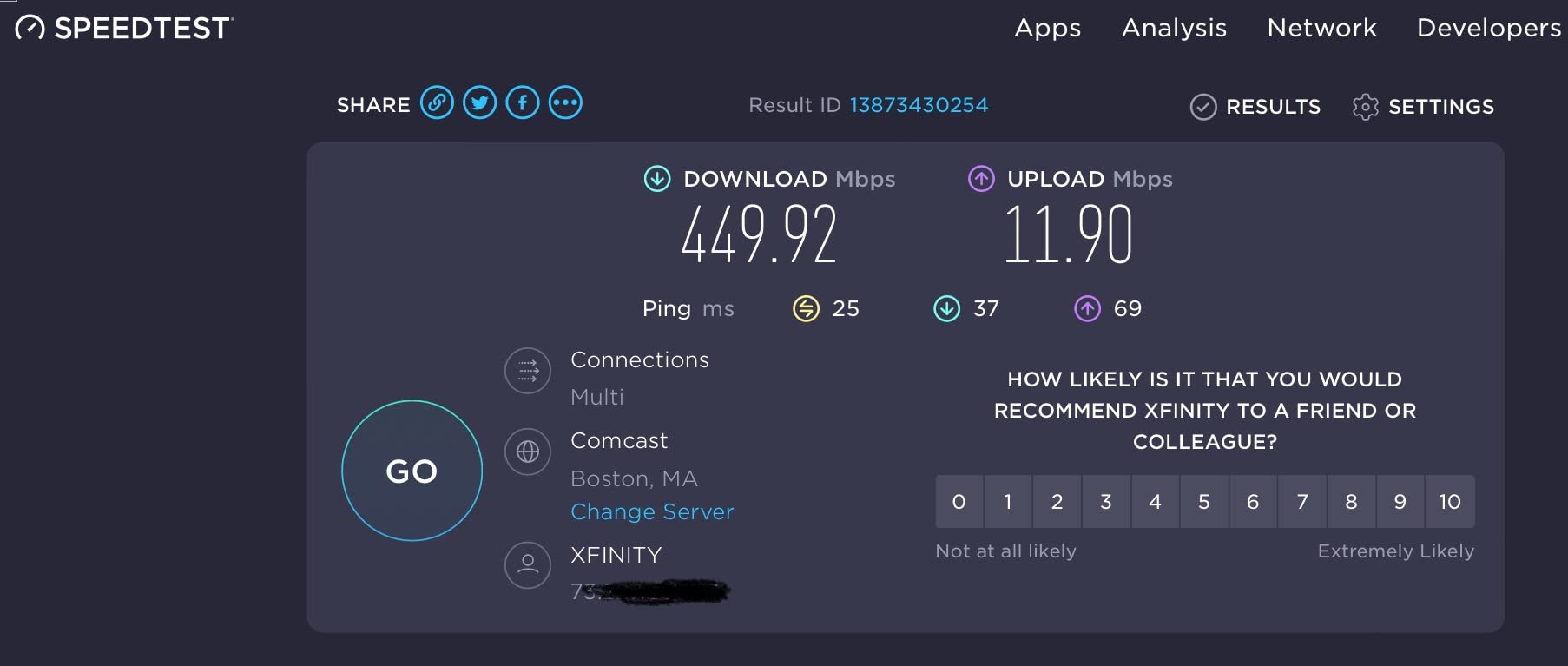
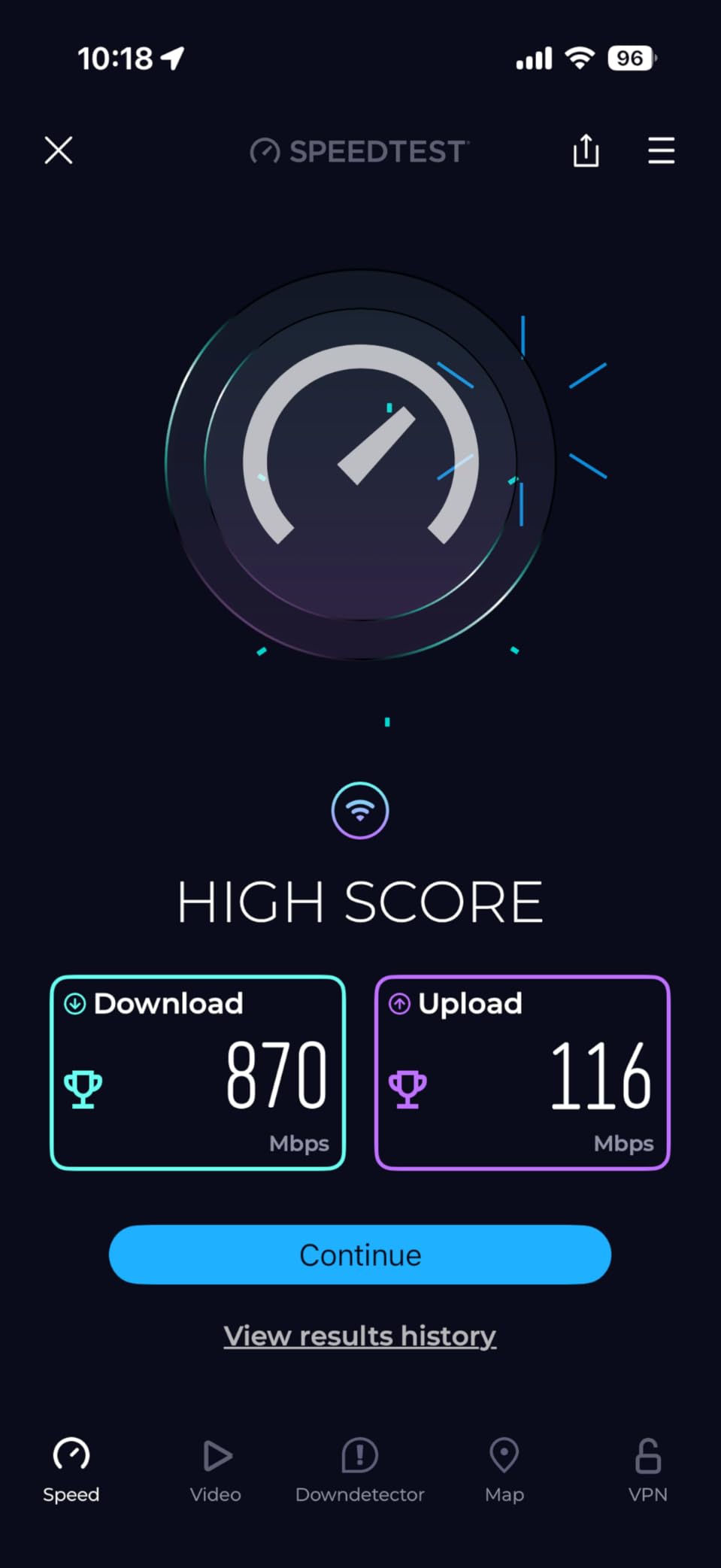
Owners almost universally describe it as a large step up from ISP-supplied Wi-Fi 5 hardware, and the Tether app setup takes minutes rather than an evening. The 5 GHz side is the part people notice: the unit delivers up to 1200 Mbps on that band, which is far more than most home connections can feed, so the ceiling is rarely the problem.
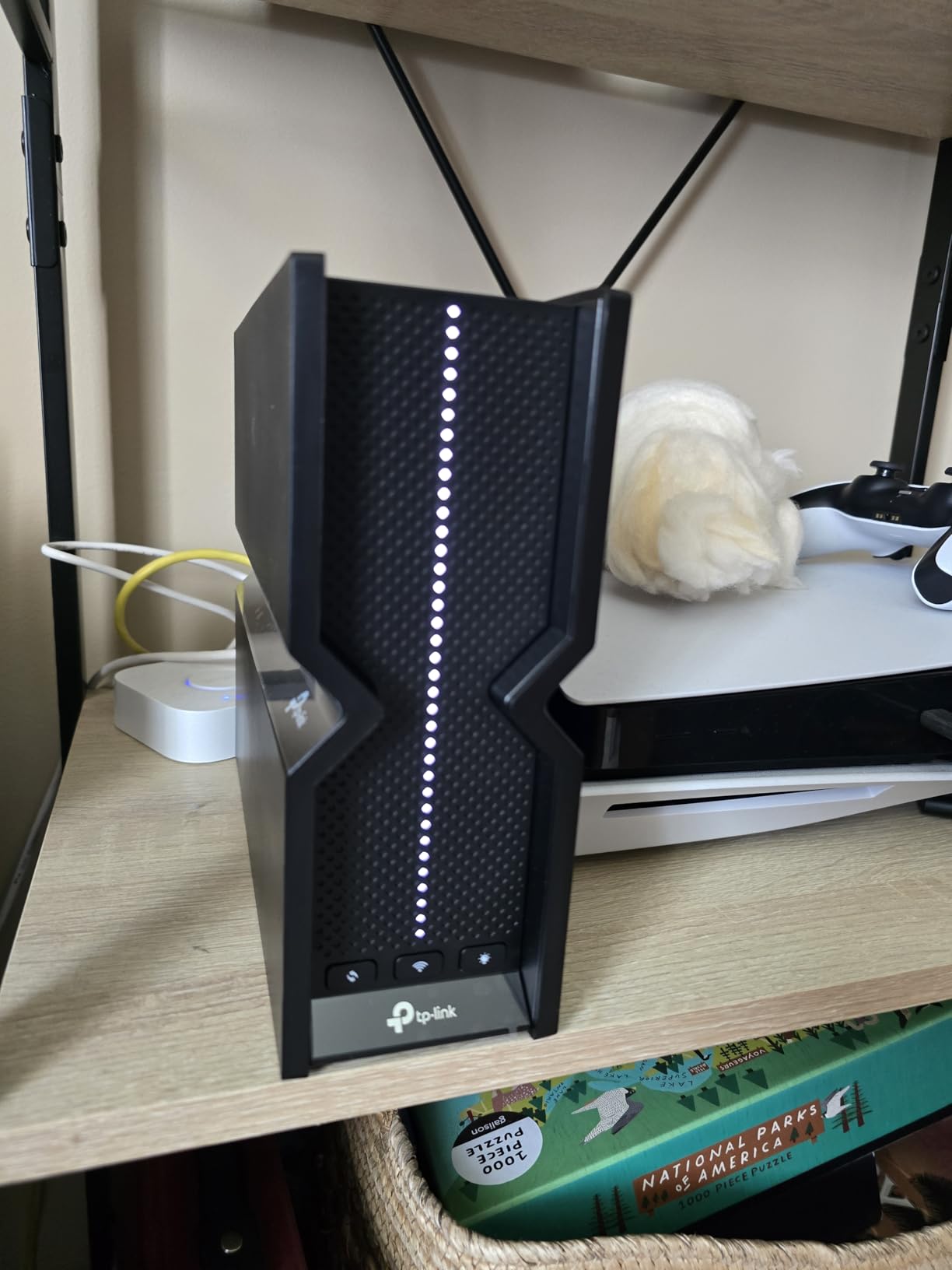
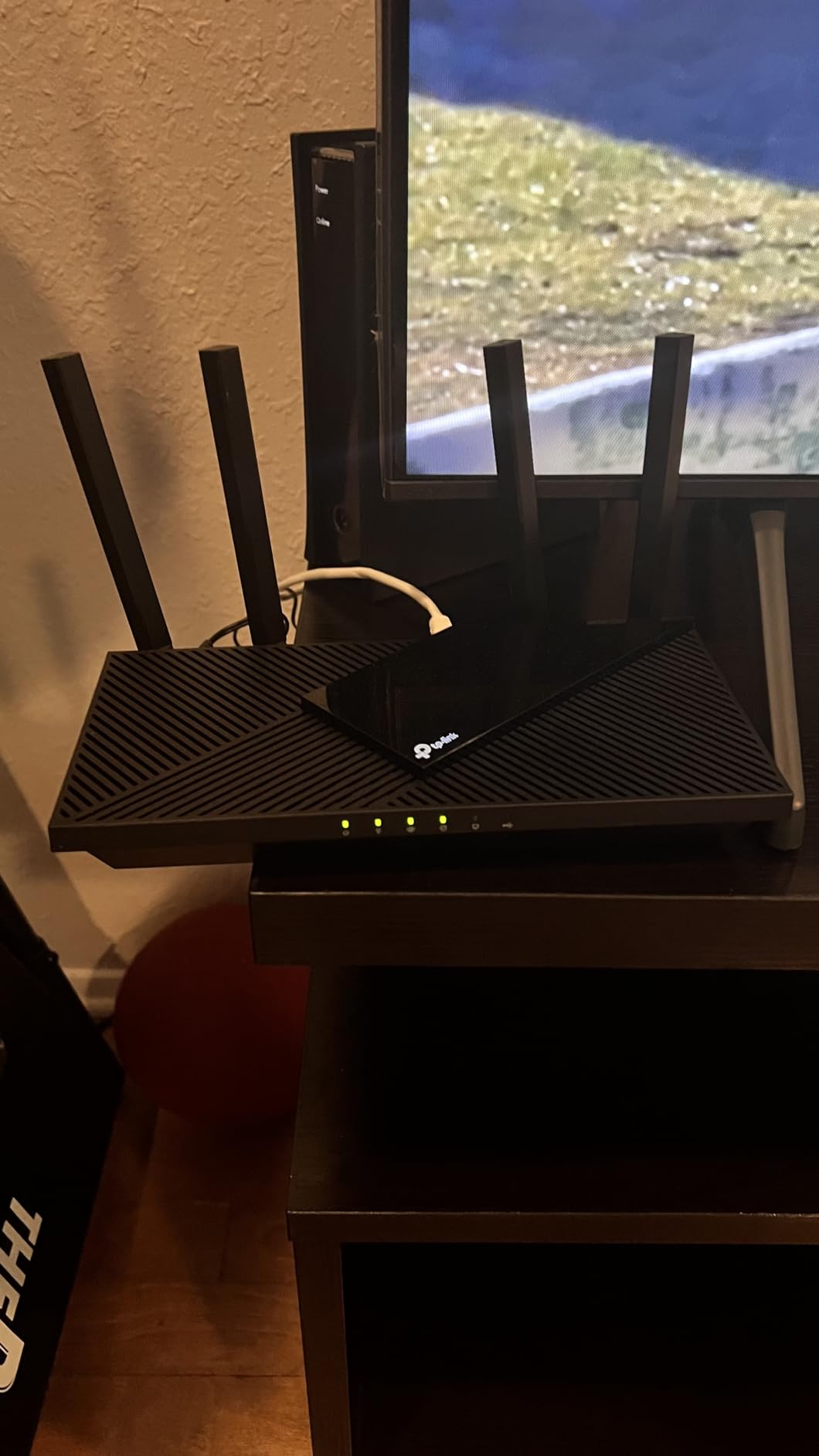
Physically it is a plain black box with four fixed external antennas, 1.1 pounds, and a footprint of 10.28 by 5.3 by 1.61 inches, which makes it easy to hide on a shelf. Beamforming focuses the signal toward connected devices, and the advanced front-end module helps the radio hold its ground in a busy apartment block.
The port layout is the quiet strength here. One Gigabit WAN and four Gigabit LAN ports means you can wire a desktop, a streaming box and a game console without buying a switch, and the box ships with a power adapter, an RJ45 cable and a quick installation guide.
A small but real bonus is the built-in VPN server supporting OpenVPN and PPTP, so you can reach your home network from outside without buying a separate box. It also pairs with Alexa for voice control.
What works well in a real home
For a home between 1,000 and 1,500 square feet, this is the comfortable fit. The dual-band design gives you 2.4 GHz for smart-home and IoT devices and 5 GHz for laptops, phones and streaming, and OFDMA splits the 5 GHz airtime so several devices can transmit at once instead of taking turns.
It also handles a crowded network well, which matters if you have 25 or 30 connected clients. Reviewers consistently report stable performance once the initial setup is done, and the security protocols listed include WPA, WPA2 and WPA3.
Where it falls short
There is no 6 GHz band, so Wi-Fi 6E clients cannot use this router at their full potential. The 2.4 GHz side is capped at 574 Mbps on paper and is the weaker half in practice, which is exactly the complaint a small share of owners raise.
Feature-wise it is an entry router. Against the AX3000 and AX5400 models in this list you give up raw throughput, memory and extra radios. If your plan is gigabit fiber and you want headroom, step up to the Archer AX55 instead.
2. TP-Link Archer AX55 – Top Rated Dual-Band Performer
TP-Link Dual-Band AX3000 Wi-Fi 6 Wireless Gigabit Internet Router for Home
AX3000 with 2402 Mbps on 5 GHz
574 Mbps on 2.4 GHz
512 MB RAM
USB 3.0 and VPN client
+ The Good
- 2402 Mbps on the 5 GHz band
- 512 MB RAM handles many concurrent devices
- VPN server and VPN client both supported
- Larger heat sink and redesigned case
- EasyMesh compatible
- The Bad
- Dual-band only with no 6 GHz band
- USB sharing performance not documented
- HomeShield advanced tools need a subscription
The Archer AX55 is the one I recommend when the internet plan is fast enough that the AX21’s 5 GHz ceiling would start to matter. It is the consensus budget pick in both lab testing and buyer discussion, and the reason is simple: it doubles the 5 GHz rate to 2402 Mbps and adds 512 MB of RAM.
That memory figure is the quiet differentiator. When a household has a lot of simultaneous clients, RAM is what keeps the routing table and the feature services responsive, and owners of busy smart homes tend to notice the difference over time.
TP-Link also redesigned the case with a larger heat sink, which addresses one of the most common reasons budget routers degrade after a couple of years. Sustained throughput stays flat because the radio is not cooking itself.
The AX55 supports both a VPN server and a VPN client, so it can either expose your network remotely or route all traffic through a provider. USB 3.0 connectivity is present for a printer or a small network storage device, EasyMesh lets you expand into a mesh system later, and it works with Alexa.
At 1.7 pounds and 12.99 by 9.45 by 2.87 inches it is a larger box than the AX21, so plan shelf space accordingly. The security protocols listed are WPA2 and WPA3 in both enterprise and PSK forms.
What works well in a real home
This is the router to buy for a family home between 1,500 and 2,000 square feet with 30 or more connected devices. OFDMA and MU-MIMO both work here, and Target Wake Time is included, which helps extend battery life on smart-home sensors.
Users report reliable throughput and a clean Tether app interface as the two things they like most. If your broadband is gigabit, this is where you stop leaving speed on the table.
Where it falls short
It is still dual-band, so there is no 6 GHz radio and no room for a third band. The most common reservations in reviews concern 2.4 GHz reach on larger homes and the paid tiers of TP-Link’s HomeShield subscription for advanced parental controls.
It is also not a mesh system, so a multi-floor house with concrete or thick plaster will still need either a second node or a different approach entirely.
3. TP-Link Deco X55 – Best for Whole-Home Mesh
TP-Link Deco X55 AX3000 WiFi 6 Mesh System, Deco X55(3-Pack)
AX3000 mesh three-pack
Up to 6500 sq. ft.
Up to 150 devices
3 Gigabit ports per node
+ The Good
- Mesh eliminates dead zones across floors
- 3 Gigabit Ethernet ports on every node
- Setup usually completes in under ten minutes
- Single SSID with automatic band switching
- App shows node links and signal quality
- The Bad
- Node placement heavily affects results
- App can list device names inaccurately
- Older firmware offers only one main SSID and a guest network
The Deco X55 three-pack is the only true mesh system in this guide, and it changes the question from how fast is the router to where does the signal reach. Each node is an AX3000 dual-band unit rated for 2402 Mbps on 5 GHz and 574 Mbps on 2.4 GHz, and the system is specified for up to 6500 square feet and 150 devices.
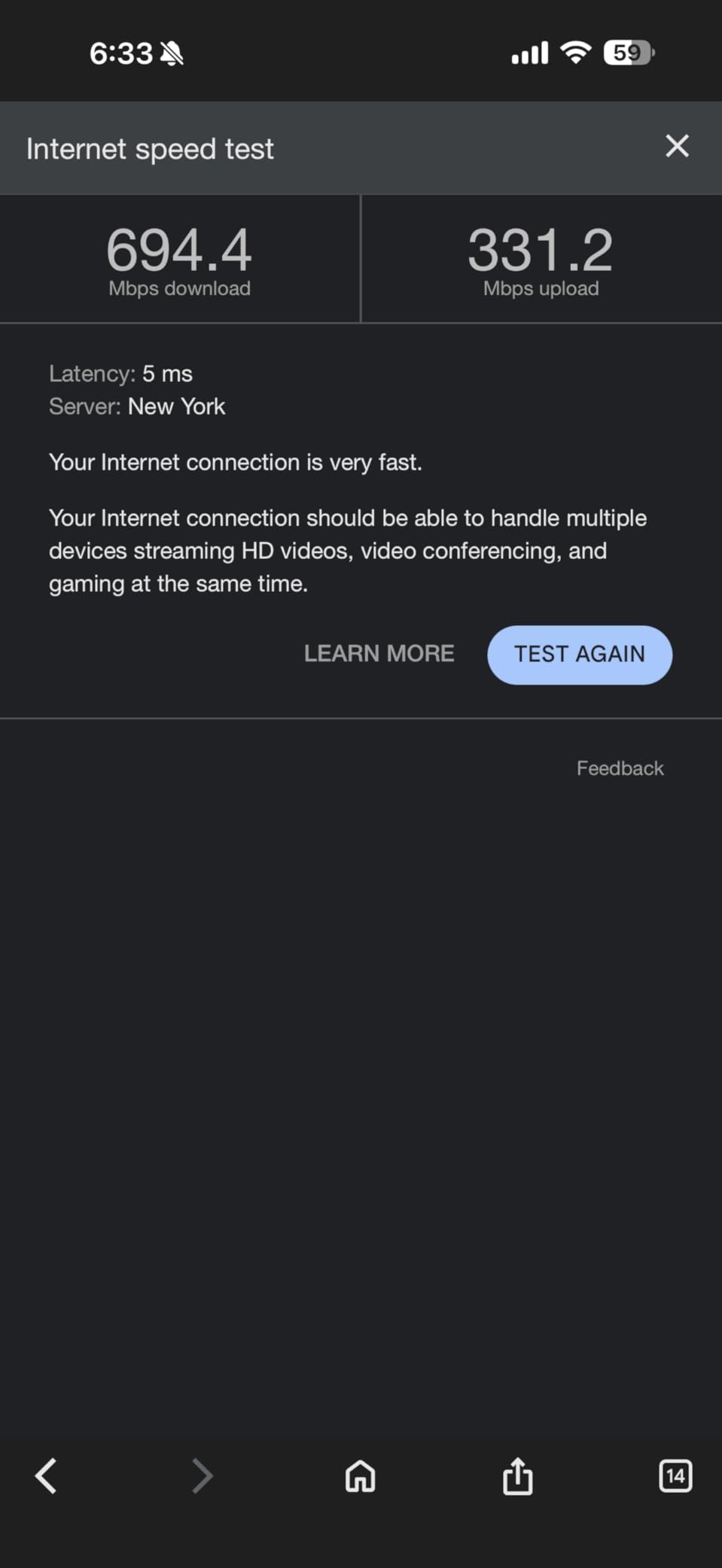
That coverage figure is a manufacturer maximum, not a promise, and how you get there matters. Buyers report large speed gains over older router-plus-range-extender setups, with cameras and smart-home devices reconnecting cleanly once the mesh is in place.
Every node carries three Gigabit Ethernet ports, which is what makes wired backhaul possible. If you can run an Ethernet cable between nodes you should, because wireless backhaul costs you throughput at the far end of the house.
Any unit in the pack can act as the main router, so you can start with two and add the third later. Setup through the Deco app typically finishes in under ten minutes, and the app shows which nodes are connected and how good the link is between them.
TP-Link HomeShield is included with free basic parental controls and QoS, and firmware updates have added custom IP reservations, an IoT network and VPN options that earlier versions lacked.
What works well in a real home
This is the pick for a 2,500 square foot or larger home, a multi-floor layout, or a house where dead zones have become a daily annoyance. One SSID with automatic band switching means you walk from room to room without ever changing networks.
It is also a strong answer for smart homes with heavy device density, because spreading 150 clients across three physical nodes is far kinder to latency than cramming them onto one box.
Where it falls short
Placement is the whole game. Put a node in a dead spot rather than next to the main unit and the backhaul link will disappoint you, and that is the single most common complaint in reviews.
The app can also drop device names and list connected devices inaccurately, and earlier firmware gave you only one main network plus a guest network. If the connection drops, the Deco LAN can appear unresponsive rather than simply reporting that the internet is down, which is confusing the first time it happens.
4. NETGEAR Nighthawk RAX50 – Best for Range on a Budget
NETGEAR Nighthawk 6-Stream AX5400 WiFi 6 Router (RAX50) – AX5400 Dual Band Wireless Speed (Up to 5.4 Gbps) | 2,500 sq. ft. Coverage
AX5400 dual-band
Up to 2500 sq. ft. and 25 devices
4 Gigabit ports
USB 3.0 ReadyShare
+ The Good
- Strong 5 GHz reach often reported as a major coverage gain
- High throughput on gigabit fiber plans
- Deep web interface for advanced tuning
- USB 3.0 port for ReadyShare storage
- Reliable across multi-year ownership
- The Bad
- Setup app flow involves handoffs between app and phone settings
- Some users report dropped connections needing a reboot
- Armor and parental controls need a subscription
- One-year warranty
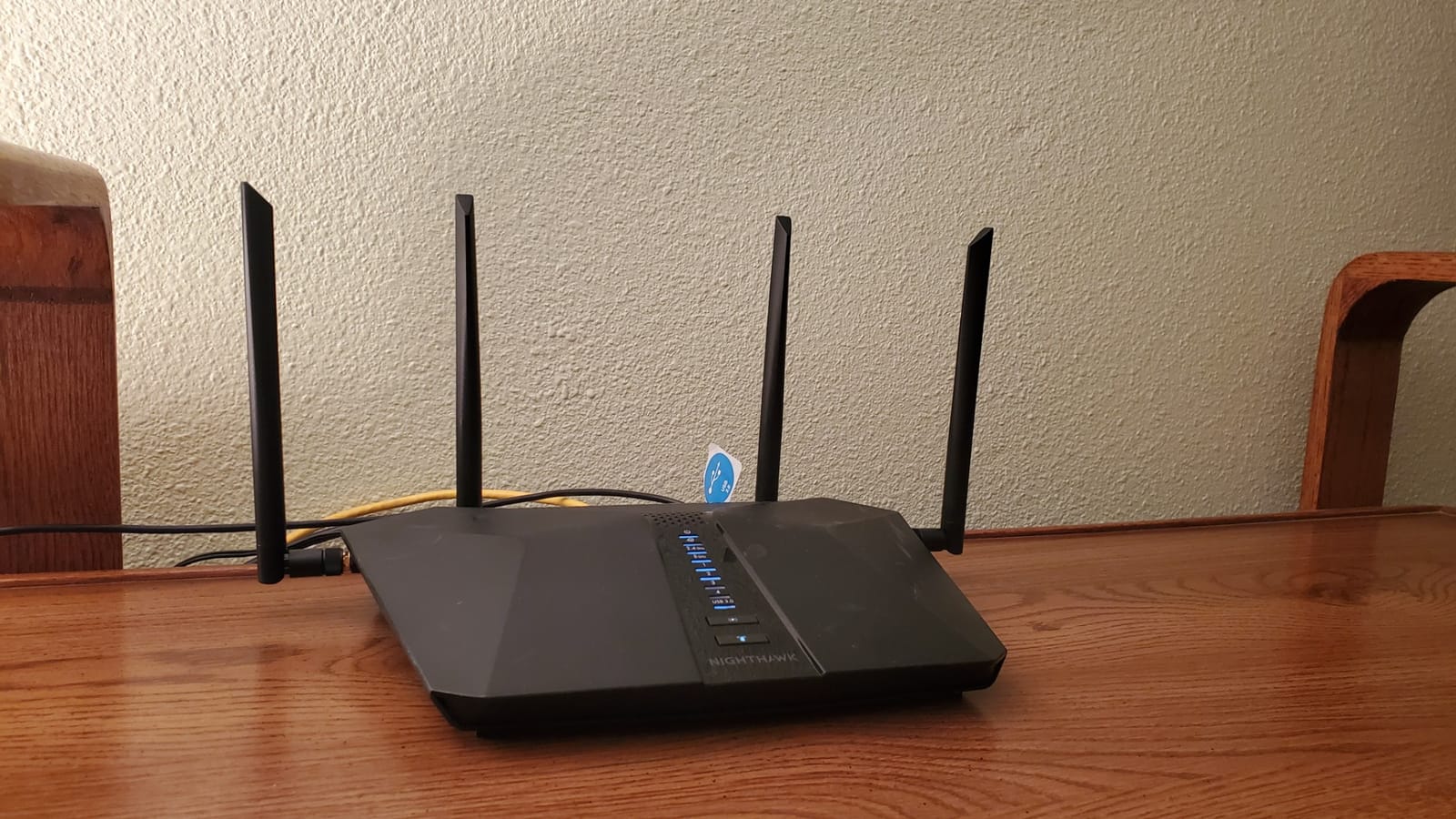
The Nighthawk RAX50 is the router in this list where coverage, not price, is the argument. It is an AX5400 dual-band unit with a stated reach of up to 2500 square feet and support for up to 25 devices, which is the largest single-router coverage claim here.
Owners describe strong 5 GHz range, often citing gains that roughly tripled their previous coverage, and that signal holding up into an outbuilding. Throughput on gigabit fiber plans is consistently reported as strong.
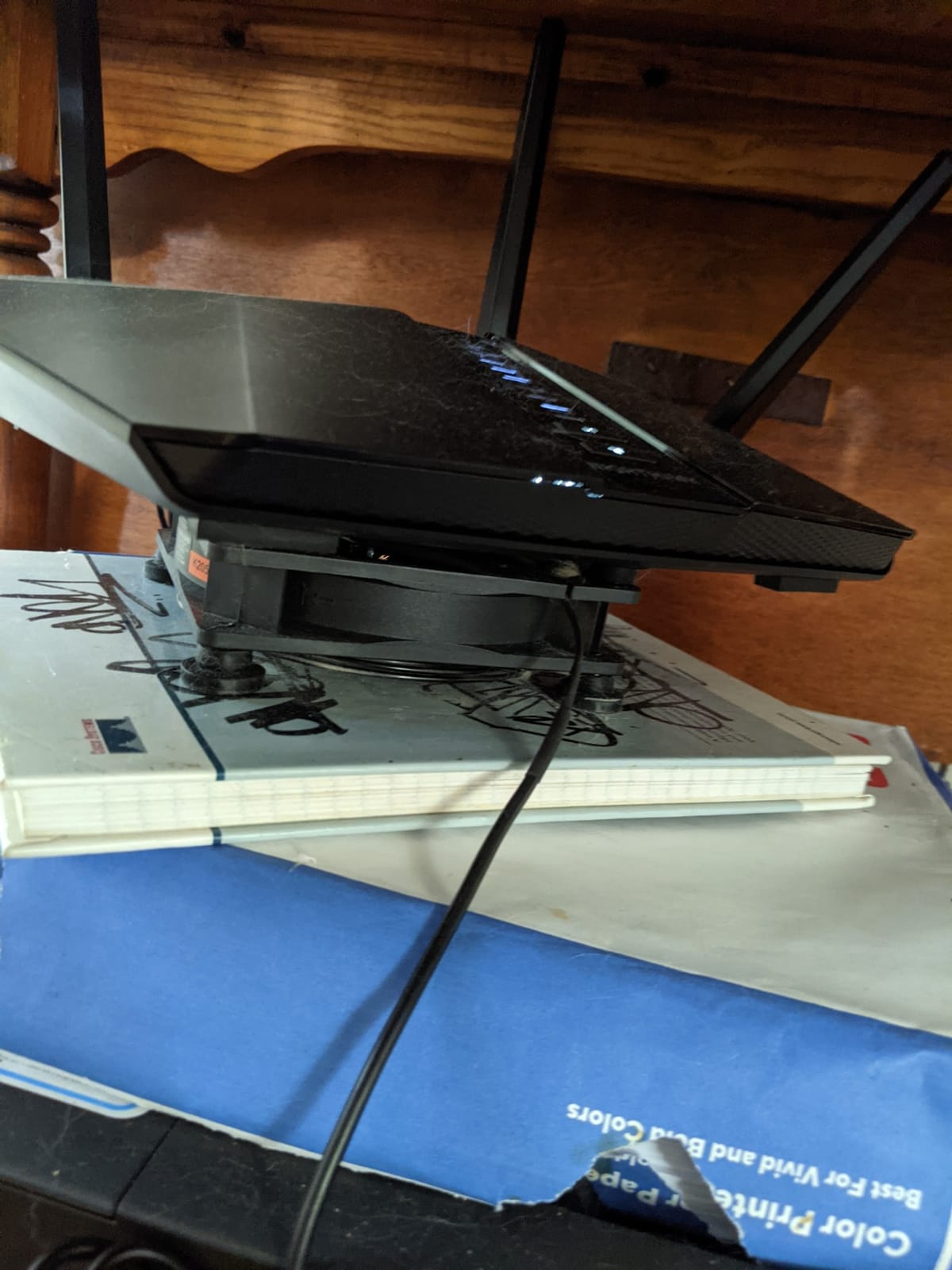
Where NETGEAR leads this price band is the web interface. If you want to tune channels, adjust transmit power or dig into advanced settings, the RAX50 gives you more to work with than the simplified app-first routers competing with it.
There is a USB 3.0 port for ReadyShare network storage, four 1G Ethernet ports, and it works with an existing cable or fiber modem up to 1 Gbps. The box includes the unit, an Ethernet cable, four external antennas, a power adapter and a quick start guide.
NETGEAR Armor comes with a 30-day free trial, and Alexa voice control is supported. The unit weighs 2.5 pounds, so it is a substantial piece of hardware rather than a token.
What works well in a real home
Pick this one for a single-floor home of roughly 2,000 to 2,500 square feet where you want one box to do the work. It is also a good match for a home office or small business setup where a deeper configuration interface matters more than a mesh topology.
Because it has no subscription requirement for core routing, the paid Armor tier is optional rather than forced. That is a different arrangement from some competitors.
Where it falls short
Setup is the most common friction point. Users report the flow bouncing between the app and phone settings, which is annoying if you are not patient with network configuration.
Some owners report occasional dropped connections that need a reboot, and parental controls plus the full Armor feature set require a paid subscription after the trial. The warranty is one year, which is shorter than the two or three years offered on the TP-Link and ASUS models here, and the listed security protocol is WPA2-PSK rather than WPA3.
5. ASUS RT-AX1800S – Best for Subscription-Free Security
ASUS RT-AX1800S Dual Band WiFi 6 Extendable Router, Subscription-Free Network Security, Parental Control, Built-in VPN, AiMesh Compatible, Gaming & Streaming, Smart Home
AX1800 dual-band
AiProtection Classic with no subscription
1 Gigabit WAN plus 4 LAN
AiMesh compatible
+ The Good
- Network security included with no ongoing subscription
- Compact body with retractable antennas
- Highly configurable for confident users
- AiMesh lets it join an ASUS mesh network
- Parental controls with per-device schedules
- The Bad
- 256 MB RAM versus 512 MB in rival models
- Some units hit a 2.4 GHz firmware bug under load
- Parental controls lack per-website logging
- Third-party VPN mesh services do not integrate
The ASUS RT-AX1800S answers the question that comes up constantly in budget router forums: do I have to pay for security features. Its answer is no. AiProtection Classic by Trend Micro is included at no ongoing cost, which removes the biggest structural complaint about the rest of this category.
On speed it is an AX1800 dual-band unit with up to 1201 Mbps upstream and 1024-QAM, plus MU-MIMO and OFDMA for multi-device efficiency. That is enough for a gigabit plan in most homes, and more than enough for a 500 Mbps connection.
The hardware is genuinely compact at 13.12 ounces and 9.06 by 5.28 by 2.2 inches, with four retractable external antennas you can fold away. Five Gigabit ports, one WAN and four LAN, cover a wired desktop and a few devices without a switch.
ASUS Instant Guard gives you one-click VPN, and the router is AiMesh compatible, so it can join an existing ASUS mesh network or work as an access point. Several owners use it exactly that way.
Warranty is three years, the longest of any model in this roundup, and 256 MB of RAM is the one number worth knowing before you commit.

What works well in a real home
This is the pick for anyone who is uneasy about handing a home network to a subscription-based security suite. You get parental controls, malware filtering and VPN support without a recurring line item on your credit card.
It is also the most configurable router here. If you enjoy tuning settings or plan to run it as a wired access point, that flexibility has real value, and the physical footprint suits a small shelf or a media cabinet.
Where it falls short
There is a documented firmware bug affecting some units where the 2.4 GHz radio drops under load when Smart Connect and Wi-Fi 6 are both enabled. Owners who hit it tend to describe it as frustrating rather than fatal, but check whether the current firmware addresses your configuration.
At 256 MB the memory is half what the Archer AX55 offers, which shows on very large device counts. Parental controls lack per-website logging and custom blacklists, and third-party VPN mesh services such as NordVPN do not integrate with it.
6. NETGEAR Nighthawk RAX43 – Premium Pick for Bigger Homes
NETGEAR Nighthawk WiFi 6 Router (RAX43) – Security Features, 5-Stream Dual-Band Gigabit Router, AX4200 Wireless Speed (Up to 4.2 Gbps), Covers up to 2,500 sq.ft. and 25 Devices
AX4200 dual-band
Up to 4.2 Gbps aggregate
4 Gigabit ports
Covers 2000 sq. ft.
+ The Good
- AX4200 five-stream throughput in a mid-range dual-band box
- Four Gigabit Ethernet ports for wired devices
- Guided setup through the Nighthawk app
- Security features and updates provided by NETGEAR
- The Bad
- WPA2 listed with no WPA3 in the specifications
- Armor requires a subscription after the first year
- Coverage claim is lower than some similarly priced rivals
- Marked for use in the United States only
The RAX43 sits near the top of the sub-200-dollar range and is the closest thing here to a performance pick that is not a mesh system. It is a five-stream AX4200 dual-band router with up to 4.2 Gbps of aggregate theoretical throughput and up to 1600 Mbps upstream.
Its stated coverage is up to 2000 square feet for up to 25 devices, which is slightly less than the RAX50 claims even though the raw speed class is lower too. Think of it as the smoother, more modern sibling rather than the longer-reaching one.
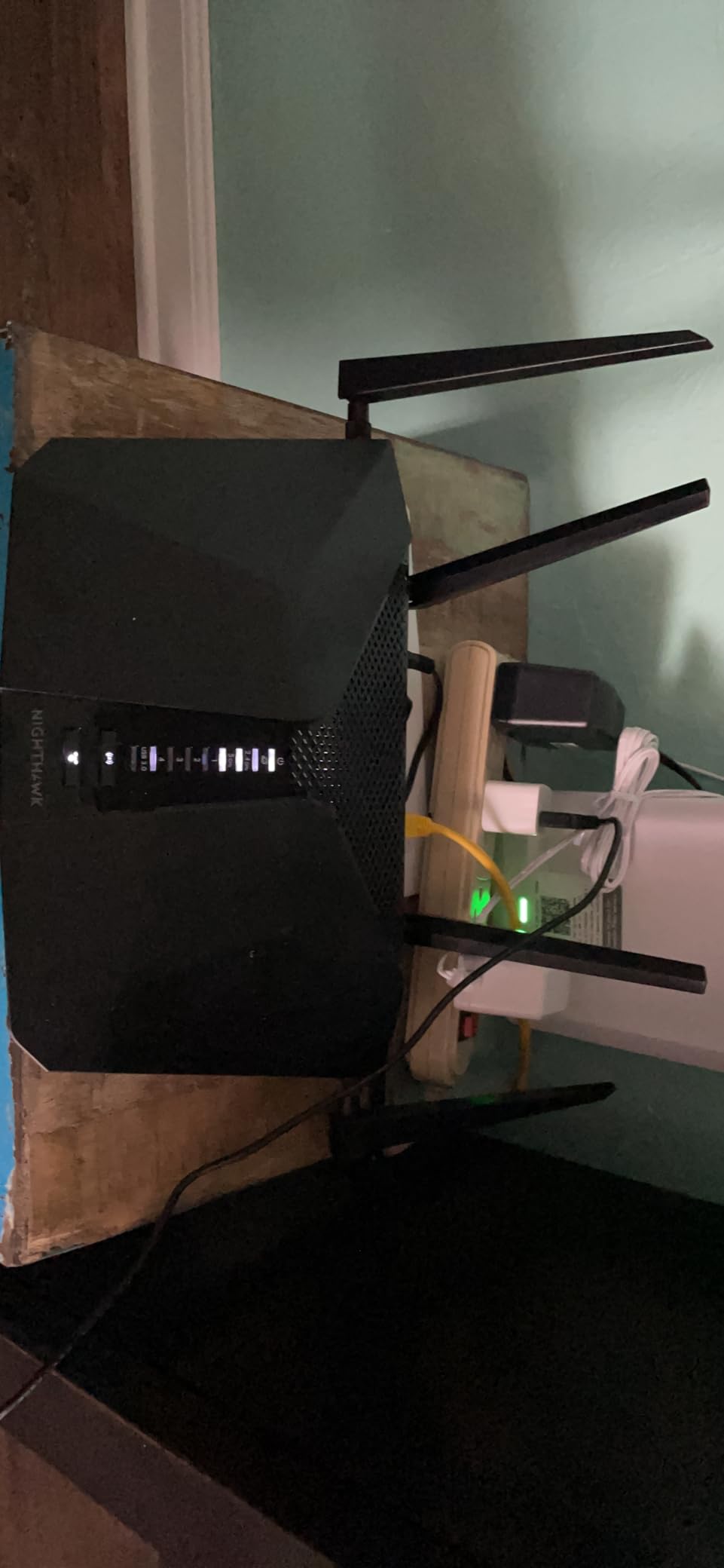
Four 1G Ethernet ports handle wired devices, and the Nighthawk app guides setup for most people. It works with any ISP up to 1 Gbps including cable, satellite, fiber and DSL, so the modem side is not a problem.
NETGEAR Armor is included as a one-year subscription, which is more generous than the 30-day trial on the two cheaper NETGEAR routers in this list. Security updates come from NETGEAR directly.
The unit weighs 1.3 pounds and measures 11.65 by 14 by 2.25 inches. Management is through the Nighthawk app on iOS and Android rather than a deep web interface, so it suits buyers who want guided setup over manual tuning.
What works well in a real home
Choose it for a household with heavy streaming on multiple screens plus a wired console or desktop, in a home up to about 2000 square feet. The extra streams give it more headroom on 5 GHz than the AX1800-class routers in this guide.
It is also a reasonable bridge between an entry router and a full mesh system, and it will not surprise you with subscription prompts during the first year.
Where it falls short
The listed security protocol is WPA2, with no WPA3 in the specifications. For a router being installed in 2026 with new hardware, that is a real consideration, and two other NETGEAR options here do list WPA3.
Armor requires a subscription after the included year, and the coverage figure is lower than some similarly priced alternatives. The listing is also marked for use in the United States only, so check regional compatibility before buying outside the country.
7. Tenda RX12 Pro – Budget Pick With Built-In VPN
Tenda AX3000 WiFi 6 Router,Dual-Band Gigabit Wireless Internet Router, Mesh & AP Mode, Built-in VPN, NFC Tap-to-Connect, OFDMA MU-MIMO, Secure IoT Network for Home Gaming & 4K Streaming(RX12 Pro V3.0)
AX3000 dual-band
2402 Mbps on 5 GHz and 574 on 2.4 GHz
7 dBi antennas
EasyMesh and IoT network
+ The Good
- Lowest-cost AX3000 router in this group
- Setup usually completes in under ten minutes
- Built-in VPN support including WireGuard
- Dedicated IoT network isolates smart-home devices
- NFC tap-to-connect for Android guests
- The Bad
- Some owners report connection drops and buffering under load
- Management app is less refined than TP-Link or ASUS
- No 6 GHz band and no tri-band option
- Some units arrive without protective packaging
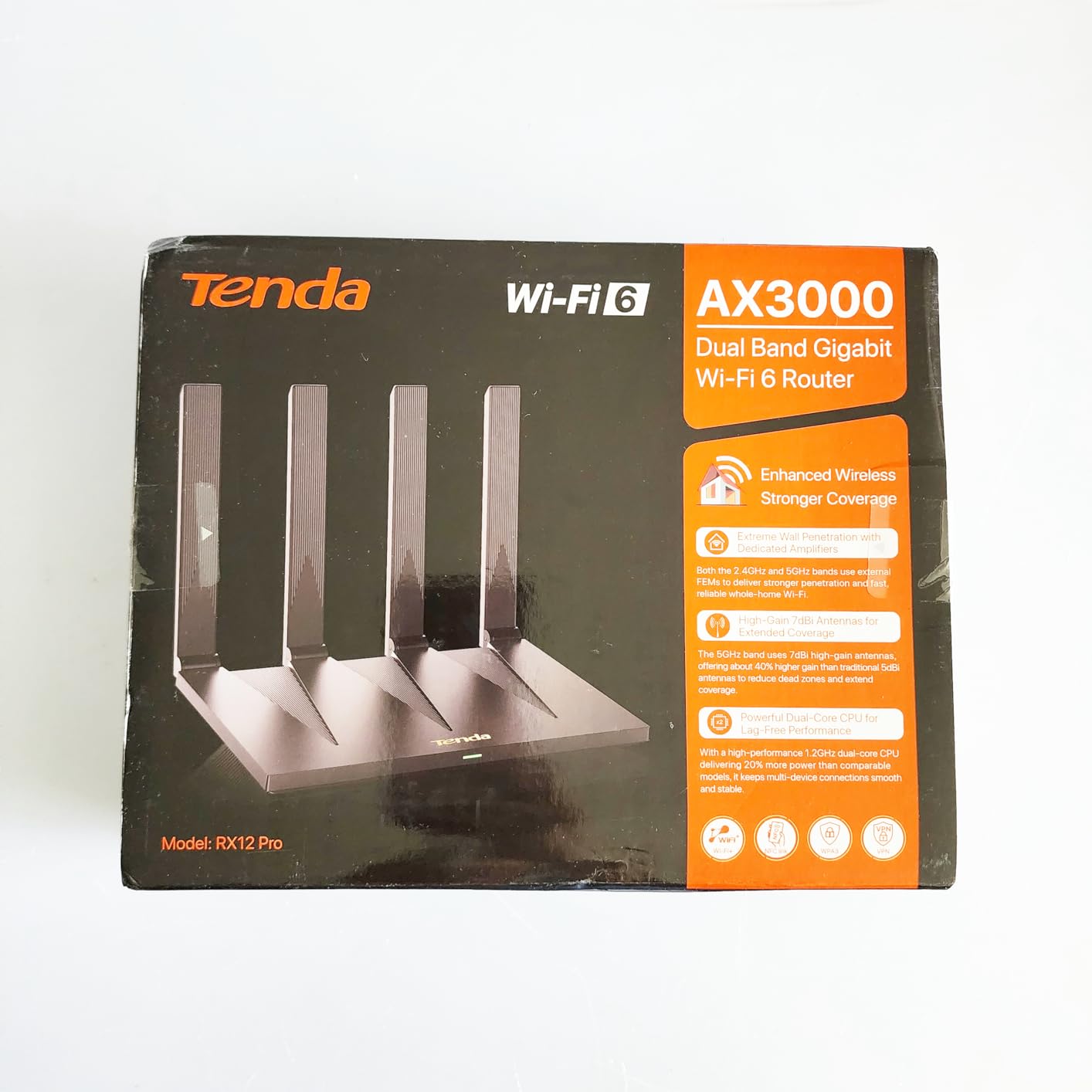
The Tenda RX12 Pro is the cheapest way into the AX3000 class, and on paper it is genuinely loaded for the money. It delivers up to 2402 Mbps on 5 GHz and 574 Mbps on 2.4 GHz, which matches the Archer AX55 band for band.
The antenna specification is the part that stands out. Three 7 dBi high-gain antennas with beamforming give it more theoretical gain than most routers in this guide, and that is the reason it can cover a surprising amount of space for its tier.
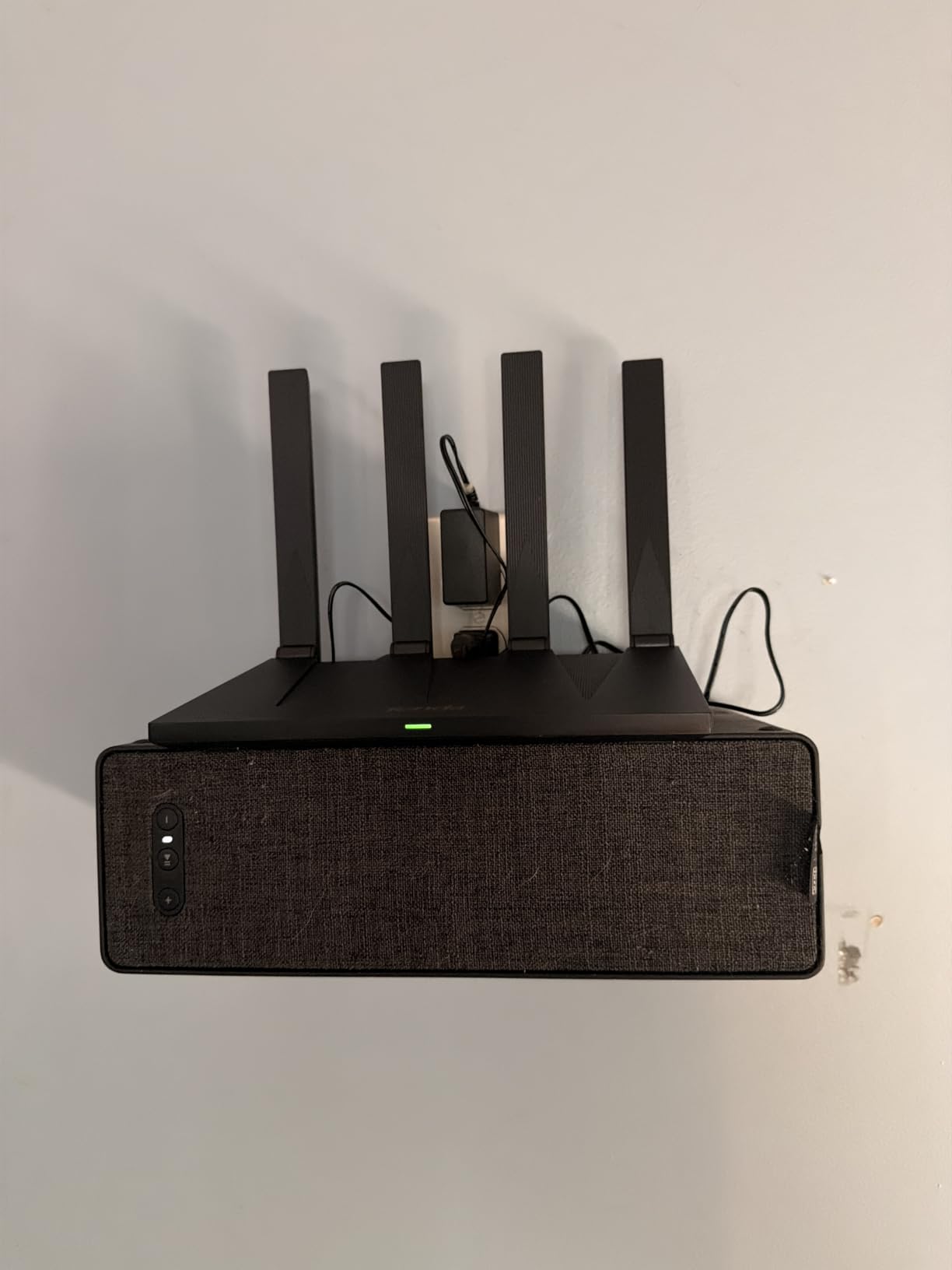
It also supports EasyMesh for roaming and expansion, and it ships with built-in OpenVPN, WireGuard, PPTP and L2TP support. WireGuard in particular is uncommon at this price, and it matters if you want a router-level VPN client without installing custom firmware.
There is a dedicated IoT network to isolate smart-home devices, plus NFC tap-to-connect for Android guests and four Gigabit ports with automatic WAN and LAN detection. The box includes the router, an NFC sticker, a power adapter, a quick installation guide and an RJ45 cable, with a two-year warranty.
Setup usually finishes in under ten minutes through the Tenda app, and the unit weighs 12.32 ounces. If you are also upgrading the appliances on that network, our guide to Wi-Fi meat thermometers covers the kind of connected kitchen gadgets that stress a 2.4 GHz band.
What works well in a real home
This is the pick for a smart home on a tight budget, because the dedicated IoT network is a real feature rather than a label and it keeps dozens of small devices away from your main traffic.
The combination of AX3000 speeds, WireGuard support and EasyMesh expansion means you can start small and grow later without changing platforms. Reviews praise coverage and setup speed when the firmware is stable.
Where it falls short
Reviews are genuinely split on stability. A smaller but consistent group reports frequent connection drops and heavy buffering when the network is under load, particularly during streaming or gaming, so if you have a busy house this is a risk.
The management app and interface are less refined than the TP-Link or ASUS options, and several owners cite it as the single biggest annoyance. There is no 6 GHz band and no tri-band option, and some units arrive without protective packaging.
8. NETGEAR R6700AX – Best for Apartments and Small Spaces
NETGEAR Nighthawk WiFi 6 Router R6700AX, Up to 1,500 sq ft, 1.8 Gbps
AX1800 dual-band
Up to 1500 sq. ft. and 20 devices
4 LAN plus 1 WAN gigabit ports
WPA3 enabled out of the box
+ The Good
- Direct replacement for an ISP rental router
- Nighthawk app gives specific guidance when setup fails
- Four Gigabit LAN plus a dedicated Gigabit WAN
- WPA3 on with no subscription for core security
- Suitable for apartments and single-floor homes
- The Bad
- Covers only 1500 sq. ft. and 20 devices
- Two internal antennas are weak for multi-story homes
- Armor needs a subscription after the trial
- Some users report drops after several months
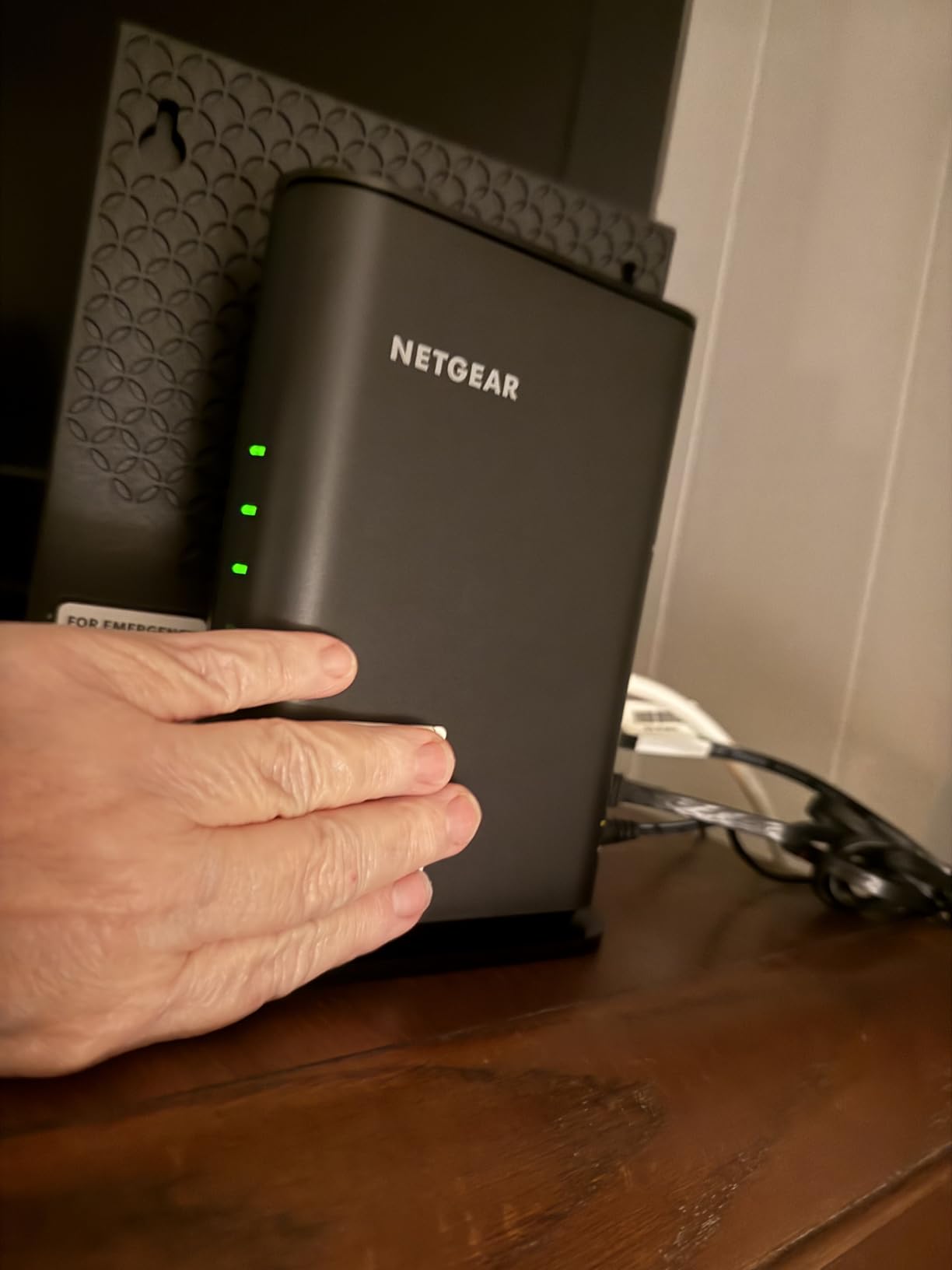
The R6700AX is the simplest answer to the most common question in this category, which is whether you need to buy anything at all to replace the router your internet provider lends you. It is an AX1800 dual-band router rated for up to 1500 square feet and 20 connected devices.
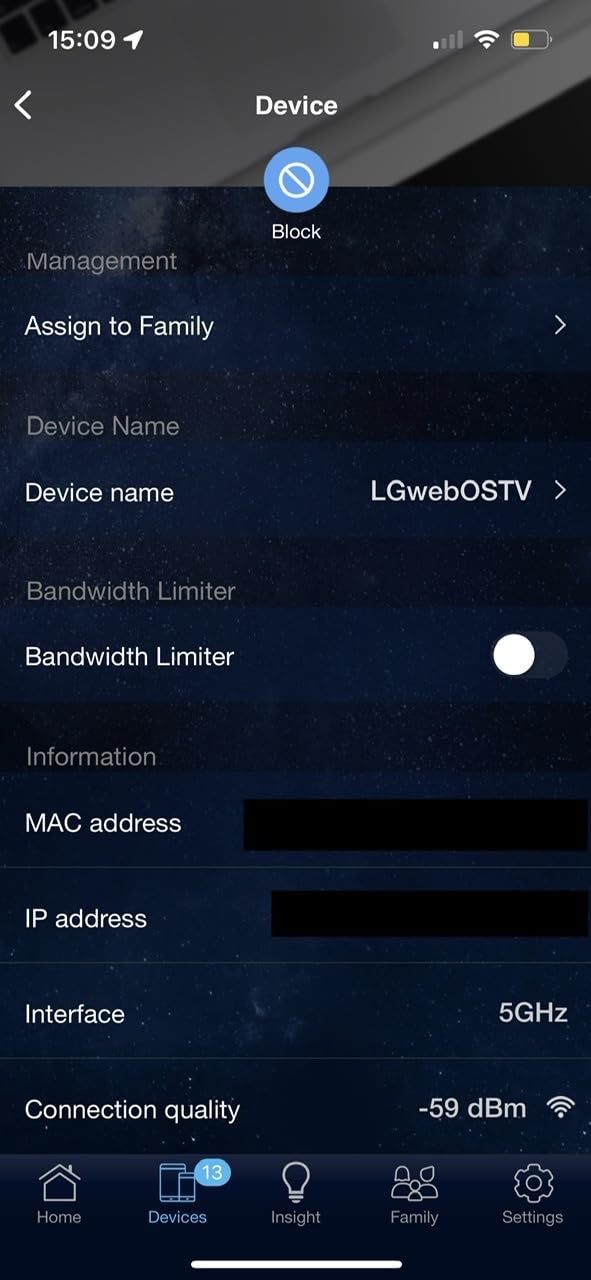
Owners mostly frame it as a dependable budget replacement for ISP hardware, and the Nighthawk app earns specific praise for the guidance it offers when setup goes sideways, which is when it matters most.
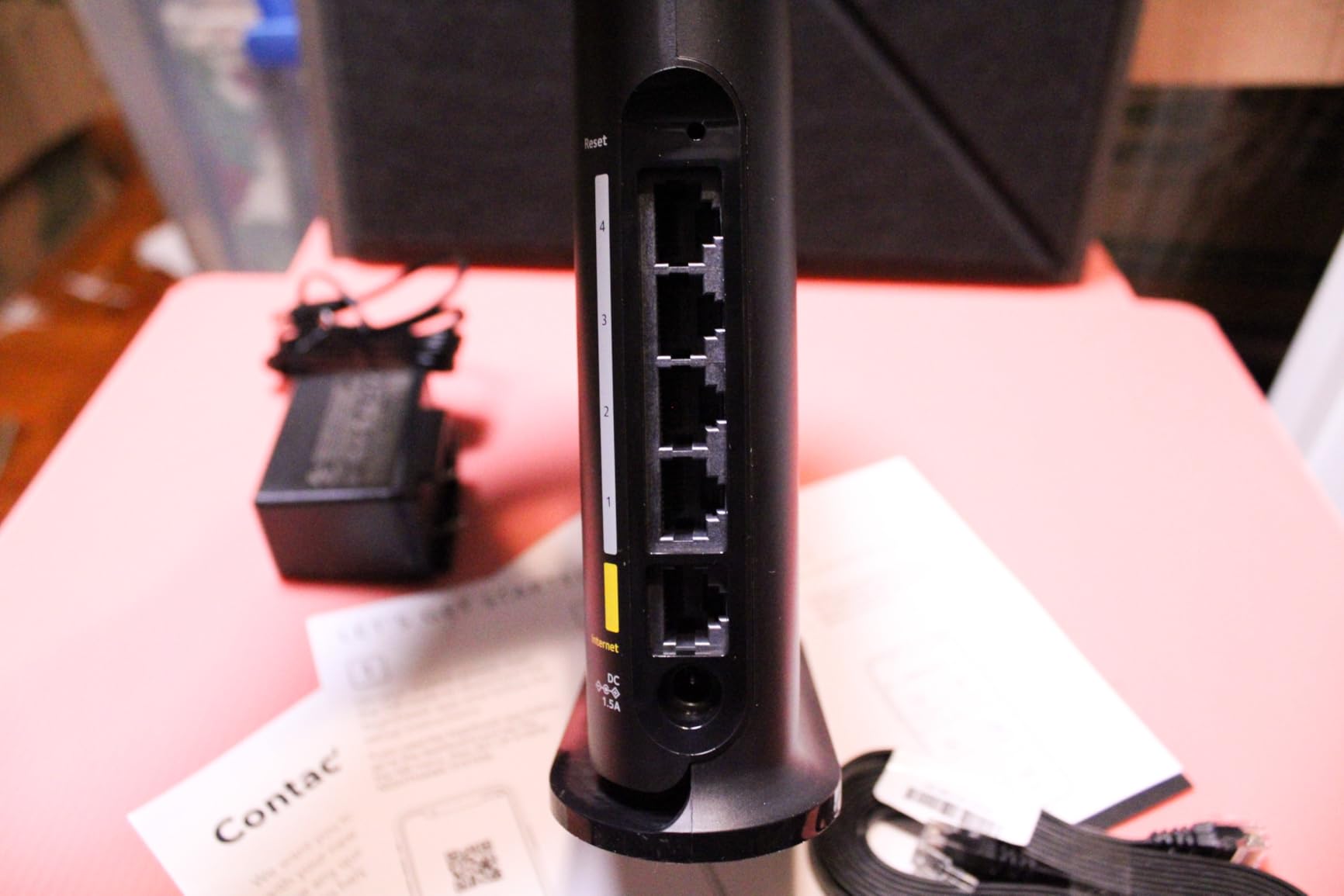
The port layout is generous for the tier: four Gigabit LAN ports plus a separate Gigabit WAN port, so a small office or a media setup can be fully wired. WPA3 encryption is enabled out of the box and core security needs no subscription, which is not true of every competitor.
It also includes a guest network, automatic firmware updates, and backward compatibility with Wi-Fi 5 and earlier devices, which matters in a house full of older smart-home gear. Management is through the Nighthawk app on iOS and Android, and the warranty is one year limited.
At 0.64 kg with two internal antennas, it is the smallest hardware footprint in this guide, which makes it easy to hide next to a cable box.
What works well in a real home
For a one-bedroom apartment, a dorm, or a single-floor home up to about 1500 square feet, this does everything a household needs. The 2.4 GHz band handles lights, plugs and speakers while 5 GHz carries the traffic that matters.
It is also a good first step if your ISP gateway is the bottleneck, because you can test the upgrade on a single device before committing to anything more expensive.
Where it falls short
The 1500 square foot and 20 device ceiling is the hard limit here, and it is a real one. Two internal antennas mean it is a poor choice for a multi-story home where the router sits on one floor.
NETGEAR Armor requires a subscription after the 30-day trial, some users report the unit dropping connections after several months, and you may need bridge mode with certain ISP gateway combinations. A minority of reviews also mention WPA2-only configuration on some units and a lack of per-device blocking.
How to Choose a Wi-Fi 6 Router Under 200
Most buyers in this price range choose on speed class, and speed class is the least useful number on the box. The AX1500 or AX3000 label is a summed theoretical maximum across bands, not a speed any single device will ever see. What follows is the order I would actually work through.
What the AX number actually means
The number is the aggregate of the theoretical maximum on every radio in the box. An AX3000 dual-band router pairs roughly 2402 Mbps on 5 GHz with 574 Mbps on 2.4 GHz, and the AX1800 class pairs 1200 Mbps with 574. Higher does not always mean better because the radio hardware, the antennas and the memory all matter.
The gap between the number and reality is large. Real-world throughput on 5 GHz in this class typically lands somewhere in the range of a few hundred Mbps rather than the headline figure, and 2.4 GHz is lower again. Judge a router by its radio layout and its memory, not by the biggest digits on the box.
Dual-band, tri-band and the 2.4 GHz decision
Every router in this guide is dual-band, meaning 2.4 GHz and 5 GHz. Tri-band units at this budget either add a 6 GHz Wi-Fi 6E radio that most of your devices cannot use, or they add a second 5 GHz radio for wireless backhaul, and both cost you something. For a single router in one home, dual-band is the sensible choice.
Use 2.4 GHz for smart-home devices, printers and anything that does not need speed. Force 5 GHz for laptops, phones, streaming and gaming. Band steering handles most of this automatically, and a manual split is worth doing if you have more than 30 devices.
Coverage by square footage
Under 1,000 square feet, almost anything in this list works, including the cheapest options. Between 1,000 and 2,000 square feet, look at the coverage claims here and pick based on how many floors and how many walls. Above 2,500 square feet or across multiple floors, mesh stops being an upgrade and becomes the correct answer.
One honest point about expectations: a better router does not make radio waves bend around concrete. What improves is antenna gain, beamforming and transmit power. Placement fixes more dead zones than hardware does, and moving a router off the floor and away from a television or microwave costs nothing.
Mesh or one powerful router
A single powerful router wins on simplicity and on wired speed, because there is no backhaul hop to lose throughput. Mesh wins on coverage, and it is the only option here that reliably covers a large or multi-floor home with a single network name.
If you can run Ethernet between locations, a single router plus a wired access point is the best outcome. If you cannot, and the house is spread out, the Deco X55 is the correct pick. If both apply, use the mesh and connect the nodes by wire where you can.
TP-Link vs NETGEAR vs ASUS vs Tenda
TP-Link dominates this category by volume, which means you get the deepest review data and the most firmware work, but it also means the category itself is narrow. NETGEAR offers the deepest configuration interface and the best range claims, with paid tiers attached to its security software. ASUS is the one that includes real security features with no subscription, at the cost of less memory.
Tenda competes on hardware specifications per dollar, with the roughest management software of the four. If privacy and firmware policy matter to you, ASUS and NETGEAR give you more visible security investment, and the ASUS model is the clearest example of features you would otherwise pay for separately.
Is Wi-Fi 6 Obsolete? Wi-Fi 6 vs Wi-Fi 6E vs Wi-Fi 7
No, and for a sub-200-dollar buyer the honest answer is that Wi-Fi 6 is still the right call. Value Wi-Fi 7 hardware now sits in a similar price range, and it brings Multi-Link Operation and 4K-QAM, but it is 802.11be on the label more than in daily use, and none of the picks in this guide is limited by anything a Wi-Fi 7 unit would fix for a typical household.
Wi-Fi 6E adds a 6 GHz band, which is fast and clean but almost useless without compatible clients. Our Wi-Fi 6E router guide covers that standard in depth. Buying a 6E router under 200 dollars only pays off if you own Wi-Fi 6E phones, laptops and televisions today and plan to keep them for years.
Wi-Fi 8 is on the horizon rather than on a shelf, which is another reason not to wait. Anything you buy now will be supported for years, and the gap between the standard on the label and the speed you experience is dominated by your internet plan and your devices, not the generation number.
The one exception: if your broadband is 2-gig fiber and you want to use the full symmetric speed, most of the routers here top out at 1 Gbps on the WAN port. Check your modem or ONT first, because no wireless standard fixes a wired bottleneck.
What You Give Up at This Price
Honesty about the compromises is more useful than a longer feature list, and this price band has real ones. No router here has a 2.5 GbE WAN port, so gigabit fiber is fully supported and 2-gig fiber is not. There is no USB 3.0 port faster than a basic connection, and no link aggregation for combining two gigabit lines.
Advanced quality of service is thin. You get basic device prioritization, not the per-application shaping a dedicated gaming router offers. Smart-home features tend to split into a free tier and a paid tier, with the interesting parts behind the subscription.
Hardware variety is also thinner than the marketing suggests. You are choosing between variations on dual-band AX1800 and AX3000, and the meaningful jumps, tri-band, Wi-Fi 6E, multi-gig and dedicated gaming features, all live above this ceiling. Set expectations there and the picks below deliver exactly what they promise.
Should You Upgrade From Your ISP Router?
Check your plan speed first, because this single number decides the answer more often than anything else. If your plan is under 300 Mbps and your current router is under three years old, an 80-dollar router is enough and a 200-dollar router will not make your downloads faster.
Upgrade if you are on a 500 Mbps or faster plan, since ISP routers commonly cap out around 300 to 500 Mbps on Wi-Fi 5 hardware and become the bottleneck. Upgrade if you have more than 25 connected devices and notice slowdowns in the evening, because OFDMA and MU-MIMO genuinely help at that density.
Upgrade if you are replacing hardware you are paying to rent, or if you want control over parental controls and firmware that your ISP does not offer. Do not upgrade expecting a better router alone to fix a dead zone behind a concrete wall, because placement and mesh address that problem and nothing else does.
Frequently Asked Questions
What is the best affordable Wi-Fi 6 router?
The TP-Link Archer AX21 is the most affordable Wi-Fi 6 router worth recommending, with AX1800 dual-band throughput, four high-gain antennas, five Gigabit ports and a review base of nearly 24700 ratings. It covers homes up to roughly 1500 square feet.
What is the best budget Wi-Fi 6 router?
For a strict budget, the TP-Link Archer AX21 and the NETGEAR R6700AX are the two picks. The Archer AX21 has more throughput and antenna flexibility, while the R6700AX has WPA3 enabled out of the box and covers up to 1500 square feet.
Which ASUS router is considered the best for Wi-Fi 6?
The ASUS RT-AX1800S is the ASUS model to buy at this price. It is AX1800 dual-band with five Gigabit ports and includes AiProtection Classic from Trend Micro with no ongoing subscription, which is unusual in this category.
Is Wi-Fi 6 obsolete?
No. Value Wi-Fi 7 routers now cost a similar amount and add Multi-Link Operation and 4K-QAM, but for most households a Wi-Fi 6 router is limited by the internet plan and the devices, not by the standard. Wi-Fi 6E is worth it only if you already own 6 GHz clients.
Does Wi-Fi 6 penetrate walls better?
Not meaningfully. The standard does not change how radio waves behave through building materials. What improves is antenna gain, beamforming and transmit power, and 2.4 GHz still penetrates walls better than 5 GHz or 6 GHz regardless of the Wi-Fi generation.
Will a better router improve Wi-Fi range?
It can, but not the way most people expect. A better router gives you stronger antennas, beamforming and cleaner 5 GHz performance, yet it cannot make a signal pass through concrete. Placement and mesh solve coverage problems; hardware only helps at the margins.
What is the best Wi-Fi mesh system under 200 dollars?
The TP-Link Deco X55 three-pack is the best mesh system in this price range, with AX3000 nodes covering up to 6500 square feet and 150 devices. Each node has three Gigabit Ethernet ports, so wired backhaul is possible where you can run cable.
What is the difference between AX1800 and AX3000?
The number is the summed theoretical maximum across bands. AX1800 pairs up to 1200 Mbps on 5 GHz with 574 Mbps on 2.4 GHz, while AX3000 pairs 2402 Mbps with 574. Neither figure is a real-world speed, so judge a router by its radios, memory and coverage claims.
The Verdict: Which Wi-Fi 6 Router Under 200 Should You Buy?
Start with the TP-Link Archer AX21. It is the best Wi-Fi 6 router under 200 dollars for most people because its review data is enormous, its 5 GHz performance is stable, and its five Gigabit ports cover a wired home without a switch. If your plan is gigabit or you have more than 30 devices, the Archer AX55 is the better buy thanks to 2402 Mbps on 5 GHz and 512 MB of RAM.
Go mesh only when coverage forces you to: the Deco X55 three-pack is the pick for large and multi-floor homes, and it is the one model here that fixes dead zones rather than just powering through them. For range in a single-floor house, the NETGEAR RAX50 claims the largest coverage figure. For security features with no subscription, the ASUS RT-AX1800S is the clear answer.
Whatever you pick, check your plan speed before you check your budget. If you are under 300 Mbps, the honest recommendation is one of the cheaper routers on this list and nothing more. This roundup was updated for 2026, and every model above sits at or under the 200-dollar ceiling at the time of publishing.