
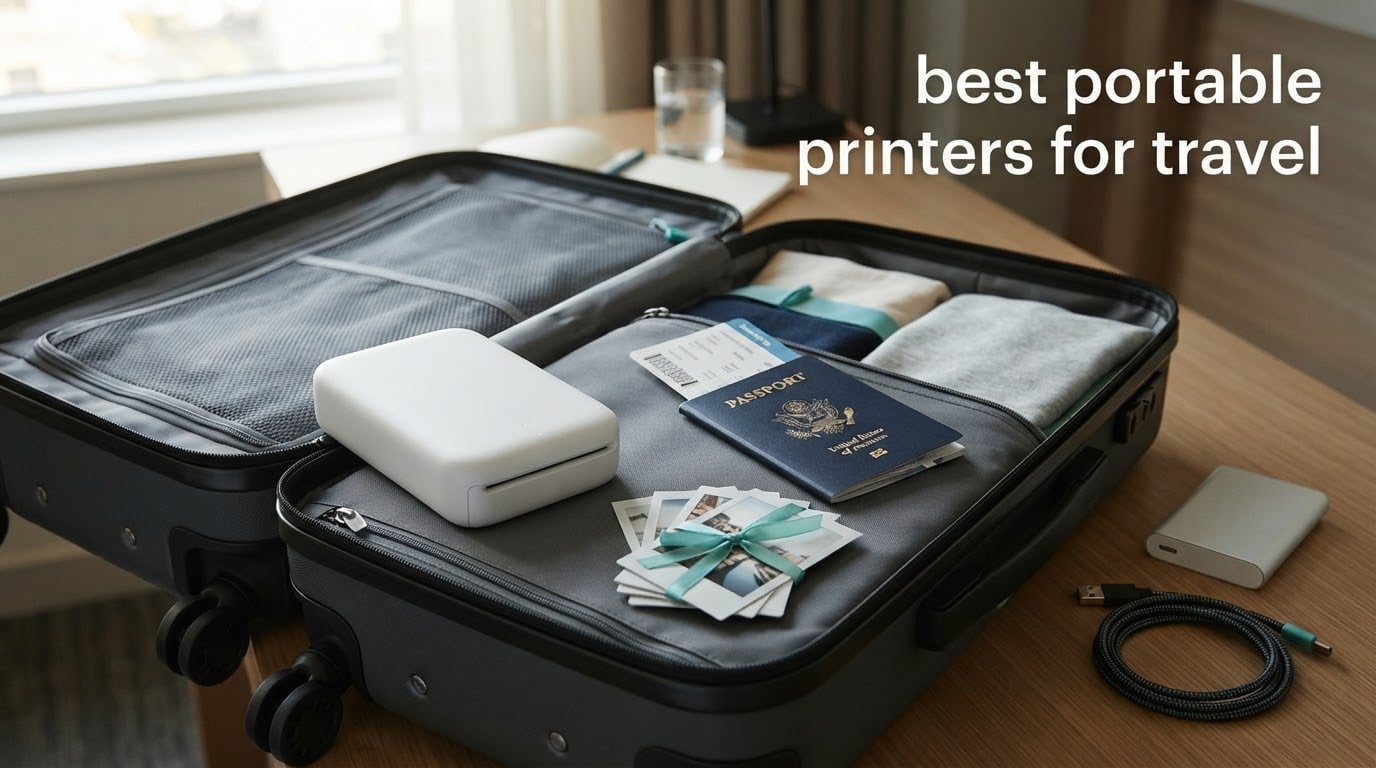
The best portable printers for travel fall into two groups that almost nobody mixes in one guide. Document printers handle contracts, boarding passes, visas and receipts; photo printers turn phone shots into journal pages, scrapbook strips and gifts you hand over before you leave. If you buy the wrong one, you end up with a thermal receipt printer that cannot print a face, or a cute little photo printer that will not produce a single A4 page.
We spent this round comparing 10 travel printers, weighing what each one costs you in grams, in consumables and in frustration. Five are inkless or inkjet document machines, five are pocket or 4×6 photo units. For every pick we tracked the numbers travelers actually argue about online: printed weight, whether a battery is in the box, pages or prints per charge, charging port, and paper size. If you are packing light this year, our portable travel safe guide covers the other half of the security problem, and the surge protector guide matters if you are charging gear in unfamiliar sockets. For the rest of the carry-on kit, our portable speakers for travel guide and portable travel blenders guide cover the entertainment and mealtime gaps.
Two things came up again and again in owner reviews and forum threads, and they shape every recommendation below. First, battery sold separately is treated as a deal breaker, so we state plainly whether one is included. Second, inkjet cartridges left sitting between trips can dry out, which is why the thermal and Zink picks hold an advantage for intermittent travelers. The short version: if you want one device that survives six months in a drawer and prints the day you land, skip the inkjet.
Top 3 Picks for Portable Printers for Travel (October 2026)

HP Sprocket Portable Photo…
- › Zink 2x3 sticky-back prints
- › Bluetooth 5.0 with sleep mode
- › 6.1 ounces
Best Portable Printers for Travel at a Glance in 2026
| PRODUCT MODEL | KEY SPECS | BEST PRICE |
|---|---|---|
|
|
Check Latest Price |
 |
|
Check Latest Price |
 |
|
Check Latest Price |
 |
|
Check Latest Price |
 |
|
Check Latest Price |
 |
|
Check Latest Price |
 |
|
Check Latest Price |
 |
|
Check Latest Price |
 |
|
Check Latest Price |
 |
|
Check Latest Price |
Key travel considerations: Inkjets give you real documents but need cartridges that can dry between trips. Direct thermal and Zink machines use no ink at all, so nothing can dry, but they print black and white or low-cost 2×3 photos only. Battery is the real limit: expect roughly 25 prints per charge on a pocket Zink unit and up to 200 pages on a thermal machine rated for long jobs.
1. HP Sprocket Portable Photo Printer: The Best All-Round Travel Printer
HP Sprocket Portable Photo Printer (2nd Edition) – Instantly print 2×3″ sticky-backed photos from your phone – [Luna Pearl] [1AS85A]
Zink 2x3 inch
313 x 400 dpi
6.1 ounces
Bluetooth 5.0
+ The Good
- Lightest pick here at 6.1 ounces
- 25k-plus owner reviews to learn from
- Zink prints are peel-and-stick and resist smudges
- Pocket-friendly 2x3 format suits travel journals
- About a minute per print with roughly one minute pairing
- The Bad
- Warm pink cast that needs app correction
- Battery only lasts a few printing sessions
- Limited to 2x3 inch prints
This is the printer I hand to friends who ask a single question: which one should I get. At 6.1 ounces it disappears into a jacket pocket, and the 2×3 sticky-back format is credit-card sized, which is the exact footprint most travel journals want. There is no ink, no cartridge, nothing to dry out in a drawer for six months.
The proof is in the volume of experience behind it. More than 25,000 owner reviews sit behind this unit, and that number changes how I treat any problem I hit. A paper feed jam that would worry me on a new release reads here as a known quirk with a known fix, and the fix is usually to pull the sheet and re-align the blue barcode strip before feeding it again.
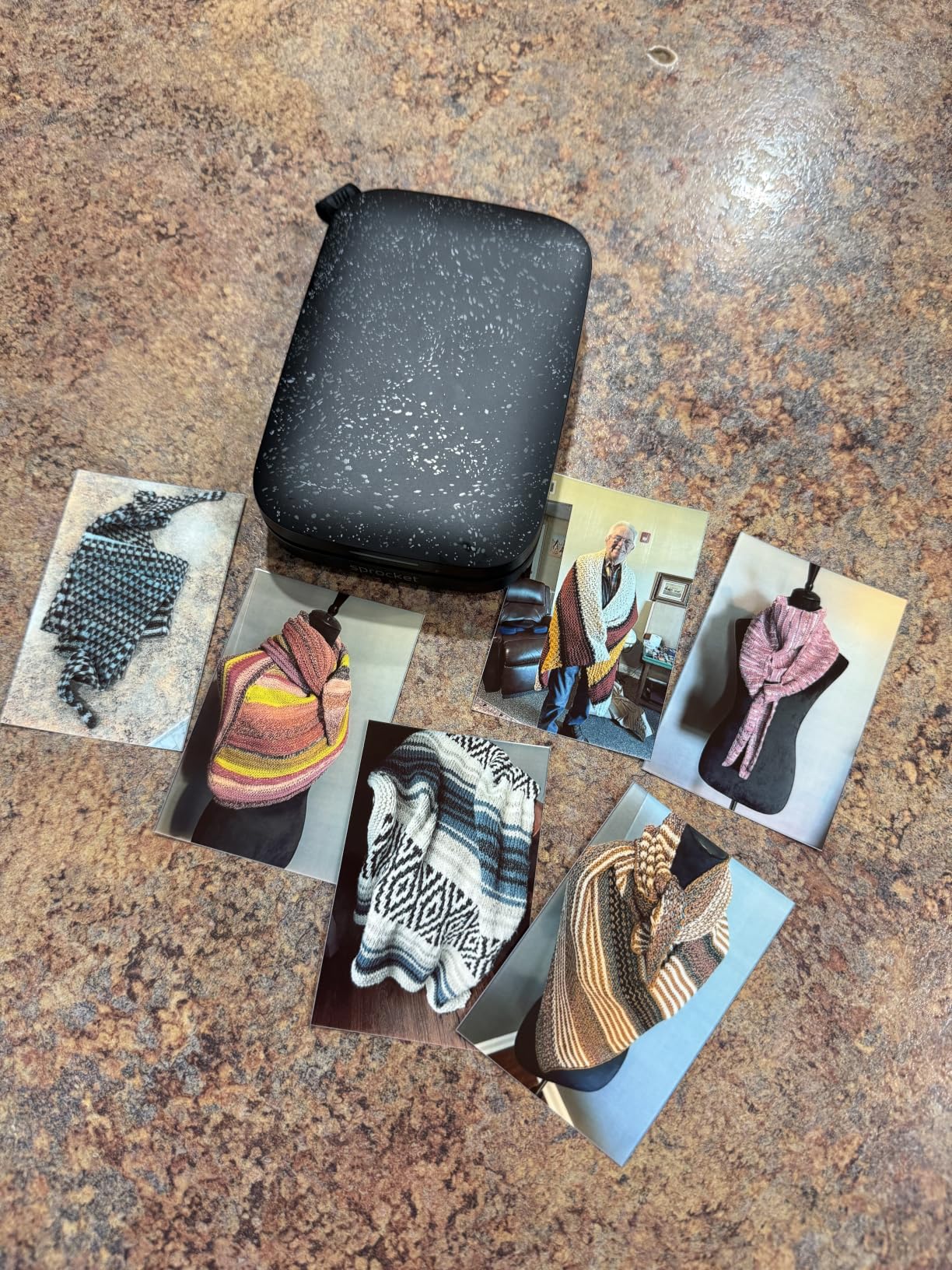
Zink paper is the reason this survives travel better than a thermal receipt roll. The dye crystals are embedded in the sheet and developed by heat, so the print does not fade the way direct thermal text does, and it will not smear if you handle it while the print is still settling. Sticky backing means you can stick a strip straight into a journal without glue or tape.
Battery life is the honest weakness. The spec sheet lists a rechargeable battery, but owners describe only a few printing sessions per charge, and the review summary calls out short endurance as a recurring theme. My approach is to top it up from a power bank while I write the day’s journal entry, so the printer is charged before the evening session.
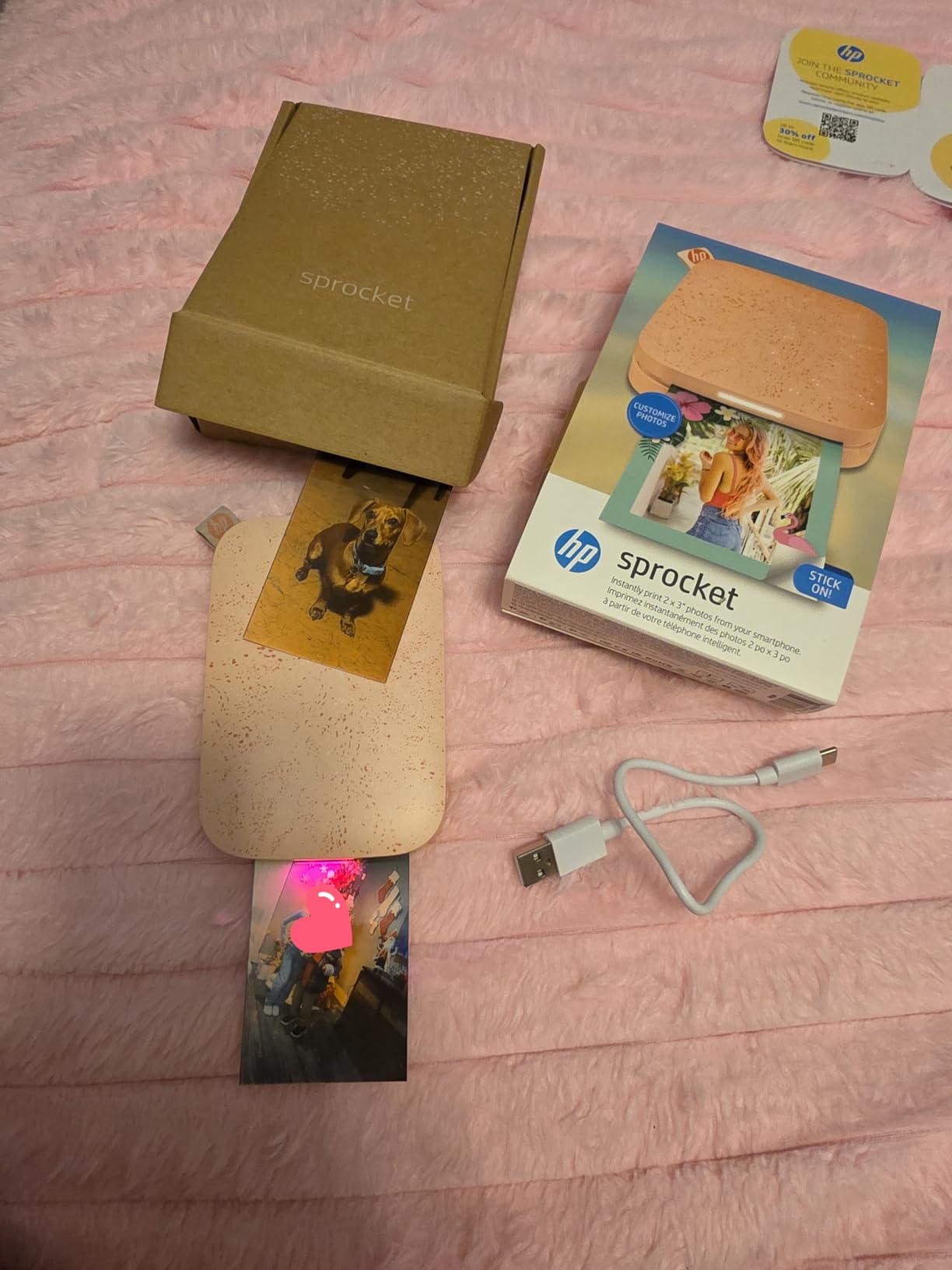
What you get per charge and what the prints look like
Plan on a handful of prints per charge rather than a full pack, and carry a small power bank. Bluetooth 5.0 with sleep mode means the printer reconnects quickly after waking, which saves time when you are switching between a phone and a travel journal app.
Color accuracy leans warm. Owners frequently describe a pink or red cast that shows most in skin tones and sunsets, and the app’s filters and borders are the intended correction. If you edit your photos before printing, the cast mostly disappears; if you print straight from the camera roll, expect to fix it every time.
Who should skip this printer
Skip it if your travel journal uses full-page photos. At 2×3 inches you are building a collage of many small prints rather than pasting one image per spread, and if you want a print you can hold up across a room, this is the wrong size.
Also skip it if you need anything on paper. This unit prints photos only, with no document mode and no text handling for itineraries or boarding passes. For that you want one of the document picks further down.
2. Canon Ivy 2 Mini: The Best-Rated Pocket Photo Printer
Canon Ivy 2 Mini Photo Printer, Print from Compatible iOS & Android Devices, Sticky-Back Prints, Pure White
2x3 inch Zink
313 x 512 dpi
145 g
Bluetooth 5.0
+ The Good
- Highest average rating in the group at 4.6 stars
- Light at 145 g with a genuinely pocketable body
- Better skin tone and contrast handling than most Zink units
- First print in up to 50 seconds
- Bluetooth 5.0 gives a stable mobile link
- The Bad
- Fixed at 2x3 inch prints only
- Some reviewers see warmer color than the original image
- Zink refills are a separate purchase after the included pack
The Ivy 2 Mini carries the highest average rating of anything we analyzed, and the 79 percent five-star share backs up why. Where the Sprocket wins on proven volume, this one wins on color science. The manufacturer specification points to optimized skin tones and improved contrast, and reviewers single that out as the reason their photos look less washed out.
At 145 grams it is lighter than a deck of cards, and the resolution figure of 313 x 512 dpi is higher than most 2×3 machines manage. That extra vertical detail matters for group shots and for journal pages where a face occupies a small part of the print.
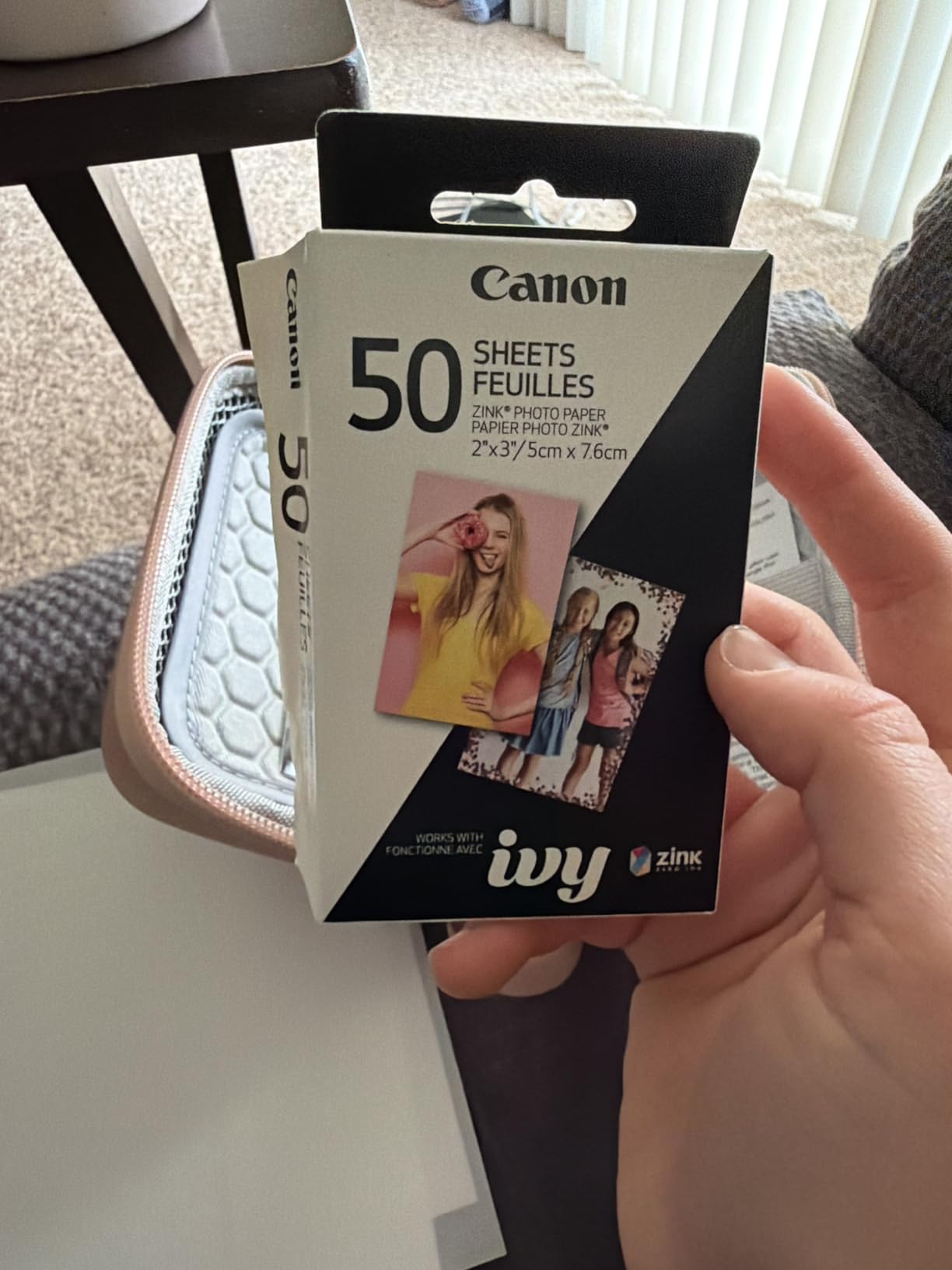
Setup is the part I appreciate most on a trip. Bluetooth 5.0 through the Canon Mini Print app pairs quickly, and the first page prints in up to 50 seconds. The box includes a Zink pack of 10 sheets plus a smart sheet, a USB-A to USB-C cable and the printer, so the only thing you need to buy after day one is refill paper.
Warmth still shows up, just less than on most Zink output. Some reviewers note color rendering that reads warmer than the original file, which is normal for the technology rather than a fault. Editing slightly cooler in the app before printing gets you closer to the screen.
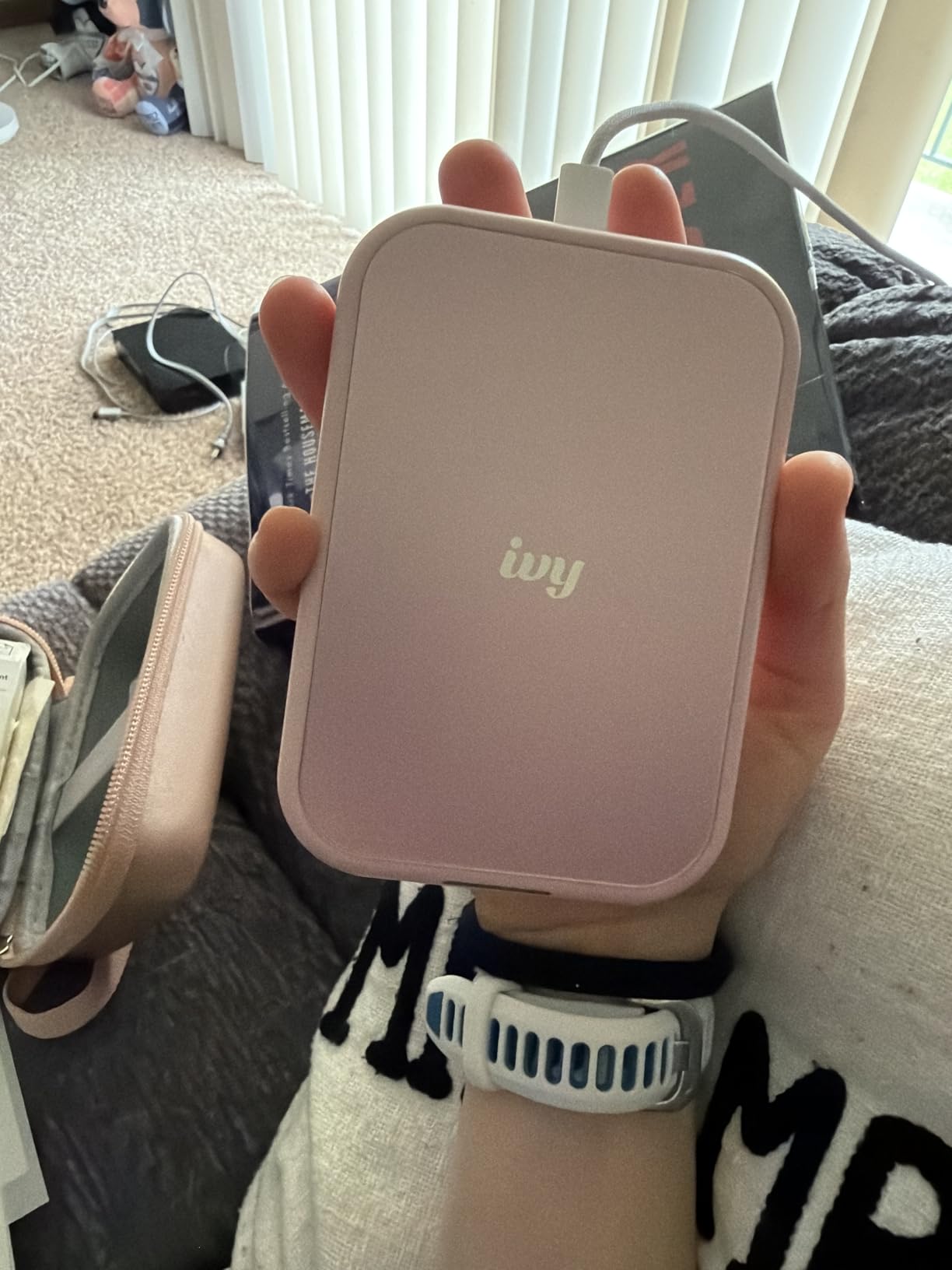
How the print quality compares in a journal
At 2×3 inches the print sits nicely next to handwriting without dominating the page, and the peel-and-stick backing means you can lay it down and peel when you are ready. For a scrapbook spread, a strip of six small prints reads as a deliberate design choice rather than a compromise.
The one thing to plan for is paper supply. The included pack is small, and refills are a separate purchase. If you are printing every day of a two-week trip, count your prints before you fly and buy the refill stack you need.
Who should skip this printer
Skip it if you need document printing or anything larger than a credit card. There is no text mode, no A4 path and no scan function. Journal makers who want a full postcard-size image should look at a 4×6 machine instead.
Skip it if you are a heavy daily printer on one battery. A small pack of 2×3 paper is consumed quickly, and a photo printer is only worth carrying if you will actually use it a few times a week.
3. KODAK Step Instant Photo Printer: The Best Palm-Sized Zink Printer
KODAK Step Instant Smartphone Photo Printer, Portable Mini Color Wireless Mobile Printer, Zink 2×3” (5.1×7.5 cm) Sticky-Back Photos, Bluetooth Compatible with iOS & Android Devices, Editing App, White
2x3 inch Zink
313 x 400 dpi
About 25 prints per charge
Bluetooth and NFC
+ The Good
- Palm-sized body that weighs under a pound
- About 25 photos per charge from the built-in battery
- Bluetooth and NFC make pairing almost instant
- Collages filters borders stickers and text in the app
- Paper resists moisture tears and smudges
- The Bad
- 2x3 inch only with no larger format
- About 25 prints per charge is a modest budget
- Zink refills bought separately
The KODAK Step is the printer I pack when the bag is already over weight. The listed weight is 0.07 kg, and the body is small enough to sit in a jacket pocket all day, which is a different experience from carrying the Sprocket in a laptop sleeve.
Its advantage over the other two pocket units is pairing. Bluetooth plus NFC means tapping a phone to connect rather than digging through settings, and with more than 20,000 owner reviews behind it, the software path is well trodden. The app handles collages, filters, borders, stickers and text, which is enough control for a labeled journal strip.
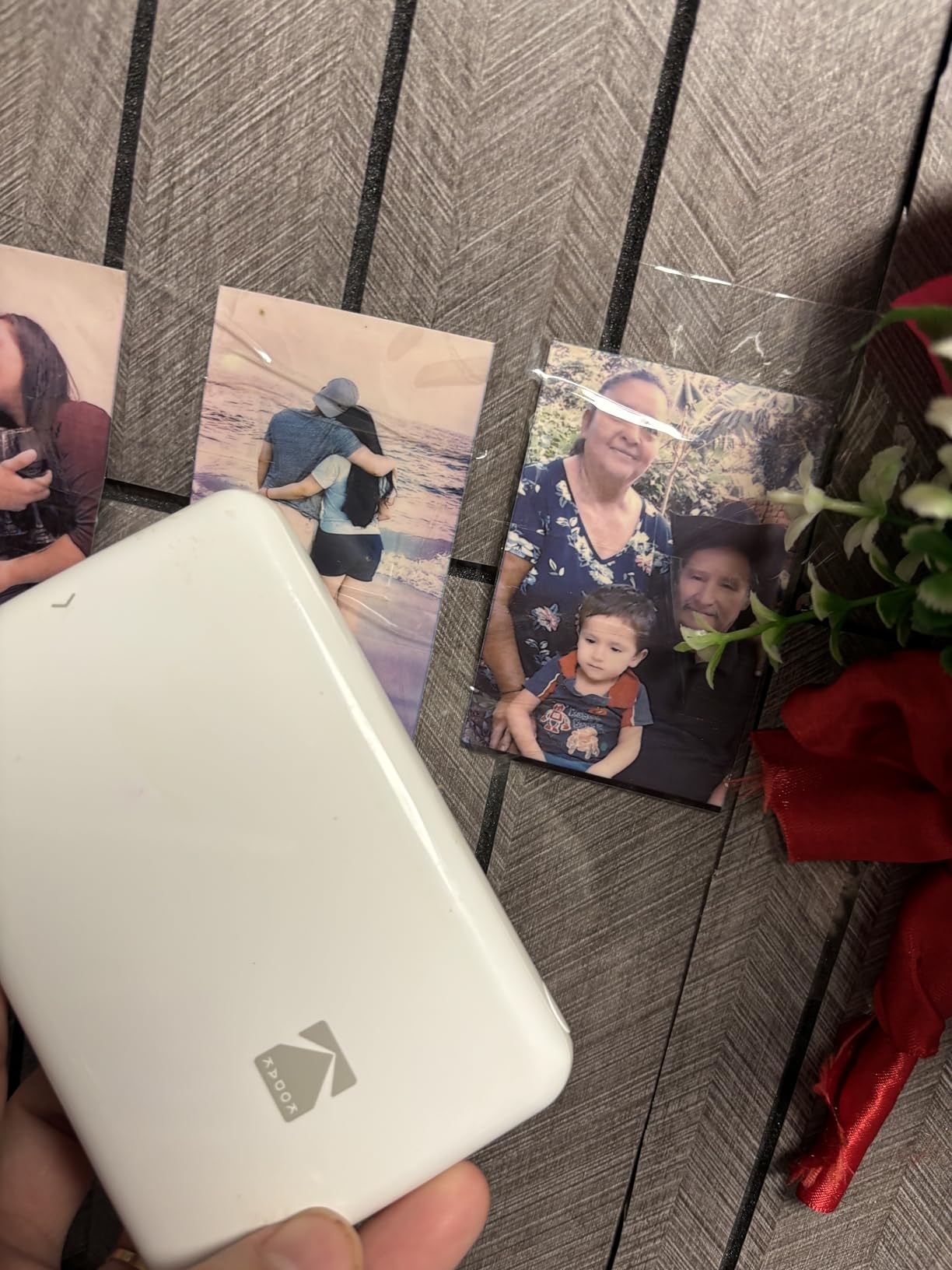
Battery life is stated more usefully here than on most pocket units: roughly 25 photos per charge from the built-in lithium-ion battery. That is a realistic full day of casual printing and a couple of evenings of journaling, though not a week of heavy use without a top-up.
Zink paper is moisture, tear and smudge resistant, so prints survive a wet bag and a rucksack. Reviewers set expectations well: at close inspection the output reads as a good illustration rather than lab photography. Once you accept that, it is a cheerful, cheap way to keep a trip tangible.
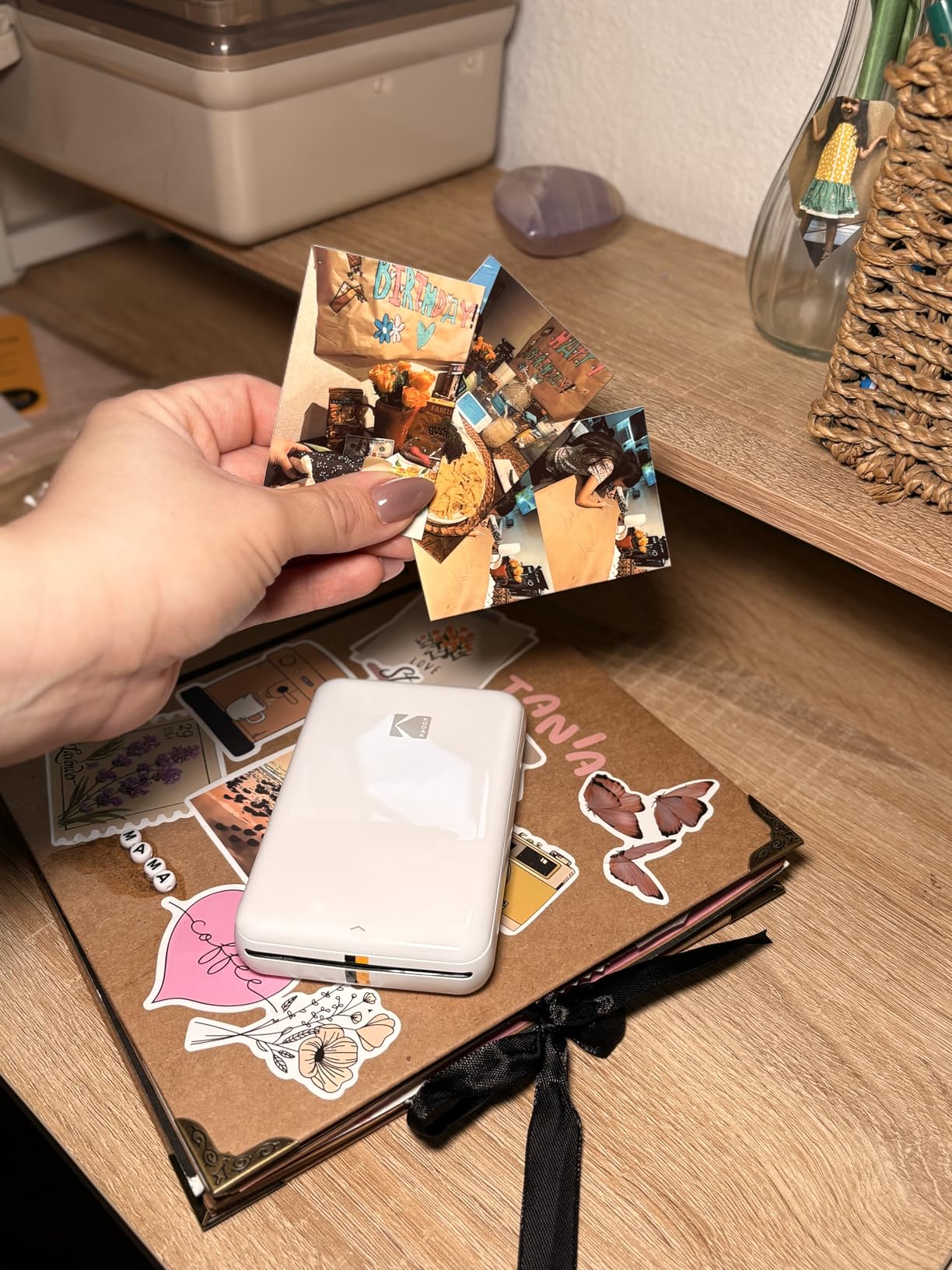
Print economics over a two-week trip
Running cost is entirely paper. There is no ink, no ribbon and no cartridge to replace, so your expense is a stack of Zink sheets. Reviewers who print daily should count prints in advance, since the 25-per-charge limit and the refill price both scale quickly with volume.
Paper capacity is 10 sheets in the tray, so refilling is frequent. I load it the night before rather than mid-session, because changing paper on a train platform is a small annoyance that is entirely avoidable.
Who should skip this printer
Skip it if print detail matters more than portability. At 313 x 400 dpi with 2×3 output, faces are recognizable but not detailed, and a 4×6 dye-sublimation machine will beat it on every quality measure.
Skip it if you print more than a few times a week. The battery budget of about 25 prints means a heavy journal habit needs a power bank within reach.
4. Liene M100 Dye-Sublimation Printer: The Best 4×6 Travel Photo Printer
Liene M100 4×6” Photo Printer, Phone Printer 100 Sheets & 3 Cartridges, Full-Color Photo, Portable Instant Photo Printer for iPhone Android, Thermal Dye Sublimation, Wi-Fi Picture Printer 100 Papers
4x6 inch dye-sublimation
300 x 300 dpi
200 g
Built-in Wi-Fi hotspot
+ The Good
- Only pick here printing full 4x6 inch photos
- Laminated output resists water scratches and fingerprints
- Built-in Wi-Fi hotspot needs no network or pairing
- Up to five devices can print at once
- Bundled with 100 sheets and three cartridges
- The Bad
- Requires proprietary Liene cartridges
- Bulkiest footprint here at about 10 by 7.5 inches
- Print head needs prompt cleaning if smudges appear
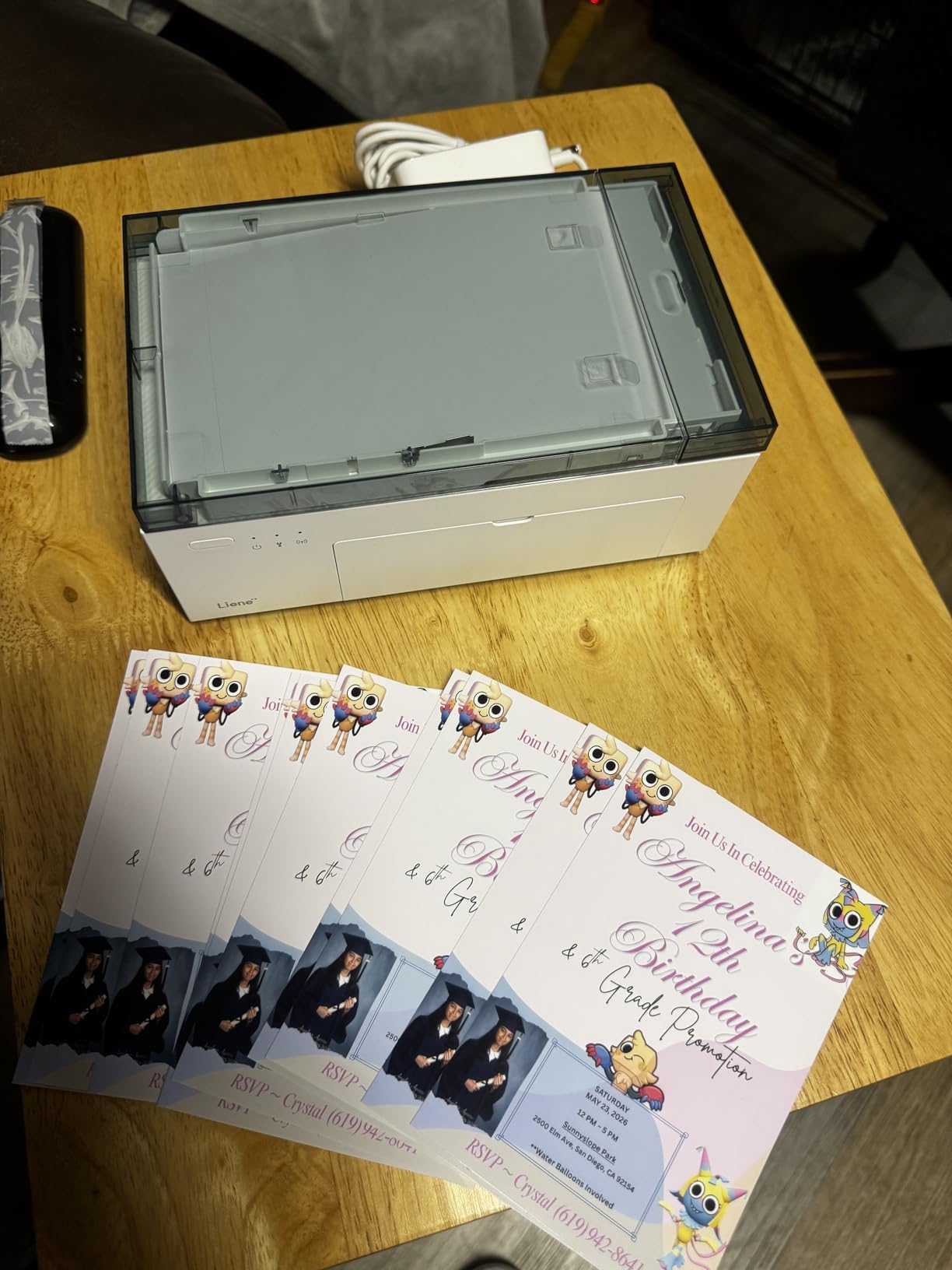
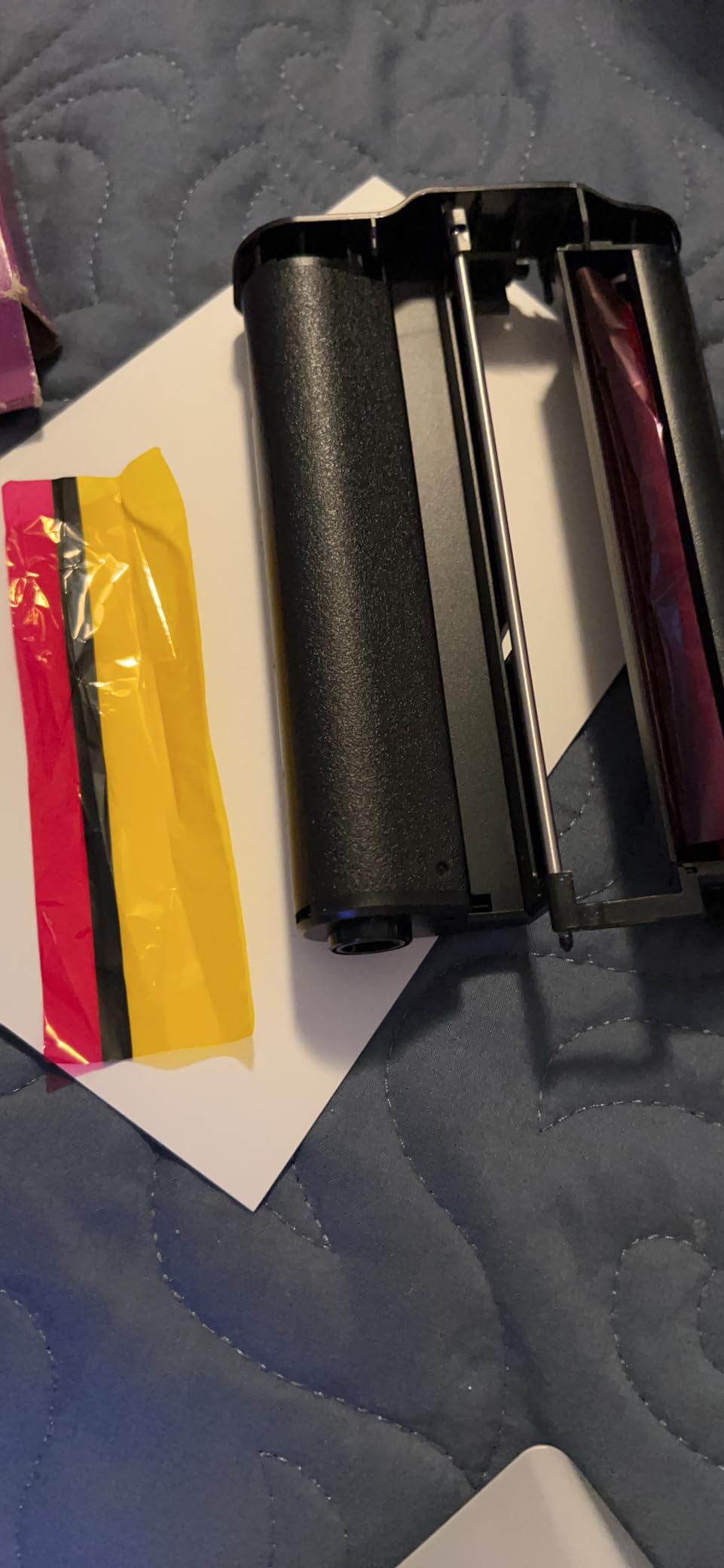
If a travel journal needs a real photograph rather than a snapshot sticker, the Liene M100 is the only machine here that produces a full 4×6 inch print. Dye-sublimation layers color rather than spraying ink, and the output comes out laminated, which is why reviewers compare it favorably to Zink for anything you intend to keep for years.
The connection approach is the clever part. Instead of Bluetooth pairing, it runs its own Wi-Fi hotspot, so phones join the printer directly with no home network, no router and no app-level pairing dance. Up to five devices can be connected at once, which makes it the natural choice for a group trip where everyone wants a print at dinner.
The bundle is unusually generous for a first printer: 100 sheets of photo paper and three color cartridges in the box, plus a power adapter and a paper cassette. On a ten-day trip with a handful of people printing, that is likely more paper than you use.
Weight is 200 g, which is fine, but the dimensions are the catch. At roughly 9.84 inches wide and 7.48 inches deep it is the bulkiest footprint in this guide, and it needs a mains power adapter rather than a small built-in battery. This is a printer for a hotel room or an apartment, not one for a day hike.
What laminated output actually gets you
Dye-sublimation builds the image in layers and finishes with a clear coat, so prints resist water, scratches, fingerprints and fading. For a scrapbook that will be handled and re-handled, or a keepsake you hand to a parent, that durability is the reason to spend more here.
First page prints in about 59 seconds and the print head needs regular cleaning if smudges appear, so treat it as a device with a small maintenance habit rather than a disposable. Cartridges are proprietary, which is the main ongoing cost.
Who should skip this printer
Skip it if you are moving between places every night. It needs a power outlet, and the body is too wide for a daypack without a dedicated pouch.
Skip it if you want documents. This is a photo printer with a 4×6 maximum size and no text or paper-handling path for itineraries or contracts.
5. KODAK Dock Plus 4×6 Printer: The Best for Laminated Prints at Home Base
KODAK Dock Plus 4×6 Photo Printer, Smartphone Docking, 4PASS, 50 Sheets
4PASS dye sublimation
300 dpi
About 55 seconds per photo
Phone docking
+ The Good
- 4PASS adds a lamination layer that resists print damage
- Integrated phone dock charges your device while printing
- About 55 seconds per 4x6 photo
- Compact 8.5 by 4.5 by 2 inch footprint
- Support praised for prompt replacement service
- The Bad
- Needs a mains outlet so it is not a carry-around printer
- Tiny incomplete instructions cause setup confusion
- Android Bluetooth setup can loop if the app is installed first
The Dock Plus is the printer to own if your travel loop always returns to the same place. It is designed as a home printing station rather than a bag item, and it needs a power outlet, so it earns its keep by being ready when you get back.
The 4PASS process is the reason to prefer it over a single-pass dye-sub printer when quality matters. It adds a clear lamination layer that resists fingerprints, water and fading, and the review history is long enough to trust: 4PASS output keeps photos intact through handling, which is exactly what a travel scrapbook asks of a print.
The phone dock is the feature I did not expect to care about. Your phone sits in the dock and charges while it prints, so a battery does not drain mid-session. At roughly 55 seconds per 4×6 photo across four passes it is slower than single-pass units, and the extra time is the price of the protective layer.
Customer service comes up unusually often and unusually positively in reviews, including replacement units for failed hardware. That matters for a device you rely on once a year when the trip ends.
Setup issues worth knowing before day one
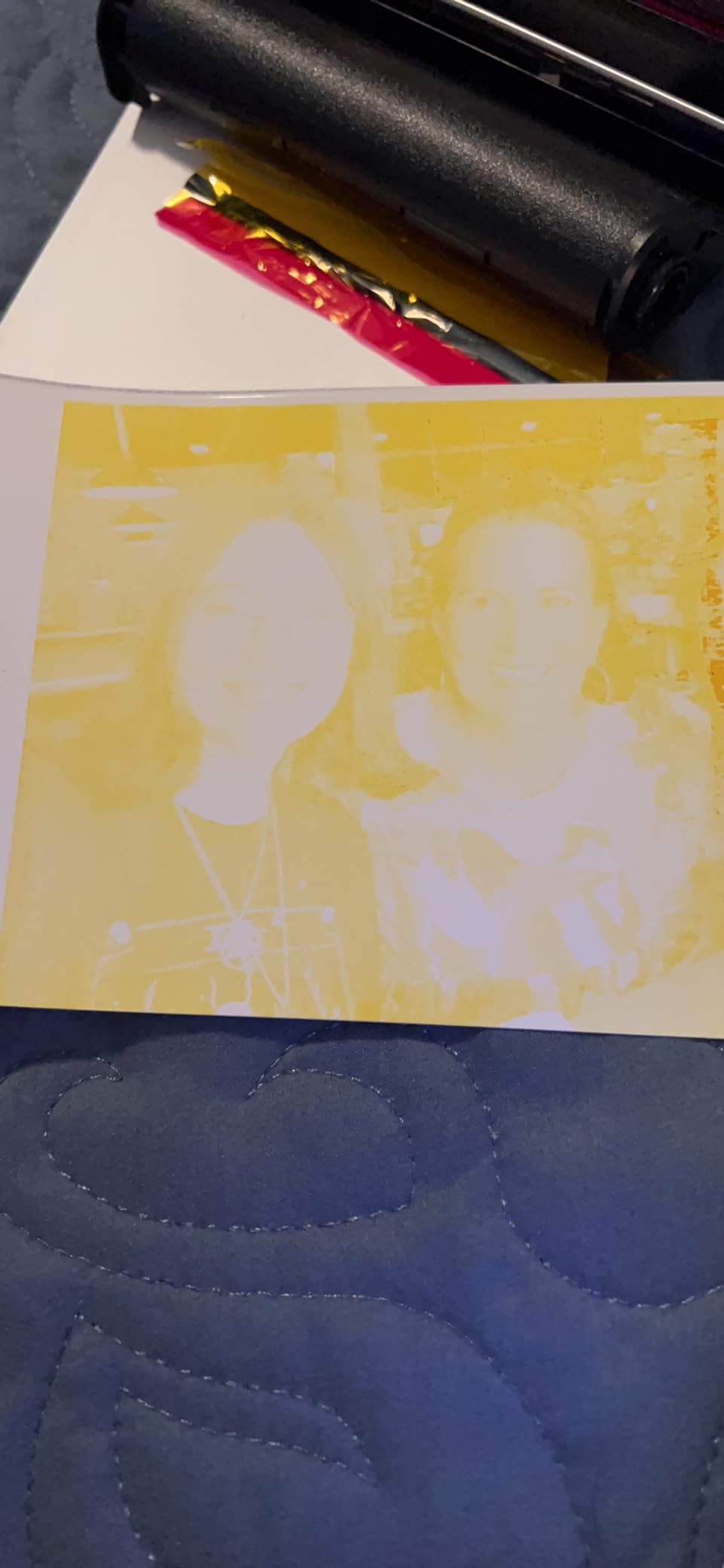
Two setup problems recur. The printed instructions are tiny and incomplete, so budget an evening to get it configured rather than assuming a five-minute setup. On Android, installing the app before starting Bluetooth pairing can loop back to system settings, so start the Bluetooth connection first.
Paper jams are reported and can damage a sheet, so keep spare paper in the bundle. Paper capacity is 20 sheets, and cartridges are specific to this printer rather than universal.
Who should skip this printer
Skip it if you want prints away from an outlet. Mains power is not optional here, and a mains-dependent machine in a backpack is an anchor.
Skip it if setup speed is your priority. It is the least convenient first-run of the four photo machines here, and it is aimed at people who print a lot in one place.
6. Gloryang Inkless Thermal Printer: The Best Value Document Printer
Gloryang Inkless Portable Printer for Travel, Wireless Thermal Printer Supports 8.5 x 11 Inch Thermal Paper, Bluetooth Machine Includes Carry Case and 3 Rolls of Paper Kit, Black
Letter-size thermal
203 x 203 dpi
3.1 pounds
35 pages per minute
+ The Good
- No ink toner or ribbon costs at any point
- Three letter-size thermal paper rolls and a carry case in the box
- Letter 8.5 x 11 output from a 1.7-inch-thick body
- Built-in paper bin with two loading paths
- Works with laptops phones and tablets
- The Bad
- Works only with Gloryang branded thermal paper
- Monochrome output cannot print photos or color
- Thermal prints fade and suit temporary documents only
The Gloryang is the pick I recommend to anyone who needs full-size paperwork and refuses to carry ink. It prints 8.5 by 11 inch pages on direct thermal paper, with no ink, toner or ribbon anywhere in the machine, and it is fast for thermal at 35 pages per minute.
What separates it from cheaper thermal kits is what arrives in the box: three rolls of letter-size thermal paper and a hard carry case. On a trip that matters more than it sounds, because thermal paper is not something you can casually replace at a drugstore abroad, and a mid-trip shortage ends your printing.
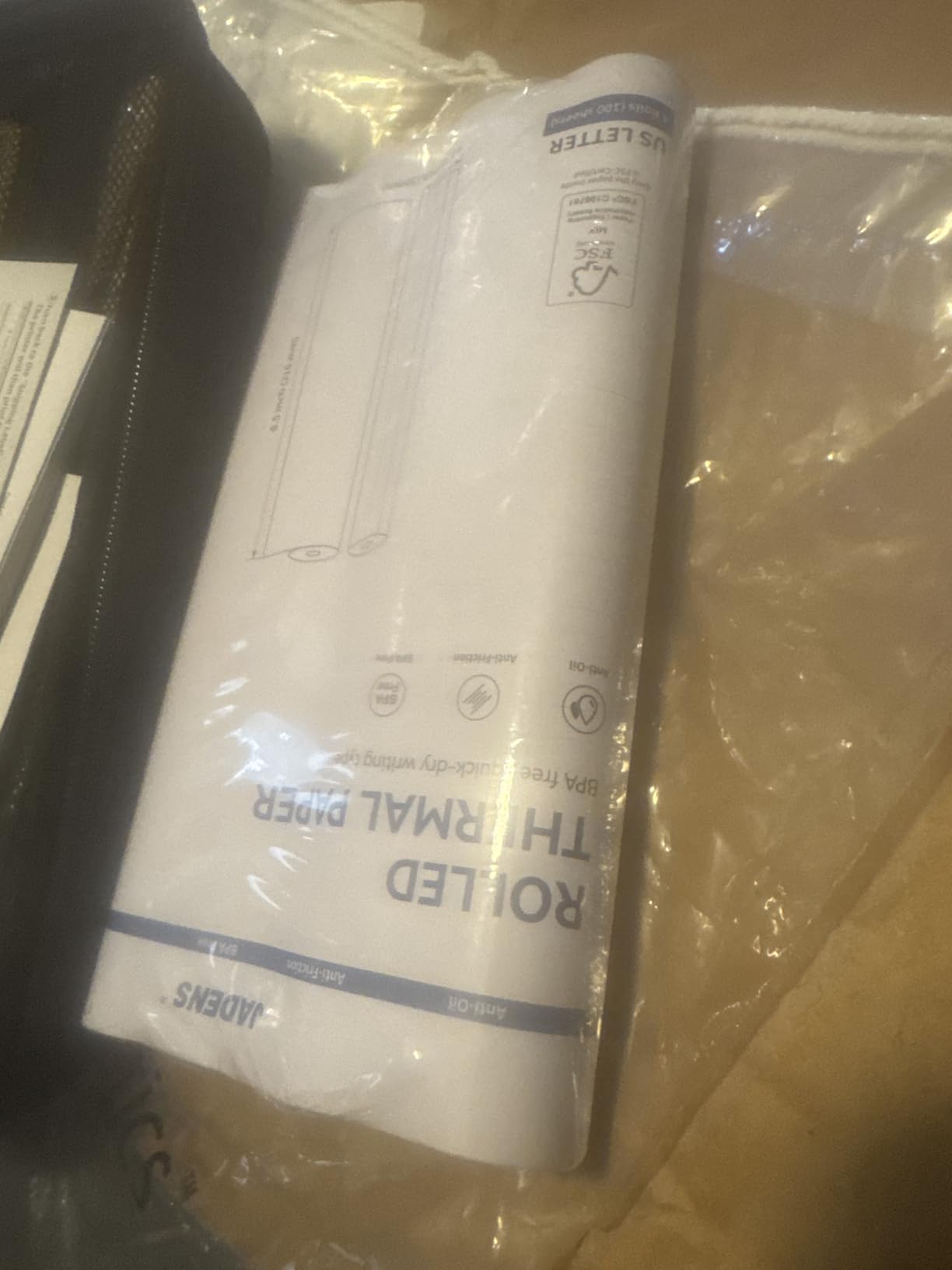
The body is 3.1 pounds and only about 1.7 inches thick, with a built-in paper bin and two loading paths so you can feed from a roll or from loose sheets. Print widths run from 2 to 8.5 inches, so you can produce a narrow receipt-style note or a full letter page from the same device.
Paper capacity is listed at 360 sheets, far above anything else here, which means fewer refills on a long trip. Connectivity covers phones and tablets over Bluetooth through the Jadens Printer app, and laptops over USB.
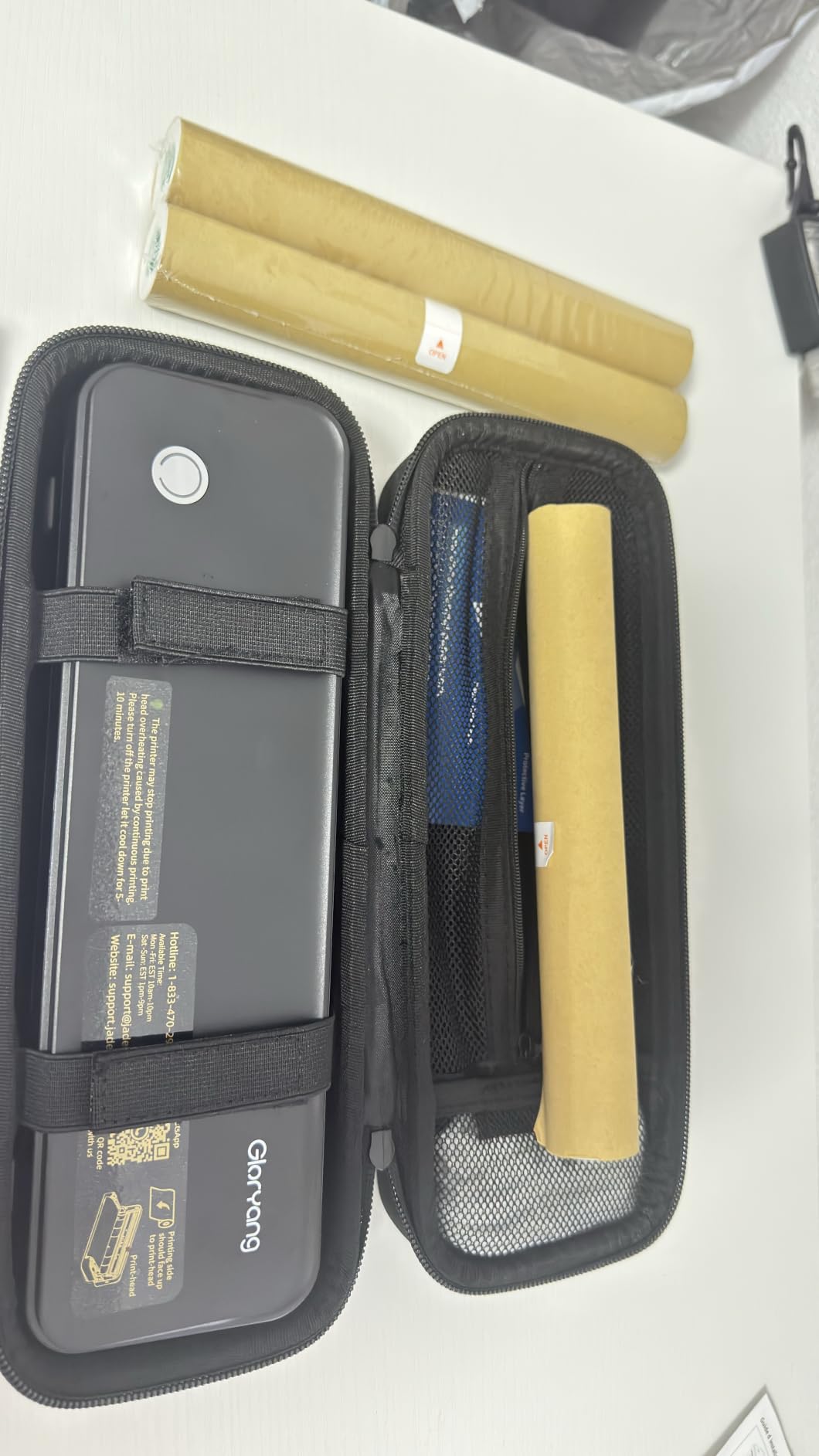
What thermal text looks like on a real page
Resolution is 203 by 203 dpi and output is monochrome black. Text is legible and fine for itineraries, notes, receipts and boarding-pass copies, but it is lower contrast than an inkjet, and forum readers describe cheap thermal output as looking unprofessional on documents that will be handed to someone else.
Two further limits are worth stating plainly. The printer works only with Gloryang branded thermal paper, and thermal prints fade over time, so they suit temporary documents rather than anything you need to keep for years. It also prints no photos and no color graphics.
Who should skip this printer
Skip it if the document is a contract, an official form or anything that needs to look authoritative. Faded, lower-contrast thermal text is the wrong choice for that, and the low cost of paper does not rescue the impression.
Skip it if you want one device to do everything. This is monochrome and paper-specific; a photo or color need sends you to a different section of this guide.
7. Canon PIXMA TR160: The Best for Sharp Color Documents
Canon PIXMA TR160 Color Wireless Portable Printer
Inkjet color
4800 x 1200 dpi
4.5 pounds
8.5 x 11 inch
+ The Good
- Real color inkjet output with a 5-Color Hybrid Ink System
- Handles letter documents plus square and borderless prints
- Canon PRINT app with AirPrint and Mopria support
- Wireless Direct mode prints without a router
- 1.44-inch OLED display shows ink levels
- The Bad
- Requires ink cartridges adding cost and weight
- Battery is not included in the box
- Print only with no scan or copy
When the document has to look professional, the PIXMA TR160 is the honest answer. It is a full color inkjet with a 5-Color Hybrid Ink System and up to 4800 x 1200 dpi, printing letter pages, square formats and borderless photos. Nothing else in the document half of this list can do color text and graphics.
At 4.5 pounds it is the lightest inkjet here and fits a laptop bag without thinking about it. Print speed is 9 pages per minute in black and white and 5.5 in color, which is fine for a handful of pages and slow for a long queue, so plan on printing in batches rather than one at a time.
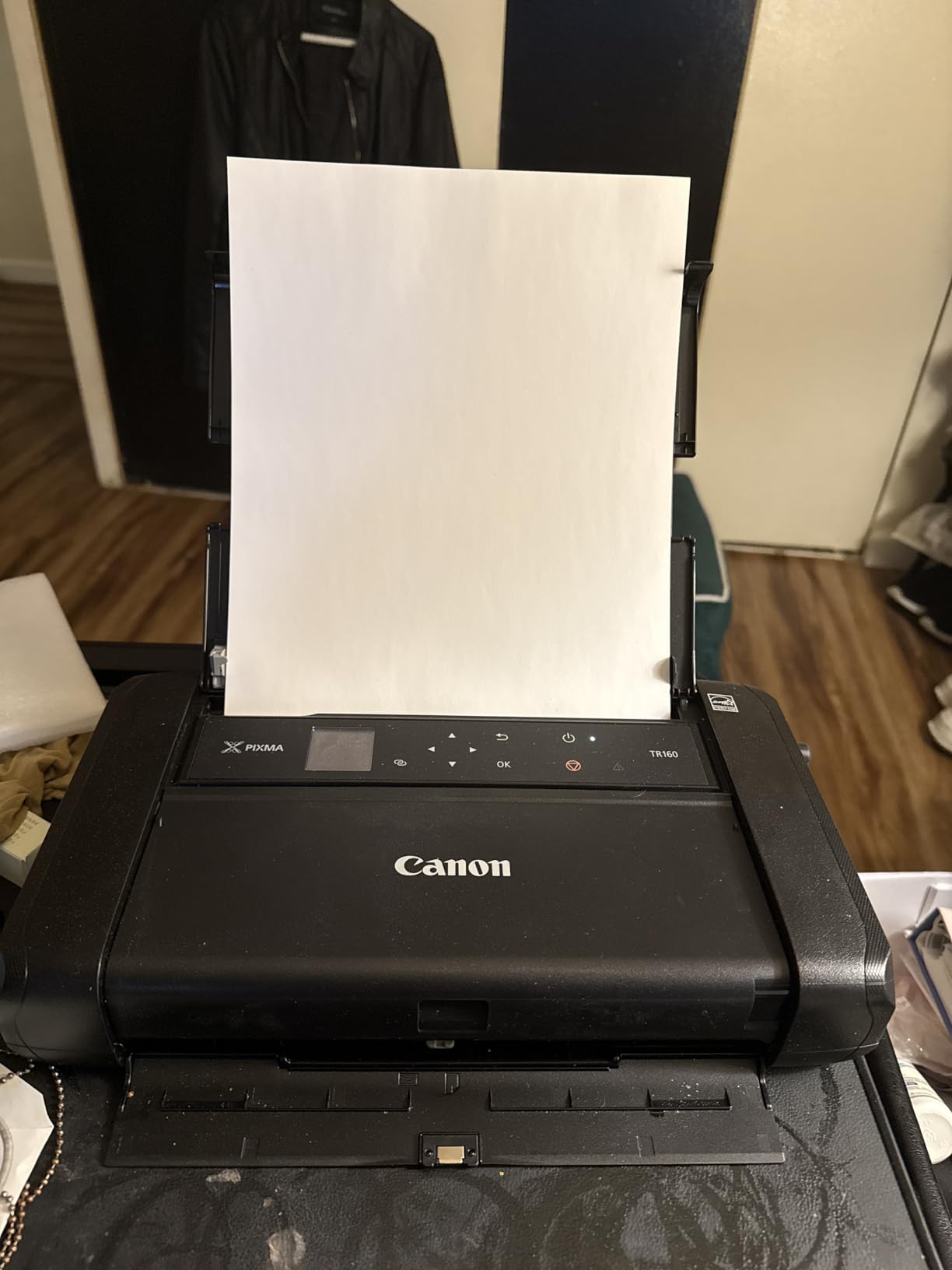
Connectivity is well handled for travel. The Canon PRINT app covers iOS and Android, Apple AirPrint and Mopria are supported, and Wireless Direct mode prints without needing a router, which matters in a hotel room or a cafe. The 1.44-inch monochrome OLED display shows ink levels and status, so you are not guessing whether a page failed.
The catch to plan around is the cartridge. Ink adds both cost and weight, and the one-star tail in the reviews is the familiar inkjet complaint about running out at the wrong moment. This is also the reason the TR160 is not our first pick: it needs cartridges that can dry if you leave it unused between trips.
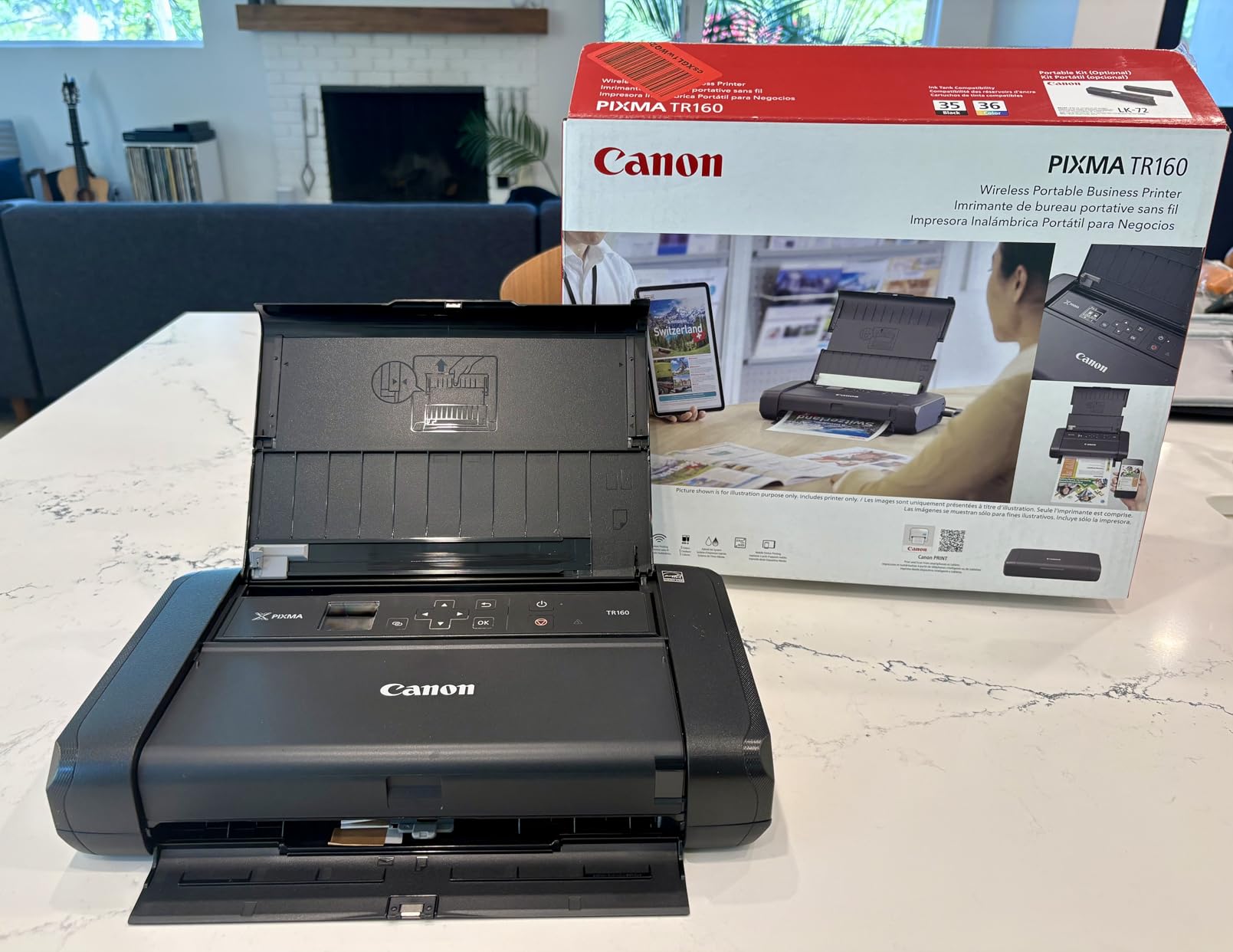
Battery and cartridge planning across a long trip
Check the box contents before you leave, because a rechargeable battery is not included here. You need a power source for this model, which narrows it to trips with a plug or a power bank rather than days in transit.
Cartridge storage is the part that catches people out. Keep cartridges sealed in their packaging until you need them, print a test page before you fly and again after you land, and expect to carry used cartridges back for disposal rather than binning them abroad.
Who should skip this printer
Skip it if you travel in short bursts with long gaps. The cartridge cost, the cartridge weight and the drying risk all scale with how little you print between trips.
Skip it if you need to scan or copy. This is a print-only device, and at 50 sheets the simplex tray is smaller than you might expect for a working trip.
8. HP OfficeJet 250: The Best Portable Printer and Scanner Combo
HP OfficeJet 250 Wireless Mobile Printer, Scanner, Copier – Black, Battery Included (CZ992A)
Inkjet all-in-one
20 ppm black
6.5 pounds
250-sheet tray
+ The Good
- Prints scans and copies from a battery-powered body
- Rechargeable battery included
- Fast Charge refills the battery in about 90 minutes
- HP Auto Wireless Connect works with or without a router
- Supports letter legal cards photo paper and envelopes
- The Bad
- Heaviest unit here at 6.5 pounds
- Manual duplex only
- Copy resolution of 600 dpi black-and-white is the lowest here
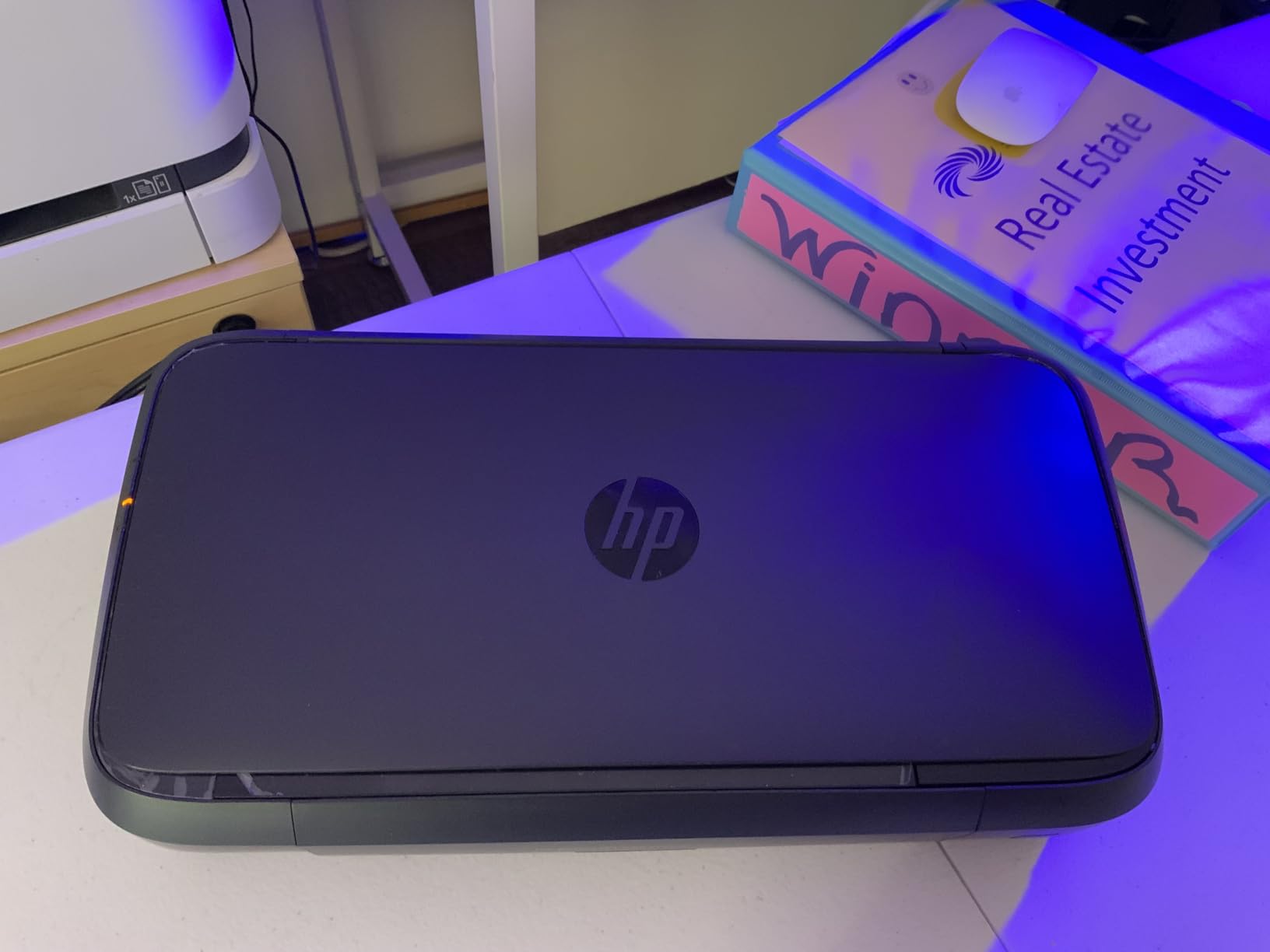
Very few travel printers can scan, and this is the one that does it well. It prints, scans and copies from a battery-powered body, which means you can turn a paper receipt into a PDF in a hotel room with no computer in the loop.
It is also the most review-proven document device we analyzed, with more than 3,500 owner reviews and 74 percent five-star ratings. The rechargeable battery is included, and Fast Charge refills it in roughly 90 minutes while the machine is powered off, which fits neatly into an overnight stop.
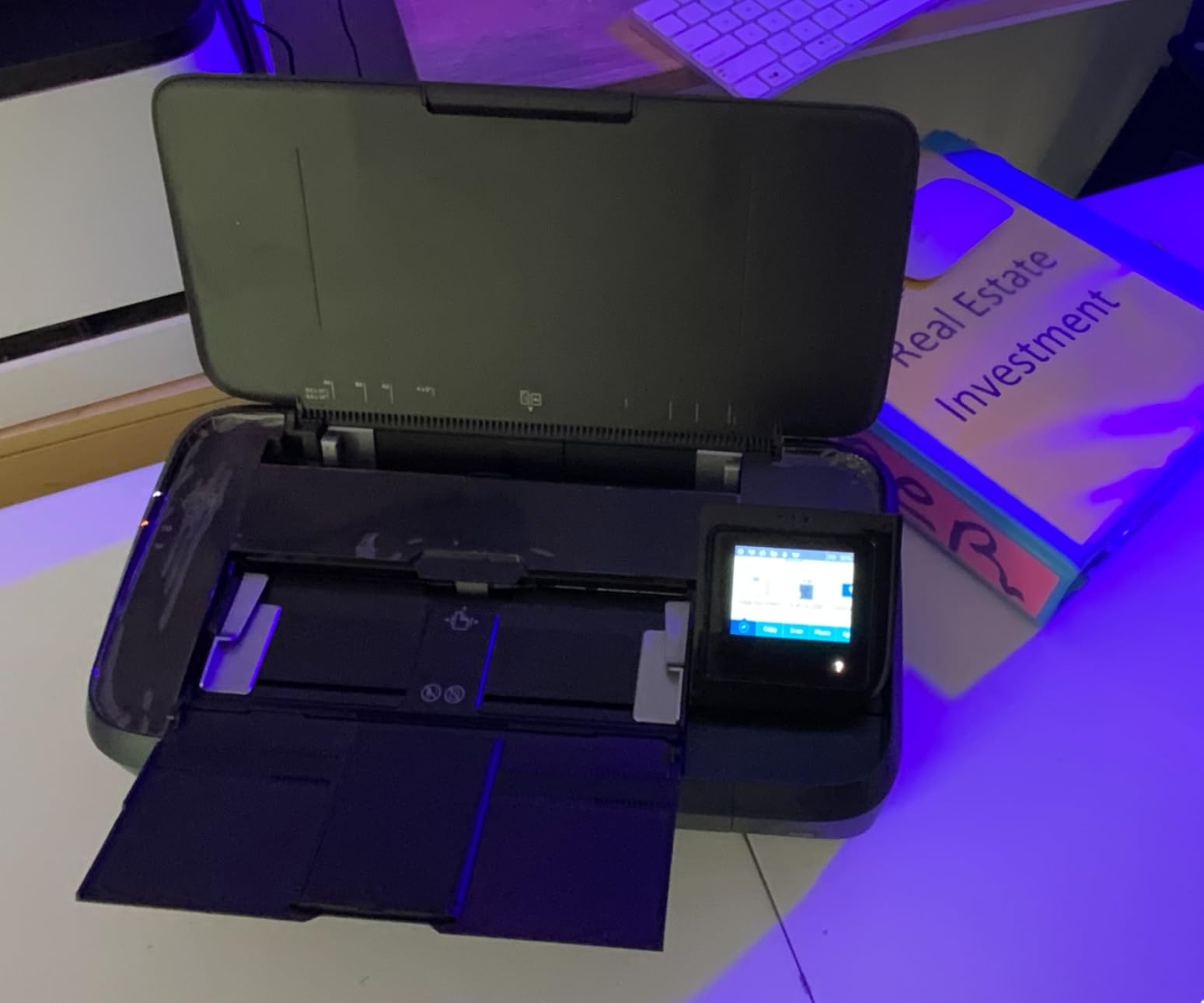
Speed is a genuine advantage: 20 pages per minute in black and white and 19 in color, which outruns every other document pick here by a wide margin. The paper tray holds 250 sheets, so you are not refilling mid-trip, and it accepts letter, legal, cards, photo paper and envelopes.
The weight is the honest problem. At 6.5 pounds this is the heaviest unit in the guide, and forum complaints about bulky portable printers land hardest on a model this size. It is a car boot or a checked bag, not a daypack.
When scanning justifies the extra weight
The scan and copy functions earn their keep in specific situations: turning a signed contract into a PDF, keeping a paper receipt for expenses, or scanning a page of notes you found in an archive. HP Smart handles mobile print and scan control, and copy resolution of 600 dpi black-and-white is adequate for documents but the lowest figure here.
Duplex is manual, so double-sided pages mean flipping the sheet yourself. If you print long two-sided documents regularly, that is a real workflow cost on top of the weight.
Who should skip this printer
Skip it if weight is your main constraint. At 6.5 pounds it changes how you pack, and a lighter document option or a thermal machine gets you most of the way there.
Skip it if you only ever need to print. The all-in-one capability is wasted weight unless scanning or copying is a genuine part of your trip.
9. Phomemo M08F Inkless Printer: The Best Backpack Letter Printer
Phomemo M08F Inkless Thermal Portable Printer with Case – 8.5 x 11, Black
Thermal 8.5 x 11
203 x 203 dpi
715 g
Bluetooth and USB
+ The Good
- No ink toner or ribbons so nothing can clog
- Prints full 8.5 x 11 letter pages
- Hard carry case and 10 letter sheets included
- Works with iPhone Android tablets and laptops
- Strong battery life at about 20 pages on 13 percent charge
- The Bad
- Locked to the Phomemo app with no standard printer driver
- Letter sheets can misalign and print skewed
- Full pages take roughly 25 seconds each
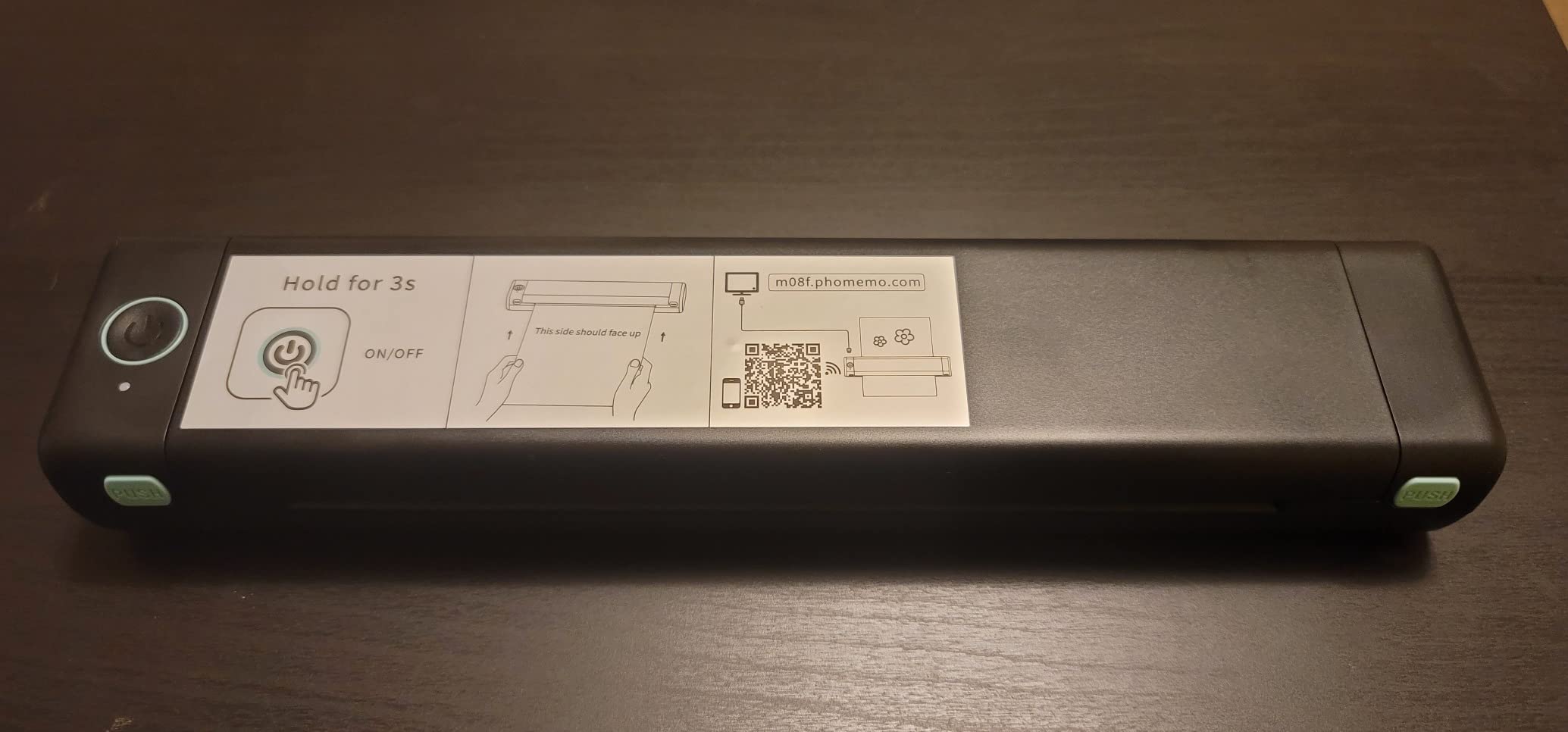
The M08F is the most travel-shaped document printer in this guide at 715 g, and it is the one I would put in a backpack rather than a suitcase. It prints full 8.5 by 11 inch letter pages at 203 by 203 dpi on thermal paper, with no consumables beyond the paper itself.
The battery result is the standout detail. Testing showed 20 pages printed using only 13 percent of charge, which is the kind of margin that means you can print a full document set across a week without hunting for a socket.
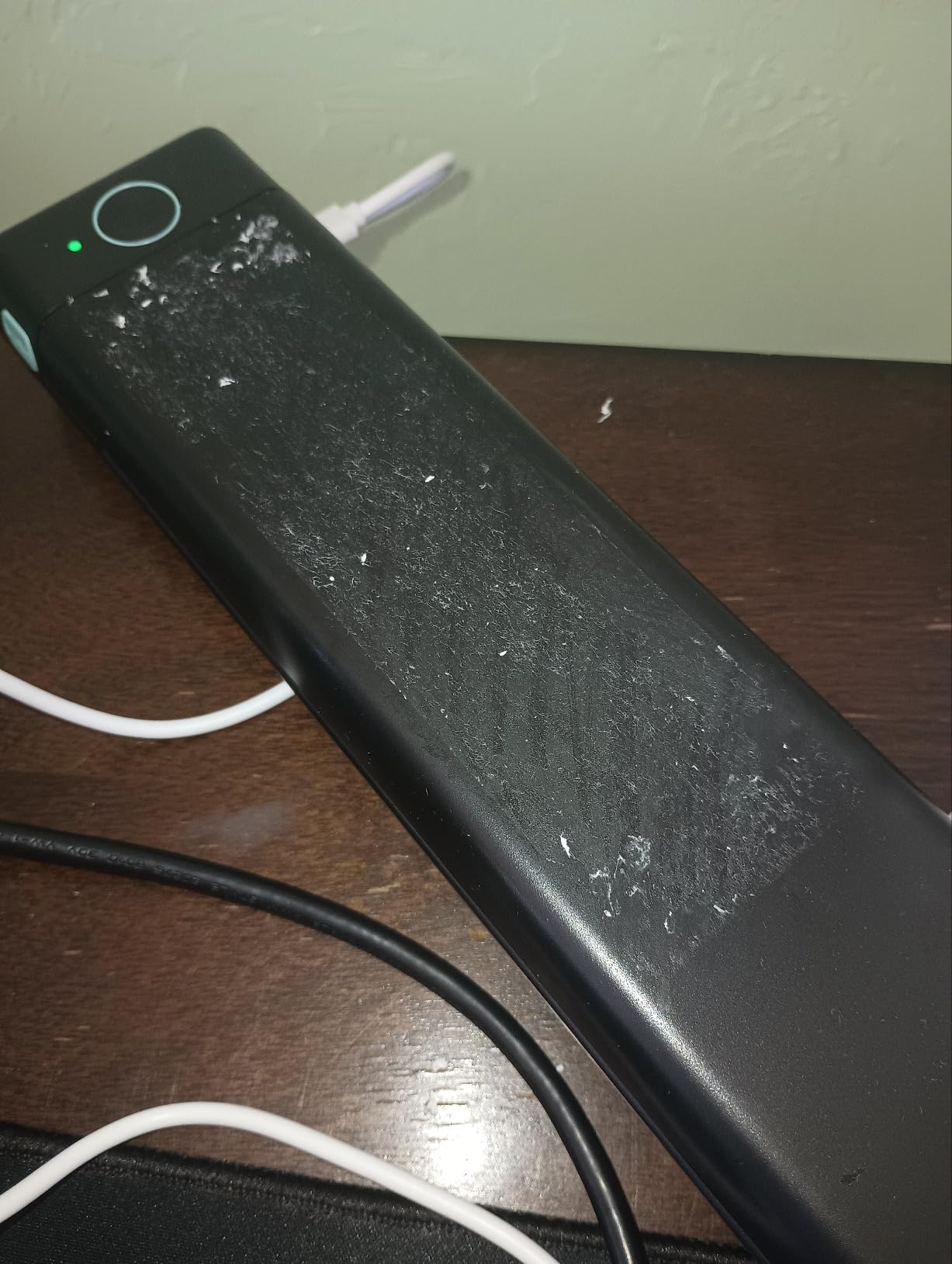
The box includes a hard carry case, 10 sheets of letter thermal paper and a USB-A to USB-C cable. The case matters more than it sounds, because a thermal printer that is dropped or crushed in a bag is the most common way these devices get retired early.
Paper cost is the genuine long-term advantage. Reviewers put thermal paper at roughly 15 to 26 cents per page, which is far below inkjet cartridges once you account for what you waste. Output is monochrome black only, with no photo or color capability.
The app-only workflow is the real limitation
This is the most important thing to know before buying. The M08F is locked to the Phomemo app with no standard printer driver and no IPP or CUPS support, so you cannot print from it the way you print from a normal computer printer. Every job goes through the phone or the app.
Transmission is raster-only over Bluetooth, which makes a full page take roughly 25 seconds. Letter sheets can also misalign on insertion, producing skewed or ragged edges, and the printer is noisy on a hard surface with no clear battery indicator. All of that is manageable; none of it is invisible.
Who should skip this printer
Skip it if you need to print from a laptop the normal way. App-only printing is a real constraint for people who work from a computer rather than a phone.
Skip it if pages need to look official. Monochrome thermal text at 203 dpi is for notes, drafts and reference copies, not documents you hand to someone else.
10. Phomemo M832D Touchscreen Printer: The Best for Paper Flexibility
Phomemo M832D Touchscreen Inkless Portable Printer with Case & 3 Roll Paper
300 dpi thermal
1.5 pounds
Up to 200 pages per charge
Color touchscreen
+ The Good
- Color touchscreen shows battery connection and paper status
- 2600mAh battery rated for up to 200 pages per charge
- Supports US Letter A4 and 53mm 80mm and 110mm rolls
- Accepts rolls folded paper and single sheets
- 300 dpi output is sharper than most compact thermal printers
- The Bad
- Costs more than the other thermal travel models
- Monochrome thermal only with no color photos
- Torn roll paper leaves a ragged edge with no cutter
The M832D solves the two complaints that come up most with compact thermal printers: you cannot tell what state the machine is in, and it takes one paper width. The color touchscreen shows battery level, connection status and paper remaining, and you can cancel a long job before it wastes half a roll.
Paper flexibility is the quieter advantage. It handles US Letter, A4 and narrow rolls at 53mm, 80mm and 110mm, and accepts thermal rolls, folded paper and single sheets. On a trip where you might need a full contract in one format and a narrow receipt-style note in another, one device covers both.
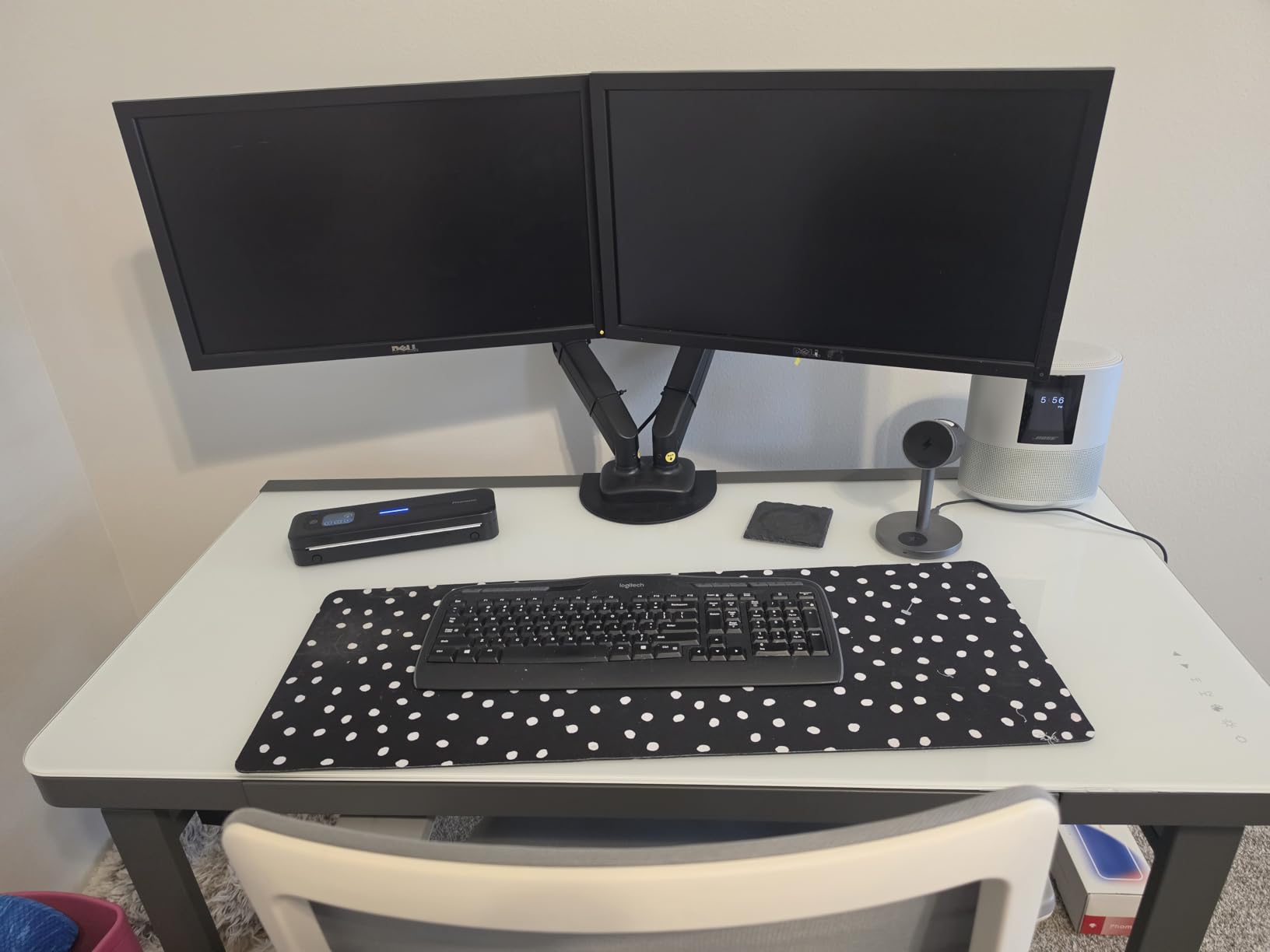
Output is 300 dpi, sharper than most compact thermal output, and print speed is 6 pages per minute. At 1.5 pounds it is genuinely backpack friendly, and the 2600mAh battery is rated for up to 200 pages per charge, which is the largest page budget of any document pick in this guide.
Noise is improved by print head and motor tuning, which reviewers say cuts printing noise by roughly 30 percent. On a night train or in a shared hotel room, that is a difference you notice.
Battery life across a working trip
A rating of up to 200 pages per charge changes how you plan. For most business trips you will never find the machine below half battery, and the touchscreen makes that visible rather than a guess. It charges over USB-C, which means the same cable as the rest of your kit.
Two mechanical details set expectations. There is no cutter, so torn roll paper leaves a ragged edge, and roll-printed pages come out curved and need flattening before they stack neatly in a folder.
Who should skip this printer
Skip it if you need color or photos. This is monochrome thermal output only, and it will not replace a photo printer for anything beyond a rough layout.
Skip it if you are counting pennies on consumables. It costs more than the other thermal models here, and the benefit is convenience rather than price per page.
Can You Fly With a Portable Printer?
Yes, you can fly with a portable printer. The printer itself is allowed in carry-on baggage, ink cartridges must travel in leak-proof bags or their original sealed packaging, and thermal paper, Zink sheets and instant film are unrestricted. Lithium batteries are the only real limit, and the risk people worry about is drying ink, not security.
The altitude and cabin pressure change is the part most guides skip. Dry air and pressure changes in the hold or the cabin are what push a sitting inkjet cartridge toward dried nozzles, and that is a hardware outcome, not a security one.
Your before-you-fly checklist
Carry it on, do not check it. Checked baggage temperature swings are the harshest environment for a printer and its paper.
Seal every cartridge. Ink cartridges go in a zip bag or their sealed packaging, upright, with a towel around them.
Remove loose paper. Thermal rolls and Zink sheets are fine, but empty the tray of anything that can shift or bend.
Print a test page before you fly and after you land. Two pages confirm the cartridge still feeds and the print head still fires.
Check your battery watt-hours. Small built-in lithium-ion batteries in pocket printers are well under the usual airline limit, but verify against your carrier’s rule.
Carry spare thermal paper. This is the consumable you cannot replace in an unfamiliar city at short notice.
Use the case. The M08F and Gloryang both include one; it protects the paper path far better than a pocket.
How to Choose a Portable Printer for Travel
The decision splits cleanly on one question: are you printing words or pictures? Everything after that is size, battery and consumables. Start with the technology, because it determines what you can print at all.
Inkjet vs thermal vs dye-sublimation vs Zink explained
Inkjet sprays liquid ink and gives you the widest range: color text, graphics, photos, scanning on some models. The costs are cartridge weight, cartridge price and the drying risk when the printer sits unused.
Direct thermal uses heat to darken a chemical coating on special paper. There is no ink, no toner and no ribbon, so it cannot clog and nothing dries, but output is monochrome at roughly 203 dpi and fades over time. Thermal paper is also not stocked at ordinary drugstores, so you bring your own.
Thermal inkjet is a different thing and gets confused with the above constantly. It is a real inkjet using a heated print head, so it needs ink and does not fade, but it handles a wider range of paper.
Dye-sublimation layers colored ribbons and finishes with a clear coat, producing laminated 4×6 photos that resist water and fading. It is the quality option and the heaviest in consumables.
Zink uses no ink at all. Dye crystals are embedded in the paper and developed by heat, giving 2×3 inch prints with a peel-and-stick backing. Prints are durable but not photographic, and color leans warm.
Weight, battery and prints per charge
Weight is the first filter, and the spread here is large. Pocket Zink units weigh 6.1 ounces to 145 grams. Thermal document machines run from 1.5 to 3.1 pounds. Inkjets sit at 4.5 pounds, and the all-in-one HP OfficeJet 250 is 6.5 pounds.
Battery figures matter more than the marketing suggests, and the honest number is prints or pages per charge, not hours. Compare the specific figures: about 25 photos per charge on the KODAK Step, up to 200 pages on the M832D, and 20 pages from 13 percent charge on the M08F. The HP Sprocket is the outlier here, with owners describing only a few printing sessions per charge.
Two picks need special planning. The Canon PIXMA TR160 does not include a battery, so it is for trips with reliable power. The Liene M100 and KODAK Dock Plus need a mains outlet entirely.
Connectivity and charging ports
Bluetooth is the norm for pocket photo printers, with the Canon Ivy 2 Mini and HP Sprocket on Bluetooth 5.0 for faster, more stable reconnects. The KODAK Step adds NFC, which makes pairing a tap. For documents, the Gloryang and Phomemo machines use Bluetooth through a brand app plus USB for laptops.
Wi-Fi Direct and Wireless Direct matter because hotels and cafes rarely give you a router to join. The Canon PIXMA TR160 includes Wireless Direct mode, and the Liene M100 goes further with a built-in hotspot that up to five devices can join at once.
Charging port is a small detail with real travel consequences. The Liene M100, KODAK Dock Plus and Phomemo M832D use USB Type-C, so one cable covers them. The KODAK Step comes with a micro USB cable, which is the dated choice owners keep mentioning when they travel with a single USB-C cable.
Paper size and format support
Decide the format before anything else. 2×3 inch is credit-card sized and fits a journal; 4×6 inch is a standard photo and works in a scrapbook; 8.5 by 11 inch and A4 are for documents.
In this guide, the 2×3 Zink group is HP Sprocket, Canon Ivy 2 Mini and KODAK Step. The 4×6 dye-sublimation group is the Liene M100 and KODAK Dock Plus. The letter and A4 group is the Gloryang, Canon PIXMA TR160, HP OfficeJet 250, Phomemo M08F and Phomemo M832D.
The M832D is the only unit that handles Letter, A4 and narrow rolls at 53mm, 80mm and 110mm in one body, which is why it wins the paper flexibility award. The Gloryang covers widths from 2 to 8.5 inches, giving it a similar range for a smaller body.
Cost per print and total running cost
Thermal paper is the cheapest running cost. Reviewers put it at roughly 15 to 26 cents per page, and since there is no ink to buy, a two-week trip of casual notes stays inexpensive. The catch is proprietary paper: both the Gloryang and the Phomemo machines expect their own branded stock.
Zink refills and dye-sublimation cartridges cost meaningfully more per print, and reviewers on photography forums make the point that a printer around the hundred-dollar mark can be poor value against a print shop. The deciding factor is how many prints you actually make: heavy daily printing favors cartridges, occasional printing favors an inkless machine with paper you can buy in small quantities.
Over a year, the total is dominated by consumables, not hardware. That is the argument for an inkless thermal machine if you print intermittently, and for a dye-sublimation unit if prints are the point of the trip.
Transport and Care Tips for Printing on the Road
If drying is your concern, the honest answer is that direct thermal and Zink printers use no ink at all, so drying is impossible. Every drying complaint we found came from inkjets sitting between trips.
For inkjets, the routine is simple and it works. Keep cartridges sealed in their packaging until you need them. Print a test page before you pack the printer and again after you land. Run a cleaning cycle if a page comes out streaked, and carry one spare cartridge rather than two.
Paper is the consumable to overpack. Thermal paper is hard to find outside the country you bought it in, and specialty Zink or dye-sub paper is worse. Bring more than you think you need and keep the rolls flat rather than folding them.
Charge discipline saves more trouble than any single feature. Top up the small Zink units overnight from a power bank while you write the day down, and keep the M832D or M08F topped up between sessions. If you carry a spare battery, check the airline watt-hour limit first.
Who Should Skip a Portable Printer Entirely
Short trips rarely justify one. If you are away for two or three days, a print shop or a hotel business centre will cover everything you need, and the printer becomes luggage.
Skip it if you never print. A phone screen covers receipts, boarding passes and itineraries, and a portable printer sitting unused is a device that will be blamed for every packing decision on the trip.
Skip it if you need archival documents. Thermal prints fade and inkjet cartridges add weight, so if the paper must still be legible in five years, print at home or use a print shop.
Frequently Asked Questions
What is the best portable printer to buy?
For most travelers the HP Sprocket Portable Photo Printer is the safest single buy: it weighs 6.1 ounces, prints 2×3 sticky-back Zink photos with no ink at all, and has the largest owner review base of anything in our testing. If you need full-page documents instead, the Gloryang inkless thermal printer prints 8.5 by 11 inch pages with no cartridge to dry out.
Can you fly with a portable printer?
Yes. A portable printer is allowed in carry-on baggage. Ink cartridges must travel in leak-proof bags or their original sealed packaging, while thermal paper, Zink sheets and instant film are unrestricted. Small built-in lithium batteries are well under airline watt-hour limits, but check your carrier’s rule. Print a test page before you fly and after you land.
Do thermal printers run out of ink?
No. Direct thermal printers have no ink, toner or ribbon. The only consumable is thermal paper itself, which reviewers put at roughly 15 to 26 cents per page. That is the appeal of the Gloryang and Phomemo models: there is nothing to clog, nothing to dry out and no cartridge to carry as spare weight.
What is the downside of a thermal printer?
Three limits show up repeatedly. Output is monochrome only, so no photos and no color graphics. Text contrast is lower than an inkjet and reviewers describe it as looking unprofessional on official documents. Prints fade over time, and thermal paper is not stocked at ordinary drugstores, so you must bring your own supply for the trip.
Is there a printer where the ink doesn’t dry out?
Direct thermal and Zink printers use no ink at all, so drying is impossible. That covers the Gloryang, both Phomemo models, the HP Sprocket, the Canon Ivy 2 Mini and the KODAK Step. Inkjets such as the Canon PIXMA TR160 and HP OfficeJet 250 do need cartridges, so print a test page before and after a trip and keep cartridges sealed until needed.
What is the best portable printer and scanner?
The HP OfficeJet 250 is the clear answer. It is the only unit in our testing that prints, scans and copies from a battery-powered body, and the rechargeable battery is included, with a roughly 90 minute fast charge while powered off. The tradeoff is weight: at 6.5 pounds it is the heaviest device we tested.
How long does a portable printer battery last?
It depends entirely on the device. The KODAK Step manages about 25 photos per charge and the HP Sprocket only a few printing sessions. For documents, the Phomemo M832D is rated for up to 200 pages per charge, and testing on the Phomemo M08F produced 20 pages from 13 percent of the charge. Carry a power bank for pocket photo printers.
Verdict: Which Portable Printer Should You Buy?
For most people, the best portable printers for travel split one clean way. Buy the HP Sprocket if you want a device that weighs 6.1 ounces, never runs out of ink, and has been proven by tens of thousands of travelers. Buy the Gloryang if you need real letter-size pages and refuse to carry cartridges. Everything else on this list exists to serve a specific gap between those two.
Business travelers who scan and copy want the HP OfficeJet 250. Digital nomads who need sharp color documents want the Canon PIXMA TR160, with a battery you supply yourself. Parents making keepsakes want the Liene M100 for laminated 4×6 photos, and journal makers on a strict weight limit want the Canon Ivy 2 Mini or the KODAK Step.
If you are still deciding, start with the format. Credit-card photos, postcard photos or full documents. That one choice removes most of the options and points you straight at the right machine.