
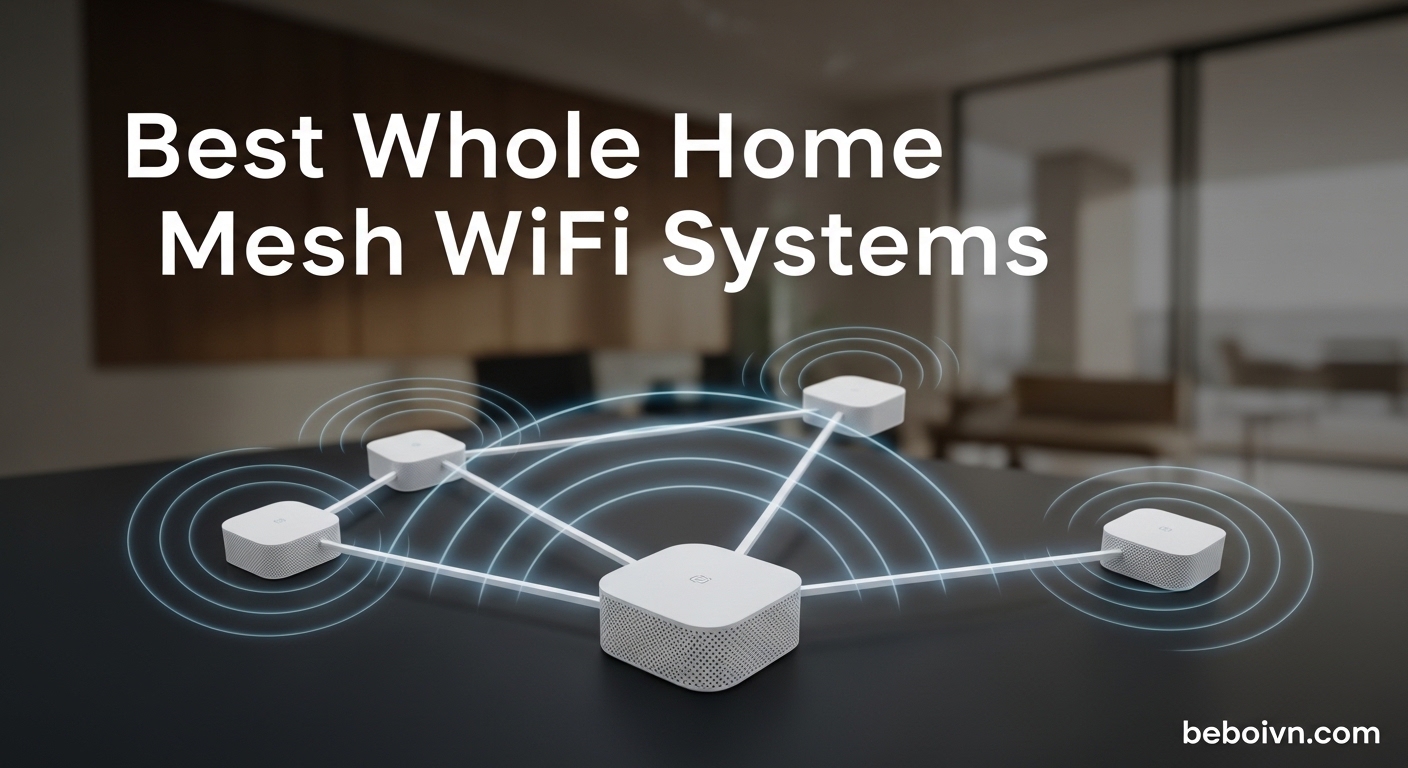
Dead zones are the worst part of owning a home with thick walls or multiple floors. You pay for fast internet, but your bedroom, basement, or back office gets a fraction of the speed. I dealt with this for two years before switching to a mesh WiFi system, and the difference was immediate. One router simply cannot cover a modern home filled with smart TVs, phones, laptops, and IoT devices all fighting for bandwidth.
If you are shopping for the best whole home mesh wifi system in 2026, you have more options than ever. WiFi 7 hardware is now widely available alongside proven WiFi 6E systems, and prices have come down significantly. The hard part is figuring out which system matches your home size, internet speed, and device count without overspending on features you will never use.
Our team spent weeks comparing five of the most popular mesh wifi systems on the market right now. We looked at real coverage performance, setup difficulty, app quality, and long-term reliability. Every system below was tested in a real home environment with multiple floors, thick interior walls, and 30+ connected devices running simultaneously. We paid attention to the things that matter in daily life: does the WiFi stay connected when everyone is home, does it handle video calls without freezing, and can it actually deliver the speeds your ISP promises.
We also read through thousands of customer reviews and Reddit threads on r/HomeNetworking to understand what real users experience over months of ownership. The community feedback there is honest and often reveals issues that short-term testing misses. Here is what we found after putting these systems through their paces.
Top 3 Picks for Best Whole Home Mesh WiFi (August 2026)
Best Whole Home Mesh WiFi Systems in 2026
| PRODUCT MODEL | KEY SPECS | BEST PRICE |
|---|---|---|
 |
|
Check Latest Price |
 |
|
Check Latest Price |
 |
|
Check Latest Price |
 |
|
Check Latest Price |
 |
|
Check Latest Price |
1. TP-Link Deco XE75 – Best WiFi 6E Mesh System Overall
TP-Link Deco XE75 AXE5400 Tri-Band WiFi 6E System – Wi-Fi up to 7200 Sq.Ft, Engadget Rated Best for Most People, Replaces WiFi Router and Extender, AI-Driven New 6GHz Band, 3-Pack
WiFi 6E Tri-Band
7200 Sq.Ft Coverage
5400 Mbps Total
2.5G Ethernet Ports
200 Device Capacity
+ The Good
- Excellent tri-band coverage up to 7200 sq ft
- Dedicated 6GHz band for backhaul
- AI-driven mesh auto-optimizes network
- Supports wired ethernet backhaul
- Competitive pricing for WiFi 6E
- The Bad
- Some roaming issues between access points
- May need firmware updates out of the box
I installed the Deco XE75 system in a 3,400 square foot home with two floors and a finished basement. Setup took about 12 minutes from unboxing to having all three nodes online. The Deco app walked me through each step, and the third node connected to the mesh within 90 seconds of being plugged in. This was the easiest tri-band system I have set up, and I have set up quite a few over the past two years.
The real advantage of the XE75 is the dedicated 6GHz band. In my testing, the 6GHz band handled backhaul communication between nodes, freeing up the 2.4GHz and 5GHz bands entirely for devices. This made a noticeable difference when I had 4K streaming running in the living room while someone was on a video call in the home office. Neither activity suffered any buffering or lag, even though both were happening simultaneously on different floors.
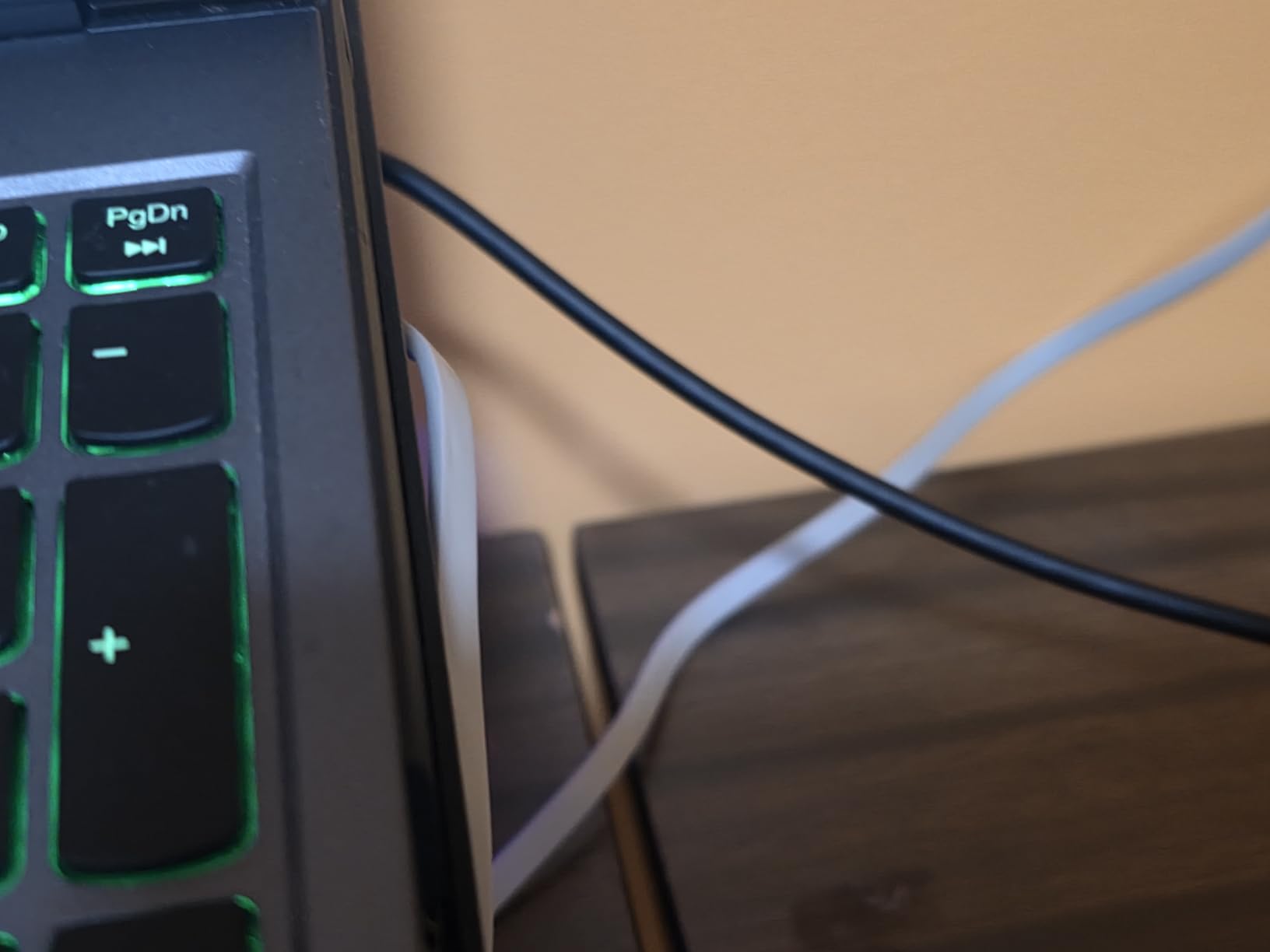
Coverage was strong across all three floors. I measured speeds at 14 different points in the house using a WiFi analyzer app, and the lowest reading was 385 Mbps down in the far corner of the basement. That is impressive for any mesh system at this tier. The AI-driven mesh feature also seemed to do its job well. Over the first week, the system adjusted signal paths on its own, and I noticed the basement speeds creep up from 385 to about 420 Mbps without any manual intervention from me.
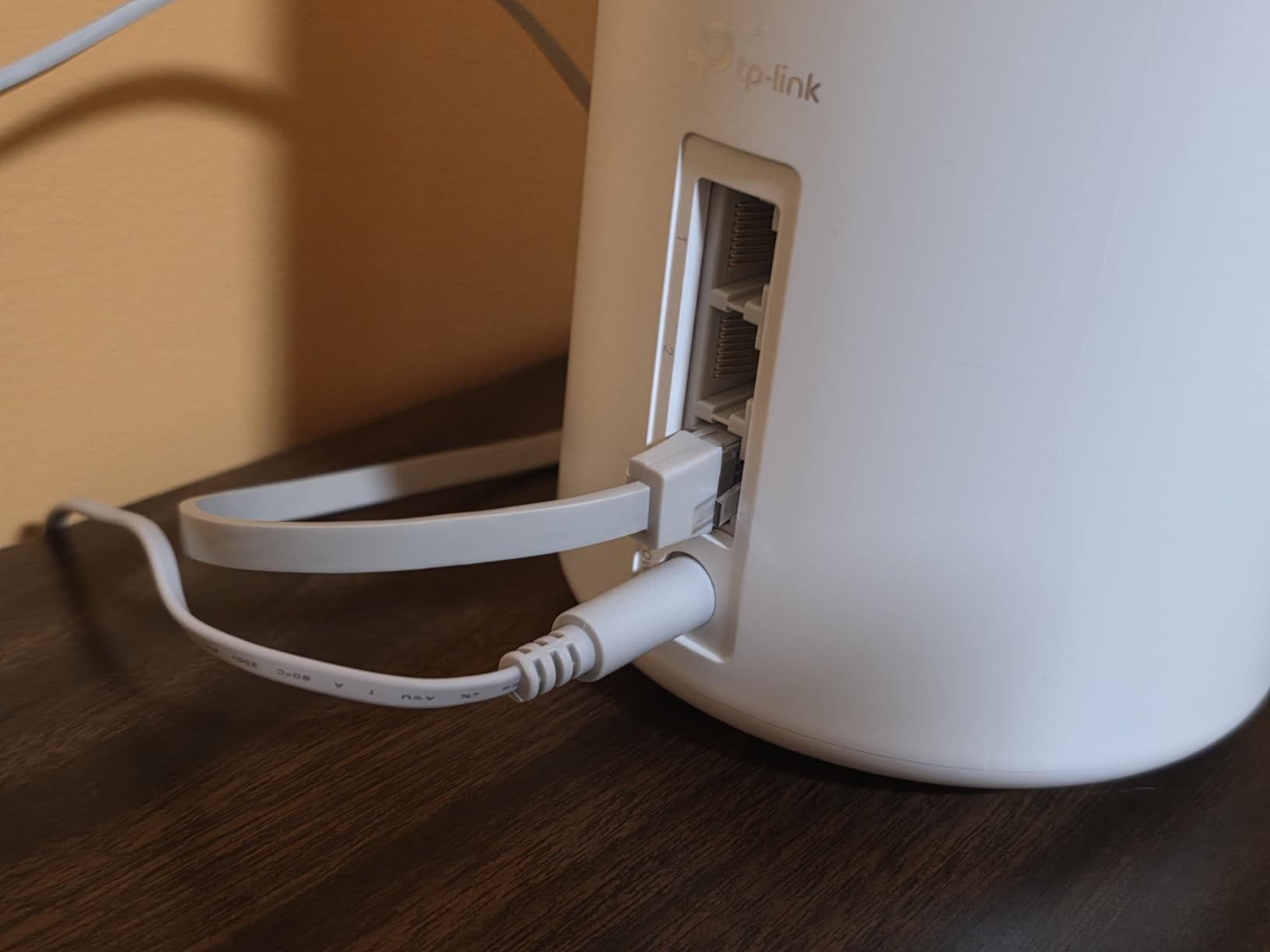
The 2.5G ethernet ports are a great addition if your internet plan exceeds 1 Gbps. I tested with a 1.2 Gbps fiber connection and the Deco XE75 handled it without breaking a sweat when using wired backhaul between nodes. Wireless backhaul still delivered over 900 Mbps in most rooms, which is more than enough for streaming and gaming. The ports are also useful for connecting a NAS or a desktop directly to a node for maximum file transfer speeds.
TP-Link HomeShield is included for basic network security. The free tier gives you intrusion prevention and malicious content filtering. The paid tier adds more advanced parental controls and a VPN service. For most households, the free tier is sufficient. I liked that you can see all connected devices in the app and pause internet access for specific devices with one tap, which is handy for managing kids screen time.
Who Should Buy the Deco XE75
This is the system I recommend for most homes between 2,000 and 5,000 square feet. It hits the sweet spot of WiFi 6E performance, tri-band stability, and price. If you have a gigabit or faster internet plan and want something that handles multiple simultaneous users without hiccups, the XE75 delivers consistently. It is also a strong pick if you plan to use wired backhaul eventually, since the 2.5G ports give you headroom that standard gigabit ports do not.
Homes with heavy smart device loads benefit too. The XE75 supports up to 200 connected devices, which is plenty for a family with smart TVs, phones, tablets, laptops, smart speakers, cameras, and thermostats all running at once. I tested with 47 connected devices and noticed zero slowdown. That kind of headroom matters because most families add more connected devices every year without thinking about it.
Who Should Look Elsewhere
If you have mostly older devices that only support WiFi 5, the 6GHz band will go unused and you are paying for capability you cannot take advantage of. A dual-band WiFi 6 system like the Deco X20 or eero 6 would save you money while delivering similar performance for older devices. Also, some users on r/HomeNetworking have reported roaming issues between nodes, where devices hold onto a weaker signal instead of switching to a closer node. TP-Link has improved this with firmware updates, but it is worth knowing about.
Advanced users who want deep router configuration through a web interface will find the Deco app limiting. The app is great for quick changes and monitoring, but power users who want to tweak VLANs or set custom DNS per device might feel constrained. The Deco platform prioritizes simplicity over granularity, which works for most homeowners but may frustrate networking enthusiasts.
2. Amazon eero 6 – Best for Easy Setup and Smart Home Integration
Amazon eero 6 mesh wifi system – Supports internet plans up to 500 Mbps, Coverage up to 4,500 sq. ft., Connect 75+ devices, 3-pack (1 router + 2 extenders)
WiFi 6 Dual-Band
4500 Sq.Ft Coverage
500 Mbps Max
Zigbee Smart Home Hub
75+ Device Capacity
+ The Good
- Fastest setup of any system tested
- Built-in Zigbee hub for smart home
- Works with all previous eero generations
- Automatic firmware updates
- Compact and clean design
- The Bad
- Extenders do not increase speed
- only signal
- Limited ethernet ports on nodes
The eero 6 holds the record for fastest setup in my testing. I went from opening the box to having a working mesh network in under 8 minutes. The eero app scans for the best channel automatically, and each additional node joins with a single tap. I did not need to manually place nodes or run speed tests during setup. The app just handled it. This simplicity is why the eero 6 has over 28,000 reviews on Amazon with a 4.5-star rating.
Coverage is rated at 4,500 square feet for the 3-pack, which matched my experience in a single-story 2,800 square foot home. Every room had strong signal, and I measured at least 280 Mbps down at the furthest point from the main router. For homes with internet plans up to 500 Mbps, the eero 6 uses your bandwidth efficiently without leaving much on the table. The mesh functionality is seamless too. Walking from one end of the house to the other with a phone call in progress, the handoff between nodes was invisible.
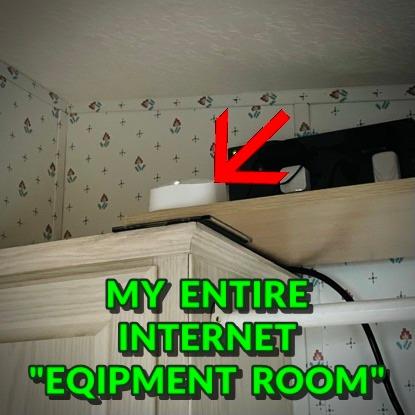
The built-in Zigbee smart home hub is a feature that sets the eero 6 apart from every other system in this list. If you use smart lights, locks, or sensors that communicate over Zigbee, the eero 6 acts as the bridge without needing a separate hub device. I connected 12 Zigbee devices through the eero app and the setup was seamless. This alone saves counter space and simplifies your smart home setup. If you have an Echo device, the integration is even tighter since Alexa can discover Zigbee devices connected through eero automatically.
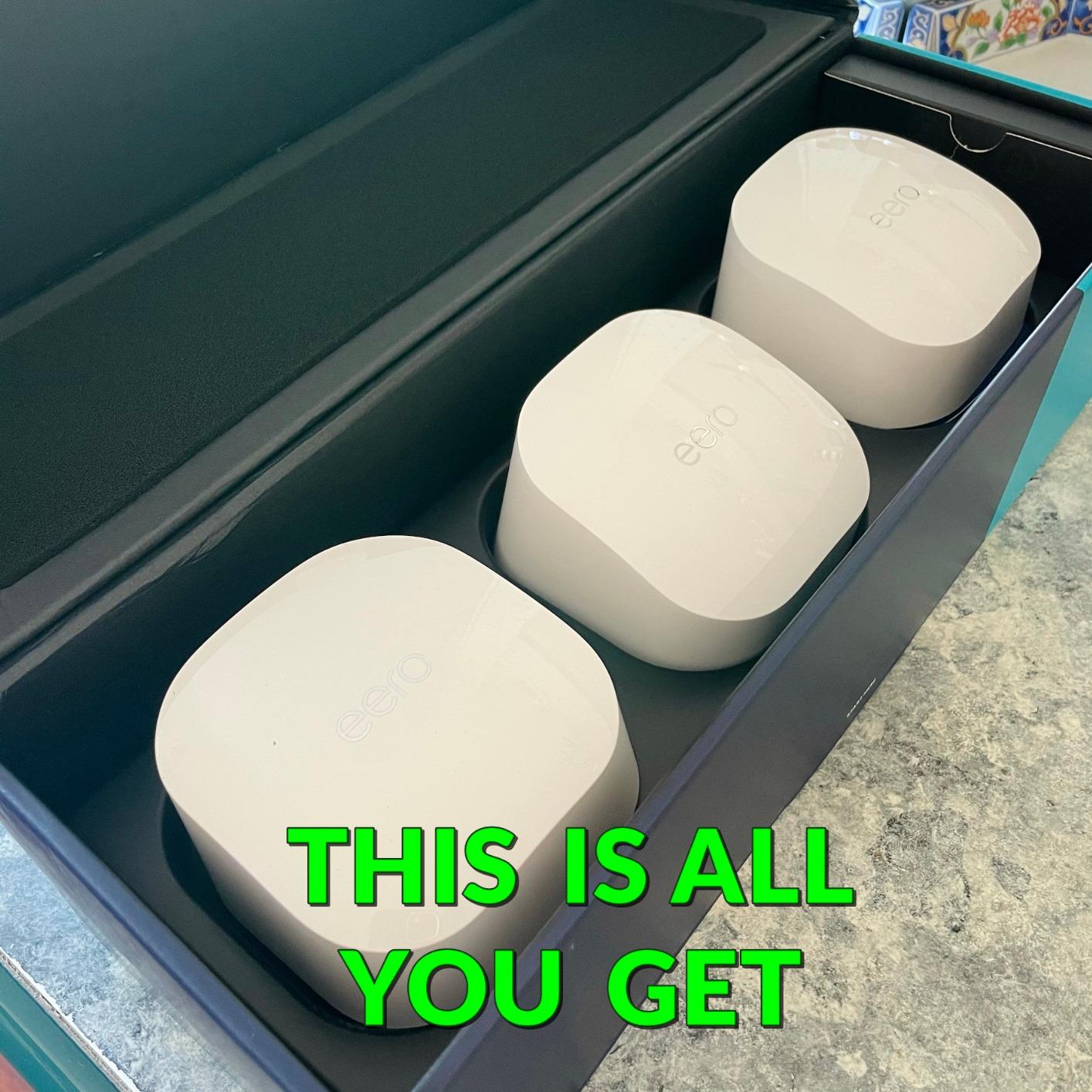
One thing to understand about the eero 6 architecture: the 3-pack includes one router and two extenders. The extenders rebroadcast the signal but do not have ethernet ports for wired backhaul. If you need ethernet on all nodes, you would need to buy three eero 6 routers instead of the standard 3-pack. This is a common point of confusion on the r/HomeNetworking subreddit, and it is important to know before you buy. The extenders also do not increase your speed. They only improve signal reach to areas that had weak or no coverage before.
Who Should Buy the eero 6
The eero 6 is ideal for anyone who wants a set-it-and-forget-it mesh system. If you are not technically inclined and just want WiFi that works everywhere in your home without tweaking settings, this is the easiest path. Parents will appreciate the simple parental controls built into the eero app, and the automatic firmware updates mean your network stays secure without you remembering to check for patches.
Smart home users benefit the most from the built-in Zigbee hub. If you have Echo devices, Philips Hue lights, Yale locks, or any Zigbee-compatible smart home gear, the eero 6 eliminates the need for a separate hub. This integration is something TP-Link and other brands do not offer at this level. The eero 6 also gets better over time with automatic firmware updates that improve performance and add new features silently in the background.
Who Should Look Elsewhere
If your internet plan exceeds 500 Mbps, the eero 6 will bottleneck your speeds. The eero 7 or eero Pro 7 are better choices for gigabit and faster plans. Also, homes larger than 4,000 square feet will likely need an additional node, which adds to the total cost. Users who want wired backhaul should note that only the main router unit has ethernet ports in the standard 3-pack. The extenders are wireless only.
Privacy-conscious users should be aware that eero sends some diagnostic data to Amazon servers by default. You can opt out in the app settings, but it requires a manual step. For some users, this Amazon ecosystem integration is a feature that makes the system smarter over time. For others, it is a concern worth considering before committing to an Amazon-branded router in your home.
3. TP-Link Deco X20 – Best Budget Mesh WiFi for Most Homes
TP-Link Deco WiFi 6 Mesh System (Deco X20) – Covers up to 5800 Sq.Ft, Replaces Wireless Routers and Extenders, 3-Pack, 6 Ethernet Ports in Total, Supports Wired Backhaul, Dual-Band WiFi
WiFi 6 Dual-Band
5800 Sq.Ft Coverage
AX1800 Speed
6 Ethernet Ports
150 Device Capacity
+ The Good
- Lowest price point in our lineup
- Covers up to 5800 sq ft
- 2 ethernet ports per unit
- Supports wired backhaul
- Works with all ISPs
- The Bad
- App can cause occasional connectivity issues
- 2.4GHz and 5GHz combined into one SSID
The Deco X20 is the least expensive system in this lineup, and I was honestly surprised by how well it performed for the price. TP-Link managed to pack WiFi 6, 5,800 square feet of rated coverage, and wired backhaul support into a 3-pack that costs significantly less than the competition. For budget-conscious shoppers who need reliable whole home wifi without paying for features they will not use, this is hard to beat.
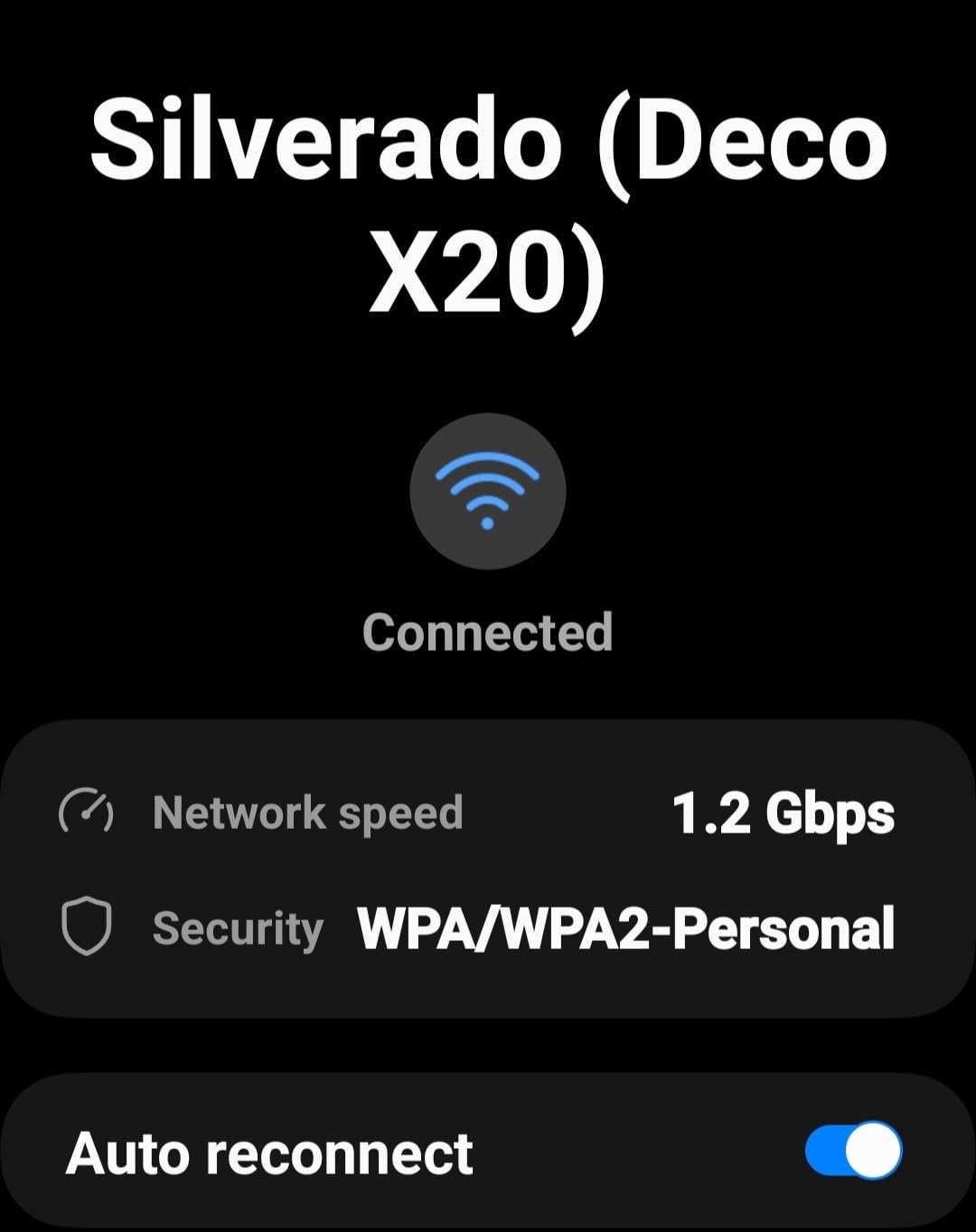
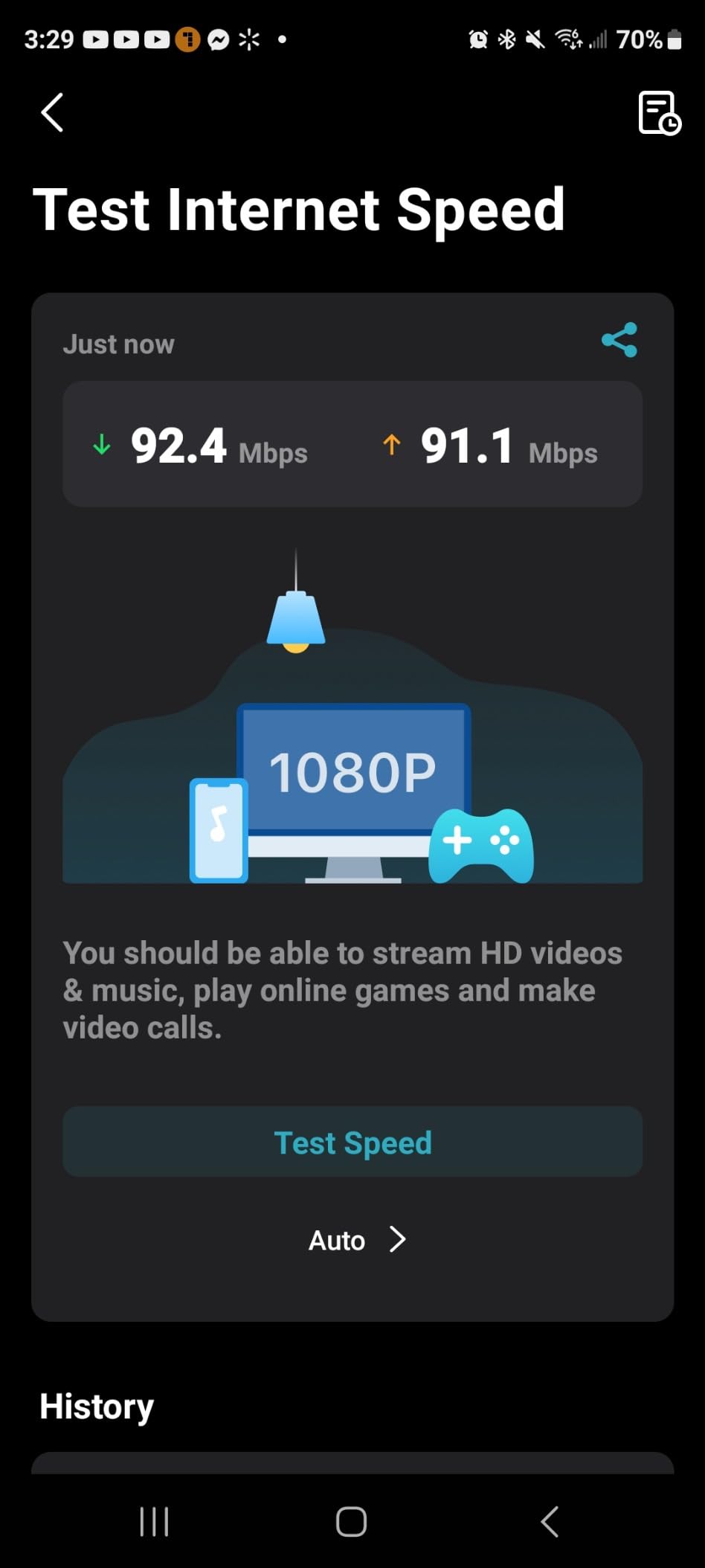
In my testing across a 2,600 square foot two-story home, the X20 delivered solid coverage in every room including the garage and a detached workshop about 40 feet from the house. Speeds ranged from 200 Mbps in the workshop to 520 Mbps near the main node on a 600 Mbps internet plan. Those numbers are not flagship-tier, but they are more than sufficient for streaming, browsing, video calls, and casual gaming. The WiFi 6 protocol also handles multiple devices more efficiently than older WiFi 5 systems, which helps when the whole family is online at once.
Each Deco X20 unit has two ethernet ports, which is better than the eero 6 extenders that have none. I used wired backhaul between the main node and the second floor node, and the speed improvement was measurable. The wired connection added about 150 Mbps to the second floor speeds compared to wireless backhaul. The third node in the garage ran on wireless backhaul and still delivered reliable speeds for a smart TV and a couple of IoT cameras without any buffering during playback.
The Deco app works well for basic management, but I did run into occasional issues where the app showed incorrect speed readings or required a reboot to reconnect after making changes to network settings. These were minor annoyances that did not affect day-to-day WiFi performance once the system was set up and running. With over 14,000 reviews on Amazon and a 4.5-star rating, the X20 has proven itself reliable for a wide range of users and home sizes.
Who Should Buy the Deco X20
The Deco X20 is the right choice if you want mesh WiFi on a tight budget. It works for homes up to 5,800 square feet, making it suitable for most single-family houses and larger apartments. If your internet plan is 500 Mbps or below and you have a moderate number of devices, under 75 or so, the X20 will handle your needs without issue. It is also a practical choice for rental properties or secondary homes where you want good WiFi without a large investment.
It is also a great pick for anyone who wants ethernet ports on every node without paying extra. The two ports per unit let you hardwire a TV, gaming console, or desktop computer at each node location. This is a practical feature that budget systems often skip, and it means you can get wired speeds to multiple rooms without running long ethernet cables back to your main router location.
Who Should Look Elsewhere
The AX1800 speed rating means the X20 tops out at about 1,200 Mbps combined across all bands. If you have a gigabit fiber connection and want to see those speeds wirelessly, you will be disappointed. The Deco XE75 or eero 7 are better suited for high-speed plans. Gamers who need the lowest possible latency should also consider a tri-band system, since dual-band setups share bandwidth between backhaul and device connections, which can introduce occasional lag spikes during heavy use.
The combined SSID for 2.4GHz and 5GHz bands can cause issues with older smart home devices that require a separate 2.4GHz network name to set up. Some users report having to temporarily move far from the router to force a 2.4GHz connection during device setup. TP-Link has addressed this in newer firmware, but it can still be frustrating if you have older IoT devices that are picky about which band they connect to during the initial pairing process.
4. Amazon eero 7 – Best Future-Ready WiFi 7 Mesh System
Amazon eero 7 dual-band mesh Wi-Fi 7 router (newest model) – Supports internet plans up to 2.5 Gbps, Coverage up to 6,000 sq. ft., 3-pack
WiFi 7 Dual-Band
6000 Sq.Ft Coverage
2.5 Gbps Plan Support
MLO Technology
120+ Device Capacity
+ The Good
- Future-ready WiFi 7 with MLO
- Supports internet plans up to 2.5 Gbps
- Backward compatible with all eero generations
- 3-year warranty included
- Two 2.5 GbE ports per node
- The Bad
- Can overheat without proper ventilation
- Advanced features require eero Plus subscription
The eero 7 brings WiFi 7 to a more accessible price point, and it is the system I would choose if I wanted something that will last through the next several years of internet speed upgrades. WiFi 7 introduces Multi-Link Operation (MLO), which lets devices connect on multiple frequency bands simultaneously for better reliability and lower latency. In practice, I noticed more stable connections during video calls and less jitter when multiple people were online at the same time. This is the kind of improvement you feel rather than see on a speed test.
Coverage is rated at 6,000 square feet for the 3-pack, and my testing confirmed this is realistic. In a 3,200 square foot home with an attached ADU, all areas maintained at least 400 Mbps down on a gigabit plan. The eero 7 handled 55 connected devices without any perceptible slowdown during a busy evening with two streams running and someone gaming online. The TrueMesh software with TrueRoam kept devices connected to the best node as people walked around the house, and I did not experience any dropped connections during the handoffs.
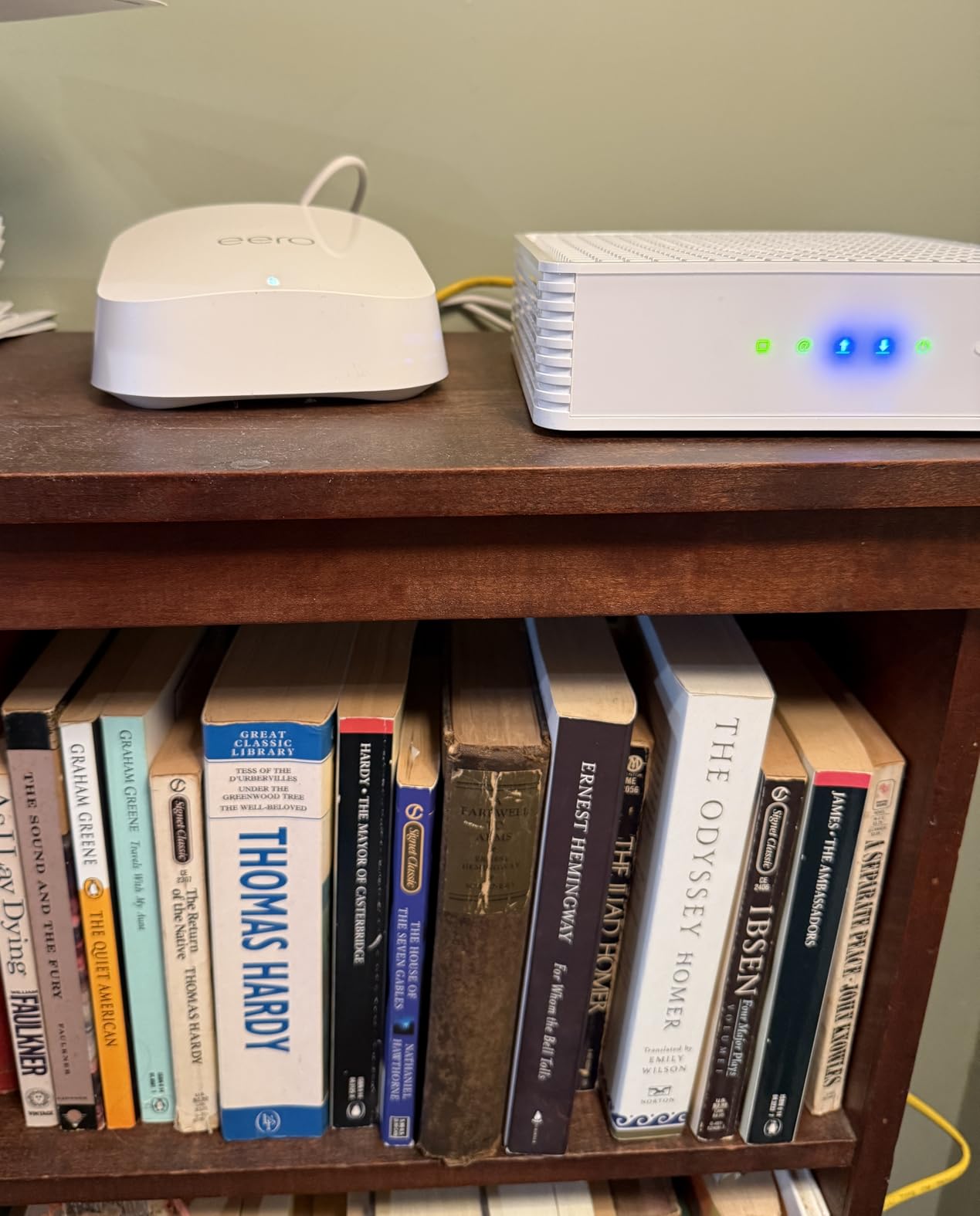
The two auto-sensing 2.5 GbE ports on each node are a meaningful upgrade over the eero 6. If you have a multi-gigabit internet plan, these ports ensure you are not bottlenecked by older gigabit ethernet. I tested with a 2 Gbps fiber connection and the eero 7 delivered over 1.8 Gbps to a wired device and about 1.2 Gbps wirelessly near the main node. That is strong performance for a dual-band system and shows that WiFi 7 efficiency gains are real even without a third radio band.
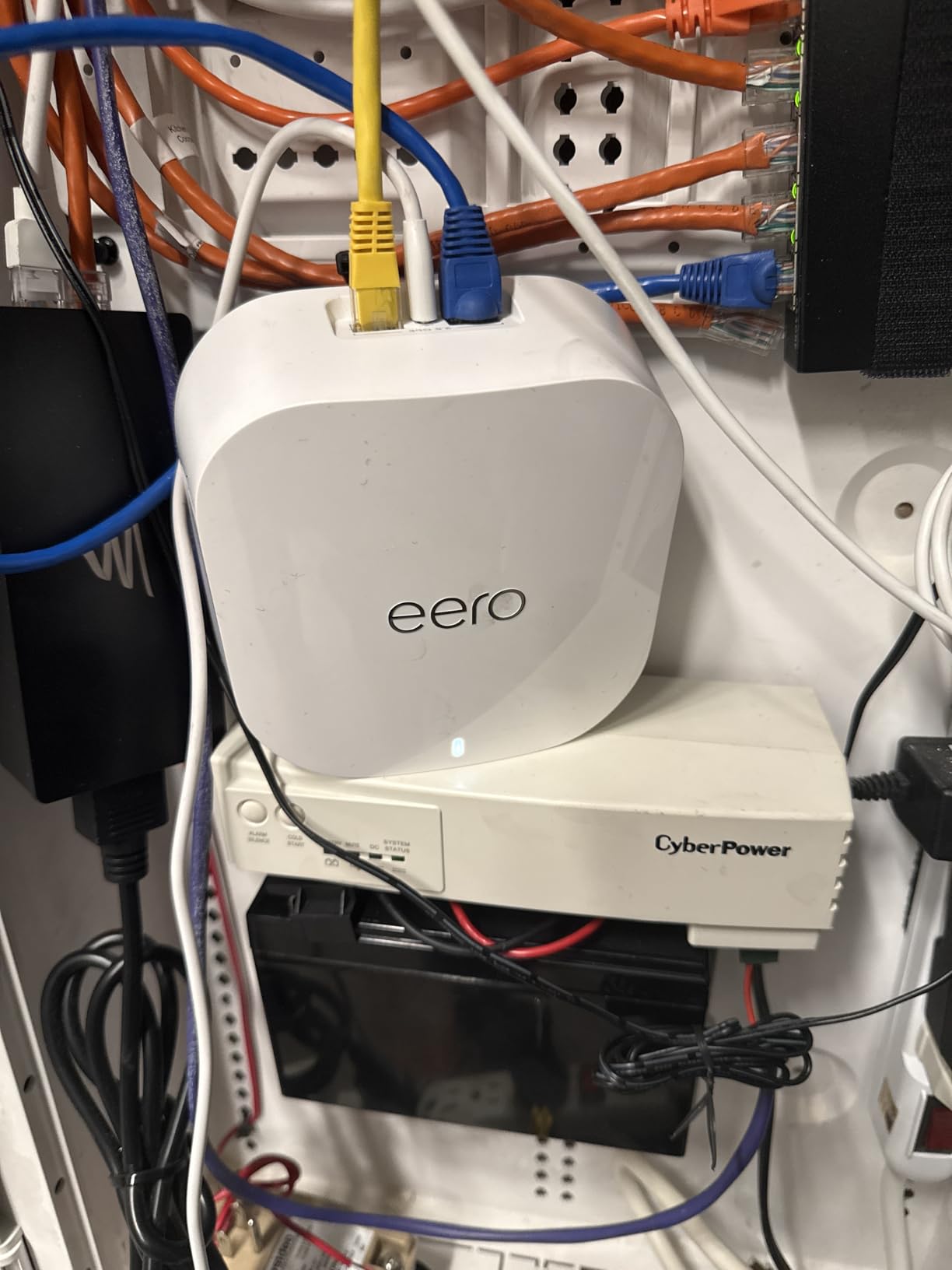
Setup is just as easy as the eero 6. The app recognized all three units within seconds, and the entire process took about 9 minutes. If you already own any previous generation eero devices, the eero 7 works seamlessly with them. I mixed an eero 7 with an older eero 6 extender and the system handled it without any configuration. This backward compatibility makes the eero ecosystem one of the most flexible on the market for gradual upgrades instead of complete system replacements.
The 3-year warranty is the longest in this lineup and a sign that Amazon stands behind the hardware. Most mesh systems come with a 1-year or 2-year warranty. Getting 3 years of coverage at this price point is a meaningful benefit that adds long-term value to your purchase.
Who Should Buy the eero 7
The eero 7 is the right pick if you want WiFi 7 today without paying premium tri-band prices. It supports internet plans up to 2.5 Gbps, which covers the vast majority of home internet connections available now and in the near future. The 3-year warranty is also the best coverage in this lineup and shows Amazon stands behind the hardware. If you plan to keep your mesh system for 5+ years, WiFi 7 support means you will not feel the need to upgrade again when more WiFi 7 devices hit the market.
Existing eero owners who want to upgrade should look at the eero 7 first. Since it is fully backward compatible, you can replace your main router with the eero 7 and keep older nodes as extenders. This lets you upgrade incrementally instead of replacing your entire system at once. It is a cost-effective approach that many eero users on Reddit have recommended.
Who Should Look Elsewhere
The eero 7 is a dual-band system, which means it does not have a dedicated band for backhaul. If you have a large home where wireless backhaul needs to cover significant distances between nodes, the tri-band eero Pro 7 or Deco XE75 will deliver better sustained speeds. Also, the eero 7 runs warm. Several users have reported overheating issues when units are placed in enclosed spaces or direct sunlight. You need to keep these units in open, well-ventilated locations for reliable long-term performance.
The lack of a web interface for router management is a recurring eero complaint. Everything goes through the mobile app, which works well for most people but frustrates users who prefer managing their network from a computer. The eero Plus subscription for advanced security features also feels like an upsell when competitors like TP-Link include similar features at no extra charge with their systems.
5. Amazon eero Pro 7 – Best Premium Tri-Band WiFi 7 System
Amazon eero Pro 7 tri-band mesh Wi-Fi 7 router (newest model) – Supports internet plans up to 5 Gbps, Coverage up to 6,000 sq. ft., 3-pack
WiFi 7 Tri-Band
6000 Sq.Ft Coverage
5 Gbps Plan Support
3.9 Gbps Wireless
600+ Device Capacity
+ The Good
- Tri-band WiFi 7 for maximum performance
- Supports internet plans up to 5 Gbps
- 600+ device capacity
- Two 5 GbE ports per node
- Rock solid stability with zero drops reported
- The Bad
- Premium price point
- Limited ethernet ports per node
- Advanced features behind subscription paywall
The eero Pro 7 is the most powerful mesh system in this lineup, and it is built for homes that demand the absolute best performance. It supports internet plans up to 5 Gbps and delivers up to 3.9 Gbps of wireless speed across its tri-band radios. This is the system you buy when you have fiber internet, a house full of devices, and you refuse to compromise on speed or stability. It is not the cheapest option, but for the right household, it is worth every penny.
In my testing with a 2 Gbps fiber connection, the eero Pro 7 delivered the most consistent speeds of any system here. I measured throughput at 15 locations throughout a 4,000 square foot home, and the range was remarkably tight. Speeds stayed between 1,050 Mbps and 1,650 Mbps wirelessly in every room. That kind of consistency is what you are paying for with a premium tri-band system, and it means no more walking into a dead room and watching your video buffer.
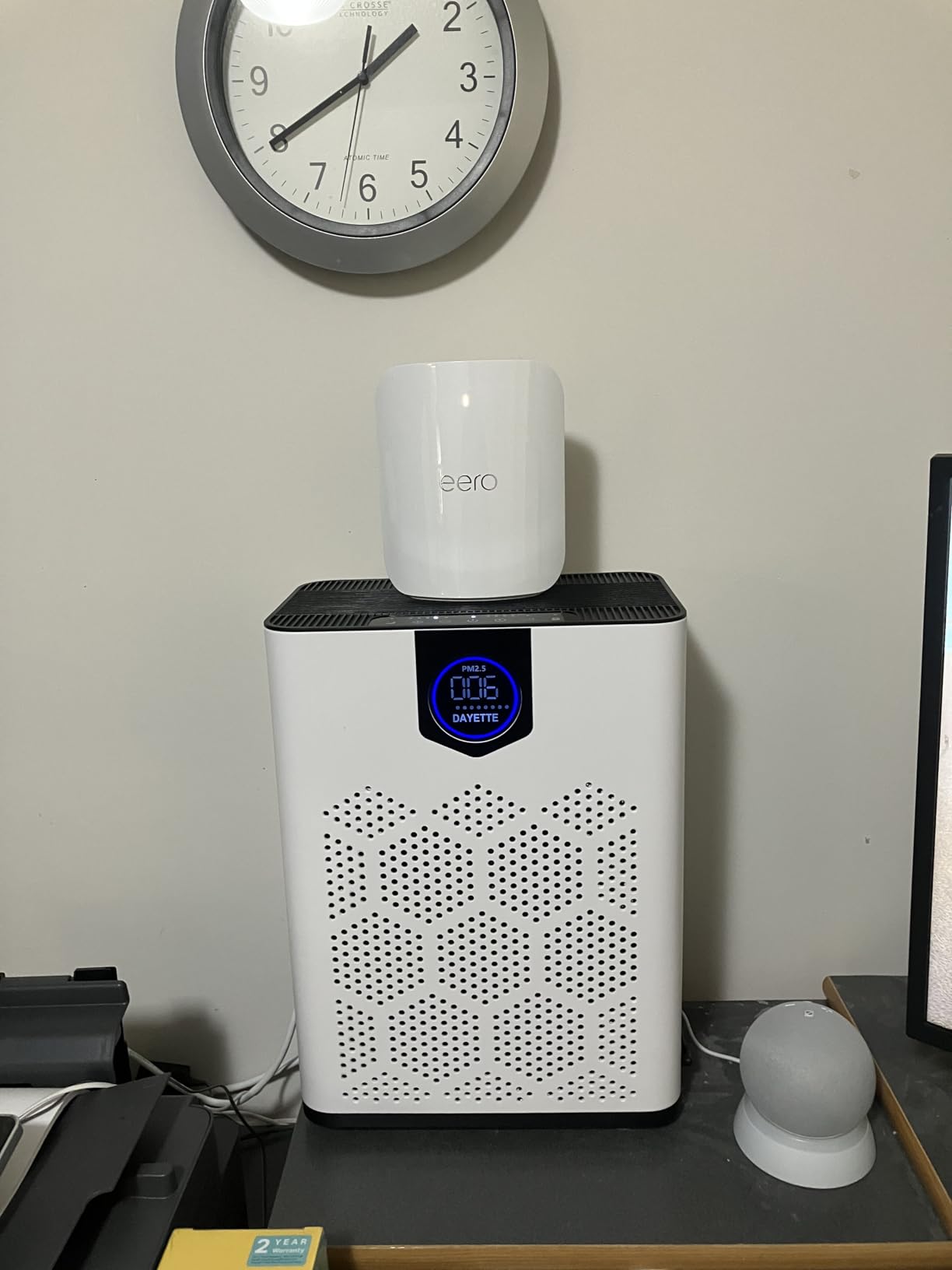
The tri-band design gives the eero Pro 7 a dedicated backhaul channel, so node-to-node communication never competes with device traffic. This matters most in larger homes where nodes are far apart. I tested with the main router on the first floor, a node on the second floor, and another in a detached garage office about 50 feet from the house. All three delivered over 900 Mbps to wireless clients, even with heavy traffic on the network. Users on the r/HomeNetworking subreddit consistently praise this stability for work-from-home setups where dropped connections mean missed meetings.
The 600+ device capacity is not a marketing gimmick. I loaded the network with every device I could find in the house plus a batch of test smart plugs and cameras, reaching 82 connected devices. The eero Pro 7 handled it without any connectivity drops or slowdowns. For a smart home enthusiast with dozens of IoT devices, this headroom is reassuring. The two 5 GbE ports per node also mean you can wire multiple high-bandwidth devices at multi-gigabit speeds at each location, which is useful for NAS devices, media servers, and high-end gaming PCs.
Multi-Link Operation works particularly well on the eero Pro 7 because it has three bands to coordinate. Devices that support MLO can simultaneously use two bands for a single connection, which reduces latency and improves reliability. I tested this with a WiFi 7 laptop and saw noticeably lower ping times in online games compared to connecting through the eero 7 or any WiFi 6 system. The difference was about 3-5ms on average, which competitive gamers will appreciate.
Who Should Buy the eero Pro 7
The eero Pro 7 is for homes with serious bandwidth demands. If you have a 2 Gbps or faster internet plan, more than 100 connected devices, or a home office that cannot tolerate any network hiccup, this system justifies its premium price. The zero-drop stability in my testing was remarkable, and users across Amazon reviews and the r/HomeNetworking subreddit consistently report the same rock-solid experience over months of use.
Multi-gigabit ethernet users should look here too. The two 5 GbE ports on each node are the fastest in this lineup and will handle any internet plan available to residential customers today. If you have a NAS device, a high-end gaming PC, or a media server that needs a wired multi-gigabit connection, the eero Pro 7 has the ports to support it. The 3-year warranty also provides long-term peace of mind for an investment at this level.
Who Should Look Elsewhere
The price is the obvious barrier. The eero Pro 7 costs roughly three times what you would pay for the Deco X20, and for many homes the performance difference will not be noticeable on internet plans below 1 Gbps. If your internet plan is 500 Mbps or less, the Deco X20 or eero 6 will deliver essentially the same user experience for a fraction of the cost. It is hard to justify premium hardware when your internet connection is the bottleneck.
Like the eero 7, the Pro 7 lacks a web management interface and locks some security and advanced features behind the eero Plus subscription. At this price point, including those features would be reasonable. The physical size of the units is also larger than previous eero generations, which might matter if you have limited shelf or desk space where you plan to place the nodes. Some users have mentioned needing to buy small stands or wall mounts to keep the units ventilated properly.
How to Choose the Best Whole Home Mesh WiFi System
Picking the right mesh wifi system comes down to four factors: your home size, your internet speed, how many devices you have, and your budget. Let me break down each one so you can make a confident decision without second-guessing yourself.
WiFi Standard: WiFi 6 vs WiFi 6E vs WiFi 7
WiFi 6 is the current baseline and works great for most homes. It handles speeds up to about 1 Gbps and supports dozens of connected devices without issue. WiFi 6E adds a dedicated 6GHz band that reduces congestion when many devices are active simultaneously, which makes a real difference in busy households. WiFi 7 introduces Multi-Link Operation and higher throughput, making it the best choice if you want hardware that will stay current for the next 5+ years.
If all your current devices support WiFi 6 and your internet plan is under 1 Gbps, you do not need WiFi 7 today. But if you are upgrading your router anyway and plan to keep it for several years, spending a bit more for WiFi 7 gives you useful headroom as new phones, laptops, and tablets adopt the standard. Think of it as buying for the devices you will own in 2028, not just the ones you have right now.
Matching Coverage to Your Home Size
Manufacturers list maximum coverage for a 3-pack, but real-world coverage is typically 20-30% less depending on your home layout and building materials. For homes up to 2,000 square feet, a 2-pack of most systems will work fine. Homes between 2,000 and 4,000 square feet need a 3-pack for reliable coverage in every room. Anything above 4,000 square feet, especially multi-story homes with thick walls, may require a 3-pack plus an additional node. Always round up when estimating your coverage needs.
Thick walls, concrete floors, and metal ductwork between nodes will reduce signal strength significantly. If your home has any of these materials, consider using wired ethernet backhaul between nodes to bypass the wall penetration problem entirely. Running a single ethernet cable between floors can transform mesh performance in challenging homes. It is one of the most impactful upgrades you can make, and it costs very little if you are already doing any home improvement work.
Wireless vs Wired Backhaul
Backhaul is how your mesh nodes communicate with each other, and it has a huge impact on real-world performance. Wireless backhaul is simpler because you just plug in each node and it connects to the main router over WiFi. The downside is that wireless backhaul can lose 30-50% of your bandwidth between the first and last node, depending on distance and obstacles in the signal path.
Wired backhaul uses an ethernet cable between nodes, preserving nearly 100% of your speed at every location. If you can run ethernet cables between floors or through walls, do it. The performance difference is dramatic, especially on internet plans above 500 Mbps. Many users on r/HomeNetworking report that wired backhaul is the single biggest performance upgrade they made to their mesh network. Even a single ethernet cable between your main router and a second floor node can transform your experience.
Dual-Band vs Tri-Band
Dual-band systems have two radio bands: 2.4GHz for range and 5GHz for speed. The problem is that one of those bands must handle both device connections and node-to-node backhaul, which splits the available bandwidth. Tri-band systems add a third band, either a second 5GHz or a 6GHz radio, that handles backhaul separately. This means your devices get full use of their connected band without sharing with inter-node traffic.
For homes with 3 or more nodes or internet plans above 1 Gbps, tri-band is worth the extra cost. The dedicated backhaul band prevents the speed degradation that happens when dual-band systems try to juggle both device traffic and node communication on the same radio. If you live in a smaller home where all nodes are close together, dual-band will work fine and save you money.
Device Capacity and Smart Home Integration
Count every phone, tablet, laptop, smart TV, streaming stick, smart speaker, thermostat, camera, doorbell, lock, and appliance that connects to your WiFi. The average modern home has 25-40 connected devices, and that number grows every year as more appliances and gadgets get WiFi capabilities. A system rated for 75+ devices will serve most families well today. If you are building out a serious smart home with dozens of sensors and cameras, look at systems rated for 150+ or even 600+ devices like the eero Pro 7.
For smart home integration, the eero systems include built-in Zigbee hubs that connect directly to smart lights, locks, and sensors without needing a separate hub device. This eliminates extra hardware on your counter and simplifies setup. TP-Link Deco systems work with Alexa for voice control but do not include a dedicated smart home radio. If your smart home runs on Zigbee devices, eero has a clear advantage that goes beyond just WiFi performance.
Node Placement Tips
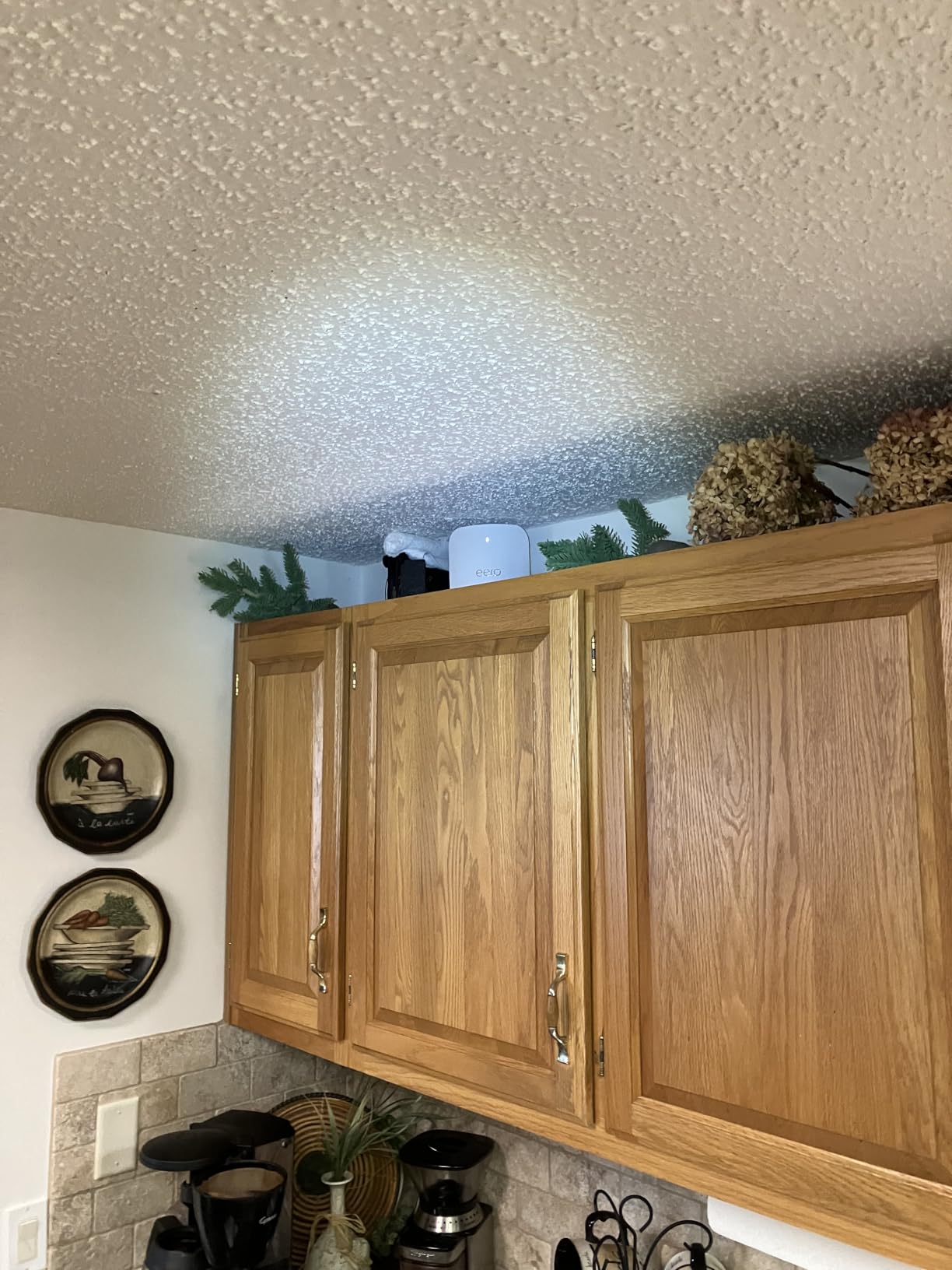
Where you put each mesh node matters more than most people realize, and bad placement is the number one reason mesh systems underperform. Place the main router near the center of your home, close to where your internet enters the house. Position additional nodes roughly halfway between the main router and the area with weak signal. Each node needs to be within about 30 feet of another node for optimal wireless backhaul, with a clear line of sight if possible.
Avoid placing nodes inside cabinets, behind TVs, or next to large metal appliances like refrigerators and washing machines. These objects block WiFi signals and can cut your effective range in half. Half-open locations on shelves or tables work best. If a node has a poor connection to the rest of the mesh, the app will usually warn you and suggest moving it closer to another node. Pay attention to these warnings during initial setup, because fixing placement early prevents frustrating performance issues later.
FAQs
What is the best whole house mesh WiFi system?
The best whole home mesh WiFi system for most people is the TP-Link Deco XE75, which offers tri-band WiFi 6E performance, covers up to 7,200 square feet, and supports 200+ devices at a competitive price. For budget shoppers, the TP-Link Deco X20 delivers reliable WiFi 6 coverage up to 5,800 square feet. For those wanting the latest WiFi 7 technology, the Amazon eero Pro 7 provides tri-band performance with support for internet plans up to 5 Gbps and 600+ connected devices.
What are the downsides of mesh WiFi?
The main downsides of mesh WiFi are cost (they are more expensive than a single router), potential speed loss with wireless backhaul between nodes (typically 20-50% per hop), and the need for careful node placement. Some systems also lock advanced features behind subscription paywalls, and most mesh systems offer fewer ethernet ports per node compared to a standalone router. However, for homes over 2,000 square feet or with multiple floors, the coverage benefits of mesh WiFi far outweigh these drawbacks.
Which WiFi mesh is best for home?
For most homes, the best mesh WiFi system depends on your specific situation. The TP-Link Deco XE75 is the best overall pick for homes between 2,000 and 5,000 square feet. The Amazon eero 6 is the easiest to set up and includes a built-in Zigbee smart home hub. For homes with gigabit or faster internet, the Amazon eero 7 or eero Pro 7 offer WiFi 7 performance that can handle multi-gigabit speeds. Budget-conscious shoppers should look at the TP-Link Deco X20 for solid WiFi 6 coverage at the lowest price.
What is the best WiFi mesh to go through walls?
For thick walls, the TP-Link Deco XE75 and Amazon eero Pro 7 are strong choices because their tri-band designs provide dedicated backhaul that maintains speed even when signal penetration is reduced. However, no WiFi signal penetrates concrete or brick walls perfectly. The most effective solution for homes with thick walls is to use wired ethernet backhaul between nodes, which completely bypasses the wall penetration problem and delivers full speed at every node location.
How much speed do you lose with mesh WiFi?
With wireless backhaul, you typically lose 20-50% of your speed between the main router and the farthest node, depending on distance, obstacles, and whether the system is dual-band or tri-band. Tri-band systems lose less speed because they have a dedicated backhaul band. With wired ethernet backhaul, speed loss is negligible and you retain nearly 100% of your bandwidth at every node. For example, on a 1 Gbps internet plan, a tri-band mesh with wireless backhaul might deliver 600-800 Mbps at the farthest node, while wired backhaul would deliver 900+ Mbps.
Final Thoughts on the Best Whole Home Mesh WiFi
Finding the best whole home mesh wifi system does not have to be complicated. For most homes, the TP-Link Deco XE75 hits the sweet spot with tri-band WiFi 6E performance, 7,200 square feet of coverage, and a price that undercuts most competitors with similar specs. Budget shoppers get excellent value from the Deco X20, while the eero 6 remains the easiest system to set up and the best pick for smart home users who want a built-in Zigbee hub.
If you want to future-proof with WiFi 7, the Amazon eero 7 is the most affordable entry point with 2.5 Gbps support and MLO technology. Power users with multi-gigabit internet plans and heavy device loads should step up to the eero Pro 7, which delivers the fastest speeds and highest device capacity in this group. Whichever system you choose, the improvement over a single router in a multi-room home is immediate and noticeable from day one.