
The short answer: the Epson SureColor F170 is the best sublimation printer for t-shirts for most people in 2026. It ships with genuine Epson dye-sublimation ink, prints sharp 5760 x 1440 optimized dpi output, and ships in a box small enough for a craft room desk. It cannot print a full adult chest panel in one pass, so if all-over 13 x 19 inch artwork is your goal, read the F570 section before you buy anything.
Choosing a sublimation printer is harder than it looks. Every listing on the shopping pages looks the same until you notice that one only handles 8.5 inch wide media, another needs a converting kit and a bottle of third-party ink you have to buy separately, and a third treats its own ink cartridges as a locked-in consumable. Those three differences decide how good your shirts look and what each one costs you to print.
We pulled seven of the most reviewed sublimation printers available right now, read the specs on each one, and compared them side by side. Three are dedicated desktop dye-sublimation machines from Epson, Sawgrass and Brother. One is a converted super-tank printer that also scans and copies. One is a 24 inch wide-format production unit. One is a no-name starter bundle that includes paper but no ink at all.
Before the picks, one rule matters more than any spec sheet: sublimation ink only bonds to polyester or polyester-coated surfaces. There is no heat, pressure or temperature that will make dye transfer into 100 percent cotton fibers. If your plan involves cotton shirts, you need a different process entirely, and we cover the workarounds later in this guide.
Top 3 Picks for Sublimation Printers for T-Shirts in 2026

Epson SureColor F170
- › Genuine Epson sublimation ink included
- › 5760 x 1440 optimized dpi
- › 150-sheet auto-feed tray
- › Compact 16 pound desktop body

Pinckney Converted Super-Tank
- › Cartridge-free refillable ink tanks
- › Built-in scanner and copier
- › Auto-fill ink inlet
- › Prints long 8.5 x 47.2 inch media

Sawgrass SG500
- › Purpose-built sublimation engine
- › SubliJet UHD ink set included
- › Bypass tray to 8.5 x 51 inch
- › MySawgrass color presets
7 Best Sublimation Printers for T Shirts (October 2026)
| PRODUCT MODEL | KEY SPECS | BEST PRICE |
|---|---|---|
|
|
Check Latest Price |
|
|
Check Latest Price |
|
|
Check Latest Price |
 |
|
Check Latest Price |
 |
|
Check Latest Price |
 |
|
Check Latest Price |
 |
|
Check Latest Price |
The table above is a quick index. The rest of this guide goes printer by printer, then covers the fabric rules, the gear you need beyond the printer, and the maintenance habits that decide whether your printhead survives the first year.
1. Epson SureColor F170 – Compact Dedicated Printer With Genuine Ink
Epson SureColor F170 Dye-Sublimation Printer – Compact 8.5″ x 11″ Format – Includes Genuine Epson Ink, User Guide & Power Cable – Original OEM Product with Full Manufacturer Support
5760 x 1440 optimized dpi
8.5 inch media width
150-sheet auto-feed tray
16 pounds
+ The Good
- Genuine Epson OEM inks with full manufacturer warranty included
- Compact footprint that fits a craft room desk
- 150-sheet closed auto-feed tray for long runs
- Sharp 5760 x 1440 optimized dpi output
- The Bad
- No mobile device support
- 8.5 inch width means full-front designs need tiling
- Rated speed of about 1 page per minute
The F170 is the machine we keep coming back to because it removes the two biggest variables in dye-sublimation printing: the ink and the color profile. It arrives as an Epson-manufactured unit with a full set of OEM Epson inks that carry ECO PASSPORT certification from OEKO-TEX, and it is set up to print with Epson’s own profiles rather than something you have to hunt down and install yourself.
Weighing in at 16 pounds with a footprint of 13.7 by 14.8 by 7.4 inches, it is among the most compact dedicated machines here. That matters if your printing happens on a desk in a spare room rather than on a dedicated bench. It also handles 150 sheets per tray, which is far more paper capacity than most entry-level sublimation units offer, so you spend less time refilling mid-run.
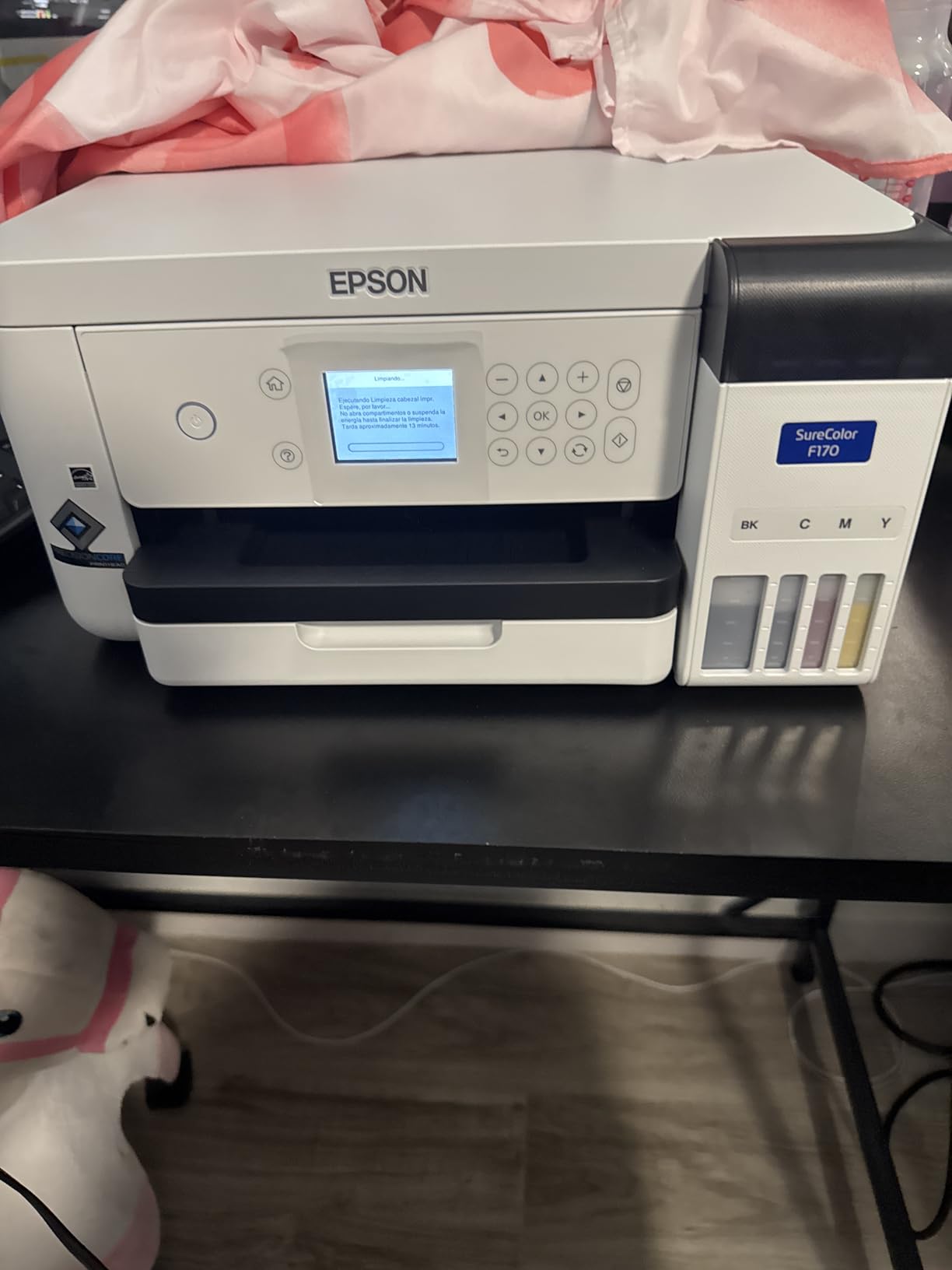
Reviewers report a predictable out-of-box experience: it prints, it connects, and the colors come out where the profile says they should. At 545 reviews with an average of 4.5 stars, it also has the deepest owner base in this roundup, which means you will find a lot of real-world samples and troubleshooting advice before you ever need it. Eighty-three percent of those reviews are five-star, and only eight percent are one-star.
The real constraint is width. Media caps out at 8.5 inches, so an adult chest design that runs wider than that has to be printed in panels and tiled onto the shirt with a heat press. That works fine for most logos and typographic designs. It does not work for a full front-and-back all-over print, and it makes large jersey-style numbers and detailed photographic artwork more tedious to assemble.
What the F170 handles well and where it struggles
Connectivity covers wireless, USB and Ethernet, so it drops onto a home network without a cable and also works on a wired shop setup. Print speed is listed at roughly one page per minute, which sounds slow until you remember that each sheet spends most of its life sitting on a heat press anyway. Your bottleneck is pressing time, not print time, in almost every small-batch scenario.
The F170 is print-only, which is exactly right for apparel. There is no scanner, no copier and no wasted ink from an unused ADF. Everything the machine does goes toward transfer paper output. If you also want to scan artwork directly onto the machine, that is a different category of machine and we cover it in the Pinckney section.
Who should buy the F170 and who should not
Buy it if your designs are logos, text, names, or small-to-medium photographic graphics, and if you want manufacturer-backed ink and a warranty that is not in question. It is the least complicated path from unboxing to a finished shirt, and the ink included in the box is enough to complete real projects rather than just alignment tests.
Skip it if all-over prints are the plan, if you need to run dozens of shirts in a sitting, or if you want to print from a phone. There is no mobile device support, so every design has to come from a computer running macOS or Windows. If all-over art is the goal, the F570 does the same job with the ink already proven on this page.
2. Pinckney Converted Super-Tank Printer – Refillable Tanks Plus A Scanner
Pinckney Cartridge-Free Super-Tank Printer with Sublimation Ink Bundle for Heat Transfers, Easy Fill, Built-in Scanner & Copier (White)
Converted super-tank
Black 127 mL and CMY 85 mL
Scanner and copier
8.5 x 47.2 inch media
+ The Good
- Cartridge-free high capacity tanks cut ongoing ink cost
- Built-in scanner and copier add functions dedicated units skip
- Auto-fill inlet makes refilling clean and simple
- Supports long banner media for full shirt panels
- The Bad
- Prints can look dull until heat pressed
- Occasional nozzle clogs need a nozzle check and head alignment
- Driver and software setup takes patience
This machine is a converted super-tank printer, which means it started life as an all-in-one office printer and has been fitted out for dye-sublimation work. The conversion approach is popular because refillable tanks cost a fraction of what proprietary sublimation cartridges cost over a year of use, and because you keep the scanner and copier that came with the original office machine.
Ink capacity is the headline. The bundle ships with 127 mL of black and 85 mL each of magenta, cyan and yellow, all fed into tanks you refill yourself. An auto-fill nozzle on the side lets you top up without a syringe and without the leakage you get from sponging ink into a tank. That is the practical reason the running cost of this machine sits far below anything using cartridges.
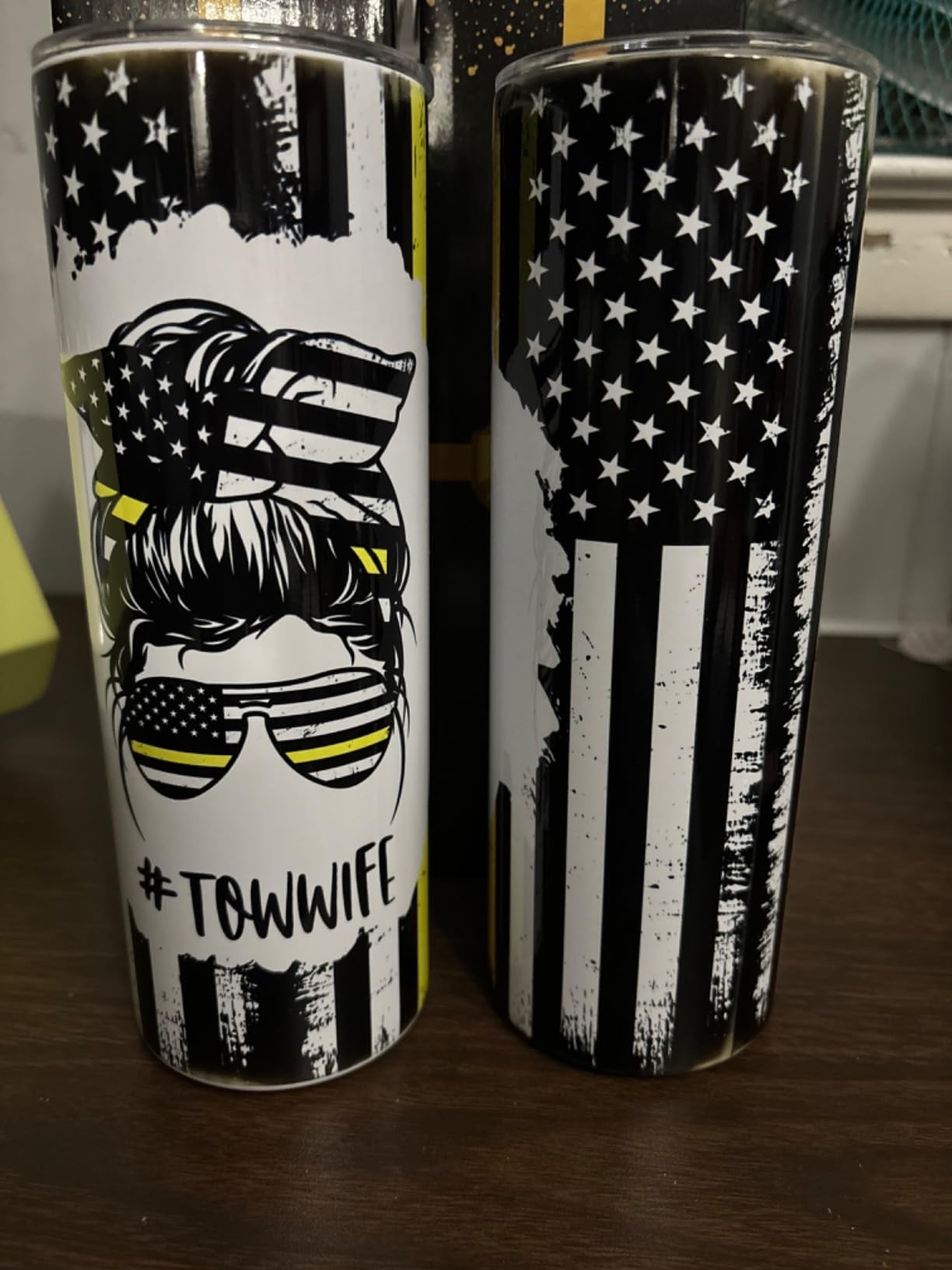
It also handles long media in a way most office-first machines do not. Alongside Letter, Legal, Executive, A4 and A6, it accepts a continuous sheet up to 8.5 by 47.2 inches. For t-shirt work that means one long transfer sheet for a full front design instead of two tiled pages, and it means you can print a single design, cut it, and use the rest of the sheet for something else.
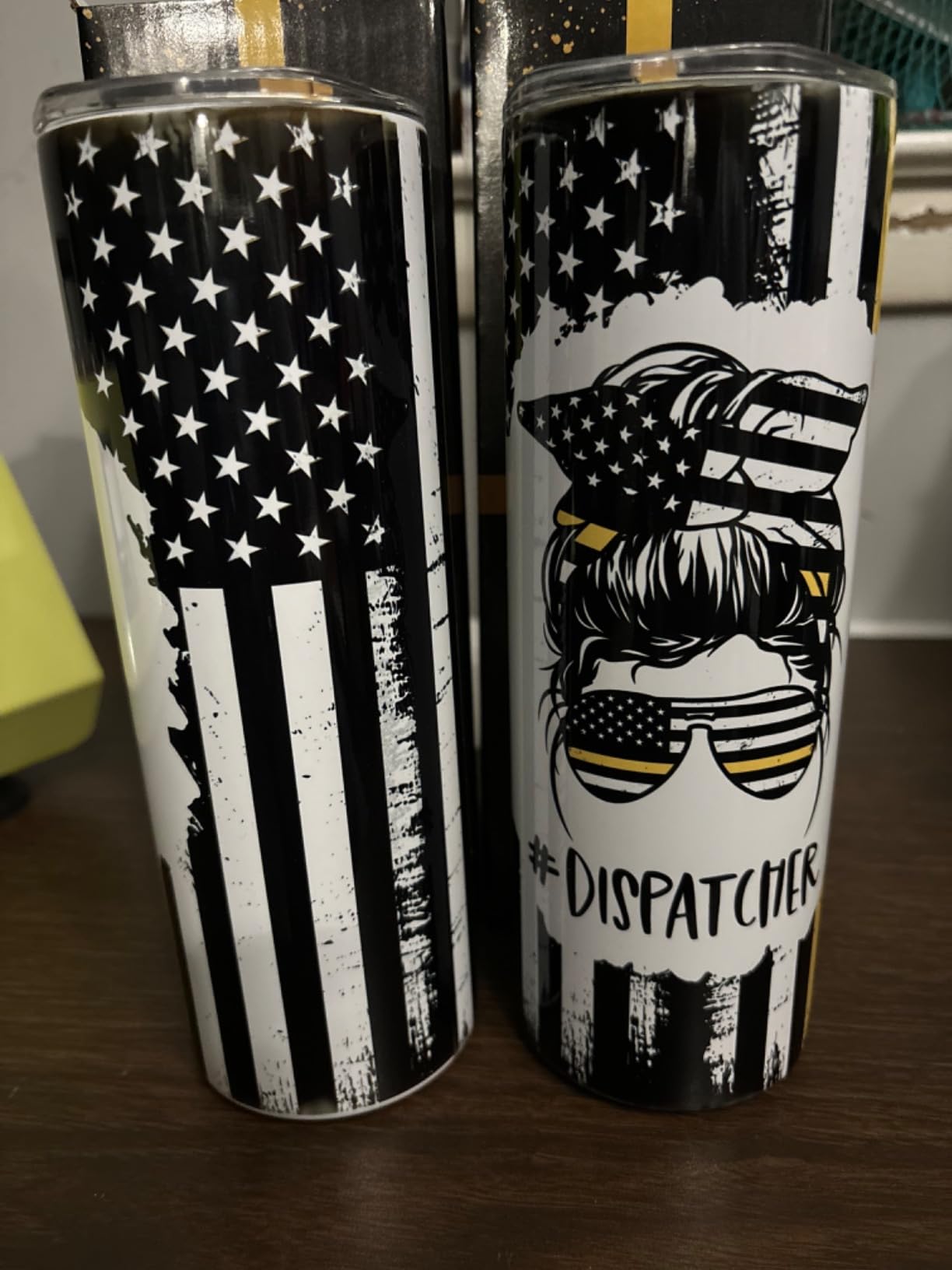
The 4.1 average across 288 reviews is the honest part of this section. Fifteen percent of owners gave it one star, and the recurring complaint is consistency rather than capability: nozzle clogging that needs a nozzle check and printhead alignment, and output on paper that looks flat or dull right up until it goes through the heat press.
Why the tank economics are worth the setup effort
Ask any printer forum regular about running cost and you will get the same answer: cartridges are where sublimation budgets go to die. A machine that runs on refillable tanks changes the per-print math completely, especially once you are past the learning phase and printing in batches rather than single test shirts.
The scanner and copier are not sublimation features, but they are genuinely useful ones. You can scan a hand-drawn design, clean it up on a laptop and print it as a transfer, all on one device. That workflow is why some hobbyists never feel the need for a separate flatbed scanner, though it costs you ink on every copy job.
Where the converted approach gets risky
Conversing a printer voids the manufacturer warranty. That is the single biggest reason experienced users recommend a dedicated machine instead, and it is why this one carries a one-year limited warranty rather than the longer terms the dedicated models carry. If the printhead fails in month fourteen, you are on your own.
Nozzle maintenance is also part of the deal. Third-party sublimation ink has different viscosity from what these printheads were designed for, and ink sitting in an unused tank overnight is how clogs start. Owners who run a nozzle check and a head alignment on a regular cadence report far fewer problems than owners who print once a month and let the machine idle.
If you are nervous about the learning curve or about troubleshooting with no warranty behind you, the F170 above is the low-anxiety version of the same idea, and the Brother bundles below are built for people who want everything in one box.
3. Sawgrass SG500 – Purpose-Built Color Accuracy
Sawgrass SG500 Sublimation Printer, 31 mL Inks and Paper Bundle
1200 x 1200 dpi
8.5 x 14 inch media, bypass to 8.5 x 51 inch
SubliJet UHD CMYK set
2 year warranty
+ The Good
- Owners upgrading from converted machines report a clear quality jump
- MySawgrass and Sawgrass Print Utility give fine color control
- Automatic printhead maintenance
- Two-year warranty included
- The Bad
- Proprietary ink only
- no third-party cartridges
- 8.5 x 14 inch maximum sheet size
- Software is powerful but slow to learn
The SG500 is the reference point for what a sublimation printer is supposed to do when it was designed for the job. Everything about it is built around one outcome: repeatable color from one print to the next, which is the thing that decides whether your customer gets the shirt they ordered.
Output is 1200 x 1200 dpi, which sounds modest next to the Epson F170’s 5760 x 1440 optimized figure. Those numbers are not comparable in the way they appear. Sublimation resolution is about droplet placement and dot control, not about ink density, and owners who upgraded from a converted super-tank consistently describe the SG500 output as noticeably richer and sharper in the finished transfer.
Standard media is 8.5 by 14 inches, and a bypass tray behind the main tray accepts media up to 8.5 by 51 inches. That gives you banner capability like the Pinckney for tall panels and name lists, and it makes it usable for signage and promo work alongside apparel. Two trays, 100 sheets of capacity, Wi-Fi, and printhead auto-maintenance as standard.
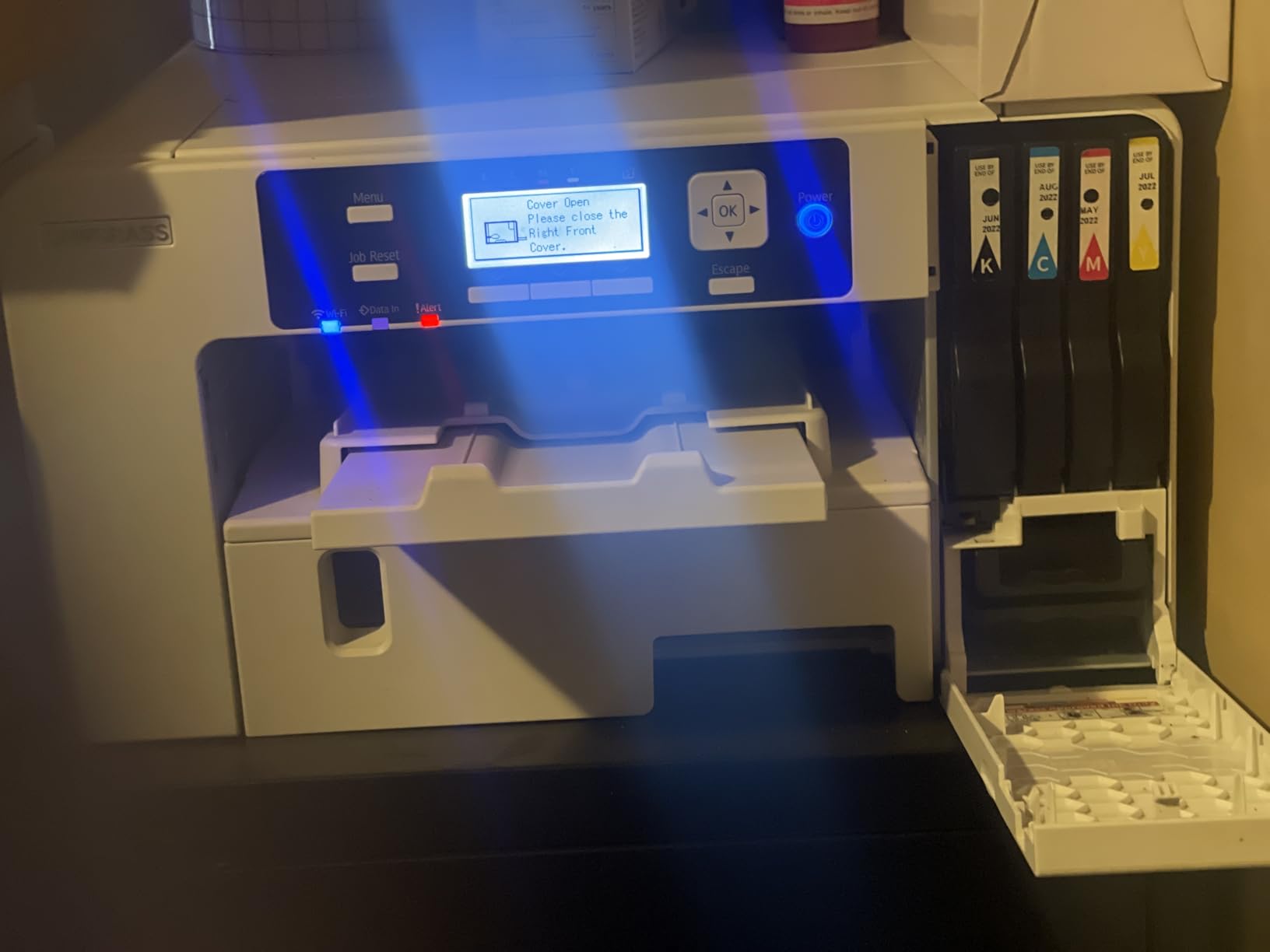
Color control runs through MySawgrass, the design platform, and Sawgrass Print Utility, which applies Smart presets rather than making you build every setting by hand. For someone who has never profiled a printer before, those presets remove the single most intimidating part of getting started. For someone who wants to fine-tune, the utility still allows it.
The 31 mL SubliJet UHD CMYK set is included in the box, and the product is rated for standard 110/120V North American outlets. At 58 reviews and a 4.2 average, the owner base is small, but customer service came up repeatedly in the positive reviews, including a faulty unit being replaced within hours.
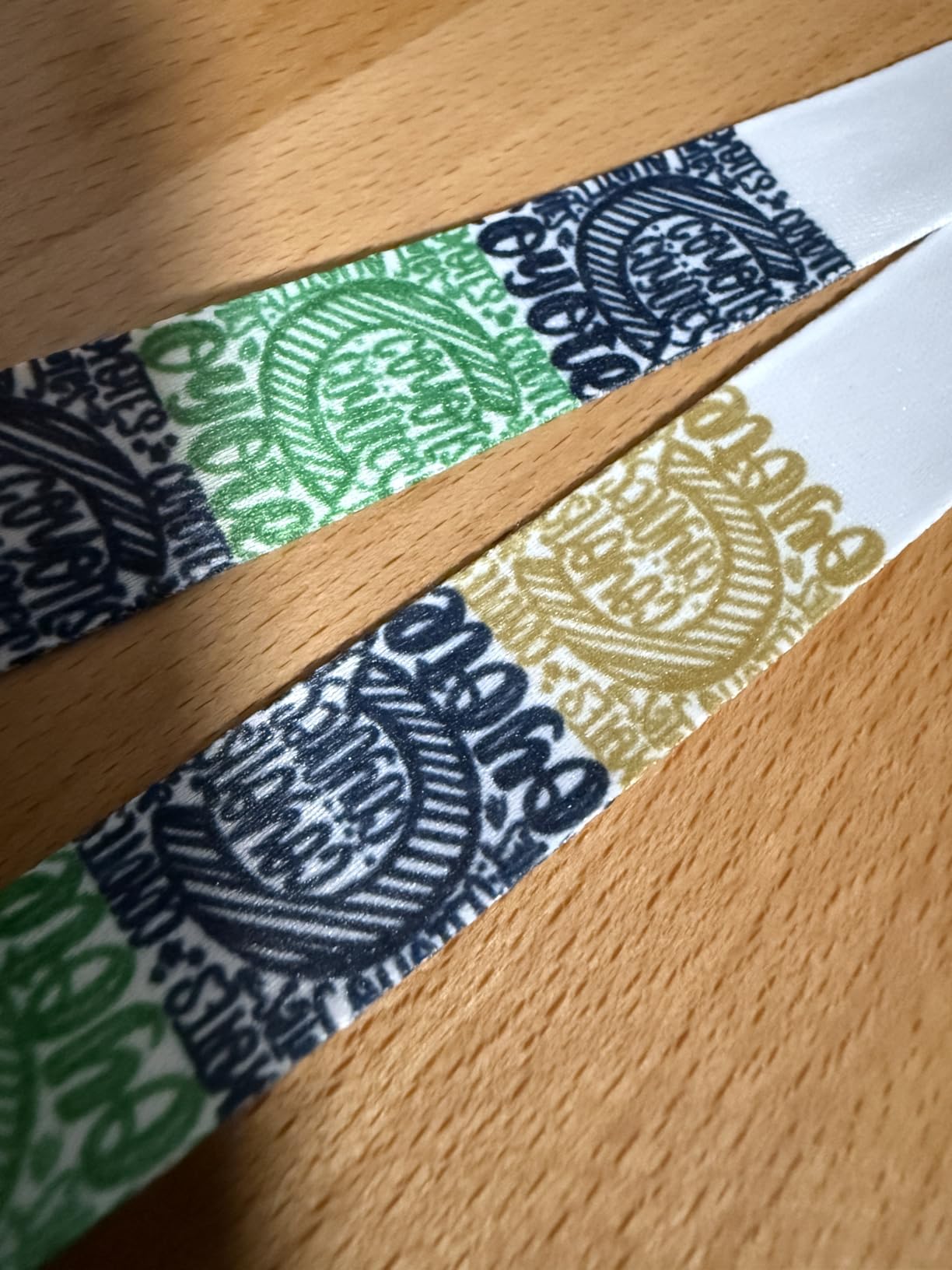
What the proprietary ink decision really costs you
Sawgrass does not permit third-party inks, and that is the tradeoff for the color consistency. You cannot fill these cartridges with a cheaper aftermarket set, so your ink cost per print stays higher than on any tank-fed machine in this roundup, including the Pinckney above.
Whether that matters depends on volume. If you are printing a dozen shirts a month, higher ink cost is easy to absorb and you will spend your effort on the part of the process you cannot buy, which is color calibration. If you are printing hundreds a month, the per-print difference becomes a line item worth modeling before you commit.
Good fit for color-critical work, poor fit for big layouts
Pick this machine if your designs are photographic, gradient-heavy or brand-color-sensitive, because that is exactly what it is tuned for. If your designs are hand-drawn or text-based, you will be paying for color capability you never use.
Do not pick it if you need a full adult all-over print in one shot. The 8.5 by 14 inch ceiling on standard sheets means wide designs get tiled, even with the bypass tray. And plan for a real software session with MySawgrass before your first real job. Owners who describe the software as powerful but slow to work with are describing the correct first impression.
4. Epson SureColor F570 – 24 Inch Wide Format For All-Over Prints
Epson Surecolor F570 Bundle 24″ Desktop Sublimation Printer, Includes One Full Ink Set, User Guide, & Free Remote Install SCF570 (Printer & Inks)
24 inch roll media width
Built-in cutter, 50-sheet tray
PrecisionCore MicroTFP head
151 pounds
+ The Good
- 24 inch width handles full-front t-shirt prints without tiling
- Built-in cutter and roll feed streamline production
- Epson Edge Print Pro with Adobe PostScript 3
- Epson T49M ink set and remote install included
- The Bad
- 151 pounds needs a dedicated sturdy surface
- 32 by 38 inch footprint is not space-saving
- Rated throughput of about 1 page per minute
Everything about the other six printers on this page runs into the same wall at 8.5 inches of media width. The F570 is the machine that walks past it. It accepts rolls and sheets up to 24 inches wide and up to 100 feet long, which means a full adult front print, a full back print, or a complete all-over garment panel can come off as a single continuous transfer.
The printhead is a PrecisionCore MicroTFP unit with Precision Droplet Control and Nozzle Verification Technology. That last part matters on a machine this size, because an unattended overnight roll job is only worth running if you trust the head will not stop mid-panel. Nozzle verification checks the head before and during the run.
Paper handling is built for production: a 50-sheet auto-feed tray, roll feed, and a built-in cutter so you can trim a finished roll without reaching for a knife. Epson Edge Print Pro adds job layout, nesting, pattern repeats and advanced color control on top of Adobe PostScript 3 and the Adobe PDF Print Engine.
A full set of genuine Epson T49M inks is included, and the bundle adds free remote installation and technical support, which matters on a machine this large and this heavy to set up.
What a 24 inch workflow changes about your shirts
No more tiling means no visible seams across a design, no gap lines where two sheets meet, and no mismatch in color between panels. It also cuts your press time per shirt, because one transfer application replaces two. For a business printing garments with large photographic artwork, that is the difference between a workflow that scales and one that does not.
It also changes your software. With 24 inch width you need software that can place artwork across a roll and handle nesting, and Edge Print Pro is what handles that here. Anyone who has tried to force letter-size page layouts to cover a jersey panel will tell you the layout work, not the printing, is what eats the afternoon.
Why most people should not start here
This machine weighs 151 pounds and occupies 32 by 38 inches of floor or bench space. It needs a surface that can carry that weight, not a folding craft table. That footprint and weight is the practical barrier for casual users, and it shows up repeatedly in owner reviews even from people who like the machine.
Rated throughput is about one page per minute for large-format media. That number is less alarming than it sounds because the press is the real constraint, but it does mean batch planning matters. Buy this one when you already know you are producing at volume. Buy the F170 when you are still finding out.
5. Brother SP-1 Starter Bundle – The Most Complete First Box
Brother SP-1 Sublimation Printer Starter Bundle with Full Ink Set, 160 Sublimation Transfer Sheets, 50 Blanks, Tape and More
600 x 600 dpi
Legal 8.5 x 14 inch media
47 mL per color ink set
17 by 13.5 inch footprint
+ The Good
- Bundle includes ink paper blanks tape and design assets
- Easy setup with vivid color reported by owners
- Compact desktop footprint
- Dual Wi-Fi and Ethernet
- The Bad
- Prints mirror by default and can confuse cutting workflows
- White and light fabric only
- Software download reported as tricky by some owners
- 600 x 600 dpi is lower than higher-end machines
The Brother SP-1 starter bundle is the single box that gets a complete beginner from unboxing to a finished shirt. It includes the printer, a full CMYK ink set at 47 mL per color, 160 sheets of sublimation transfer paper, a 50-piece ProSub blank set, four rolls of ProSub heat-resistant tape in .125, .25, .50 and 1 inch widths, the Artspira design app, 100 sublimation designs and 500 SoFontsy design cards cleared for commercial use.
That last item surprises people. Design cards with commercial usage rights included are real money for someone starting a small business, because otherwise every design is either a licensing question or a weekly subscription. Having 500 of them up front removes that decision entirely.
At 4.6 stars it rates highest in this roundup, with 75 percent of its 29 reviews at five stars and no one-star reviews at all. Owners cite easy setup and vivid, bright color. The footprint is 17 by 13.5 by 6.3 inches, which is compact, and connectivity covers both Wi-Fi and Ethernet.
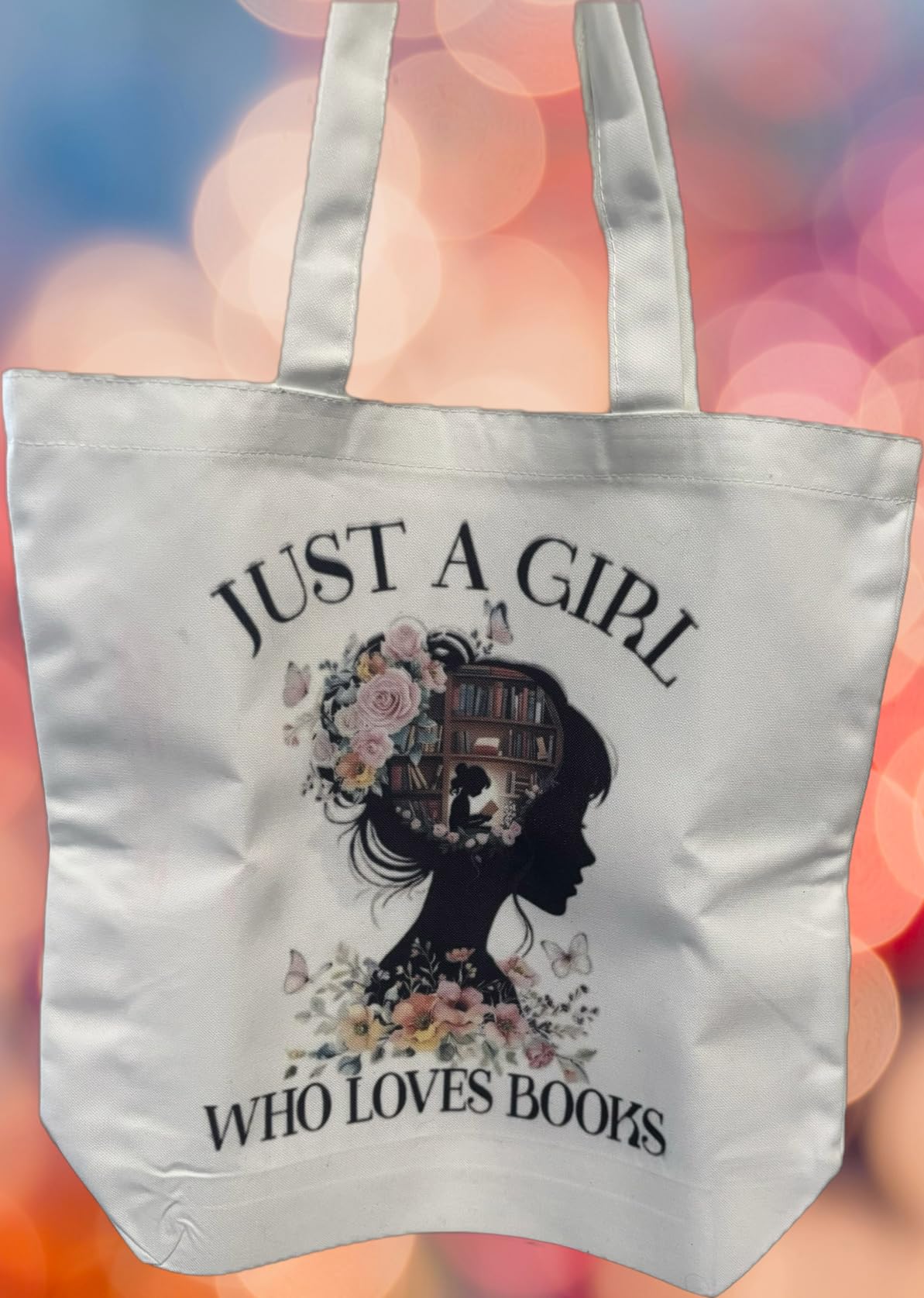
The mirroring setting you need to know about before your first cut
Some owners report that this printer mirrors prints by default. If you are printing through a cutter such as a Cricut or Silhouette, that default will flip your design after the cutting step and you will end up with a backwards transfer. It is a setting change in printer preferences, but finding it costs a first print.
Change it before you cut a full sheet of blanks. It costs two minutes to fix and saves a wasted sheet of transfer paper and tape, plus the tape you already applied to the blank.
Where the price of simplicity shows up
Resolution is listed at 600 x 600 dpi, the lowest figure among the dedicated machines here. In practice that means fine detail and small text lose sharpness sooner than they would on the F170 or the SG500. Large logos and bold type are unaffected. Photographic gradients and thin line work are where you will notice.
Media caps at Legal, 8.5 by 14 inches, so it is in the same class as the SG500 for width limits and well behind the F570. The second most common complaint is software installation, where some owners could not get the download to complete on their machine. Check the current package before you start.
Choose this bundle when completeness matters more than resolution, and when you want commercial design assets included on day one. If image quality is the deciding factor, the F170 prints sharper.
6. Generic Sublimation Bundle – A Cheap Way To Test The Craft
Generic Sublimation Heat Transfer Image Printing for T-shirts Ceramic Mugs Bags Heat Press Printer Bundle
100 sheets of transfer paper
Printhead cleaning kit
Heat transfer tape
15 pounds
+ The Good
- Lowest entry price in the roundup with paper and accessories included
- Handles mugs bags mouse pads and phone cases
- Printhead cleaning kit included for routine maintenance
- The Bad
- Inks are not included and must be bought separately
- Only light polyester and blends with 30 percent cotton or less
- Unverified brand and build quality
- Modest ink capacity and throughput
We are including this one because it answers a real question: can you learn dye-sublimation before committing money to a machine you might not use? The answer here is yes, with conditions. The package contains a new printer, 100 sheets of sublimation paper, a printhead cleaning kit and heat transfer tape. The one thing it does not contain is ink.
That omission is the whole story of this machine. The printer is essentially a bare chassis, and you need to source sublimation ink separately before the first print. Sellers who list this kind of bundle usually mean it as a low-risk trial, not as a finished setup.
At 3.9 stars it has the lowest average here, and seventeen percent of its 49 reviews are one-star. The pattern in those reviews is consistent: it works, but output consistency trails name-brand machines and the build quality is unverified. Nobody describes it as a craft they built their business on.
What this machine can and cannot print on
The recommended substrates are light-colored polyester fabrics and polyester-coated items with 30 percent cotton or less. That restriction is tighter than most manufacturers state, and it rules out dark garments entirely, which removes full-color designs with white or light elements from your options.
On the positive side, it works across a wide range of hard goods: t-shirts, mugs, bags, mouse pads and phone cases. The listed upper temperature rating of 350 F tells you what the intended pressing conditions are, so pair it with a press that holds temperature accurately rather than guessing.
When it makes sense and when it wastes your time
It makes sense if you want to spend an evening learning the workflow with very little at risk. Print a transfer, press it, pull the paper off while hot, let it cool, and judge the result. If that process appeals to you, you have learned the hard part and every machine on this page will be easier to run.
It wastes your time if you need consistent output for paying customers or if you dislike sourcing consumables separately. A 15 percent one-star rate is a strong signal about what to expect, and a machine with no verified brand behind it is not somewhere to put a repeat order.
7. Brother SP1 Wireless Bundle – Fast Sheets With Artspira Built In
Brother Sublimation Printer, High-Speed Printing with Wireless Connectivity, and Sublimation Paper, 100 Sheets
1200 x 1200 dpi
Up to 45 seconds per sheet
100 sheets of paper included
Two-year limited warranty
+ The Good
- Quick per-sheet print times suit small batches
- Artspira app bundles templates and photo conversion tools
- Wi-Fi USB Ethernet plus touch control
- Two-year limited warranty
- The Bad
- Setup takes a while and interface language options are limited
- Throughput slower than faster desktop units
- Heat press not included
This Brother SP1 bundle covers similar ground to the Brother SP-1 offering, but as a distinct package rather than a repeat recommendation. Where the SP-1 starter bundle optimizes for completeness with blanks and tape, this listing optimizes for speed and the Artspira workflow, and it includes 100 sheets of letter-size sublimation paper instead of the 50 blanks and tape set.
Print times are listed at up to 45 seconds per sheet, the quickest per-sheet figure of the desktop units here. When you are pressing shirts one at a time anyway, a faster sheet changes how many designs you can have ready while the press is cycling.
Artspira is free and included, with access to over 100 sublimation designs and image conversion tools that turn photos into poster-style artwork. The workflow the manufacturer describes is design, transfer, print, heat press and finish, with the heat press sold separately. Plan for that in your budget.
What the 4.5 rating is built on
The review base is the smallest of the dedicated machines at 22 reviews, and eighty-five percent of those are five-star. That is a genuinely positive signal from a small sample. The criticisms are specific: setup takes a while, the interface offers limited language options beyond English and Arabic, and throughput is slower than faster desktop units.
Connectivity is the most complete in the Brother range here, with Wi-Fi, USB and Ethernet, a touch control panel, and automatic duplex printing listed in the specifications. Paper size is letter at 8.5 by 11 inches with a 100-sheet tray, and the warranty is two years limited, matching the Sawgrass term rather than the one-year terms on the converted machines.
Best fit for a design-first workflow
If your process starts in the app rather than in a desktop editor, this is the cleanest fit. Artspira handles templates and photo conversion on the phone or tablet, the printer handles the rest over Wi-Fi, and the two-year warranty means a mistake in month twenty is still covered.
Its limits are width and equipment. Letter-size media is narrower than the other dedicated group, so anything wider than 8.5 inches needs tiling. And with no press in the box, the total setup cost is higher than the sticker figure suggests. If you already own a press, this is a strong partner for it.
Dedicated Or Converted: How To Choose Your Sublimation Printer
Every sublimation question eventually comes down to one decision: do you buy a printer built for dye-sublimation, or do you buy a general inkjet and convert it? The answer changes the warranty, the running cost and the amount of setup work you do in your first weekend.
A dedicated printer ships ready to print transfers. Profiles are pre-built, the ink is the right formula, the printhead is specified for dye, and the warranty stays intact as long as you use manufacturer ink. A converted printer gives you cheap ink and, sometimes, extra functions the dedicated machine does not have. It also gives you voided warranty coverage and printhead risk from ink chemistry that was never specified for it.
Start from print size. Nearly every decision downstream follows from how wide your designs need to be. A shirt logo is under 8.5 inches wide and every machine on this page handles it. An adult chest panel runs roughly 10 to 12 inches, which needs a 13 inch wide printer. A full all-over garment print needs 24 inches of media width.
Next comes volume. Under roughly 50 shirts a month, running cost differences are small and setup simplicity matters more, so a dedicated machine is the better buy. Above that, ink per milliliter starts to dominate your margin and a tank-fed converted machine begins to make sense, provided you are comfortable maintaining nozzles and doing your own color work.
Then consider the photo and print quality side of it. If your work is text and logos, almost any of these machines produces an indistinguishable transfer. If your work is photographs with skin tones and gradients, the machines with purpose-built color engines and working preset systems will save you hours per design. Our photo printer guide covers the same color-accuracy thinking applied to inkjets.
Finally, decide how much gear you are comfortable sourcing. A bundle that arrives with ink, paper, blanks and tape costs more up front and saves a month of ordering. A bare printer plus a separate heat press costs less to start and more in the first three weeks. Both are valid; they just suit different people.
What You Need Besides the Printer To Print T-Shirts
The printer is roughly half of a working setup. Here is the rest of the list, in the order you will need it.
1. Sublimation ink. Only for the printer model you own. EcoTank refillable bottles for converted machines, proprietary cartridges for the Sawgrass, Epson T49M or Epson OEM inks for the Epson units, Brother ink for the Brother units. Confirm the exact compatible set before ordering anything.
2. Sublimation transfer paper. This is not regular photo paper. It is a specially coated stock with a release coating that lets you peel the transfer off the shirt while hot. Letter size covers most single-panel work; 13 x 19 sheets cover adult chest panels.
3. A heat press. A flat press sized 15 by 15 inches handles adult shirts and youth shirts. A 16 by 20 press gives you room to work with large panels and full-bleed designs without repositioning. Buy a press with a consistent temperature readout, because sublimation transfers are temperature-sensitive and a press that drifts will produce inconsistent results.
4. Heat-resistant tape. This holds the transfer paper flat against the garment and stops the edge from lifting. Without it, a large panel will bubble at the corners. The SP-1 bundle includes four widths of ProSub tape, which is why that box is worth its price for a beginner.
5. Polyester blanks. Gildan, Bella+Canvas and Next Level polyester blends come up repeatedly in owner recommendations as reliable sublimation blanks. Gildan 50/50 blends are among the most forgiving because the polyester content does the bonding work even with cotton in the mix.
6. A design workflow. Artspira ships with both Brother machines and covers templates and photo conversion. Canva works for graphics-heavy work. If you pair your printer with a Cricut or Silhouette cutter for contour cutting, remember the Brother SP-1 mirroring default described earlier.
7. Ventilation. Sublimation is generally considered lower-fume than solvent-based printing, but heat still releases dye vapor, and owners running a home setup ask about this more than any other safety question. Work in a room with a door that opens, keep a fan moving air across the press, and do not run long sessions in an unventilated closed room. Keep the press area clear and use a heat-resistant surface, not a plastic one.
A note on papers and inks: if you want to print on cotton, there are transfer papers designed to carry dye into cotton with a coating layer, from names you will see in craft supply stores. They work, but they add cost per print, add a second press or curing step, and they change the hand feel of the garment. Plan for that before you promise a customer a cotton shirt.
If your shop also makes hard goods and custom fixtures to speed up pressing, our guide to the best 3D printers covers machines that pair well with a sublimation workflow.
Polyester Fabric Rule, Cotton Workarounds And Print Size Limits
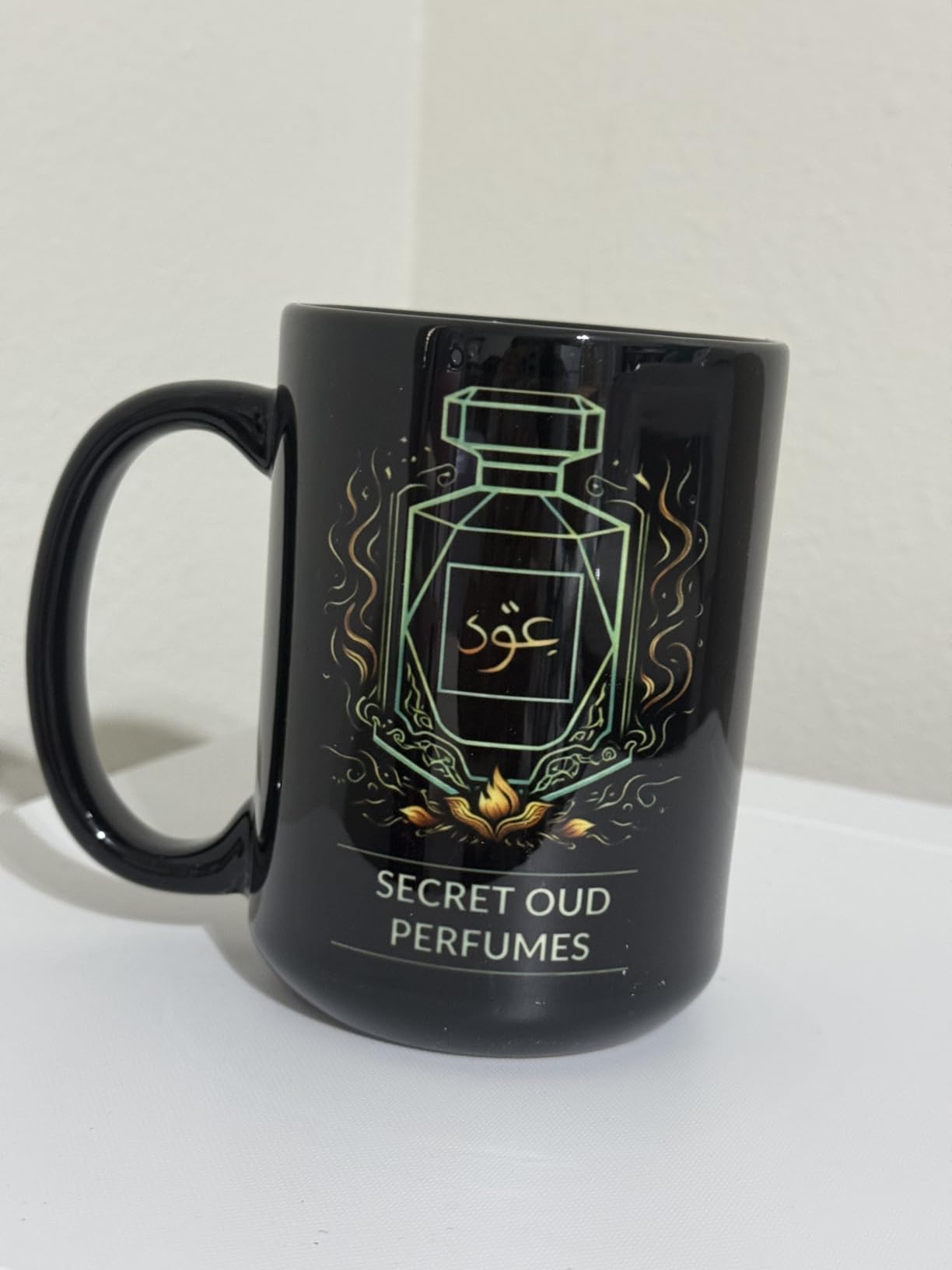
Dye-sublimation transfers dye into polyester polymer. The dye turns to gas under heat and pressure, enters the fiber, and becomes part of the fabric. Nothing sits on top, so the print will never crack, peel or wash out the way heat-transfer vinyl does. That durability is the reason the process is worth learning.
The same chemistry is why 100 percent cotton will not work. Cotton fibers do not have the polymer structure that holds sublimation dye. No amount of heat changes this. For cotton you need a transfer paper with a polymer coating that binds dye to the surface, which trades some durability and adds steps.
Dark garments are also out for pure sublimation. Dark polyester has no light underlayer to reflect color, so light ink disappears. That is why every manufacturer on this page specifies light-colored or white blanks. Full-color designs with white elements printed on dark shirts need a different process entirely.
Now map print width to garment size. An 8.5 inch wide printer handles youth shirts and adult chest logos comfortably, and adult front designs up to about that width. A 13 inch wide printer handles full adult front panels, larger jersey numbers and small all-over designs without tiling. A 24 inch printer handles complete front, back and side panels on adult garments in one continuous sheet.
When you tile with an 8.5 inch printer, two things go wrong. Seams appear where panels meet, and color can shift slightly between sheets printed at different times. Both are manageable if you print all panels back to back with the same profile and overlap the seam slightly. Neither is acceptable for detailed photography.
One last sizing note: measure the printable area of your press, not just the paper. A transfer wider than your platen has to be repositioned mid-press, which means reapplying pressure partway through and accepting uneven heat across the design. Match your press size to your largest finished panel rather than to your printer.
Maintenance And Troubleshooting For Sublimation Printers
Printhead clogging is the single most common complaint in the owner reviews across all seven of these machines. It is also the most preventable. The pattern is consistent: machines that are used regularly stay healthy, and machines that sit for weeks between jobs develop blocked nozzles.
Run a nozzle check weekly even when you are not printing. It takes under a minute, and it tells you about a developing clog before it ruins a full sheet of transfer paper and a blank. If a channel is missing, run a head alignment cycle straight away rather than hoping it clears itself.
For converted machines, the routine is stricter. Keep the tanks topped up so the printhead is never drawing air, keep ink moving through the lines if you are away, and clean the printhead with the supplied kit on a schedule. Third-party ink viscosity differs from what the head was designed for, and that difference shows up as clogs months later rather than days later.
Color problems usually have three causes. The first is a wrong or missing ICC profile, which is the most common and the easiest to fix. The second is ink starvation from a partially empty tank, which pulls color density down and shifts the balance. The third is temperature and dwell time on the press, where too little heat leaves the dye under-transferred and pale.
Prints that look dull on paper but bright on the finished shirt are normal behavior, not a fault. Dye-sublimation output only reaches full saturation after heat. Judge your color on the garment, never on the transfer sheet.
Paper jams and streaks usually come down to the sheet. Sublimation paper should be stored cool, dry and away from direct sunlight and humidity. Damp paper releases unevenly and causes the mottled patches that owners sometimes mistake for a printhead problem.
Frequently Asked Questions
What is the best printer for t-shirt printing?
The Epson SureColor F170 is the best overall choice for most people because it arrives with genuine Epson dye-sublimation ink and pre-built color profiles, so there is no conversion step and no warranty question. If your designs need all-over coverage wider than 8.5 inches, step up to a 13 inch wide printer. If you are producing hundreds of garments a month, a 24 inch wide machine such as the SureColor F570 removes the tiling work entirely.
Can I print sublimation on a cotton tshirt?
Not directly. Sublimation dye bonds to polyester polymer, and 100 percent cotton has no polymer structure to hold it. There is no temperature or pressure setting that makes it work. For cotton you need a transfer paper with a polymer coating that carries the dye to the surface, which adds cost per shirt, an extra press or curing step, and a slightly different hand feel.
How much is a tshirt printing machine?
The printer is only part of the setup. A conversion-ready or entry dedicated unit plus ink is the lowest realistic starting point, a bundle that includes paper and blanks sits in the middle, and a 24 inch wide production machine sits at the top of this roundup. Add a 15 by 15 inch or 16 by 20 inch heat press, transfer paper, blanks and heat-resistant tape to any of those figures, because a printer alone cannot press a shirt.
What are some good printers for sublimation?
Seven strong options appear in this guide: the Epson SureColor F170 for a compact dedicated setup with genuine ink, the Pinckney converted super-tank for low ink cost and a built-in scanner, the Sawgrass SG500 for color accuracy, the Epson SureColor F570 for 24 inch wide all-over prints, the Brother SP-1 starter bundle for a complete first box, a budget generic bundle for testing the craft, and the Brother SP1 for a fast Artspira workflow.
What is the best printer for a t-shirt printing business?
For a business producing larger volumes, the Epson SureColor F570 handles full adult front panels and all-over garments without tiling, and its roll feed with a built-in cutter reduces press time per shirt. For lower volume with heavy design work, the Sawgrass SG500 gives the most repeatable color. For keeping per-print ink cost low, a converted super-tank machine like the Pinckney is worth the extra nozzle maintenance.
Can I convert an already used printer to sublimation?
Technically yes, and it is a common route into the craft, but check three things first. Converting voids the manufacturer warranty, so a printhead failure becomes your expense. Ink chemistry differs from what the head was specified for, which raises clog risk. And a new converter should still be flushed and tested with a nozzle check before you commit a full sheet of transfer paper to a customer order.
Bottom Line On The Best Sublimation Printers For T-Shirts
The Epson SureColor F170 is the pick. Genuine ink in the box, pre-built profiles, a 150-sheet tray and a footprint that fits a normal desk add up to the shortest path from unboxing to a shirt you would actually sell. Pick the F570 instead if all-over coverage is part of your plan, and pick the Brother SP-1 starter bundle if you want every consumable and 500 commercial design cards in the same box.
Before any of them, settle two questions honestly. What is your widest print, and how many shirts a month? Everything else in this guide follows from those answers. Our complete photo printer guide covers the color-accuracy side, and you will still need a heat press, transfer paper and polyester blanks regardless of which machine you land on in 2026.