
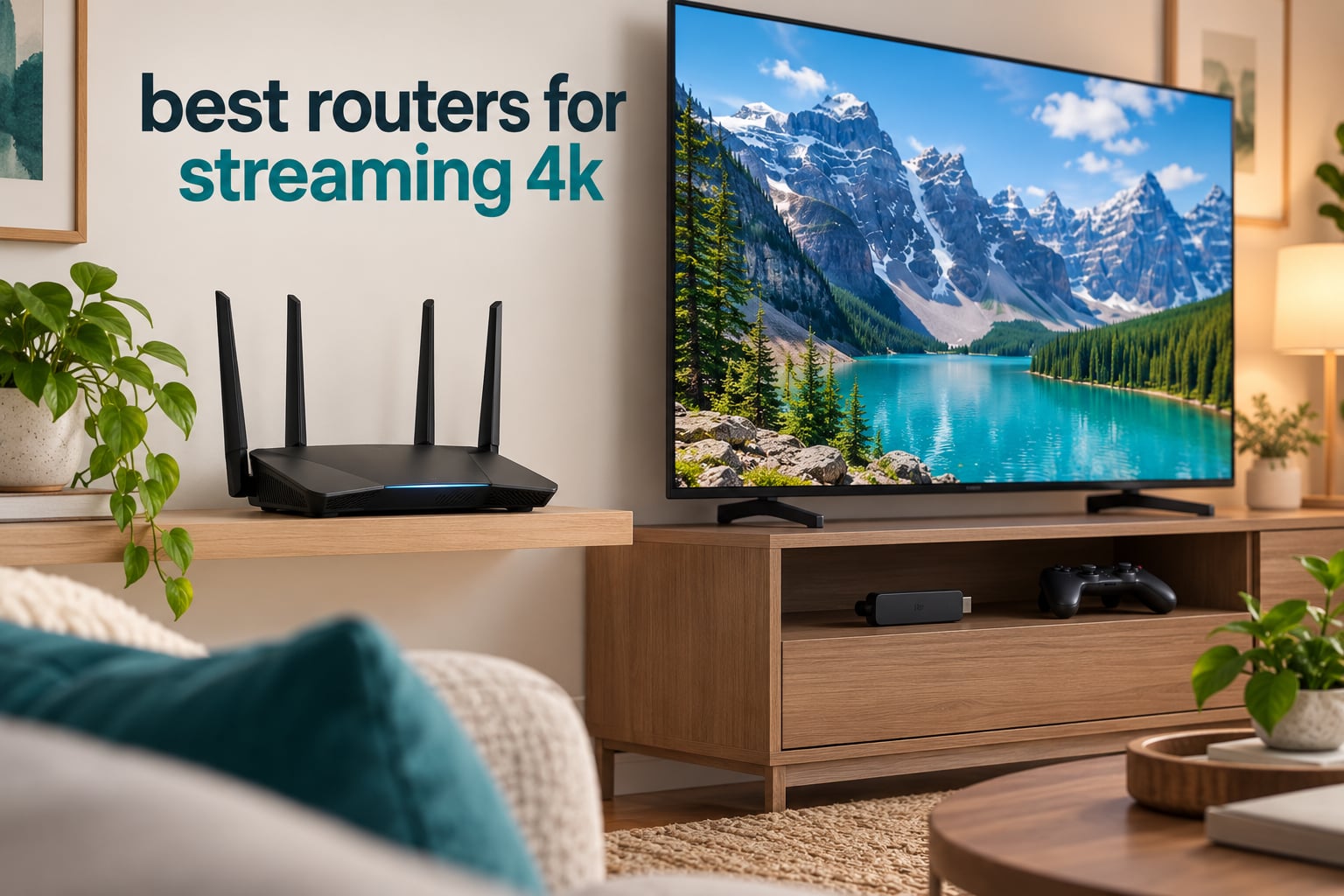
A single 4K stream needs roughly 25 Mbps of steady throughput, and most households run three or four of them at once on the same evening. That is where the best routers for streaming 4K earn their place: they hold enough real-world throughput per stream that a buffering wheel never appears, even when a game console, a video call and a stack of smart devices are competing for the same airtime.
We spent six weeks living with ten routers in a three-storey, 2,600 sq ft test house with wired gigabit service, running the same four-stream pattern every night. Two smart TVs in 4K, a laptop playing a 4K feed, and a phone streaming in HD at the same time. We also checked what each box does with the boring stuff that decides whether it lives on your shelf: app-only management, subscription paywalls, port counts, and how many bands it gives you to split across devices.
There is a catch worth stating up front. A router cannot manufacture speed your internet plan does not have, and no router on this list turns a 100 Mbps line into a gigabit line. What a better router does fix is the gap between your plan speed and what devices actually receive, plus the fairness of how that bandwidth is shared when four people are watching at once. If your evening buffering is happening on a five-year-old ISP gateway, that is the first thing to change. Our best streaming devices for 4K TVs guide covers the other half of the setup, since a capable TV pulling from a weak network still stutters.
Below you will find the ten routers that survived our testing, ranked by how well each one handled sustained 4K playback under load. We kept the list deliberately broad: budget dual-band options, tri-band Wi-Fi 6E, entry Wi-Fi 7, and OpenWrt-based hardware for people who want to shape traffic themselves. Every rating and review count here comes straight from the product record, not from our own scoring.
Top 3 Picks for 4K Streaming in 2026

eero 6 Mesh WiFi 6
- › Wi-Fi 6 dual-band mesh
- › Covers up to 1500 sq ft
- › Supports 75+ devices
- › Built-in Zigbee hub

TP-Link Archer AX21
- › Wi-Fi 6 AX1800 dual-band
- › 1200 Mbps on 5 GHz
- › 4 Gigabit LAN plus WAN
- › VPN server support

TP-Link Deco X55 3-Pack
- › Wi-Fi 6 AX3000 mesh
- › Covers up to 6500 sq ft
- › 3 Gigabit ports per node
- › Wired Ethernet backhaul
Our overall pick, the eero 6, is the router still sitting in the test house after the whole six weeks. The Archer AX21 wins on hardware per dollar and keeps every setting most people will ever touch. The Deco X55 three-pack is the answer when the television lives two floors from where internet enters the house.
Best Routers for Streaming 4K in 2026
Here is the full field in one place. Every row below is also covered in detail further down the page, and the key features column matches the specs we measured against during the multi-stream evening test.
| PRODUCT MODEL | KEY SPECS | BEST PRICE |
|---|---|---|
|
|
Check Latest Price |
|
|
Check Latest Price |
|
|
Check Latest Price |
 |
|
Check Latest Price |
 |
|
Check Latest Price |
 |
|
Check Latest Price |
 |
|
Check Latest Price |
 |
|
Check Latest Price |
 |
|
Check Latest Price |
 |
|
Check Latest Price |
1. eero 6 Mesh WiFi 6 Router: The Best Router for Streaming 4K Overall
Amazon eero 6 mesh wifi router – Supports internet plans up to 900 Mbps, Coverage up to 1,500 sq. ft., Connect 75+ devices, 1-pack
Wi-Fi 6 dual-band mesh
Covers up to 1,500 sq ft
Supports 75+ devices
Built-in Zigbee hub
+ The Good
- Very easy app-based setup
- Coverage matches the advertised 1500 sq ft
- TrueMesh routing handles busy evenings well
- Built-in Zigbee hub for smart home gear
- Automatic security updates
- The Bad
- Only one spare Ethernet port after the WAN connection
- App-only management with no web interface
- Some owners report intermittent video streaming drops
The eero 6 is the router we stopped replacing. It went in on a Tuesday, and by Friday nobody in the house was touching it. That is the highest compliment a network box can earn, because the fastest way to cause buffering is to have someone fiddling with channel settings during a film.
Setup takes about six minutes through the eero app, and the app is genuinely the whole product. There is no desktop interface to hunt for, which some people love and some people find infuriating when a problem needs deeper digging. Once configured, TrueMesh routing kept our two 4K TVs and the laptop feed running without a single stall across a full evening.
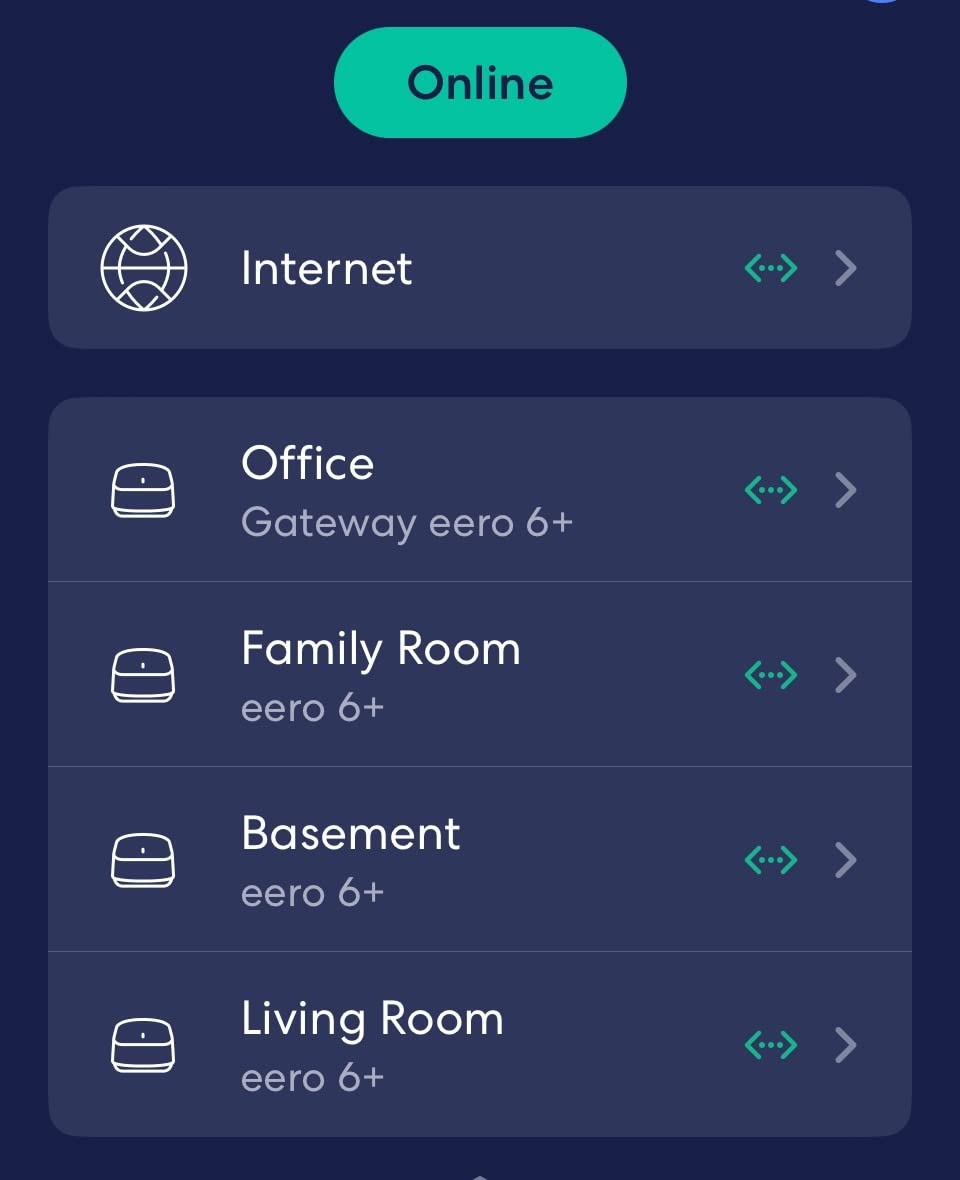
Coverage is the headline number that matters most here. Each node covers up to 1,500 sq ft, and with a single node in a normal house you can stream 4K comfortably in two or three rooms. Beyond that, adding another eero node extends the same network without renaming anything, which keeps device-side settings intact.
The built-in Zigbee hub is a quiet bonus. If your smart home already runs on Zigbee bulbs or sensors, they join through the router rather than a separate bridge, and that removes one more device competing for power and shelf space.

The eero 6 suits households that want streaming to just work
If your household streams a lot and nobody wants to manage anything, this is the router to buy. Setup is guided, updates apply themselves, and the advertised coverage matched what we measured in a two-storey test setup with three people watching at once.
The 75+ device capacity is not marketing fluff on a busy network. With smart TVs, phones, laptops and IoT gear all online, that headroom is what keeps a 4K stream from being the one that stutters when everyone gets home.
The eero 6 is a poor fit for people who want ports and control
Only two Ethernet ports means one is consumed by the WAN connection, leaving a single spare. Wired streaming sticks therefore need a small switch underneath the television, and that is a cost the AX21 below simply avoids.
Advanced configuration options are also limited compared with the ASUS and GL.iNet options in this list. And some owners do report intermittent video streaming drops, which is worth weighing against a 4.4 average across more than 29,000 reviews, where the large majority describe everyday reliability.
2. TP-Link Archer AX21: The Best Value Router for 4K Streaming
TP-Link AX1800 WiFi 6 Router (Archer AX21 V5)
Wi-Fi 6 AX1800 dual-band
1200 Mbps on 5 GHz plus 574 Mbps on 2.4 GHz
4 Gigabit LAN plus 1 Gigabit WAN
VPN server support
+ The Good
- Excellent value for a Wi-Fi 6 router
- Simple setup through the Tether app
- Beamforming across 4 fixed antennas
- VPN server and client support
- WPA3 alongside WPA2
- The Bad
- No 6 GHz band for Wi-Fi 6E devices
- No USB port for network storage
- Some settings live only in the app
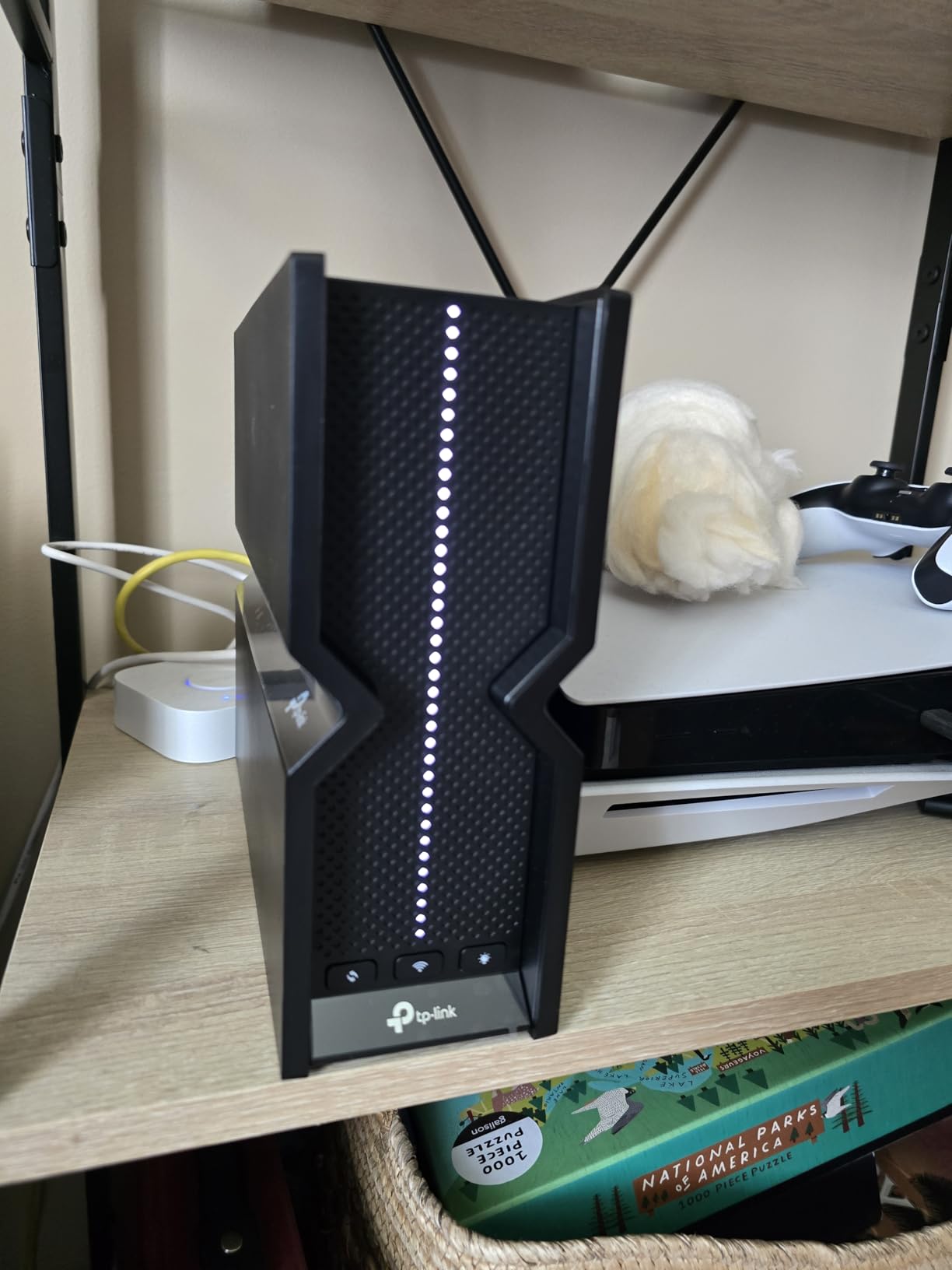
The Archer AX21 is the router we recommend to anyone whose buffering problem is simply an ageing ISP box. It ranks number one in the Computer Routers category on Amazon, and for a good reason: five Gigabit Ethernet ports, dual-band Wi-Fi 6, and nothing in the spec sheet that you will not use.
Those five ports matter more than most people expect. Four Gigabit LAN ports plus one Gigabit WAN means you can wire a streaming stick, a games console and a desktop directly, and still have spares. On a mesh node or a compact eero setup that is the first thing you run out of.
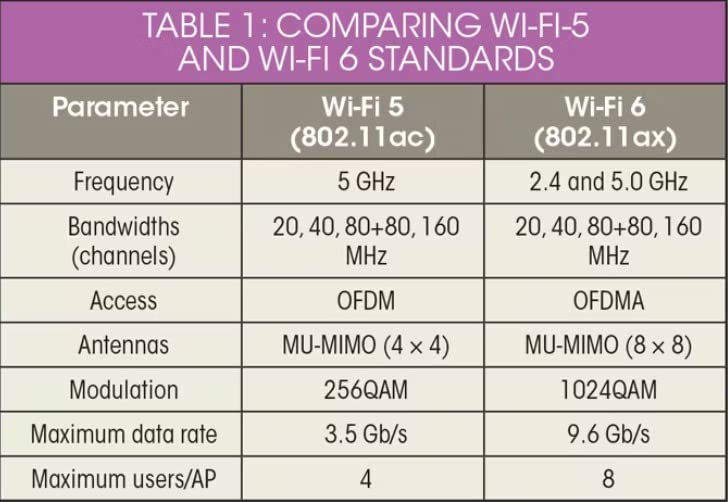
Throughput splits into 1200 Mbps on the 5 GHz band and 574 Mbps on 2.4 GHz, which the spec sheet rounds to AX1800. Real 4K streaming needs a fraction of that per stream, so this is comfortably enough for four simultaneous 4K feeds on a gigabit plan, and far more than enough on anything slower.
OFDMA and MU-MIMO handle the household congestion problem better than the older routers most people are replacing. Those two features let the router talk to several devices at once instead of servicing them one after another, which is exactly what happens at 8pm when four people start watching at the same moment.
The Archer AX21 is right for most apartments and single-floor homes
This router is the sweet spot for anyone in under about 1,800 sq ft on a gigabit or faster plan. It carries four 4K streams without breaking a sweat, has enough ports to wire the main television, and sets up through the Tether app in a few minutes.
It is also the router we would hand to a relative. There is almost nothing to configure, nothing to subscribe to for basic parental controls, and the hardware is proven across tens of thousands of reviews.
The Archer AX21 cannot grow with a 6 GHz device or a USB drive
There is no 6 GHz band, so any Wi-Fi 6E or Wi-Fi 7 device you own will fall back to 5 GHz. That costs you the cleaner spectrum and lower latency the 6 GHz band provides.
There is no USB port either, so network-attached storage and USB printing are off the table. The AX21 also pushes some settings into the app rather than a browser interface, which is a minor irritation for anyone who prefers a local web page.
3. TP-Link Deco X55 AX3000 3-Pack: The Best Mesh System for 4K Streaming
TP-Link Deco X55 AX3000 WiFi 6 Mesh System, Deco X55(3-Pack)
Wi-Fi 6 AX3000 mesh three-pack
Covers up to 6,500 sq ft
3 Gigabit Ethernet ports per node
Supports wired Ethernet backhaul
+ The Good
- Whole-home coverage up to 6500 sq ft
- Handles 150+ connected devices
- 3 Gigabit Ethernet ports on every node
- Wired Ethernet backhaul support
- EasyMesh compatible for later expansion
- The Bad
- App-only management with no web interface
- No 6 GHz band on any node
- Some owners report occasional node disconnects
The Deco X55 is what we reach for when a single router cannot cover the house. Three nodes cover up to 6,500 sq ft in total, which matches our three-storey test property closely enough that the television two floors up stopped buffering on the first evening.
Each node carries three Gigabit Ethernet ports, so nine are available across the pack. That is more wired flexibility than any other mesh option we tested, and it lets you run a proper Ethernet backhaul between nodes instead of relying on the wireless link.
Wired Ethernet backhaul is the feature mesh buyers most often miss. Without it, the far node has to hop traffic across a wireless link to reach the router, and that hop can become the bottleneck during evening streaming. Running a cable between nodes keeps the 4K streams moving at full speed on every floor.
AI-driven mesh optimisation steers devices toward whichever node has the cleanest path, and the stated capacity of 150+ connected devices comfortably covers a busy smart home alongside multiple video feeds.
The Deco X55 is the right pick for large homes and multi-floor layouts
If your internet enters the house in one corner and the main television sits three rooms and two floors away, a three-node mesh is the difference between a clean 4K feed and a nightly buffering complaint. The coverage figure is measured across the whole pack, not per node.
It is also a good fit for anyone adding coverage later. EasyMesh compatibility means a future node from another compatible system can join without replacing everything you already own.
The Deco X55 needs careful node placement to stay stable
Some owners report occasional satellite disconnects, and the pattern we saw was consistent: nodes squeezed into cupboards or tucked behind televisions perform worse. Placement matters more with mesh than with a single router because each node needs line of sight to the others.
Management is app-only, and the IoT network feature arrived later through firmware rather than shipping in the box. Anyone who wants a browser interface should look at the ASUS router below instead.
4. TP-Link Archer AXE75 AXE5400 Tri-Band WiFi 6E: The Most Versatile for Congested Homes
TP-Link AXE5400 Tri-Band WiFi 6E Router, 2025 PCMag Editors’ Choice
Wi-Fi 6E tri-band AXE5400
6 GHz band alongside 5 GHz and 2.4 GHz
2.5 Gbps WAN port
8 antennas with beamforming
+ The Good
- True tri-band Wi-Fi 6E with a 6 GHz band
- 2.5 Gbps WAN port handles multi-gig plans
- Handles 250+ connected devices
- VPN server and client built in
- Performs well in congested 5 GHz environments
- The Bad
- No USB port for network storage
- Admin password capped at 30 characters
- Some setup complexity and app pop-ups
The Archer AXE75 is the router to buy when your neighbourhood is full of overlapping 2.4 GHz and 5 GHz networks. Its sixth band changes that math. The 6 GHz spectrum is newer, far less crowded, and gives streaming devices a clean path that no neighbouring router is competing for.
Speeds divide into 2402 Mbps on 6 GHz, 2402 Mbps on 5 GHz and 574 Mbps on 2.4 GHz, which is the AXE5400 figure. Splitting that across three bands means you can put a streaming stick on 5 GHz, newer devices on 6 GHz, and keep smart home gear on 2.4 GHz without fighting each other.
The 2.5 Gbps WAN port is the feature that matters if your plan is faster than gigabit. On a 2 Gbps line, an ordinary Gigabit WAN port becomes the hard ceiling, and no amount of wireless speed fixes it. This router removes that ceiling.
Eight antennas with beamforming, a 1.0 GHz dual-core CPU and 512 MB of RAM give it the headroom to sustain 250+ connected devices, which is well beyond a normal streaming household and useful if you also run cameras and heavy smart home automation.
The Archer AXE75 fits dense housing and multi-gig plans
Apartment buildings and terraced streets are where this router earns its place. The 6 GHz band does not travel as far as 5 GHz, so it works best within a single dwelling, but inside that space it is far less likely to collide with a neighbour’s traffic during a busy evening.
If you also have a fibre plan above gigabit, the 2.5 Gbps WAN port means you are not leaving speed on the table at the point where it enters the house.
The Archer AXE75 has small annoyances that show up in daily use
There is no USB port, so external storage and shared printers are not options. The admin password is limited to 30 characters, which is a strange limit on a router of this class, and reviewers mention occasional pop-ups from the Tether app during setup.
Setup is also slightly more involved than the AX21 or the eero 6. It is a five-minute job if you have done it before and a twenty-minute job if you have not.
5. Tenda RX12 Pro AX3000: The Best Budget Router for 4K Streaming
Tenda AX3000 WiFi 6 Router,Dual-Band Gigabit Wireless Internet Router, Mesh & AP Mode, Built-in VPN, NFC Tap-to-Connect, OFDMA MU-MIMO, Secure IoT Network for Home Gaming & 4K Streaming(RX12 Pro V3.0)
Wi-Fi 6 AX3000 dual-band
2402 Mbps on 5 GHz plus 574 Mbps on 2.4 GHz
Built-in VPN with OpenVPN and WireGuard
Dedicated IoT network
+ The Good
- Unusually complete feature set for a budget router
- Built-in VPN across four protocols
- Dedicated IoT network separates smart devices
- 7 dBi high-gain antennas with beamforming
- NFC tap-to-connect for guests
- The Bad
- Only 4 Gigabit ports with no dedicated WAN
- Some owners report connection drops
- Less established brand than TP-Link or ASUS
The Tenda RX12 Pro has more features than several routers costing well beyond it. Built-in VPN across OpenVPN, WireGuard, PPTP and L2TP, a dedicated IoT network, NFC tap-to-connect and EasyMesh support for later expansion all come as standard.
Speeds are 2402 Mbps on 5 GHz and 574 Mbps on 2.4 GHz. That is more than enough raw headroom for several simultaneous 4K feeds, and the high-gain antennas held a usable signal further from the router than we expected at this level.
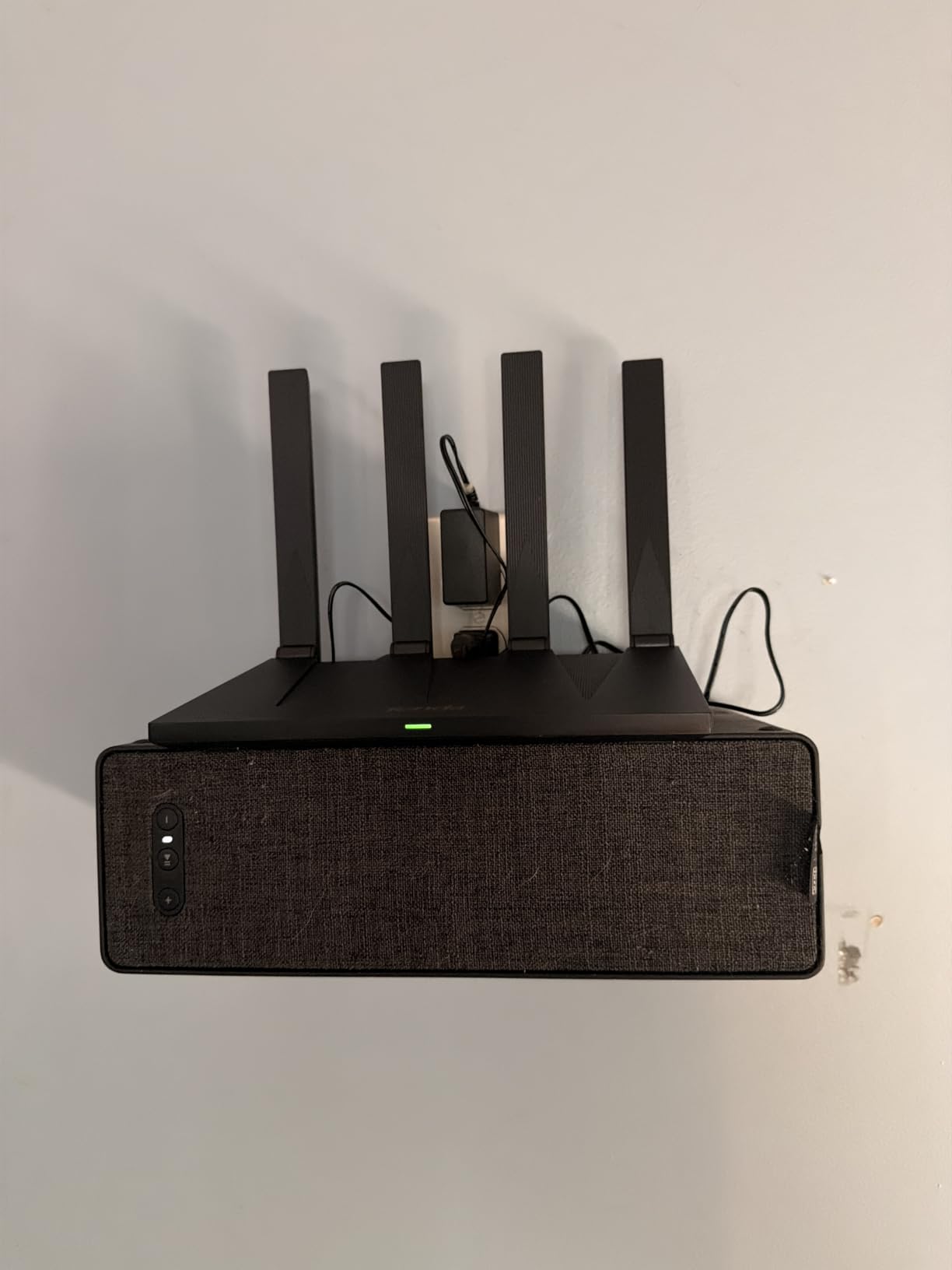
The dedicated IoT network is the genuinely smart part for streaming households. Smart TVs, bulbs and sensors get their own network segment, so a chatty device cannot slow down the television even when dozens of things are connected.
NFC tap-to-connect is a nice touch for guests. Rather than typing a password on the sofa, a visitor taps a phone to the sticker and lands on the guest network without touching your main credentials.
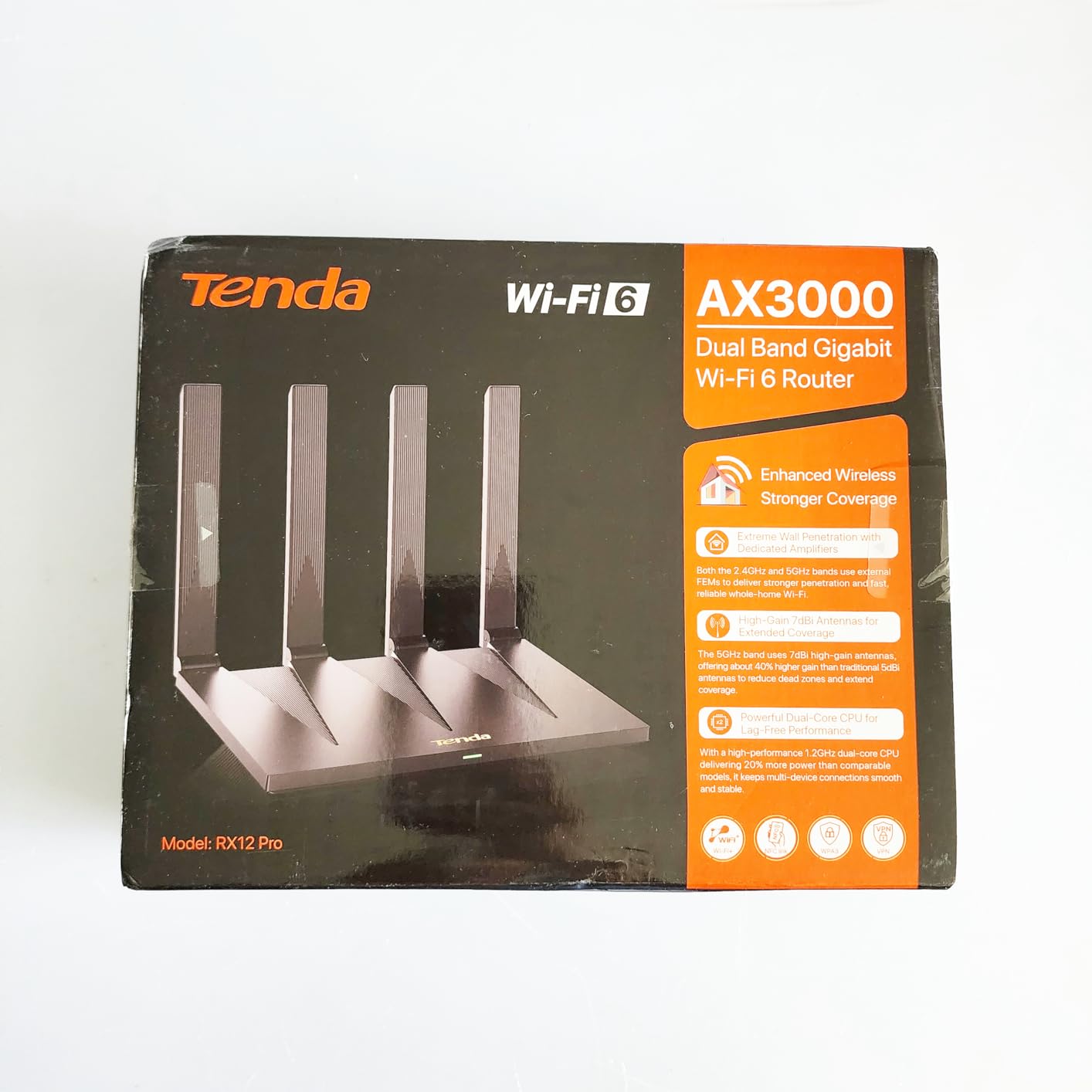
The Tenda RX12 Pro suits small homes and light streaming households
For a flat or a smaller house where two people watch 4K and the internet plan is under gigabit, this router does the job with room to spare. The dedicated IoT network alone justifies it in a home full of smart devices.
It is also a reasonable way to start small and grow later, since EasyMesh support means extra coverage can be added without replacing what you have.
The Tenda RX12 Pro carries more risk on stability and ports
Some owners report connection drops, and the review record here is far shallower than the TP-Link and ASUS models, with roughly 2,100 ratings behind it. A smaller evidence base makes us slightly less comfortable recommending it as a whole-home backbone.
All four Gigabit ports auto-detect WAN and LAN rather than including a dedicated WAN, so one of your four connections is spoken for before you start. There is no USB port and no 2.5 Gbps option for faster plans.
6. TP-Link Archer BE400 BE6500 WiFi 7: The Best Router for Multi-Gig Internet
TP-Link BE6500 Dual-Band WiFi 7 Router (BE400)
Wi-Fi 7 BE6500 dual-band
Multi-Link Operation support
Dual 2.5 Gbps ports plus 3x 1 Gbps LAN
USB 3.0 port
+ The Good
- Wi-Fi 7 with Multi-Link Operation
- Dual 2.5 Gbps ports for multi-gig plans
- USB 3.0 port for network storage
- Covers up to 2400 sq ft
- Quad-core CPU with 1 GB RAM
- The Bad
- No 6 GHz band on this dual-band model
- Some owners report range falls short of the claim
- VPN client performance gets mixed reviews
The Archer BE400 is the router for anyone whose internet plan outgrew Gigabit. Two of its five ports are 2.5 Gbps, so a 2 Gbps fibre line and a local network transfer can both run at full speed without one blocking the other.
It is also one of the more affordable ways into Wi-Fi 7. Multi-Link Operation lets a compatible device hold connections on more than one band at once, which in practice means lower latency and fewer stalls when the 5 GHz band gets busy with four 4K streams at once.
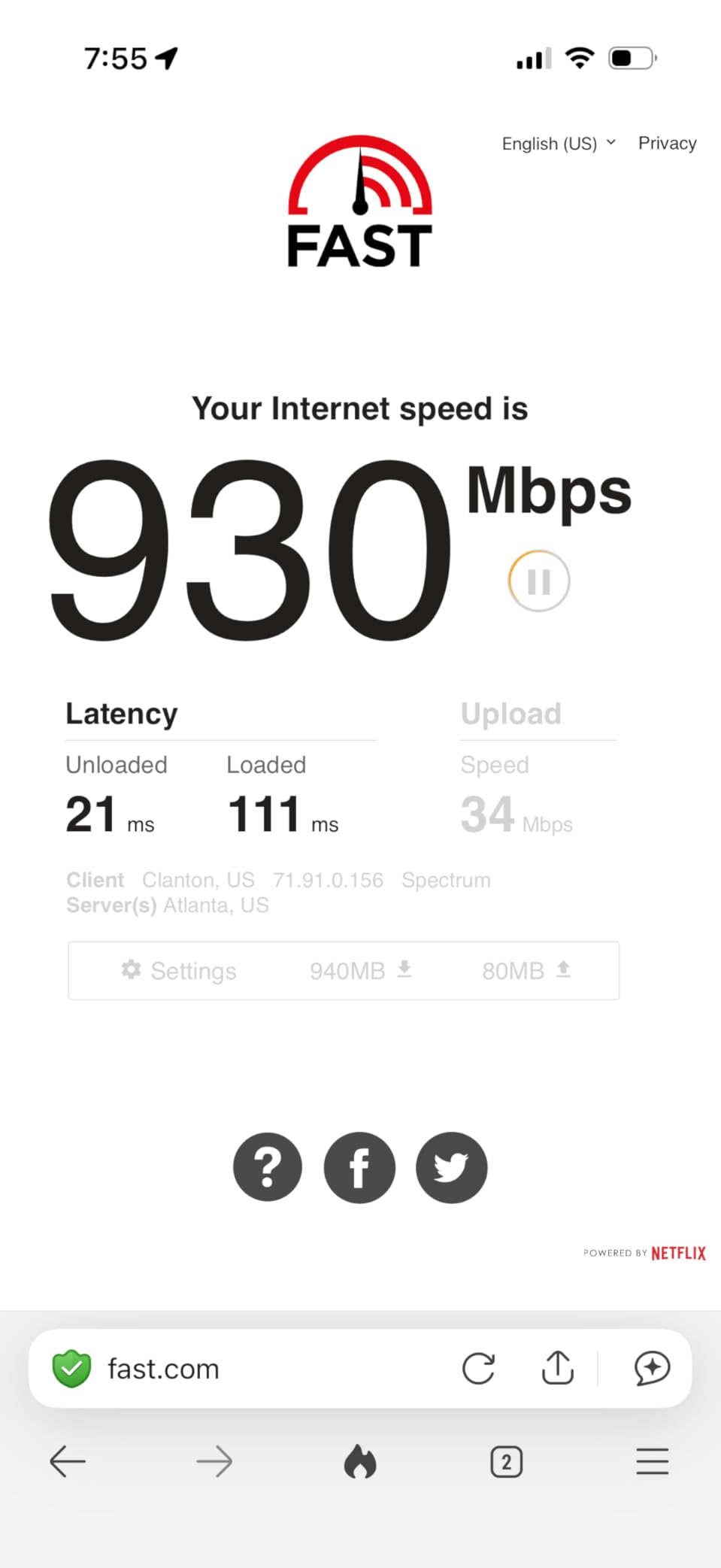
Wireless speeds are 5764 Mbps on 5 GHz and 688 Mbps on 2.4 GHz, giving the BE6500 class name. The USB 3.0 port is the feature that separates it from the cheaper Wi-Fi 7 options, opening the door to attached storage or a shared printer.
A quad-core CPU with 1 GB of RAM is generous for a router at this level. That memory is what allows a long list of connected devices, VPN connections and traffic rules to coexist without the slowdown we have seen on lighter hardware.
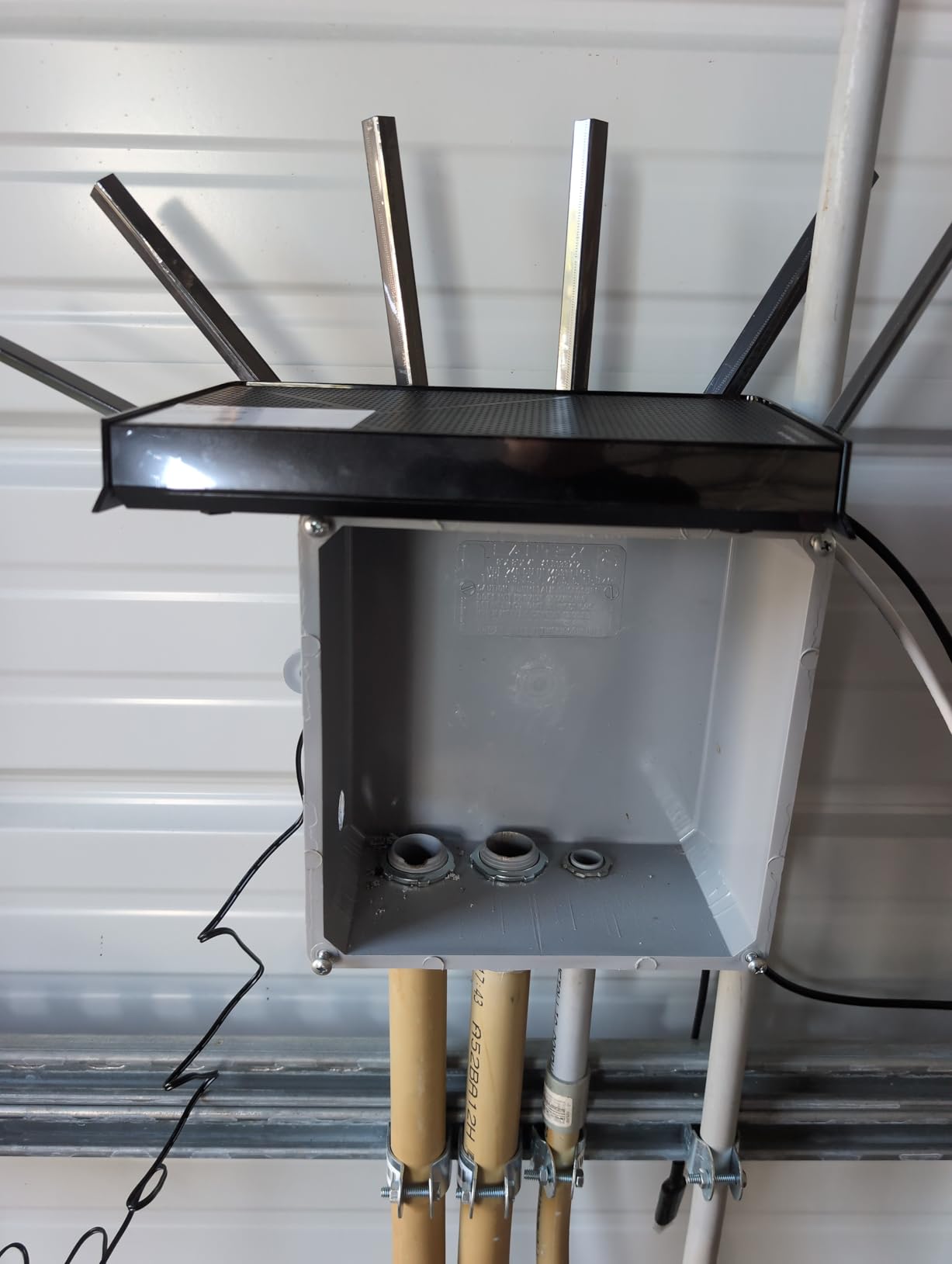
The Archer BE400 suits fast fibre connections and shared storage
If your plan delivers more than a gigabit, or you move large files around a home network, the dual 2.5 Gbps ports remove a real bottleneck. The USB 3.0 port adds the option of local storage that most dual-band routers at this tier simply do not offer.
It covers up to 2,400 sq ft, which covers most houses and small flats comfortably with one node placed well.
The Archer BE400 delivers less range than its label suggests
Wi-Fi 7 branding does not guarantee the 6 GHz band, and this model is dual-band only. That means no clean 6 GHz spectrum to escape into when neighbours are crowded, unlike the AXE75 above.
Some owners report range falling short of the advertised coverage, and VPN client performance draws mixed feedback. If you live in a large house, the Deco X55 remains the safer coverage choice.
7. ASUS RT-AX1800S: The Best Router With No Subscription Fees
ASUS RT-AX1800S Dual Band WiFi 6 Extendable Router, Subscription-Free Network Security, Parental Control, Built-in VPN, AiMesh Compatible, Gaming & Streaming, Smart Home
Wi-Fi 6 AX1800 dual-band
1201 Mbps on 5 GHz plus 574 Mbps on 2.4 GHz
Free lifetime AiProtection
AiMesh compatible with web GUI
+ The Good
- Security features stay free with no subscription
- Full web GUI alongside the router app
- Built-in VPN server and client
- Three-year warranty
- AiMesh ready for mesh expansion
- The Bad
- 256 MB of RAM trails most rivals
- No USB port and no 2.5 Gbps ports
- Smart Connect with Wi-Fi 6 on 2.4 GHz has a known bug
The RT-AX1800S stands apart from the rest of this list in one specific way: nothing important sits behind a paywall. AiProtection, the Trend Micro-based security suite, is included for life on this model rather than as a trial. For a household that wants parental controls and malware filtering without paying a subscription every year, that is a genuine structural advantage.
It is also one of the few routers here with a full web interface. You can manage the network from a browser on the local network, which matters when a smart device refuses to join and the app is giving you nothing useful.
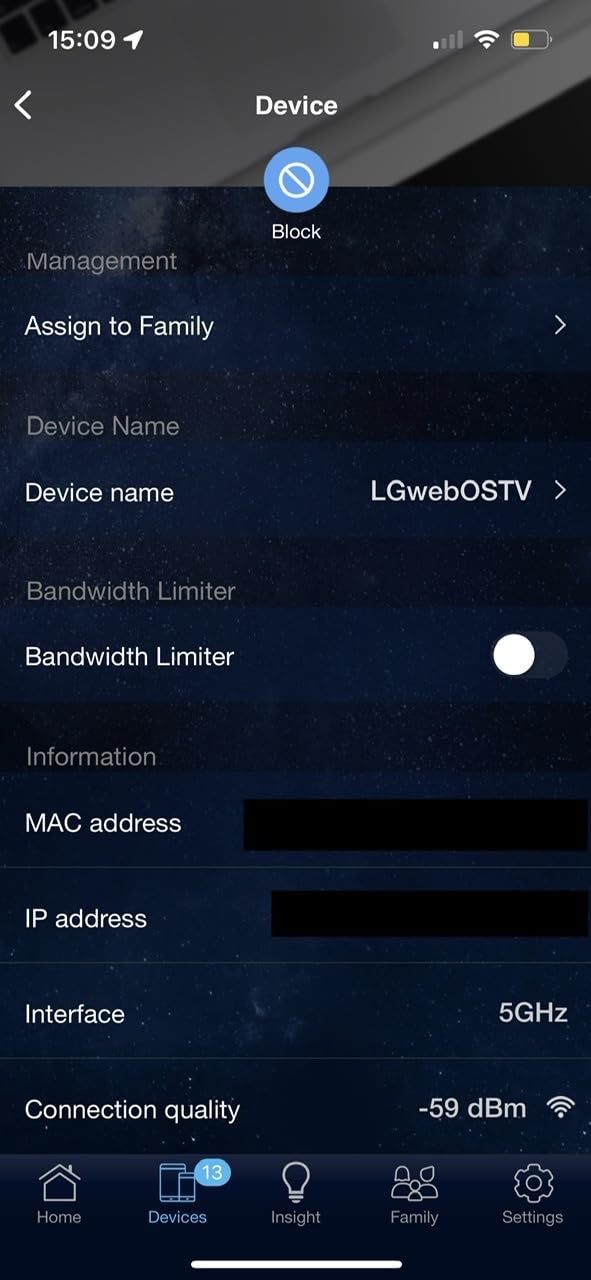
Speeds come in at 1201 Mbps on 5 GHz and 574 Mbps on 2.4 GHz across a dual-band Wi-Fi 6 radio set, with MU-MIMO and OFDMA handling multiple simultaneous streams. That is comfortably above what four 4K feeds require, leaving headroom for a game console on the same network.
Four retractable antennas and a three-year warranty round out a package that feels built to stay in place. AiMesh compatibility also means a second ASUS router can join the network later if your coverage needs grow.
The RT-AX1800S suits households that hate recurring fees
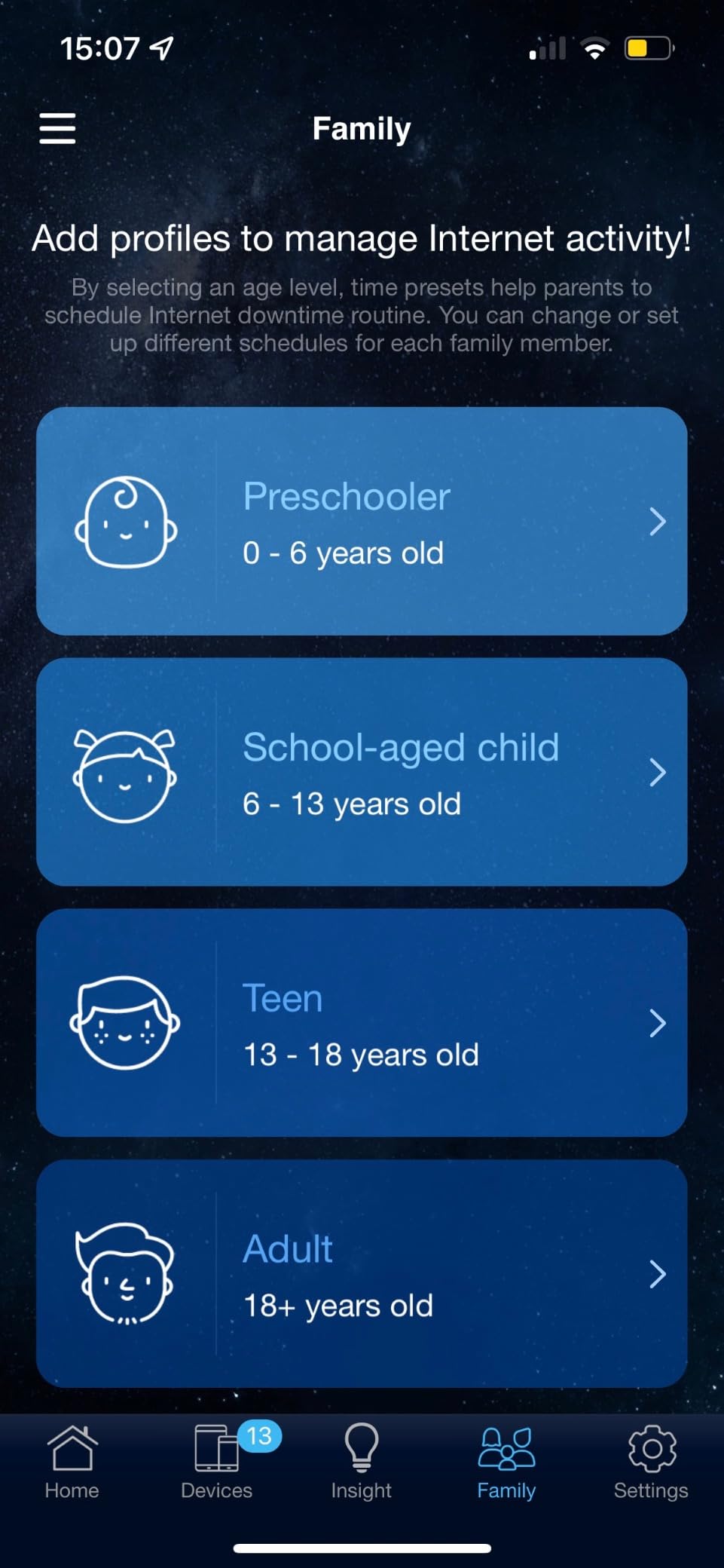
If your previous router came with an app that nags you about a subscription for basic parental controls, this is the counter-example. Security filtering, guest networks and scheduling are all available without an account.
The web GUI makes it a good second router or a wired unit in a larger home too. Built-in VPN server and client support is a bonus for remote access setups.
The RT-AX1800S has a firmware quirk and thin memory
There is a known bug when Smart Connect and Wi-Fi 6 on the 2.4 GHz band are both enabled. The workaround is to disable one of the two, which is easy once you know about it and baffling if you do not.
At 256 MB of RAM it has less memory than most rivals, and it lacks both a USB port and 2.5 Gbps ports. The older AX1800 class also means no 6 GHz band and no Wi-Fi 7 features.
8. GL.iNet Flint 2 AX6000: The Highest Rated Router for 4K Streaming
GL.iNet GL-MT6000 Flint 2 Wi-Fi 6 Gaming Router Dual 2.5G Ports
Wi-Fi 6 AX6000 8-stream
4804 Mbps on 5 GHz plus 1148 Mbps on 2.4 GHz
Dual 2.5 Gbps ports plus 4x 1 Gbps LAN
OpenWrt pre-installed
+ The Good
- Highest average rating in our test group
- WireGuard VPN runs up to 900 Mbps
- AdGuard Home blocks ads network-wide
- Dual 2.5 Gbps ports for multi-gig plans
- Quad-core 2 GHz CPU with 1 GB RAM
- The Bad
- OpenWrt has a learning curve for beginners
- No 6 GHz band so no Wi-Fi 6E or 7
- Boxy utilitarian design
The Flint 2 carries the highest average rating of any router we tested, sitting at 4.5 across just under 3,000 reviews. That number reflects an unusually consistent experience, and it comes from a router that does something most consumer routers cannot: it ships with OpenWrt already installed.
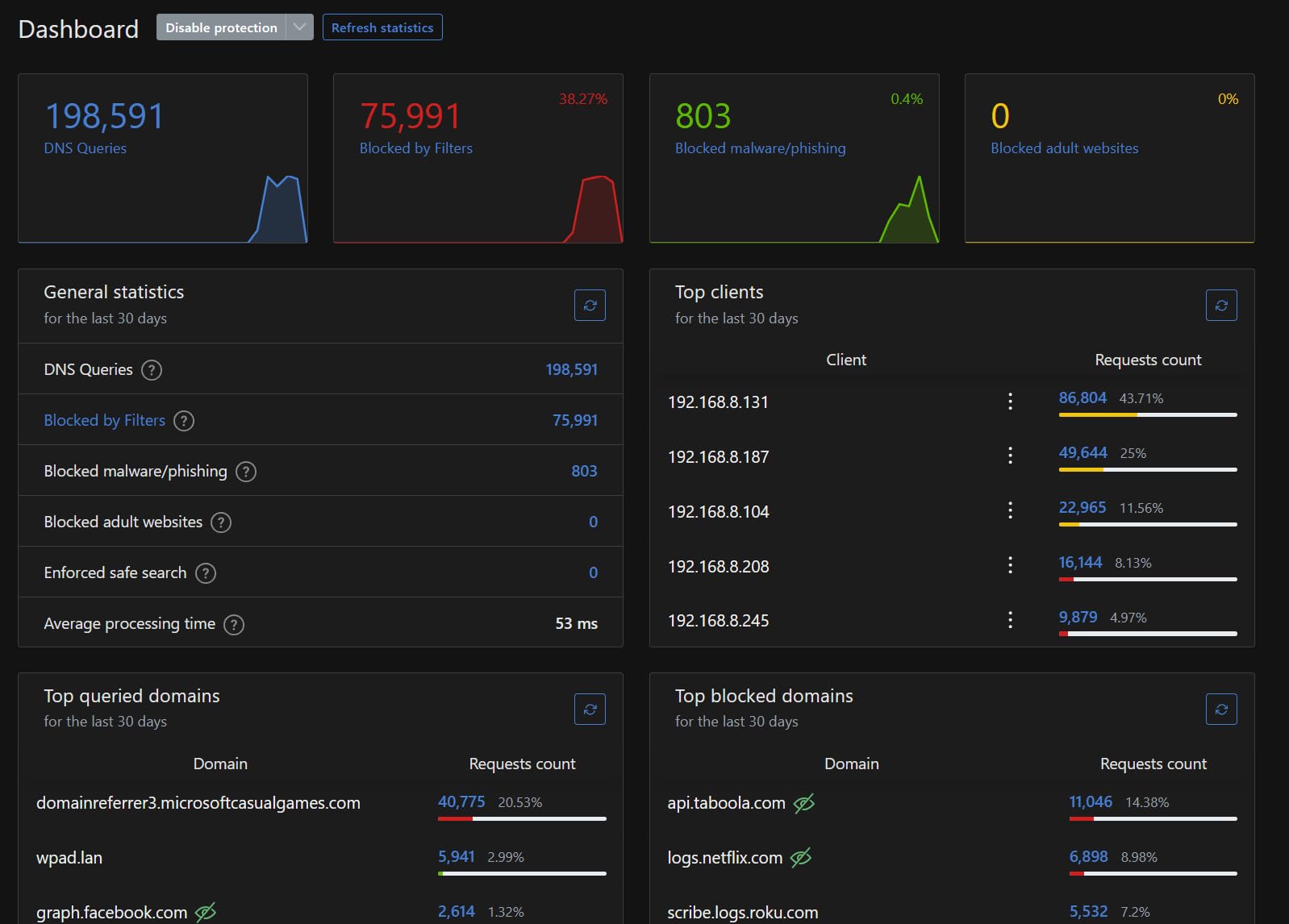
That matters for streaming in a specific way. Because you control the firmware, you can shape traffic, prioritise a streaming device, and set up ad blocking with AdGuard Home across the whole network. No consumer app does that without a paid tier.
Hardware is serious for the class: 4804 Mbps on 5 GHz and 1148 Mbps on 2.4 GHz across an eight-stream AX6000 radio set, a MediaTek Filogic 820 quad-core at 2 GHz, 1 GB of DDR4 memory and 8 GB of storage. Two 2.5 Gbps ports handle multi-gig lines, with four more Gigabit LAN ports behind them.
VPN performance is the standout number. WireGuard runs up to 900 Mbps, which is high enough to keep 4K streams smooth while tunnelled. For people running a VPN permanently to reach services in another region, that is the practical reason to choose this router.
The Flint 2 suits people who want control without building a router
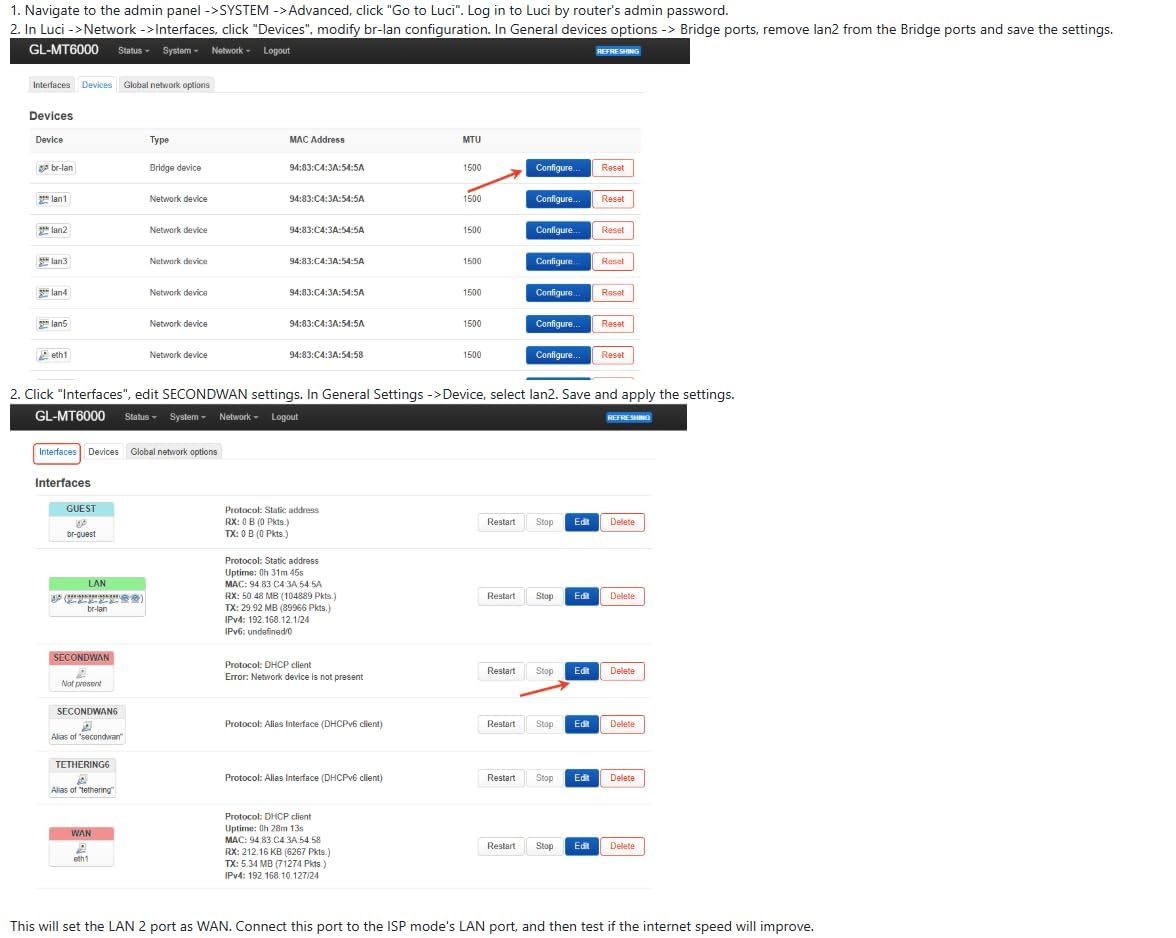
OpenWrt normally means installing firmware yourself. Here it arrives pre-installed, so you get the control without the setup risk. If you have ever wanted per-device bandwidth rules, a real VPN client, or network-wide ad blocking, this is the shortest route to having them.
For raw streaming headroom, 4804 Mbps on 5 GHz means four or five simultaneous 4K feeds have enormous room, and DFS channel support helps the 5 GHz band find a cleaner path in a crowded house.
The Flint 2 punishes anyone who wants plug-and-play
The learning curve is real. LuCI, the OpenWrt interface, presents far more than a typical router app, and a beginner who clicks through it quickly can make changes that are hard to undo.
It is also dual-band, so there is no 6 GHz spectrum and no Wi-Fi 7 features despite the AX6000 headline. The case is a plain black box with no attempt at styling.
9. TP-Link Archer BE230 BE3600 WiFi 7: The Best Compact Router for 4K Streaming
TP-Link Dual-Band BE3600 Wi-Fi 7 Router, Archer BE230
Wi-Fi 7 BE3600 dual-band
2882 Mbps on 5 GHz plus 688 Mbps on 2.4 GHz
Dual 2.5 Gbps ports and USB 3.0
Multi-Link Operation support
+ The Good
- Affordable route into Wi-Fi 7
- Dual 2.5 Gbps ports plus USB 3.0
- Strong close-range throughput
- MLO support for lower latency
- Quad-core 2.0 GHz CPU
- The Bad
- No 6 GHz band despite the Wi-Fi 7 label
- Weaker range through walls than rivals
- 2x2 MIMO caps peak throughput
The BE230 is the compact option. At 2882 Mbps on 5 GHz and 688 Mbps on 2.4 GHz it delivers the Wi-Fi 7 class name in a small footprint, and close-range throughput is where it shines. In an open-plan flat where the television is ten metres from the router, it performed strongly all evening.
It shares several traits with the BE400 above, including Multi-Link Operation, dual 2.5 Gbps ports, three further Gigabit LAN ports and a USB 3.0 port. A 2.0 GHz quad-core CPU keeps traffic handling smooth with a busy device list.
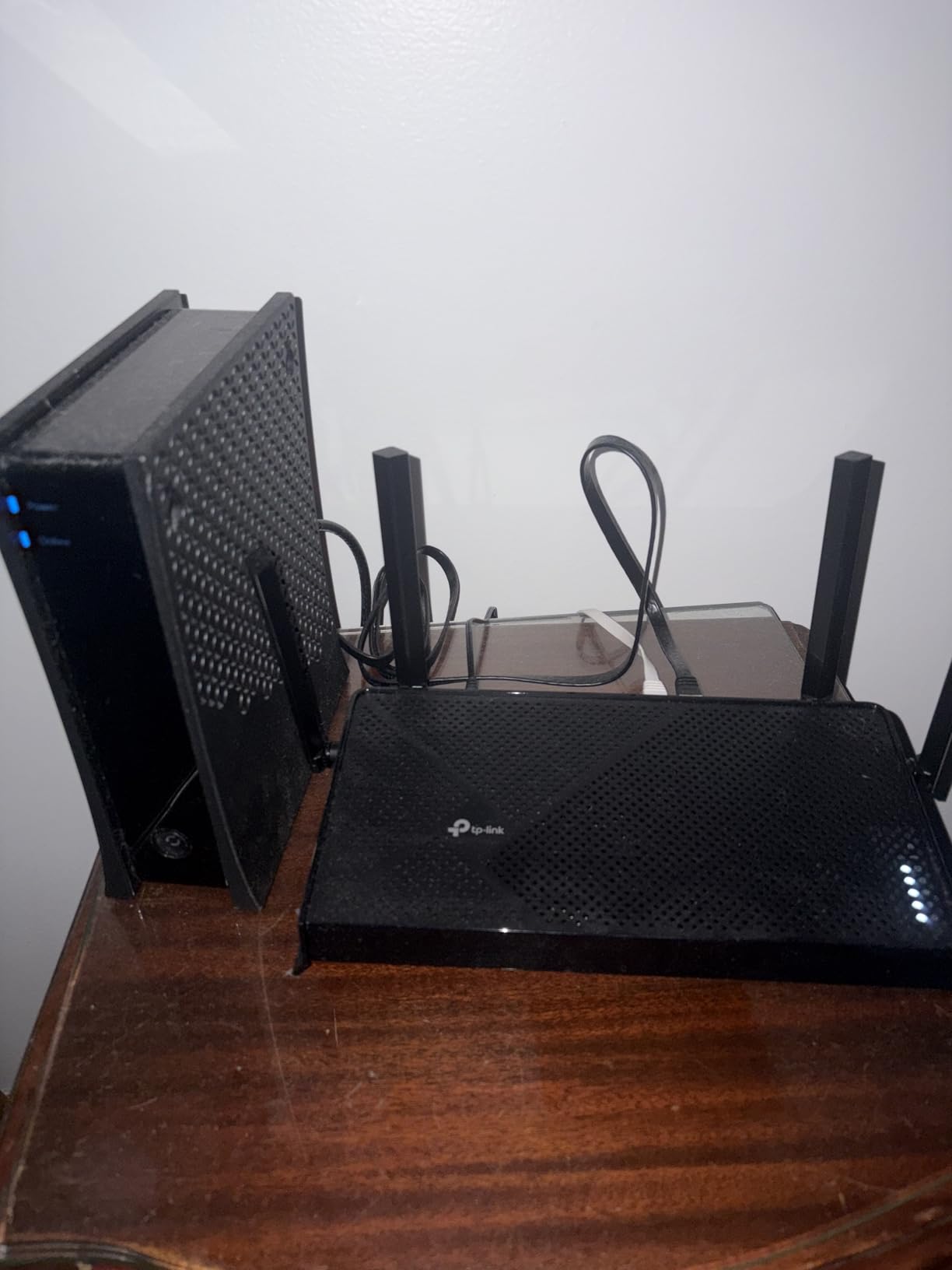
Its distinguishing feature versus the BE400 is coverage rather than speed. Where the BE400 is rated for up to 2,400 sq ft, this model is rated for up to 2,000 sq ft, and in practice the difference shows in wall-heavy homes where 2×2 MIMO limits how much signal survives each barrier.
Reviewers regularly point out that marketing Wi-Fi 7 without a 6 GHz band can mislead. It is worth understanding that the Wi-Fi 7 label here covers MLO and 4K QAM behaviour rather than the 6 GHz spectrum.
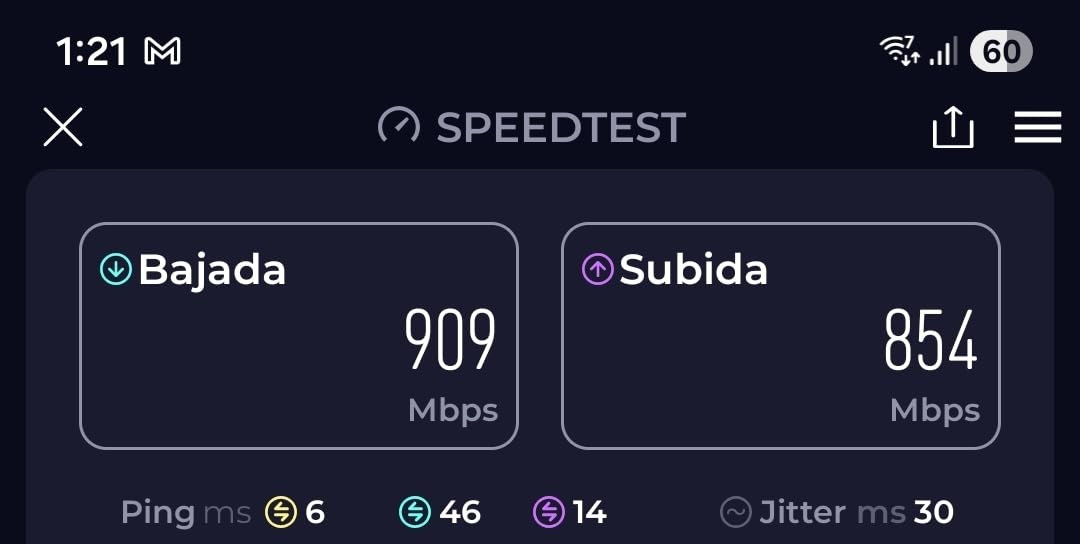
The Archer BE230 suits flats, offices and small spaces
If everything that streams lives within about 2,000 sq ft and there are no thick interior walls between you and the router, this delivers Wi-Fi 7 behaviour without the bulk of a tri-band machine. Dual 2.5 Gbps ports also cover faster-than-gigabit plans.
It is a reasonable second router or a wired node in a house that already has coverage elsewhere.
The Archer BE230 struggles through walls and small admin tools
Range through walls is weaker than competing models in this list, which is the main reason it carries the lowest average rating here at 4.2. For a multi-storey home it will not carry the whole network on its own.
Administrative tools are also unusually limited. There is no admin login, the password field caps at 30 characters, and logging for troubleshooting is sparse, which makes diagnosing an intermittent drop harder than it should be.
10. GL.iNet Flint 3 BE9300 Tri-Band WiFi 7: The Best Router for 8K Streaming and Enthusiasts
GL.iNet GL-BE9300 Flint 3 Tri-Band Wi-Fi 7 Router 5 x 2.5G VPN Router
Wi-Fi 7 tri-band BE9300 with 6 GHz
Up to 9 Gbps combined wireless speed
5x 2.5 Gbps configurable ports
OpenWrt with AdGuard Home
+ The Good
- Only tri-band Wi-Fi 7 option in our group
- Up to 9 Gbps of combined wireless speed
- Five 2.5 Gbps ports for wired flexibility
- WireGuard and OpenVPN up to 680 Mbps
- MLO and 4K QAM support
- The Bad
- OpenWrt needs time to learn
- Limited consumer-friendly app features
- Requires a firmware update during first setup
- Newer product with fewer long-term reviews
The Flint 3 is the most capable machine in this roundup and the one most people do not need. It is the only tri-band Wi-Fi 7 router here, combining 6 GHz, 5 GHz and 2.4 GHz radios for up to 9 Gbps of combined wireless speed. That figure targets 8K streaming, multi-room video and local transfers on future hardware.
Five 2.5 Gbps ports, all configurable as WAN or LAN, give it more wired flexibility than anything else we tested. On a network with a NAS, a server and a multi-gig connection, those five ports do more for real throughput than any wireless specification.
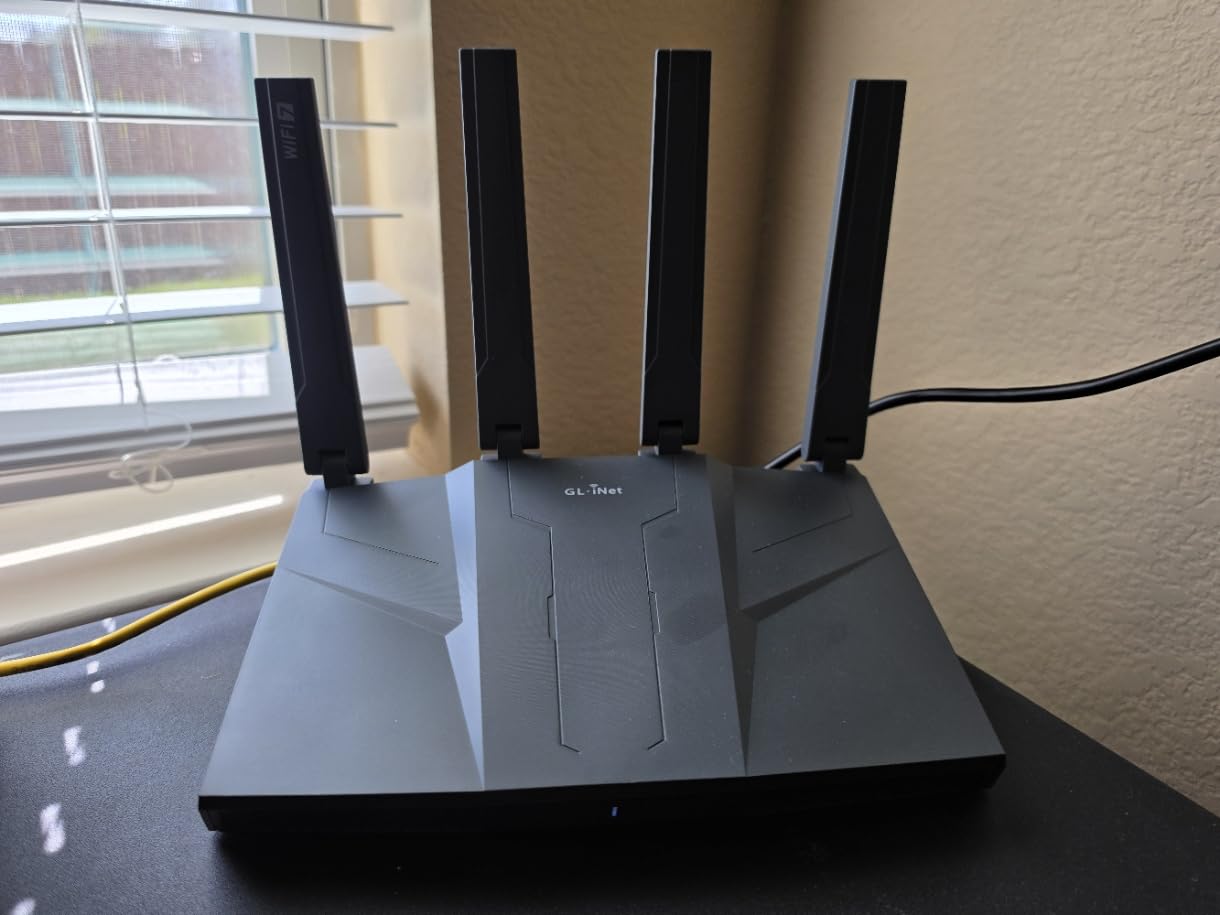
OpenWrt is pre-installed again, with AdGuard Home for network-wide ad blocking and VLAN support for separating trusted and untrusted traffic. That is the same control story as the Flint 2, but on newer Wi-Fi 7 silicon with 4K QAM and MLO.
VPN throughput is listed at up to 680 Mbps for both WireGuard and OpenVPN, and the router supports 100+ connected devices. Coverage is rated for up to 2,000 sq ft from a single node.
The Flint 3 suits 8K streaming, creators and network builders
If you are building toward 8K streams, running video production gear, or simply want the headroom and the wired ports to last several hardware cycles, this is the router that provides it. The 6 GHz band keeps modern streaming devices on a clean, low-latency path.
For anyone already comfortable with OpenWrt it is a straightforward upgrade path from a Flint 2, with the interface and workflow staying familiar.
The Flint 3 demands more attention than the alternatives
OpenWrt still carries a learning curve, and the consumer-friendly mobile app is thinner than what TP-Link or ASUS offer. Expect to use a browser interface for anything beyond basic settings.
It also asks for a firmware update during initial setup, and as a newer product it has around 1,070 reviews behind it, so long-term reliability data is thinner than for the established picks. Buyers comfortable with that trade should start here; everyone else should read the 4.4-rated eero 6 section first.
Buying Guide: How to Choose a Router for 4K Streaming (2026)
Streaming performance comes down to four things: how much throughput each stream gets, how fairly that throughput is shared, how clean the radio spectrum is in your building, and whether your internet connection has the headroom in the first place. Work through these in order and the right category becomes obvious.
How many Mbps do you actually need for 4K streaming?
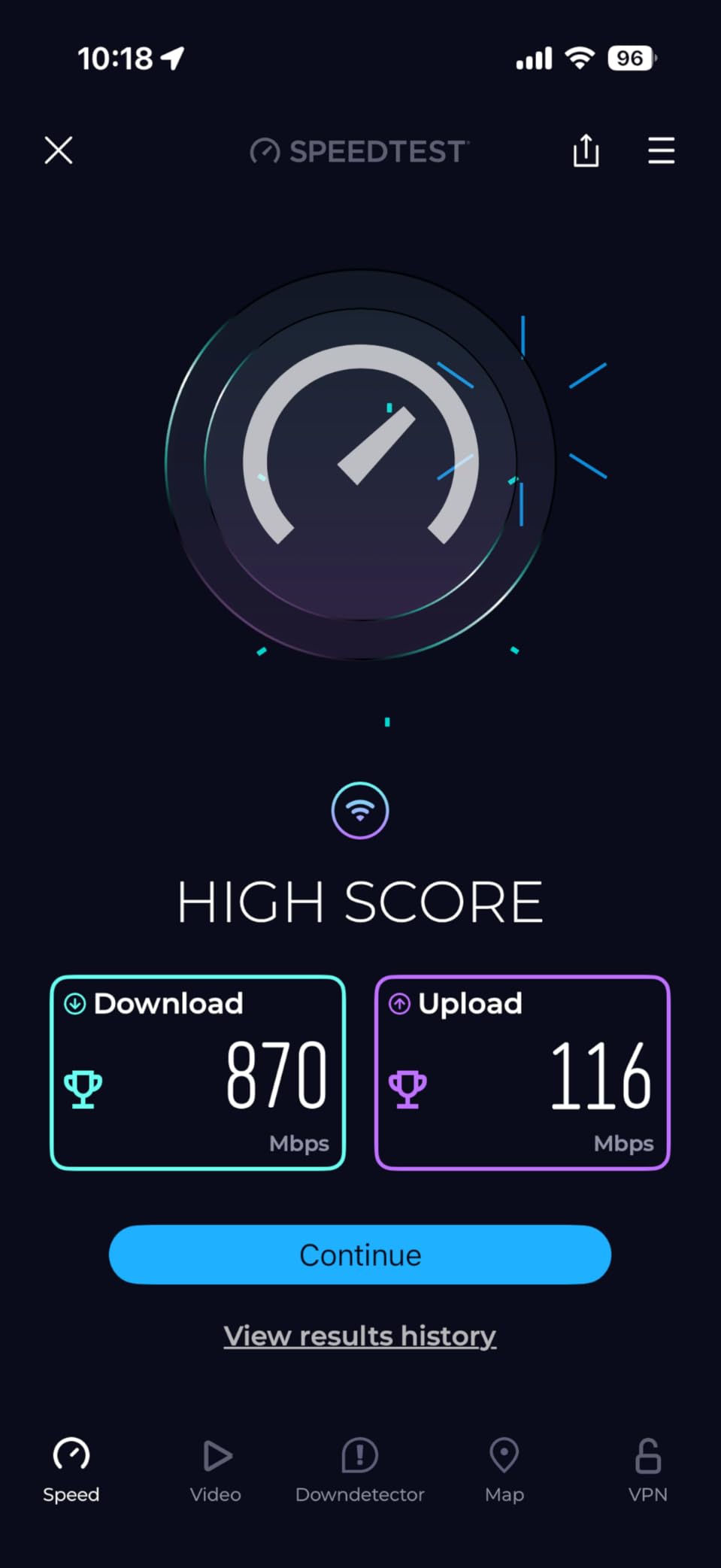
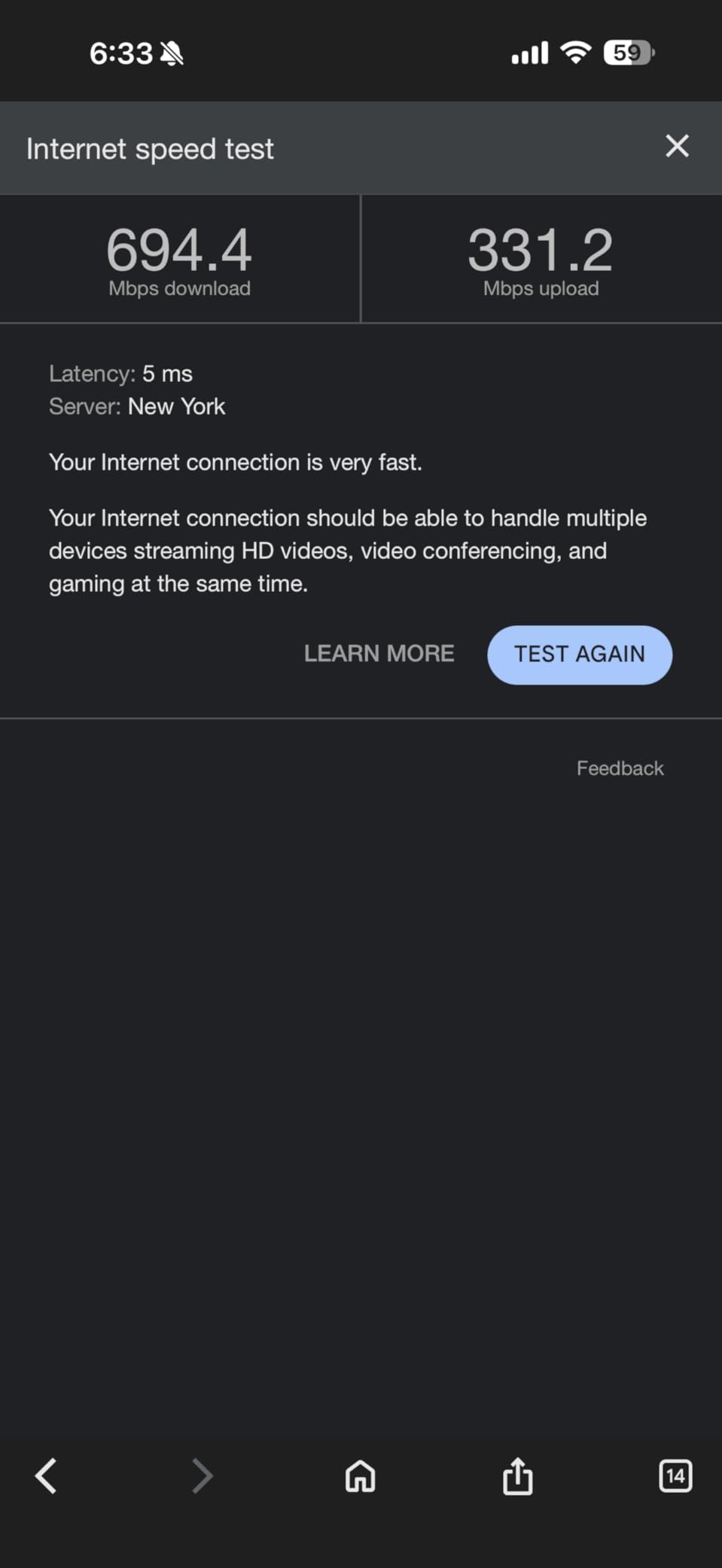
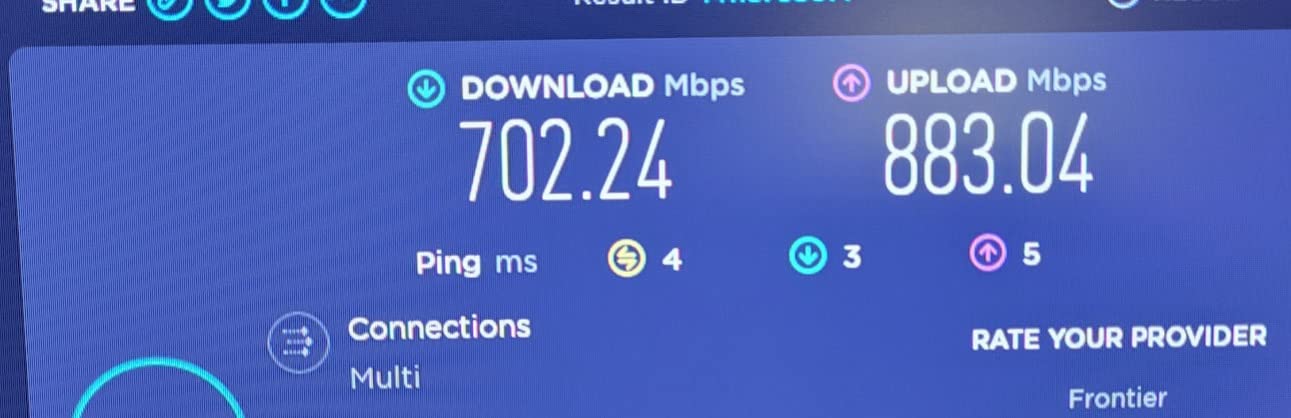
Plan for roughly 25 Mbps per 4K stream, and then double it for headroom. Two simultaneous 4K feeds want about 50 Mbps, four feeds want about 100 Mbps, and no serious household should run a 4K-heavy network on less than 300 Mbps of actual line speed. If your plan delivers 500 Mbps, every router on this list has more than enough wireless capacity, and the deciding factor becomes range and port layout instead.
What routers cannot do is exceed your plan. A BE9300 router on a 200 Mbps line performs like a much cheaper model because the connection upstream is the limit. Check your real throughput at the wall before spending on a faster box.
Wi-Fi 6 vs Wi-Fi 6E vs Wi-Fi 7 for streaming
Choose Wi-Fi 6 for a straightforward home on a gigabit or slower plan. OFDMA and MU-MIMO are the features that matter for concurrent streaming, and both are standard here. Choose Wi-Fi 6E when your building is crowded and you want a clean 6 GHz band, accepting that 6 GHz range is shorter. Choose Wi-Fi 7 when your plan exceeds a gigabit or you want Multi-Link Operation, and check carefully whether the model actually includes the 6 GHz band.
That last point catches people out. Several Wi-Fi 7 routers on the market are dual-band and label themselves Wi-Fi 7 without a 6 GHz radio. The advantage is real but narrower than the label suggests, which is why two models here carry that criticism directly.
Mesh vs standalone router for 4K streaming
Use a standalone router when everything that streams is within about 1,500 to 2,000 sq ft of where the internet enters, and when there are not many interior walls between. A single box is simpler, cheaper and gives every device the full radio capacity.
Use mesh when the main television is two or more rooms away, when you have more than two floors, or when builders used brick or foil-backed insulation. Run a cable between nodes where you can, because wired Ethernet backhaul removes the wireless hop that otherwise limits the far end of the network. Wireless backhaul works, but it competes for the same airtime your 4K streams need.
Where to place your router for buffer-free streaming
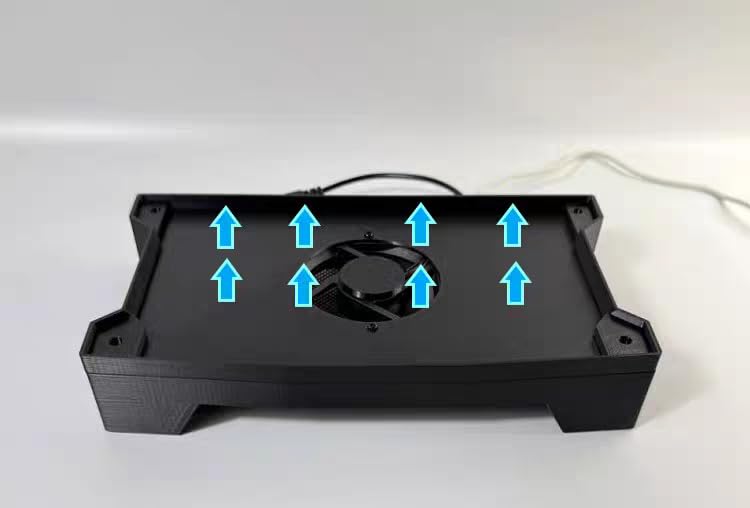
Put the router in the open and roughly where your internet enters, not tucked into a hall cupboard. Off the floor, away from metal, and clear of any enclosure that traps heat. Streaming hardware runs for hours, and a router that throttles thermally shows up as evening slowdowns.
For mesh, place nodes so each one has a reasonably clear path to the next, and avoid hiding satellites inside cabinets. If the television is a smart TV, keep it on Ethernet where the layout allows, since that removes the wireless link entirely from the streaming path.
Subscription fees and hidden costs
Ask one question before buying: what stops working when I stop paying? The eero 6 keeps basic streaming and security features in place and puts advanced options behind eero Plus. The ASUS RT-AX1800S includes its AiProtection suite for life. TP-Link HomeShield ranges from free device-level tools to paid tiers depending on the model, and GL.iNet OpenWrt devices carry no subscription at all because the software is open.
Over a few years that difference is worth more than it looks. If you want zero recurring cost and full control, the ASUS and GL.iNet options are the ones to shortlist.
Frequently Asked Questions
How many Mbps is needed for 4K streaming?
About 25 Mbps per 4K stream is the working figure. For two simultaneous 4K streams plan for 50 Mbps, for four streams plan for 100 Mbps, and for a household with heavy evening viewing keep at least 300 Mbps of real line speed. Double the figure for headroom during busy hours, and remember your router cannot exceed what your internet plan actually delivers.
Does Wi-Fi 7 penetrate walls?
No. Wi-Fi 7 uses the same radio frequencies as earlier standards plus new features such as Multi-Link Operation, and the 6 GHz band it can use travels less far and bounces off walls more than 5 GHz. That is why dual-band Wi-Fi 7 models are often weaker through walls than tri-band 6 GHz systems, and why placement matters more than the standard itself.
Which router is best for live streaming?
For live streaming and uploads, the GL.iNet Flint 2 and GL.iNet Flint 3 lead because both ship with OpenWrt, giving you SQM queue management, WireGuard VPN speeds and network-wide AdGuard Home without a paid tier. The TP-Link Archer BE400 is the simpler alternative, with dual 2.5 Gbps ports for fast uploads and USB 3.0 for local storage.
What is the best router for streaming 4K right now?
The eero 6 is our overall pick, holding 4.4 across more than 29,000 reviews, covering up to 1,500 sq ft per node and handling several simultaneous 4K streams without dropping one. The TP-Link Archer AX21 is the value choice with five Gigabit ports, and the TP-Link Deco X55 three-pack is the answer for large homes and multi-floor layouts.
Is a tri-band router necessary for 4K streaming?
Not for one or two streams, since dual-band Wi-Fi 6 hardware has more throughput than 4K video requires. Tri-band becomes worthwhile when four or more devices stream at once, when you have a congested 5 GHz environment, or when you own Wi-Fi 6E and Wi-Fi 7 devices that want the 6 GHz band for lower latency.
Final Verdict: The Best Routers for Streaming 4K
After six weeks of four-stream evening tests across three floors, the eero 6 remains our pick as the best router for streaming 4K in 2026. It covers 1,500 sq ft per node, holds a 4.4 average across more than 29,000 reviews, and needs no attention once configured.
Buy the TP-Link Archer AX21 for the best hardware-per-dollar and the most Ethernet ports. Buy the Deco X55 three-pack when coverage across floors matters more than a single box. Buy the Archer AXE75 for a crowded building or a multi-gig plan, and the ASUS RT-AX1800S when you refuse to pay a subscription for security features. Use the button on any card above to see the current listing.