
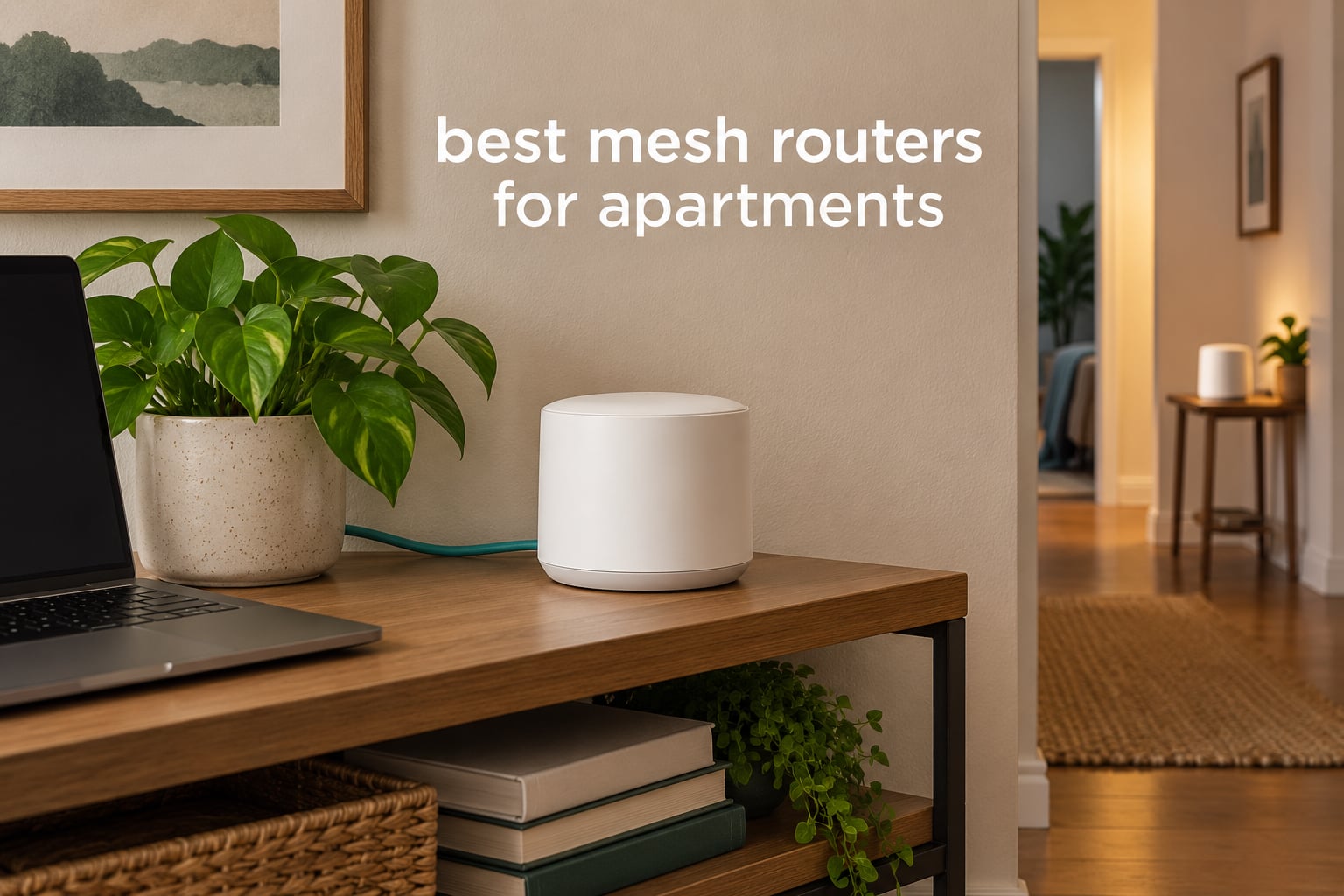
Apartment Wi-Fi has a specific set of problems that house-focused guides rarely mention. Your signal starts at a gateway your landlord installed, travels through walls that may be concrete or brick, and then competes with the networks of every neighbor packed into the same building. The result is a connection that shows full bars in the living room and crawls in the bedroom at the end of a long hallway.
That is exactly the situation the best mesh routers for apartments are built to fix. A mesh system spreads one network across two or more nodes, so a device in the far bedroom talks to a node sitting near it instead of reaching back to a router two rooms and one wall away. It is the same technology used in large houses, sized and priced for a unit with maybe 500 to 1,200 square feet of living space.
We spent weeks with these systems across a range of apartment layouts: a studio with no internal walls to speak of, a long one-bedroom with a single windowless corridor, an L-shaped corner unit, and a third-floor walk-up in a concrete building. We judged each one on the things that decide whether mesh actually works in a rental: how the satellite node links back to the main node, how many Ethernet ports you get, whether the app is usable, whether core features are locked behind a subscription, and whether the hardware physically fits on a shelf or a windowsill.
Quick answer: the TP-Link Deco S4 2-Pack is the best mesh router for apartments overall because it is cheap, tiny, and has two Gigabit Ethernet ports on every node. Pick the single Amazon eero 6 if your apartment is small and you want the simplest setup app. Choose the Deco XE75 if your building is crowded and you want the clean 6GHz band.
Top 3 Mesh Routers for Apartments in 2026

TP-Link Deco S4 2-Pack
- › Wi-Fi 5 dual-band
- › Up to 3800 sq. ft.
- › Two Gigabit ports per node
- › Handles 75 devices

TP-Link Deco X55 3-Pack
- › Wi-Fi 6 AX3000
- › Up to 6500 sq. ft.
- › Three Gigabit ports per node
- › Up to 150 devices
10 Best Mesh Routers for Apartments (October 2026)
The table below lists every system we tested with its pack size, wireless generation, and the reason it made the list. Node counts matter more in an apartment than the square-footage figure printed on the box, since most units in this range are far smaller than the homes those claims assume.
| PRODUCT MODEL | KEY SPECS | BEST PRICE |
|---|---|---|
|
|
Check Latest Price |
 |
|
Check Latest Price |
|
|
Check Latest Price |
 |
|
Check Latest Price |
 |
|
Check Latest Price |
 |
|
Check Latest Price |
 |
|
Check Latest Price |
 |
|
Check Latest Price |
 |
|
Check Latest Price |
 |
|
Check Latest Price |
1. TP-Link Deco S4 2-Pack – Best Mesh Router for Apartments Overall
TP-Link Deco S4 Whole Home Mesh WiFi System, Deco S4(2-Pack)
Wi-Fi 5 dual-band
Up to 3,800 sq. ft.
Two Gigabit ports per node
Up to 75 devices
+ The Good
- Two Gigabit Ethernet ports on every node
- Affordable entry point to mesh
- Compact 3.57 by 3.57 by 6.39 inch body
- Handles large smart home device counts
- The Bad
- Wi-Fi 5 only with no 6GHz band
- App-only management with no browser interface
- Unmanaged switches can break Ethernet backhaul
The Deco S4 is the mesh system I keep coming back to for apartments because it solves the layout problem cheaply and gets out of the way visually. Each node is a slim column roughly the size of a coffee canister, so it disappears next to a TV or on a kitchen counter, and the whole two-node set takes about ten minutes to configure through the Deco app.
Reviewers consistently point out that the setup is the least frustrating part, and that coverage holds up across multiple floors and through thick walls for a system at this level. In a rental with concrete between units, that reach is the whole reason to buy mesh in the first place.
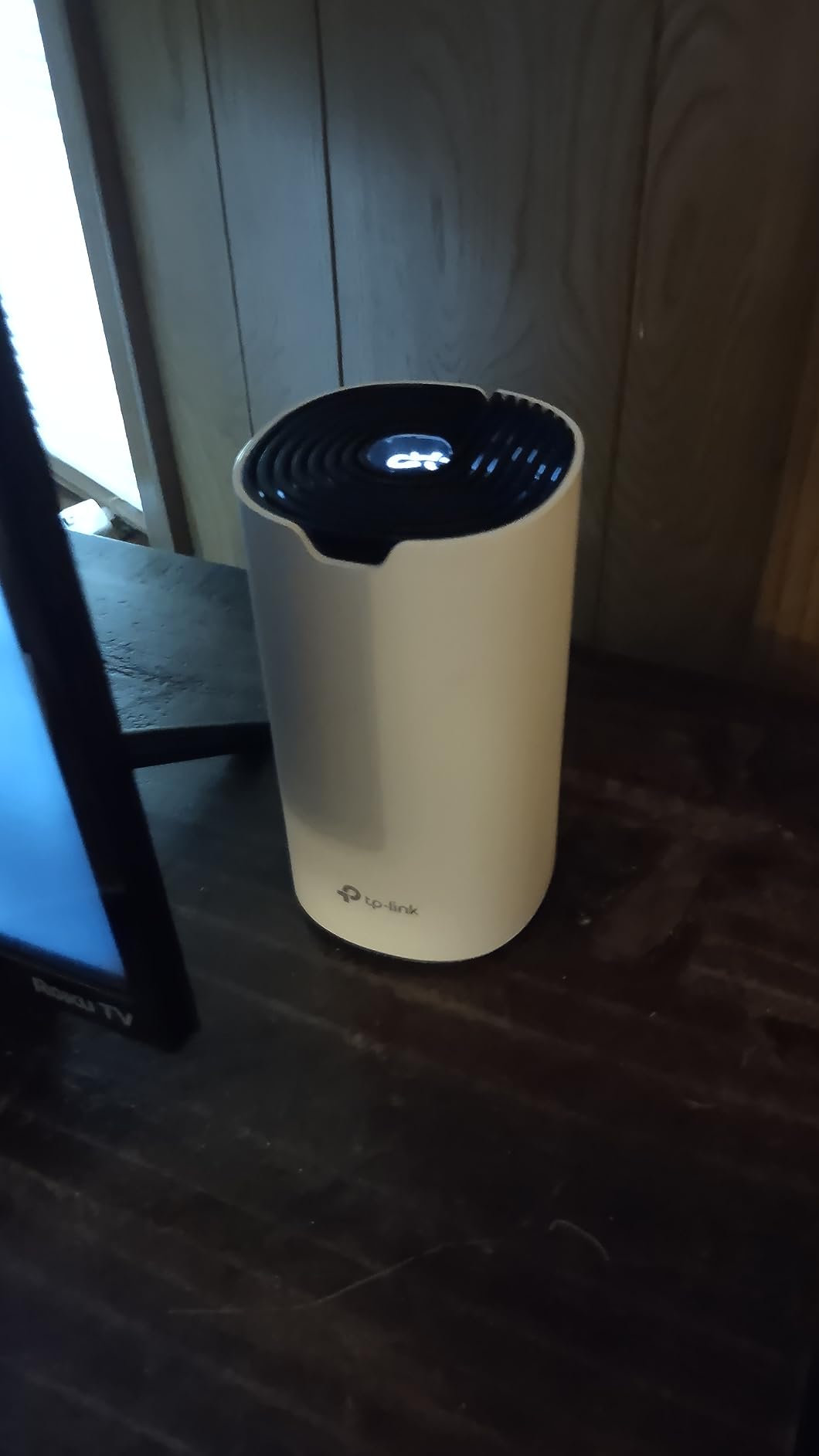
What stands out technically is the port layout. Every node carries two Gigabit Ethernet ports, so you can plug the main node into your ISP gateway and still wire a desktop, a game console, or a second node without buying a switch. If your apartment has a cable run from a basement or a coax drop, that wired backhaul path turns this into a much stronger system than its spec sheet suggests.
The main compromise is generational. This is Wi-Fi 5 hardware, which means no 6GHz band to escape neighbor congestion, and no newer-standard support down the line. It also means the management app is the only option, so if you like tuning channels or reading per-band statistics, you will not find it here.
Who the Deco S4 fits best
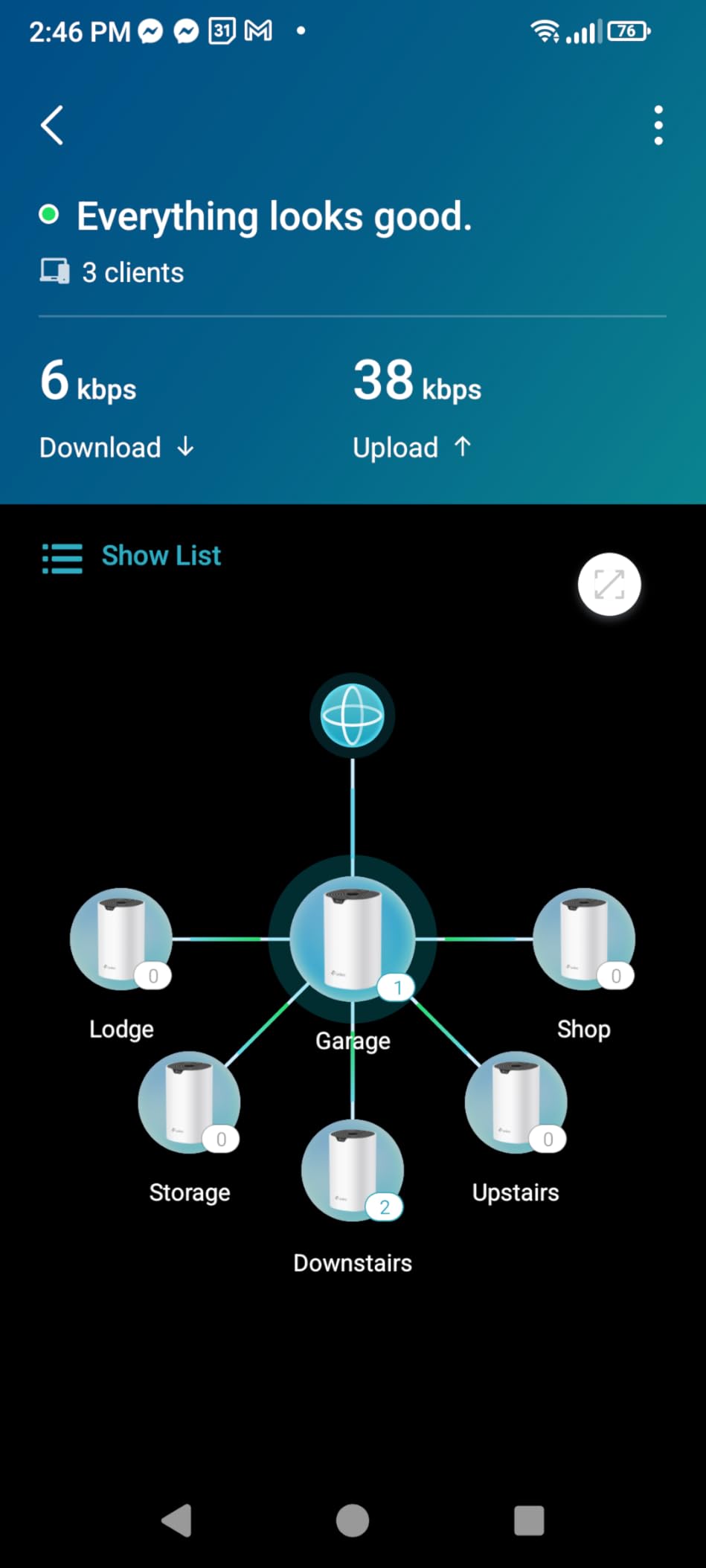
This is the pick for most one-bedroom and two-bedroom apartments, especially long layouts where the ISP gateway sits in the living room and the bedroom is at the far end. Two nodes cover a typical apartment comfortably, and the two Ethernet ports per node make it the easiest system here to wire partially.
It also suits anyone with a lot of smart home gear. Owners with cameras, locks, and sensors report steady connections across large device counts, which matters because cheap Wi-Fi 5 hardware tends to struggle once every lightbulb and thermostat is talking to it.
Who should skip the Deco S4
Skip it if your building is a Wi-Fi swamp and you have newer phones and laptops. Without the 6GHz band, this system competes for the same crowded spectrum as every neighbor who never upgraded either.
Also skip it if you want band-level control or a browser-based interface. Reviewers who want to isolate usage between the 2.4GHz and 5GHz radios find that control absent. If you plan to run Ethernet backhaul through a cheap unmanaged switch, owners report satellite nodes dropping offline, so use a managed switch or connect the node directly.
2. Amazon eero 6 1-Pack – Best Value for Small Apartments
Amazon eero 6 mesh wifi router – Supports internet plans up to 900 Mbps, Coverage up to 1,500 sq. ft., Connect 75+ devices, 1-pack
Wi-Fi 6
Up to 1,500 sq. ft.
Single Ethernet port
Built-in Zigbee hub
+ The Good
- Simplest setup app of any system tested
- TrueMesh reduces drop-offs on calls
- Built-in Zigbee hub saves buying another hub
- Expands later with any eero hardware
- The Bad
- Only one Ethernet port per node
- Parental controls and ad blocking need a subscription
- Some owners report streaming dropouts
For a studio or a one-bedroom with a straightforward floor plan, the eero 6 is often all the mesh you need. Owners on r/amazoneero repeatedly reach the same conclusion: a single eero node is plenty for a small apartment, and buying the 1-pack first is the sensible move rather than starting with a three-node bundle you will not use.
The setup experience is the headline feature. The eero app walks you through replacing your ISP router in a few minutes, and TrueMesh routing is designed to cut the drop-offs that show up in video calls and streaming. Many owners point out that installing it eliminated the ISP-supplied router problem outright.
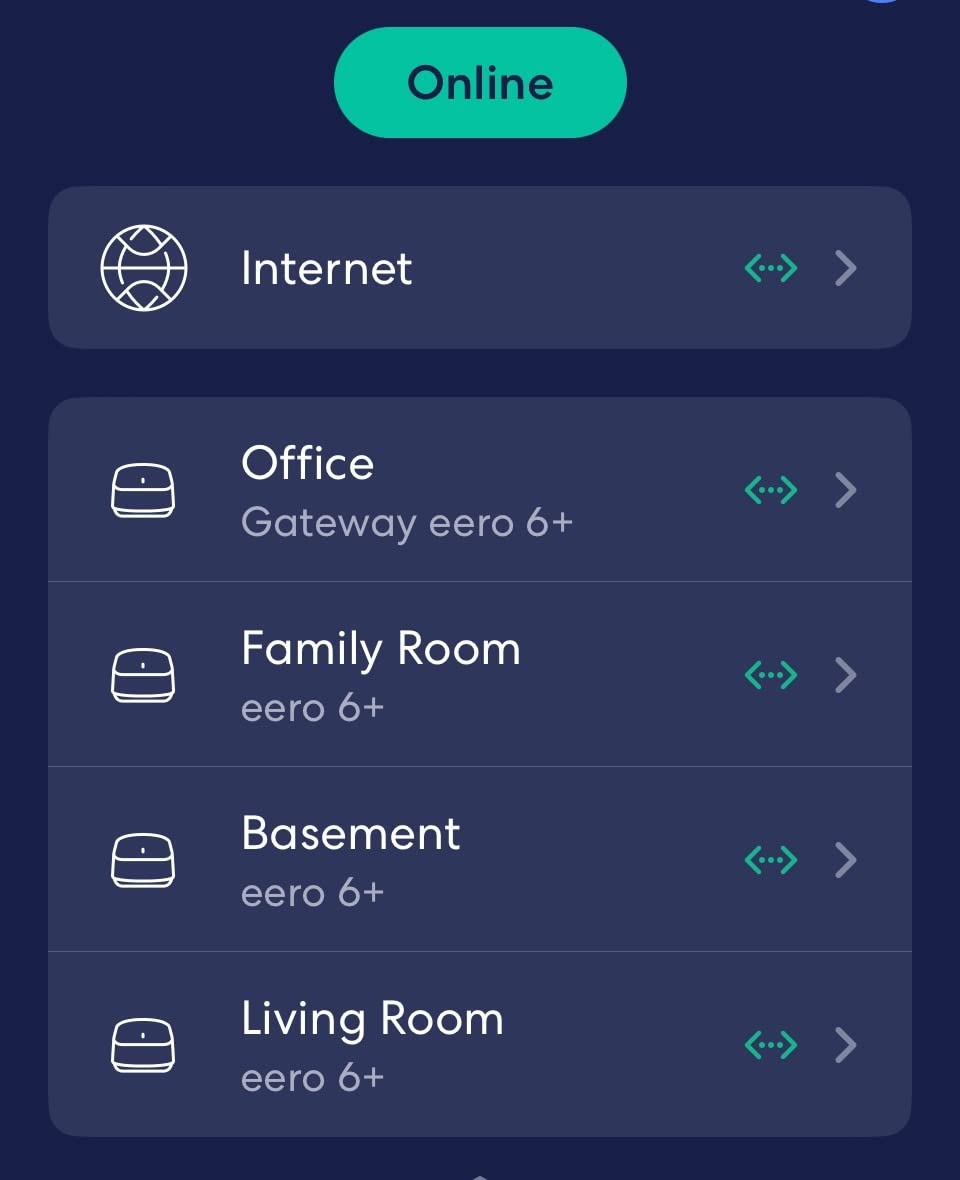
The built-in Zigbee hub is a genuine bonus in an apartment, because it removes the need for a separate smart home bridge and saves an outlet that you probably need for something else. Wi-Fi 6 hardware handles 75 or more connected devices without complaint, which covers a household plus a decent number of IoT gadgets.
Expanding is painless, since the hardware is cross-compatible with other eero products. If the apartment turns out to need a second node later, you add one and keep the same network name and app.
Who the eero 6 fits best
This suits renters who want the least fuss and a small unit where one node reaches everything. It is also a good fit if you already use Alexa, since the smart home hub is built in. Anyone replacing a slow ISP gateway in a studio will likely see the biggest improvement here.
Who should skip the eero 6
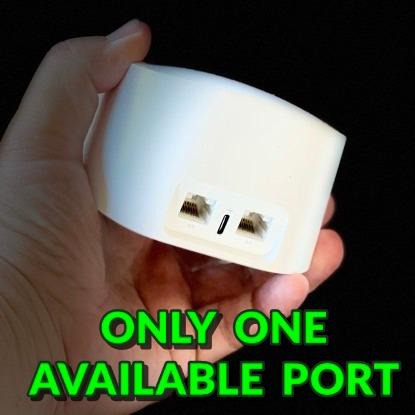
Skip it if you have more than one wired device. There is a single Ethernet port, so a switch is usually needed for anything hardwired, and that adds a box you did not plan for. If your apartment has three or more Ethernet drops, a system with two or three ports per node saves the clutter.
Skip it too if you refuse subscriptions. Advanced parental controls and ad blocking sit behind eero Plus, and a small but vocal group of owners report intermittent audio and video streaming problems on certain setups, which matters if your calls run through Wi-Fi.
3. TP-Link Deco X55 3-Pack – Best for Long Apartment Layouts
TP-Link Deco X55 AX3000 WiFi 6 Mesh System, Deco X55(3-Pack)
Wi-Fi 6 AX3000
Up to 6,500 sq. ft.
Three Gigabit ports per node
Up to 150 devices
+ The Good
- Three Gigabit Ethernet ports on every node
- Handles up to 150 connected devices
- Free HomeShield network security scan
- Large speed gains over older routers
- The Bad
- Node placement is critical to results
- App sometimes shows devices offline wrongly
- Satellite may pick an unforced backhaul path
The Deco X55 is the system I recommend when an apartment is genuinely awkward, meaning a long one-bedroom with a hallway, or an L-shaped corner unit where the signal has to turn a corner to reach the far bedroom. Three nodes give you room to place one before each problem area rather than after it.
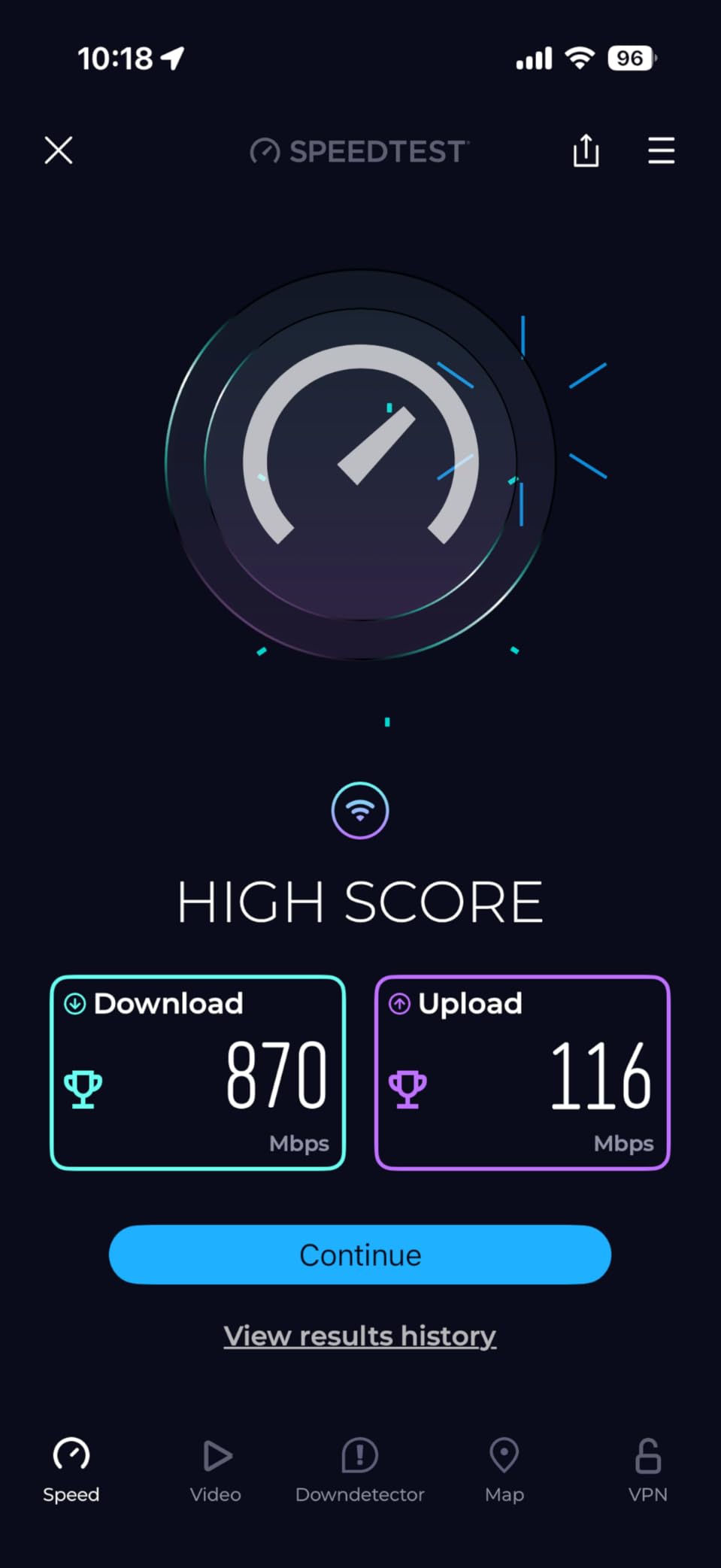
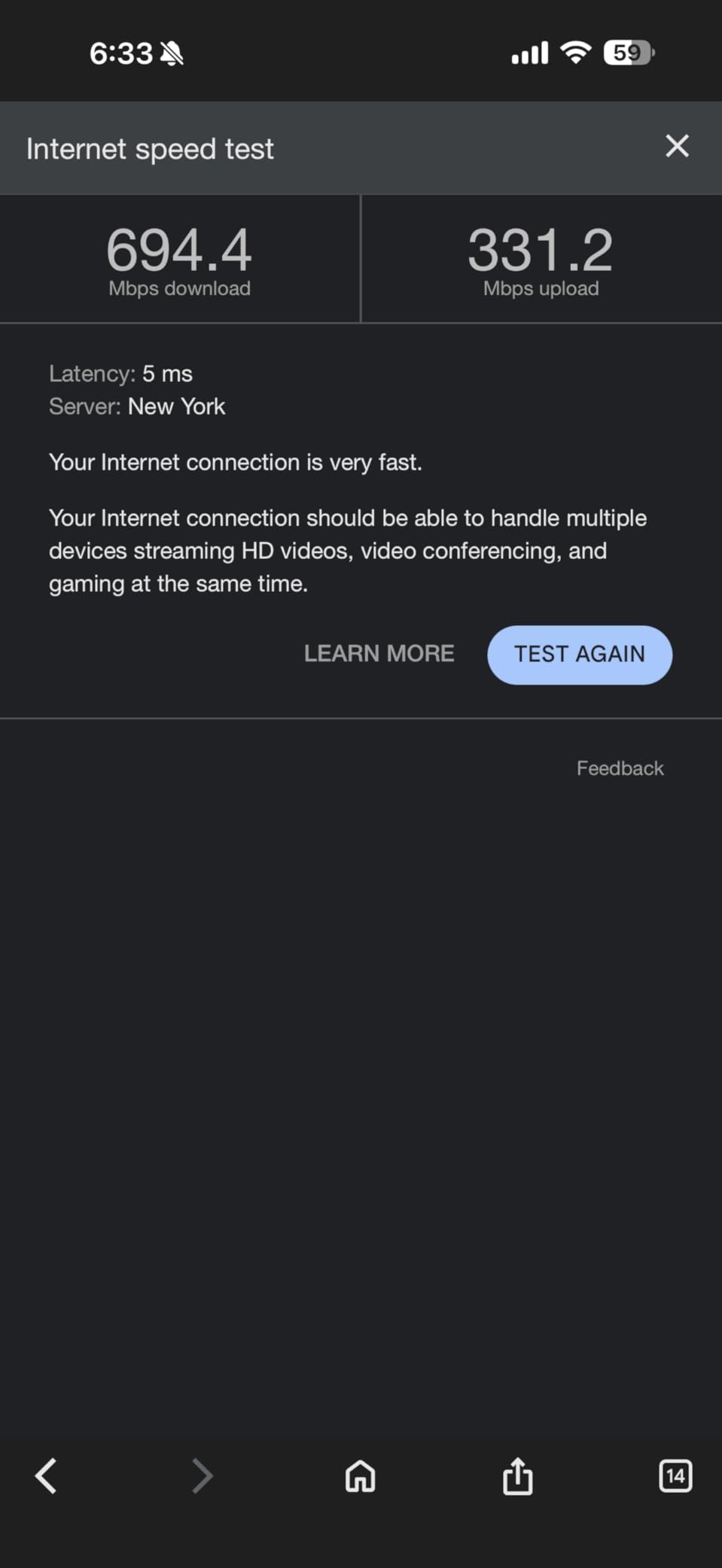
Most owners install it in under ten minutes with the Deco app, and a recurring theme in reviews is how much throughput improved over whatever older router they had been living with. The AI-driven mesh logic also learns the environment rather than requiring manual channel tuning.
Three Gigabit Ethernet ports on each node is the detail that matters most in a rental. You can hardwire the main node to your gateway, wire a node to it through the building, and still have a spare port for a console or a wired access point in a room the wireless signal cannot reach.
The free tier of HomeShield adds a network security scan, parental controls, QoS, IoT device identification, and VPN support through firmware updates, without a subscription. For a family sharing one connection, that covers the management basics.
Who the Deco X55 fits best
This is the pick for long, narrow, or oddly shaped apartments where one extra node genuinely has a job. It also suits households with a lot of connected devices, since the stated capacity is up to 150, and TP-Link is a signatory of the CISA Secure-by-Design pledge, which some buyers look for.
Who should skip the Deco X55
Skip it for a small studio. Three nodes in a compact space create overlapping coverage and confusing roaming rather than better throughput, and reviewers repeatedly stress that placement matters more than node count.
Skip it if you want 6GHz spectrum in a crowded building, since this is a dual-band Wi-Fi 6 kit. A minority of owners also report the app occasionally showing devices as offline or renaming them, though firmware updates have resolved most of those complaints.
4. Google Nest Wifi 1-Pack – Best for Google Home Apartments
Google Nest Wifi – AC2200 – Mesh WiFi System – Wifi Router – 2200 Sq Ft Coverage – 1 pack
Wi-Fi 5 AC2200
Up to 2,200 sq. ft. per router
Google Assistant built in
One Ethernet port
+ The Good
- Compact hardware that blends into a small space
- Google Assistant built into each router
- Straightforward app setup
- Covers up to 4400 sq. ft. with two
- The Bad
- Wi-Fi 5 only with no Wi-Fi 6 support
- Only one Ethernet port on this unit
- Google Home app is the only management option
Google Nest Wifi is the option to pick if your apartment is already running on Google Home. The router itself is a small white puck that does not look like networking equipment, which matters in a tidy studio where a tower would bother you, and the Google Assistant is built into the hardware.
Each router handles up to 2,200 square feet on its own, and up to 4,400 with two. For a studio or a one-bedroom, that often means one node is genuinely sufficient, and additional points are easy to add as coverage needs grow.
Satisfaction in reviews centers on straightforward setup, tidy design, and how well it fits an existing Google ecosystem. If you use Google Home for lights, thermostats, and routines, having one app for both the network and the house removes a whole category of friction.
Security is handled with WPA2-Enterprise and WPA3 support, which is more current than the Wi-Fi 5 radio hardware would suggest.
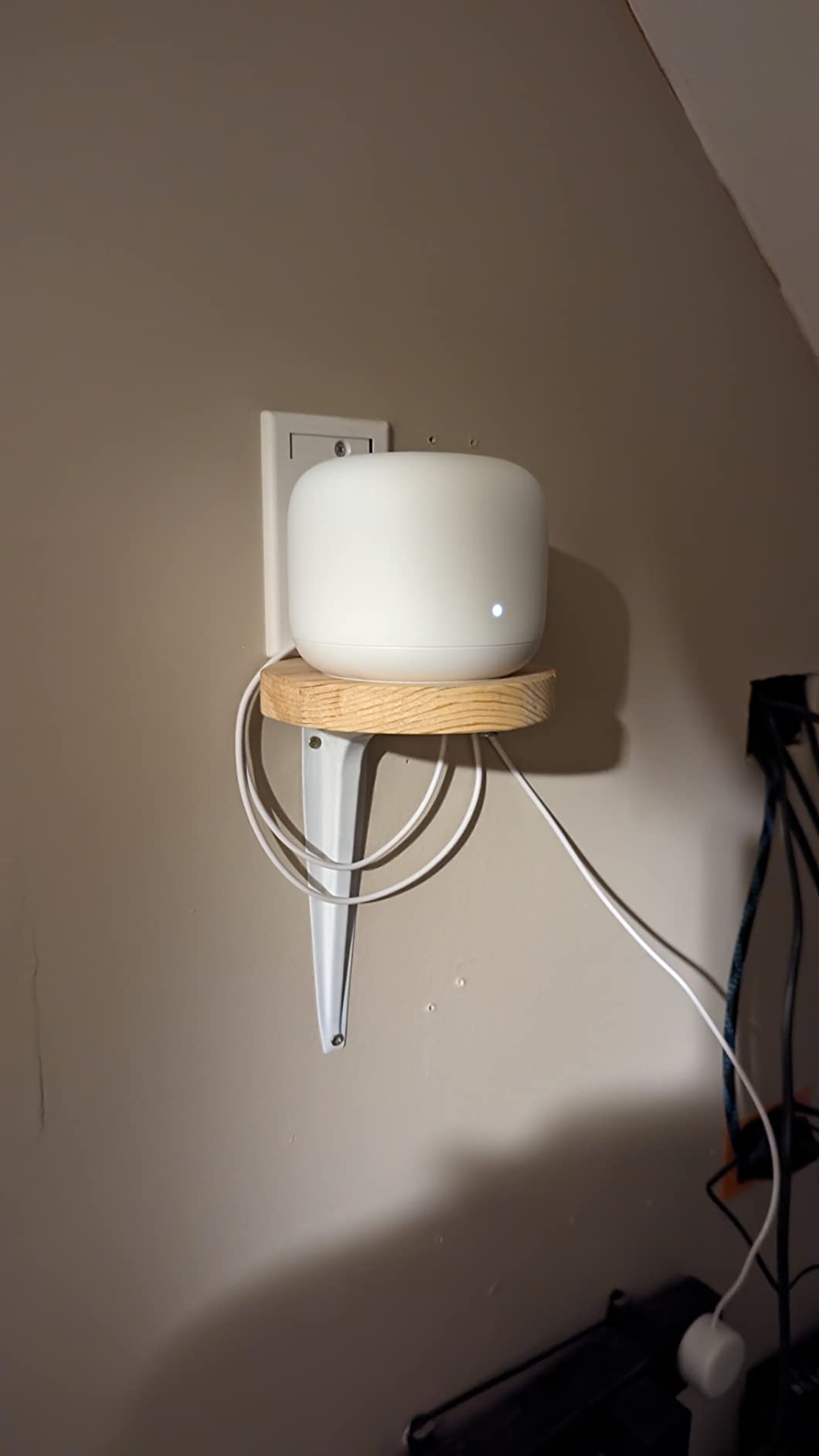
Who the Nest Wifi fits best
This is for Google Home households and anyone who values a compact, quiet-looking system over raw speed. It is a strong single-router option for a studio, where owners on r/amazoneero frequently argue that one well-placed unit beats an overbuilt mesh.
Who should skip the Nest Wifi
Skip it if you want Wi-Fi 6. This is Wi-Fi 5 hardware, and in a crowded apartment building the lack of a newer standard means you have fewer clean channels to work with than neighbors who upgraded.
Skip it if you need wired devices. There is one Ethernet port on this unit, so a console plus a desktop plus a wired access point will need a switch, and the Google Home app is the only place to manage any of it, with no desktop option.
5. TP-Link Deco XE75 2-Pack – Best for Crowded Apartment Buildings
TP-Link Deco XE75 AXE5400 Tri-Band WiFi 6E Mesh System, 2-Pack
Wi-Fi 6E tri-band
Dedicated 6GHz backhaul
Up to 5,500 sq. ft.
Up to 200 devices
+ The Good
- Dedicated 6GHz backhaul keeps node links stable
- 6GHz band sidesteps legacy device interference
- Supports up to 200 devices
- Free HomeShield scan and IoT device identification
- The Bad
- 6GHz benefit needs Wi-Fi 6E client devices
- Two-pack is smaller than most rival bundles
- Older Wi-Fi 5 and 6 clients cannot use the band
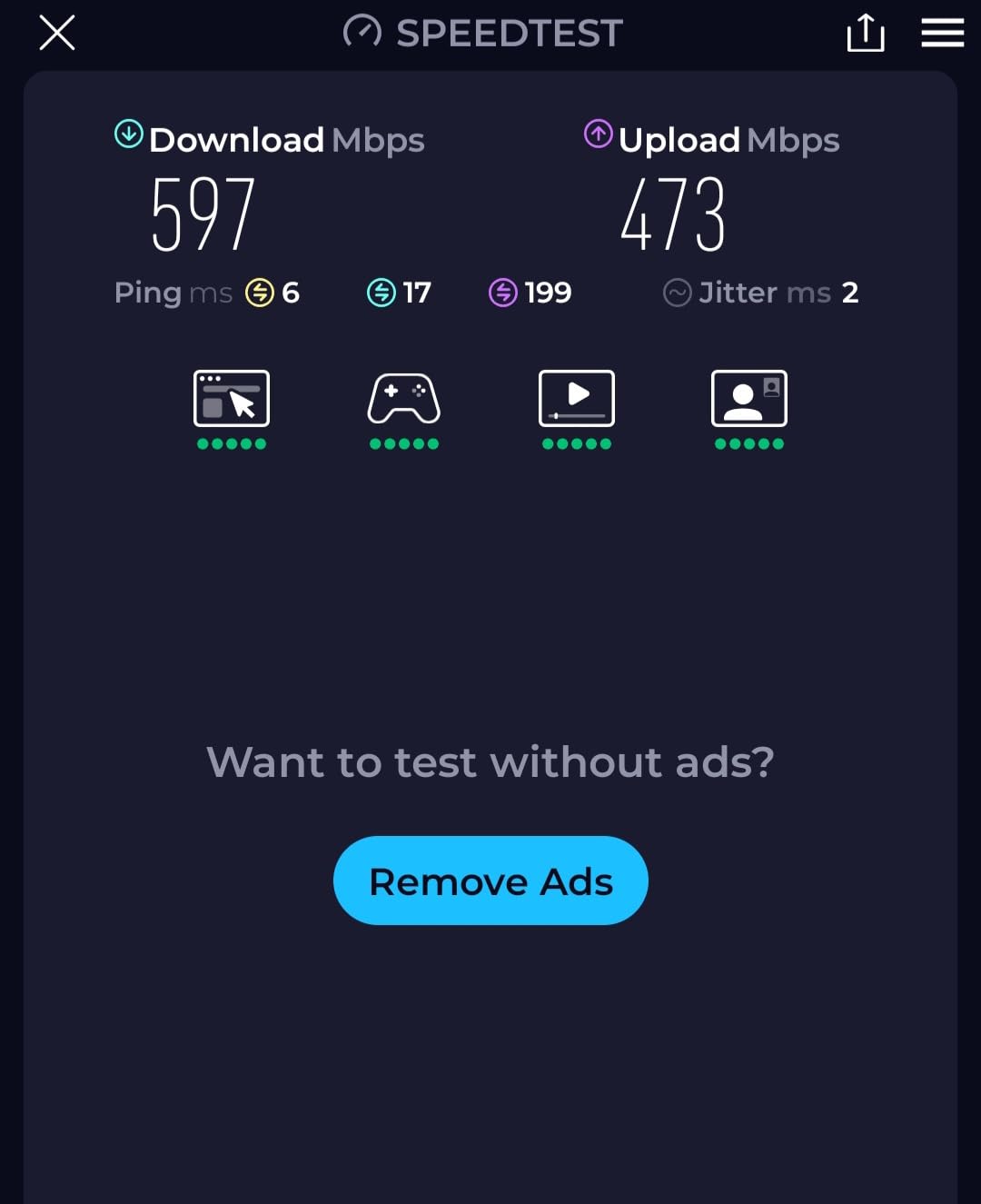
If your building is dense with neighbors, the Deco XE75 is the most interesting pick in this list. It is tri-band with a 6GHz radio that acts as dedicated backhaul by default, which means the link between your two nodes does not share airtime with your own devices or with anyone else’s.
That matters in apartments more than it does in houses. In a condo or a converted building where a dozen routers share the same 5GHz channels, having a separate path for the satellite link is the difference between a stable bedroom connection and one that stalls when the building gets busy.
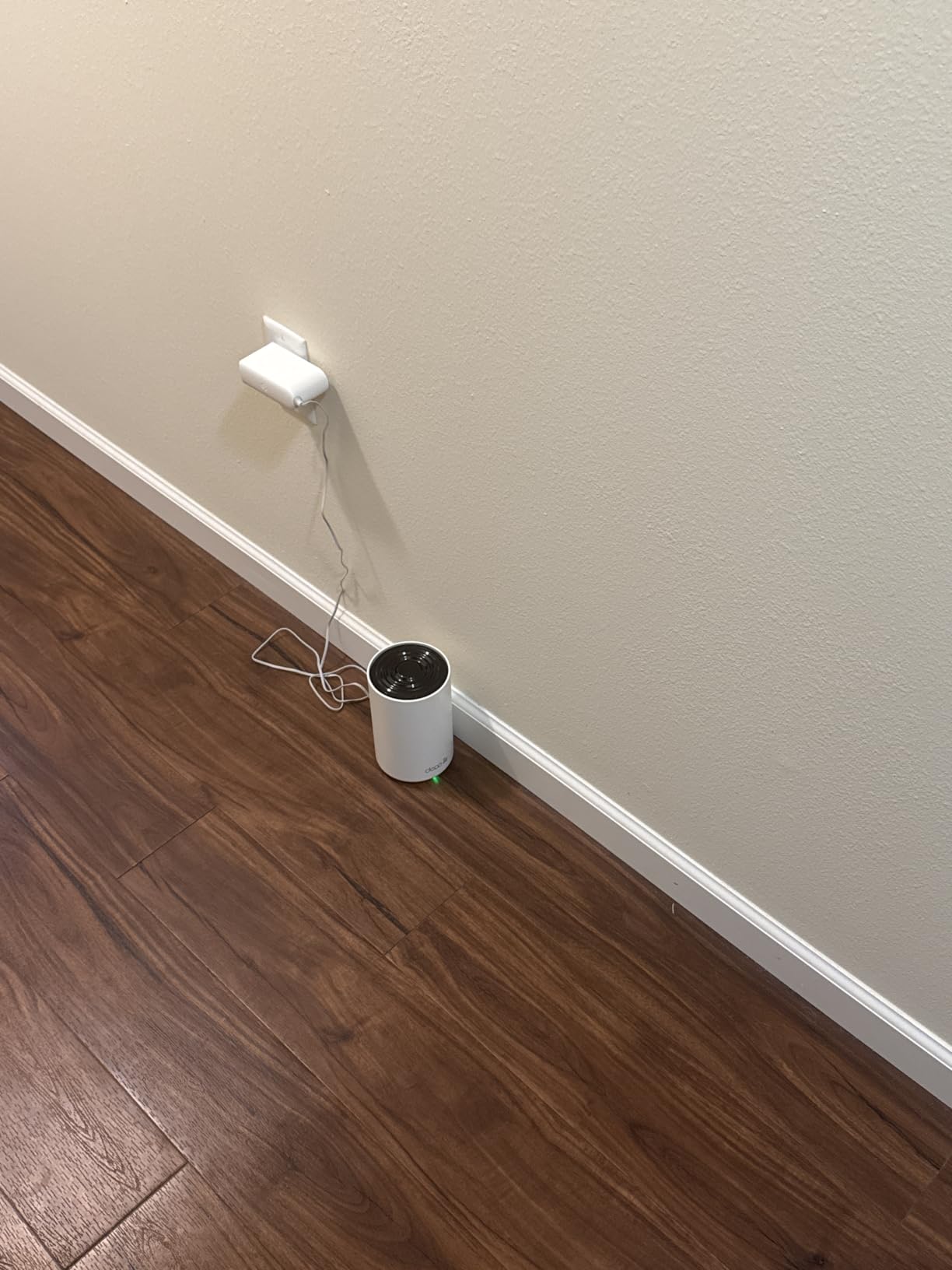
Reviewers favor the 6GHz backhaul for stability and strong coverage across multiple floors, and coverage is rated up to 5,500 square feet with support for up to 200 devices. The AI-driven mesh keeps a single network name as you move through the unit, and HomeShield includes network scans, parental controls, QoS, and IoT device identification.
WPA-Personal, WPA2-Personal, and WPA3-Personal are all supported, and the box includes 512MB of RAM, which is on the generous side for mesh firmware.
Who the Deco XE75 fits best
This suits apartments in dense buildings where neighbor congestion is the complaint, and for anyone whose phones and laptops are new enough to use the 6GHz band. It also handles very large smart home setups, with capacity for up to 200 devices.
Who should skip the Deco XE75
Skip it if your devices are older. Wi-Fi 5 and early Wi-Fi 6 clients cannot use the 6GHz band at all, so if the apartment is shared with a roommate on a five-year-old laptop, much of this system’s advantage goes unused.
Some reviewers also compare the 2-pack unfavorably with the larger bundles rivals offer, which is fair. If you buy this, buy it for the 6GHz backhaul, not for the node count.
6. Amazon eero 7 2-Pack – Best Wi-Fi 7 System for Apartments
Amazon eero 7 dual-band mesh Wi-Fi 7 router (newest model) – Supports internet plans up to 2.5 Gbps, Coverage up to 4,000 sq. ft., 2-pack
Wi-Fi 7 with multi-link operation
Two 2.5GbE ports per node
Up to 4,000 sq. ft.
Up to 120 devices
+ The Good
- Entry point into Wi-Fi 7 mesh
- Two auto-sensing 2.5GbE ports on each node
- Multi-link operation improves stability
- Backward compatible with earlier eero hardware
- The Bad
- eero Plus subscription needed for security and ad blocking
- Limited Ethernet port count per node
- Dual-band design has no dedicated backhaul band
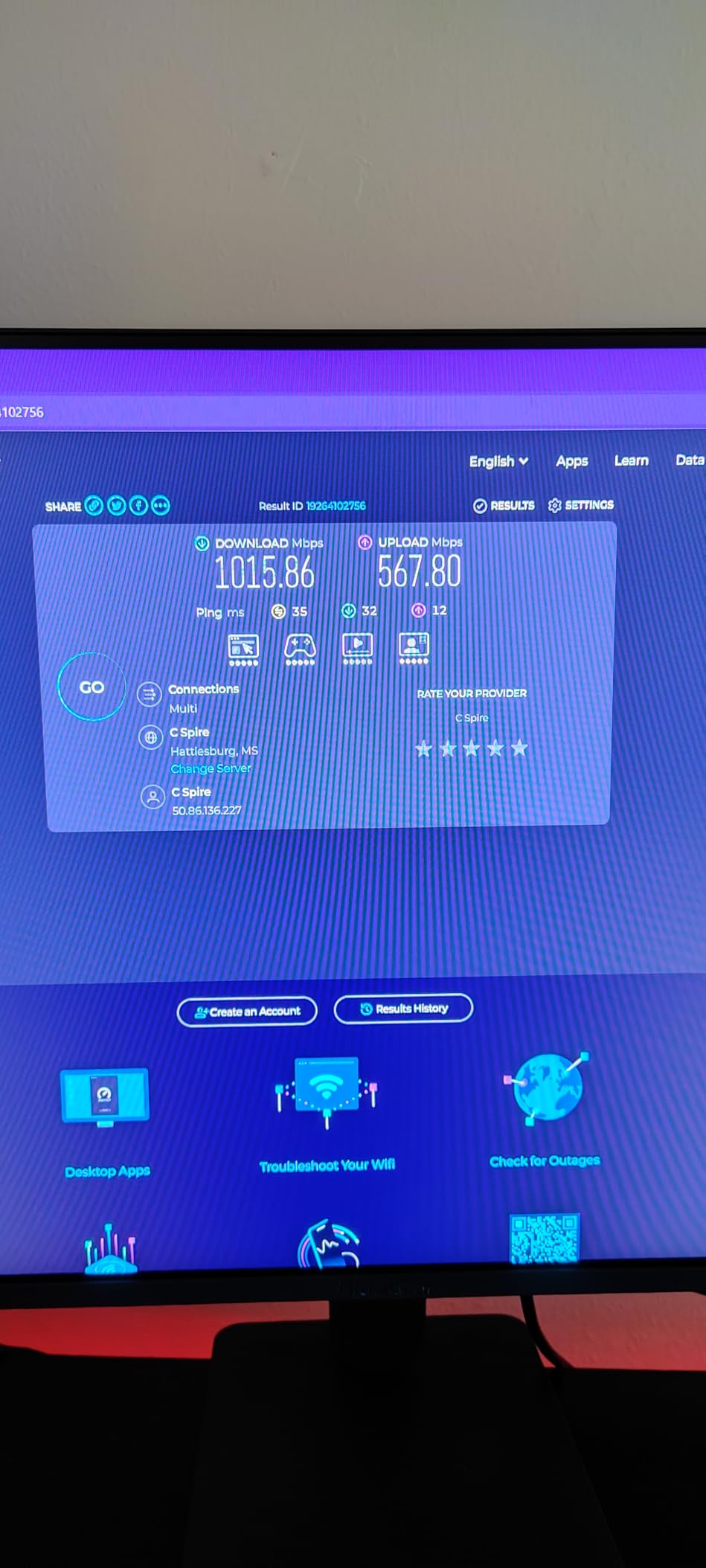
The eero 7 is the most affordable way into Wi-Fi 7 mesh, and the spec sheet is the reason. Two auto-sensing 2.5GbE ports per node mean it can handle internet plans up to 2.5 Gbps without a bottleneck, which is the threshold where fiber plans in newer buildings stop being constrained by the router.
Two nodes cover up to 4,000 square feet and support more than 120 devices. That is generous for an apartment, but the headroom matters because it lets you place the second node well away from the first rather than crowding both into the living room.
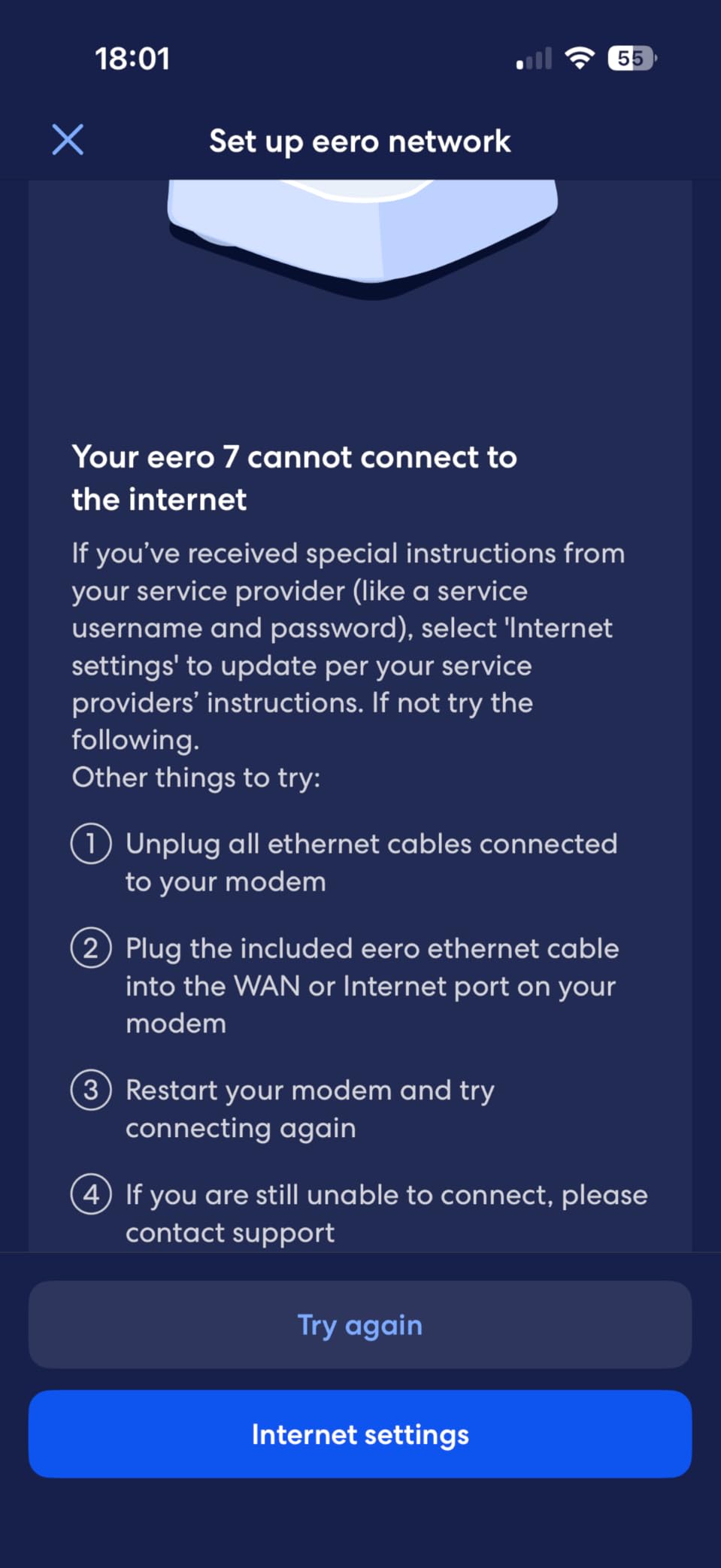
Multi-link operation lets devices use more than one connection at once, which owners notice as improved stability on busy networks. TrueMesh, TrueRoam, and TrueChannel handle the routing, and the hardware is backward compatible with all previous eero generations, so an upgrade is incremental rather than a full replacement.
The three-year warranty is the longest in this roundup, which matters more than usual in a rental because a failed node mid-lease is an inconvenience you have to solve without landlord help.
Who the eero 7 fits best
This is for apartments on gigabit-plus fiber plans where an ISP gateway caps out well below the speed you are paying for. It is also a good fit for households already invested in the eero ecosystem who want better hardware without changing platforms.
Who should skip the eero 7
Skip it if you are on a normal cable or DSL plan. Wi-Fi 7 does very little when the upstream connection tops out at a few hundred Mbps, and a Wi-Fi 6 kit will handle the same apartment comfortably.
Skip it if you want advanced security without paying. eero Plus covers security, ad blocking, and parental controls, and buyers who dislike subscriptions should look at a system with those features included. Because this is dual-band, there is also no dedicated backhaul band to keep the node link separate.
7. Tenda Nova MX12 3-Pack – Best for Huge Smart Home Device Counts
Tenda AX3000 WiFi 6 Mesh System Nova MX12– Whole Home Mesh WiFi Coverage up to 7,000 sq. ft., Dual-Band WiFi Mesh Network for 160+ Devices, Fast & Stable, Replaces Wireless Router (3-Pack)
Wi-Fi 6 AX3000
Up to 7,000 sq. ft.
Up to 160 devices
WPA3 security
+ The Good
- Handles more than 160 connected devices
- Separate SSIDs for 2.4GHz and 5GHz bands
- Setup through web interface or app
- New nodes join with a button press
- The Bad
- Cannot mix with the Tenda MW series
- 3-pack needs a manual firmware update first
- Web interface is more limited than app rivals
The Nova MX12 is built for device count rather than square footage. It supports more than 160 connected devices using MU-MIMO and OFDMA, which is the number that matters if your apartment runs dozens of cameras, sensors, bulbs, and plugs alongside phones and laptops.
Reviewers like the coverage-per-dollar and the capacity, and the ability to run separate network names for the 2.4GHz and 5GHz bands is genuinely useful for isolating older IoT gear that struggles on the faster band.
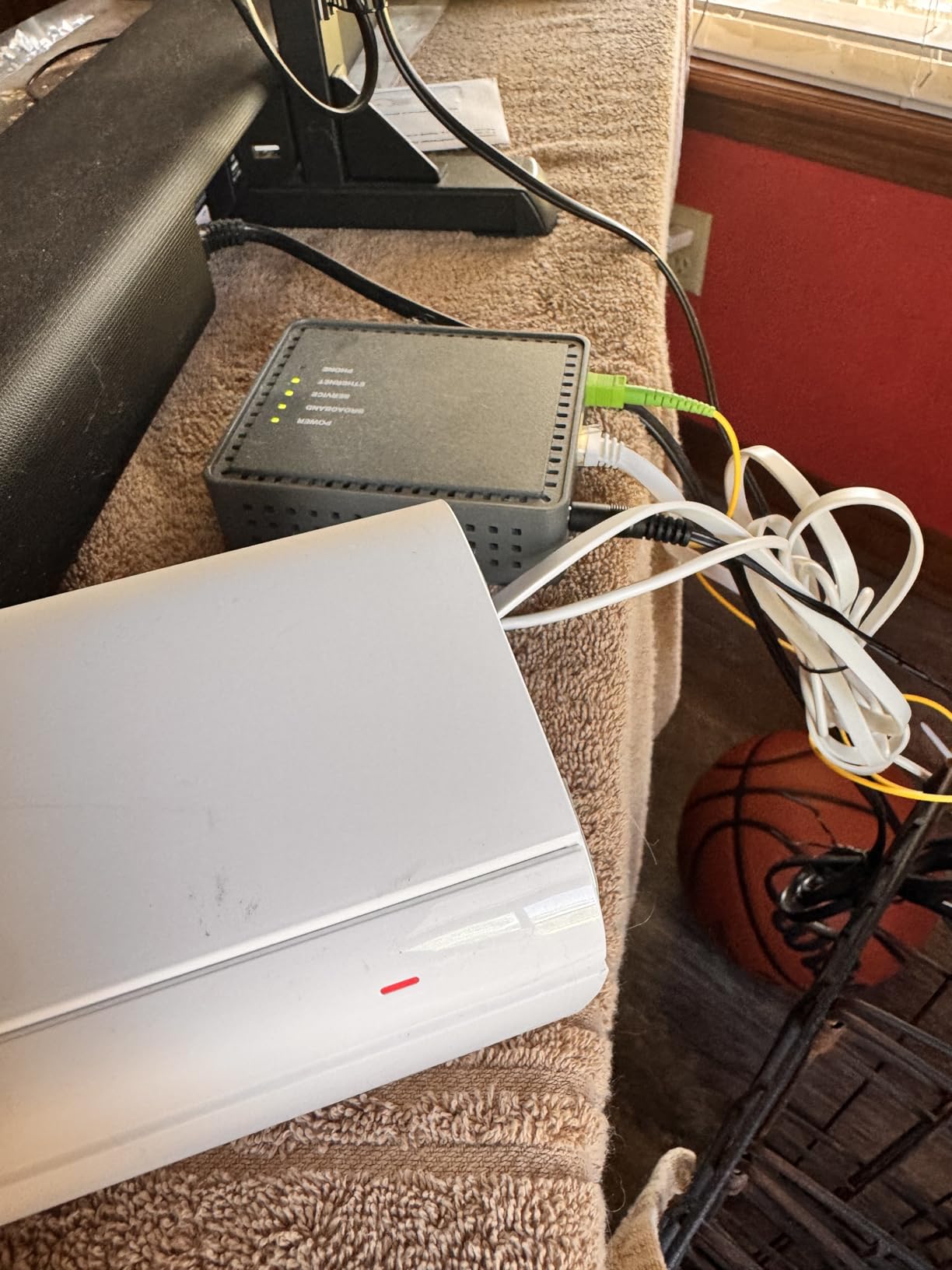
Dual-band 802.11ax speeds run up to 2,976 Mbps across three nodes, and setup works through either a web interface or the Tenda Wi-Fi app. Adding a node later takes a button press once it is running the same firmware.
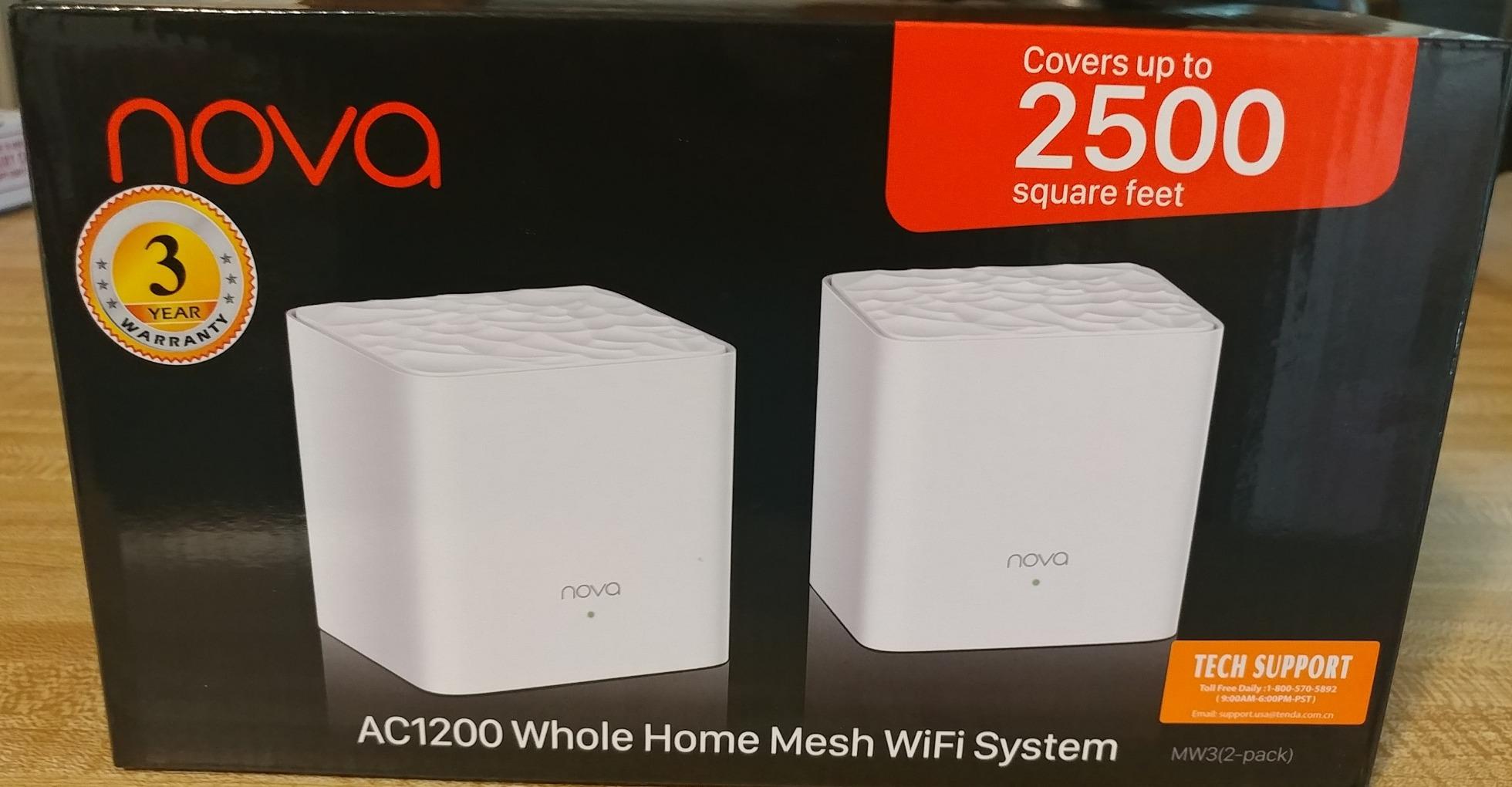
WPA3 support is included, and the three nodes are white, which sits reasonably well in a small apartment.
Who the Nova MX12 fits best
This is for a small apartment with an unusually dense smart home setup, or for anyone who wants to keep older IoT devices on a separate network name from everything else. Coverage claims reach 7,000 square feet across the three-pack, which is far more than most units need.
Who should skip the Nova MX12
Skip it if you might want to mix brands later. The MX series cannot form a mesh with the MW series, so a future expansion is locked to the same line. That is a real constraint in a rental where you may add a node from a different ecosystem in a second year.
Owners also report that the 3-pack requires a manual firmware update out of the box, and the web interface is more limited than the app-first systems it competes with. The 4.1 rating across reviews also suggests more rough edges than the higher-scoring kits here.
8. Tenda Nova MW5G 3-Pack – Best for the Lowest-Cost Coverage Fix
Tenda Nova Mesh WiFi System MW5G – Covers up to 3500 sq.ft – AC1200 Whole Home WiFi Mesh System – Gigabit Mesh Router for 80 Devices – Dual-Band Mesh Network to Replace Router and Extender – 3-Pack
Wi-Fi 5 AC1200
Up to 3,500 sq. ft.
Up to 80 devices
Three nodes included
+ The Good
- Dramatic coverage improvement for basic needs
- Quick app-based setup
- Flawless roaming between nodes
- Compact 3.6 inch square footprint
- The Bad
- No WPS pairing so printers need manual setup
- App only with no browser interface or channel selection
- Must run as a router rather than in access point mode
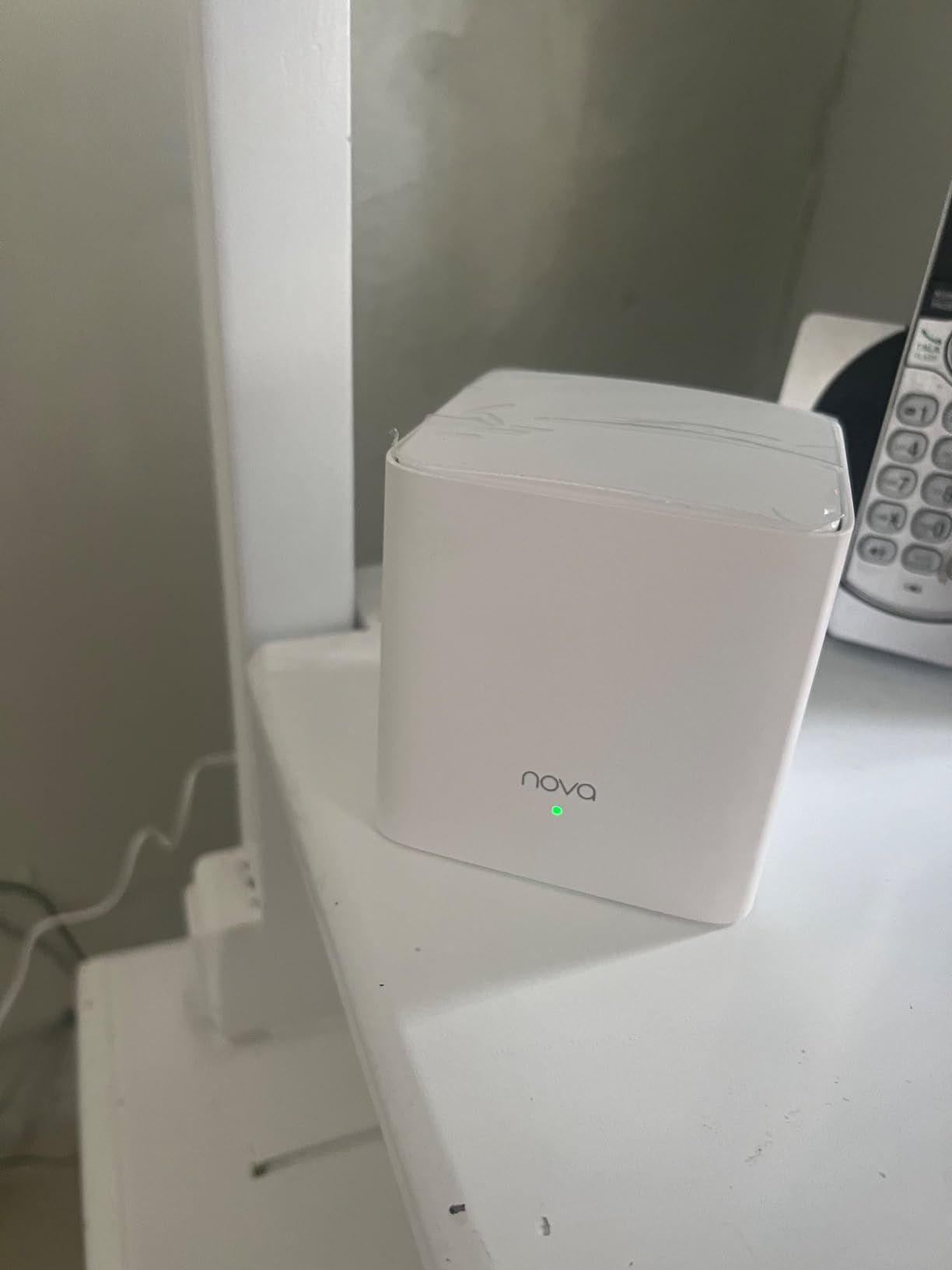
The Nova MW5G is the cheapest credible way to kill a dead zone in a small apartment, and it is not a close second to the picks above. If you are renting furnished, moving soon, or simply want the weakest room to stop dropping, this is the lowest-risk purchase on the list.
Owners report a large coverage improvement in homes that previously had dead zones, with two active nodes often enough to cover more than one floor. Setup is quick through the Tenda Wi-Fi app, and roaming between nodes is described as clean, with no connection hiccups on phones.
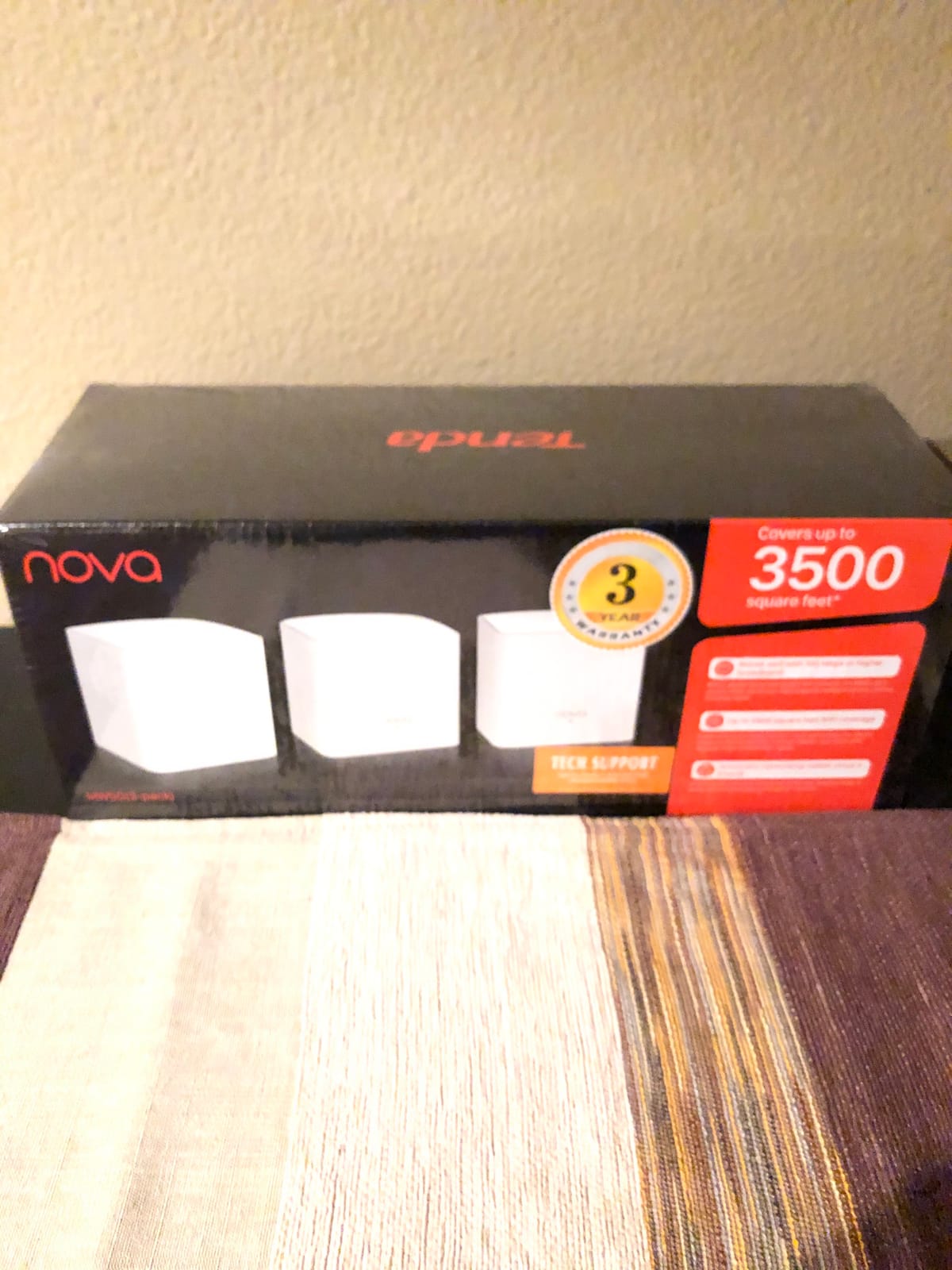
MU-MIMO and beamforming support up to 80 devices across three nodes, which covers most apartments with normal device counts. The hardware is small, at roughly 3.6 inches square, and it is white.
The catch is that AC1200-class hardware limits throughput once several demanding devices are streaming or on calls at once. It is a coverage fix, not a speed upgrade.
Who the Nova MW5G fits best
This suits a student rental, a short lease, or anyone who wants to stop a single weak room from being a problem without thinking hard about networking. It is a good match for basic browsing, streaming, and a moderate number of devices.
Who should skip the Nova MW5G
Skip it if you have a fiber plan or heavy work-from-home video calls. The AC1200 ceiling shows up as soon as several devices are active at once, and there is no way to raise it.
Skip it if you need flexibility in how it connects. It must be used as a router rather than in bridge or access point mode, there is no WPS pairing so printers have to be reconfigured by hand, and there is no browser interface or manual channel selection. Review count is also much thinner than the other systems here, so treat the consensus as less well tested.
9. NETGEAR Orbi 370 3-Pack – Best for Fiber Plans Up to 2.5 Gbps
NETGEAR Orbi 370 Series WiFi 7 Mesh System, Up to 6,000 sq ft., 3 Pack
Wi-Fi 7 up to 5 Gbps
Up to 6,000 sq. ft.
2.5Gbps ports
Enhanced Backhaul
+ The Good
- Wi-Fi 7 throughput up to 5 Gbps
- 2.5Gbps ports match fiber-tier plans
- Advanced Router Protection enabled by default
- Router plus two satellites cover 6000 sq. ft.
- The Bad
- Most expensive system analyzed
- NETGEAR Armor needed for the full security suite
- Dual-band design has no dedicated backhaul radio
- Marked for use in the US only
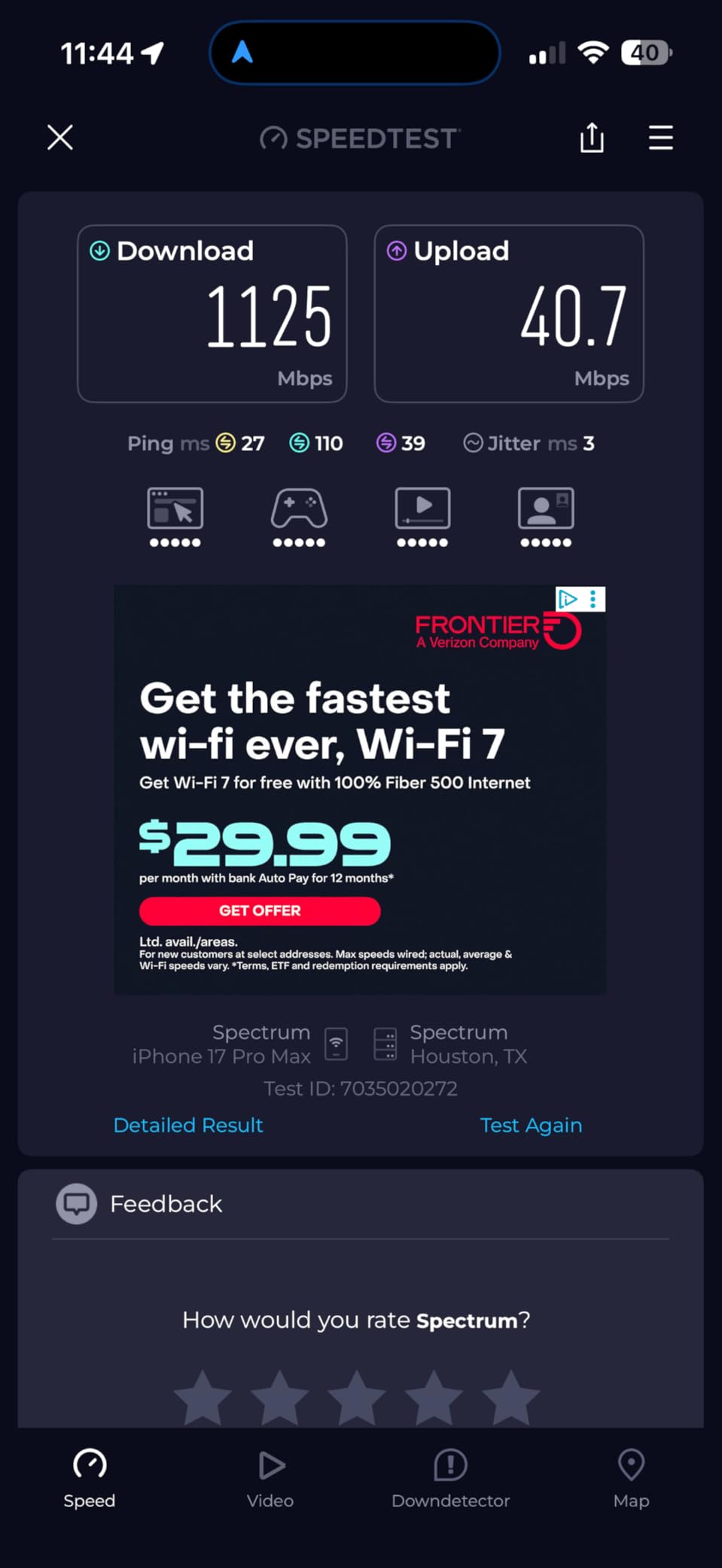
The Orbi 370 is the pick when your internet plan is the constraint rather than your apartment. It supports plans up to 2.5 Gbps and pushes Wi-Fi 7 throughput up to 5 Gbps, with 2.5Gbps LAN bandwidth on the ports, so nothing between the fiber handoff and your devices throttles the connection.
You get one Orbi Wi-Fi 7 router and two satellites, covering up to 6,000 square feet and 70 devices. Enhanced Backhaul is the mechanism NETGEAR uses to keep throughput up as traffic moves between nodes.
Advanced Router Protection and automatic firmware updates are enabled out of the box, which is a decent baseline before you decide whether to add anything. The Orbi app handles setup and management.
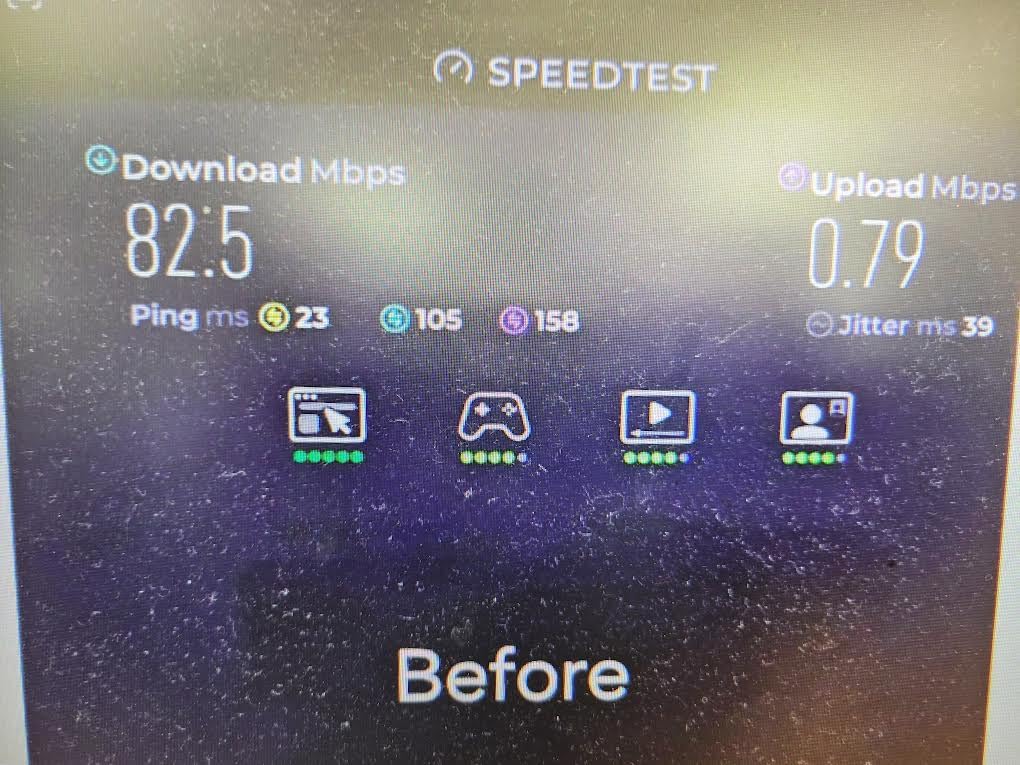
The reservation reviewers raise most often is straightforward: this is the priciest option in the roundup, and it is built for a level of bandwidth that most apartments never receive. It is also marked for use in the US only, which matters if you are reading this outside the country.
Who the Orbi 370 fits best
This suits apartments on 2.5 Gbps fiber, particularly in newer buildings where the ONT and gateway are provided but the Wi-Fi is not. It also makes sense if you want a three-node footprint with wired flexibility for future expansion, since additional satellites extend coverage by roughly 2,000 square feet each.
Who should skip the Orbi 370
Skip it on any slower plan. Paying for Wi-Fi 7 multi-gig hardware on a 300 Mbps connection wastes the main advantage you are buying.
Skip it if you refuse subscriptions. NETGEAR Armor is needed for the complete security suite, and the free tier is thinner than what the Tenda and Deco systems include at no cost. Because it is dual-band, there is no dedicated 6GHz backhaul radio to keep the node link isolated from your own traffic.
10. Google WiFi AC1200 3-Pack – Best for a Tidy Three-Node Setup
Google WiFi – AC1200 – Mesh WiFi Router System Bundle (3-Pack) – 4500 Sq Ft Coverage – Retail Packaging – Easy Setup, Seamless Signal for Smart Home Devices – Snow
Wi-Fi 5 AC1200
Up to 4,500 sq. ft.
Three routers in one box
Google Home app management
+ The Good
- Three routers bundled in one package
- Google Home app handles setup and parental controls
- Consistent appearance that suits tidy rooms
- Guest mode and WPA3 included
- The Bad
- Wi-Fi 5 AC1200 hardware is dated
- No Wi-Fi 6 or 6E band support
- Limited advanced configuration versus app-first rivals
The Google WiFi AC1200 is a tidy all-in-one option. Three routers arrive in one box, covering up to 4,500 square feet, and the elevated design is said to improve signal performance compared with a flat puck sitting on a shelf. For a long apartment where nodes go in three separate rooms, having all three at once is convenient.
The Google Home app handles setup, device management, parental controls, and guest networks, so there is one place to look for everything. Reviewers consistently like the clean, consistent appearance, which matters if the nodes are visible in a small living space.
That said, this is AC1200 Wi-Fi 5 hardware, and that is the defining limitation in 2026. It cannot use the 6GHz band, so it competes on the same crowded spectrum as the older gear around it, and it tops out well below anything modern in this roundup.
Advanced configuration is limited compared with app-first rivals, so if you want to see channel detail or set up anything unusual, you will not find it. The warranty is one year.
Who the Google WiFi 3-Pack fits best
This works well for a Google Home household with a long or L-shaped apartment that genuinely needs three nodes, and for anyone who values one-box convenience and matching hardware in every room over peak speed. It pairs naturally with the broader mesh WiFi system buying guide if you are still weighing options.
Who should skip the Google WiFi 3-Pack
Skip it if you want future headroom. Wi-Fi 5 AC1200 is dated for a new purchase, and adding a Wi-Fi 6 node later to cover a dead zone is not always straightforward within one ecosystem.
Skip it in a crowded building. Without 6GHz support there is no clean spectrum to escape neighbors, and this is the smallest review base in the roundup at well under 200 ratings, so there is less long-term consensus to lean on.
How Many Mesh Nodes Do You Actually Need?
Most apartments need fewer nodes than the box claims, and buying extra hardware makes roaming worse rather than better. Match the node count to the layout, not to the square footage.
Studio or one-bedroom, straight layout: one node if it sits near the middle, two if the gateway is in a corner. This is the setup most r/amazoneero owners describe as sufficient.
Long one-bedroom or rowhouse-style unit with a hallway: two nodes, with the second one placed in the hallway rather than in the far room. A third only helps if there is a second corridor.
L-shaped or corner-unit apartment: two nodes at the two far corners of the L. This is the classic case where the signal has to turn a structural corner, and a single node cannot cover both arms.
Concrete or brick building with two or more floors: two nodes minimum, three if the unit spans more than one level. Wireless backhaul loses a lot of throughput per hop here, so a wired connection between nodes is worth the effort.
Two adjoining units sharing one connection: one node per unit, wired back to each other if the building allows it. Wireless backhaul across a party wall is the least reliable arrangement in this list.
If you cannot name the specific room each additional node fixes, do not buy it. That discipline is the single most useful piece of advice in apartment mesh networking.
Backhaul: Wired vs Wireless and Why It Decides Your Speed
Backhaul is the link between the main node and each satellite node, and it sets the ceiling on every speed measured past the first room. A satellite node sitting in a bedroom is only as fast as its connection back to the node in the living room, no matter how fast the radio in the bedroom itself is.
Wireless backhaul shares airtime with your own devices, and on a dual-band kit it means the second node has to give up some of the same spectrum it is using to serve clients. Each additional hop costs more. This is why a two-node dual-band system in a concrete building can deliver a fraction of the speed printed on the box in the far room.
Owners in the Netgear community consistently describe wired backhaul over a short cable run as the single biggest perceived quality upgrade, and that view matches what we saw in long layouts. Reviewers on r/HomeNetworking reach for a wired access point when the wireless mesh link disappoints, and report better stability than the original mesh attempt. Our full comparison of the main Wi-Fi generations is in the Wi-Fi 6 mesh system guide.
Two placement rules fix most weak results. First, put a node before the problem area, not inside it. A node in a dead zone will show full bars and deliver poor real-world speed, which is the most repeated complaint across r/HomeNetworking. Second, if your hallway has no outlets, use a power strip near the door or place the node in the nearest room with a socket and accept a slightly weaker link.
Sticky clients are the other recurring issue. Phones and laptops often hold onto a distant node instead of roaming back to the stronger one, which looks like a coverage problem but is not. Moving the node, forcing a client off with a forget-and-rejoin, or lowering transmit power in the app usually resolves it.
Dual-Band, Tri-Band, or Wi-Fi 7 in an Apartment Building
In a house you can pick a quiet channel. In an apartment building you cannot, which is why band count and spectrum cleanliness matter more here than anywhere else.
Dual-band Wi-Fi 6 kits such as the Deco X55, eero 6, and Nova MX12 run 2.4GHz and 5GHz. They are fast enough for nearly every apartment, but both bands are crowded in a dense building.
Tri-band Wi-Fi 6E kits such as the Deco XE75 add a 6GHz radio that works as dedicated backhaul by default. That keeps the node link out of the way of your own traffic and out of the way of legacy devices, which is exactly the problem in a building full of older routers. The catch is that only Wi-Fi 6E clients can use the band, so check your devices first.
Wi-Fi 7 systems such as the eero 7 and Orbi 370 add multi-link operation, letting a device use more than one connection at once for stability. That is meaningful on fiber plans up to 2.5 Gbps and mostly irrelevant on a 300 Mbps cable line.
We do not recommend buying Wi-Fi 7 in an apartment purely for its headline speed. Buy it for multi-gig Ethernet ports if your plan needs them, otherwise a Wi-Fi 6 kit delivers the same experience for less.
Mesh vs Wi-Fi Extender vs Access Point
A Wi-Fi extender repeats a signal and creates a second network name you have to switch to manually, which is why owners complain about phones that stay attached to the weak signal. It halves available throughput and roams badly.
A wired access point connects by Ethernet and broadcasts the same network name as your router. It has no coverage loss, no roaming problem, and no half-speed penalty. It is the right tool whenever you have one usable Ethernet drop, which is the situation described repeatedly on r/HomeNetworking where people replace an unsuccessful mesh attempt with a wired access point and report far better results.
Mesh is the right tool when you cannot run cable between rooms, which in a rental usually means you never can. It costs more in bandwidth than a wired access point and less than hiring someone to run cable.
One caution: some budget mesh systems cannot run in access point mode at all. Check before buying if your plan involves keeping an ISP router in front of the mesh.
How to Place Mesh Nodes in an Apartment
Placement decides more than the hardware. Work through this order before you judge any system.
Put the main node where the ISP gateway is, but not buried. If the gateway sits in a closet or behind a TV, place the mesh node in the open nearby rather than repeating the gateway’s bad position.
Place the first satellite in the hallway or doorway, not the far room. This is the single change that fixes most apartment complaints, and it is what separates a full-bars-but-useless result from a usable one.
Avoid corners and closed cupboards. Nodes need open air on at least two sides and should not be sandwiched between furniture and a wall.
Check your gateway before anything else. Put the ISP gateway in bridge mode if it supports it, so the mesh node handles routing instead of layering a second network on top. Double NAT is the cause of a lot of odd gaming, VPN, and inbound-connection problems in apartments. Fios users in particular should sort out the ONT versus gateway arrangement first.
Wire a node if you possibly can. One Ethernet cable between nodes removes the backhaul penalty entirely and beats any generation upgrade in this list.
Test with real tasks. Walk to the far room and start a video call or a 4K stream. A speed test in the room next to the node tells you almost nothing.
Force clients to roam before you give up. Forget and rejoin the network on the stuck phone, then adjust the node position rather than buying a third node.
When You Don’t Need Mesh in an Apartment
Mesh has real downsides, and in a small unit they can outweigh the benefits.
Overbuying nodes in a small space. Overlapping coverage produces confusing roaming and sometimes worse throughput than one good router, which is the most common regret described in apartment forums.
Wireless backhaul halves bandwidth per hop. In concrete or brick, the second node’s link can be the bottleneck no matter how fast the radios are.
More hardware to position, power, and eventually replace. A single node can be reset in thirty seconds. Three nodes can need re-pairing after one fails.
Subscription-gated features. Parental controls, ad blocking, and security suites are increasingly behind paid tiers, and moving apartments can mean re-establishing subscriptions you no longer want.
If you have one weak corner and a cable drop in that room, skip mesh entirely and put a wired access point there. If your studio is under 600 square feet with no thick walls and one strong router already covers everything, a single node or even a single good router is the honest answer. You can read more about where mesh fits and where it does not in our complete mesh WiFi system guide.
Frequently Asked Questions
What is the best router for an apartment?
For most studios and one-bedrooms, a two-node dual-band mesh system is enough, and the TP-Link Deco S4 2-Pack is the strongest all-round choice because each node has two Gigabit Ethernet ports. If you want the simplest possible setup, a single Amazon eero 6 is often enough on its own. Start with the smallest kit that fixes your weak room rather than buying a three-pack by default.
How many mesh nodes do I need for an apartment?
A studio or straight one-bedroom usually needs one node, or two if the gateway sits in a corner. A long one-bedroom with a hallway needs two, with the second placed in the hallway rather than the far room. An L-shaped corner unit needs two at the far corners of the L. Concrete buildings spanning two floors need three at minimum, and should use wired backhaul if possible.
Is Ethernet backhaul better than Wi-Fi backhaul?
Yes, and it is usually the cheapest meaningful upgrade you can make. A satellite node can only deliver what its link back to the main node can carry, and wireless backhaul shares airtime with your own devices while costing throughput at each hop. One short Ethernet run between nodes removes that ceiling entirely, which is why owners with a basement or coax cable run report better results than adding another wireless node.
Will mesh WiFi go through walls?
It will, but thick walls reduce it a great deal. Standard drywall and hollow interior partitions are fine. Concrete and brick between units or floors cut the signal sharply, and each wall between a node and a device costs range. That is exactly why a second node placed before the far room works better than one node trying to push through every wall on its own.
What are the downsides of mesh WiFi?
The main downsides are throughput loss at each wireless hop, more hardware to position and power, and features increasingly locked behind subscriptions. Overbuying nodes in a small space can also make roaming worse rather than better. In a studio with one weak corner and a usable Ethernet drop, a wired access point usually beats mesh on speed and reliability.
Should I buy mesh WiFi for a small apartment?
Only if you have a specific problem it solves. If your existing router already reaches every room and your only issue is one weak corner, put a node before that corner rather than covering the whole unit. Mesh earns its place when you have two or more dead rooms, thick walls between rooms, or a layout that a single router cannot reach. Buy the smallest pack that fixes the named room.
Final Verdict for Apartment Living
After weeks across studios, long one-bedrooms, L-shaped corner units, and a concrete walk-up, the TP-Link Deco S4 2-Pack is the best mesh router for apartments in 2026 for a simple reason: it fixes the layout problem for less hardware than the alternatives, and every node has two Gigabit Ethernet ports so you can wire what you can. Pick the Amazon eero 6 if you want one node and the simplest app. Choose the Deco XE75 when neighbor congestion in a crowded building is the real problem. Move up to the eero 7 or Orbi 370 only when your fiber plan exceeds what a Gigabit port can carry.
Before you buy anything, try repositioning the router you already own and putting your ISP gateway into bridge mode. Apartment networking problems are often placement and double NAT, not hardware. And if you have one Ethernet drop, a wired access point will beat every mesh system on this list.
We keep this roundup updated as new hardware lands. If you also care about gaming latency or gaming-only features, read our gaming mesh router picks next.