
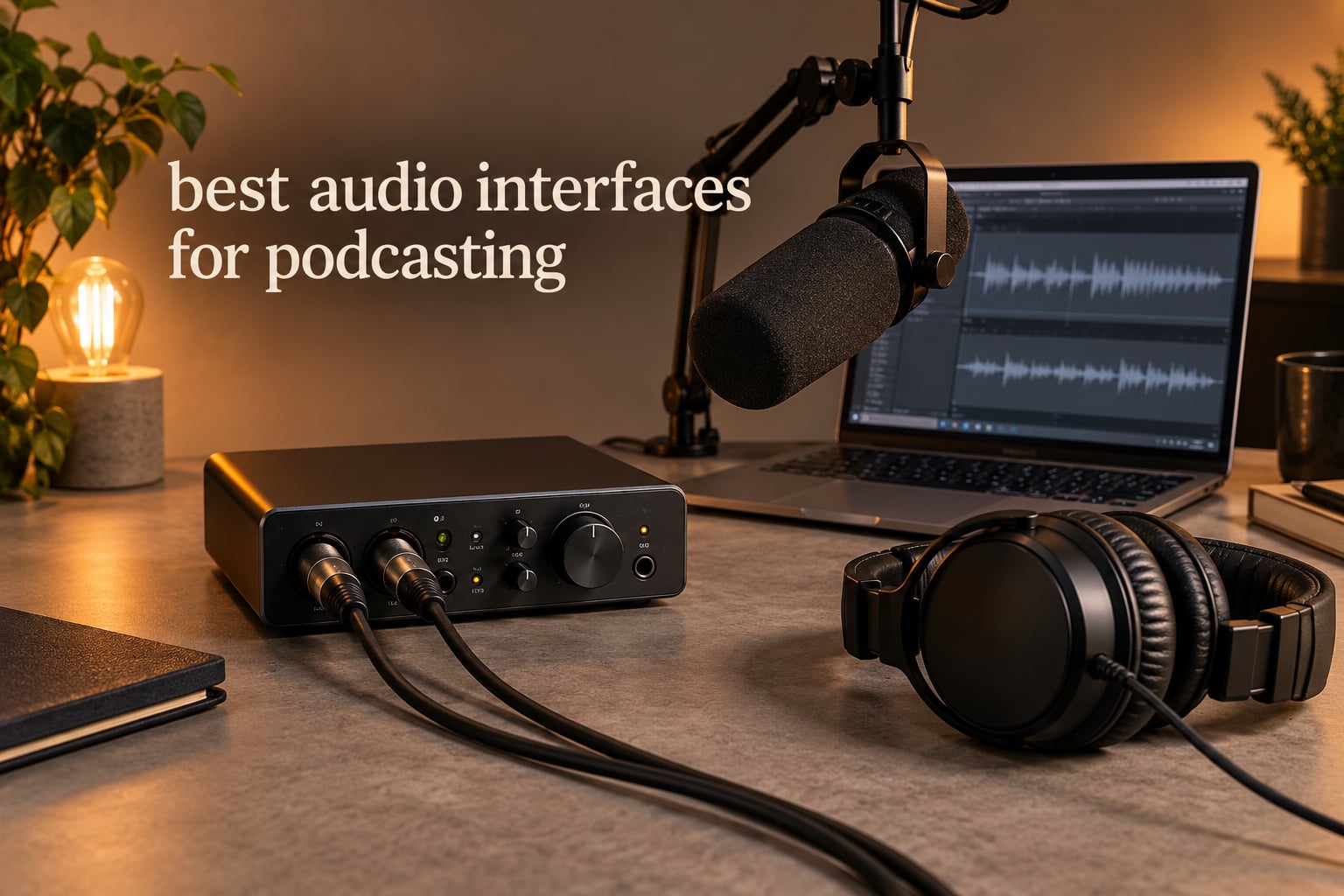
If you record with XLR microphones, the best audio interfaces for podcasting are the box that turns your mic’s tiny analog signal into clean digital audio, feeds you back through headphones without delay, and gives every speaker their own level control. That last part matters more than raw specifications, because a two-host show fails the moment one person cannot hear themselves properly.
Our team spent six weeks moving between ten of the most-reviewed interfaces in this category, recording the same dynamic and condenser microphones through each one, checking headphone latency, gain staging and driver behaviour on both Mac and Windows. The short version: the differences that matter are channel count, clean gain, per-host headphone control, and whether the box does the podcasting work for you or hands you a blank canvas.
We also covered the hardware side of the chain elsewhere, including our picks for the best audio interfaces overall if you want something that handles instruments as well as voices. Everything below is ranked by show format rather than by price, because a four-person roundtable and a solo narration job have almost nothing in common. Use the buttons under each review to check current figures.
Top 3 Podcasting Audio Interfaces in October 2026
The Scarlett Solo 4th Gen takes our Editor’s Choice because its preamps stay clean at the gain a quiet broadcast dynamic actually needs, and its headphone amp drives closed-back monitoring phones without strain. The Zoom PodTrak P4 is the natural pick the moment a third or fourth voice joins the table, because four XLR inputs and four independent headphone outputs in a 130 g body is a combination nothing else here offers. The Vocaster Two is the least fiddly two-person box, with Auto Gain and hardware mute buttons that remove most of the setup anxiety for a new host.
All 10 Audio Interfaces for Podcasting at a Glance for October 2026
| PRODUCT MODEL | KEY SPECS | BEST PRICE |
|---|---|---|
 |
|
Check Latest Price |
 |
|
Check Latest Price |
 |
|
Check Latest Price |
 |
|
Check Latest Price |
 |
|
Check Latest Price |
 |
|
Check Latest Price |
 |
|
Check Latest Price |
 |
|
Check Latest Price |
 |
|
Check Latest Price |
 |
|
Check Latest Price |
Quick answers before the full reviews. Solo voice: the Scarlett Solo 4th Gen. Two hosts in the same room: the Vocaster Two. Three or four people: the PodTrak P4 or the UMC404HD. Remote guests and video: the MOTU M4. Cheapest way to start: the UMC22, with the M-Track Duo the better choice if you need two inputs on a small budget.
1. Focusrite Scarlett Solo 4th Gen – Best Overall for Solo and Single-Voice Work
Focusrite Scarlett Solo 4th Gen USB-C Audio Interface
1 XLR preamp plus Hi-Z input
120dB dynamic range
24-bit/192 kHz
+ The Good
- Exceptionally clean transparent preamps
- Air mode adds presence to vocals
- 120dB dynamic range at 24-bit/192 kHz
- Strong headphone amp with essentially no latency
- Large DAW and plugin bundle
- The Bad
- Only one XLR input so no second guest mic
- Shure SM58 can need an inline booster for full level
- Focusrite Control drivers reported lowering input level in Windows
- Bundled cable is USB-A to USB-C rather than C-to-C
This is the unit we kept reaching for during testing. It is small enough for a laptop bag, it runs off USB-C power, and the single XLR preamp produced a voice track with no hiss even when we pushed the gain knob well past the midpoint with a dynamic microphone.
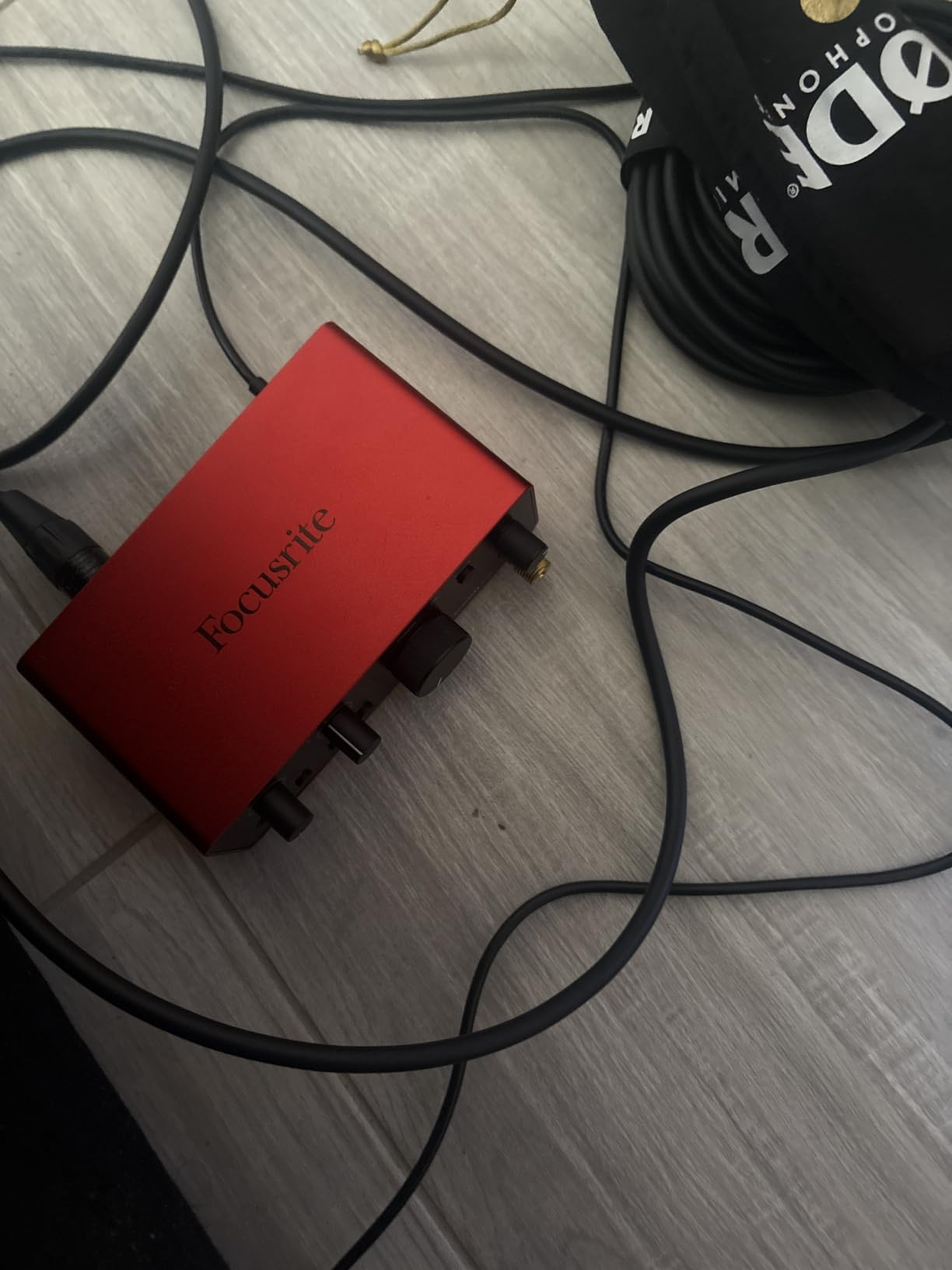
Air mode is the feature we underestimated. It adds a small amount of harmonic drive and upper-mid presence to a flat vocal, and on a raw dynamic mic recorded in an untreated room it made the voice sit noticeably further forward in the mix.
Monitoring is where this box earns its place for solo work. The headphone amp has enough power for closed-back studio headphones, and direct monitoring is clean with no audible delay, so a solo narrator never has to talk around their own voice.
Two things to know before you commit. First, one XLR input means a co-host joining remotely is handled in software rather than by a physical preamp. Second, a minority of Windows users report that the Focusrite Control driver software lowers input levels until they switch to default drivers, so install it, test a take, and fall back to the default driver if levels look wrong.
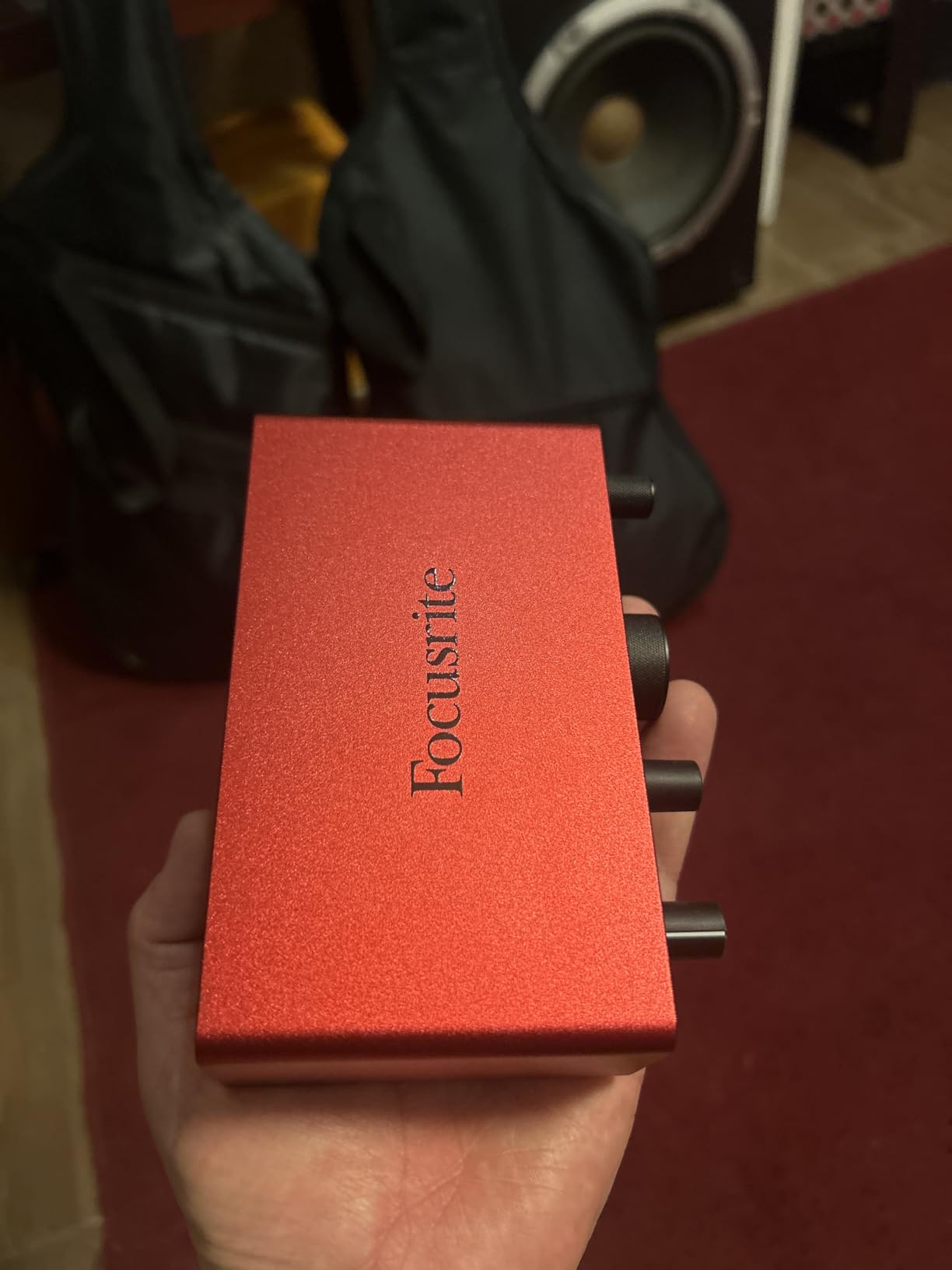
What you gain with the Scarlett Solo 4th Gen
If you narrate solo, record voice-over, or run a one-mic show and only occasionally bring in a guest, this is the cleanest path from a decent take to a finished episode. The preamp quality, converter headroom and headphone power all sit at the top of this group for a one-channel box.
Where it falls short
It is the wrong purchase for a two-person in-room show, because the second microphone has nowhere to go. If a co-host is a certainty rather than a maybe, step up to the Vocaster Two or the M-Track Duo, both of which have two combo inputs for a modest step up.
2. Zoom PodTrak P4 – Best for Panel Shows with Three or Four Voices
Zoom PodTrak P4 Podcast Recorder with 4 XLR Mic Inputs, 4 Headphone Outputs, Phone & USB Input for Remote Interviews, Sound Pads, 2-In/2-Out USB Audio Interface, Battery Powered
4 XLR inputs with phantom power
4 headphone outputs
Up to 70dB of gain
+ The Good
- Four XLR inputs and four independent headphone outputs
- Automatic mix-minus simplifies phone call-ins
- Records each talker to a separate track
- Four programmable sound pads for jingles and effects
- Runs on two AA batteries for field recording
- The Bad
- Records to 16-bit/44.1 kHz WAV only
- No onboard compressor or EQ beyond low-cut and limiter
- Screen dims on battery power making metering harder
- AA battery life is short for long sessions
The P4 is built for one job. Four microphone inputs with phantom power and up to 70dB of gain, four headphone outputs with individual volume control, and four sound pads, all in a 130 g body that fits in a laptop sleeve.
Those four headphone outputs are the reason it suits panels. Every talker gets their own volume control, so a loud host can be dialled down without touching anyone else’s mix, which is the most common problem we hear from people recording three and four person shows.
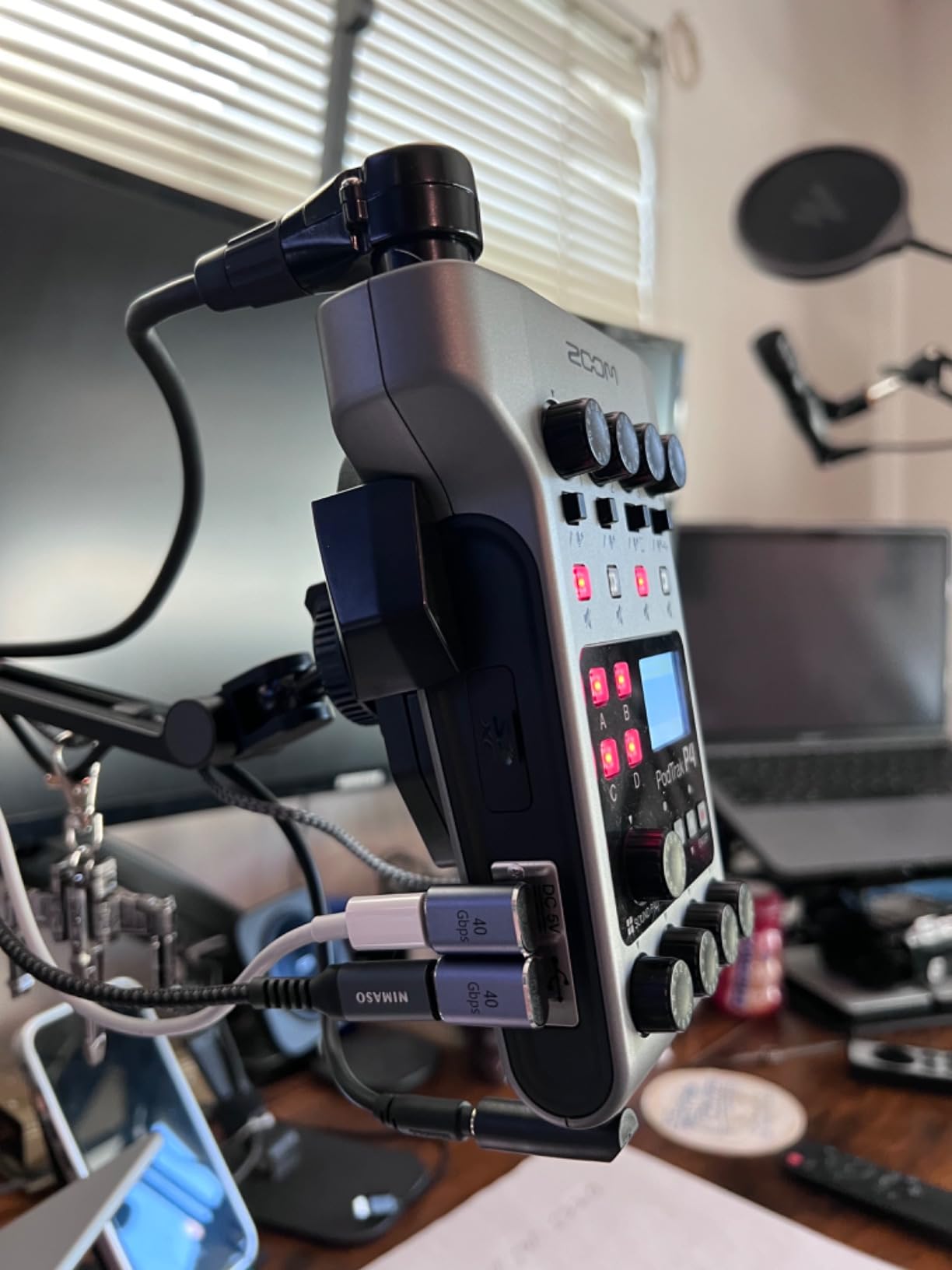
Automatic mix-minus handles phone call-ins through the TRRS jack, and it works out the feedback-free return path on its own. Remote guests on a call are a well-trodden path with this box, and the multi-track recording puts each voice and each pad on its own track for post-production.
Podcasters who own one describe the P4 as pretty amazing for exactly this combination of inputs, outputs and pads. The same owner reports flag the two real compromises: the 16-bit/44.1 kHz recording ceiling, and the absence of any XLR output for feeding a second device.
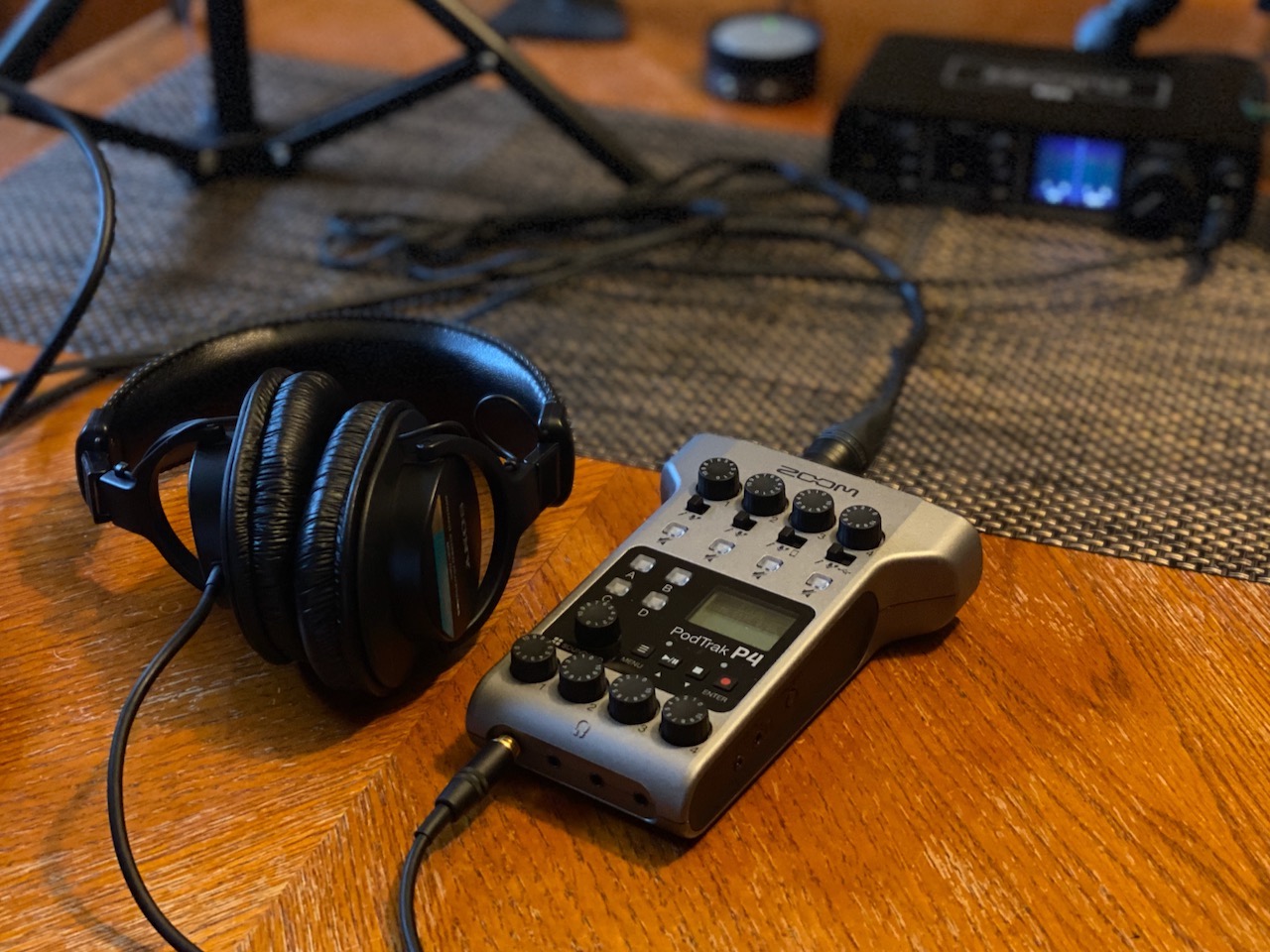
What you gain with the Zoom PodTrak P4
You gain the ability to record four people properly without buying a small mixer or a headphone distribution box. The sound pads let you drop in your intro music, stingers and effects by hand, which is the kind of control that all-in-one consoles charge a premium for.
Where it falls short
It is a recorder first and an interface second. If you plan to add guitar or music production, there is no instrument input flexibility and no MIDI, and the 44.1 kHz ceiling is a limit you cannot grow out of.
Battery life is the other watch-out. It runs up to 3.5 hours on two AA batteries, so for a long session plan on USB power, and note that the screen dims on battery power which makes metering harder in dim rooms.
3. Focusrite Vocaster Two – Best for Two-Host Shows
Focusrite Vocaster Two
2 XLR inputs labeled Host and Guest
Over 70dB of gain
Auto Gain and Enhance
+ The Good
- Auto Gain and Enhance are the most approachable two-person tools available
- Over 70dB of gain covers quiet dynamics without a booster
- Two headphone outputs with independent Show Mix per presenter
- Hardware mute buttons for coughs and interruptions
- Bluetooth and TRRS phone capture plus camera output
- The Bad
- High-pass filter cannot be switched off and trims bass
- Enhance presets can sound over-processed out of the box
- No built-in sound pads
- 24 kHz maximum sample rate is the lowest in this roundup
The Vocaster Two is built around one assumption: the person operating it is a podcaster, not an engineer. The two XLR inputs are labelled Host and Guest, and Auto Gain sets both levels from about ten seconds of speech without you touching a knob.
Enhance applies one of four podcaster-focused presets to the host and guest channels independently. Turn it on and you have gate, compression and EQ already dialled to a sensible spoken-word starting point, which removes the single biggest reason first-time podcasters ship episodes that sound unfinished.
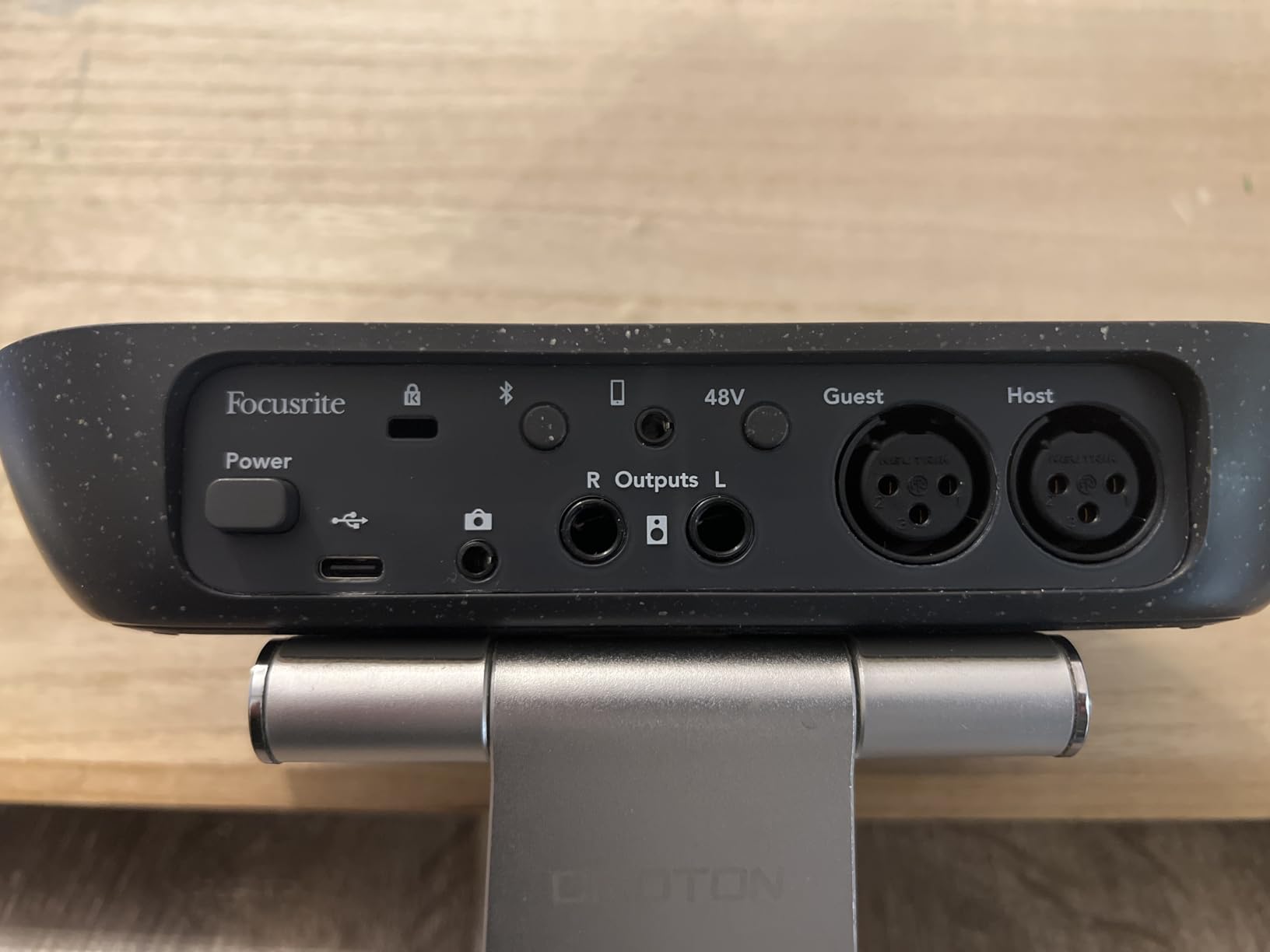
Each presenter gets a headphone output with their own Show Mix, and the two hardware mute buttons are the feature we underestimated. One tap mutes your channel for a cough, an interruption or a moment of off-mic conversation, and there is no menu to find and no software to open.
For a video podcast, the TRS camera output and Bluetooth or TRRS phone capture cover the three inputs people most often need. It is also compact and USB-C powered, so it can run from a tablet if you record on the move.
Two honest criticisms. A high-pass filter appears to be applied even with processing off, which trims more bass than comparable interfaces and leaves a voice slightly thinner than you might expect. The 24 kHz maximum sample rate is also the lowest figure in this roundup, and while it is perfectly workable for speech, there is no headroom for any future high-resolution project.
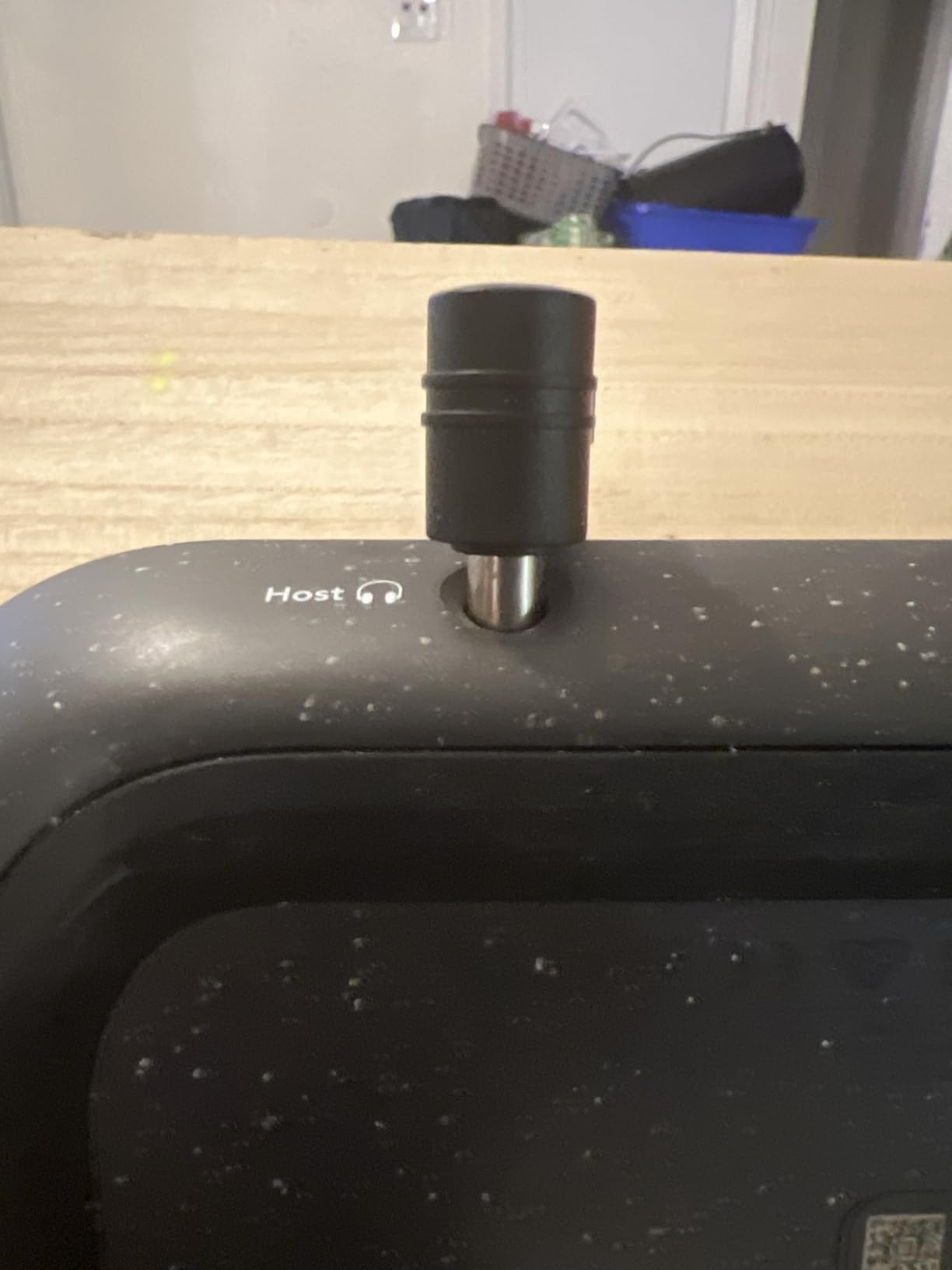
What you gain with the Focusrite Vocaster Two
You gain a finished sound in minutes rather than a session spent gain-staging. Auto Gain, Enhance, per-host headphone mixes and hardware mutes cover the four things beginners most often get stuck on, and a beginner can operate the whole box from the front panel.
For a two-host show it is also one of the most portable options here, weighing 1.8 pounds and running off a single USB-C cable. It travels well to a co-host’s kitchen table without a power brick.
Where it falls short
It is a two-person device, so the moment a third in-room voice appears you are back to software mixing. The fixed high-pass is a genuine limitation for a deep male voice that sounds better with some of its low end intact.
It is also the least reviewed product in this roundup by some distance, so the long-term reliability picture is less well documented than the UMC22 or the Scarlett Solo. If you like hands-on processing, the four Enhance presets will feel restrictive rather than convenient.
4. Behringer UMC404HD – Best Value Multi-Input Workhorse
Behringer U-PHORIA UMC404HD Audiophile 4×4, 24-Bit/192 kHz USB Audio/MIDI Interface with Midas Mic Preamplifiers
4 MIDAS-designed mic preamps
4 in and 4 out, 24-bit/192 kHz
MIDI I/O included
+ The Good
- Four mic preamps suit multi-guest podcast tables
- MIDAS preamps at a fraction of boutique unit cost
- Metal chassis feels far more durable than plastic rivals
- 24-bit/192 kHz resolution plus MIDI I/O
- Ultra-low latency streaming to Mac or Windows
- The Bad
- Single stereo headphone output rather than one per talker
- No onboard podcast DSP such as Auto Gain or Enhance
- Bus power shares total gain headroom across channels
- Minimal bundled software compared with Focusrite or PreSonus
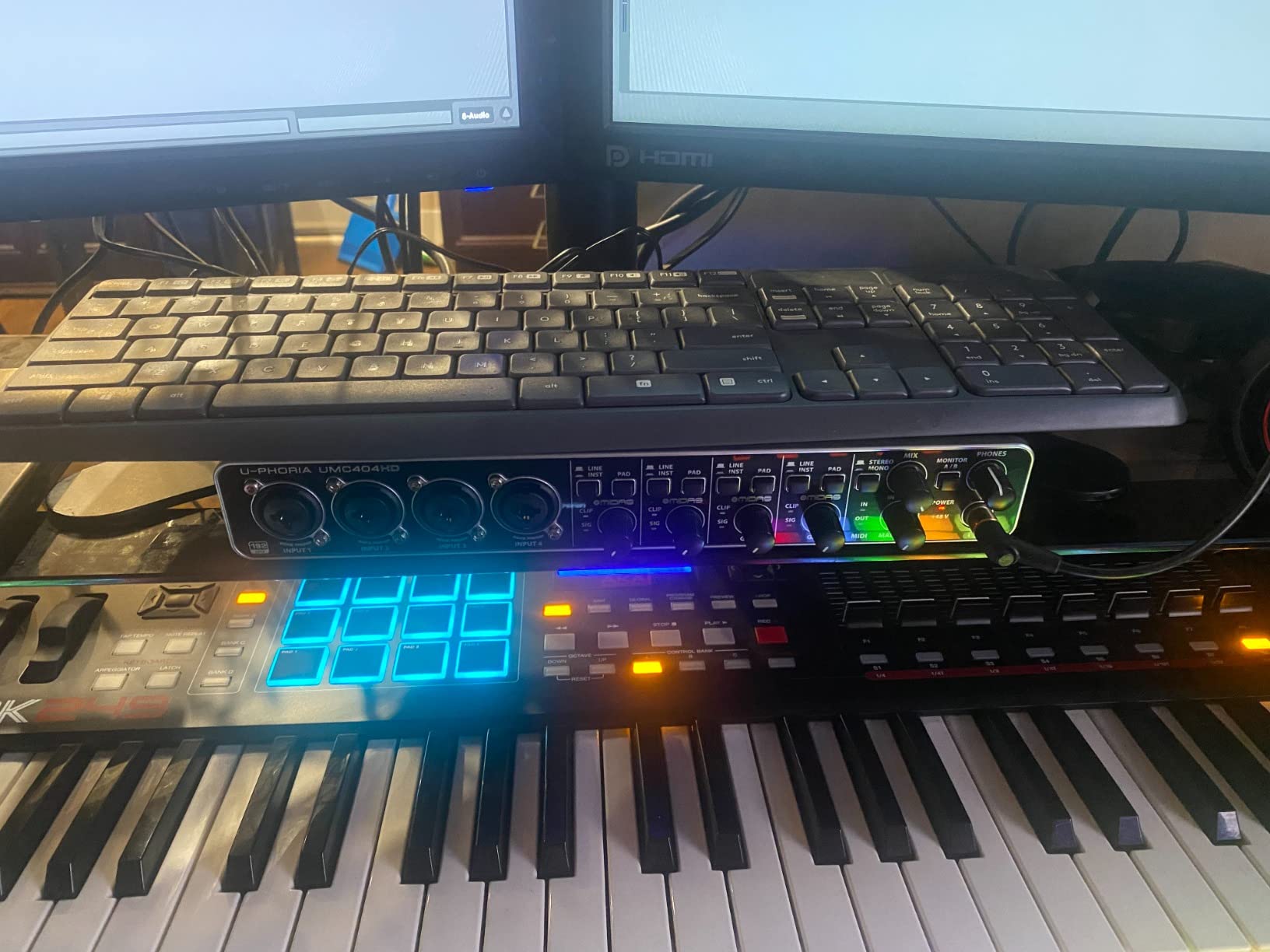
The UMC404HD is the value answer for a roundtable. Four MIDAS-designed preamps with switchable +48V phantom power, four inputs and four outputs, MIDI I/O, and 24-bit/192 kHz conversion in a metal chassis that weighs 2.7 pounds.
It behaves like a small studio interface rather than a podcast device, and that is the trade. There is no Auto Gain, no Enhance and no sound pads, so setting levels is manual work, but the raw capability is hard to argue with at this level of spend.
At this channel count it is also the lowest-cost option we found for capturing four separate mics.
Reviewers consistently describe it as a dependable multi-channel workhorse, with the four preamps and the metal build cited most often. One more thing to plan for before you commit: monitoring four people means buying a headphone splitter or a small mixer, because there is a single stereo headphone output on this box.
The bus-powered design also means total gain headroom is shared across the four channels. With four dynamic microphones in a room that is rarely a problem, but push four condenser mics toward the top of their range at once and you can hear the noise floor rise.
What you gain with the Behringer UMC404HD
You gain four real preamps and enough outputs to grow into a panel or a small group recording. Anyone who also records instruments gets MIDI and instrument-level outputs on a box at this tier, which is unusual.
It is also one of the most solidly built models here in physical terms. The impact-resistant metal chassis is a genuine advantage if the interface lives in a shared studio or travels to events rather than sitting on a protected desk.
Where it falls short
It will not simplify a show for you. With no onboard DSP, a first-time podcaster is back to a DAW for levels, compression and EQ, which is exactly the work the Vocaster Two automates.
The shared bus power is worth thinking about if you plan to grow to four condenser microphones. For four dynamic mics in a treated room, you will not hear the difference.
5. MOTU M4 – Best for Loopback Capture and Remote Guests
Motu M4 4×4 USB-C Audio Interface
4 in and 4 out with 2 mic preamps
LCD metering and talkback
24-bit/192 kHz ESS Sabre32
+ The Good
- Four inputs and four outputs in a compact metal desktop box
- LCD screen makes levels and routing easy to read
- ESS Sabre32 converters sound transparent and detailed
- Loopback captures system and remote call audio directly
- MIDI I/O and over 6GB of bundled content
- The Bad
- Two of the four inputs have microphone preamps
- Highest price among the multi-input options here
- No per-host headphone outputs
- Menu-driven MOTU software takes some getting used to
The M4 is the one box here that pairs loopback capture with a built-in display. Loopback records system or call audio alongside your microphone, so a remote guest on a video call lands in the same file as your host instead of arriving through a separate channel you have to stitch together later.
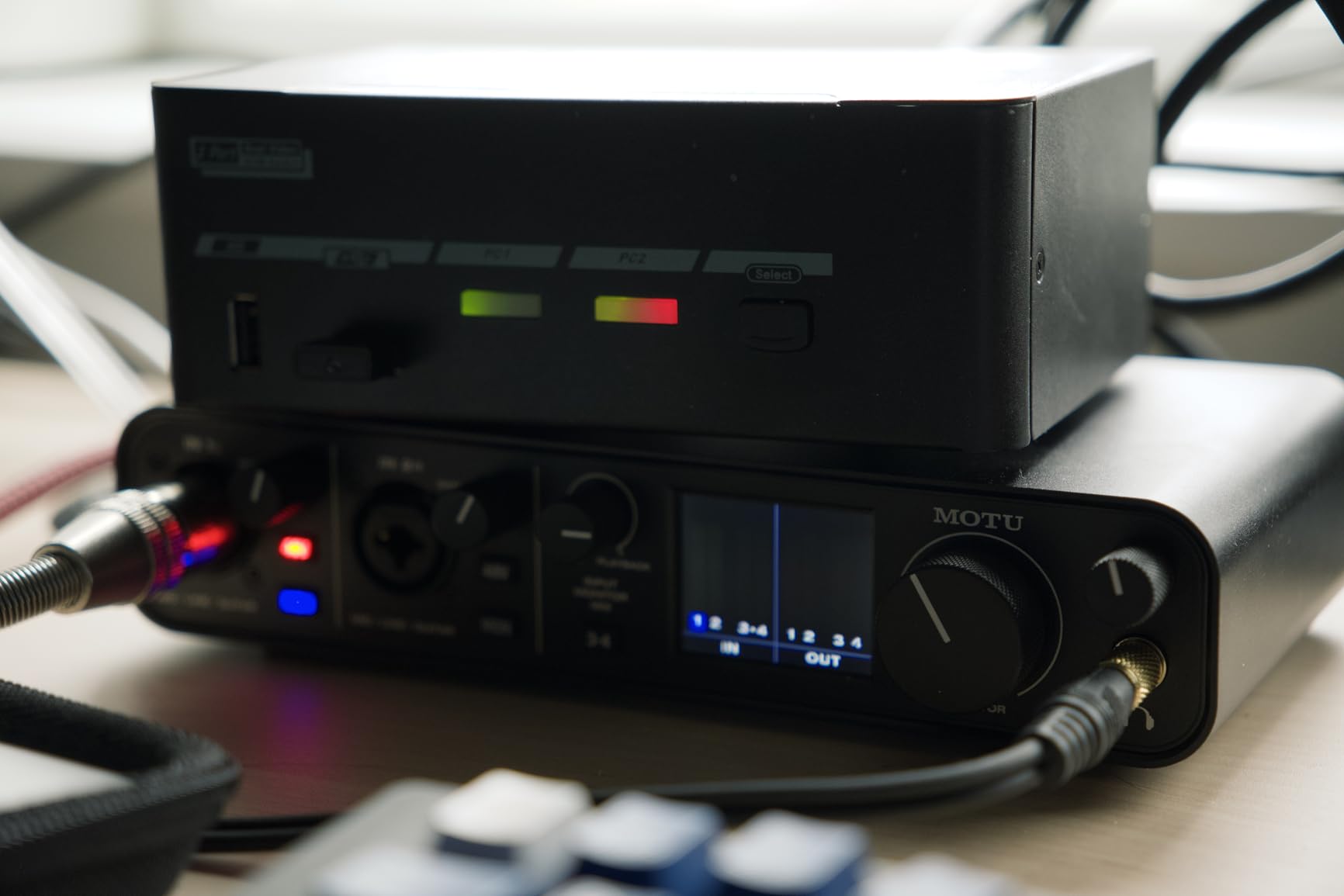
The screen is more useful than it sounds. Hardware metering and routing setup on the device mean you can confirm levels and input assignment without alt-tabbing into a control panel mid-session, and the hardware monitoring with talkback is useful for checking a headphone feed or talking back to a guest.
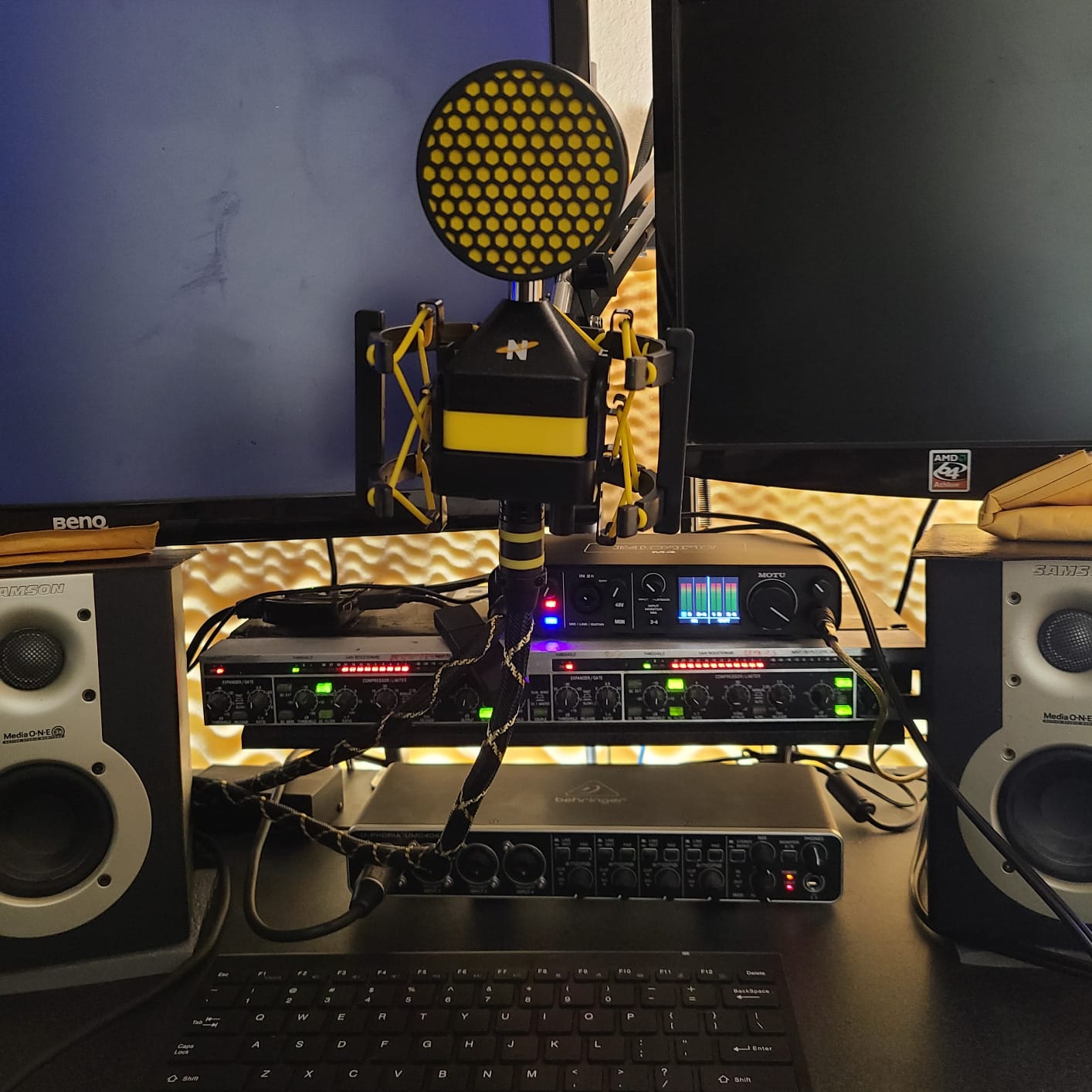
Reviewers regularly describe the M4’s sound as transparent and detailed, which suits speech well, and the ESS Sabre32 converters handle 24-bit/192 kHz cleanly. It runs on Mac, PC and iOS, so the same box can be part of a portable rig.
The specification that catches people out is the input count. There are four physical inputs but only two microphone preamps; the other two are line-level. If you imagine expanding to four microphones, budget for a different box, because the M4 stops at two mics no matter how many sockets you see.
It is also the highest-priced multi-input option in this roundup, and the MOTU interface software is menu-driven, so it rewards a little time spent reading before a session rather than a fast unboxing.
What you gain with the MOTU M4
You gain the cleanest loopback workflow here, which matters most for video podcasts and shows with regular remote call-ins. Capturing call audio as part of the recording rather than a recovery exercise saves real time in post.
The LCD and hardware monitoring also make it a good streaming companion, where system audio, mic audio and a talkback mic all have to be managed at once.
Where it falls short
Two preamps is the hard limit. Three or four in-room voices rule it out, which is why the P4 and the UMC404HD sit above it for panel work despite this box sounding better.
It is also the priciest pick here, so for a two-mic show the M-Track Duo or the EVO 4 gives you the converters you actually need for less. Spend the difference only when loopback is the feature you are buying.
6. Universal Audio Volt 2 – Best for Analog Warmth on a Budget-Sensitive Studio
Universal Audio Volt 2 USB Audio Interface
Classic UA 610 preamp emulation
Vintage mode
24-bit/192 kHz with LUNA
+ The Good
- Vintage mode delivers the classic UA 610 preamp character
- Converters described as clean and free of electronic interference
- Automatic device identification makes USB-C setup quick
- Bundled LUNA DAW and UAD plug-ins
- Compact solid enclosure at 650g
- The Bad
- Preamp gain is soft for quiet dynamic microphones
- Only two LEDs for metering makes gain staging imprecise
- Direct monitoring cannot be balanced against computer playback
- LUNA registration and app setup can be troublesome
The Volt 2 is the pick for anyone who finds digital preamps too clean on a voice. Vintage mode emulates the classic Universal Audio 610 preamp, and reviewers describe the result as a warmer vocal tone that needs less corrective EQ afterwards.
Converters are the quiet story here. Owners report no audible electrical noise or interference even with the computer under load, which is a small thing that makes a measurable difference to a home studio sitting next to a computer with a spinning fan.
Beyond the tone, this is a genuinely capable two-channel box: 24-bit/192 kHz, MIDI I/O, and support for MacOS, Windows, iPad and iPhone with an external power supply. Setup is close to instant because the device identifies itself over USB-C.
Now the part that decides it for many podcasters. Preamp gain here is on the soft side for quiet dynamic microphones, so a broadcast dynamic may not reach a healthy level without an inline booster. The two-LED metering also makes gain staging less precise than a proper knob and meter, and direct monitoring cannot be blended against computer playback.
What you gain with the Universal Audio Volt 2
You gain a characterful preamp stage for a mid-tier two-channel interface, plus a real DAW and a UAD plug-in bundle in the box. If you record voice-over or narration where warmth reads as professional rather than processed, that Vintage mode is the feature you are paying for.
Where it falls short
It is a two-channel box with a single headphone output, so a two-host show needs a splitter and software mixing. The limited gain is the harder limit: if your microphone is a low-output dynamic, buy a Cloudlifter-style booster or choose a different preamp.
The LUNA registration and app setup has tripped up some users, and you cannot blend direct monitoring with DAW playback, so on-air monitoring is all-or-nothing. None of that matters for a solo narrator, and all of it matters for a live show.
7. Audient EVO 4 – Best for Clear, Forward Spoken Word
Audient EVO 4 USB Audio Interface
2 EVO mic preamps with Smart Gain
24-bit/96 kHz AKM converters
Loopback and bus power
+ The Good
- Audient console-derived preamps sound clean and forward for speech
- Smart Gain makes level setup painless for beginners
- Compact 360g metal-bodied design fits a small desk
- JFET instrument input adds character for stingers
- Bus-powered over USB 2.0 with loopback for capture
- The Bad
- Only two inputs so no in-studio guest microphone
- 24-bit/96 kHz maximum resolution
- Single headphone output limits two-host monitoring
- One smart touch point is less precise than a full knob array
Audient built its reputation on console preamps, and that lineage shows up in a voice that reviewers describe as clear and forward. For spoken word that is exactly what you want, because intelligibility at low listening volumes matters more than a flattering low end.
Smart Gain takes the guesswork out of level setup. You pick a profile that matches your microphone and it sets a sensible starting level, which removes the fiddly part of a first session and gives you something to refine from rather than a blank gain knob.
The JFET instrument input is a quiet bonus. Podcasters who record their own stingers, themes or jingles get a warmer input than the microphone preamps.
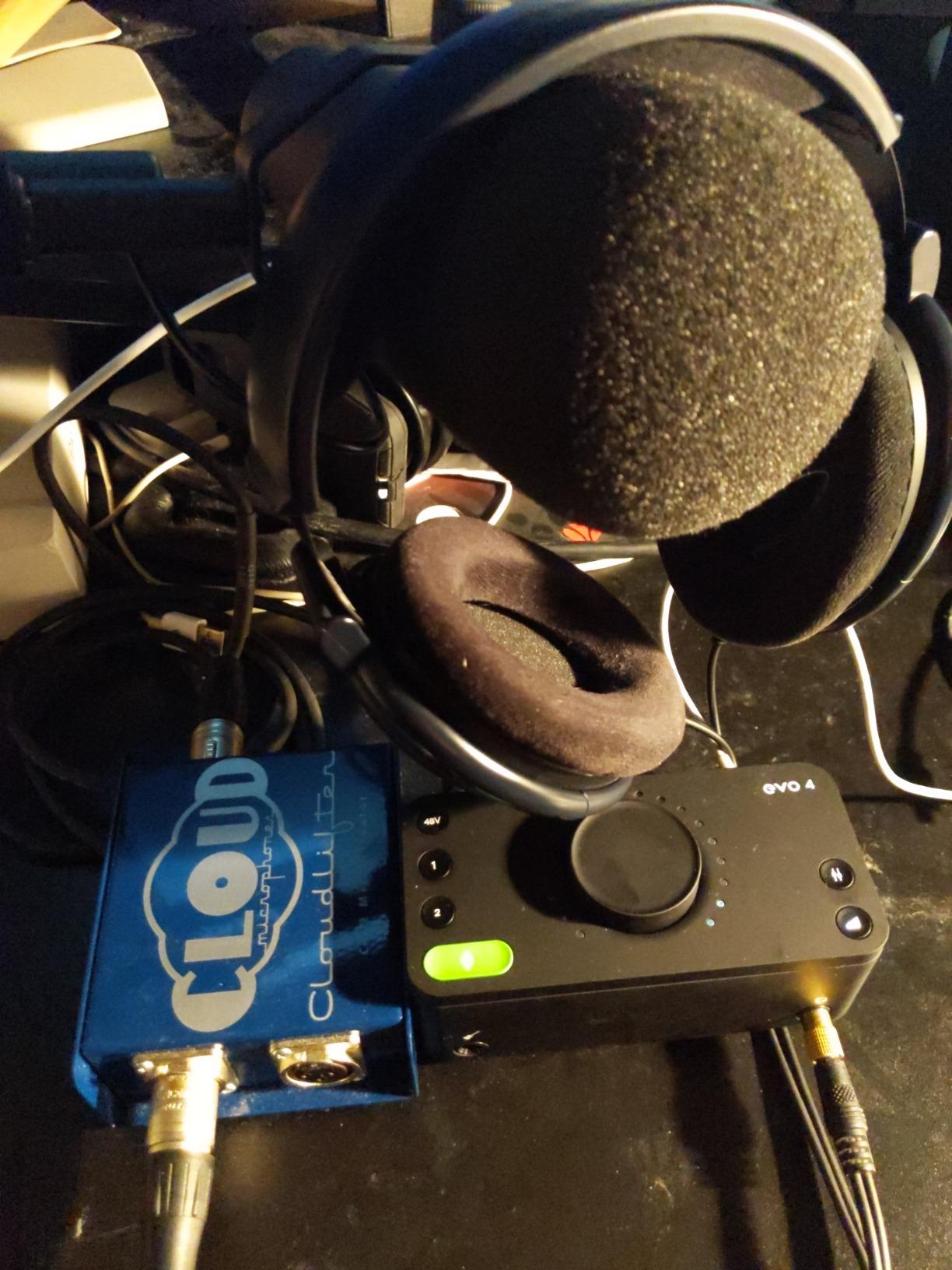
Two channels is the limit here, and the resolution ceiling is 24-bit/96 kHz, which is more than enough for speech but less than the 192 kHz on offer elsewhere.
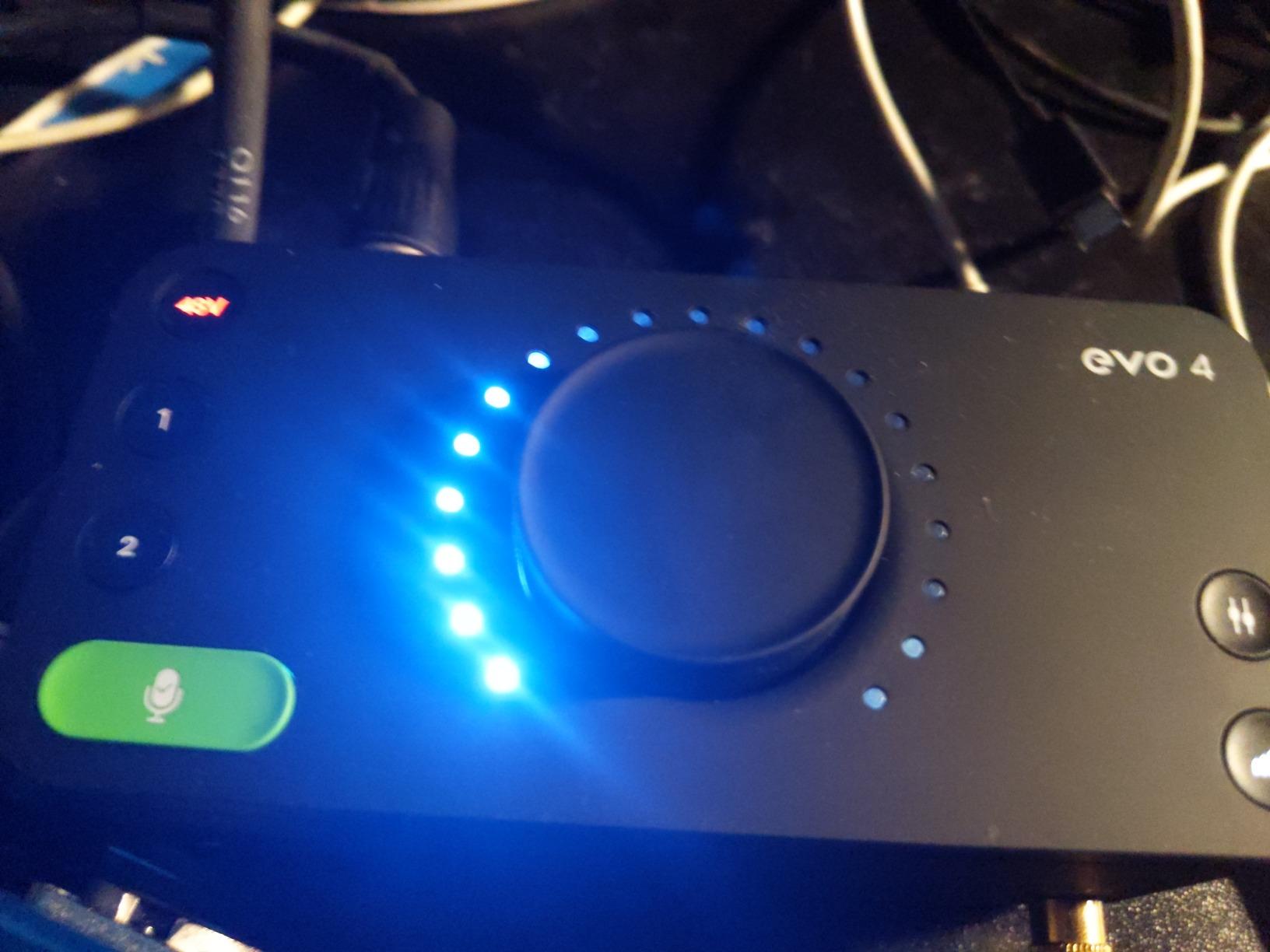
What you gain with the Audient EVO 4
You gain preamp quality from a company that builds consoles, plus Smart Gain for painless setup and a loopback function for capturing system audio. The 360 g metal body is compact enough for a small desk and needs no external power supply.
It is a strong second choice for a two-host show if you already have a headphone splitter, and an excellent first step for anyone moving from a USB microphone to real XLR hardware.
Where it falls short
One headphone output means two people cannot have independent levels, which rules it out for regular in-room co-hosting. The single touch point also means fine gain riding happens in software rather than on the desk.
At 96 kHz you give up future flexibility, and the 4.4 rating reflects a smaller installed base with more mixed feedback than the established leaders. Nothing about the sound is a problem, but there is less community troubleshooting available if something behaves oddly.
8. PreSonus AudioBox 96 – Best for the Bundled Recording Software
PreSonus AudioBox 96 25th Anniversary USB Audio Interface
2 Class-A mic preamps
24-bit/96 kHz converters
MIDI I/O and Studio One Artist
+ The Good
- Class-A preamps give podcast vocals a clean present sound
- Bundled Studio One Artist plus Ableton Live Lite and Studio Magic plug-ins
- Zero-latency monitoring mixer blends inputs with playback
- Bus-powered over USB 2.0 so no power supply is needed
- MIDI I/O included at this price level
- The Bad
- Only 24-bit/96 kHz conversion
- Bus power limits available preamp headroom
- No per-guest headphone outputs for two-host shows
- Onboard monitoring controls are basic beside podcast-first units
The AudioBox 96 makes its case on what comes in the box. Studio One Artist, Ableton Live Lite and the Studio Magic plug-in suite are bundled, so a beginner can install a DAW and start recording without a second purchase.
The preamps are Class-A, and reviewers consistently highlight the clean, present character they give spoken vocals. On a home office recording at low listening volume, that forwardness is genuinely useful for clarity.
The monitoring mixer is the sleeper feature. It lets you build a custom blend of the inputs and computer playback for zero-latency monitoring, which is a better answer to headphone echo than switching monitoring on and off.
Bus power is the tradeoff. Running entirely from USB 2.0 means no power supply to carry or lose, but it also limits the headroom available on the preamps, and that shows up as a higher noise floor when you push gain for a quiet microphone.
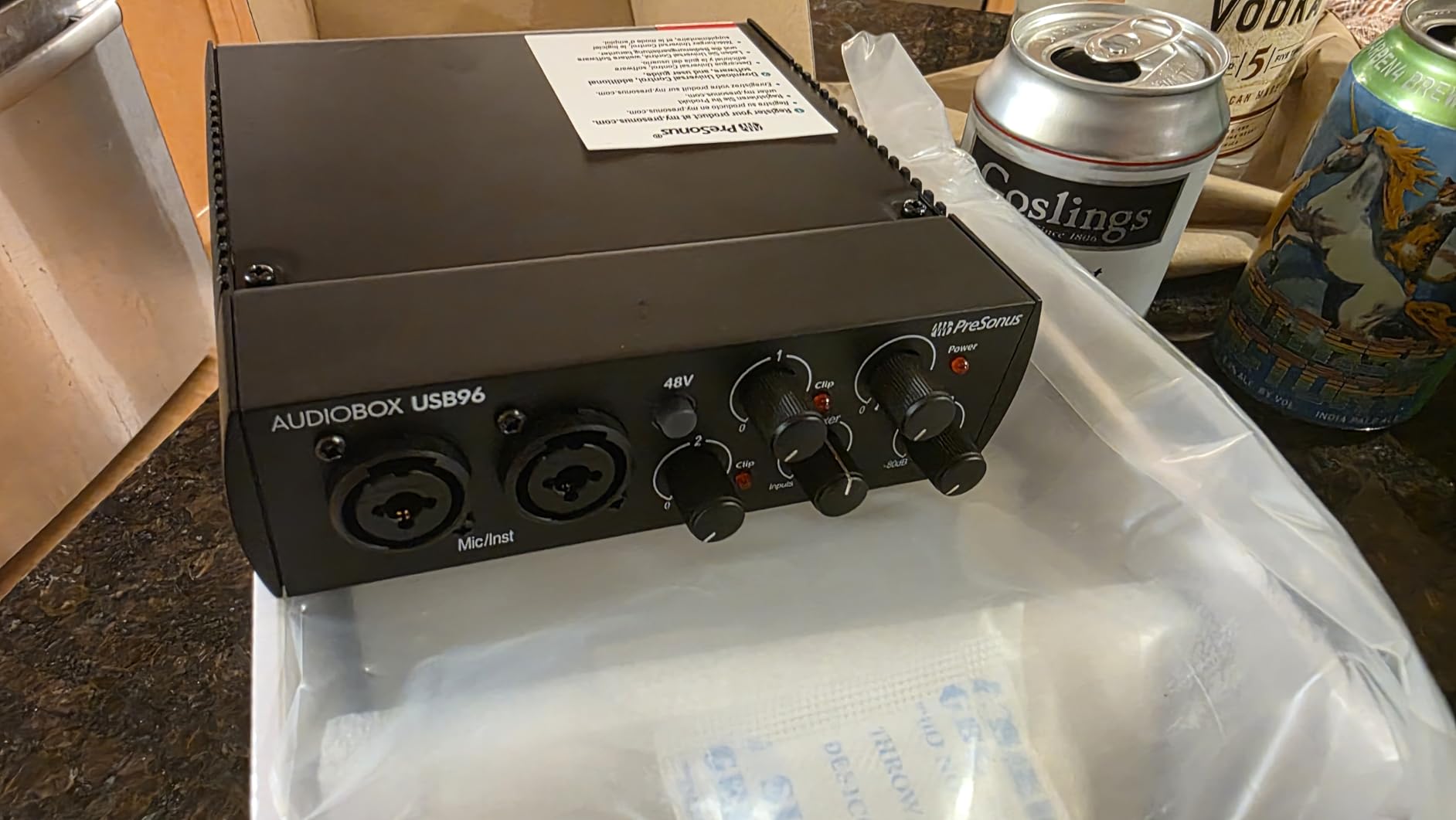
The 4.3 rating reflects a larger share of critical feedback than its rivals, most often about gain headroom on bus power and controls that feel dated next to podcast-first units.
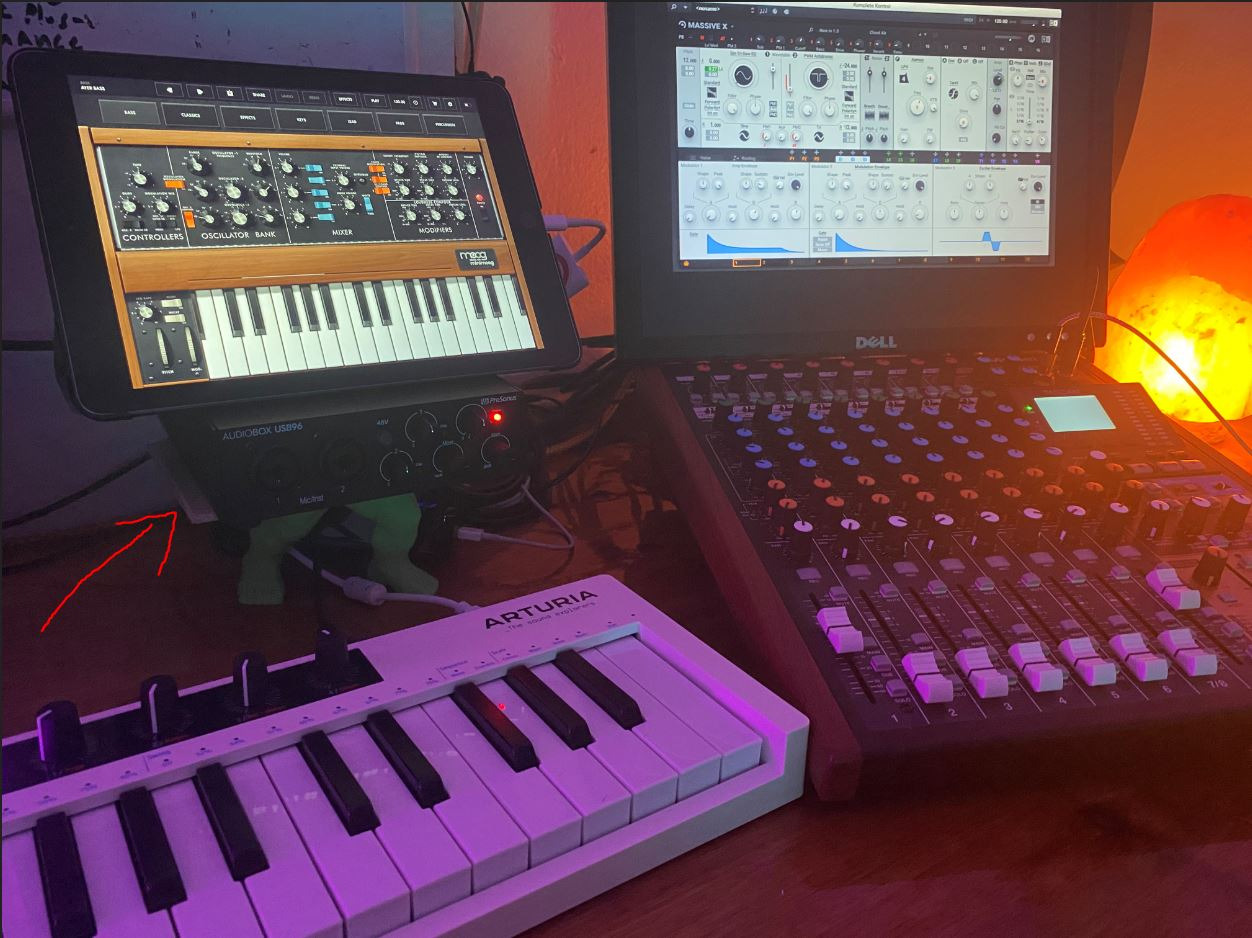
What you gain with the PreSonus AudioBox 96
You gain a complete starting stack: preamps, converters, monitoring mixer, MIDI and a full DAW in one purchase. For someone starting from nothing, the software value is the single biggest reason to choose this over a similar two-channel box.
It also handles instruments, with two high-headroom instrument inputs and MIDI I/O, so it grows with you if a podcast leads into music work.
Where it falls short
It is strictly a two-channel, one-headphone-jack device, so a two-host show immediately needs a splitter and a software mix. The 96 kHz ceiling and bus-powered headroom are the other limits worth knowing before a quiet condenser goes on channel one.
Its controls also feel dated next to the Auto Gain and one-touch level setting on newer podcast-first units. If you want the interface to do the work, this is the wrong tool; if you want to learn the work, it is a generous place to start.
9. Behringer UMC22 – Most Proven Starter Interface
Behringer UMC22 Audiophile 2×2, 48 kHz USB Audio Interface with Midas Mic Preamplifier | For Recording Microphones and Instruments
2 combo XLR and 1/4 inch inputs
Midas-designed preamp
96 kHz maximum
+ The Good
- Low-cost entry with a Midas-designed preamp
- Combo inputs accept microphones and instruments
- Direct monitor selection for zero-latency monitoring
- Class-compliant USB works with the major DAWs
- Bus-powered and portable
- The Bad
- Only two channels with no room for a guest mic
- 96 kHz maximum resolution
- No MIDI and no multi-host headphone outputs
- Single headphone jack means no per-guest monitoring
The UMC22 has been on sale for years and carries more than twelve thousand ratings, which makes it the most proven box in this roundup. That is worth something on its own: when a problem appears, other owners have almost certainly hit it and documented the fix.
Two combo inputs accept balanced XLR, quarter-inch TRS and unbalanced TS, so a microphone and a guitar or a second line source fit on the same sockets. A Midas-designed preamp and direct monitor selection cover the essentials for a solo creator.
Reviewers consistently praise the low noise floor and simple USB plug-and-play behaviour with the major DAWs. On a small budget, it produces a clean enough voice track for a solo show or a one-mic interview.
It is a two-channel, single-headphone-jack box with no MIDI and a 96 kHz ceiling, so treat it as a starting point rather than a final system. The trade is straightforward: very little money spent on getting one clean voice out of a microphone.
What you gain with the Behringer UMC22
You gain an affordable route to XLR podcasting, with a preamp design borrowed from a much more expensive console brand. Class-compliant USB means it works in Pro Tools, Ableton Live, Cubase and GarageBand without a driver hunt.
It is bus-powered and small, so it doubles as a travel interface for recording an interview on a laptop in a room that is not a studio. The combo sockets also mean you can capture a second source without a separate box.
Where it falls short
One headphone jack and two channels rule it out for anything but a single voice. There is also no MIDI and no way to add a second host without a separate unit, so treat it as a stepping stone rather than a final system.
The 96 kHz ceiling and the older direct monitor switch are the other limits. For speech they are acceptable, and for a first microphone purchase they are the trade that makes the unit possible.
10. M-Audio M-Track Duo – Most Versatile with Two Real Inputs
M-AUDIO M-Track Duo USB Audio Interface
2 combo XLR and line inputs
Crystal preamps
48 kHz with USB/Direct switch
+ The Good
- Two XLR inputs among the lowest-cost options
- Crystal preamps deliver a clean low-noise signal
- Works on Mac Windows iOS and Android
- USB and Direct switch gives zero-latency monitoring
- Bundled MPC Beats suite
- The Bad
- Gain pots have a poorly tapered feel and are fiddly
- All-plastic chassis is light and slides on the desk
- Phantom power can feel under-driven for condenser microphones
- Only one headphone output
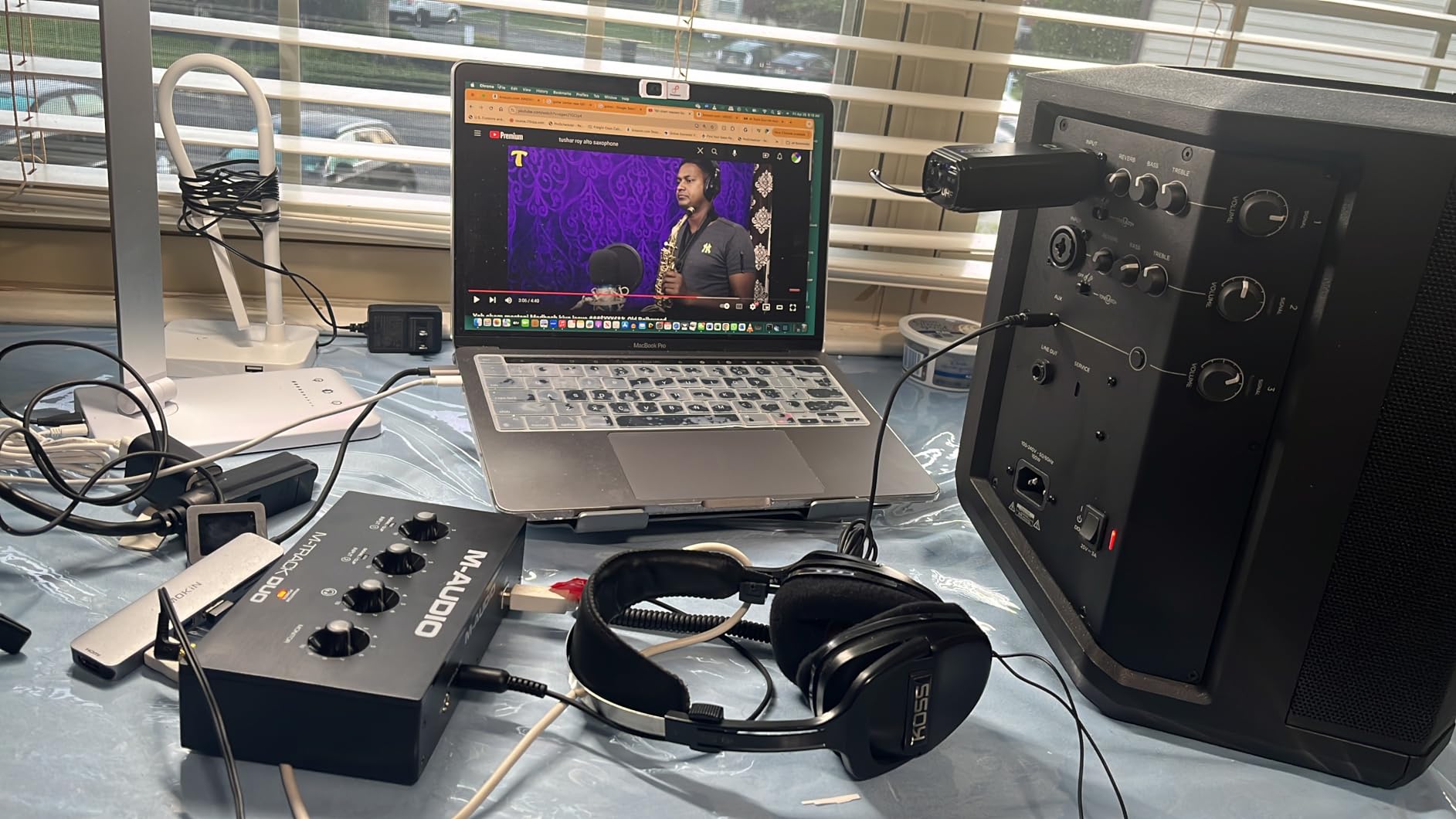
The M-Track Duo is an inexpensive way into this list that still gives you two real combo inputs. Owners describe it as a strong first interface for podcasting and streaming, with clean circuits and no audible hiss even at high gain.
Two XLR inputs means you can record a two-person show, which is a meaningful step up from any single-channel box at this end of the market. It runs on Mac, Windows, iOS and Android, so the same unit can be part of a mobile setup.
The repeated complaint is the gain pot. The taper is poor and non-linear, so small level changes are hard to dial in and you will be adjusting by feel rather than by number. If you can live with that, the Crystal preamps underneath are genuinely clean.
Two more honest notes. The all-plastic body is light enough to slide around a desk, and the phantom power circuit can feel under-driven, so pairing it with a power-hungry condenser is a gamble. The bundled MPC Beats software is built for beat-making rather than spoken word, and most podcasters will ignore it.
What you gain with the M-Audio M-Track Duo
You gain two microphones and a full input section for one of the smallest outlays in this roundup, with preamps that hold up at high gain. It is a sensible budget buy for a two-host show that is not ready to spend more.
Cross-platform support means a beginner can start on a laptop, move to a tablet, and keep the same device, and the USB/Direct switch gives proper zero-latency monitoring for narration work.
Where it falls short
Build quality and control feel are the honest weaknesses. The pot taper makes fine gain changes frustrating, the light chassis is easy to knock, and the phantom power circuit is among the least capable in this group.
It also records at 48 kHz with a single headphone output, and a dynamic microphone such as an SM57 can need the gain pot run high into its range. For a first recording setup that is acceptable; for anything you intend to keep for years, spend a little more.
How to Choose a Podcasting Audio Interface
Start with the show format, not the specification sheet. Every other decision follows from how many people speak at once, whether they are in the room or on a call, and whether you edit in a DAW or want the box to do the processing for you. Our broader USB audio interface roundup covers the hardware side in more depth.
How many XLR inputs do you need?
Count the microphones that must be captured as separate tracks, then buy one more input than that if a guest is plausible. Solo narration needs one. A two-host show in the same room needs two. A three or four person panel needs four, and a video podcast with an in-studio guest plus a remote caller needs at least two preamps plus loopback.
The mistake we see constantly is buying a one-input box and outgrowing it the week a co-host appears. If you can afford two inputs and only need one, you have bought flexibility. If you can only afford one, make sure your recording software supports a guest over a phone or browser call instead.
Interface vs podcast mixer vs all-in-one console
An audio interface converts microphones to digital audio and sends them to your computer, leaving the mixing and processing to software. A podcast mixer is a simpler box with a fixed number of inputs, basic onboard processing and usually no multitrack capture. An all-in-one console does everything, including sound pads, onboard effects and sometimes standalone recording.
Choose an interface if you already edit in a DAW and want maximum flexibility. Choose a podcast mixer or all-in-one console if you want the hardware to handle levels, compression and effects with minimal setup, and you are willing to give up deep routing. The trade is control against convenience, and the price gap between the two categories is the widest decision you will make.
Matching your microphone to the gain you get
Gain is measured in decibels and every preamp has a ceiling. A dynamic broadcast microphone such as an SM7B needs far more gain than a typical condenser, and that is why some interfaces pair a quiet dynamic with hiss or a buzz.
Rule of thumb: if your microphone is a low-output dynamic, look for a box that publishes a gain figure above 60dB, such as the Zoom PodTrak P4 at up to 70dB or the Vocaster Two at over 70dB. If it is a condenser, phantom power matters more than raw gain. If it is a ribbon microphone, check the manual first, because some ribbons are damaged by phantom power.
Monitoring, loopback and mix-minus
Direct monitoring sends your microphone to the headphones before it passes through the computer, which gives you zero delay. Latency that makes a host stumble or hesitate is a real production problem, not a technicality, and it is the first thing to check when an episode sounds hesitant.
Loopback captures system or call audio alongside your microphone, which is how you record a remote guest on a video call into the same file. Mix-minus is the feedback-free return path for a phone guest, and the P4 does it automatically. Per-host headphone outputs matter as soon as there are two people, because one shared level control is where arguments start.
Sample rate, drivers and the costs nobody mentions
For speech, 48 kHz and 24-bit is more than enough, and you can ignore the 192 kHz figures entirely. Resolution matters only when you want headroom for a future project, and a 24 kHz maximum sample rate is the one ceiling worth avoiding.
Then check the small print. Some models include a USB-A to USB-C cable when your laptop needs C-to-C, some bundled software is a trial that becomes a subscription, and some drivers want an online account on a different operating system. Connect the interface directly to the computer rather than through a cheap USB hub, since hubs are a common cause of crackle and broken low-latency monitoring.
If the interface is not recognised at all, test the cable, try a different USB port, and confirm the class-compliant driver is selected in your DAW. A model with more channels and built-in metering, like the multi-channel interfaces we tested, makes diagnosing those problems much faster.
Frequently Asked Questions
How many XLR inputs do I need for a podcast?
Count the people who speak at once in the same room. Solo narration needs one XLR input, a two-host show needs two, and a three or four person panel needs four. Add one more if an in-studio guest is plausible, and remember that remote callers can usually be captured through loopback or a phone connection instead of a second preamp.
Do I need an audio interface if I already have a USB microphone?
If your USB microphone already sounds good to you and you never plan to record more than one person at a time, you do not need one. An interface becomes worthwhile when you move to XLR microphones, want more than one mic, need per-host headphone control, or want phantom power and preamp gain you cannot get from a built-in converter.
Do I need phantom power if I have an audio interface?
Only for condenser microphones, which need the +48V to operate. Dynamic microphones such as an SM58 or SM7B do not need it, and neither do most ribbon microphones, which can in fact be damaged by it. Every interface covered here supplies phantom power, so the real question is which channels you switch it on for.
How much gain do I need for an SM7B or other quiet dynamic mic?
A low-output dynamic needs considerably more clean gain than a condenser, and hiss appears when the preamp is pushed too far. Look for a published gain figure above 60dB, such as the 70dB available on the Zoom PodTrak P4 or the over 70dB on the Focusrite Vocaster Two. If a quieter box is all you can find, an inline booster such as a Cloudlifter adds the extra headroom.
How can I fix crackling or buzzing from my audio interface?
Connect the interface directly to the computer instead of through a USB hub, and swap the cable if the problem follows the port. Confirm phantom power is switched off for a dynamic or ribbon microphone, check that your gain is not pinned at maximum, and update or roll back the driver. If input level seems low in Windows, try the default driver rather than the manufacturer’s control software.
The Final Verdict
For most people reading this, the Focusrite Scarlett Solo 4th Gen is the best audio interface for podcasting in 2026: clean preamps, real converter headroom, a headphone amp that keeps up, and a single-mic simplicity that suits solo narration and voice-over work. It is our Editor’s Choice and the first box we hand someone who is starting out.
For two hosts in one room, the Focusrite Vocaster Two removes the most setup friction with Auto Gain, Enhance and per-headphone Show Mix. For three or four voices, the Zoom PodTrak P4 is hard to beat with four inputs, four headphone outputs and sound pads in one small body, and the Behringer UMC404HD does the same job as a plainer studio box.
Match the box to the show format, count the microphones first, and check the gain figure against your microphone before you order. Whatever you choose, connect it directly to the computer rather than through a hub, and if you are still assembling the rest of the chain, our laptop recommendations for podcasting will keep the machine on the input side from becoming the weak link.