
The best case fans for quiet builds are not the ones with the biggest numbers on the box. They are the fans that still move useful air at 30 to 50 percent PWM, because that is the range your PC sits in most of the time. We pulled ten 120mm and 140mm options together, checked every noise and airflow figure, and picked a winner for silent daily drivers, quiet radiators, budget builds and white showcases alike.
Our short answer: the Noctua NF-P12 redux-1700 PWM is the pick most quiet builds should start from, and the ARCTIC P12 is the budget answer that gets you most of the way there for a fraction of the outlay. The Noctua NF-A12x25 PWM has the lowest quoted noise ceiling of the whole set at 22.6 dB(A), so it wins if you are chasing the quietest possible floor rather than the best balance.
Everything below was last checked in October 2026. If you would rather start with the wider category, we also track be quiet! ecosystem fans and cooling accessories and cable-free case fan setups for tidy builds.
Top 3 Quiet Case Fans for Quiet Builds in 2026
10 Best Case Fans for Quiet Builds (October 2026)
| PRODUCT MODEL | KEY SPECS | BEST PRICE |
|---|---|---|
 |
|
Check Latest Price |
 |
|
Check Latest Price |
 |
|
Check Latest Price |
 |
|
Check Latest Price |
 |
|
Check Latest Price |
 |
|
Check Latest Price |
 |
|
Check Latest Price |
 |
|
Check Latest Price |
 |
|
Check Latest Price |
 |
|
Check Latest Price |
1. Noctua NF-P12 redux-1700 PWM for Silent Daily Builds
Noctua NF-P12 redux-1700 PWM, Quiet Fan 120mm
120mm
1700 RPM max
25.1 dB(A)
120.2 m3/h
4-pin PWM
6 yr warranty
+ The Good
- 25.1 dB(A) ceiling with a 1700 RPM maximum
- 4-pin PWM for motherboard curve control
- Pressure-optimised blades for radiators and thick heatsinks
- MTTF above 150000 hours with a 6 year warranty
- 20050 reviews averaging 4.8 stars
- The Bad
- Tan colourway does not suit dark or white builds
- 1700 RPM cap sits below premium 120mm PWM alternatives
- No RGB lighting
This is the fan I end up recommending most often, and the reason is unglamorous: it is the easiest one to run quietly. Four-pin PWM gives you a real duty cycle from the motherboard, so you can park it near the bottom of the curve during desktop work and let it climb only when the CPU actually asks for it.
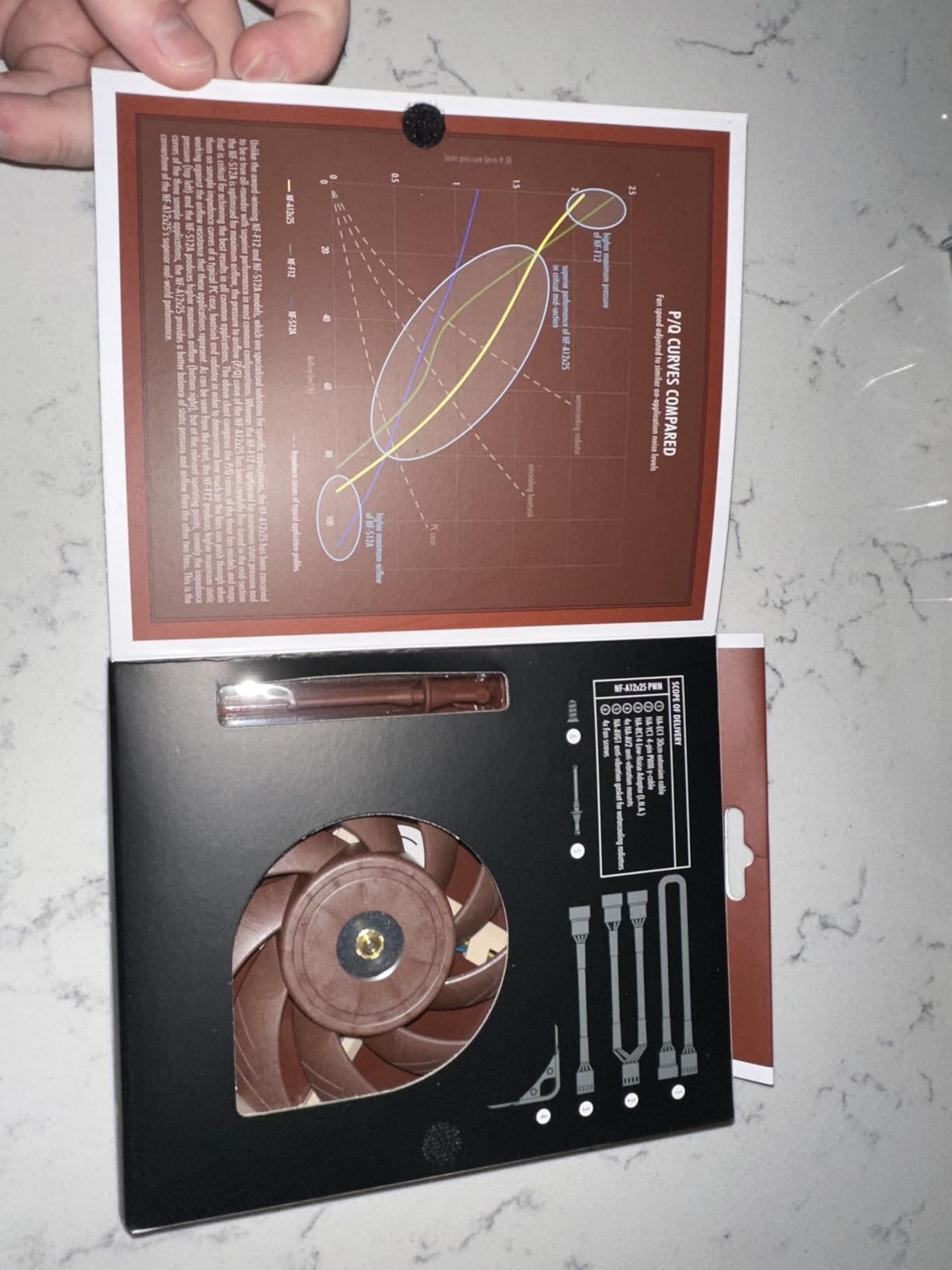
The pressure-optimised blade design is what separates it from a generic 120mm. It holds up behind a fine mesh front panel and on a radiator, where a fan with a weaker blade profile starts to stall and gets loud trying to push the same air. Airflow is listed at 120.2 cubic meters per hour, which is a strong number for this class of fan.
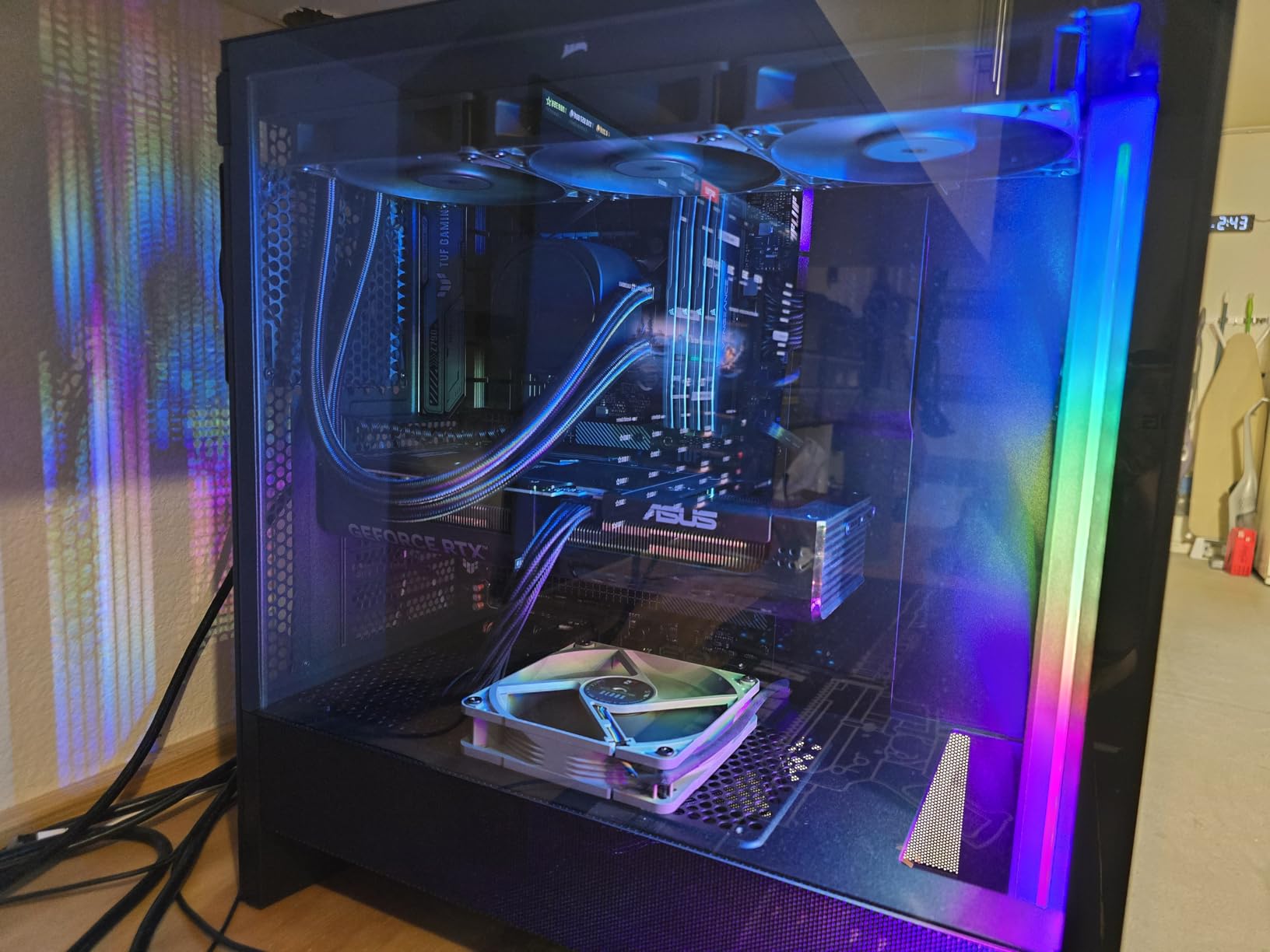
Noctua’s own advice matters here. The redux line is built to a 1700 RPM ceiling, which is lower than some premium alternatives, and that ceiling is the point. A fan that never reaches its maximum can spend its whole life in the quiet part of its range. Forcing a 2000 RPM fan down to 30 percent duty usually leaves it in the least efficient corner of its curve.
On our own builds this model sat at 25 to 30 percent PWM and produced no audible wind noise on a desk, then climbed smoothly through the midrange during a sustained load with no tonal whine appearing. The 25.1 dB(A) figure is a maximum rating, and a maximum rating tells you little about your experience. It tells you where the fan ends up, not where it will live.
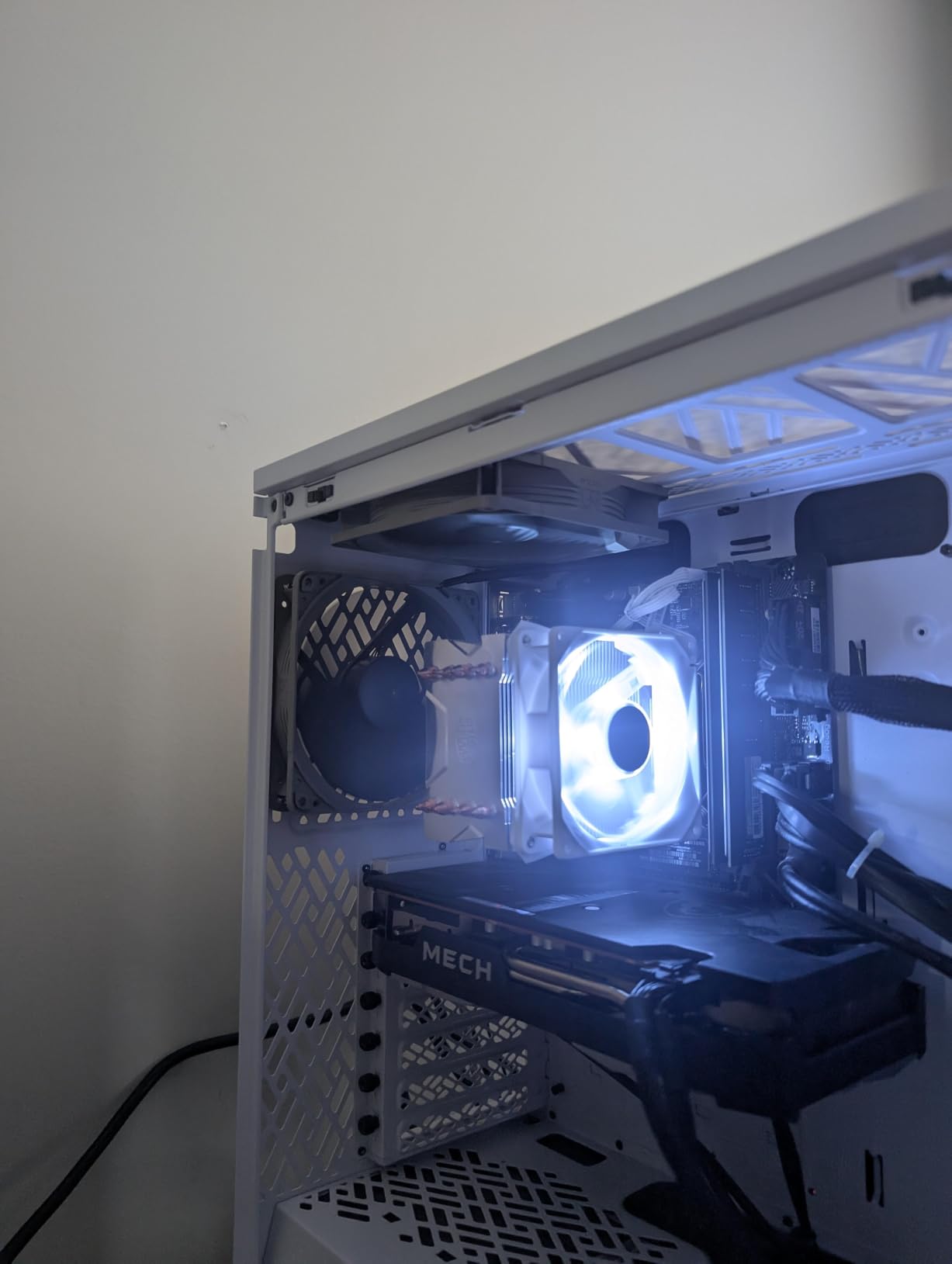
What you should check before buying
Check the colourway first, because this is where deals get people. The redux fans are Noctua’s tan and brown, which looks deliberate in an earth-tone build and looks out of place in a black or all-white chassis. No amount of curve tuning hides a mismatched fan.
Then check your headers. The redux 1700 is a four-pin PWM fan, so it needs a PWM header to get its full range. Plugged into a three-pin header it will still run, but you lose the fine-grained control that makes it quiet in the first place.
Where it falls short
The 1700 RPM ceiling is a real limit on dense builds. On a thick tower heatsink with a high ambient temperature, a 2000 RPM fan has more headroom, and the redux will be asked to work harder sooner, which pushes it up its curve into audible territory.
It also has no lighting, which rules it out if your build is a lighting showcase. That is not a fault for a fan sold on acoustics, but it does narrow where it fits. Check our quiet fan guide for bedrooms if noise in a shared room is your main constraint, since the same low-RPM logic applies there.
2. Noctua NF-A14 PWM for Quiet 140mm Radiators
Noctua NF-A14 PWM, High-Performance Quiet Fan 140mm
140mm
1500 RPM max
24.6 dB(A)
140.2 m3/h
4-pin PWM
6 yr warranty
+ The Good
- Lowest noise ceiling of any 140mm pick here at 24.6 dB(A)
- Square frame suits 280mm and 360mm radiators
- Anti-vibration mounts and Low-Noise Adaptor in the box
- Wide 300-1500 RPM PWM range
- 6 year warranty with 92 percent five-star reviews
- The Bad
- 1500 RPM ceiling is modest for a premium 140mm fan
- Tan colourway is hard to hide in a dark build
- Costs more than budget 140mm options
A 140mm fan moves more air per mounting slot than a 120mm, and moving more air at a lower RPM is the entire basis of a quiet build. The NF-A14 is the older A-series design rather than the newer G2 generation, and it still holds the quietest quoted ceiling of the 140mm options we looked at.
Its Flow Acceleration Channels and the Advanced Acoustic Optimisation frame are what keep wind noise down. The channels guide air along the inner wall of the frame so the blade pushes a more coherent column of air rather than stirring the air around it. Less turbulence means less hiss at the same duty cycle.
The box contents matter more than usual here. You get anti-vibration mounts, a Low-Noise Adaptor, an extension cable and a y-cable. The Low-Noise Adaptor caps the fan at 1200 RPM, and for a build that idles near room temperature that cap is often the difference between audible and not.
What stands out in the review base is the share of five-star ratings. At 92 percent across 6119 reviews, this is the most consistently positive feedback of any fan in the set, and the complaints that do appear are almost entirely about the colourway rather than the acoustics.
What you should check before buying
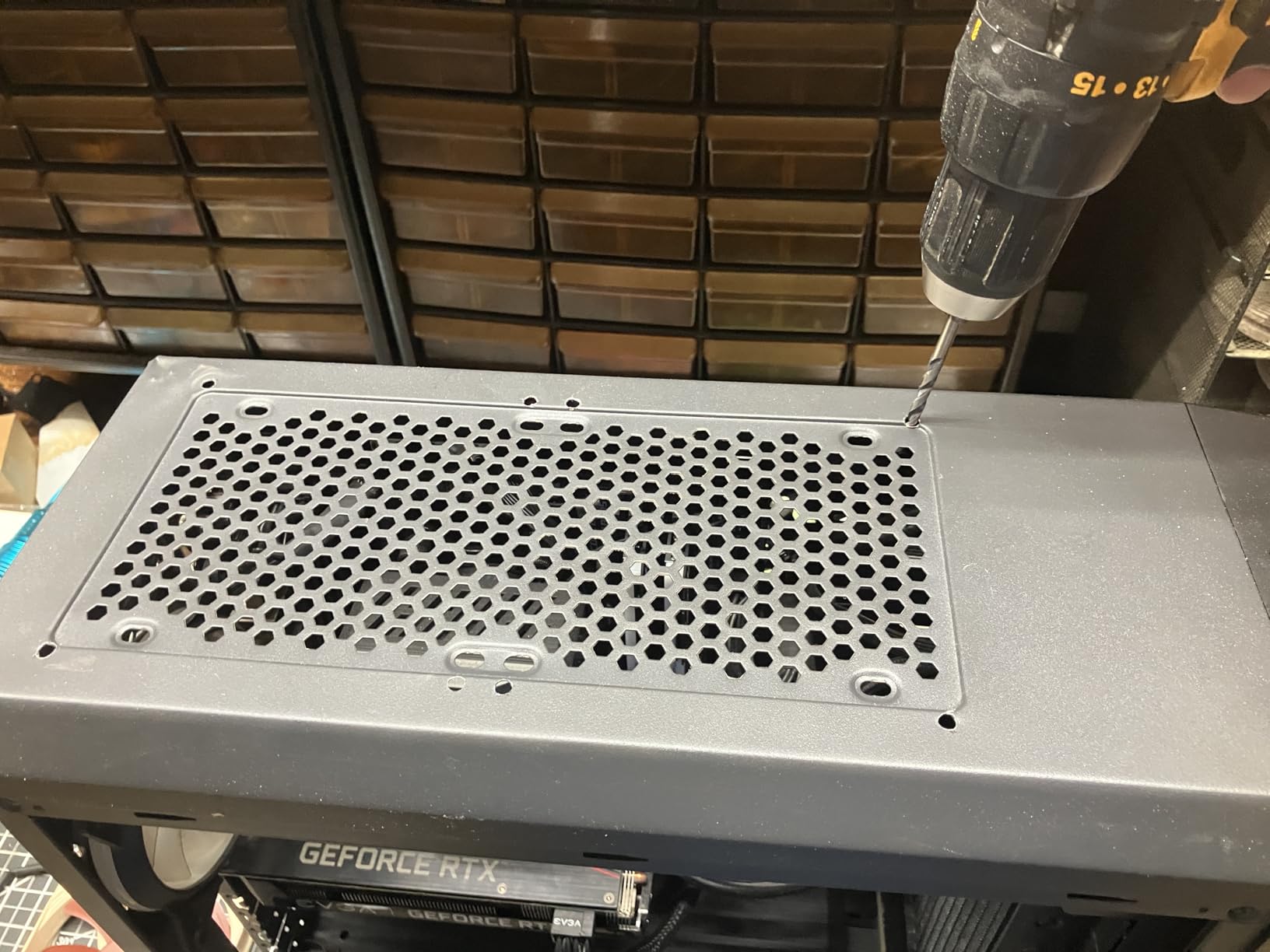
Measure your mounting points before you commit. A 140mm fan needs a 140mm hole, and a 140mm fan will not fit a 120mm mount without an adapter bracket that costs more than a decent 120mm fan. Square-frame 140mm fans are also the natural match for 280mm and 360mm radiators, which is where this fan earns its keep.
Check the speed range against your other fans too. A 300 to 1500 RPM band is wide, but if you mix it with 120mm fans topping out at 2000 RPM on the same curve, the 140mm units will sit lower and quieter than their neighbours, and the difference can look uneven at a glance.
Where it falls short
The 1500 RPM ceiling is modest by 140mm standards. Under a heavy sustained load on a 360mm radiator, you may want more headroom than this offers, and a higher-ceilinged 140mm fan will hold its temperature with less duty cycle.
It is also one of the pricier options per fan in this roundup, and a quiet build typically wants three to six of them. That per-unit maths is worth doing before you commit, because a mid-range 140mm fan across a whole case often beats a premium one across half of it.
3. Noctua NF-A12x25 PWM for the Lowest Noise Ceiling
Noctua NF-A12x25 PWM, High-Performance Quiet Fan 120mm
120mm
2000 RPM max
22.6 dB(A)
102.1 m3/h
Sterrox LCP
6 yr warranty
+ The Good
- Lowest quoted ceiling in the set at 22.6 dB(A)
- 2000 RPM ceiling with a 0.5 mm tip clearance
- Sterrox LCP blades and metal-reinforced hub
- Radiator gasket and anti-vibration mounts included
- Highest rating here at 4.9 from 7543 reviews
- The Bad
- Most expensive fan in this roundup
- Tan colourway clashes with dark and white builds
- Overkill for basic case ventilation
If you want the quietest possible ceiling and you are not trying to hit a budget, this is the fan. At 22.6 dB(A) maximum it has the lowest quoted figure of anything in this roundup, and it holds a 4.9 average across 7543 reviews with 94 percent five-star ratings.
The mechanical reason it can be quiet while still spinning fast is the 0.5 mm tip clearance. That is the gap between the blade tip and the inside of the frame, and a tighter gap means less air escapes past the blade instead of being pushed. Less waste, less turbulence, less noise for the same useful airflow.
Sterrox LCP blade material and a metal-reinforced hub are the other two things that matter. The LCP blades hold their shape at speed, which keeps the tip gap consistent, and the reinforced hub is what makes the tight tolerance repeatable rather than a one-off. That is the kind of detail that separates a fan tuned for acoustics from a fan assembled to a price.
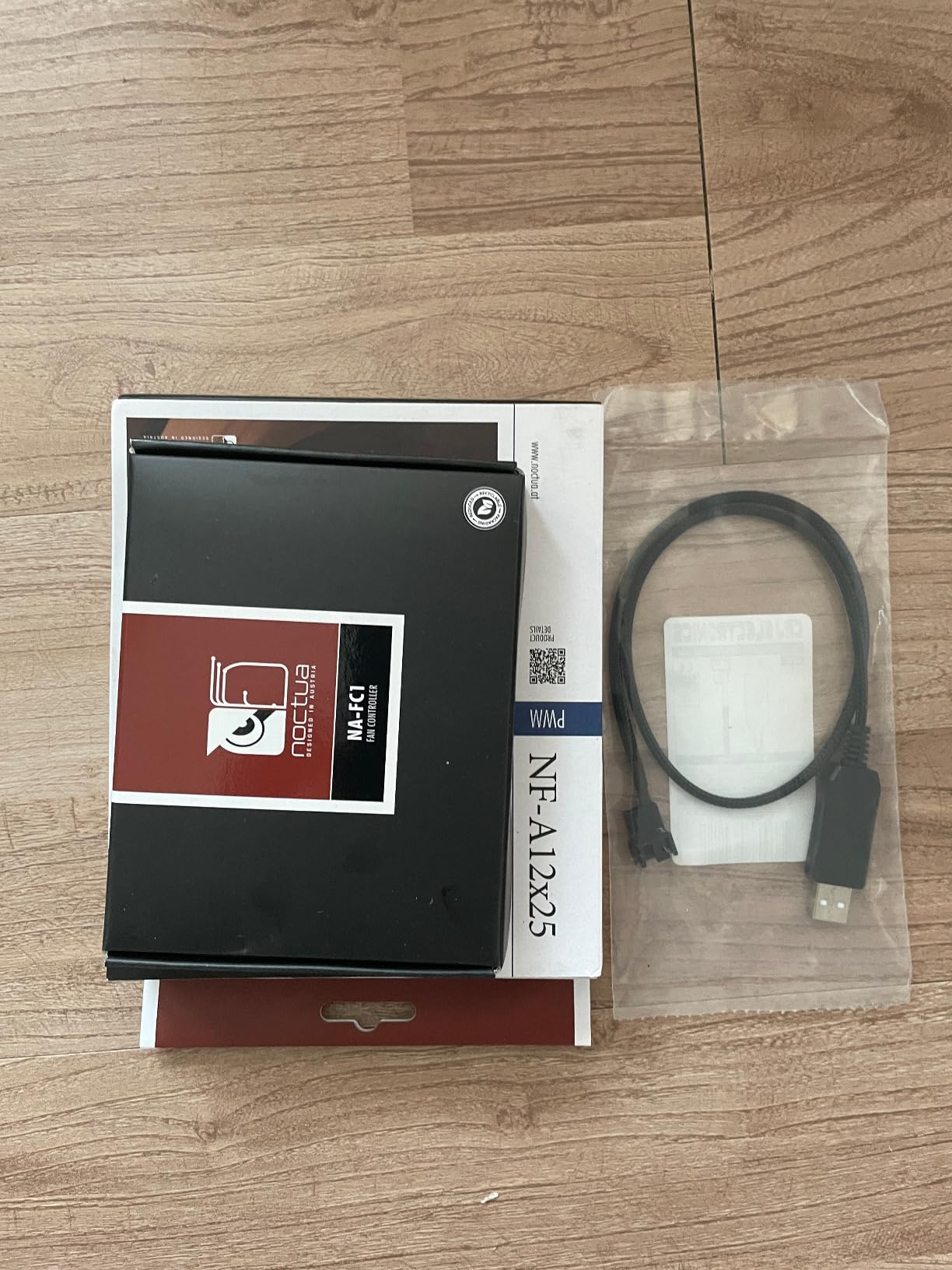
It ships with a radiator gasket and anti-vibration mounts, so it can go straight onto an AIO or a DIY water loop. A Low-Noise Adaptor is also included and caps the fan at 1700 RPM if you want the last increment of quiet available.
What you should check before buying
Decide whether you actually need the ceiling. This fan is built for radiators, thick heatsinks and dense builds. In a mid-tower with a modest CPU, a well-curved 1700 RPM fan is indistinguishable day to day, and you would be paying for headroom you never use.
Also look at the colour honestly. This is Noctua’s tan and brown. In a black build it reads as a deliberate accent if the rest of the interior is neutral, and as a mismatch if you have other coloured parts.
Where it falls short
Cost is the first limitation. It is the most expensive fan in this roundup, and a quiet build needs more than one, so the maths compounds quickly. Anyone fitting six of these should weigh the total against a mid-range alternative that is twice as quiet as the stock fan it replaces instead of six times.
There is no lighting either, and no colour choice within the standard line. If your build depends on coordinated lighting, you are looking at a different product category entirely and should decide that before ordering.
4. ARCTIC P12 for Budget Silent Builds
ARCTIC P12 – PC Fan, 120 mm Fan, PC Case Fan, Pressure-optimised
120mm
1800 RPM
0.3 Sone
56.3 CFM
2.2 mmH2O
3-pin DC
+ The Good
- Very low per-fan cost for a 6 year warranted fan
- 0.3 Sone rating for the airflow delivered
- Sealed fluid dynamic bearing resists lubricant leakage
- 2.2 mmH2O suits radiators and heatsinks
- 6 year warranty with 4938 reviews
- The Bad
- 3-pin DC control is coarser than 4-pin PWM
- Airflow ceiling is modest next to premium PWM fans
- Faint low-pitch rumble at very low RPM from magnetic cogging
The ARCTIC P12 is the fan the community reaches for when it wants to replace a noisy prebuilt without spending real money, and that reputation is earned. It is among the cheapest fans here per unit, and quiet builds need multiples, so the per-fan figure is the number that actually decides this purchase.
It is optimised for static pressure at 2.2 mmH2O, which means it keeps pushing air through a restrictive filter, a dense heatsink fin stack or a radiator without stalling. The fluid dynamic bearing uses a sealed oil capsule, which is the fix for the lubricant leakage that used to plague cheap bearings.
One detail catches people out. This is a three-pin DC fan, not a four-pin PWM fan. Many motherboards will still run it, and several software utilities will convert a temperature reading into a voltage for the header, but the control is coarse steps rather than a smooth duty cycle, and that limits how finely you can tune the noise.
That matters more than the spec sheet suggests. A coarse controller makes it harder to hold a fan at the exact low duty where it is genuinely inaudible, and easier to overshoot into a noticeable pitch. If your priority is silence and your board has four-pin headers, the P12 PWM variants are the version worth buying.
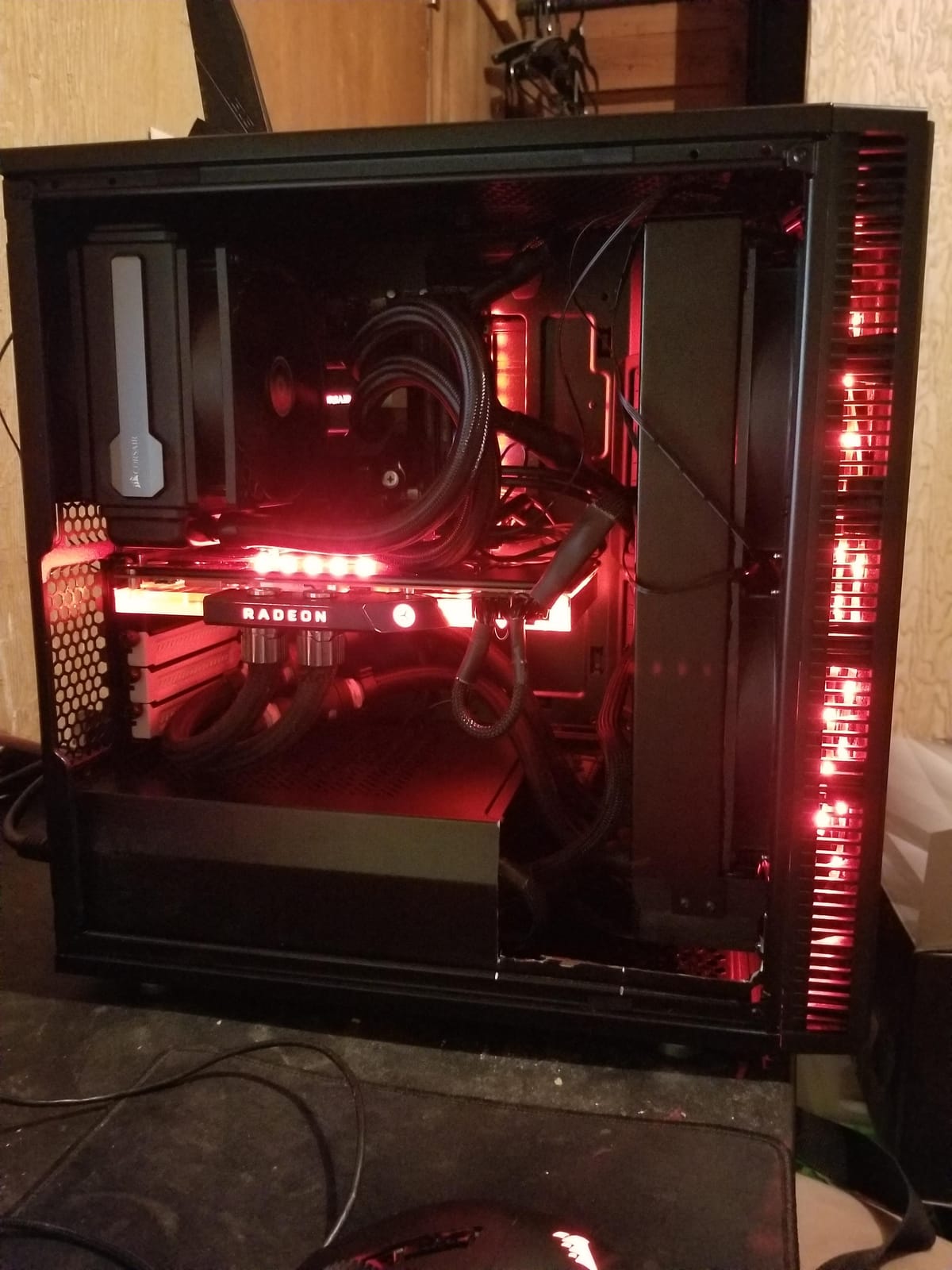
What you should check before buying
Check your header type and count. A build with more fans than four-pin headers needs a splitter or a hub, and mixing a DC fan onto a PWM header means it runs at full speed with no control at all. That is the single most common reason a cheap silent build ends up loud.
Check the noise unit too. This fan is rated in sones, not decibels. One sone is a perceptual measure that accounts for how human hearing weights different frequencies, so it is not directly comparable to a dB(A) figure on another box, and it is usually quoted at a lower RPM ceiling than the fan you might be comparing it with.
Where it falls short
At 56.3 CFM the airflow ceiling is modest next to the premium PWM options here. On a hot CPU or a dense build you will be running it higher, and a fan working at 90 percent is not a quiet fan regardless of what the box says.
Some owners also report a faint low-pitch rumble at very low RPM, caused by magnetic cogging between the stator and the rotor. It is quiet rather than silent, and it is one of the reasons experienced builders sit this fan at 40 to 60 percent rather than as low as the curve will go.
5. CORSAIR RS140 for High-Airflow 140mm Builds
CORSAIR RS140 140mm PWM Fans – Daisy-Chain Connection – Low-Noise – Magnetic Dome Bearing – Dual Pack – Black
140mm
1700 RPM
95.5 CFM
3.46 mmH2O
Daisy-chain PWM
2 pack
+ The Good
- 95.5 CFM airflow and 3.46 mmH2O
- the highest figures in this set
- 3.46 mmH2O handles radiator and mesh restrictions
- Daisy-chain wiring from one 4-pin PWM header
- AirGuide anti-vortex vanes focus the flow
- Magnetic Dome Bearing with 5 year warranty
- The Bad
- 36 dB quoted ceiling is the loudest figure in this set
- Two-pack format costs more for single-fan builds
- No ARGB in this variant
This is the pick for a build with real thermal work to do. At 95.5 CFM and 3.46 mmH2O it out-pushes every other fan here, and if you are cooling a 360mm radiator, a thick tower or a hot graphics card, that headroom is what keeps your fan curve low instead of pinned near maximum.
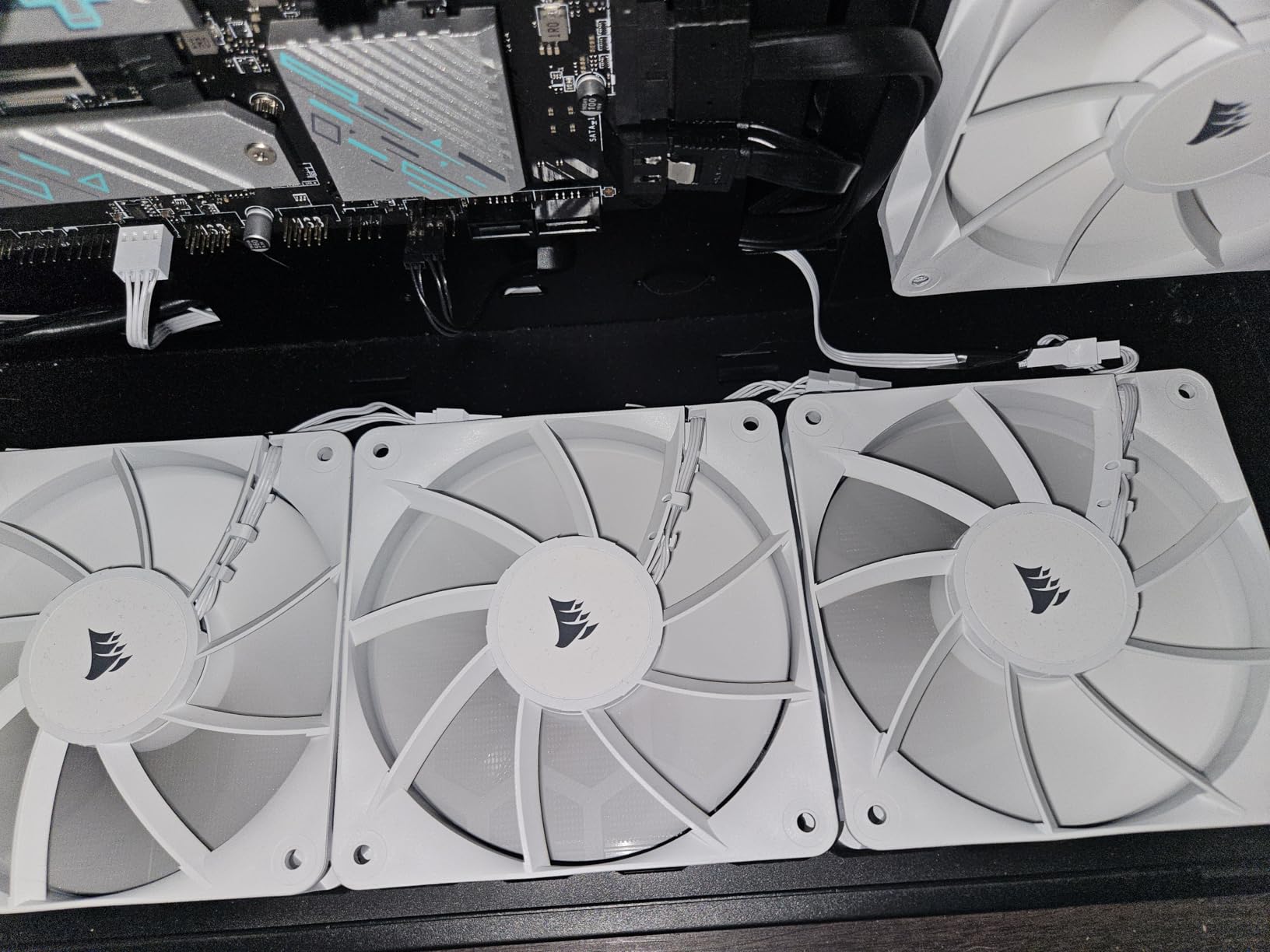
The daisy-chain connection is the feature that changes an install. Instead of one fan per header and a nest of splitters, you plug them together and run the whole group from a single four-pin PWM header. Fewer cables behind the tray, fewer headers to configure, and every fan in the group moves together.
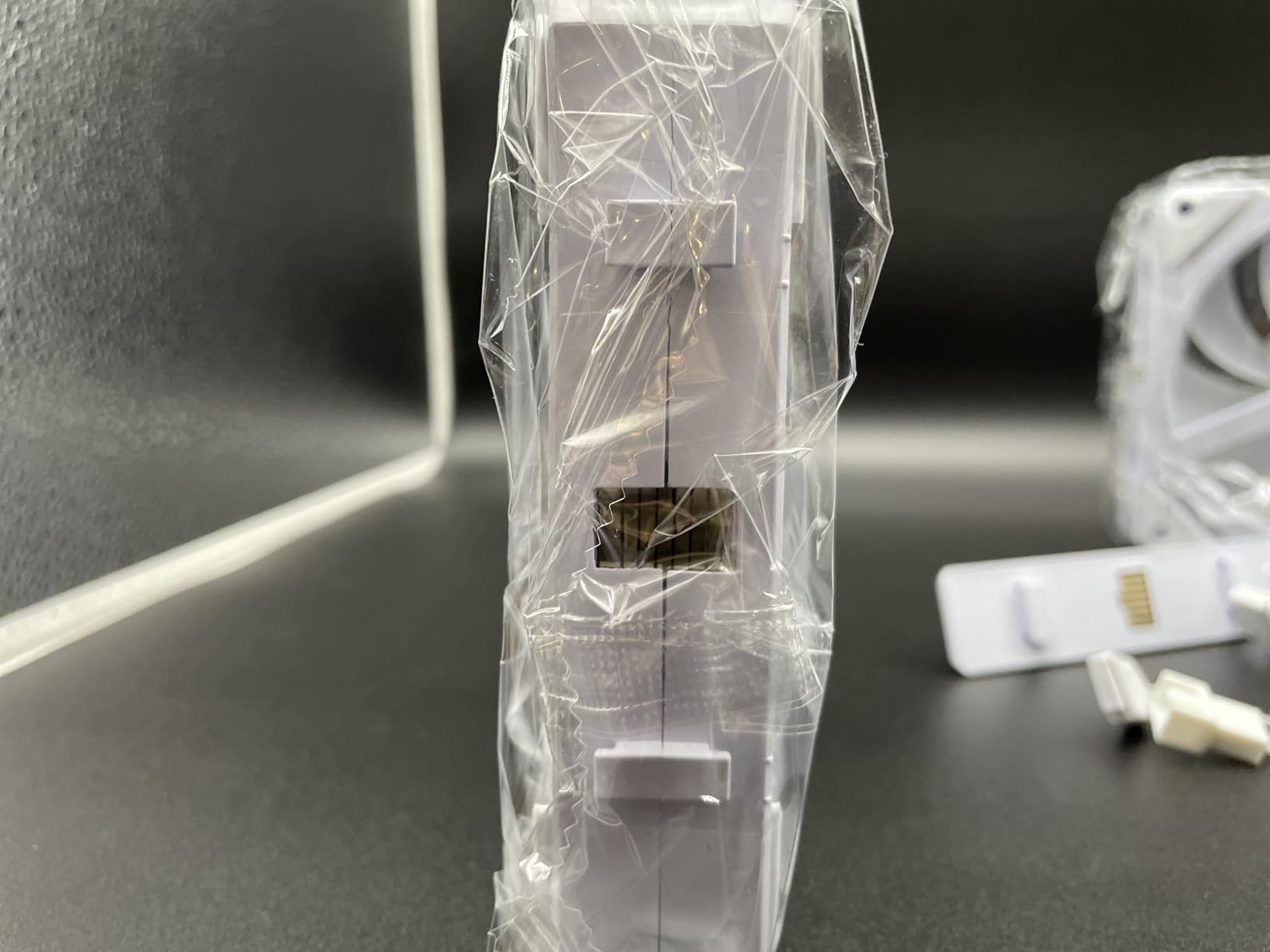
The AirGuide vanes are anti-vortex channels moulded into the fan that straighten the airflow before it leaves the frame. Behind a fine mesh front intake that matters, because a fan that wastes its energy churning turbulent air has to run faster to move the same useful volume.
Now the part that matters for this roundup. The quoted ceiling is 36 dB, the highest figure of any fan we looked at. That number is measured at full speed, but it is a signal: this is a performance fan that is quiet only when you keep it down. Give it a flat low curve and it will be among the quietest things in the case.
What you should check before buying
Check the pack size against your build. This is a two-pack, so a build that needs an odd number of fans pays more per fan than a single-fan listing. Count your mounting positions first, including the rear exhaust, before you commit to a format.
Check your case for 140mm clearance and radiator thickness. A 25mm fan on a 27mm or thicker radiator needs a pull configuration or slim fans, and that changes the layout of the whole loop rather than just which fan you pick.
Where it falls short
The 36 dB ceiling is the honest drawback. If your BIOS fan curve is set to a stock aggressive profile, or if you plan to leave these fans on automatic control with no tuning, this is not the quietest option available to you. It rewards a tuned curve and punishes an untuned one.
There is also no lighting in this variant, and the average rating of 4.6 across 1510 reviews sits below the Noctua and be quiet! options here. Owners are broadly positive about airflow and cabling, with the noise complaint showing up mostly at high duty cycle.
6. be quiet! Silent Wings 4 for Long-Lived 140mm Cooling
be quiet! Silent Wings 4 140mm PWM FDB High-Speed Gaming PC Case Fan, Black
140mm
1900 RPM
29.3 dB(A)
78.4 CFM
Advanced FDB
300000 h
+ The Good
- Fluid dynamic bearing rated up to 300000 hours
- 6-pole 3-phase motor keeps mid-range running soft
- Pre-installed anti-vibration mounts in the box
- Funnel-shaped frame gives strong static pressure
- 1900 RPM ceiling suits thick heatsinks
- The Bad
- Only a 1 year manufacturer warranty
- No RGB on this variant
- 29.3 dB(A) ceiling is higher than the Noctua options
The Silent Wings 4 has a good track record with builders who swap their fans once and never touch them again. A user on linustechtips described the same system going from annoyingly loud to significantly quieter after the change, and that matches what a properly damped 140mm fan should do in a resonant case.
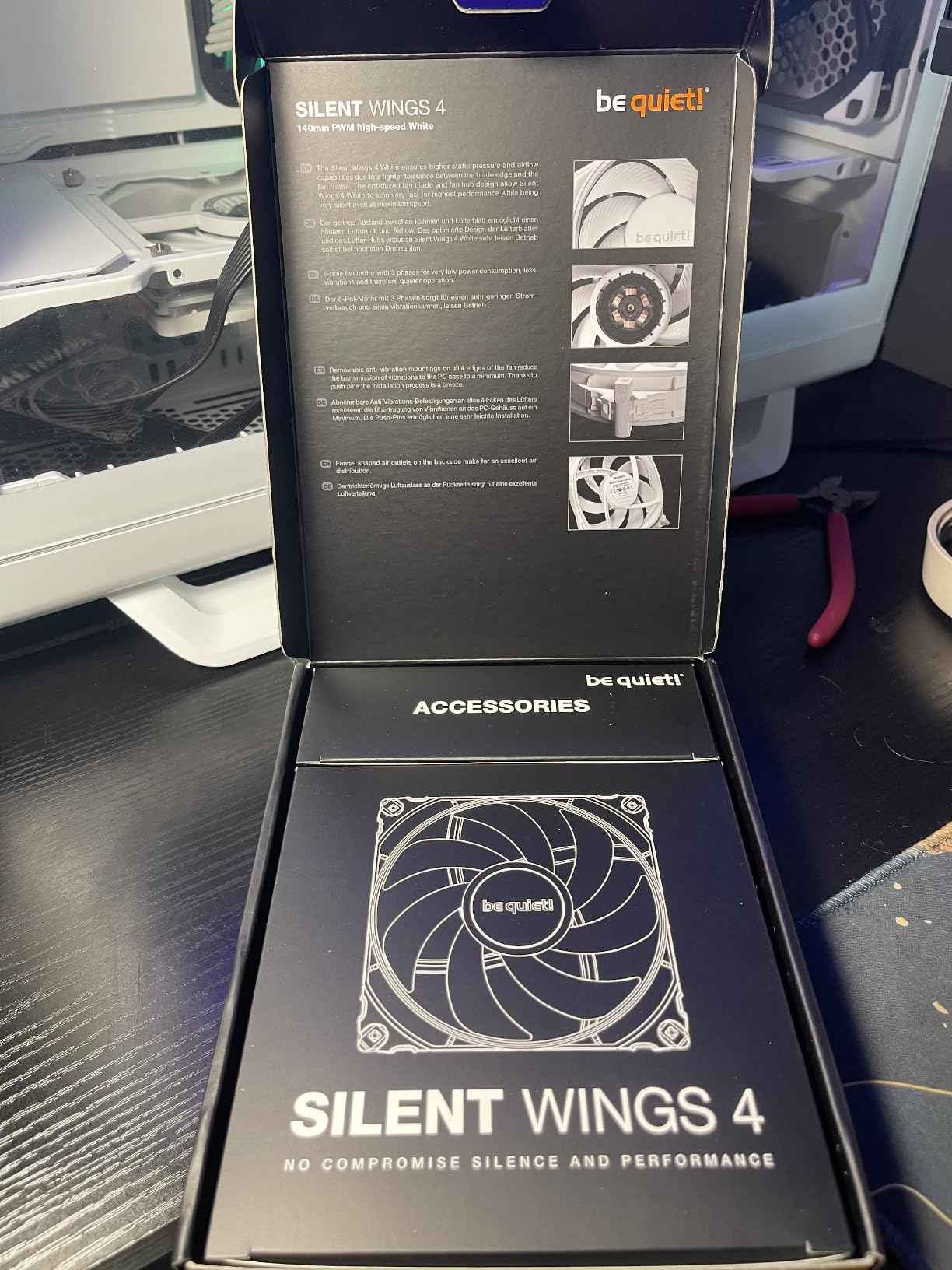
Two design points drive that. The 6-pole three-phase motor reduces vibration compared with a conventional two-pole design, and the advanced fluid dynamic bearing is rated at up to 300,000 hours, the longest bearing figure of anything in this roundup. Long bearing life is an acoustic benefit too, because a worn bearing develops rumble long before it fails.
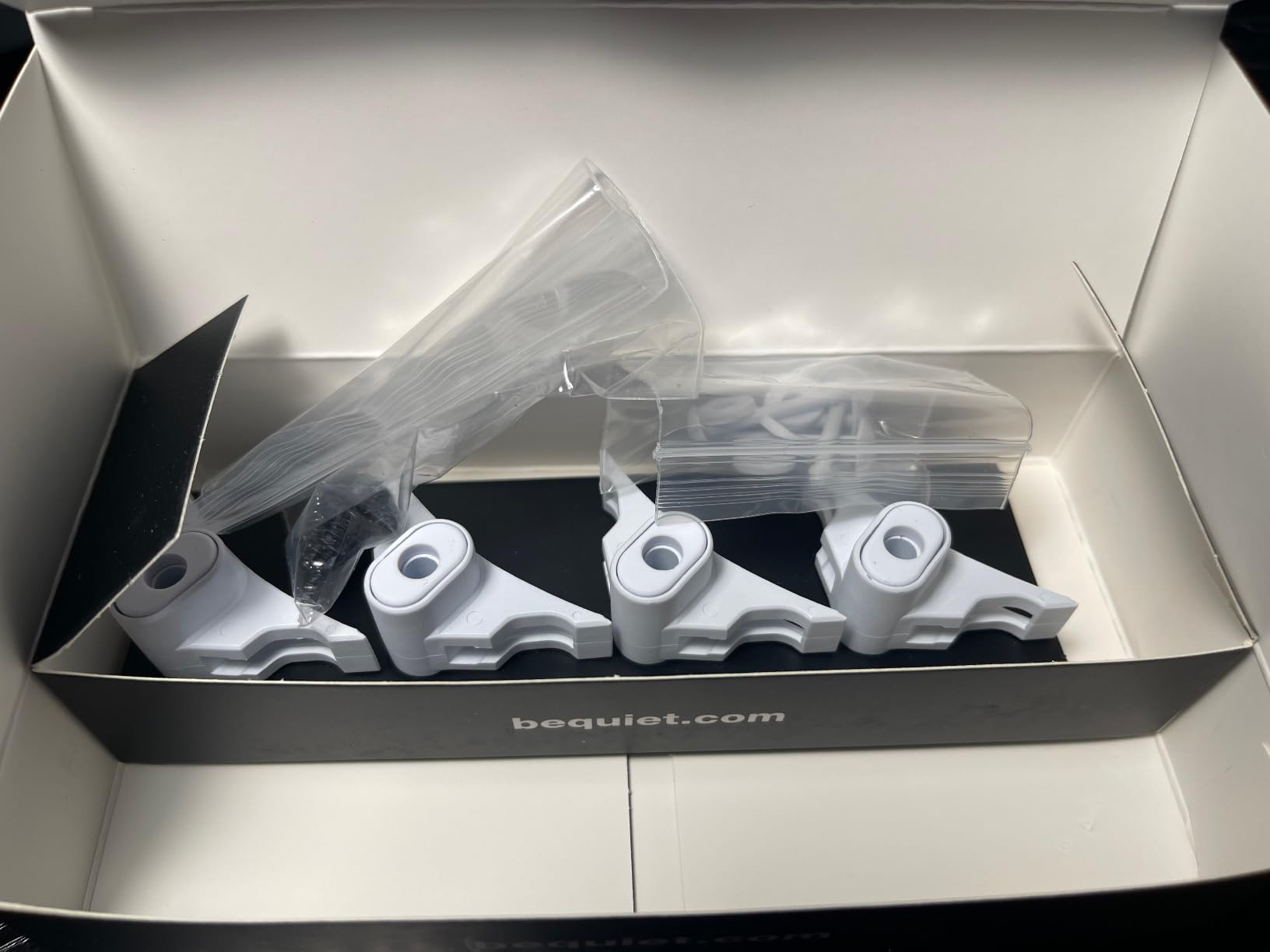
Anti-vibration mounts come pre-installed, with separate plastic mounts supplied for radiators. That second set matters: a rubber mount is right for a case panel and wrong for a radiator, where you want the fan coupled to the fins so the pressure actually transfers.
The funnel-shaped frame and the reduced distance between blade and frame give it the static pressure profile to work against a radiator or a thick tower. At 78.4 CFM and a 1900 RPM ceiling it has more headroom than most of the quiet-focused 140mm options here.
What you should check before buying
Look at the warranty before anything else. One year is the shortest manufacturer warranty of any fan in this roundup, and the other picks here run from two to six years. On a fan that costs this much per unit, a short warranty is a real gap in the value calculation, even with an excellent bearing rating.
Check your colour scheme. This is the black variant. The same model family has been sold in white, and if your build is a light or all-white theme, picking the right version at the start saves replacing every fan later.
Where it falls short
The 29.3 dB(A) ceiling is higher than both Noctua options here. In practice that difference shows up only near maximum speed, but it does mean this fan needs a curve that keeps it out of the top of its range to deliver the quietness the brand is known for.
There is no lighting on this variant either. For a build where the fans are visible through a side panel, that is a deliberate trade you are making for damping hardware rather than a limitation of the fan itself.
7. Thermalright TL-C12C X3 for Lit Three-Fan Budget Builds
Thermalright TL-C12C-S X3 CPU Fan 120mm ARGB Case Cooler Fan, 4pin PWM Silent Computer with S-FDB Bearing Included, up to 1550RPM Cooling Fan(3 Quantities) (TL-C12C X3)
120mm
1550 RPM
25.6 dBA
66.17 CFM
1.53 mmH2O
ARGB
3 pack
+ The Good
- Lowest per-fan cost of any pick in this set across three units
- 25.6 dBA ceiling with 66.17 CFM airflow
- S-FDB bearing removes startup blade shake
- Up to 55cm of PWM cable for tidy routing
- ARGB lighting with up to 17 modes
- The Bad
- Thin plastic frame corners crack easily on install
- Not quiet at the 1550 RPM ceiling
- 1.53 mmH2O is thin for a thick radiator
Most quiet builds need three fans before they need one, and this three-pack solves that at the best per-fan cost here. It also solves the lighting question, which is where most budget fan sets either add cost or add a proprietary controller you have to trust.
Four-pin PWM with automatic motherboard control means these behave properly on a standard curve. Up to 55cm of PWM cable is enough to reach from a front intake down to a bottom mount without a custom cable run, which is more than most sets in this class give you.
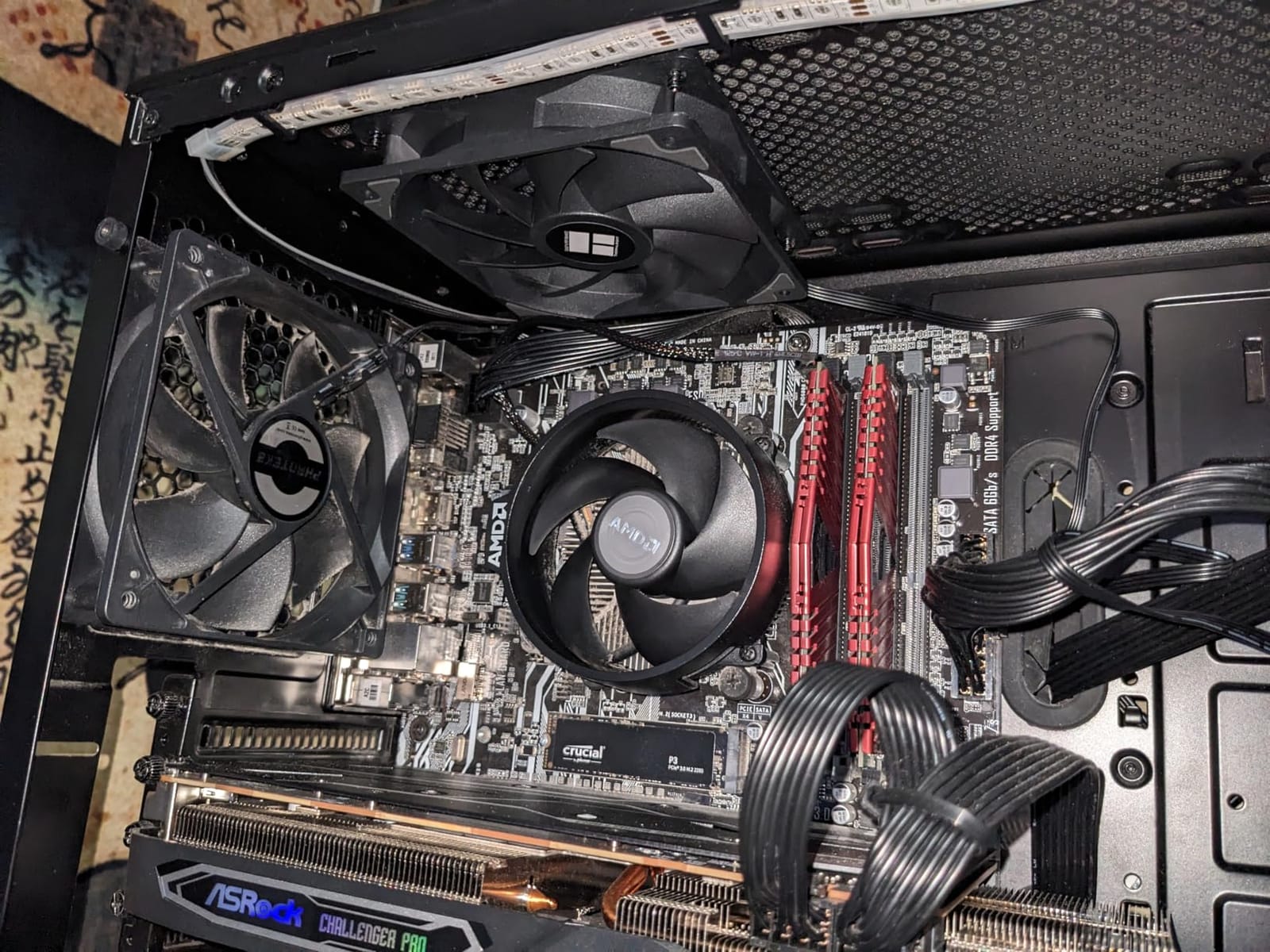
The S-FDB bearing is worth noting because it targets a specific noise. Cheap fans often shake their blades audibly at startup as they come up to speed, and that transient rattle is one of the most irritating sounds in a build. Owners consistently report these starting smoothly.
The lighting is ARGB on the blades with up to 17 modes, synchronised through a motherboard header. That means no extra software, no proprietary hub, and no reason to leave your fan curve at a default because a lighting utility crashed.
What you should check before buying
Check the static pressure figure of 1.53 mmH2O. That is fine for an open intake and a modest heatsink, and it is not enough for a thick radiator or a heavily filtered front panel. If your build has either, this is a case fan, not a radiator fan.
Also check how your board handles ARGB. If it has no ARGB header you get a single fixed colour rather than synchronised effects, which is worth knowing before you plan a lighting layout around it.
Where it falls short
The frame is thin plastic and the corners are fragile. A minority of owners report cracking during installation, so support the centre of the frame rather than squeezing the corners, and cut the mounting screws no tighter than needed.
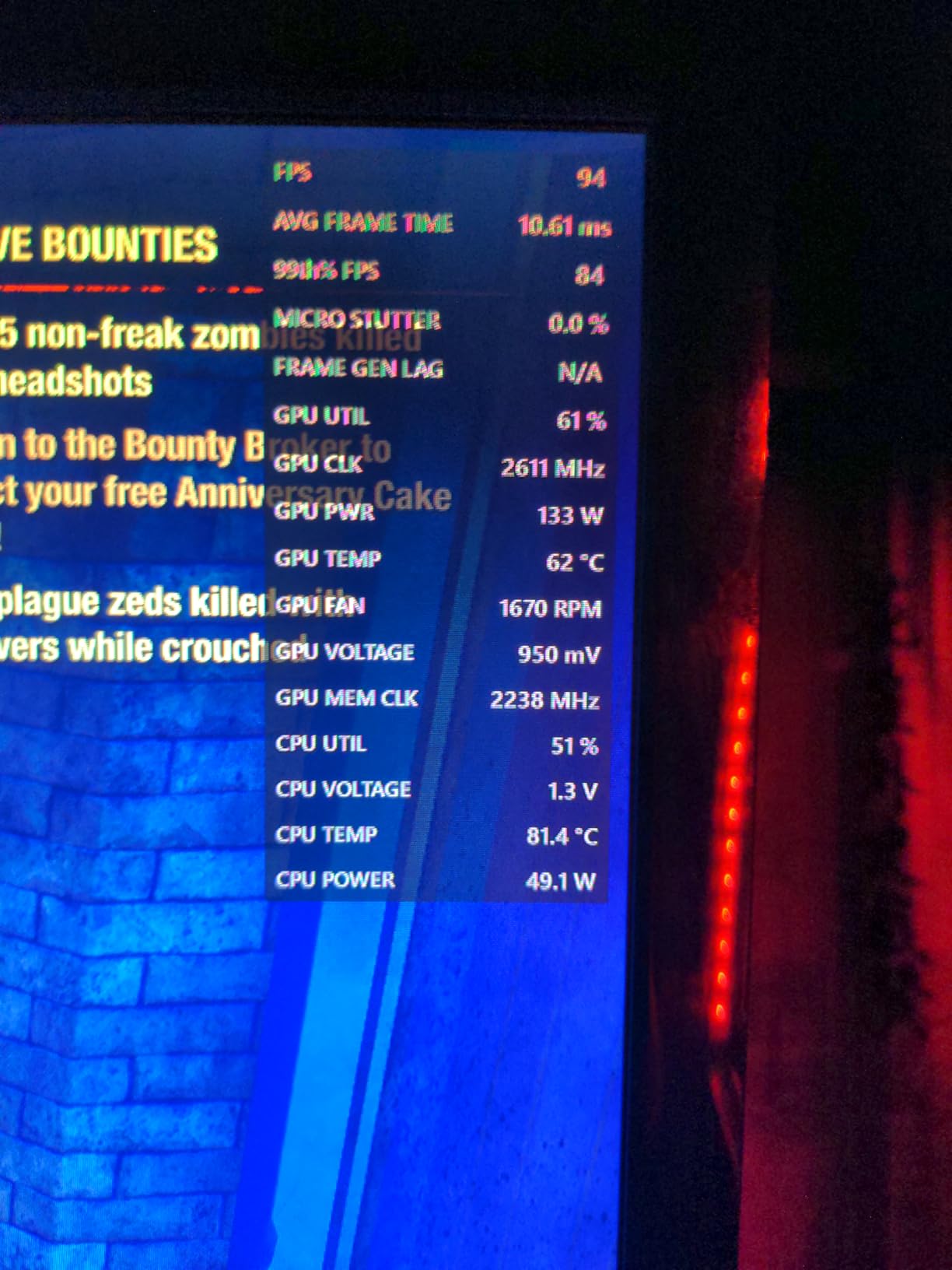
At 1550 RPM this is not a quiet fan at maximum speed. It is a quiet fan when you keep it in the lower part of its range with a PWM curve, which means it rewards the same setup work as everything else in this roundup. Buyers expecting silence at full speed will be disappointed.
8. be quiet! Pure Wings 3 for Desk-Adjacent Office Builds
be quiet! Pure Wings 3 120mm Silent PWM Computer Case Fan, Maximum Airflow
120mm
1600 RPM
25.5 dB(A)
49.9 CFM
Rifle bearing
80K h
+ The Good
- Very low minimum RPM for near-silent idling
- Frame outlet shaped for radiator performance
- Seven airflow-optimised blades reduce wind noise
- Rifle bearing rated 80000 hours
- Cheapest single premium-brand fan in this set
- The Bad
- 49.9 CFM airflow is the lowest in this set so more units are needed
- No radiator mounting bolts or PWM hub in the box
- No RGB lighting on this model
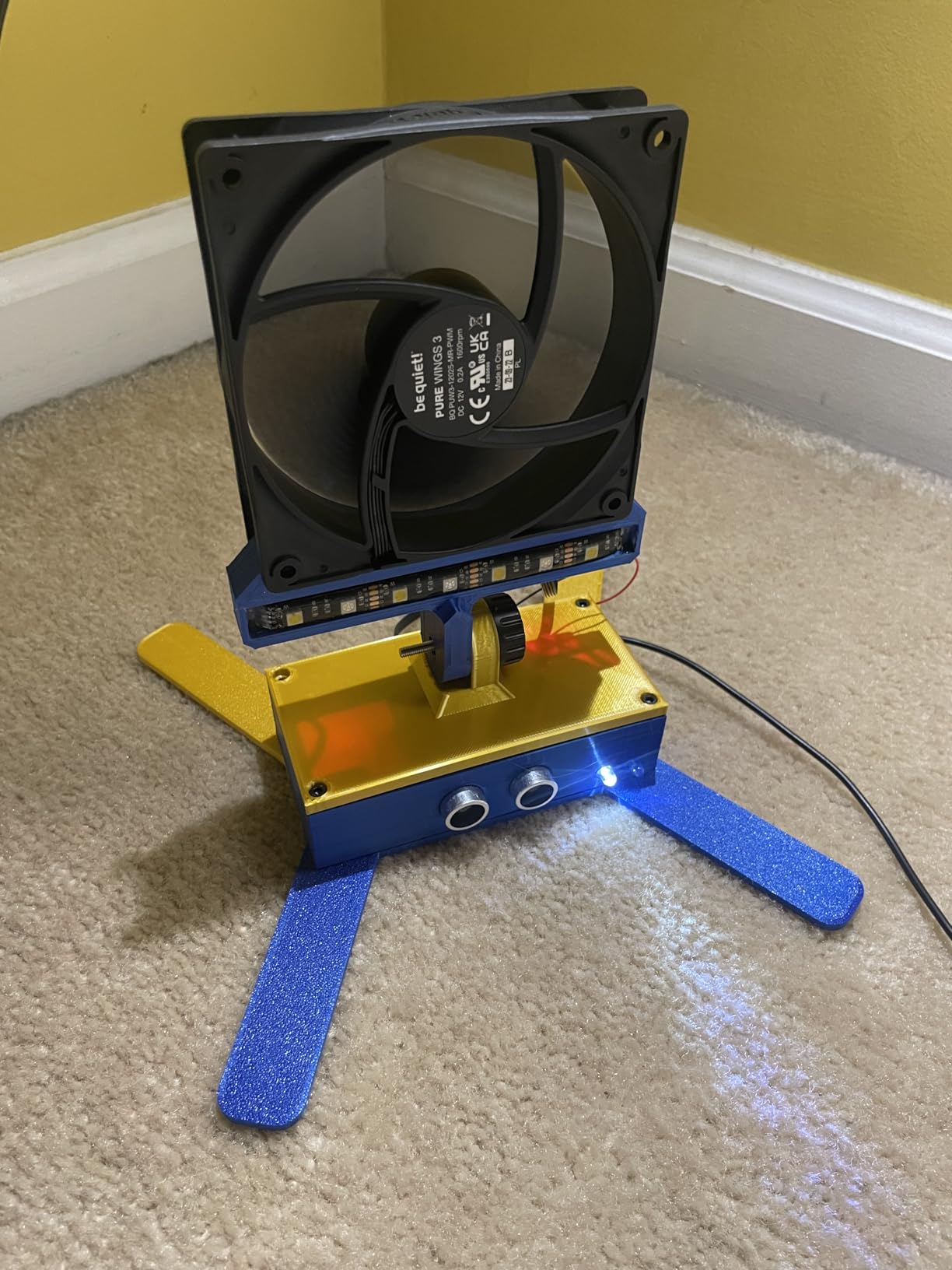
The Pure Wings 3 is built around a single goal: running at a very low minimum RPM. On a work-from-home machine or a home server that sits at a warm but unremarkable temperature most of the day, that is the whole game. The fan only has to be inaudible at idle, because load is rare.
Seven airflow-optimised blades reduce the wind noise that comes from air being pushed unevenly, and the frame outlet is shaped for radiator performance, so it can also do duty on a smaller loop. The rifle bearing is rated at 80,000 hours, which is lower than the fluid dynamic bearings on the picks above it.
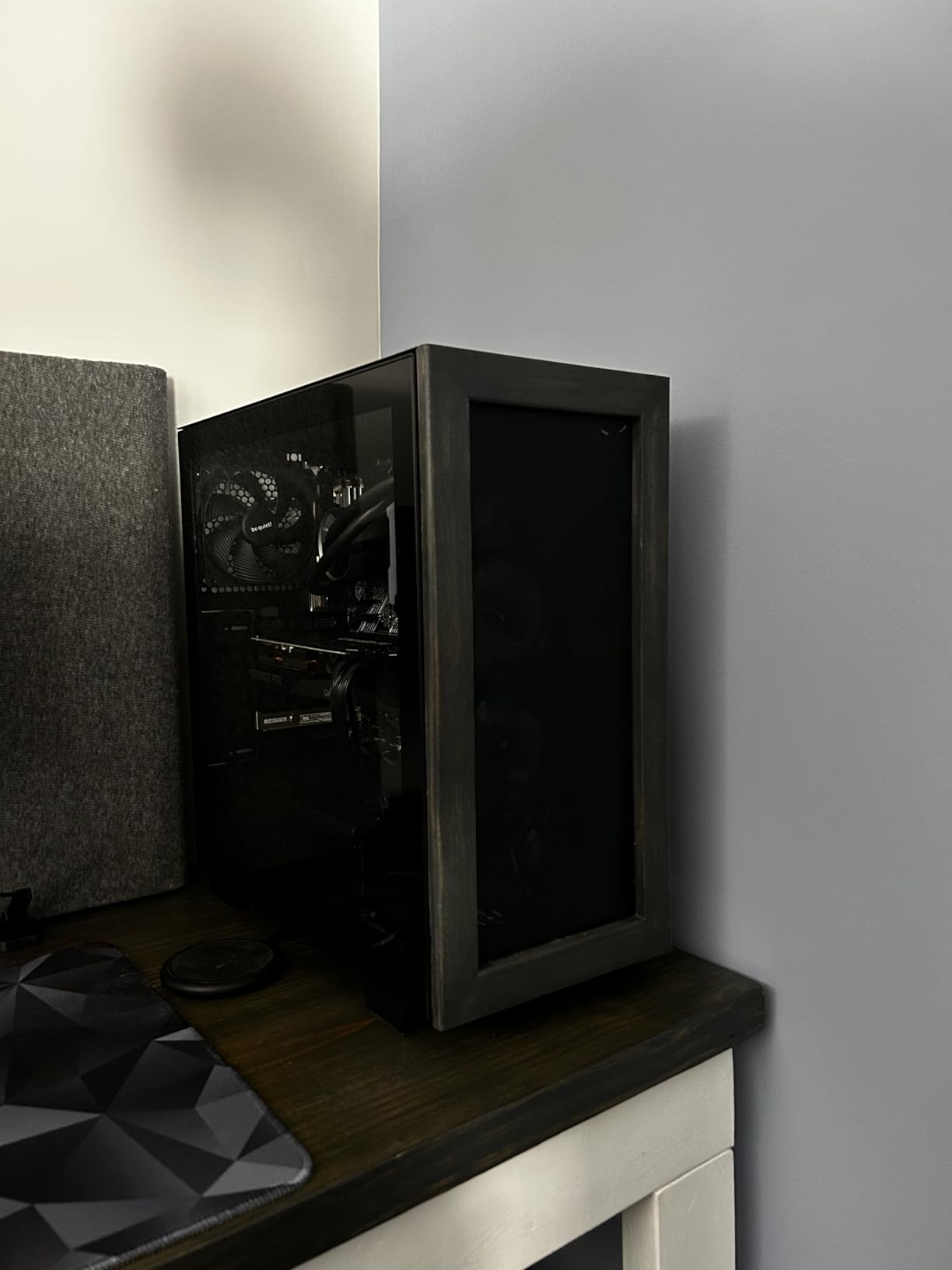
Owners use this one in home server and office builds and report measurable temperature drops on drives and SSDs along with effectively no audible noise. That fits how the fan is meant to run. At idle duty it produces very little sound, and airflow at that speed is enough to keep components well inside their limits.
It is among the cheapest single fans here from a premium-brand maker, which makes it a sensible second choice for the rest of a build once one better fan handles the hot spot.
What you should check before buying
Check the airflow figure of 49.9 CFM, which is the lowest in this roundup. In a case with several hot components, that means more units for the same cooling, and the per-fan saving gets partly cancelled by the extra cost of the fourth or fifth fan.
Check what is in the box. It does not include radiator mounting bolts or a multi-fan PWM hub, so plan for either a separate purchase or a header count that covers each fan individually.
Where it falls short
The low airflow figure is the limit that decides where this fan belongs. It is a quiet fan for a quiet job, and a quiet fan for a demanding job is a fan that has to spin up and stop being quiet.
There is no lighting on this model and a two-year warranty, which is fine for a fan you will not see and will not replace often, but it is less appealing than a longer warranty if you plan to keep the build for many years.
9. DARKROCK White R120 for Reverse-Blade Side Intakes
DARKROCK White R120 2-Pack 120mm Reverse Blade Infinite Design PC Fan
120mm reverse
800-1600 RPM
27.7 dBA
ARGB
8 rubber pads
2 pack
+ The Good
- Reverse-blade frame for clean side and bottom intakes
- Eight rubber pads damp mounting vibration
- Hydraulic bearings for stable low-speed running
- ARGB on frame and blades with infinity mirror styling
- White two-pack for themed builds
- The Bad
- 3-pin connector even though PWM control is advertised
- 27.7 dBA ceiling is above the Noctua and be quiet! picks
- 79 percent five-star share is the lowest here
A reverse-blade fan is a cosmetic decision with a cooling cost, and this pair exists to make that trade explicitly. Mounted on a side or bottom intake, the visible face points into the case instead of at you, so a glass panel shows a clean frame rather than the back of an impeller.
The noise engineering is more serious than the styling. Eight rubber pads at the mounting corners damp the vibration transfer into the panel, and hydraulic bearings keep the rotor smooth at the low end of the 800 to 1600 RPM range where a fan is either very quiet or obviously rattly.
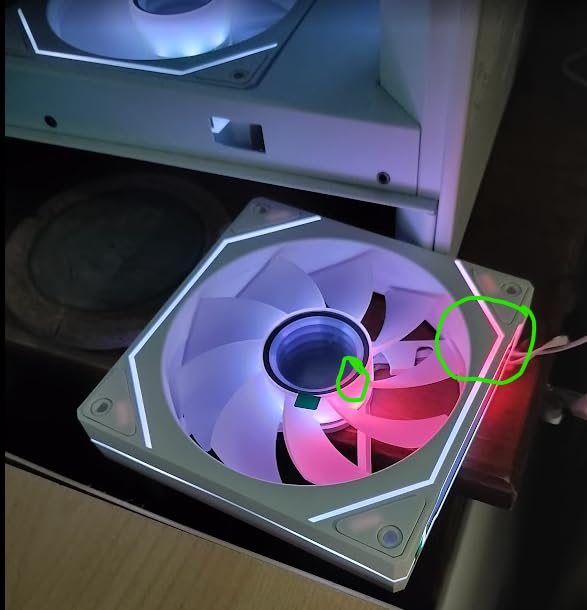
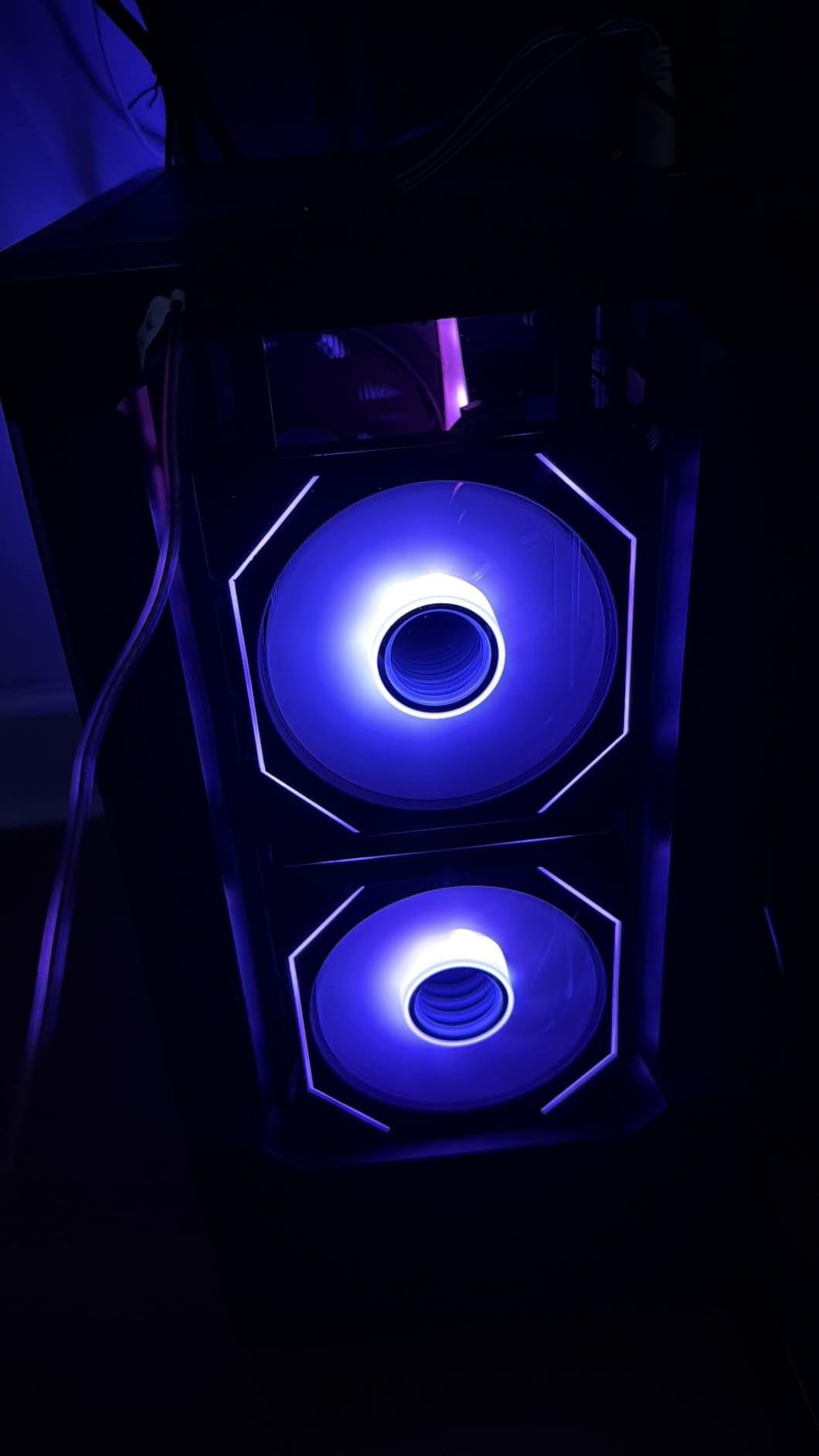
ARGB lighting runs on both the frame and the blades, with infinity mirror styling on the sides and the centre. The lighting is a real reason to choose this over a plain reverse fan, and it is driven from a standard motherboard header rather than a proprietary controller.
Be clear-eyed about the compromises though. The connector is three-pin even though PWM control is advertised, and the 27.7 dBA ceiling is above both Noctua picks here. A reverse-blade frame is generally a little less efficient aerodynamically than a forward one, so you are trading a small amount of quiet for the look.
What you should check before buying
Check the connector, because this is the detail most likely to frustrate you. A three-pin plug on a four-pin PWM header loses you the fine duty cycle control, and fine control is the main tool for keeping a fan quiet at idle.
Check where you intend to mount them. Reverse fans are for visible intakes, typically the side panel and the bottom of the case. On an exhaust position the visible side is the one nobody looks at, so you pay the efficiency cost without the visual benefit.
Where it falls short
The five-star share of 79 percent is the lowest of the fans in this roundup, with a 4.6 average across 897 reviews, and a minority of owners report durability or noise complaints when the fans run at full speed. Treat this as the styling pick in the group rather than the acoustics pick.
It is a two-pack, so an odd number of positions means buying three to use two, and the reverse-blade design means the airflow benefit is not equal to what a forward fan of the same size would give you in the same slot.
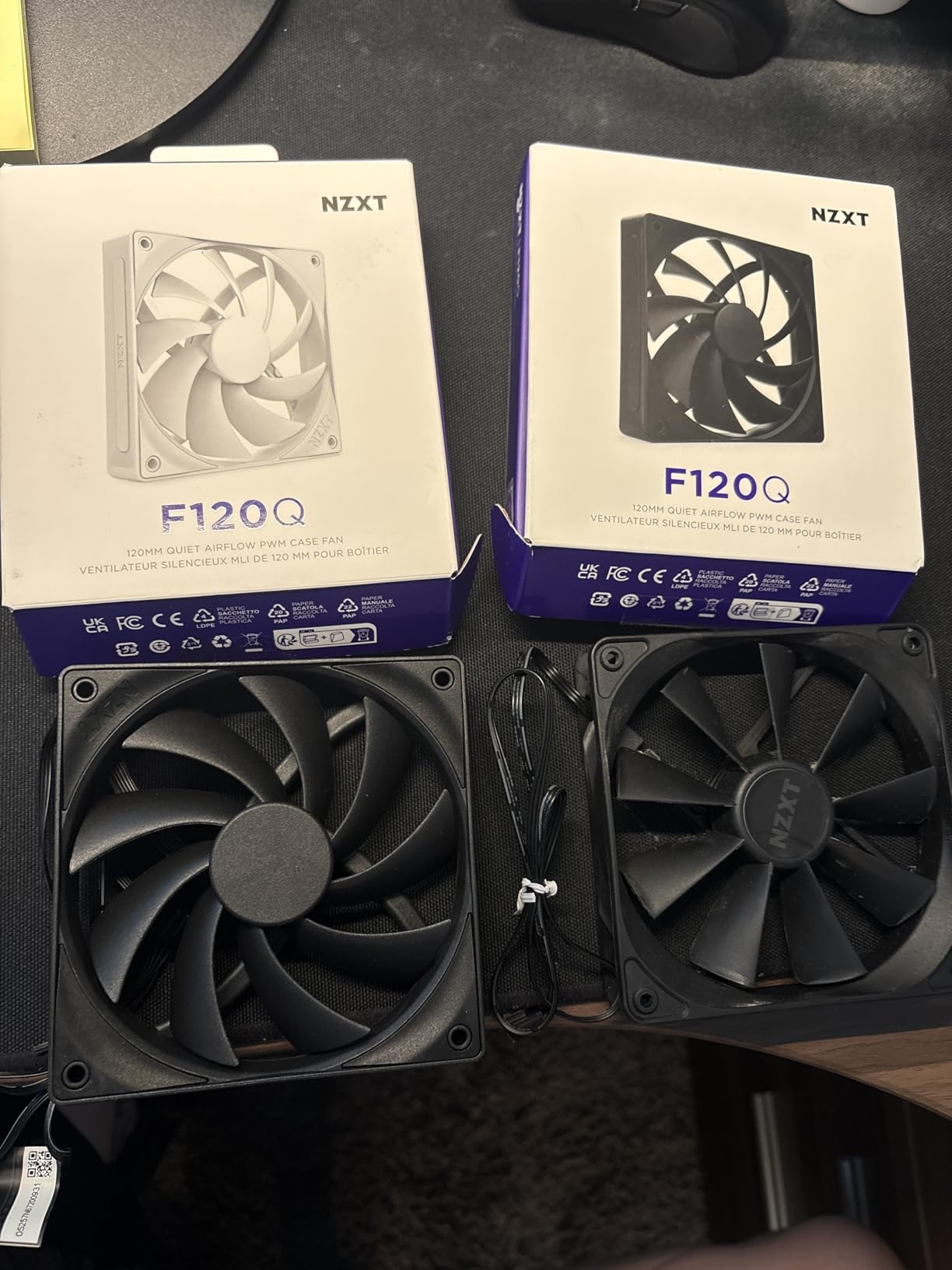
10. NZXT F120Q for Matching NZXT Cases
NZXT F120Q – 120mm Quiet Airflow PC Case Fan – Black
120mm
1700 RPM
25.1 dB(A)
9 sickle blades
FDB
PWM control
+ The Good
- Quiet Airflow variant tuned for low noise at 25.1 dB(A)
- Chamfered frame concentrates flow into the case
- Nine sickle-style blades move a lot of air
- PWM control responds to system temperature
- Unlit black frame matches NZXT cases
- The Bad
- Fluid dynamic bearing lifespan of 60000 hours is the shortest here
- No RGB in this variant
- Two-year warranty is shorter than the Noctua six
The F120Q exists because NZXT’s airflow fan was the wrong part for a silent build. This Quiet Airflow variant keeps the black unlit frame and the clean fit inside an NZXT chassis while dropping the noise target to 25.1 dB(A), which puts it in the same band as the Noctua redux.
Nine sickle-style blades and a minimal gap between the blade edge and the frame maximise the spinning area, and the chamfered frame directs the air into a concentrated stream rather than letting it spread. The fluid dynamic bearings are rated at 60,000 hours, the shortest figure of the premium options here.
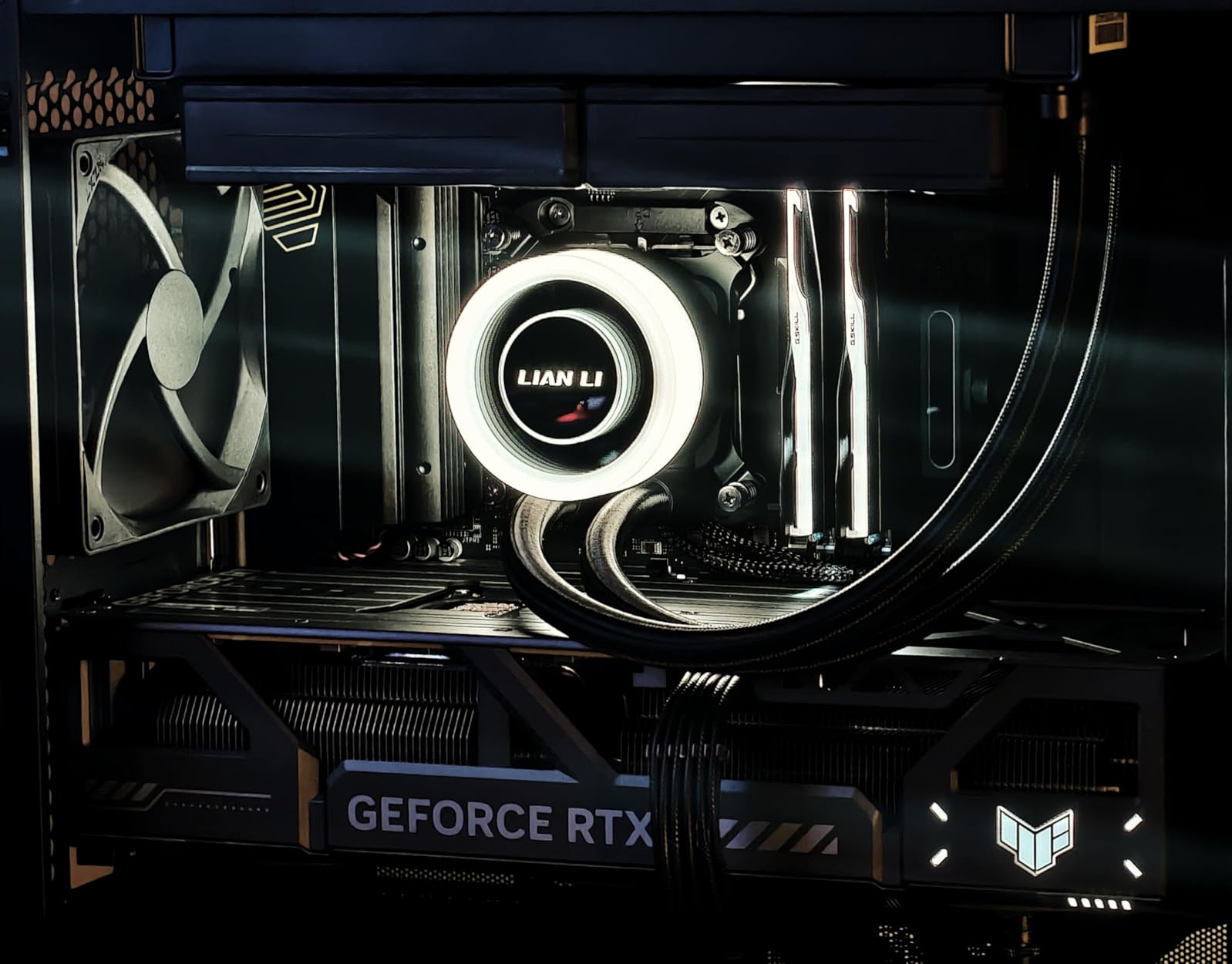
Owners favour it for matching an NZXT case and report it running quietly on a PWM curve. The rating average of 4.6 from 444 reviews, with a 9 percent three-star share, suggests some buyers find it louder than the quiet label implies, which is usually a curve problem rather than a fan problem.
It is a single fan, not a pack, and it carries no lighting. In a case that is otherwise dark and unlit that is exactly what you want, and in a showcase build with RGB elsewhere it is the one part of the interior that will not match.
What you should check before buying
Check whether your case is an NZXT chassis. The value of this fan is fit and finish as much as acoustics, and in a different case you are buying an unlit 120mm fan that competes against the picks above it.
Check your header layout. Four-pin PWM control is standard here, so it will follow a normal curve, but you still need enough headers or a hub for the number of fans your case takes.
Where it falls short
The 60,000 hour fluid dynamic bearing rating is the shortest in this roundup, and the two-year warranty is well short of the six years on the Noctua options. For a machine that will run for a decade, those two numbers together are the argument against this pick.
There is no lighting, so a build that already has a colour scheme will need a different fan, and the smaller review base means less long-term feedback than the picks with five to seven thousand reviews behind them.
How We Judge Quiet in a PC Case Fan
First, the definitions. dB(A) is A-weighted decibels, a measure of perceived loudness that accounts for how human hearing weights different frequencies. CFM is volumetric airflow, cubic feet per minute. Static pressure in mmH2O is how hard a fan can push air through a restriction, and it is the number that decides whether a fan can handle a radiator or a fine mesh intake. PWM is speed control by pulsing the power supply, which lets a fan hold a stable low RPM instead of hunting between steps.
The single most important thing to understand is that a rated maximum noise figure tells you almost nothing about daily experience. It is measured at full speed, and your PC spends most of its life somewhere between 20 and 50 percent duty. Two fans with identical quoted ceilings can sound completely different at 30 percent, and the one with the better blade design at low RPM will be the one you never notice.
That leads to the principle this whole roundup is built on. A bigger, better-designed fan moves more air at a lower RPM, and lower RPM is quieter. Efficiency at low duty, not peak speed, is what makes a build silent. This is also why 140mm fans appear twice in the picks and why fan curves get their own section.
The three sounds fans make, and which one you can fix
Wind noise is air moving past your ears, and it rises with speed. This is the one a better fan genuinely fixes, because a more efficient blade pushes more air for less speed. Tonal whine is a narrow-frequency sound, usually from blade passing frequency or motor torque ripple, and it is more stubborn: a fan with a bad motor can whine at a speed that sounds perfectly acceptable in a broadband reading. Mechanical click and rattle come from a bearing or a loose frame, and no amount of curve tuning will remove it.
Community threads about this topic keep coming back to the same point, that manufacturer dB(A) ratings are measured at maximum speed and are largely useless for predicting real-world noise. On pcpartpicker forums the consensus is that Noctua is the quality tier for quietness and Noiseblocker the budget tier, which matches how the picks here fall out on price against review volume.
Fans by Size: 120mm vs 140mm for Quiet Builds
Answer first: for a quiet build, 140mm is the better choice wherever the case supports it. A 140mm fan moves more air per mounting slot, so it reaches the same airflow at a lower RPM, and lower RPM is where the noise lives. The quietest 140mm pick here, the Noctua NF-A14, quotes 24.6 dB(A) against 25.1 dB(A) for the 120mm redux, and the more performance-focused 140mm options are quieter at low duty rather than at their ceilings.
There is a real efficiency argument beyond raw size. The NF-A14 moves 140.2 cubic meters per hour against 120.2 for the 120mm redux, and the CORSAIR RS140 quotes 95.5 CFM, which is the highest airflow figure in this group. Same 25mm frame thickness, so radiator compatibility is unchanged, and the square frame is a natural fit for 280mm and 360mm radiators.
Where 120mm still wins is flexibility. 120mm mounts are universal, most cases have more of them, and a 120mm set costs less in total. If your case has no 140mm positions at all, the 120mm picks here cover the full range from a bare-bones ARCTIC P12 to the low-ceiling Noctua NF-A12x25 PWM.
One thing to avoid: mixing sizes on the same curve without checking. A 140mm at 1500 RPM and a 120mm at 2000 RPM on one PWM percentage will sit at very different noise levels, and the mismatch is audible on a good day with no load. Either group them or give each group its own curve.
Taming Fan Noise With a Fan Curve
A fan curve maps temperature to fan speed, and it is the single highest-impact change you can make to an existing build. Far more often than not, the fix for a noisy PC is not new hardware, it is the default BIOS profile that ramps fans up far earlier than the hardware needs. Start in the BIOS before you spend anything, because a fan that is quiet under a tuned curve may not need replacing at all.
Enter your BIOS setup and find the hardware monitoring or fan control page. Look for a fan curve editor, silent mode, or a place where you can set a temperature-to-speed pair for each header.
Run the board’s fan calibration if it has one. It tests each header across its range and writes the minimum and maximum speeds it actually reached, which fixes the common problem of a fan sitting at 40 percent and sounding like 80.
Set a low floor. Hold 20 to 30 percent duty until roughly 55 to 60 degrees Celsius, which is the band that experienced builders converge on. Below that the fans are doing nothing that airflow discipline would not do better.
Ramp gently, not steeply. From about 60 degrees, climb in small steps toward 85 degrees, keeping the final duty under 90 percent. Reaching 70 degrees on a 120mm fan is not a failure, and most modern CPUs and GPUs are designed for it.
Use a fan hub or splitter with proper PWM pass-through, so a group of fans shares one curve instead of each header drifting on its own. A four-pin pass-through splitter is the version to buy; a three-pin voltage splitter is not the same thing.
Watch for the stall point. Every fan has a lowest RPM at which it spins freely, and below that it rattles instead of running quietly. If a fan hums at idle it is sitting above that floor, so give that header a higher minimum rather than accepting the hum.
Re-test with a sustained load rather than a desktop idle. Idle hides curve problems, because a badly tuned curve can still look acceptable when nothing is loading the machine.
For a white or themed build, the same curve work applies to lit fans as to unlit ones, and the lighting does not change the acoustics. If you are planning a cable-free interior instead, our cable-free case fan guide covers the hardware that removes the cable clutter a hub normally solves.
What to Check Before You Buy Quiet Case Fans
Count your positions and your headers first. A typical quiet build wants two or three intakes, a rear exhaust and often a bottom intake, and each fan needs a header, a splitter or a pass-through hub. Buying four great fans and two headers means two of them run uncontrolled at full speed, which is exactly the noise you were trying to remove.
Then match the fan to the job. Case intake and exhaust positions reward airflow. Radiators, thick tower heatsinks and filtered or fine mesh front panels reward static pressure, and a fan without the pressure figure will get louder trying to push the same air. The CORSAIR RS140 at 3.46 mmH2O and the ARCTIC P12 at 2.2 mmH2O are built for that second job; the Thermalright set at 1.53 mmH2O is not.
Check the connector next. Four-pin PWM gives smooth duty control and is what makes low-RPM running possible. Three-pin DC gives coarser steps, and some fans advertised with PWM control still ship a three-pin plug, which is worth catching before you order. A fan with a minimum RPM that cannot drop low is also a poor quiet-build choice regardless of its headline noise figure.
Check the anti-vibration hardware. Every Noctua A-series pick here ships with anti-vibration mounts, the be quiet! Silent Wings 4 comes with them pre-installed, and the DARKROCK reverse pair uses eight rubber pads. Pads cost nothing and stop a fan from turning its own frame into a speaker, so treat their absence as a real drawback.
Finally, check the warranty against how long you plan to keep the machine. The set ranges from one year on the Silent Wings 4 to six years on all three Noctua picks and the ARCTIC P12. For a build you intend to run for many years, a long warranty is worth real money, and it usually tracks with the bearing and motor quality you notice after month three.
For comparison, our quiet fan picks for offices cover the same low-RPM thinking for room fans, which is useful if the noise floor in your workspace is the real constraint rather than the PC.
When Fans Are Not the Problem
Before replacing hardware, confirm the sound is coming from fans. Three other sources cause noise that better fans cannot fix. Coil whine comes from the graphics card or power supply under load and has a thin electrical character that no fan produces. A loud CPU cooler is a separate problem with a separate fix, and often a larger contributor to total noise than the case fans. And a thin case panel can resonate at certain fan speeds, producing a hollow tone that changes as the RPM changes.
Placement matters as much as hardware. A tower on a wooden desk transmits vibration into the desk and the floor. Putting the same machine on a mat with rubber feet, or on a surface with some mass to it, often changes the perceived level more than swapping to a different fan model.
A quick test: open the side panel and listen. If the pitch changes when you press gently on a panel, the case is resonating and damping material will help more than a new fan. If the noise disappears with the panel off, airflow and acoustics are both fine and the panel is the amplifier.
Frequently Asked Questions
Who makes the quietest case fans?
Noctua makes the quietest case fans as a group, and the NF-A12x25 PWM has the lowest quoted maximum noise in our testing at 22.6 dB(A) with a 4.9 rating from 7543 reviews. For a quieter balance rather than the lowest ceiling, the NF-P12 redux-1700 PWM pairs 25.1 dB(A) with 4-pin PWM control and a 6 year warranty. be quiet! is the next tier down on acoustics, and ARCTIC P12 is the budget answer.
Do I need 120mm or 140mm PC fans?
For a quiet build, choose 140mm wherever your case supports it. A 140mm fan moves more air per mounting slot, so it reaches the same airflow at a lower RPM, and lower RPM is where noise comes from. The Noctua NF-A14 PWM quotes 24.6 dB(A) against 25.1 dB(A) for the 120mm redux. Choose 120mm when your case has no 140mm mounts, or when the lower total cost matters more.
Do I need PWM or DC fans?
You want 4-pin PWM fans for a quiet build. PWM holds a stable low RPM instead of stepping through coarse voltage levels, and that fine control is what lets a fan sit in its inaudible range at idle. DC fans still work, but control is coarse and easier to overshoot into audible pitch. Check the connector before ordering, because a few fans advertised with PWM control ship a three-pin plug.
How do I make my PC fan noise quieter?
Start with the fan curve before you buy anything. Enter your BIOS, run the fan calibration if the board has one, then hold 20 to 30 percent duty until about 55 to 60 degrees Celsius and ramp gradually above that. A noisy PC is often a badly tuned default profile rather than bad hardware. If the noise is coil whine, a loud CPU cooler or a resonating case panel, no case fan will fix it.
Why are my new fans loud even on quiet mode?
A fan has a stall point, the lowest RPM at which it spins freely, and below that it rattles instead of running quietly. Quiet mode that sits at or under the stall point will be louder than a slightly higher setting. Another common cause is a three-pin fan on a four-pin PWM header, which runs uncontrolled at full speed. On a clean install, check that the duty cycle is not being overridden by the board profile.
Final Verdict for Your Quietest Build
For most people, the Noctua NF-P12 redux-1700 PWM is the right starting point for the best case fans for quiet builds: 4-pin PWM, a 25.1 dB(A) ceiling, a 6 year warranty and the largest review base in the group. Fit the NF-A14 PWM if your case takes 140mm, and the ARCTIC P12 if you need five or six fans and cost is the deciding factor.
Whatever you buy, set the curve before you judge it. A well-tuned 120mm PWM fan at 30 percent is quieter than a premium fan running uncontrolled, and that ten minutes in the BIOS is where most of the noise actually goes.