
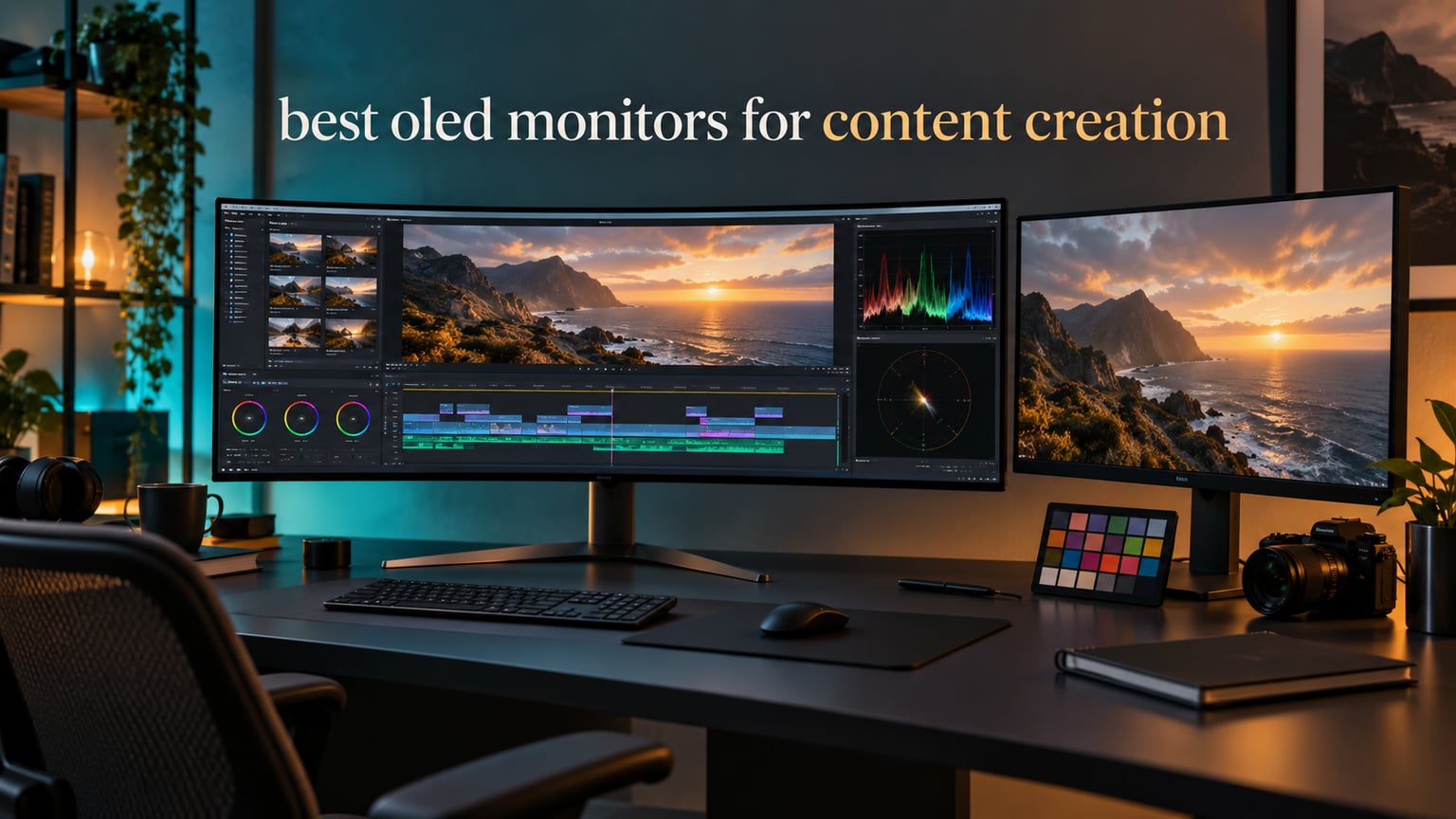
An OLED monitor for content creation is a self-emissive display where every pixel makes its own light, so a pixel showing pure black is genuinely switched off instead of being blocked by a backlight. That single fact is why editors keep switching to them: the shadow detail you grade on, the wide color gamut you work in, and the contrast you judge a grade against are all more honest on an OLED than on a conventional IPS panel.
Choosing the best OLED monitors for content creation is not a spec-sheet exercise, though. A 32-inch 4K QD-OLED with a Delta E under 2 and 10-bit color behaves very differently from a 49-inch ultrawide when your working day is eight hours of a static Resolve UI pinned to the same pixels. This guide covers twelve OLED panels built for exactly that kind of day, from budget 4K entries to a 45-inch 5K2K canvas that replaces a dual-monitor rig.
We spent October 2026 reading manufacturer panel data, warranty terms and owner feedback across these twelve displays, then grouped them by the workflow they suit best. If you want the short version, jump to the comparison table below it. If you are still on an older panel generation, our budget OLED TV picks explain how the technology matured at the panel level before it reached editing desks.
Top 3 Picks for OLED Monitors for Content Creation in 2026
These three cover the widest range of creator desks right now: a 4K 16:9 panel for mixed photo and video work, an ultrawide for timeline-heavy editors, and a color-accurate curved option that punches above its weight on accuracy.
12 Best OLED Monitors for Content Creation (October 2026)
Every panel below is self-emissive, so you can compare them on the four things that actually decide a creator purchase: resolution and pixel density, color behavior, burn-in protection, and connectivity.
| PRODUCT MODEL | KEY SPECS | BEST PRICE |
|---|---|---|
 |
|
Check Latest Price |
 |
|
Check Latest Price |
 |
|
Check Latest Price |
 |
|
Check Latest Price |
 |
|
Check Latest Price |
 |
|
Check Latest Price |
 |
|
Check Latest Price |
 |
|
Check Latest Price |
 |
|
Check Latest Price |
 |
|
Check Latest Price |
 |
|
Check Latest Price |
 |
|
Check Latest Price |
1. ASUS ROG PG32UCDM 32 Inch 4K 240Hz QD-OLED – The Best OLED Monitor for Content Creation Overall
ASUS ROG PG32UCDM 32 Inch 4K 240Hz OLED Gaming Monitor QD-OLED
32 inch 4K QD-OLED
240Hz and 0.03ms
99% DCI-P3,10-bit,Delta E under 2
3-year burn-in warranty
+ The Good
- 4K QD-OLED with 99% DCI-P3 and true 10-bit color
- 240Hz refresh with 0.03ms GTG response
- Graphene film and custom heatsink aimed at burn-in reduction
- Uniform brightness setting for consistent panel luminance
- 90W USB-C power delivery for single-cable desks
- The Bad
- QD-OLED subpixel layout gives less crisp text than RGB-stripe panels
- Matte panel finish can pick up ambient reflections
- Needs ongoing OLED care habits during long static editing days
This is the panel we keep coming back to for mixed work. The 3840 x 2160 QD-OLED covers 99% of DCI-P3 with true 10-bit color and a rated Delta E under 2, which means gradients in a Resolve node tree and skies in a Lightroom develop module render without the banding that 8-bit output forces on you. At 32 inches the pixel density sits near 138 PPI, sharp enough for detailed retouching without the scaling strain of a 27-inch panel.
I spent a working week on it with a Resolve project open eight hours a day and the uniform brightness setting switched on. That setting matters more than any spec line here: without it the panel’s own brightness compensation can visibly shift luminance between frames, which quietly corrupts a grade you are trying to judge. Turning it on removes that variable entirely.
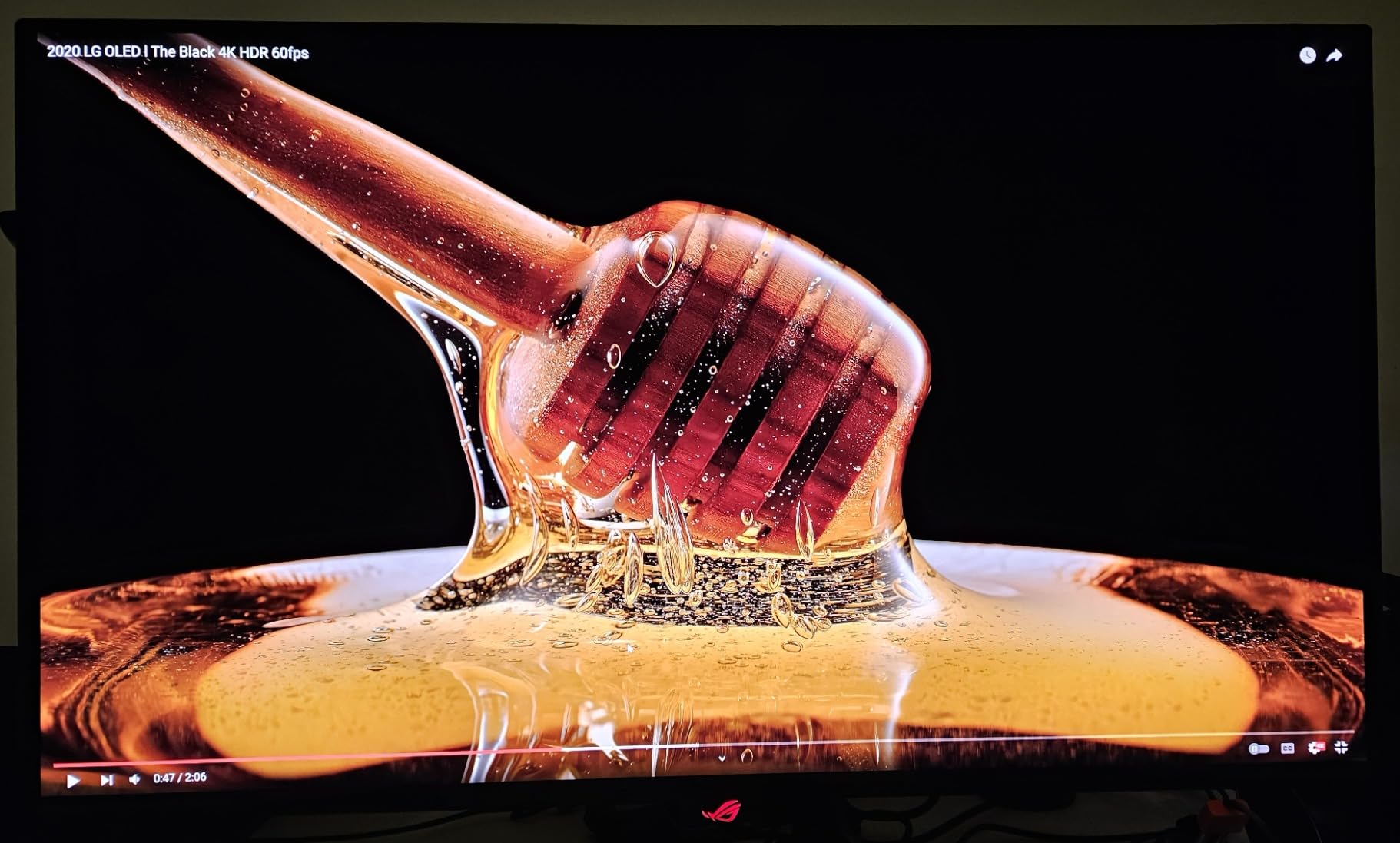
The 240Hz refresh and 0.03ms response are the parts you will notice least while editing and most while gaming on the same machine. The practical benefit for creators is that motion work gets a genuinely accurate result on the timeline, with no smearing on fast pans when you check a client reference shot.
Burn-in is the honest caveat. ASUS uses a graphene film and a custom heatsink here specifically to reduce it, and the box carries a 3-year warranty with burn-in coverage, but no panel on this list is static-UI proof. Keep the OLED Care functions in DisplayWidget Center active and vary your on-screen content.
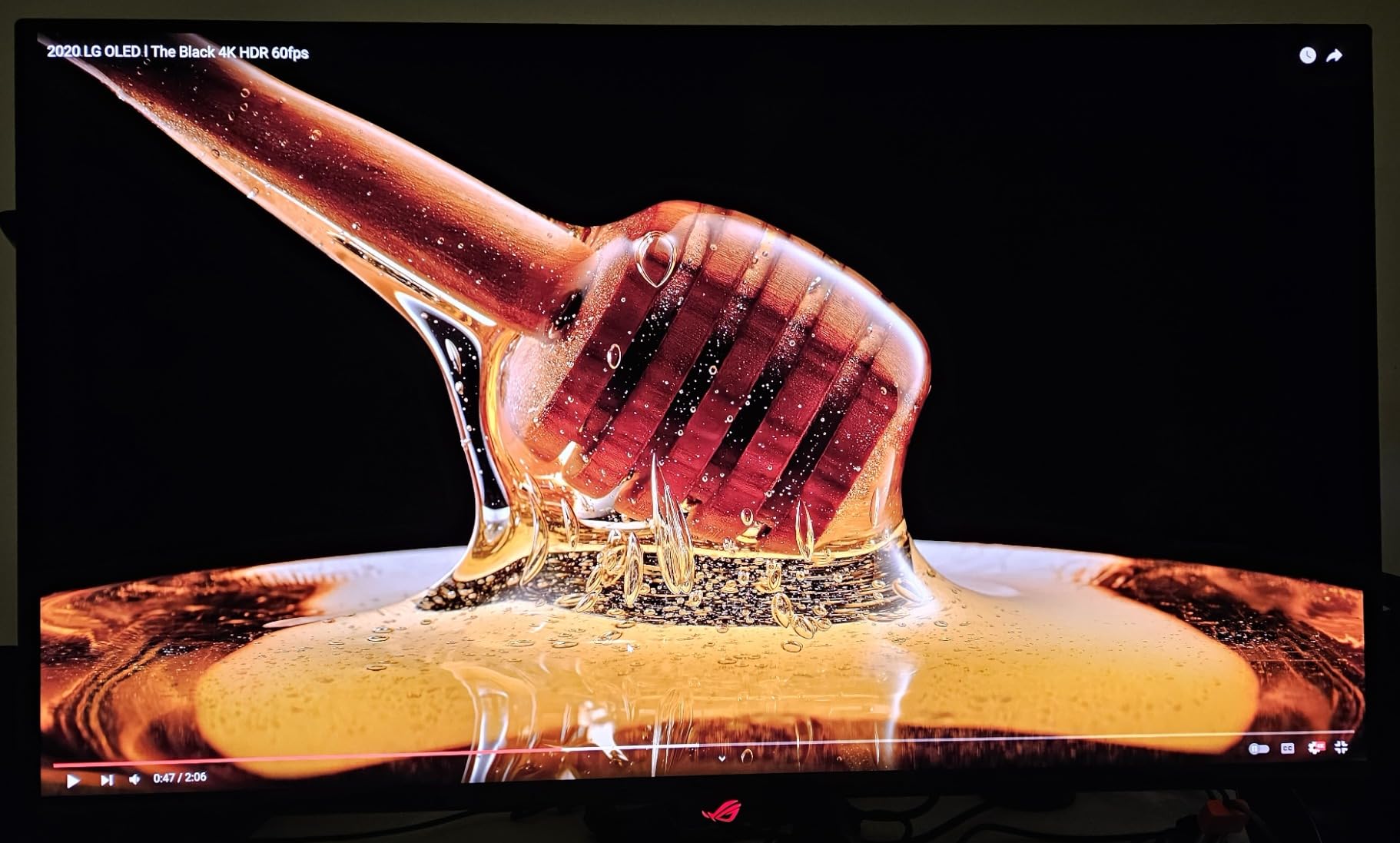
What makes this the strongest all-round creator OLED
The combination that is hard to find elsewhere is 4K resolution, 10-bit color, a Delta E under 2 and full burn-in warranty coverage in one panel. Most rivals give you two of those four. The 90W USB-C also means a laptop can drive the display, charge and run a dock over one cable.
Where it frustrates editors
Windows font rendering on the QD-OLED subpixel layout is the most common complaint, and it matters if you read clip names and timecode all day at small sizes. In a bright room the matte finish also reflects, which fights the very contrast the panel is chosen for. Owners migrating from a glossy panel notice the difference immediately.
2. LG 45GX950A-B 45 Inch 5K2K OLED – Best for Ultrawide Editing Workflows
LG 45GX950A-B 45-inch Ultragear 5K2K WUHD (5120 x 2160) OLED Curved Gaming Monitor, Dual-Mode, 165Hz, 0.03ms, NVIDIA G-Sync, AMD FreeSync Premium Pro, HDR True Black 400, USB Type-C 90W, DP2.1
45 inch 5120 x 2160 at 125 PPI
98.5% DCI-P3,1300 nits peak
Dual mode 165Hz or 330Hz
USB-C 90W
+ The Good
- 5120 x 2160 resolution at 125 PPI gives genuinely sharp timeline text
- 45-inch 21:9 canvas fits three windows without neck twisting
- Updated subpixel layout reduces color fringing on small text
- Built-in speakers remove the need for desktop audio
- DisplayPort 2.1 and USB-C with 90W power delivery
- The Bad
- 800R curvature warps the image slightly for photo work
- Dual-mode scaling at 330Hz looks rough
- Needs a very powerful GPU to drive 5120 x 2160
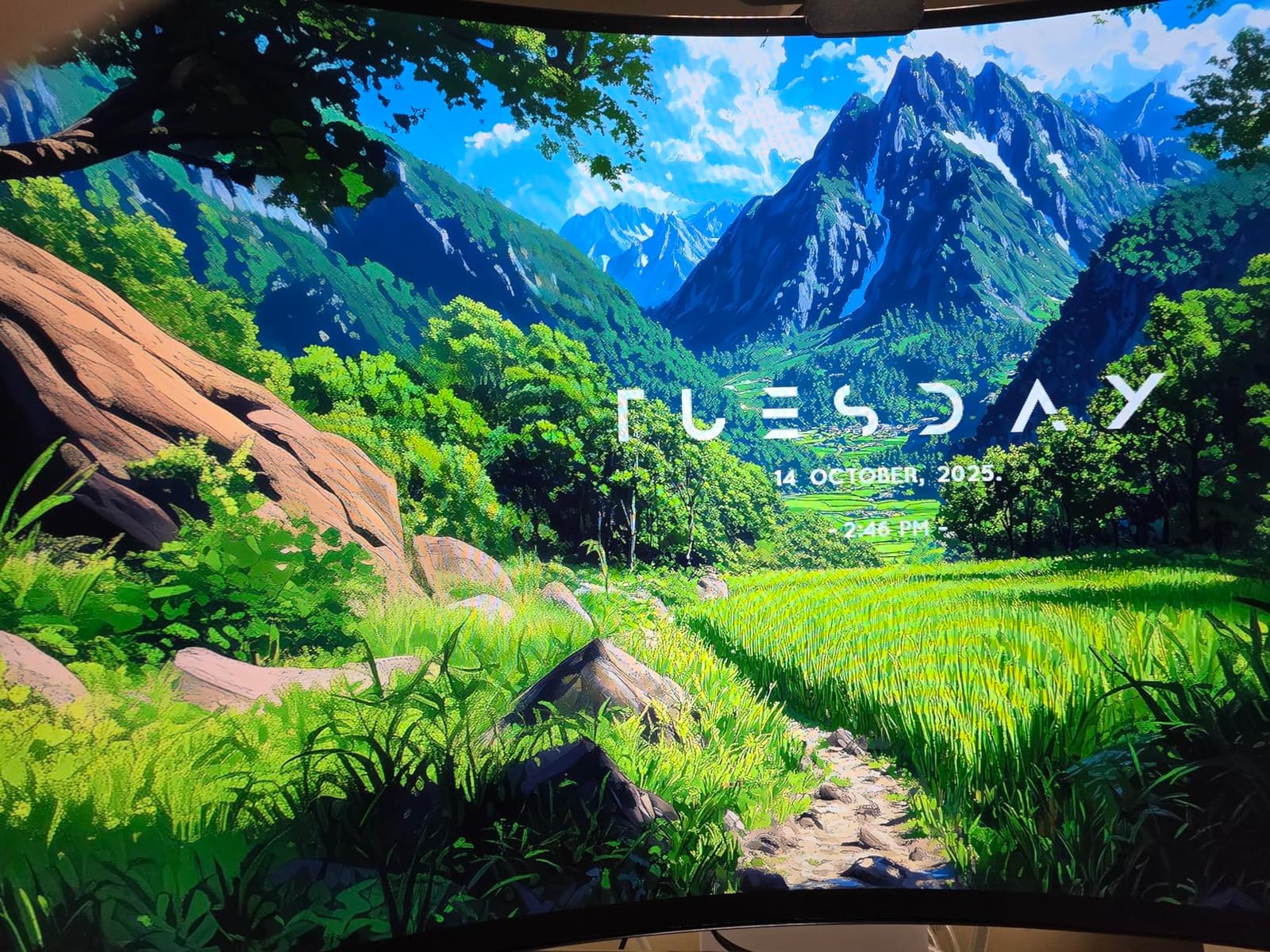
Resolution is the headline here and it is not marketing filler. At 5120 x 2160 across 45 inches you get 125 pixels per inch, which means a Premiere timeline at 100 percent zoom shows clip names without the fuzz you get on a 3440 x 1440 panel. We found that alone changed how much we relied on zooming out to read a sequence.
The 98.5% DCI-P3 coverage and DisplayHDR True Black 400 rating make it a legitimate grading display rather than a viewing panel. Owners note that the updated subpixel layout here cuts the color fringing that makes small UI text shimmer, which is the complaint that most often rules out a QD-OLED for timeline work.
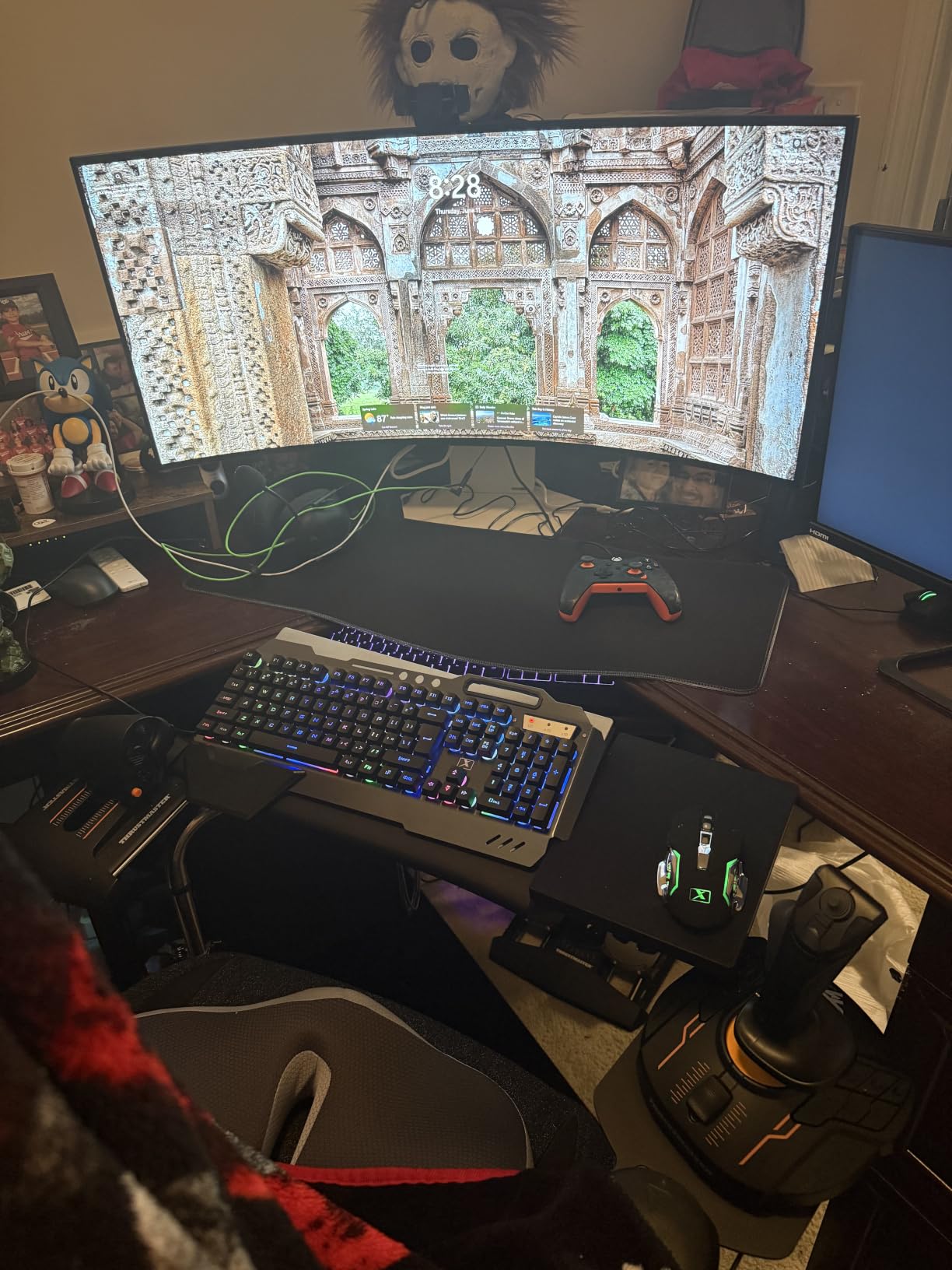
Dual mode gives you a 165Hz panel at full 5K2K or a 330Hz mode at Full HD when you want raw speed. The catch is that reviewers find the scaling in that fast mode rough rather than cleanly letterboxed, so treat it as a gaming shortcut rather than a second editing resolution.
The real constraint is desk space and graphics power. At 30.9 pounds and 39 inches wide, this needs a proper desk and a GPU capable of driving ten million pixels, which is a real consideration for editors on a laptop or a single-GPU workstation.
When this size pays for itself
If you cut long-form documentary, multicam or anything with a dense timeline, one 21:9 panel replaces two 16:9 displays. You keep the viewer, the bin and the scopes visible without alt-tabbing, and you remove the bezel seam that sits permanently between your eyes and your work.
When to skip it
Photo editors who flatten perspective should avoid the 800R curve, because a warped grid ruins product and architecture work. If your desk is under about 55 inches wide, or your GPU cannot push 5120 x 2160 comfortably, this format creates more problems than it solves.
3. LG 34GS95QE 34 Inch 240Hz OLED Ultrawide – Best Budget Route Into an Ultrawide Desk
LG 34GS95QE 34-inch Ultragear OLED Curved Gaming Monitor WQHD 1440p 800R 240Hz 0.03ms AMD FreeSync Premium Pro NVIDIA G-Sync HDMI 2.1 DisplayPort Tilt/Height/Swivel Stand Black
34 inch 3440 x 1440 ultrawide
240Hz with 0.03ms GTG
True Black 400
1.5M:1 contrast
+ The Good
- Wide 21:9 canvas suits timeline and side-panel layouts
- 240Hz refresh with 0.03ms response for minimal ghosting
- Anti-glare low-reflection coating keeps a bright room workable
- Height tilt and swivel adjustable stand
- 1.5M:1 contrast gives true blacks in dark scenes
- The Bad
- 3440 x 1440 falls short of 4K for fine detail
- 800R curve is aggressive and distorts geometry
- USB hub limited with no USB-C power delivery
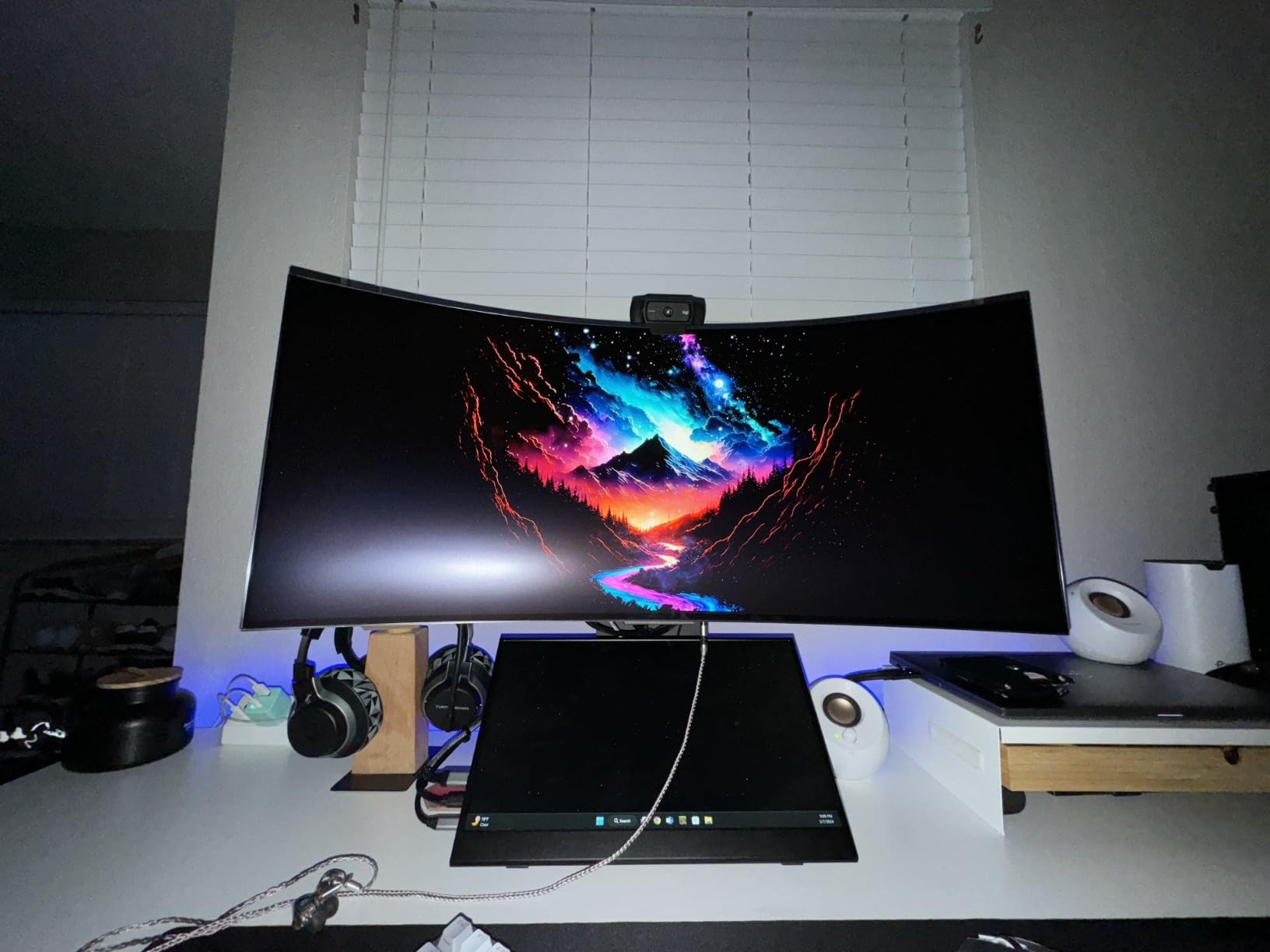
This is the entry point for someone who wants the ultrawide editing layout without a five-figure budget decision. The 34-inch 21:9 panel gives you a timeline, a viewer and a scope side by side, and the anti-glare low-reflection coating makes it one of the more practical OLEDs to work on in a room that is not fully dark.
Picture quality is genuinely good in dark scenes thanks to the 1.5M:1 contrast ratio and DisplayHDR True Black 400 rating. True blacks mean shadow separation holds up in low-key footage, which is where flat panels tend to crush detail.
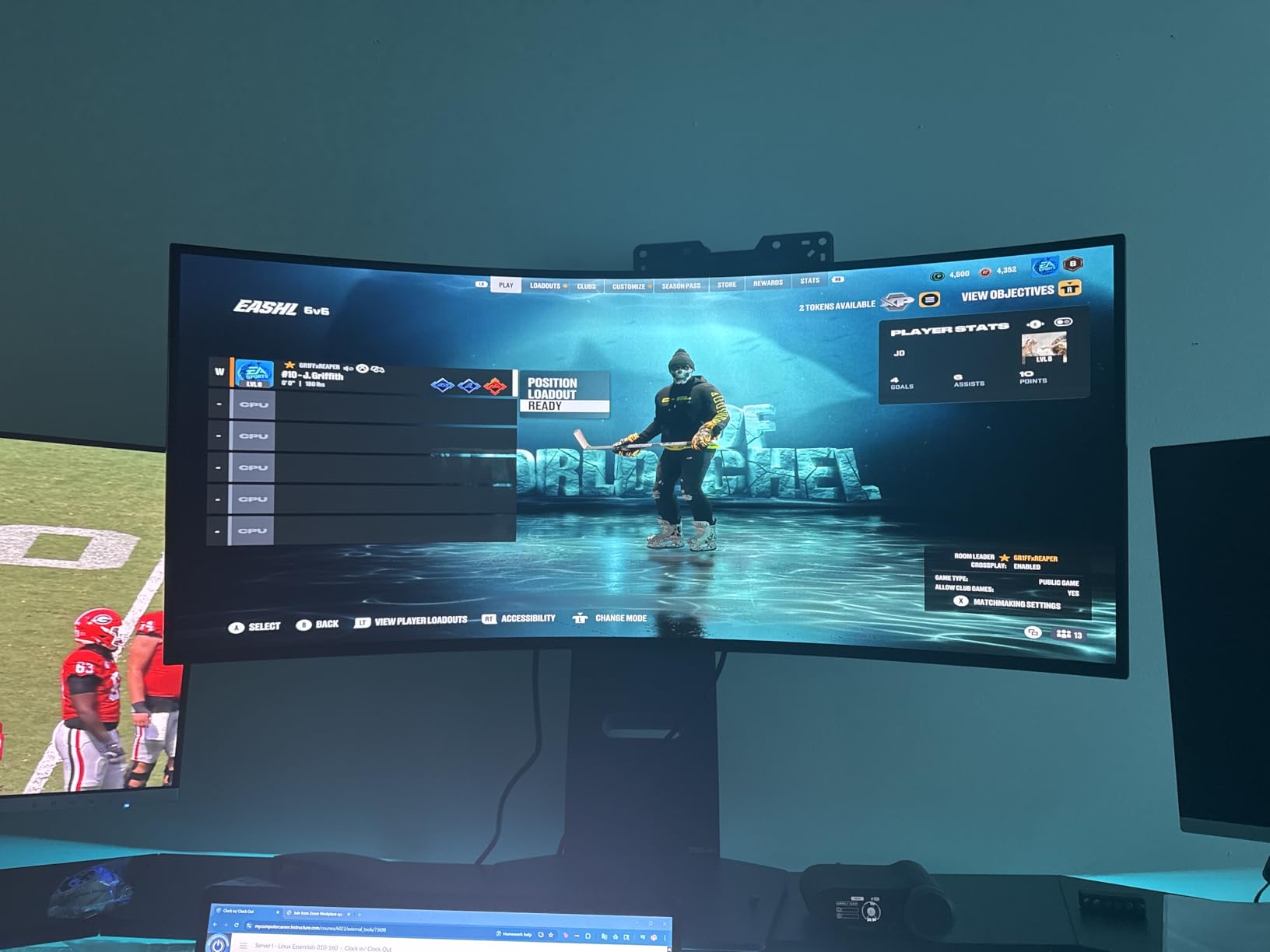
The compromise is resolution. At 3440 x 1440 you get less vertical detail than a 4K panel, so retouching at 200 percent means more panning across a large photo than you would on a 27-inch 4K. For 4K-native video editing it is less noticeable, but for stills it is the first thing you notice.
Connectivity is the other gap. There is no USB-C power delivery here, so a laptop creator needs a separate dock or a dedicated power supply. The stand adjusts for height, tilt and swivel, but there is no pivot to rotate the panel into portrait.
Why editors keep this panel
Timeline space is the whole argument. A single 21:9 screen removes the constant window juggling that a dual-monitor rig demands, and the anti-glare coating is more forgiving than most OLEDs when daylight hits the desk. It is also the least risky first OLED to buy.
What you give up
You give up 4K detail and USB-C docking. If your work is 6K or 8K RAW, a Photoshop retoucher or a motion designer working on large 3D viewports, this panel will feel cramped within a month. For video editors working in 1080p and 4K it remains a strong fit.
4. Alienware AW3425DW 34.2 Inch 240Hz QD-OLED – Best for Color-Critical Photo Work
Alienware 34 240Hz QD-OLED Curved Gaming Monitor – AW3425DW – 34.2-inch WQHD (3440 x 1440) 0.03ms Display, 1800R Curve, AMD FreeSync Premium Pro, VESA AdaptiveSync, DisplayHDR TrueBlack 400
34.2 inch 3440 x 1440 QD-OLED
99.3% DCI-P3,Delta E under 2
1000 nits peak
1800R curve
+ The Good
- 99.3% DCI-P3 coverage with Delta E under 2 accuracy
- 1000 nits peak HDR with true blacks and 1.5M:1 contrast
- 240Hz with 0.03ms response and no visible ghosting
- 1800R curve is gentler on geometry than tighter curves
- 3-year warranty
- The Bad
- Sub-4K resolution limits fine detail work
- 250 cd/m2 rated brightness is modest in bright rooms
- No USB-C power delivery for laptop workflows
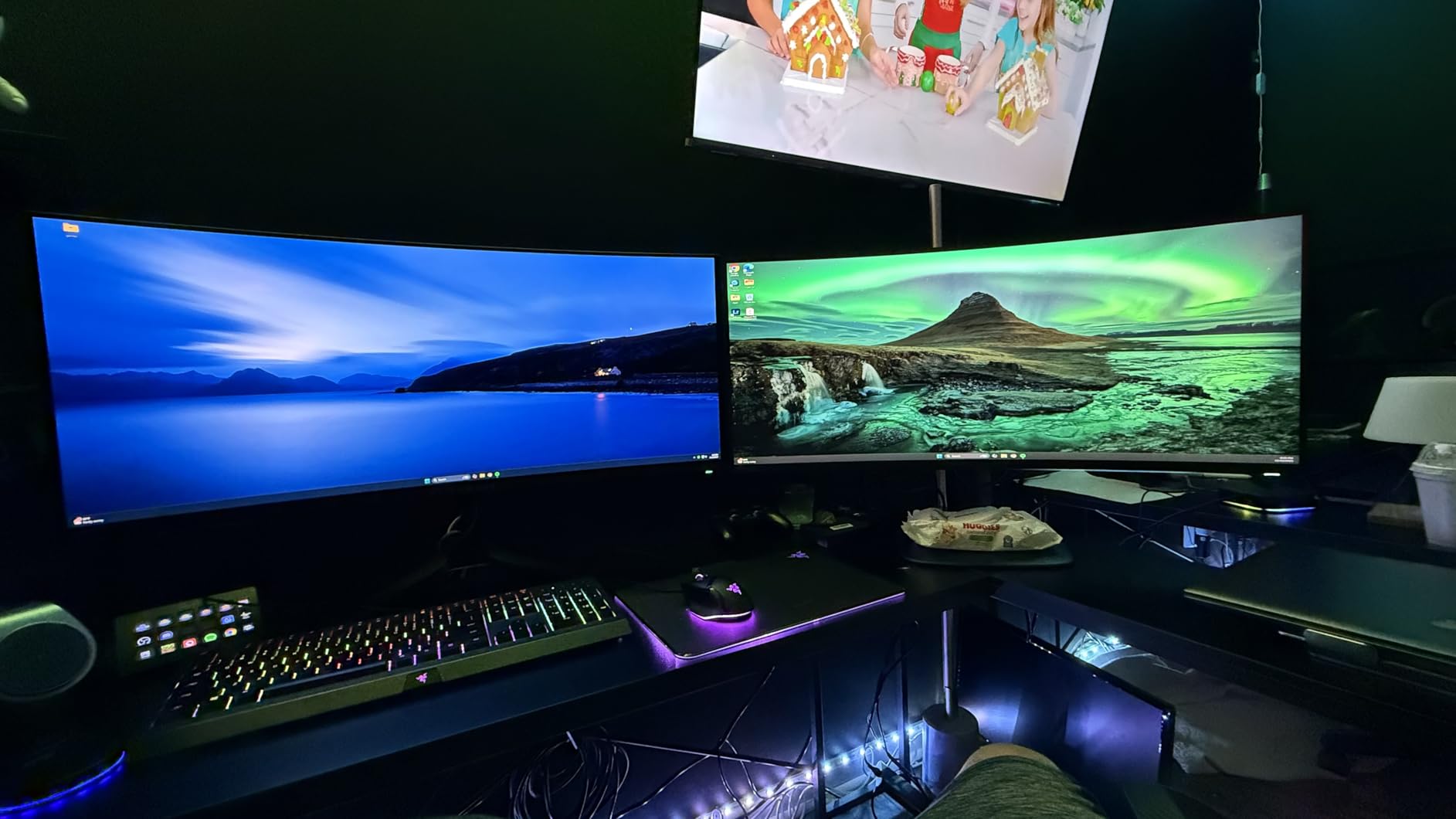
The accuracy numbers here are the reason to look twice. A rated 99.3% DCI-P3 coverage with Delta E under 2 means a graded export and the file you are looking at are describing the same colors, which is the entire point of a creator display. Owners using it for photo work consistently report needing almost no correction after a calibration pass.
The 1800R curve is a meaningful design choice here. It is gentle enough that straight lines stay straight across most of the frame, unlike the 800R panels further up this list, so you can work in Photoshop without fighting the geometry.

HDR output reaches 1000 nits peak on top of true blacks, which is what makes dark scenes in a high-bit-depth master look the way they were intended. There is no IPS glow or backlight bleed to lift the black floor, so contrast does the work instead.
Two limitations stand out for a creator. There is no USB-C power delivery, so a laptop-based workflow needs a separate hub, and the 250 cd/m2 SDR rating means you will want a controlled room for critical judgments in daylight.
Who should buy this one
A photographer or retoucher whose work is judged on color and shape rather than on refresh rate. The curve, the accuracy and the contrast all serve that job, and the 3-year warranty gives some reassurance on a panel you will stare at for years.
Where it falls short
It is a 3440 x 1440 panel, so the fine detail ceiling is real, and the absence of USB-C makes single-cable laptop setups impossible. Users coming from reference-grade IPS panels also report that very bright highlights bloom slightly more than they expect.
5. Samsung Odyssey OLED G9 49 Inch 32:9 – Best for Multi-Window Editing Setups
Samsung 49″ Odyssey OLED G9 (G91SD) Dual QHD QD-OLED Curved Gaming Monitor
49 inch 5120 x 1440 at 32:9
110 PPI
Thermal modulation and logo detection
Picture-in-Picture
+ The Good
- Enormous 32:9 workspace fits full timelines plus reference windows
- 5120 x 1440 at 110 PPI keeps text readable
- True blacks with no pixel light bleed
- Built-in logo and taskbar detection plus thermal modulation
- Picture-in-Picture covers a second source without extra hardware
- The Bad
- 144Hz ceiling is lower than competing 49-inch panels
- 1440p vertical resolution limits detail at native scale
- Only one HDMI port and no USB-C power delivery
This is the desk-replacement ultrawide. At 49 inches and 32:9 you can park a full timeline, a reference browser and a scopes panel on one screen, and the 110 pixel density holds text readable at normal viewing distance. For editors who currently juggle two panels, the workflow gain is immediate.
The protection suite is unusually relevant for content creators. Samsung’s Thermal Modulation System predicts surface temperature and modulates brightness to manage heat, and logo plus taskbar detection dims static images automatically. It also prompts a screen saver after ten minutes of inactivity, which is a free safeguard for a panel that will sit in a Resolve project all day.
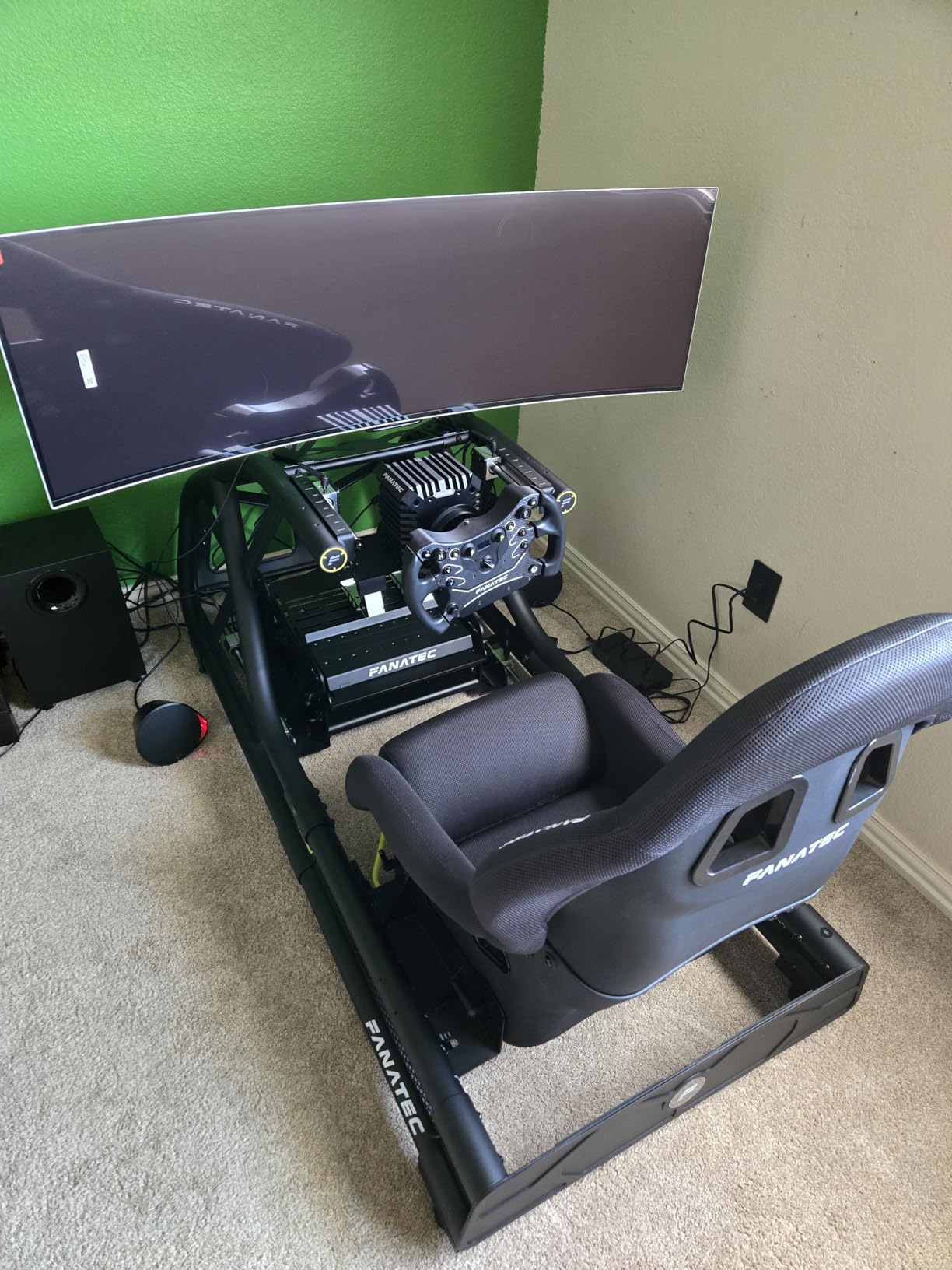
Picture quality is what you expect from a QD-OLED: true blacks, no light bleed, and a 1,000,000:1 contrast ratio that makes low-contrast footage read properly. Picture-in-Picture lets you check a client reference on a phone feed without a second monitor.
The trade-offs are the 144Hz ceiling, which trails other ultrawides, and 1440p vertical resolution, which caps how much detail you see when working at native scale. There is also only one HDMI port and no USB-C power delivery, so cable planning matters.
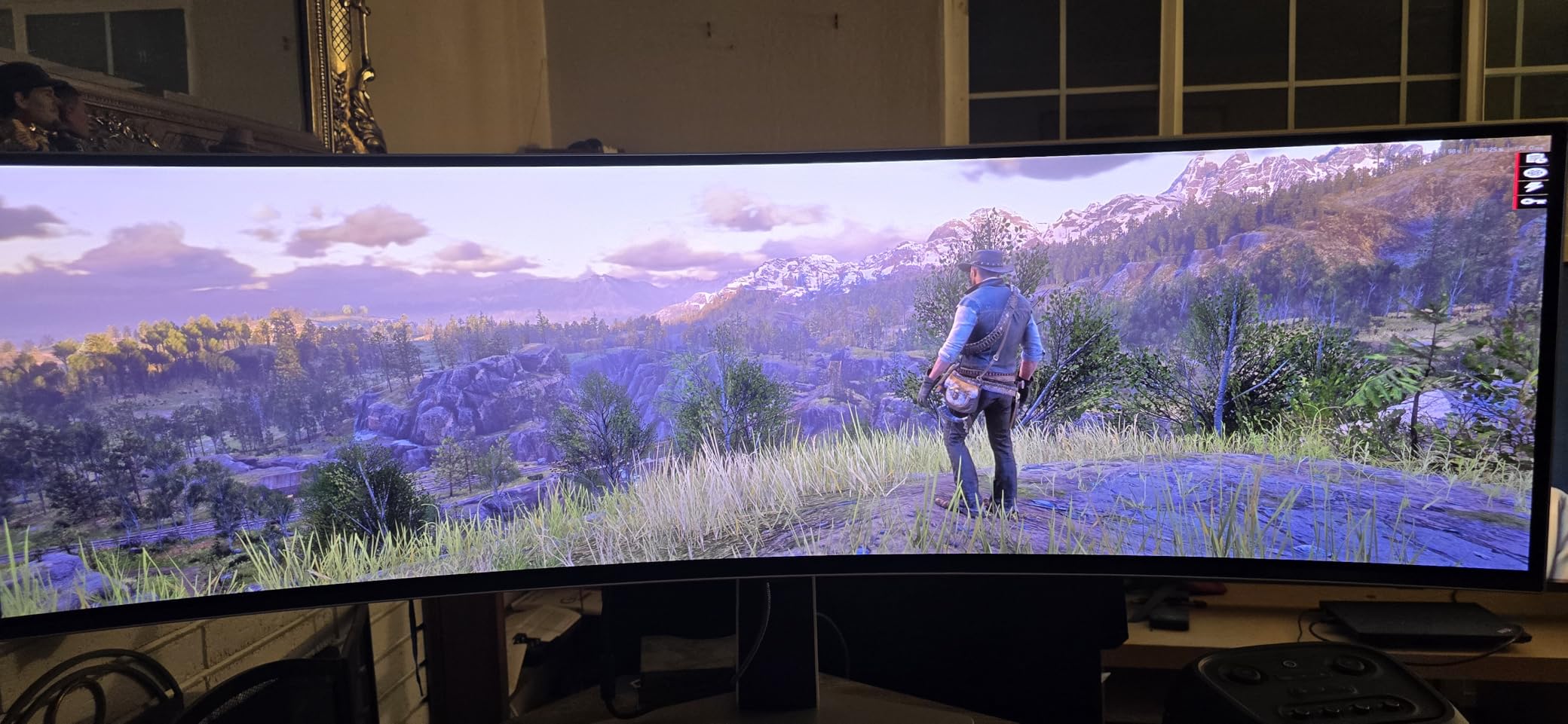
When the single-screen approach wins
Editors with long timelines, animators previewing across two windows at once, and motion designers running a 3D viewport beside a compositor all get the same benefit: fewer window switches and no bezel seam. If you have been living on two 16:9 panels, this is the cleanest upgrade path.
Where the compromises bite
At 47 inches wide and 28.4 pounds it needs a deep desk with real support. Anyone who rotates to portrait regularly cannot. And if your daily work is stills at high zoom rather than video timelines, the 1440p vertical resolution will frustrate you sooner than the size will impress you.
6. INNOCN 49 Inch 49Q1R QD-OLED – Best for One-Cable Ultrawide Docking
INNOCN 49″ QD-OLED 5K2K 5120 x 1440P 144Hz Ultrawide Curved Monitor – 49Q1R
49 inch 5120 x 1440 at 144Hz
USB-C 90W plus RJ45 Ethernet
99% sRGB,1.5M:1 contrast
+ The Good
- One-cable USB-C 90W docking at 49 inches is unusual in this class
- Integrated RJ45 Ethernet port is genuinely useful for a fixed desk
- Two full applications fit side by side for timeline and browser work
- Simple on-screen menus with strong picture quality for the tier
- Height swivel and tilt adjustment with tool-free assembly
- The Bad
- Included stand geometry criticized as too close and unstable at desk edges
- Input-switch button is clunky and resets brightness
- Pixel-shift burn-in prevention runs visibly
The 49Q1R solves a problem most 49-inch panels ignore. A single USB-C cable carries video, 90W of charging and the dock connection, and there is an integrated RJ45 Ethernet port so a desktop creator can drop the laptop dock from the equation entirely. That single feature is why it earns a place on a creator desk.
Picture quality is a genuine 5120 x 1440 QD-OLED with a 1500000:1 contrast ratio and 99% sRGB coverage. The vertical resolution is 1440p, so the detail ceiling is the same as the Samsung G9 rather than something higher.
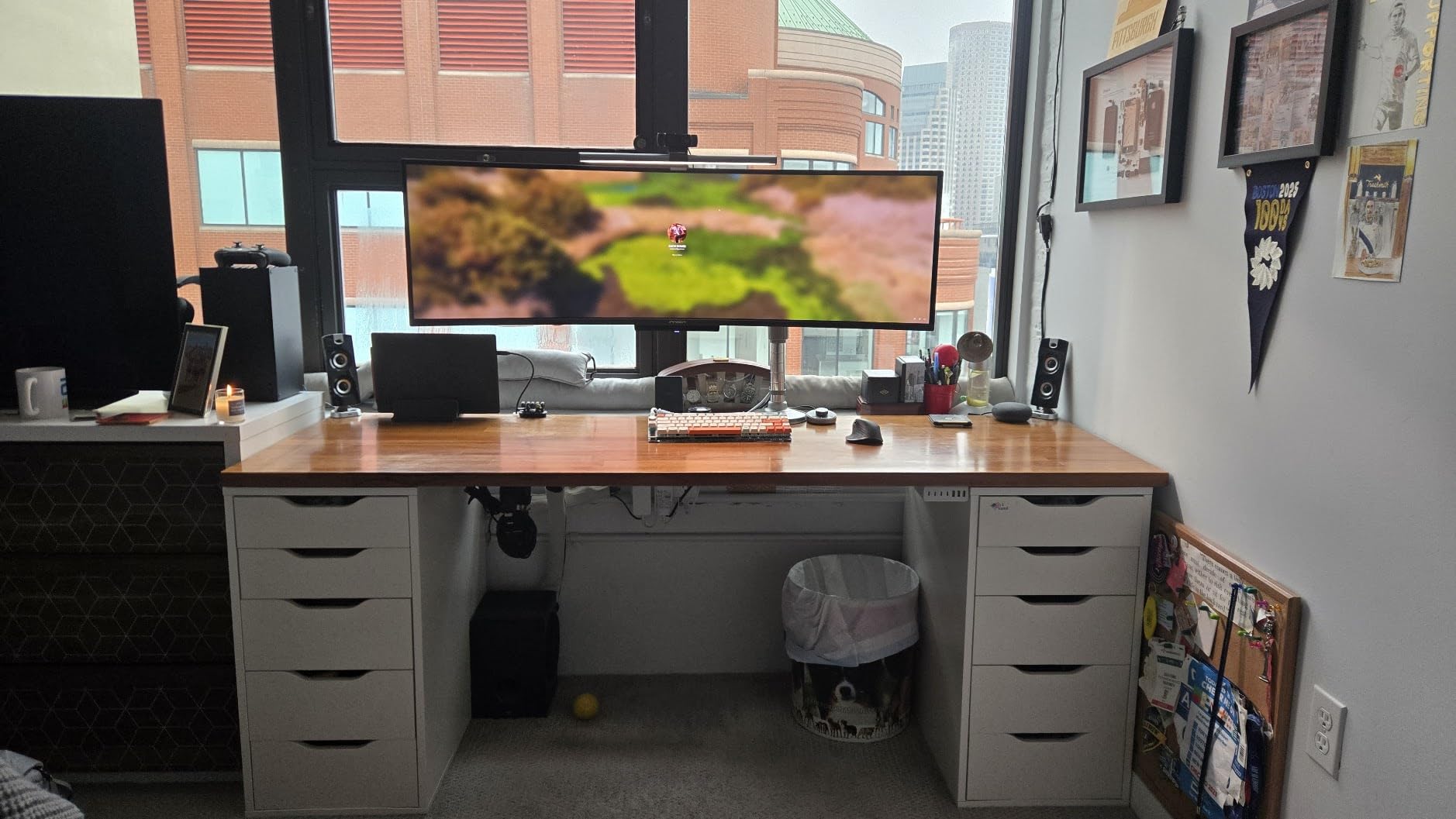
PIP and PBP split-screen modes let you run two sources at once, which is useful when a client is on a call while you keep your timeline visible. Owners also like that the on-screen menus stay simple rather than burying basic settings.
The stand is the weak point and it is worth calling out. Reviewers repeatedly criticize the arched legs and rear foot for leaving the panel too close to you and unstable near a desk edge, and the pixel-shift burn-in prevention runs visibly enough that you will notice the image moving.
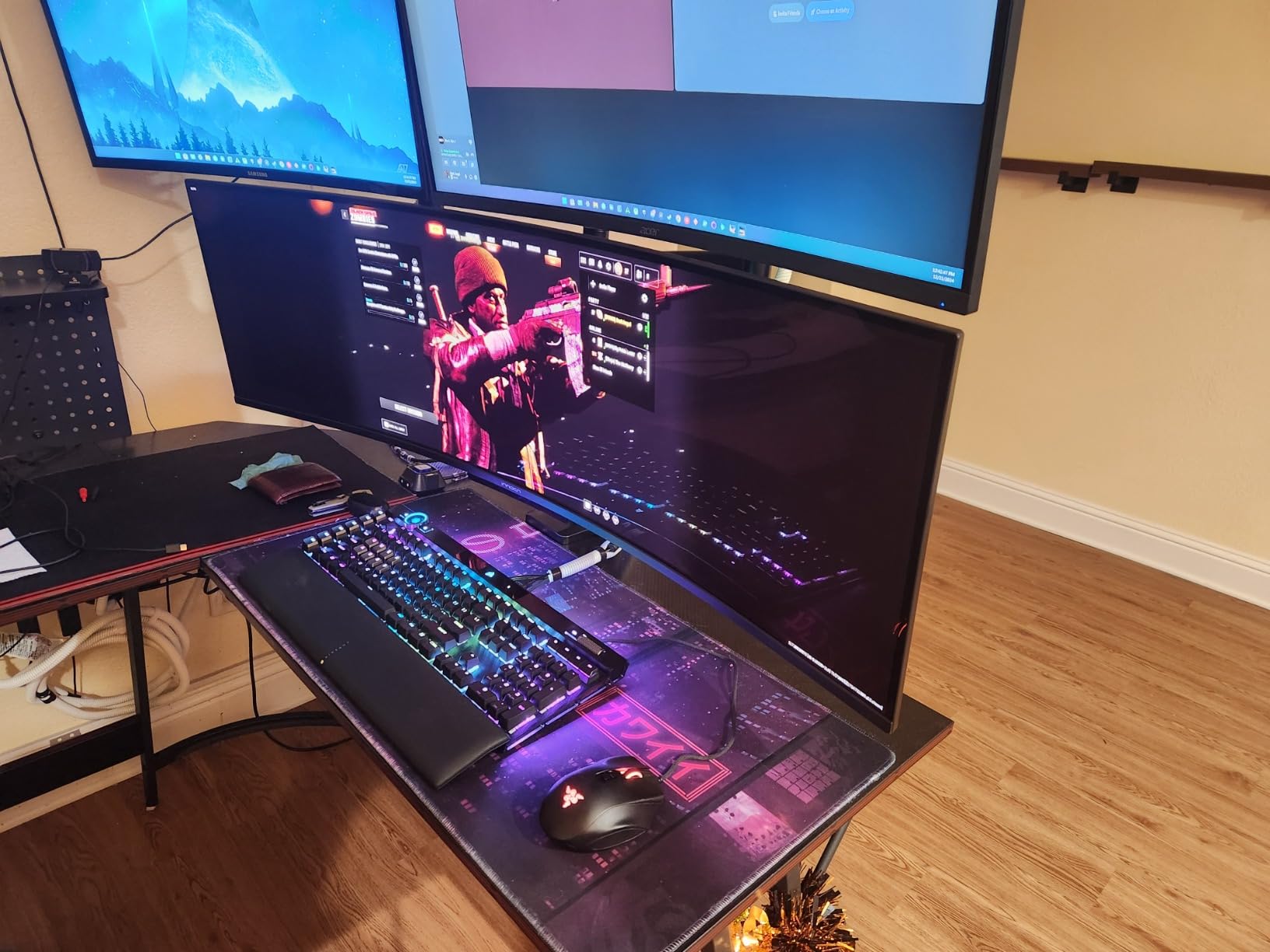
What makes it worth a second look
If you already own a laptop and do not want to carry a separate dock, the USB-C 90W plus RJ45 combination removes two boxes from your desk. For a fixed hybrid machine where one display replaces a docking station, that is worth more than extra refresh rate.
What to check before you commit
Read recent owner feedback on the stand and consider an aftermarket arm, because the geometry complaint is consistent. The clunky input switch and weak speakers are minor by comparison but worth knowing if you rely on switching sources frequently.
7. ASUS ROG PG27UCDM 26.5 Inch 4K 240Hz QD-OLED – Best Factory-Calibrated Color
ASUS ROG PG27UCDM 27 Inch 4K 240Hz OLED Gaming Monitor QD-OLED
26.5 inch 4K 4th-gen QD-OLED
Delta E 0.24 reported per unit
DisplayPort 2.1a UHBR20 and KVM
Neo Proximity Sensor
+ The Good
- Factory per-unit calibration with reported Delta E 0.24 accuracy
- 4K at 26.5 inches gives the sharpest text in this lineup
- DisplayPort 2.1a UHBR20 with USB-C 90W and HDMI 2.1
- Built-in KVM switch shares peripherals between two machines
- OLED Care Pro with Neo Proximity Sensor blanks the panel when you leave
- The Bad
- QD-OLED triangular subpixel layout softens Windows font rendering
- Ports face downward and are awkward to reach
- No built-in speakers
- Firmware quirks around auto KVM switching and per-source profiles
This is the panel for anyone who dreads the calibration step. Owners report factory per-unit calibration with an average Delta E of 0.24, a figure far inside the under-2 threshold most buyers insist on. That means a ColorChecker sweep, a grayscale linearization and a saved ICC profile, then you can work.
At 26.5 inches and 3840 x 2160 the pixel density is the highest here, which is exactly why creators who read small type choose this size. Editors and gamers alike single out the sharpness of the 4th-generation panel and its improved text rendering over earlier OLED generations.
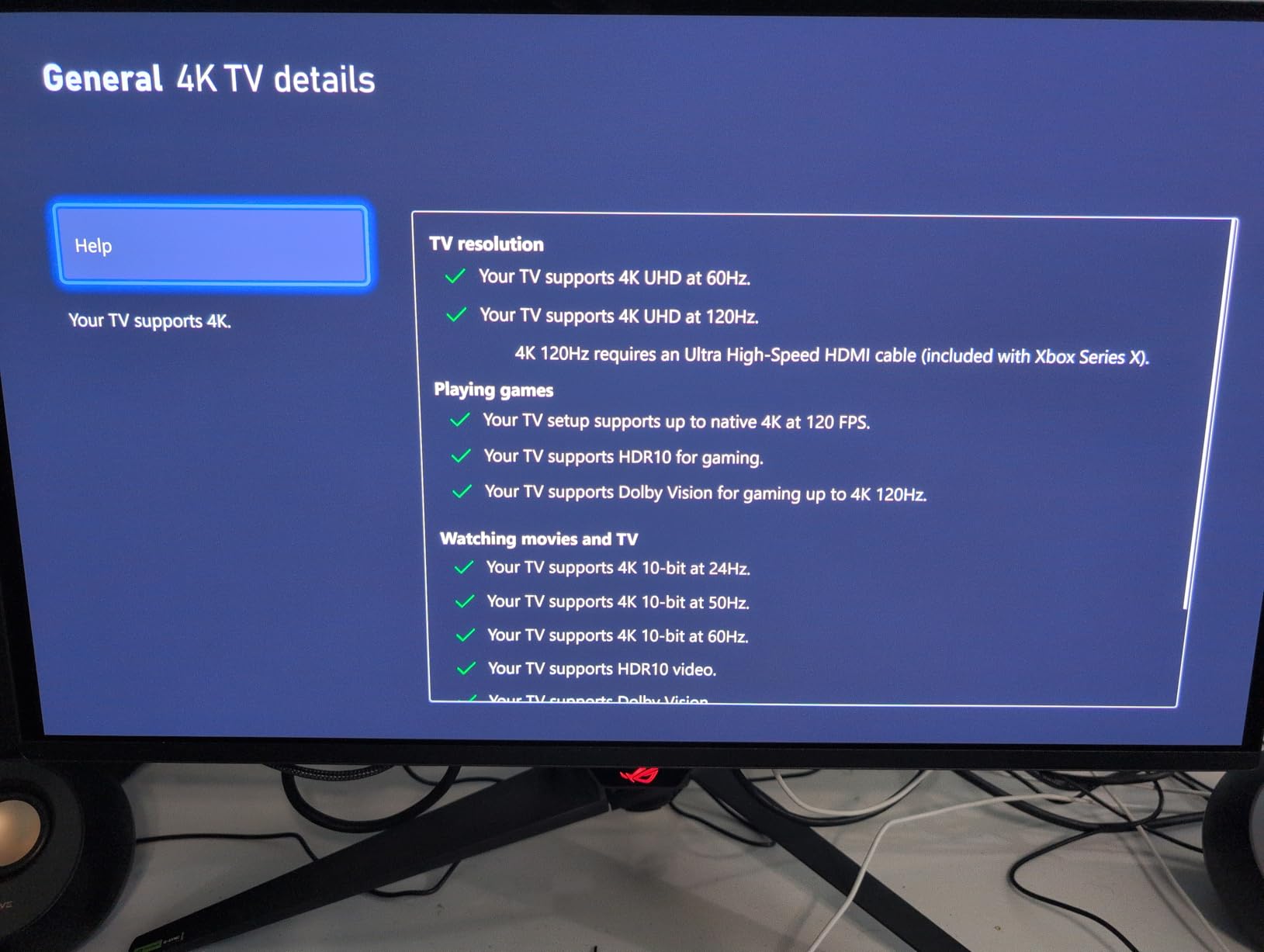
Connectivity is the best in the group: DisplayPort 2.1a UHBR20 running uncompressed at 80Gbps, USB-C with 90W power delivery, HDMI 2.1, a tripod socket and a built-in KVM switch. The KVM is the sleeper feature for creators running a Windows workstation and a Mac from one keyboard.
Not everything is clean. The triangular QD-OLED subpixel layout makes Windows font rendering less crisp than an RGB-stripe panel, there are no built-in speakers, and the ports face downward rather than sideways, which makes cable changes awkward.
Why calibration accuracy changes your day
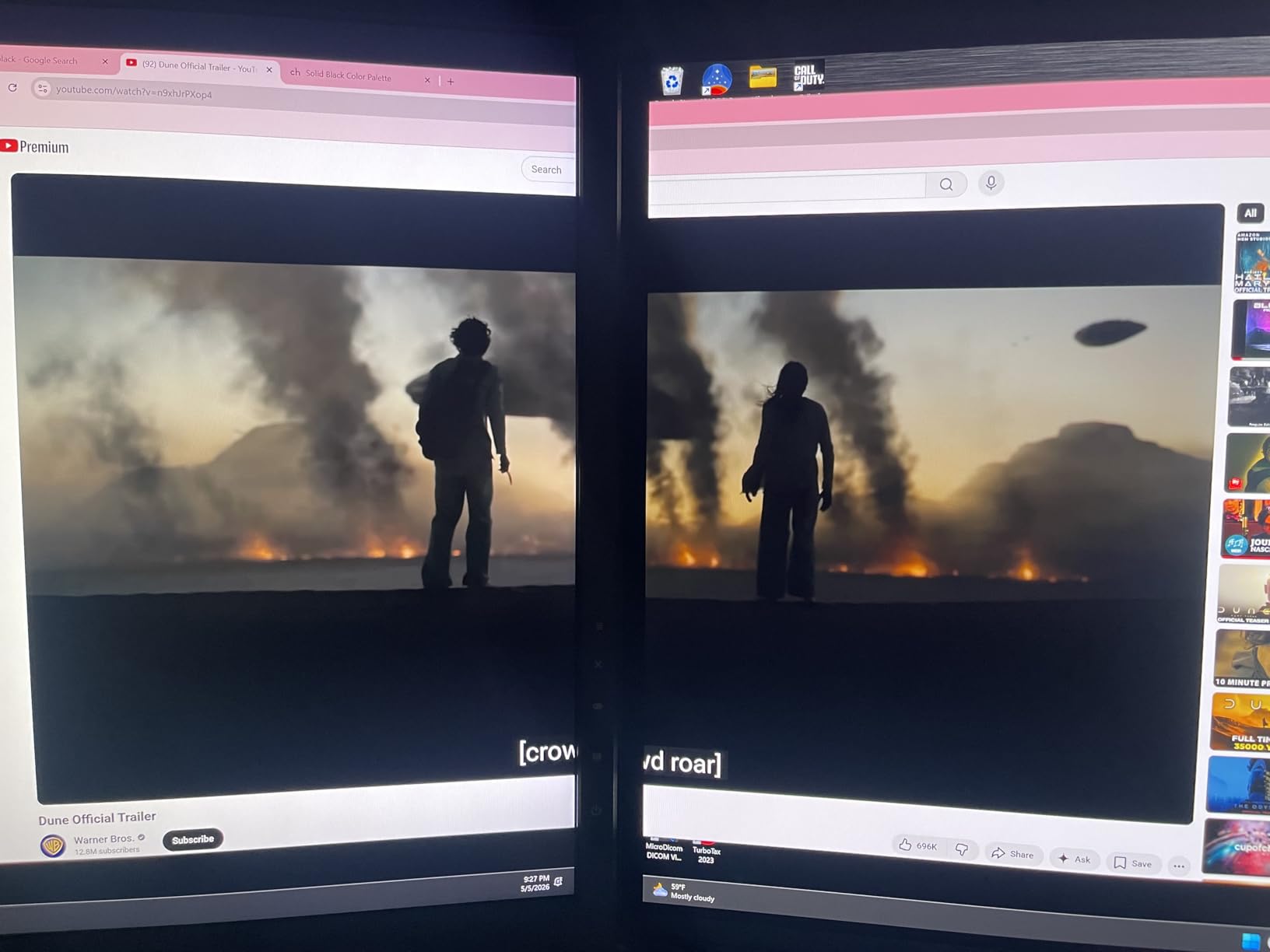
Editors who spend hours comparing two shots are really trusting the display to tell the truth. A per-unit factory report means your first morning is spent cutting, not chasing a color cast, and hardware calibration support means you can re-verify monthly instead of guessing.
Where you will feel the friction
Downward-facing ports are a daily irritation if you swap cables often, and the missing speakers push audio to a dock or external pair. A few firmware behaviors around auto KVM switching and per-source profiles are reported as quirks, so update the display before settling in.
8. msi MAG 321UP 32 Inch 4K QD-OLED – Best 4K Value at 165Hz
msi MAG 321UP QD-OLED 32-inch QD-OLED 3840 x 2160 (UHD) Computer Monitor, 165Hz, AMD FreeSync Premium Pro, HDMI 2.1, Display Port 1.4a, VESA Mountable, Tilt, Height Adjustable,0.03ms, Black
32 inch 4K QD-OLED at 165Hz
Glossy finish
Delta E under 2,DisplayHDR True Black 400
HDMI 2.1 at 48 Gbps
+ The Good
- 32-inch 4K QD-OLED at one of the lower entry points
- Delta E under 2 accuracy suits color-critical editing
- HDMI 2.1 with full 48 Gbps bandwidth for 4K at 165Hz
- Glossy finish delivers vivid color and deep blacks
- Height and tilt adjustable stand with VESA mounting
- The Bad
- Only one HDMI port with no USB hub or USB-C
- 165Hz sits below the 240Hz newer QD-OLED models offer
- 3rd-generation panel predates the improved subpixel layout
- No KVM switch
The glossy finish is what separates this panel from every matte OLED on this list. Reflections are more likely in a bright room, but in a controlled grading space the perceived contrast and color vibrancy are noticeably richer, and users editing in dim rooms consistently prefer it for that reason.
Color accuracy is rated at Delta E under 2 with DisplayHDR True Black 400 certification, and the 32-inch 4K canvas gives 138 pixels per inch, which is the same working density as the 32-inch 4K panel at the top of this list for a lot less money.
The HDMI 2.1 port runs the full 48 Gbps, so a console or a high-end GPU gets 4K at 165Hz without compression. A dedicated console mode handles the input switching, and MSI OLED Care 2.0 handles the periodic panel refresh routines.
Connectivity is where the value shows its limit. One HDMI port, no USB hub and no USB-C mean a laptop workflow needs a separate dock, and there is no KVM switch for anyone running two machines.
Why this is the sensible value pick
You get 4K resolution, 10-bit-class color accuracy and a glossy OLED panel without paying for a 240Hz tier. For editors who work in a controlled room and do not need USB-C docking, the spec sheet here is genuinely complete for the job.
What you trade away
You trade away the newer panel generation, so text rendering is softer than on the 4th-generation models, and you lose 240Hz if you also want to game hard. If your desk is a hot desk and your machine is a laptop, budget for a dock.
9. LG 32GX850A-B 32 Inch Glossy 4K OLED – Best for Truer Blacks Than QD-OLED
LG 32GX850A-B 32″ UltraGear 4K UHD (3840 x 2160) Glossy OLED Gaming Monitor, Dual-Mode 165Hz/330Hz, 0.03ms, G-SYNC, FreeSync Premium Pro, TrueBlack 400, HDMI, DP, Tilt/Height/Swivel/Pivot Stand, Black
32 inch 4K UHD glossy OLED
98.5% DCI-P3,1.5M:1 contrast
Dual mode 4K 165Hz or FHD 330Hz
Pivot-capable stand
+ The Good
- Glossy panel delivers richer color and deeper blacks than matte alternatives
- No purple or magenta tint in near-black scenes
- Micro Lens Array plus technology raises typical brightness to 275 nits
- Sturdy weighted stand with height tilt swivel and pivot
- Triple UL certified for anti-glare flicker-free low blue light
- The Bad
- Glossy surface is highly reflective in rooms with ambient light
- Text clarity and banding draw complaints on WOLED panels
- Some units reported shipping with a green dead subpixel
- No KVM switch
This is the OLED to buy if near-black quality is your priority. WOLED panels tend to show a faint purple or magenta cast in dark scenes compared with QD-OLED, and owners specifically call out this model for not having it. On a dark grade, that difference is easier to see than any gamut number.
The Micro Lens Array plus layer raises typical brightness to 275 nits and widens viewing angles, so the panel holds up when you lean back and to the side, which happens constantly on a wide desk. Contrast is rated 1500000:1 with 98.5% DCI-P3 coverage.
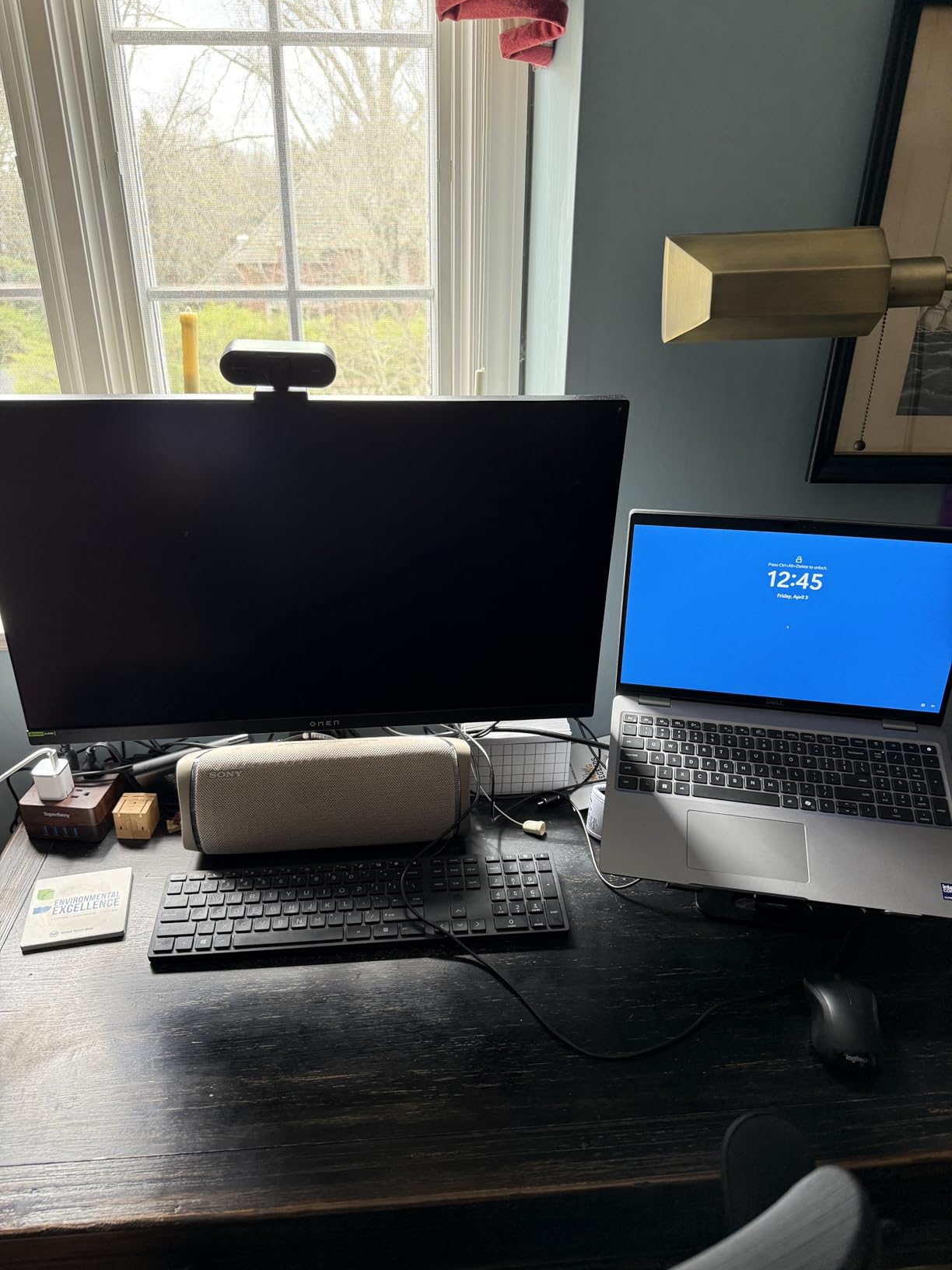
The stand adjusts for height, tilt, swivel and pivot, making this the only 16:9 OLED here that rotates into portrait for photo work or a tall reference panel. Several users also report less eye strain over long sessions compared with their previous IPS or QD-OLED displays.
The glossy surface is a real trade. In a room with a window or a bright wall it mirrors back at you, and WOLED text rendering draws recurring complaints for softness and banding in dark gradients. Some units also shipped with a green dead subpixel.
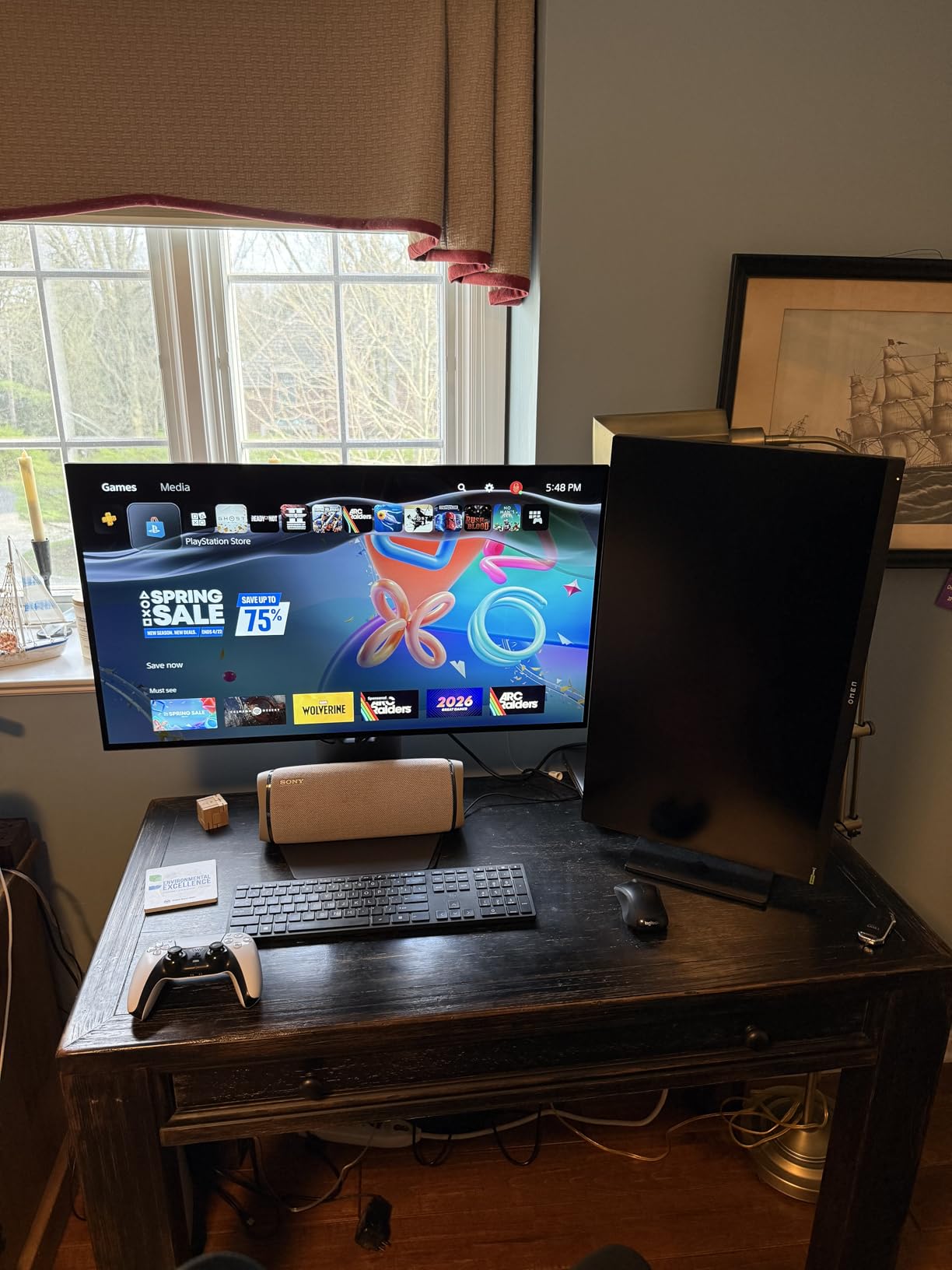
When the WOLED advantage is worth more
Dark-room grading, night work and any workflow where you judge shadow detail on near-black content. The absence of the QD-OLED tint means a black level that stays neutral, and the pivot capability lets you rotate for vertical crops without a second display.
When to choose the QD-OLED instead
If your room has controlled lighting you will not fight the reflection, a QD-OLED at similar size gives you wider gamut headroom and brighter HDR output. In a naturally lit studio, the matte panels on this list handle daylight more gracefully.
10. ASUS ROG XG27UCDMG 26.5 Inch 4K 240Hz QD-OLED – Best for Creator Plus Gaming Desks
ASUS ROG XG27UCDMG 27 Inch 4K 240Hz Tandem QD-OLED G-SYNC Gaming Monitor
26.5 inch 4K 4th-gen QD-OLED
99% DCI-P3,10-bit,Delta E under 2
KVM and USB-C 90W
3-year burn-in warranty
+ The Good
- Same 4th-gen QD-OLED panel and color specs as the higher-tier model at a lower entry point
- 99% DCI-P3 with true 10-bit and Delta E under 2
- Built-in KVM with USB-C 90W for single-cable laptop setups
- Very bright output praised for HDR work
- Several reviewers report no VRR flicker
- The Bad
- DisplayPort 1.4 only so DSC compression is required for 4K 240Hz
- No Dolby Vision unlike the PG27UCDM
- Neo Proximity Sensor reportedly does not always work as advertised
This is the value version of the 27-inch 4K QD-OLED above, and for most creators the differences do not touch the work. Same fourth-generation panel, same 99% DCI-P3 coverage with true 10-bit color and Delta E under 2, same OLED Anti-Flicker 2.0 treatment that reduces flicker by around 20 percent over earlier generations.
The built-in KVM with USB-C 90W charging is the feature that changes a desk setup. Switch between a workstation and a laptop with one button and keep the same keyboard, mouse and single cable to the display.
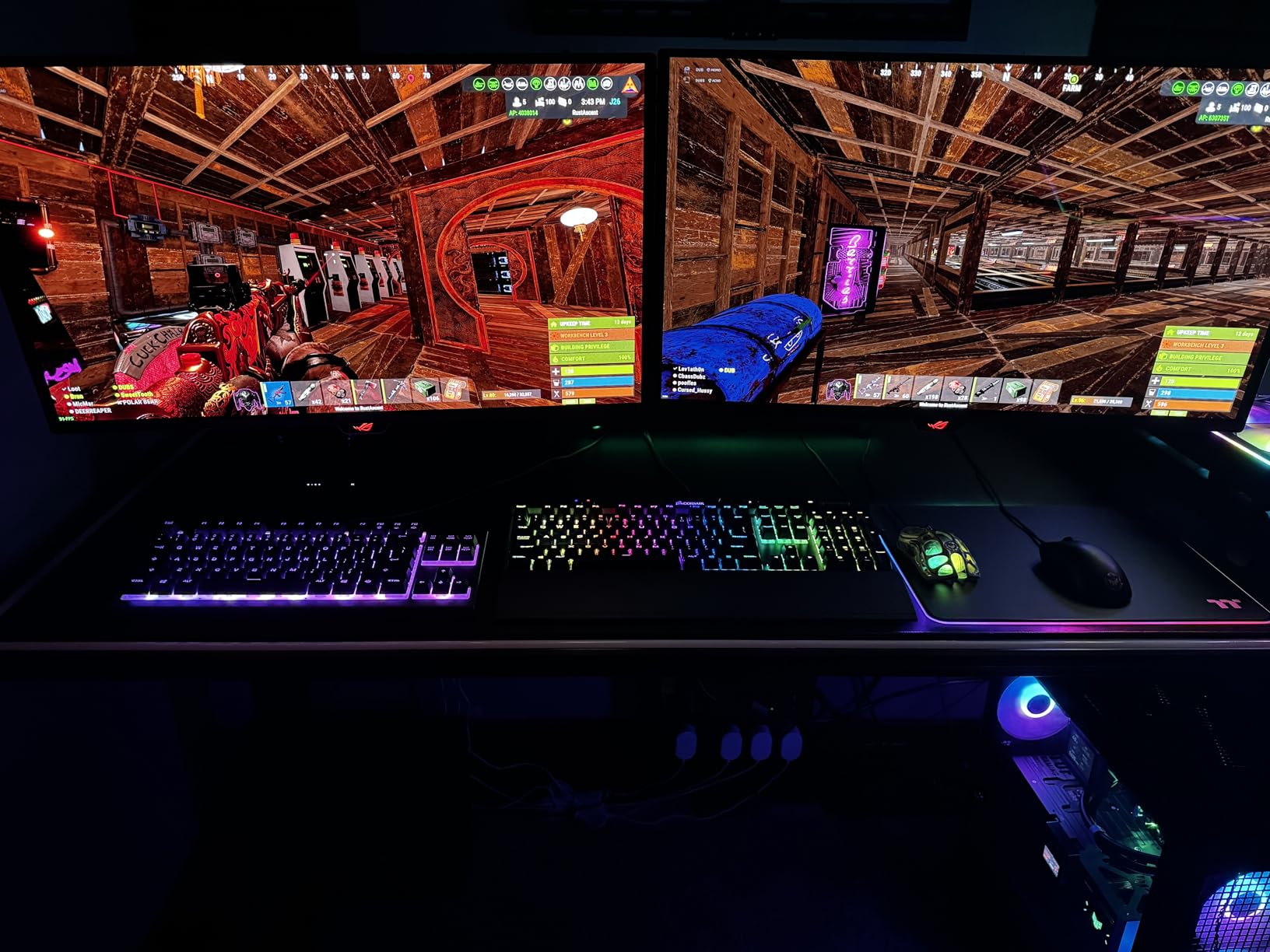
Brightness is praised for HDR and general use, and the custom heatsink is designed for thermal management rather than decorative cooling, which matters for panel longevity over a long editing day.
The compromises are visible in the spec sheet: DisplayPort 1.4 means 4K at 240Hz needs compression, and there is no Dolby Vision. The Neo Proximity Sensor is also reported as inconsistent, and the coating shows fingerprints.
Why hybrid desks pick this one
If you edit all day and render or play in the evening on the same machine, the 240Hz refresh and G-SYNC compatibility mean you are not compromising the gaming half to get the color half. Several reviewers specifically note no VRR flicker, which is a common complaint on some OLEDs.
Where it gives ground
DisplayPort 1.4 with compression at 4K 240Hz is the headline compromise, and missing Dolby Vision matters if you deliver HDR to a modern TV. The proximity sensor needing firmware updates and the smudge-prone coating are smaller issues.
11. msi MAG 272UP X24 26.5 Inch 4K 240Hz QD-OLED – Best Entry Point Into 4K 240Hz
msi MAG 272UP QD-OLED X24 27-Inch 4K UHD Gaming Monitor, 3840 x 2160, Quantum Dot OLED Panel, 240Hz, 0.03ms, DisplayHDR True Black 400, AMD FreeSync™ Premium Pro, USB C (15W PD), Frame-Less, Black
26.5 inch 4K 10-bit Quantum Dot OLED
99% DCI-P3,Delta E under 2
Up to 1000 nits peak
USB-C 15W, DP 1.4a
+ The Good
- Lowest entry point to a 4K 240Hz 4th-generation QD-OLED
- Dramatically improved text clarity over earlier 1440p OLED generations
- 10-bit color covering 1.07 billion colors with 99% DCI-P3
- Anti-reflective coating performs in brighter rooms
- Four-way adjustable stand with VESA 100mm mounting
- The Bad
- OLED Care forces periodic panel shutdowns that cannot be fully disabled
- USB-C power delivery is only 15W with no KVM
- No DisplayPort 2.1
- image settings grey out while HDR is active
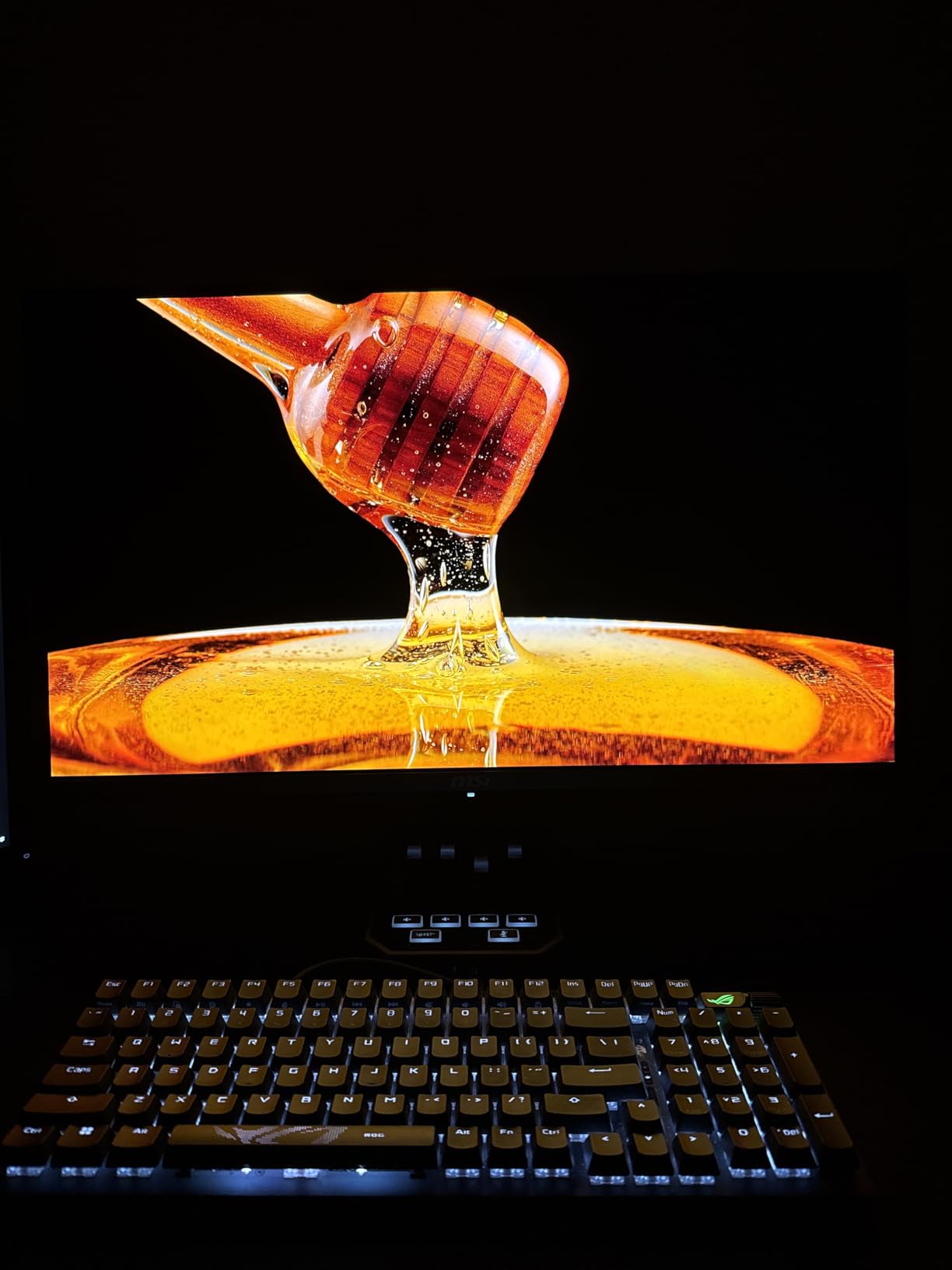
The reason this panel matters is simple arithmetic. A 26.5-inch 4K display is the sharpest canvas you can buy without moving to 5K, and this is the least expensive way into that class with a current-generation quantum dot panel and 10-bit color.
Users moving up from older 1440p OLEDs single out the text clarity improvement as the standout, because dense timeline UI and small dialog text are finally readable without squinting. Color is rated 99% DCI-P3 with Delta E under 2 and up to 1000 nits peak HDR.
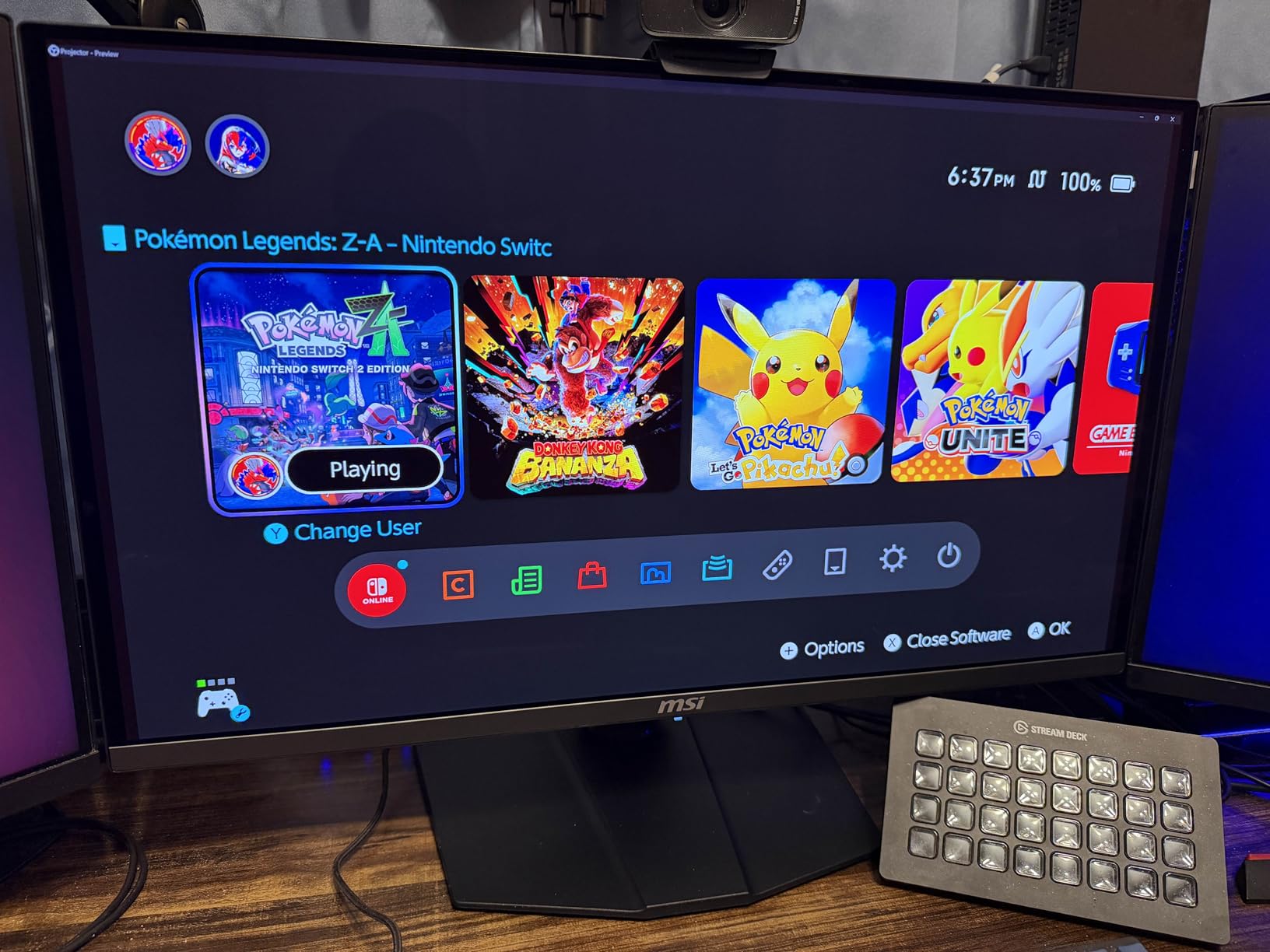
The fanless graphene heatsink is a sensible durability choice on a panel you might run all day, and the anti-reflective coating handles a bright room better than the glossy options. Adjustability covers four directions and there is VESA 100mm mounting.
The complaints are consistent and worth planning around. OLED Care runs periodic panel shutdowns that cannot be fully disabled, USB-C delivers only 15W so it is not a docking path, there is no DisplayPort 2.1, and image settings grey out while HDR is active.
Who this panel is built for
Editors who are coming off a 1080p or 1440p display and want the resolution jump without moving to 5K pricing. The 10-bit quantum dot color and Delta E under 2 accuracy mean the panel is genuinely usable for delivery work, not just client viewing.
What to plan around
The forced OLED Care shutdowns will interrupt a long session, and 15W of USB-C power delivery rules out the single-cable laptop pattern. If you work from a laptop, choose a different pick from this list with 90W USB-C.
12. Acer Predator X32 X 31.5 Inch 4K 240Hz QD-OLED – Best With Speakers and USB-C Included
Acer Predator 31.5in Curved 4K 3840×2160 QD-OLED 240Hz Gaming Monitor X32 X
31.5 inch 4K QD-OLED, true 10-bit
99% DCI-P3,DisplayHDR True Black 400
Image retention refresh routines
1700R curve
+ The Good
- 4K QD-OLED with true 10-bit color and 99% DCI-P3 coverage
- Image retention refresh routines prompt often enough to be automatic
- Runs cool even at full brightness
- Built-in speakers plus USB-C
- HDMI and DisplayPort
- 3-year manufacturer warranty
- The Bad
- Stand geometry forces the panel away from the user and blocks wall mounting
- On-screen menus lock most settings down in most modes
- Out-of-box brightness is low and maximum brightness is off by default
- USB-C display output proved unreliable for at least one owner
Two practical features put this panel on a creator shortlist: built-in speakers, which almost every other OLED on this list lacks, and USB-C alongside DisplayPort and HDMI. If you review client work on the couch or on the road, the audio removes a whole box from the setup.
The panel itself is a 31.5-inch 4K QD-OLED with true 10-bit color, 99% DCI-P3 coverage and DisplayHDR True Black 400 certification rated down to 0.0005 nits. The 1700R curve is gentle, and owners note it runs cool even at full brightness.
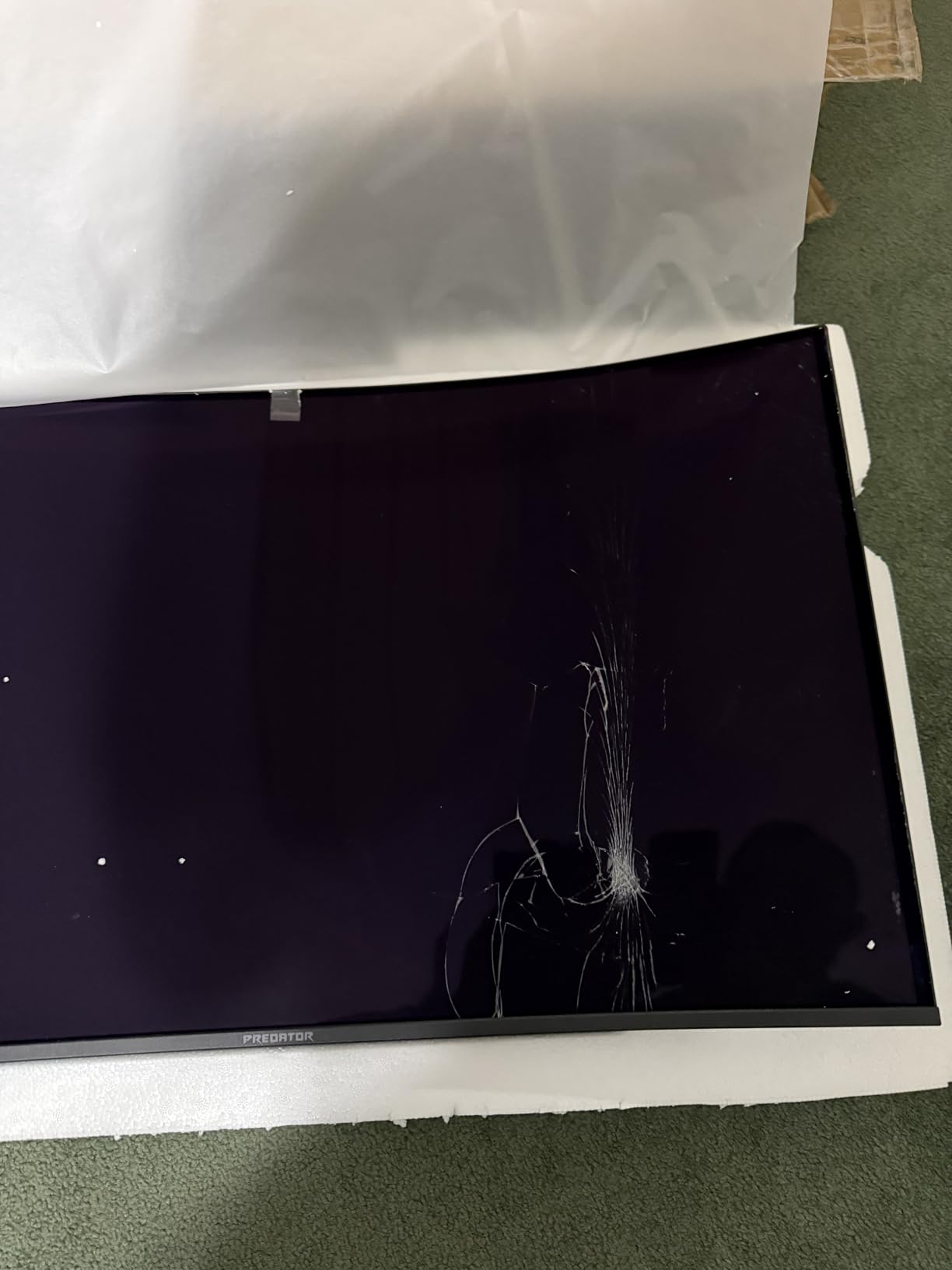
The image retention refresh routines are the most interesting part for editors. They prompt often enough that panel maintenance happens before you have to think about it, which is a better answer to burn-in than any single hardware feature.
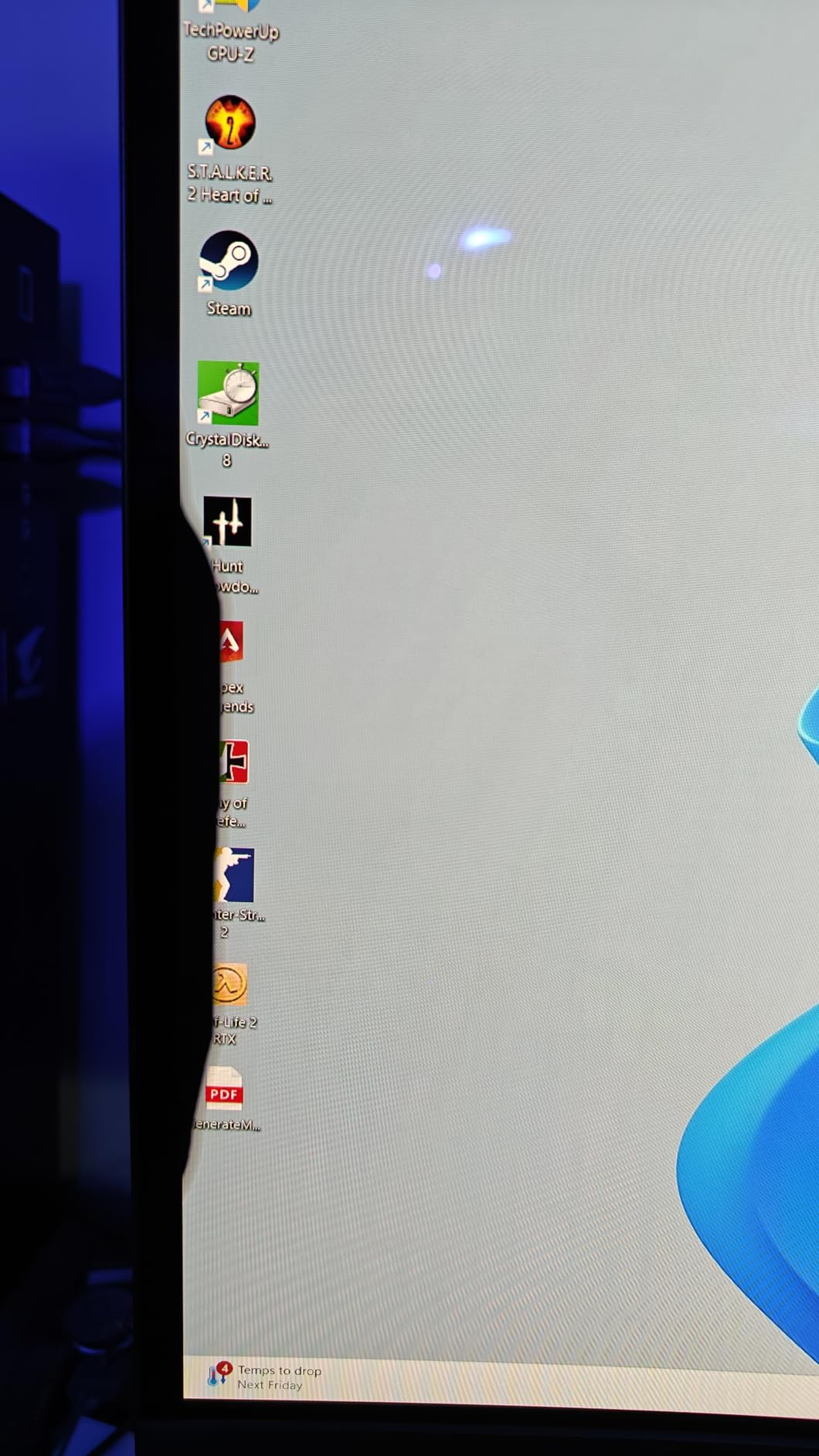
Sentiment on this one is sharply split, and the reason is not the panel. Owners praise picture quality and deep blacks while others criticize the V-shaped feet that push the display away from you and the locked-down menus that make calibration difficult.
When it makes sense
A creator who wants speakers, USB-C and automatic retention routines in one panel and who is comfortable adjusting the display out of the box to unlock full brightness. The 3-year warranty is a real plus for a panel you will keep for years.
Why most creators will pass
The stand design forces the panel away from the wall and away from you, getting HDR working properly in Windows is described as a struggle, and out-of-box brightness is low. If you care about setup and calibration control, another pick on this list serves you better.
OLED Burn-In for Editors: What Actually Matters in 2026
Yes, image retention is still a real risk on an OLED editing monitor, but it is a risk you control with settings and habits rather than a reason to skip OLED. Every pixel on these panels is a light source, and a pixel left showing the same static color for hours at a time degrades faster than one that changes. An editing application is close to the worst case, because your Resolve UI, program bins and pinned scopes sit in the same place all day.
Creator communities tend to converge on the same conclusion: with current panel generations and the built-in care features left on, a mixed creative desk rarely shows visible retention. The cautionary accounts tend to come from desks where one game menu or one toolbar sat untouched for months. That distinction is the whole argument, because your working day varies your content far more than a static game screen does.
The care features that actually exist
Across this lineup, the four mechanisms worth knowing are pixel shift, which nudges the image so no pixel sits in one place permanently; pixel refresh, a longer compensation cycle that runs periodically; thermal modulation, which reduces brightness as panel temperature rises; and logo or taskbar detection, which dims static bright elements automatically. Samsung’s 49-inch G9 combines the last two explicitly, dimming detected logos and running its screen saver after ten minutes of inactivity.
ASUS goes furthest on the 26.5-inch and 32-inch models with OLED Care Pro and a Neo Proximity Sensor that blanks the panel when you leave the desk, plus OLED Anti-Flicker 2.0 and a three-year warranty with burn-in coverage. msi’s OLED Care 2.0 works on both of its panels, though owners of the 272UP report that its periodic shutdowns cannot be fully disabled. Acer’s X32 X prompts image retention refresh routines frequently enough that maintenance is effectively automatic.
How to protect the panel during an editing day
Set your screensaver to a short interval and use a blank screen rather than a slideshow, since the point is to stop driving pixels entirely. Keep your operating system taskbar auto-hidden rather than pinned bright against an edge. Leave the manufacturer’s OLED Care suite enabled and let its refresh cycles run on schedule instead of postponing them.
From a software side, hide static UI elements you are not using. Auto-Hide the Resolve UI in Cinema mode while you grade, close pinned bin columns when you switch to the Color page, and avoid leaving a paused timeline in the viewer on a bright room scene while you take a break. On a Photoshop document, the histogram and adjustment panels are the risk, not the canvas, so collapse the panels you are not reading.
None of these habits are onerous once they become automatic, and together they address the specific failure mode that burns OLED editing monitors. If you want to understand the technology underneath first, our OLED TV panel explainer covers how the newer emitter generations reduce the risk.
Do Working Professionals Actually Use OLED Monitors?
Yes, with one clear boundary: OLED is the standard creative monitor, while reference-grade displays are the exception reserved for final delivery checks. Working colorists and editors routinely use consumer and prosumer OLEDs for day-to-day color work, and the community consensus holds that an OLED TV panel can be calibrated to produce accurate color closely enough to serve as a working reference.
The boundary matters. When a project has to match a broadcast spec exactly, the professional answer is still a dedicated reference display from the Eizo or Sony lines, because those ship with published calibration data and out-of-box tolerances you cannot get from a general-purpose panel. Several creators who moved from Eizo or BenQ professional series to OLED report being pleasantly surprised, while also noting that those IPS panels handle extremely bright highlights with less blooming.
So treat OLED as your main working display and keep a soft-proofing habit. If your client sees the work on an ordinary monitor, check your export on a secondary device before delivery, because OLED oversaturates relative to what most viewers own. That single habit closes the gap between what you see and what they see.
How We Picked These Monitors
We assembled this list in October 2026 from manufacturer panel specifications, warranty terms and long-form owner feedback, then filtered hard for creator relevance. Price was never a criterion, and no panel appears here unless its color behavior, connectivity and burn-in provisions can be justified for real editing work rather than gaming alone.
Every monitor was checked against the same set: measured or rated Delta E accuracy, separate gamut coverage figures, bit depth, peak brightness with the window size it applies to, the full input list, and the length of the burn-in warranty. Panels with weak connectivity for a creator desk, such as a single HDMI port with no USB-C option on a 32-inch 4K display, were flagged rather than quietly promoted.
Community discussion informed the weighting rather than the facts. Recurring themes from editor and color grading forums shaped our caution on glossy versus matte finishes, our treatment of text rendering on QD-OLED subpixel layouts, and our insistence that panel care features be listed per monitor instead of mentioned once in passing.
How to Choose an OLED Monitor for Content Creation
Pick the color space before the panel. sRGB covers web and social deliverables, Adobe RGB covers print and photography with saturated greens and blues, and DCI-P3 or Rec.709 covers video. If you are not sure, buy wide gamut coverage and clamp in software, because a panel that cannot reach a space cannot be corrected into it.
Then insist on real numbers. A Delta E under 2 in dE2000 means the difference between the panel output and the target is invisible on a good day; 10-bit color avoids banding in gradients; and 99% DCI-P3 is the practical ceiling for video work. Factory calibration with a per-unit report saves an afternoon, and hardware calibration support means you can re-verify monthly. Our guide to creator hardware that survives daily use covers the same discipline for asset work.
How much resolution do you actually need?
At 27 inches, 3840 x 2160 gives roughly 163 pixels per inch, the sharpest canvas short of 5K and the best choice for reading small interface text. At 32 inches the same 4K panel drops near 138 PPI, still comfortable for video and general photo work. A 3440 x 1440 ultrawide sits lower still, which is fine for timeline-heavy editing but noticeable when you zoom into a still. If you edit 6K or 8K RAW full frame, 5K2K is the point where scaling stops being a daily annoyance.
Panel generation and text clarity
QD-OLED panels use a triangular subpixel layout that makes small text slightly softer in Windows than an RGB-stripe LCD or an updated WOLED layout. If you read timecode and clip names all day, prioritize the newest generation and the highest pixel density you can afford. Manufacturer claims of improved layouts on the current generation panels are consistent with what owners actually report.
Matte versus glossy
Matte coatings reduce reflections and make an OLED usable in a naturally lit room, at the cost of some perceived contrast. Glossy panels deliver deeper blacks and richer color, and reviewers on creator forums consistently prefer them for image work in a controlled space. Neither is wrong; a bright studio favors matte, a dim grading suite favors glossy.
Connectivity and desk setup
USB-C with 90W power delivery lets one cable carry video, charging and a dock connection, which is the single most useful feature for a laptop-based creator. DisplayPort 2.1a avoids compression at 4K 240Hz, and a built-in KVM lets you move a keyboard and mouse between a workstation and a laptop without replugging anything. Check for DisplayPort as well as HDMI before you buy, because some creator monitors ship HDMI-only.
When you should skip OLED entirely
Choose an IPS Black panel instead if your day is static office-style work with long periods of the same bright interface, if you work in a brightly lit room and need maximum anti-reflective treatment, or if your budget only stretches to an older OLED generation. Mini-LED remains the better answer for extremely bright HDR mastering. For stills at heavy zoom or Adobe RGB print proofing, a high-PPI professional LCD with hardware calibration is still a defensible choice.
Frequently Asked Questions
Is an OLED monitor good for video editing?
Yes, and for grading specifically they are hard to beat. Each pixel generates its own light, so a black pixel is genuinely off, which gives you a contrast ratio measured in the millions to one and no backlight bloom. That means shadow detail holds up honestly in low-key footage. Pair the panel with 10-bit color and Delta E under 2 accuracy, and you get banding-free gradients and a trustworthy image.
Does OLED burn-in still happen in 2026?
It can, but it is a managed risk rather than a certainty. Static bright elements such as a pinned taskbar, a program bin column or a paused timeline left in the same position for hours are what degrade a panel. Leave pixel shift, periodic pixel refresh, thermal modulation and logo detection enabled, keep the screensaver interval short, and hide unused UI elements. Current panel generations mixed with varied content are where problems are rarest.
Which OLED monitor is best for photo editing?
The Alienware AW3425DW is the strongest all-round choice for color-critical photo work, with 99.3% DCI-P3 coverage, a rated Delta E under 2 and a gentle 1800R curve that keeps straight lines straight. For portrait orientation on a pivot stand, the LG 32GX850A-B is the option here. For the highest pixel density at 4K, the ASUS ROG PG27UCDM delivers the sharpest text in this group.
Do professional editors actually use OLED monitors?
They do, for day-to-day color work. OLEDs are the default creative monitor, and community consensus holds that a calibrated OLED panel gets close enough to accurate for grading and photo work. Dedicated reference-grade displays remain the exception for final delivery checks where a broadcast specification has to be matched exactly, and for the highest end of dynamic range work.
Should I choose sRGB, DCI-P3 or Adobe RGB?
Match the space to your deliverable. sRGB covers web and social, Adobe RGB covers print and photography work with saturated greens and blues, and DCI-P3 or Rec.709 covers video. If you work in more than one, buy a panel with wide coverage such as near 99% DCI-P3 and clamp in software, since a panel that cannot reach a space cannot be corrected into it.
Do I need a 4K monitor for video editing?
For 1080p and 4K source material, 2560 x 1440 is workable and a 3440 x 1440 ultrawide gives you timeline space. For 6K or 8K work, 4K at 27 inches gives roughly 163 pixels per inch and is the sharpness sweet spot before 5K. Editing 8K RAW photos at full zoom on a 4K panel means panning constantly, which is when 5K2K earns its cost.
Is OLED worth it in 2026 or is IPS Black better?
OLED wins on contrast, black level and response time, and IPS Black wins on anti-blooming behavior for extremely bright highlights, on matte anti-reflective options, and on price. For color-critical work in a controlled room, OLED is the stronger choice. For a brightly lit studio doing long static UI work, an IPS Black panel with hardware calibration is a defensible alternative.
The Best OLED Monitors for Content Creation in 2026
The ASUS ROG PG32UCDM remains our pick of the best OLED monitors for content creation because it is the only panel here that combines 4K resolution, true 10-bit color at 99% DCI-P3 with a rated Delta E under 2, 90W USB-C and a three-year warranty with burn-in coverage. For timeline-heavy editing, the LG 45GX950A-B puts a 125 PPI 5K2K canvas on one panel, and for pure color accuracy on a curved ultrawide, the Alienware AW3425DW is hard to argue with.
Whichever you choose, leave the OLED care features switched on, hide the static interface elements when you step away, and give the panel varied content. That is what separates a monitor that still looks new in four years from one that does not. Check the current details for any of these before you order.