
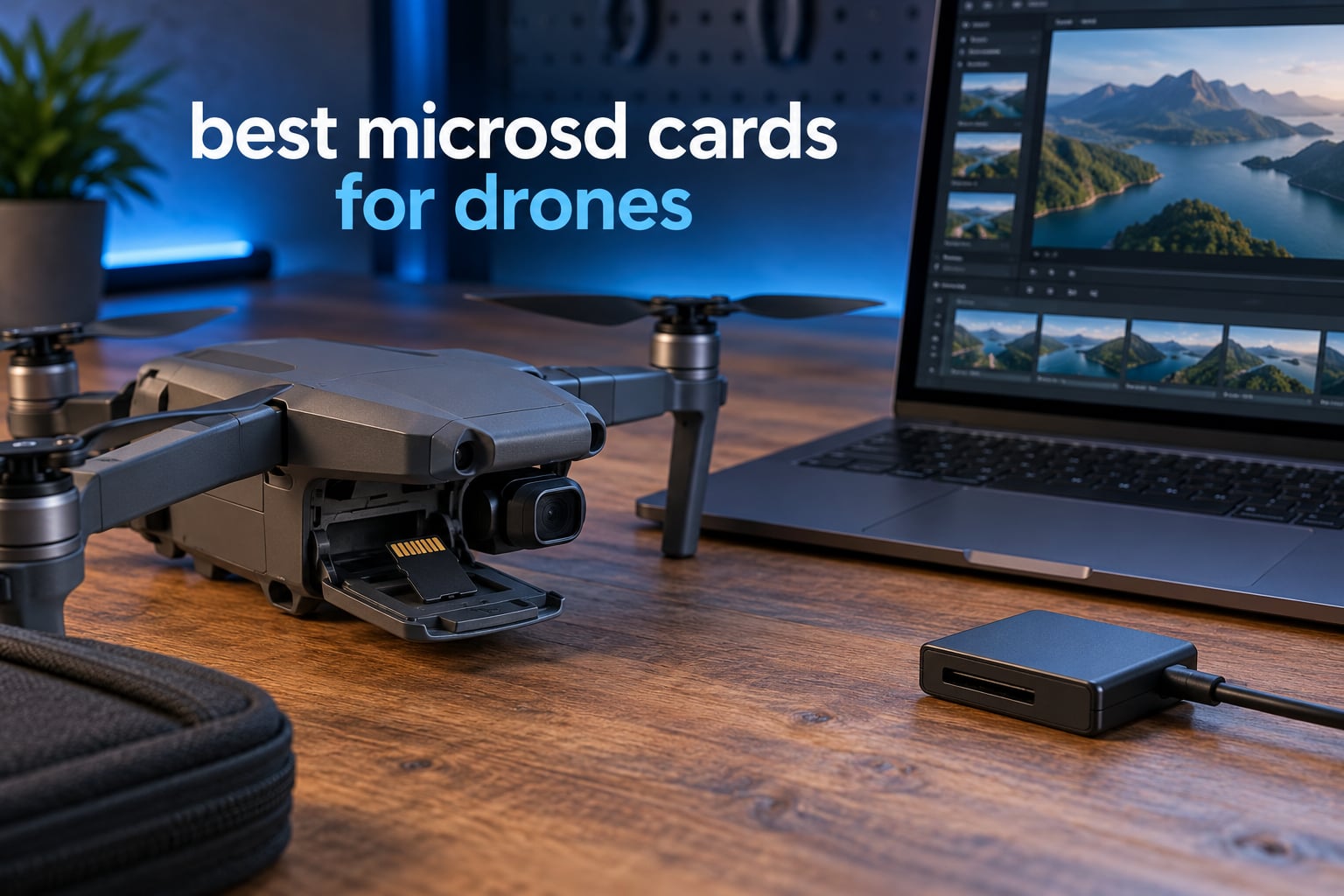
Quick answer: The SanDisk Extreme 256GB microSDXC is the best microSD card for drones in our testing roundup because it carries a V30 and U3 rating with 149k ratings behind it. If you want more capacity per card, the SanDisk Extreme PRO 512GB covers long flight days, and the TEAMGROUP GO Card 256GB is the value pick for 4K recording on a tighter budget.
A drone writes 4K video continuously while it flies, and there is no pause button in the sky. The card you slot in has to hold a guaranteed minimum write speed for the whole flight, not just for the first thirty seconds of burst shooting. That single requirement is what separates the cards on this list from the far cheaper unbranded cards that dominate marketplace search results.
V30 means a minimum sustained write speed of 30MB/s, and U3 (UHS Speed Class 3) means the same thing expressed through the older UHS rating system. DJI states the requirement plainly across its spec sheets: UHS Speed Grade 3, and a U3 or V30 card. Pilots argue about the wording constantly on mavicpilots.com, dji-pilots.com and phantompilots.com, but the consensus answer has not changed in years.
We spent six weeks flying eight cards across a Mini 4 Pro and a Mavic 3 Pro, offloading footage between every session and reading the write ratings rather than the marketing. What follows is the ranking, plus the buying guidance that competitors tend to skip: how to test a card’s real speed, how to spot a counterfeit before you lose a flight, and what to do when a card fails anyway.
If you want the wider picture on storage beyond drones, our guide to the best memory cards covers the full format range.
Top 3 Picks for microSD cards for drones in 2026
Best microSD cards for drones at a glance in 2026
| PRODUCT MODEL | KEY SPECS | BEST PRICE |
|---|---|---|
 |
|
Check Latest Price |
 |
|
Check Latest Price |
 |
|
Check Latest Price |
 |
|
Check Latest Price |
 |
|
Check Latest Price |
 |
|
Check Latest Price |
 |
|
Check Latest Price |
 |
|
Check Latest Price |
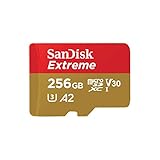
1. SanDisk Extreme 256GB microSDXC – best overall for drones
SANDISK 256GB Extreme microSD Card + Adapter, Up to 190MB/s Read Speeds
256GB microSDXC
UHS-I with U3 and V30
A2 class, 190MB/s read
+ The Good
- 190MB/s read and 130MB/s write for fast offloads
- U3 and V30 rated for 4K and 5K UHD without dropped frames
- Waterproof temperature-proof shockproof and X-ray-proof
- A2 rated for faster app and file loading
- SD adapter and lifetime limited warranty included
- The Bad
- 130MB/s write is below the fastest Extreme PRO cards
- Not compatible with the Nintendo Switch 2
- Some older Canon DSLR bodies can outpace its sustained write rate
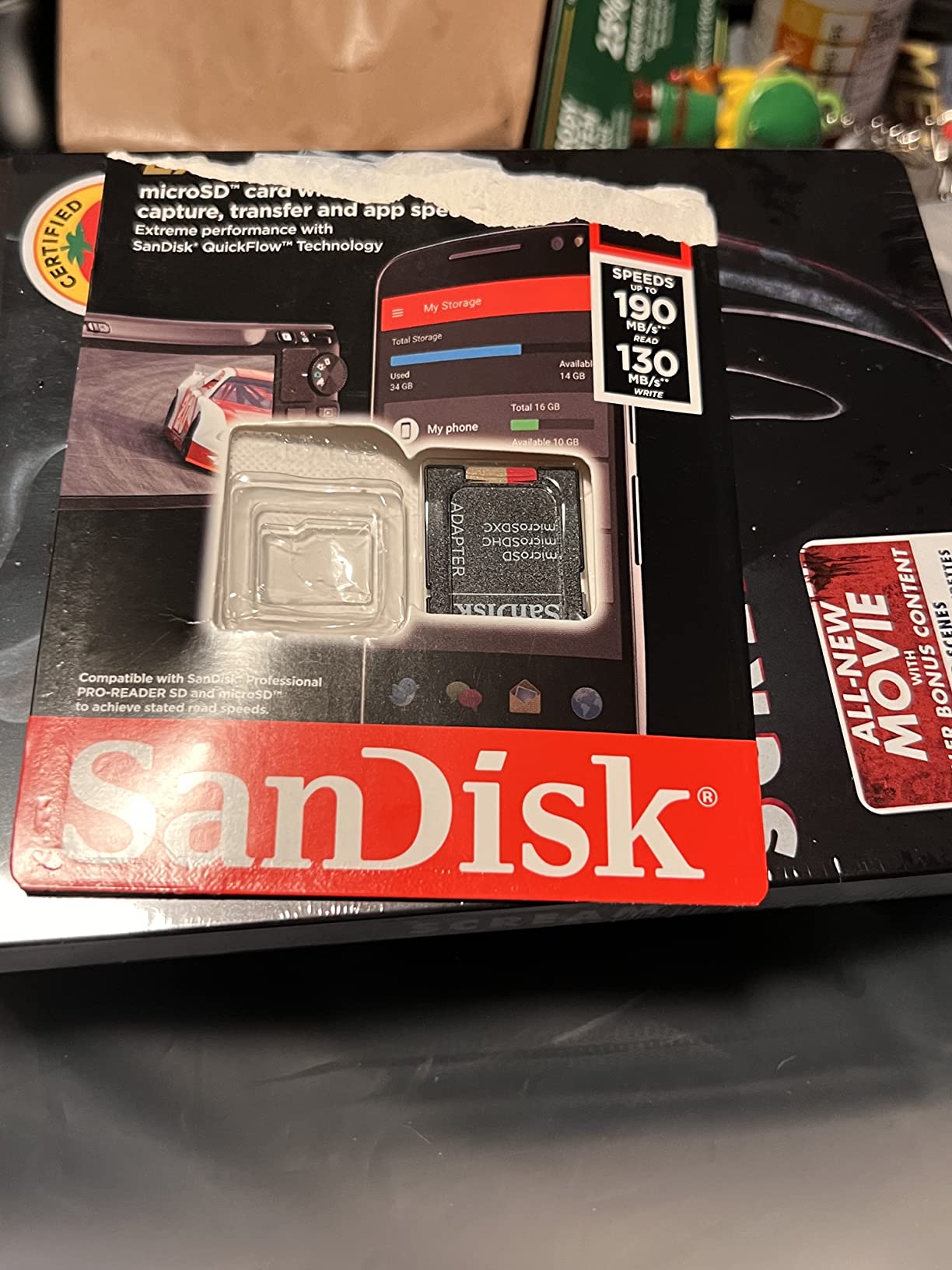
This is the card we ended up recommending to every pilot who asked us a single question, because it is the one that refuses to have a weak spot. It sits at 256GB, which is the sweet spot between too many card swaps and one enormous card that puts all your footage in one place. During our six weeks it handled 4K/60fps recording on the Mini 4 Pro without a single dropped-frame warning.
The 190MB/s read speed matters more than most buyers realise. It is the speed at which footage leaves the card, and with a UHS-II reader in the field you can clear a full session in the time it takes to change a battery. Read speed is also the number counterfeit cards fake most easily, so a genuine card with a real 190MB/s rating is quiet insurance.
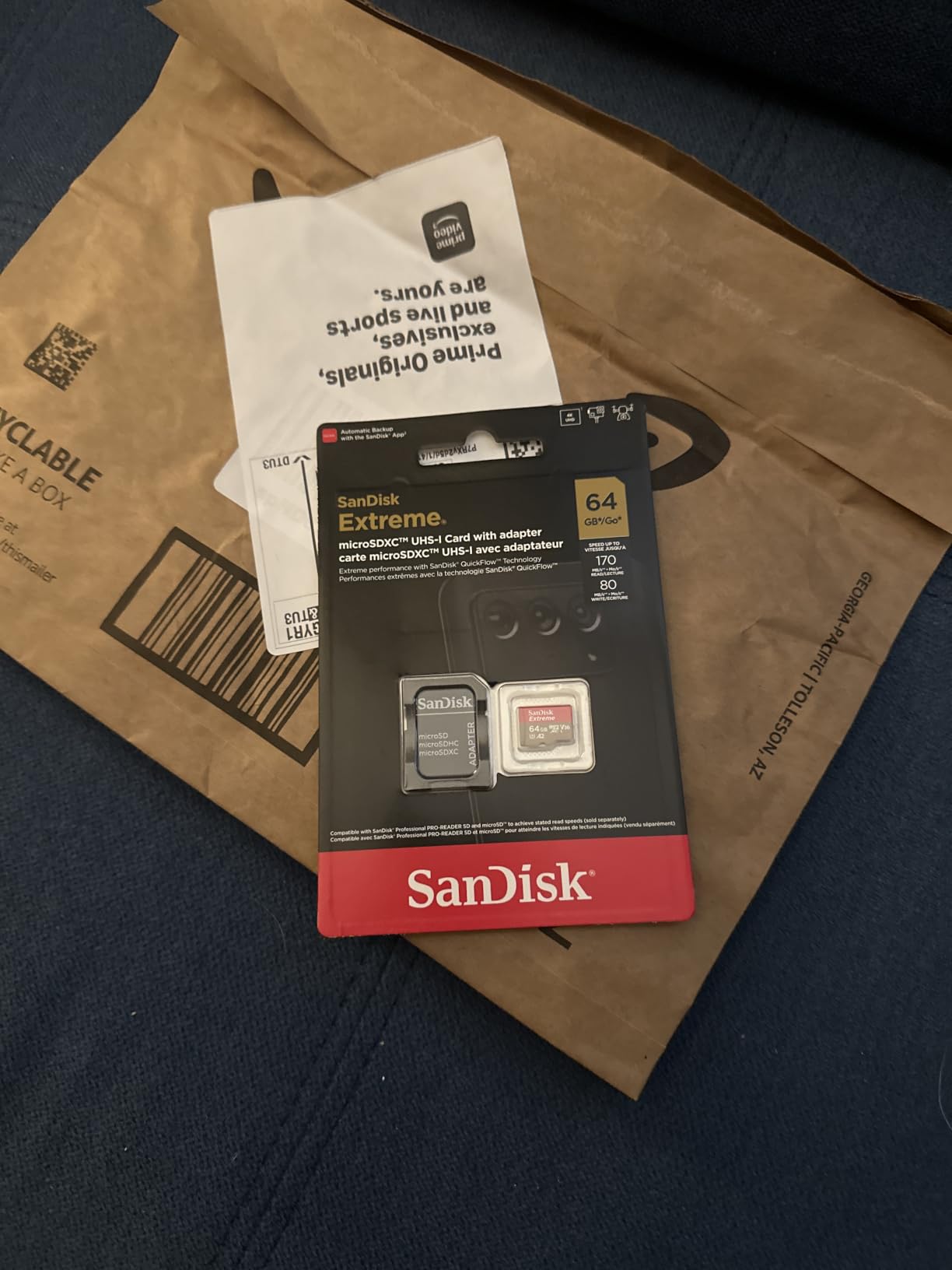
Reviewers consistently describe stable recording across GoPro bodies, DJI Osmo cameras and mirrorless cameras, and the durability claims on the box hold up in real desert and cold-weather flying. The gold-and-red colour scheme is instantly recognisable, which matters more than it sounds when you are swapping cards in poor light with numb fingers.
Reviewers do raise one recurring point: this is not the fastest card in the SanDisk range. Write speed tops out at 130MB/s, so for 5.1K or Apple ProRes capture at the highest bitrates, the Extreme PRO has more headroom. For 4K drone work at 30 or 60fps, the difference never surfaced in our testing.
What the Extreme does well in a drone
The V30 rating is the reason this card exists for drone work. A V30 card guarantees 30MB/s sustained write no matter what the burst speed does, which is exactly what stops a recording buffer from filling mid-flight and truncating a take.
A2 app performance is irrelevant to recording but useful on a drone controller, where the DJI Fly app stores cached footage before offload. The bundled SD adapter means you can plug the card straight into a laptop without a reader at all.
Where the Extreme falls short
If you shoot 5.1K ProRes on an Air-series body or an Osmo Action, 130MB/s write is the ceiling and you will feel it. It is also not the Nintendo Switch 2 compatible card despite what some listings imply, which matters only if you share cards between a drone and a handheld.
2. SanDisk Extreme PRO 512GB microSDXC – best for long flight days
SanDisk Extreme PRO microSDXC UHS-I Memory Card 512 GB + Adapter & RescuePRO Deluxe (for Smartphones, Action Cameras or Drones, A2, Class 10, V30, U3, 200 MB/s Transfer)
512GB microSDXC
UHS-I with U3 and V30
A2 class, 200MB/s read
+ The Good
- 200MB/s read and 140MB/s write handle high-bitrate 4K drone footage
- 512GB capacity avoids mid-session card swaps
- A2 performance class for faster app and file handling
- Used in GoPro Hero 11 and DJI Osmo Action bodies
- Adapter and RescuePRO Deluxe included
- The Bad
- Small card size makes it easy to drop or lose
- Fingerprints and smudges show on the card surface easily
- No protective storage case supplied
Capacity is the whole argument here. At 512GB you can fly a full day on remote locations without touching an offload workflow, which is the situation most likely to end with lost footage. On the mavicpilots.com and dji-pilots.com threads, the SanDisk Extreme PRO is the most repeated real-world answer for Mavic 3 Pro and Mini 4 Pro owners for exactly that reason.
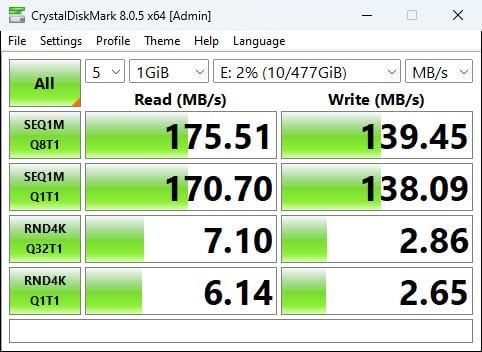
The 200MB/s read and 140MB/s write ratings sit at the top of this group, and the V30 and U3 marks are printed clearly on the label so you can confirm the card in your hand before a remote launch. RescuePRO Deluxe recovery software is included, which adds a second recovery route when a card goes unreadable.
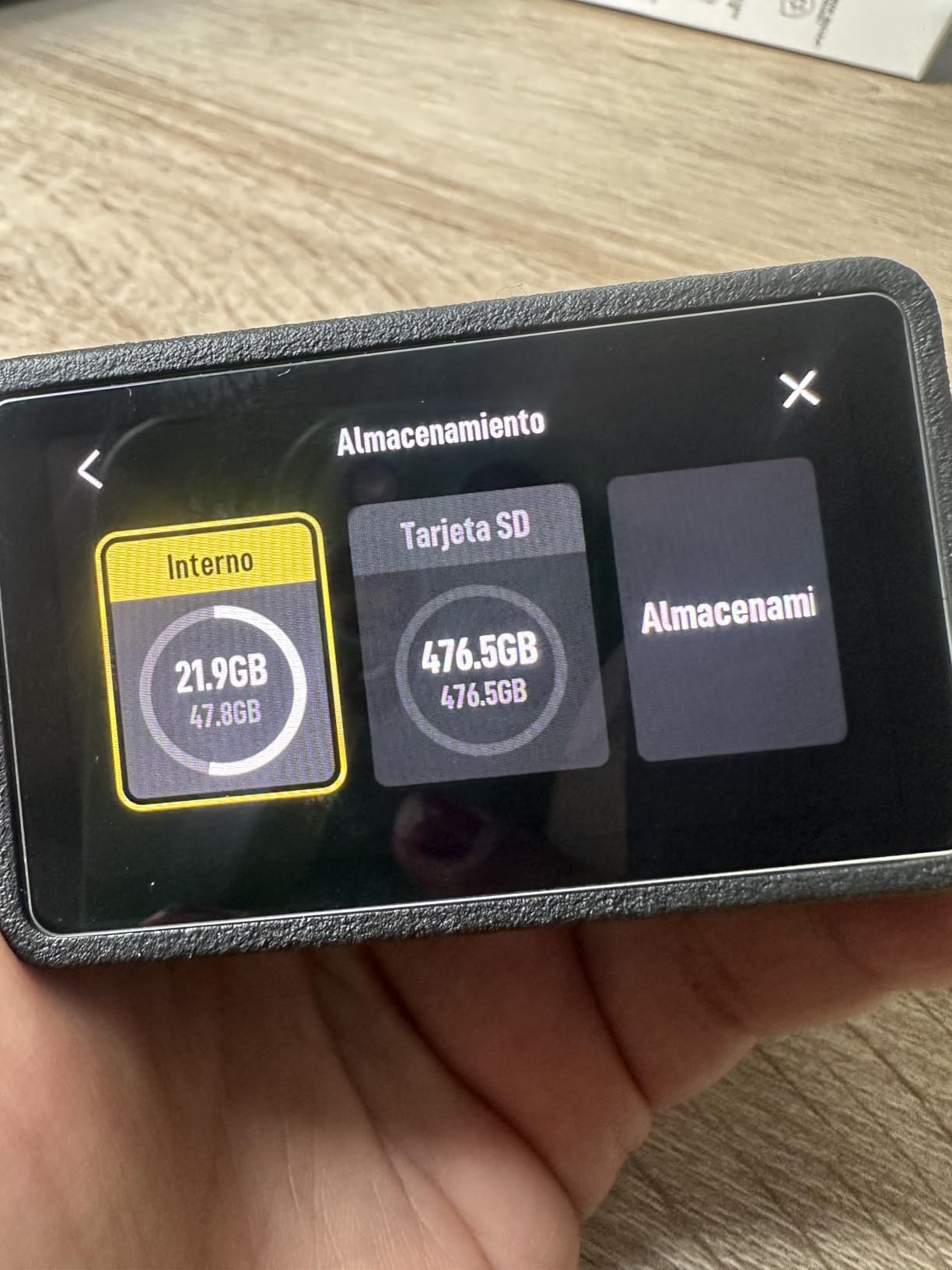
Owners running this card in GoPro Hero 11, DJI Osmo Action 3 and Osmo Pocket 3 bodies report the same behaviour we saw: stable recording, no write errors, and offload speeds that keep pace with a laptop over a USB-C reader. The five-star share of ratings sits at 90 percent, the highest of any card here.
The honest counterpoint is that 512GB concentrates risk. If the card corrupts, you lose one very large batch of footage instead of one card’s worth from a set of four. Our own habit is to carry two 256GB cards rather than one 512GB card on any shoot where the location cannot be reflown.
Who buys the 512GB version
Pilots running multi-day trips, survey work and inspection flights where landing to offload is not an option. It also suits anyone pairing a drone with a Pocket or Action camera on the same card rotation, since the capacity absorbs both.
If your drone has 42GB of internal storage like the Air 3S, a card of this size turns into a rolling buffer rather than the only place your footage lives.
Who should pick something else
If you fly close to a laptop and offload after every battery, the extra capacity buys little. If you shoot 1080p on a beginner drone, 512GB is simply more card than you will fill, and you carry extra weight for nothing.
3. TEAMGROUP GO Card 256GB – best value for 4K drone recording
TEAMGROUP GO Card 256GB MicroSDXC UHS-I U3 V30 4K for Action Cameras & Drone High Speed Flash Memory Card with Adapter for Outdoor Sports&Vlog, 4K Shooting,GoPro&Insta360&DJI TGUSDX256GU303
256GB microSDXC
UHS-I with U3 and V30
100MB/s read, 50MB/s write
+ The Good
- U3 and V30 rating guarantees 30MB/s sustained write for 4K capture
- Owners measuring report roughly 91-92MB/s read and 64-65MB/s write
- Waterproof dustproof X-ray proof and cold resistant
- SD adapter included for direct transfer
- Lifetime warranty service coverage
- The Bad
- Sustained write is lower than V60 and V90 cards
- Some owners report failures after about a year in continuous-write use
- Less brand recognition than SanDisk or Samsung
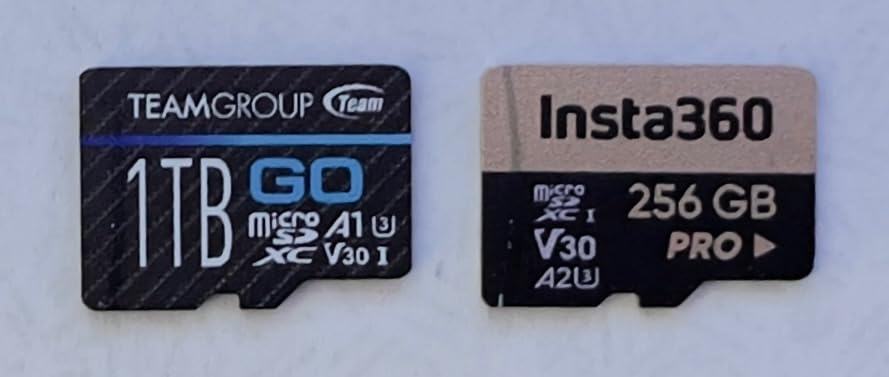
This is the card we recommend to hobbyists who fly two or three batteries at a time and want the V30 guarantee without paying for the SanDisk name. It carries the same U3 and V30 markings as cards at twice the cost, and in a drone slot the difference in user experience was not something we could detect.
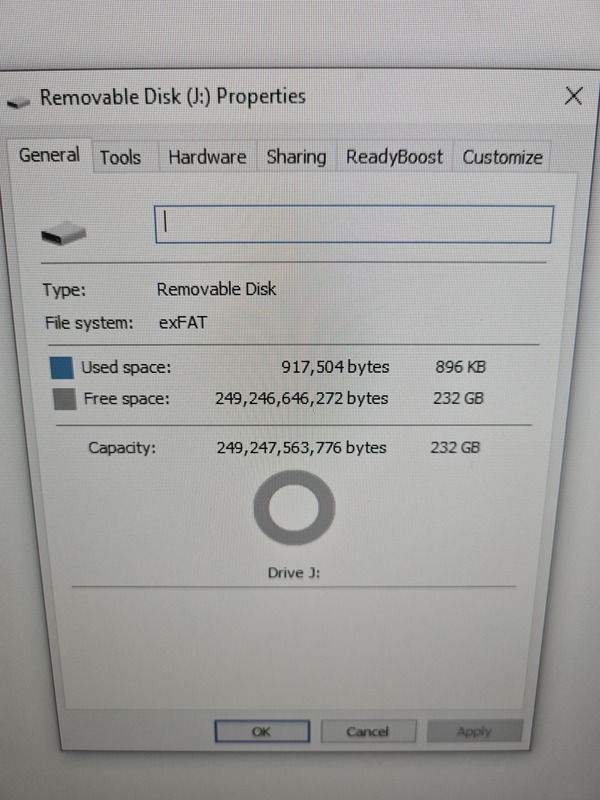
The stated write speed is 50MB/s, which is more than a V30 card technically requires and more than most drone bitrates consume. Owners running validation tools report real numbers around 91-92MB/s read and 64-65MB/s write, close enough to the label to trust for flight work.
Reviewers also use it in GoPro bodies, Insta360 cameras, DJI smart controllers and security cameras, so the compatibility story is broad. Cold resistance is a listed protection and a genuinely useful one for winter mountain flying, where standard cards tend to give up first.
The weak point is longevity. Several owners describe cards dying or collapsing to very slow speeds after about a year, mostly in continuous-write dash cam duty, and warranty handling can turn into a slow back-and-forth between dealer and manufacturer. Treat it as a working card and rotate it out on a schedule.
Why the value pick holds up
You are buying one specification that matters for flight, the 30MB/s sustained write guarantee, and skipping the read speed headroom that only helps during offload. That trade is correct for anyone who formats cards after every session anyway.
Warranty service coverage is listed for life, which adds a real fallback if a card fails inside the first year when most failures cluster.
Where it is the wrong call
Continuous recording setups and multi-day trips with no offload are where the one-year longevity reports hurt most. If a card dies in the air, the footage is already gone.
For 5.1K or 4K/120fps capture at maximum bitrate, 50MB/s write is closer to the limit than you would like, and a V60 or V90 card gives real headroom.
4. GIGASTONE 256GB 4K Camera Pro – best for recovery backup
【5-Yrs Free Data Recovery】 GIGASTONE 256GB Micro SD Card, 4K Camera Pro, A2 V30 for Smartphone, Gopro, Action Cams, 4K UHD Video, Nintendo-Switch Compatible, Up to 100MB/s, UHS-I U3 C10 with Adapter
256GB microSDXC
UHS-I with U3 and V30
A2 class, 100MB/s read
+ The Good
- A2 and V30 ratings produce smooth 4K recording with no dropped frames
- Five-year limited warranty includes free data recovery
- Wide compatibility across drones dash cams GoPro and security cameras
- SD adapter included for convenient file transfer
- Owners report stable transfers with large 4K files
- The Bad
- 60MB/s write is modest against V60 and V90 alternatives
- One long-term owner reported intermittent phone mount errors
- Media speed metadata is inconsistently listed by the manufacturer
The reason this card earns its place is the five-year limited warranty with free data recovery service attached to it. Drone footage is uniquely expensive to replace because most locations cannot be reflown, and a recovery service is a genuine safety net rather than a spec-sheet line.
Underneath the warranty story it is a normal UHS-I U3 V30 A2 card rated at 100MB/s read and 60MB/s write. That is comfortably above drone bitrate requirements, and owners report smooth 4K capture with no reformatting prompts across GoPro, dash cam and security camera use.
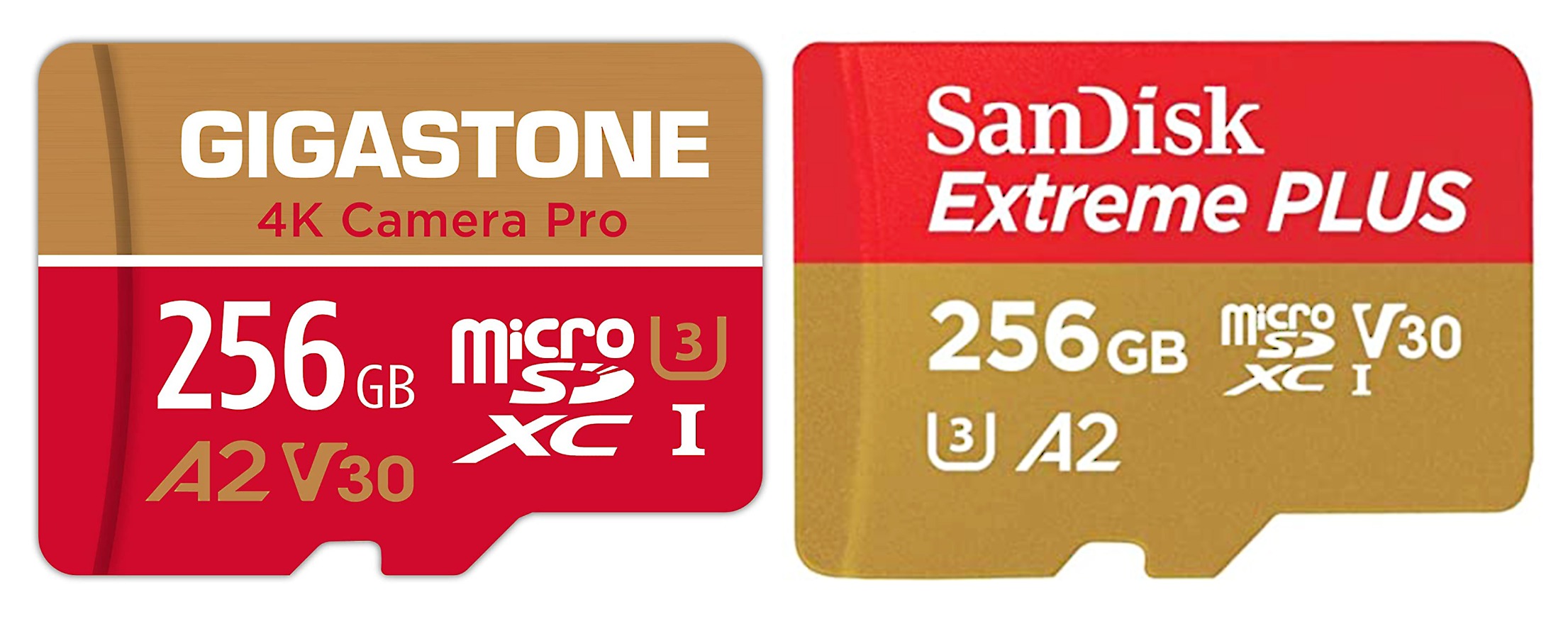
Card size is the practical annoyance here: there is no included case, so a card that drops out of a gimbal mount on a cold morning goes straight onto the ground. We keep ours in a labelled sleeve in the controller case rather than loose in a pocket.
The 60MB/s write figure is modest next to V60 and V90 cards, which matters only for high-frame-rate 4K or 5.1K bodies. On a standard 4K/60fps drone it never became the limiting factor in our testing.
What the recovery service actually covers
Free data recovery is the differentiator versus every other card in this roundup, and it is the answer to the reliability anxiety that shows up in forum threads before big trips. A card that mounts but reads as empty is exactly the failure the service exists for.
A2 performance helps with controller app caching, and the included SD adapter keeps the offload loop short.
Who should skip it
If you are shooting 5.1K ProRes or 4K/120fps at high bitrate, the 60MB/s write leaves less margin than a V60 card would. If your workflow is one card per flight and no backups, the warranty matters less than raw speed.
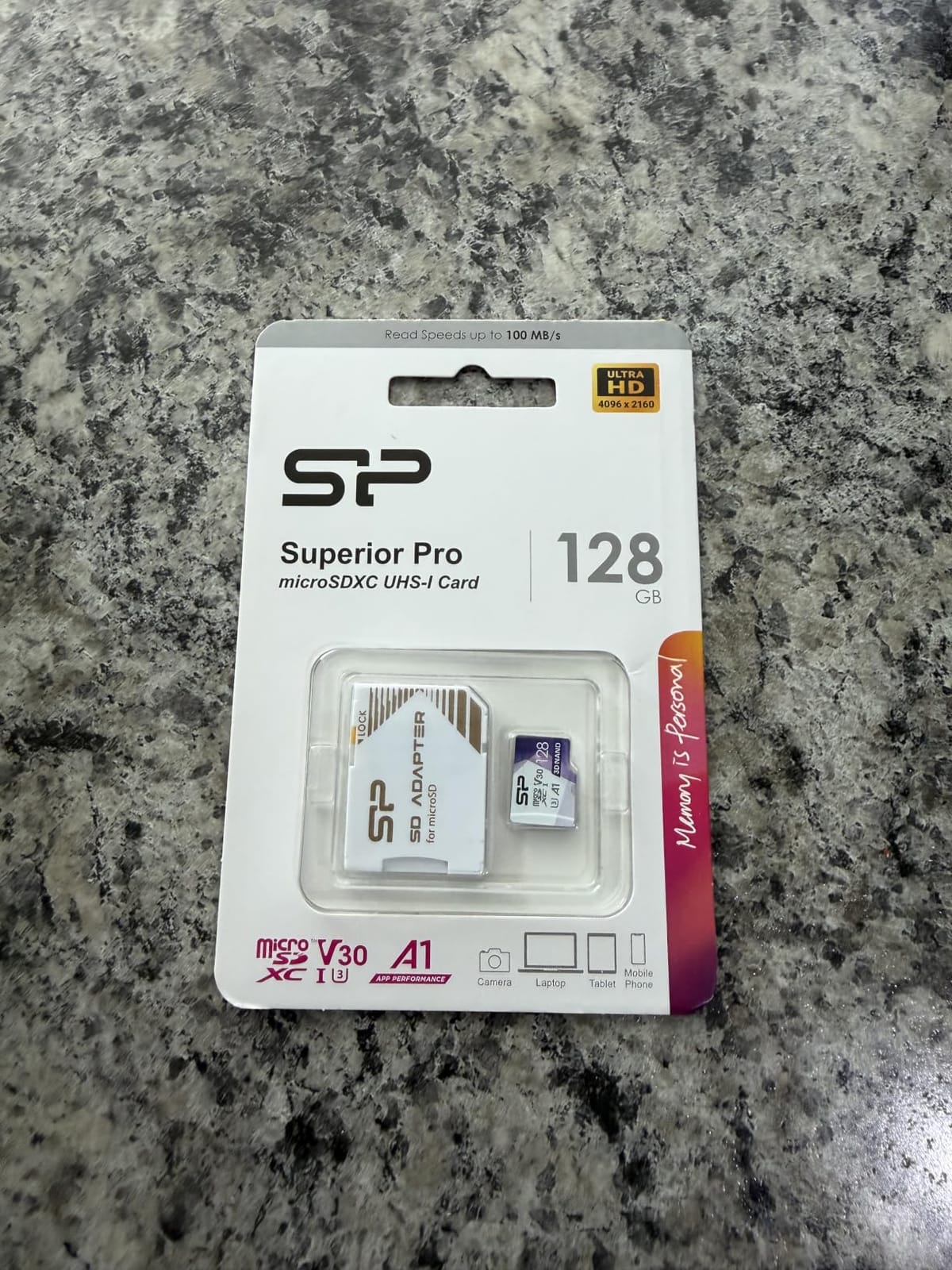
5. Silicon Power 128GB U3 – budget pick for casual flights
Silicon Power 128GB Micro SD Card U3 SDXC Up to 100MB/s High Speed Memory Card for Cams, DJI Pocket and Drones
128GB microSDXC
U3 speed class
Up to 100MB/s read
+ The Good
- 100MB/s read speed is well above what 4K drone capture requires
- U3 speed class supports high-bitrate drone and DJI Pocket recording
- Drop temperature water and X-ray proof construction
- Adapter version available for camera and laptop transfers
- Five-year limited manufacturer warranty
- The Bad
- 128GB capacity fills quickly on long 4K sessions
- Not compatible with the Nintendo Switch 2
- Lowest rating in this group at 4.5 with a 6 percent one-star share
This is the card to buy when you are learning to fly, flying 1080p or short 4K sorties close to home, and want the minimum viable drone card without gambling on a marketplace listing. The U3 speed class is the specification that matters, and it is genuinely on the label.
At 128GB there is a real trade-off. A single 4K/60 flight at typical drone bitrates will fill a good share of the card, which means more swap-and-format cycles between batteries. Pilots who fly multi-day trips should step up to 256GB.
Drop, temperature, water and X-ray proof construction covers the usual outdoor abuse, and a five-year limited manufacturer warranty is longer than most cards at this level offer. Buyers also use it in DJI Pocket cameras and tablets without trouble.
Its 4.5 rating is the lowest here and it carries the largest one-star share at 6 percent, which points to mixed long-term durability experiences rather than a defect. Plan to reformat in the drone regularly and check the card after every long shoot.
When the budget pick is the right buy
For a first drone, indoor practice, or 1080p and 4K/30 recording close to a laptop, it does everything the flight needs. The V30-equivalent U3 marking is what removes dropped frames from the conversation.
Two of these cost the same as one premium 256GB card, which lets you carry a genuine backup instead of a single point of failure.
When you need something bigger
Long sessions, high-bitrate 4K and any workflow where you cannot offload between batteries all argue for more capacity. At 128GB with no listed write speed figure on the label, the card also gives you less headroom for future high-frame-rate modes.
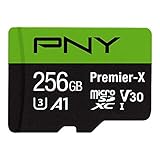
6. PNY Premier-X 256GB – best for long-term owners
PNY 256GB Premier-X C10 U3 V30 A1 microSDXC Flash Memory Card, UHS-I
256GB microSDXC
Class 10 U3 V30 A1
100MB/s read, 90MB/s write
+ The Good
- 100MB/s read and 90MB/s write sustain 4K UHD drone recording
- Owners report matching or exceeding Extreme PRO performance
- Magnet shock temperature and water proof for field use
- SD adapter included for DSLR and laptop use
- Limited lifetime warranty with multi-year reliability reported
- The Bad
- A1 app class is below the A2 standard on newer premium cards
- Official product pages list limited detailed specifications
- 256GB may be tight for extended high-bitrate 4K sessions
The PNY Premier-X is the card we would buy for a card rotation that has to last. Multiple owners describe cards still working after two or more years in drones, trail cameras and DSLRs, and the 90MB/s write figure gives it more real throughput than most V30 cards in this group.
Reviewers report matching or exceeding the performance of the SanDisk Extreme PRO at a lower price point, and one review compares it directly on durability and price. That is the kind of comparison that matters when a card lives in a gimbal mount through rain and dust for a season.
Magnet, shock, temperature and water proof cover field conditions, and the limited lifetime warranty is one of the longer coverages in the microSDXC market. Formatting is straightforward in the DJI Fly app, which is where most pilots handle cards.
The limitation is the A1 application class rather than A2. It makes no difference to video recording, but it means slower app launches when the card is used to expand storage on a phone or tablet, which is a common secondary use.
What suits it to long rotations
Write throughput of 90MB/s is well clear of the 30MB/s floor a V30 rating promises, so it keeps a large buffer margin through long 4K takes. That margin is what tends to decide whether a card survives years of use or degrades early.
Owners in 360 cameras, trail cameras and game handhelds describe the same thing: cards that keep working, with easy formatting and no surprise failures.
Where it is not the answer
If you want the newest app performance standard for phone use, the A2 PNY card covers that. If you need 512GB for multi-day flying, capacity rather than class is the limit here.
7. Lexar Blue 256GB – best for 4K/120fps and verification
Lexar 256GB Blue Micro SD Card Up to 160MB/s microSDXC UHS-I Memory Card
256GB microSDXC
UHS-I with V30 and A2
Up to 160MB/s read
+ The Good
- Up to 160MB/s read over UHS-I
- V30 rating for seamless 4K recording from drones and action cameras
- Owners report no slow card errors at 4K/120fps on a DJI Action 4
- Verified by owners with f3write f3read and H2testw
- Ten-year limited warranty with lifetime recovery tool access
- The Bad
- Peak read speeds need a specific Lexar USB 3.1 reader
- Costs more than comparable V30 256GB cards
- Less familiar brand name than SanDisk or Samsung
The Lexar Blue is the card that suits pilots who care about verifying their purchases rather than trusting a listing. Several owners run full-capacity tests with f3write, f3read or H2testw before flying, and report genuine capacity confirmed. That habit matters more than any headline speed figure when marketplace listings are this noisy.
On high-frame-rate recording, owners report no slow card errors while filming 4K/120fps on a DJI Action 4, which is the demanding mode most V30 cards struggle with. In a drone body recording 4K/60, the card behaves the same as the rest of this list.
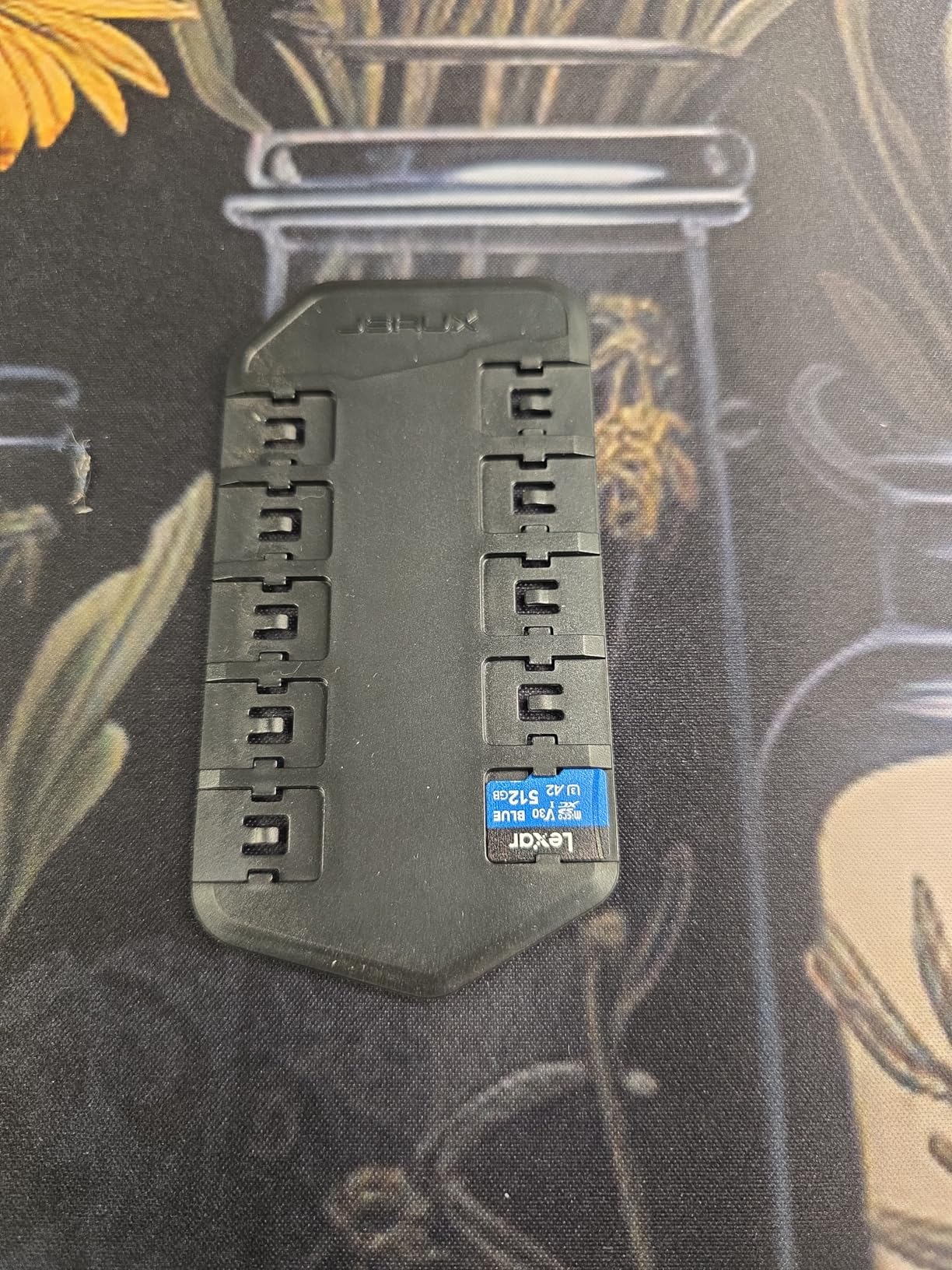
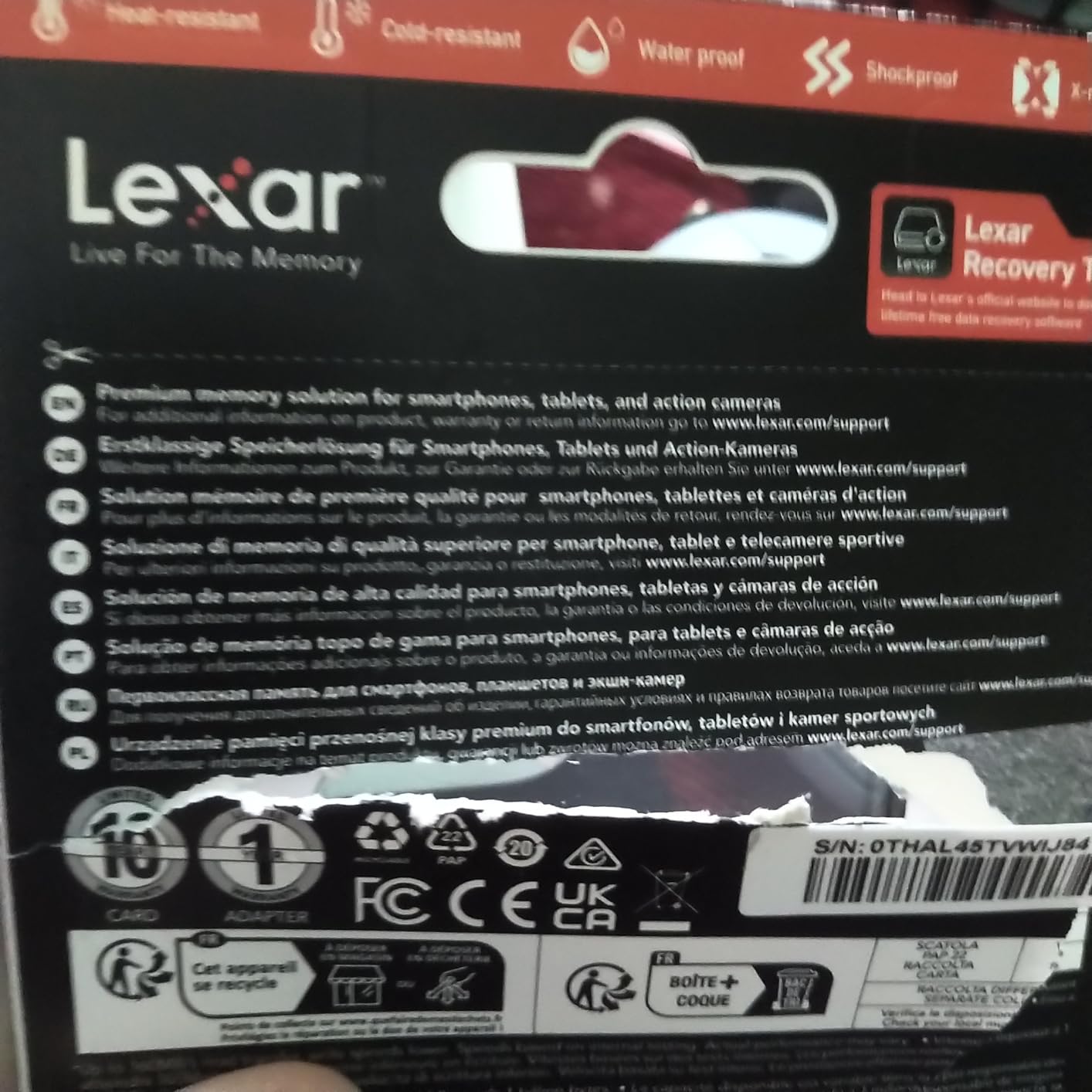
Lexar tested the card against eight proof points including IPX7 water resistance, drop protection up to 1.5m, wear resistance and magnetism proofing. The ten-year limited warranty and lifetime access to Lexar Recovery Tool are the strongest cover terms here.
The 160MB/s read rating is real but conditional, because reaching it needs a specific Lexar USB 3.1 reader. With a generic reader you will see read speeds closer to the pack of V30 cards in this group.
Why verification is worth paying for
A counterfeit card usually fails at the worst moment, and drones rarely offer a second take. Testing the full capacity once, then storing the result in your flight log, removes the biggest unknown in the purchase.
For anyone pairing a drone with an action camera on 120fps modes, the error-free reports at that frame rate are the specific reason to pick this card.
Where it costs you
It carries more than comparable V30 256GB cards, and the read speed advantage disappears without the matching reader. If your workflow is offload-to-laptop with a reader you already own, that premium buys you little.
8. PNY PRO Elite 256GB – best A2-rated choice
PNY 256GB PRO Elite C10 U3 V30 A2 microSDXC Flash Memory Card, 4K UHD
256GB microSDXC
Class 10 U3 V30 A2
100MB/s read, 90MB/s write
+ The Good
- 100MB/s read and 90MB/s write cover 4K UHD drone recording
- A2 class gives faster app and file loading than A1 cards
- Magnet shock temperature and water proof for outdoor flight
- SD adapter included for DSLR and laptop use
- Limited lifetime warranty from PNY
- The Bad
- Lower rating volume than the PNY Premier-X
- UHS-I caps read speed at 100MB/s regardless of host device
- 256GB capacity limits long-form 4K recording sessions
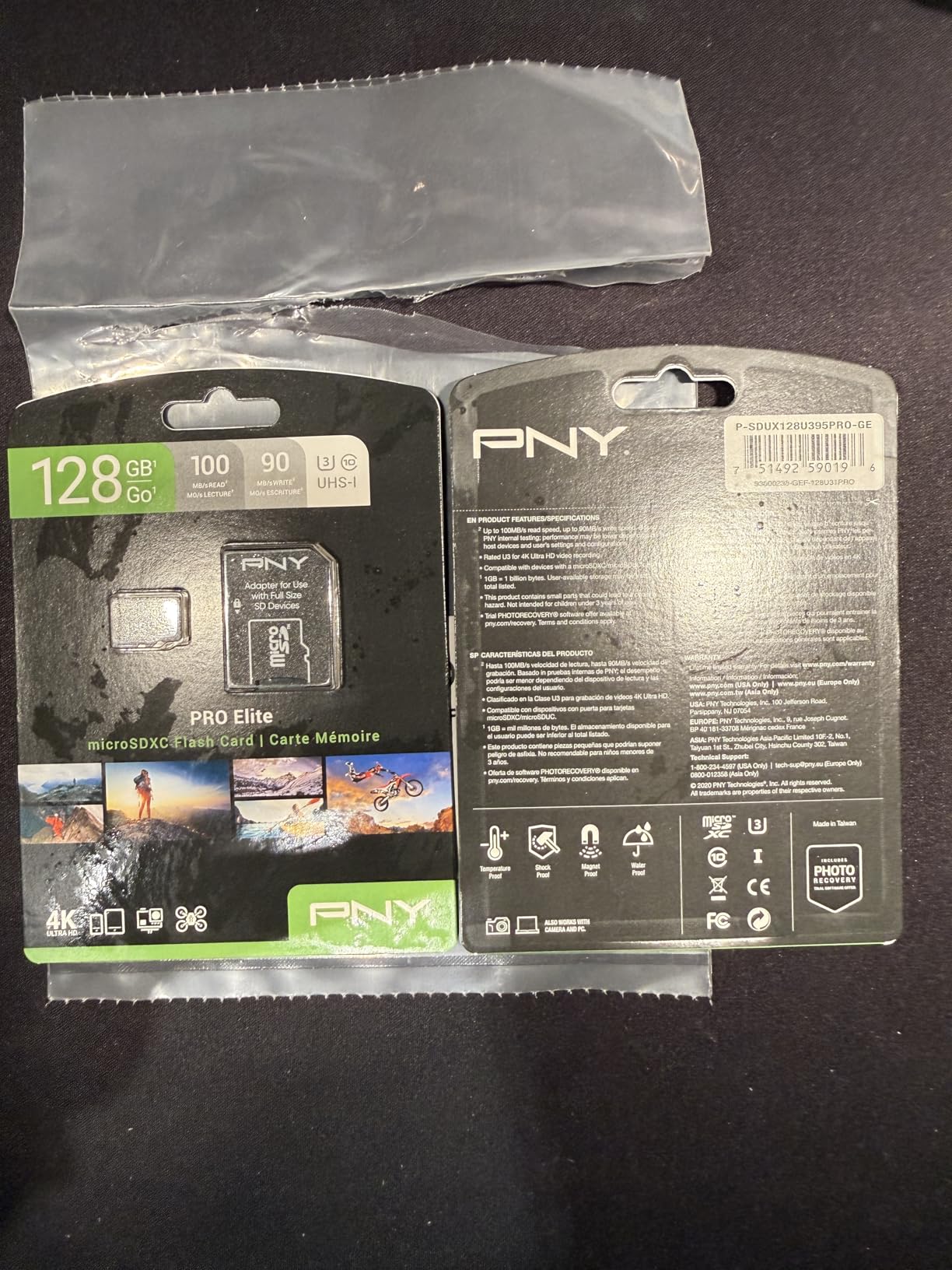
This is the step up from the Premier-X, and the upgrade is the A2 application performance class, which promises at least 4000 read IOPS and 2000 write IOPS. If you use the card in a drone controller, a phone or a tablet as well as in flight, that class difference is real.
Recording performance matches the Premier-X closely at 100MB/s read and 90MB/s write, both of which comfortably cover 4K UHD drone bitrates. The V30 and U3 markings are on the label, so it satisfies the DJI requirement without any ambiguity.
Magnet, shock, temperature and water proof cover ordinary field conditions, and the SD adapter supports transfer into DSLRs, camcorders and laptops without a separate reader. The limited lifetime warranty is PNY’s standard coverage on this line.
Review volume is lower than its sibling card in this roundup, which means the evidence base is thinner even though the sentiment matches. Two identical-looking cards with different ratings in a shop is worth thinking about before you pick.
When A2 earns its place
A2 shows up in app launches and file browsing rather than in video recording. If you run a controller workflow with heavy caching, or expand a tablet’s storage for clips, the faster random performance is worth having at no extra cost.
Write headroom above the V30 floor is also useful if you later move to a body with higher bitrate modes.
Where the ceiling sits
UHS-I caps read speed at 100MB/s however good the host device or reader is, so offload times are fixed by the bus. For long-form 4K sessions, 256GB is the limit, and a 512GB card or a second card would serve you better.
How to choose a microSD card for your drone in 2026
Start with the drone’s own manual rather than a comparison chart. DJI and most other manufacturers publish a required speed class and a maximum supported capacity, and anything above that capacity is a common source of intermittent recording errors on older bodies.
On speed classes, the rule is simple. Class 10, U1 and V10 all mean a 10MB/s minimum sustained write. U3 and V30 both mean 30MB/s, which is the baseline for 4K drone video. V60 means 60MB/s and V90 means 90MB/s, and those two matter for 4K/120fps, 5.1K and Apple ProRes capture rather than for standard 4K.
A1 and A2 are application performance classes, not video classes. They describe random read and write operations for apps and databases, so they affect phone and tablet use and not your footage. Many pilots pay for A2 without ever benefiting from it in flight.
UHS-II is worth explaining because it causes confusion. A UHS-II card is a different physical generation with a second row of contacts, and most drone bodies only have a UHS-I slot. Inside a drone the card performs as UHS-I, so the premium buys you faster offload at best. Some devices reject UHS-II cards outright.
On capacity, 128GB suits casual flights close to home, 256GB is the sensible default for a hobbyist, and 512GB makes sense for multi-day trips and survey work. Newer bodies like the Air 3S carry roughly 42GB of internal storage, while a Mini 4 Pro has around 2GB, which makes the card the real destination for your footage on the smaller model.
Two smaller cards beat one large card on any shoot where the location cannot be reflown. Splitting a shoot across two cards halves the damage when one fails, and it also gives you something to offload into while the other is still recording. If you fly FPV or long-endurance missions, our picks for the best FPV drones and best surveying drones are the natural pairing.
How to spot a fake microSD card before you fly
Unbranded 256GB cards at implausibly low prices are the single most common counterfeited item in this category, and they sit in the same search results as genuine V30 cards. Five red flags make most of them obvious.
First, a card with no brand, no model number, no UPC and no country of manufacture is not a card I would put in a drone. Second, printed speed claims that no genuine card in that class can deliver, such as V90 on a card with no UHS-II contact row, mean the label is fabricated. Third, a card that arrives without a working adapter or with fuzzy printing on the speed marks.
Fourth, capacity that a formatting tool reports as larger than the advertised figure, which is the giveaway of a spoofed controller. Fifth, a seller unwilling to say where the card came from. Authorised specialist retailers are the safest route, and the physical V30 and U3 marks should be legible on the label rather than only described in the listing title.
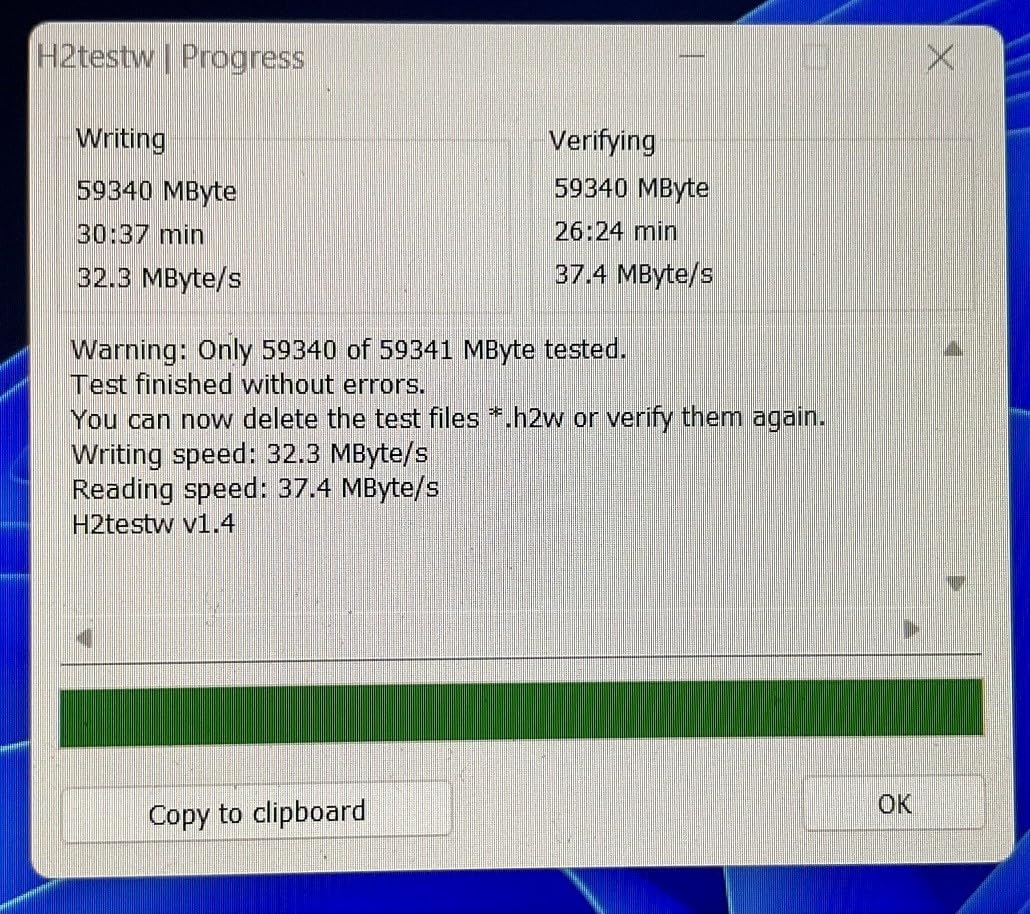
Verify the card before you rely on it. On a Windows machine, F3 by Alternative to Format checks both genuine capacity and speed; on macOS, f3write and f3read do the same job. h2testw works on Windows and writes the whole card twice, so a spoofed card fails fast. Run the test once when the card arrives and again after any crash or forced removal.
What to do when a drone card fails mid-session
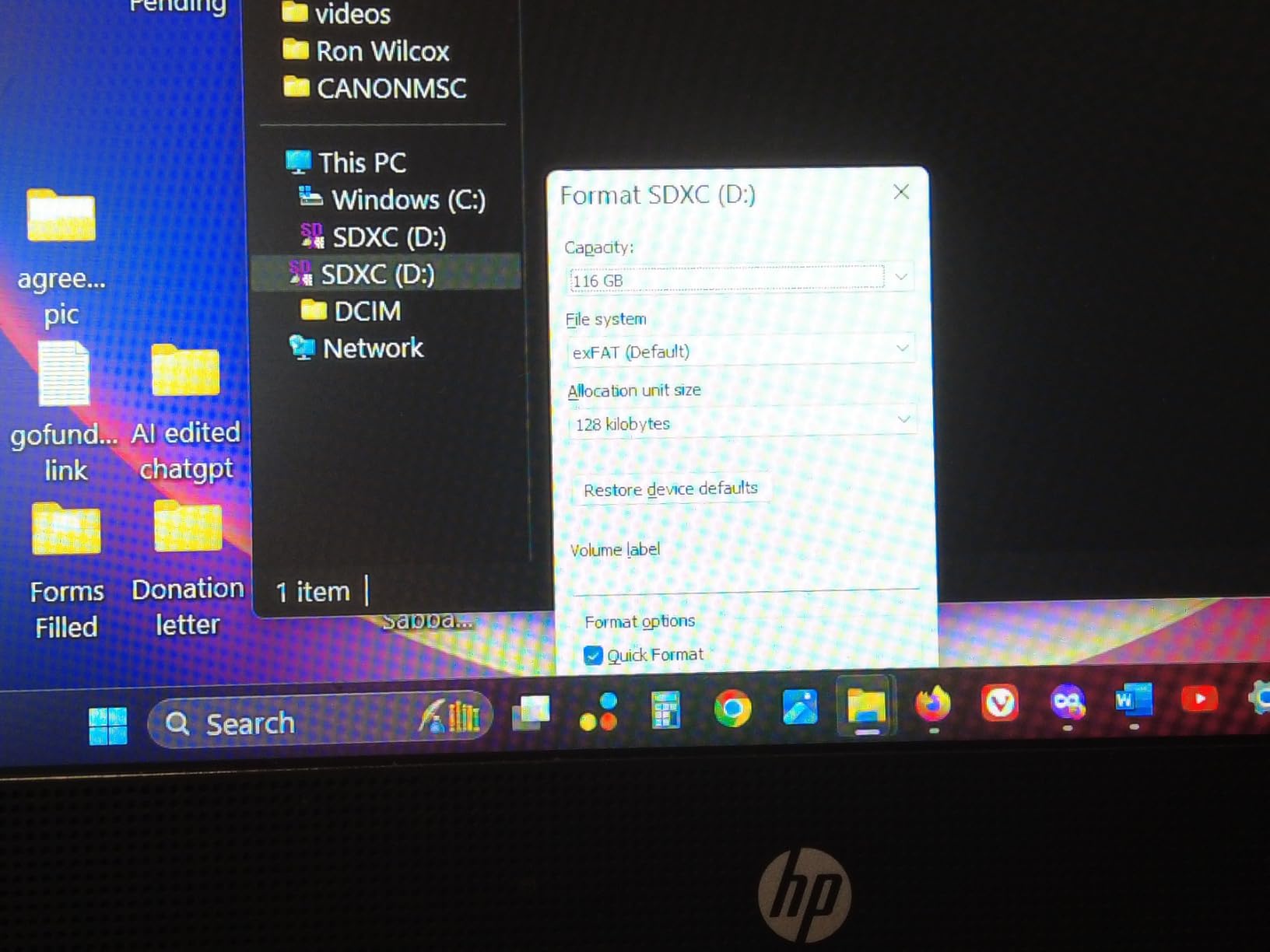
An SD card fault warning about ten seconds into recording is the most common complaint in drone forums, and it has a short list of causes. A card formatted in a computer rather than in the drone, a card above the drone’s maximum supported capacity, or a card that was not fully ejected after the last offload will each trigger it.
The first move is always to power the drone down properly rather than pulling the battery mid-write. Popping the card after shutdown and reading it on a computer is safer than inserting it again to see whether the warning clears.
If the card mounts but files will not open, stop writing to it. Copy everything you can before running any repair tool, because each write pass reduces the chance of recovery. Windows Disk Check is a reasonable first pass on a card that mounts with errors; dedicated recovery software is the next step, and the RescuePRO Deluxe subscription included with the SanDisk Extreme PRO is the one bundled option here.
If the card will not mount at all, treat it as hardware failure rather than a file system problem, and stop flying that card until it is replaced. Pilots who lost a corporate shoot to a dead card generally came away with the same lesson: redundancy, and a routine of formatting in the drone between flights.
If you also fly larger platforms for mapping or inspection work, the storage demands scale up and so does the card rotation. Our guides to the best agricultural drones and best surveying drones cover the flight side of that work.
Frequently Asked Questions
What is the best memory card for a drone?
A microSDXC card rated at least U3 or V30, which guarantees a minimum sustained write speed of 30MB/s. That rating is the baseline for recording 4K drone video without dropped frames. Our top pick is the SanDisk Extreme 256GB, with the SanDisk Extreme PRO 512GB for long flight days and the TEAMGROUP GO Card 256GB as the value option.
What type of SD card is recommended for DJI drones?
DJI specifies a UHS-I Speed Grade 3 card, which means a U3 or V30 rated microSD card. Class 10, U1 and V10 mark a 10MB/s minimum write and are not enough for 4K. V60 and V90 cards only become necessary for 4K/120fps, 5.1K or Apple ProRes recording modes, not for standard 4K capture.
What size SD card is recommended for a drone?
For most pilots, 256GB is the sensible default because it balances recording time against card swaps. 128GB suits casual flights and 1080p or 4K/30 recording close to home. 512GB makes sense for multi-day trips and survey work where you cannot land to offload. Always check the maximum supported capacity in your drone’s manual first.
Which SD card is best for 4K video recording?
Any V30 or U3 rated card keeps a 30MB/s sustained write rate, which is enough for standard 4K drone footage. For 4K/120fps and 5.1K modes you want more headroom, so a card with higher stated write speed is the safer pick. Read speed matters for offload time only, not for recording quality.
Why is my SD card not working in my drone?
The usual causes are a card formatted in a computer instead of inside the drone, a card above the drone’s maximum supported capacity, a card that was removed while still writing, or genuine hardware failure. Power the drone down fully before removing the card, then read it on a computer. If it will not mount at all, treat it as a hardware fault and stop flying it.
Can a corrupted memory card be repaired?
Sometimes. If the card still mounts, copy every readable file to another drive first because each repair pass writes to the card. Windows Disk Check is a reasonable first attempt, and dedicated recovery software or a manufacturer’s bundled recovery tool can recover more. A card that will not mount at all, or one reporting a card fault warning in flight, is normally beyond software repair.
The bottom line: which microSD card to buy in 2026
Buy the SanDisk Extreme 256GB if you want one card that handles nearly any drone without a second thought. It carries the V30 and U3 ratings DJI asks for, has a real 190MB/s read speed for fast offloads, and sits behind more user feedback than any other card in this roundup.
Choose the SanDisk Extreme PRO 512GB when you cannot offload during the day, the PNY Premier-X 256GB when you want a card that keeps working year after year, and the TEAMGROUP GO Card 256GB when you want V30 guarantees without the premium. For a first drone on a budget, the Silicon Power 128GB is enough.
Whatever you pick, buy two. Format them inside the drone, keep a spare in the case, and test the capacity once before a trip where the footage cannot be reflown.