
Audio is the first thing a viewer notices and the last thing most streamers fix. A laptop mic or a headset boom makes a stream sound like a phone call no matter how good the picture is, and swapping in a desktop USB microphone is the cheapest single upgrade you can make today.
Here is the honest version. We spent October 2026 comparing ten USB microphones across capsule type, polar pattern, bit depth, monitoring options and mute ergonomics, because those five details decide how a mic behaves on a live stream rather than how it reads on a spec sheet. Placement still beats price: a mid-range mic moved onto a boom arm will always out-perform a pricier one parked on a desk stand.
Scope matters before we start. This roundup covers desktop USB microphones that plug straight into a PC, Mac, PS4 or PS5 and appear in OBS as an audio input. XLR microphones, audio interfaces, headset booms and lavaliers are out of scope, though we cover the point where USB stops being enough. If you want the wider market rather than a streaming shortlist, our guide to the best USB microphones overall is the right starting point.
Top 3 Picks for USB Streaming Microphones for October 2026
Three picks cover most streamers. The Wave:3 MK.2 is the all-rounder, the FIFINE AmpliGame AM8 is the value pick with a USB and XLR hybrid body, and the HyperX SoloCast is the small-footprint starter for a tight desk.
Every USB Streaming Microphone in This Roundup (October 2026)
All ten models, in the order we recommend them. The table covers capture format, monitoring and the main streaming weakness of each one, which is usually the thing that decides a purchase.
| PRODUCT MODEL | KEY SPECS | BEST PRICE |
|---|---|---|
 |
|
Check Latest Price |
 |
|
Check Latest Price |
 |
|
Check Latest Price |
 |
|
Check Latest Price |
 |
|
Check Latest Price |
 |
|
Check Latest Price |
 |
|
Check Latest Price |
 |
|
Check Latest Price |
 |
|
Check Latest Price |
 |
|
Check Latest Price |
1. Elgato Wave:3 MK.2 – the best all-round USB streaming mic
Elgato Wave:3 MK.2 USB Condenser Microphone, DSP Effects
Super cardioid condenser
USB-C
110 dB signal to noise
Clipguard 2.0 and Auto Gain
+ The Good
- Highest rating in this roundup at 4.7 across more than 10000 reviews
- Clipguard 2.0 and Auto Gain make clipping very hard to hit
- Free Wave Link software acts as a virtual mixer with plugin support
- Multifunction dial with tap-to-mute and an integrated headphone jack
- Slim metal body suits a streaming desk
- The Bad
- Condenser sensitivity to background noise
- Wave Link has a learning curve and can need reinstalling
- Body is tall enough to block part of a monitor
This is the microphone we kept coming back to. It holds a 4.7 average across more than ten thousand reviews, and in our own desk sessions it produced the most consistently usable levels of anything we tested without any manual gain riding.
The reason is hardware. Clipguard 2.0 is a multi-stage anti-distortion system and Auto Gain handles the level for you, so shouting after a clutch round does not turn into a clipped mess in the VOD. That single feature matters more on a stream than raw detail does.
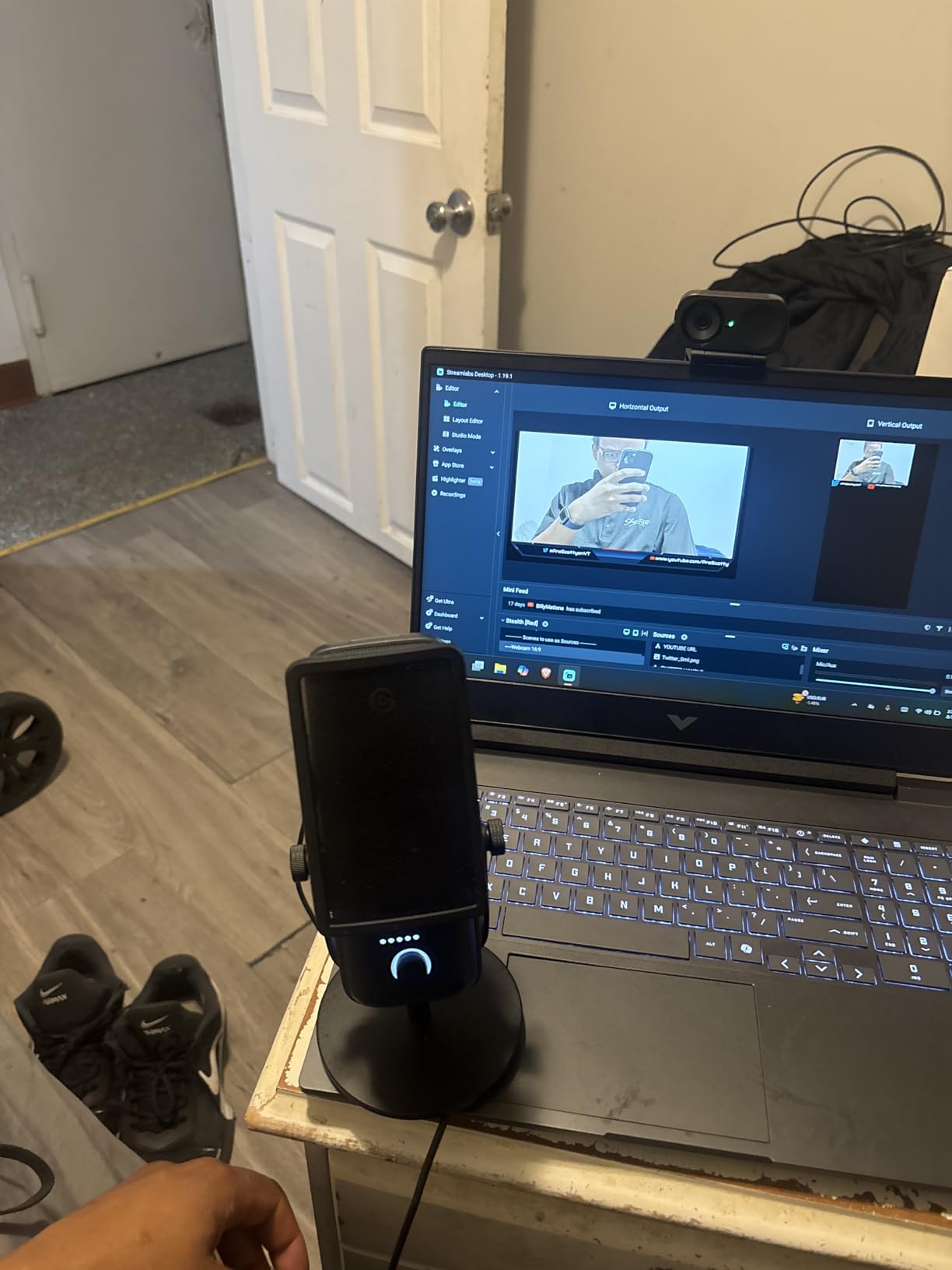
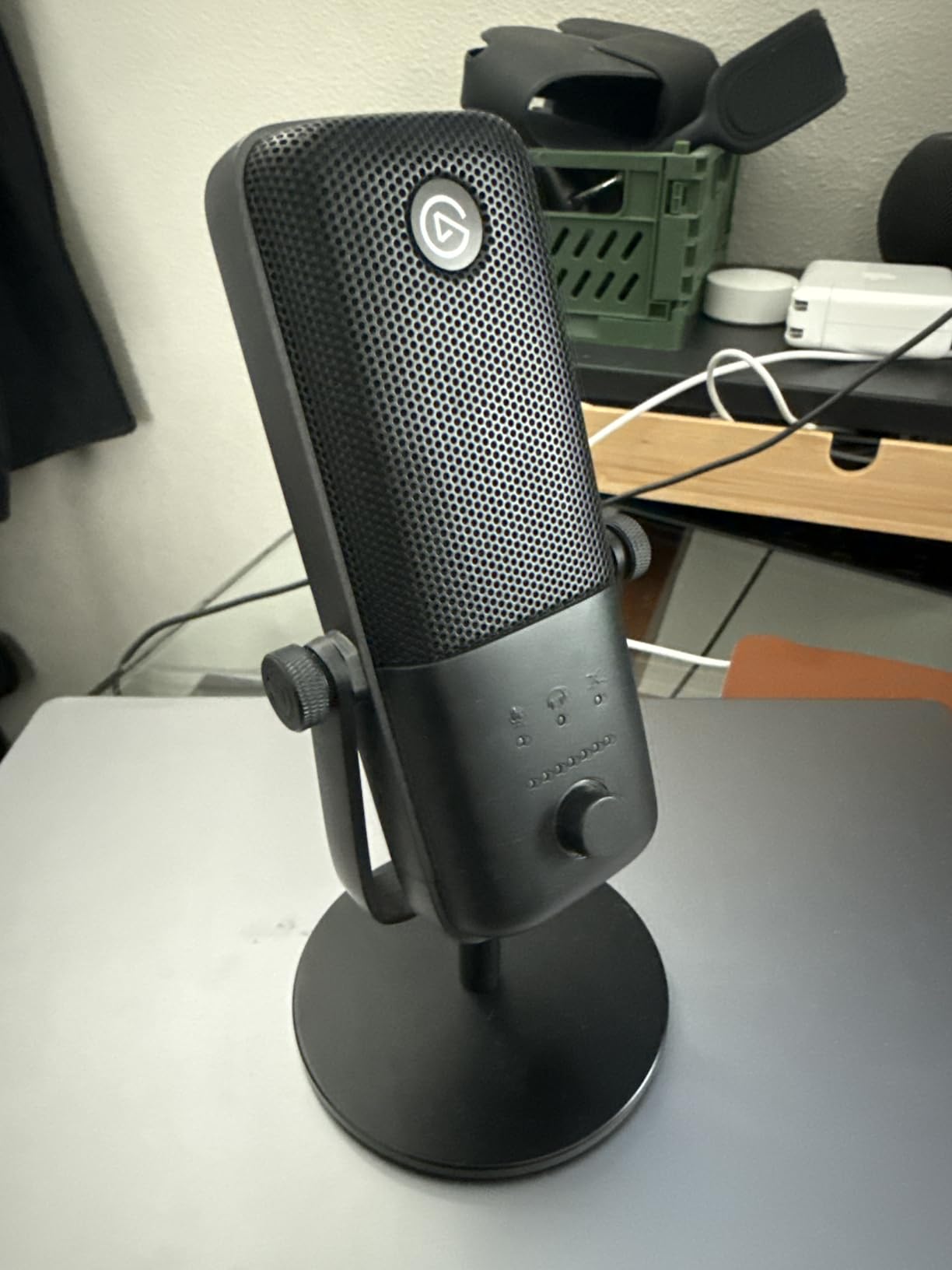
Technically it is a super cardioid condenser on USB-C with a 110 dB signal-to-noise ratio, housed in a slim metal body that measures 3.9 by 3.9 by 8.4 inches and weighs 7.52 ounces. Multiple owners describe five-plus years of reliable use, and a two year manufacturer warranty covers the rest.
The honest weakness is the accessory ecosystem. The shock mount, pop filter and Elgato arm are all sold separately, and reviewers regularly note that together they can approach the cost of the microphone itself. Budget for that before you decide the package feels expensive.
Who the Elgato Wave:3 MK.2 fits
If your stream has game audio, music beds and Discord chat all mixed together, Wave Link is the reason to pick this. It handles routing, effects and monitoring in one free app, which is functionality you would otherwise buy in a software mixer.
It also suits anyone who wants hands-on control without leaving the desk. The multifunction dial, the tap-to-mute and the level feedback LED let you adjust and mute without moving your hands off the keyboard.
Who should skip the Elgato Wave:3 MK.2
Skip it in a genuinely noisy room. A condenser picks up mechanical keyboards, fans and a hard-walled untreated space, and no amount of gain staging removes sound you never wanted to capture.
Skip it if you refuse to run companion software. Wave Link is the feature set here, and reviewers do report occasional install glitches that require a reinstall.
2. Logitech Blue Yeti – the most widely owned USB mic here
Logitech Creators Blue Yeti USB Microphone for PC, Mac, Gaming, Recording, Streaming, Podcasting, Studio and Computer Condenser Mic with Blue VO!CE effects, 4 Pickup Patterns, Plug and Play – Blackout
Multipattern condenser
USB
20 Hz - 20 kHz
Three-capsule array
+ The Good
- Four switchable pickup patterns covering solo and duo recording
- Onboard gain and mute controls plus headphone volume
- Zero-latency headphone output
- Metal build with a two year manufacturer warranty
- Works immediately in OBS Studio and Audacity
- The Bad
- Large bulky body that can block part of your view
- Condenser sensitivity to room noise and breathing
- Legacy micro-USB connection with the shock mount sold separately
With 57094 reviews at a 4.6 average, the Blue Yeti is the most heavily reviewed microphone in this roundup, and the answer to what is the mic that most streamers use. It is still the first one most people see recommended, and for a lot of setups it is genuinely the right call.
What earns that reputation is flexibility. A three-capsule array gives you four pickup patterns, and onboard gain, mute and headphone volume mean nothing has to be configured in software to get a usable signal.
Specs are unremarkable in the best way: USB connectivity, a 20 Hz to 20 kHz frequency range, a 100 dB signal-to-noise ratio and a metal enclosure. It weighs 3.5 pounds and measures 4.92 by 4.72 by 11.61 inches, which is the reason it often ends up sitting further from your mouth than you intended on a big desk.
Owners consistently call the vocal capture broadcast-clear and describe it as a huge step up from a headset mic. Many also report that matching it means doubling the cost and moving to XLR with an interface, which tells you where the ceiling sits.
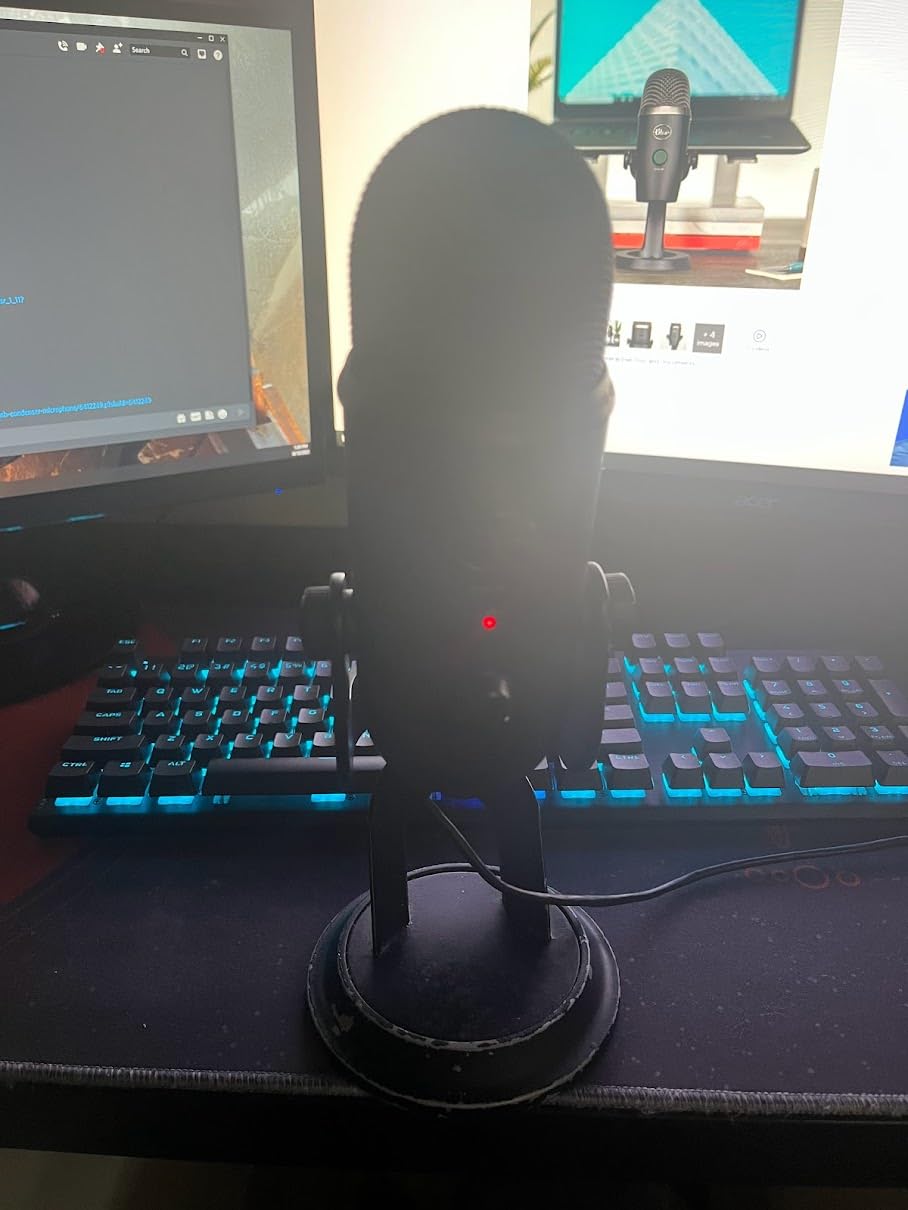
Who the Blue Yeti fits
It fits anyone who records more than one format. Solo streaming, a podcast with a second voice, an interview across one desk, or a music demo all work because the pattern switch is on the body rather than buried in an app.
It also fits people who want monitoring without software dependencies. The headphone output is on the mic, and the gain and mute knobs are physical.
Who should skip the Blue Yeti
Skip it on a small desk or in front of a large monitor. At 3.5 pounds and nearly 12 inches tall, the body eats space and can sit between you and your screen.
Skip it if you are starting fresh and want a modern port. It still uses a legacy micro-USB connection, and the compatible shock mount is a costly extra.
3. FIFINE AmpliGame AM8 – best value with a future-proof hybrid body
FIFINE AmpliGame AM8 USB/XLR Dynamic Microphone for Gaming Streaming
Dynamic cardioid
USB and XLR
50 Hz - 16 kHz
Headphone jack and gain knob
+ The Good
- Dynamic cardioid capsule rejects keyboard and room noise
- USB and XLR connectivity gives a real upgrade path
- Headphone jack with monitoring volume control plus a gain knob
- Tap-to-mute button with an independent LED reminder
- Included stand with built-in boom arm threads
- The Bad
- RGB lighting and function key inactive in XLR mode
- RGB ring is dim and can cut out if the cable moves
- Touch-style mute rather than a physical switch
The AM8 ranks first in its Amazon category and shows why reviewers keep calling it a solid upgrade from a Blue Yeti or a headset mic. The dynamic cardioid capsule is the reason: it simply hears less of your keyboard and your PC than a condenser does.
It is also a low-cost way on this list to keep your options open. Plug it into USB today and move the same microphone onto an XLR interface later, with no second purchase.
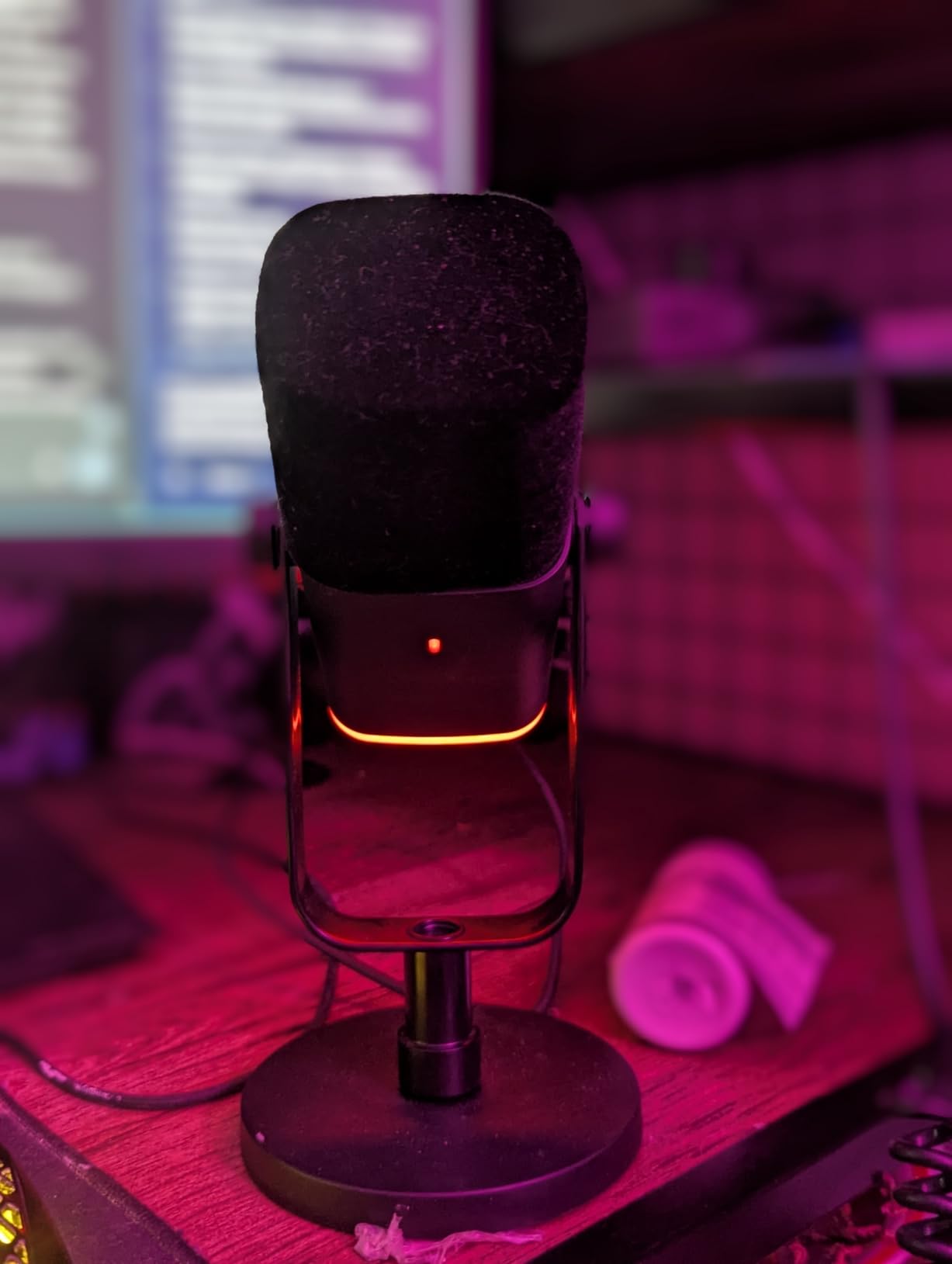
Technically it covers 50 Hz to 16 kHz with an 80 dB signal-to-noise ratio, weighs 600 grams and measures 3.35 by 4.96 by 9.65 inches. The included desktop stand is solid, and the built-in 3/8 inch and 5/8 inch threads fit most boom arms without an adapter.
Two caveats come up repeatedly. The RGB ring and the function key go dead in XLR mode, and the mute control is a touch button rather than a press switch, which some hands find less certain under pressure. Note that the XLR cable is not included.
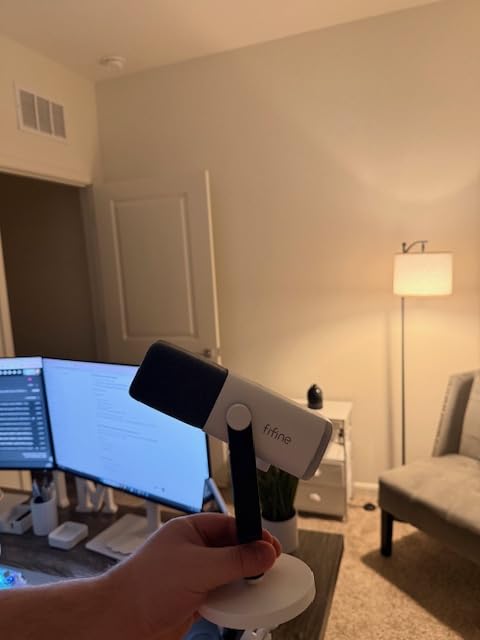
Who the FIFINE AmpliGame AM8 fits
It fits streamers in noisy apartments and untreated bedrooms where fans, air conditioning or a mechanical keyboard ruin a condenser recording. Off-axis rejection does the work that acoustic panels would otherwise handle.
It also fits anyone who expects to grow into a studio setup. A dynamic capsule in a hybrid body keeps working after you outgrow USB, which is exactly the upgrade path the more expensive condensers deny you.
Who should skip the FIFINE AmpliGame AM8
Skip it if you want maximum detail and air in the voice. A 50 Hz to 16 kHz range with a dynamic capsule trades sparkle for rejection, and reviewers note less headroom than higher priced condenser mics.
Skip it if RGB lighting is part of your desk aesthetic and you plan to run XLR. Several owners report the ring being dim or cutting out when the cable is moved.
4. HyperX SoloCast – the small-desk starter pick
HyperX SoloCast – USB Condenser Gaming Microphone, for PC, PS4, PS5 and Mac, Tap-to-Mute Sensor, Cardioid Polar Pattern, great for Streaming, Podcasts, Twitch, YouTube, Discord,Black
Cardioid condenser
USB-C
24-bit/96 kHz capture
Tap-to-mute sensor
+ The Good
- Compact low-profile footprint that fits under a monitor
- 24-bit and 96 kHz hi-res capture
- Top tap-to-mute sensor with a clearly visible LED
- Swivel stand plus built-in 3/8 inch and 5/8 inch boom arm threading
- Two year manufacturer warranty
- The Bad
- No gain control or headphone monitoring on the body
- Fixed cardioid pattern with no switching
- No bundled pop filter or shock mount
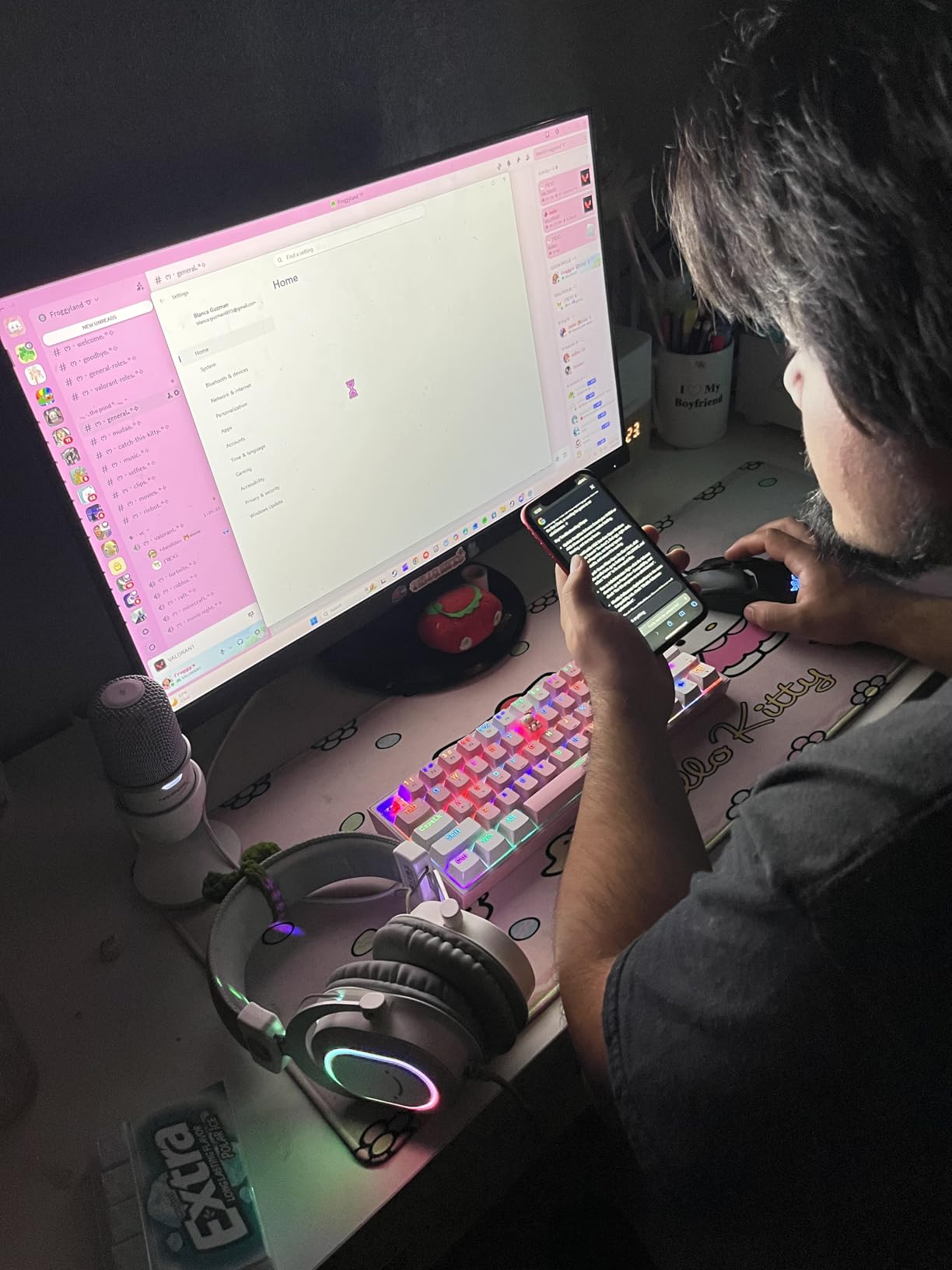
The SoloCast is the mic we recommend when someone says they have almost no desk space. At 261 grams and 6.85 by 3.82 by 3.07 inches it disappears under a monitor, and it works on Mac, PC, PS4 and PS5 over USB-C.
Owners treat it as the straightforward first streaming microphone. The tap-to-mute sensor on top with its LED is the feature streamers mention most, because a physical mute you can trigger without lifting your hands off WASD solves a real problem.
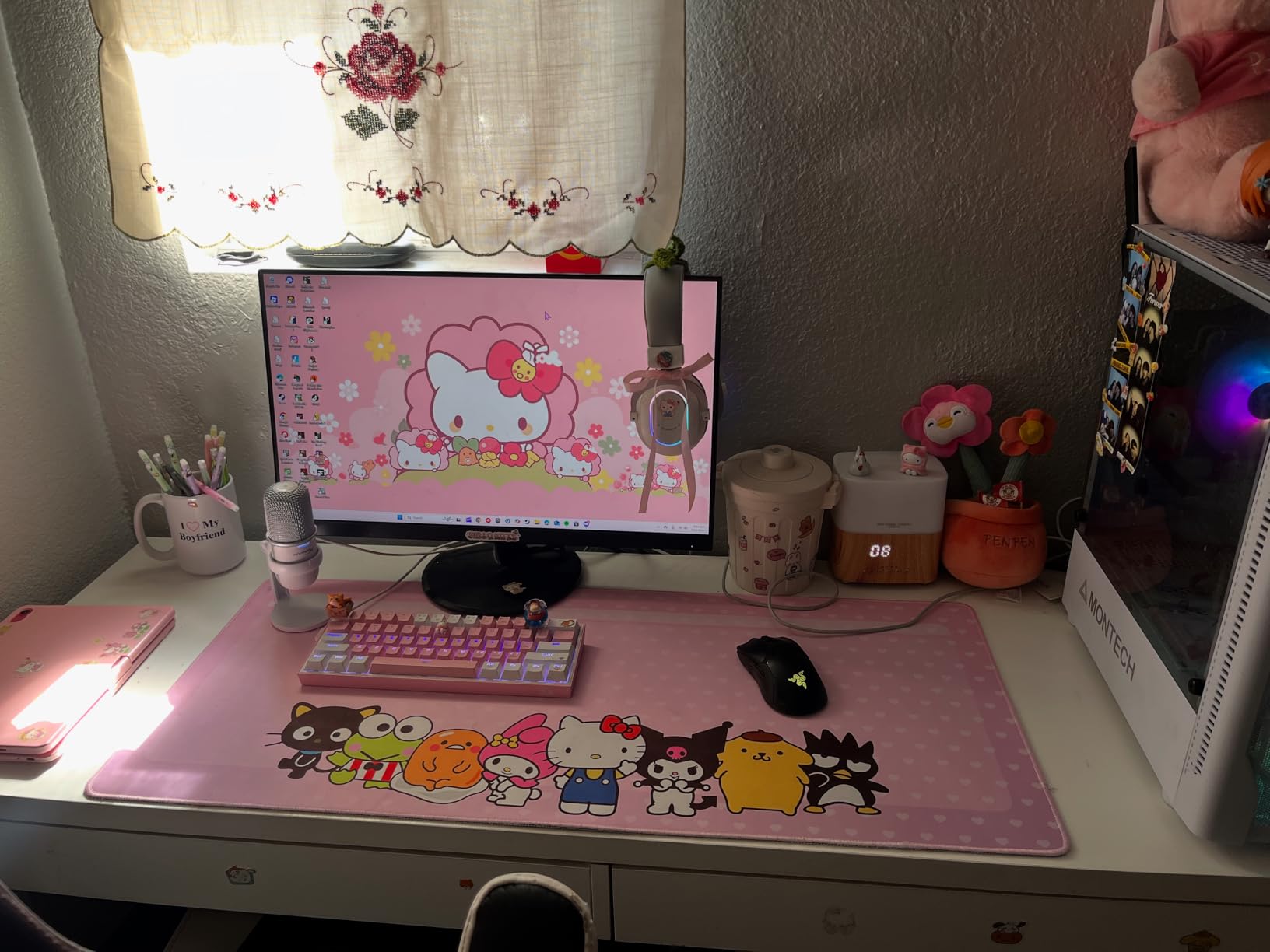
Capture is 24-bit at up to 96 kHz with a 95 dB signal-to-noise ratio in cardioid only. The swivel stand adjusts easily, and the built-in 3/8 inch and 5/8 inch threading means a boom arm is a straightforward upgrade later.
The trade-off is control. There is no gain knob and no headphone monitoring on the body, so gain lives in your operating system and you cannot hear yourself without routing through software. No pop filter or shock mount ships in the box.
Who the HyperX SoloCast fits
It fits brand-new streamers on a small desk who want a clear upgrade from a headset and nothing more complicated. Plug it in, set your level once and stream.
It also fits console streamers, since it lists PS4 and PS5 among compatible devices and needs nothing beyond the USB-C connection.
Who should skip the HyperX SoloCast
Skip it if you want to monitor your own voice live without extra software. There is no headphone jack, and that is a deal-breaker for anyone who talks and plays at the same time.
Skip it if you record with a second person. The cardioid pattern is fixed, so there is no omni mode for a shared desk.
5. Blue Yeti Nano – compact condenser with a good on-camera look
Logitech for Creators Blue Yeti Nano USB Microphone for Gaming, Streaming, Podcasting, Twitch, YouTube, Discord, Recording for PC and Mac, Plug & Play -Blackout
Cardioid and omni
USB
120 dB sensitivity
No-latency headphone monitoring
+ The Good
- Compact desktop footprint that looks good on camera
- Two custom capsules for strong presence and detail
- Cardioid and omni patterns with onboard mute and volume
- No-latency headphone monitoring
- Plug and play on Mac and PC
- The Bad
- Condenser sensitivity to laptop fans and room noise
- Legacy micro-USB connection can fail
- Logitech G HUB is required for Blue VO!CE and firmware updates
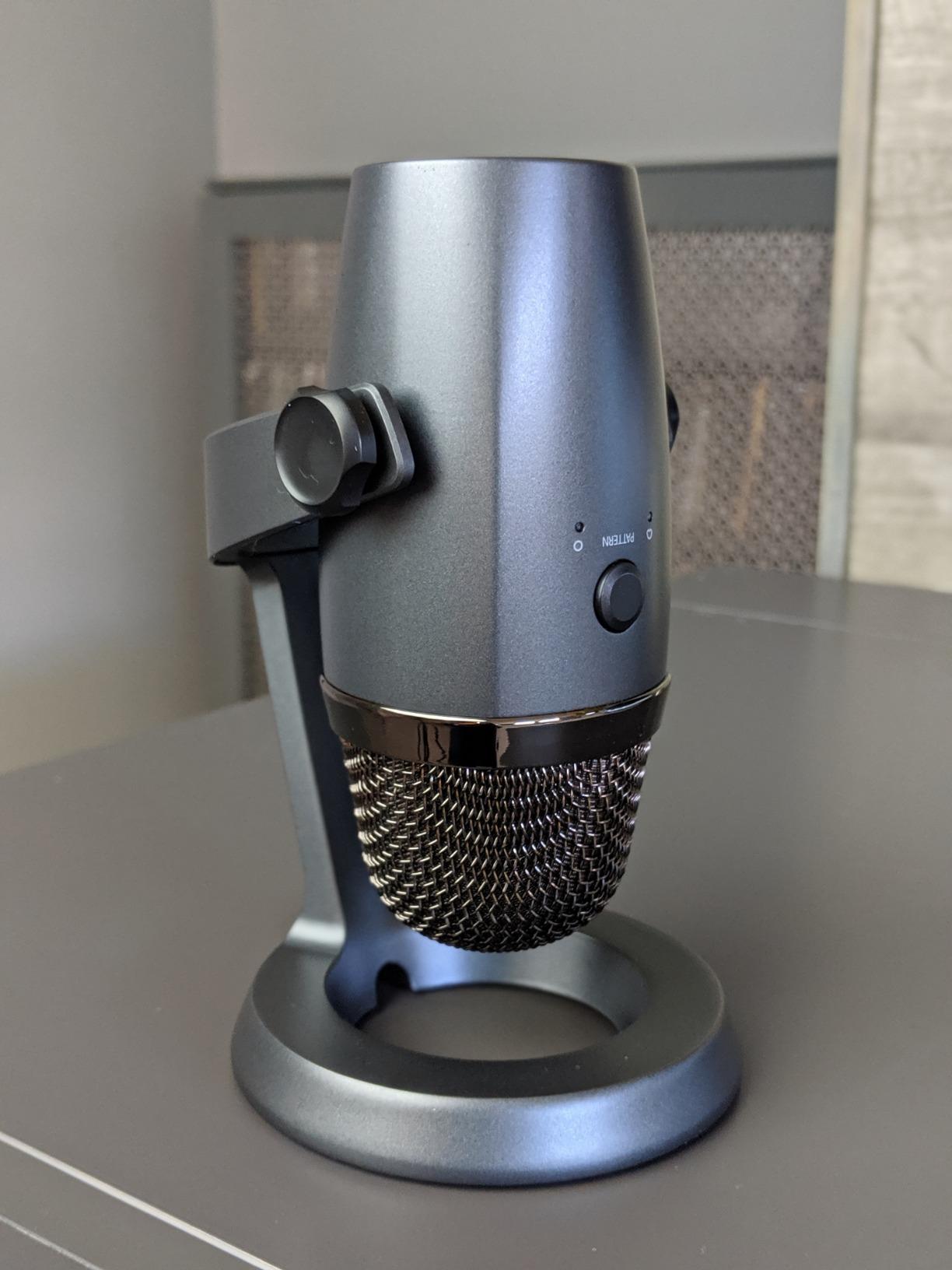
The Nano is the Yeti idea shrunk to something a small desk and a camera frame can handle. It weighs 16 ounces and measures 4.29 by 3.78 by 8.37 inches, and that reduced footprint is the single most-cited advantage among owners.
Two custom Blue capsules give voices more presence and detail than a laptop mic ever will. Onboard mute, headphone volume and a pattern switch covering cardioid and omni cover the everyday cases.
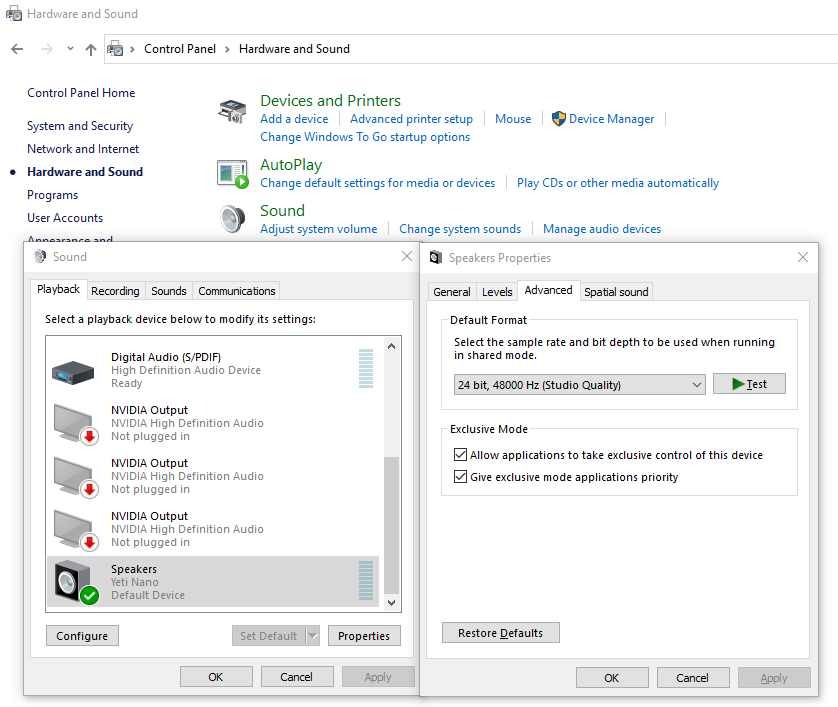
It lists 120 dB audio sensitivity, a 20 kHz frequency response and a 1 year manufacturer warranty. Plug and play on Mac and PC means no drivers, and the no-latency headphone monitoring lets you check your own voice while you talk.
The negatives are consistent. Condenser sensitivity pulls in laptop fans, the legacy micro-USB port is the most repeated complaint, and Blue VO!CE plus firmware updates require Logitech G HUB, which several owners describe as fiddly compared with the older Blue Sherpa app.
Who the Blue Yeti Nano fits
It fits streamers and remote workers who want one microphone for calls, podcasts and streams without a second device. Two patterns and a compact body cover a solo creator workflow well.
It also fits anyone starting out who already knows the Blue VO!CE sound and wants it in a smaller housing. The tuning is familiar rather than experimental.
Who should skip the Blue Yeti Nano
Skip it if your stream happens in a noisy room. A condenser at this size picks up laptop fans and background sound, and there is no dynamic option within the product itself.
Skip it if you want multi-person capture or a modern port. Two patterns is half the flexibility of the full size Yeti, and the micro-USB cable is an extra purchase when it fails.
6. Rode NT-USB Mini – the best build quality per gram
RØDE NT-USB Mini Studio-Quality USB Condenser Microphone
Cardioid condenser
USB-C
20 Hz - 20 kHz
585 g all-metal body
+ The Good
- All-metal construction that feels premium and durable for the size
- Built-in pop filter handles plosives without extras
- Strong headphone amplifier that drives higher-impedance headphones
- Magnetic desk stand detaches instantly for any standard boom arm
- Plug and play USB-C with no interface or drivers
- The Bad
- Bundled desk stand is very short so an arm is usually needed
- Noise floor can sound slightly sizzly
- Single polar pattern and a 96 kHz sample rate ceiling
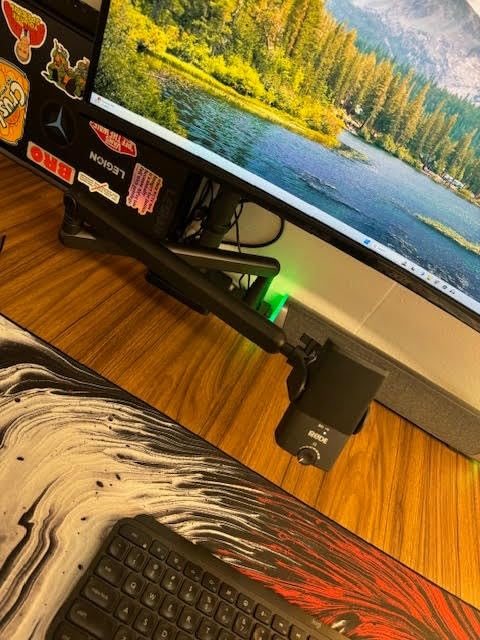
The NT-USB Mini is the one reviewers describe as a small, heavy, tank-like microphone that punches above its class. At 585 grams in an all-metal body, it does not feel like a desk accessory, and it is the pick here if build quality is a priority.
Two practical details set it apart. The built-in pop filter is tuned for voice, so plosives are handled without buying anything, and the headphone amplifier drives demanding headphones rather than only easy ones.
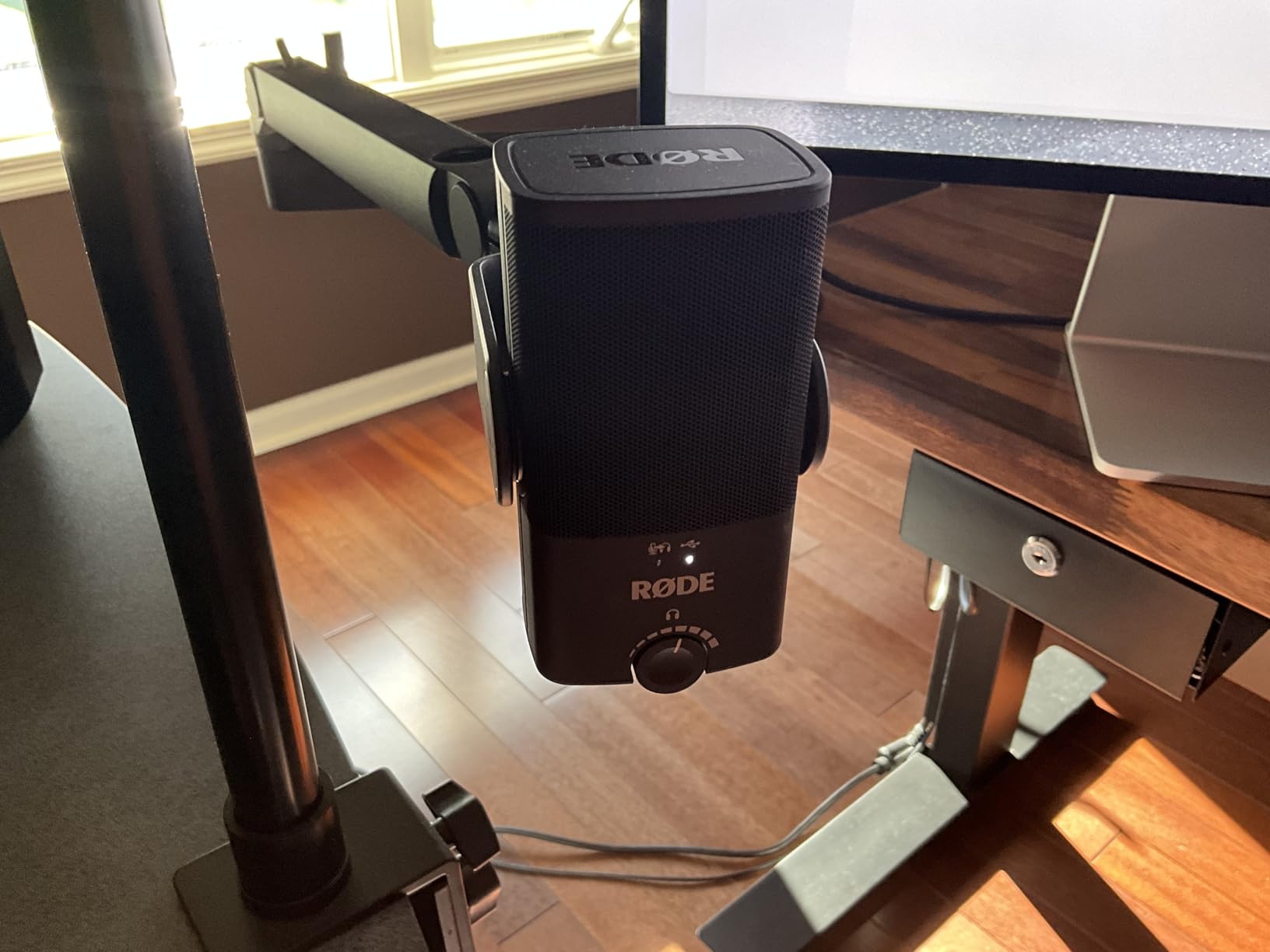
It covers 20 Hz to 20 kHz with an 82 dB signal-to-noise ratio, connects over USB-C to Mac, PC or iPad, and ships with a detachable magnetic stand and a USB-C cable. The magnetic stand detaches instantly to fit a standard boom arm thread, which is the whole point of the design.
Owners note the bundled stand is too short for good placement, so a separate arm is advisable. Other recurring caveats: a slightly sizzly noise floor, a single polar pattern and a 96 kHz maximum sample rate.
Who the Rode NT-USB Mini fits
It fits streamers who move between a compact desk setup and a full rig. The magnetic stand means the transition from desktop to boom arm takes seconds with no adapter.
It also fits anyone who records a lot of voice and hates plosive cleanup. The integrated pop filter is a genuine part of the design, not an add-on.
Who should skip the Rode NT-USB Mini
Skip it if you want on-body gain control. There is no hardware gain dial, so level changes happen in your operating system or streaming software.
Skip it if you are extremely sensitive to high frequencies. Several reviewers describe the noise floor as slightly sizzly, which is more noticeable in a treated room than an untreated one.
7. Sennheiser Profile – hardware control with no software at all
SENNHEISER Professional Profile – USB Cardioid Condenser Microphone & Table Stand, 1.2 m USB-C Cable – Mute Button, Built-in Headphone Jack, Gain, Mix & Volume Control, for PC & Mac,Black
Cardioid condenser
USB
125 dB sensitivity
Gain, mix and volume dials
+ The Good
- Natural warm full-bodied tone with no thin or tinny artifacts
- No companion software
- it works as a standard USB audio class device
- Hardware gain
- mix and headphone volume dials plus a physical mute button
- Strong voice isolation for a desktop condenser
- Compact all-metal build
- The Bad
- Only a single cardioid polar pattern
- Included table stand is very basic
- Headphone volume is front only with no software gain adjustment
- Not aimed at multi-person studio workflows
The Profile is the pick for anyone who has been burned by a microphone app that stopped working after an OS update. It needs no installation at all. It appears as a standard USB audio class device and behaves the same way tomorrow.
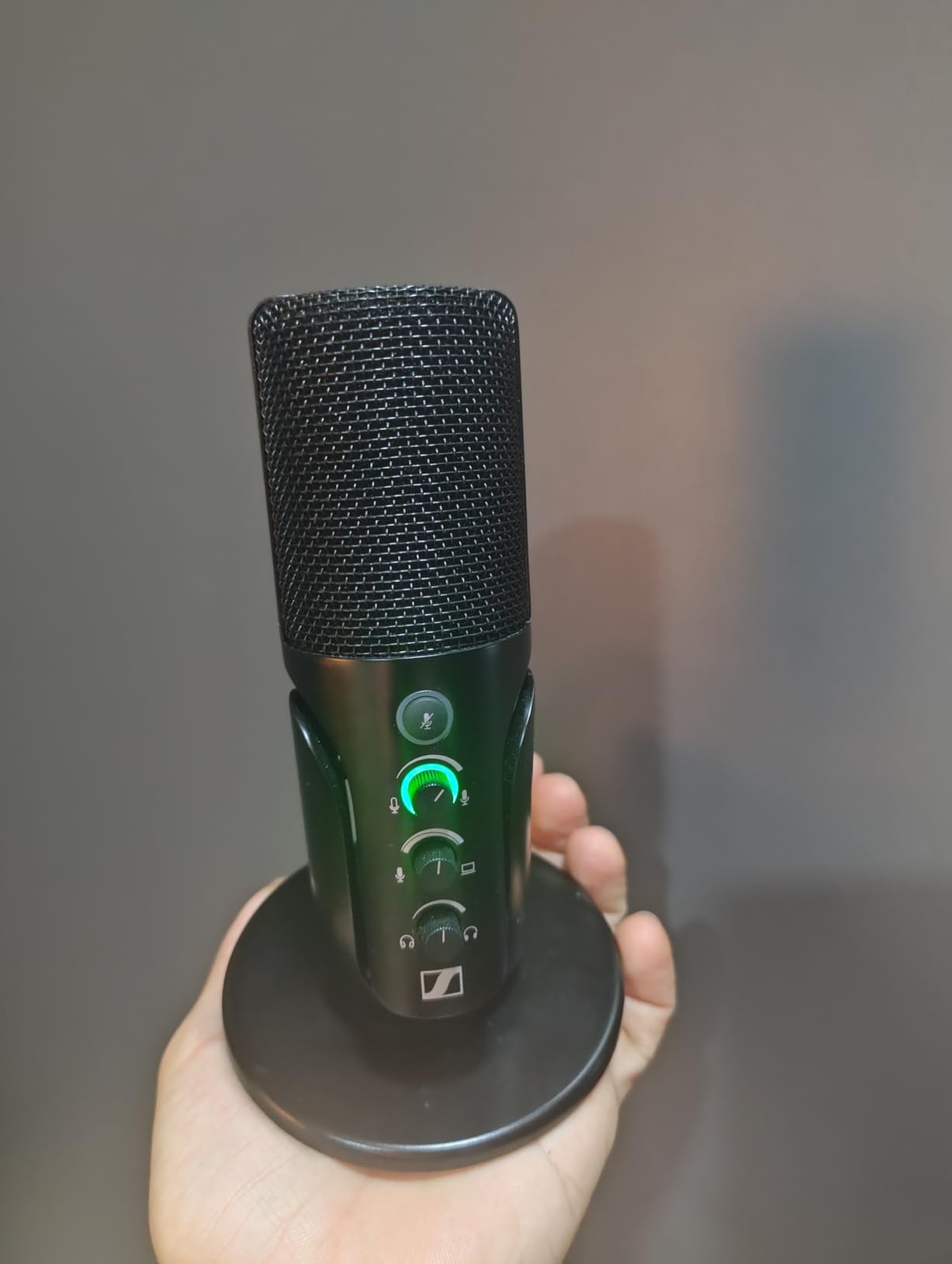
All three controls you actually need are physical. Gain, mix and headphone volume dials sit on the front next to a real mute button, so nothing depends on a hotkey while your hands are on the keyboard.
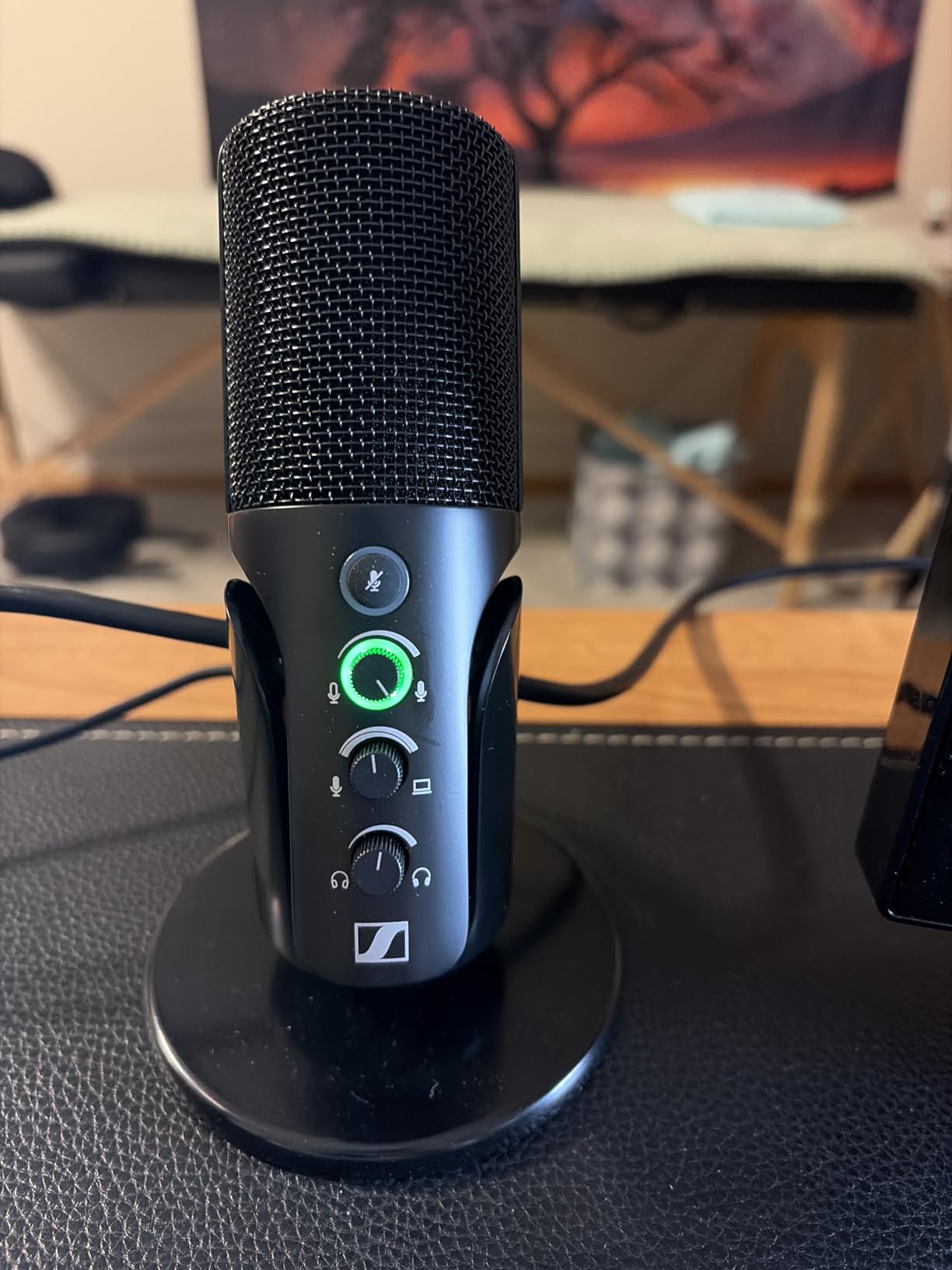
It is a unidirectional cardioid condenser in a metal housing, rated at 125 dB audio sensitivity with a 60 dB signal-to-noise ratio. It weighs 717 grams, measures 4.37 by 4.37 by 7.95 inches, and includes a table stand and a 1.2 m USB-C cable with a two year manufacturer warranty.
Owners point to smooth, natural sound and better room-noise rejection than typical desktop condensers. The headphone jack routes monitoring straight through the mic for zero added latency, which matters when you are talking over gameplay.
Who the Sennheiser Profile fits
It fits streamers who want a permanent setup rather than a temporary one. A device with no software dependency is a device that will not break, and the physical dials suit at-a-glance control.
It also fits small desks. The footprint is modest for a full-size metal condenser, and the front-panel layout is easy to read mid-stream.
Who should skip the Sennheiser Profile
Skip it if you record with guests or need a second pattern. Cardioid only, and it is not aimed at mixing-console or multi-person workflows.
Skip it if you want the bundled stand to do the job. Owners describe it as very basic, and a boom arm is the better investment for consistent placement.
8. HyperX QuadCast 2 – the multi-pattern condenser with a removable shock mount
HyperX QuadCast 2 – USB Microphone for Gaming, Streaming and Podcasting, with On-Board Controls, LED Lighting, Removable Shock Mount, PC, Mac, PS5, PS4, USB-C – Black
Four polar patterns
USB-C
20 Hz - 20 kHz
Removable shock mount
+ The Good
- Four selectable polar patterns for solo or group recording
- Onboard gain knob
- pattern switch and a fast tap-to-mute sensor
- Aluminium enclosure with a removable shock mount
- Clear clean vocal capture with no complex setup
- Software support including a high-pass filter
- The Bad
- No RGB colour customisation option
- Lower signal-to-noise ratio than several rivals
- Pattern selection now requires holding the volume button
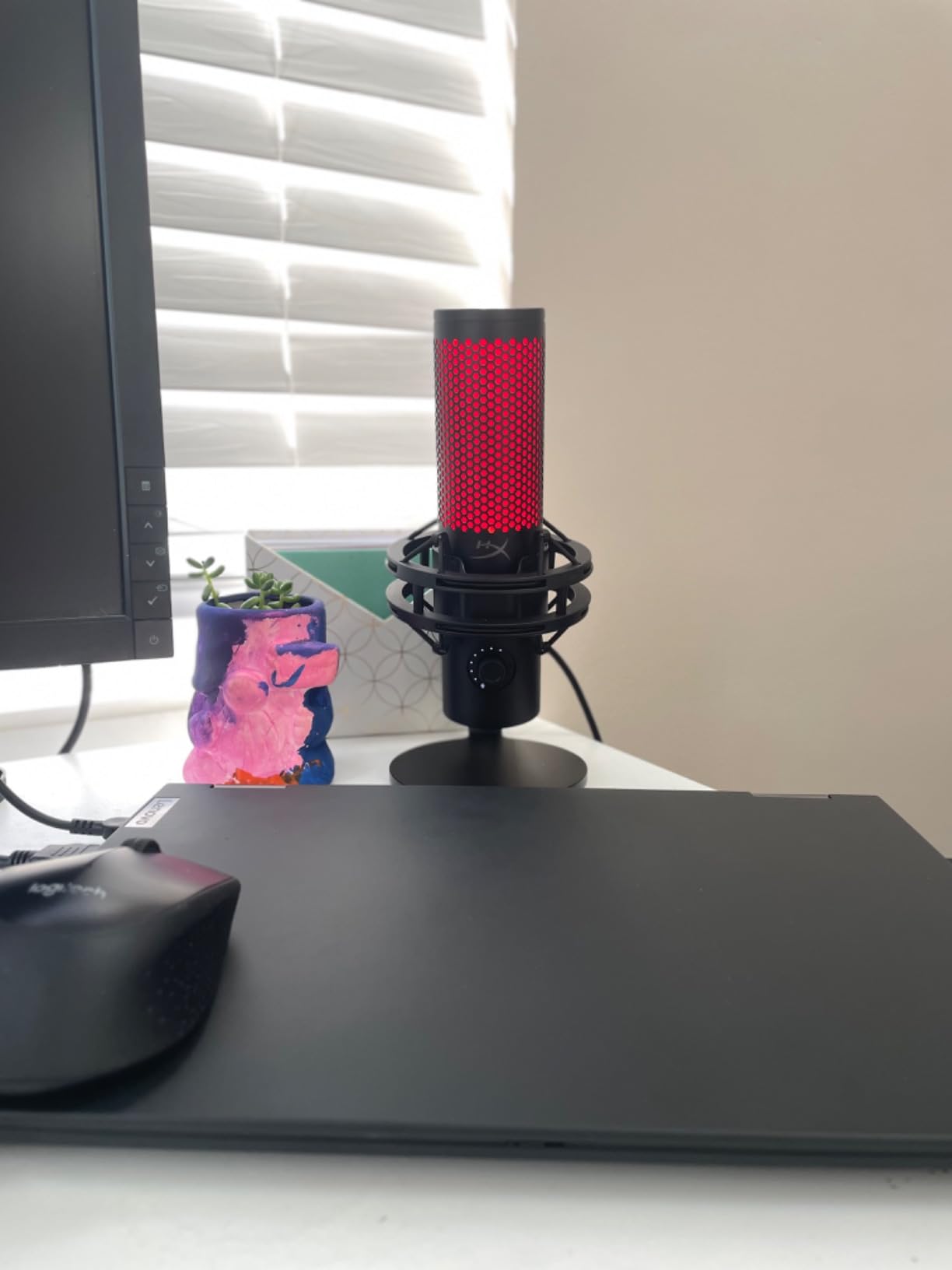
The QuadCast 2 is the practical choice when one microphone has to cover more than one format. Cardioid, omnidirectional, bidirectional and stereo are all selectable, so the same device handles a solo stream and a two-person conversation.
The mechanical design is the quiet strength. An aluminium enclosure and a removable shock mount make it a sturdier desk setup than most plastic-bodied mics, and the shock mount matters more than people expect on a shared desk.
It runs over a wired USB-C connection with a 9.84 ft cable, covering 20 Hz to 20 kHz at a 65 dB signal-to-noise ratio. It weighs 335 grams, measures 7.17 by 5.31 by 9.5 inches and carries a two year manufacturer warranty.
Reviewers note the gain control works best around the midpoint, and that the 65 dB signal-to-noise ratio leaves it more sensitive to keyboard and mouse noise than some rivals. Pattern switching also moved to holding the volume button rather than a dedicated knob.
Who the HyperX QuadCast 2 fits
It fits creators who stream solo but record occasional co-stream segments or interviews. Switching to omnidirectional or bidirectional takes one press instead of a second microphone.
It also fits anyone on a desk where knocks travel. The removable shock mount and aluminium body handle a busy surface better than a plastic stand alone.
Who should skip the HyperX QuadCast 2
Skip it if your desk is loud. The lower signal-to-noise ratio means keyboard and mouse noise come through more readily, and an external pop filter is worth adding in a noisier setup.
Skip it if lighting matters to your aesthetic. This model has no RGB colour customisation, which some buyers expect from a modern gaming microphone.
9. Shure MV6 – the pick when your room will not sit still
Shure MV6 USB Microphone for Gaming, Streaming & Recording (Gen 1)
Dynamic cardioid
USB-C
50 Hz - 15 kHz
Voice isolation and Auto Level
+ The Good
- Dynamic cardioid capsule rejects keyboard
- fan and room noise
- Voice Isolation Technology with Auto Level
- real-time denoiser and digital pop filter
- Genuinely plug and play over USB-C with no interface or phantom power
- Built-in 3.5 mm headphone output for zero-latency monitoring
- Stainless steel construction with a sturdy included stand
- The Bad
- Included USB cable is very short
- so many users need a longer one
- Tap-to-mute button is very sensitive and easy to trigger
- Mute LED is hard to read at a glance
- Best tone requires speaking fairly close to the mic
The MV6 is the answer to the most common streaming complaint: the mic hears the mechanical keyboard, the PC fan and the air conditioning instead of you. A dynamic cardioid capsule simply captures less of the room than any condenser on this list, and the on-board DSP does the rest.
Owners frequently compare it to far more expensive broadcast dynamic microphones and say it delivers most of that character in a simple USB form factor. No interface, no phantom power, no drivers.
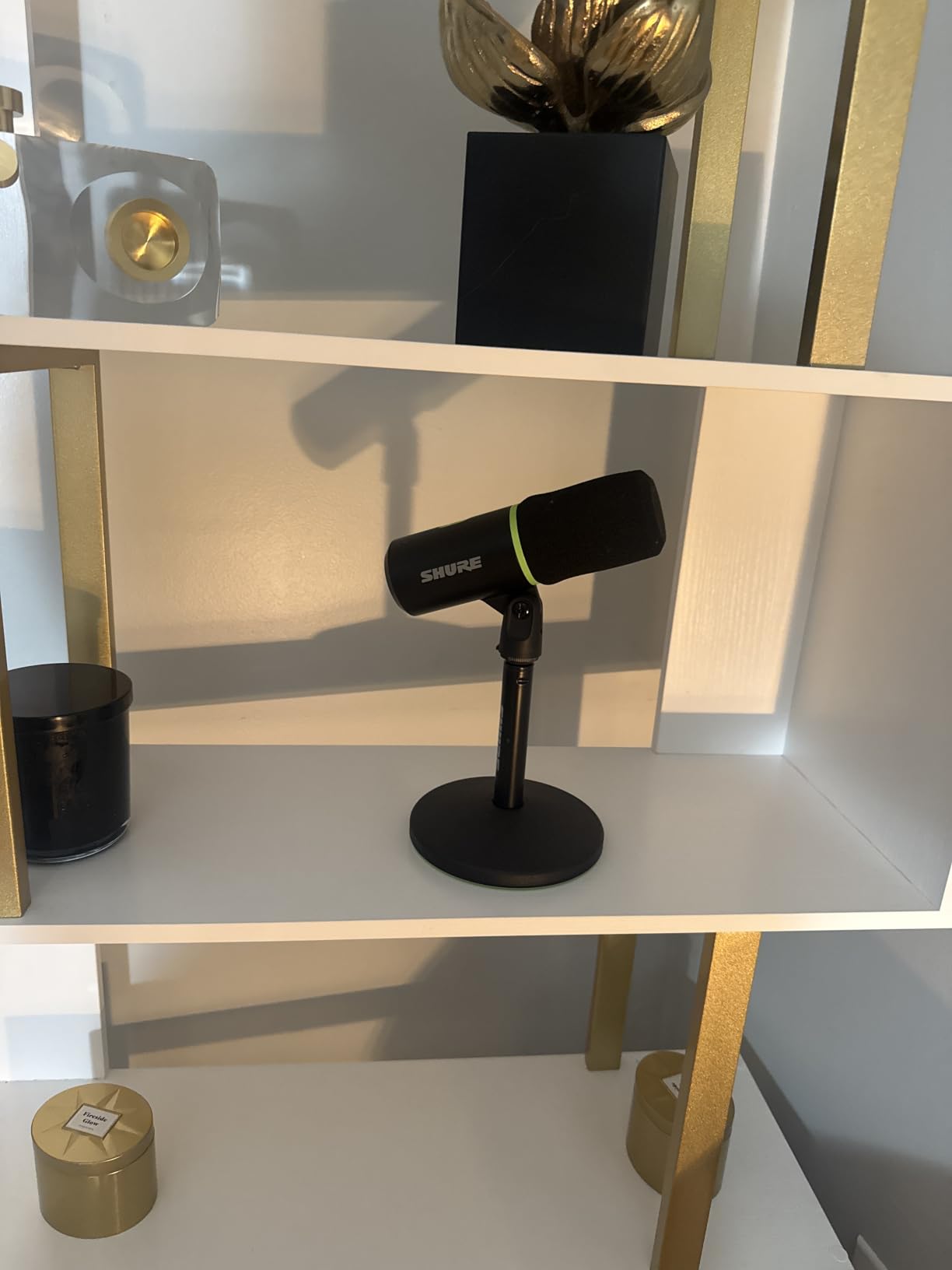
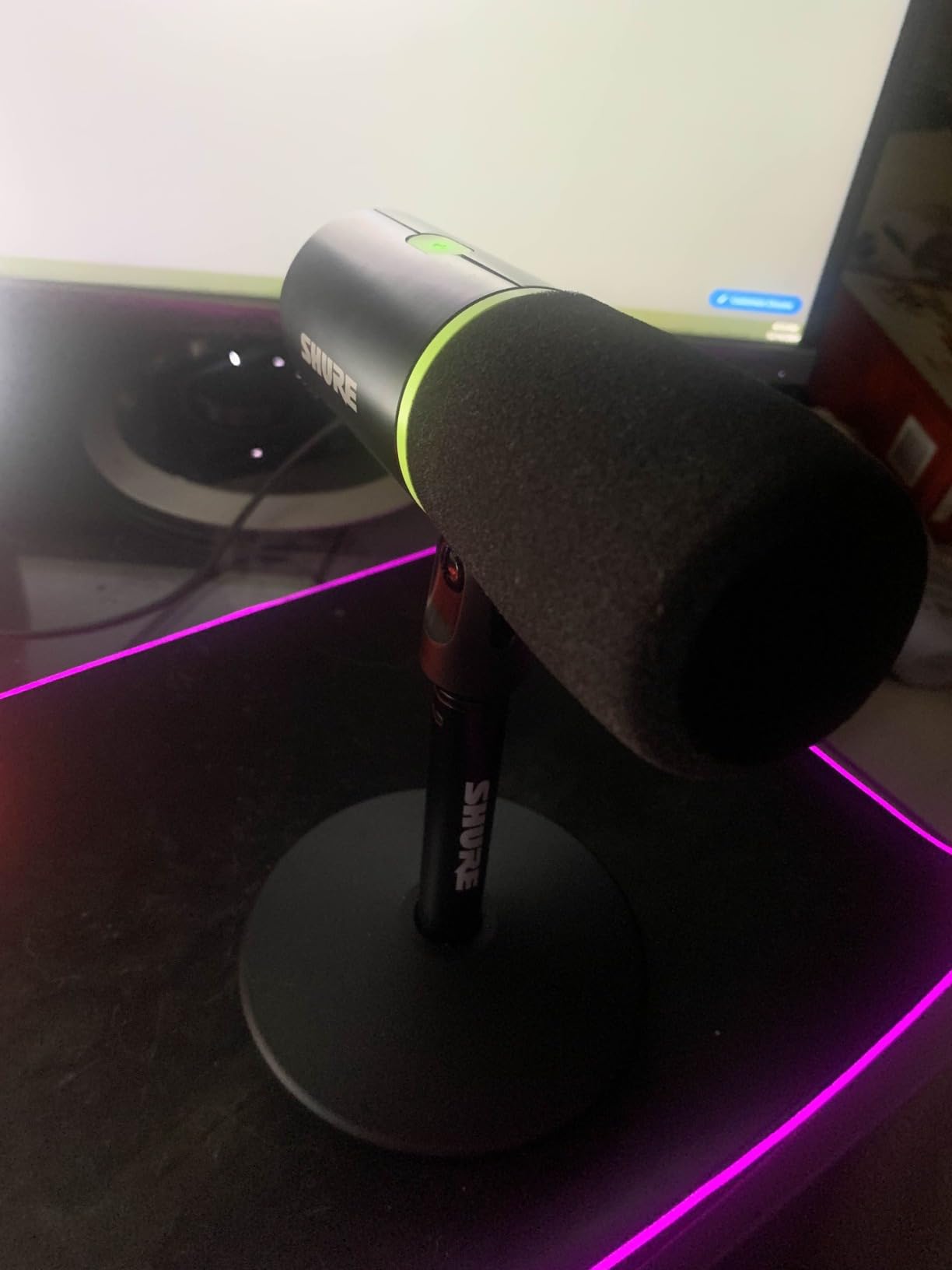
It is a unidirectional dynamic capsule in stainless steel, covering 50 Hz to 15 kHz over USB-C, and it is the heaviest microphone here at 1.7 kg. Shure MOTIV Mix handles the monitor mix and audio customisation, and the warranty is a two year limited term.
Three practical complaints recur. The included USB cable is very short so most people buy a longer one, the tap-to-mute button is so sensitive it triggers accidentally, and the mute LED is difficult to read, particularly when the mic is on an arm and the light faces away from you.
Who the Shure MV6 fits
It fits streamers in untreated rooms, shared apartments and home offices with constant background sound. Voice Isolation, Auto Level, the real-time denoiser and the digital popper stopper are all tuned for exactly that situation.
It also fits anyone who wants live monitoring without extra hardware. The 3.5 mm headphone output gives zero-latency monitoring straight from the mic.
Who should skip the Shure MV6
Skip it if you sit far back from your desk. As with any dynamic, the best tone needs you fairly close, and a condenser will sound more forgiving at a distance.
Skip it if you want a tap-to-mute you trust under pressure. The sensitivity of that button and the hard-to-read LED are the two issues owners raise most often.
10. Razer Seiren V2 X – compact super cardioid for a crowded desk
Razer Seiren V2 X USB Condenser Microphone for Streaming and Gaming on PC: Supercardioid Pickup Pattern – Integrated Digital Limiter – Mic Monitoring and Gain Control – Built-in Shock Absorber
Super cardioid condenser
USB
20 Hz - 20 kHz
Digital limiter and shock absorber
+ The Good
- Small lightweight footprint at 10.08 ounces
- Supercardioid pattern suppresses rear and side noise
- Integrated digital limiter prevents clipping without gain riding
- Built-in shock absorber dampens desk knocks
- On-body gain
- volume and a hard tap-to-mute button with indicator
- Headphone monitoring jack for level checks
- The Bad
- 25 mm condenser capsule can sound thin or sibilant
- Free-spinning gain knob with no on-body level indication
- Razer Synapse software is unnecessary for streaming
- May need a pop filter near fans
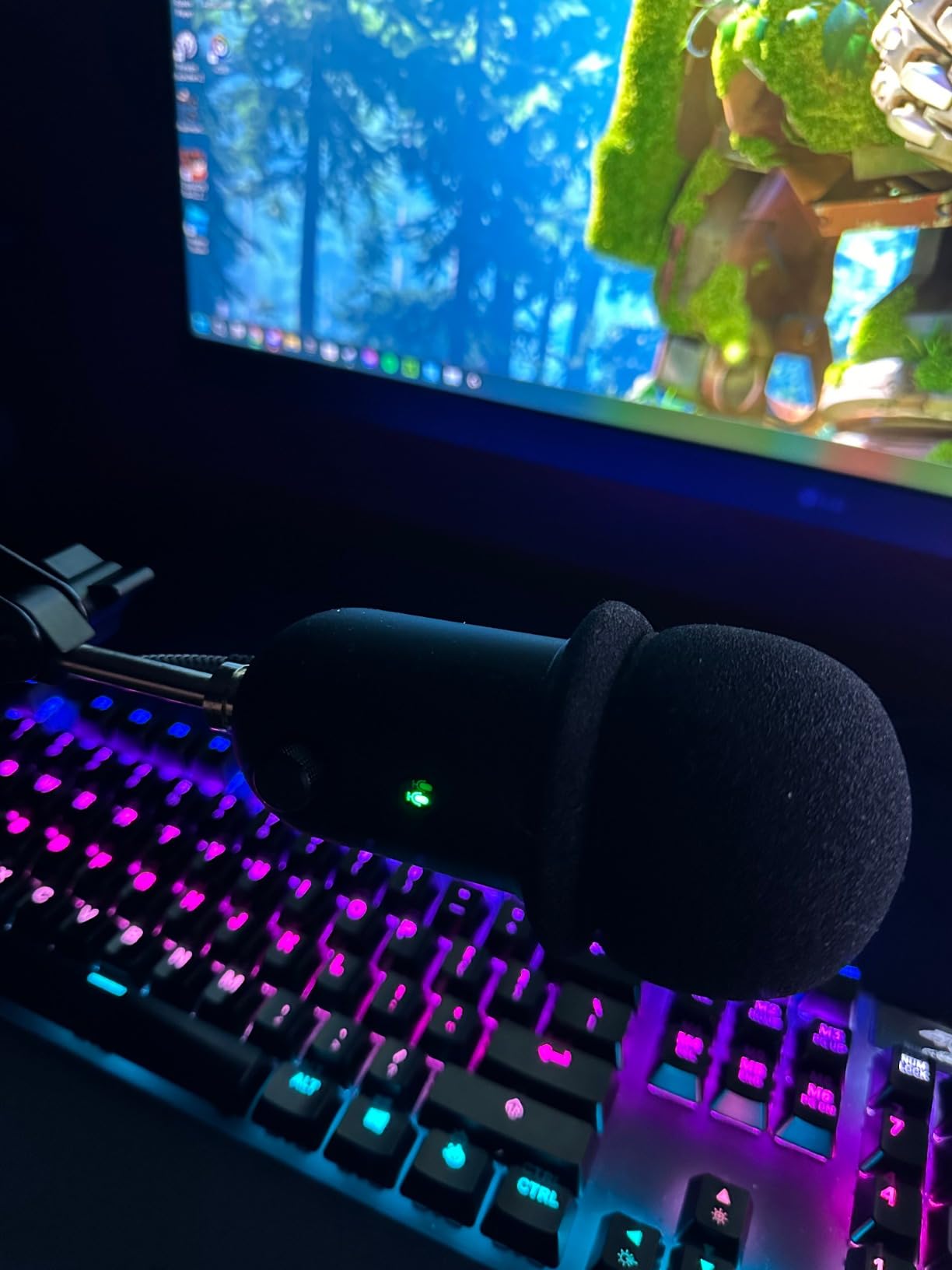
The Seiren V2 X is the smallest microphone here by a wide margin, and at 10.08 ounces with a 2.36 inch wide body it simply disappears next to a keyboard. That is a real feature when your desk is already full.
Its super cardioid pattern rejects keyboard and mouse noise better than a plain cardioid, and the integrated digital limiter means you can lean into a reaction without clipping the stream. Owners rate it highly for price-to-performance.
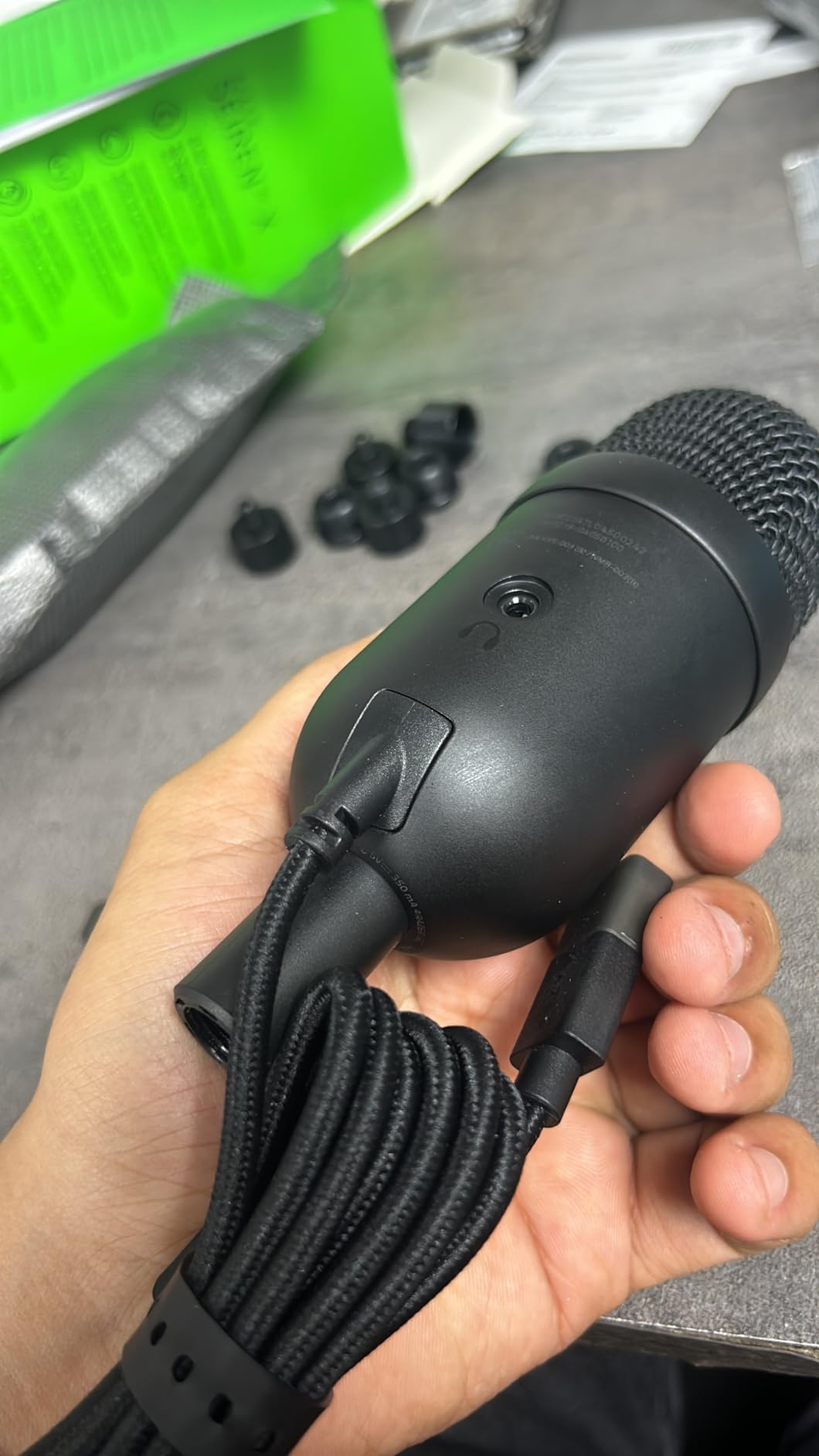
It uses a 25 mm condenser capsule tuned for high-frequency accuracy, covering 20 Hz to 20 kHz at a 78 dB signal-to-noise ratio. It connects over USB, includes a headphone monitoring jack and carries a one year manufacturer warranty.
The criticisms are consistent. A 25 mm capsule can sound thin or overly sibilant to some listeners, the gain knob is free-spinning with no level readout on the body, and Razer Synapse is an optional extra that many owners ignore in favour of other mixing tools. A pop filter helps near fans.
Who the Razer Seiren V2 X fits
It fits streamers on a minimal desk who want a microphone that takes up almost no space and still handles a loud keyboard. The super cardioid pattern does more noise rejection than a typical compact condenser.
It also fits people who game on voice chat without streaming. The built-in shock absorber, monitoring jack and hard mute button cover calls, dictation and streaming in one device.
Who should skip the Razer Seiren V2 X
Skip it if a warm, full-bodied voice is the goal. Reviewers who dislike it describe the tone as thin or sizzly, which is a capsule-size trade-off rather than a fault.
Skip it if you want to judge levels by eye. With no on-body meter and a free-spinning knob, you are relying on software meters every time you adjust gain.
How to Choose a USB Microphone for Streaming
Six decisions account for almost every difference between these ten microphones. Work through them in order and the list collapses to one or two realistic options.
Condenser vs dynamic: which type actually wins for streaming
A condenser capsule captures more detail and more of the room, which is why it is the default choice in a treated or quiet space. A dynamic capsule trades some of that sparkle for far better rejection of keyboard, fan and traffic noise, which is why it wins in an untreated room. Most streamers should match the capsule to the room rather than to the spec sheet, and our condenser microphone guide goes deeper on the capsule side.
Cardioid, super cardioid and omni: what the pattern means in a real room
Cardioid listens mostly to the front and rejects what is behind it, which is the right choice for a solo stream. Super cardioid tightens that front lobe further and pushes more rejection to the sides, useful when a mechanical keyboard sits close. Omnidirectional picks up the whole room evenly, which is why it appears on conference room microphones rather than streaming ones: a mic that hears everything cannot be aimed away from a door.
Bit depth and sample rate: what actually reaches your viewer
24-bit capture leaves real headroom for gain staging and post-processing, while 16-bit clips early and gives you nothing to work with. Sample rates above 48 kHz matter far less than people expect, because platform encoding discards that detail anyway. A 24-bit microphone at 48 kHz is the practical sweet spot, and 96 kHz is a nice extra rather than a reason to buy.
Headphone monitoring and why latency matters live
Monitoring lets you hear yourself without turning up your speakers, which stops the mic from picking your audio back up. Every mic here with a headphone jack routes monitoring directly through the hardware for zero added latency. If you cannot hear yourself while streaming, a software round trip is the likely cause, and the fix is a hardware output rather than a better microphone.
Side-address vs top-address, and the mouth distance rule
Side-address mics are spoken into the front face; top-address mics are spoken into from above. Mixing these up is the most common setup error, and it produces exactly the thin, distant sound people blame on the microphone. Aim for roughly four to six inches between your mouth and the capsule, which is where the built-in pop filters and the desk stands are designed to work. That distance rule is also why a boom arm beats an expensive mic left on a tall stand.
When USB runs out and XLR starts to make sense
Cross over to XLR when you need a hardware gain control, a balanced cable run, or multiple microphones and live mixing hardware in one chain. At that point an audio interface earns its cost, and our guide to the best USB audio interfaces covers the boxes that pair with an XLR microphone. If you are not there yet, the FIFINE AM8 lets you postpone the decision without wasting money.
Sanity check: is it even the microphone
Before buying anything, play a recording back. If music and Discord are louder in the VOD than in your headphones, that is an OBS routing and filter problem, not a hardware one, and no microphone will fix it. If your voice is quiet, thin or distant, the gain and the mouth distance are usually the cause. Only when the recording is clean but the room still sounds wrong is a different capsule worth buying.
Frequently Asked Questions
Which type of microphone is best for streaming?
A dynamic capsule is best for streaming in a noisy or untreated room because it rejects keyboard, fan and background noise. A condenser capsule is best in a quiet or treated room because it captures more vocal detail. Match the capsule to your room rather than to the price.
What are the downsides of using USB microphones?
USB microphones have no hardware gain control you can adjust mid-session on some models, no balanced cable runs for long distances, and no multi-microphone mixing. Quality also varies widely at the entry level, and the connection is a port on your PC that can wear with repeated plugging and unplugging.
Is 24-bit better than 16-bit for a streaming microphone?
Yes, 24-bit is meaningfully better because it leaves headroom for gain staging and editing before you clip. Sample rate beyond 48 kHz matters less than people expect, since platform encoding discards most of that detail anyway. A 24-bit microphone at 48 kHz is the practical target.
Do USB microphones pick up keyboard and room noise?
Condenser USB microphones pick up keyboard and room noise easily, which is the most common complaint in streaming forums. A dynamic capsule such as the FIFINE AM8 or the Shure MV6 rejects far more of it, and on-mic DSP features like a digital pop filter and a real-time denoiser help further. Closer mic placement and a boom arm also help.
How do I make a USB microphone sound better?
Move closer first, aiming for four to six inches between your mouth and the capsule, then set gain last so peaks sit below clipping. Add a boom arm for consistent placement and a pop filter if you lack plosive control. Fix your OBS stream mix so game audio, music and Discord sit below your voice, and check that your operating system is not applying an extra input boost.
The Best USB Microphone for Streaming in 2026
The Elgato Wave:3 MK.2 is the best USB microphone for streaming in 2026. It carries the highest rating in this roundup, it solves clipping and gain staging in hardware rather than in your streaming software, and Wave Link handles the mix for free. Our own picks: the Shure MV6 if your room is loud, the FIFINE AM8 if you want a USB and XLR hybrid, the Blue Yeti if you need four pickup patterns, and the HyperX SoloCast if your desk is tiny.
Before you order, get the mic onto a boom arm and within about five inches of your mouth. That one change does more for your stream than any upgrade in this list, and it costs less than a tenth of the microphone.